
Powerful EcoFlow stations for energy anywhere!
In cart {{totalProductsCount}} item(s)
Your cart is empty
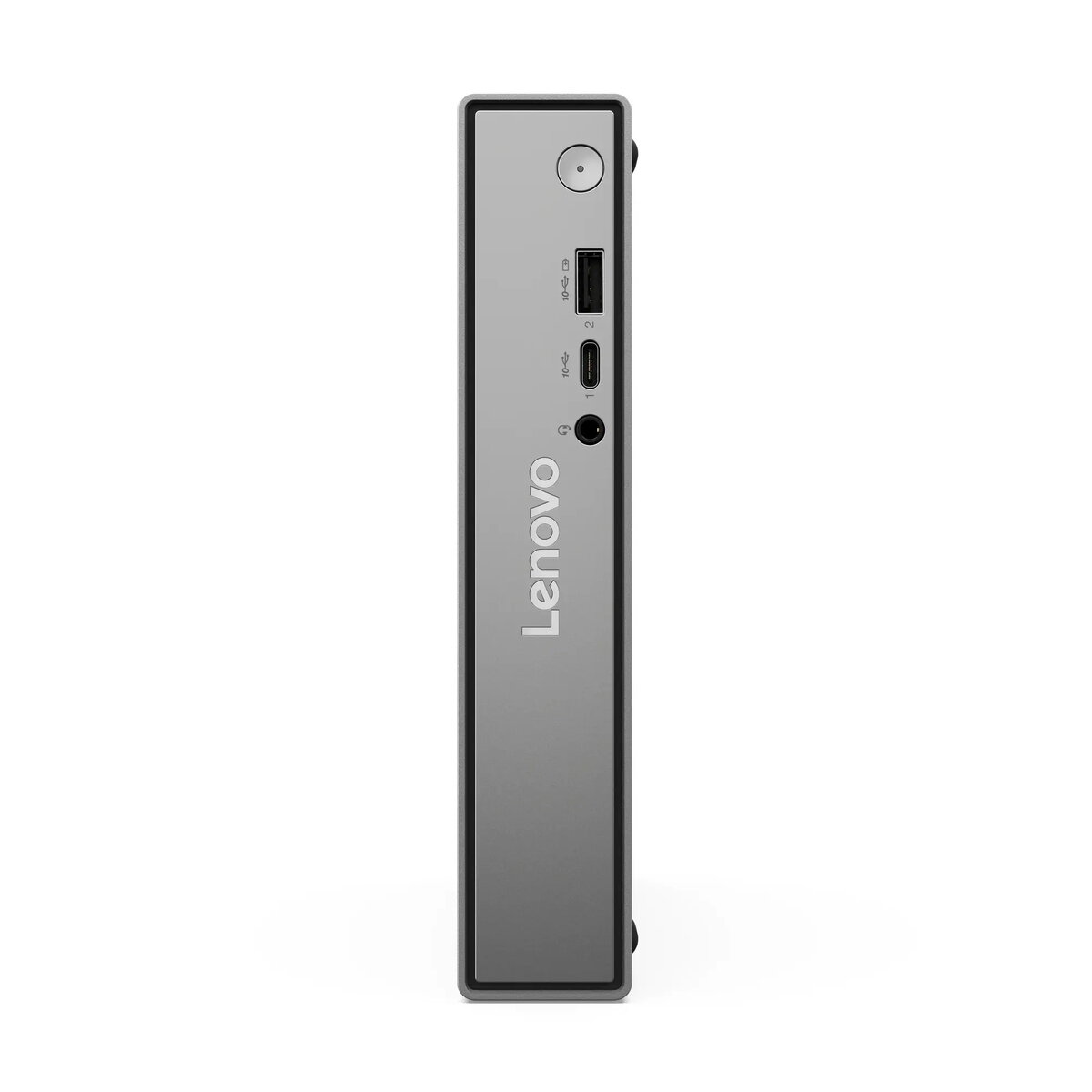
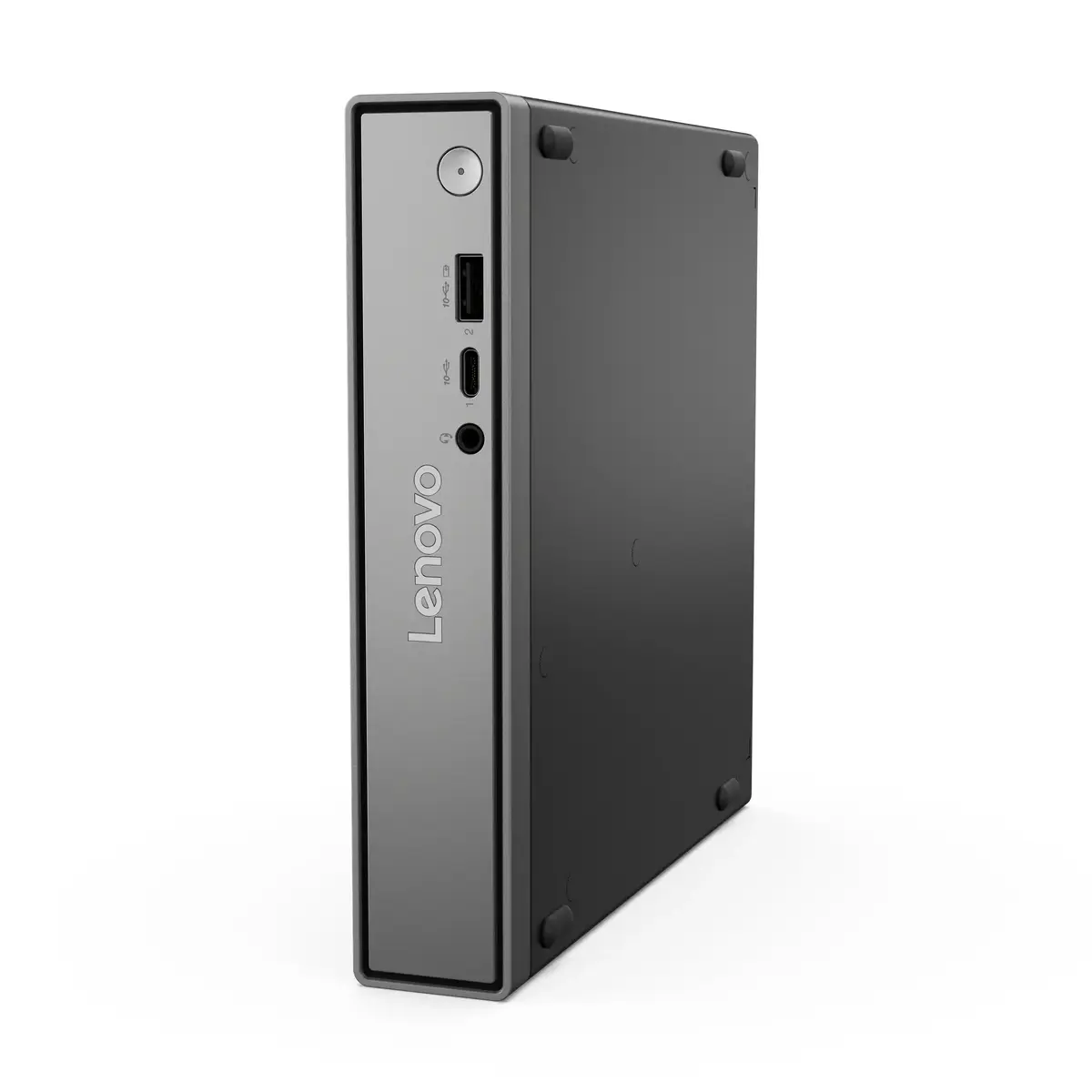
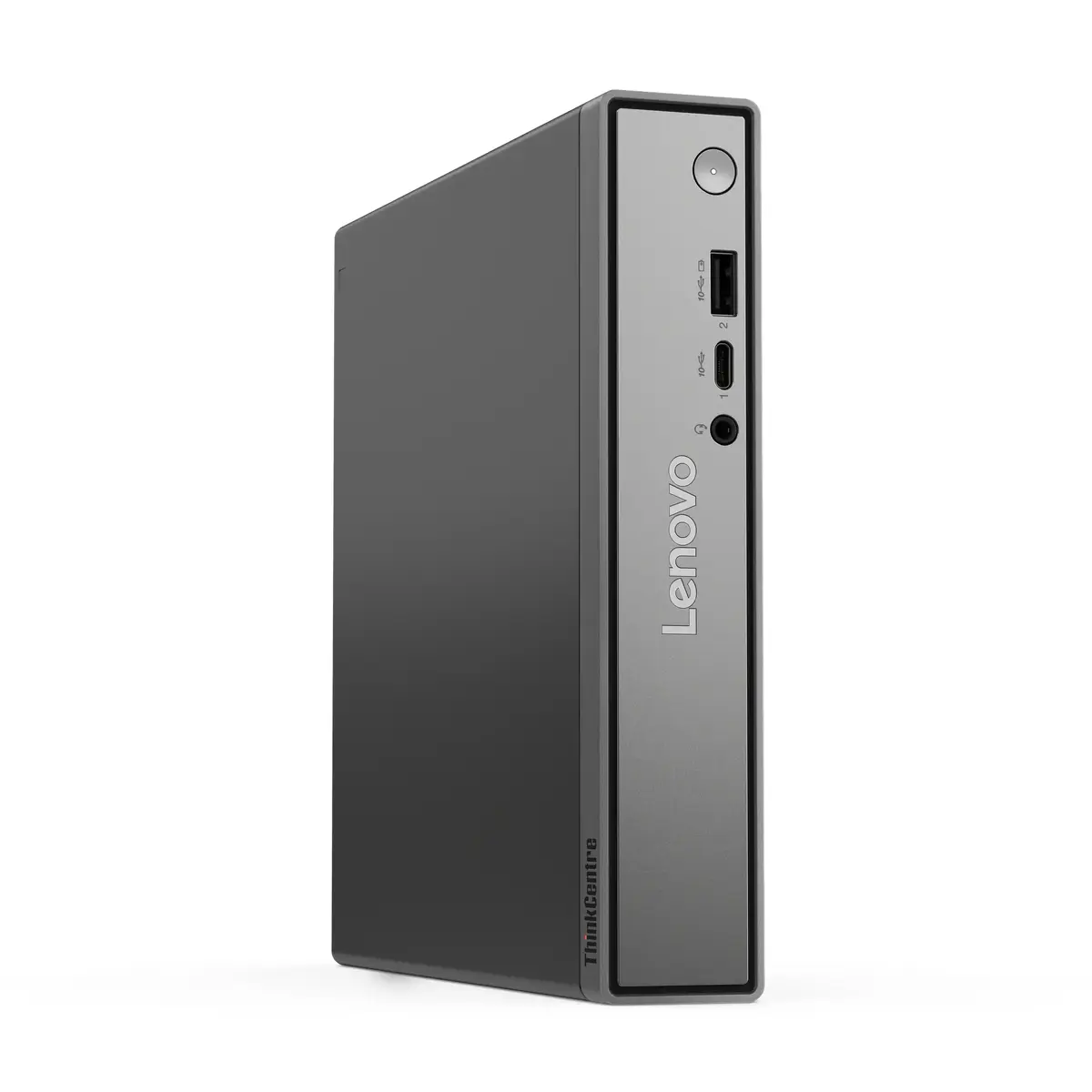
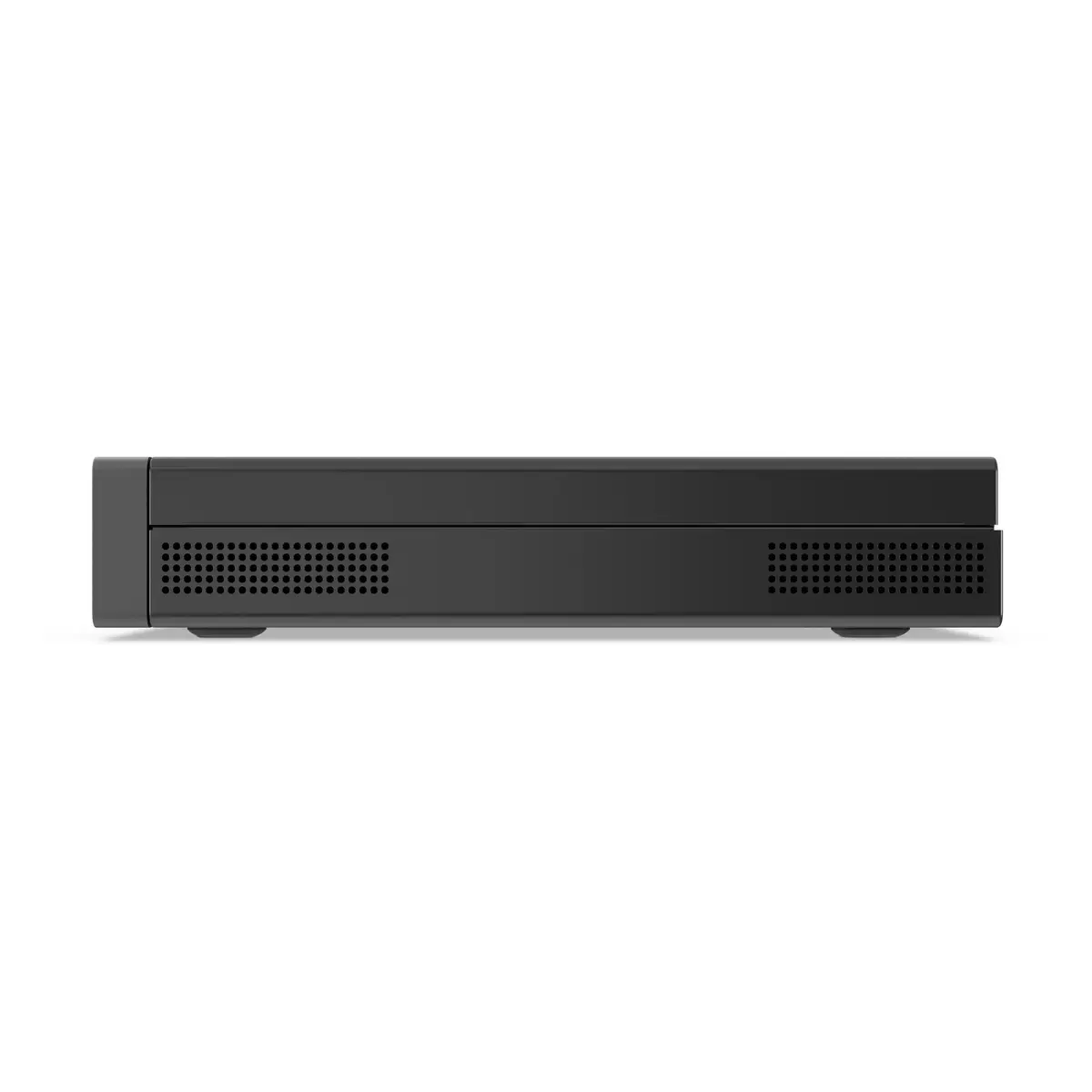
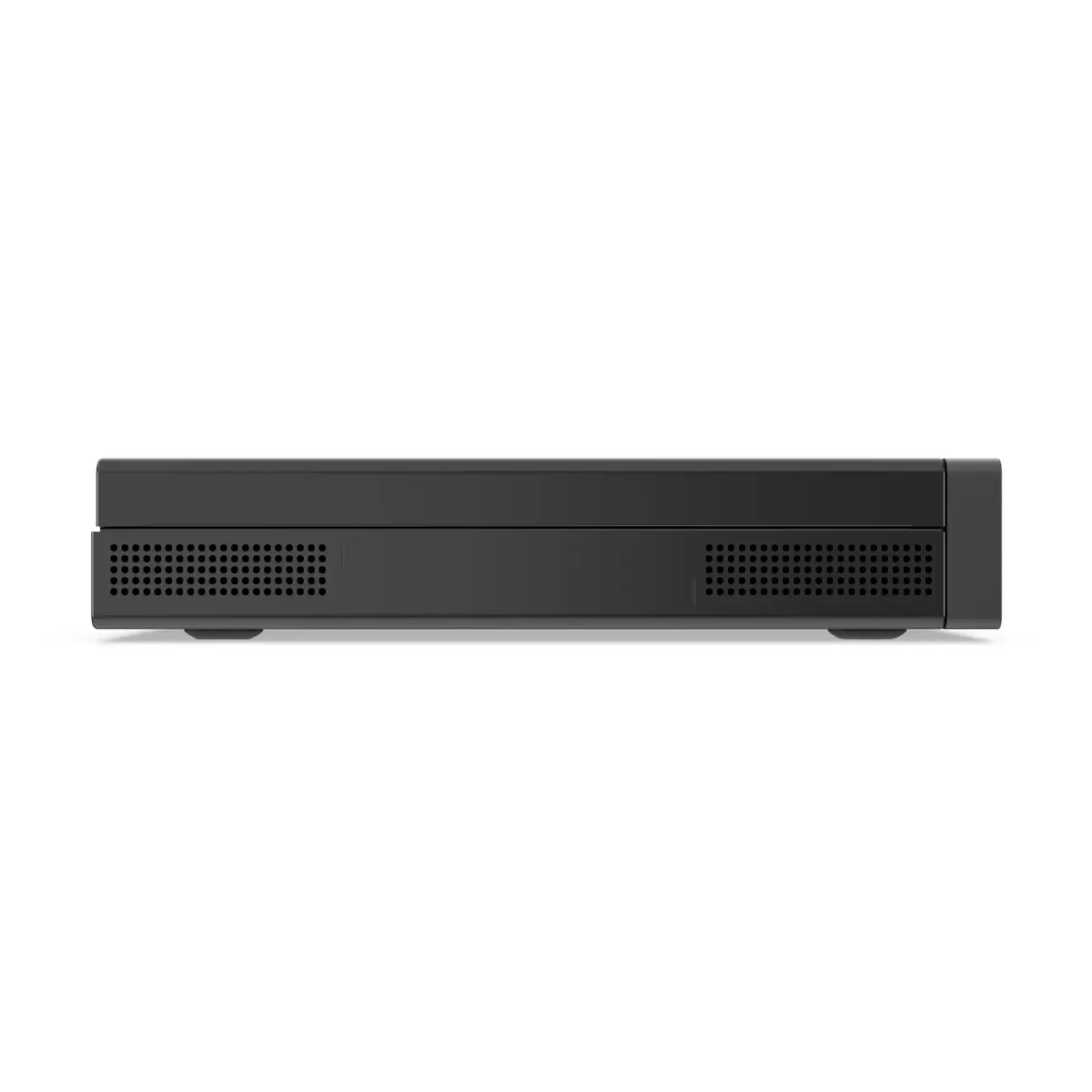
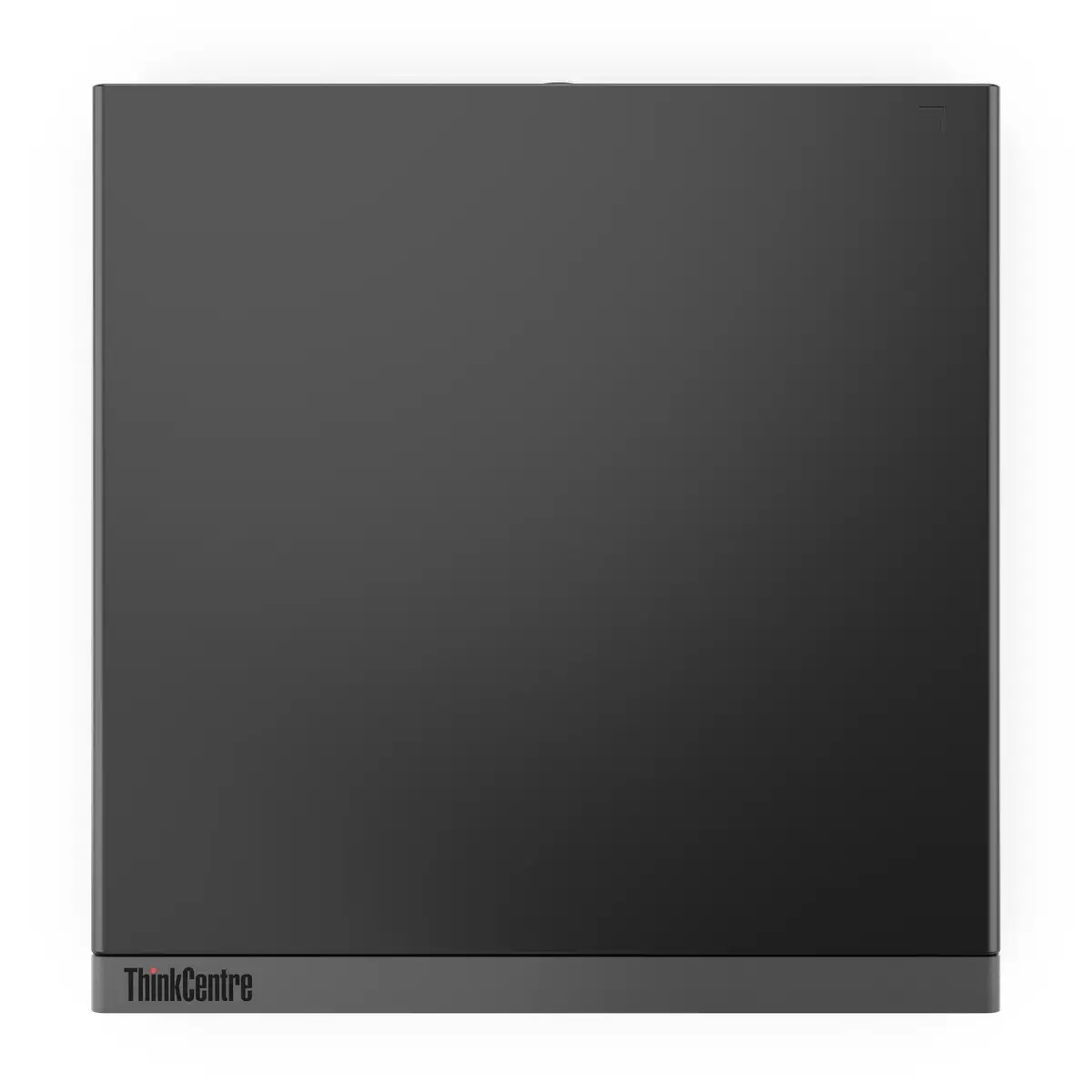
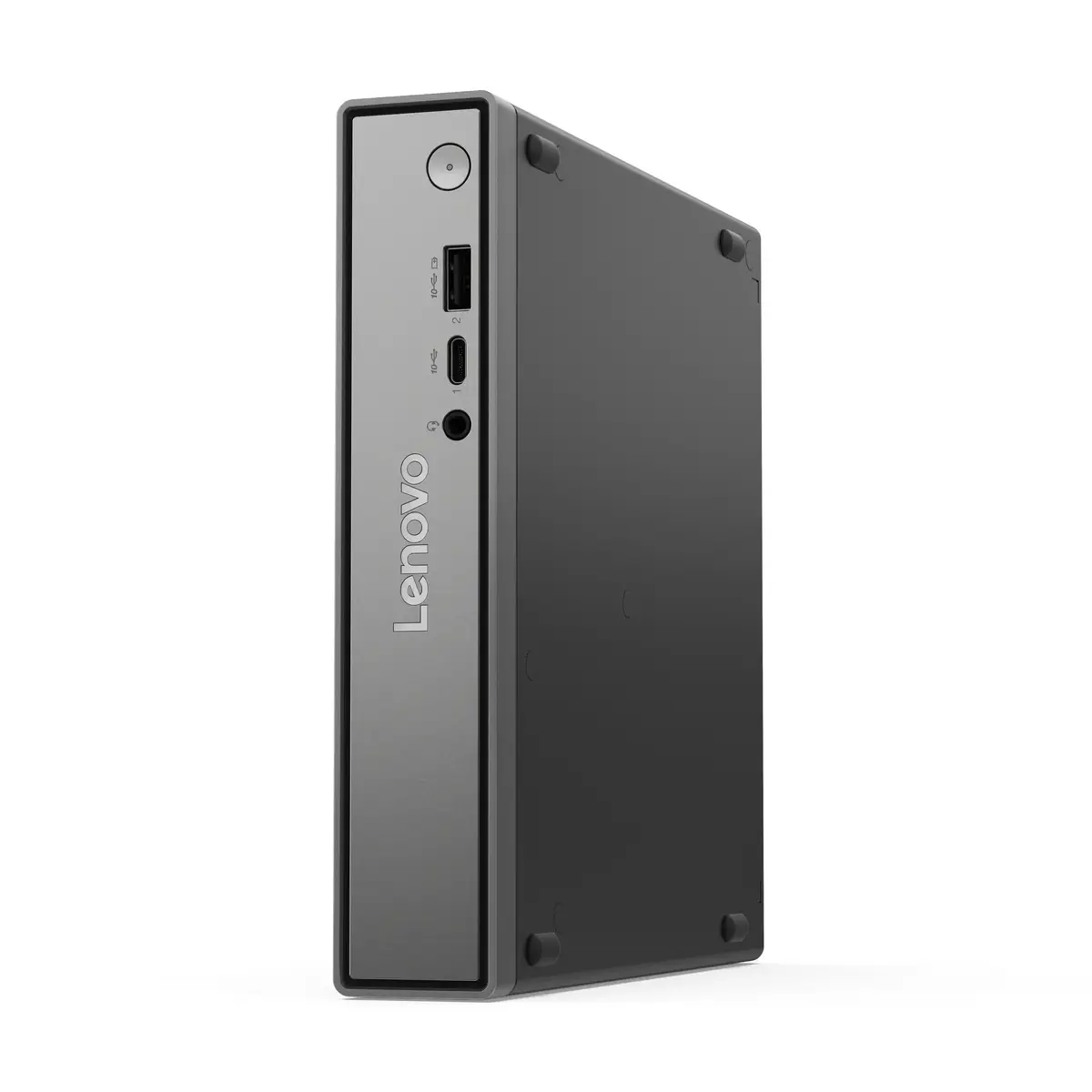
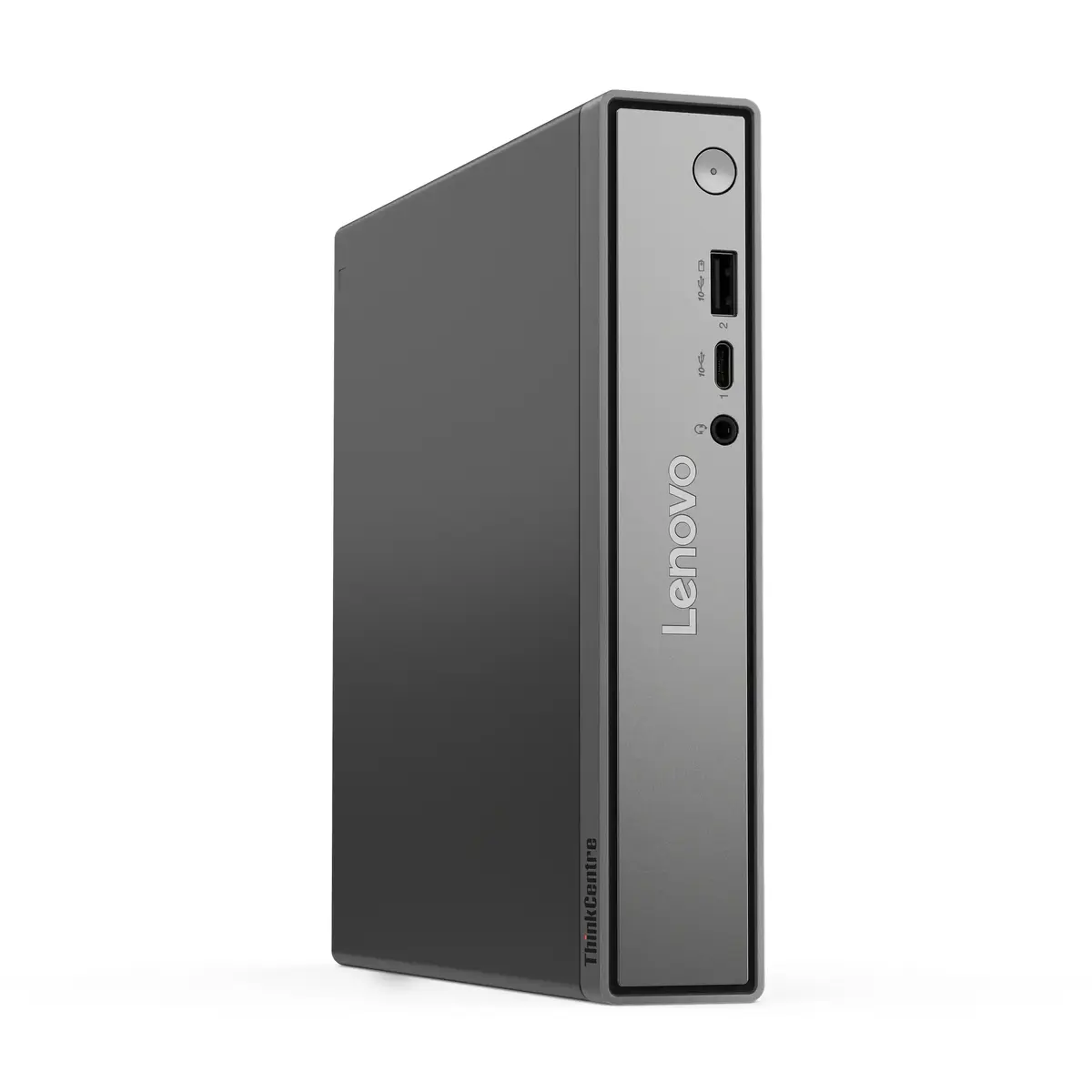
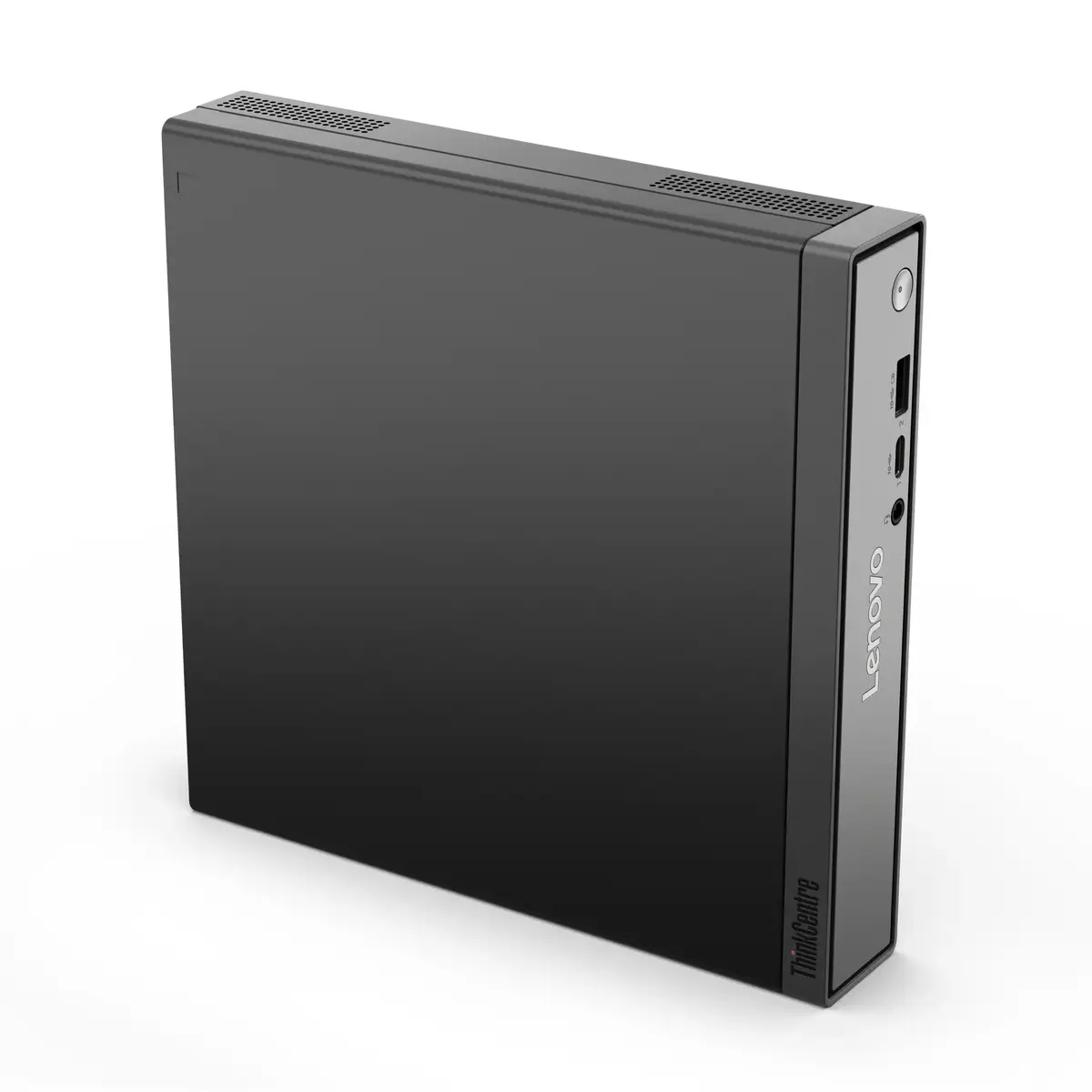
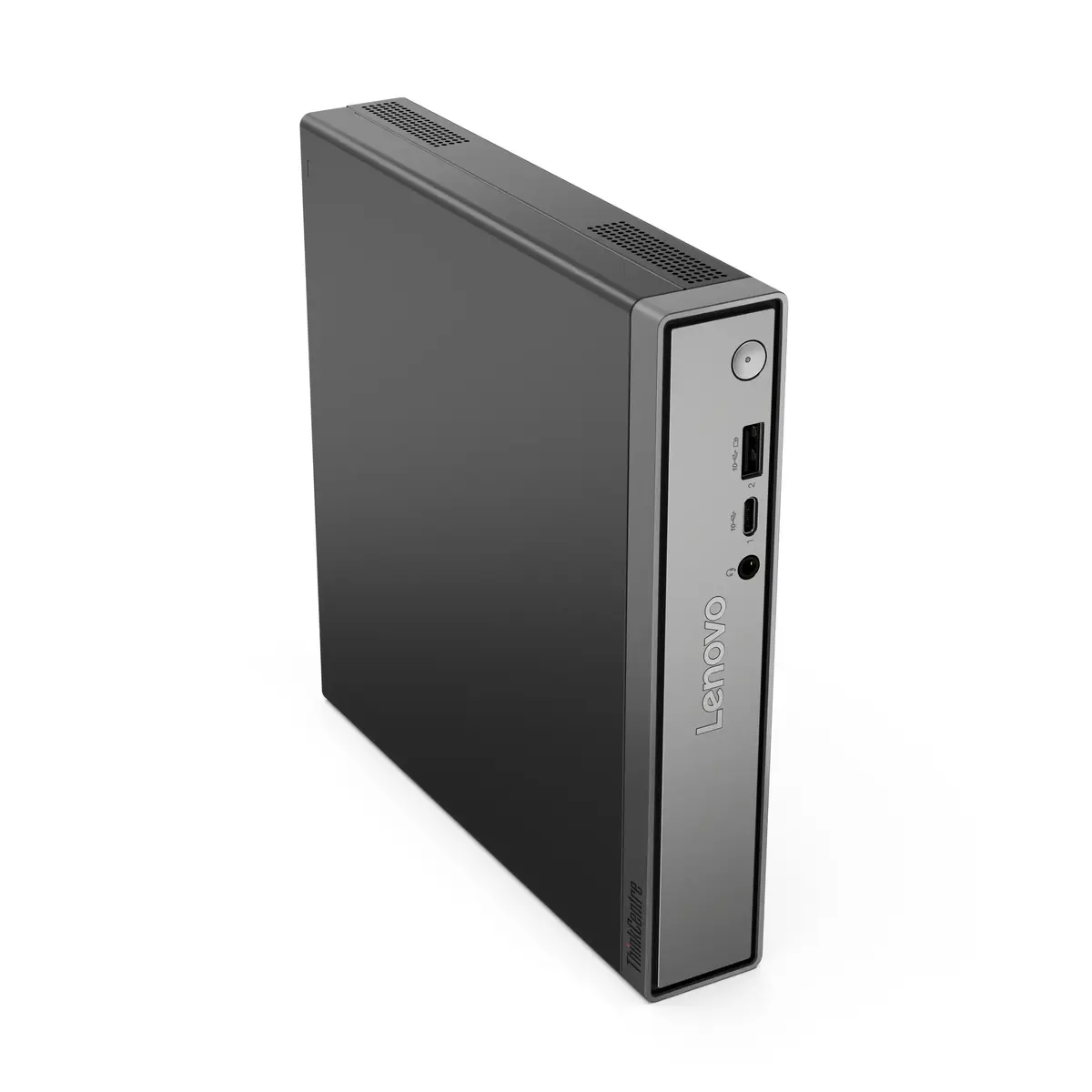
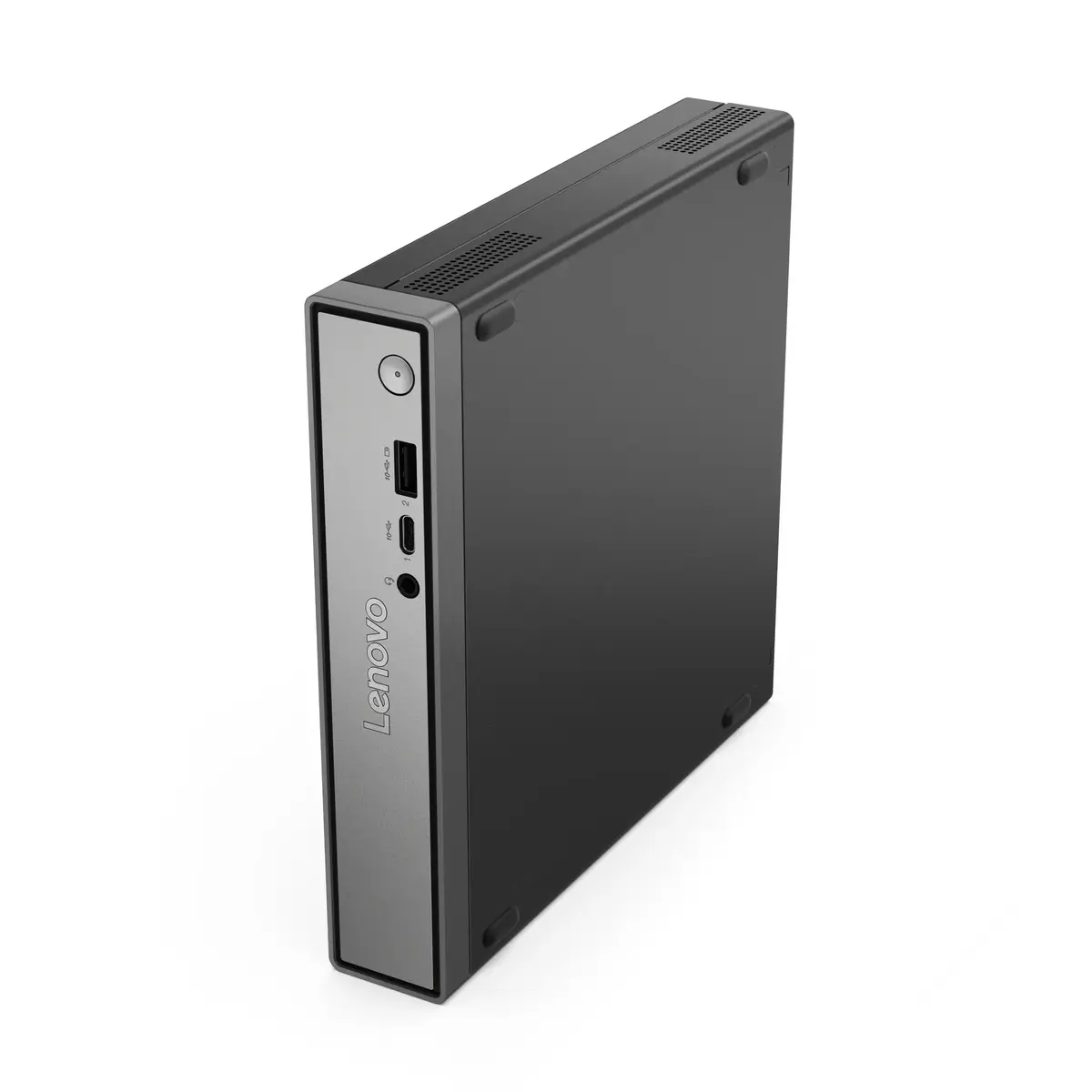
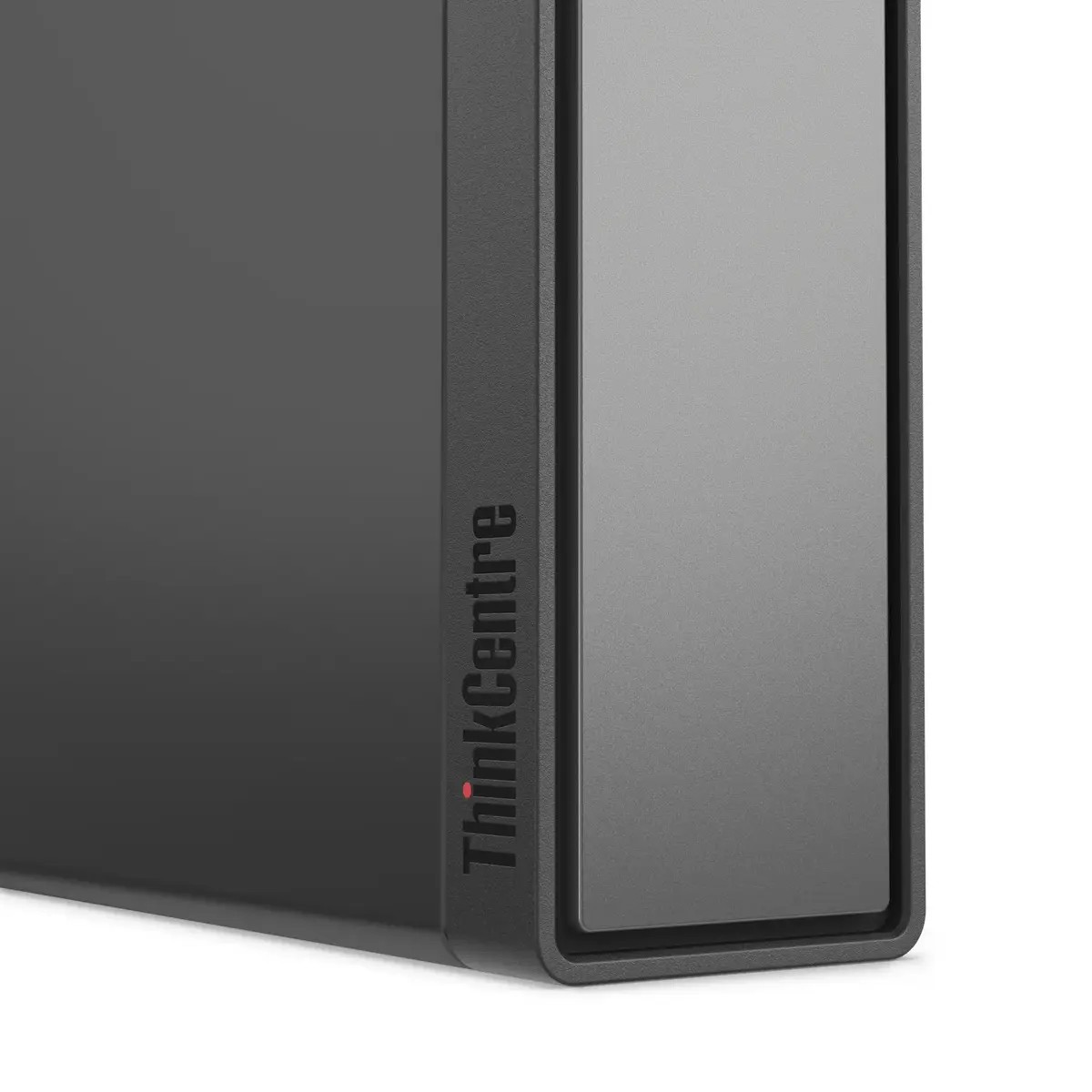
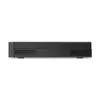
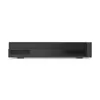
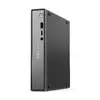
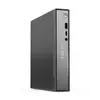
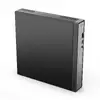
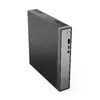
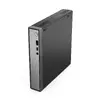
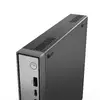
Mini PC Lenovo ThinkCentre neo 50q Gen 5 – Intel Core 5 210H, 16GB DDR5, 512GB SSD, Intel Graphics, Windows 11 Pro
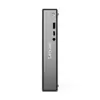
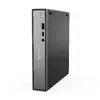
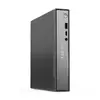
Lenovo ThinkCentre Neo 50q Tiny Gen5 is a compact business Mini PC designed for corporate and educational environments. Equipped with an Intel Core 5 210H processor, 16 GB DDR5 memory and a 512 GB NVMe SSD, the device delivers responsive performance for multitasking, office applications and standard productivity workloads. The unit includes integrated Intel Graphics, Windows 11 Pro and a range of wired and wireless connectivity options, and it can be mounted in a Tiny-in-One display for an All-in-One style setup.
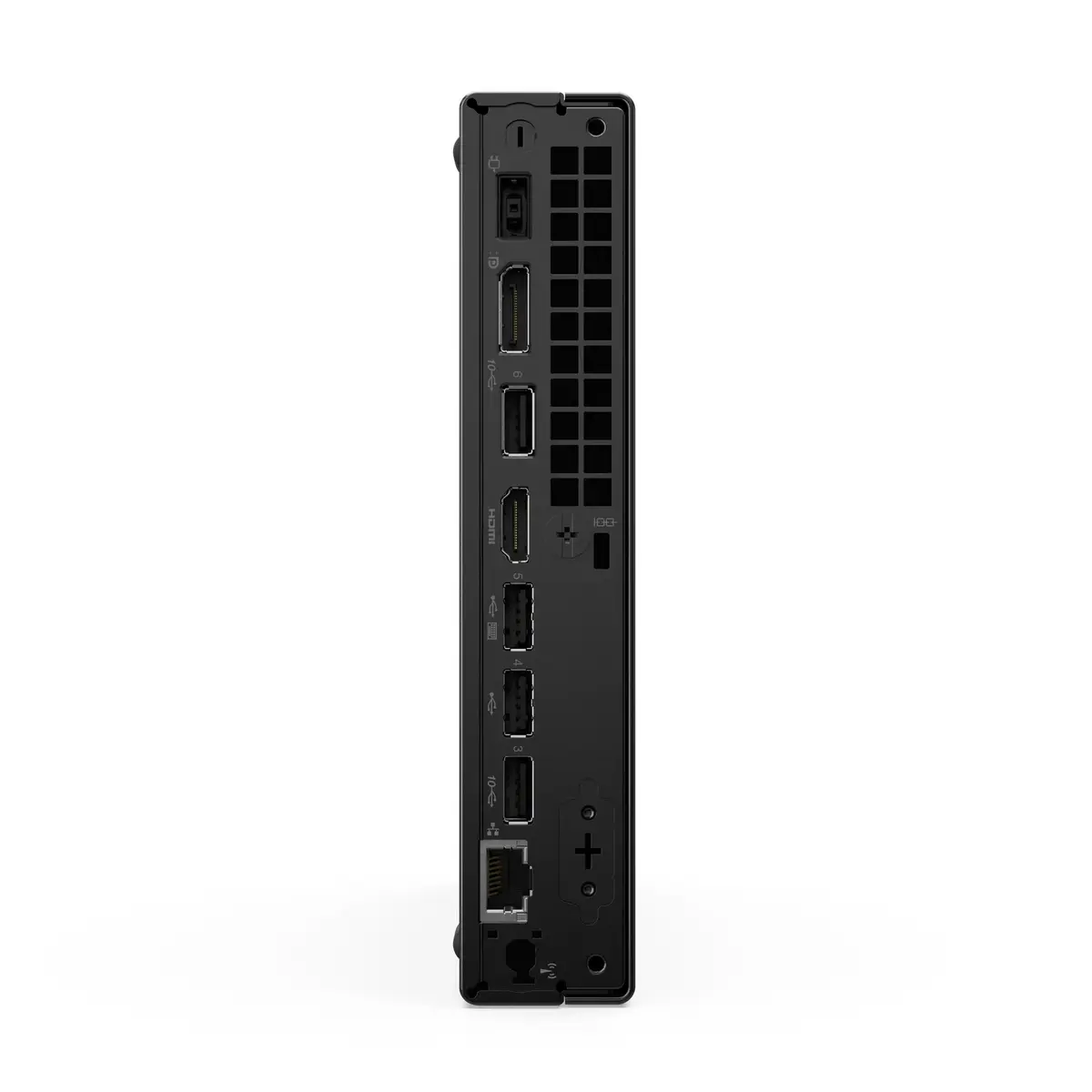
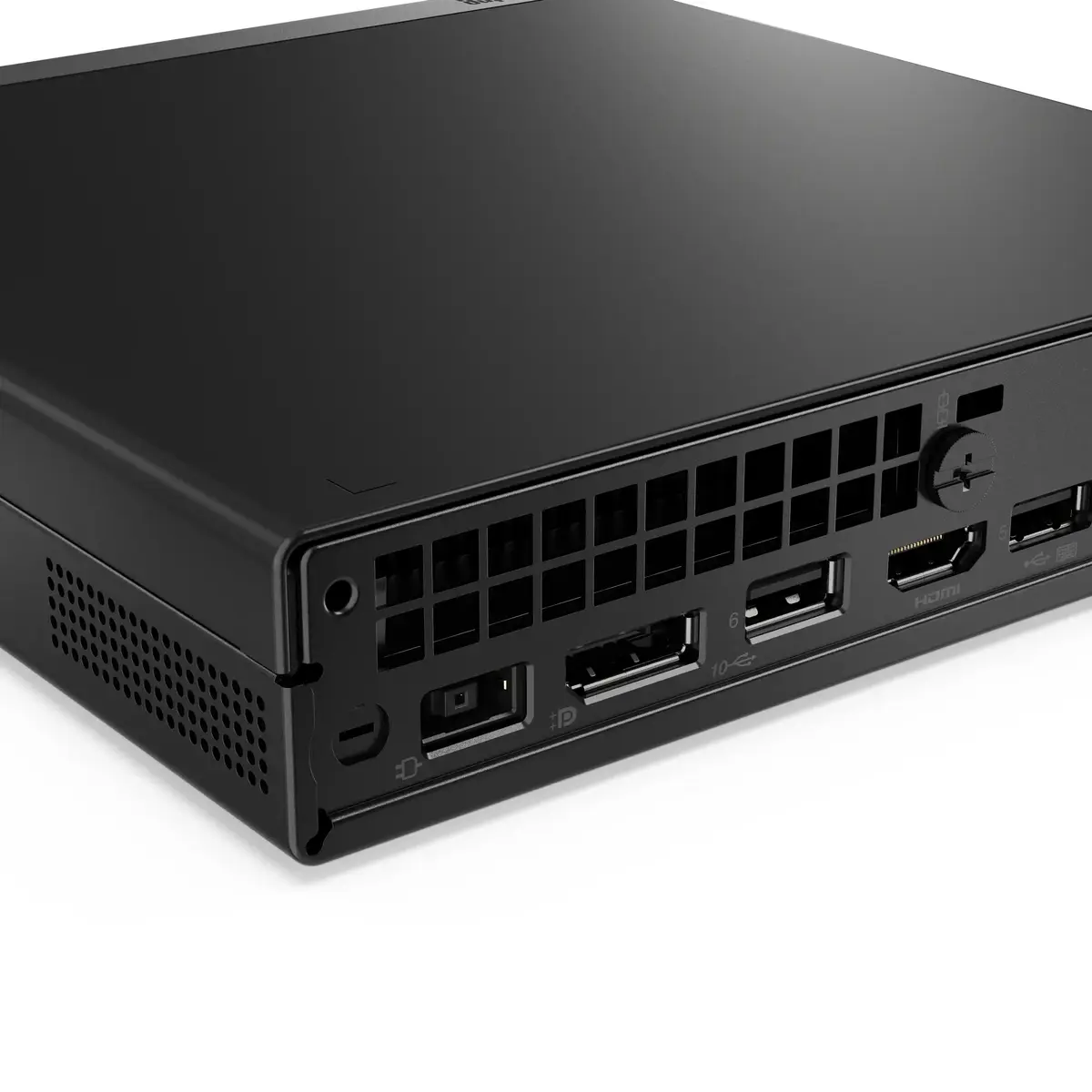
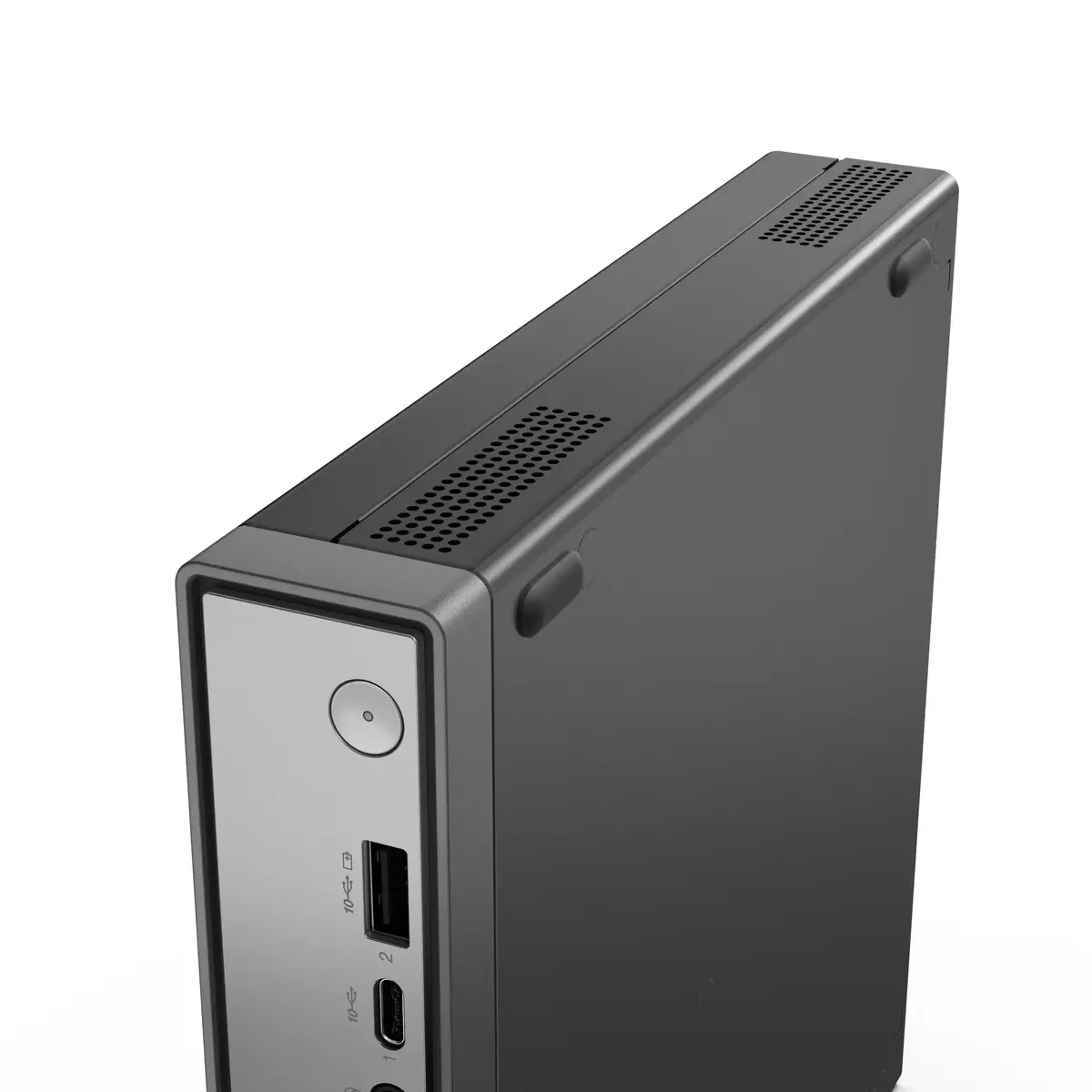
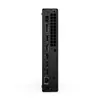
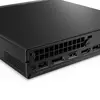
The Tiny Gen5 combines a small footprint with a high-performance Intel Core H-series CPU and fast DDR5 memory, enabling smooth multitasking and responsive application performance. It provides flexible connectivity including DisplayPort and HDMI video outputs, USB-A and USB-C ports, Gigabit Ethernet and Wi-Fi 7 with Bluetooth 5.4. Additional benefits include a low weight for easy mounting, an internal NVMe SSD with a spare M.2 slot for expansion, TPM 2.0 security support and standard energy and environmental certifications.
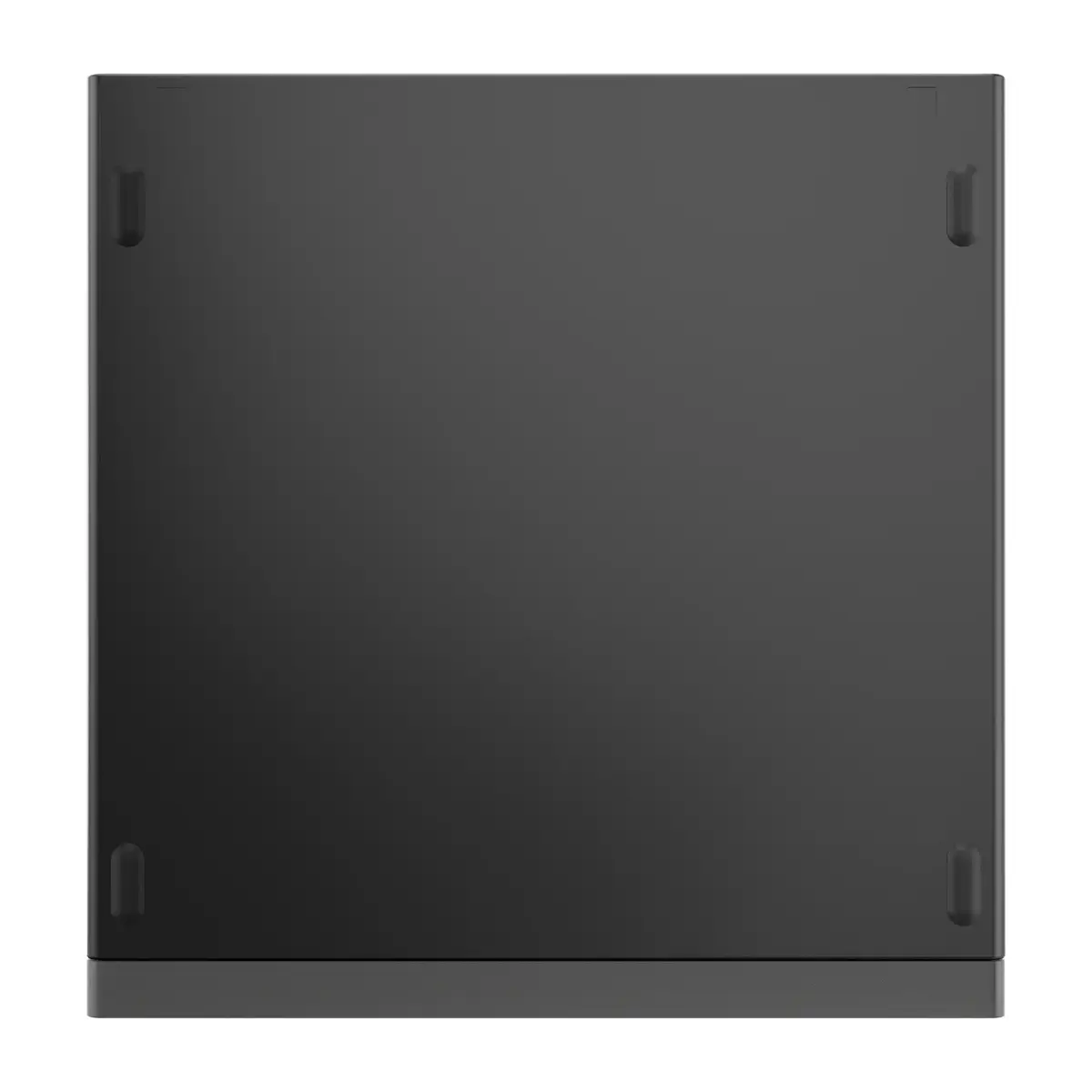
Place the Mini PC on a stable surface or mount it on a compatible Tiny-in-One display or VESA bracket using the included mounting points. Connect power using the supplied 90 W adapter, attach display(s) via DisplayPort or HDMI, and connect peripherals to the front and rear USB ports. On first start, follow Windows 11 Pro initial setup to configure user accounts and network settings. For storage upgrades or memory expansion, open the case following Lenovo service instructions and use the spare M.2 slot or the second memory slot as required.
For consistent performance, use DDR5 modules matched to the existing memory speed and ensure firmware and drivers are kept up to date. When deploying in multi-user or education environments, enable TPM 2.0 and centralized management tools to maintain security and simplify updates.
{{highlightedFeature.featureTitle}}:
{{getProductFeatureValueById(product, highlightedFeature.featureId)}}
{{ productComparisonGenerationError }}
