
JBL speakers and headphones for pure and deep sound!
In cart {{totalProductsCount}} item(s)
Your cart is empty
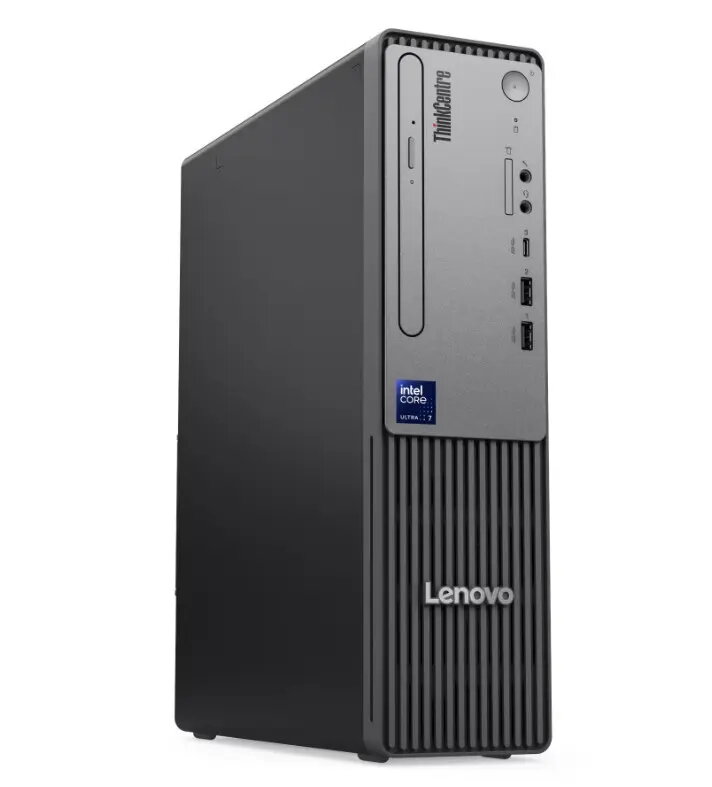
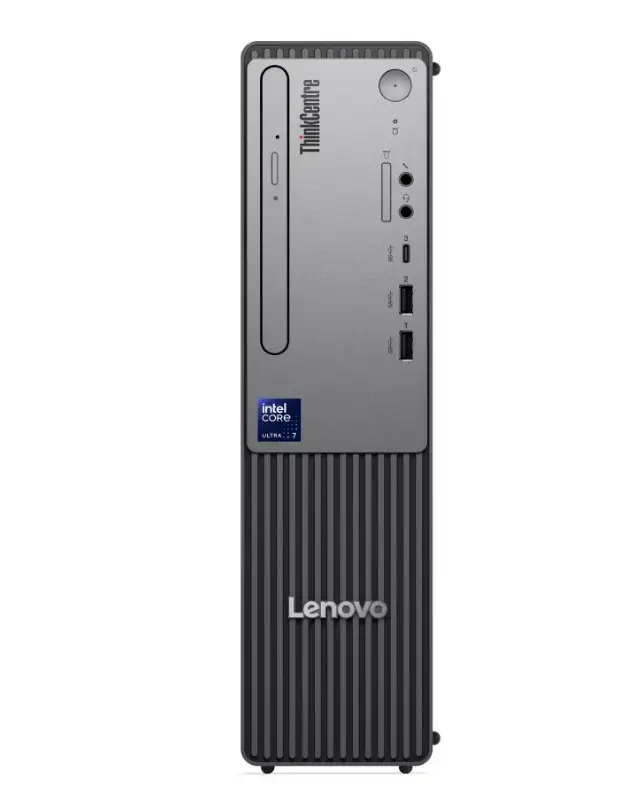
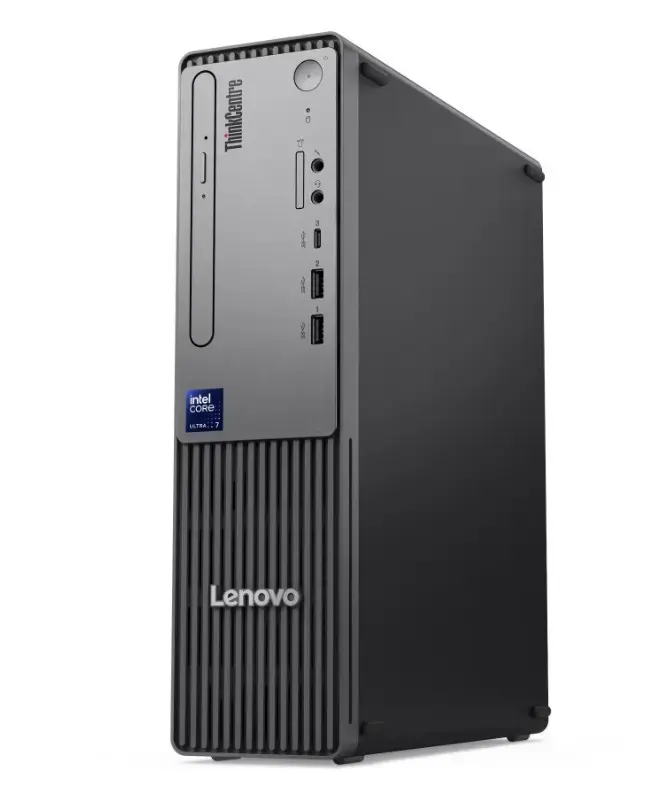
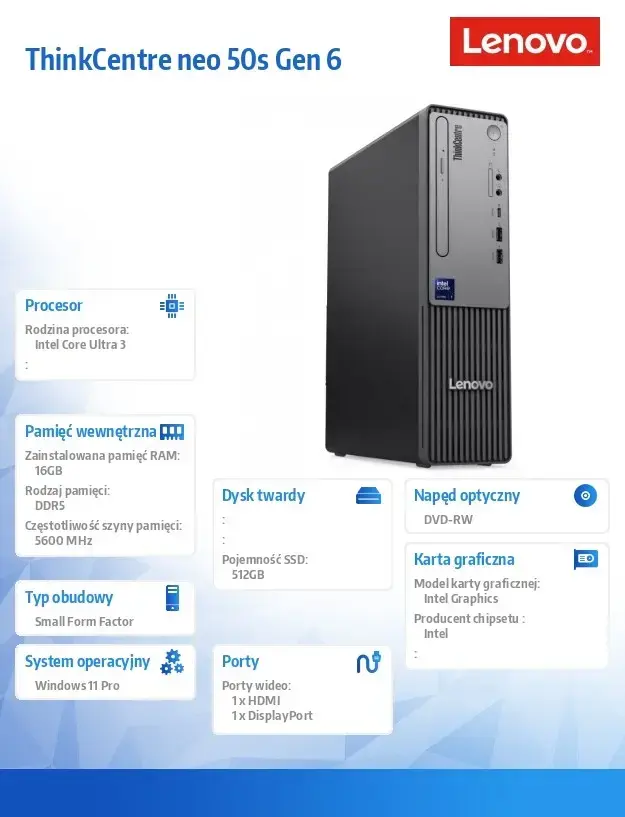
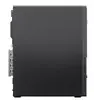
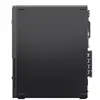
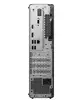
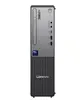
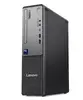
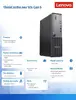
Lenovo ThinkCentre Neo 50s G6 SFF Desktop PC, Intel Core Ultra 3 205, 16GB RAM, 512GB SSD, Windows 11 Pro, Raven Black
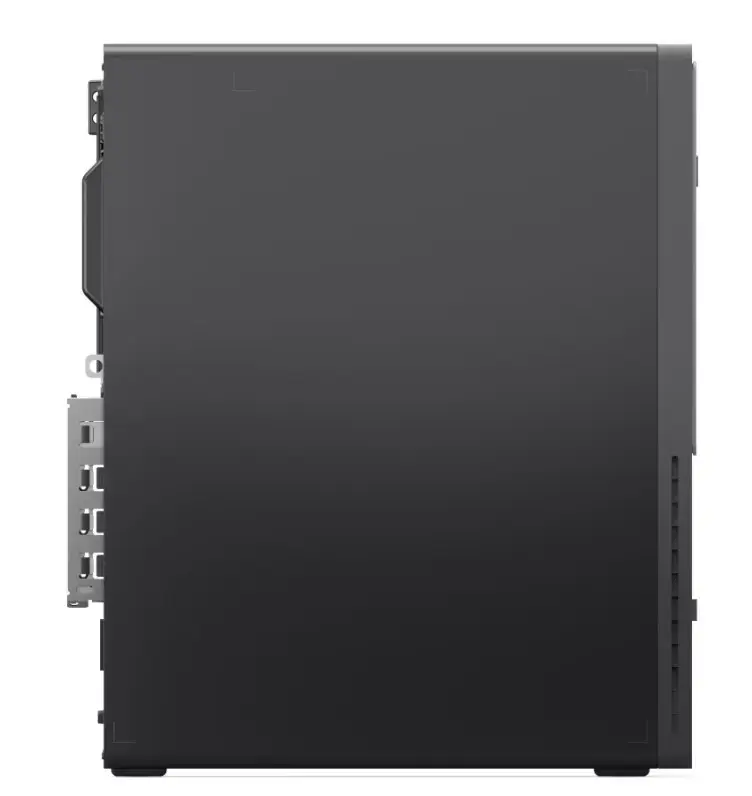
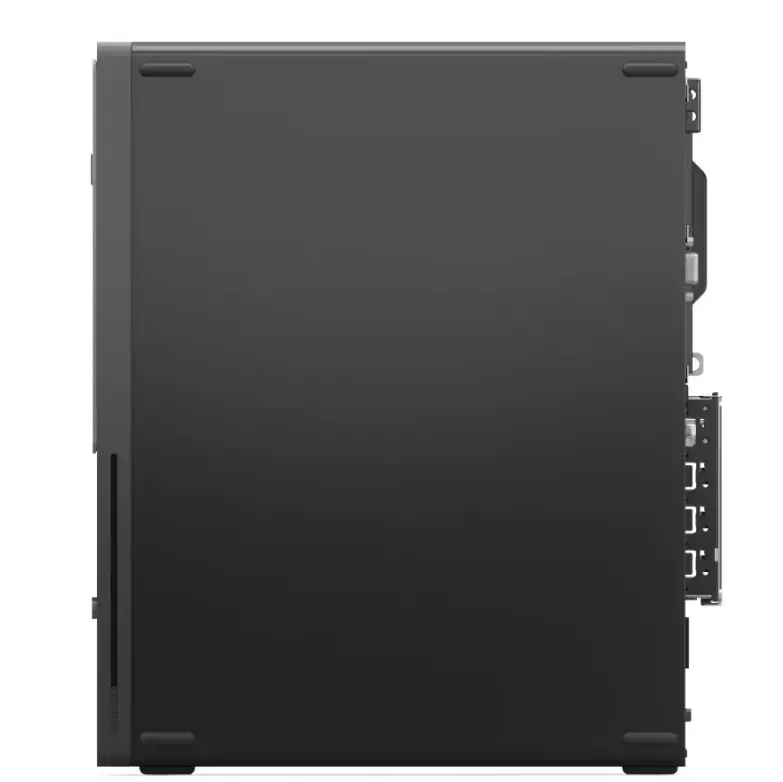
The Lenovo ThinkCentre Neo 50s G6 SFF is a high-performance desktop computer engineered to meet the demands of modern professional environments. Housed in a compact Small Form Factor chassis, this workstation combines the efficiency of the Intel Core Ultra 3 205 processor with 16GB of high-speed RAM and a 512GB solid-state drive. It provides a stable and secure computing platform pre-installed with Windows 11 Pro, making it an ideal choice for businesses seeking a balance between performance, reliability, and space optimization.
This desktop PC excels by offering a significant performance boost through its advanced processor architecture, ensuring smooth operation for multitasking and complex office applications. The compact design allows for easy integration into crowded workspaces or under-desk environments without sacrificing connectivity or power. With its robust build quality and professional-grade components, the system is designed for long-term durability and consistent uptime, which is essential for enterprise-level productivity. Furthermore, the inclusion of Windows 11 Pro provides advanced security features and management tools tailored for business environments.
This desktop is not intended for high-end gaming, professional video editing, or 3D rendering tasks that require dedicated graphics cards. Users looking for a system with extensive internal expansion capabilities for multiple additional drives or high-power components may find the compact SFF chassis too restrictive.
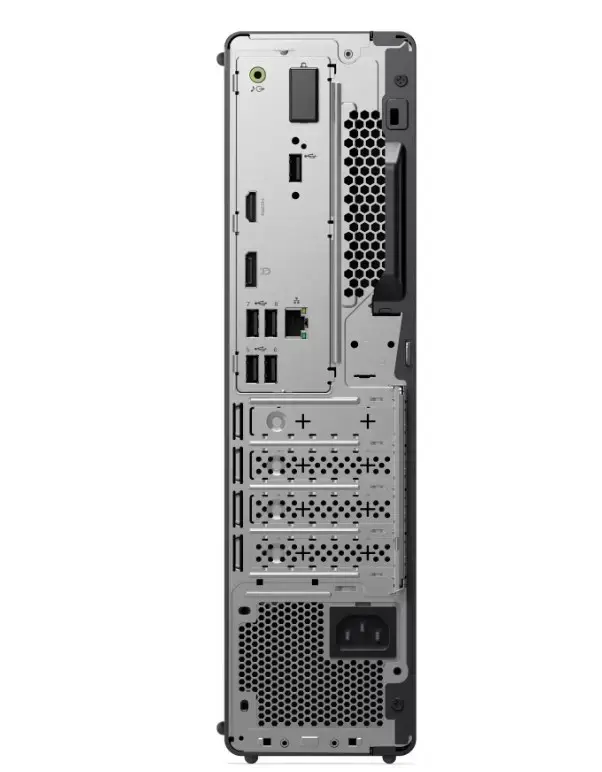
To set up the Lenovo ThinkCentre Neo 50s G6, connect your monitor, keyboard, and mouse to the designated ports on the rear or front panels. Plug the power cable into a grounded wall outlet and press the power button located on the front of the chassis. Follow the on-screen instructions provided by the Windows 11 Pro setup wizard to configure your network settings, user account, and security preferences. Once initialized, you can install your necessary business software and connect to your local network or cloud services.
For optimal performance and longevity, ensure the desktop is placed in a well-ventilated area to allow for proper airflow. Regularly update the operating system and drivers through the manufacturer's support portal to maintain system security and stability.
{{highlightedFeature.featureTitle}}:
{{getProductFeatureValueById(product, highlightedFeature.featureId)}}
{{ productComparisonGenerationError }}
