
Dreame vacuums for fast and efficient cleaning!
In cart {{totalProductsCount}} item(s)
Your cart is empty
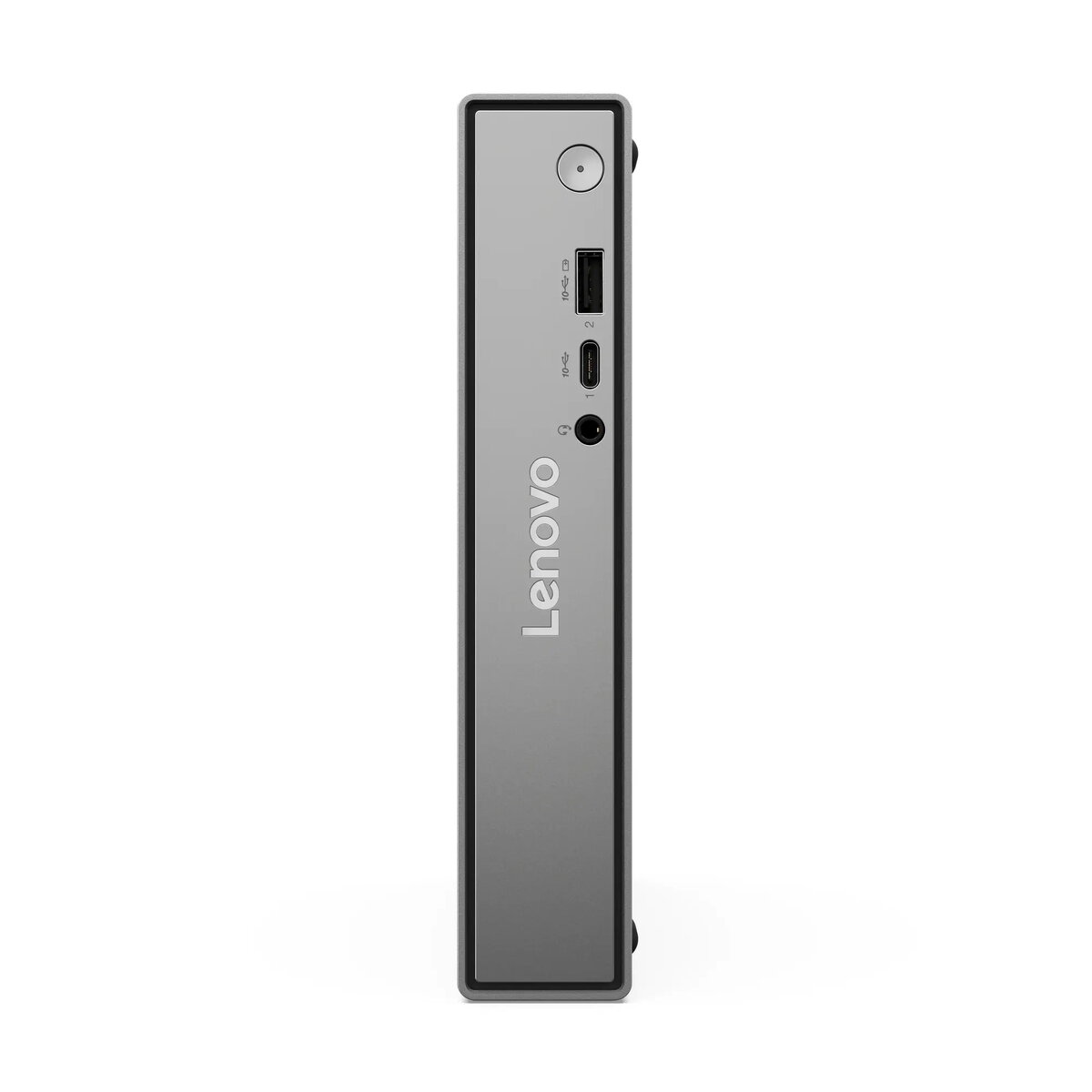
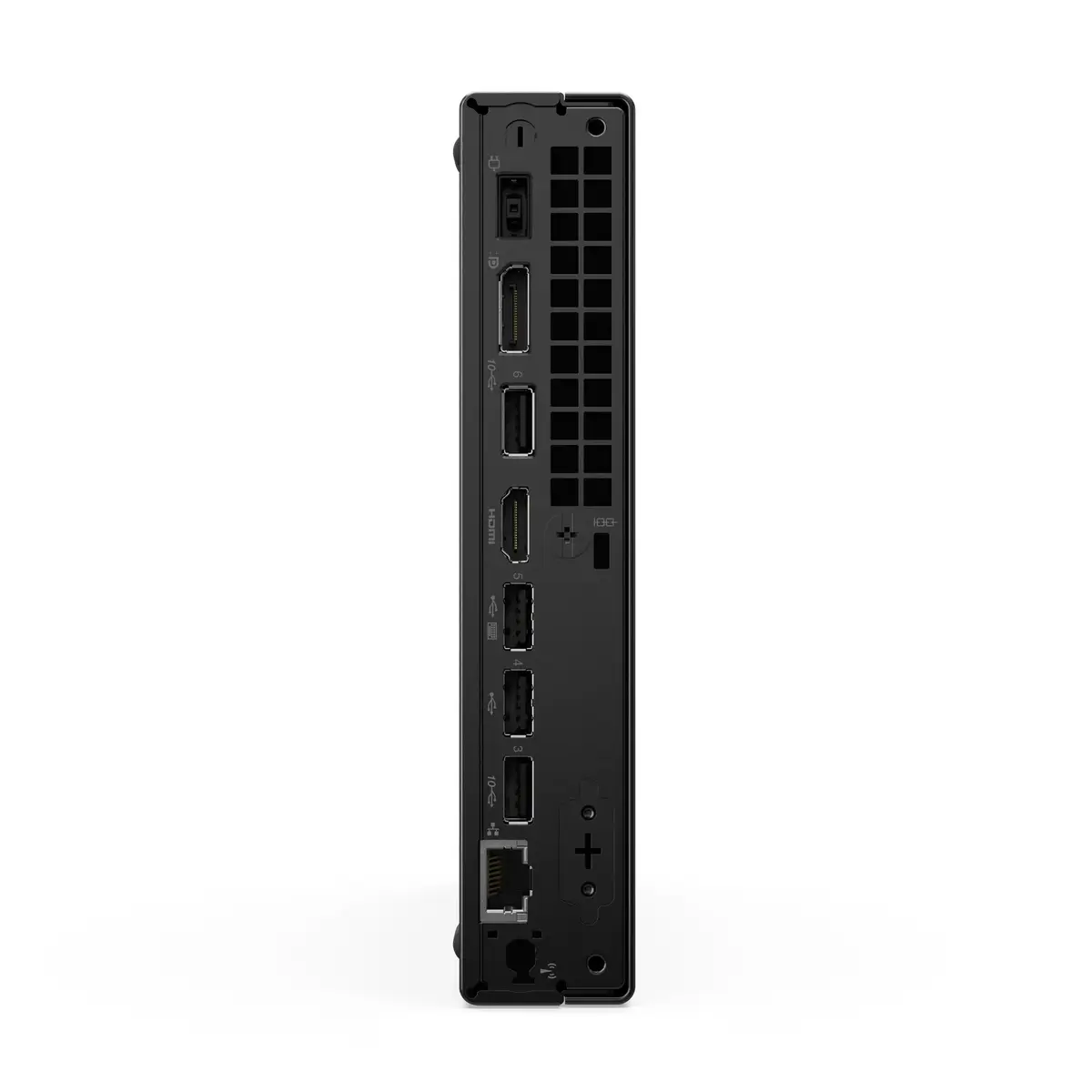
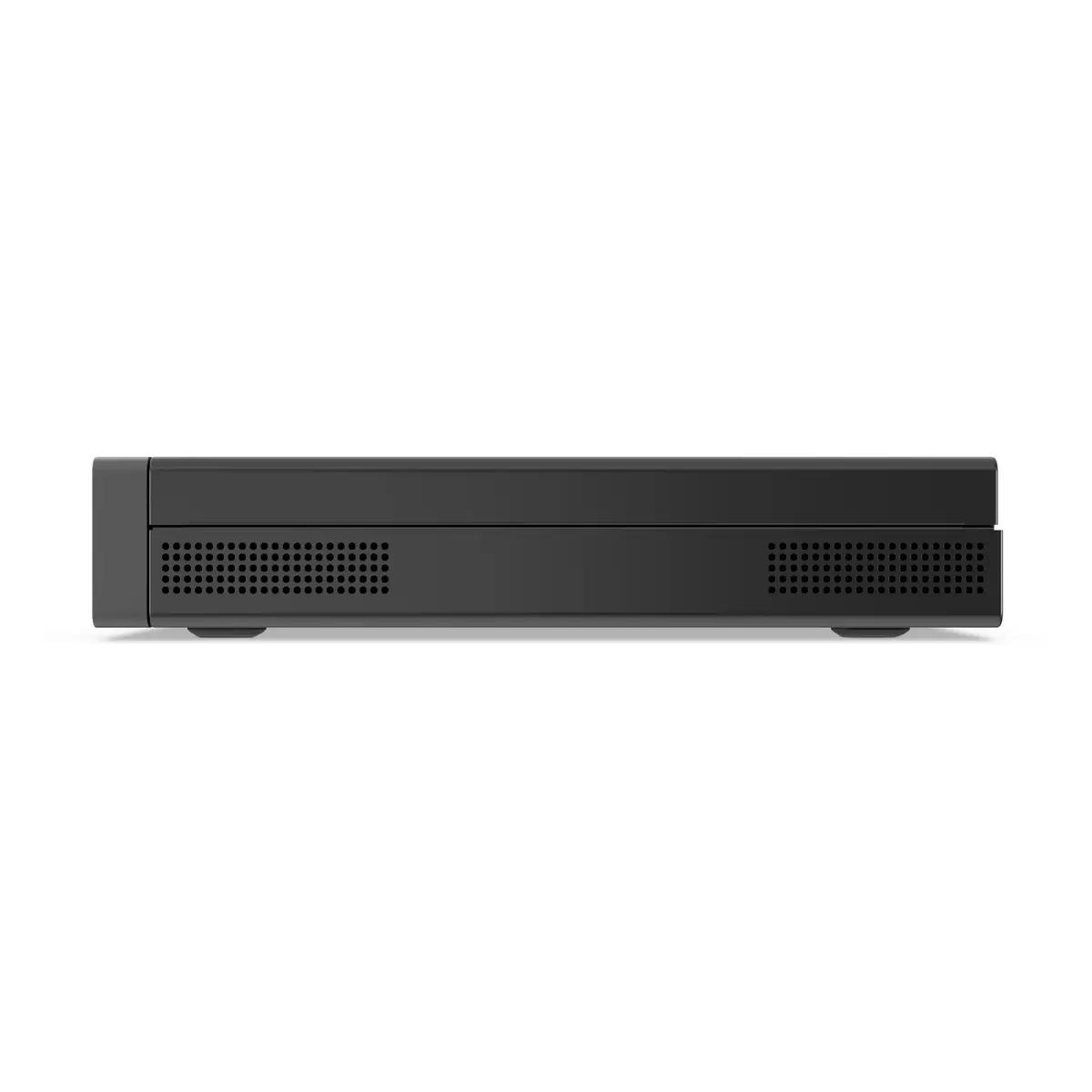
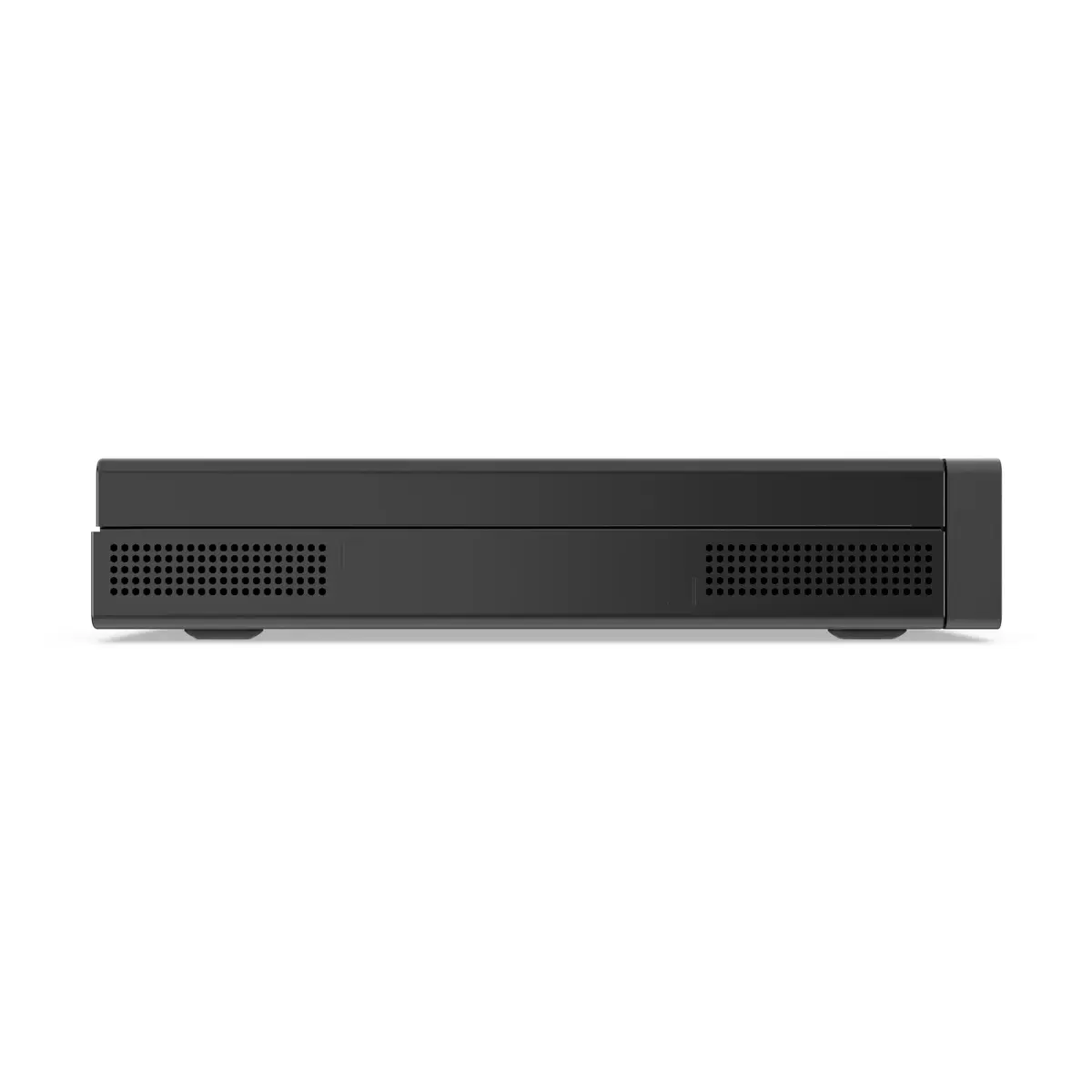
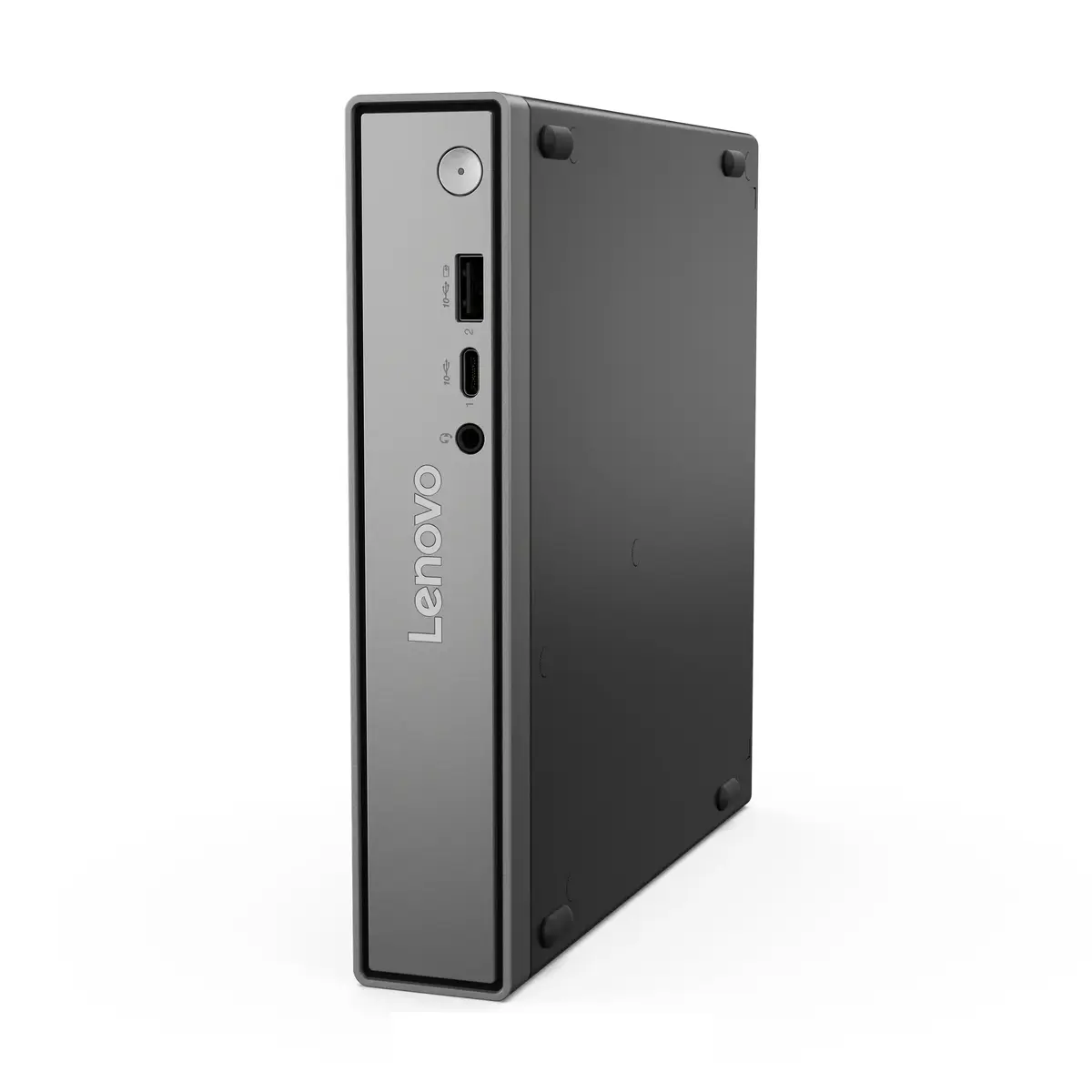
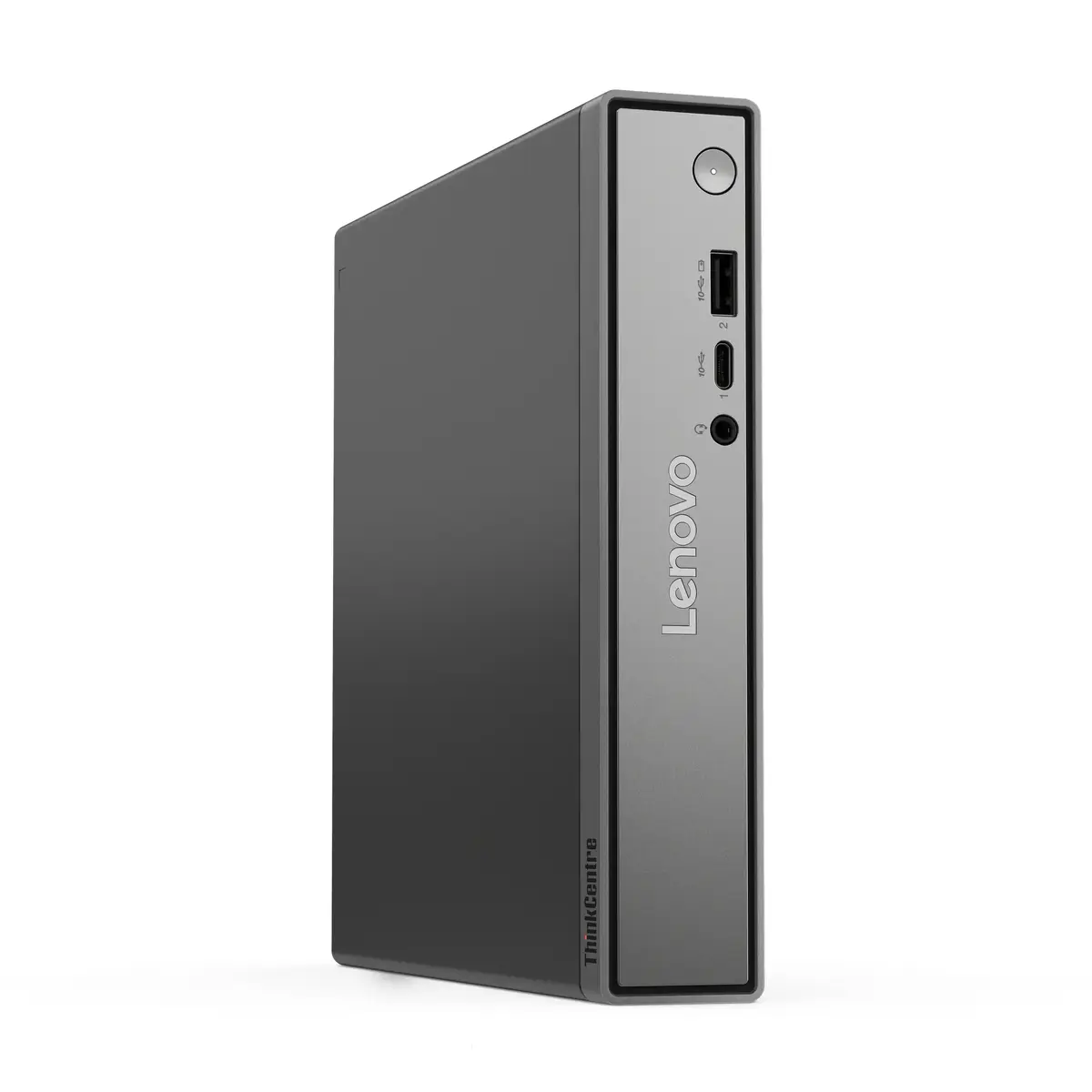
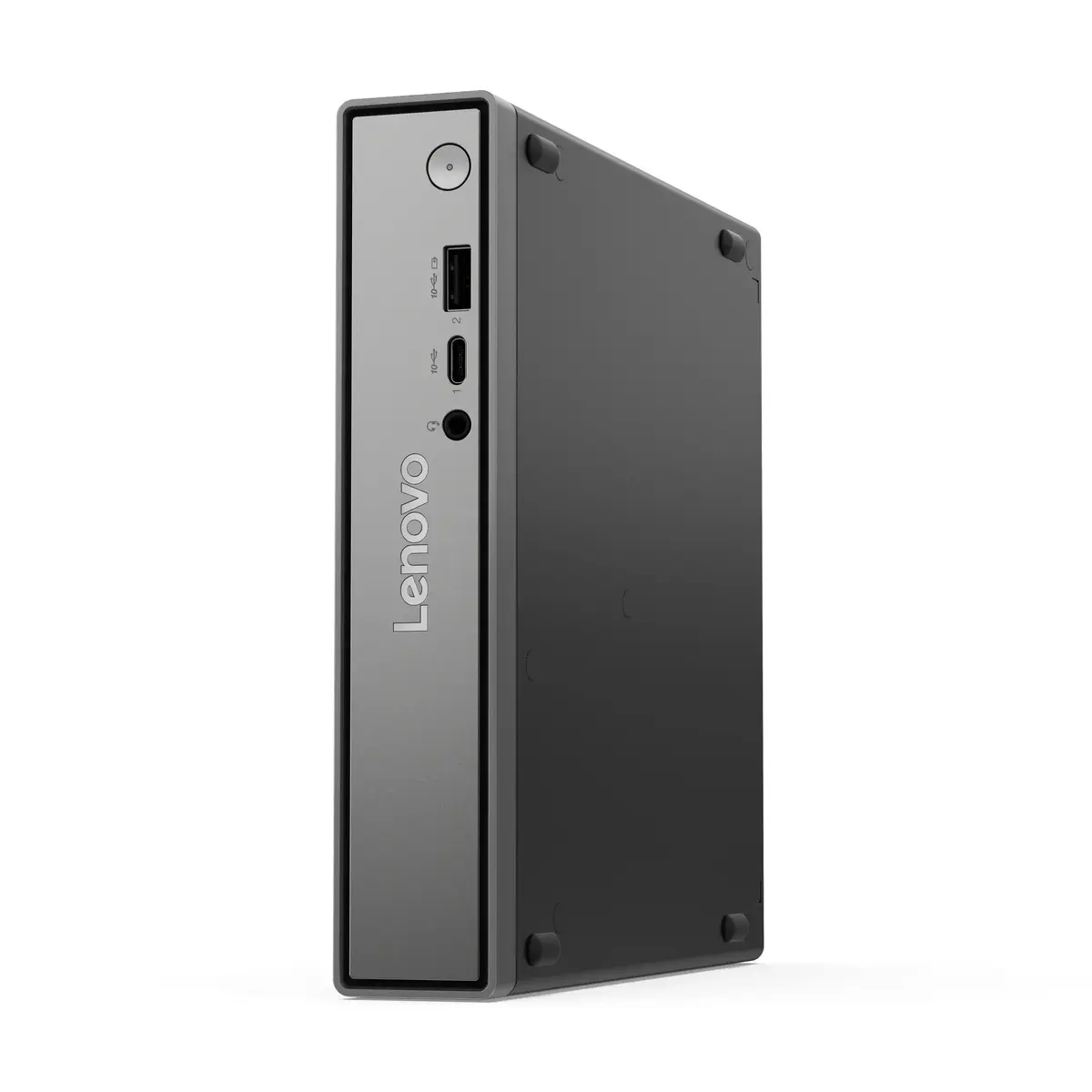
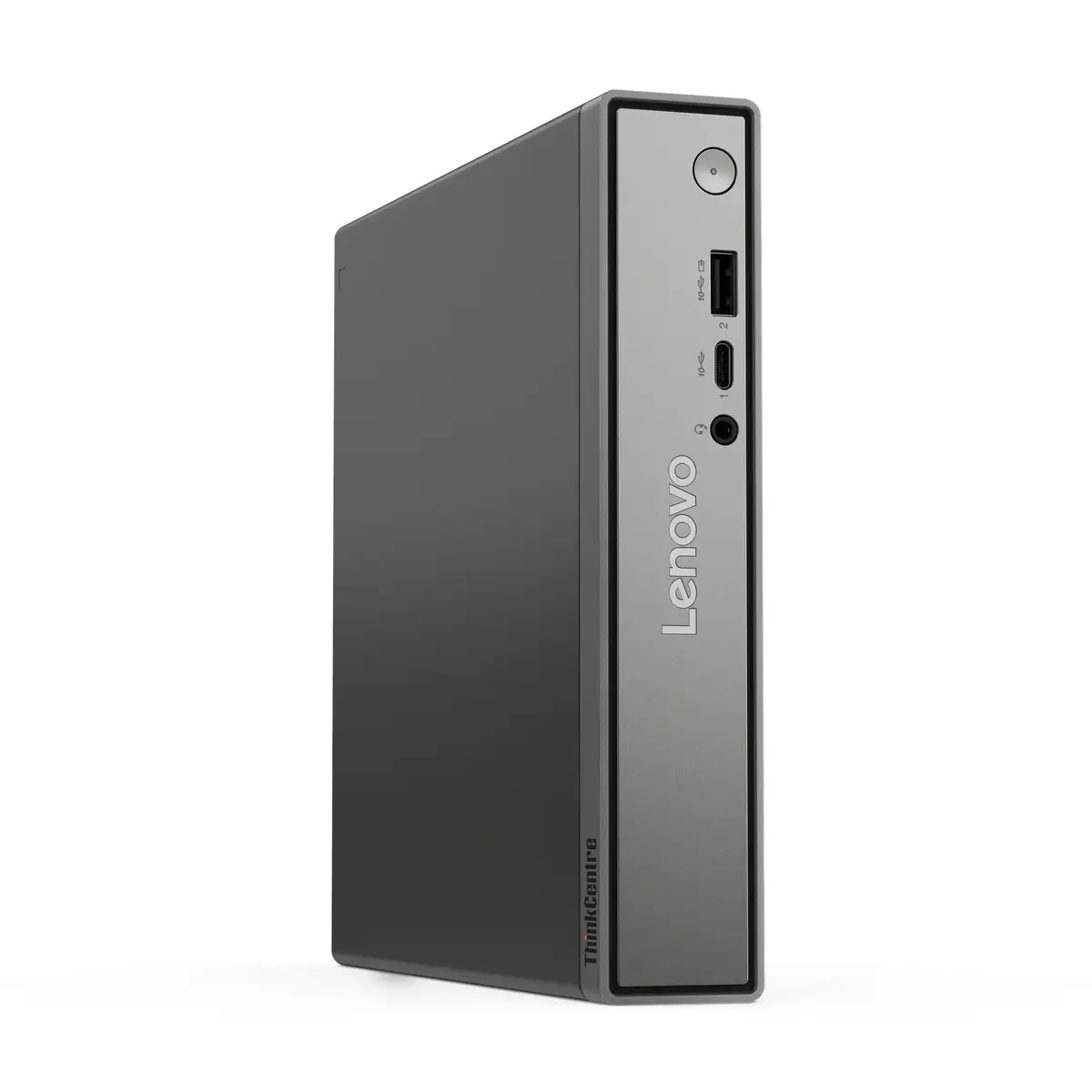
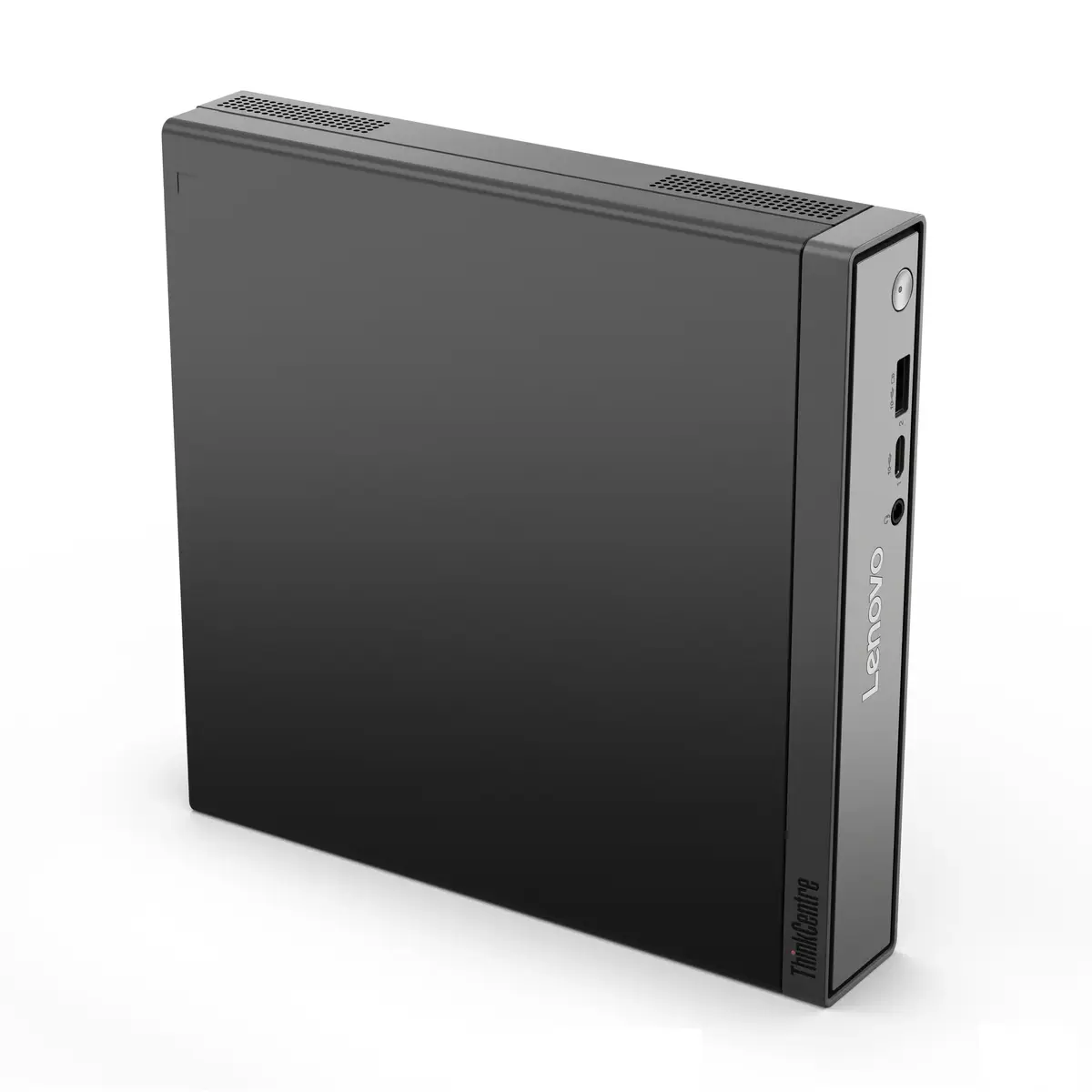
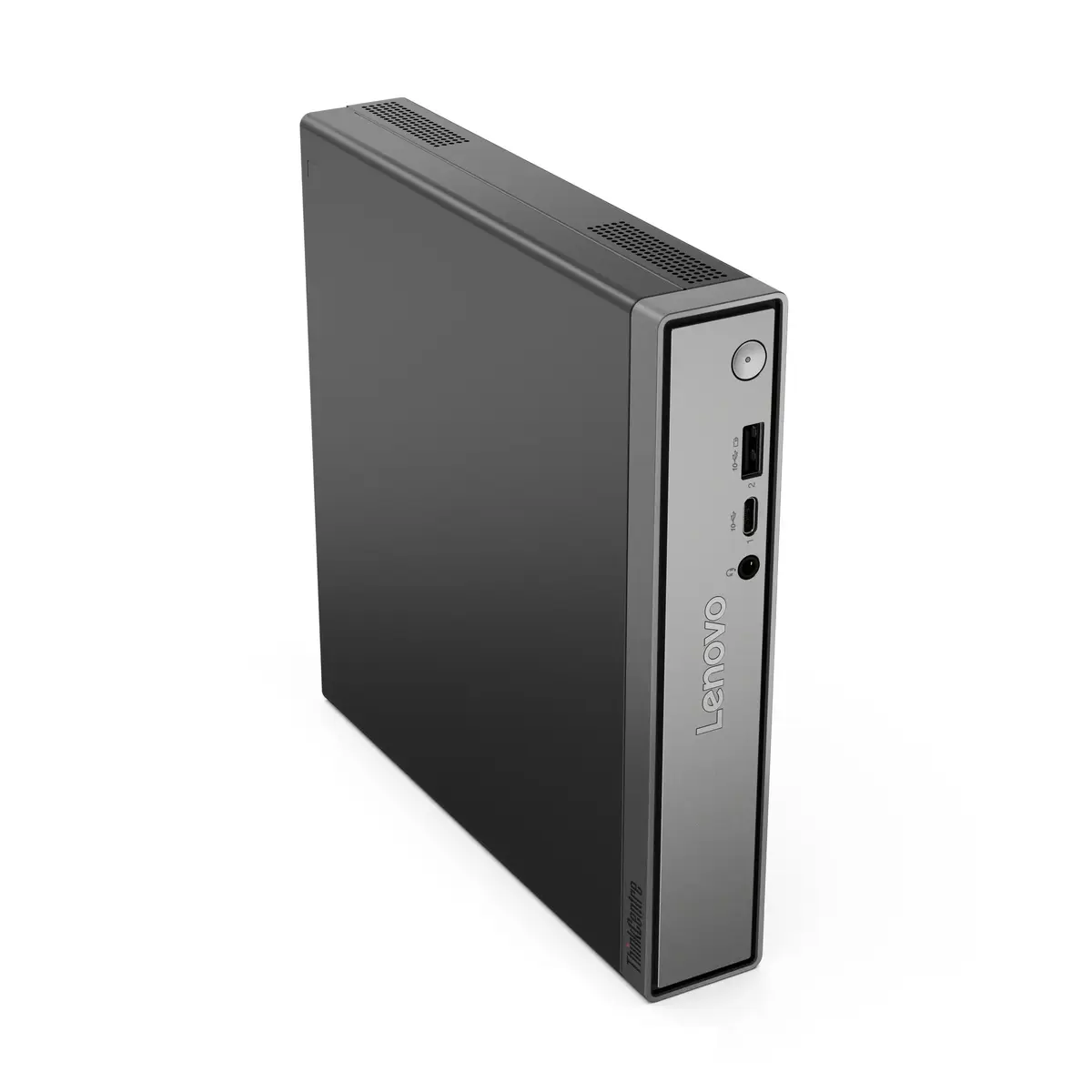
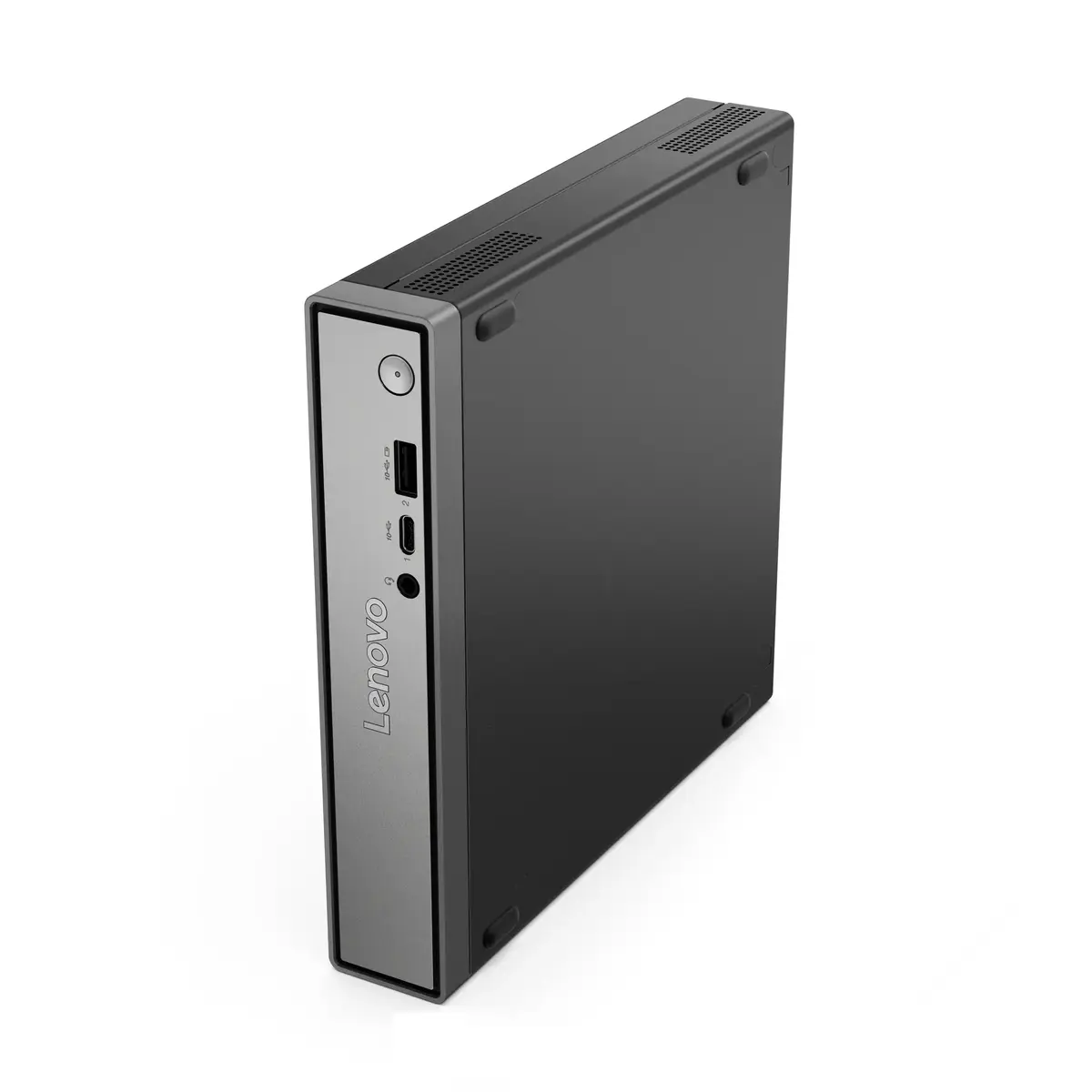
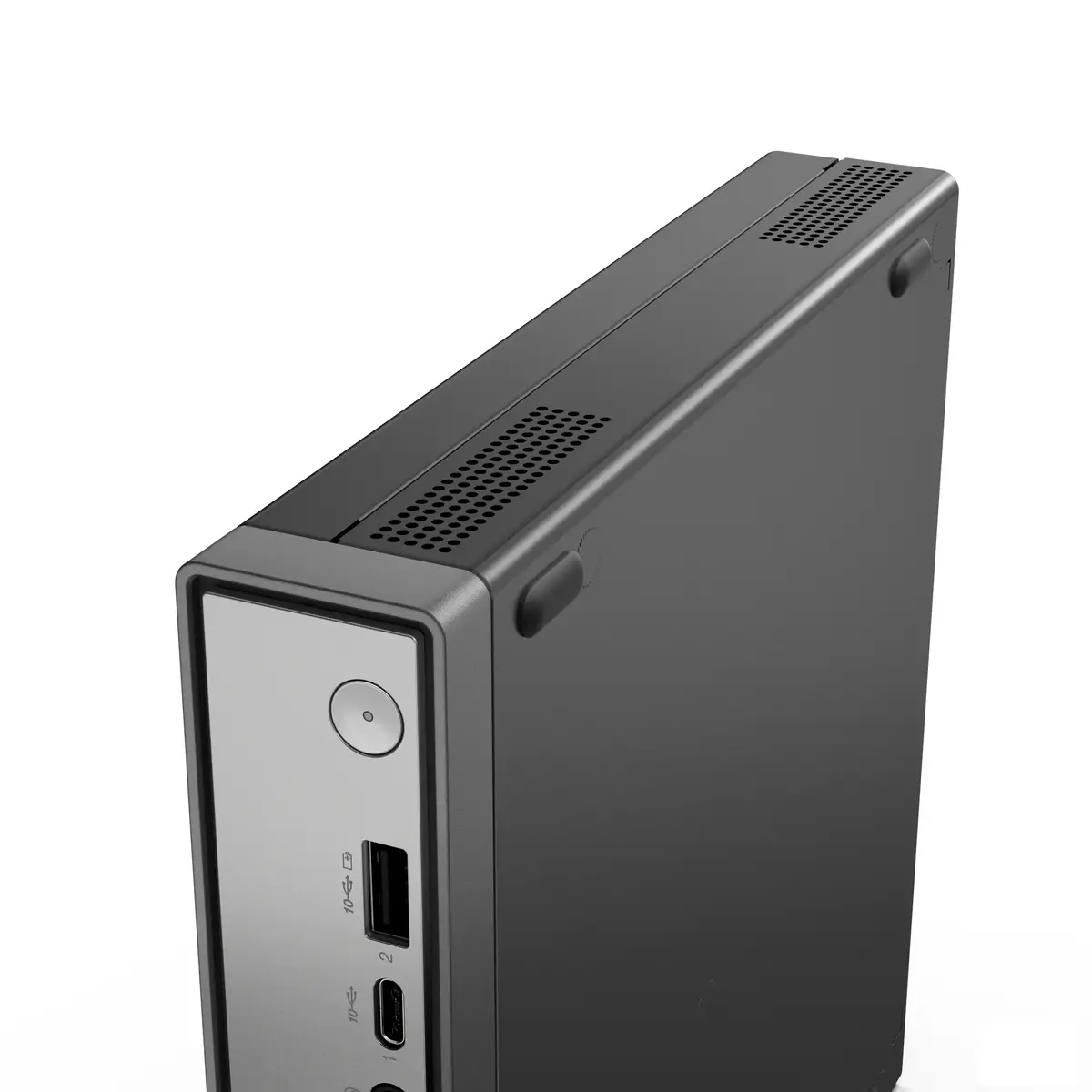
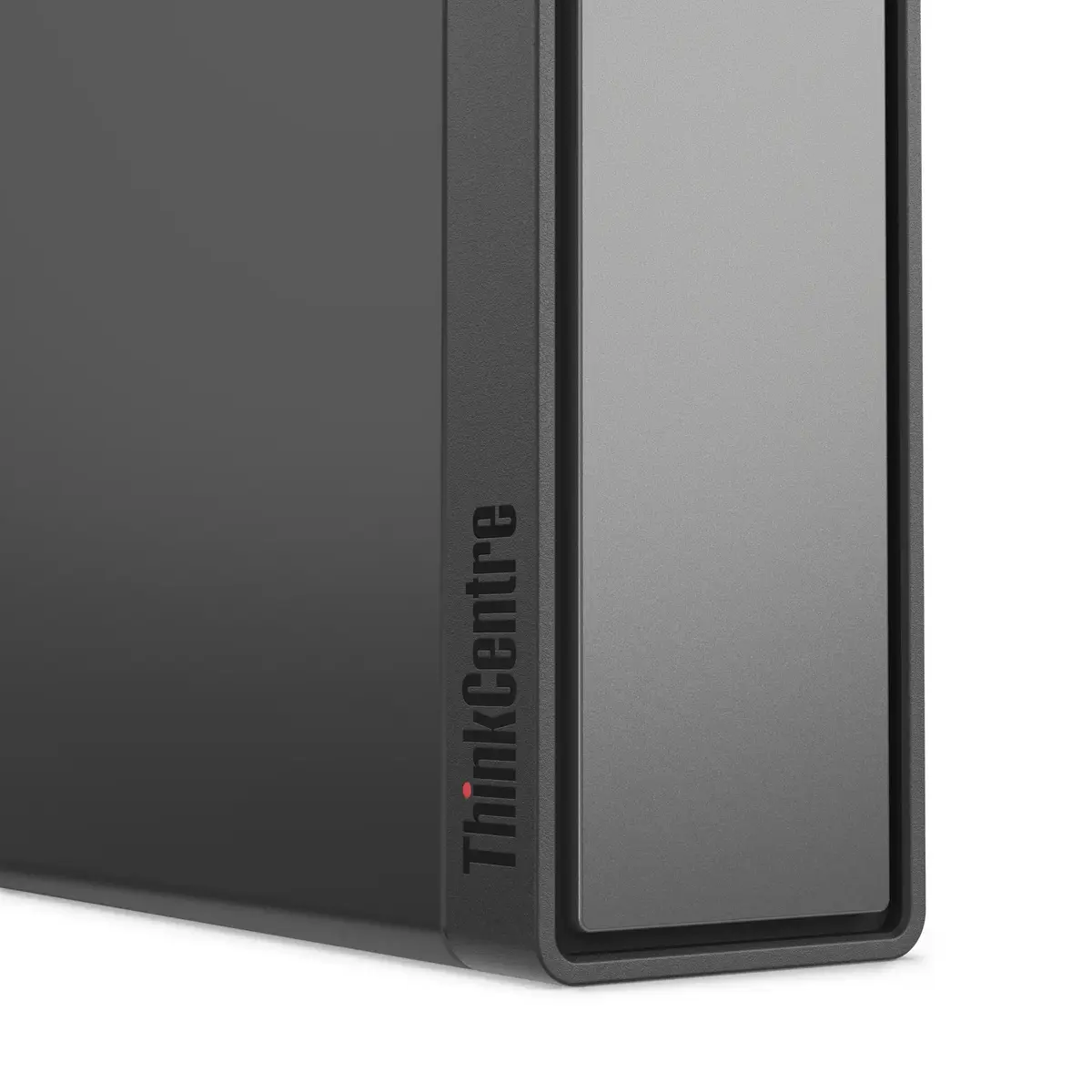
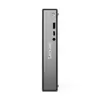
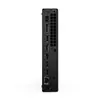
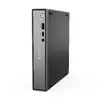
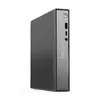
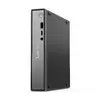
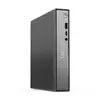
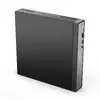
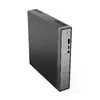
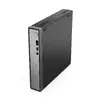
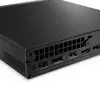
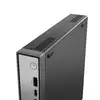
Lenovo ThinkCentre neo 50q Gen 6 Mini PC, Intel Core Ultra 5 226V, 16GB RAM, 512GB SSD, Windows 11 Pro
The Lenovo ThinkCentre neo 50q Gen 6 is a compact mini PC designed to deliver efficient performance in a space-saving form factor. Equipped with an Intel Core Ultra 5 226V processor and integrated Intel Arc Graphics 130V, this desktop provides the necessary power for professional office environments and daily multitasking. The system comes with 16 GB of high-speed memory and a 512 GB SSD, ensuring quick data access and reliable operation for business applications.
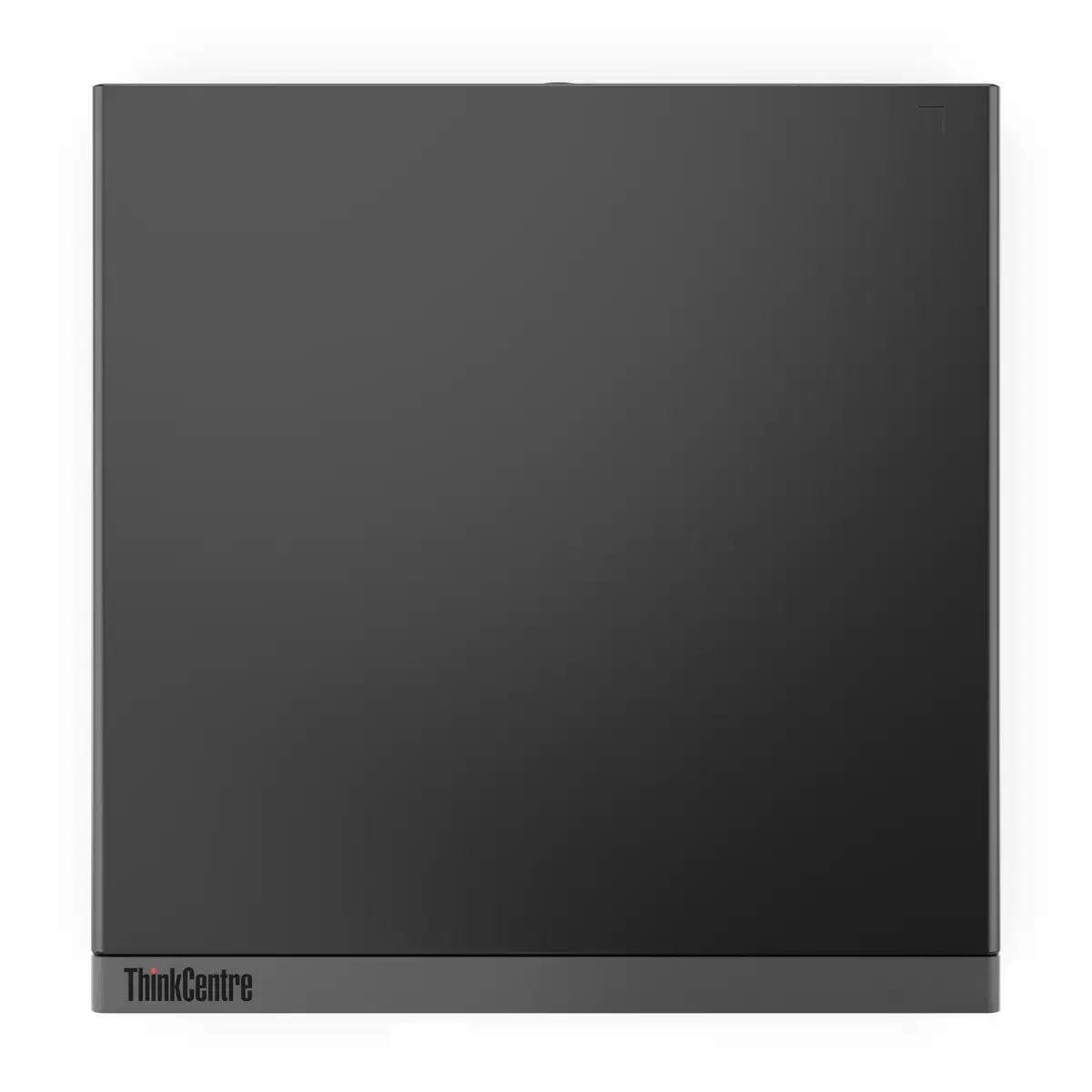
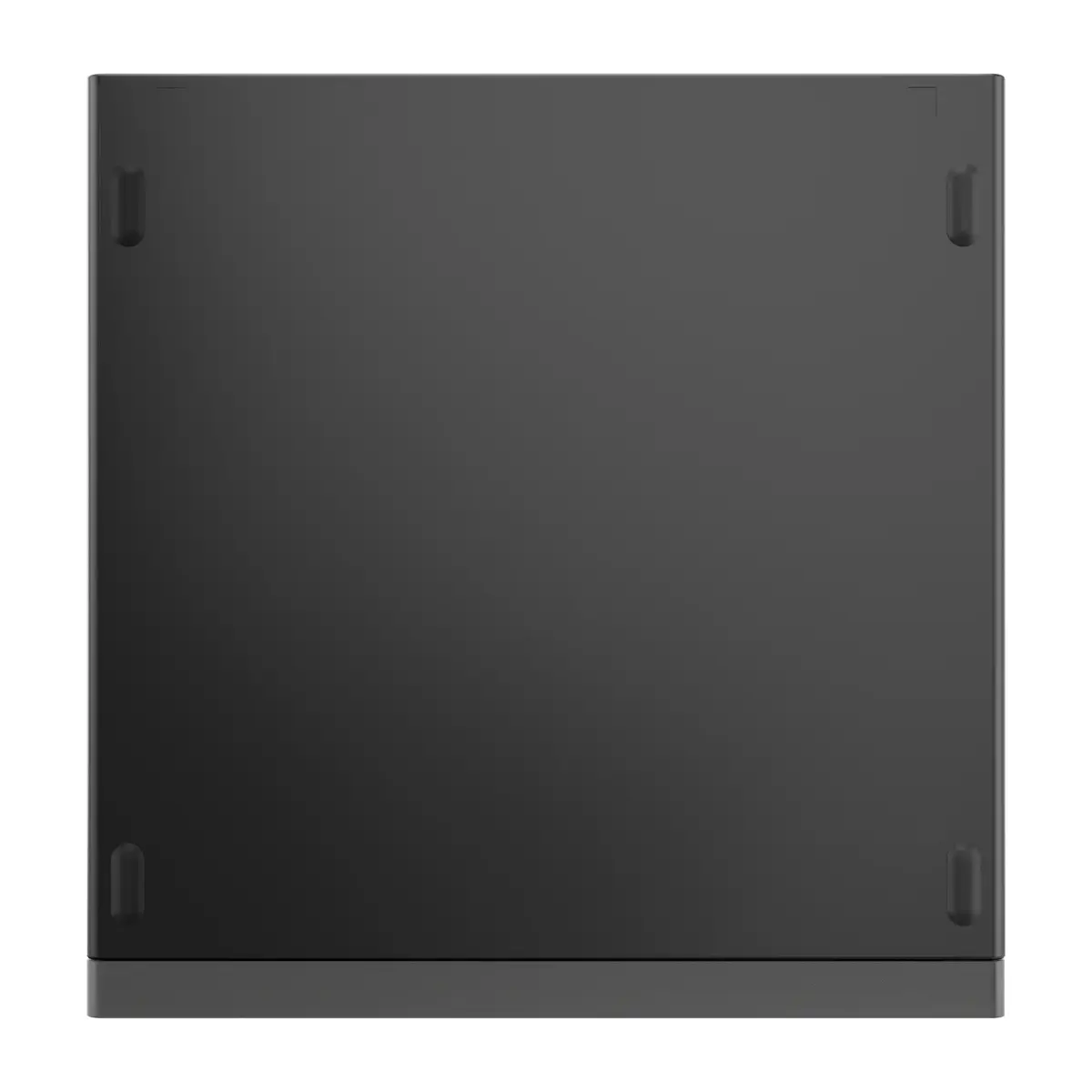
This mini PC offers a significant advantage in environments where desk space is limited, thanks to its compact chassis design. The inclusion of the Intel Core Ultra 5 processor combined with fast LPDDR5X memory allows for smooth handling of productivity software and multitasking. Furthermore, the pre-installed Windows 11 Pro operating system provides advanced security and management features suitable for professional use, while the integrated Wi-Fi and Bluetooth connectivity ensure flexible placement options without the need for extensive cabling.
This device may not be suitable for high-end gaming, professional video editing, or complex 3D rendering tasks that require dedicated high-performance graphics cards. Additionally, due to its compact form factor, it offers limited internal expansion options for hardware upgrades compared to traditional tower desktops.
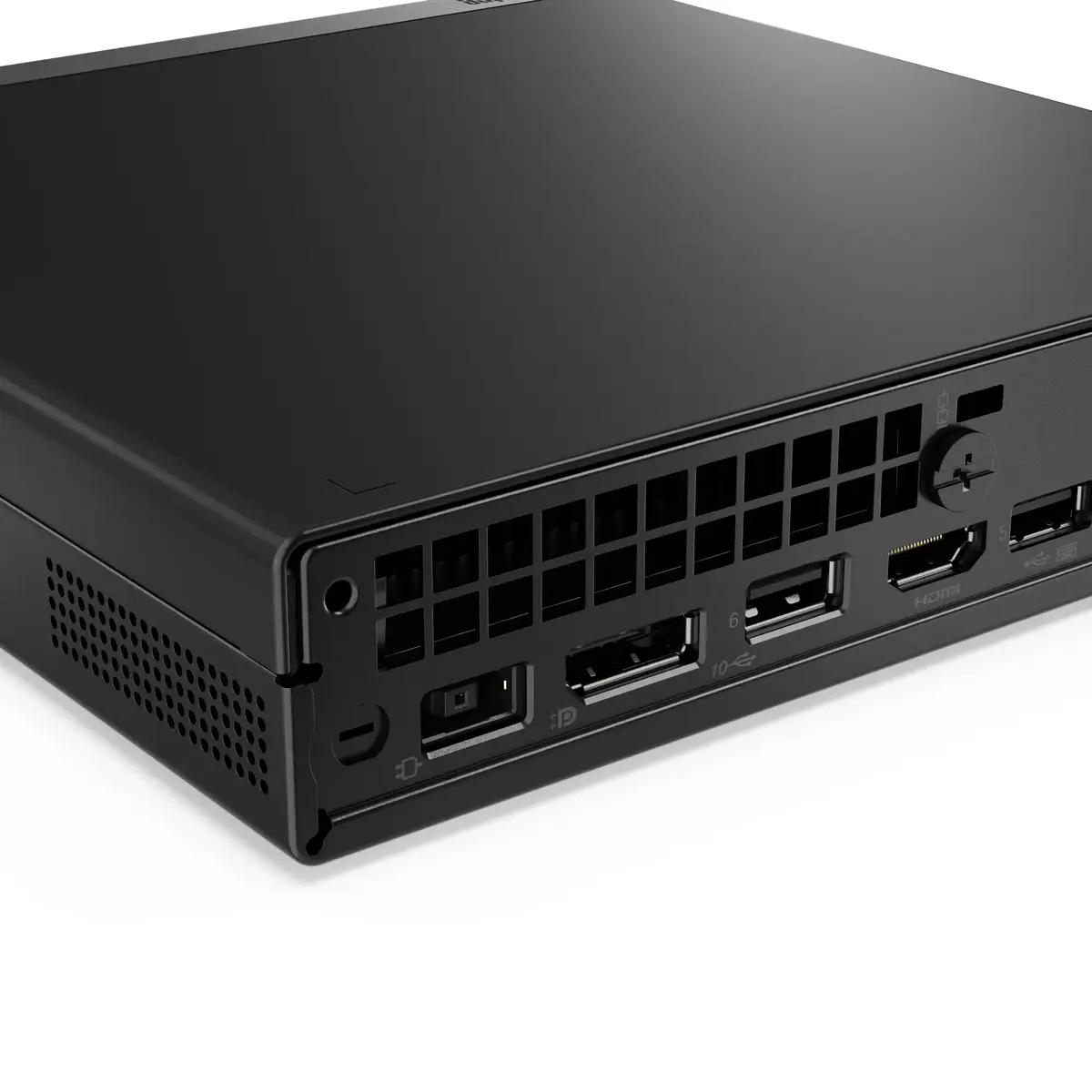
To set up the Lenovo ThinkCentre neo 50q Gen 6, connect your monitor via the appropriate video output, attach a keyboard and mouse, and plug in the provided power adapter. Once connected, press the power button to initiate the initial Windows 11 Pro configuration. Follow the on-screen prompts to connect to your local network and complete the user account setup. The device is designed to be placed horizontally or mounted behind a monitor if a compatible VESA mount is available.
Usage recommendations: Keep the device in a well-ventilated area to ensure efficient cooling and maintain consistent performance during extended work sessions. Regularly update the operating system and drivers through the official support channels to ensure optimal security and system stability.
{{highlightedFeature.featureTitle}}:
{{getProductFeatureValueById(product, highlightedFeature.featureId)}}
{{ productComparisonGenerationError }}
