
Hurry and order now – up to 50% off!
In cart {{totalProductsCount}} item(s)
Your cart is empty
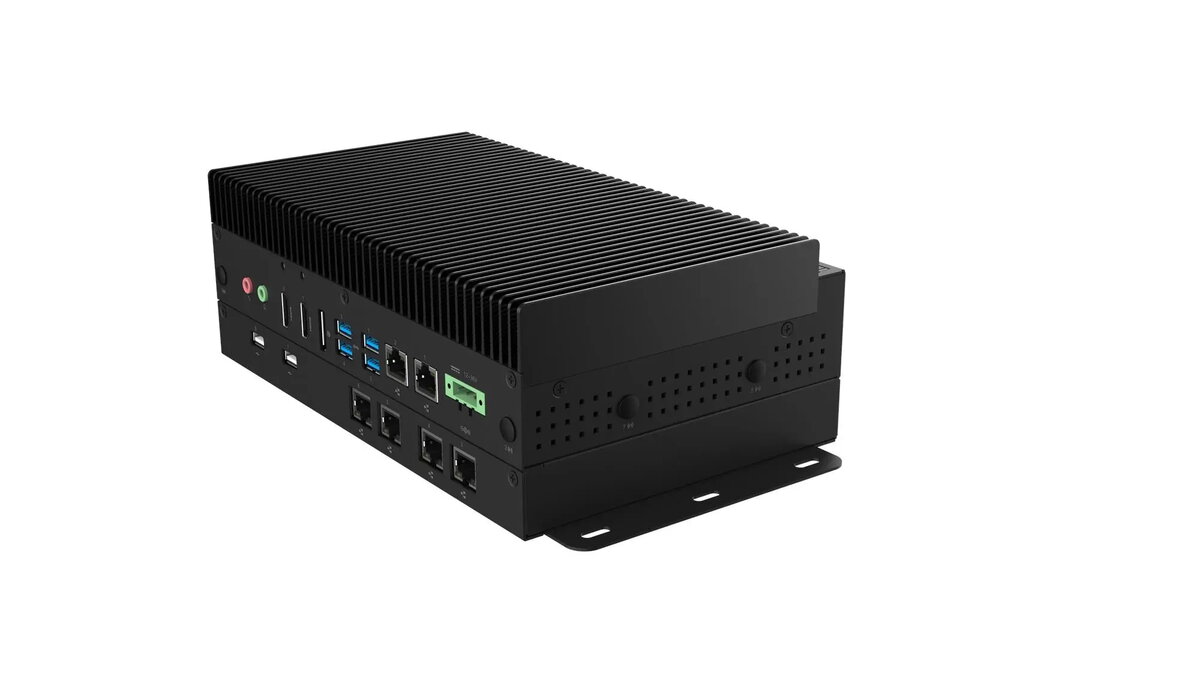
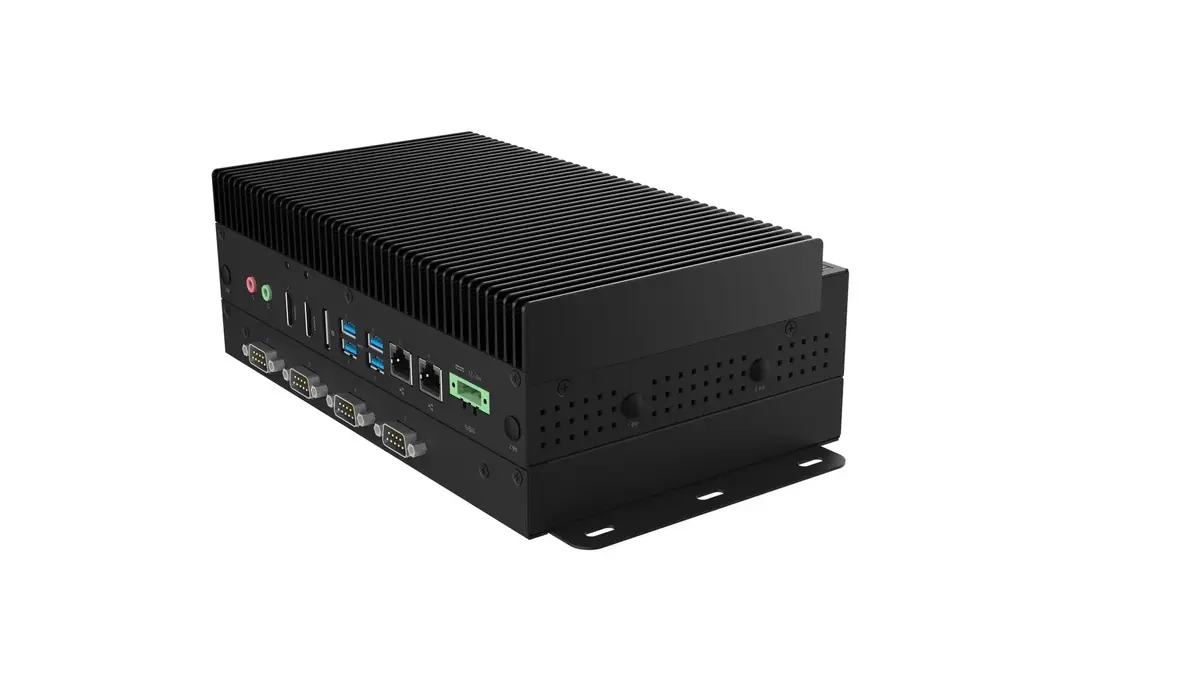
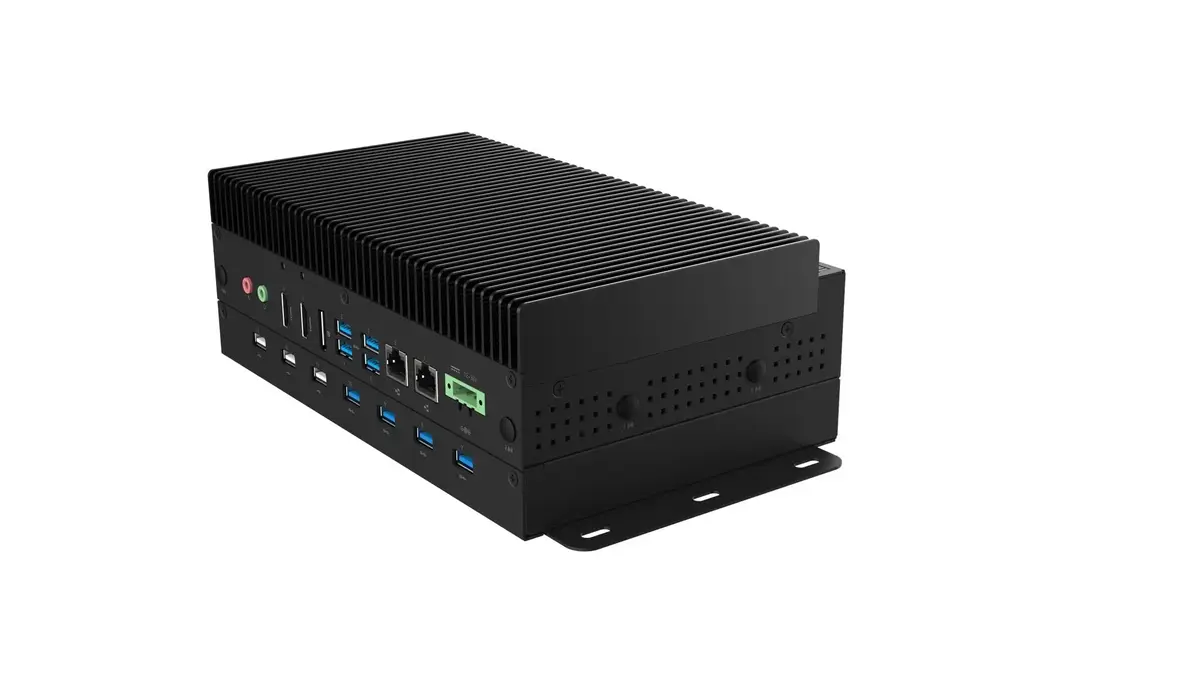
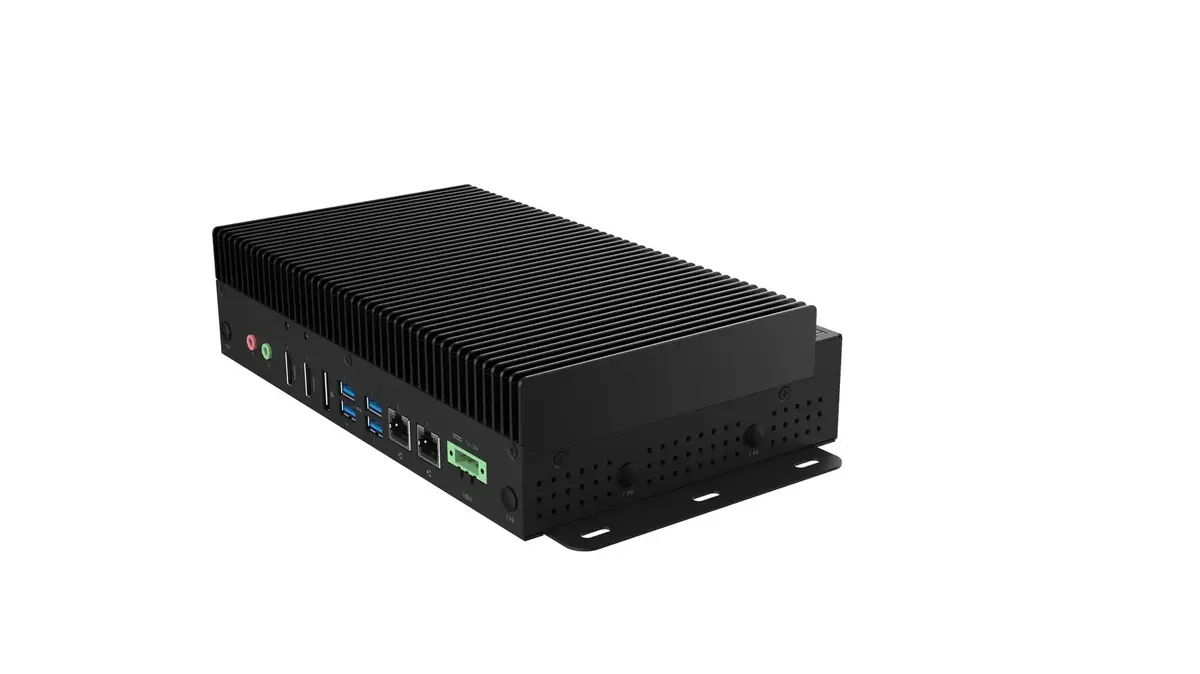
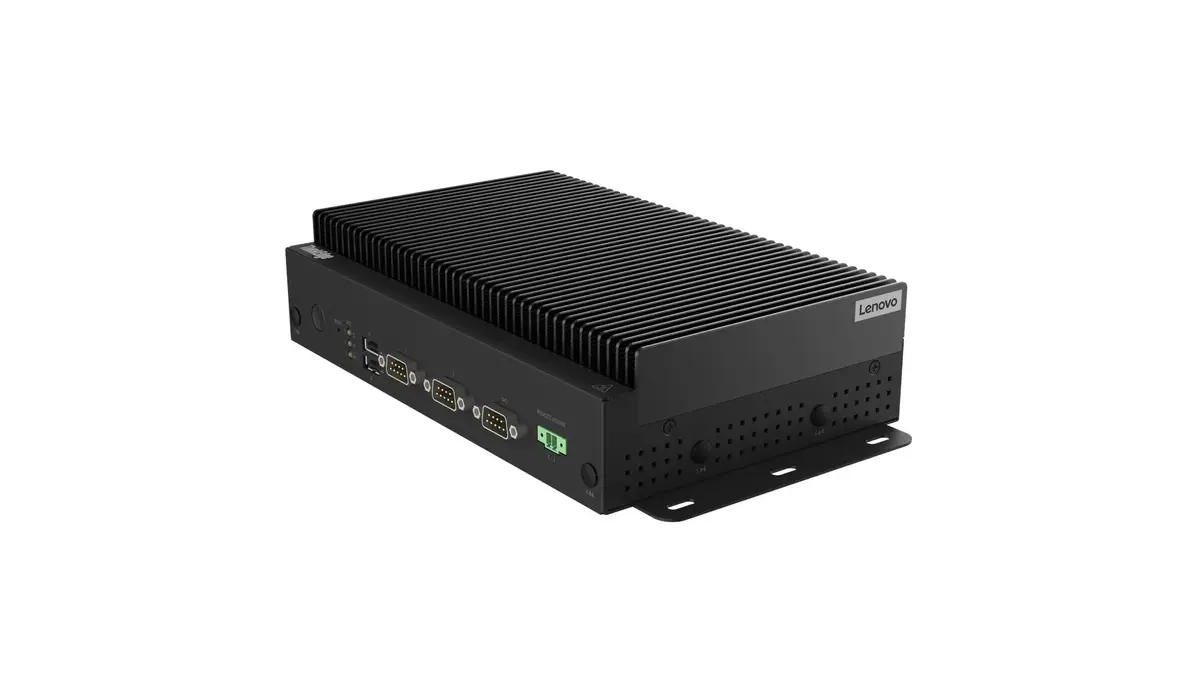
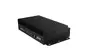
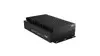
Lenovo ThinkEdge SE60n Gen2 Desktop PC, Intel Core Ultra 5, 16GB DDR5 RAM, 512GB SSD, Black
The Lenovo ThinkEdge SE60n Gen2 is a compact and robust desktop workstation engineered for high-performance edge computing. Powered by an Intel Core Ultra 5 processor and equipped with 16GB of high-speed DDR5 memory, this system delivers the processing power required for demanding industrial and business environments. Its 512GB SSD ensures rapid data access and system responsiveness, while the durable black chassis is designed to integrate seamlessly into professional workspaces where reliability and efficiency are paramount.
This workstation offers significant benefits for professional users who require a stable and powerful computing platform in a small form factor. The integration of the latest Intel Core Ultra architecture provides an excellent balance between energy efficiency and computational performance. With advanced DDR5 memory technology, the system handles multitasking and complex data processing tasks with ease. The inclusion of a high-speed NVMe SSD minimizes boot times and application loading, while the robust build quality ensures long-term operational stability in various professional settings.
This device is specifically optimized for edge computing and professional business tasks, meaning it is not intended for high-end gaming or intensive 3D rendering workflows that require dedicated high-performance graphics cards. Additionally, its compact design offers limited internal expansion options for users who need to add multiple internal drives or additional hardware components.
To begin using the Lenovo ThinkEdge SE60n Gen2, connect the provided power supply to the unit and attach your monitor, keyboard, and mouse to the available ports. Connect the device to your network via the Ethernet port or configure the Wi-Fi 6E settings during the initial Windows setup. Once powered on, the pre-installed Windows 11 IoT Enterprise operating system will guide you through the configuration process. Ensure the device is placed on a stable surface with adequate ventilation to maintain optimal operating temperatures during heavy workloads.
For optimal performance and longevity, keep the device firmware updated through official Lenovo support channels and ensure the ventilation grilles remain unobstructed to prevent thermal throttling during intensive operations.
{{highlightedFeature.featureTitle}}:
{{getProductFeatureValueById(product, highlightedFeature.featureId)}}
{{ productComparisonGenerationError }}
