
Powerful EcoFlow stations for energy anywhere!
In cart {{totalProductsCount}} item(s)
Your cart is empty
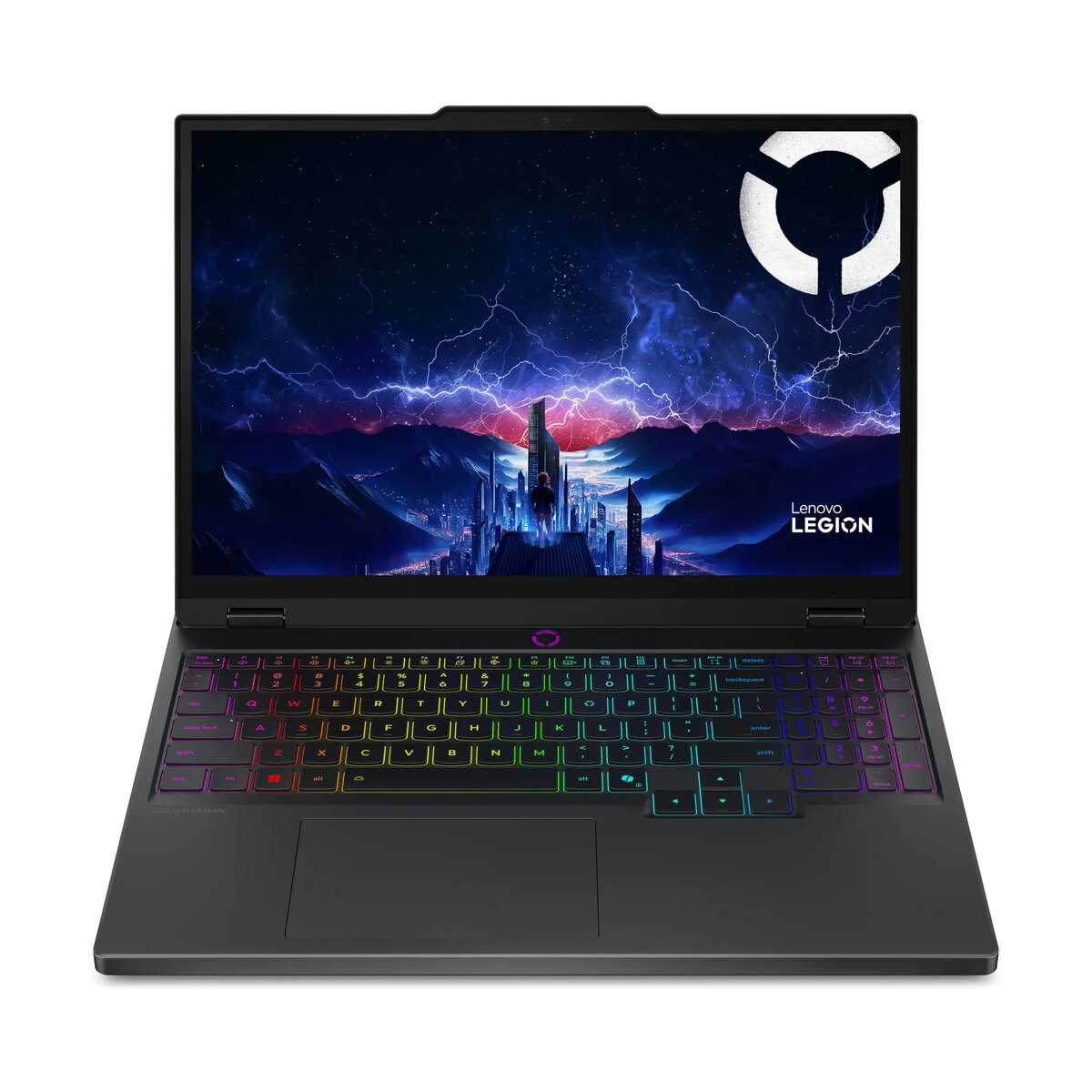
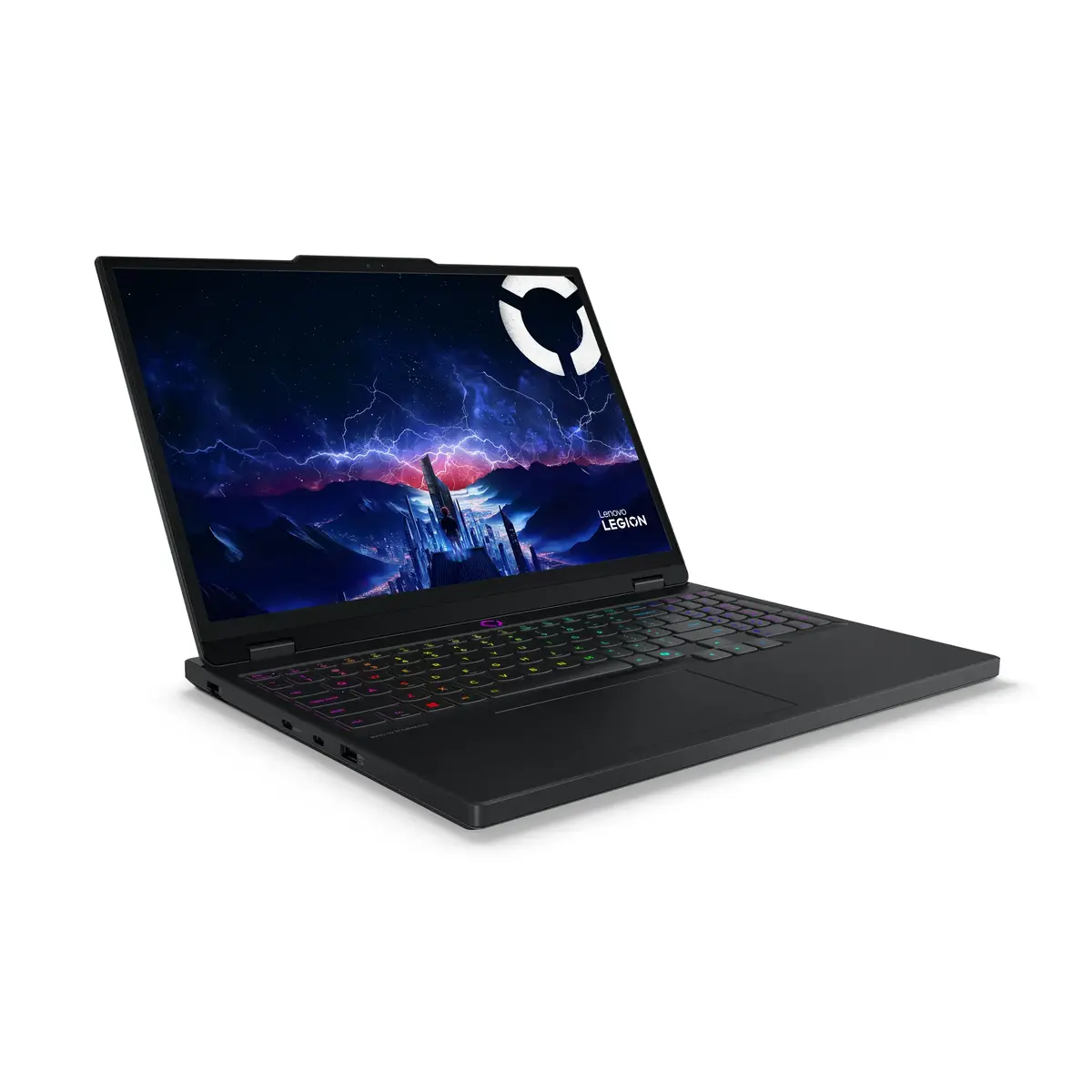
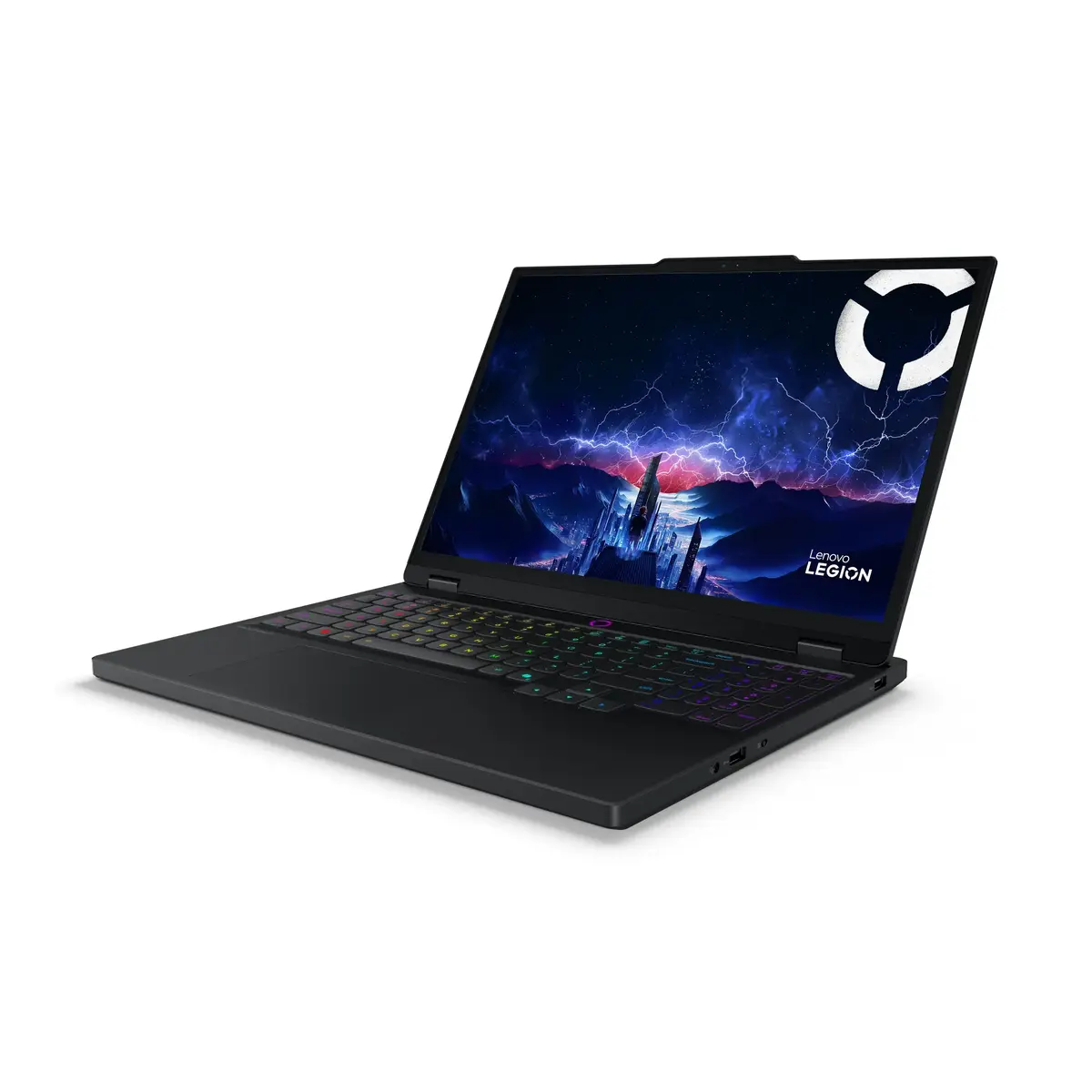
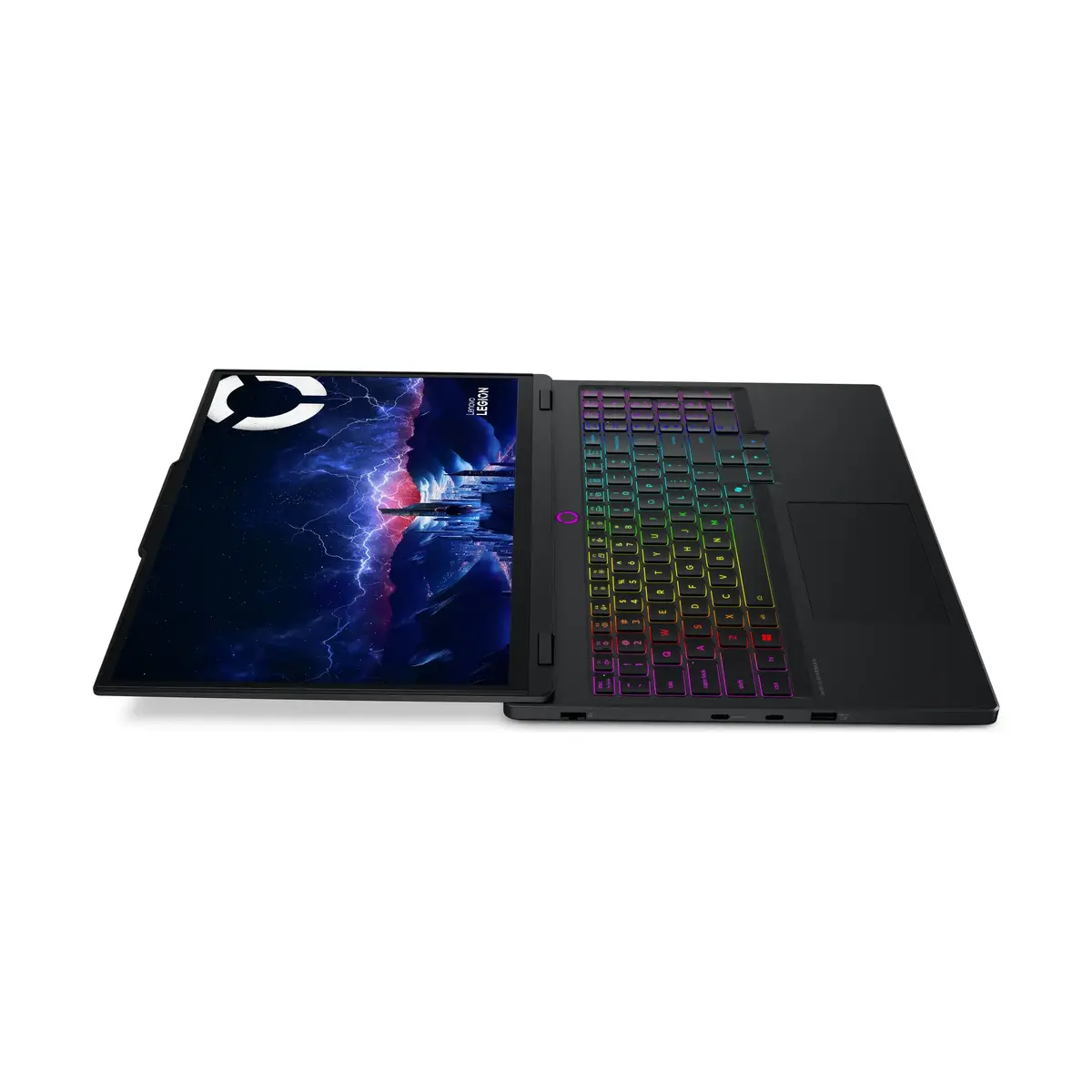
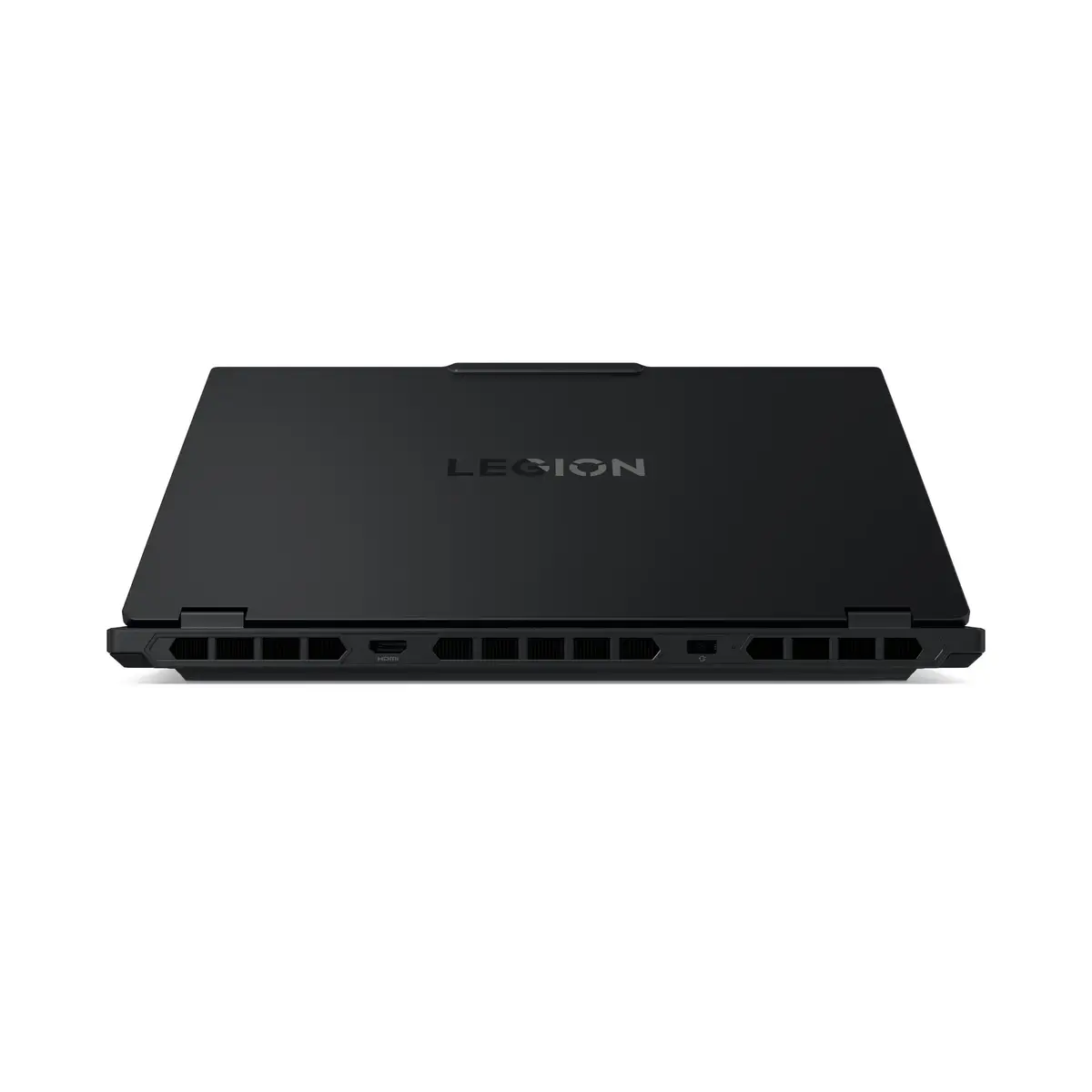
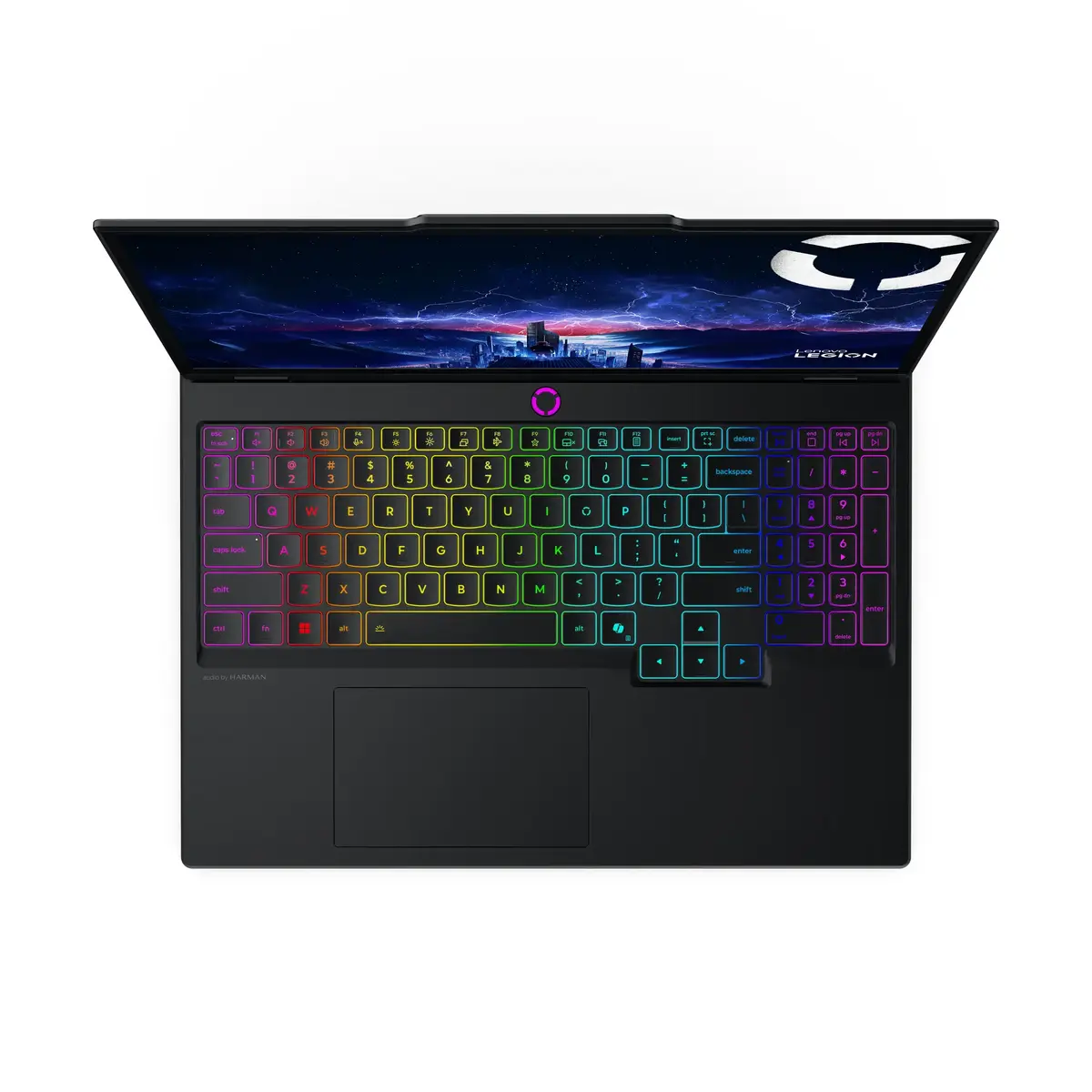
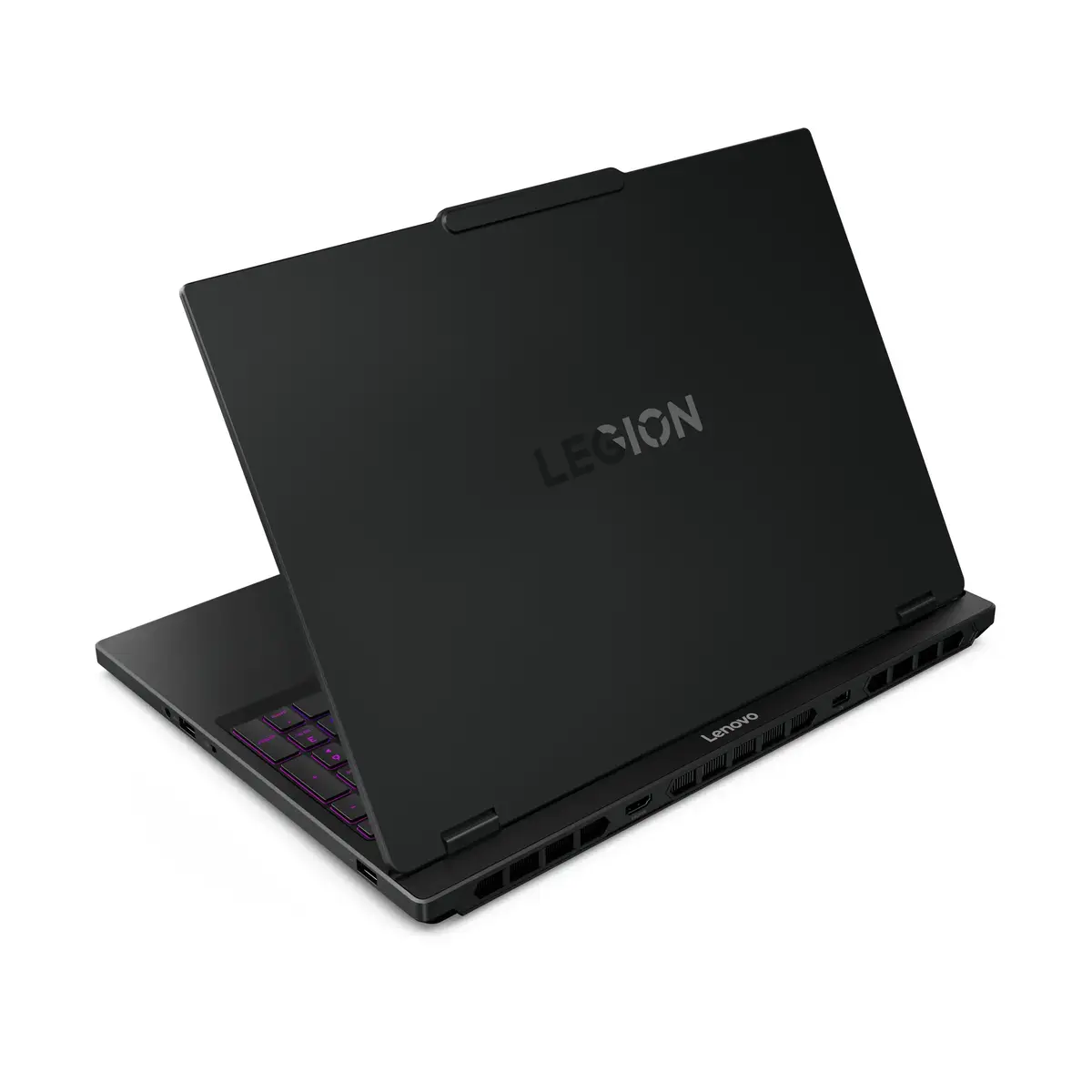
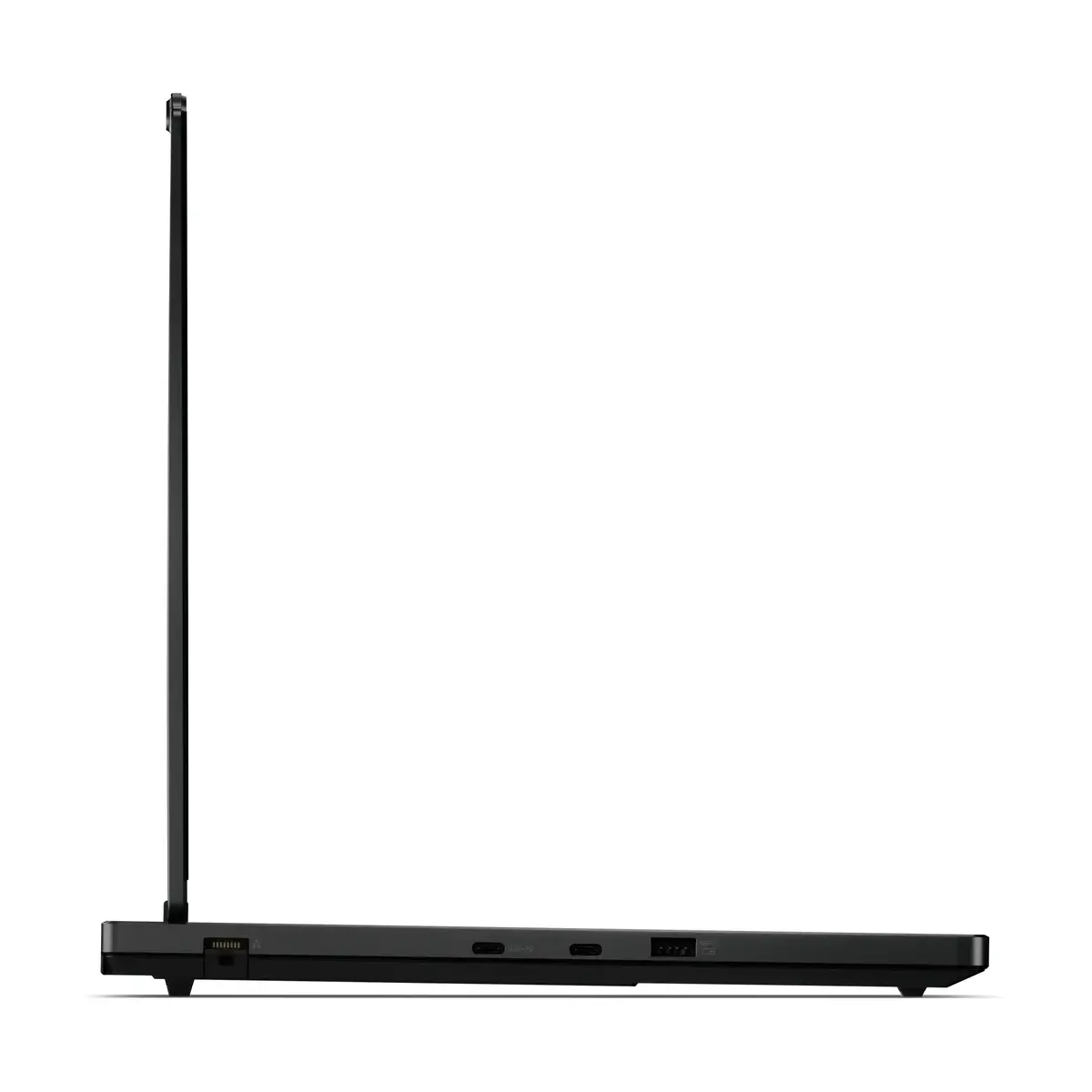
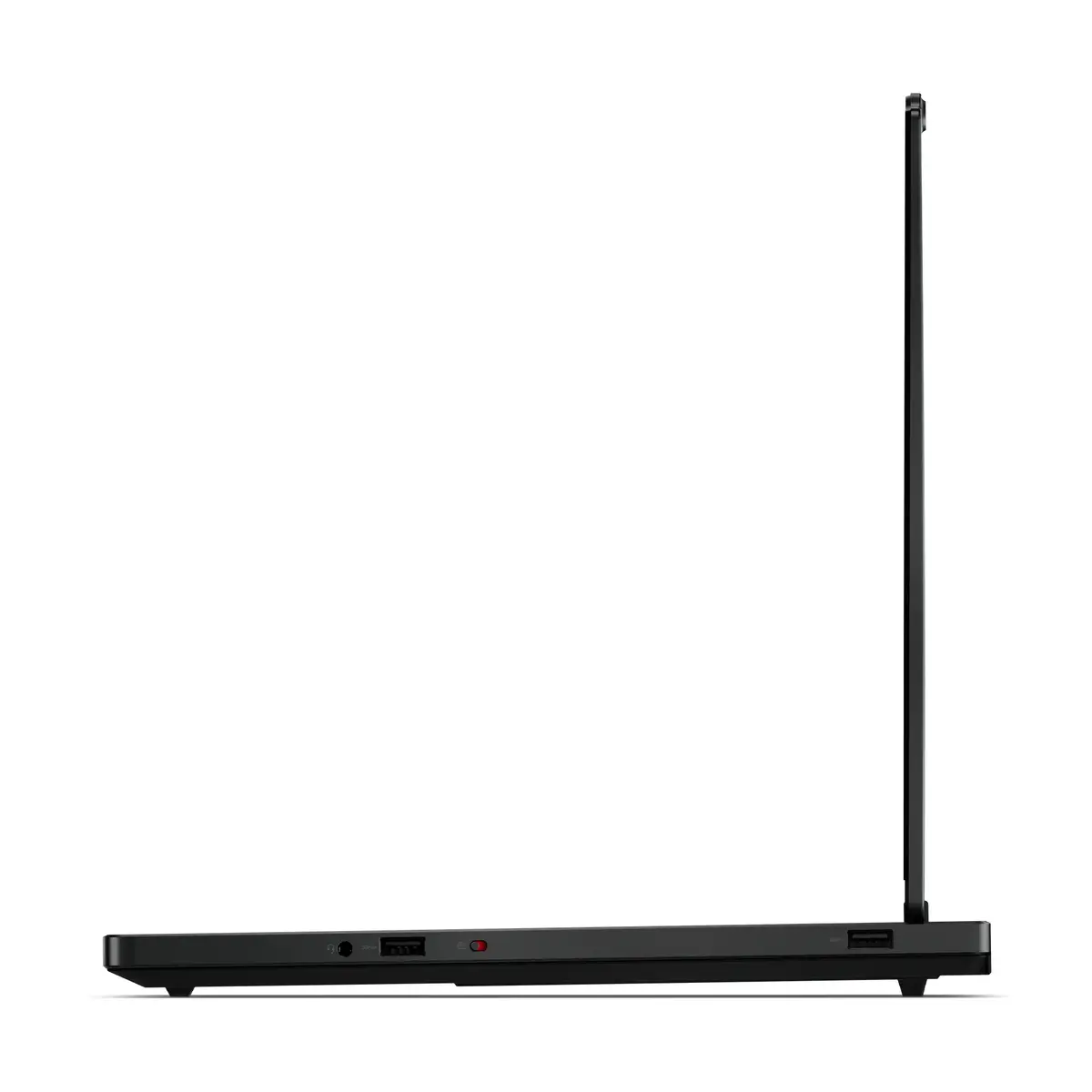
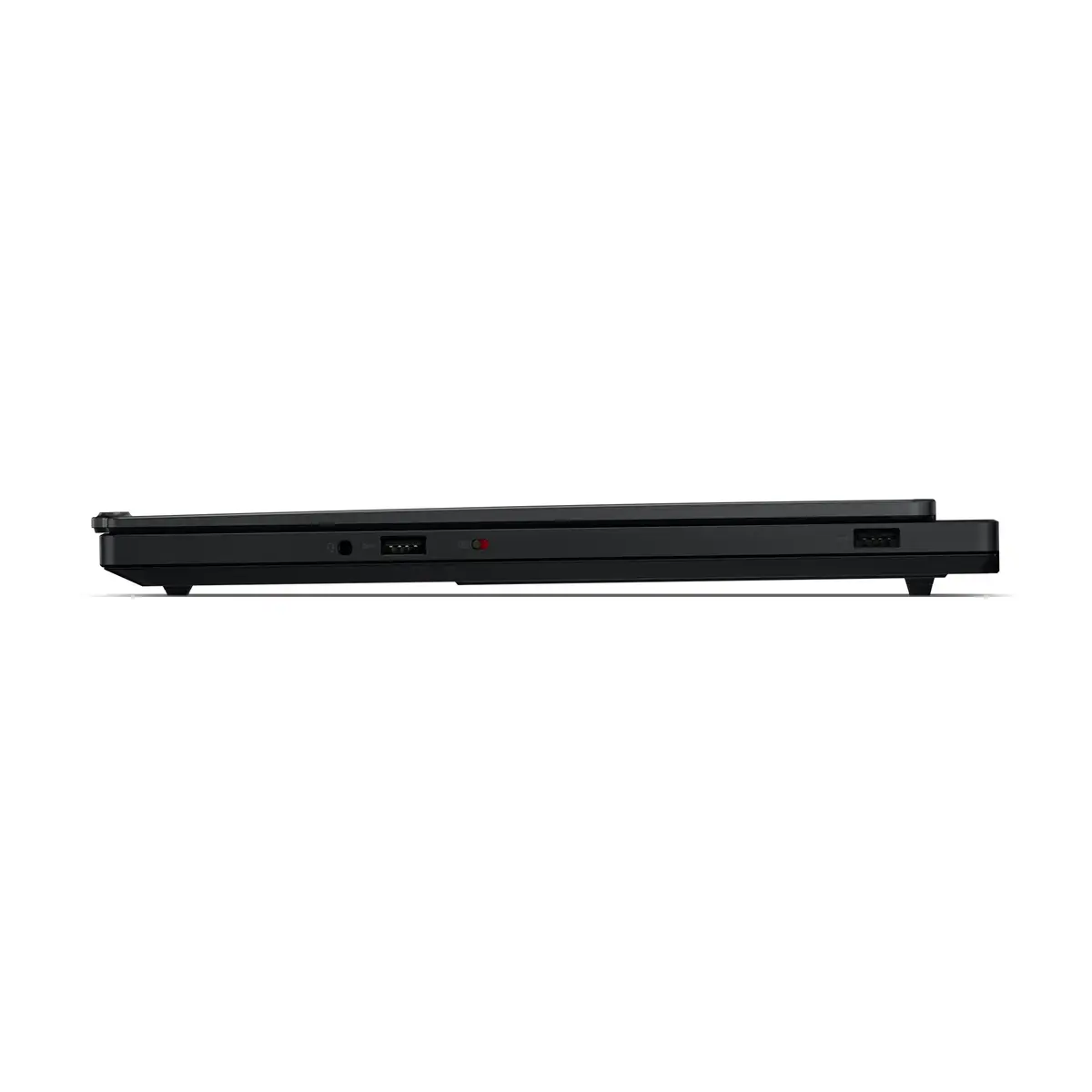
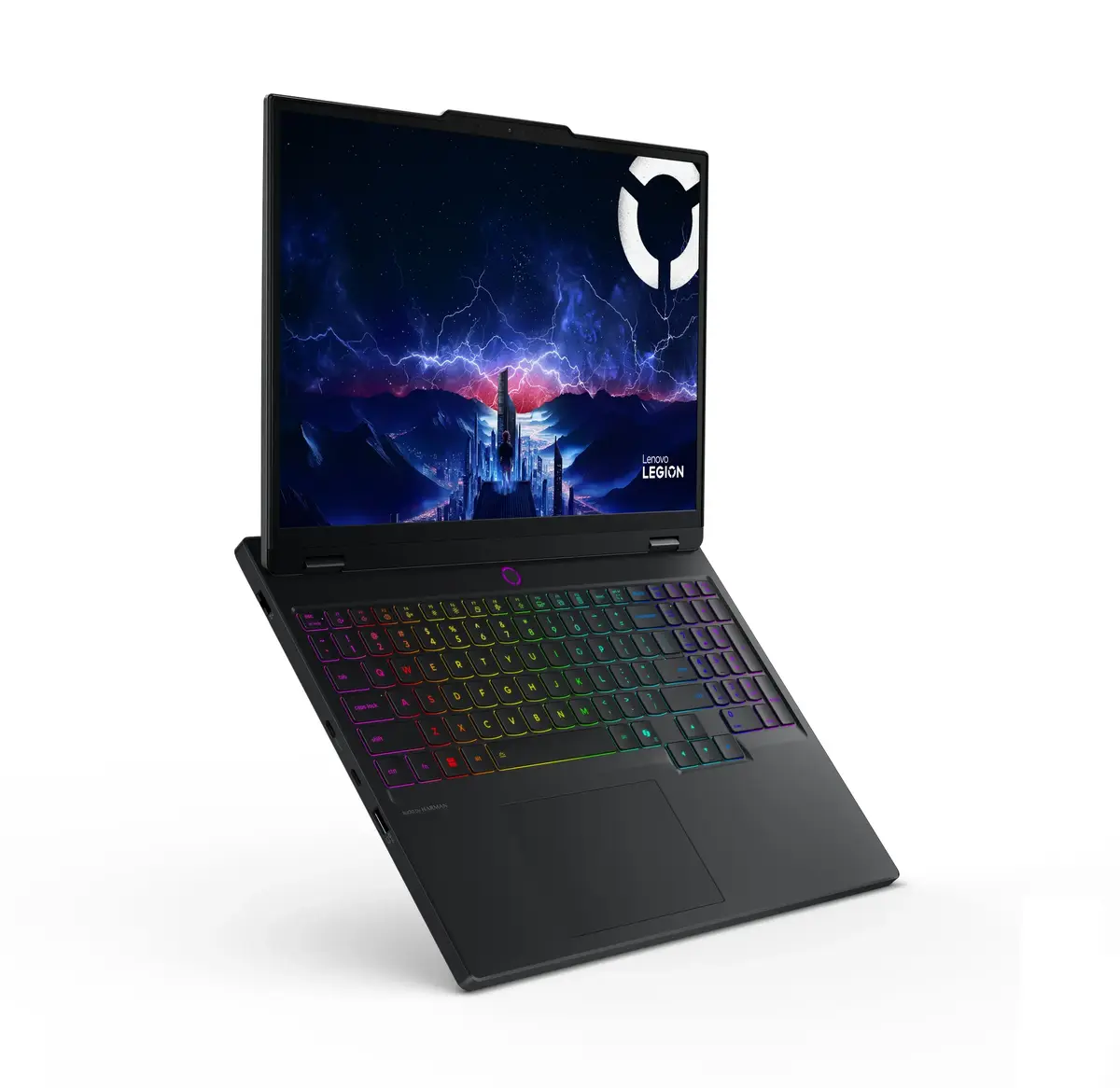
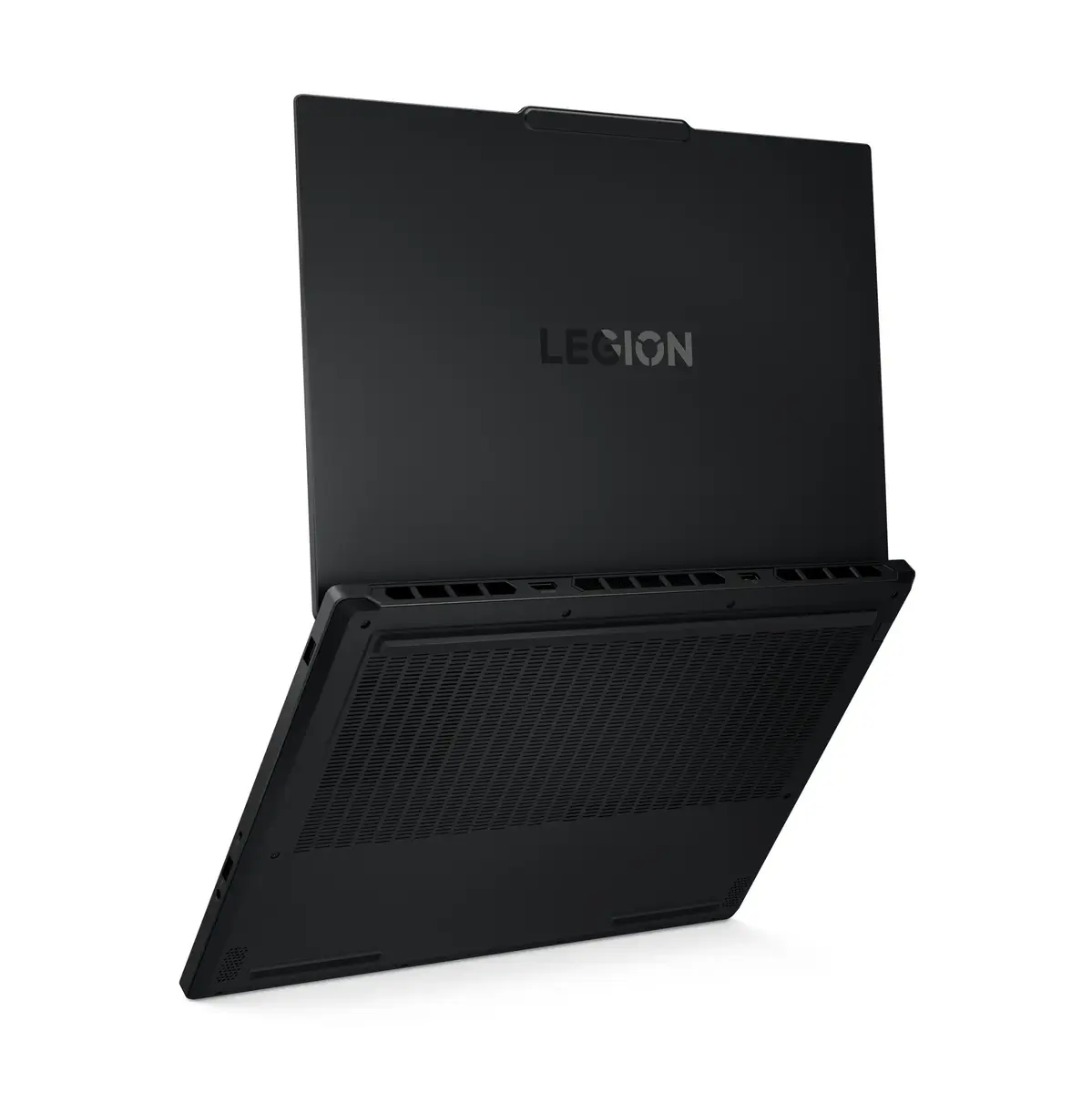
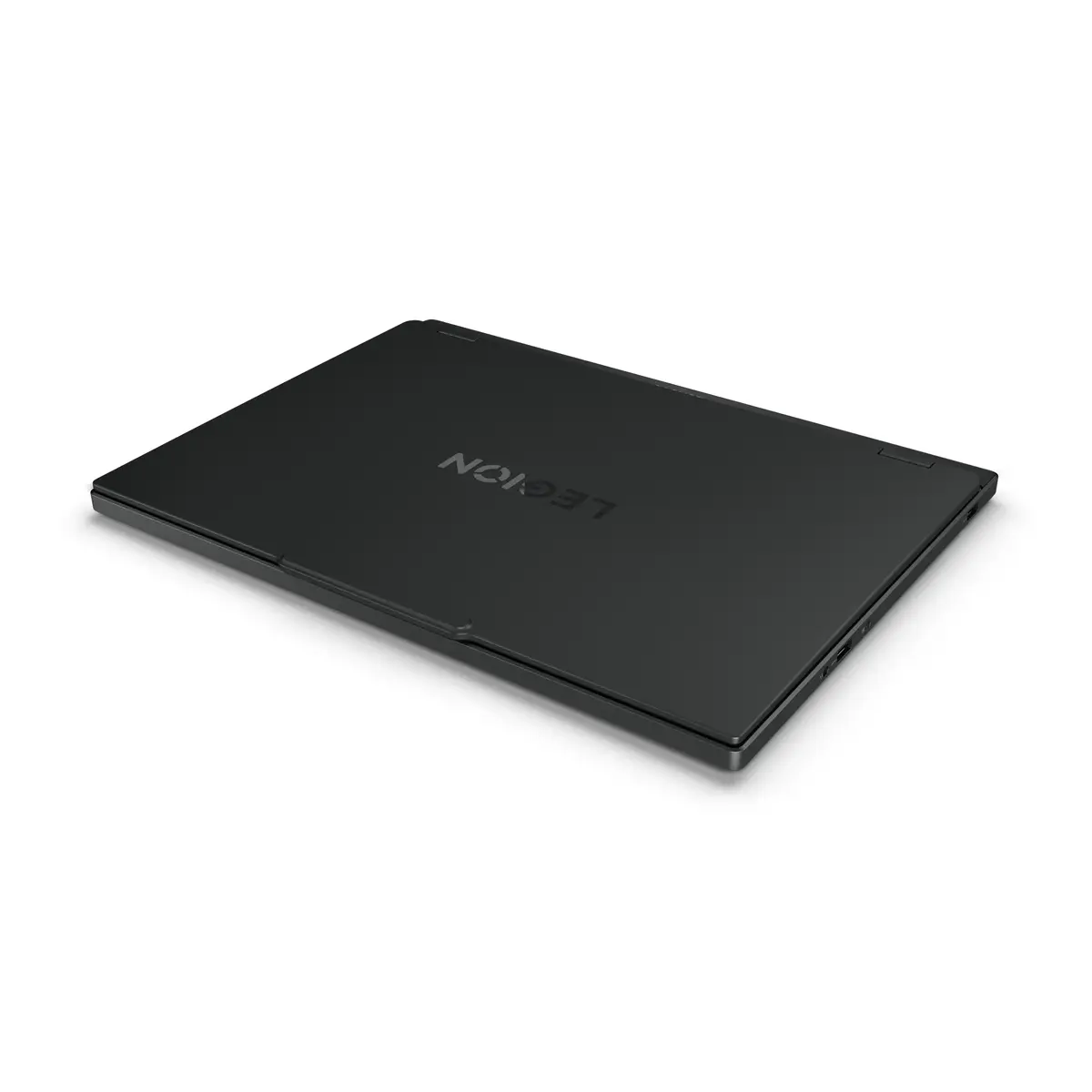
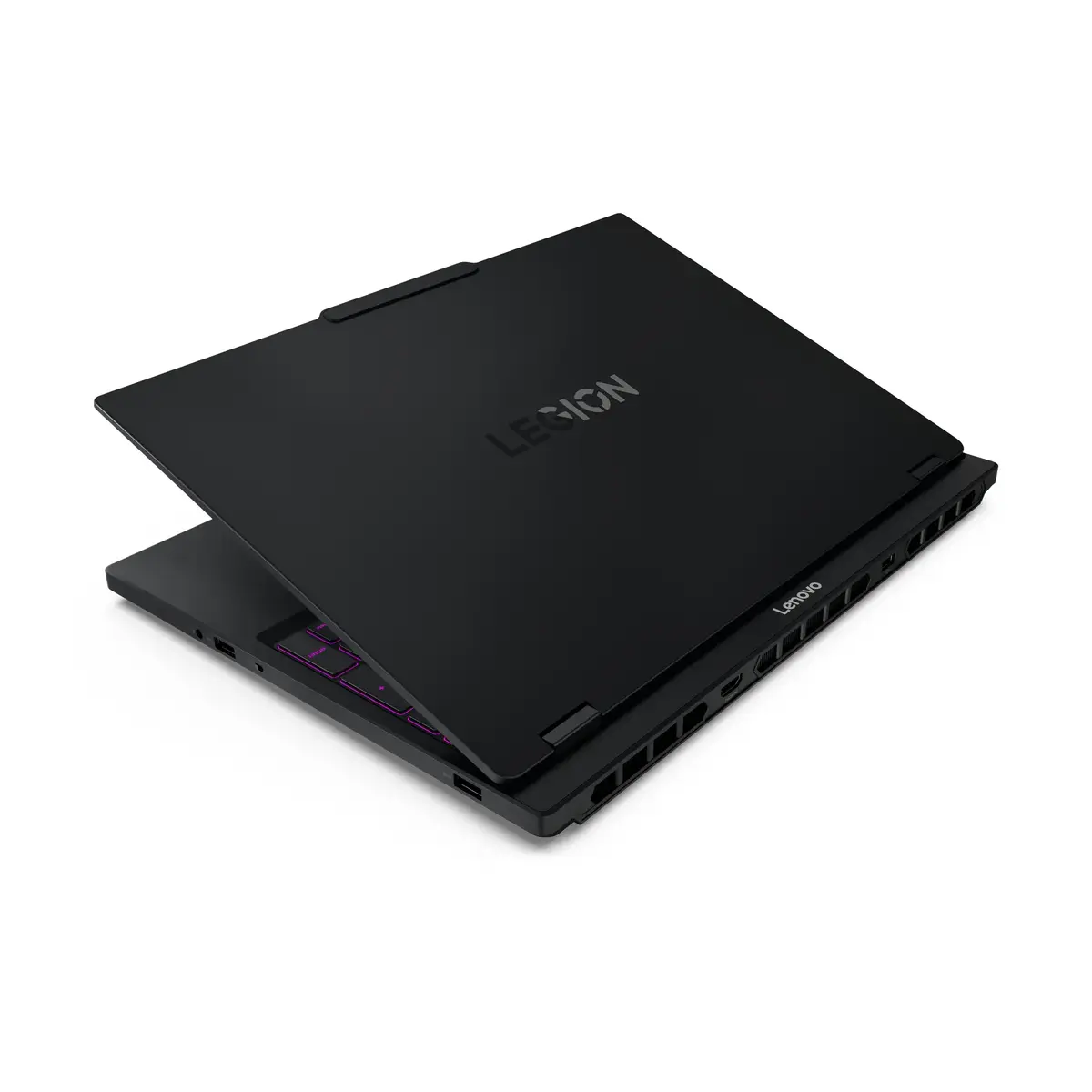
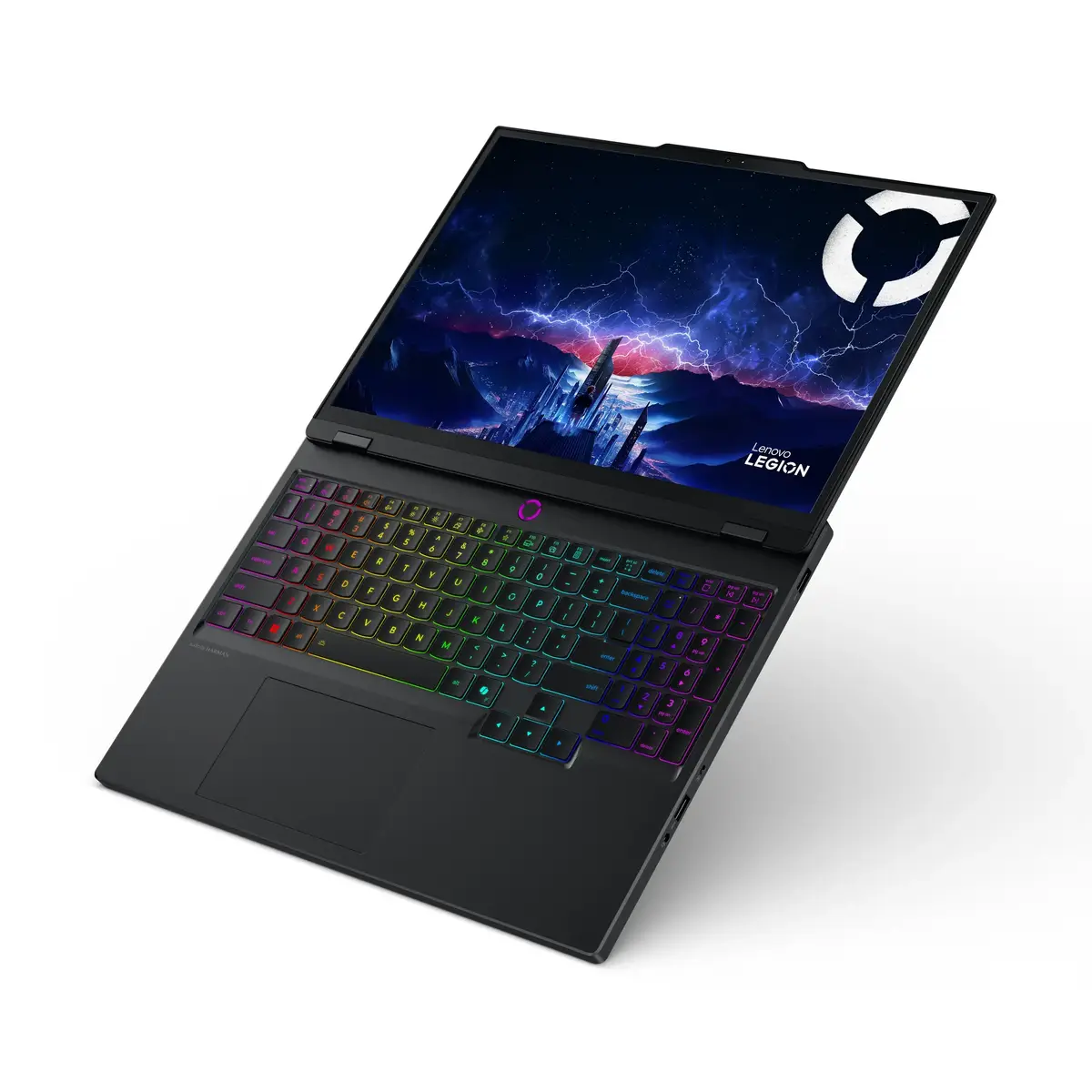
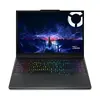
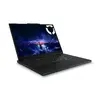
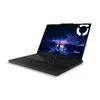
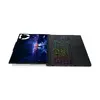
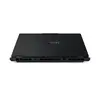
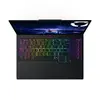
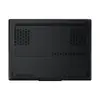
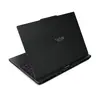
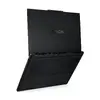
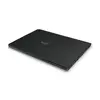
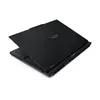
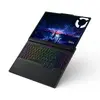
Lenovo Legion 5 15IRX10 Laptop, Intel Core i9-14900HX, 16GB DDR5, 1TB SSD, NVIDIA GeForce RTX 5070, 15.1-inch WQXGA, Windows 11 Home
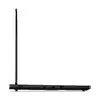
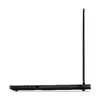
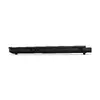
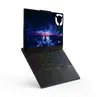
The Lenovo Legion 5 15IRX10 is a high-performance gaming laptop engineered to deliver exceptional power and visual fidelity. Equipped with the Intel Core i9-14900HX processor and the advanced NVIDIA GeForce RTX 5070 graphics card, this device handles intensive gaming sessions, complex multitasking, and demanding professional applications with ease. The sleek black clamshell design houses a high-resolution 15.1-inch WQXGA display, ensuring that every detail is rendered with clarity and precision.
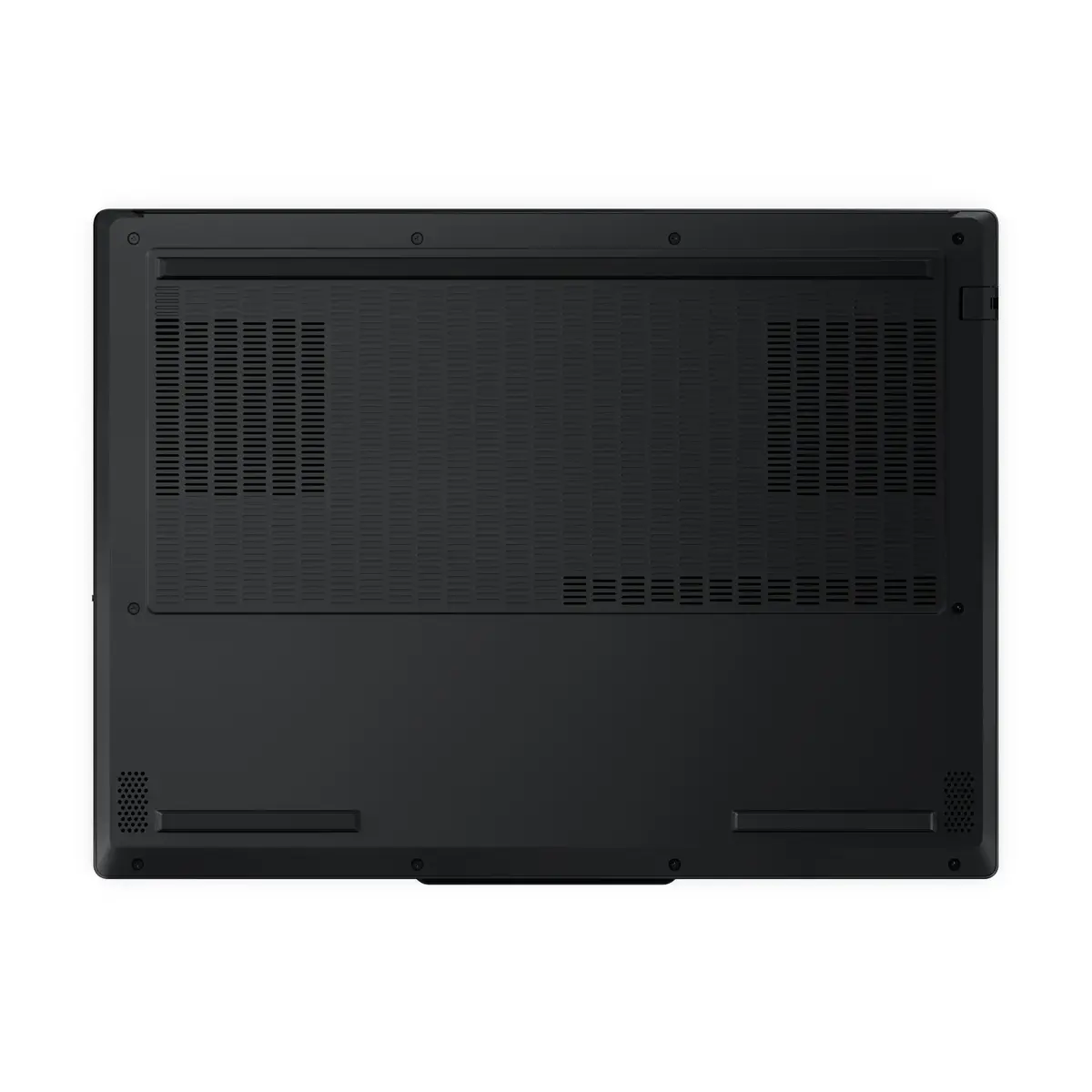
This laptop stands out due to its robust processing capabilities provided by the 24-core Intel i9 processor, which ensures smooth performance even under heavy workloads. The inclusion of high-speed DDR5 memory and a spacious 1TB SSD allows for rapid data access and quick system boot times. Furthermore, the integration of Wi-Fi 7 technology guarantees stable and fast wireless connectivity, while the high-capacity battery and efficient cooling system support extended periods of high-performance operation.
This laptop may not be the ideal choice for users seeking a lightweight, ultra-portable device for basic office tasks or casual web browsing, as its high-performance components prioritize power over extreme portability. Additionally, its specialized hardware configuration may exceed the needs of users who do not engage in intensive gaming or professional creative work.
To begin using the Lenovo Legion 5, connect the provided 245W power adapter to ensure the system has sufficient energy for initial setup. Follow the on-screen instructions provided by Windows 11 Home to configure your user profile and network settings. For optimal gaming performance, ensure that the laptop is placed on a flat, hard surface to allow for proper airflow through the cooling vents. You can manage system performance and thermal settings through the pre-installed manufacturer software.
For the best experience, keep the laptop firmware and NVIDIA graphics drivers updated via the official support channels. Always use the device on a stable surface to prevent overheating during intensive tasks.
{{highlightedFeature.featureTitle}}:
{{getProductFeatureValueById(product, highlightedFeature.featureId)}}
{{ productComparisonGenerationError }}
