



Filters you can trust. Pure water every day.
In cart {{totalProductsCount}} item(s)
Your cart is empty
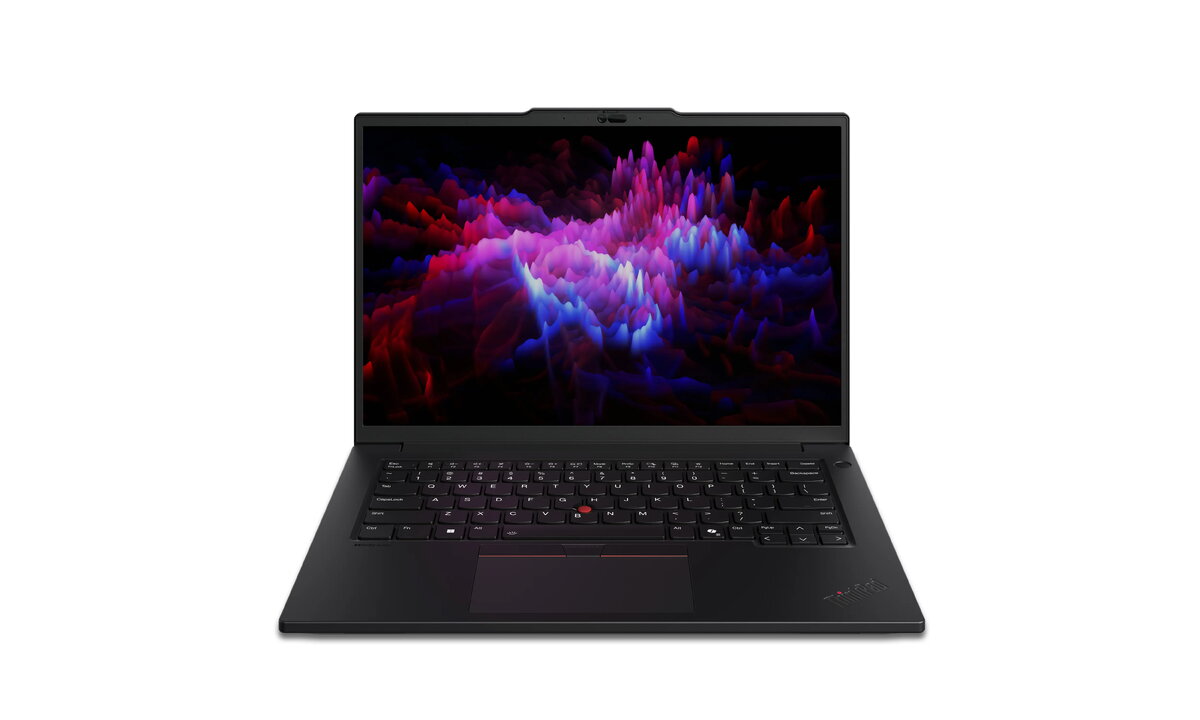
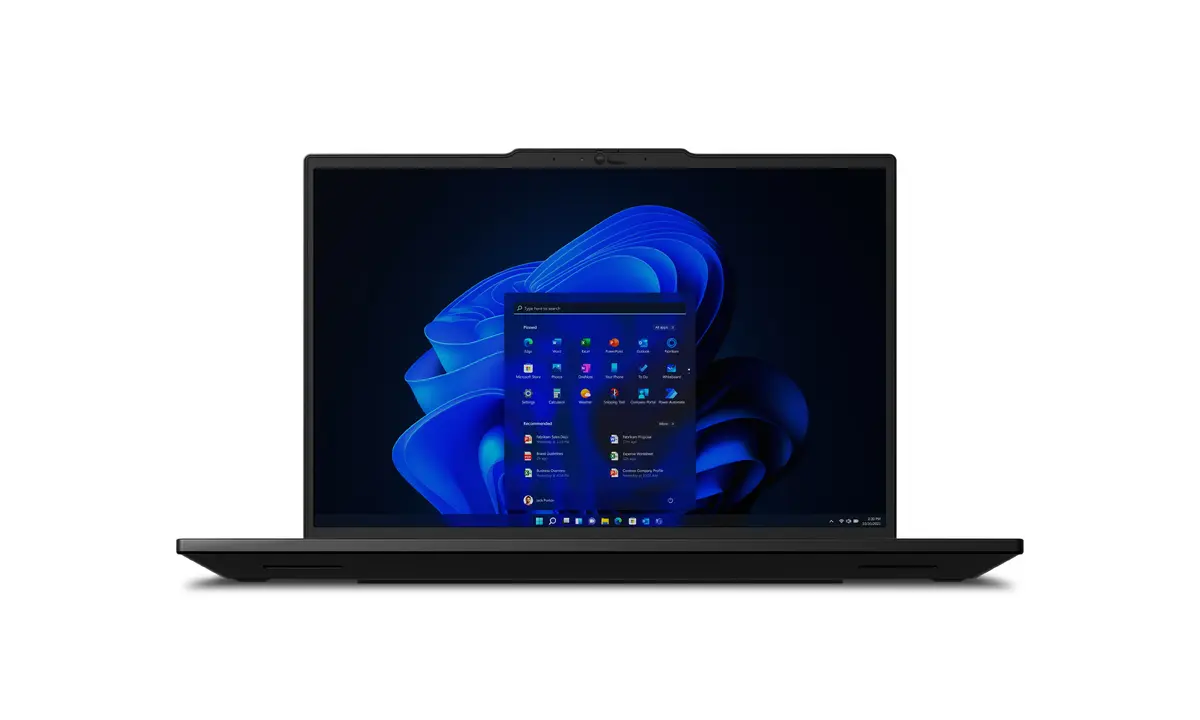
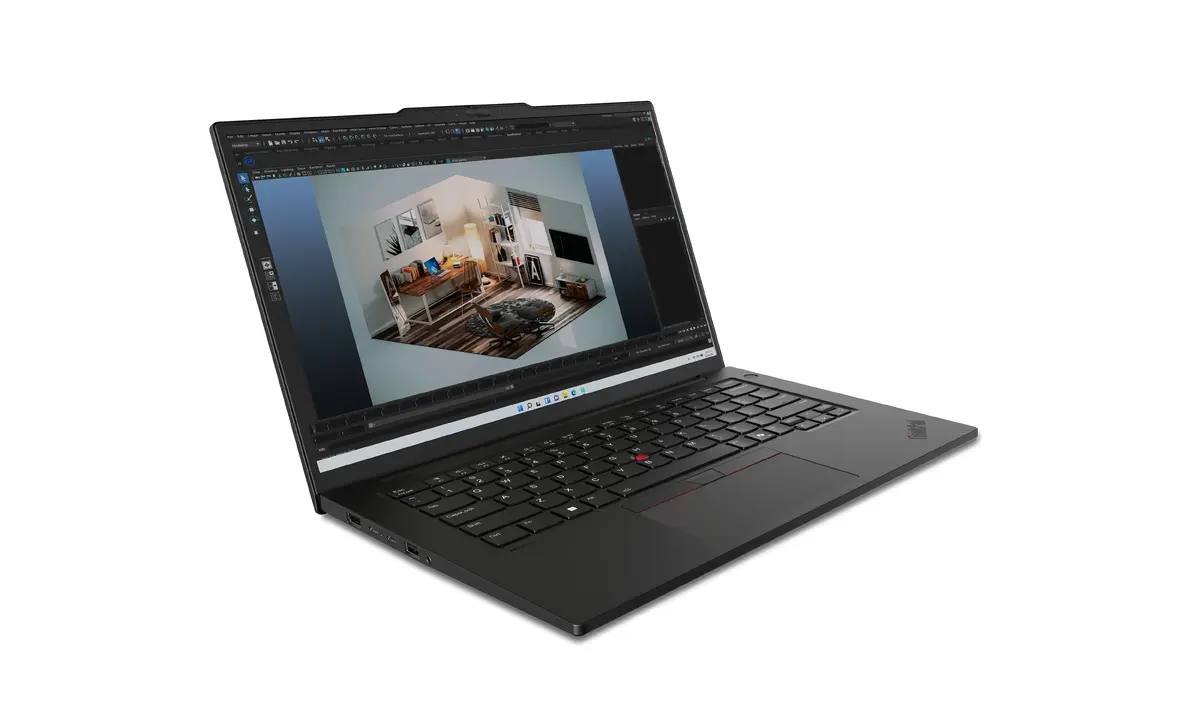
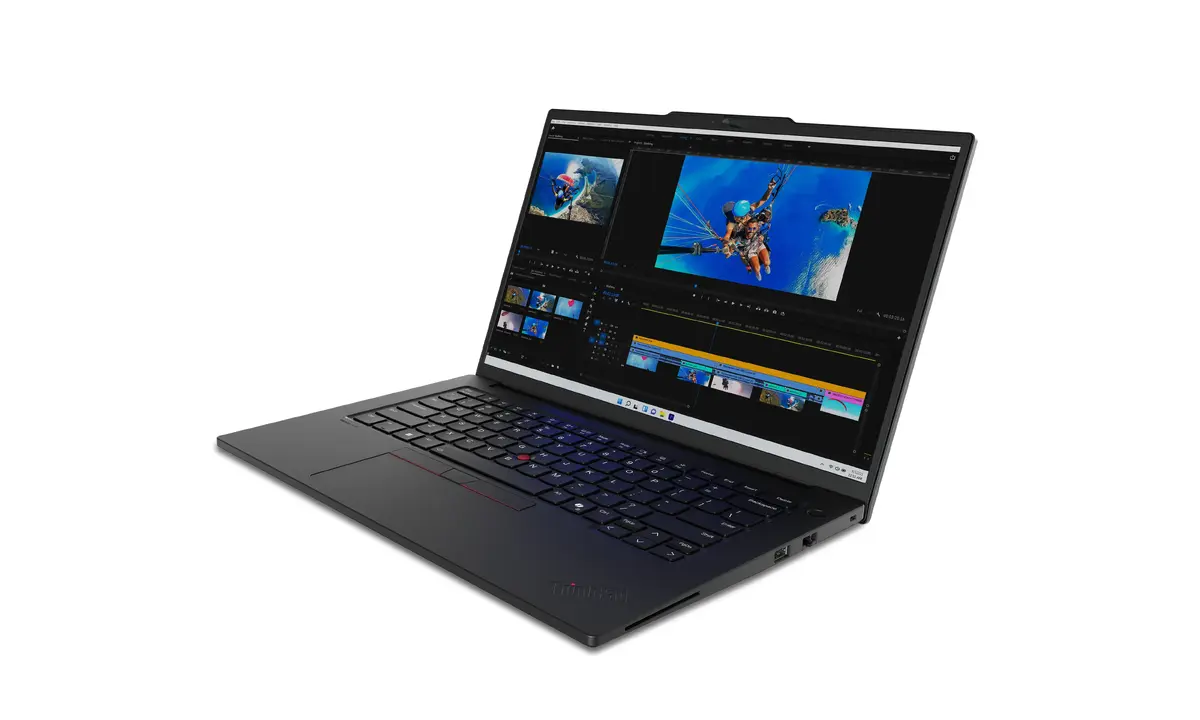
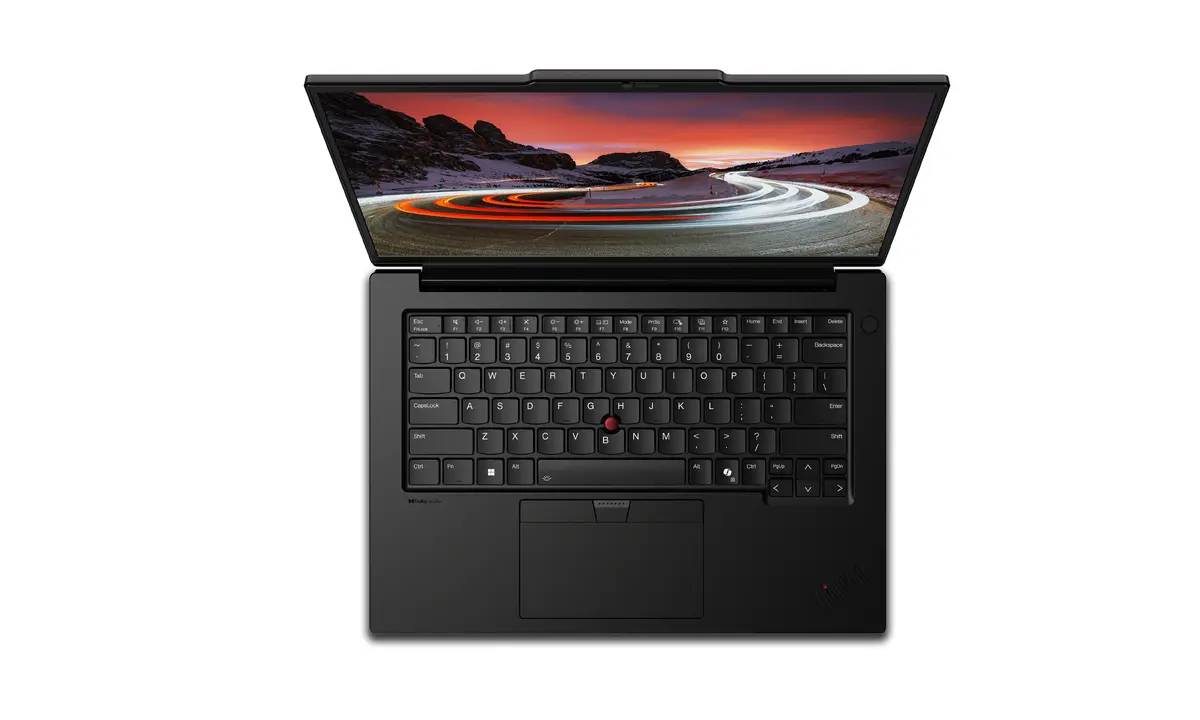
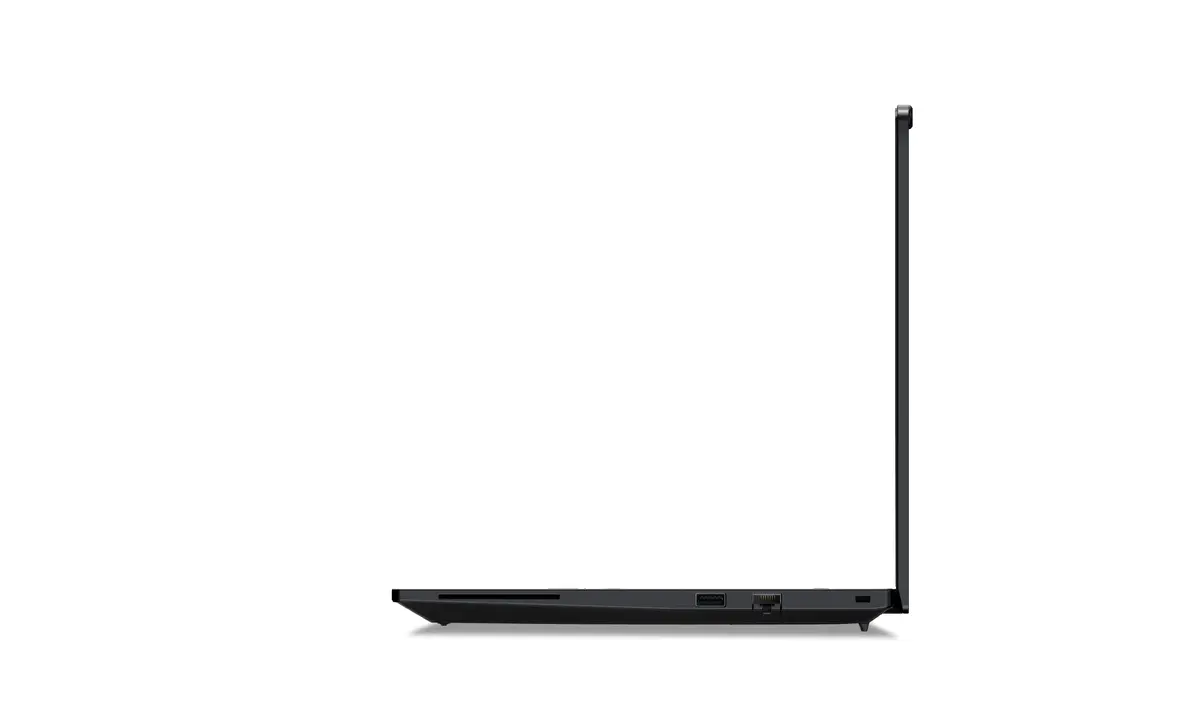
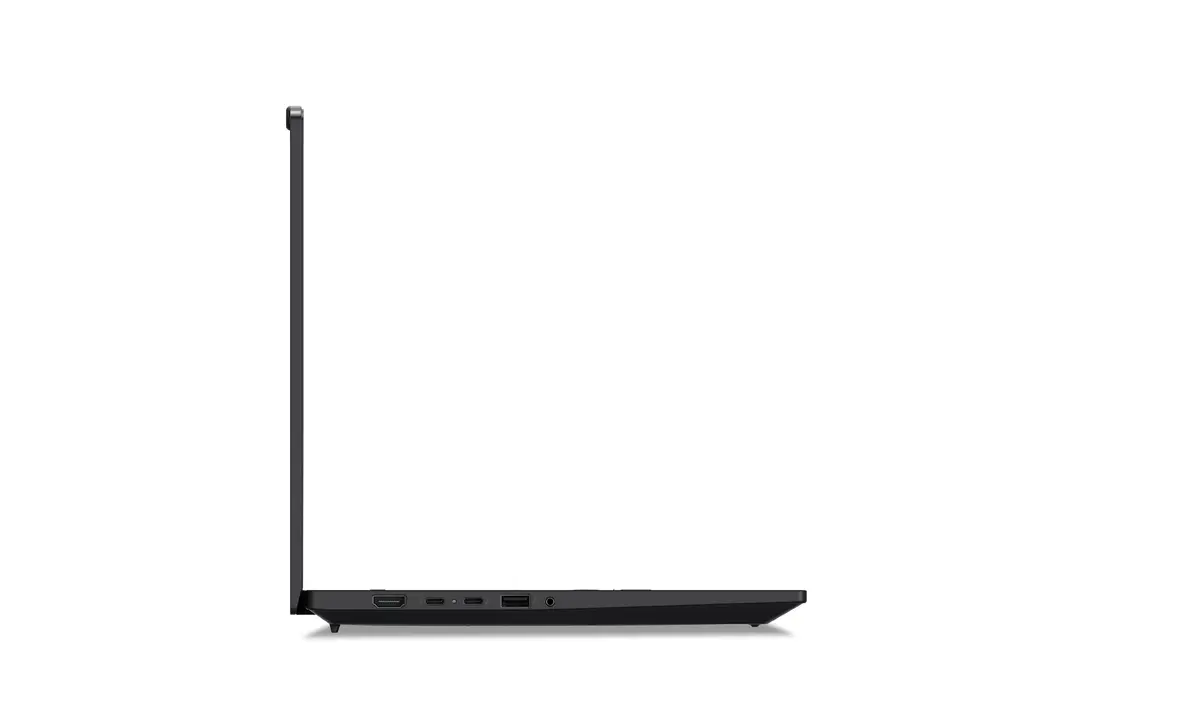
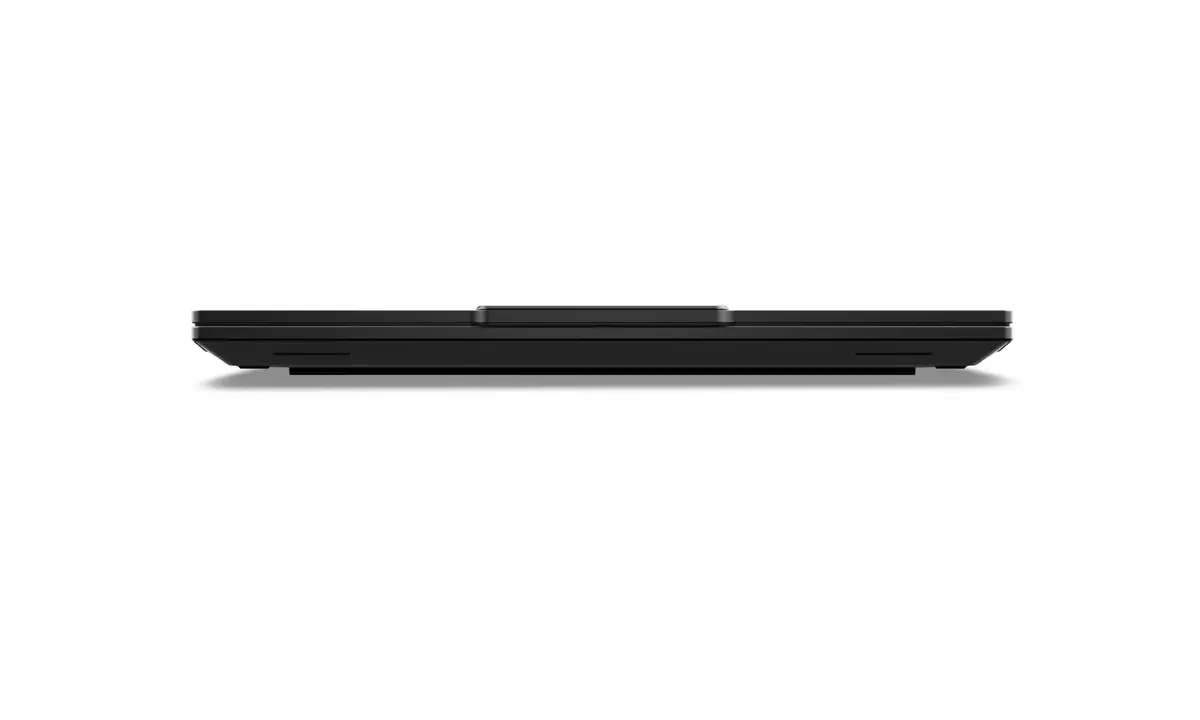
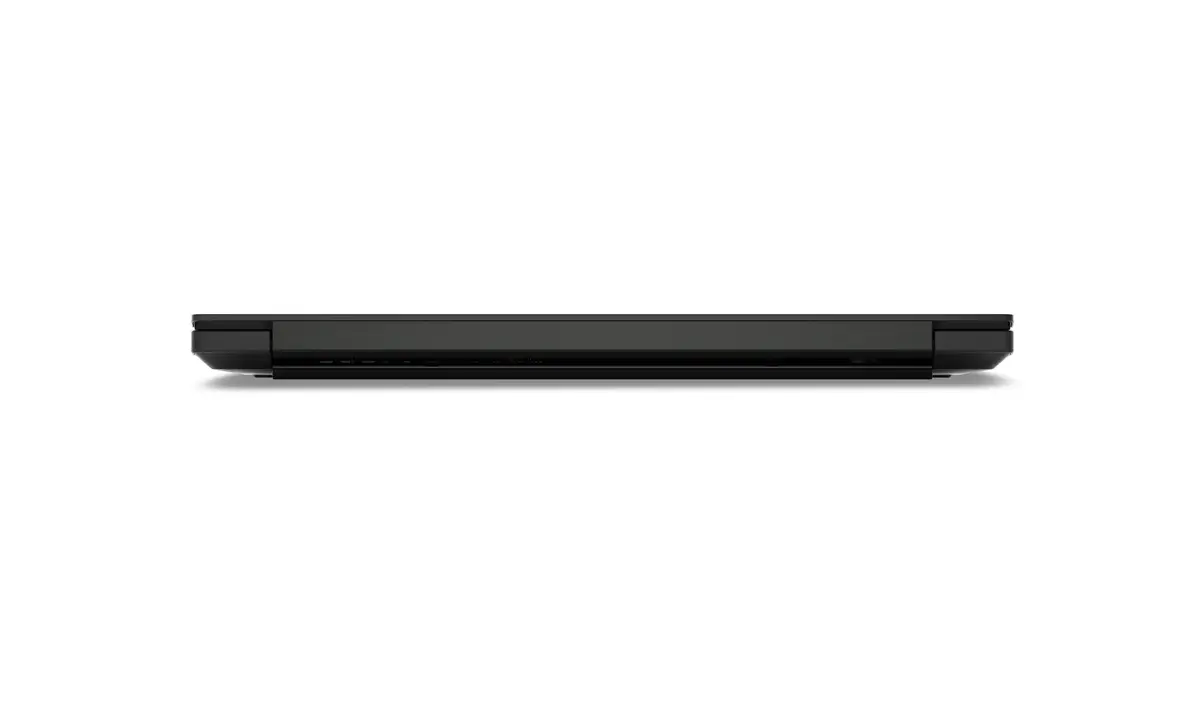
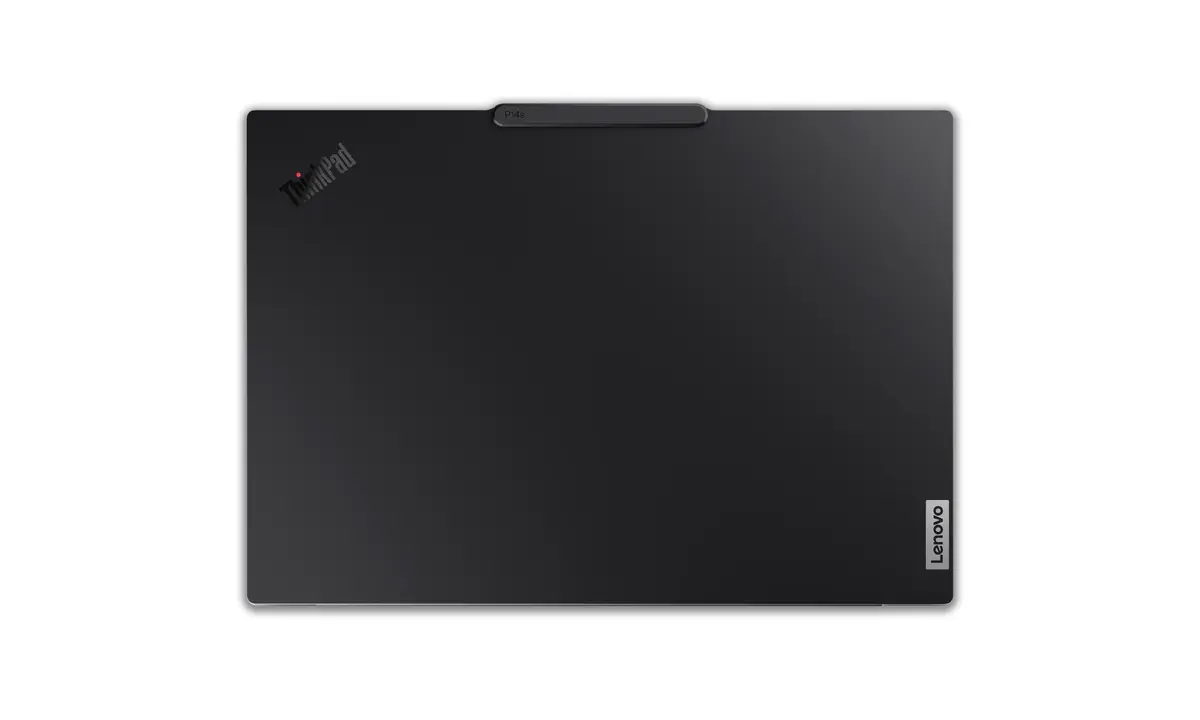
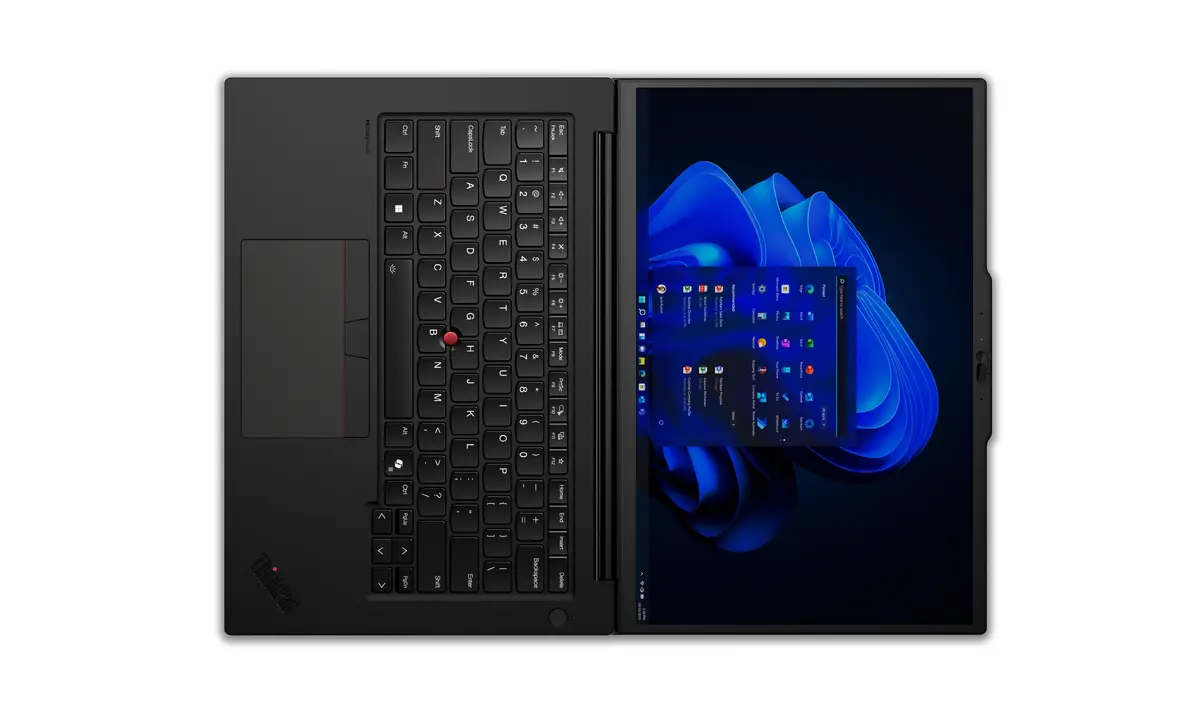
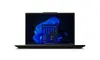
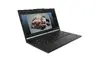
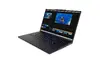
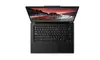
Lenovo ThinkPad P14s Gen 5 Laptop, 14.5" WQXGA, Intel Core Ultra 7 155H, 32GB RAM, 1TB SSD, NVIDIA RTX 500 Ada, Windows 11 Pro, Black
The Lenovo ThinkPad P14s Gen 5 is a high-performance mobile workstation engineered for professionals who require reliability and power in a portable form factor. Featuring a 14.5-inch WQXGA display, this laptop delivers crisp visuals and precise color accuracy for demanding tasks. At its core, the device is powered by an Intel Core Ultra 7 155H processor, paired with 32GB of high-speed DDR5 RAM and a 1TB SSD, ensuring seamless multitasking and rapid data access. The inclusion of an NVIDIA RTX 500 Ada discrete graphics card makes it an ideal choice for engineering, design, and data-intensive workflows.
This mobile workstation stands out due to its robust build quality and professional-grade performance. The integration of the Intel Core Ultra processor provides efficient computing power, while the NVIDIA RTX 500 Ada graphics card handles complex visual tasks with ease. Users benefit from a high-resolution display that reduces eye strain during long working hours, complemented by a comfortable keyboard and an enlarged trackpad for improved navigation. The device is also designed with security in mind, featuring advanced hardware and software protections to keep sensitive data safe. Its thermal management system ensures that the laptop maintains peak performance even during sustained heavy workloads, making it a dependable tool for business and creative environments.
This laptop may not be the optimal choice for users primarily focused on high-end gaming or extreme 3D rendering, as the NVIDIA RTX 500 Ada is optimized for professional applications rather than gaming performance. Additionally, users who require a larger screen for extensive multi-window workflows might find the 14.5-inch display limiting compared to larger desktop replacement workstations.
To begin using your Lenovo ThinkPad P14s Gen 5, connect the provided power adapter to charge the battery fully before the first use. Upon powering on, follow the on-screen Windows 11 Pro setup instructions to configure your user account, network settings, and security preferences. Once initialized, you can install your professional software suites, taking advantage of the ISV certifications for optimized performance. Keep the device updated via the Lenovo Vantage software to ensure all drivers and firmware are current for maximum stability and security.
For optimal performance and longevity, ensure the air vents remain unobstructed during operation to allow for efficient cooling. It is recommended to use the device on a flat, hard surface to maintain proper airflow and to keep the system updated with the latest security patches provided by the manufacturer.
{{highlightedFeature.featureTitle}}:
{{getProductFeatureValueById(product, highlightedFeature.featureId)}}
{{ productComparisonGenerationError }}
