
Hurry and order now – up to 50% off!
In cart {{totalProductsCount}} item(s)
Your cart is empty
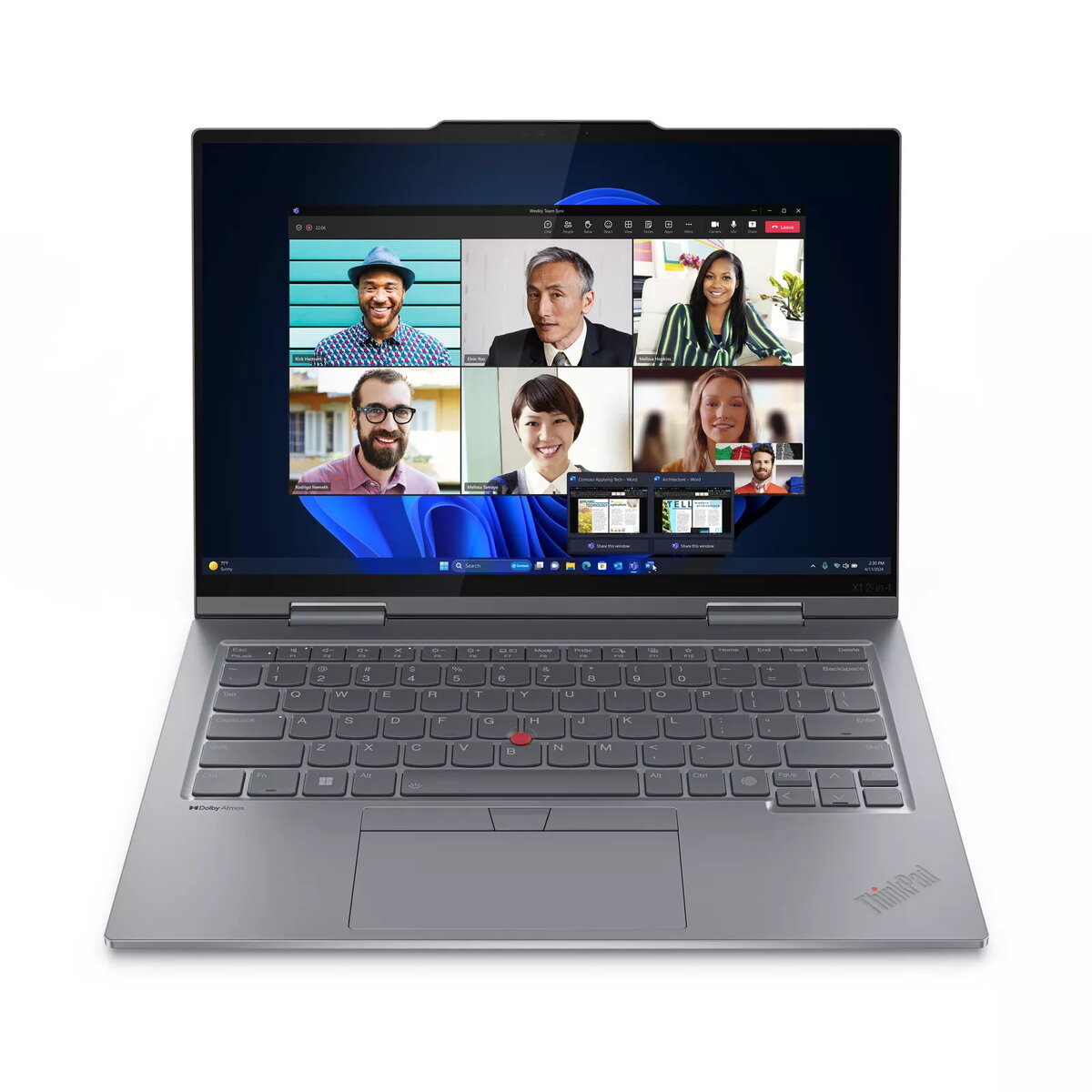
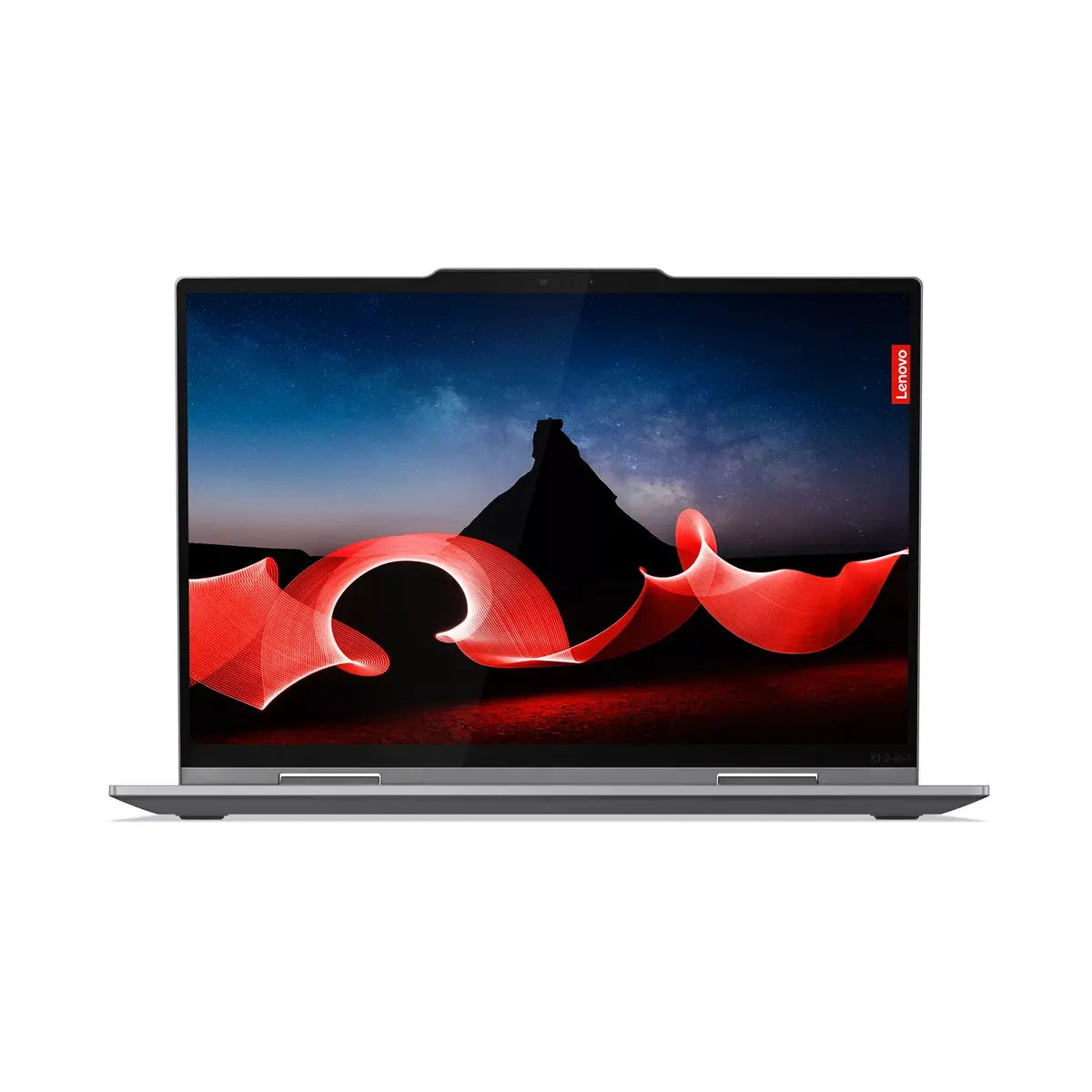
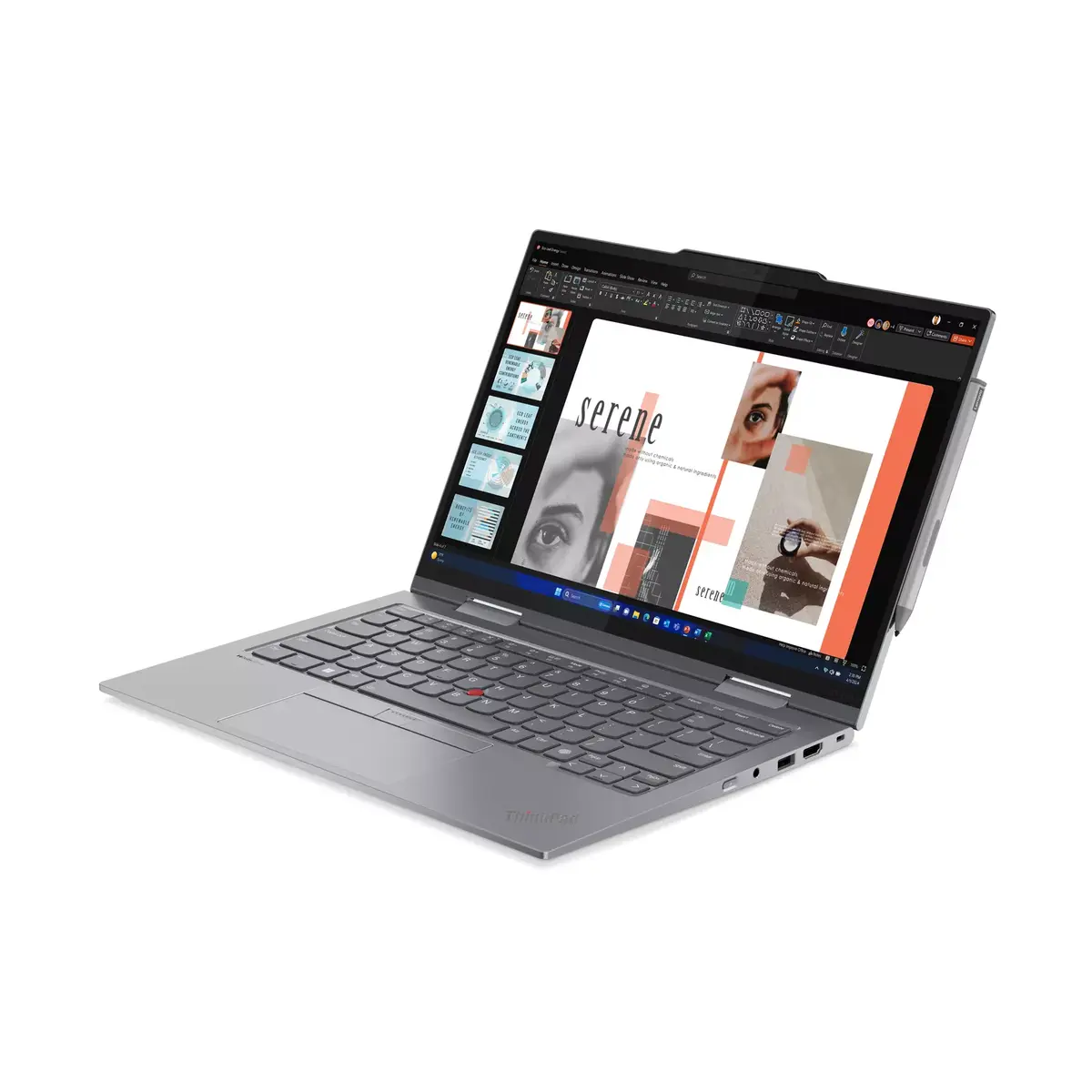
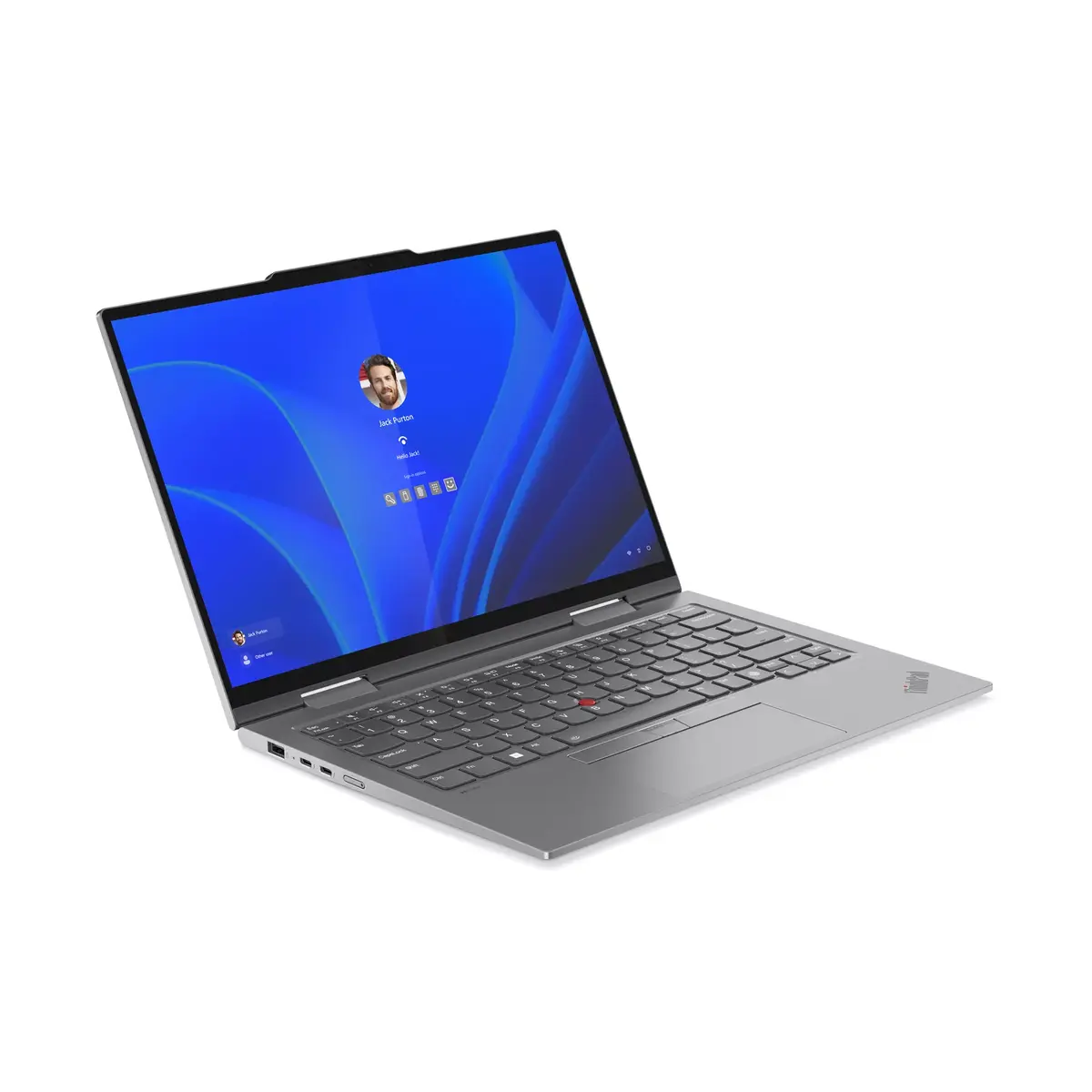
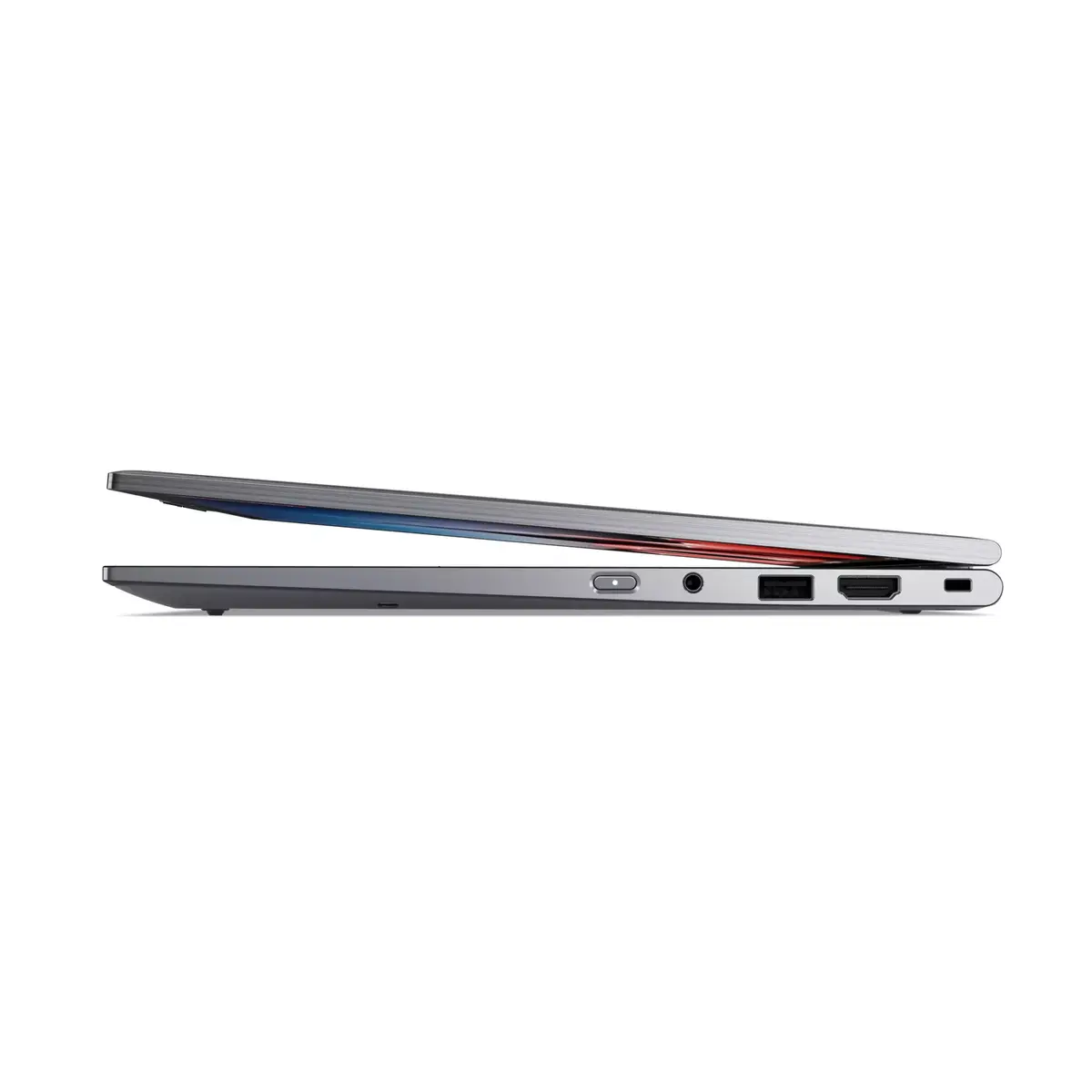
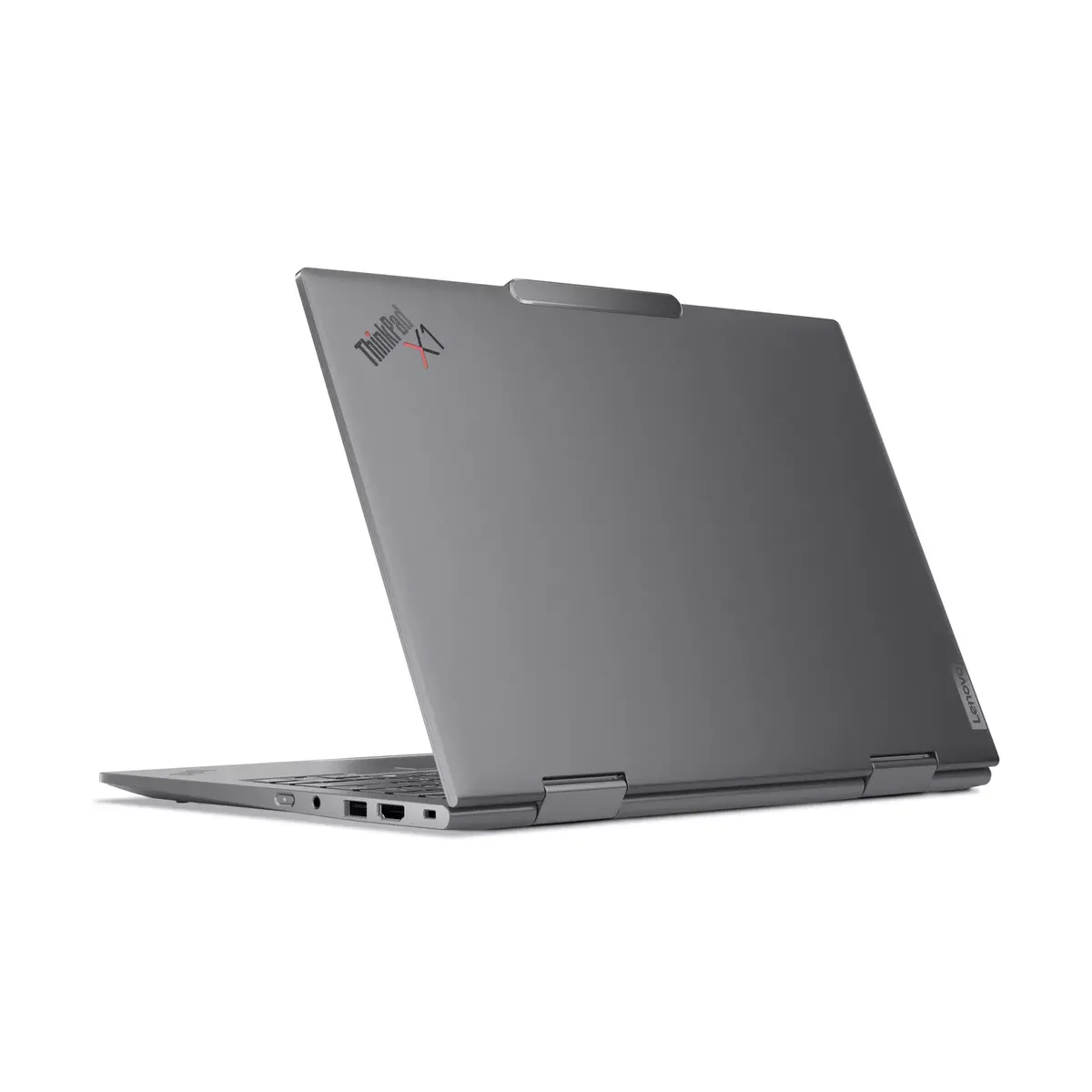
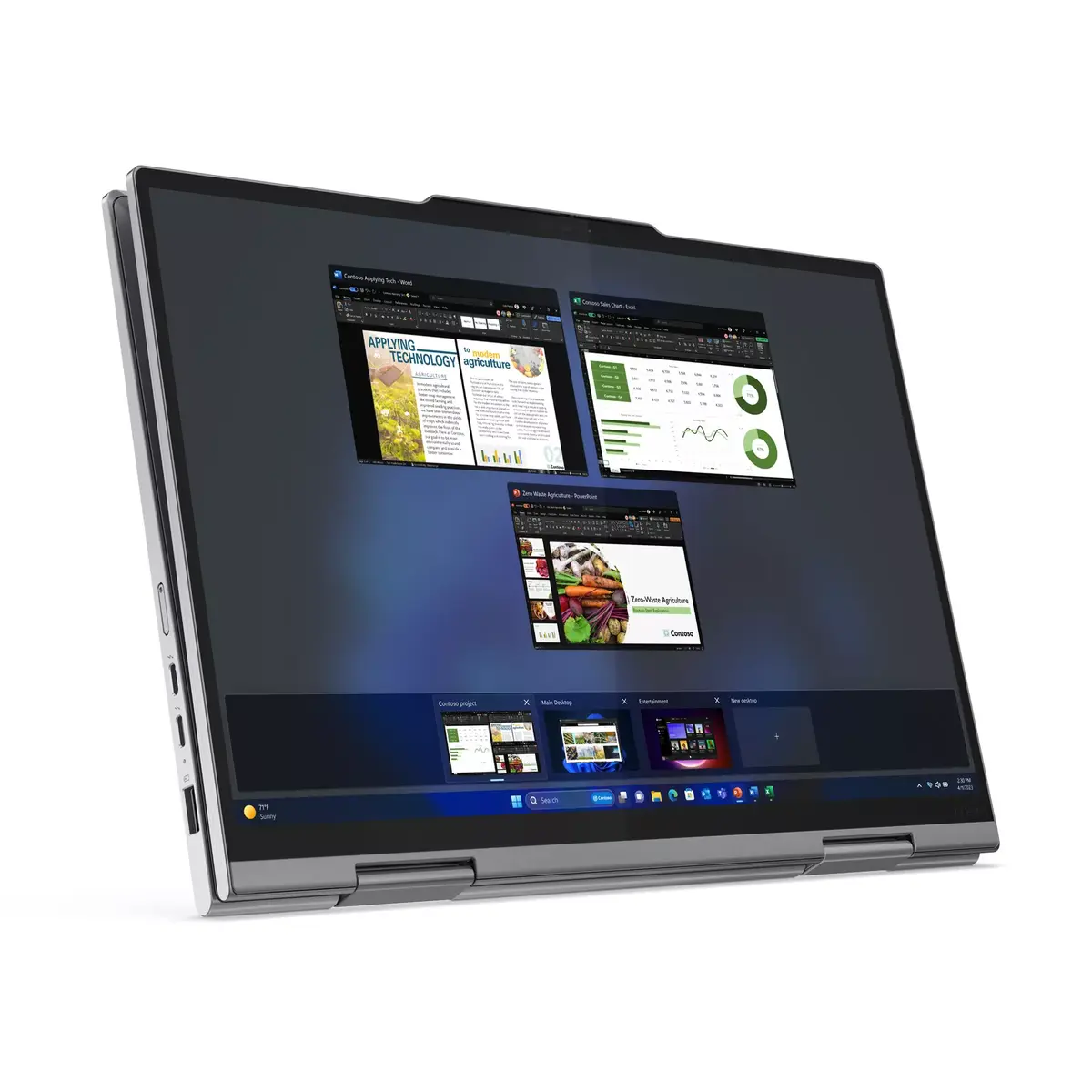
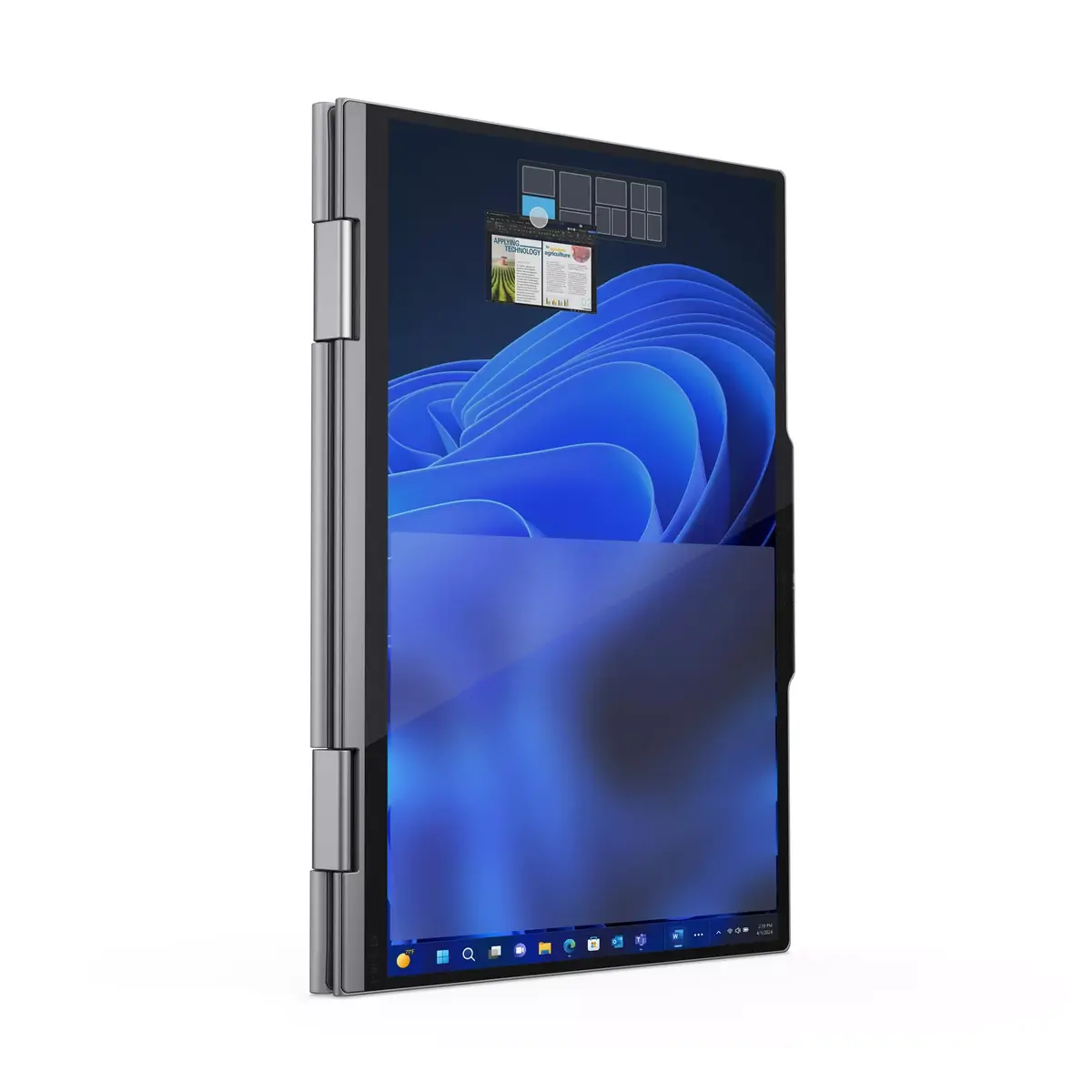
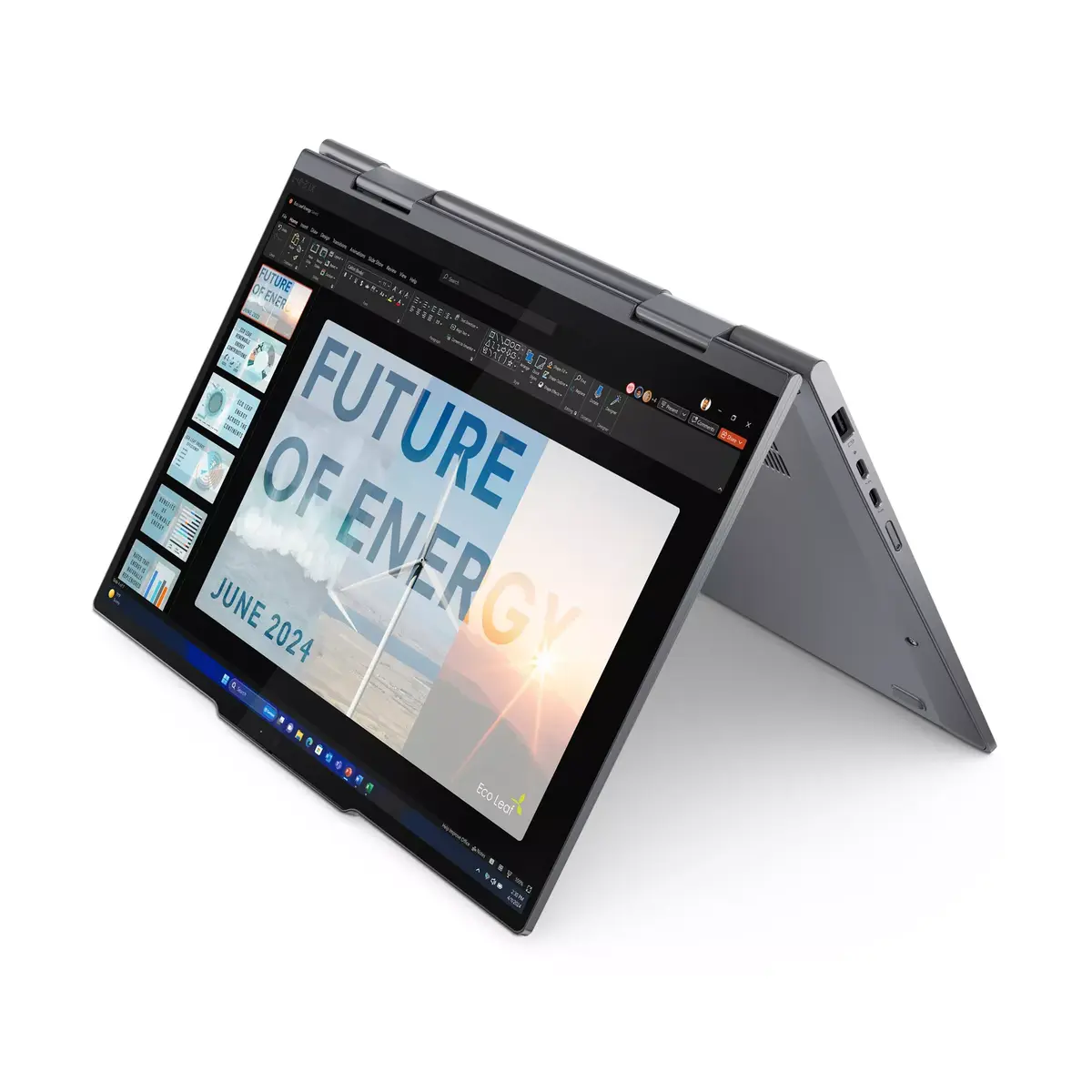
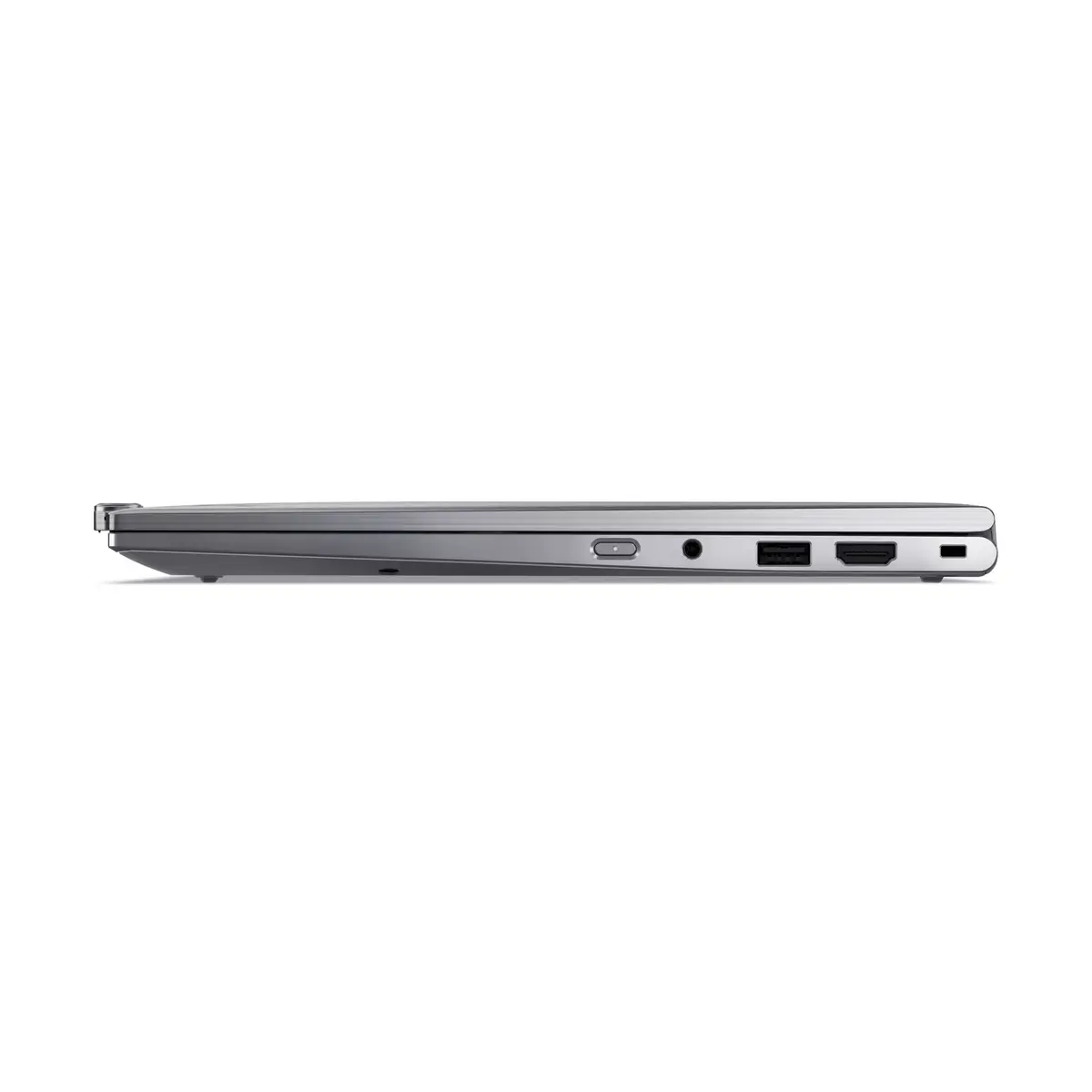
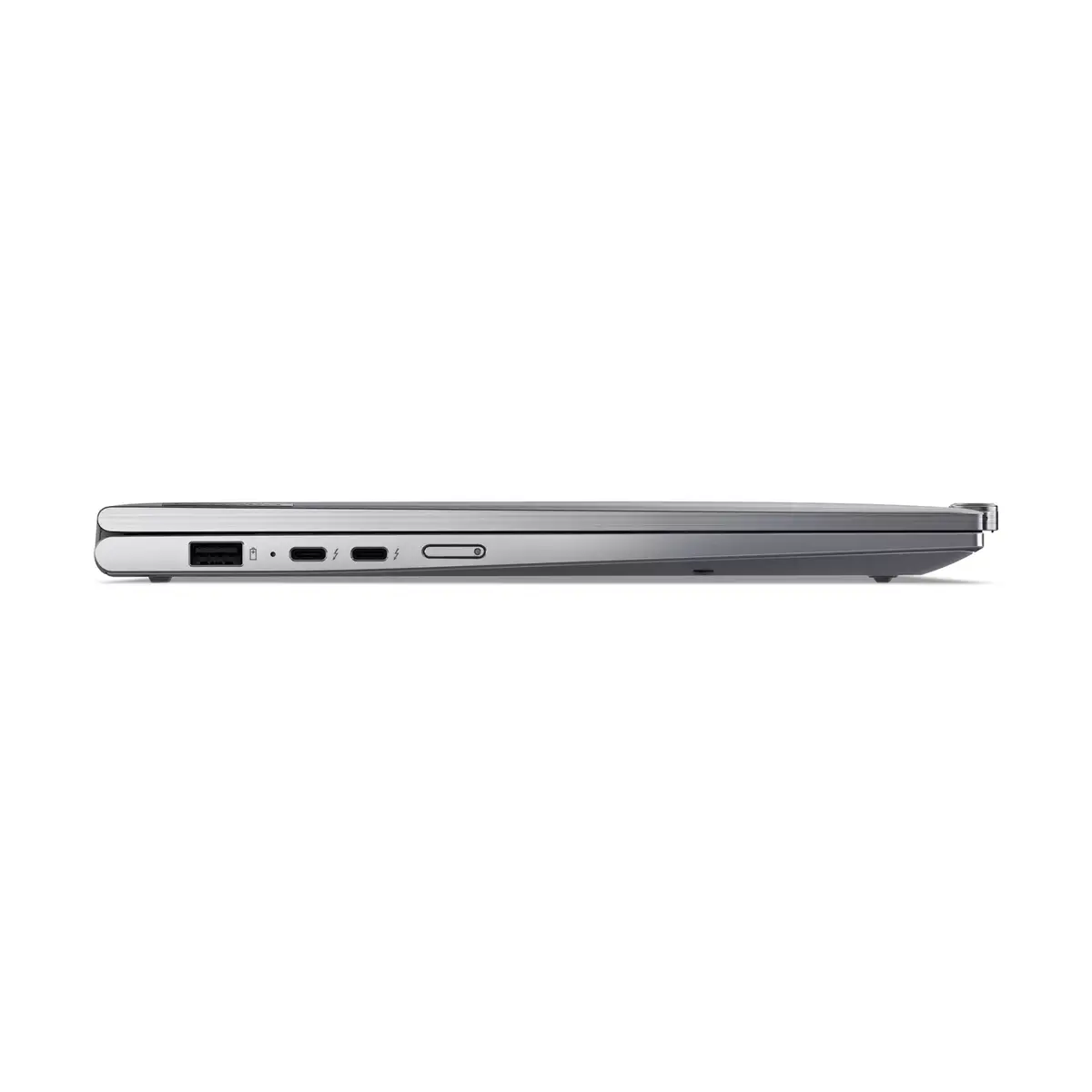
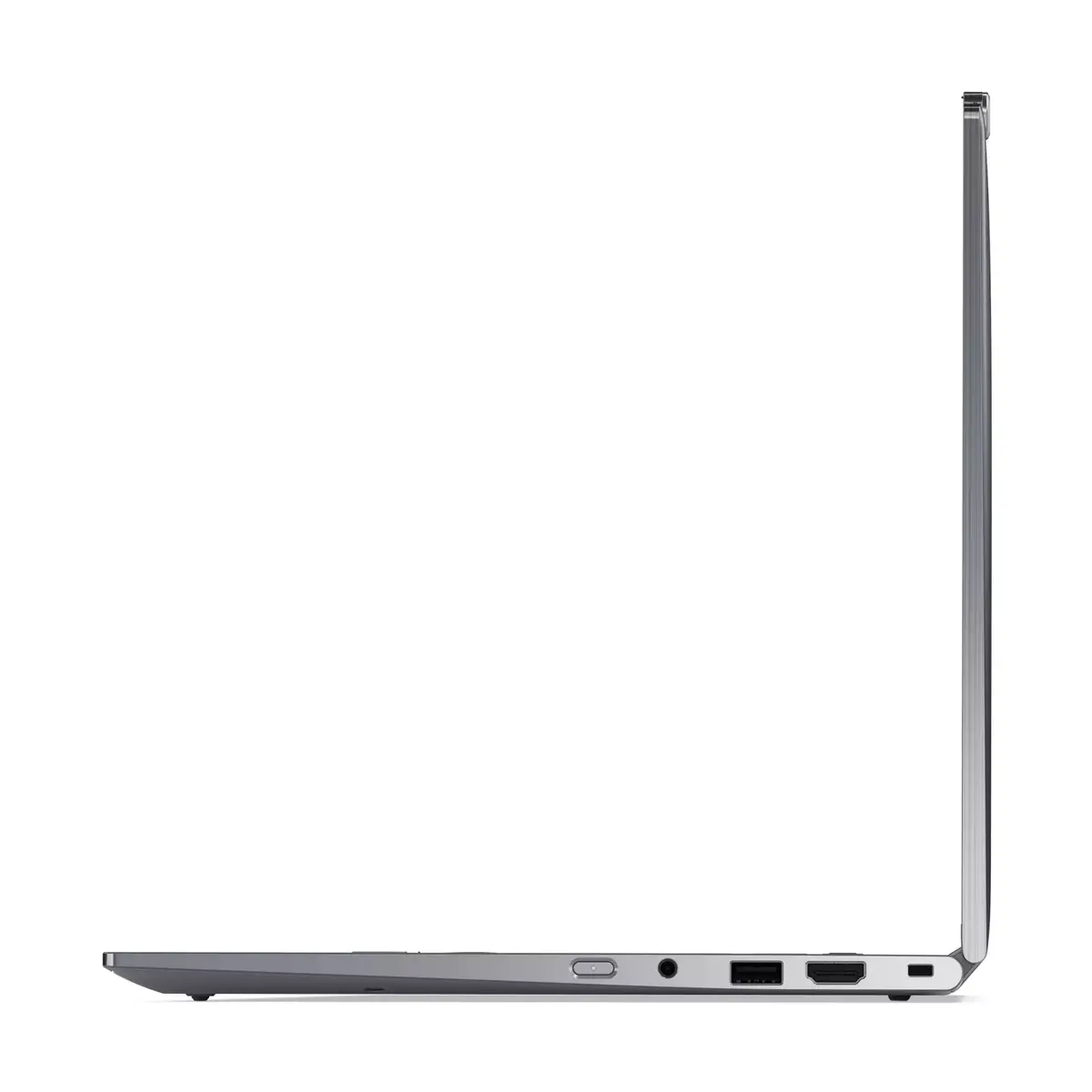
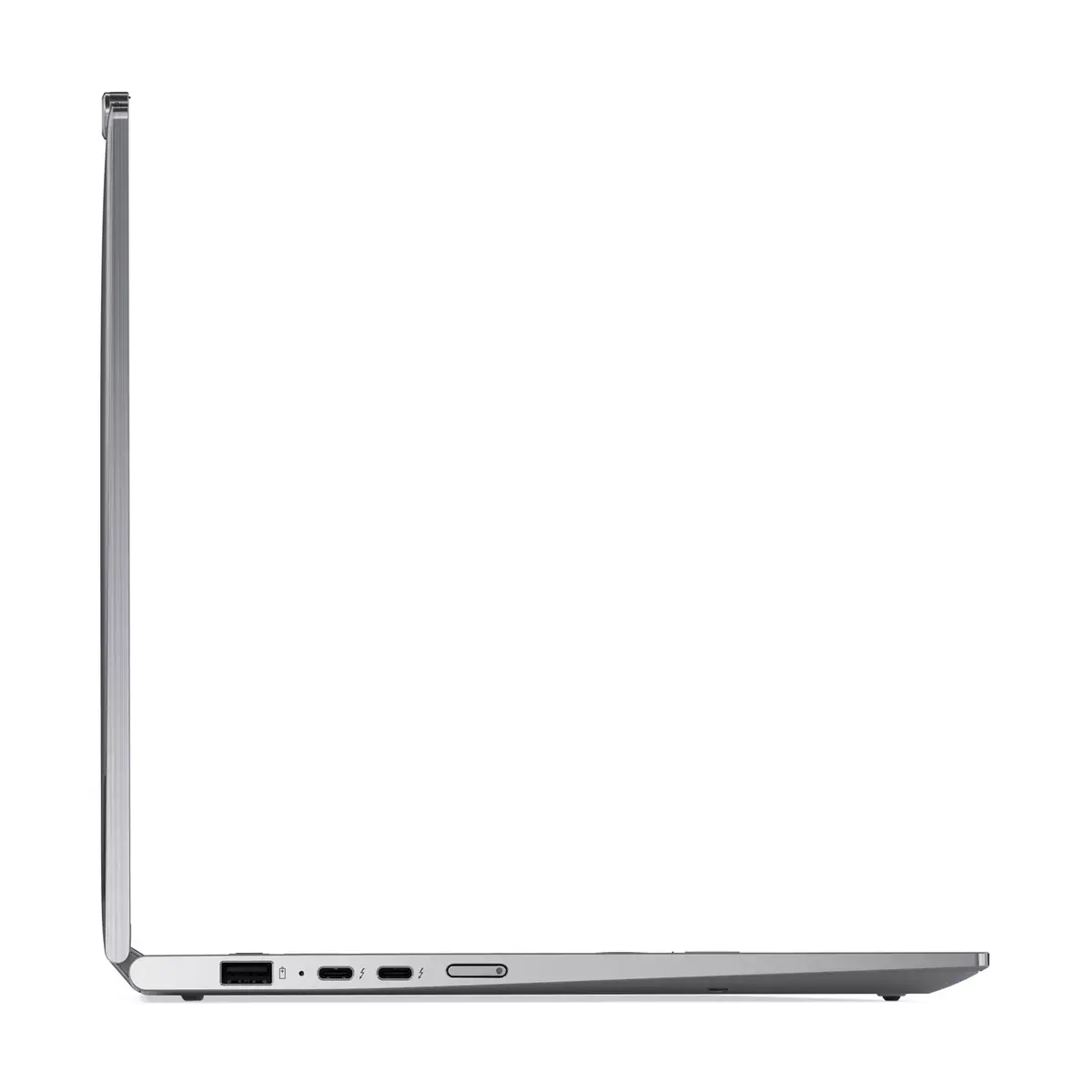
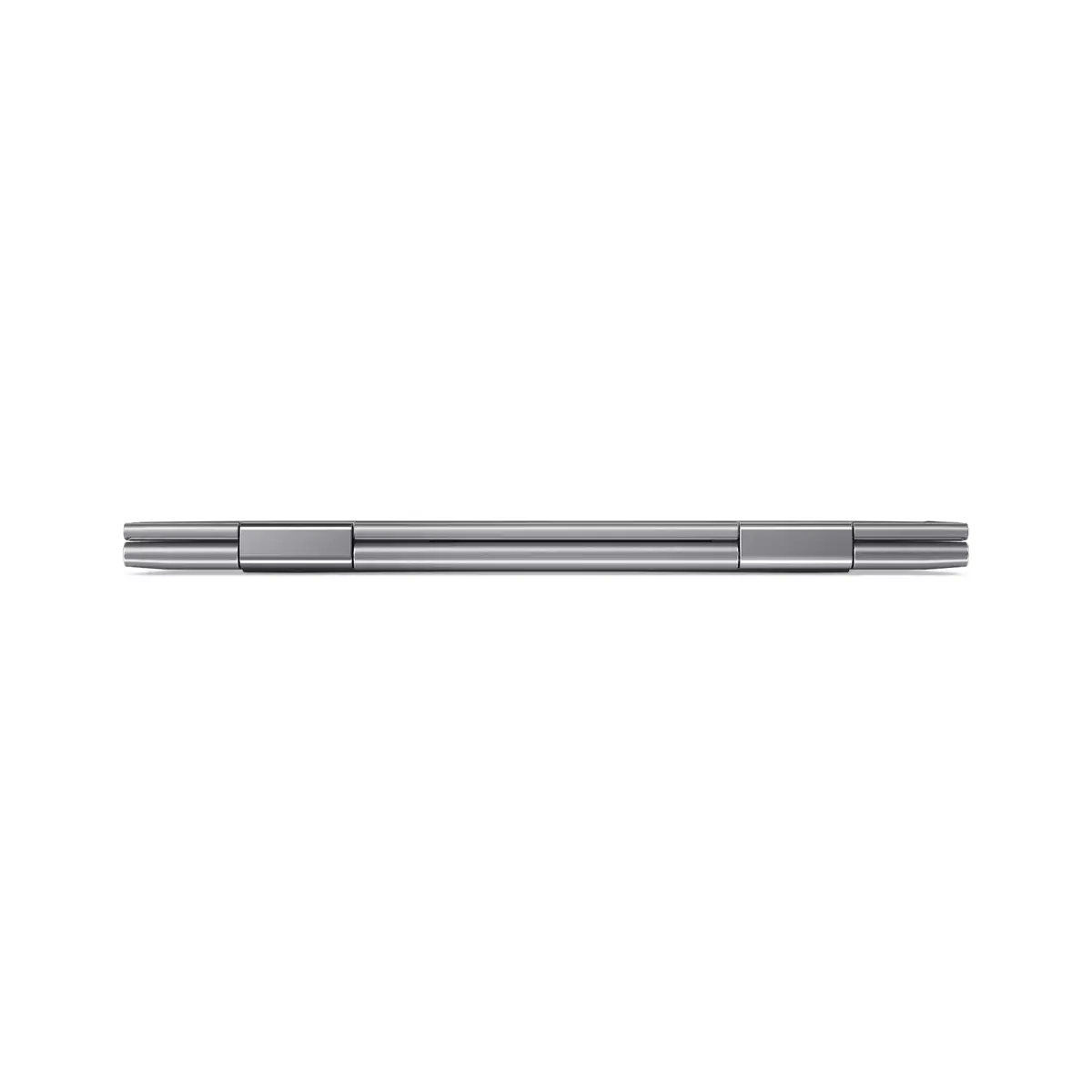
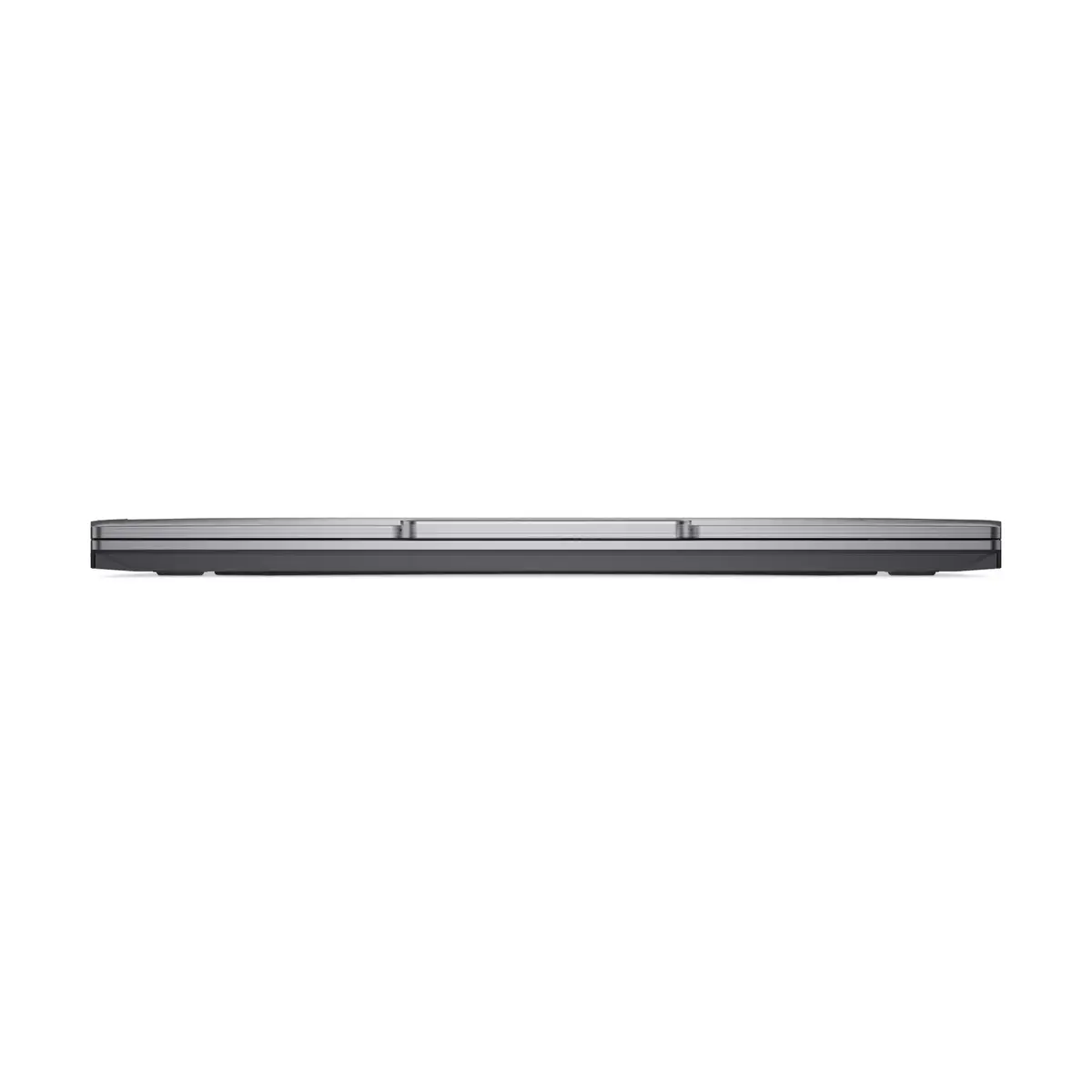
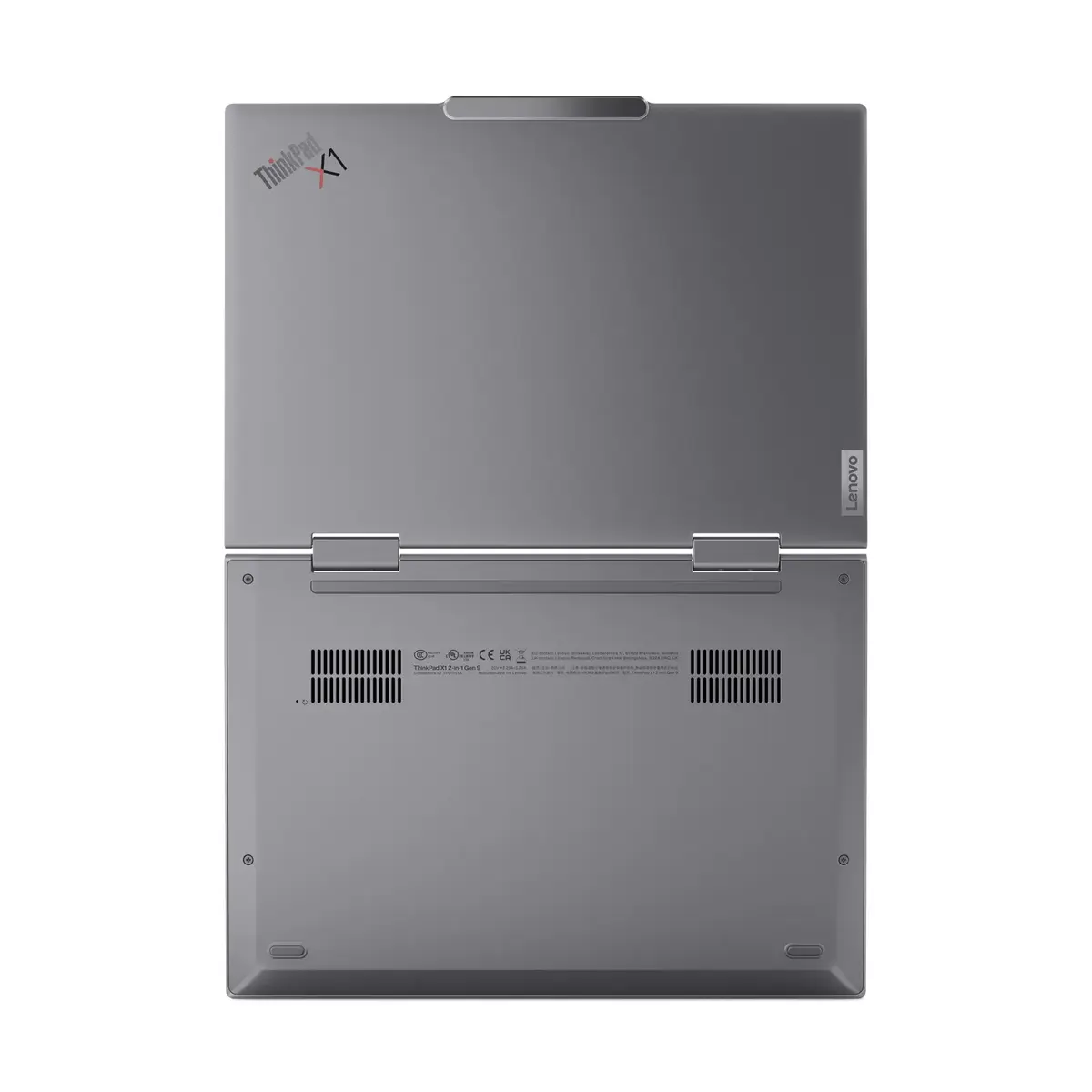
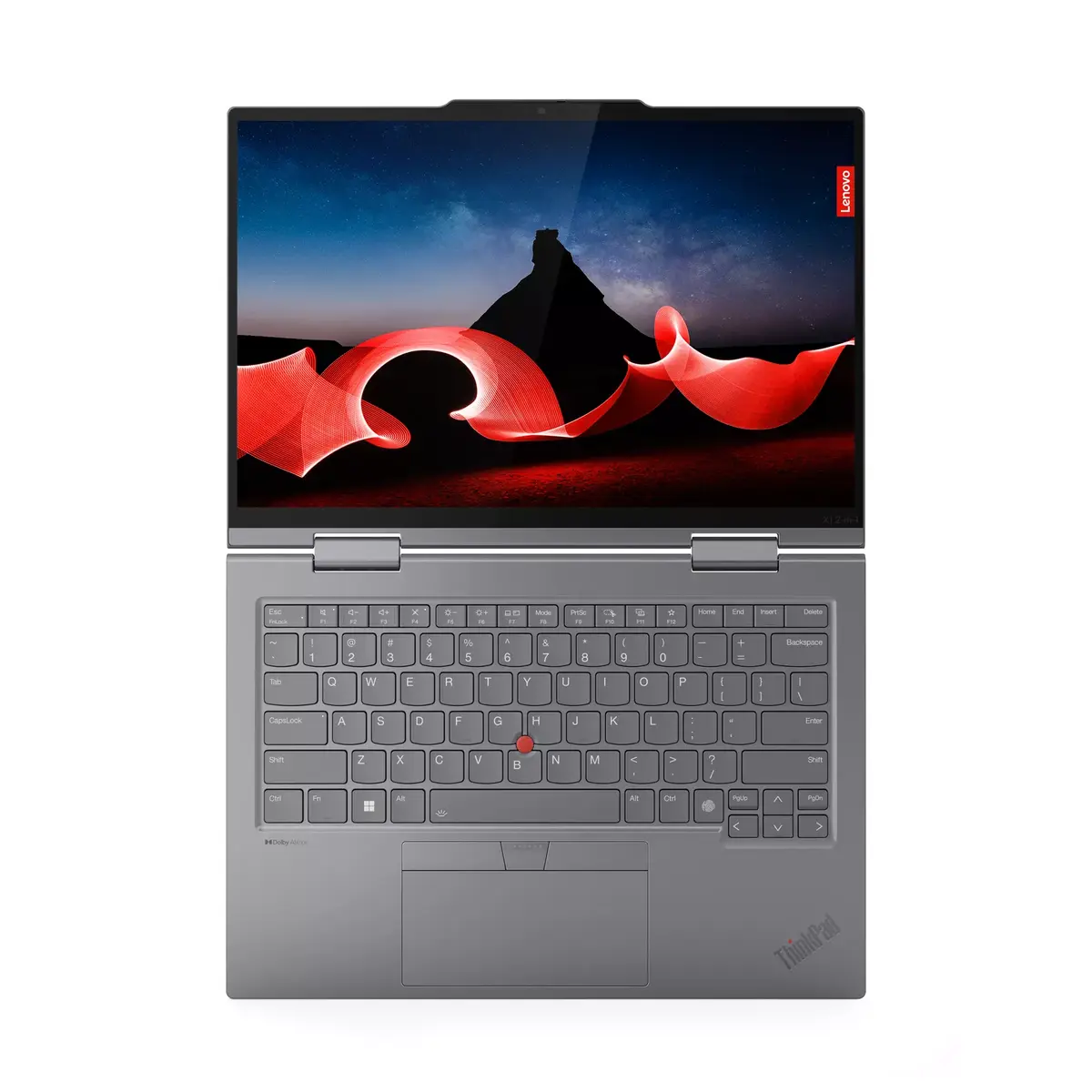
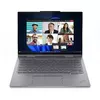
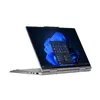
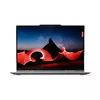
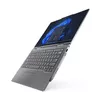
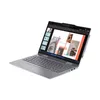
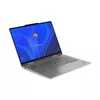
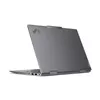
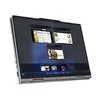
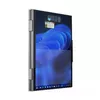
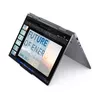
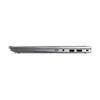
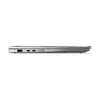
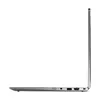
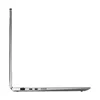
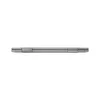
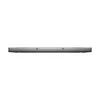
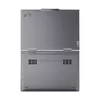
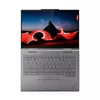
Hybrid 2‑in‑1 Laptop Lenovo ThinkPad X1 14" — Intel Core Ultra 7 155U, 32GB LPDDR5x, 1TB PCIe SSD, OLED 2.8K 120Hz
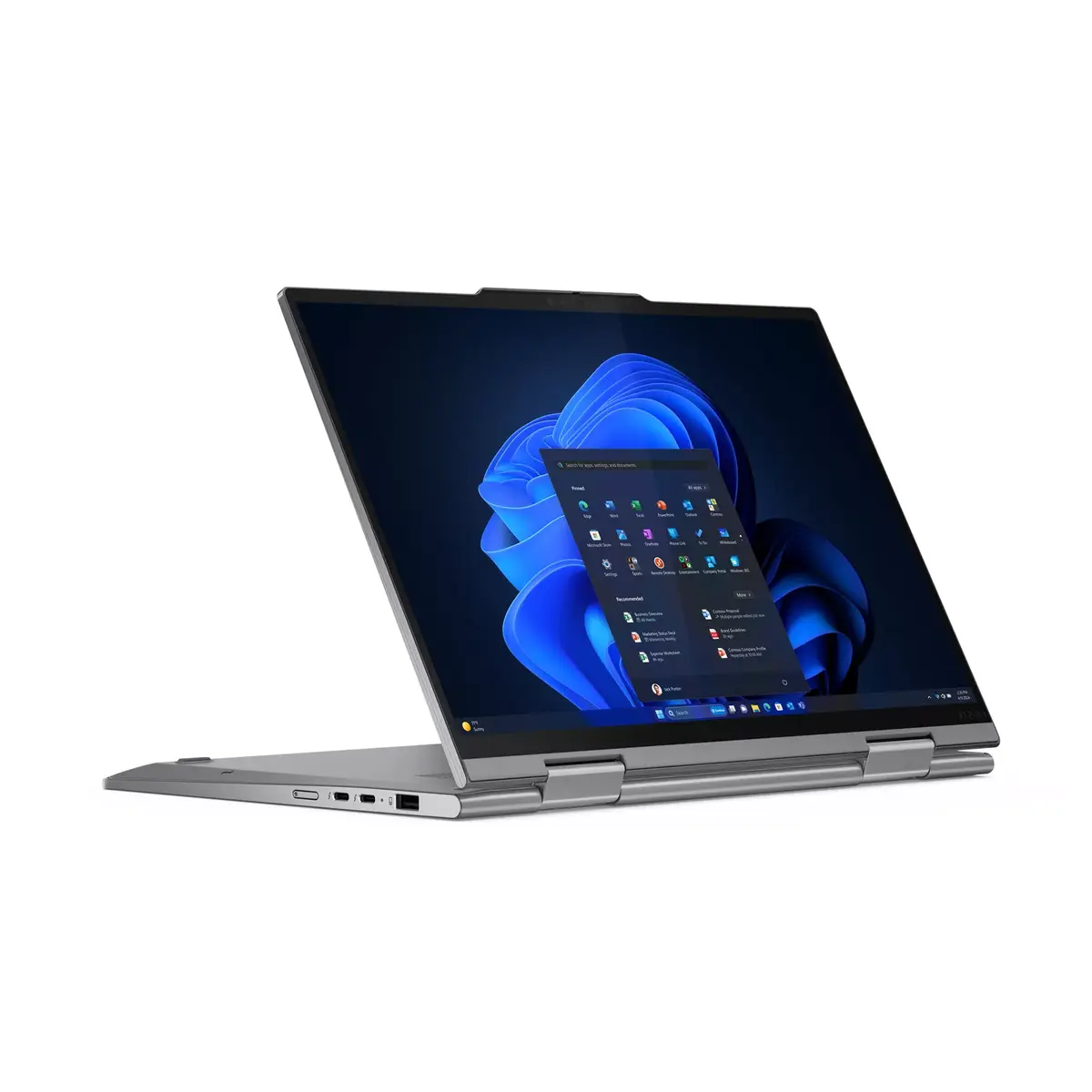
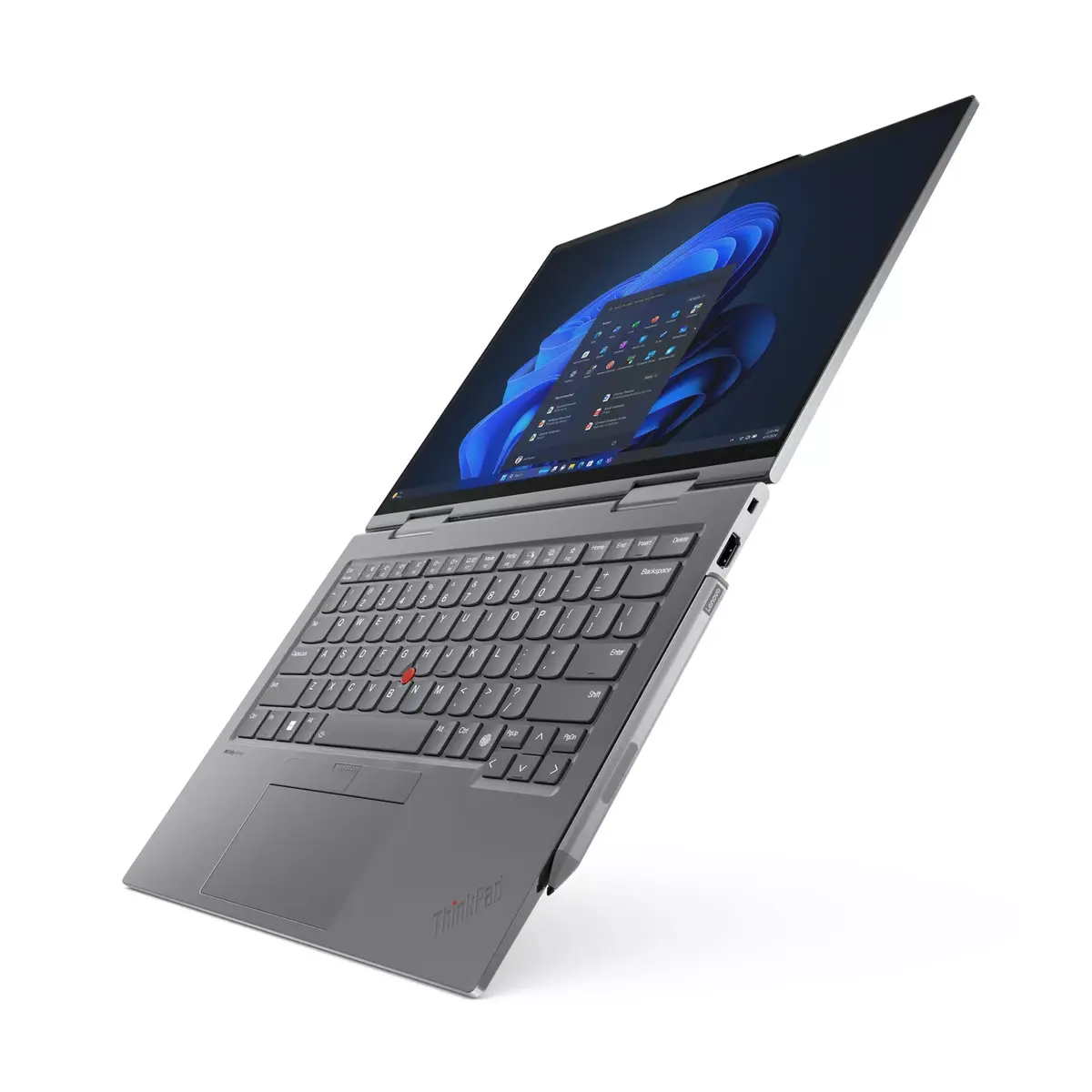
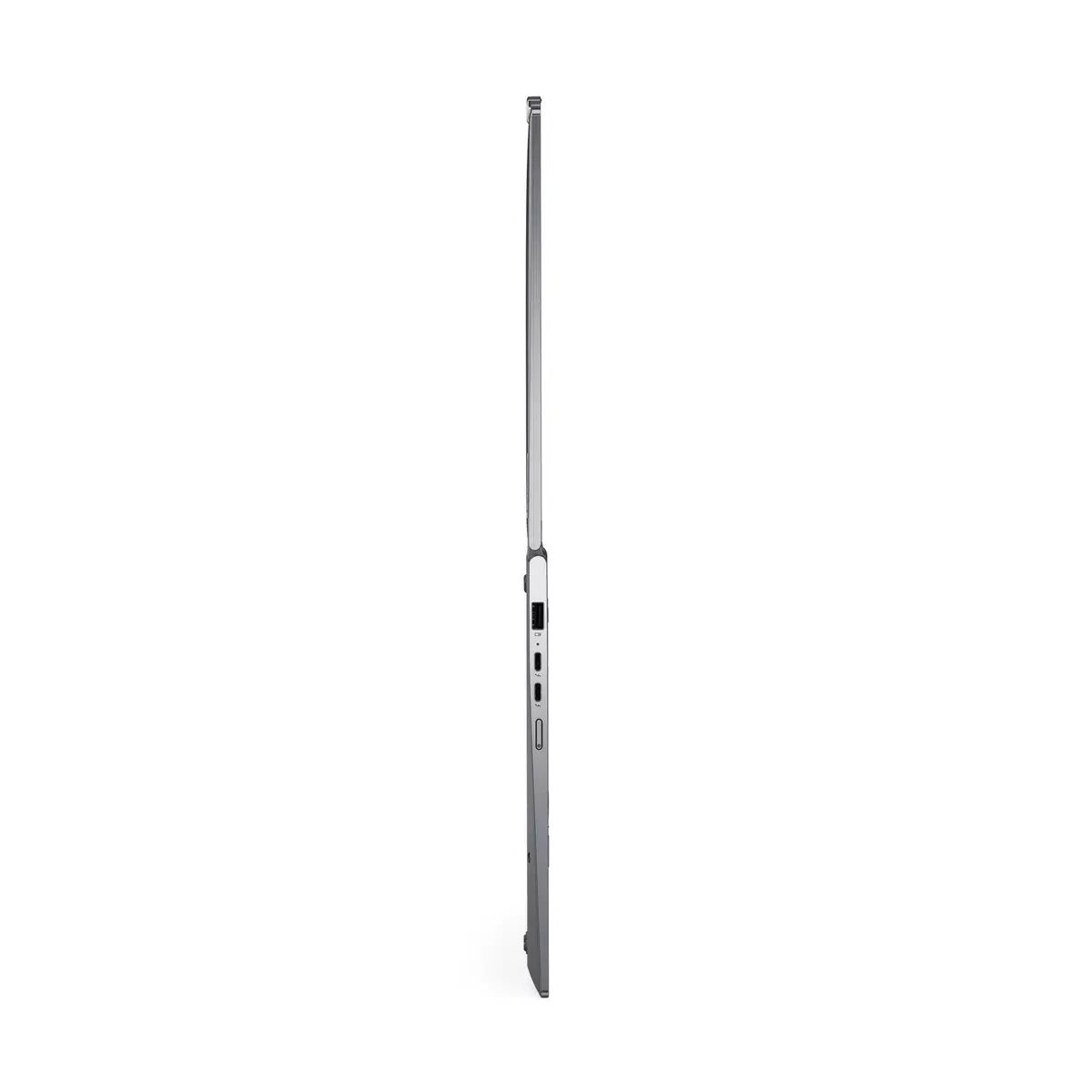
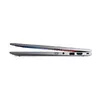
The Lenovo ThinkPad X1 14" hybrid (2‑in‑1) laptop combines a convertible aluminium chassis with a high-resolution 14" OLED touchscreen and a modern Intel Core Ultra 7 155U processor. It ships with 32 GB of on-board LPDDR5x memory and a 1 TB PCIe NVMe SSD, and runs Windows 11 Pro. The display supports 2880×1800 (2.8K) resolution at up to 120 Hz, DisplayHDR 400 and 100% DCI‑P3 color coverage. Connectivity includes Wi‑Fi 6E, Bluetooth 5.3, Thunderbolt 4, HDMI 2.1 and integrated WWAN 5G. Security features include fingerprint reader, IR camera for Windows Hello and TPM 2.0. The notebook weighs approximately 1.35 kg and offers a 57 Wh battery with fast-charging support.
The combination of a 12‑core Intel Core Ultra 7 155U processor and 32 GB LPDDR5x memory delivers responsive multitasking and efficient performance for everyday work and creative tasks. The 14" OLED touchscreen provides high contrast, 400 cd/m² brightness and wide color gamut suitable for color-critical work. Fast PCIe NVMe storage and Thunderbolt 4 ports enable quick file access and high-speed peripherals. Built-in WWAN 5G and Wi‑Fi 6E ensure flexible, high-speed network options while biometric login options and TPM 2.0 increase device security. The aluminium housing and convertible design balance portability and durability.
Open the device and sign in with Windows Hello using the fingerprint reader or IR camera for quick biometric authentication. Use the laptop in clamshell mode for traditional laptop workflows, or rotate the touchscreen to enter tablet or tent mode for presentations and touch-first interaction. Connect external displays or high-speed docks via Thunderbolt 4 or HDMI 2.1. For mobile connectivity, enable WWAN 5G or connect to Wi‑Fi 6E networks. Manage files on the 1 TB NVMe SSD and use built-in Intel Graphics for everyday graphics tasks; for heavier GPU workloads, connect compatible external GPUs via Thunderbolt if required by your workflow.
For consistent color-critical work, set the display color profile and calibrate the OLED panel in controlled lighting. To maximize battery life, enable power-saving profiles in Windows and reduce screen refresh rate when high frame rates are unnecessary. Keep device firmware and drivers up to date for optimal WWAN, Wi‑Fi 6E and Thunderbolt performance. Use a compatible USB‑C power adapter supporting PD for reliable fast charging and carry a protective sleeve when transporting the aluminium convertible.
{{highlightedFeature.featureTitle}}:
{{getProductFeatureValueById(product, highlightedFeature.featureId)}}
{{ productComparisonGenerationError }}
