




Hurry and order now – up to 50% off!
In cart {{totalProductsCount}} item(s)
Your cart is empty
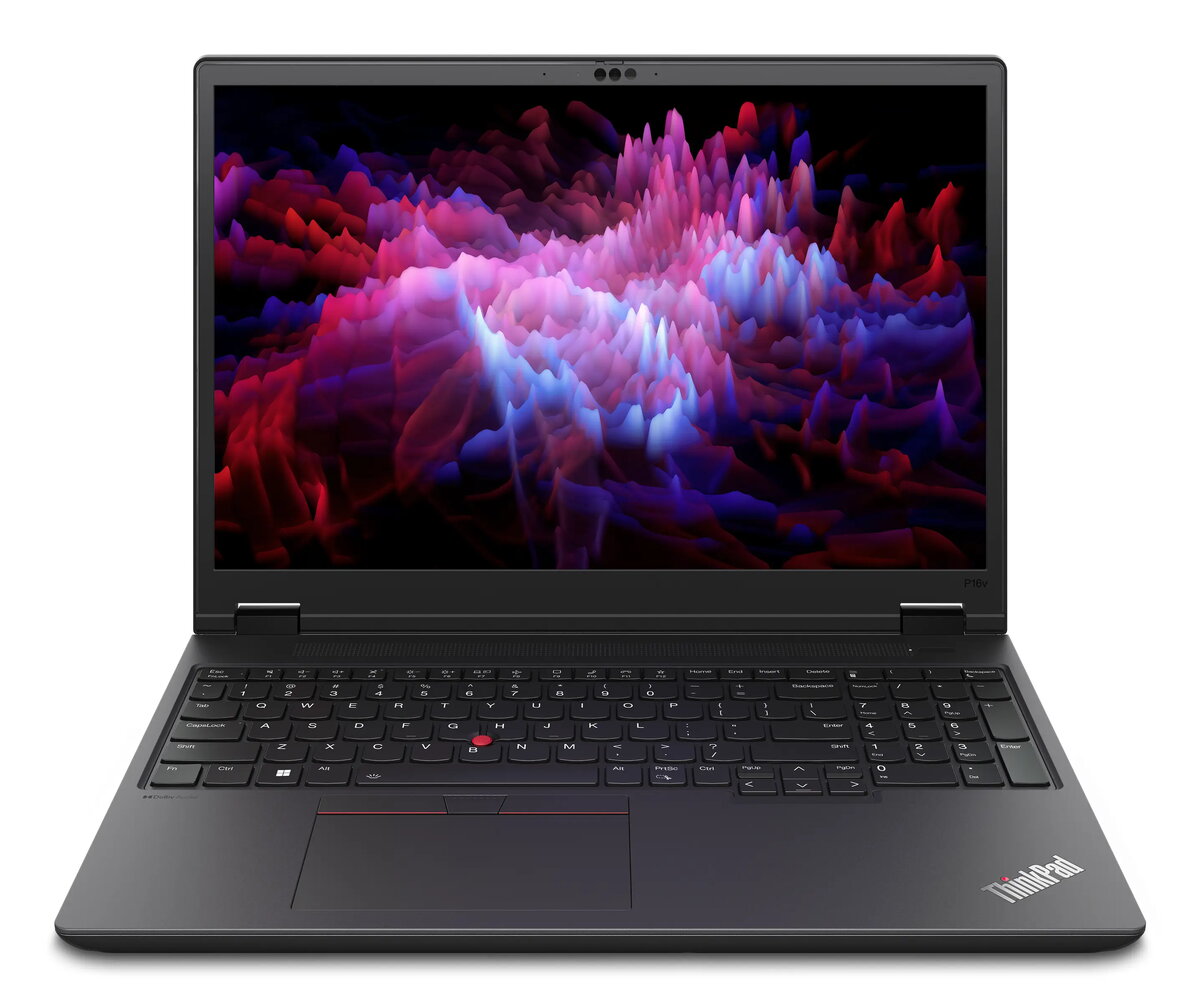
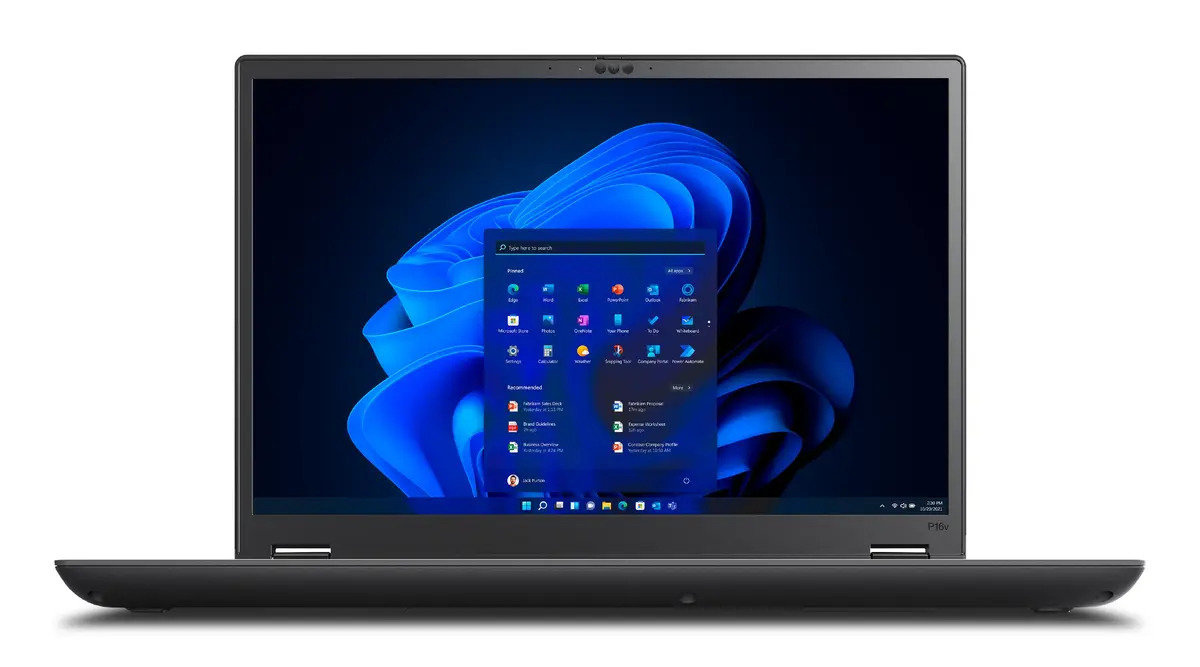
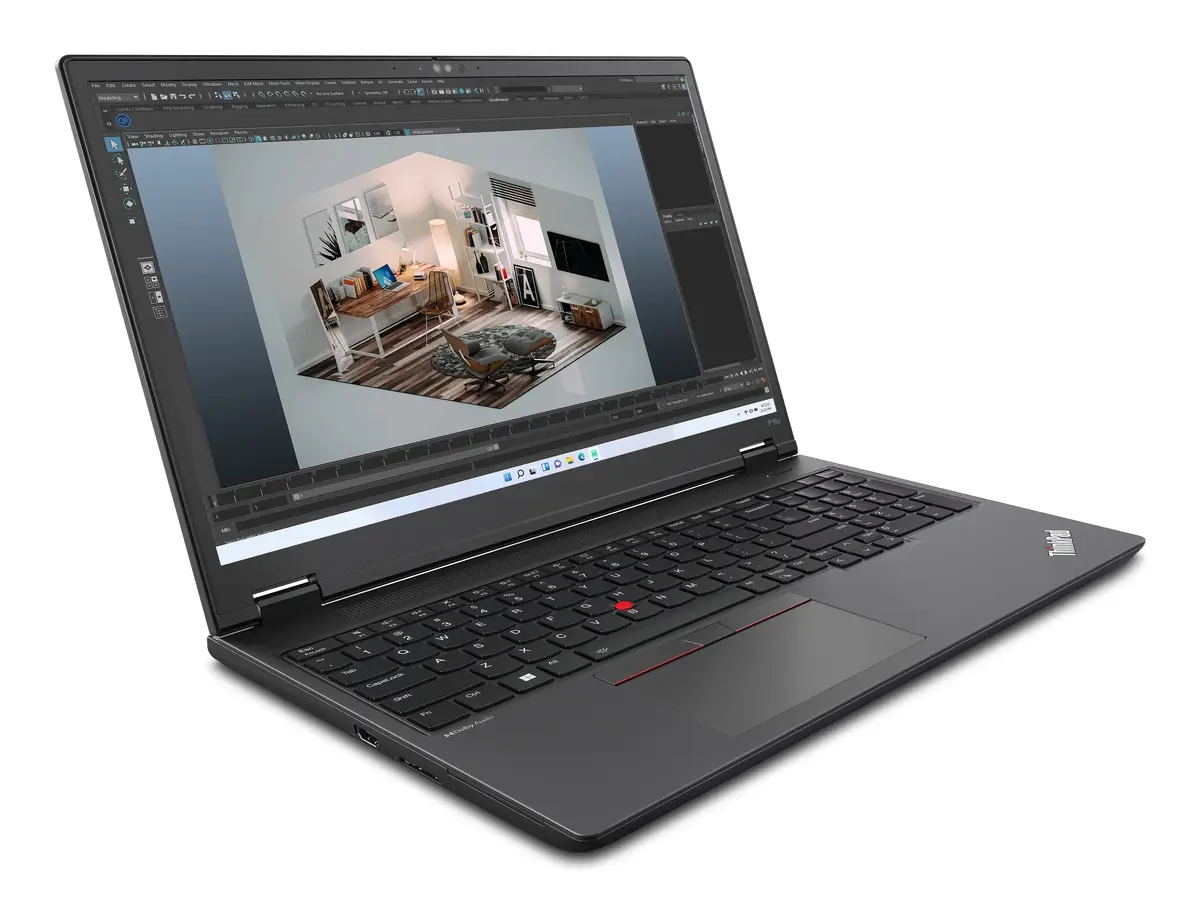
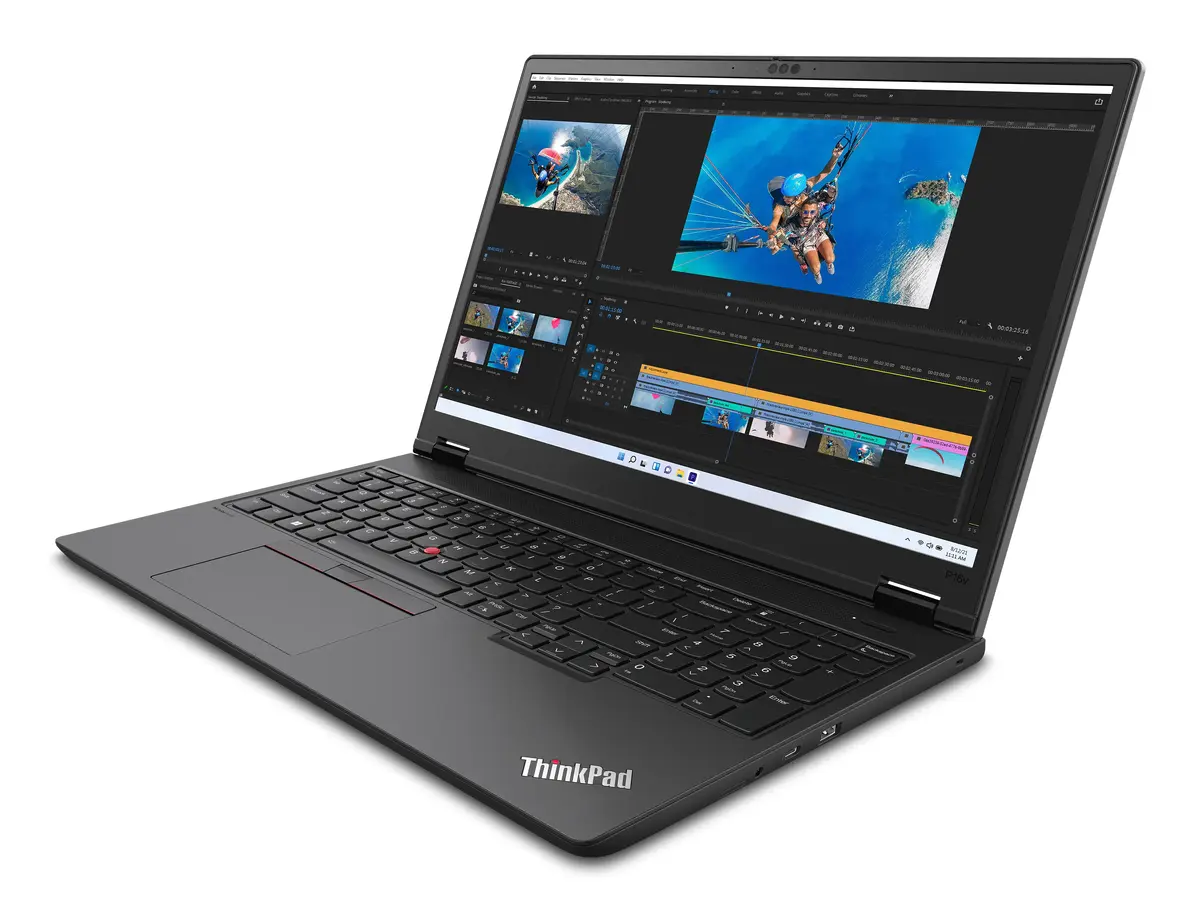
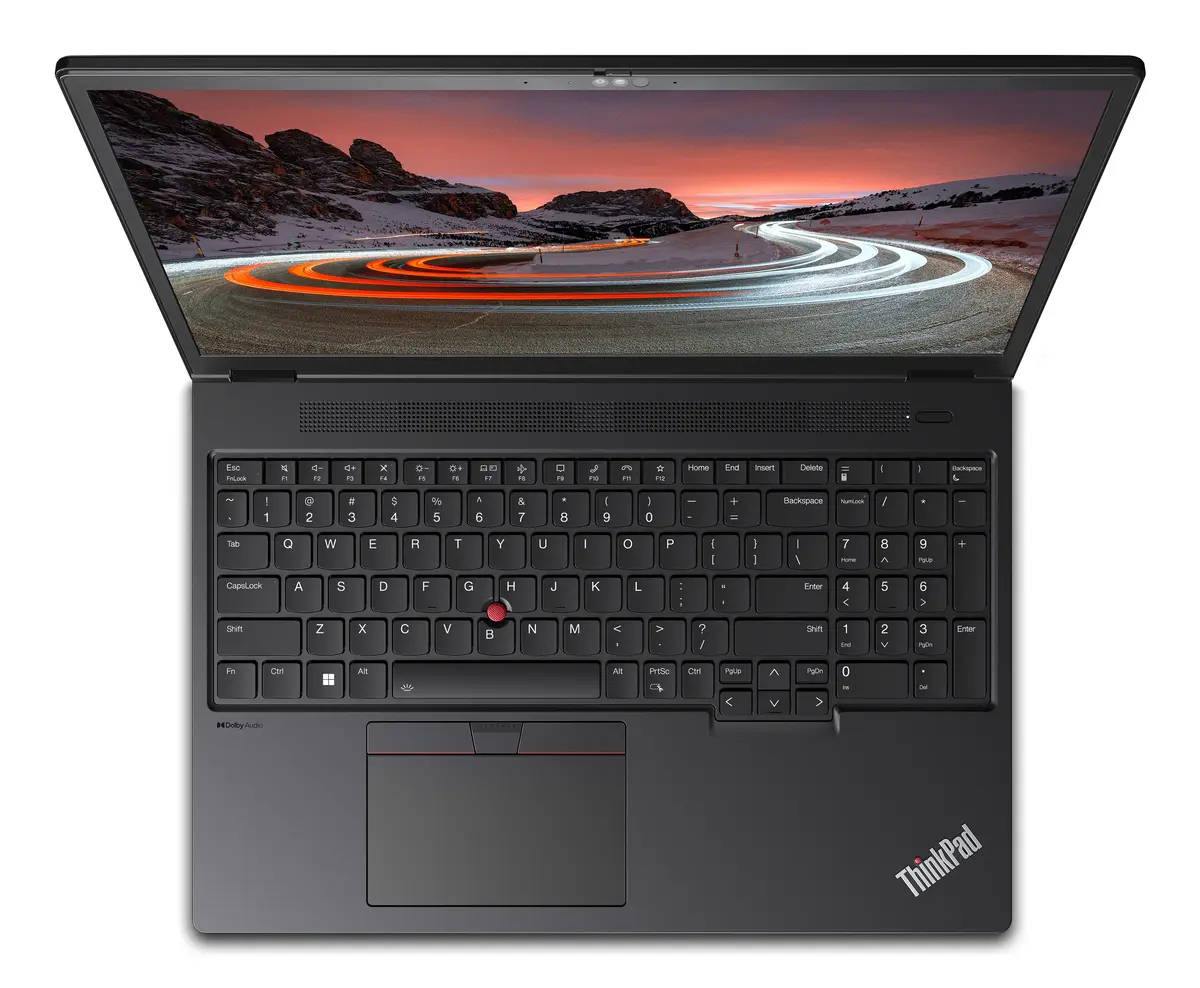
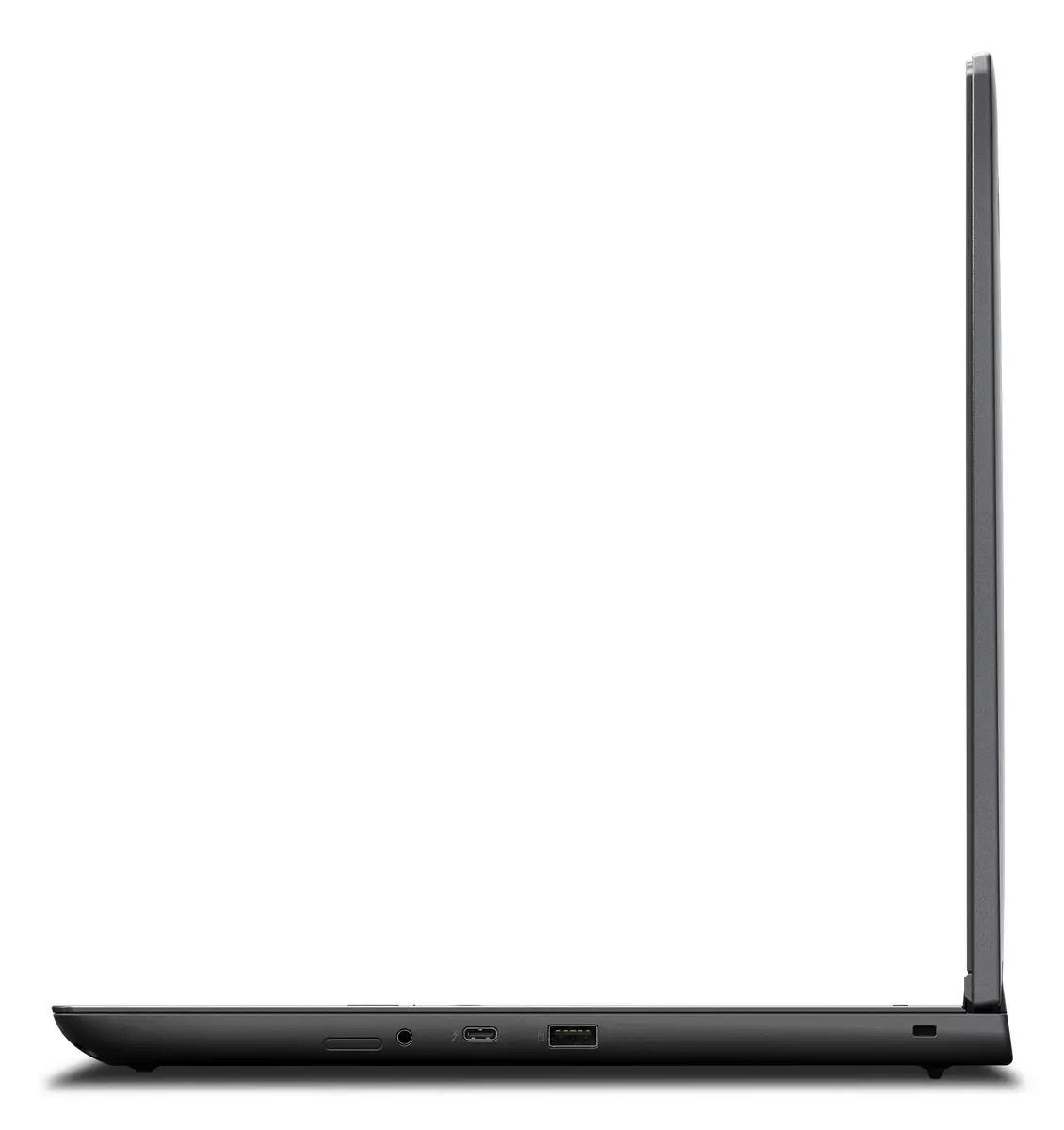
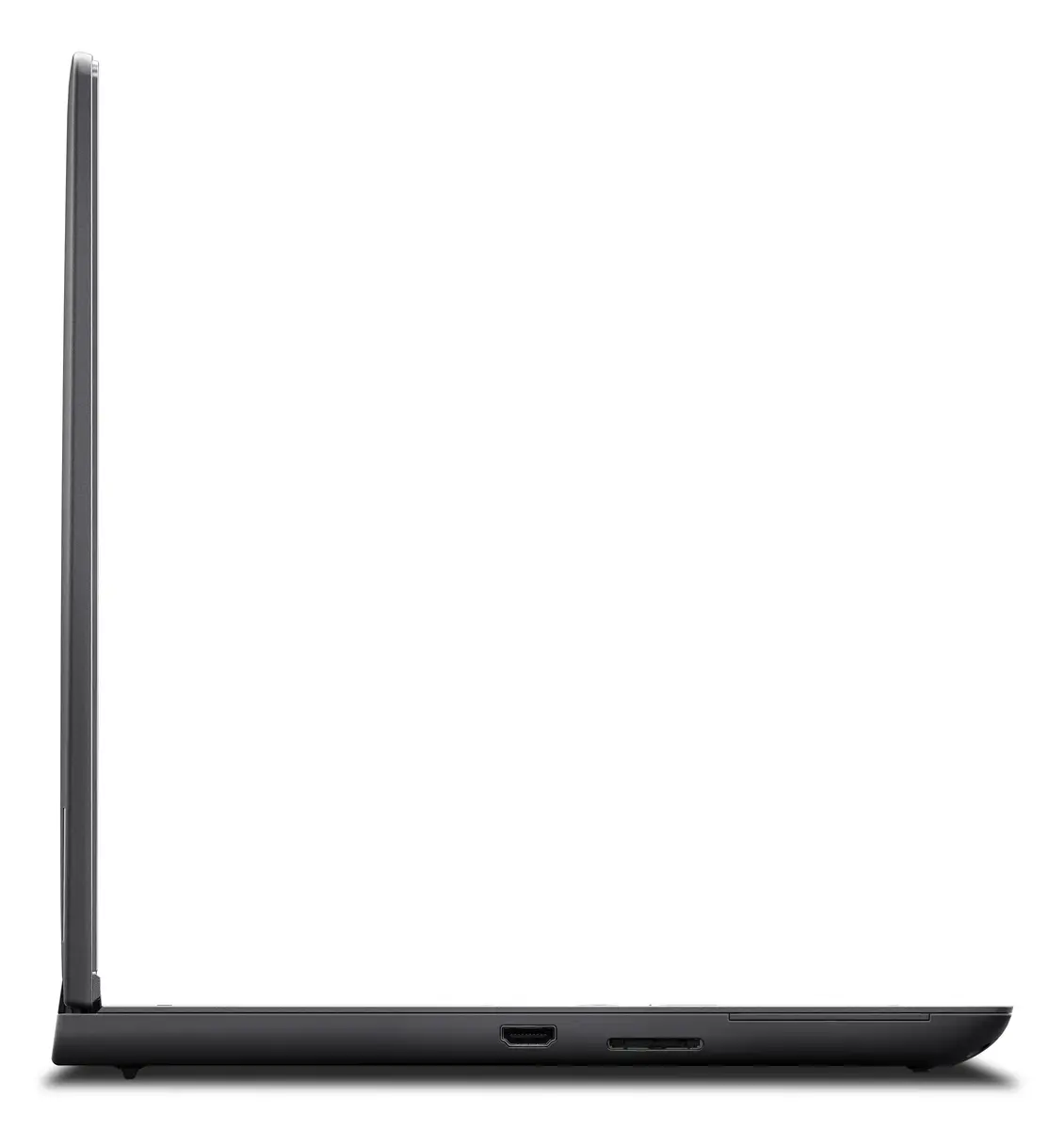
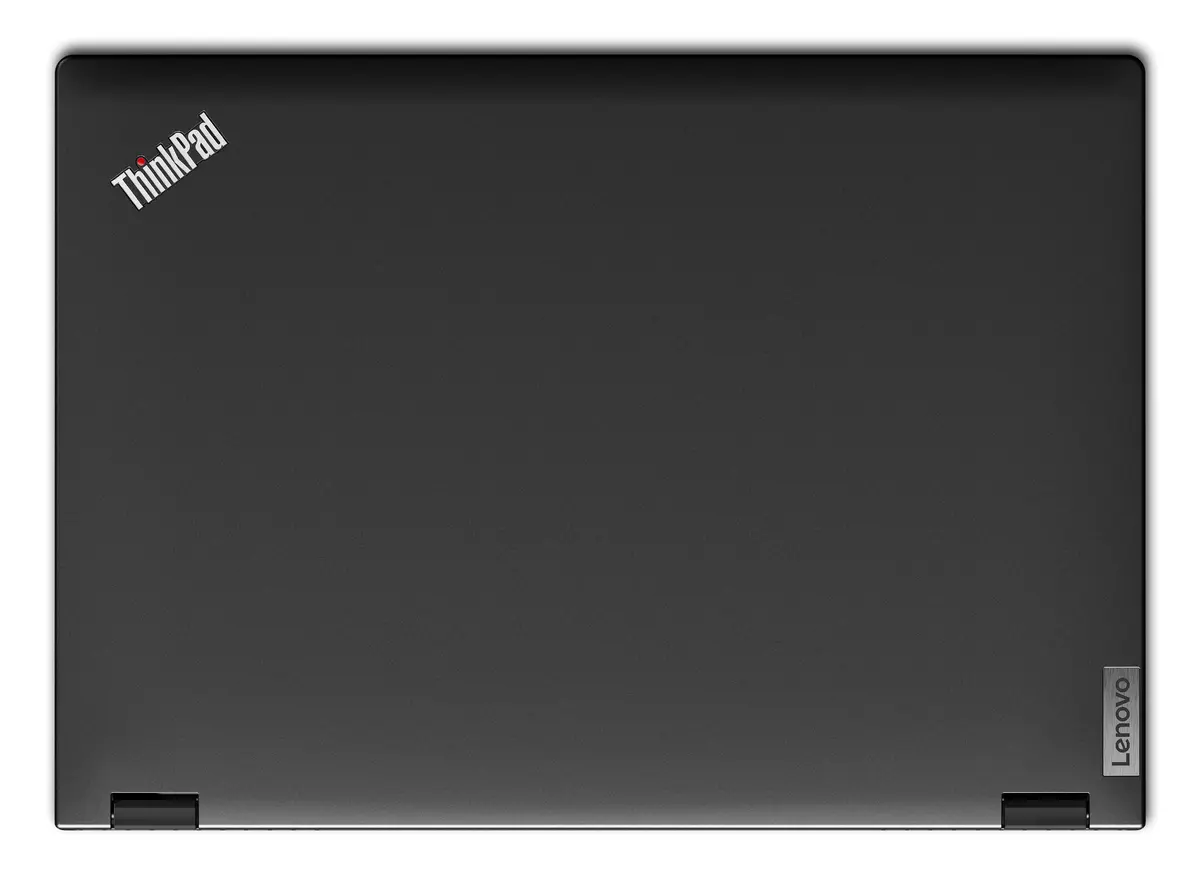
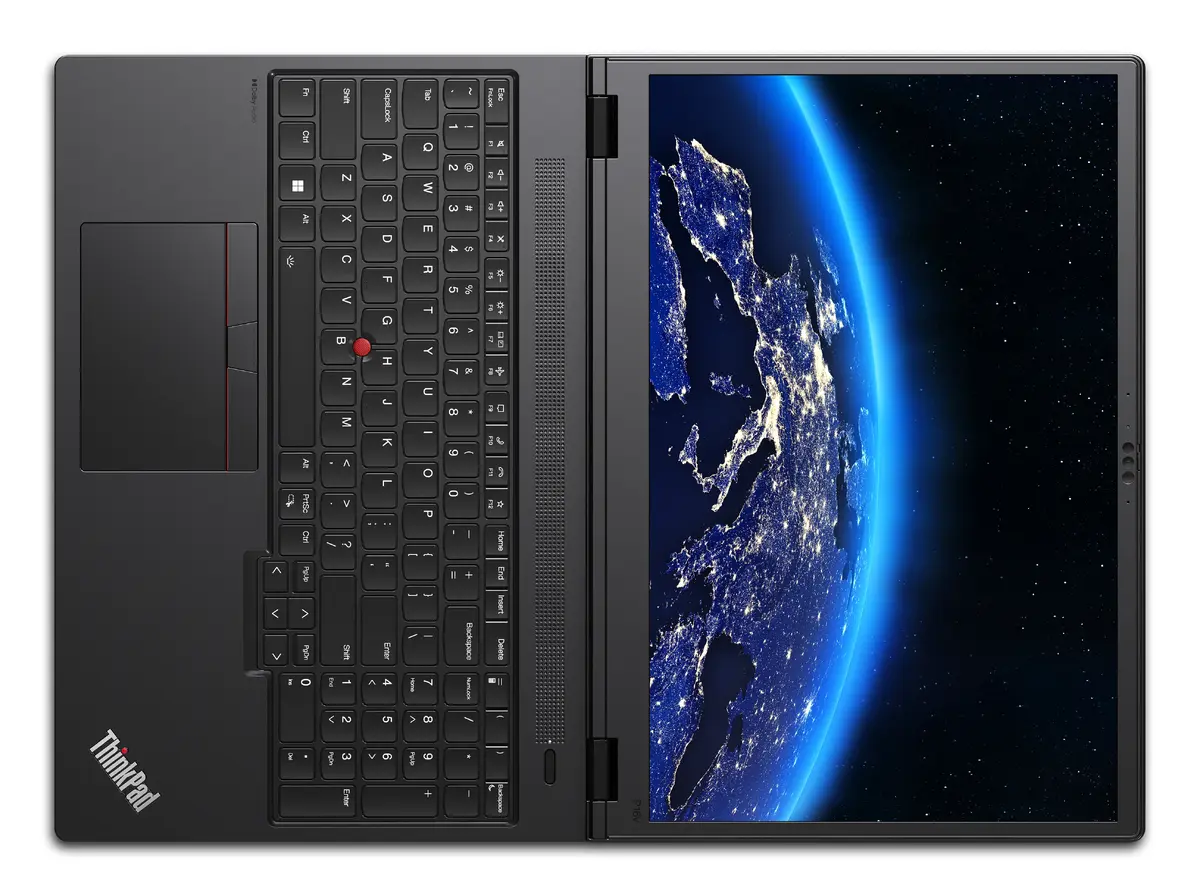
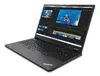
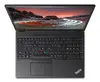
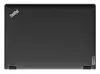
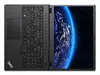
Lenovo ThinkPad P16v Gen 2 Mobile Workstation, Intel Core Ultra 7 165H, 32GB RAM, 1TB SSD, NVIDIA RTX 2000 Ada, 16" WUXGA, Windows 11 Pro
The Lenovo ThinkPad P16v Gen 2 is a high-performance mobile workstation engineered to meet the rigorous demands of professional environments. Combining the power of an Intel Core Ultra 7 165H processor with the professional-grade NVIDIA RTX 2000 Ada graphics card, this device provides the computational stability required for complex workflows. Housed in a durable black chassis, it balances robust performance with the portability needed for modern hybrid work, ensuring that engineering, design, and data analysis tasks are handled with efficiency and precision.
This mobile workstation excels by integrating advanced hardware components that work in harmony to deliver consistent performance under heavy loads. The inclusion of 32GB of high-speed DDR5 memory ensures smooth multitasking, while the 1TB SSD provides ample and fast storage for large project files. The 16-inch WUXGA display offers a clear and expansive workspace, which is essential for detailed visual work. Furthermore, the device is built with the legendary ThinkPad durability, meeting strict standards to withstand the challenges of daily professional use, while the pre-installed Windows 11 Pro operating system provides advanced security and management features necessary for enterprise environments.
This device may not be the ideal choice for users primarily seeking a lightweight, ultra-portable laptop for casual browsing or media consumption, as its focus is on workstation-grade performance and durability rather than extreme thinness. Additionally, users who require a high-resolution 4K display for color-critical professional photography or high-end cinematography might find the standard WUXGA panel insufficient for their specific color accuracy requirements.
To begin using the Lenovo ThinkPad P16v Gen 2, connect the provided power adapter to the charging port and ensure the battery is sufficiently charged. Upon powering on the device, follow the on-screen Windows 11 Pro setup instructions to configure your user profile, network settings, and security preferences. For optimal performance during intensive tasks, ensure the laptop is placed on a flat, hard surface to allow for proper airflow through the cooling vents. You can manage system updates and driver configurations through the pre-installed Lenovo software to maintain peak stability and security.
For maximum longevity and performance, keep the system firmware and graphics drivers updated via the official support portal. Avoid blocking the ventilation grilles during heavy computational tasks to prevent thermal throttling.
{{highlightedFeature.featureTitle}}:
{{getProductFeatureValueById(product, highlightedFeature.featureId)}}
{{ productComparisonGenerationError }}
