




Hurry and order now – up to 50% off!
In cart {{totalProductsCount}} item(s)
Your cart is empty
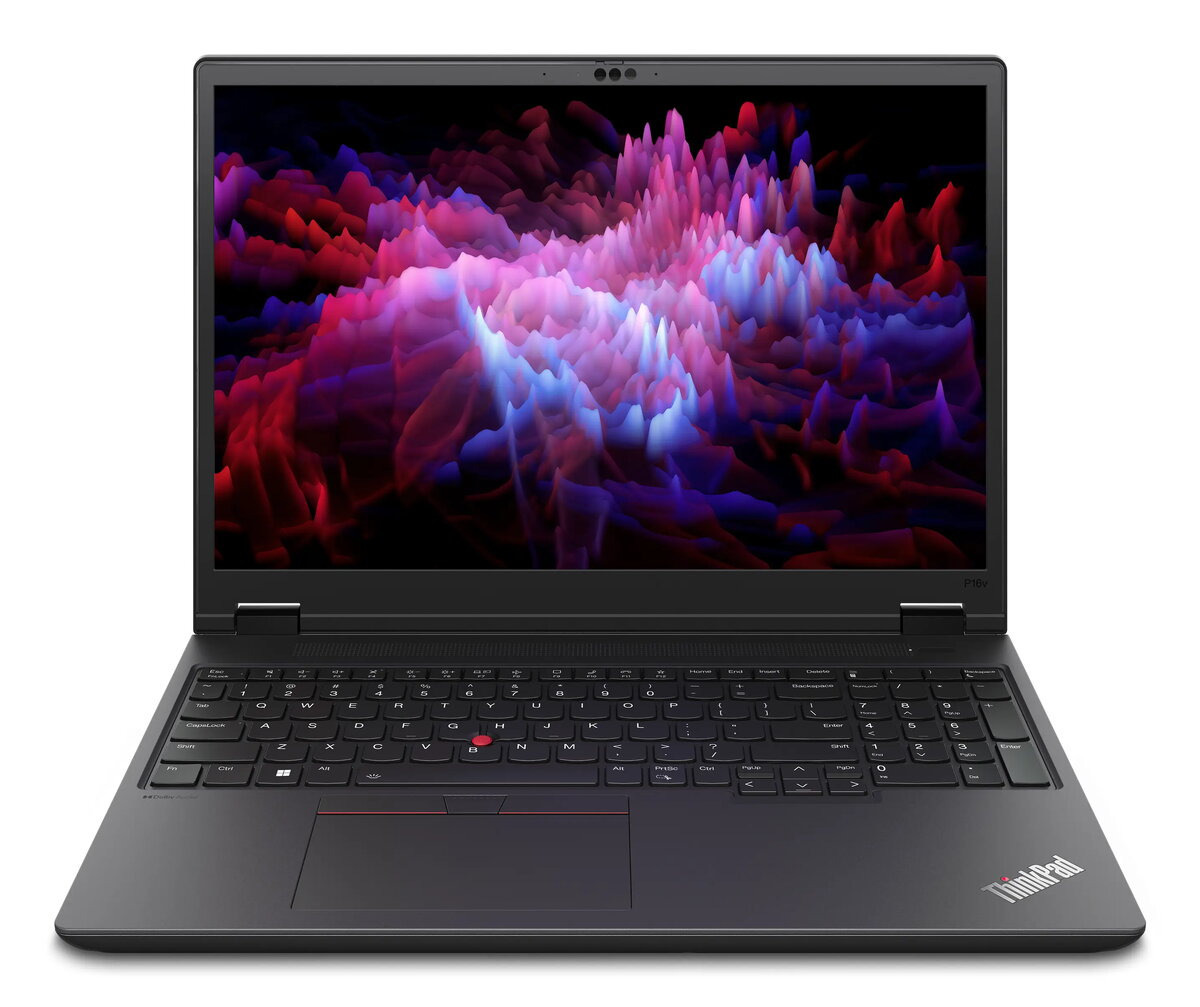
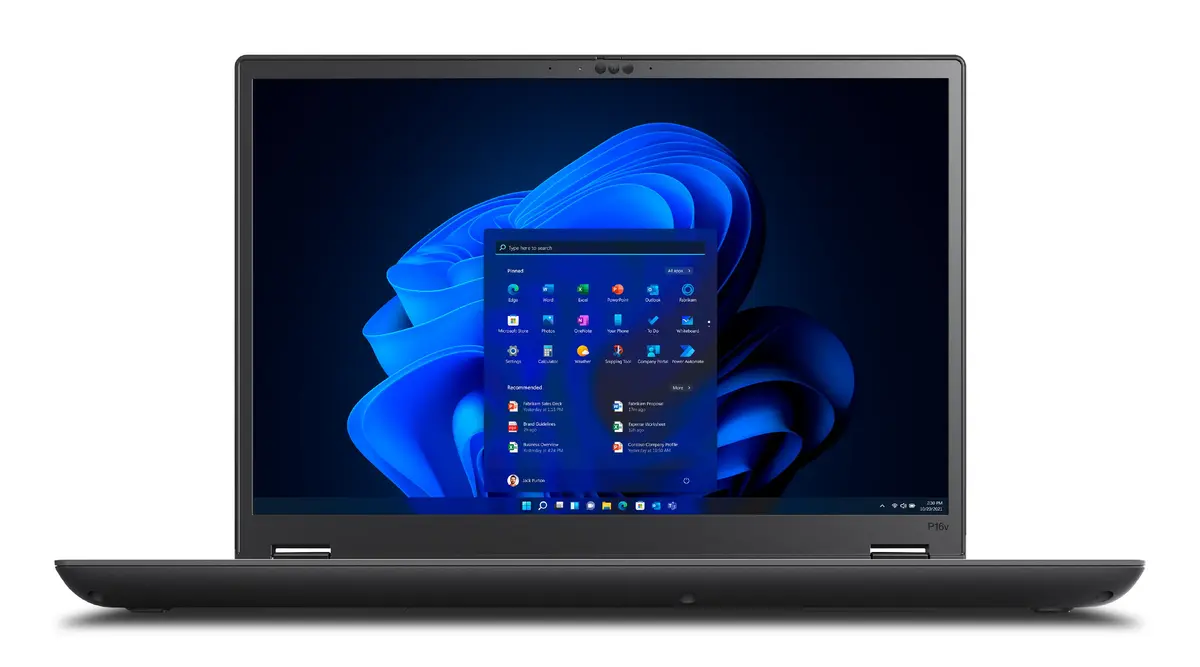
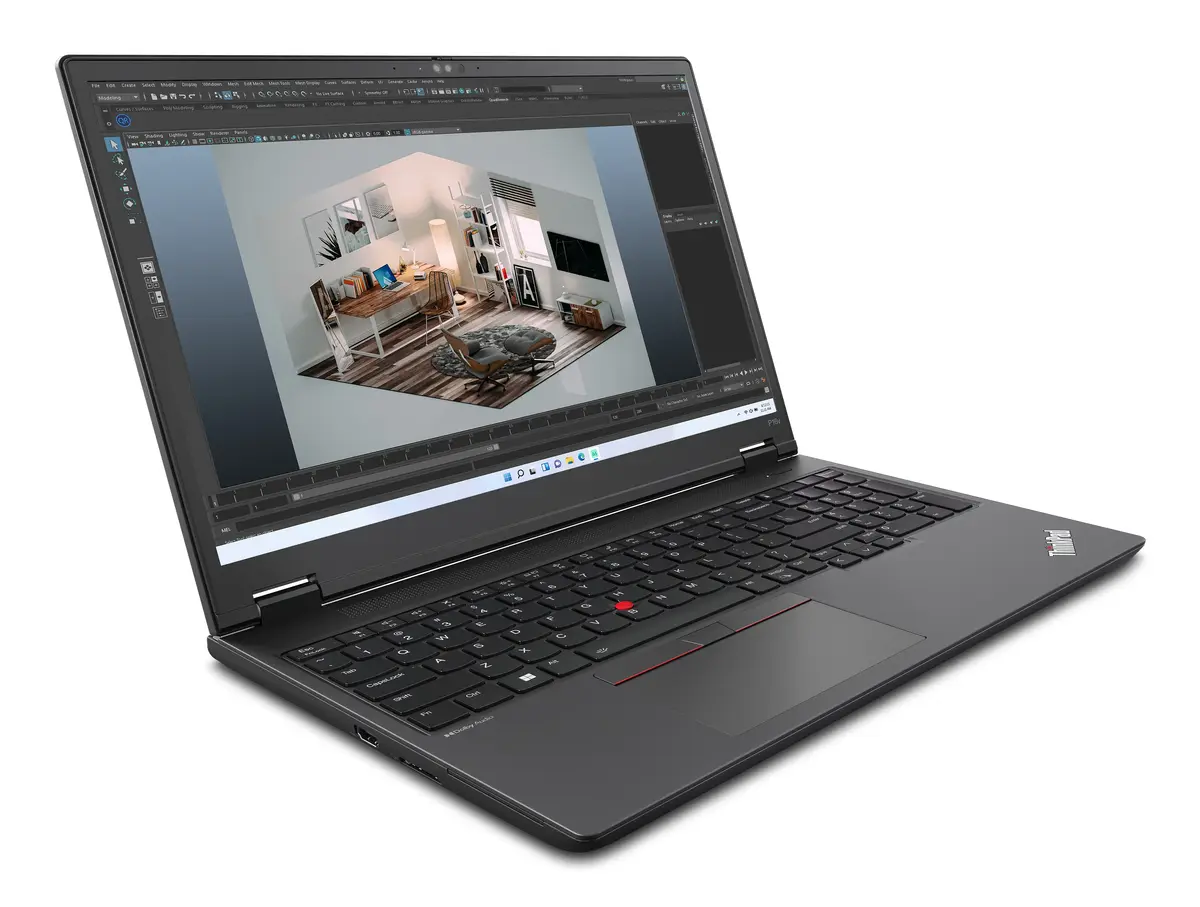
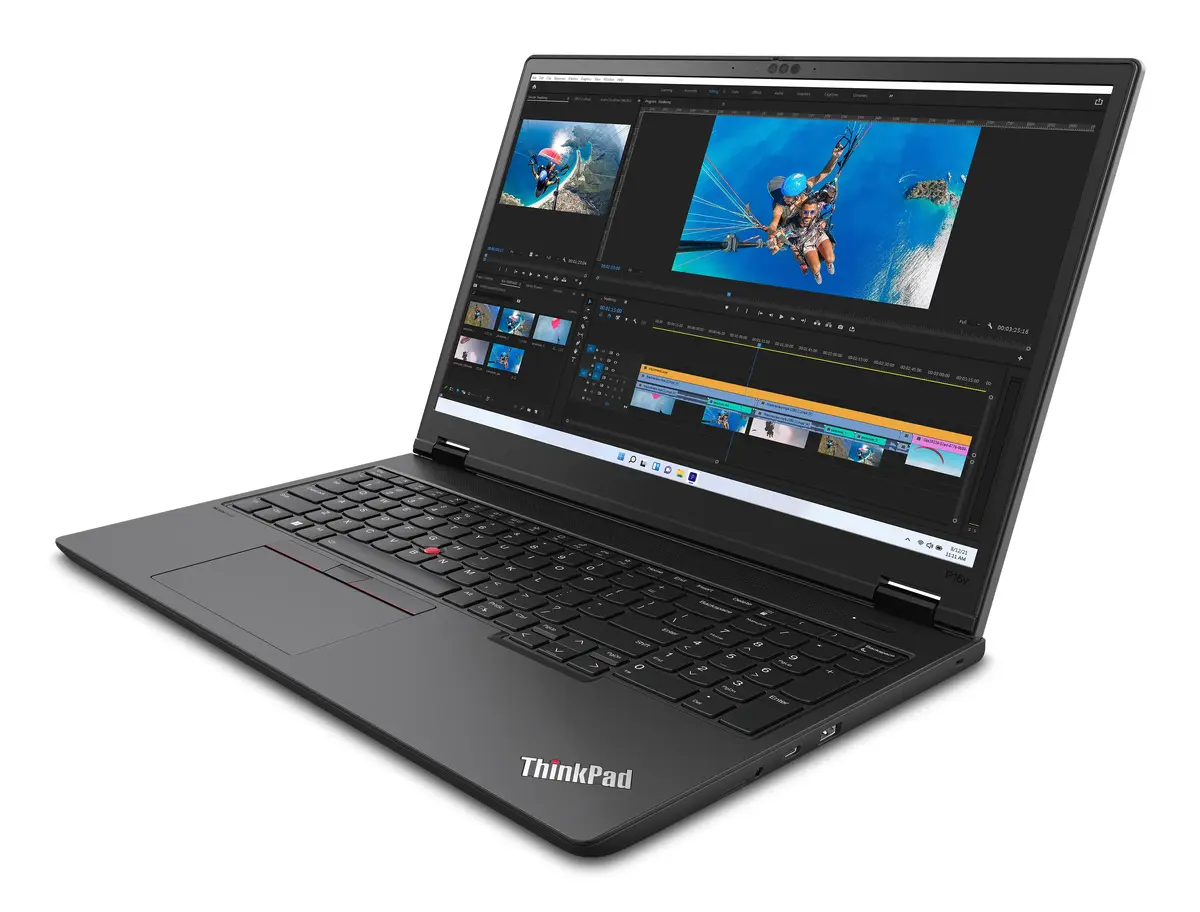
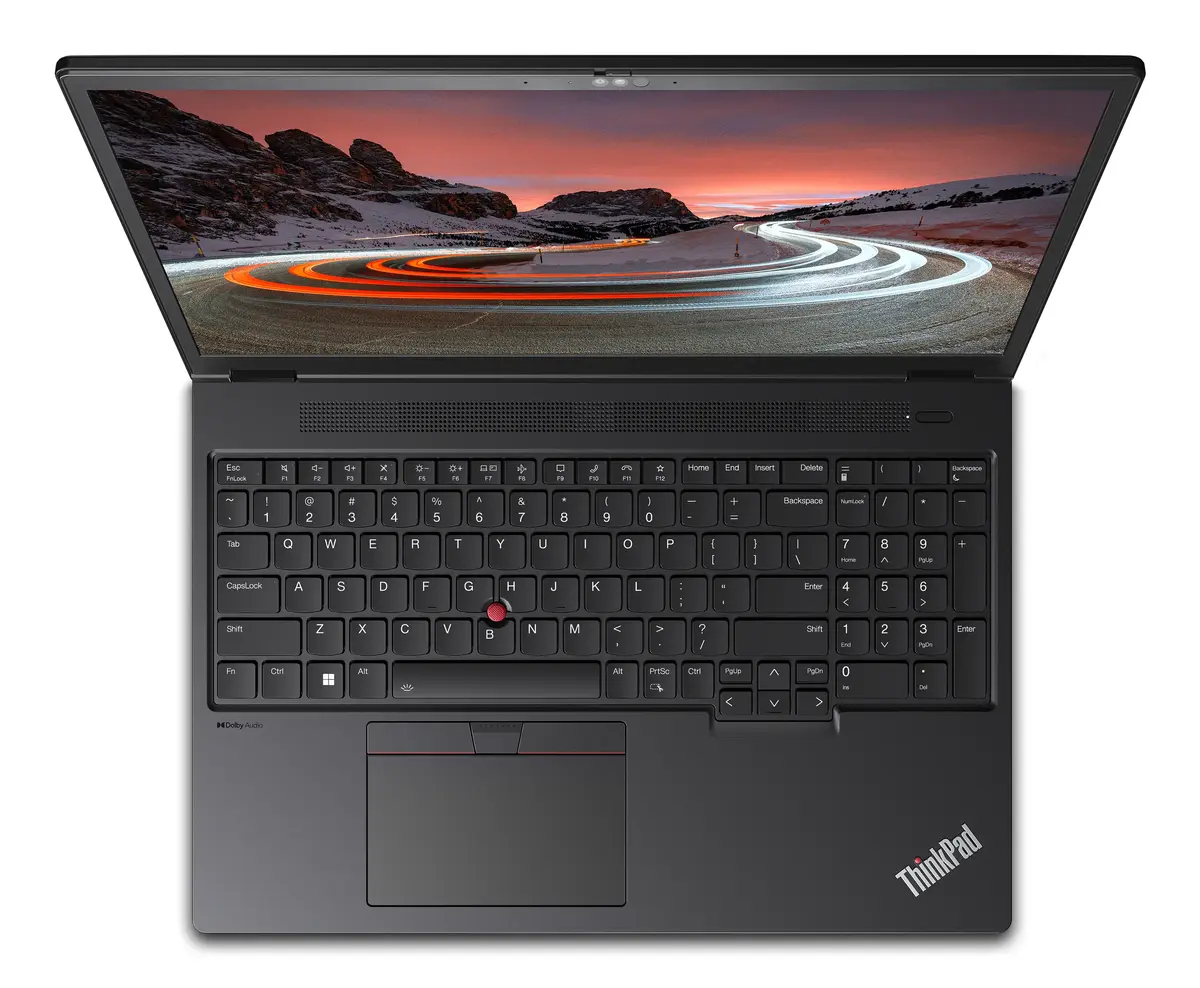
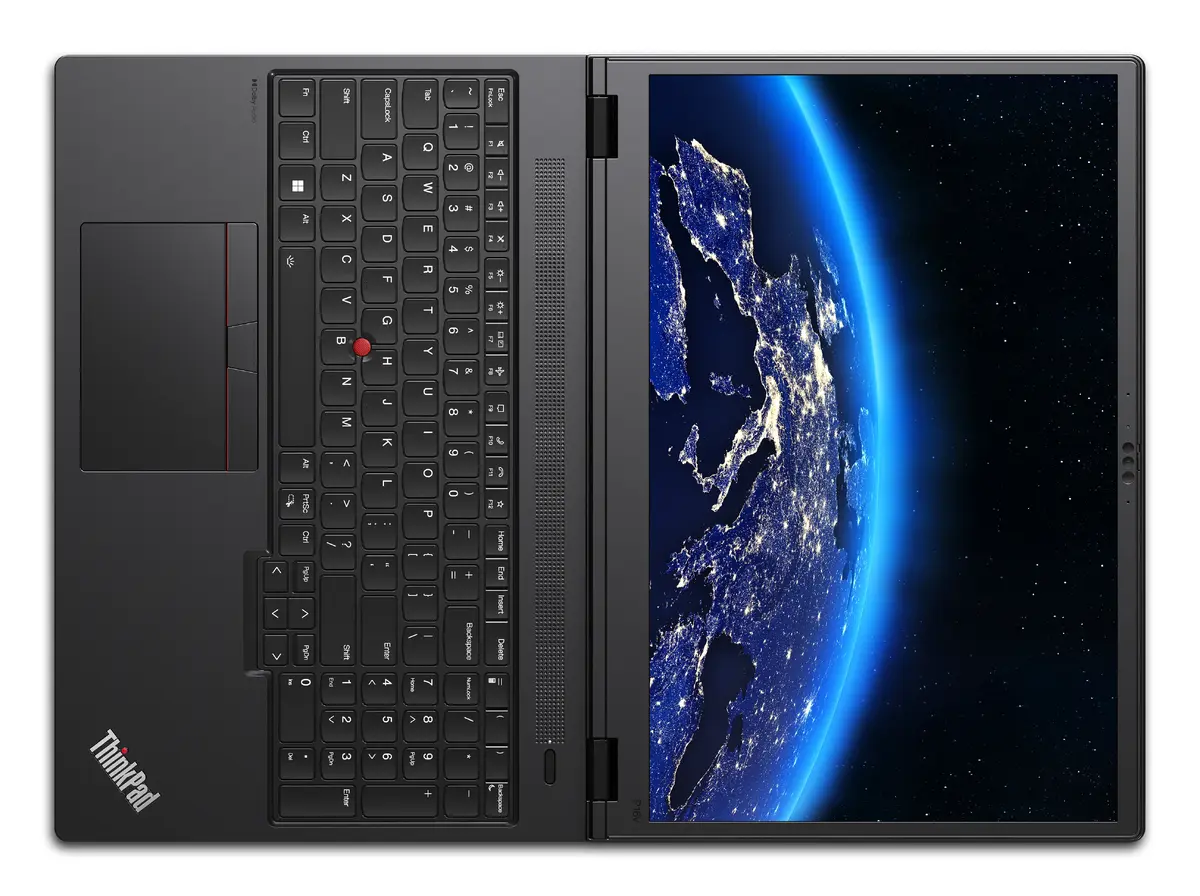
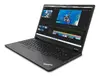
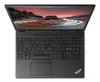
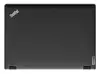
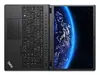
Lenovo ThinkPad P16v Gen 2 Mobile Workstation, Intel Core Ultra 7 165H, 16" WUXGA, 32GB RAM, 1TB SSD, NVIDIA RTX 1000 Ada, Windows 11 Pro
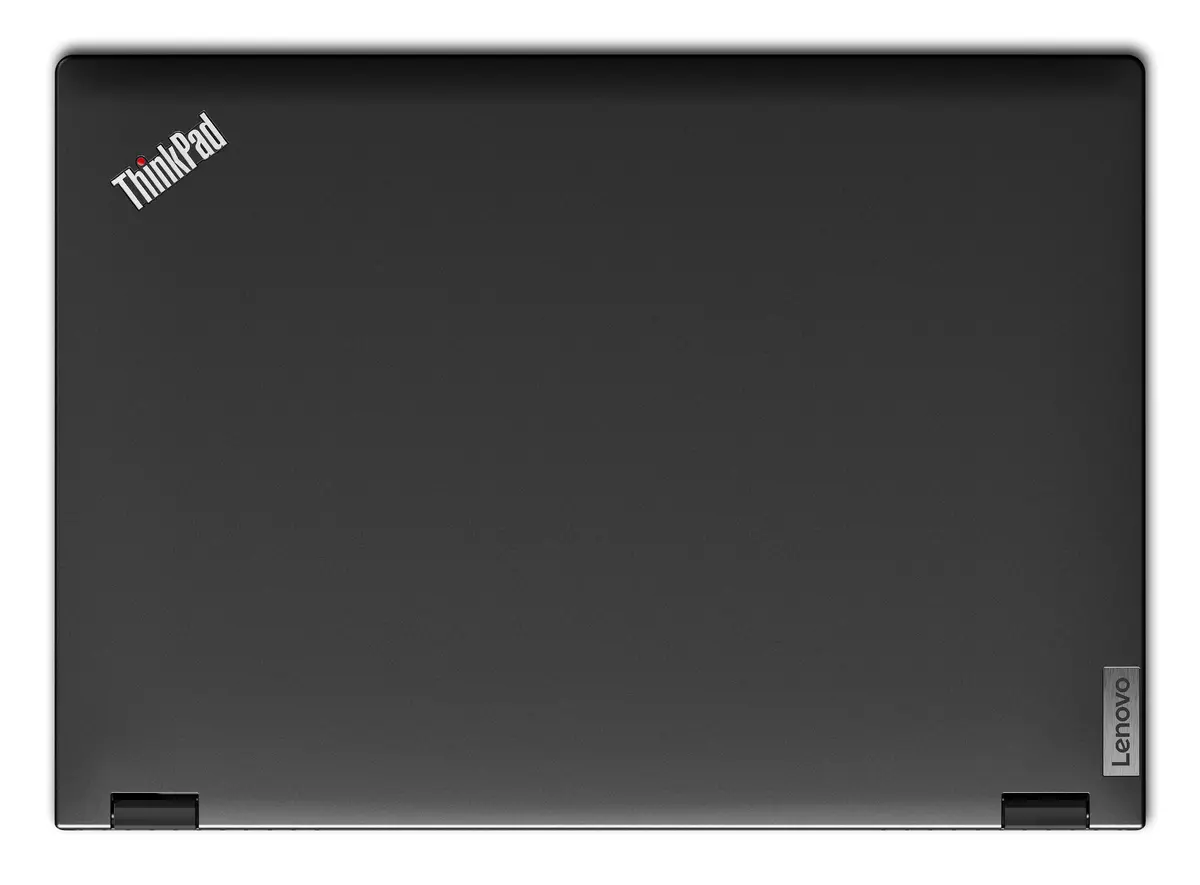
The Lenovo ThinkPad P16v Gen 2 is a high-performance mobile workstation engineered to meet the rigorous demands of professional engineering, design, and data-intensive workflows. Housed in a durable black clamshell chassis, this device combines the robust processing power of the Intel Core Ultra 7 165H with professional-grade NVIDIA RTX 1000 Ada graphics. With 32GB of high-speed DDR5 memory and a 1TB SSD, it provides the necessary speed and storage capacity for complex multitasking and large file management, all running on the professional Windows 11 Pro operating system.
This workstation excels by offering a perfect balance between high-end performance and professional reliability. The integration of the Intel Core Ultra processor ensures efficient handling of AI-ready tasks and demanding software applications. Users benefit from a large 16-inch WUXGA display that provides clear, precise visuals essential for detailed creative work. The inclusion of a dedicated NVIDIA graphics card allows for smooth rendering of 3D models and high-quality animations, while the ISV certification guarantees that the hardware is optimized for industry-standard professional software. Furthermore, the device is built to withstand challenging environments, having undergone rigorous military-grade durability testing.
This mobile workstation is designed for heavy professional workloads and may be overkill for casual users, students, or those primarily focused on basic web browsing and document editing. Due to its focus on performance and a larger 16-inch form factor, it is heavier than standard ultrabooks, which may be a consideration for users who prioritize extreme portability for frequent travel.
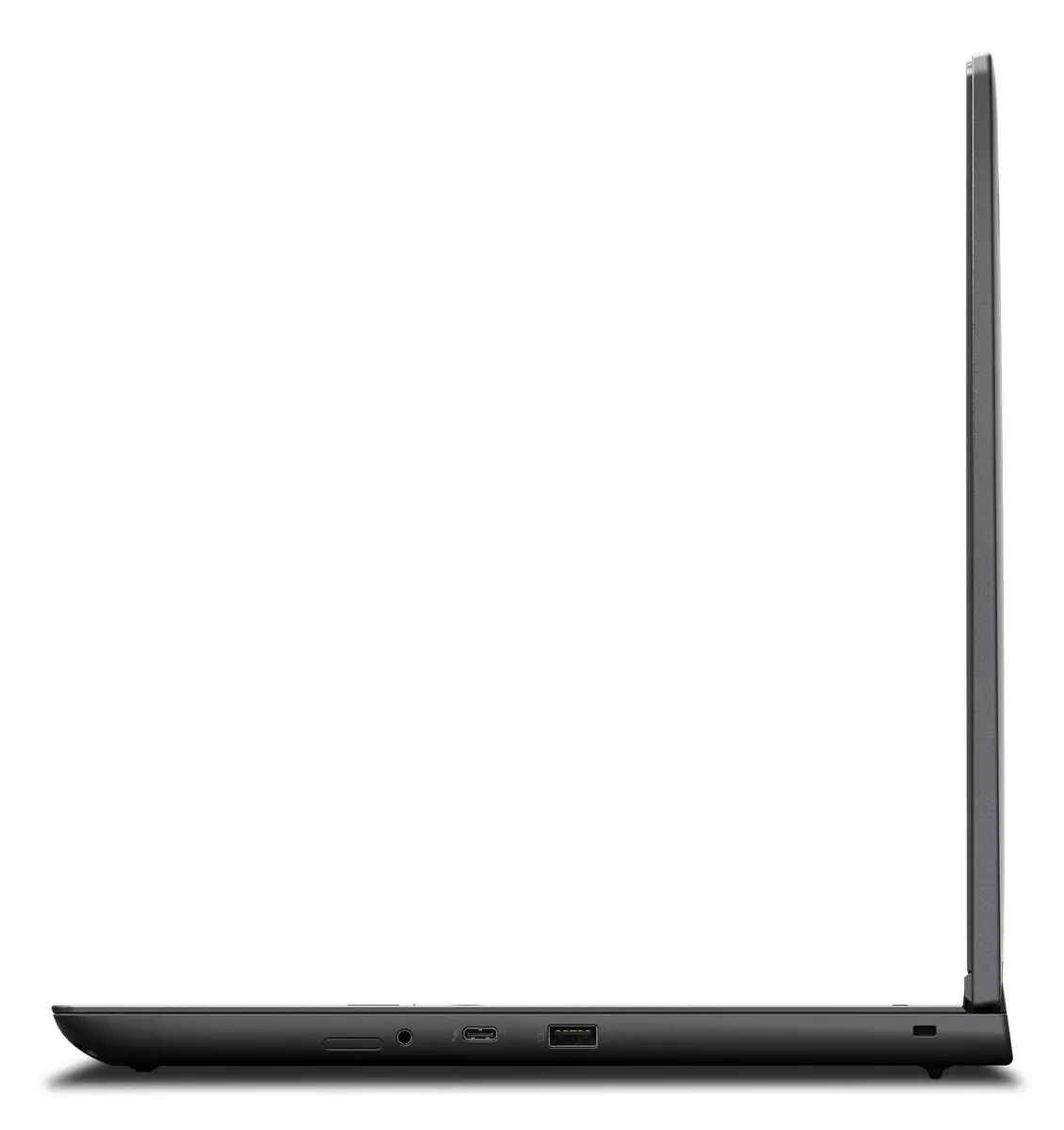
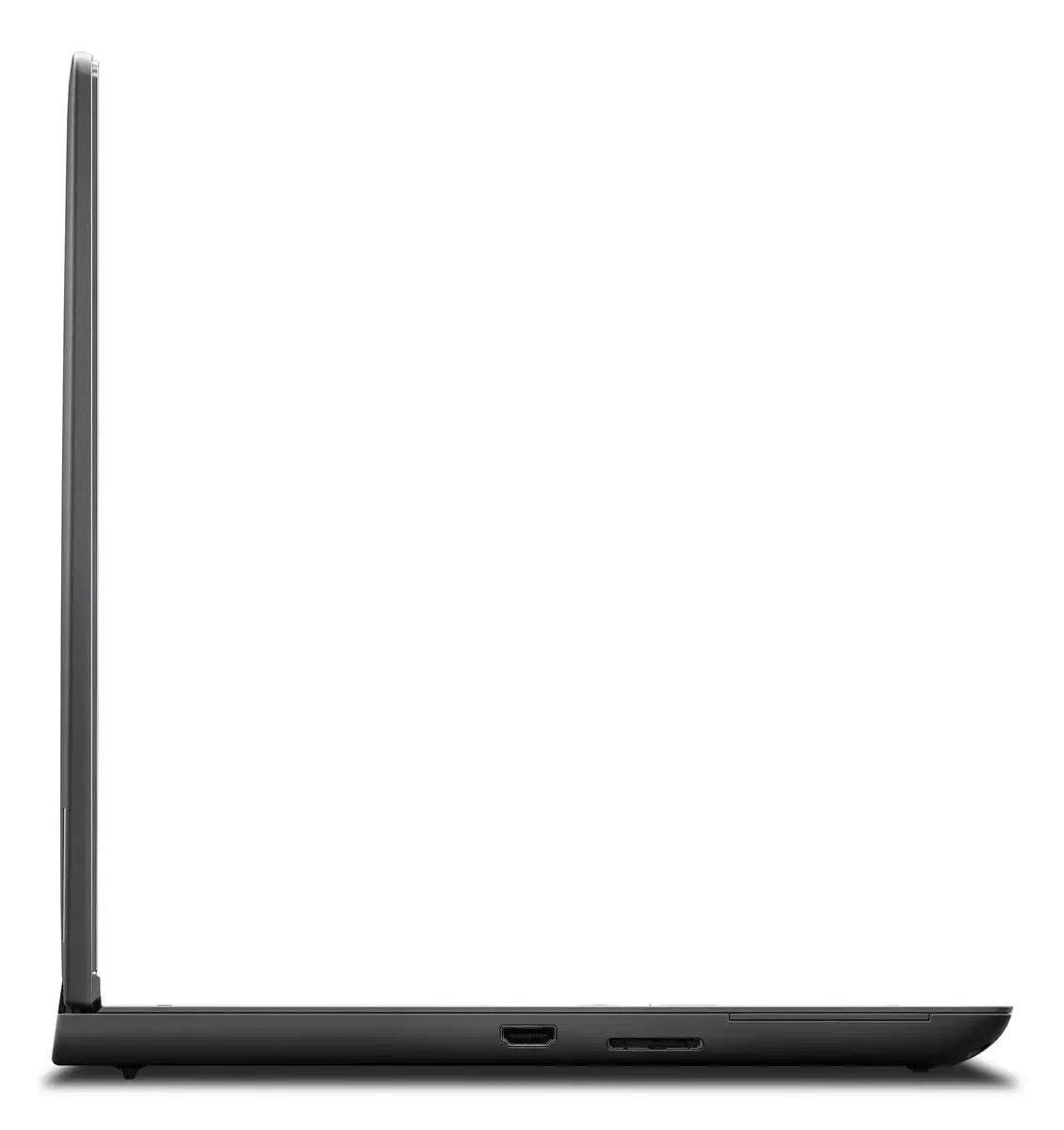
To begin using your Lenovo ThinkPad P16v Gen 2, connect the provided power adapter and press the power button to initiate the Windows 11 Pro setup process. Follow the on-screen instructions to configure your user account, network settings, and security features, such as the fingerprint reader. Once set up, you can utilize the high-speed ports to connect external displays or peripherals to expand your workspace. Ensure that your professional software is updated to the latest versions to take full advantage of the dedicated NVIDIA graphics and the Intel Core Ultra processing capabilities.
For the best performance during intensive rendering or simulation tasks, it is recommended to keep the device connected to a power source and ensure that the air vents remain unobstructed to maintain optimal thermal management. Regularly update your system drivers through the Lenovo Vantage software to ensure continued stability and security.
{{highlightedFeature.featureTitle}}:
{{getProductFeatureValueById(product, highlightedFeature.featureId)}}
{{ productComparisonGenerationError }}
