
Hurry and order now – up to 50% off!
In cart {{totalProductsCount}} item(s)
Your cart is empty
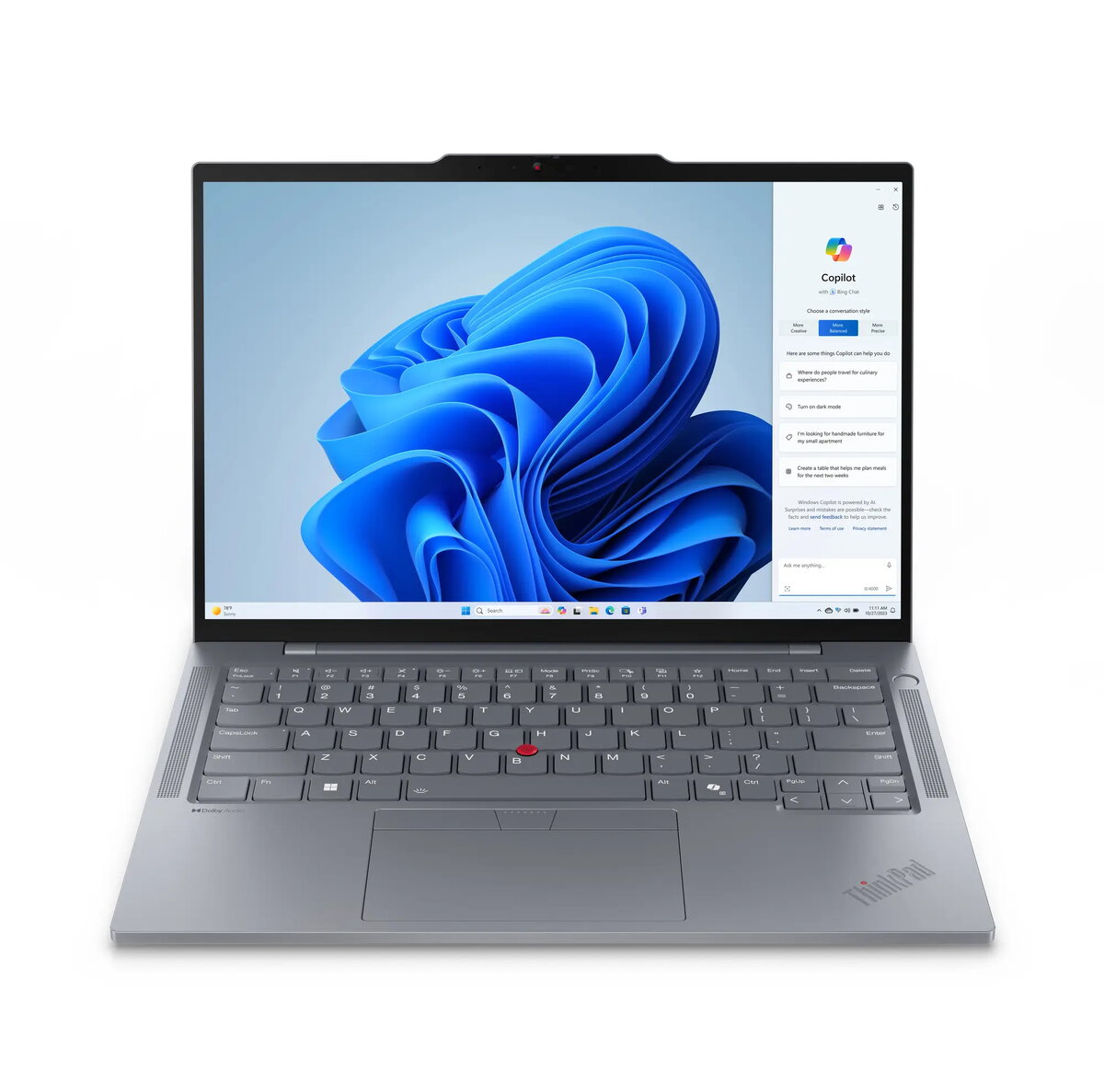
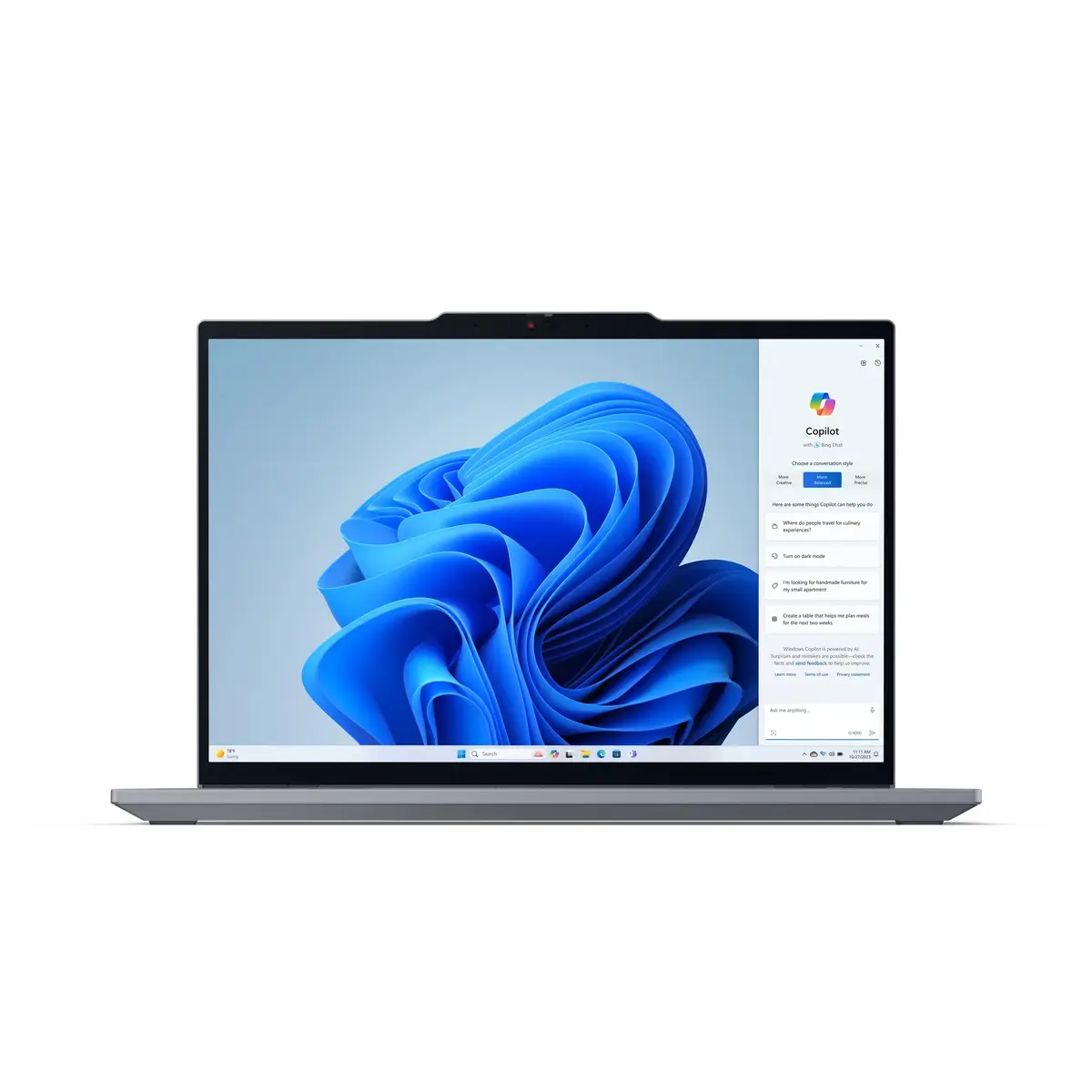
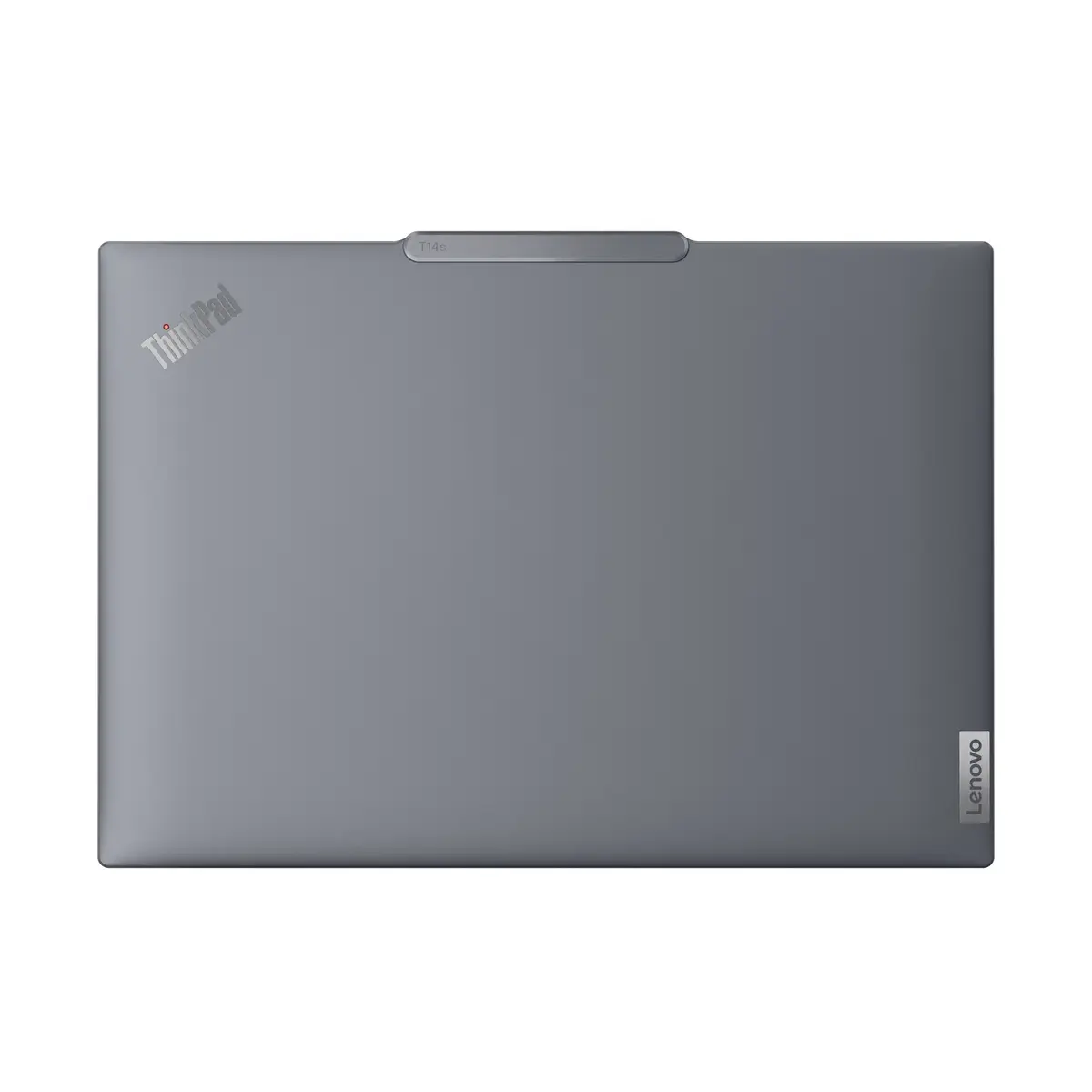
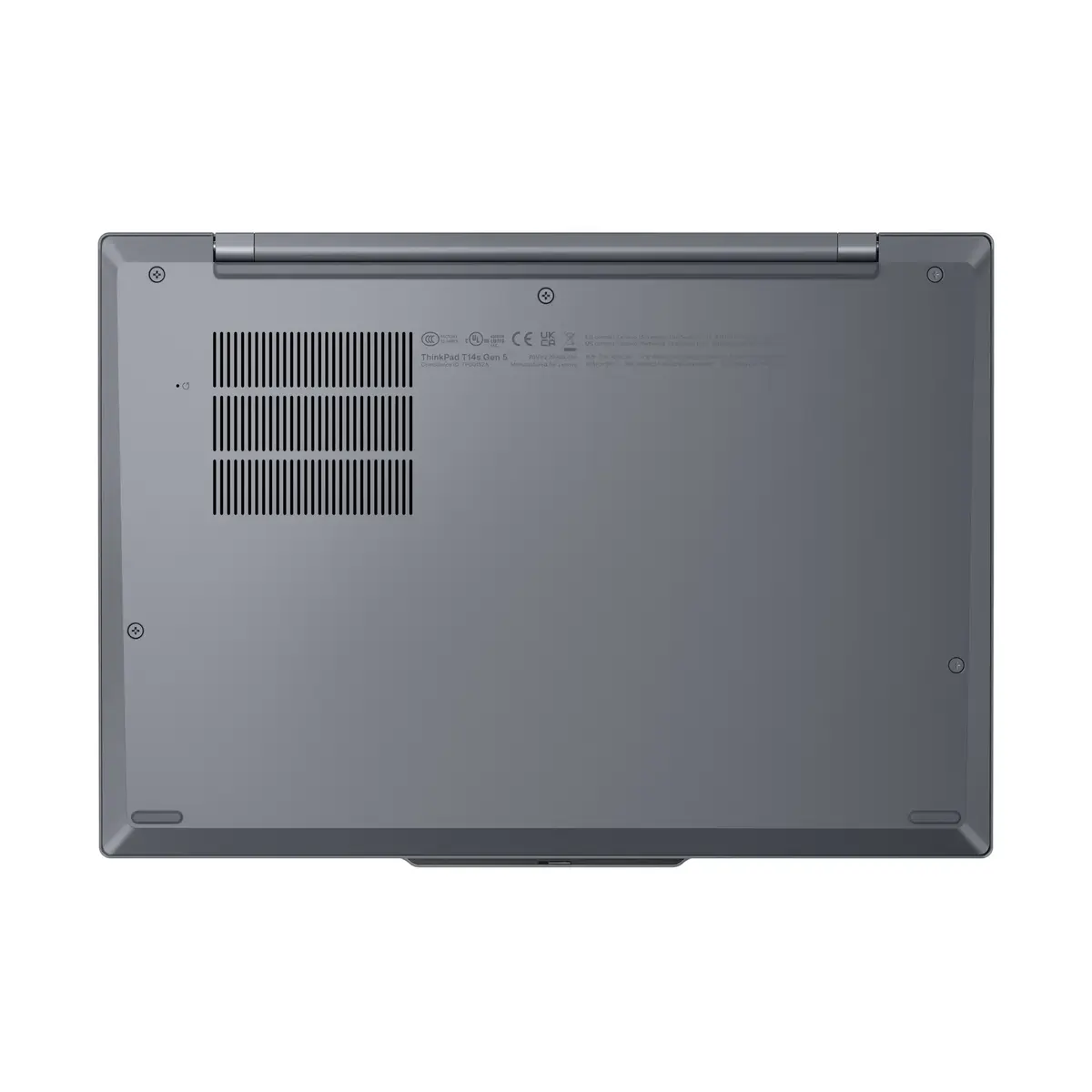
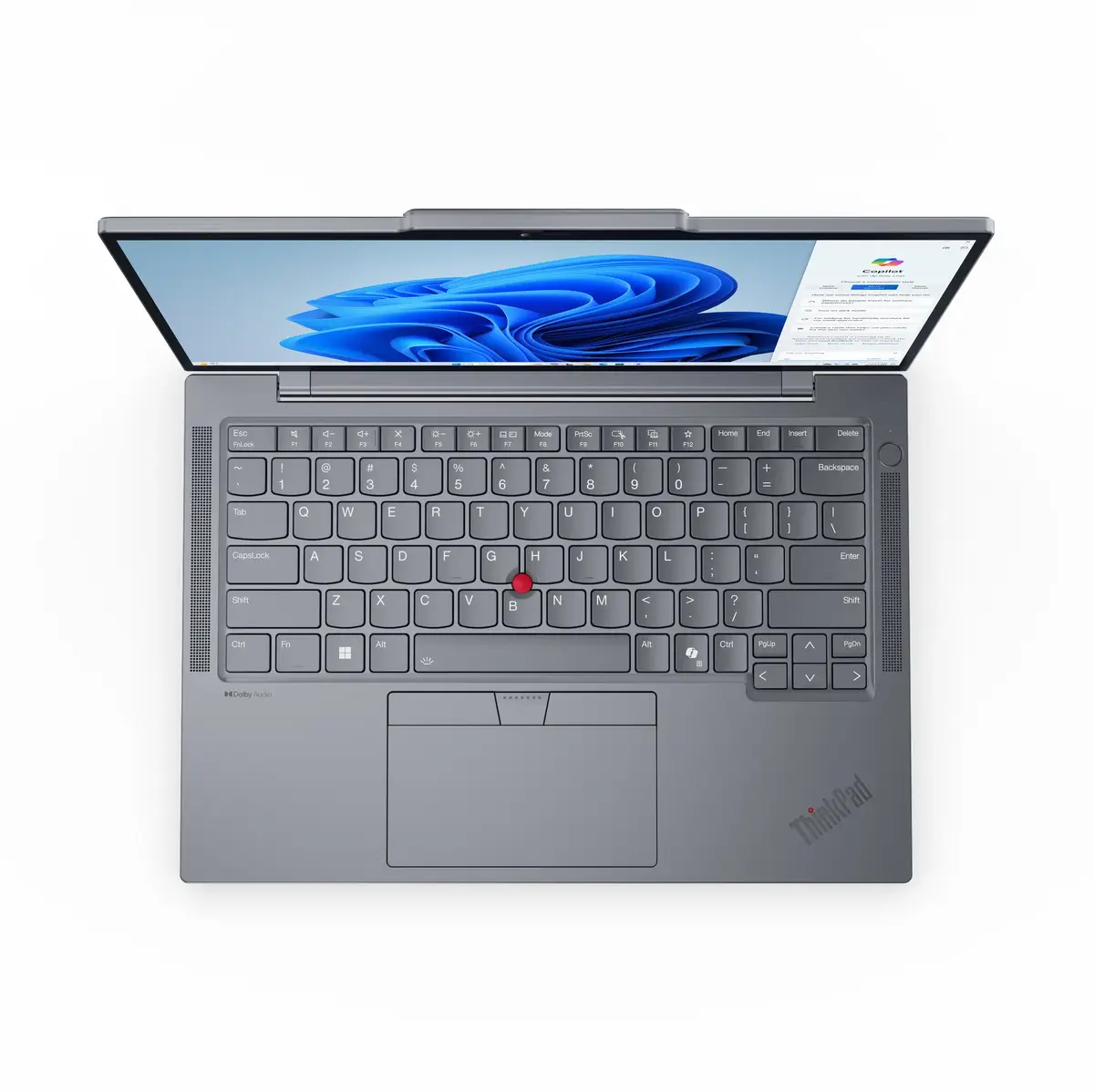
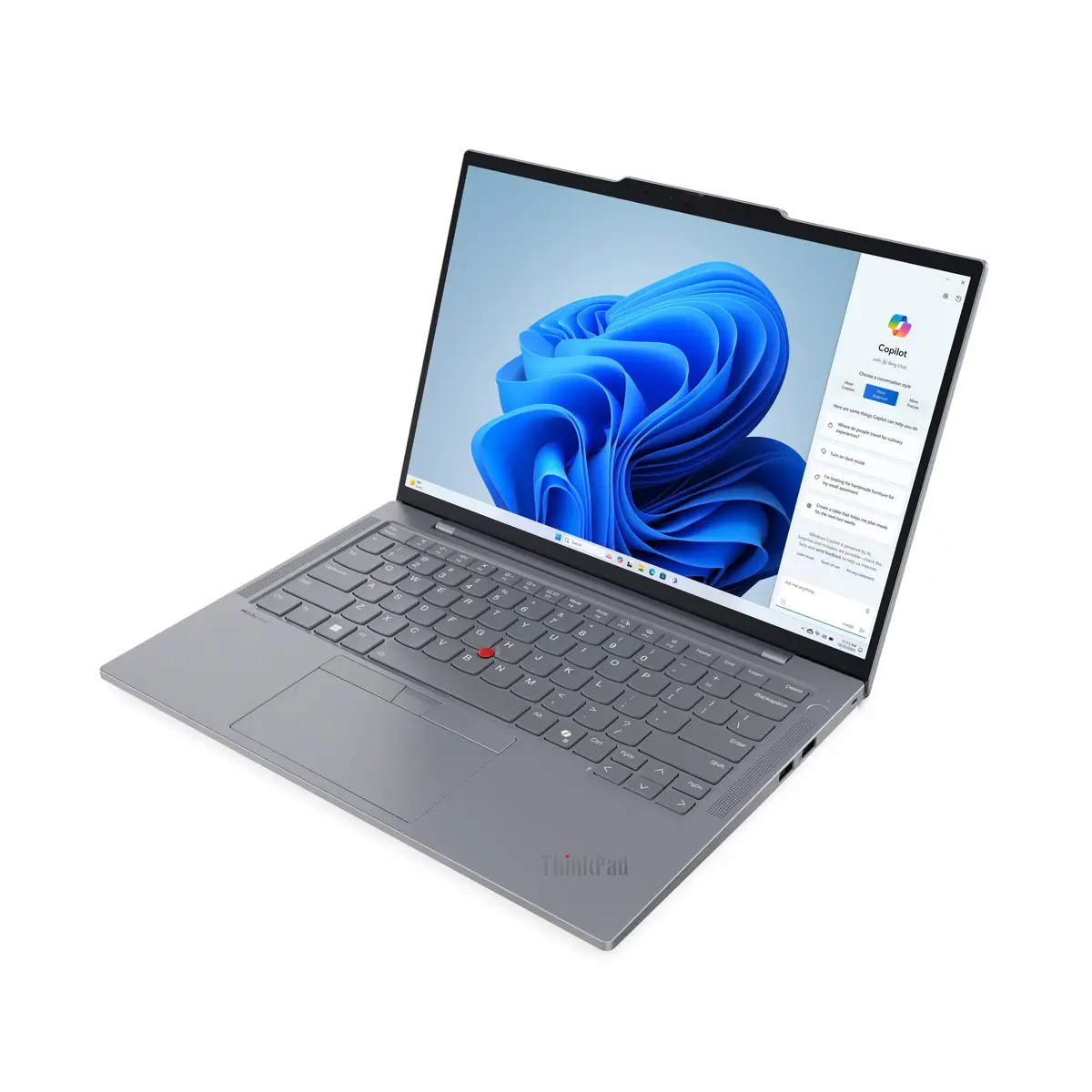
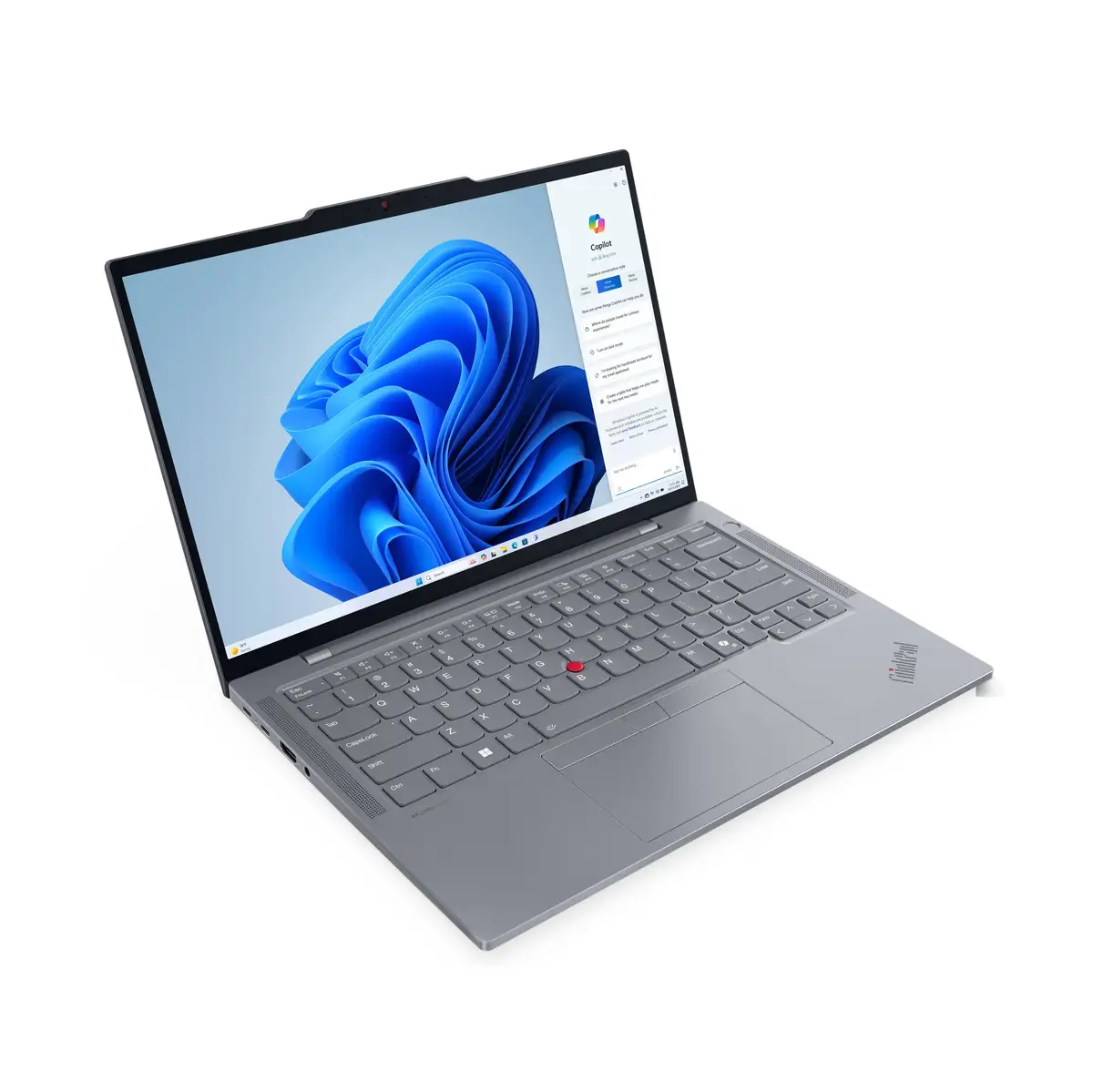
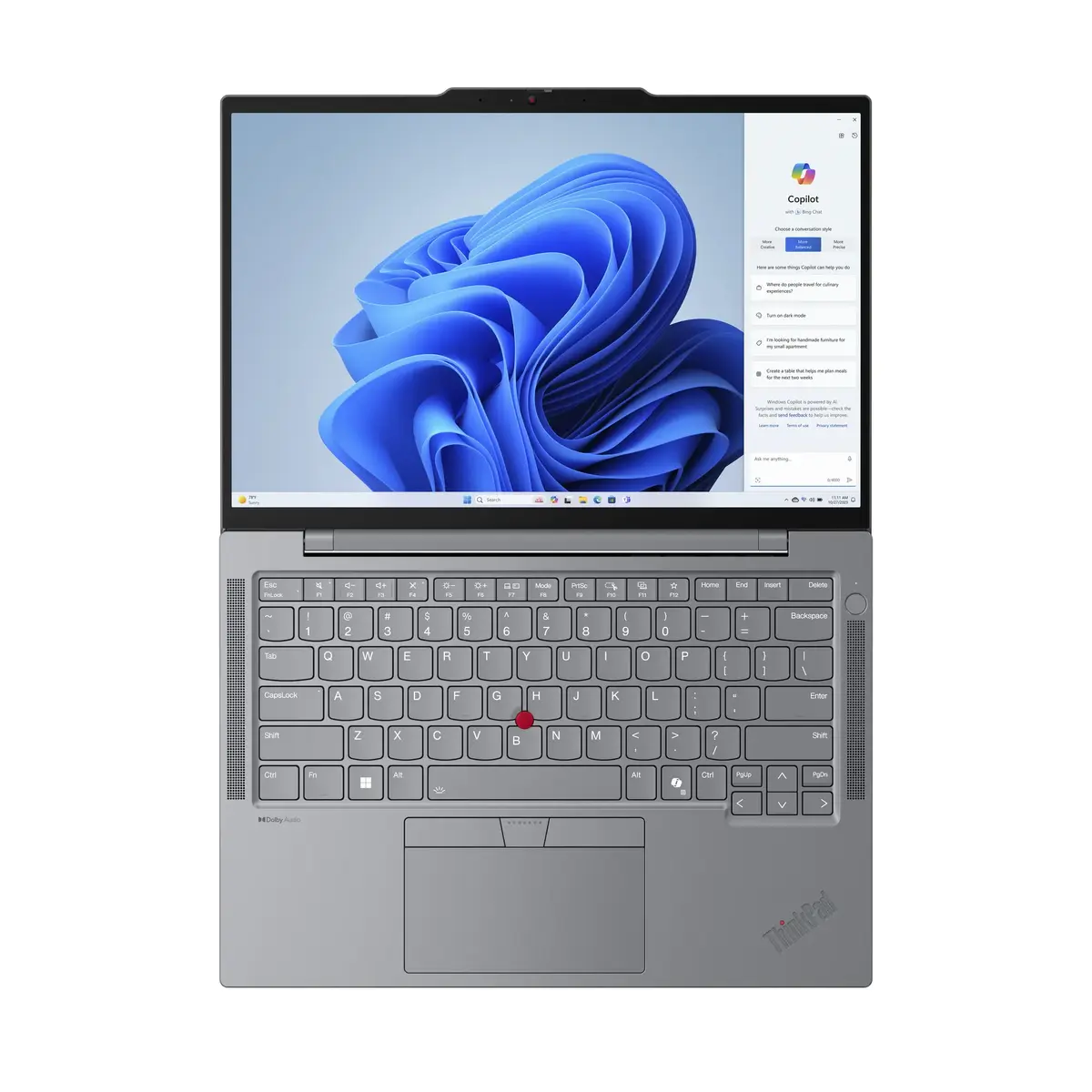
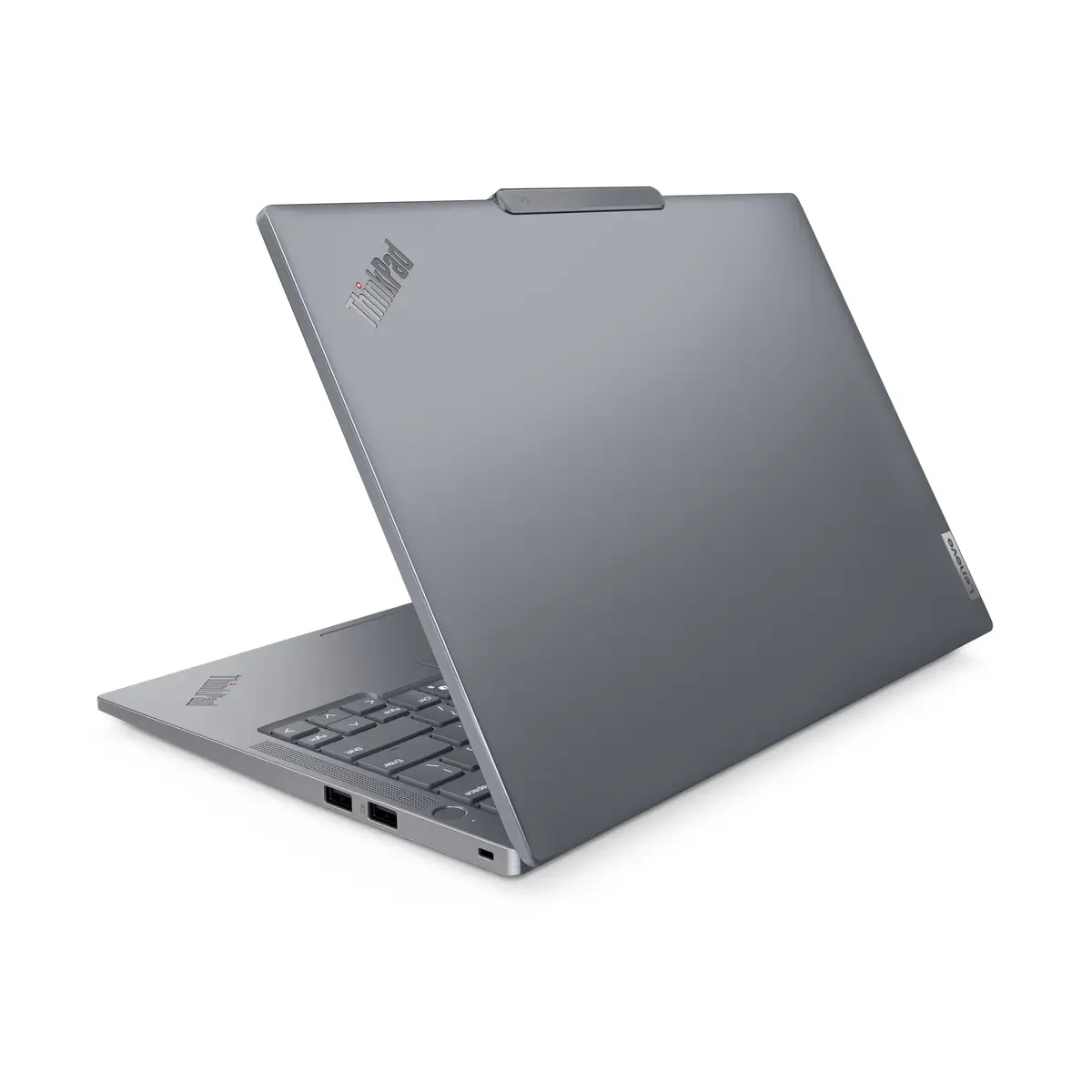
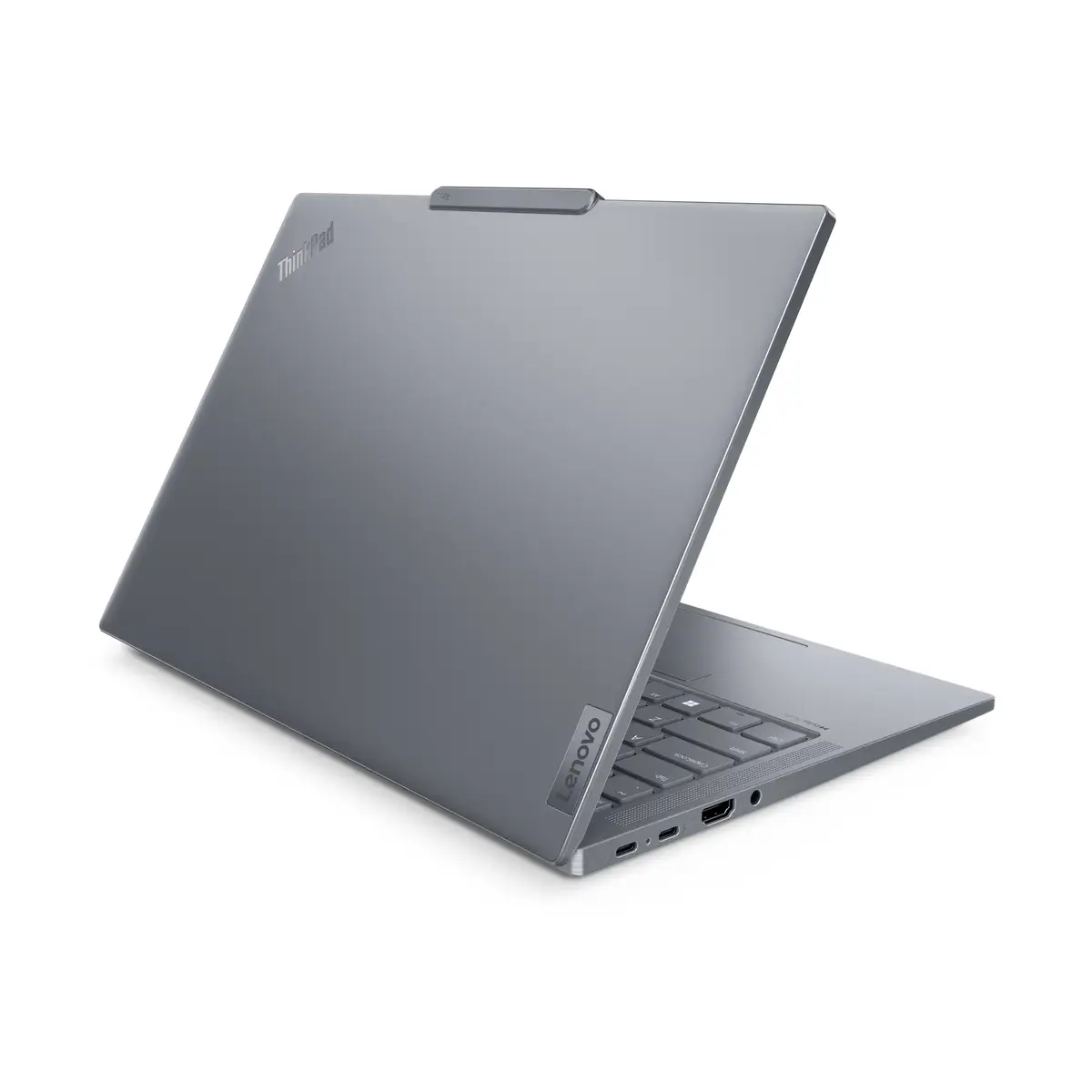
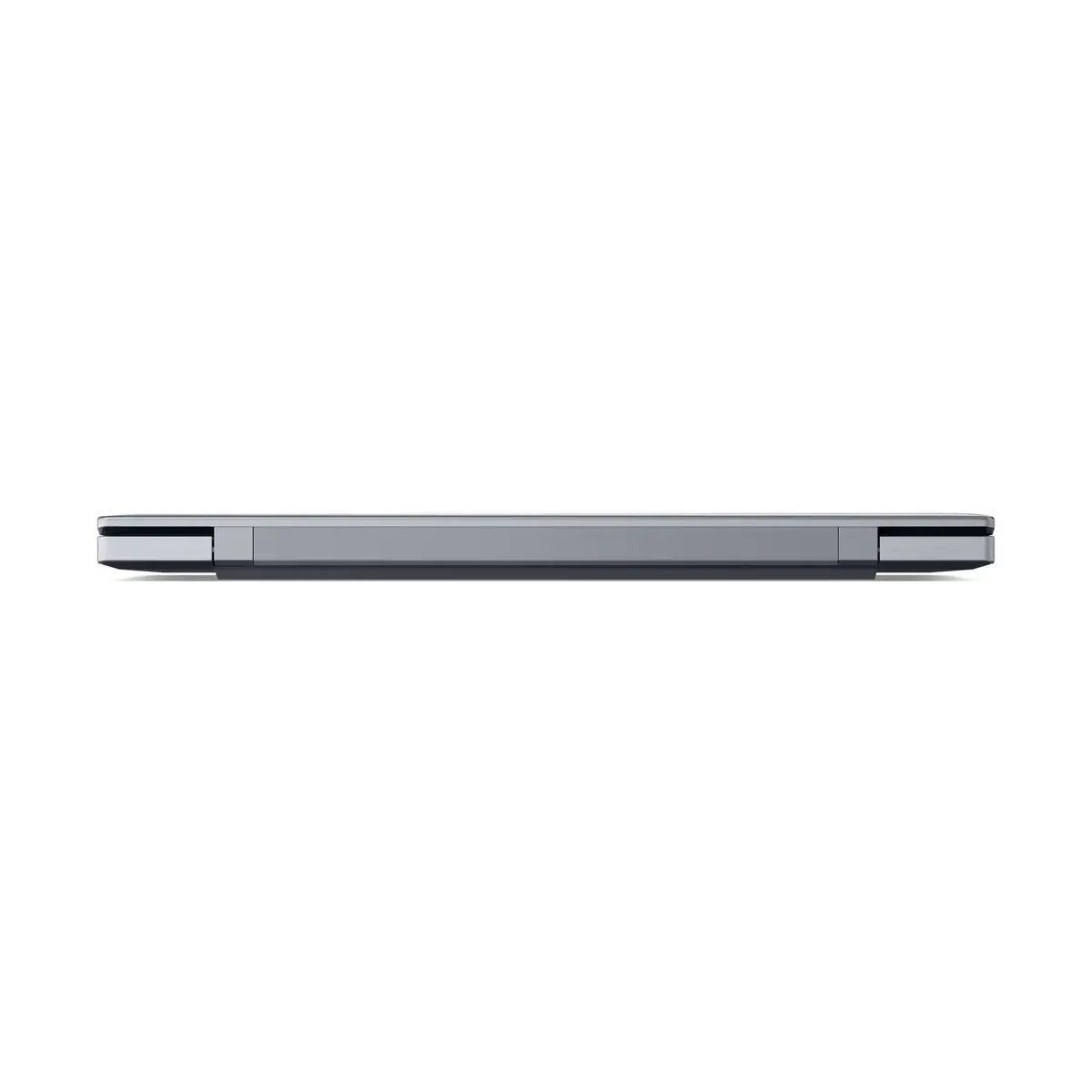
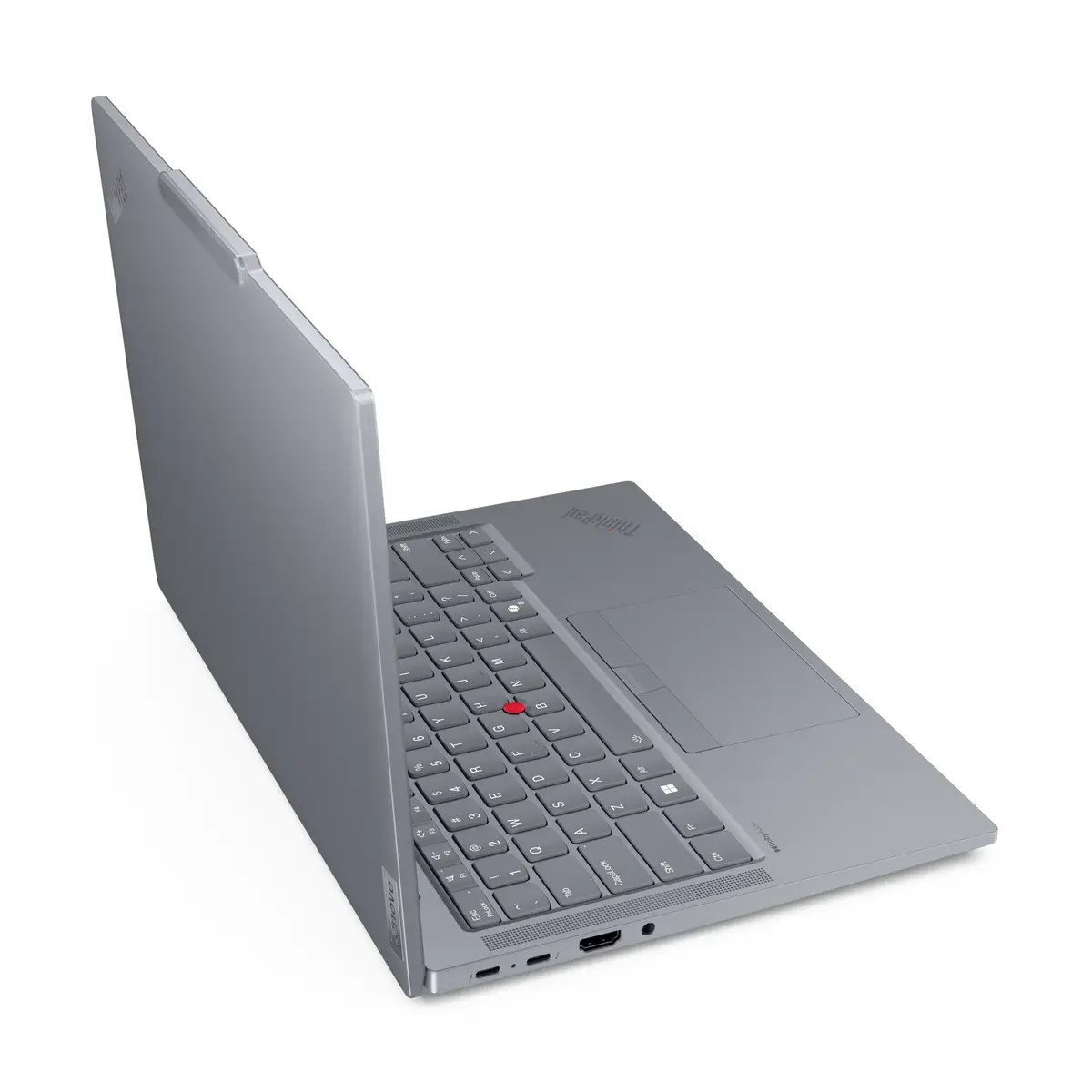
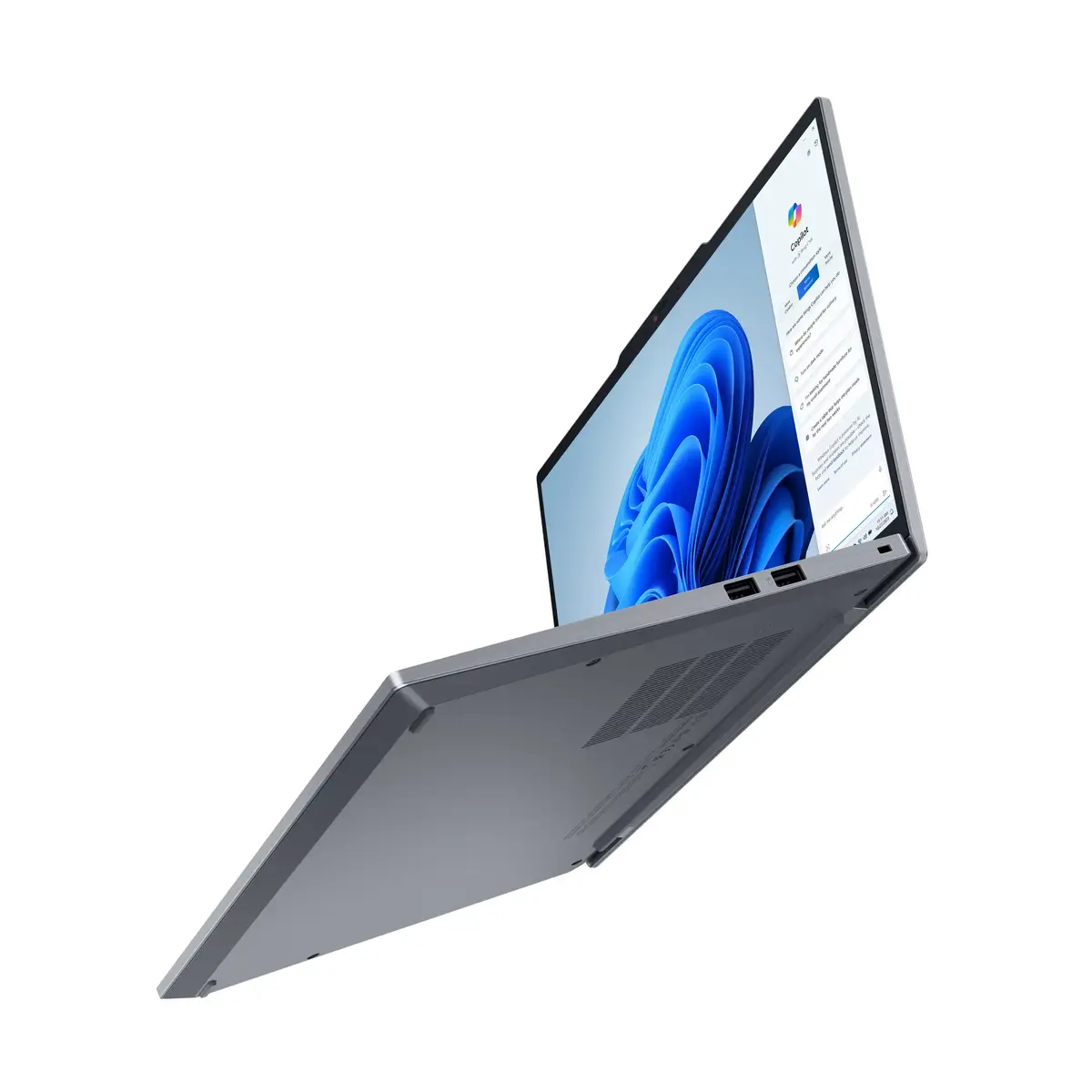
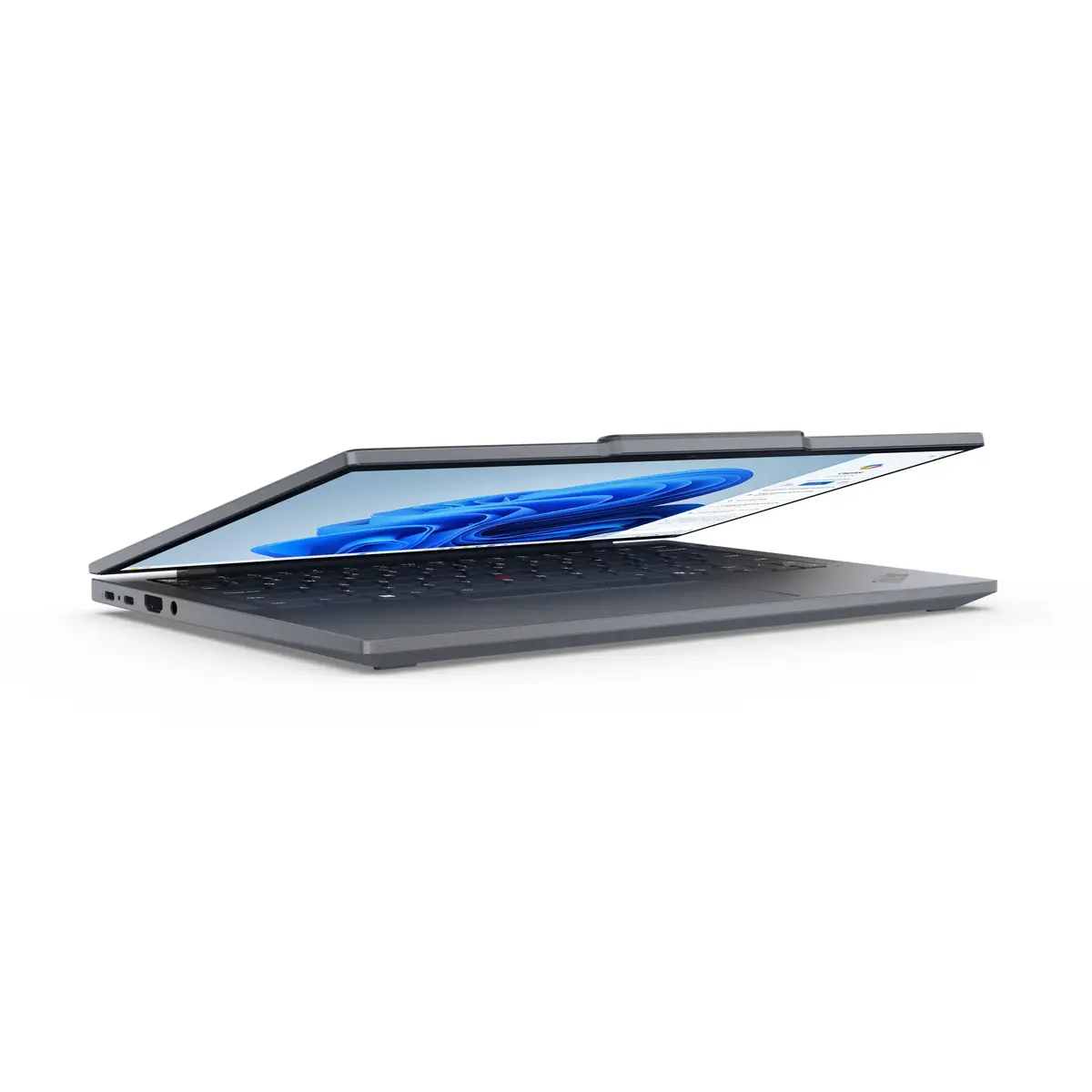
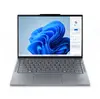
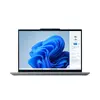
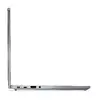
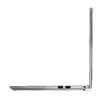
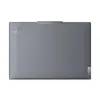
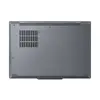
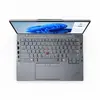
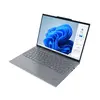
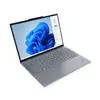
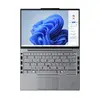
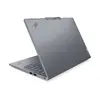
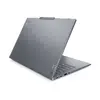
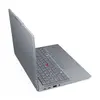
Lenovo ThinkPad T14s Gen 5 Laptop, Intel Core Ultra 5 125U, 14" WUXGA, 16GB RAM, 256GB SSD, Windows 11 Pro, Grey
The Lenovo ThinkPad T14s Gen 5 is a professional-grade laptop designed for users who require a balance of performance, portability, and reliability. Featuring an Intel Core Ultra 5 125U processor and 16GB of LPDDR5x-SDRAM, this device handles demanding business applications with ease. The 14-inch WUXGA display offers a crisp 1920 x 1200 resolution, making it an ideal companion for document editing, data analysis, and video conferencing. Housed in a durable grey chassis, this clamshell laptop is built to withstand the rigors of daily travel while maintaining a sleek, modern aesthetic.
This laptop excels in mobile productivity by combining a lightweight design with robust internal hardware. The integration of the Intel Core Ultra processor ensures efficient multitasking and responsive performance for professional workflows. Users benefit from a high-quality IPS display that provides clear visuals and comfortable viewing for extended work sessions. Furthermore, the inclusion of Windows 11 Pro offers advanced security and management features essential for business environments. The device is engineered for longevity, featuring a high-capacity battery and an advanced thermal management system that keeps the laptop cool even during intensive tasks.
This laptop may not be suitable for users who require high-end dedicated graphics for professional 3D rendering, complex video editing, or intensive gaming. The integrated graphics solution is optimized for productivity rather than heavy graphical workloads.
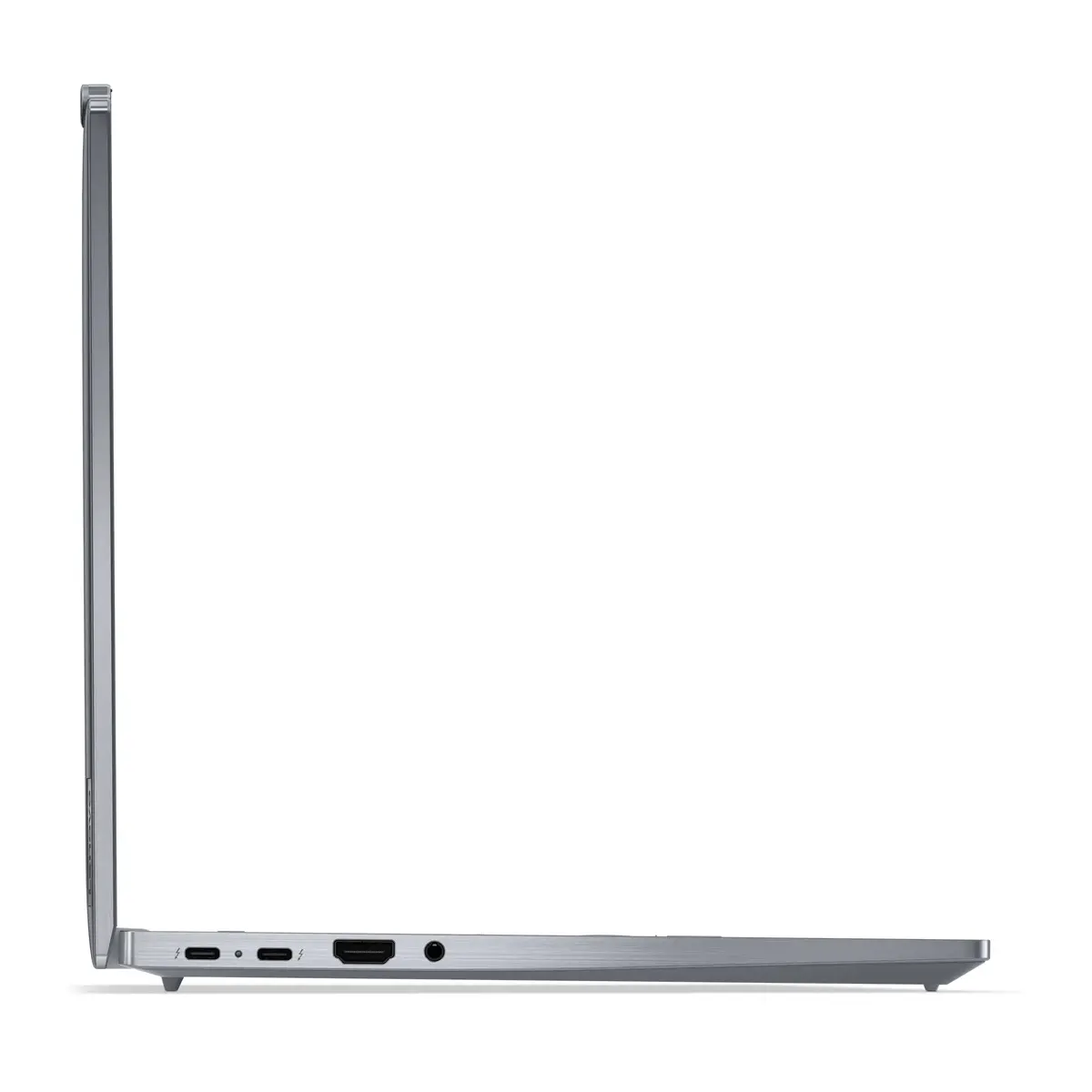
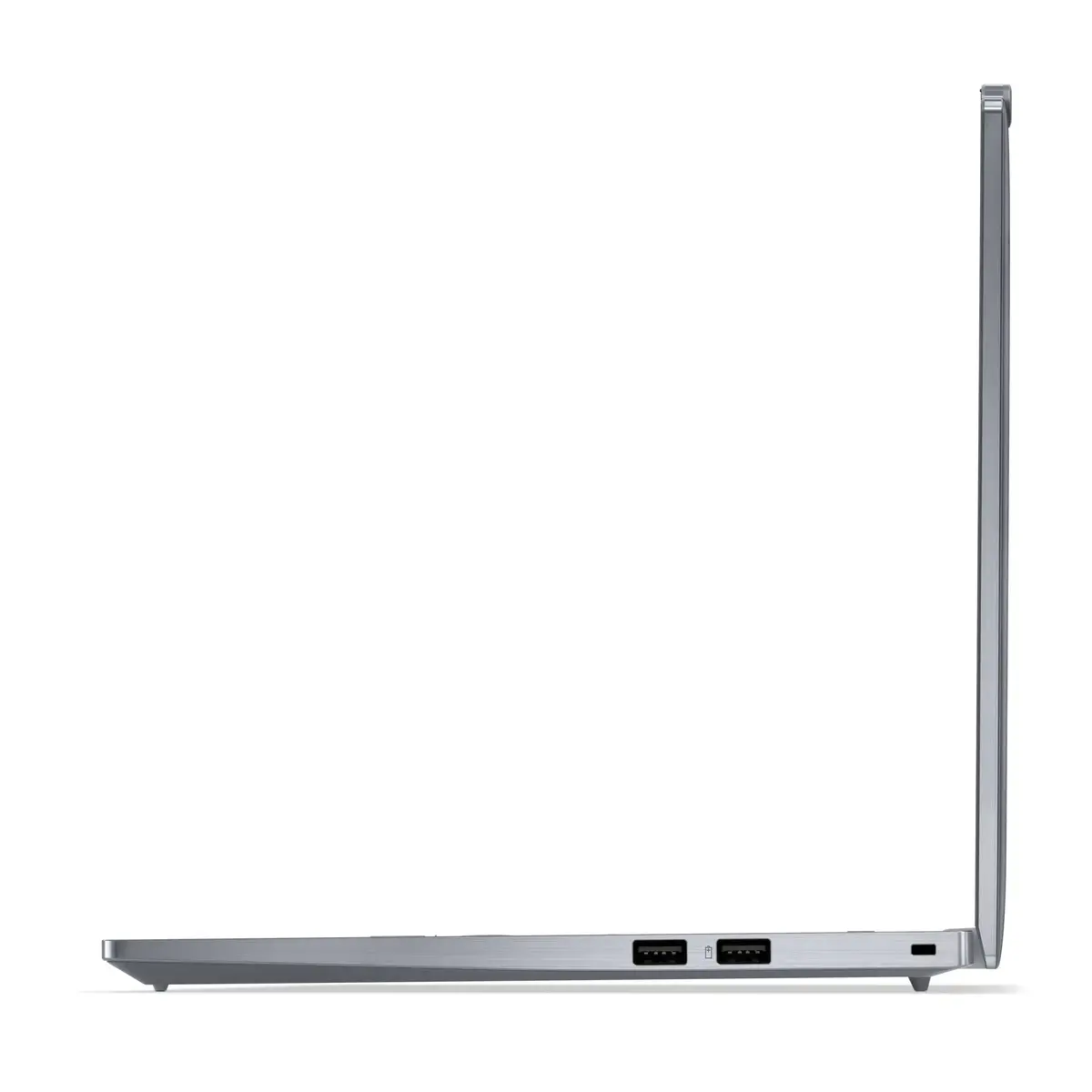
To begin using your Lenovo ThinkPad T14s Gen 5, simply connect the power adapter to charge the battery fully before the first startup. Follow the on-screen instructions provided by the Windows 11 Pro setup wizard to configure your user account, network settings, and security preferences, such as the fingerprint reader. Once initialized, you can install your preferred productivity software and connect peripherals via the available ports. Keep the system updated through the built-in update utility to ensure optimal performance and security.
For the best experience, keep the laptop's air vents clear of obstructions to maintain efficient cooling and ensure the device remains on a flat, stable surface during operation.
{{highlightedFeature.featureTitle}}:
{{getProductFeatureValueById(product, highlightedFeature.featureId)}}
{{ productComparisonGenerationError }}
