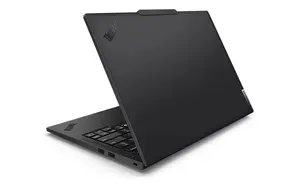
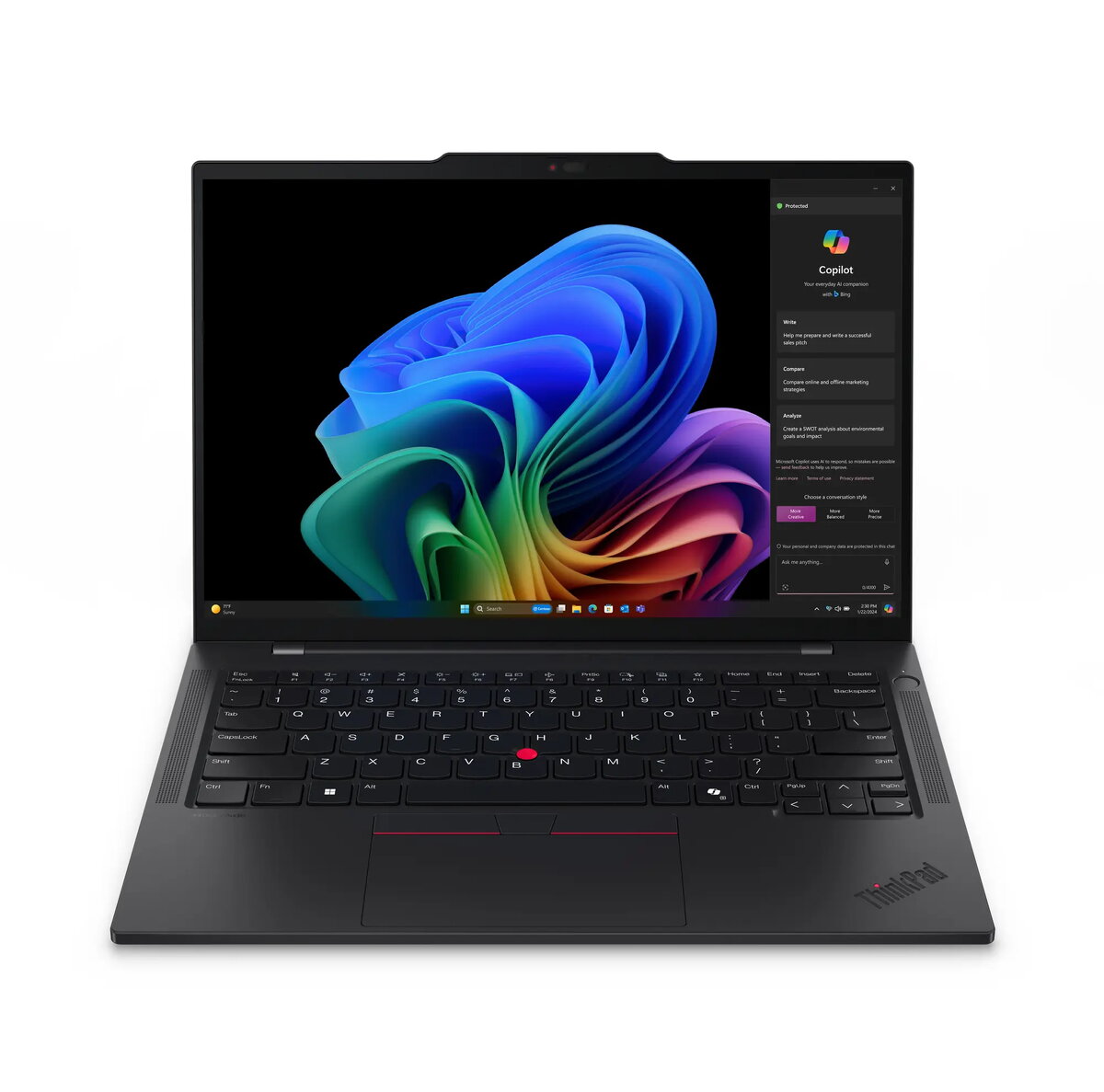
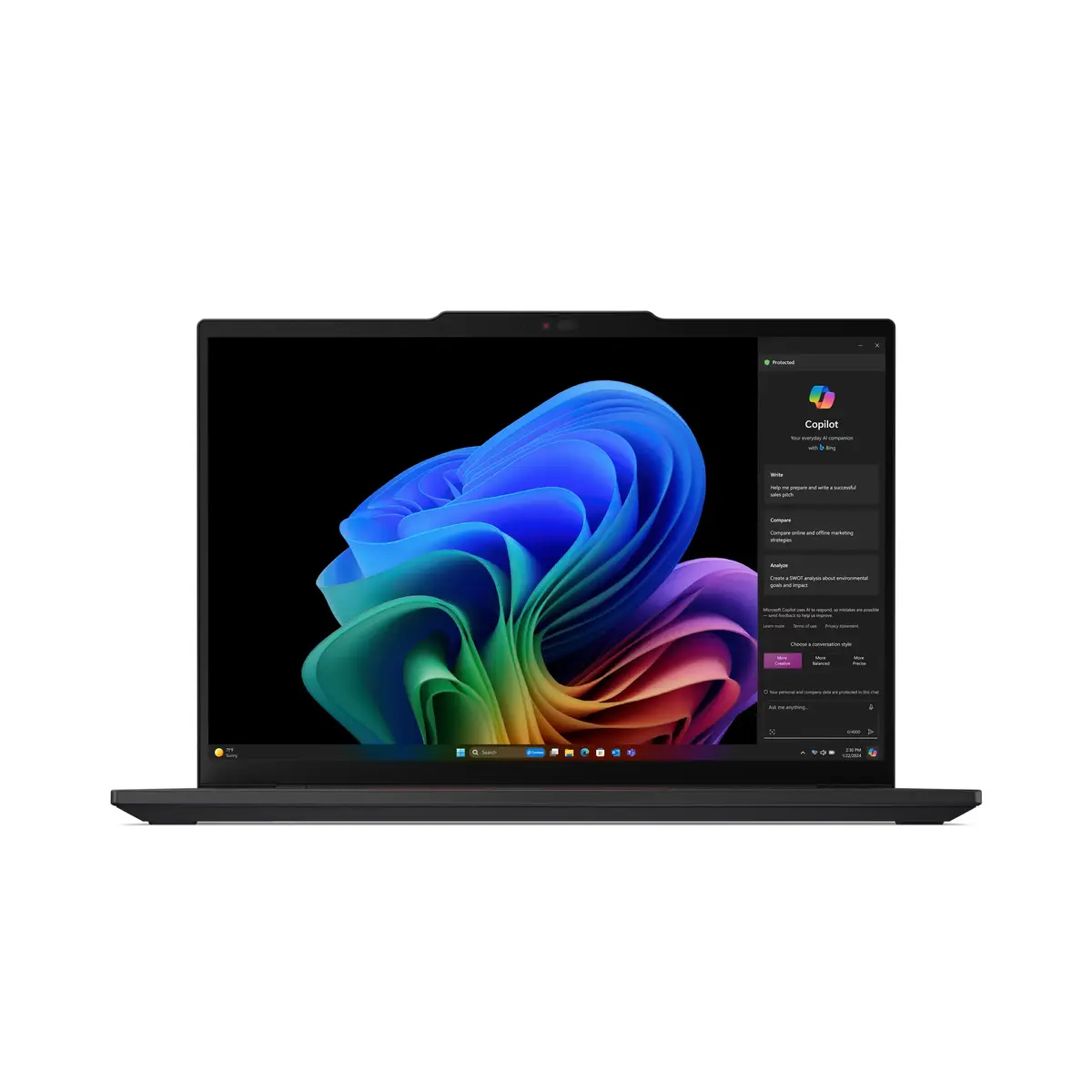
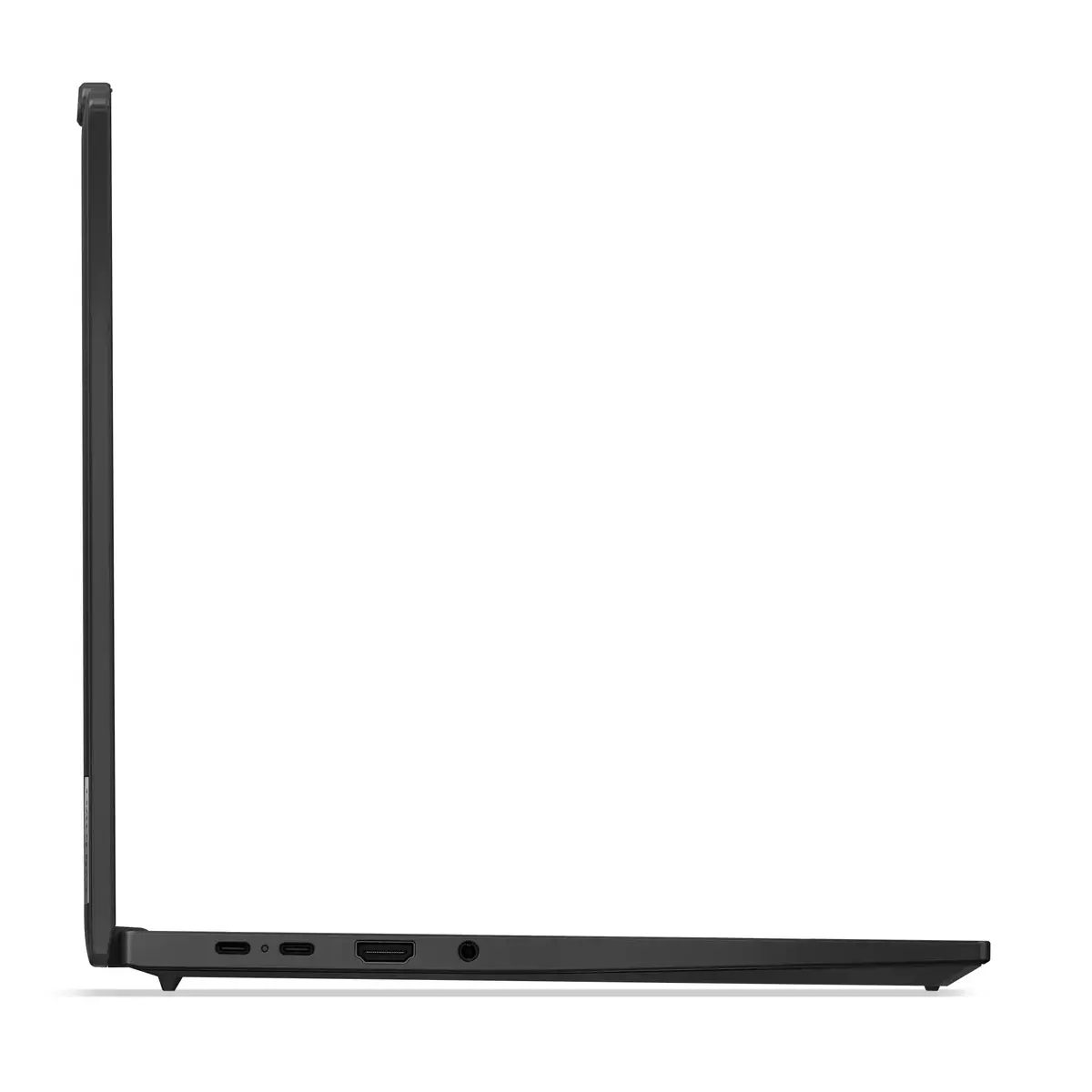
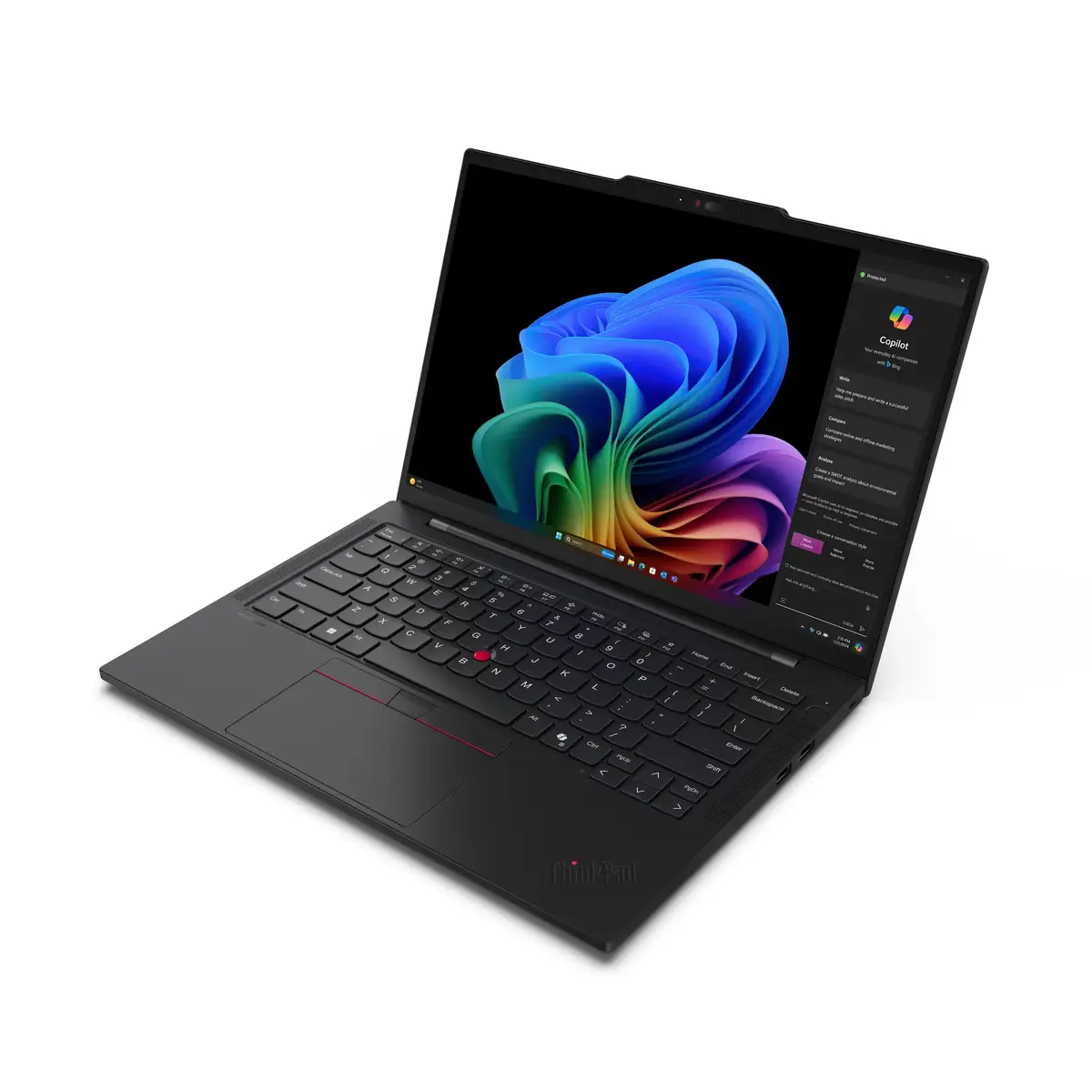
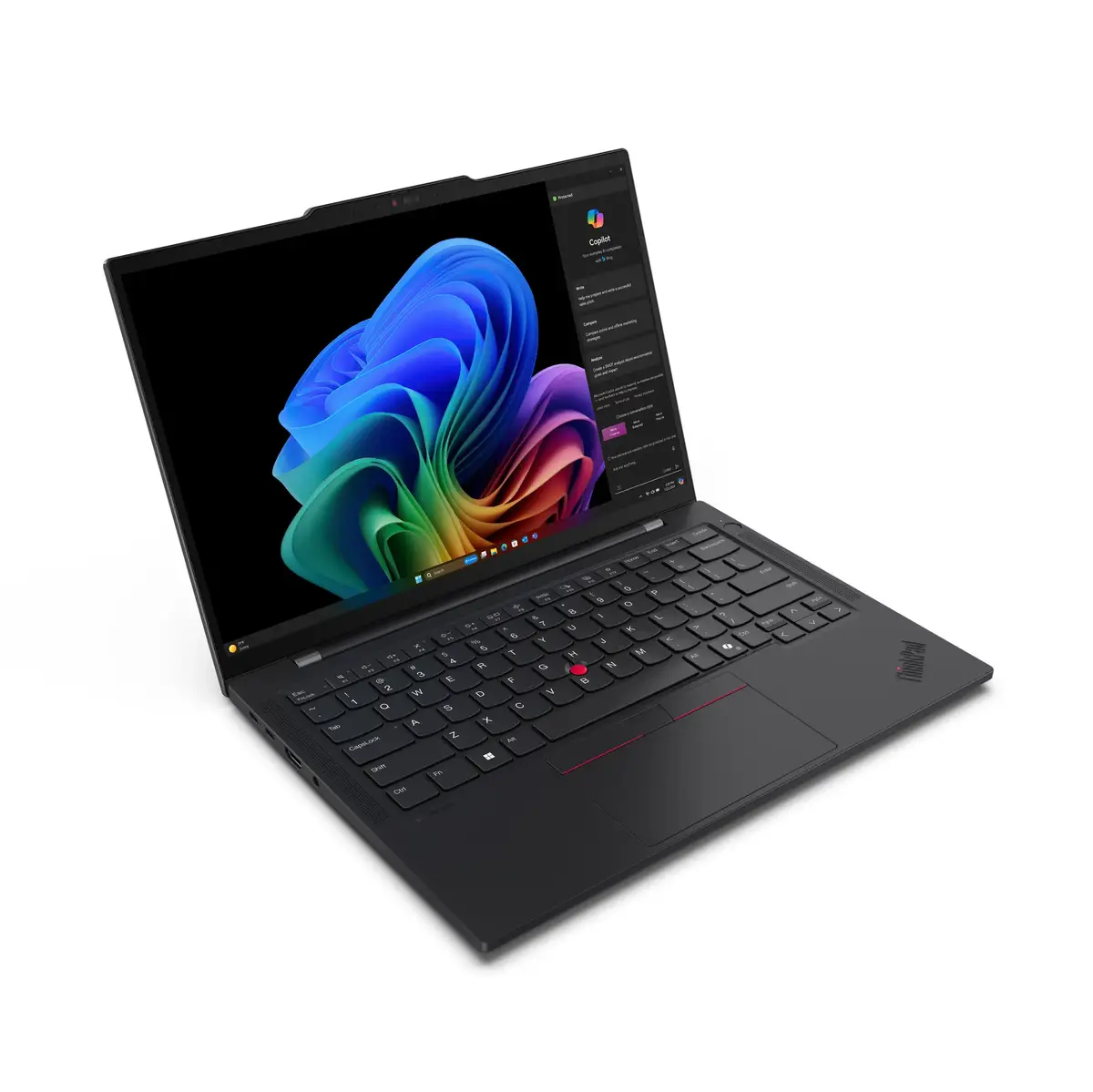
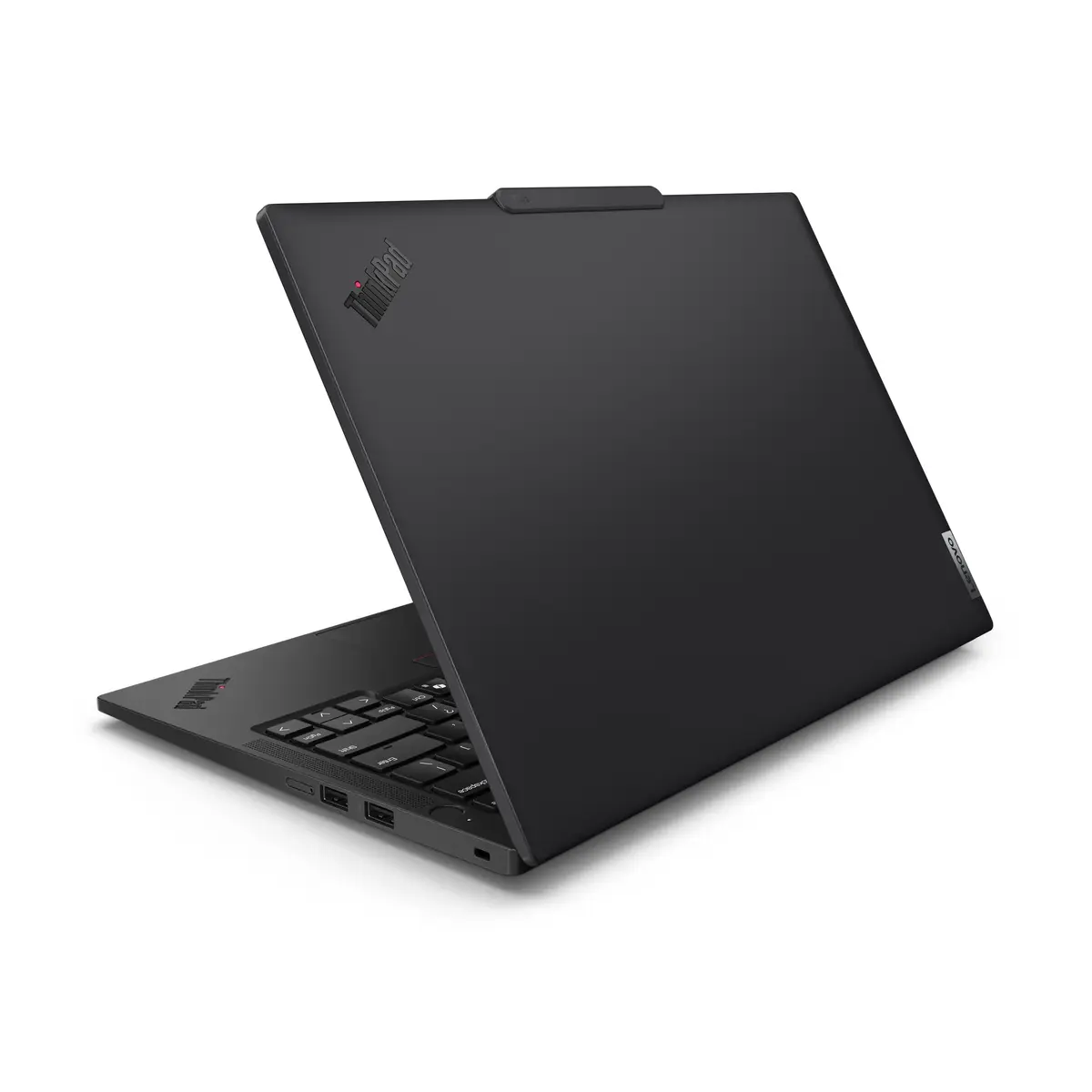
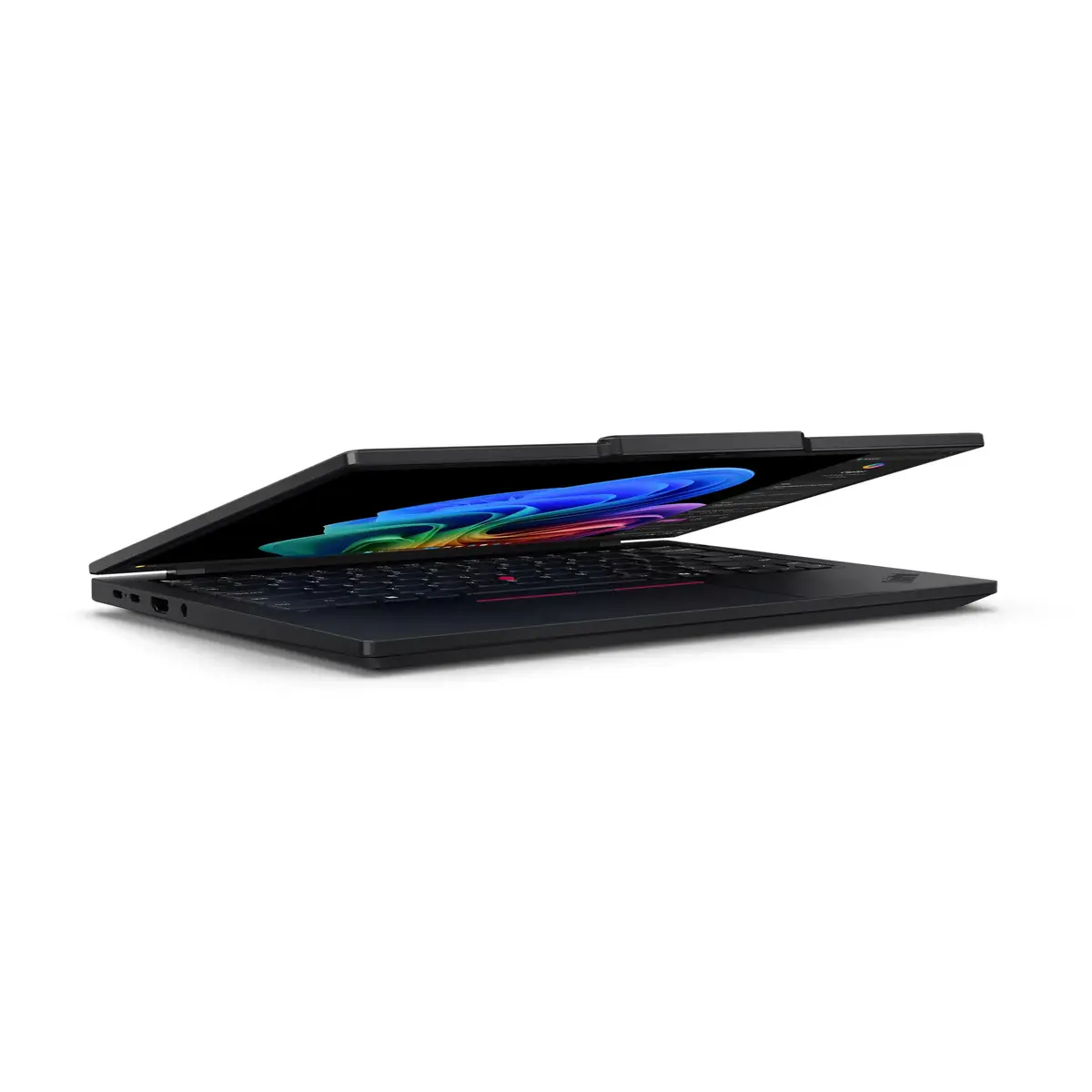
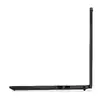
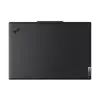
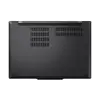
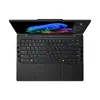
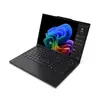
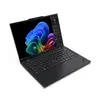
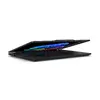
QUALCOMM Oryon CPU — Unrivaled Performance
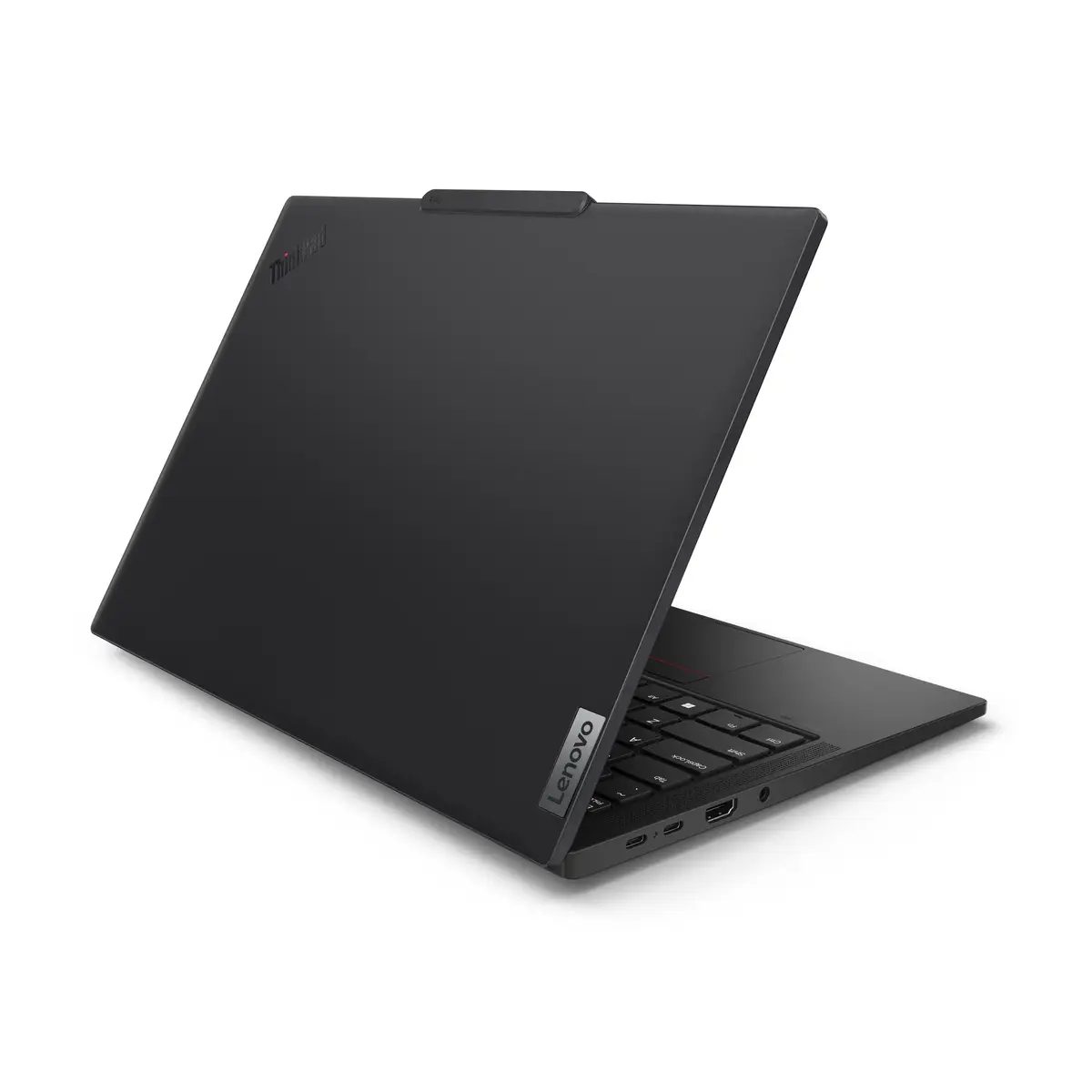
Snapdragon X Elite architecture with the Qualcomm4 Oryon CPU delivers hyper-responsive performance for demanding professional workflows. Up to 12 performance cores optimize multitasking and speed up everyday tasks so your ThinkPad T14s Gen 6 stays fast and fluid under real-world loads.
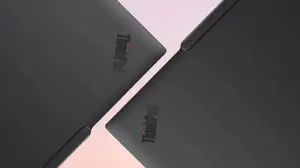
Qualcomm Adreno GPU — Vivid, Efficient Graphics
The integrated Qualcomm Adreno GPU produces vibrant visuals with low power draw, minimizing battery impact while maintaining smooth rendering for presentations, media, and graphics-rich apps so you can focus on productivity.
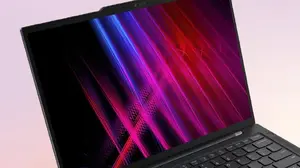
Hexagon NPU — Industry-Leading AI Throughput
The Qualcomm Hexagon neural processing unit delivers up to 45 TOPS, enabling powerful on-device AI acceleration for tasks like real-time inference, image processing, and intelligent assistants while preserving battery life.
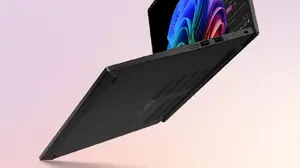
Microsoft Copilot — Save Time with Intelligent Assistance
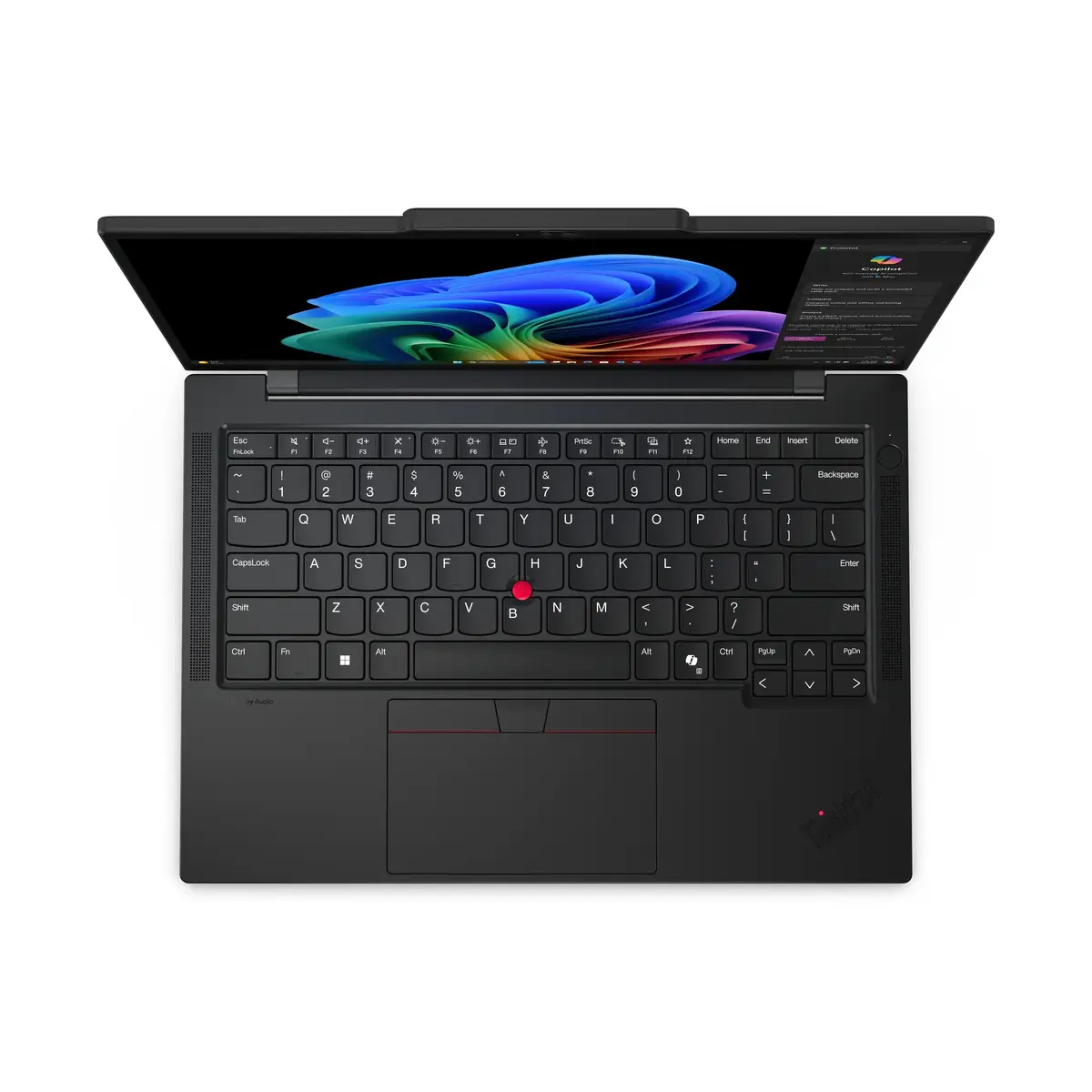
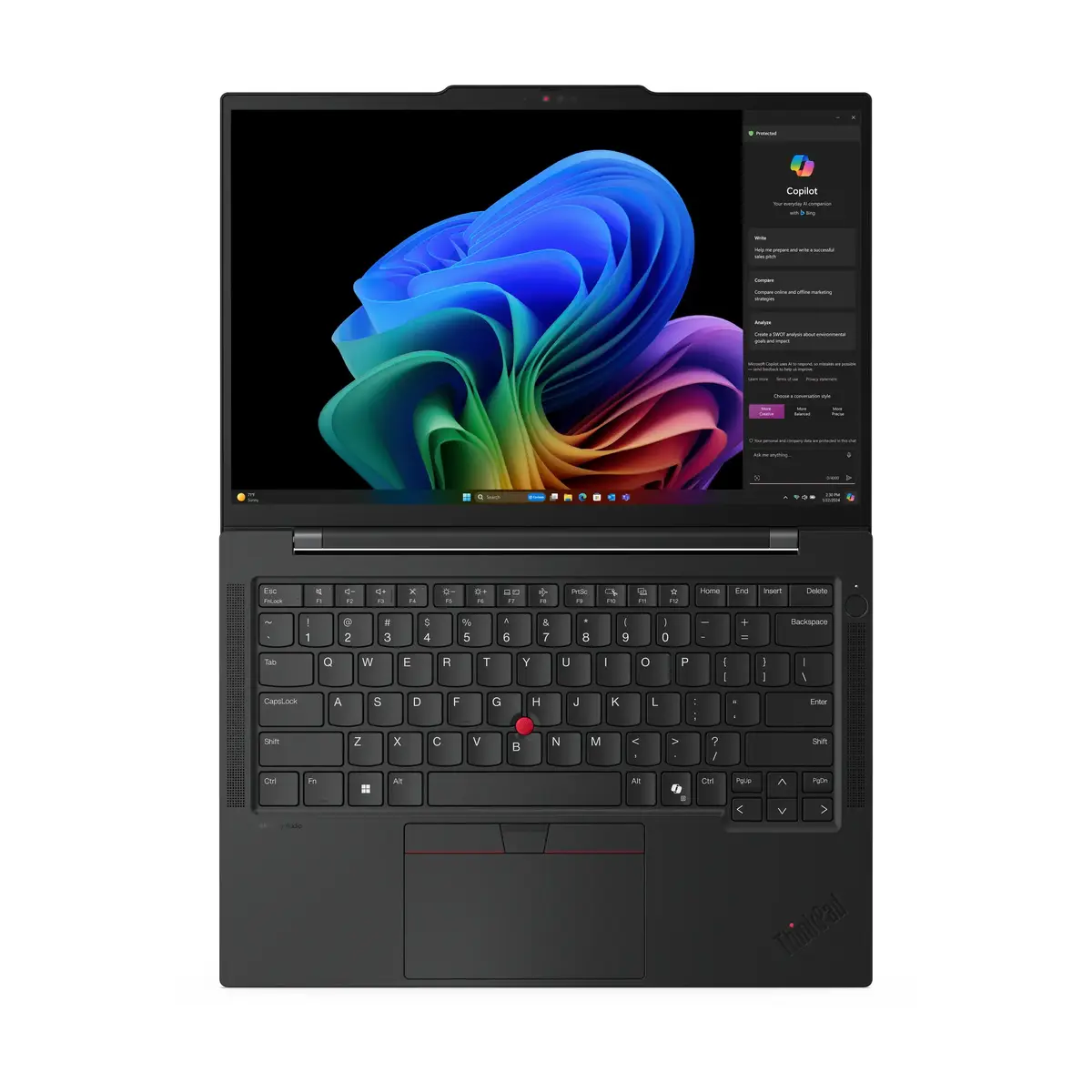
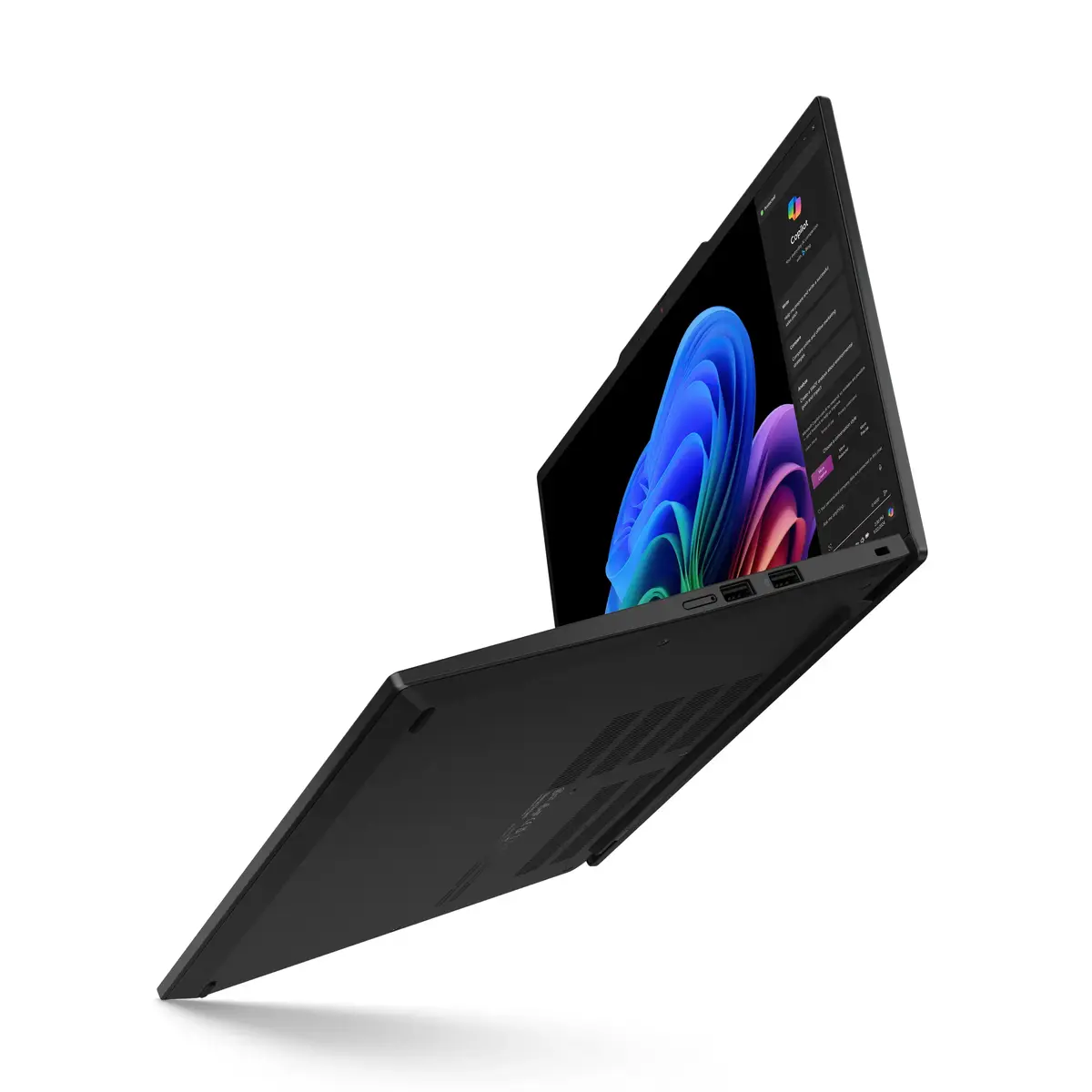
Integrated Copilot helps you find files, draft content, create images, assist with coding, and generate meeting summaries and translations using simple prompts — accelerating everyday workflows and reducing repetitive work.
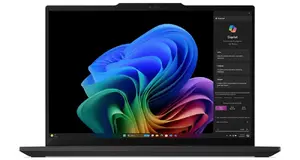
Best-in-Class WiFi — Fast, Reliable Connectivity
Equipped with WiFi 7 (802.11be), the T14s Gen 6 offers faster speeds, improved capacity in congested areas, and enhanced file sharing — plus advanced network protections to help keep connections secure on the go.
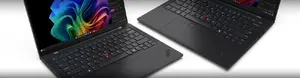
ISV Certified — Broad App Compatibility
Snapdragon X Elite is ISV certified for native Windows ARM support across hundreds of premium apps, ensuring the Lenovo ThinkPad T14s Gen 6 runs key business software smoothly with minimal compatibility issues.
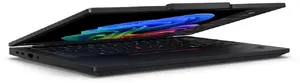
Enterprise-Grade Security — Biometrics & ThinkShield
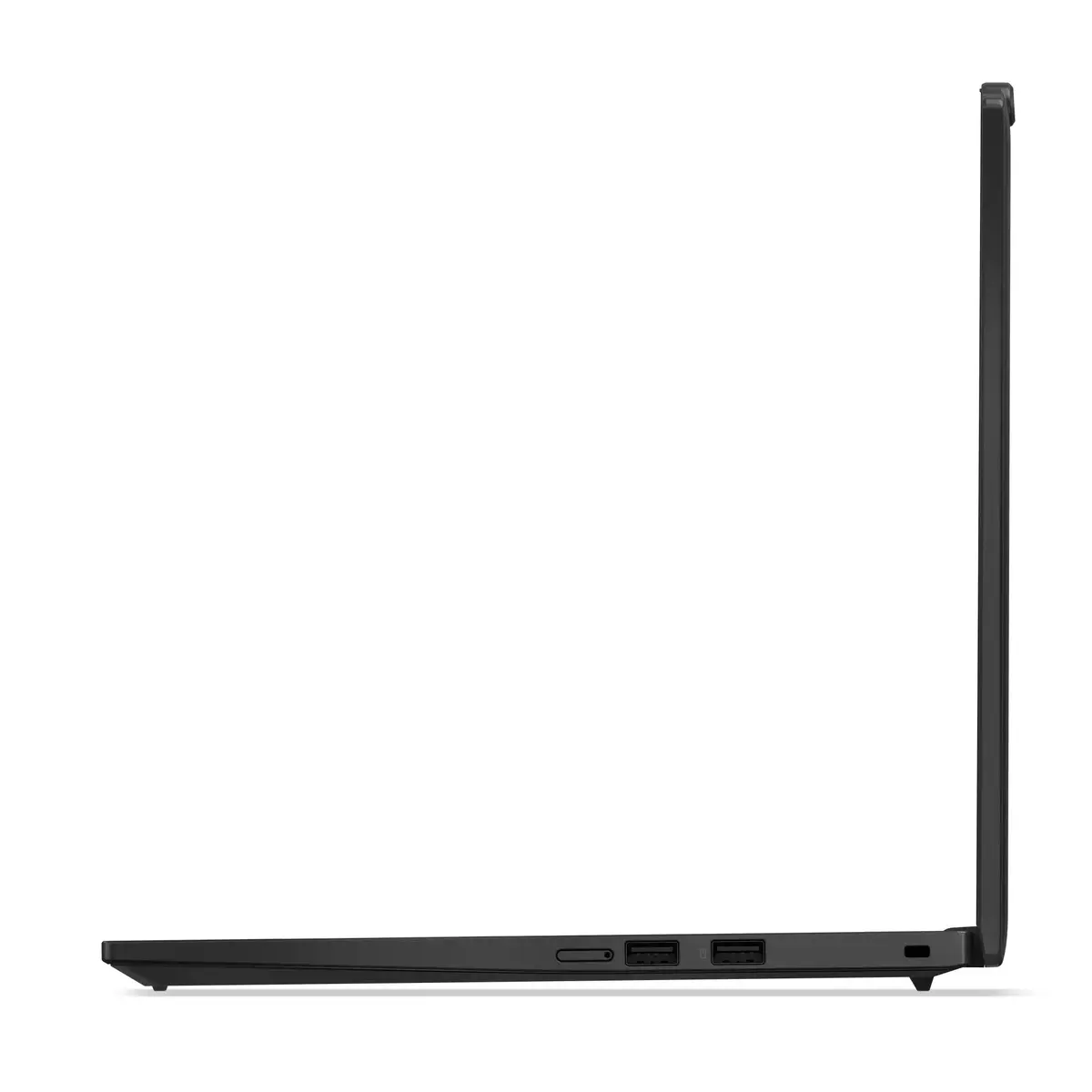
Built-in biometrics like the fingerprint power-button and IR camera, together with ThinkShield security features, protect your device and data for secure, convenient access in business environments.
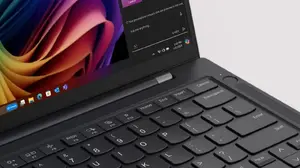
Chip-to-Cloud Protection — Hardware-Backed Security
With Microsoft Pluton integration and Snapdragon security features, the system provides multi-layer protection from power-on with real-time memory encryption and hardware cryptography to safeguard sensitive data.
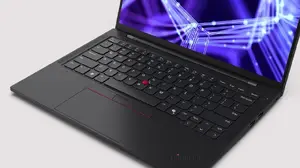
Reduce Endpoint Risk — Simple IT Manageability
Zero-trust protections, continuous monitoring, and out-of-band management enable IT teams to deploy, manage, detect, wipe, and image devices remotely, reducing administrative overhead and exposure.
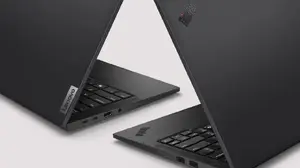
Multiday Battery Life — Work Longer Between Charges
Efficient Snapdragon components and the Hexagon NPU deliver exceptional power efficiency so the T14s Gen 6 can sustain true multiday usage, letting you stay productive on travel and in the field without frequent recharging.
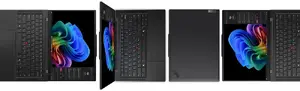
Dazzling WUXGA Display — Bright, Low-Power Visuals
The 14" WUXGA (1920x1200) low-power panel provides bright, anti-glare visuals with Eyesafe certification to reduce eye strain during long work sessions while preserving battery life.
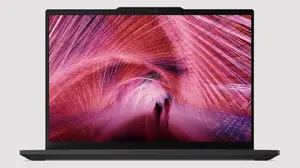
Superior Collaboration Audio — Clear Meetings
Noise-cancelling microphones, stereo speakers and Dolby Audio tuning ensure crystal-clear conference calls and polished sound for presentations; optional Copilot Premium adds meeting recaps and translations.
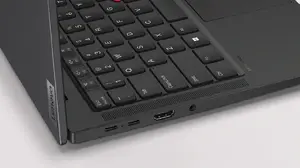
Communications Bar — Professional Cameras with Privacy
The communications bar houses high-quality cameras with a privacy shutter and an always-sensing ISP tied to the Snapdragon processor, giving you great video and improved privacy even in sleep mode.
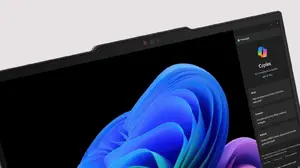
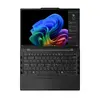
ThinkPad Keyboard Reimagined — Productivity-Centered Input
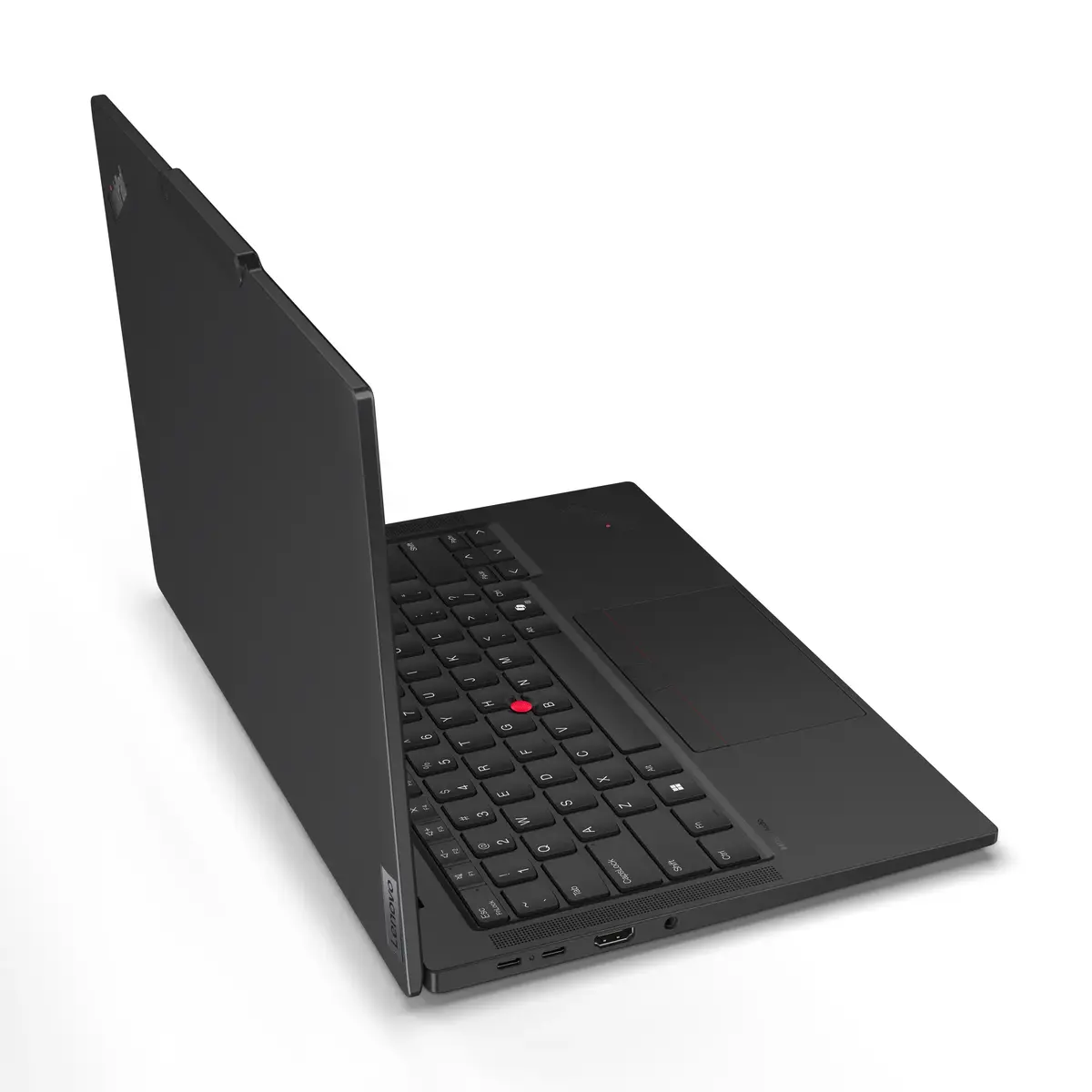
Redesigned keyboard with tactile markings, a larger trackpad and the iconic TrackPoint (with quick-access double-tap) improves accessibility and lets you optimize audio-visual settings or use dictation for fast speech-to-text notes.
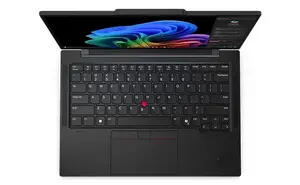
Lowest Carbon Footprint — Sustainable Design
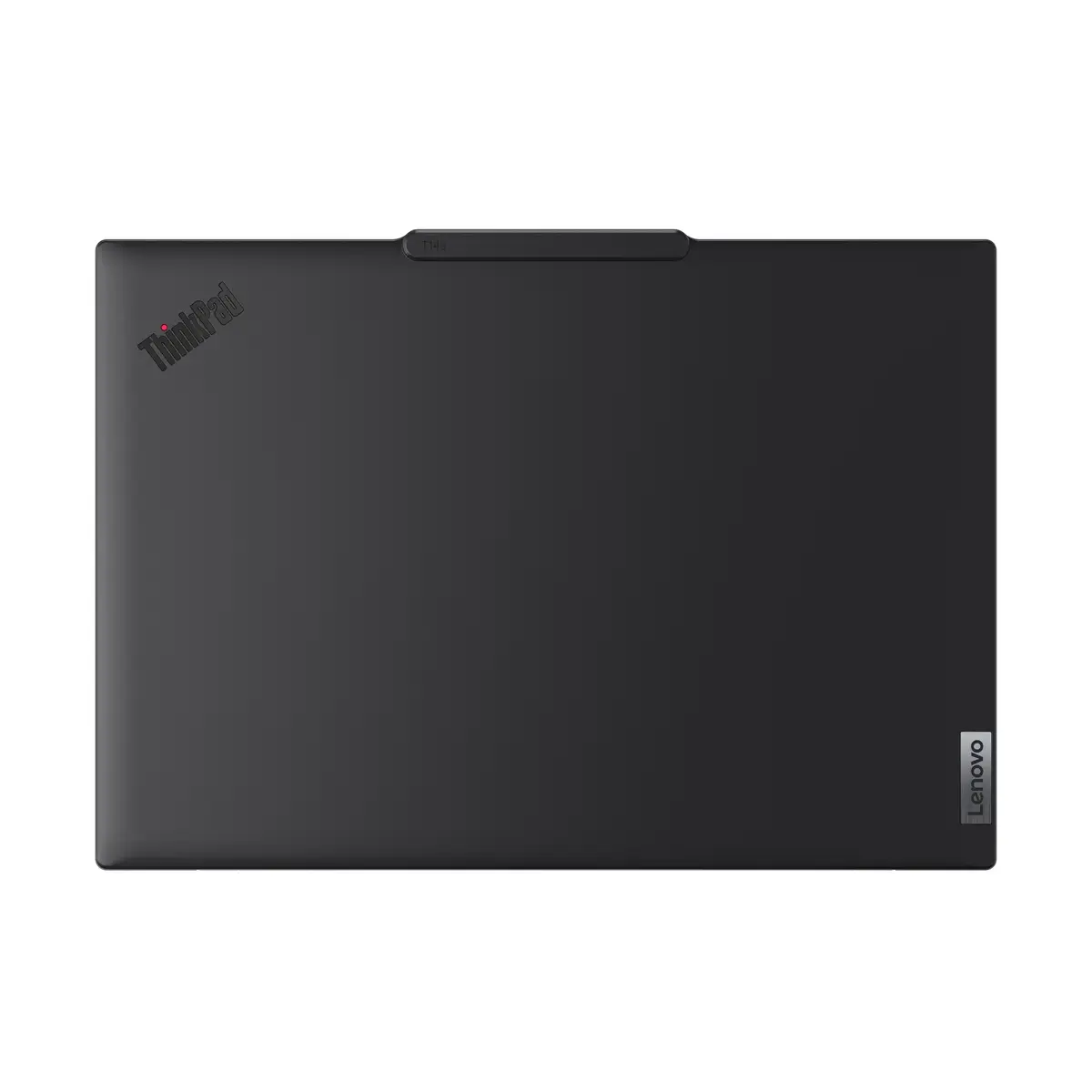
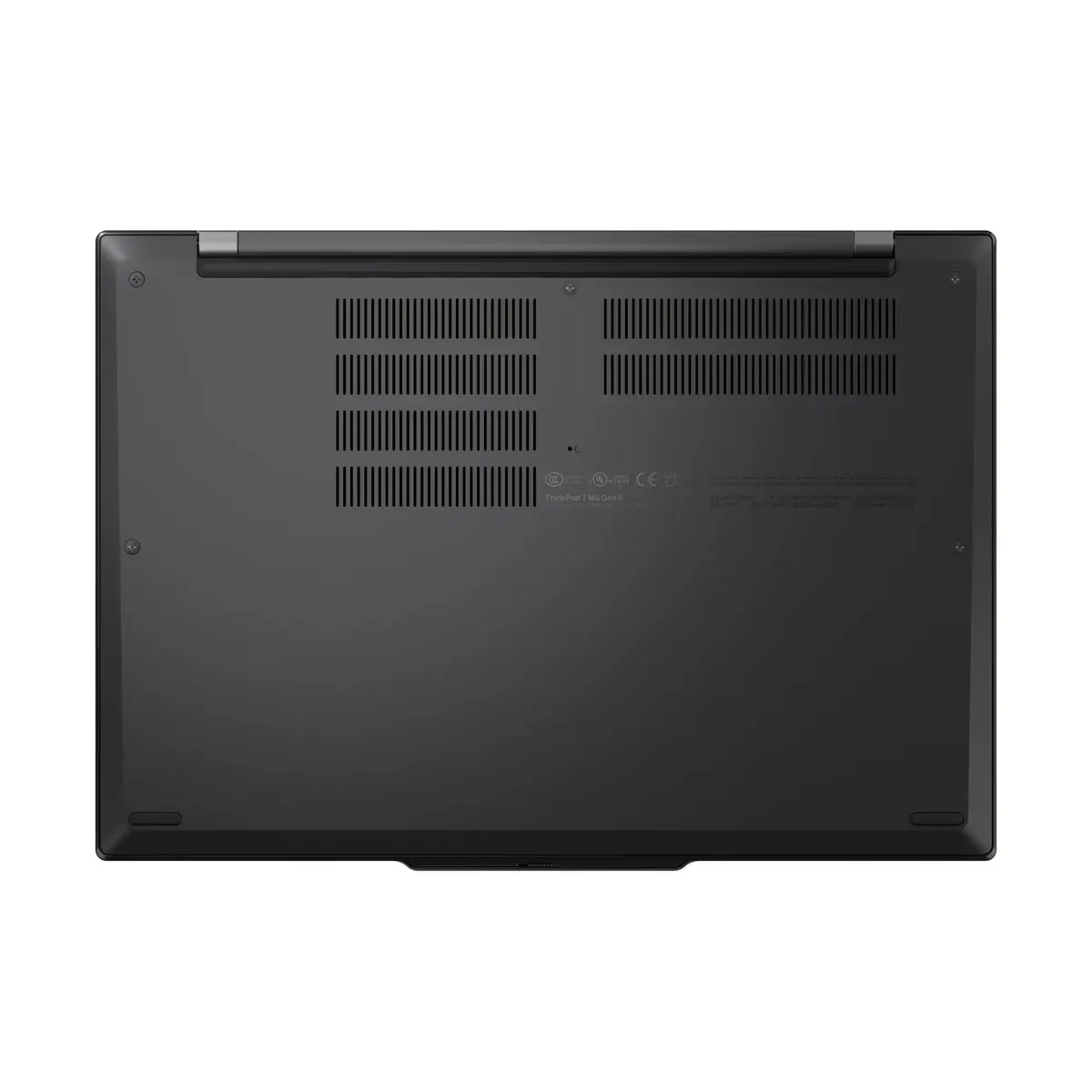
The T14s Gen 6 is Lenovo's lowest-carbon ThinkPad, built with recycled plastics, magnesium, aluminum and carbon fiber, Energy Star and TCO 9 certifications, plus 100% plastic-free recyclable packaging for reduced environmental impact.
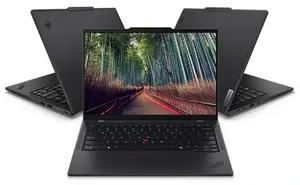
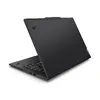
ThinkPad Durability — Built to Endure
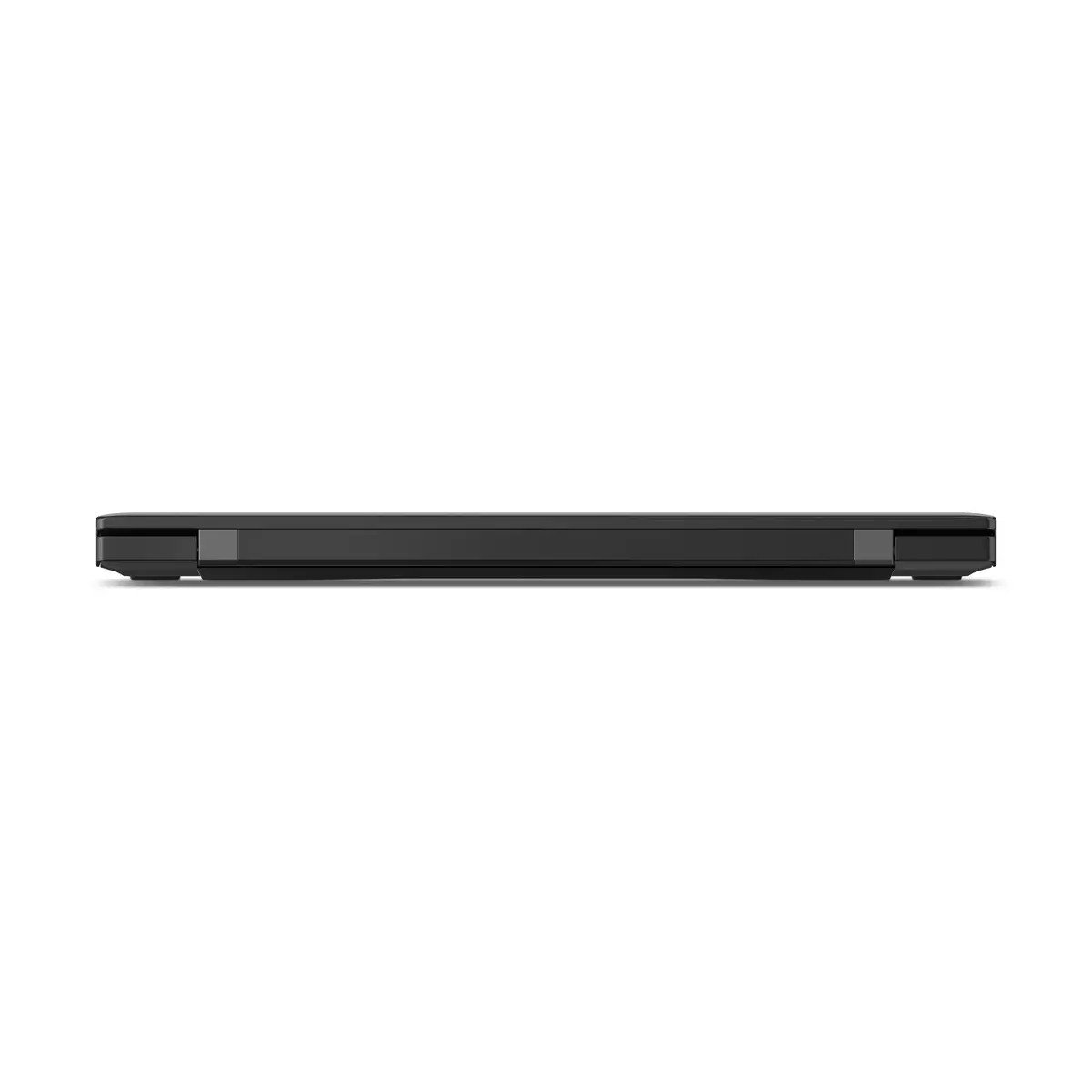
Designed and tested to MIL-STD 810H standards with extensive quality checks, the ThinkPad T14s Gen 6 offers reliable durability across extreme conditions so your laptop withstands demanding travel and work environments.