
Powerful EcoFlow stations for energy anywhere!
In cart {{totalProductsCount}} item(s)
Your cart is empty
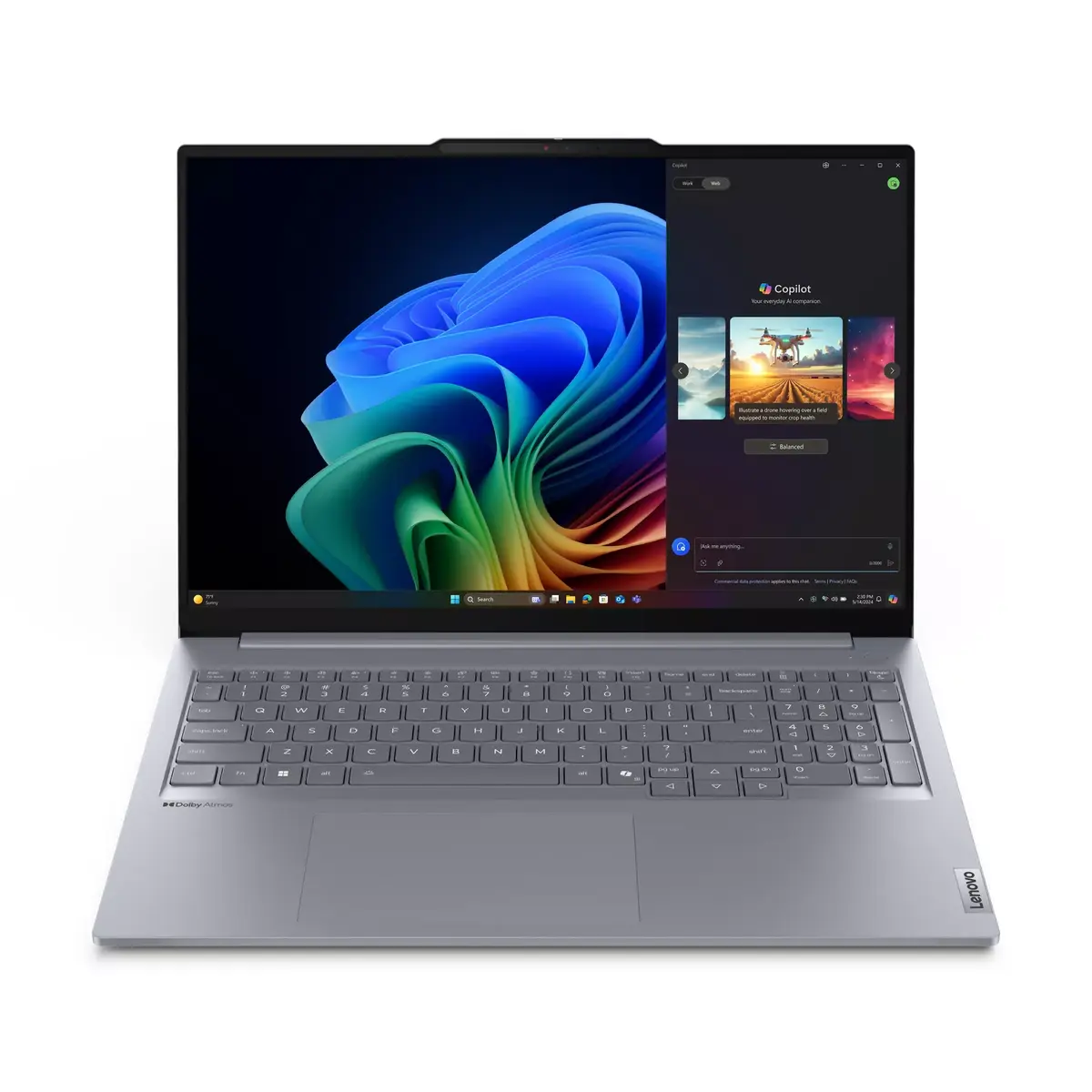
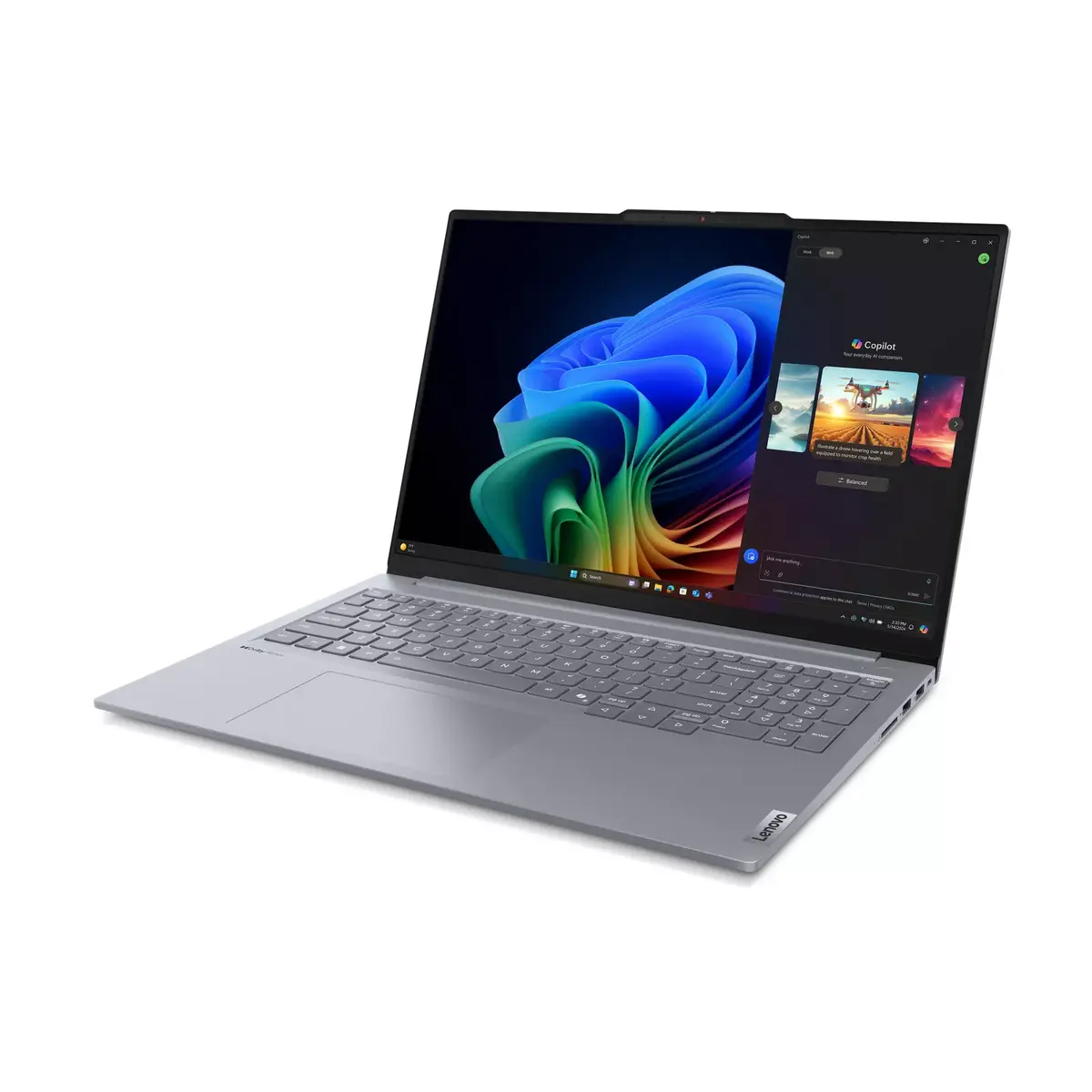
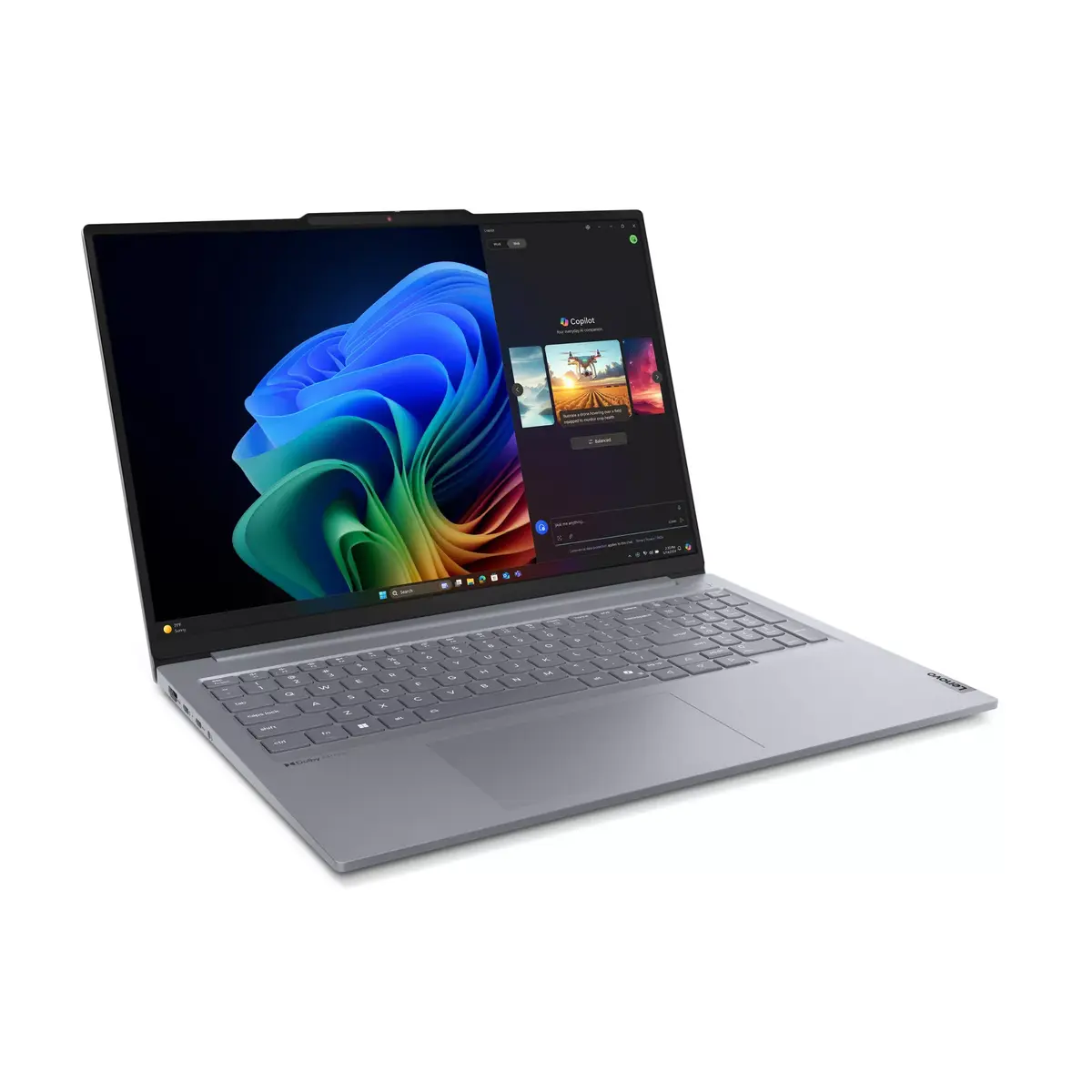
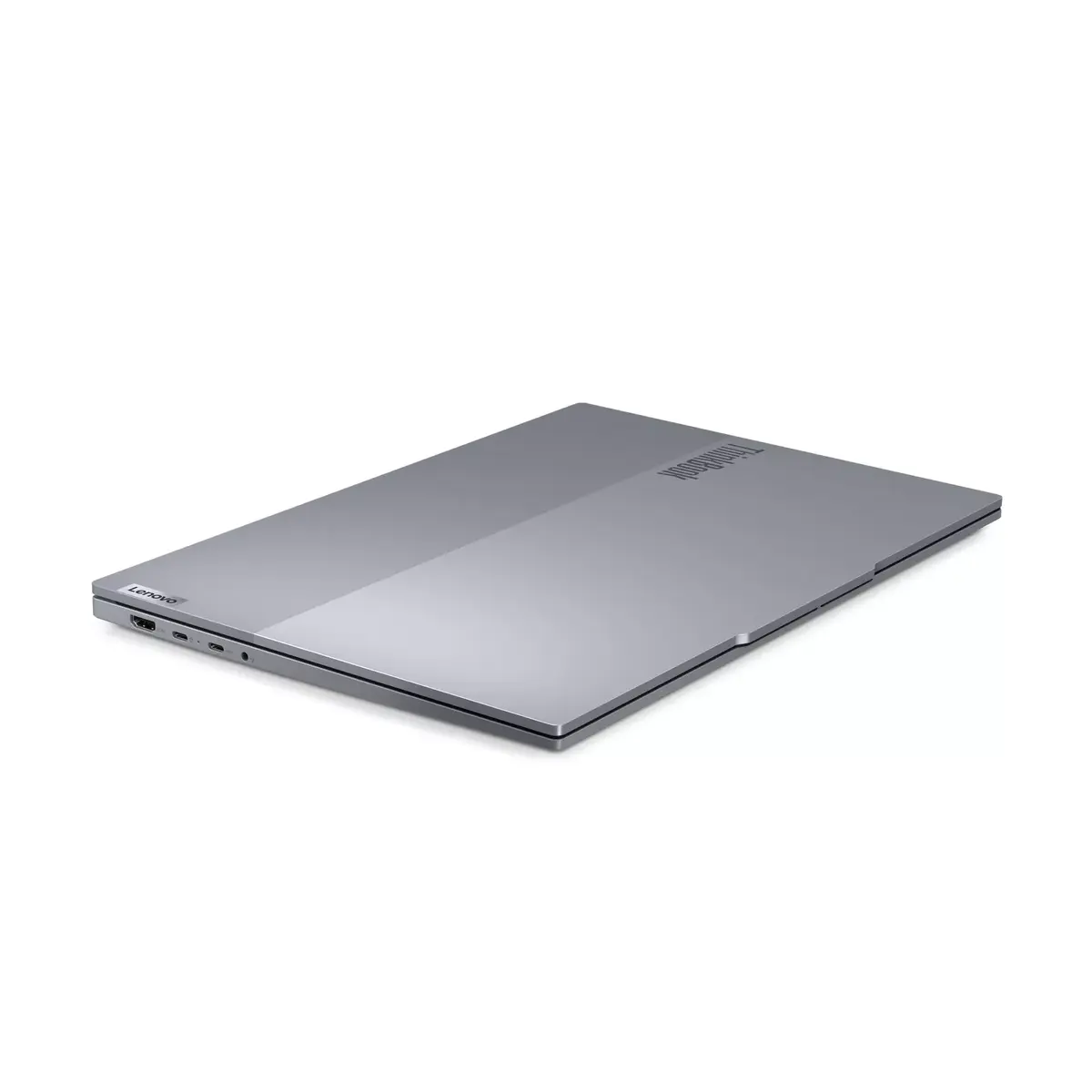
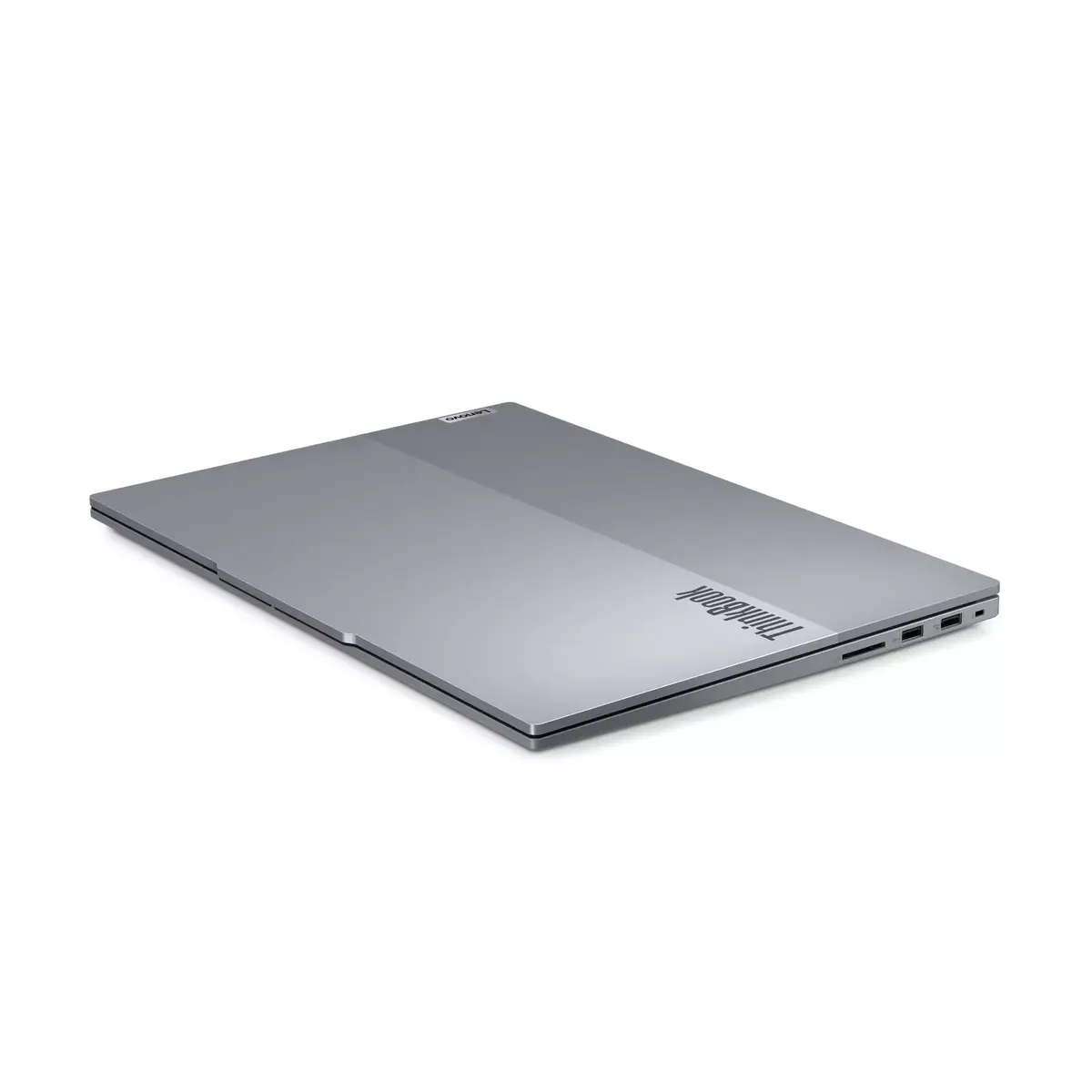
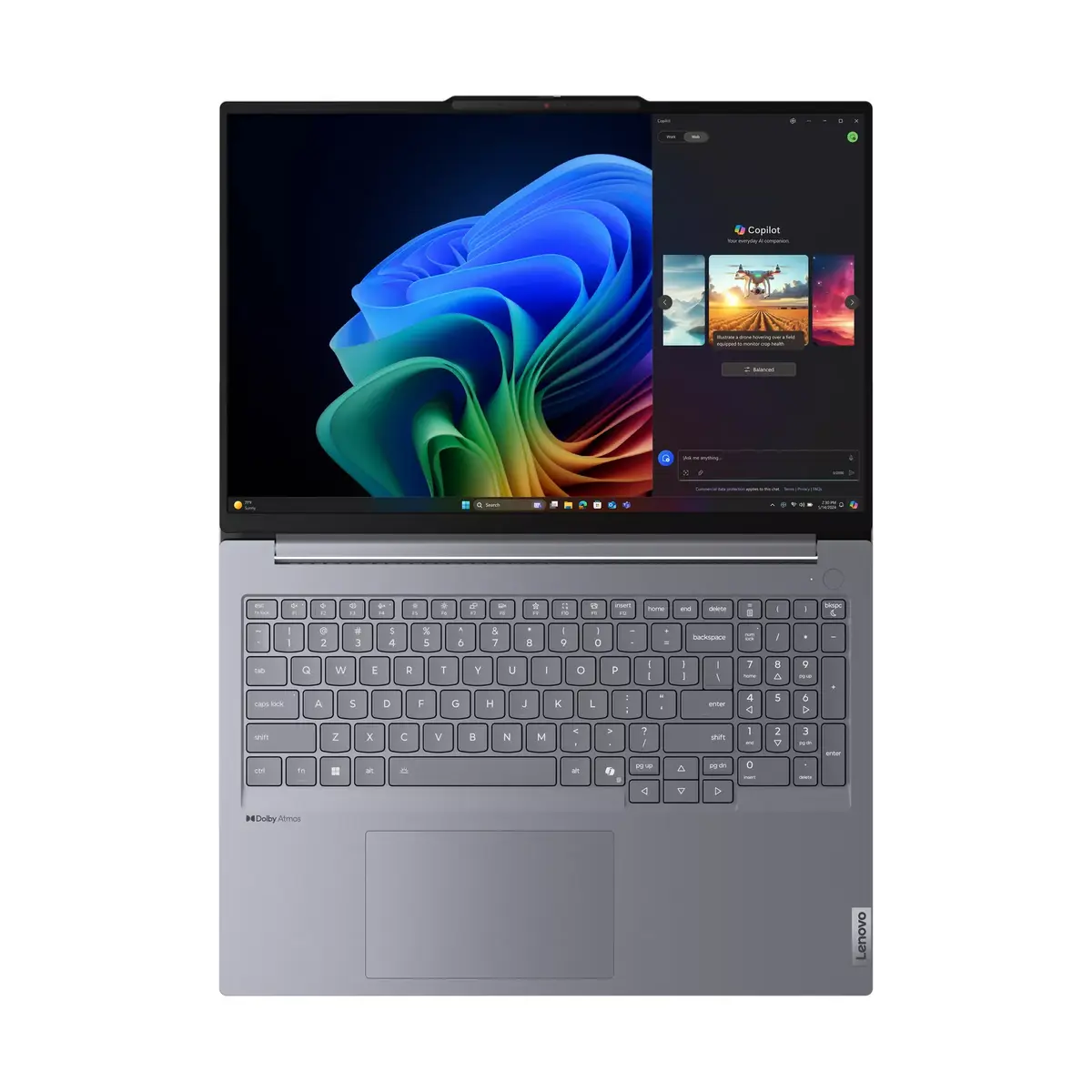
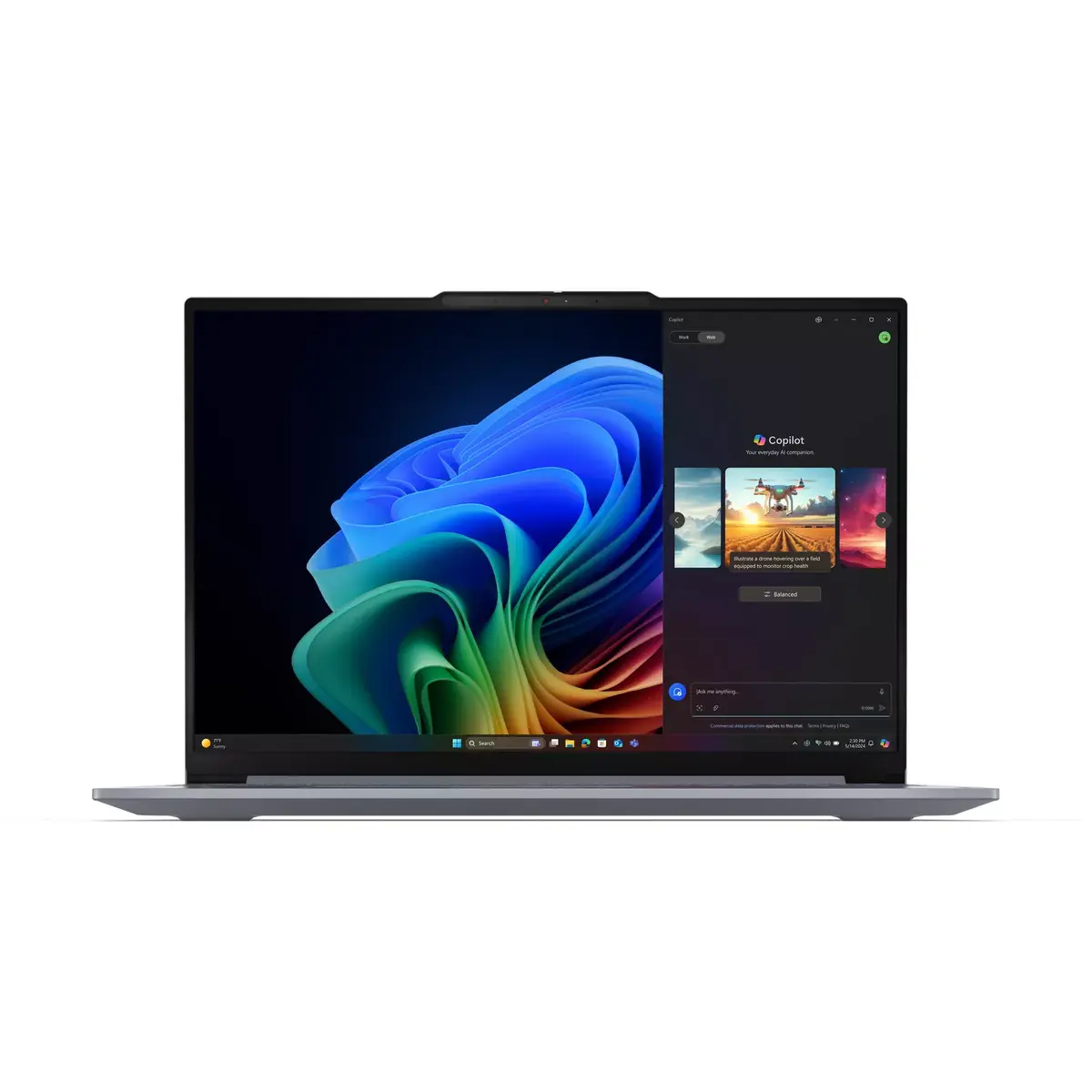
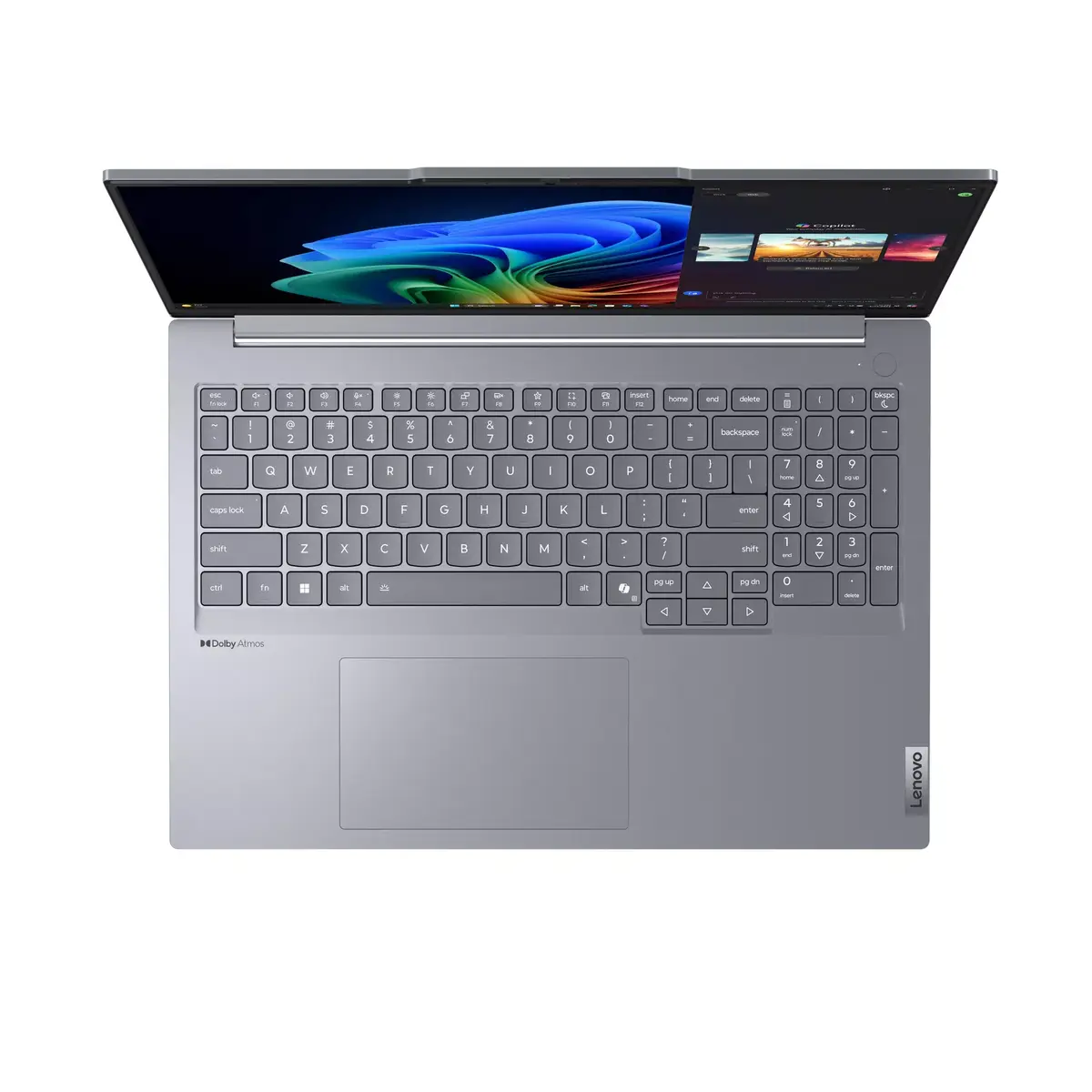
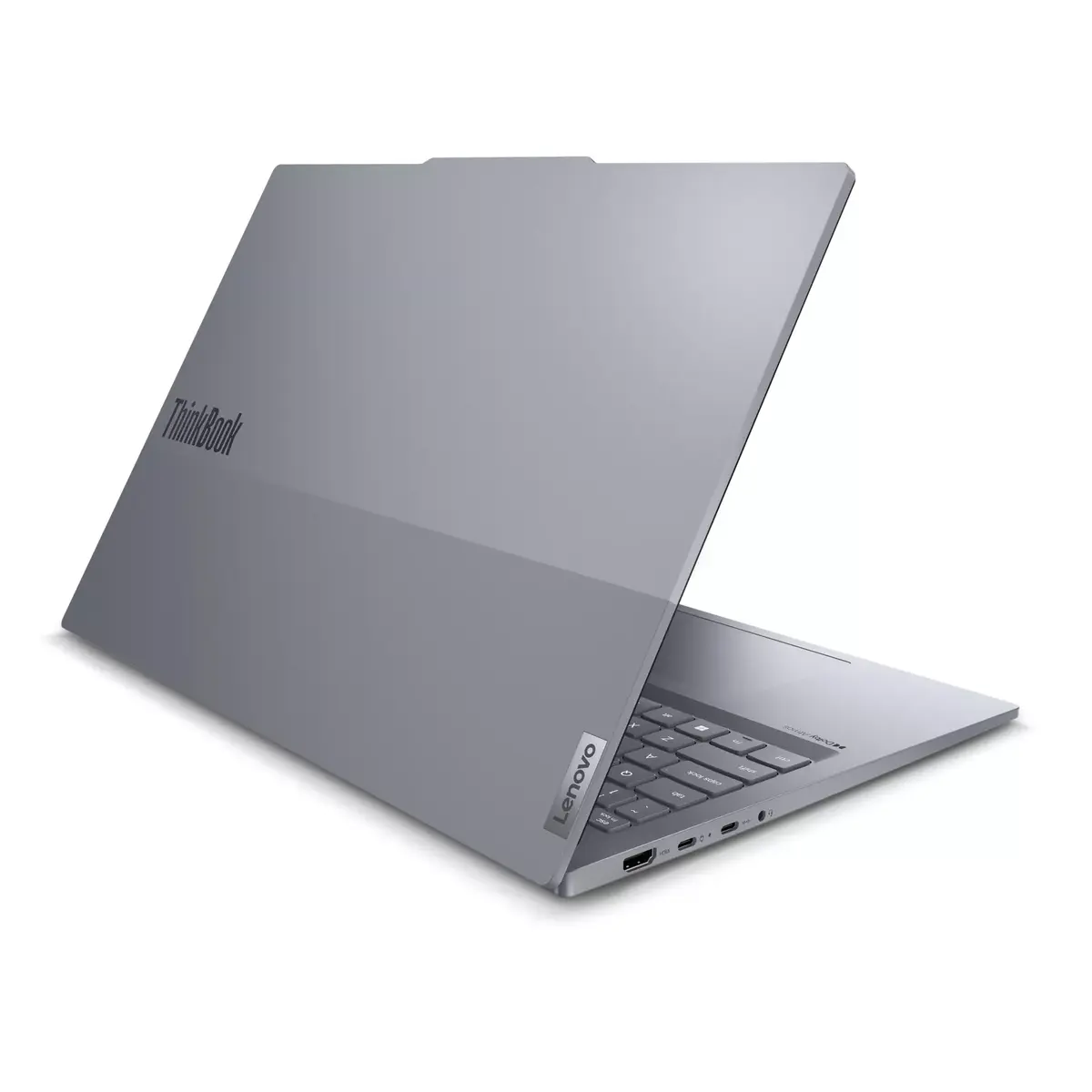
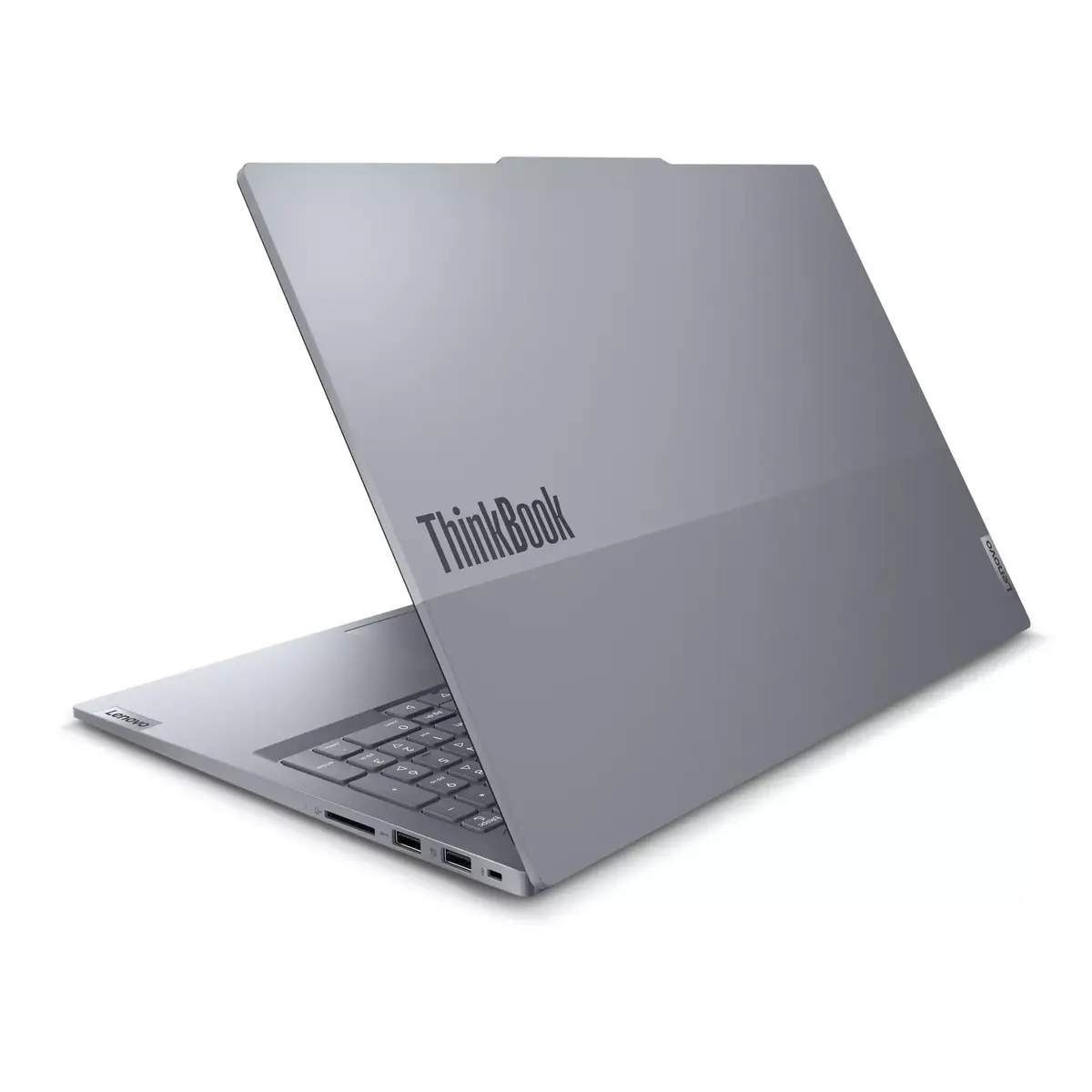
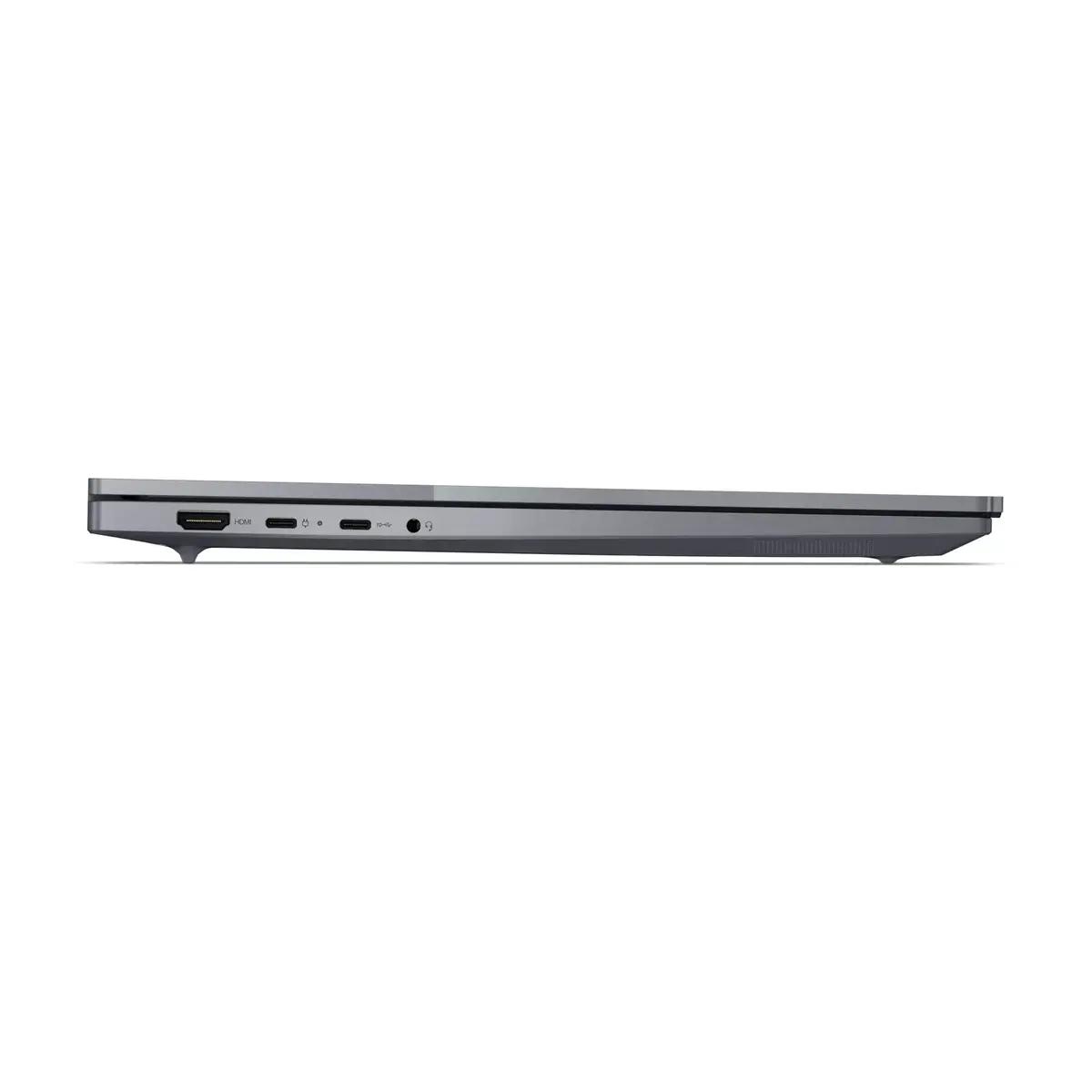
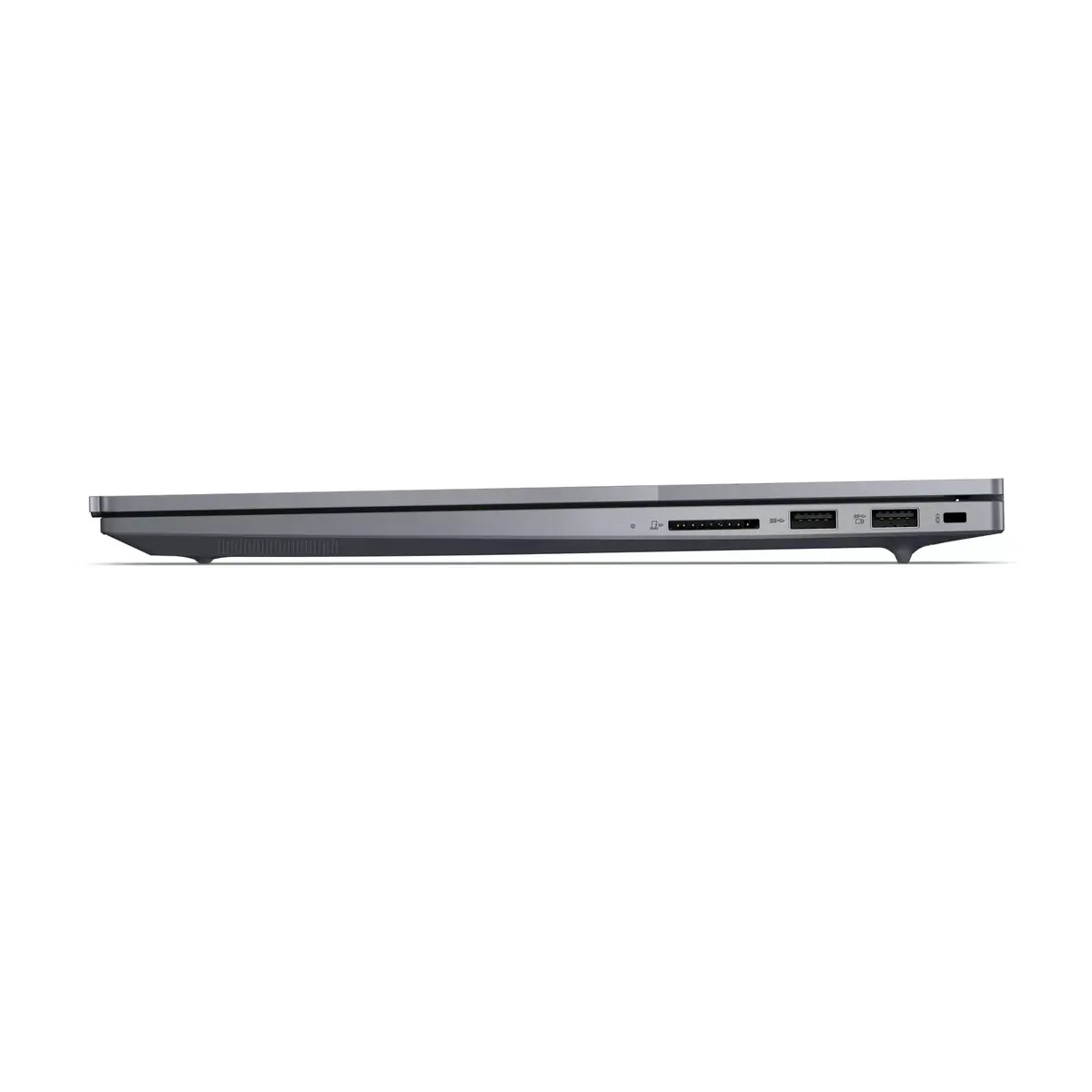
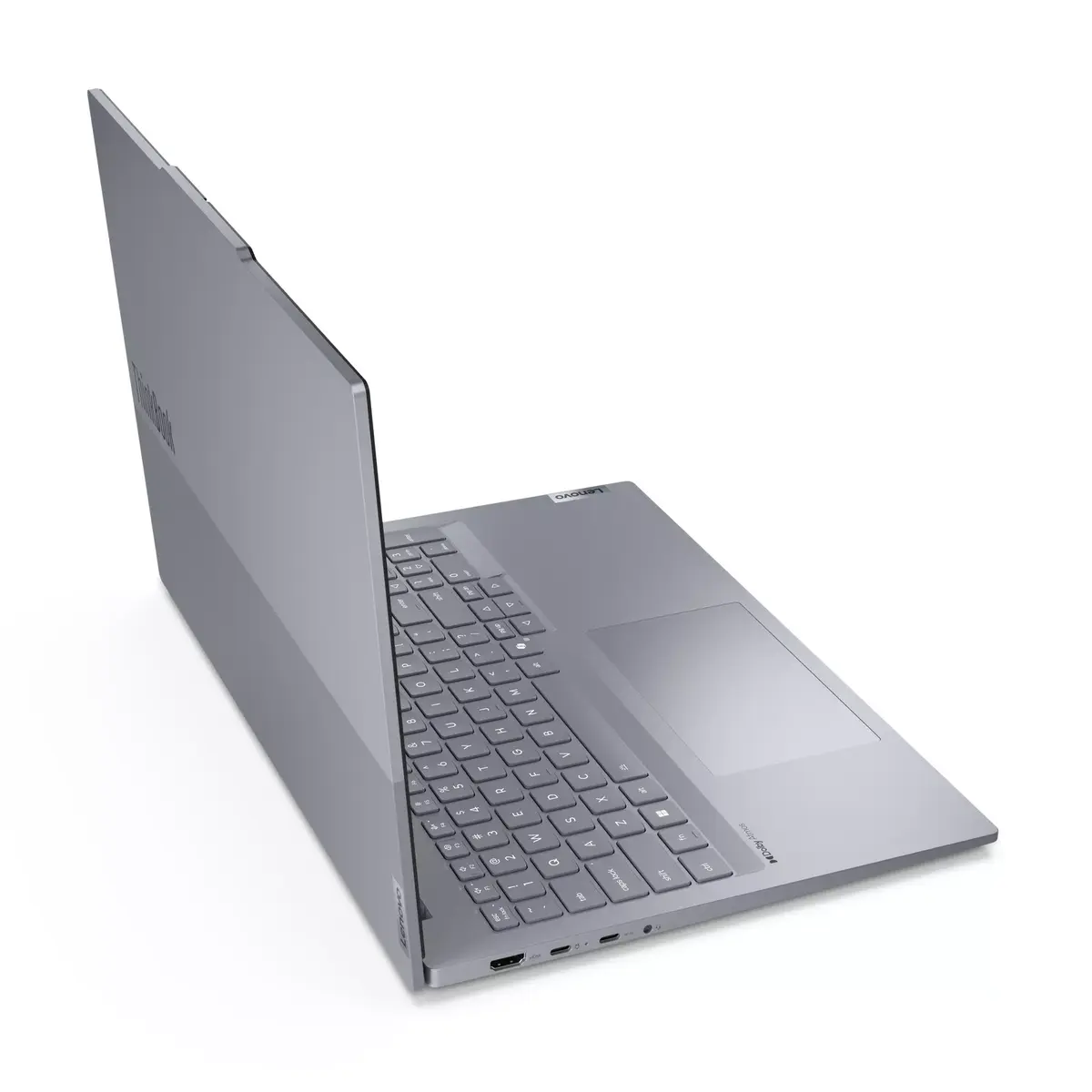
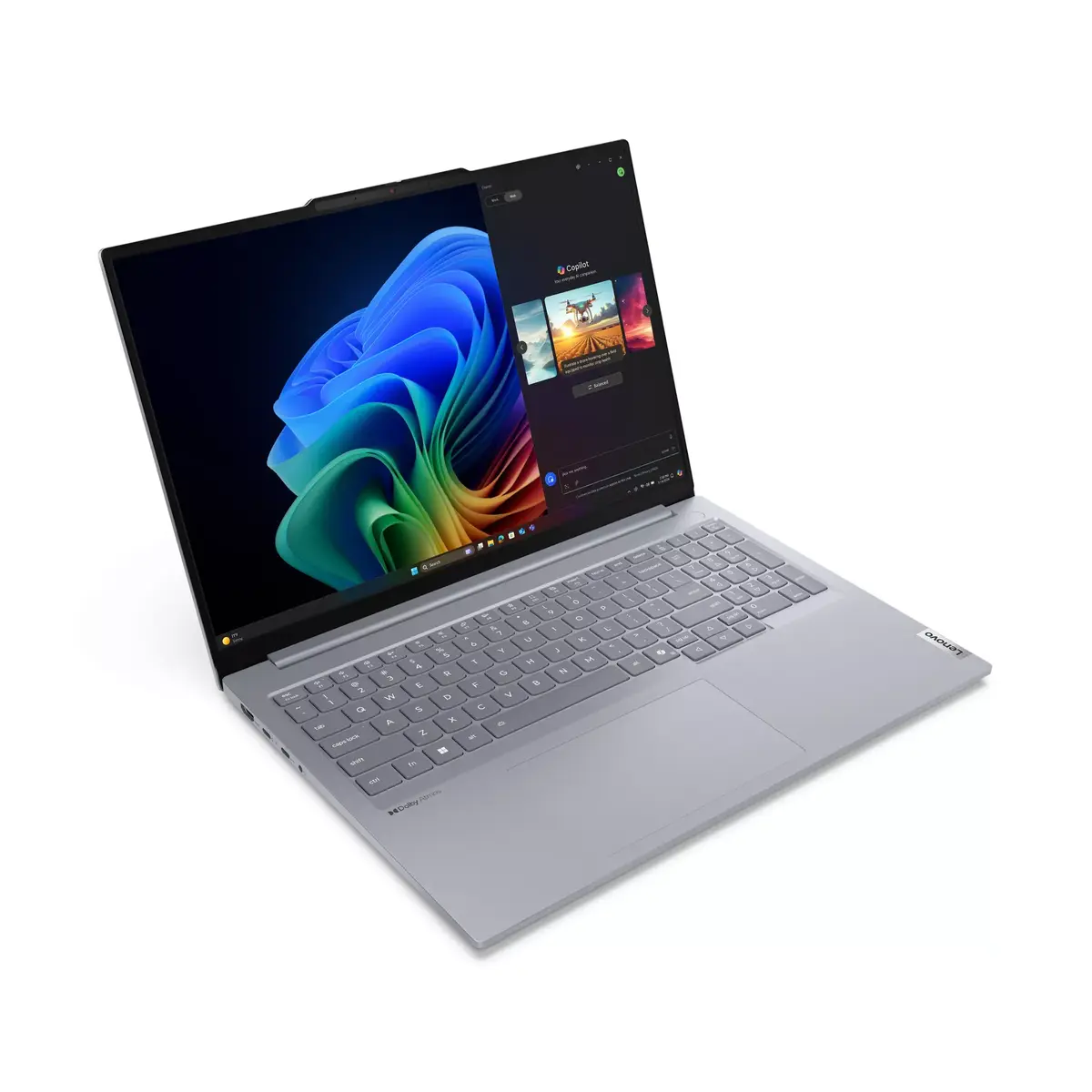
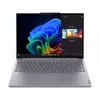
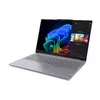
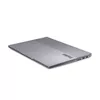
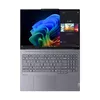
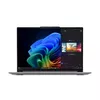
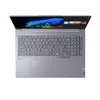
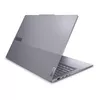
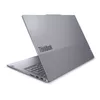
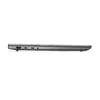
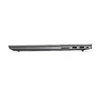
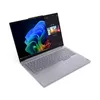
Lenovo ThinkBook 16 G7 QOY Qualcomm Snapdragon X1P-42-100 Laptop 40.6 cm (16") WUXGA 16 GB LPDDR5x-SDRAM 512 GB SSD Wi-Fi 7 (802.11be) Windows 11 Pro...
The Lenovo ThinkBook 16 G7 QOY is a reliable clamshell laptop designed for professional tasks and everyday business computing. Powered by the Qualcomm Snapdragon processor and Windows 11 Pro, this notebook offers efficient performance for modern workflows. With a spacious 16-inch WUXGA display, it provides a comfortable viewing area for document editing, web browsing, and media consumption. The inclusion of modern wireless standards ensures fast and stable connectivity, while the sleek grey chassis maintains a professional appearance in any office or remote working environment.
This laptop delivers reliable daily performance thanks to its balanced hardware configuration, which includes ample internal memory and fast solid-state storage. The efficient Qualcomm Snapdragon processor helps maintain good energy efficiency during extended work sessions. The generous 16-inch screen size allows users to work with multiple windows open side by side without feeling cramped. Additionally, the inclusion of Windows 11 Pro provides advanced security and management features suitable for business environments.
This laptop is not designed for demanding tasks such as high-end 3D gaming, professional video editing, or heavy rendering, as it relies on integrated graphics. Users who require specific x86 legacy software that is incompatible with ARM-based processors may also need to consider alternative hardware options.
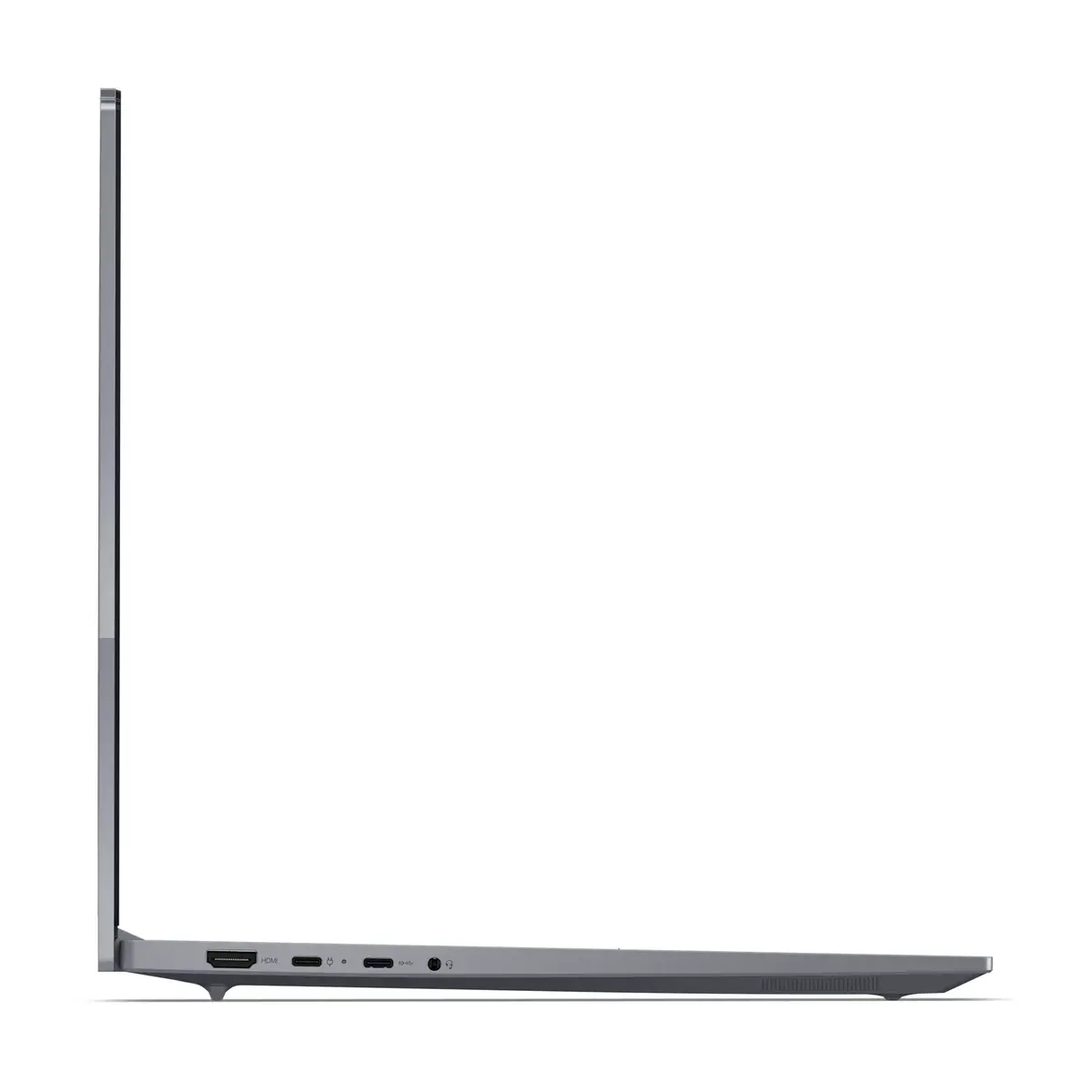
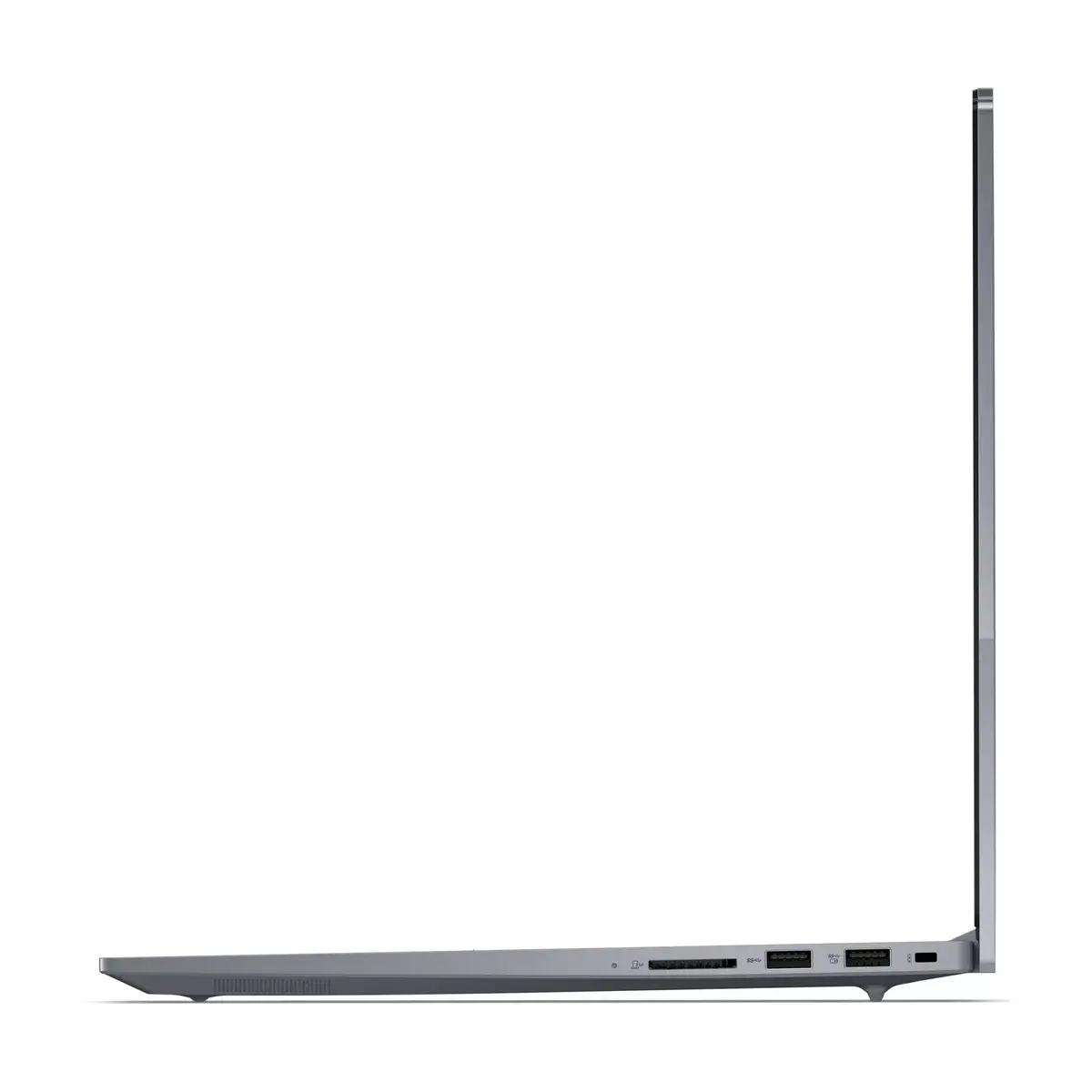
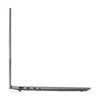
To begin using the Lenovo ThinkBook 16 G7 QOY, connect the device to a power source for the initial setup. Follow the on-screen instructions provided by Windows 11 Pro to configure your user profile, connect to your local Wi-Fi network, and complete system preferences. Use the integrated keyboard and touchpad for navigation, or connect external peripherals such as a mouse or monitor via available ports to expand your workstation setup.
For optimal longevity and performance, keep the operating system and drivers updated through official channels, use a protective sleeve when transporting the laptop, and avoid blocking the ventilation areas during operation.
{{highlightedFeature.featureTitle}}:
{{getProductFeatureValueById(product, highlightedFeature.featureId)}}
{{ productComparisonGenerationError }}
