
Hurry and order now – up to 50% off!
In cart {{totalProductsCount}} item(s)
Your cart is empty
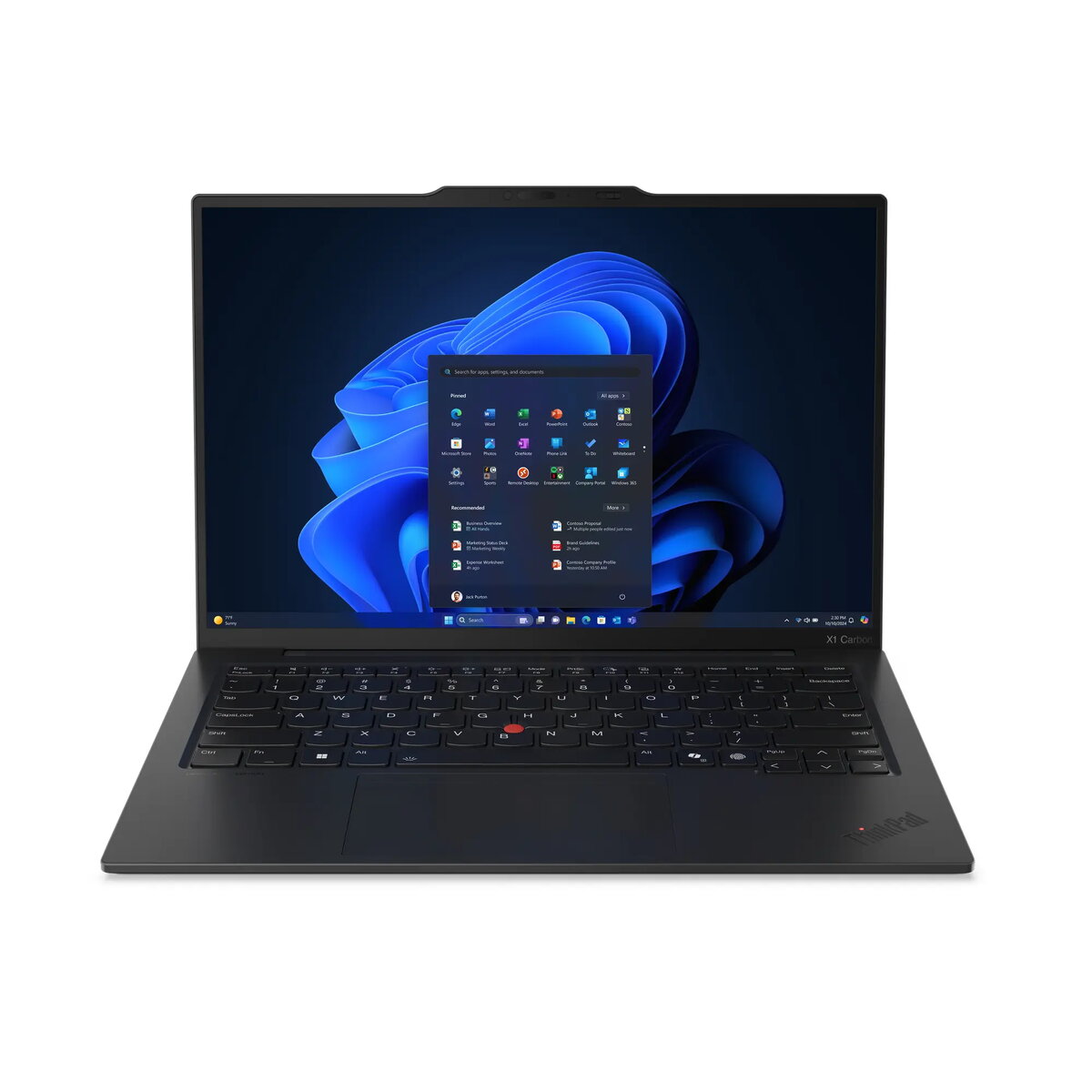
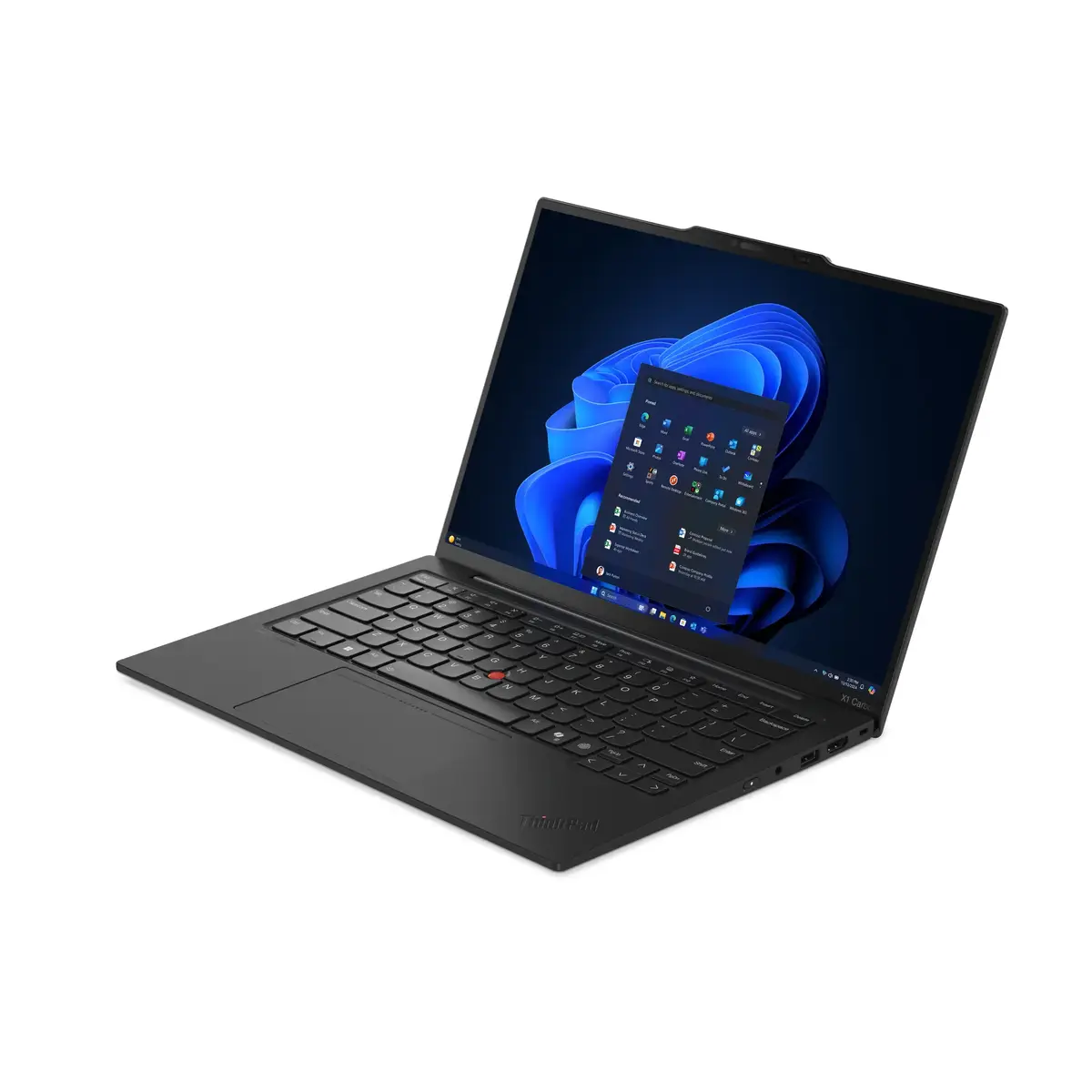
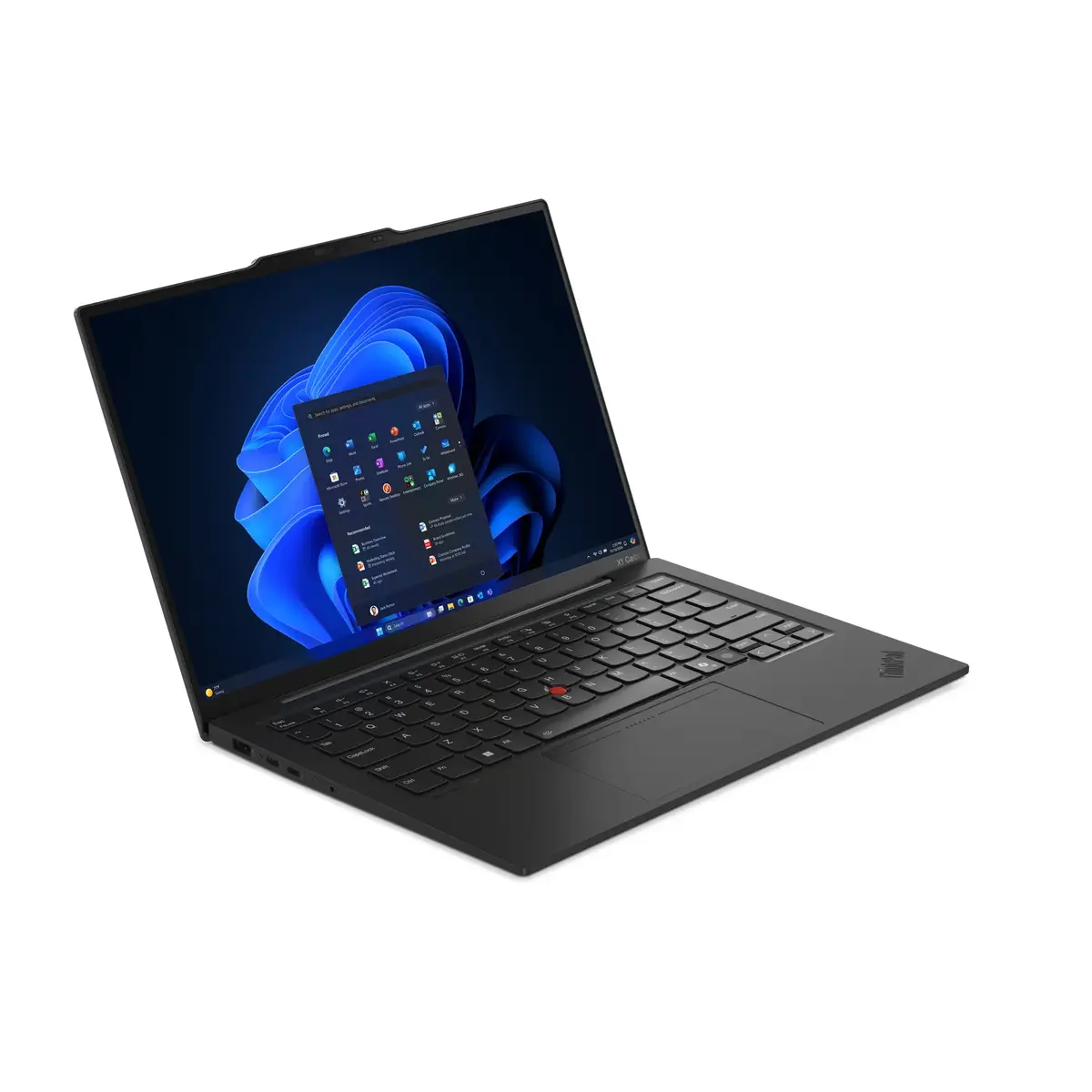
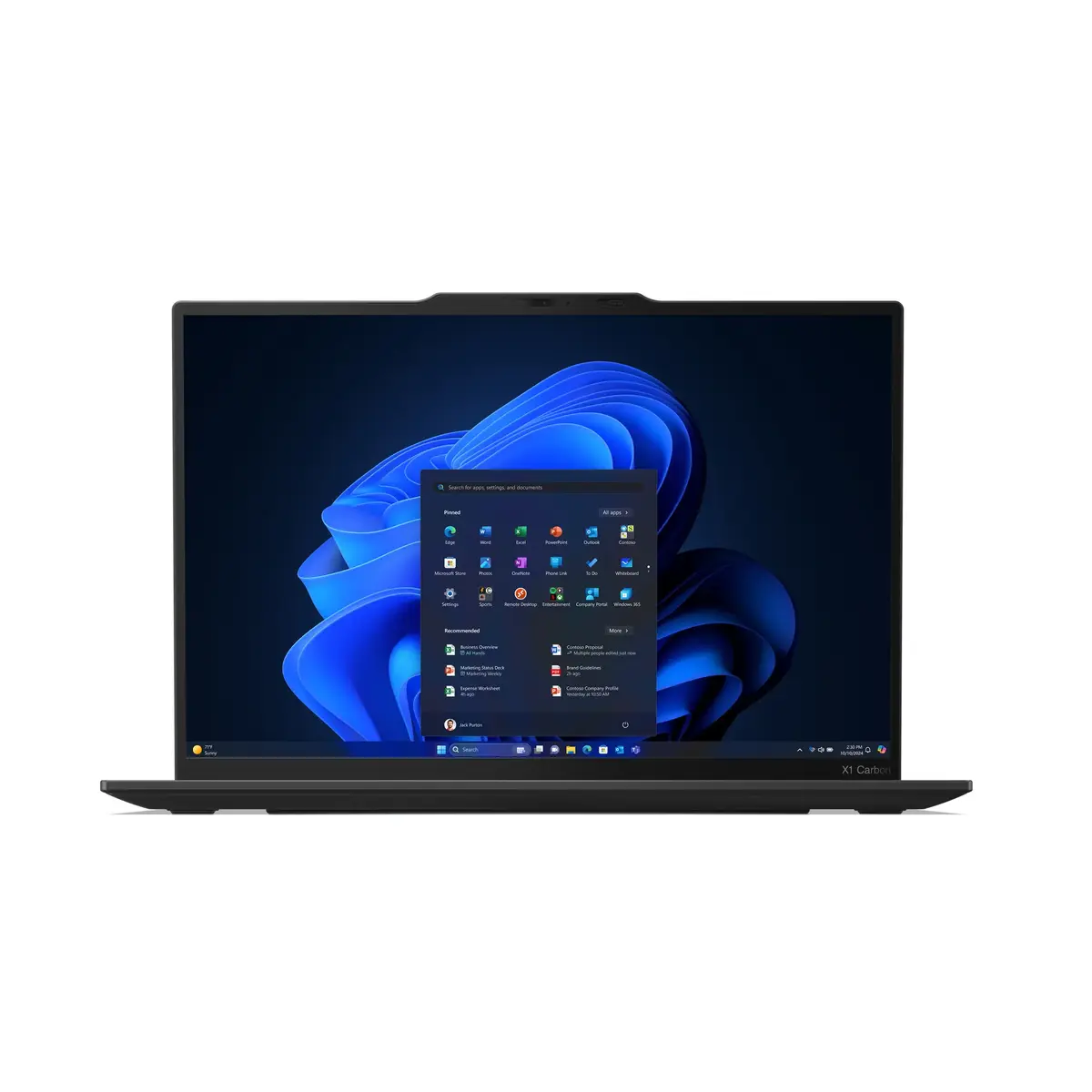
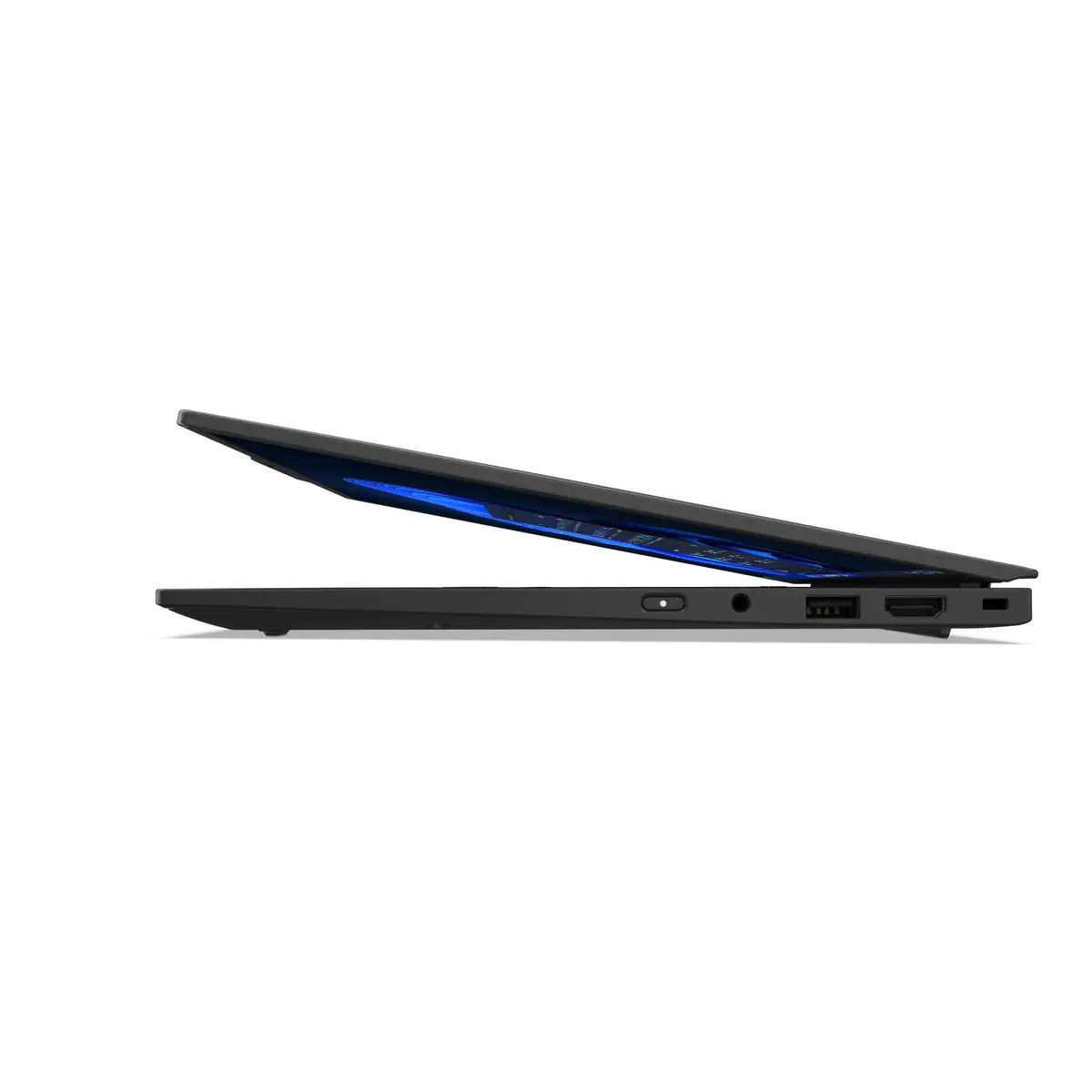
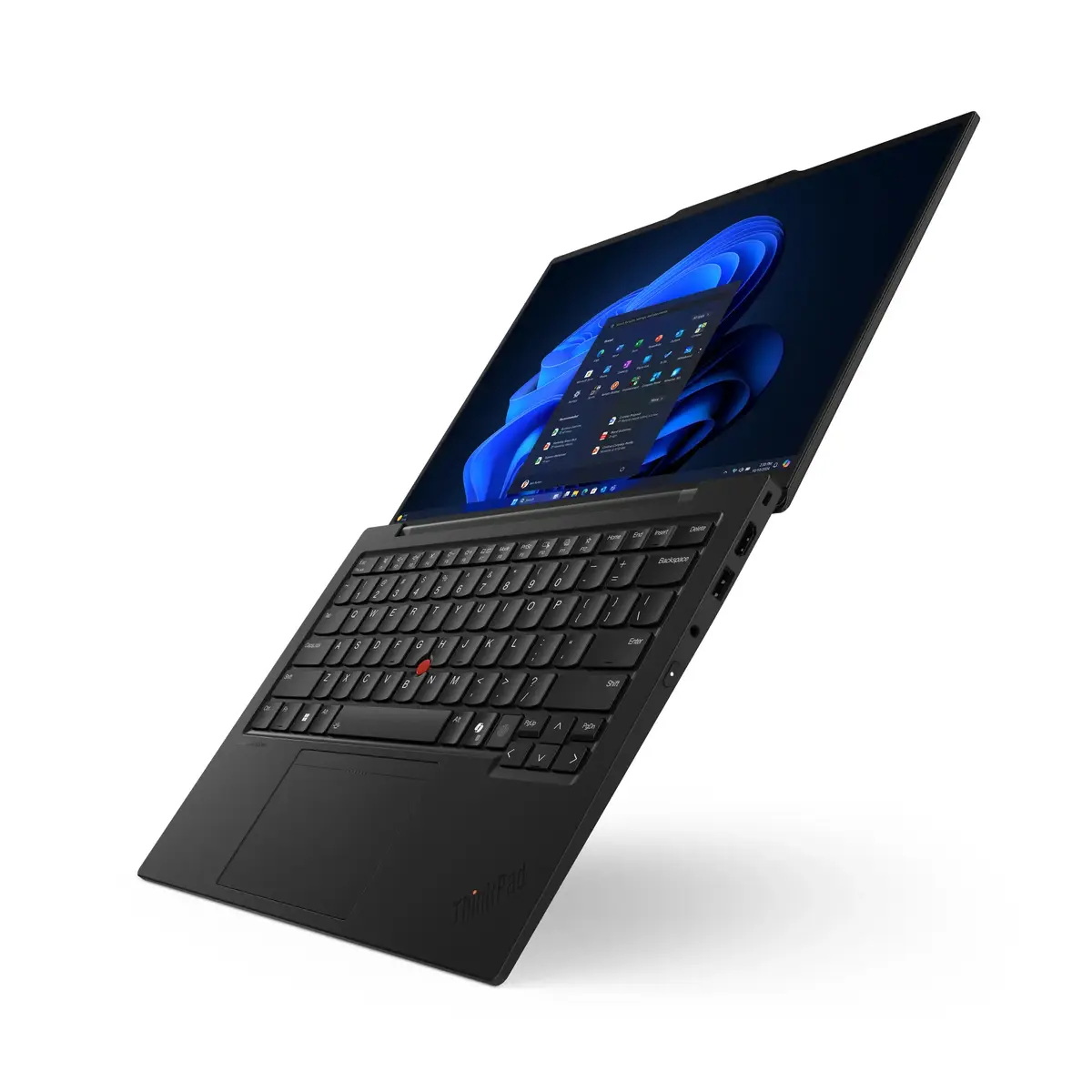
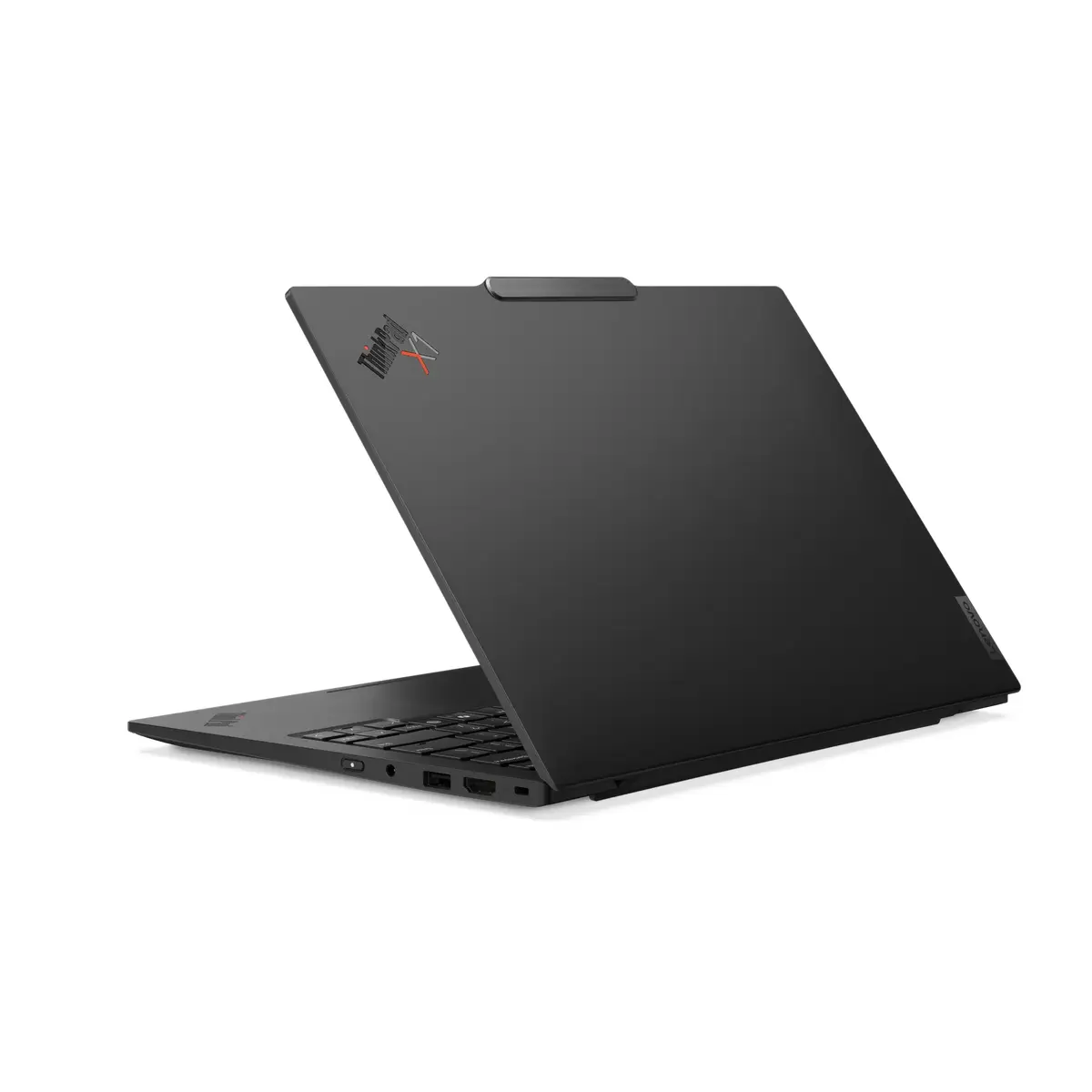
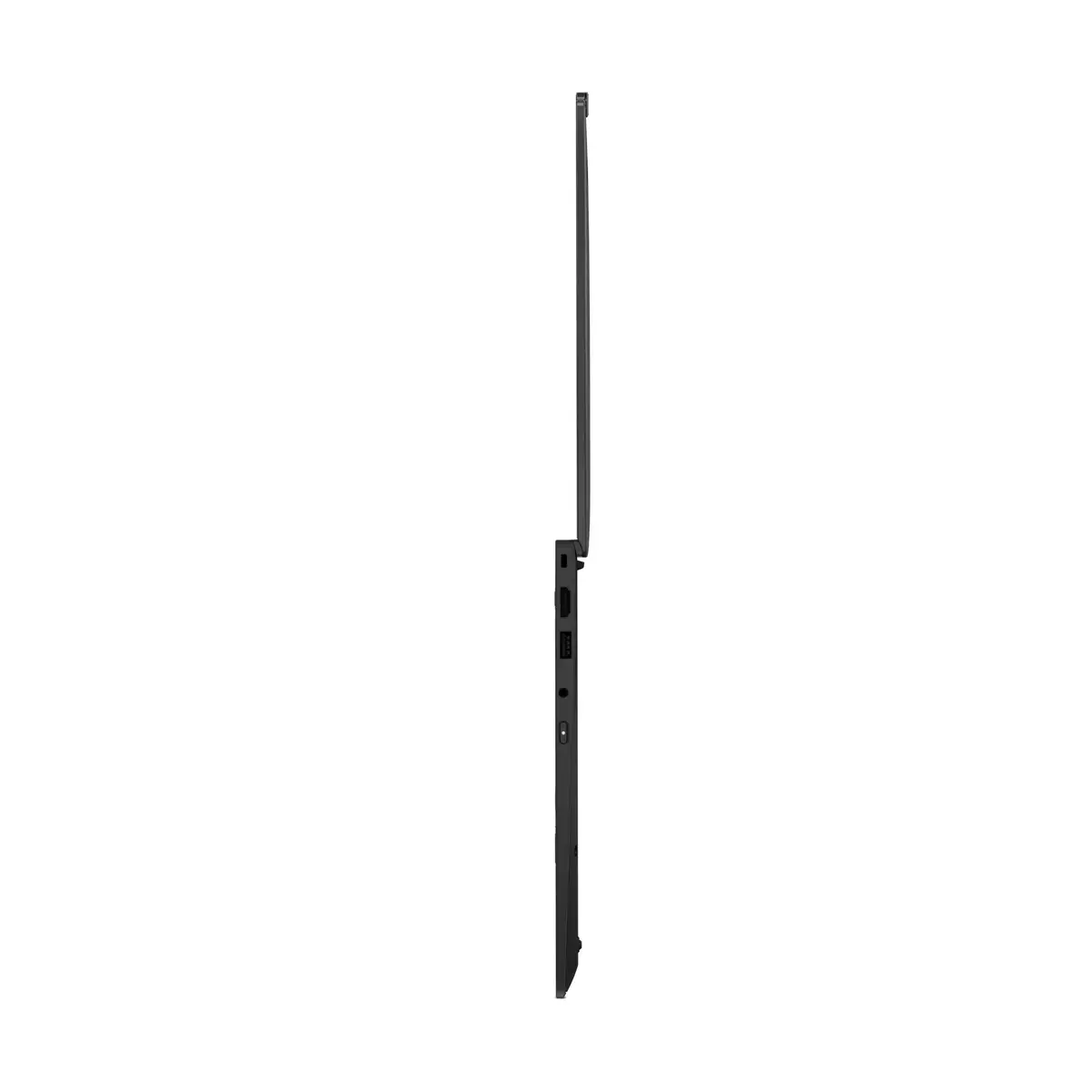
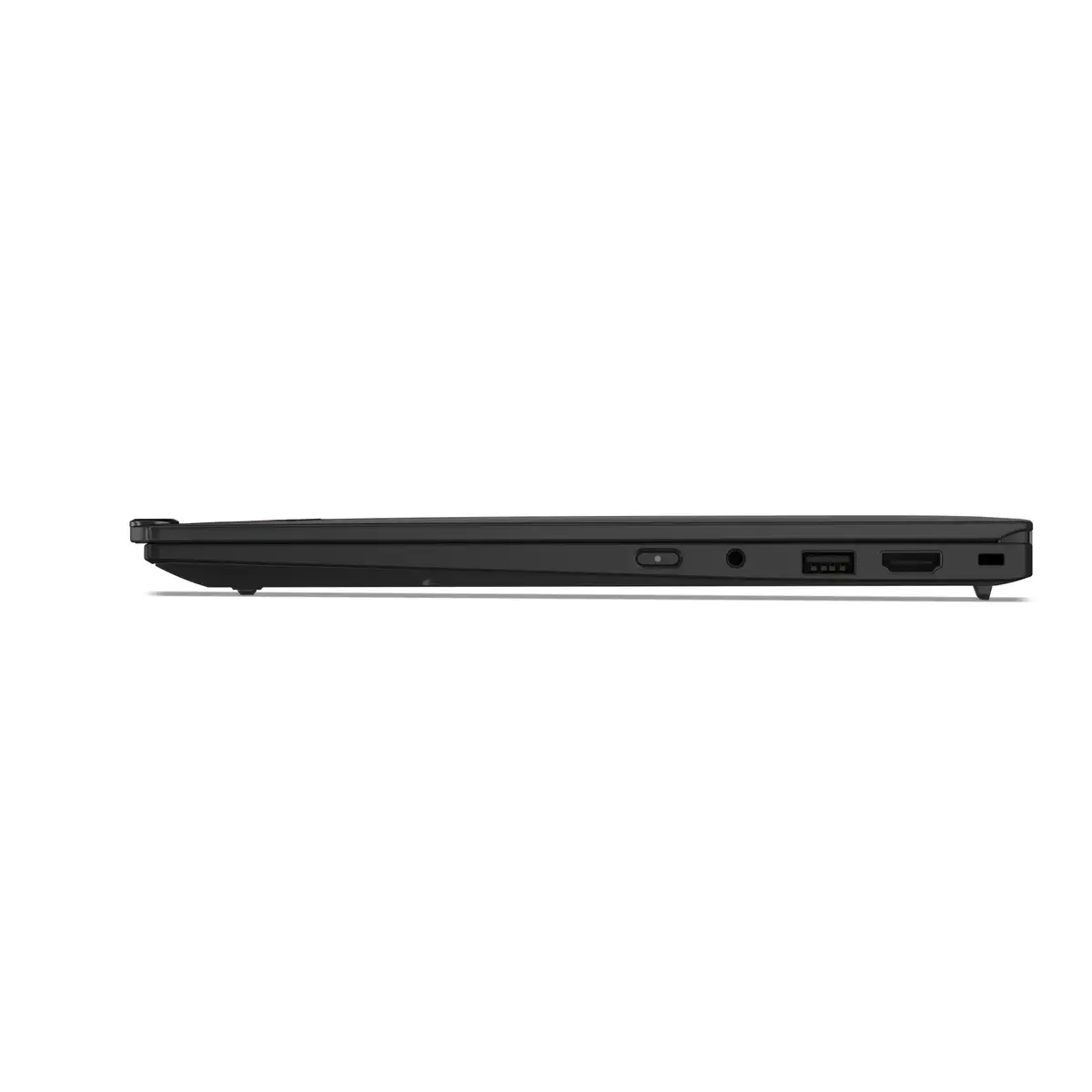
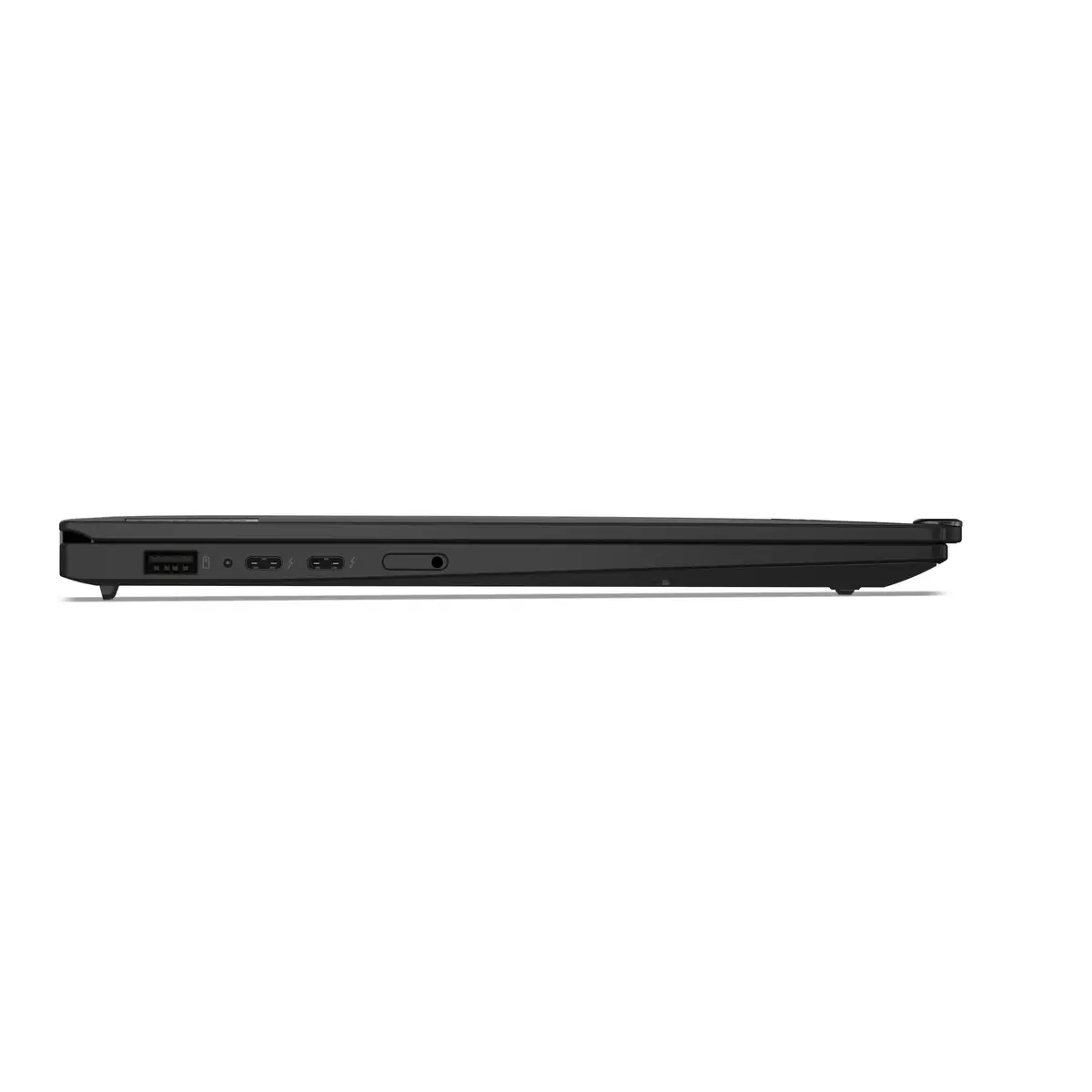
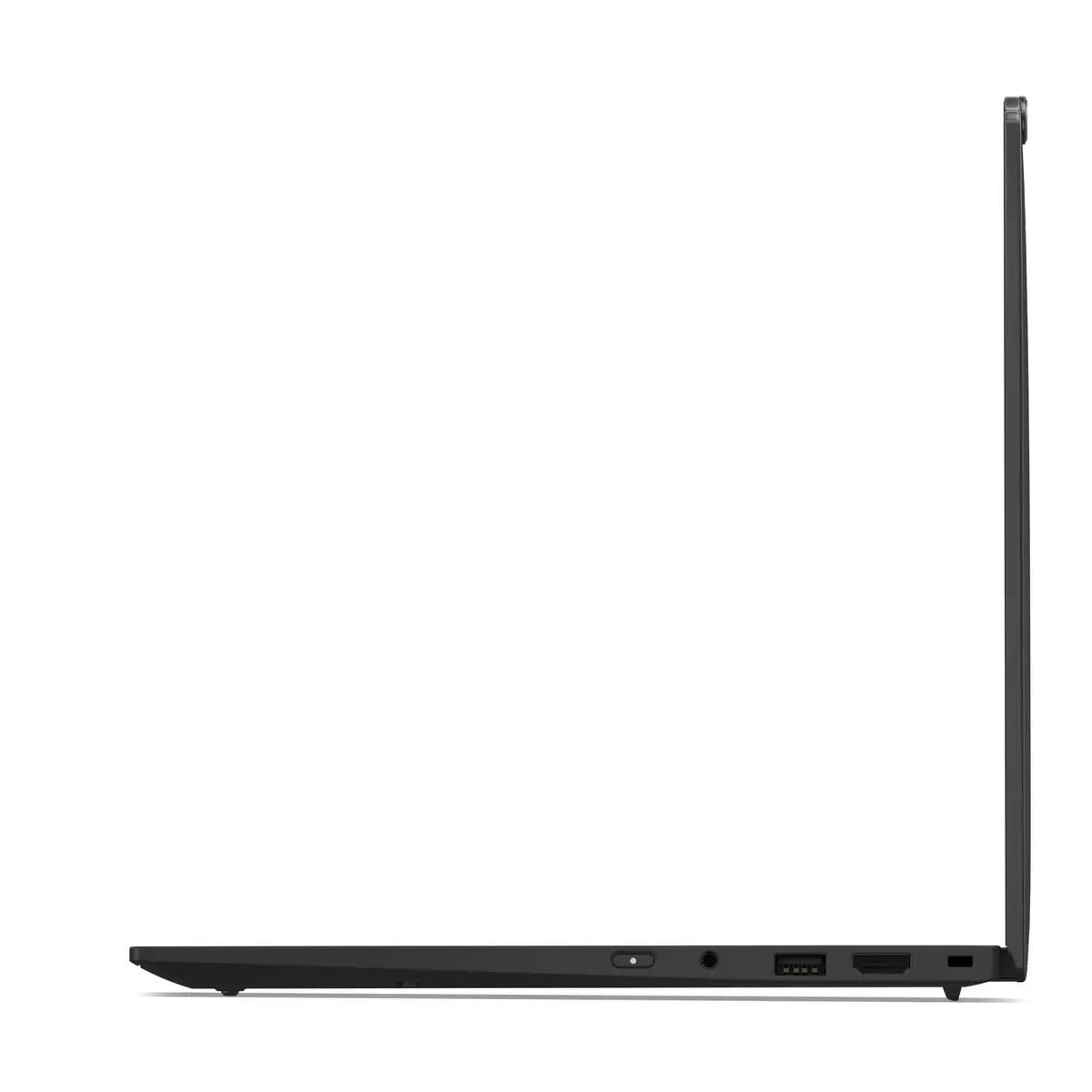
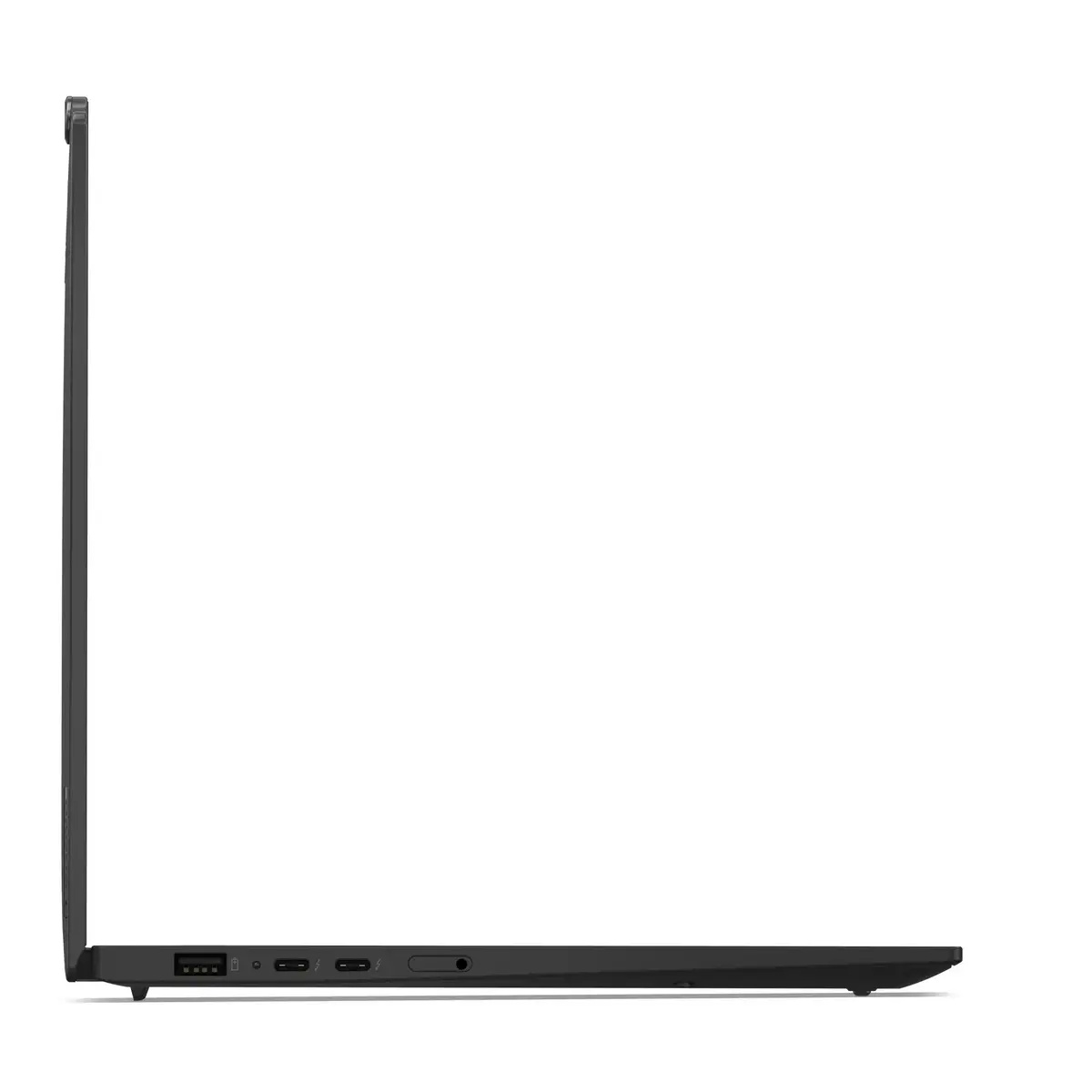
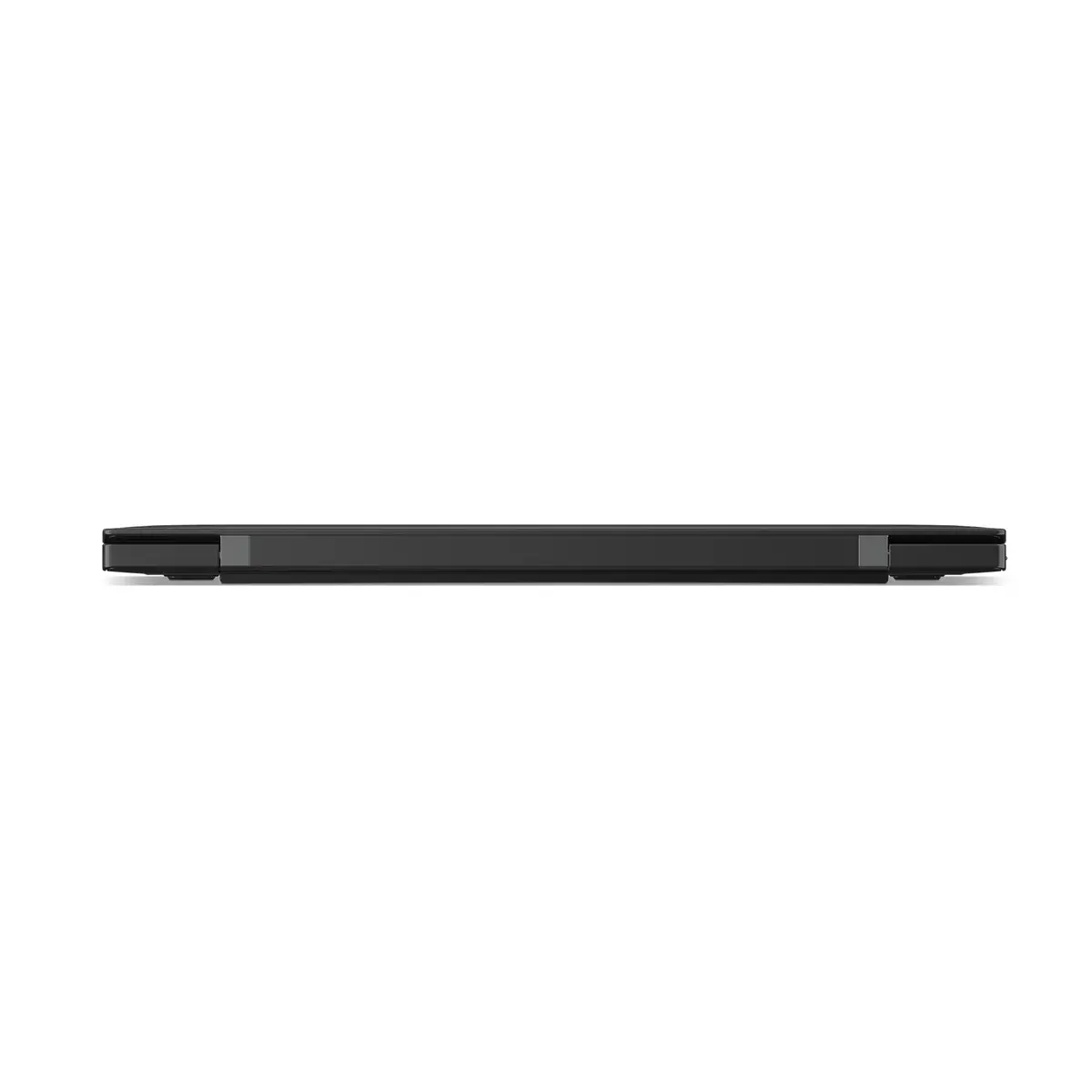
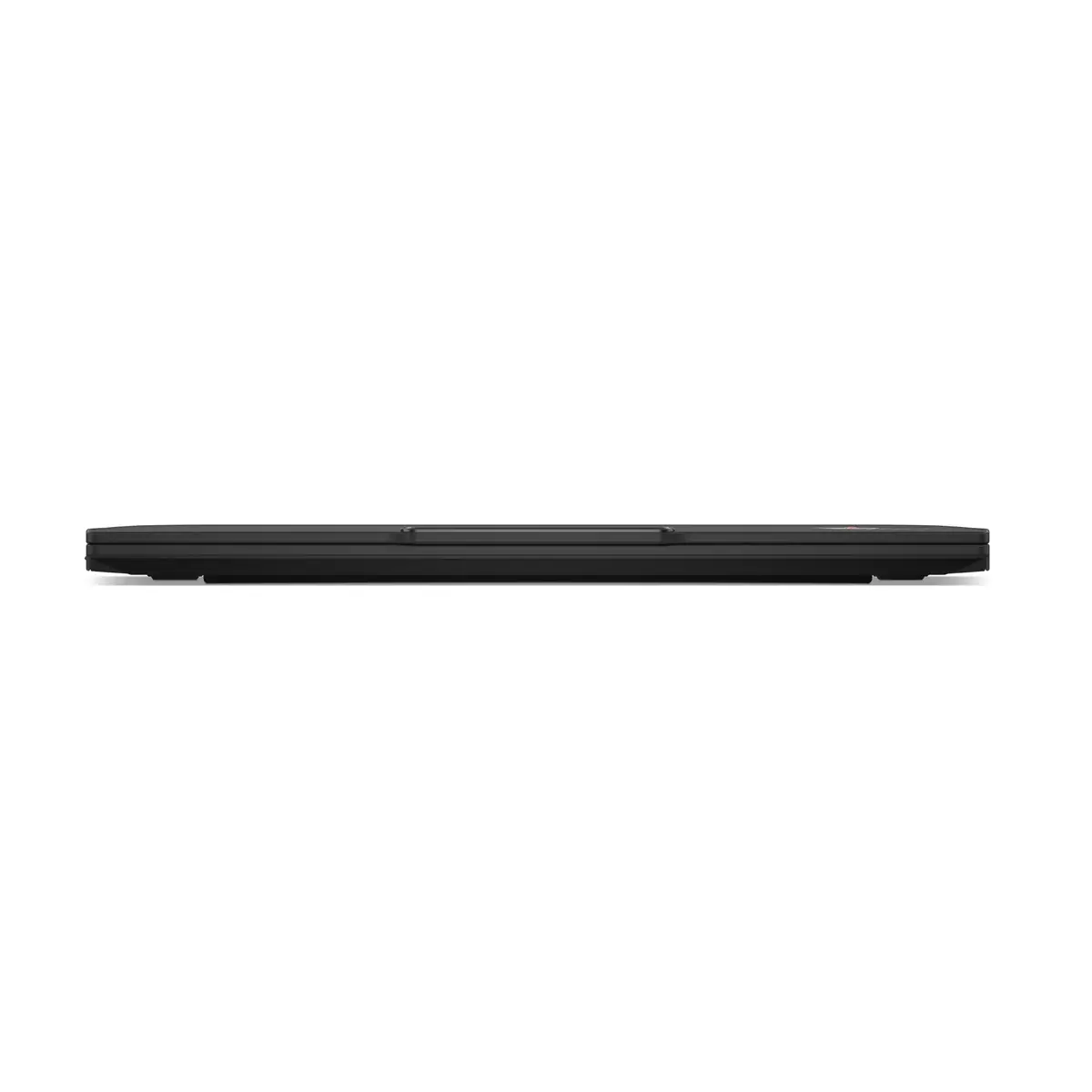
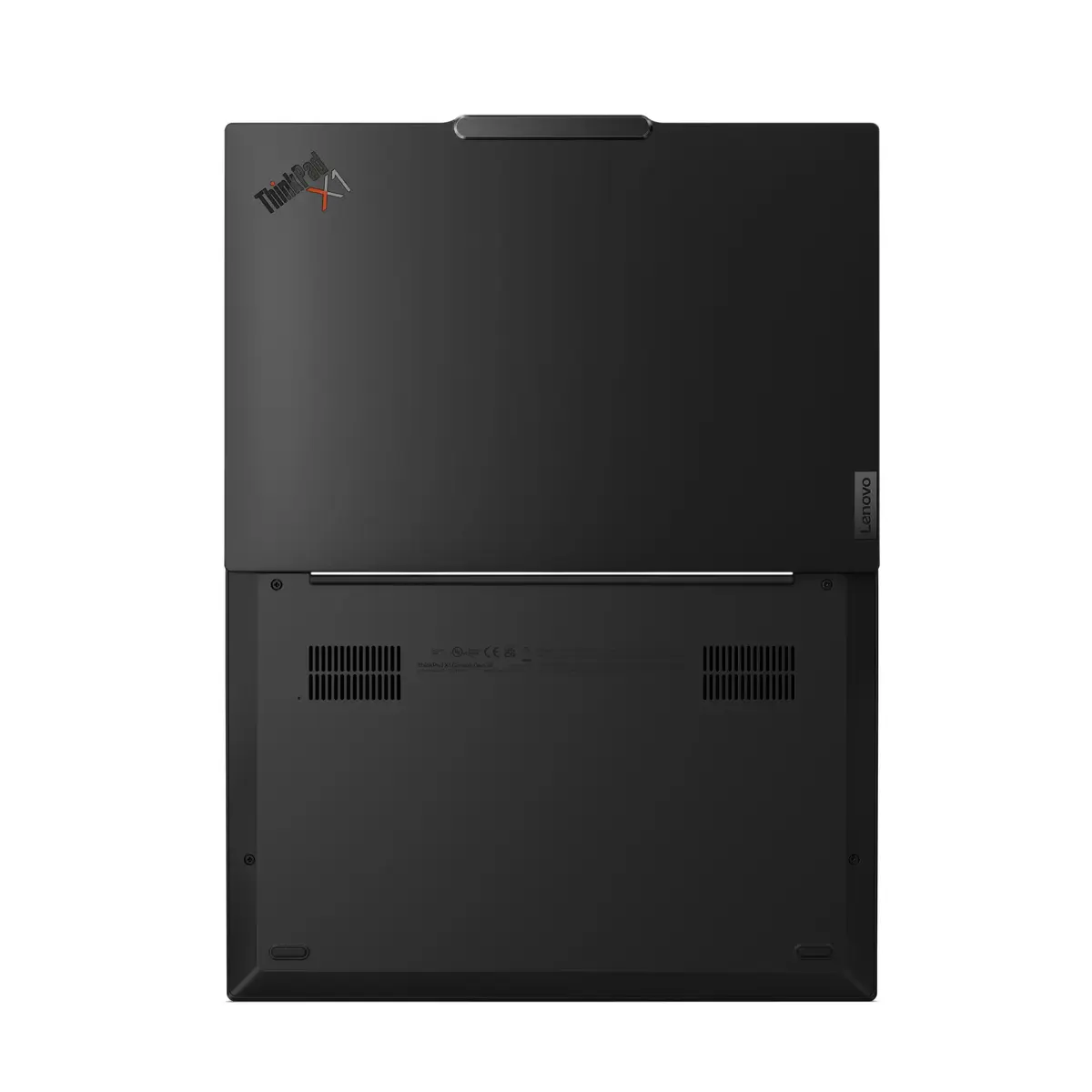
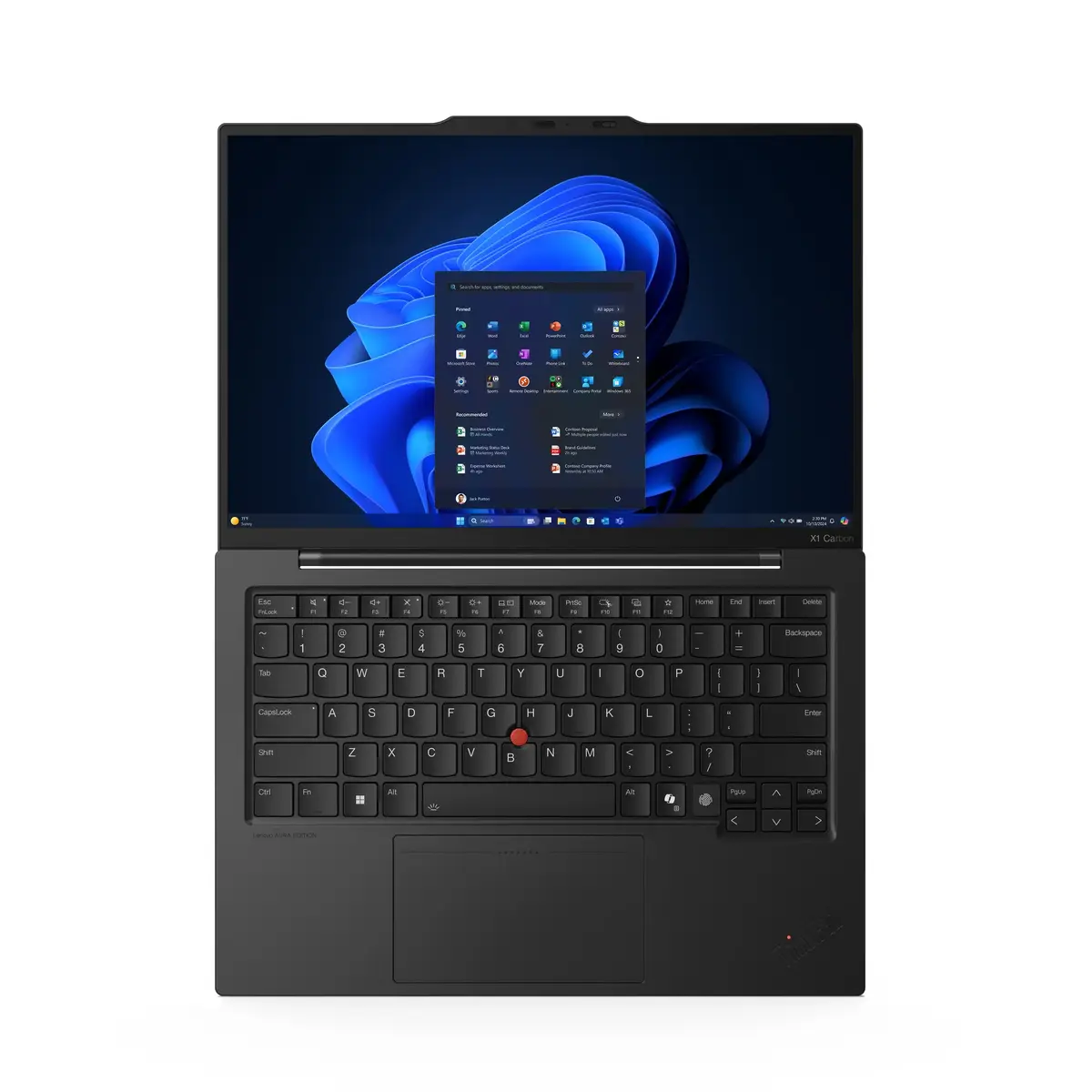
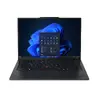
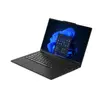
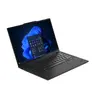
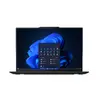
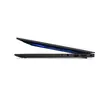
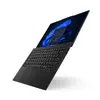
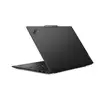
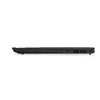
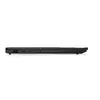
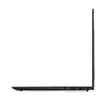
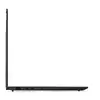
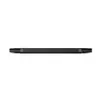
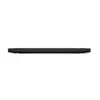
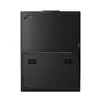
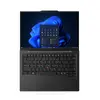
Laptop Lenovo ThinkPad X1 Carbon Gen 13 Aura Edition — Intel Core Ultra 7 255U, 14" 2.8K Touch, 32 GB, 1 TB SSD, Windows 11 Pro, Black
The Lenovo ThinkPad X1 Carbon Gen 13 Aura Edition is a 14" business laptop designed for mobile productivity. It pairs an Intel Core Ultra 7 255U processor with 32 GB LPDDR5x memory and a 1 TB PCIe SSD to deliver responsive multitasking and fast storage. The 14" 2.8K (2880×1800) touchscreen OLED display with 120 Hz variable refresh and Dolby Vision supports accurate colors and sharp detail, while integrated Intel graphics handle everyday visual tasks. The thin, lightweight clamshell design (approx. 1.006 kg) and Windows 11 Pro make it suitable for professionals who need a secure, portable workstation.
The combination of an Intel Core Ultra 7 255U CPU, high-speed LPDDR5x RAM and a PCIe 5.0 SSD provides strong real-world performance for office applications, data analysis and multitasking without significant latency. The high-resolution 2.8K touchscreen OLED panel with 100% DCI-P3 coverage, anti-reflection and anti-smudge coatings ensures clear visuals and reliable color reproduction for presentations and content review. Built-in modern connectivity including Wi‑Fi 6E and Bluetooth 5.3, plus a lightweight chassis, contribute to extended mobility and efficient collaboration on the go.
Power on the laptop and complete the initial Windows 11 Pro setup by following the on-screen prompts to configure region, user account and security settings. Connect to a Wi‑Fi 6E network or use Bluetooth for peripherals. Use the touchscreen or trackpad and keyboard for navigation; for demanding workflows, open required productivity or creative applications and allocate files to the internal 1 TB SSD. Keep device firmware and drivers updated through Windows Update or Lenovo Vantage to maintain performance and security.
For sustained performance, enable balanced or performance power profiles when running heavy multitasking or data processing. Use the anti-reflection touchscreen with consistent ambient lighting to reduce glare, and store large media or active projects on the internal SSD for faster access. Regularly back up important data and apply system updates to preserve security and reliability.
{{highlightedFeature.featureTitle}}:
{{getProductFeatureValueById(product, highlightedFeature.featureId)}}
{{ productComparisonGenerationError }}
