
Dreame vacuums for fast and efficient cleaning!
In cart {{totalProductsCount}} item(s)
Your cart is empty
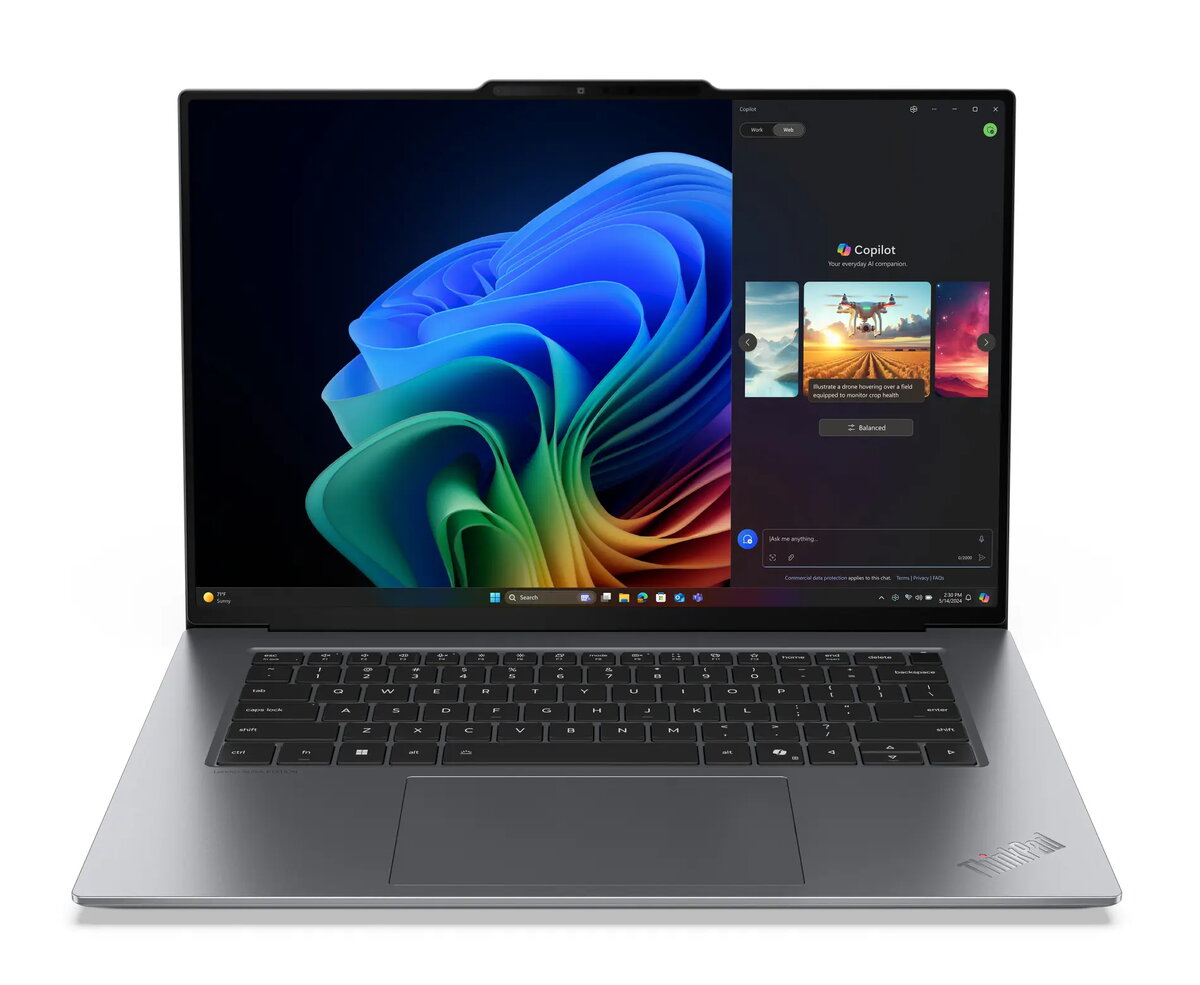
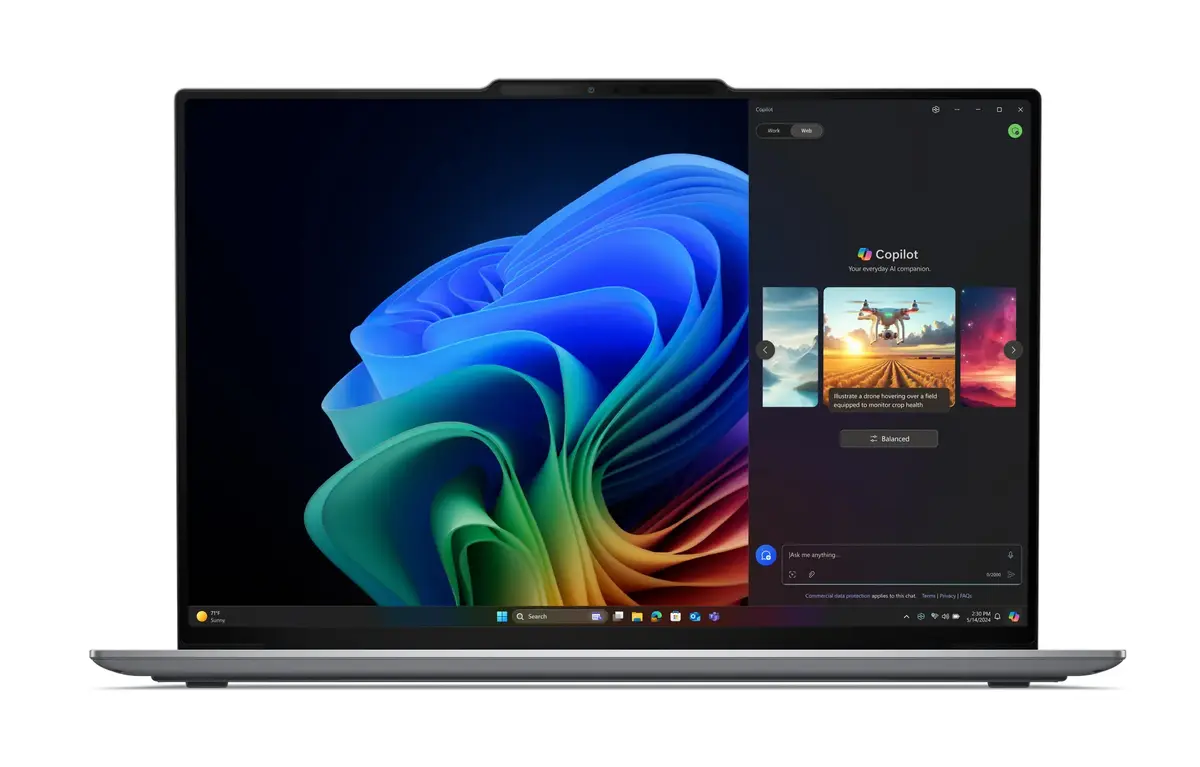
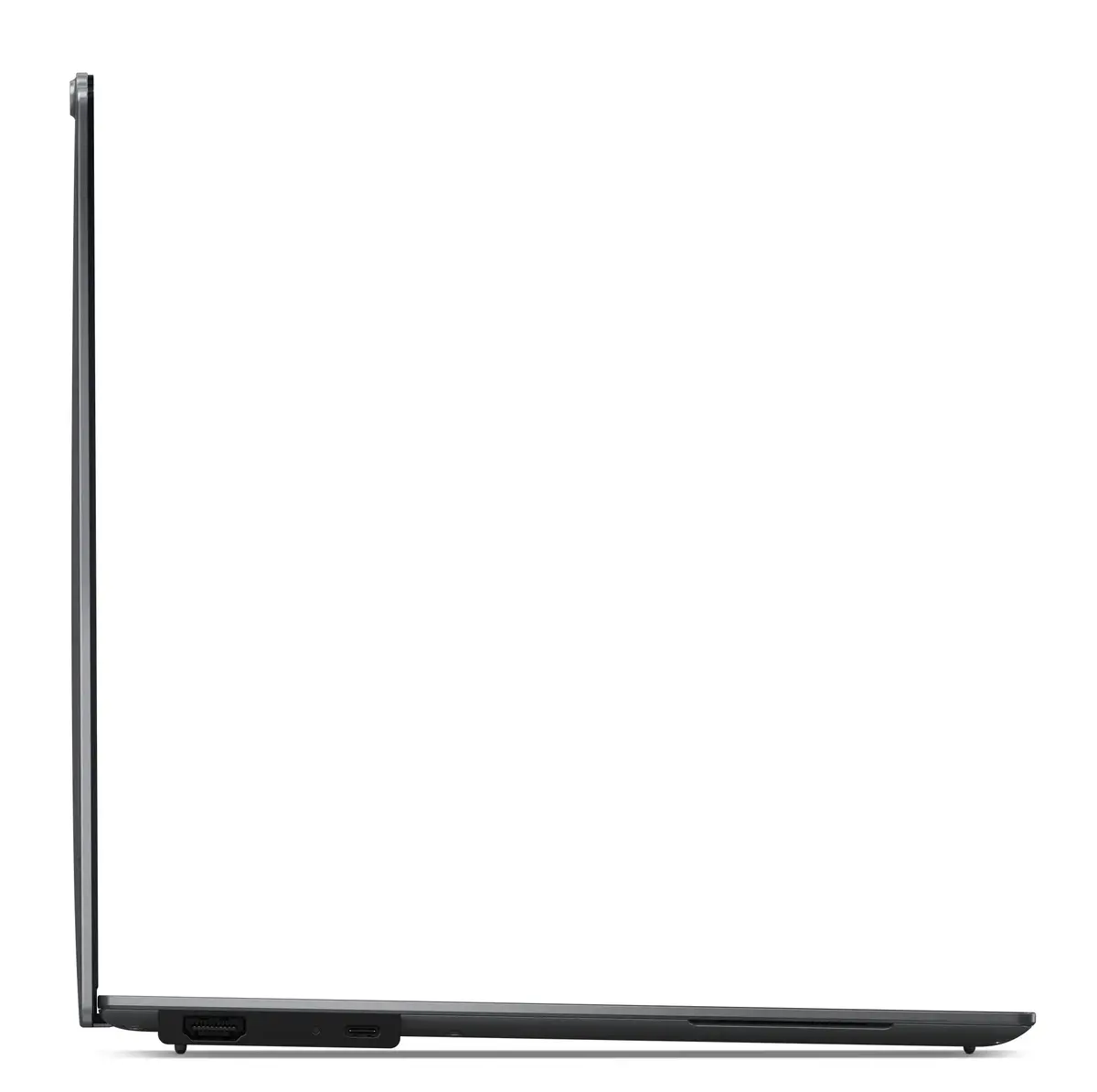
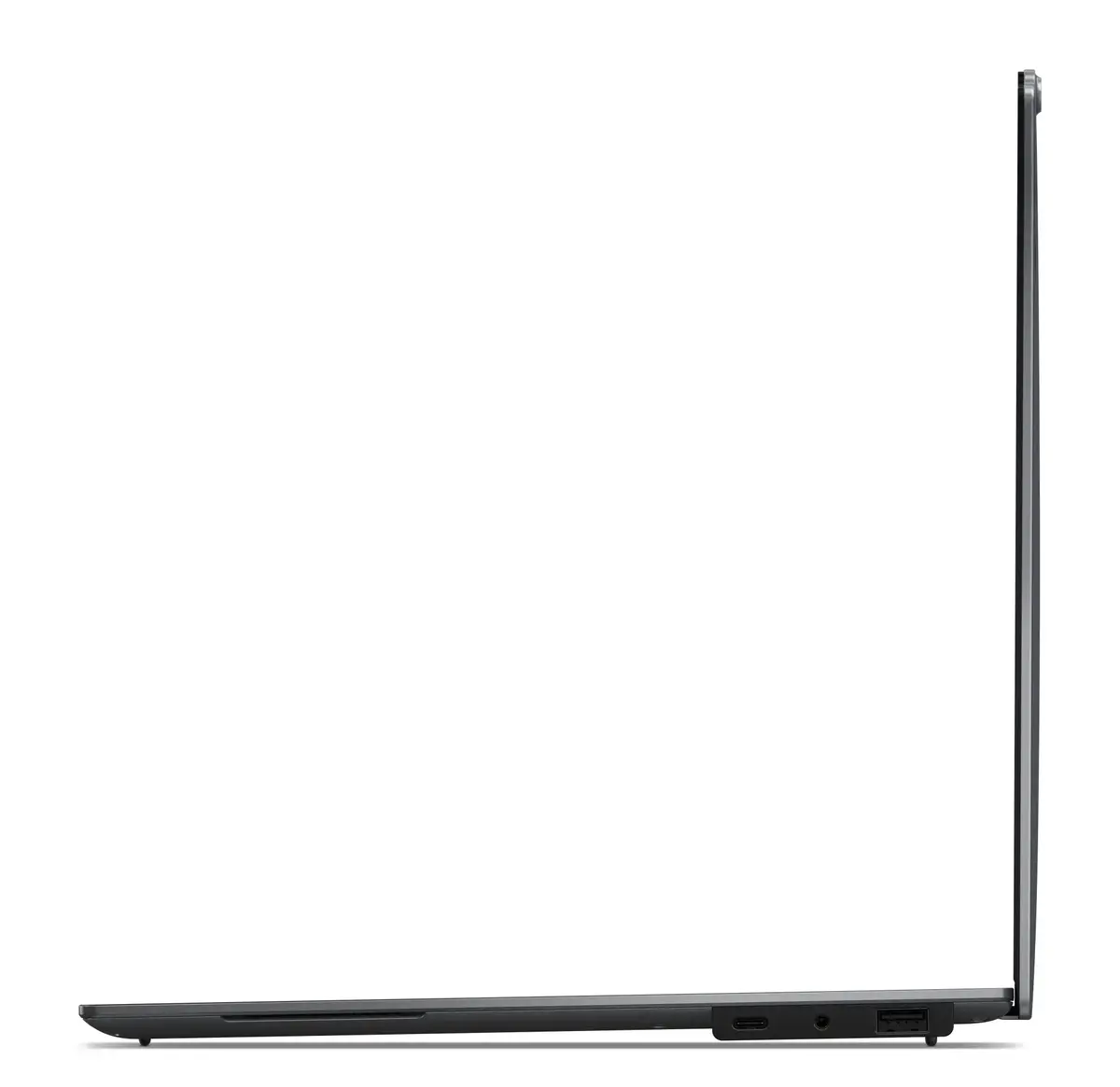
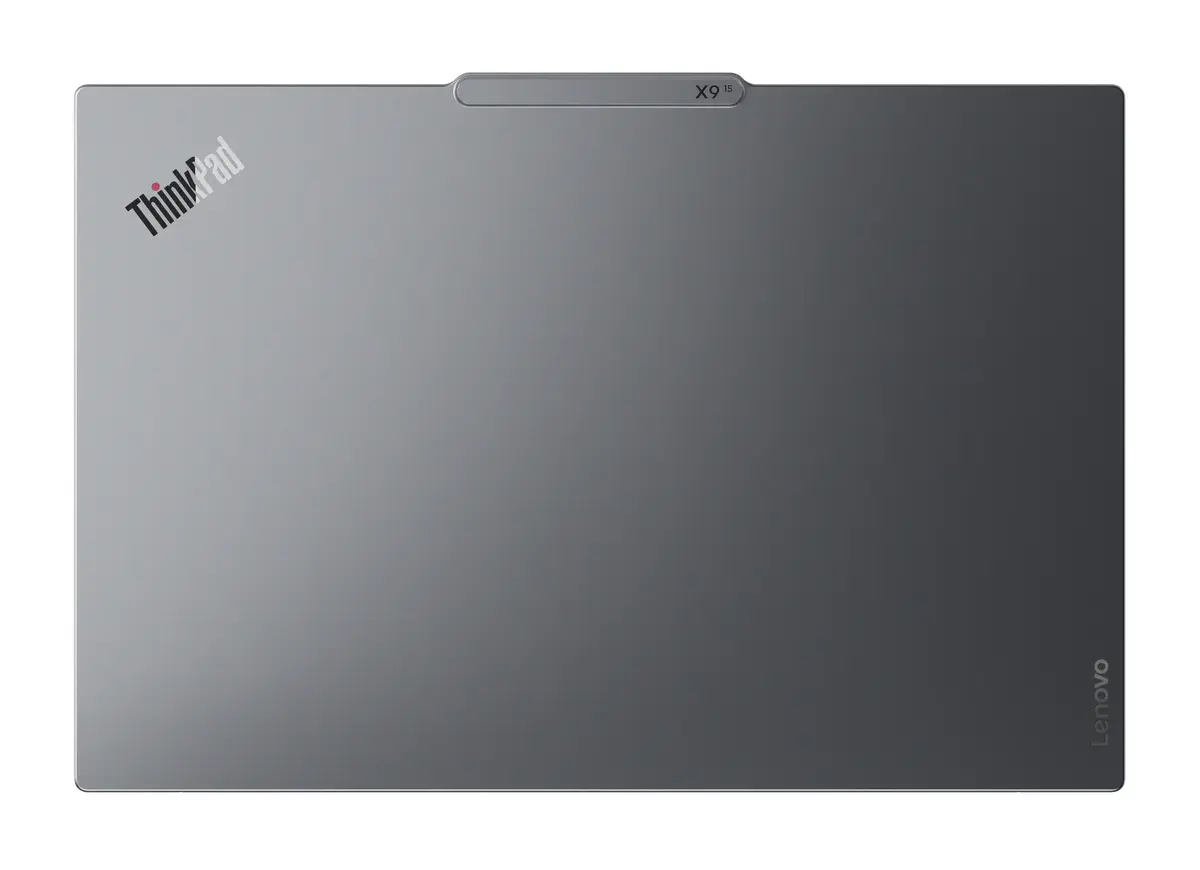
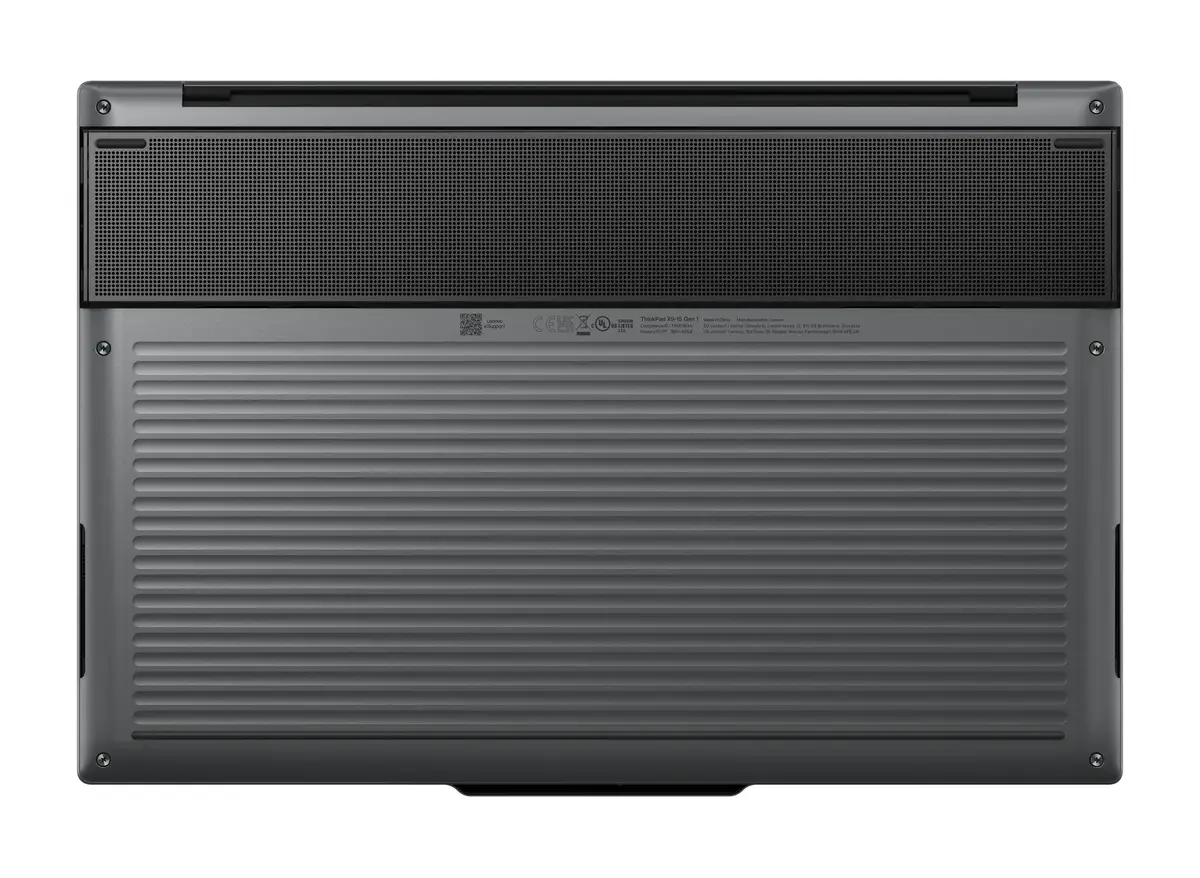
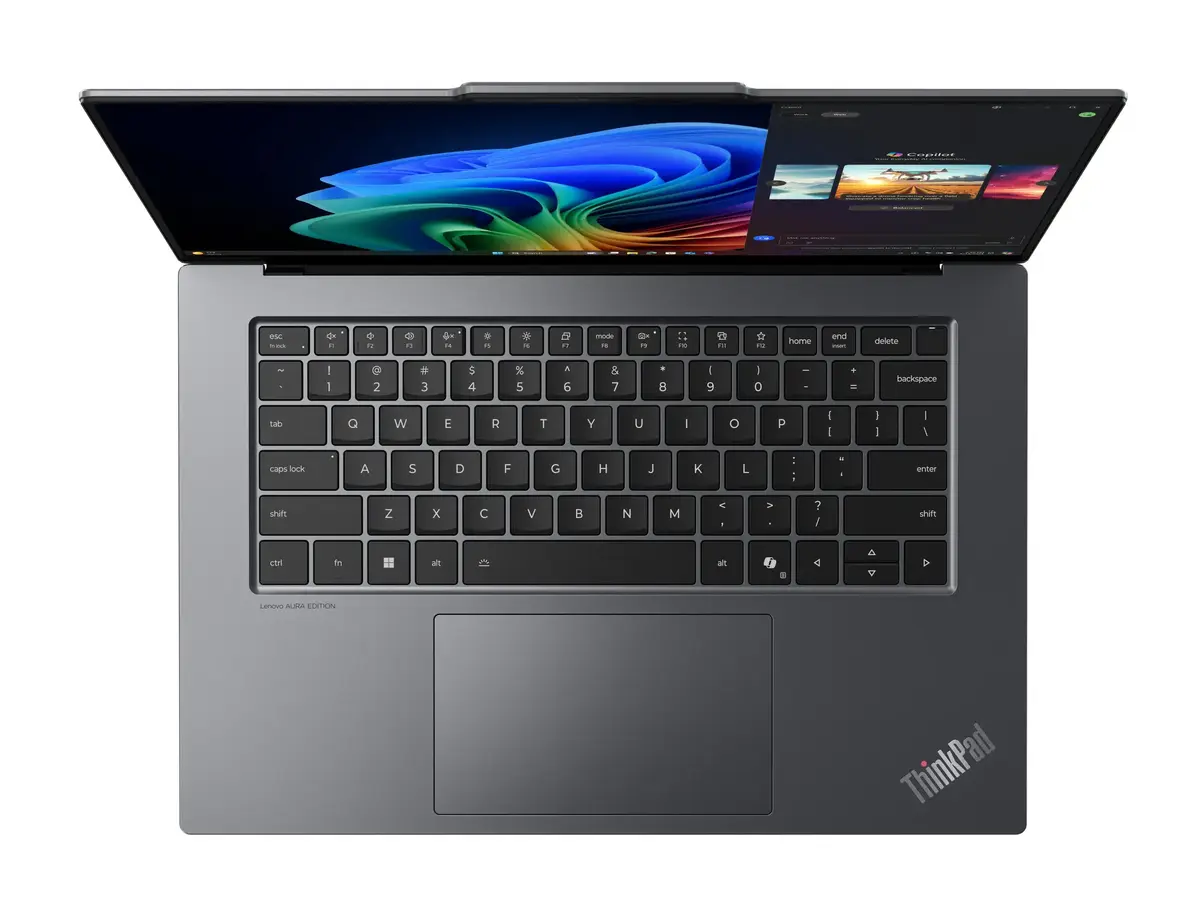
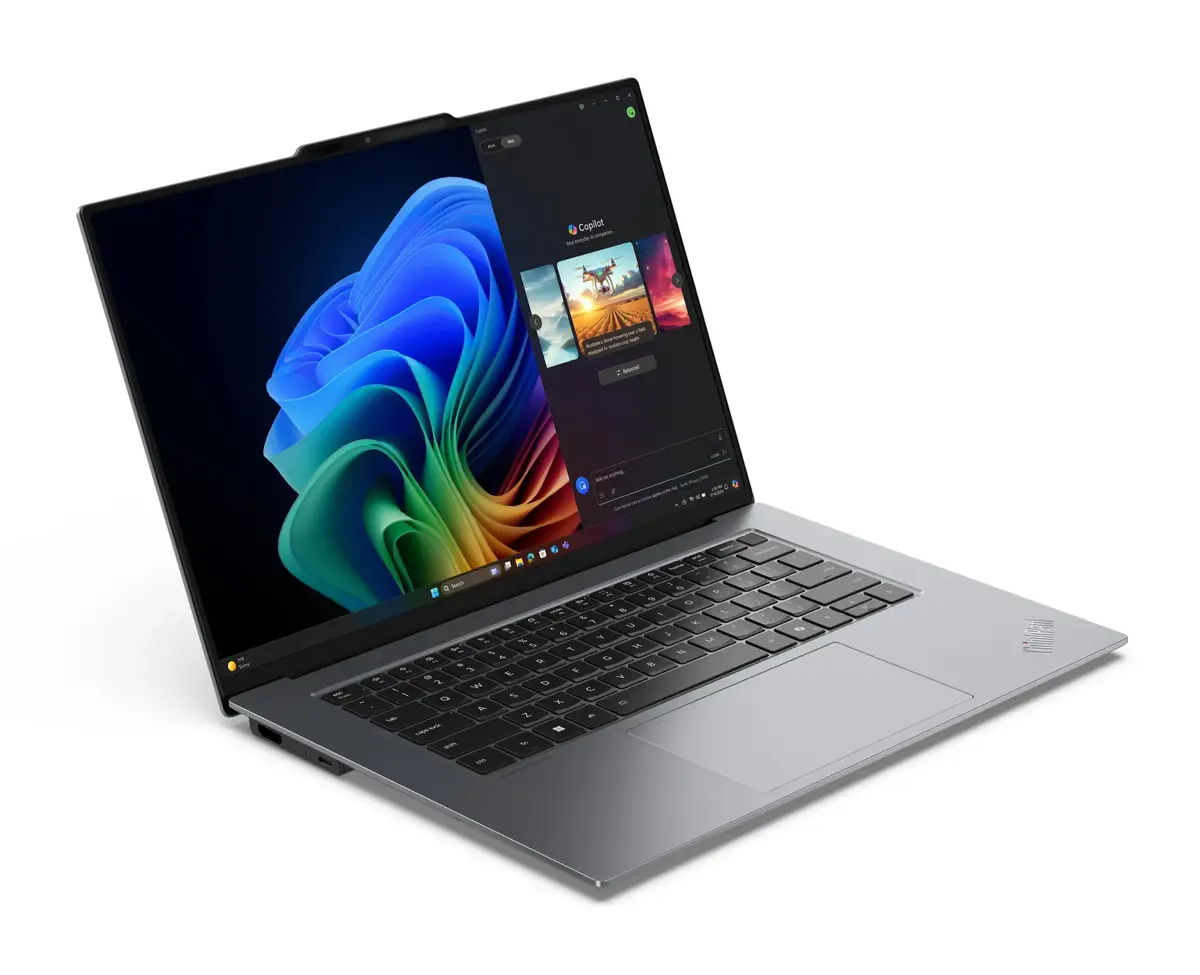
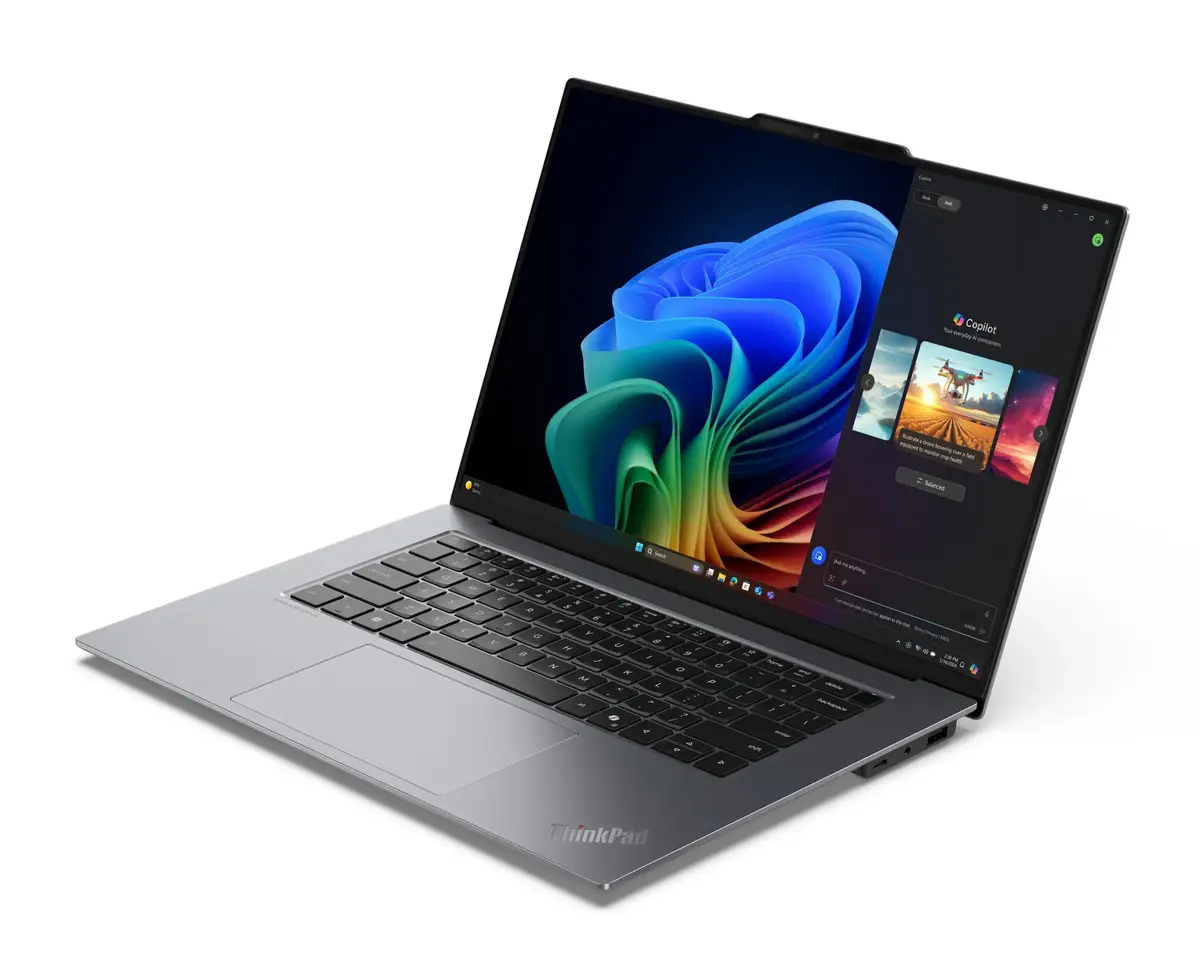
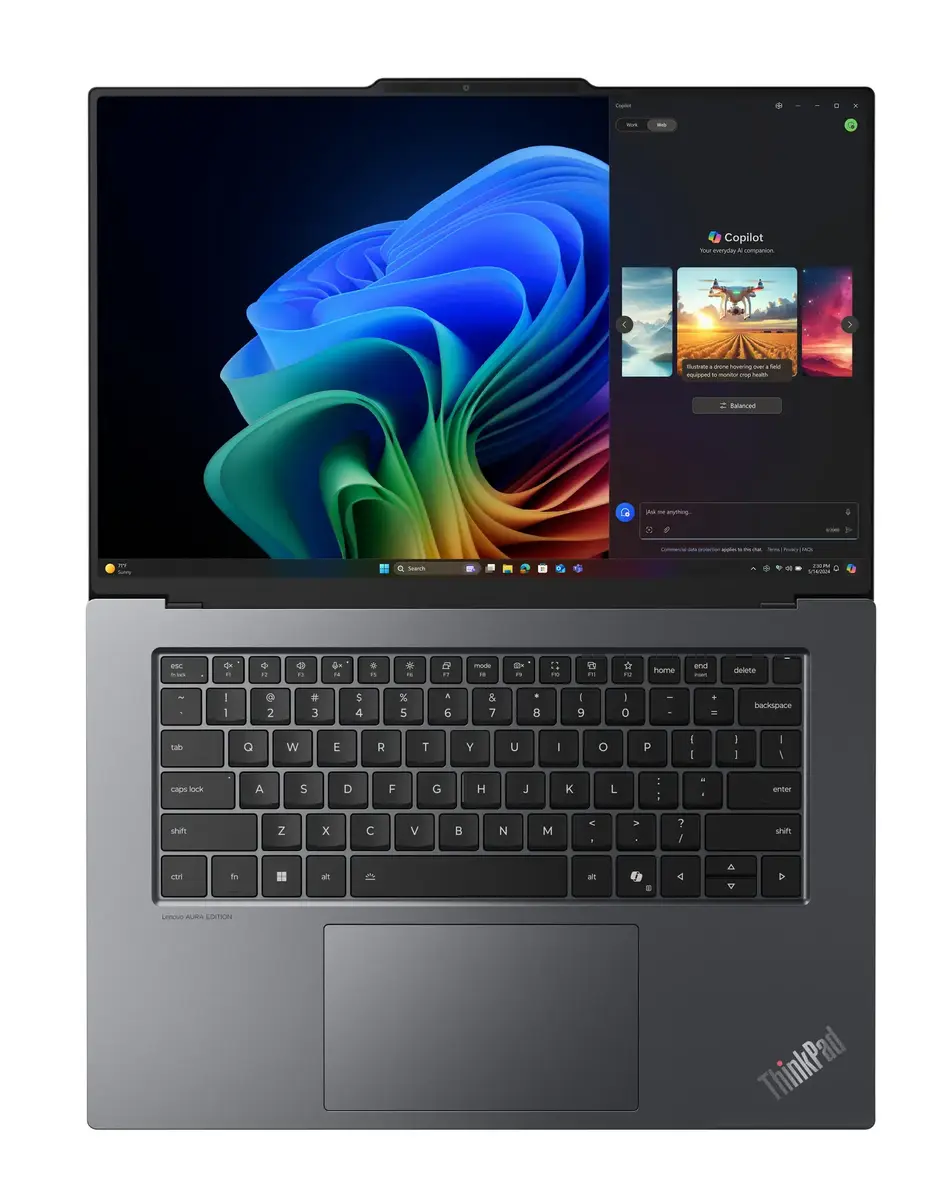
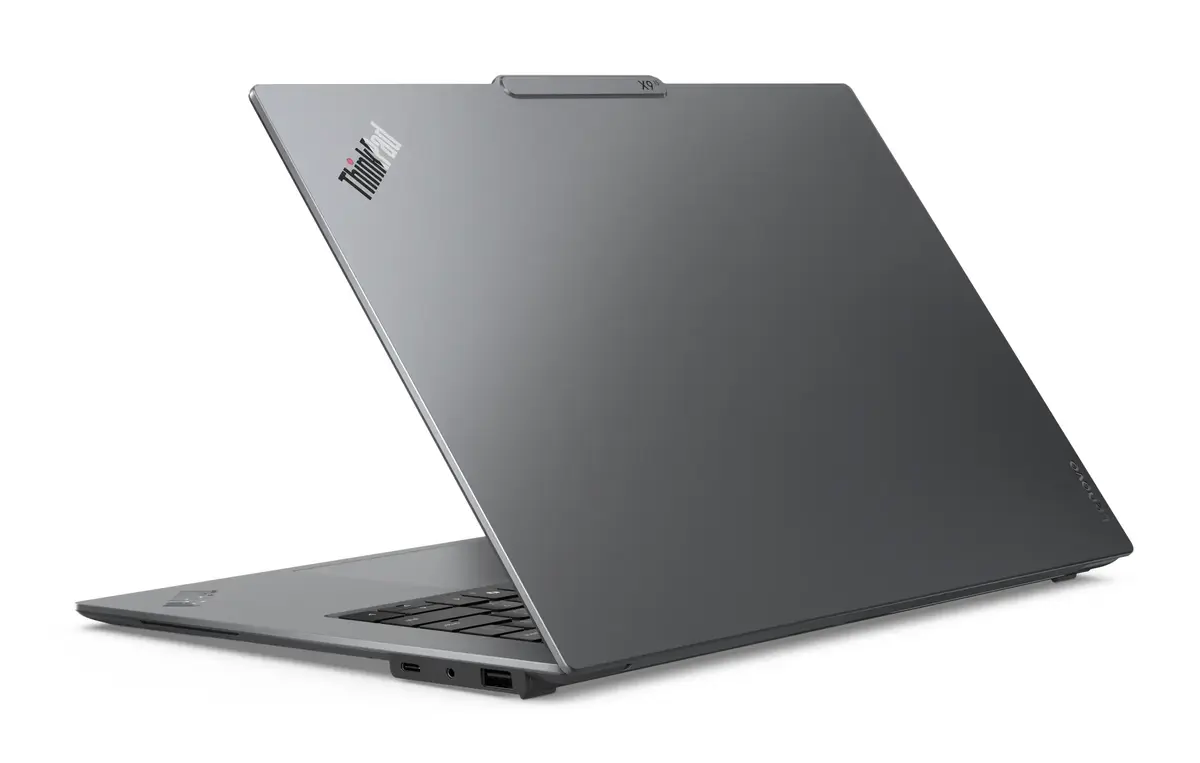
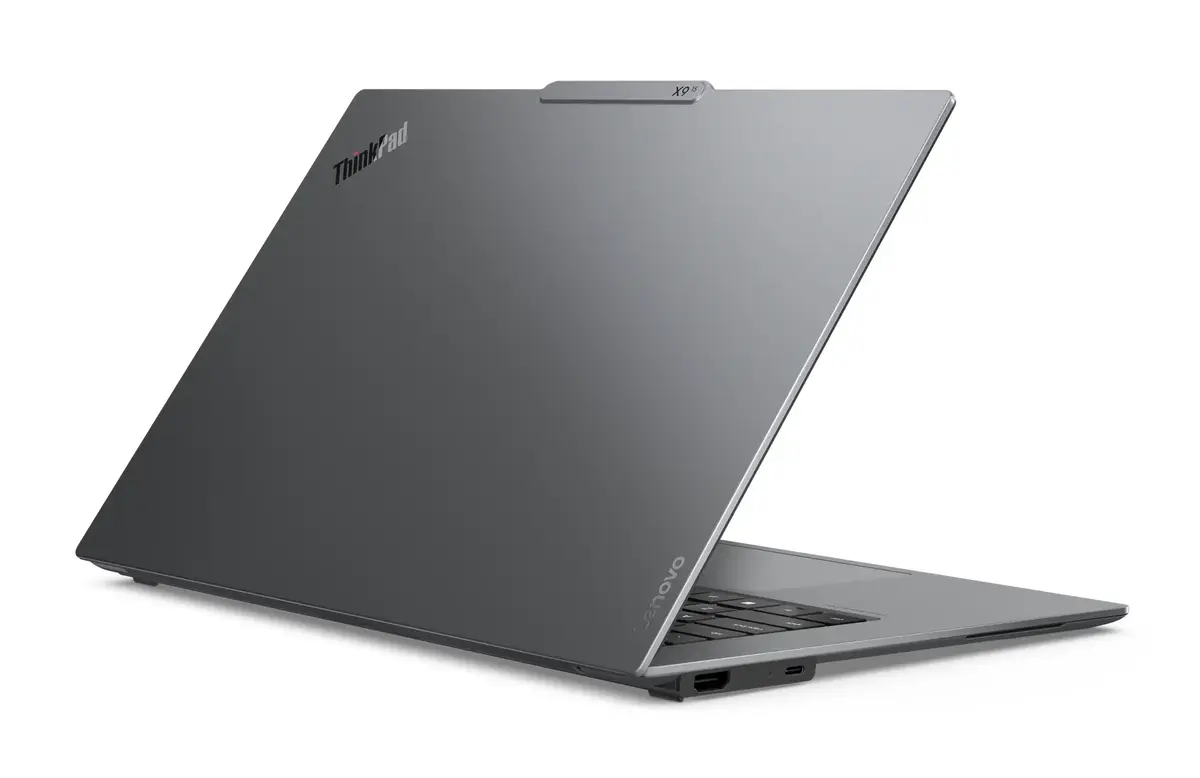
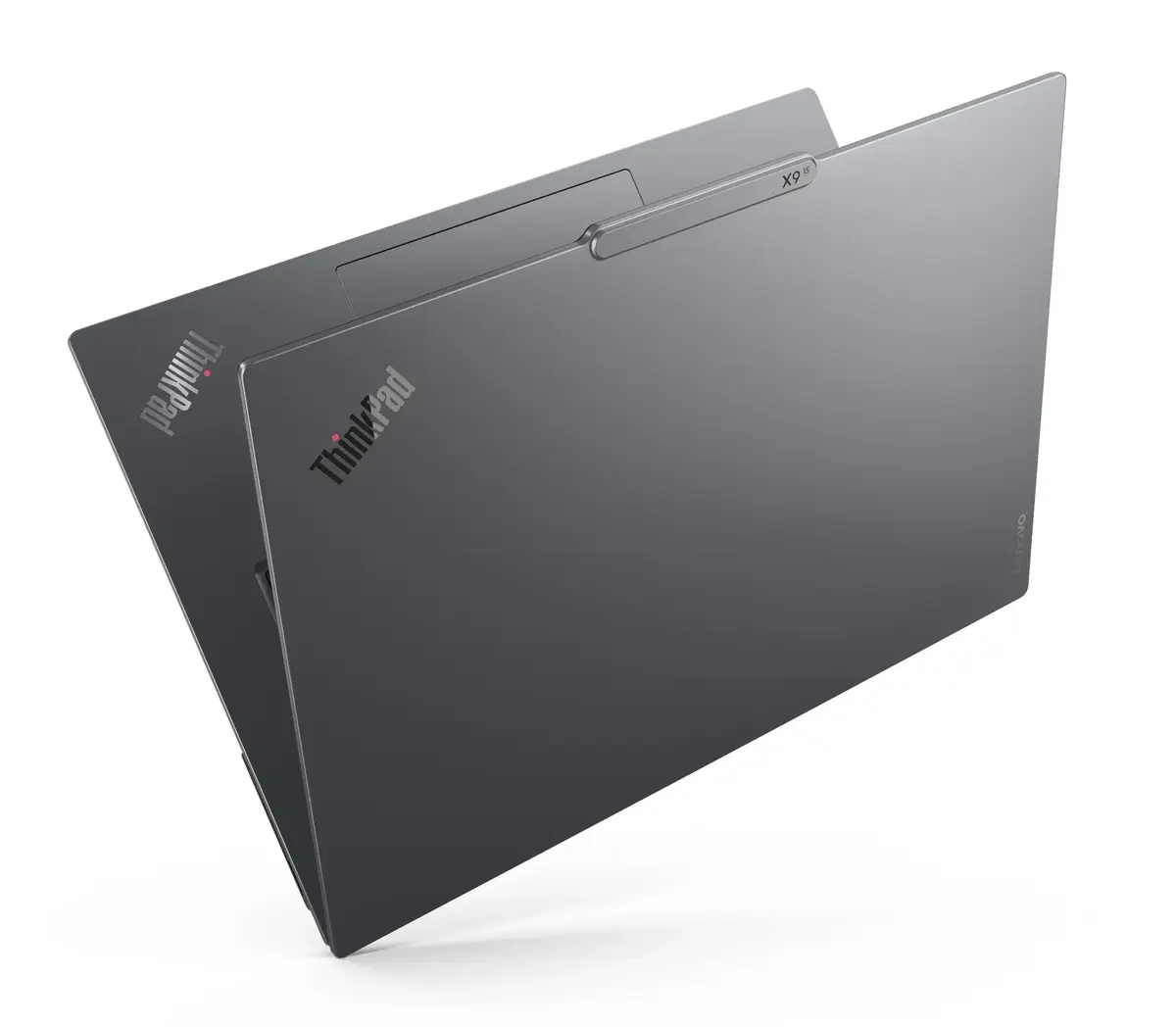
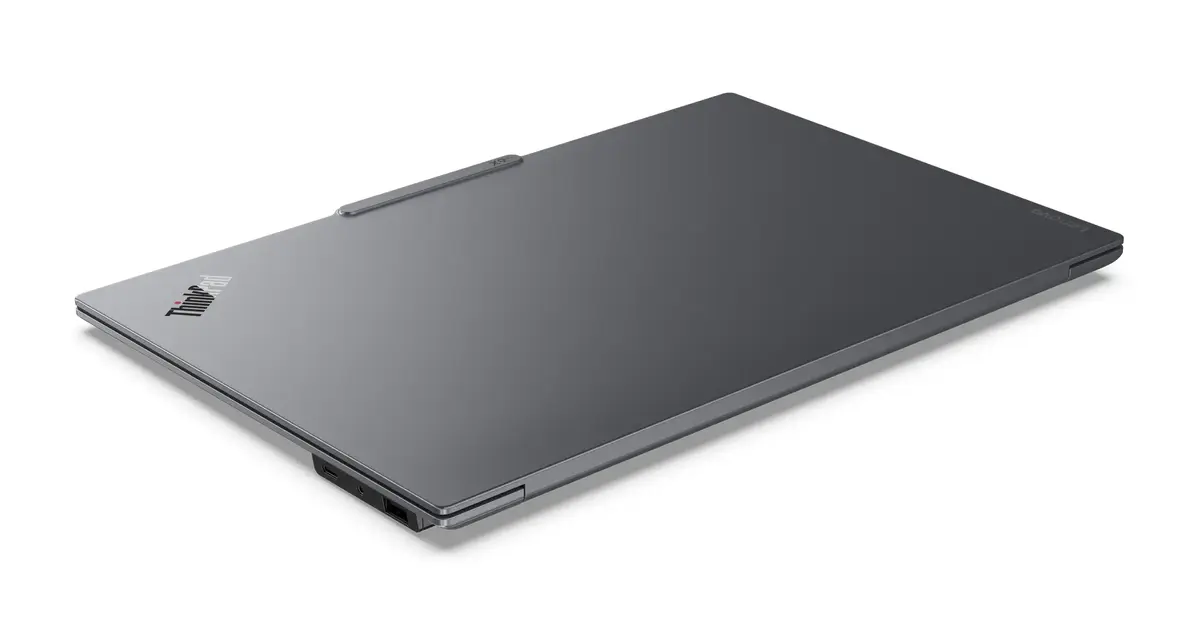
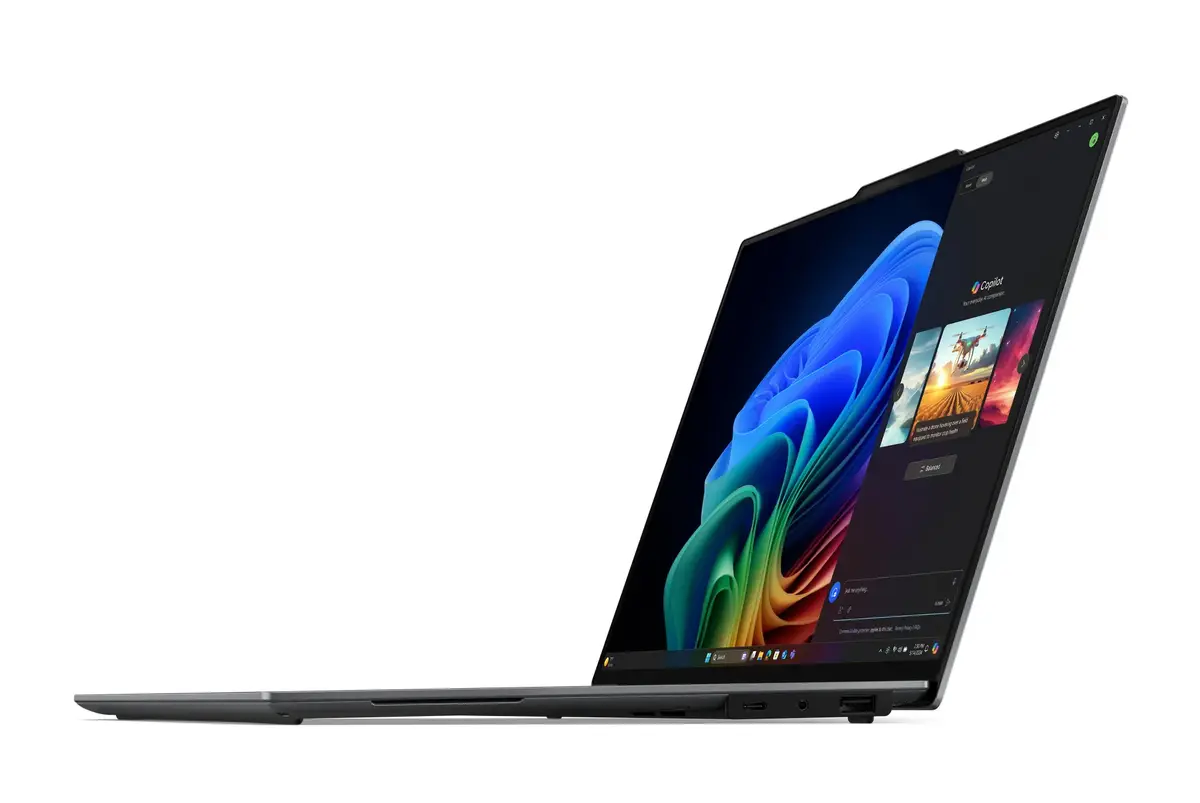
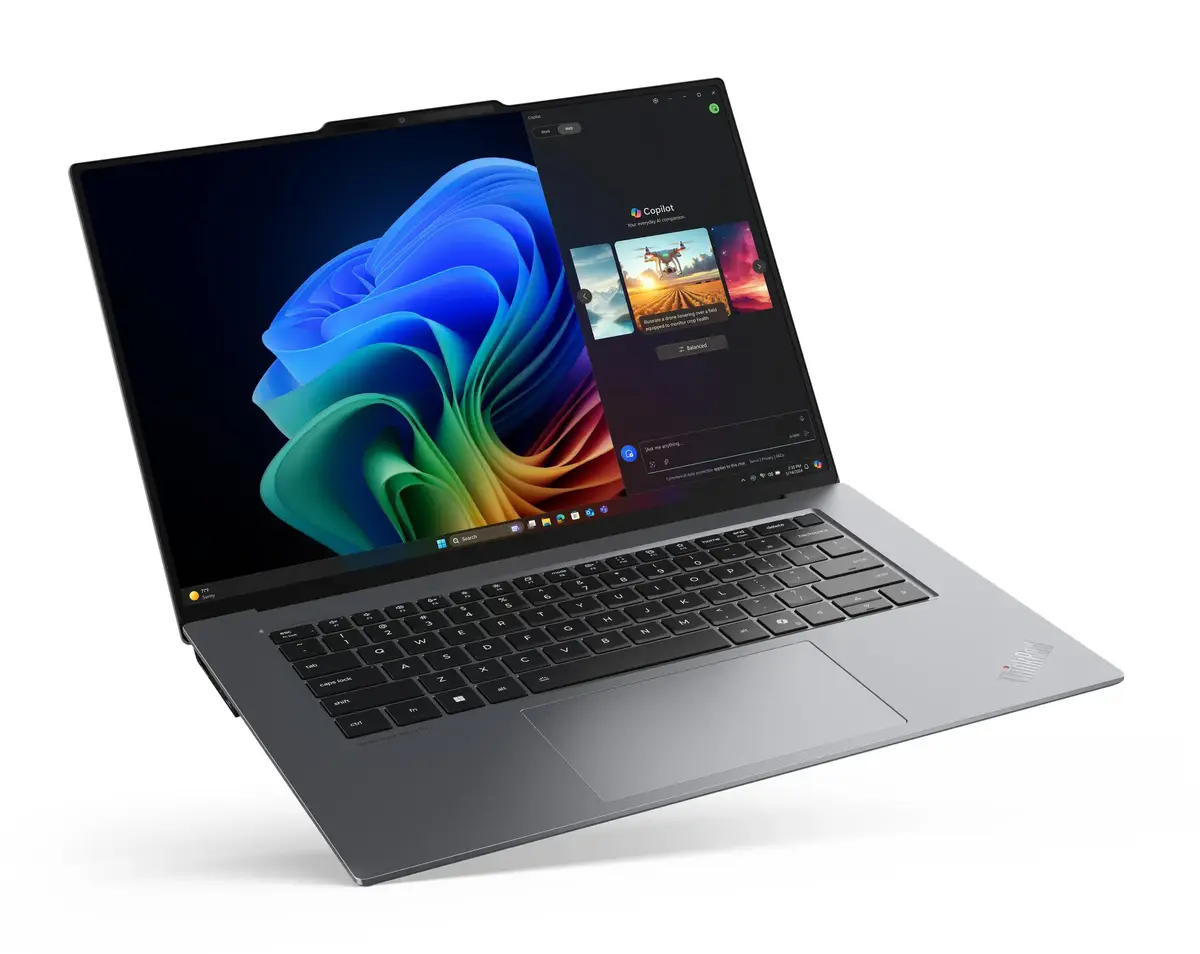
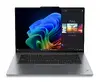
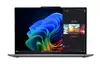
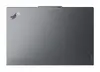
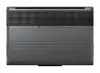
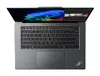
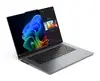
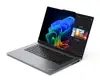
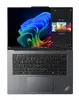
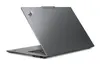
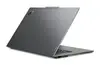
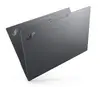
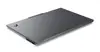
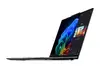
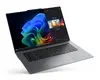
Laptop Lenovo ThinkPad X9-15 Gen 1 Copilot+ PC — Intel Core Ultra 7 258V, 15.3" 2.8K Touch, 32 GB, 1 TB SSD, Wi‑Fi 7, Windows 11 Pro, Grey
The Lenovo ThinkPad X9-15 Gen 1 Copilot+ PC is a 15.3" clamshell laptop engineered for professional multitasking and mobile productivity. It features a 2.8K (2880×1800) 15.3" touchscreen with OLED panel, an Intel Core Ultra 7 258V processor with integrated Intel Arc Graphics 140V, 32 GB LPDDR5x memory and a 1 TB SSD. The device runs Windows 11 Pro, supports Wi‑Fi 7 (802.11be) and comes in a grey aluminum chassis weighing approximately 1.4 kg.
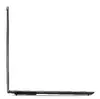
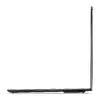
The combination of an Intel Core Ultra 7 258V processor and high-speed LPDDR5x memory ensures smooth performance for demanding workflows, while the integrated Arc graphics provide enhanced visual processing for content editing and media playback. The 2.8K touchscreen with 16:10 aspect ratio delivers sharp detail and responsive touch input for creative and productivity tasks. Compact dimensions and a light aluminium frame make the laptop suitable for professionals who need a balance of performance and portability. Native Windows 11 Pro and Copilot+ AI integration support improved task automation and streamlined workflows.
Power on the laptop using the dedicated power button and complete the Windows 11 Pro setup to configure user accounts, security settings and network connections. Use the touchscreen and touchpad or an external mouse to navigate the operating system and applications. Install required productivity, creative or security software and set up cloud or local backups for the SSD. Connect to Wi‑Fi 7 networks for high-speed wireless access and pair Bluetooth peripherals as needed. For sustained heavy workloads, plug the device into the supplied power adapter to maintain peak performance and battery charging.
For optimal performance, keep system firmware and drivers up to date using Lenovo Vantage or Windows Update, maintain at least 15–20% free storage space on the SSD, and use a high-quality USB-C power adapter for charging. When editing media or running extended workloads, place the laptop on a flat, ventilated surface and consider connecting external displays via the available ports for expanded workspace.
{{highlightedFeature.featureTitle}}:
{{getProductFeatureValueById(product, highlightedFeature.featureId)}}
{{ productComparisonGenerationError }}
