

Filters you can trust. Pure water every day.
In cart {{totalProductsCount}} item(s)
Your cart is empty
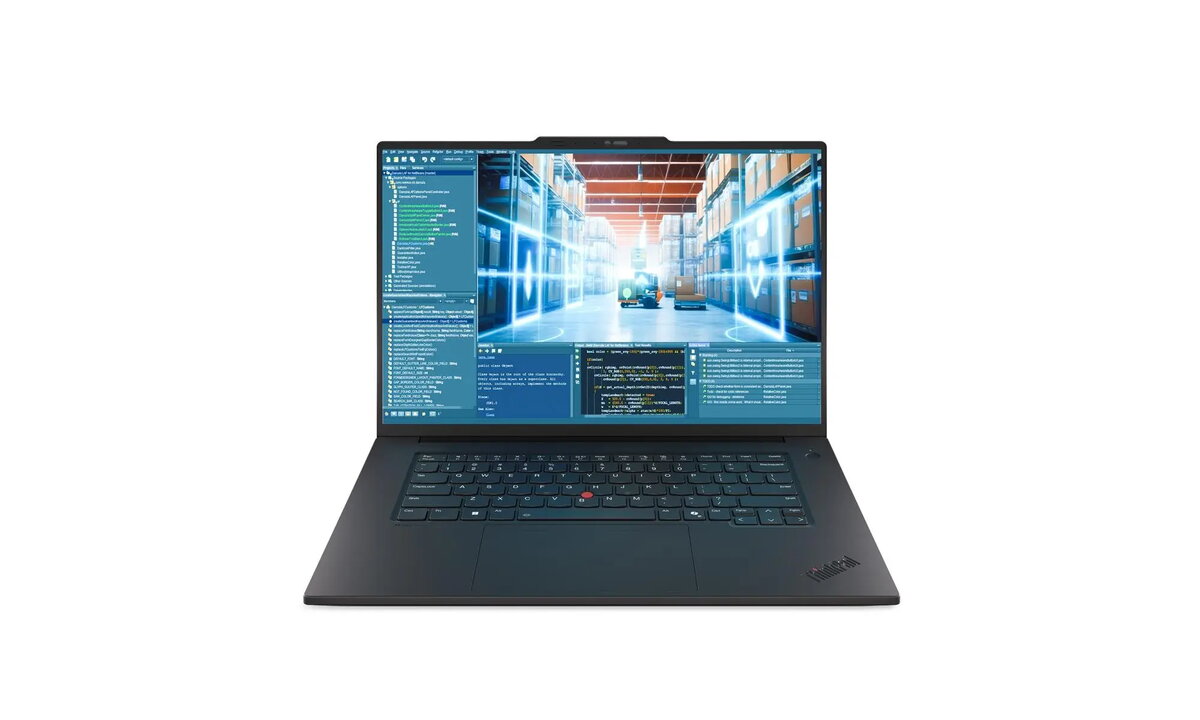
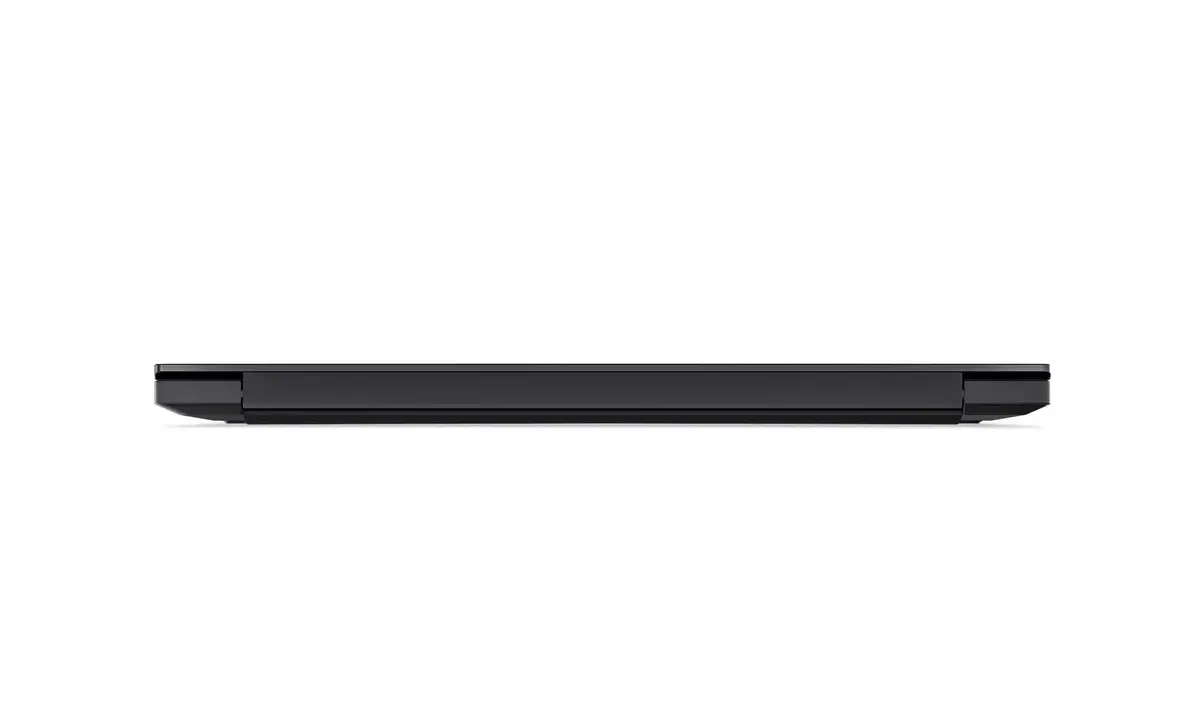
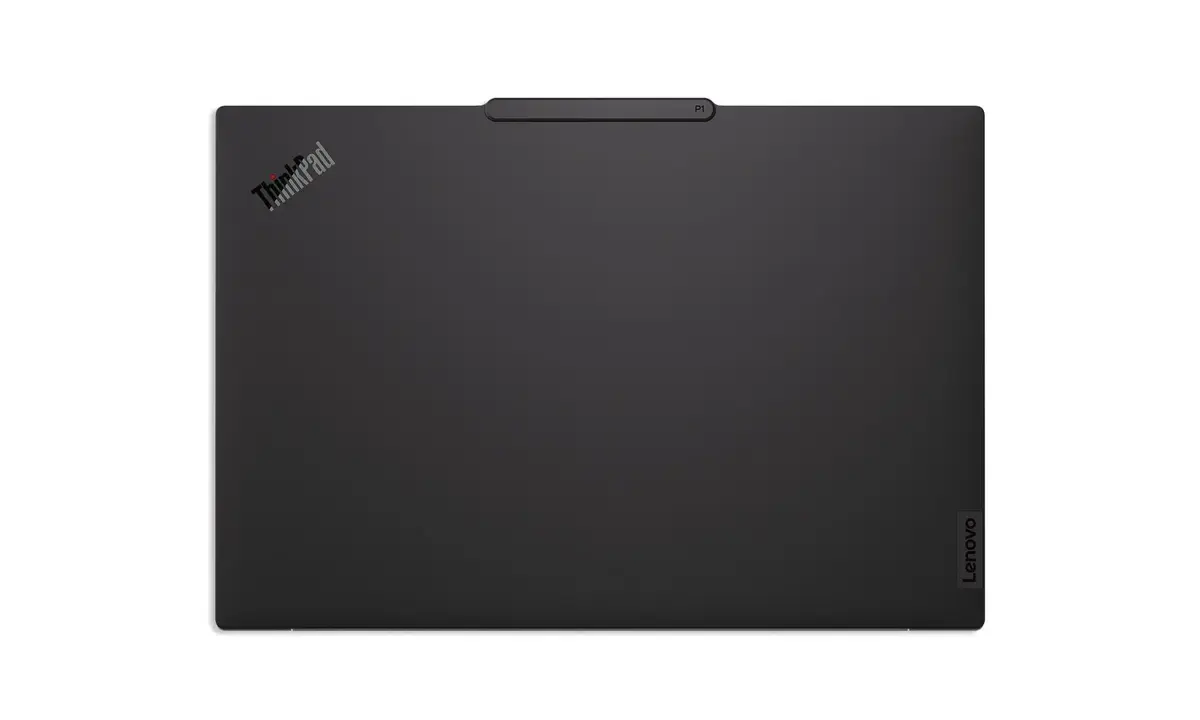
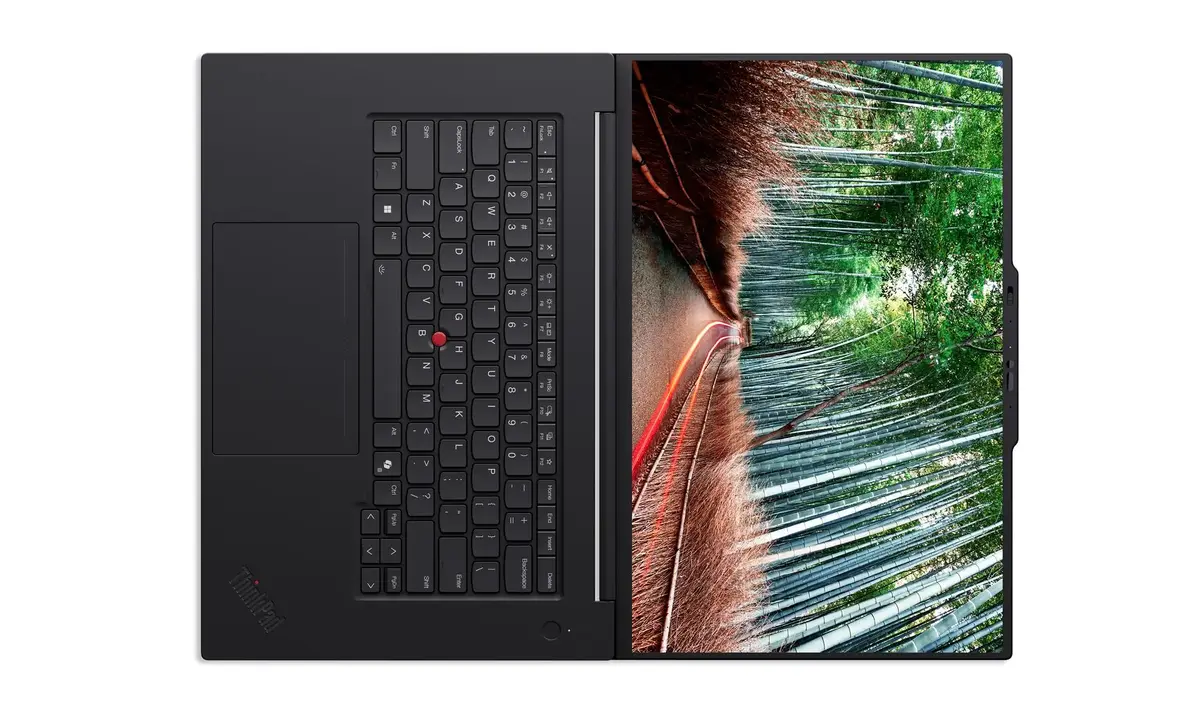
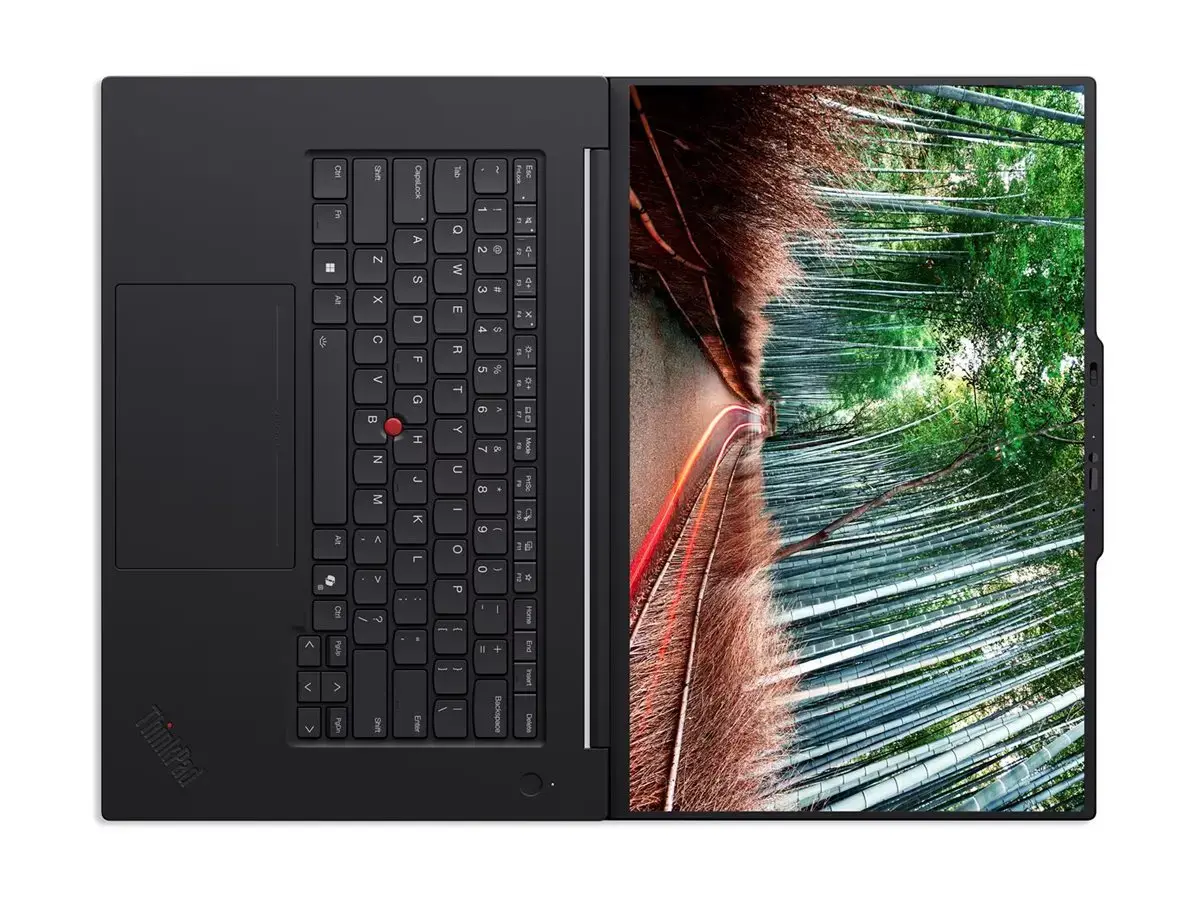
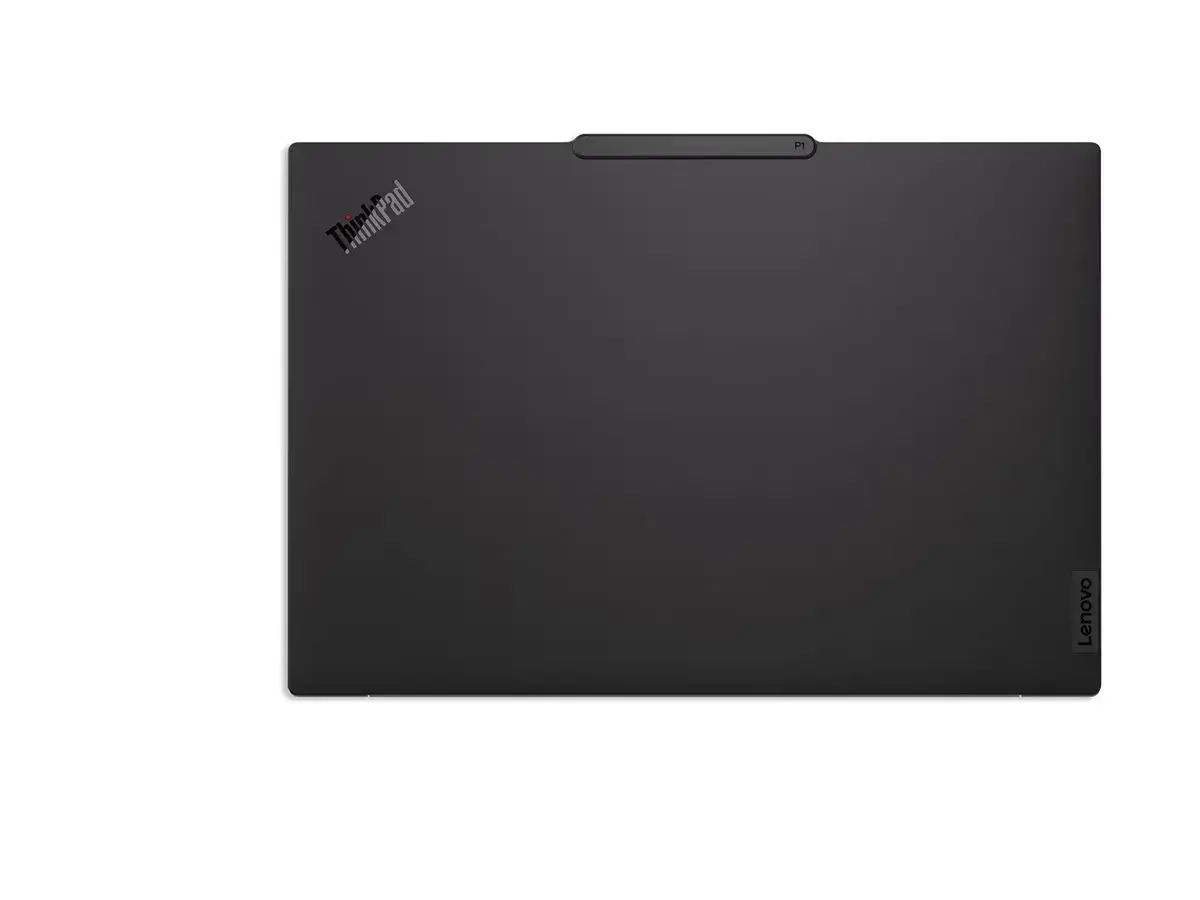
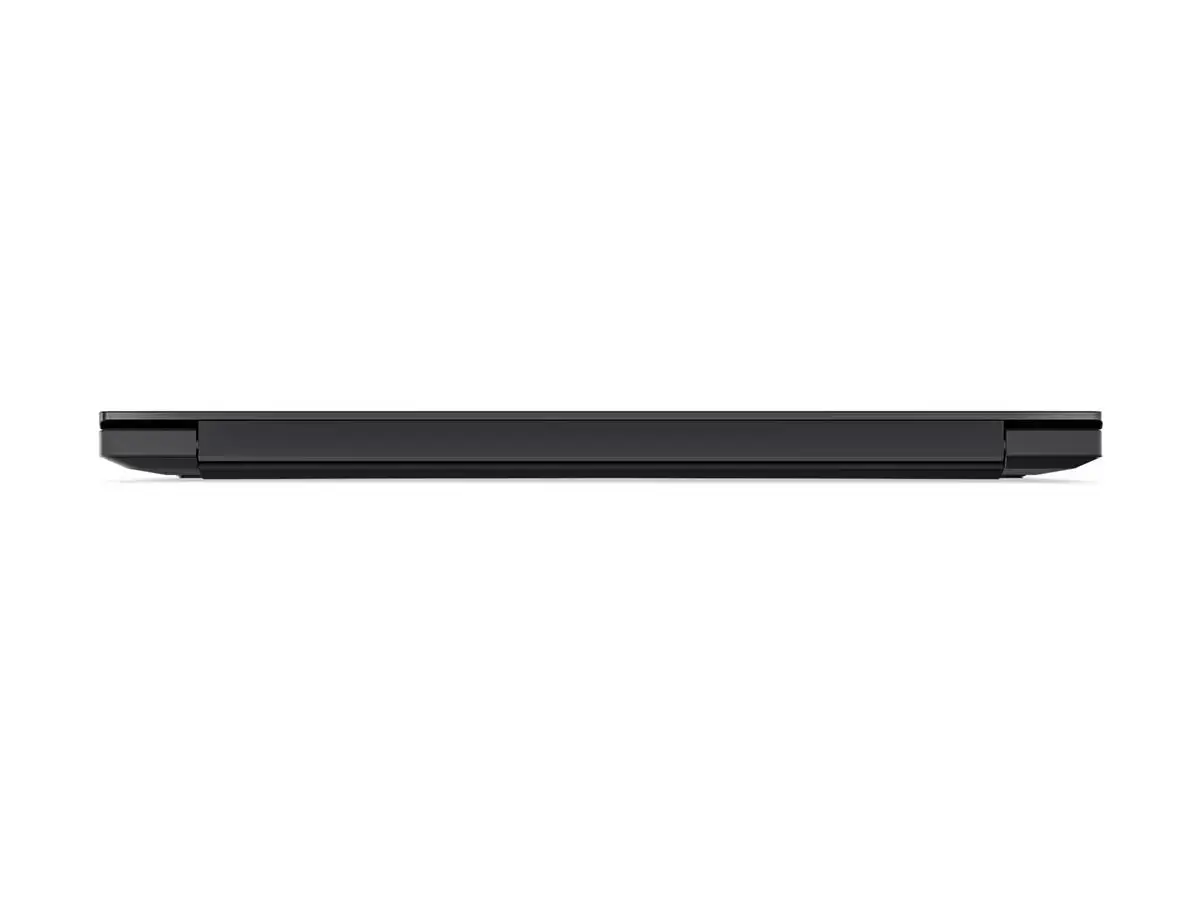
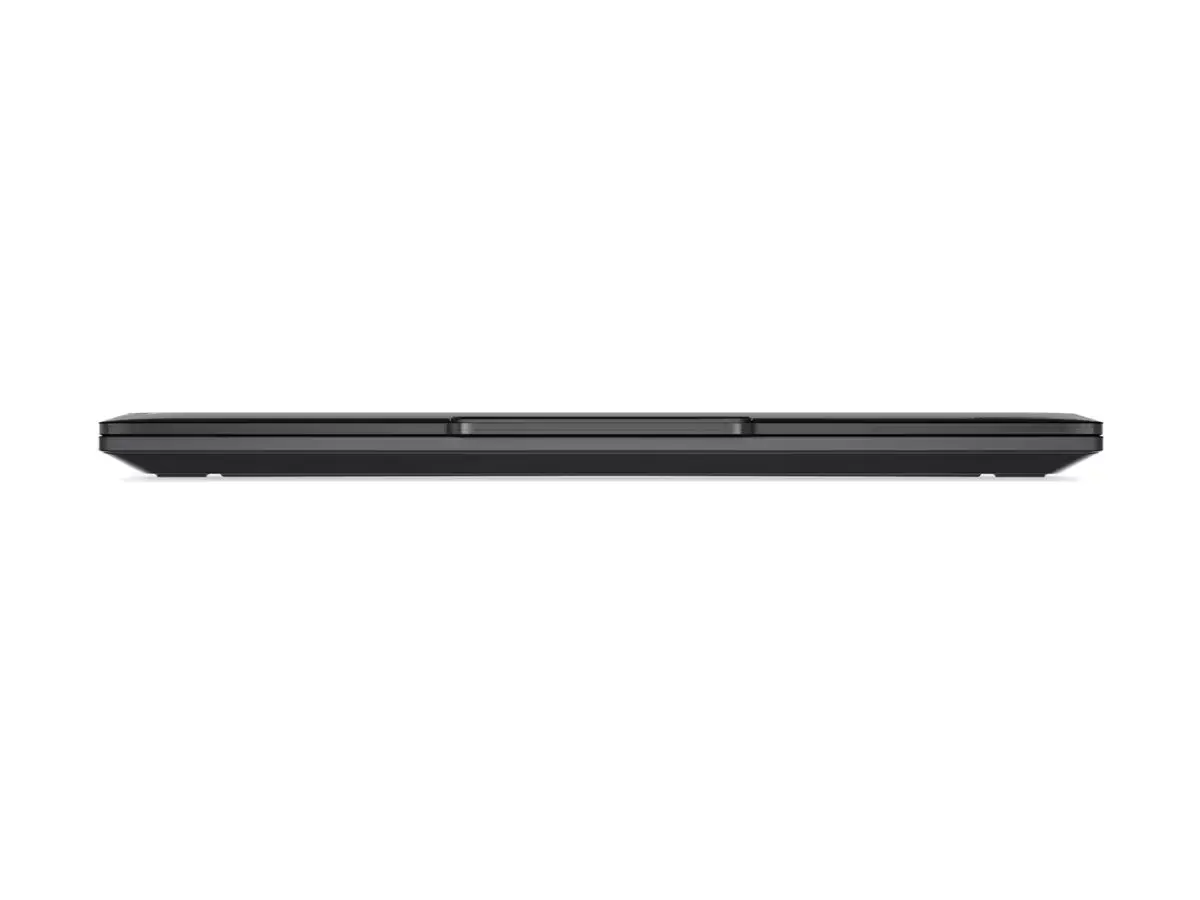
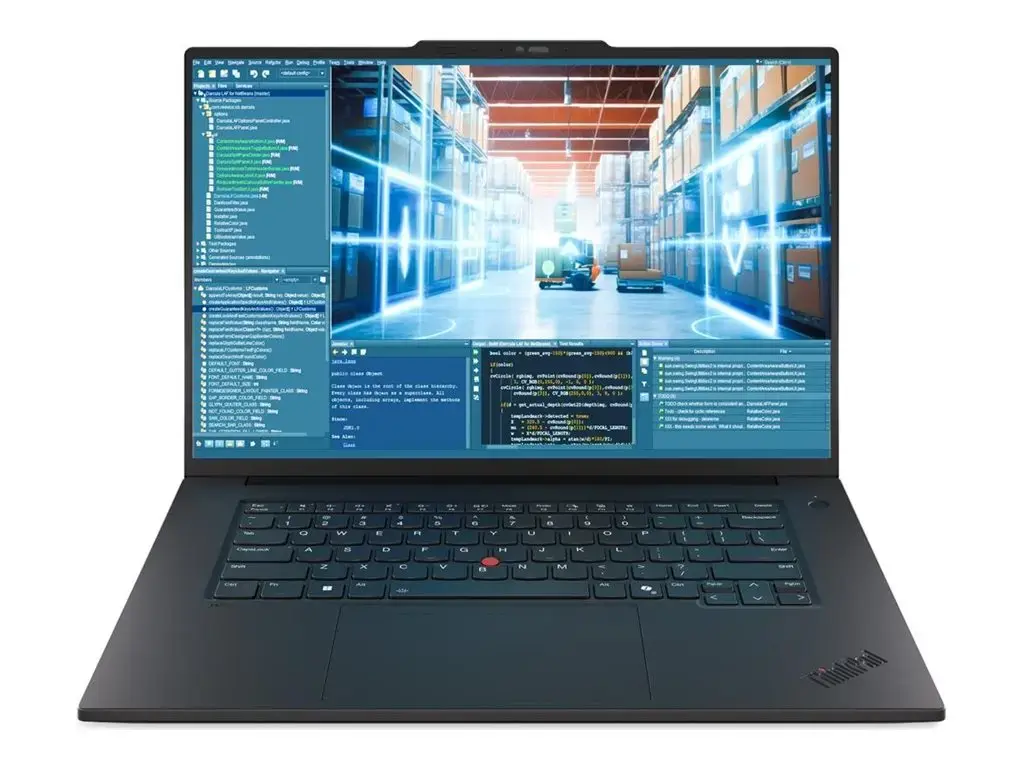
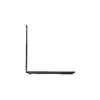
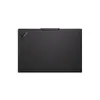
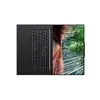
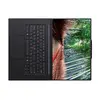
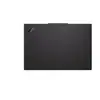
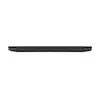
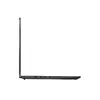
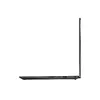
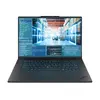
Laptop Lenovo ThinkPad P1 G8 — 16" IPS WUXGA 1920x1200, Intel Core Ultra 7, 64GB LPDDR5x, 1TB SSD, NVIDIA RTX PRO 2000 8GB, Windows 11 Pro
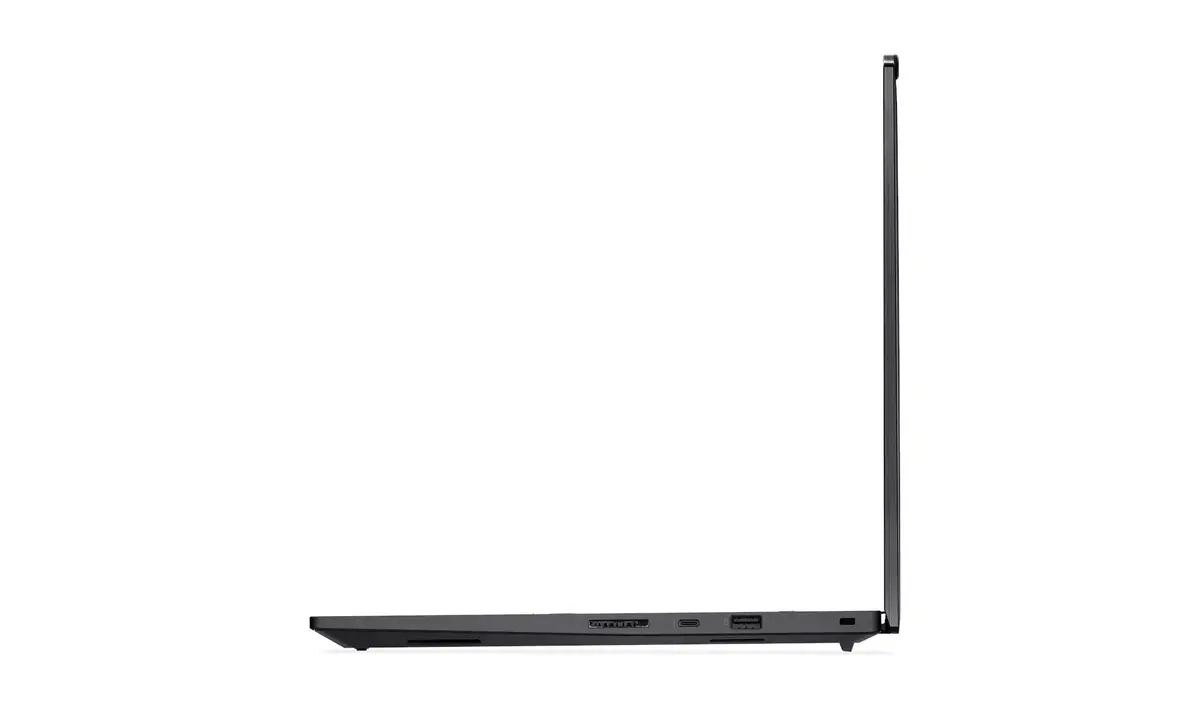
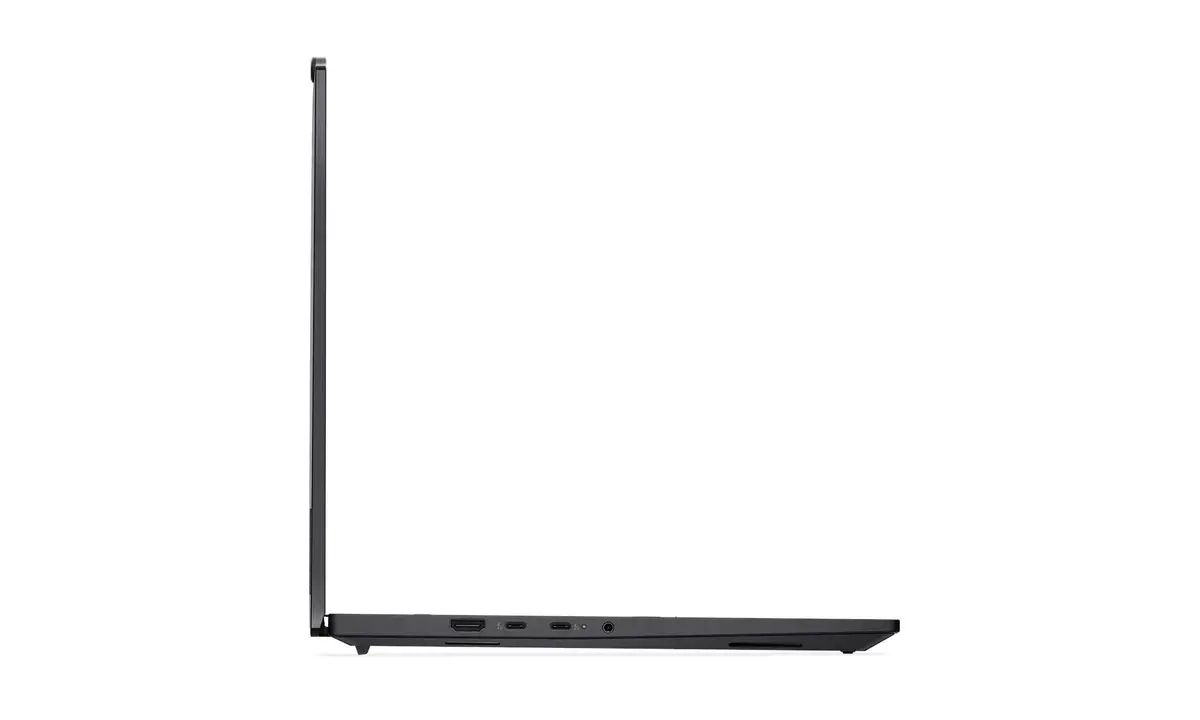
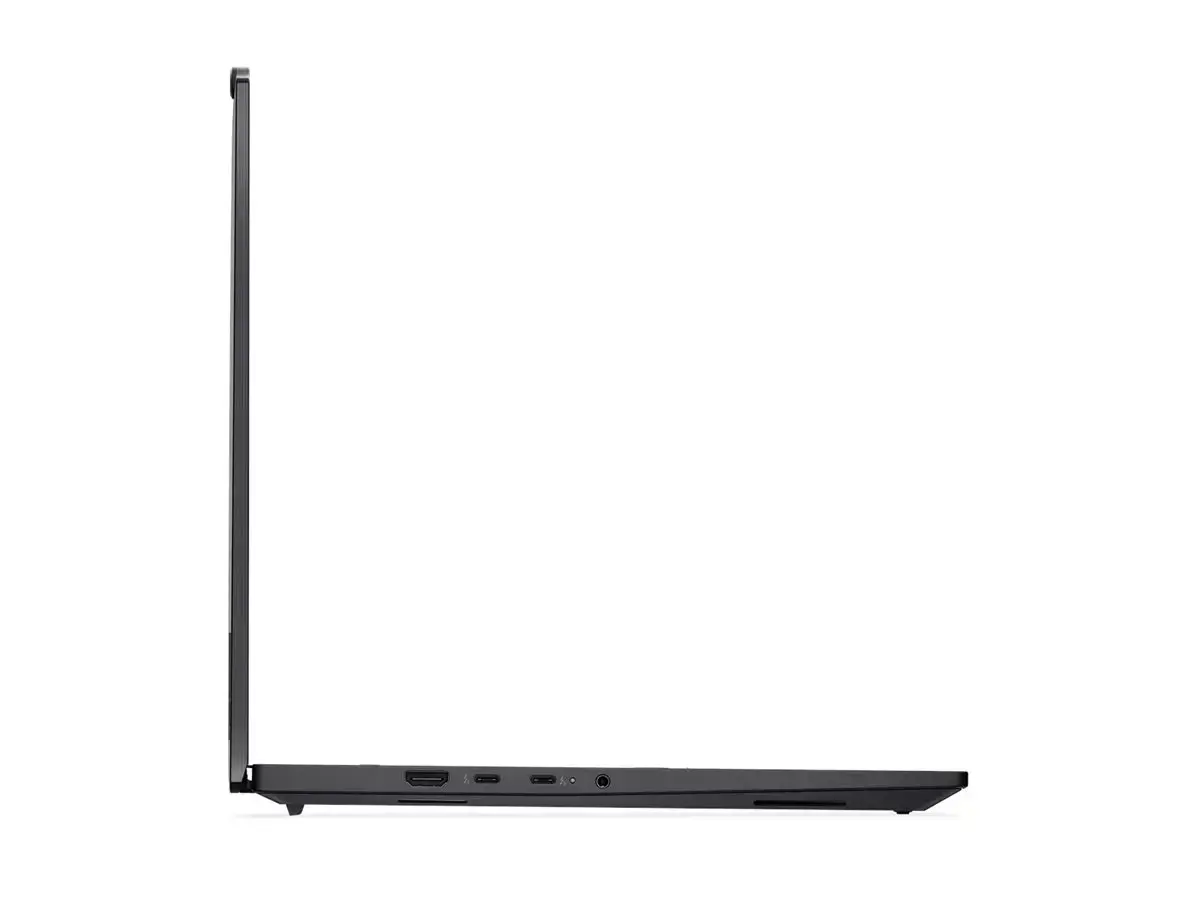
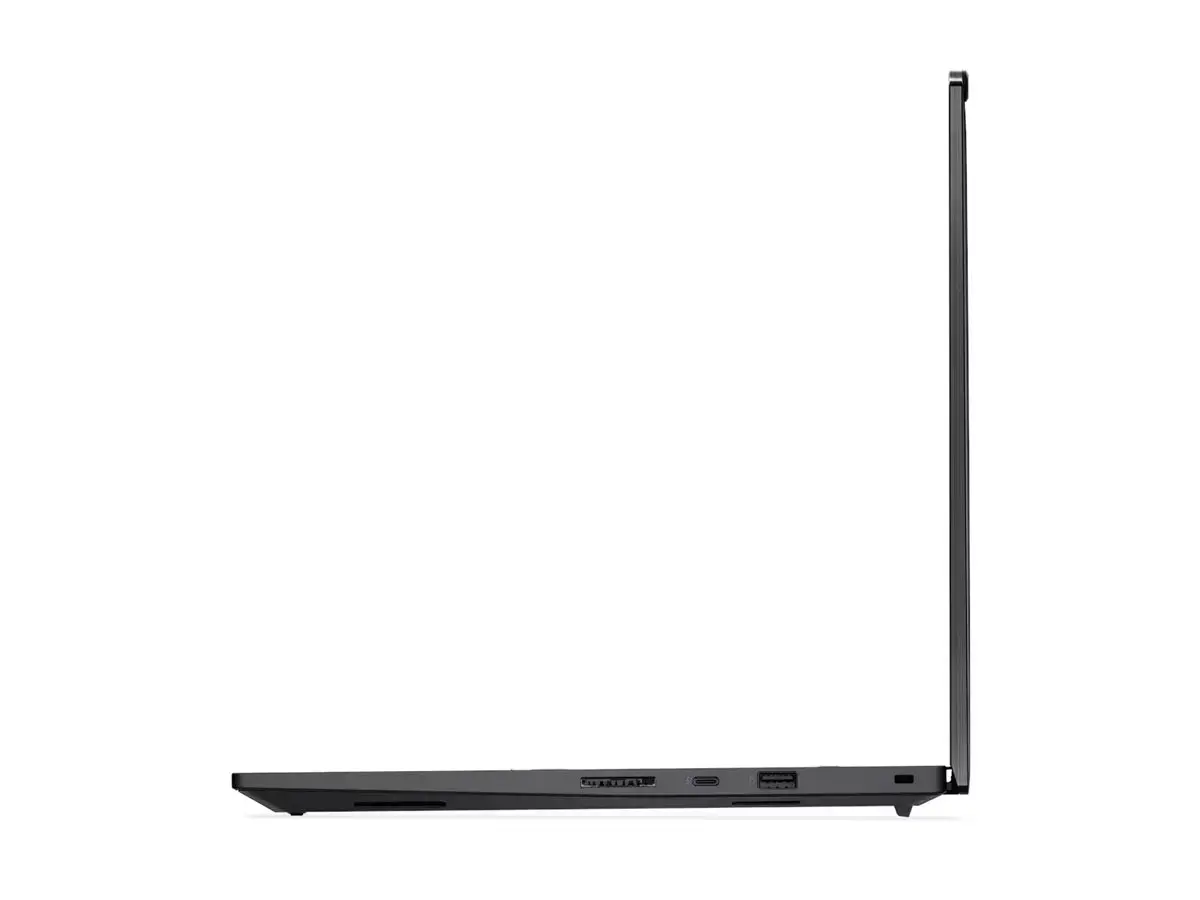
The Lenovo ThinkPad P1 G8 is a professional 16-inch laptop in black with a 1920 x 1200 WUXGA IPS anti-glare display. It is powered by an Intel Core Ultra 7 255H processor with 16 cores and up to 5.1 GHz boost, 64 GB LPDDR5x memory, and a 1 TB PCIe 5.0 NVMe M.2 SSD. Graphics are handled by an NVIDIA RTX PRO 2000 (Blackwell) GPU with 8 GB GDDR7 memory. The system ships with Windows 11 Pro, an English backlit keyboard and includes an embedded rechargeable battery. Built-in connectivity includes Wi‑Fi 802.11be, Bluetooth 5.4, multiple Thunderbolt ports with USB PD 3.1 support, USB-A, HDMI, SD Express 7.0 card reader, and a 5.0 MP camera with IR and privacy shutter.
The P1 G8 combines a high-performance 16-core Intel Ultra 7 processor, large LPDDR5x memory and fast PCIe 5.0 storage to support demanding professional workloads. The NVIDIA RTX PRO 2000 Blackwell GPU with 8 GB GDDR7 provides capable hardware acceleration for graphics and compute tasks. A color-accurate 16" WUXGA IPS anti-glare panel, robust connectivity including Thunderbolt 5/4 with 140W USB‑PD input, and a 5MP IR camera with presence detection make the device suitable for mobile professional use. Long warranty coverage and a 12-month battery warranty are included.
Unpack the laptop and connect the included power adapter. For initial setup, follow the Windows 11 Pro on-screen instructions to create a user account and configure security options. Install required drivers and professional software for your workflows; use the Thunderbolt or USB-A ports to connect external drives, displays or peripherals. For optimal graphics performance, install the latest NVIDIA drivers and configure power profiles in Windows or vendor utilities. Use the privacy shutter and the fingerprint reader for secure logon and enable the camera's presence-detection features through the system settings if required.
Keep system firmware and drivers up to date, especially GPU and Thunderbolt firmware, to ensure compatibility and security. For sustained heavy workloads, use a balanced or performance power profile and ensure adequate ventilation; connect to mains power for maximum CPU/GPU performance. Back up important data from the 1 TB SSD regularly and follow Lenovo's maintenance and battery care guidelines to preserve warranty coverage.
{{highlightedFeature.featureTitle}}:
{{getProductFeatureValueById(product, highlightedFeature.featureId)}}
{{ productComparisonGenerationError }}
