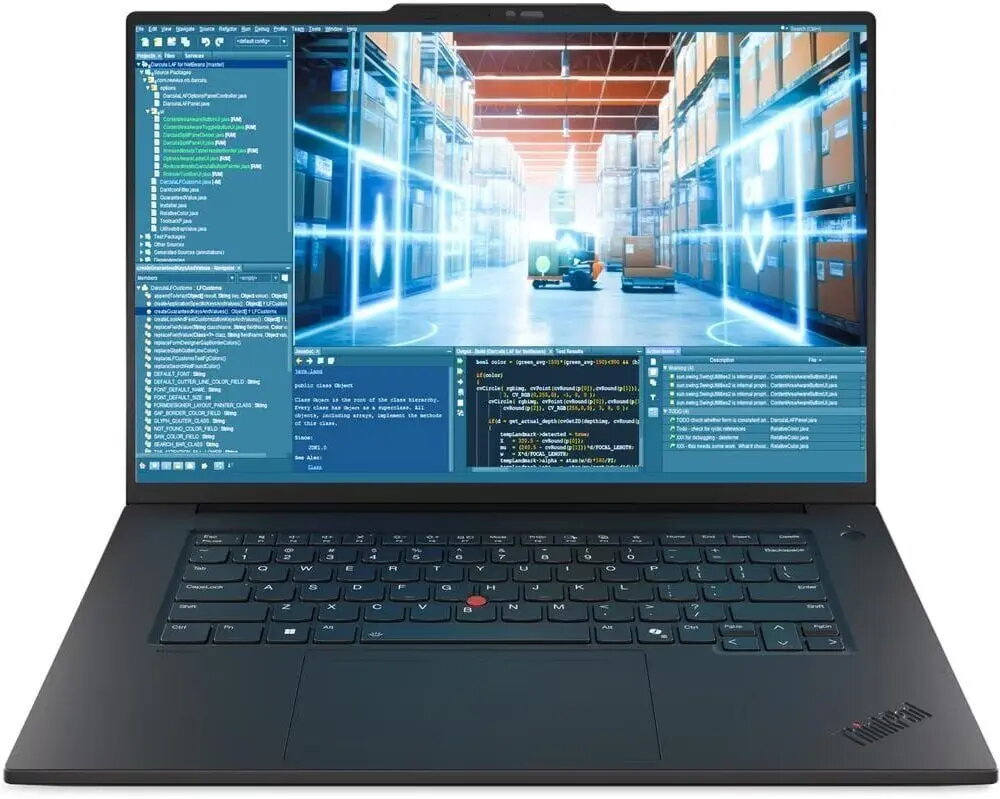
The Lenovo ThinkPad P1 G8 is a high-performance mobile workstation engineered to meet the rigorous demands of professional environments. Combining robust processing power with a professional-grade NVIDIA RTX PRO 2000 graphics card, this laptop provides the stability and speed required for complex computational tasks. With its expansive 64 GB of RAM and a spacious 2 TB SSD, it ensures seamless multitasking and rapid data access, making it a reliable tool for engineers, designers, and data scientists who require desktop-level performance in a portable form factor.
Advantages
This workstation excels in handling intensive software applications due to its optimized hardware configuration. The inclusion of a 120 Hz display offers fluid visual feedback, which is essential for precise 3D modeling and detailed video editing. Its professional-grade GPU is specifically tuned for stability in CAD and rendering environments, reducing the risk of software crashes during long-running processes. Furthermore, the integration of Windows 11 Pro provides advanced security and management features suitable for corporate and enterprise-level deployments.
Suitable for
- Professional 3D rendering and animation
- Computer-Aided Design (CAD) and engineering simulations
- Large-scale data analysis and scientific computing
- High-end video editing and post-production
When it may not be suitable
This device is primarily designed for professional productivity and may not be the optimal choice for casual gaming or general home use, as its specialized hardware is tailored for workstation-grade software rather than entertainment. Additionally, its high-performance components may result in shorter battery life compared to ultra-portable consumer laptops.
Key specifications
- Processor: Intel Core Ultra 9 285H
- Memory: 64 GB RAM
- Storage: 2 TB SSD
- Graphics: NVIDIA RTX PRO 2000
- Display: 16.0-inch Tandem OLED, 120 Hz refresh rate
- Operating System: Windows 11 Pro
How to use
To begin using the Lenovo ThinkPad P1 G8, connect the provided power adapter to ensure the battery is fully charged. Upon initial startup, follow the on-screen prompts to configure your Windows 11 Pro settings and user account. For optimal performance, it is recommended to keep the system drivers and BIOS updated through the pre-installed management software. When performing heavy rendering or computational tasks, ensure the device is placed on a flat, hard surface to allow for proper airflow and cooling.
What to consider before purchase
- Verify that your specific professional software is compatible with the NVIDIA RTX PRO 2000 architecture.
- Assess whether the 16-inch form factor meets your requirements for portability versus screen real estate.
- Ensure that your workspace environment supports the power requirements of a high-performance workstation.
Usage recommendations
For maximum longevity and performance, avoid obstructing the air vents during intensive tasks and utilize the included Premier support services for regular system health checks and maintenance.