
Dreame vacuums for fast and efficient cleaning!
In cart {{totalProductsCount}} item(s)
Your cart is empty
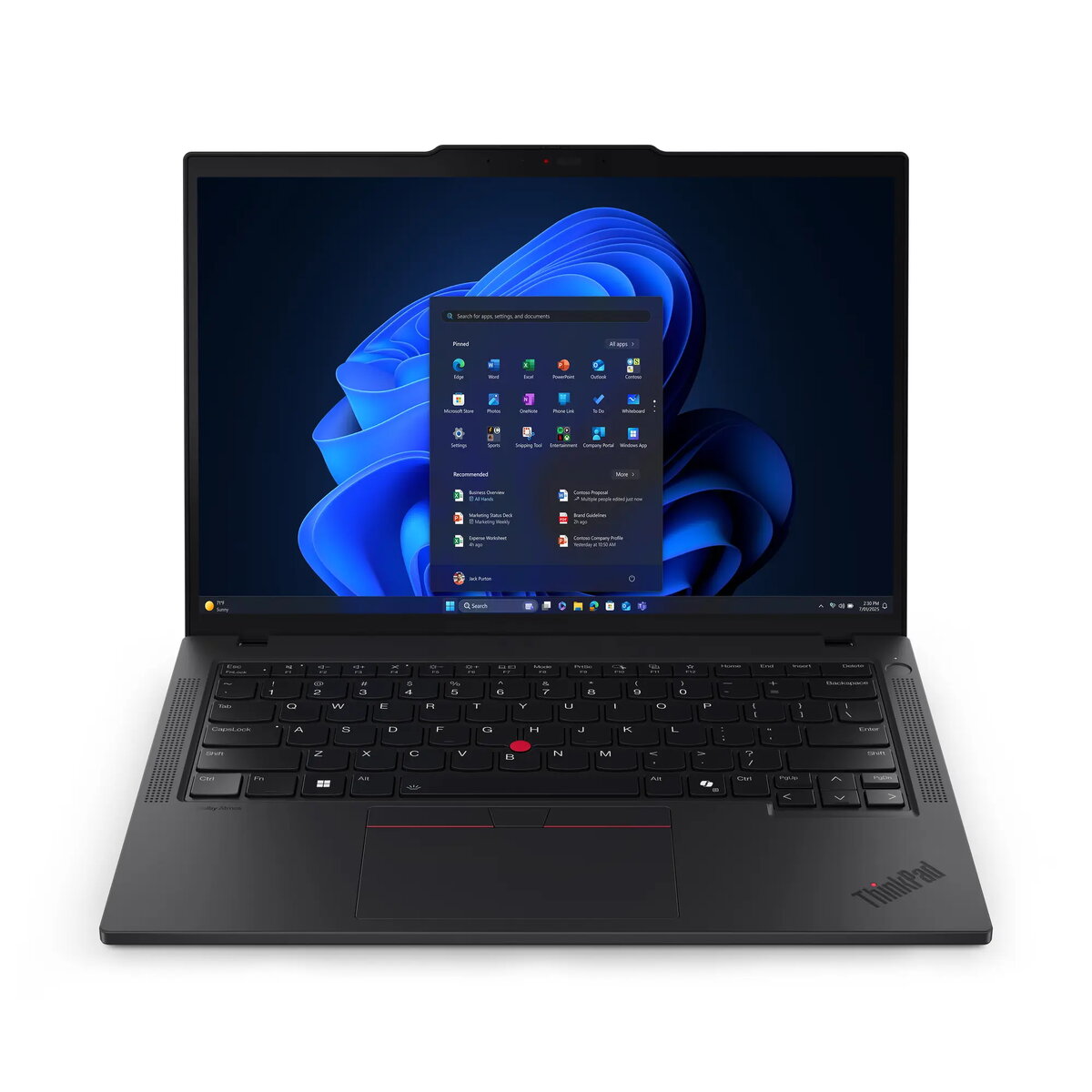
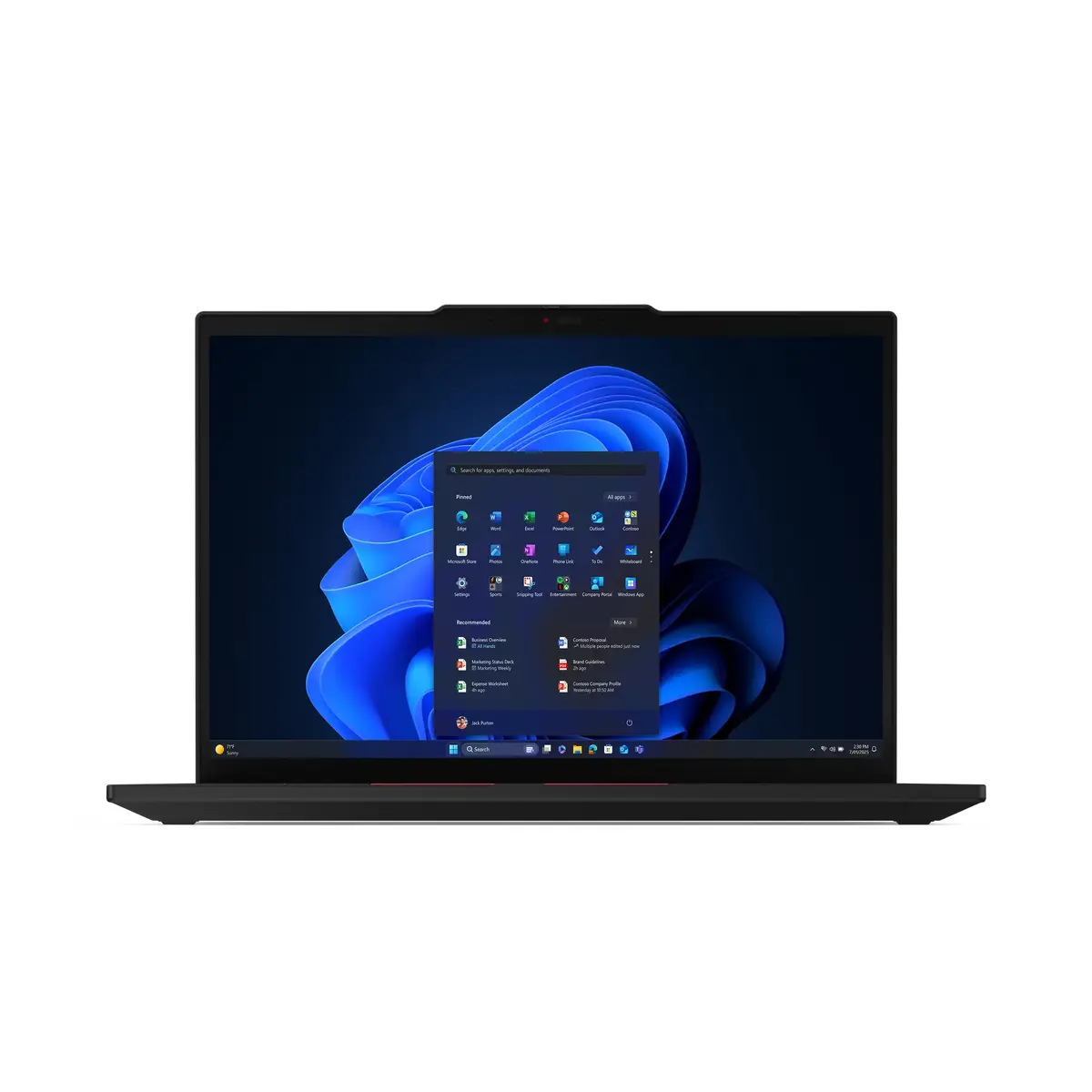
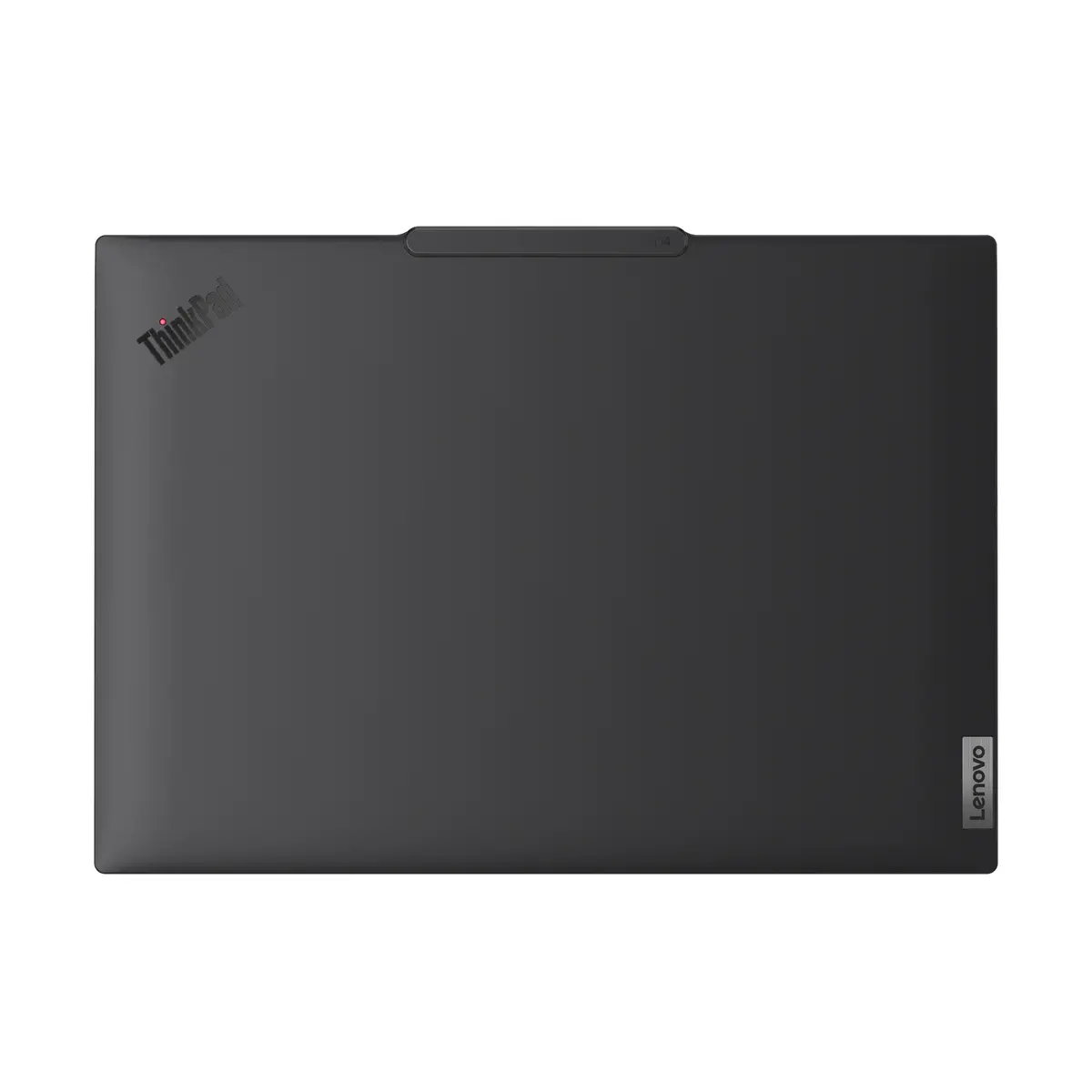
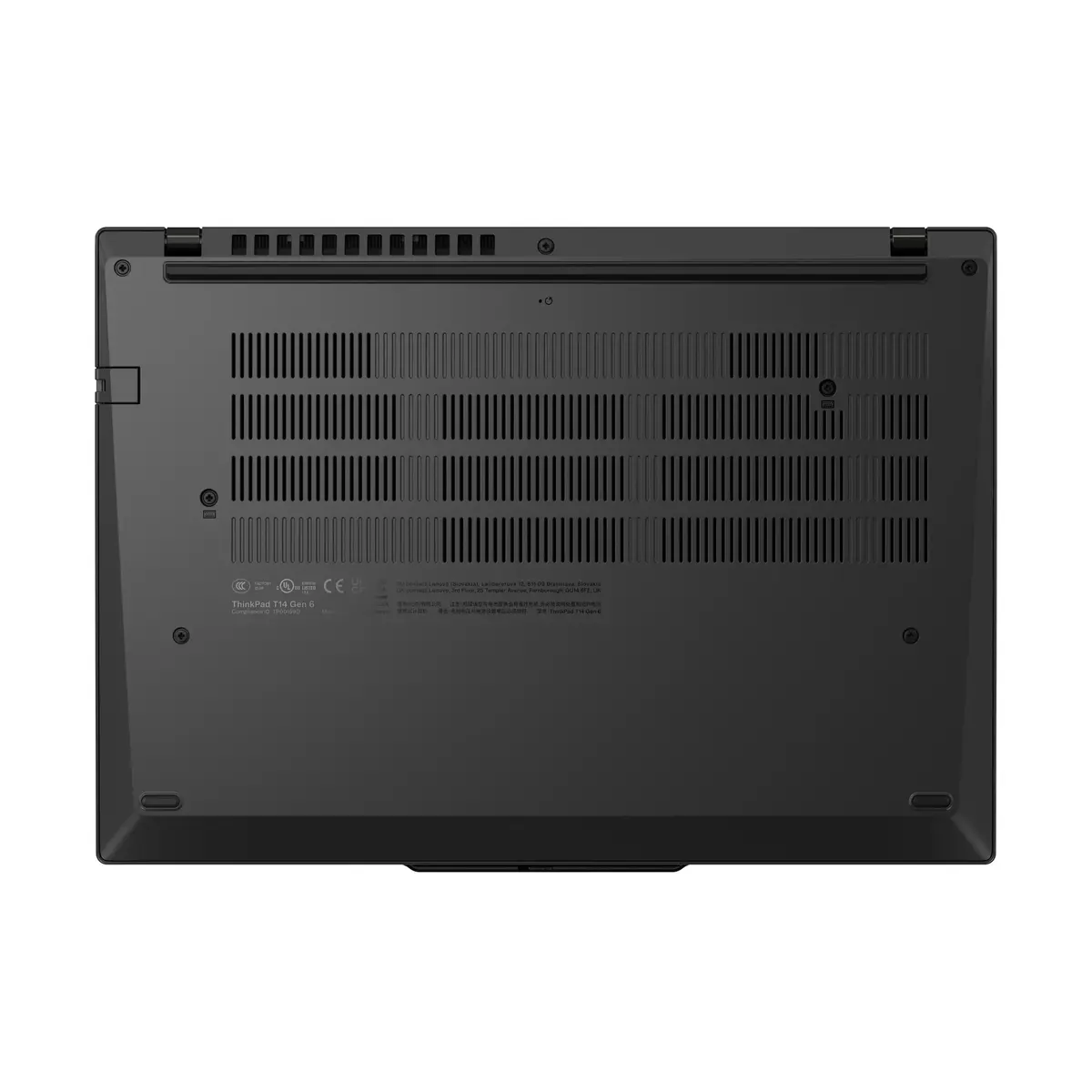
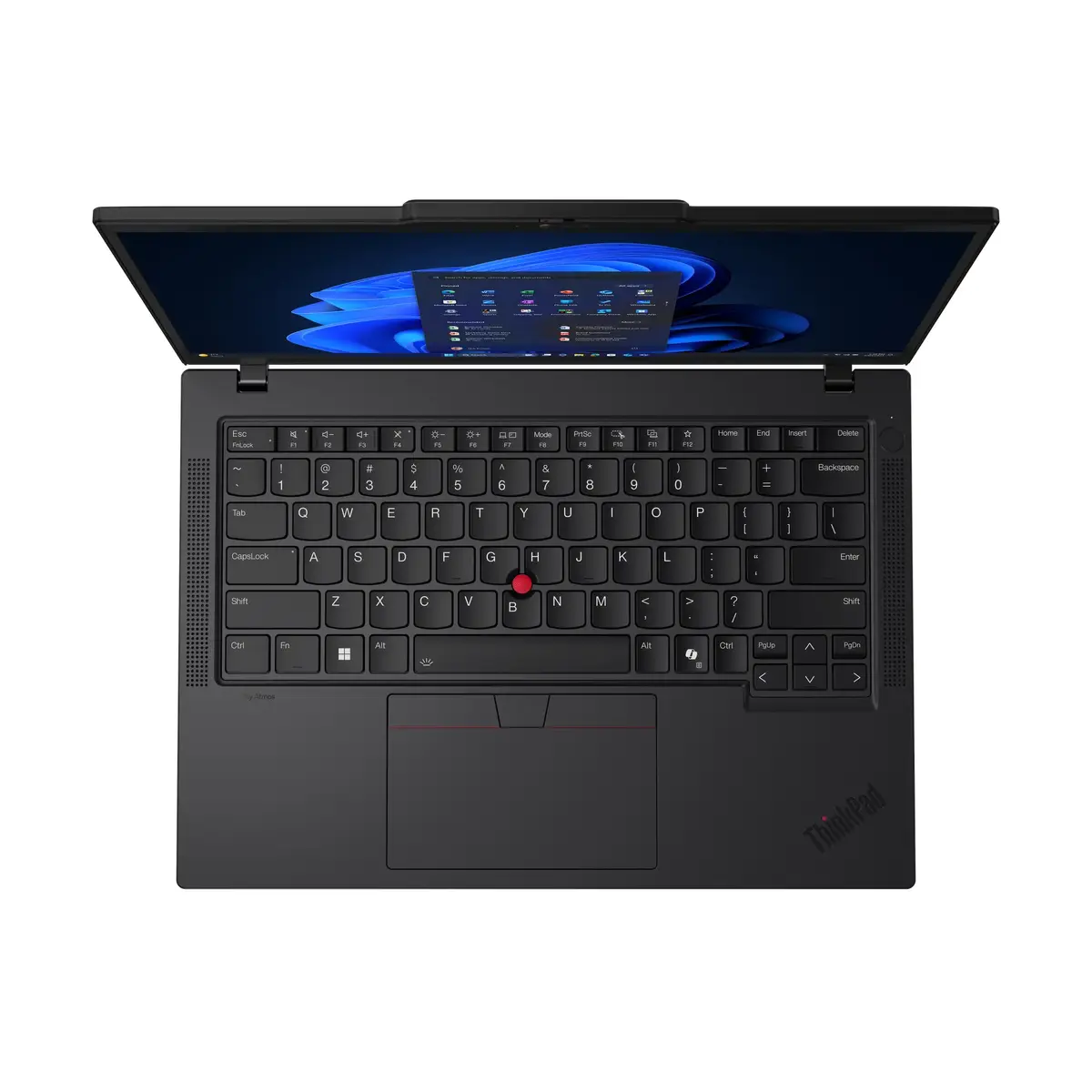
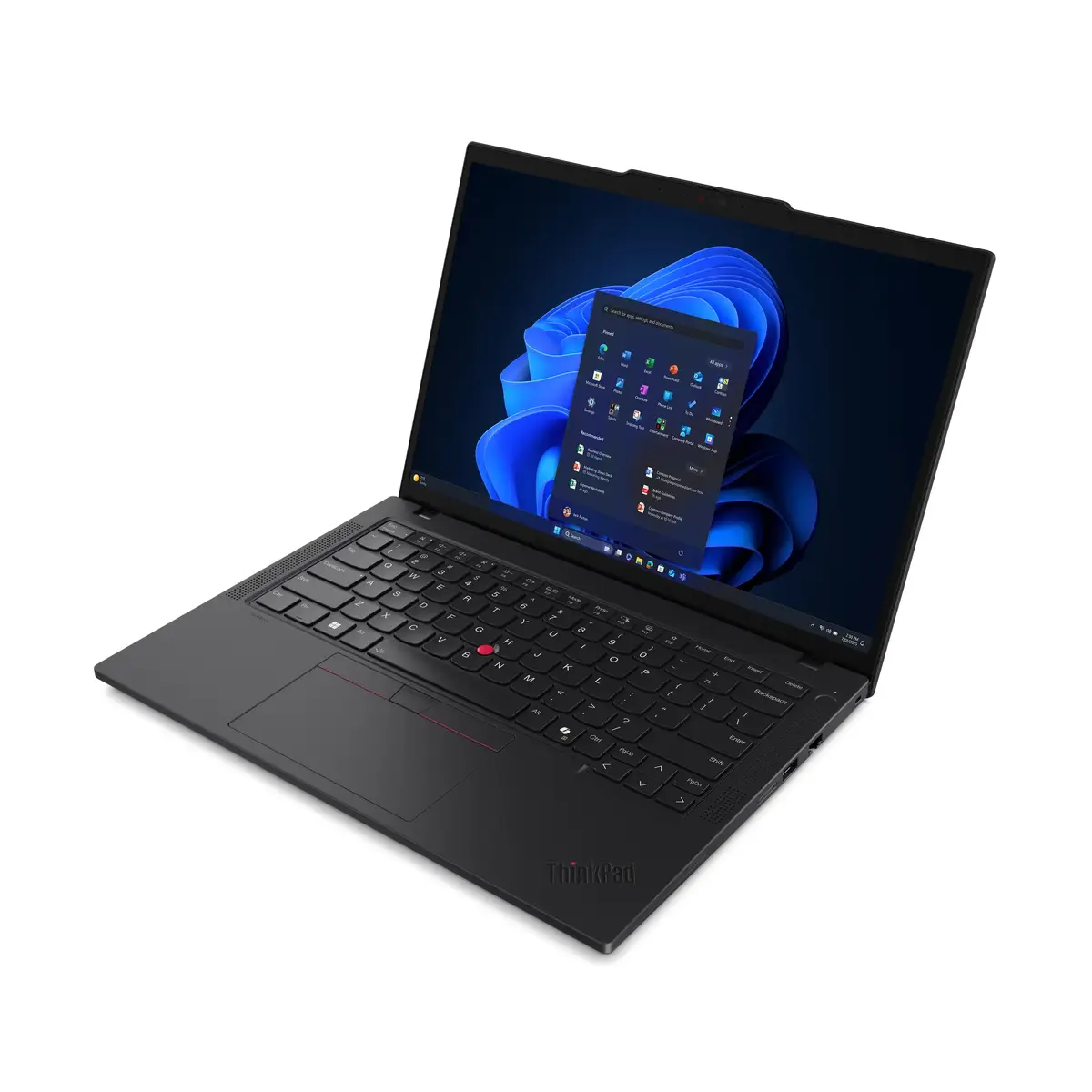
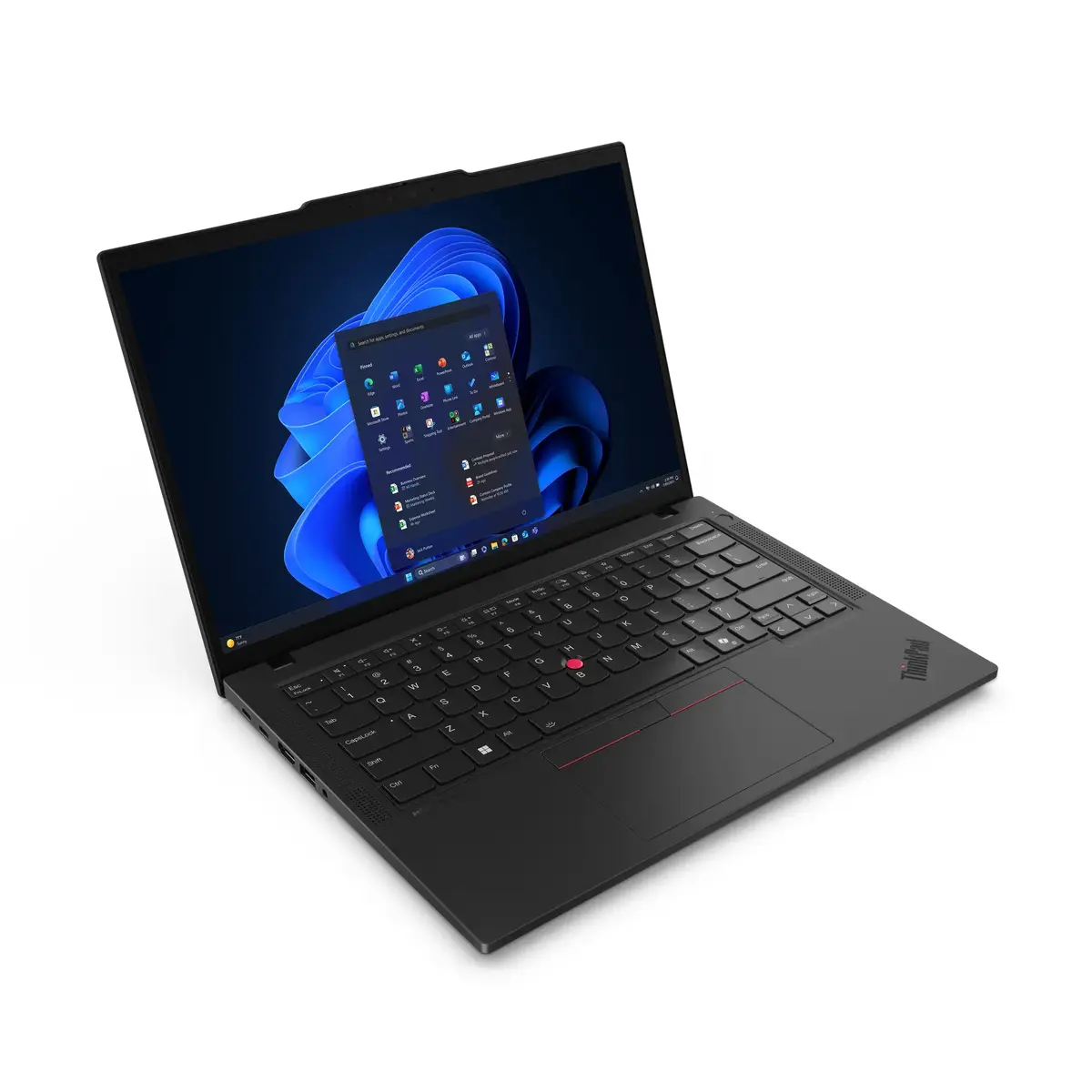
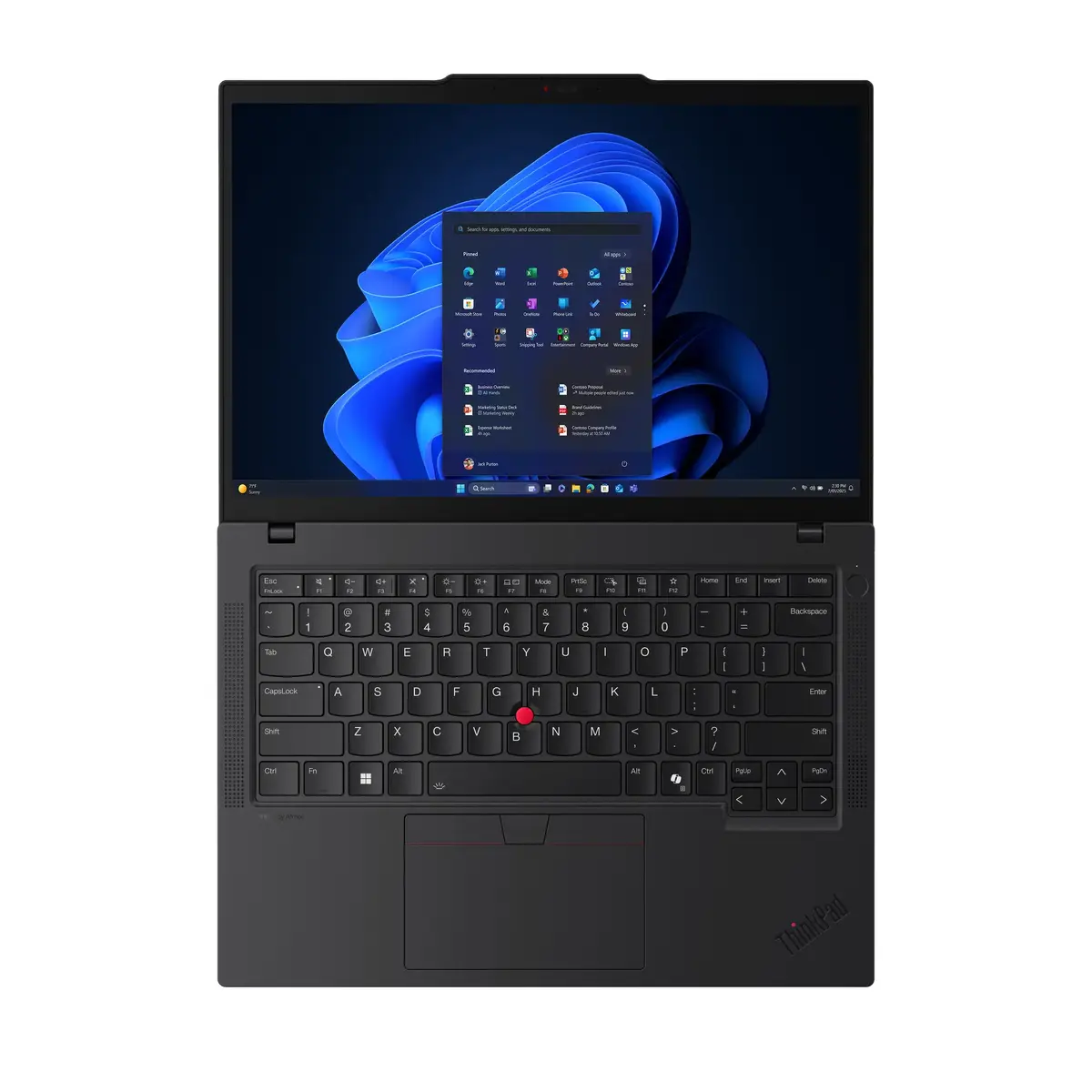
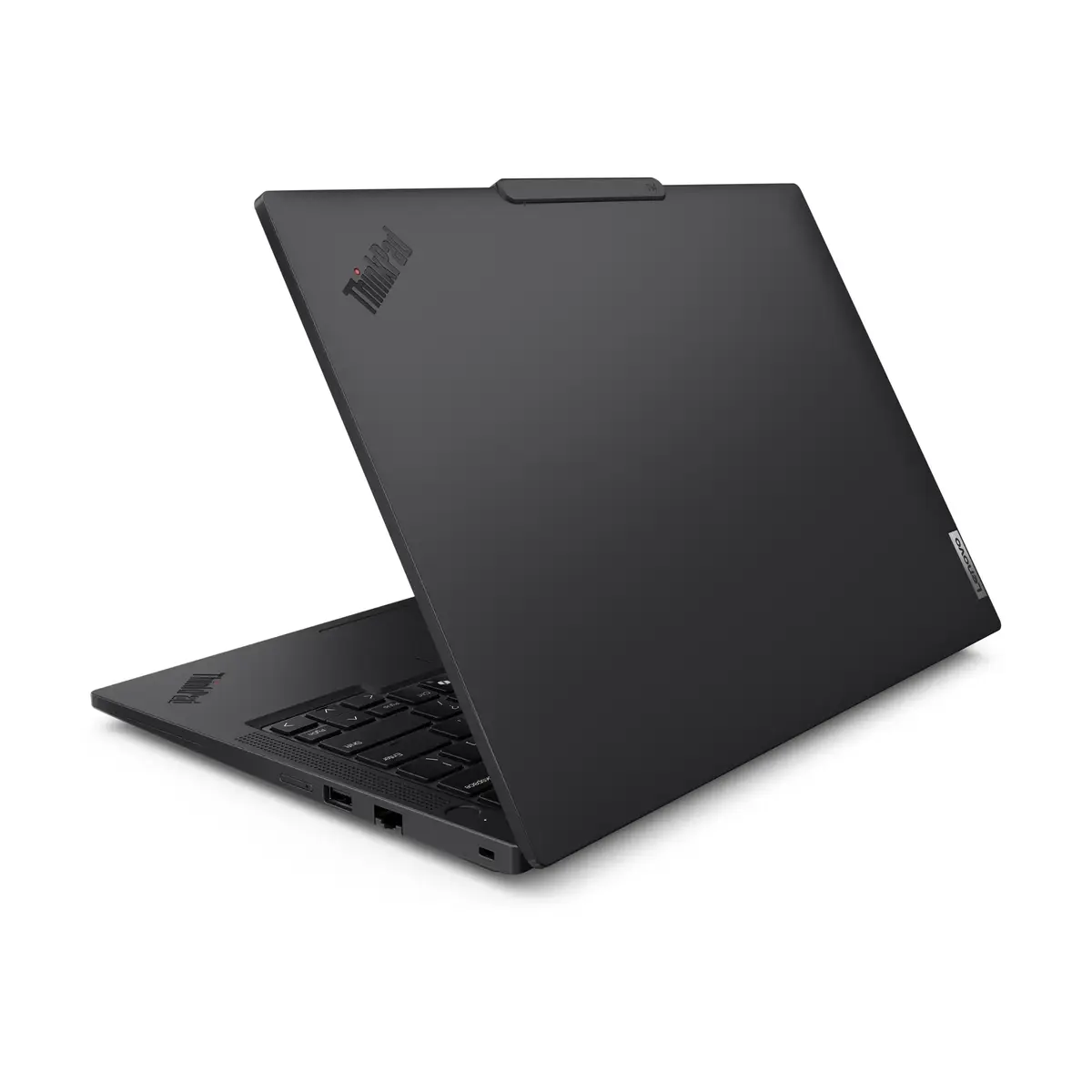
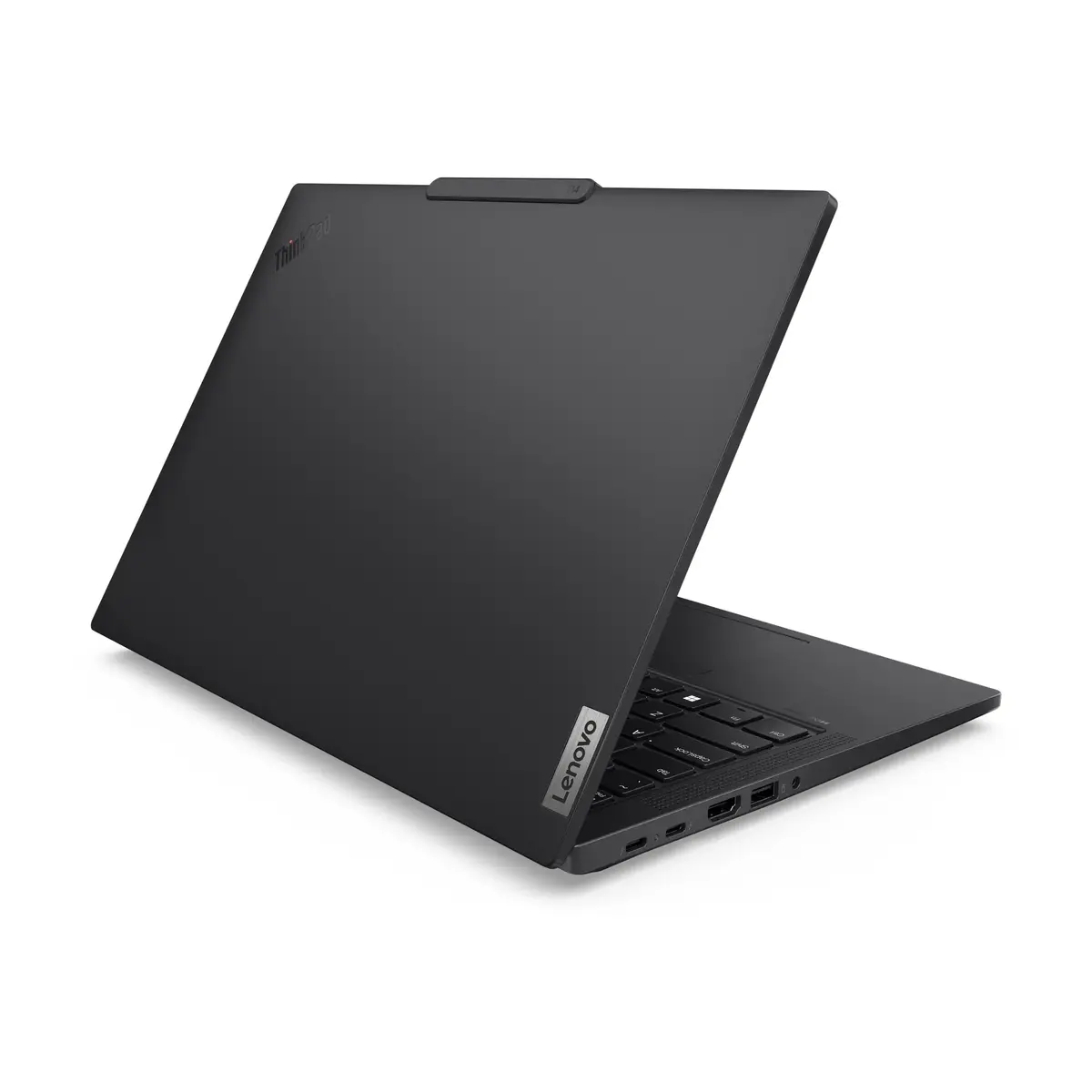
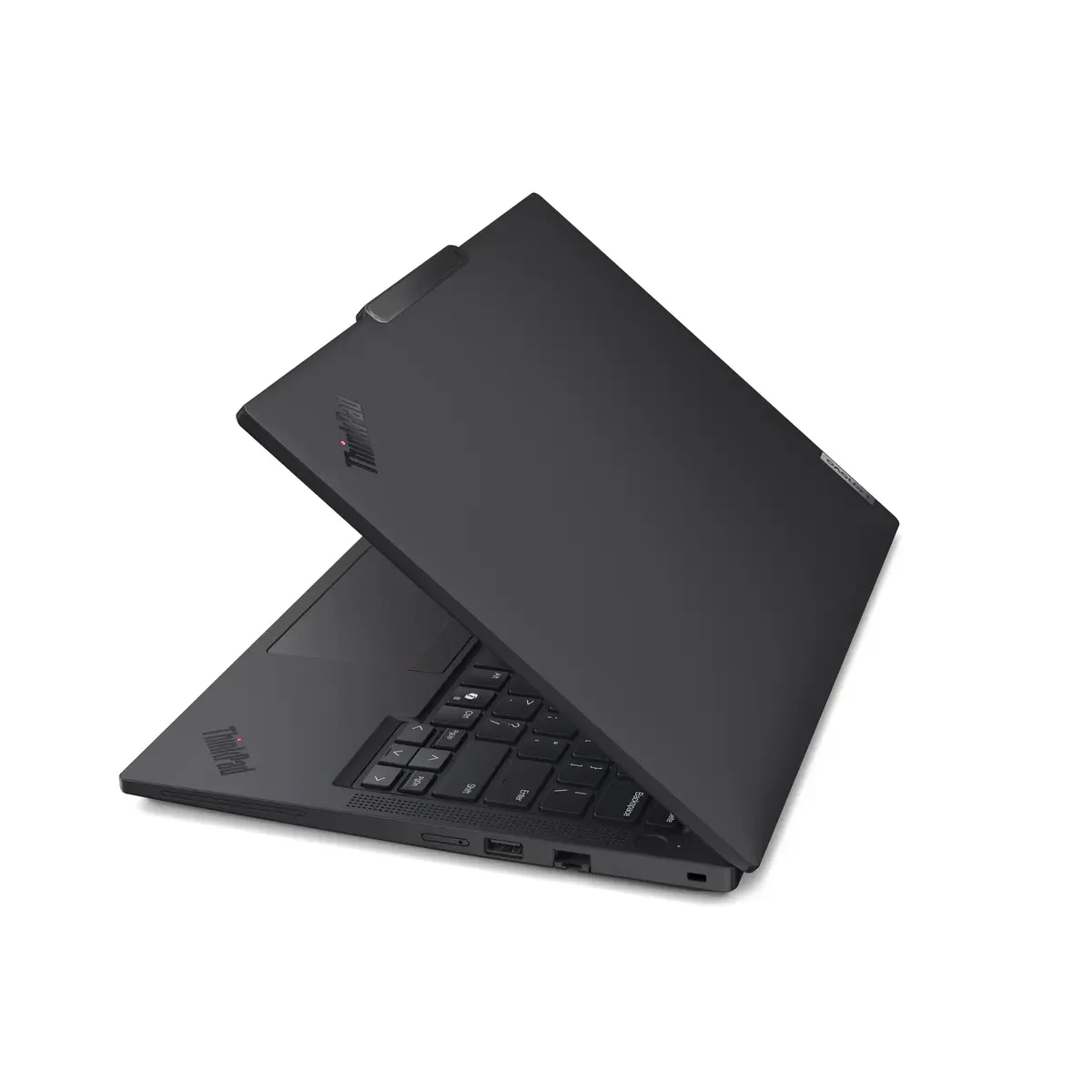
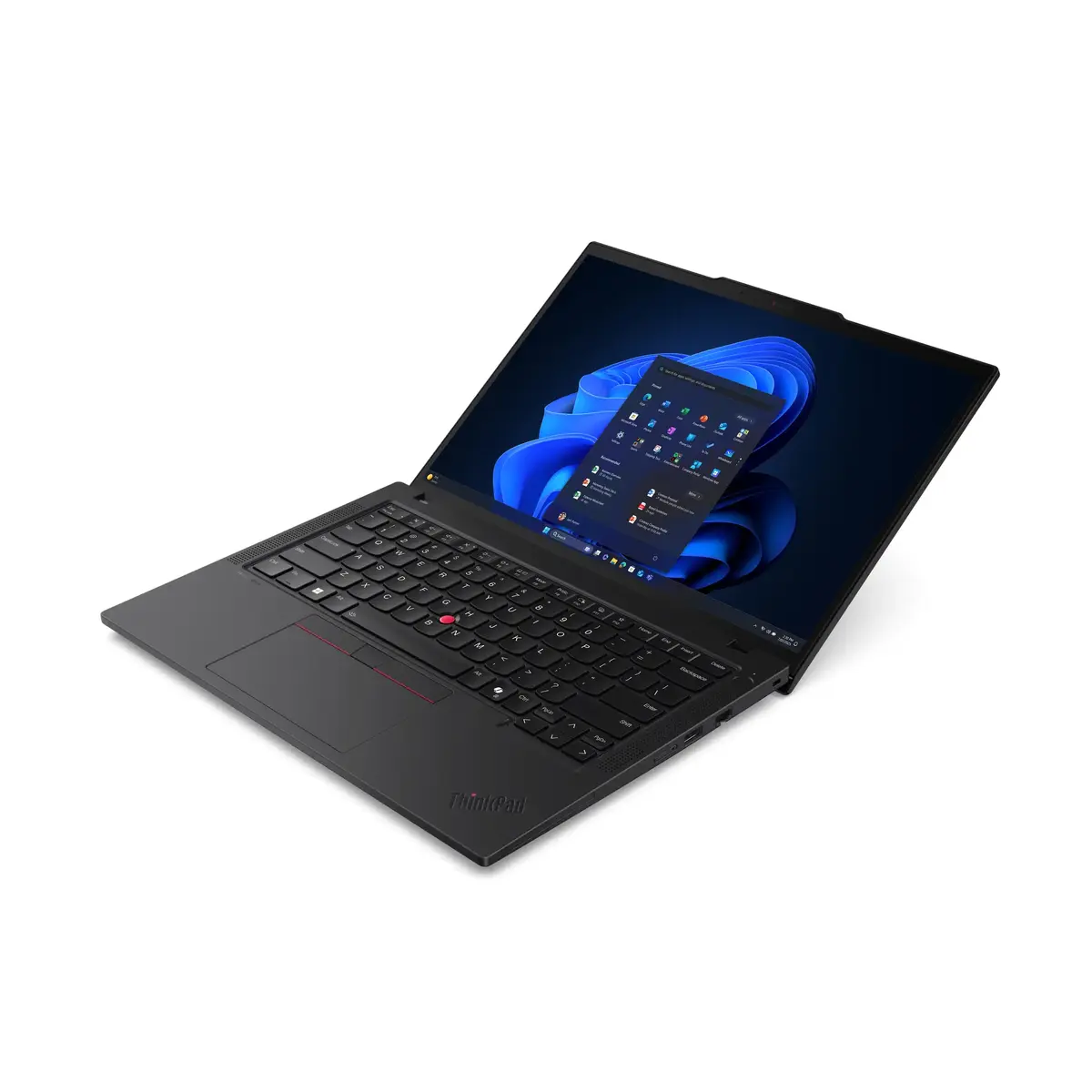
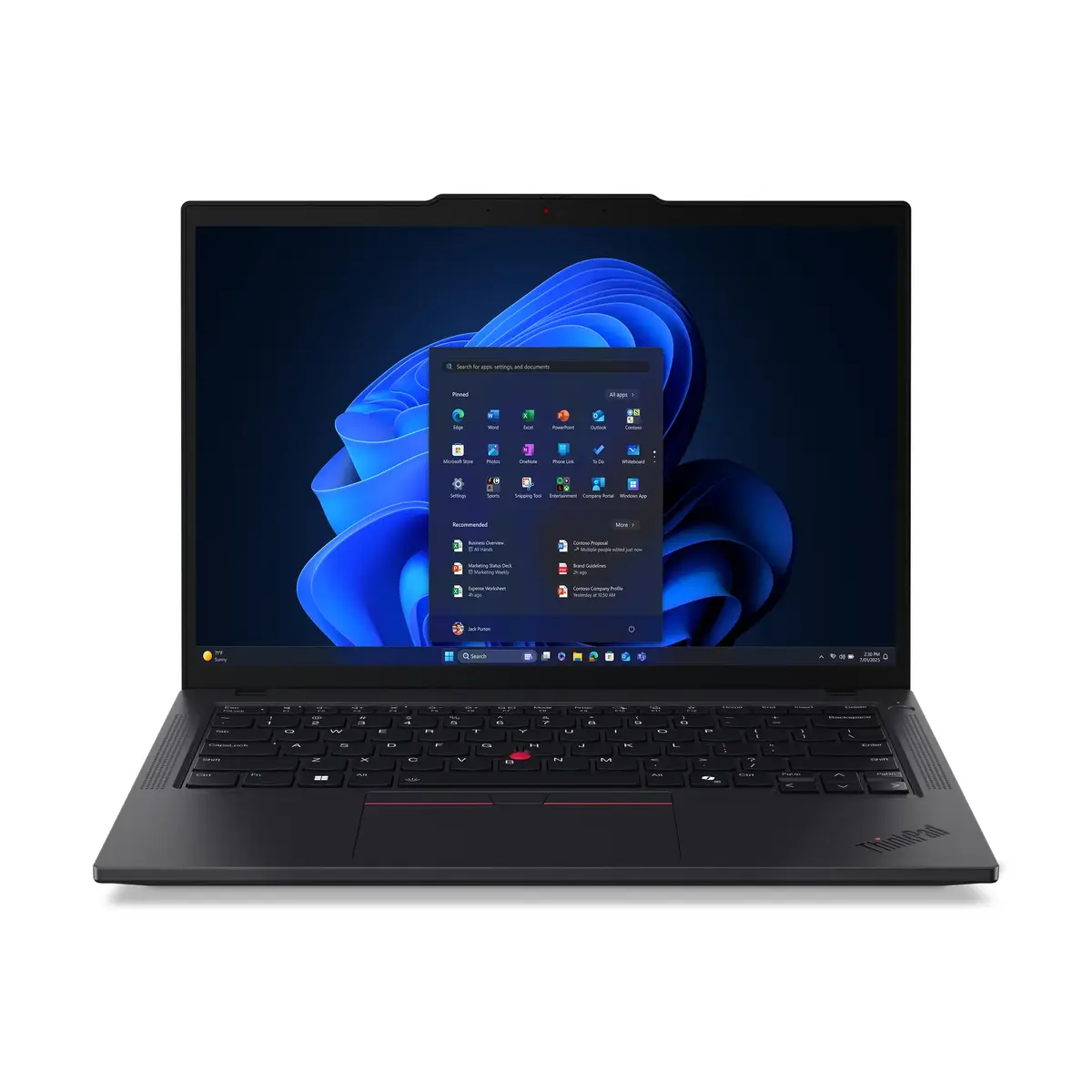
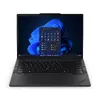
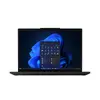
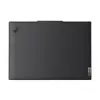
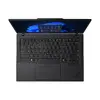
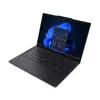
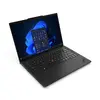
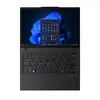
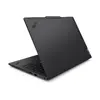
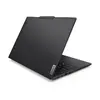
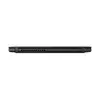
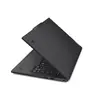
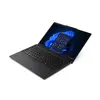
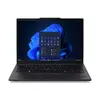
Lenovo ThinkPad T14 Gen 6 Laptop, Intel Core Ultra 7 258V, 14" WUXGA, 32GB RAM, 512GB SSD, Windows 11 Pro, Black
The Lenovo ThinkPad T14 Gen 6 is a high-performance business laptop engineered to meet the demands of modern professionals. Powered by the Intel Core Ultra 7 258V processor and integrated Intel Arc Graphics 140V, this device delivers efficient multitasking and reliable computing power. Its compact 14-inch WUXGA display provides a clear workspace, while the robust black chassis ensures durability for daily office use or travel. Equipped with Windows 11 Pro, it offers advanced security and management features suitable for corporate environments.
This laptop excels in productivity thanks to its 32GB of high-speed LPDDR5x RAM, which allows for seamless switching between complex applications. The inclusion of Wi-Fi 7 ensures future-proof connectivity with faster speeds and lower latency in crowded network environments. Its lightweight design, weighing only 1.38 kg, makes it highly portable without compromising on performance. The 16:10 aspect ratio of the display offers more vertical screen real estate, which is particularly beneficial for document editing and data analysis.
This device is not designed for high-end gaming or professional-grade 3D rendering, as it lacks a dedicated discrete graphics card. Users who require massive local storage for large media files may find the 512GB SSD capacity limiting without external storage solutions.
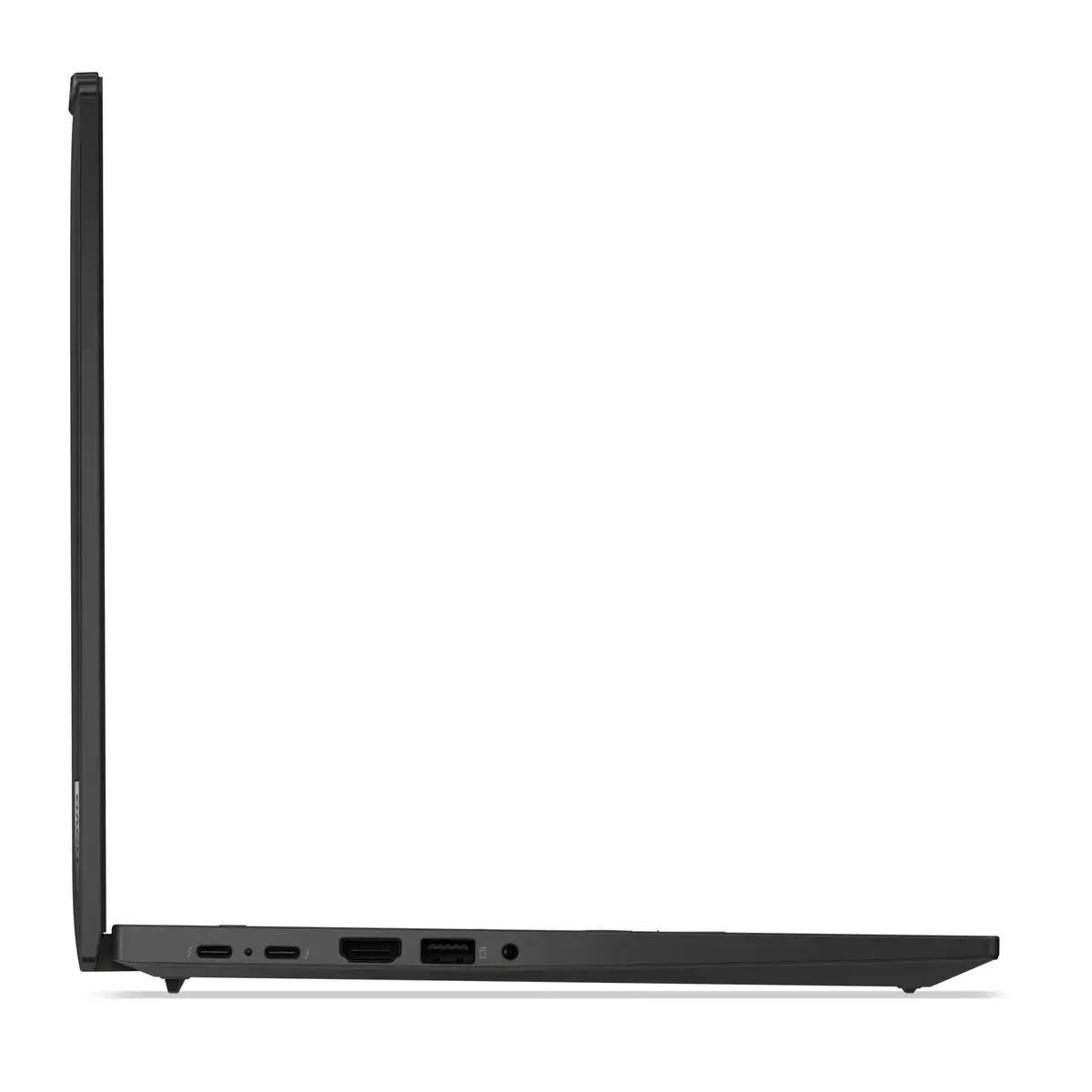
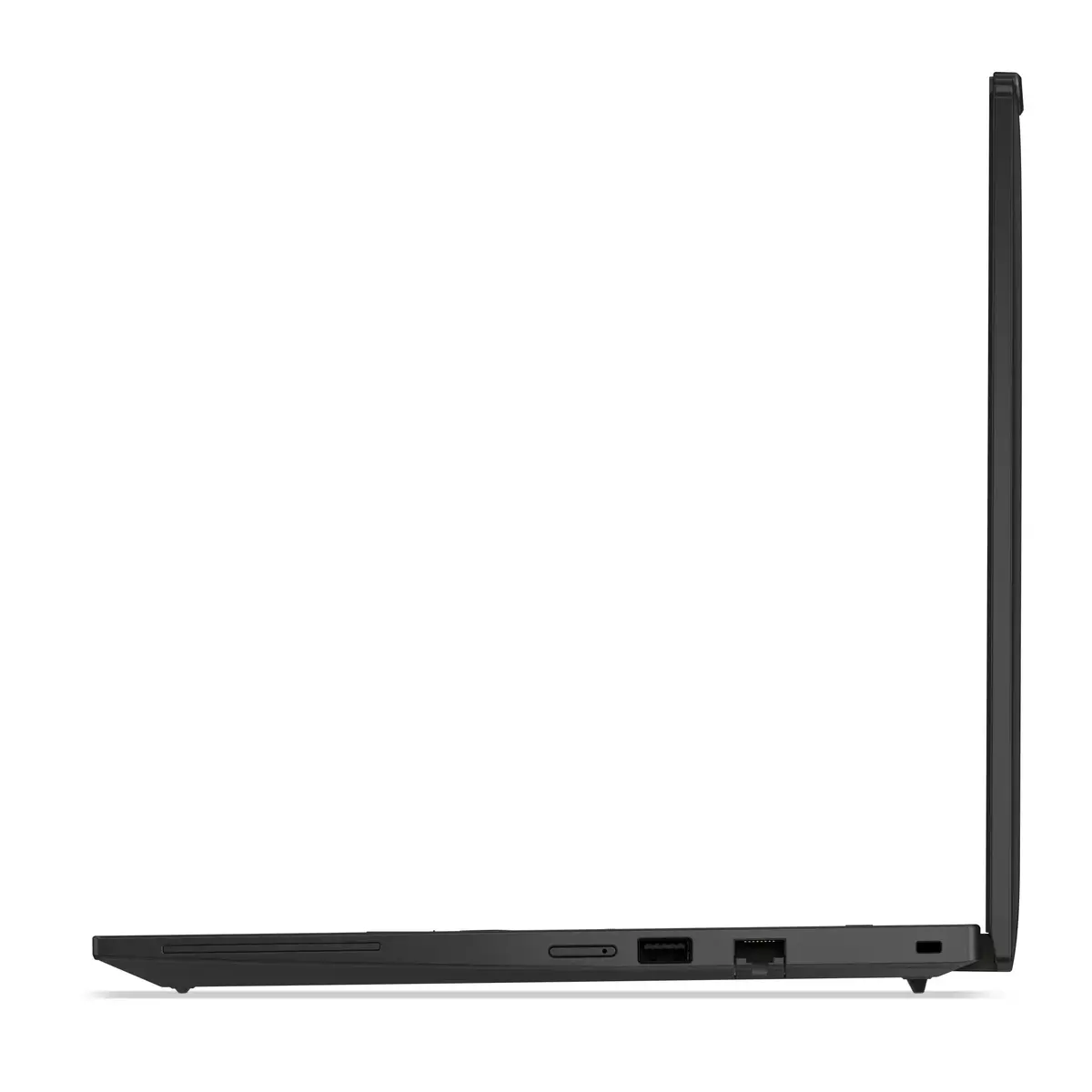
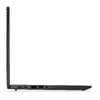
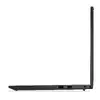
To begin using the Lenovo ThinkPad T14 Gen 6, connect the provided power adapter to charge the 57 Wh battery. Upon initial startup, follow the on-screen prompts to configure your Windows 11 Pro settings, including user accounts and network connections. You can connect peripherals via the available ports or use Bluetooth 5.4 for wireless accessories. Keep the system updated through the built-in update utility to ensure optimal performance and security.
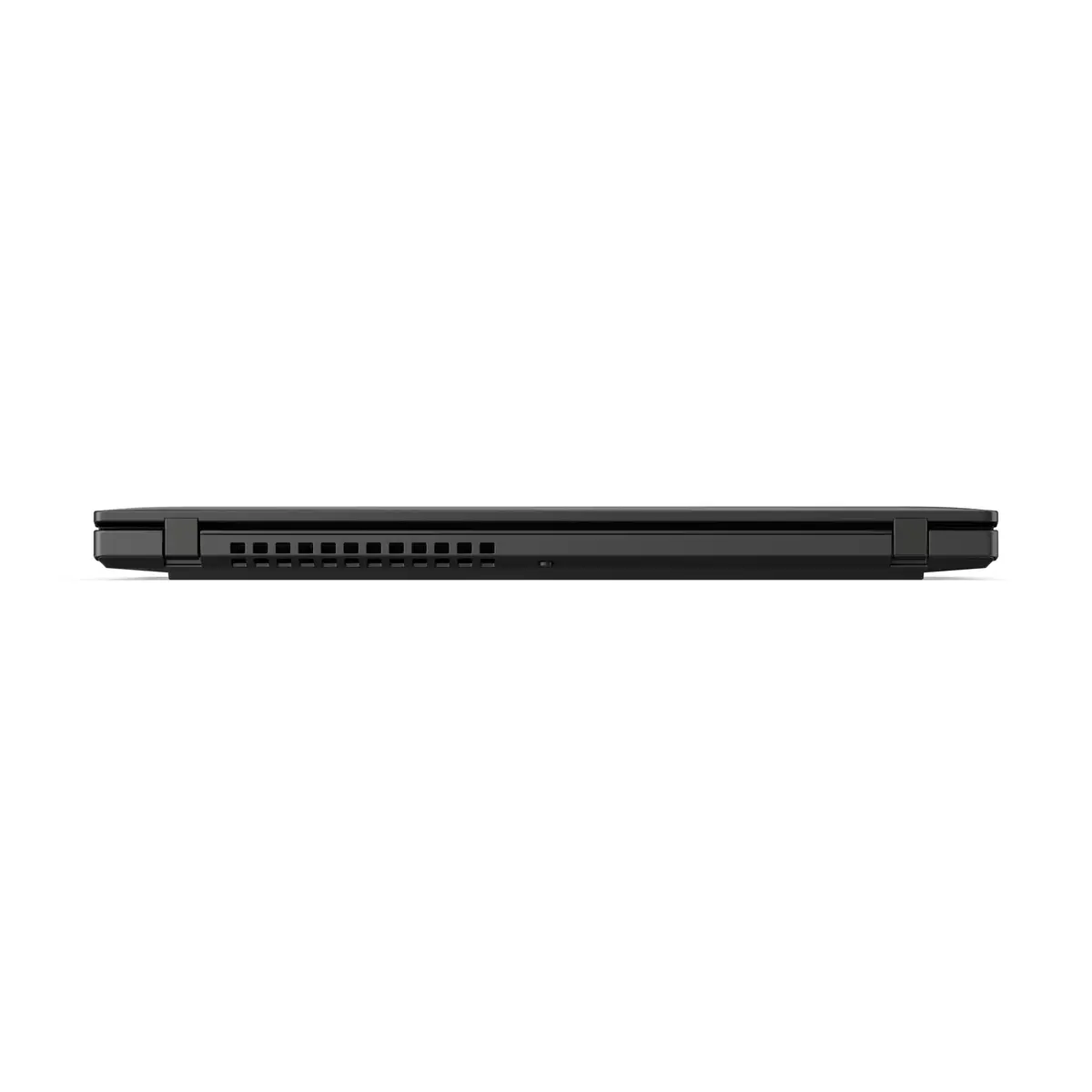
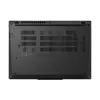
To maintain the longevity of your laptop, keep the air vents clear of obstructions to ensure proper cooling during intensive tasks. Regularly clean the screen with a soft, dry microfiber cloth and avoid using harsh chemicals.
{{highlightedFeature.featureTitle}}:
{{getProductFeatureValueById(product, highlightedFeature.featureId)}}
{{ productComparisonGenerationError }}
