
Filters you can trust. Pure water every day.
In cart {{totalProductsCount}} item(s)
Your cart is empty
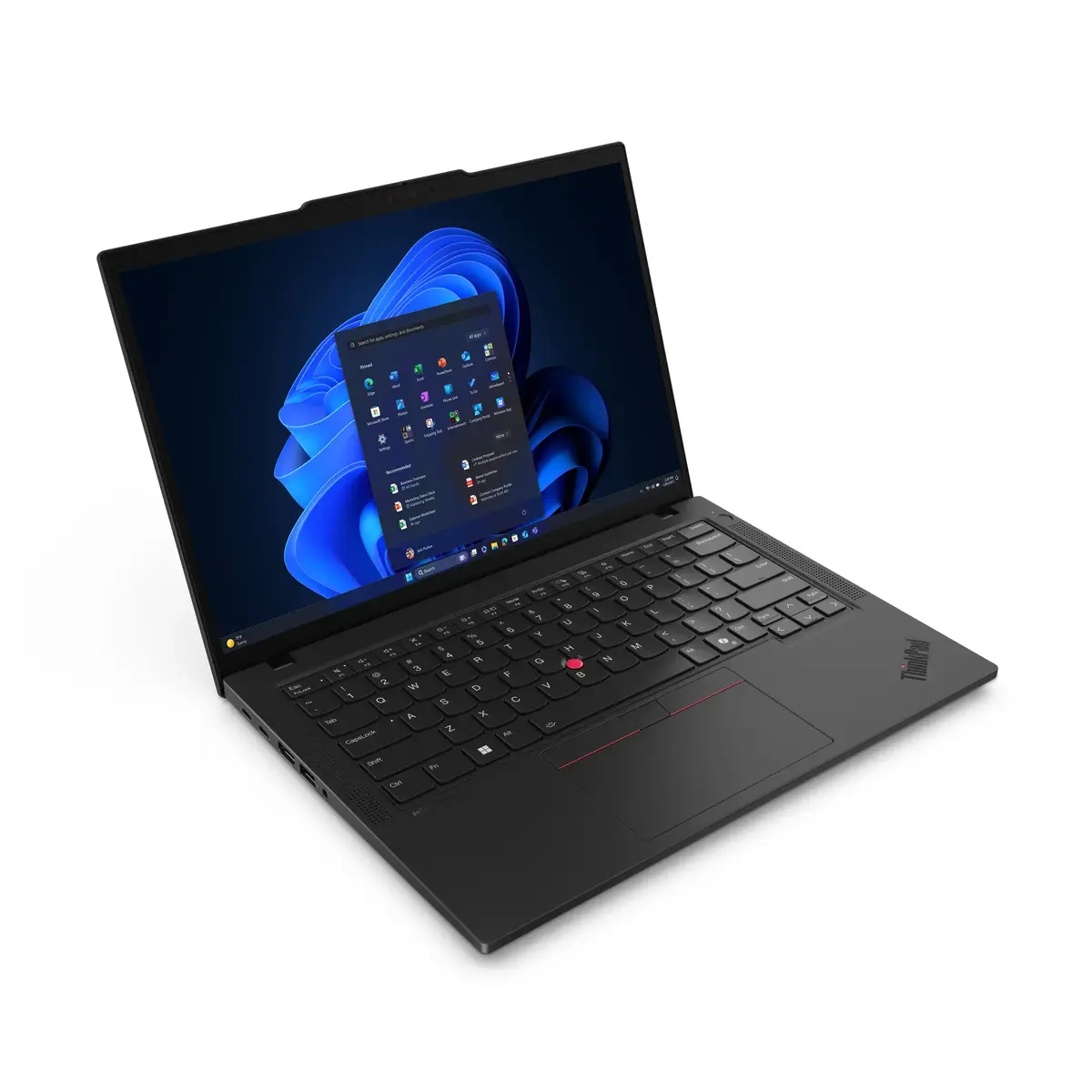
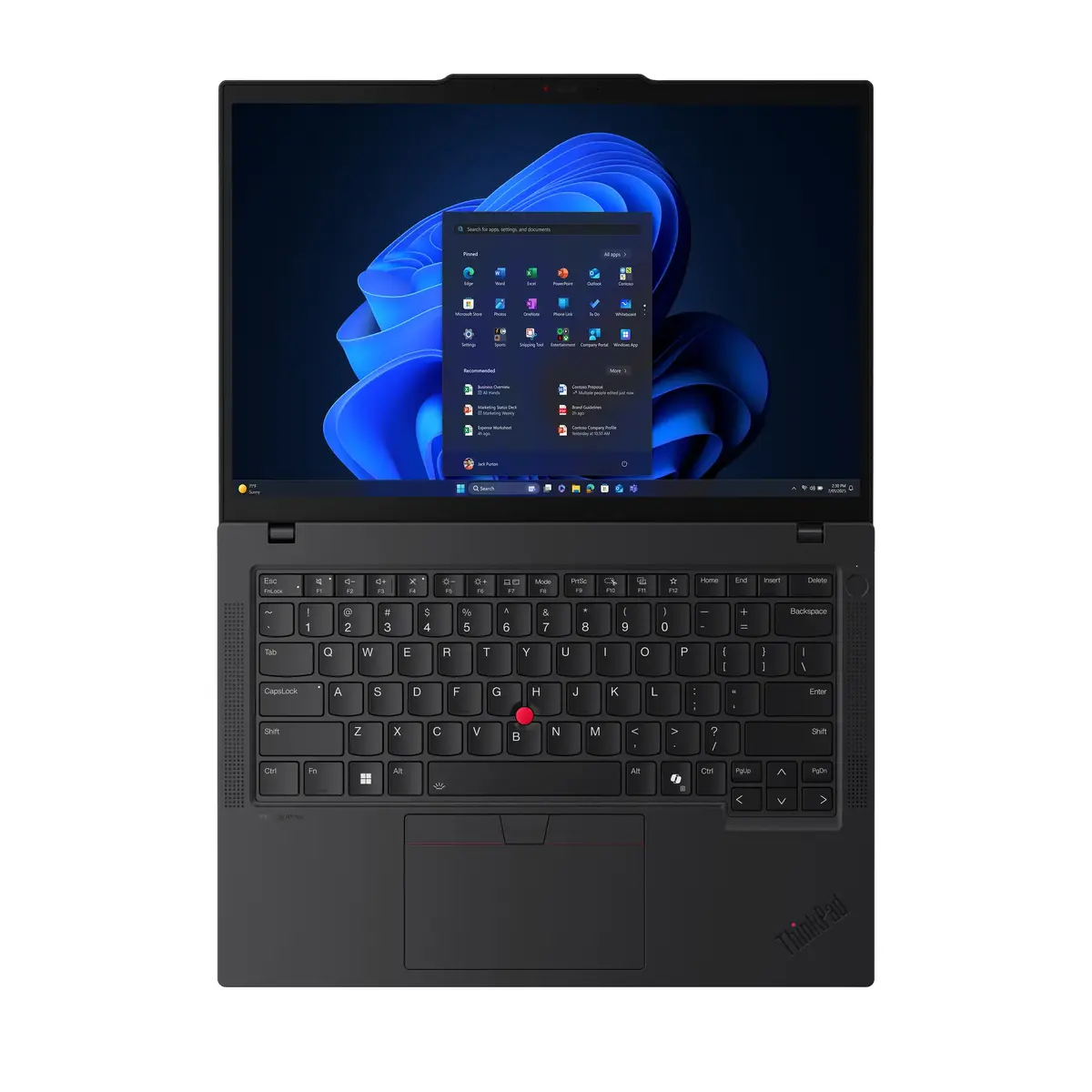
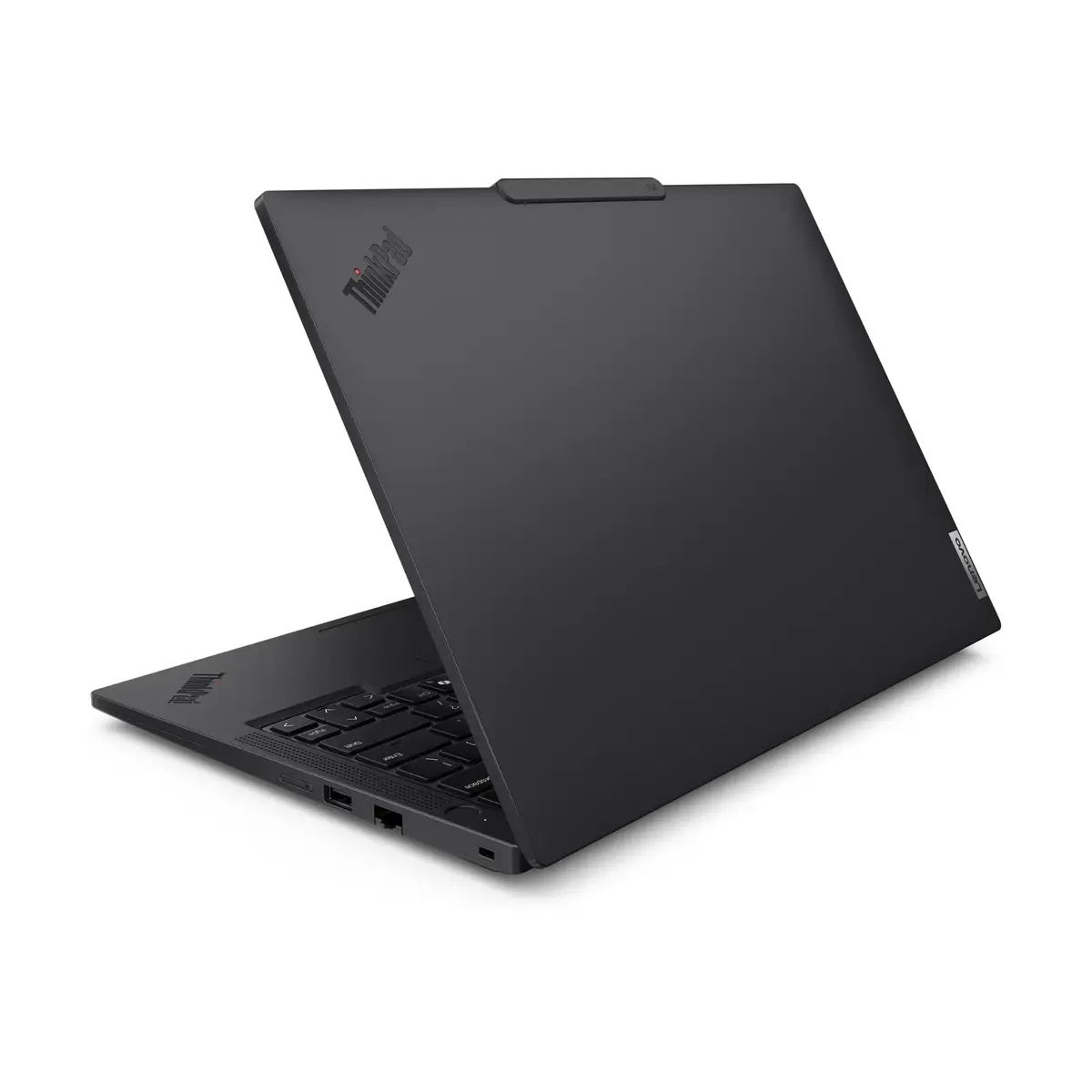
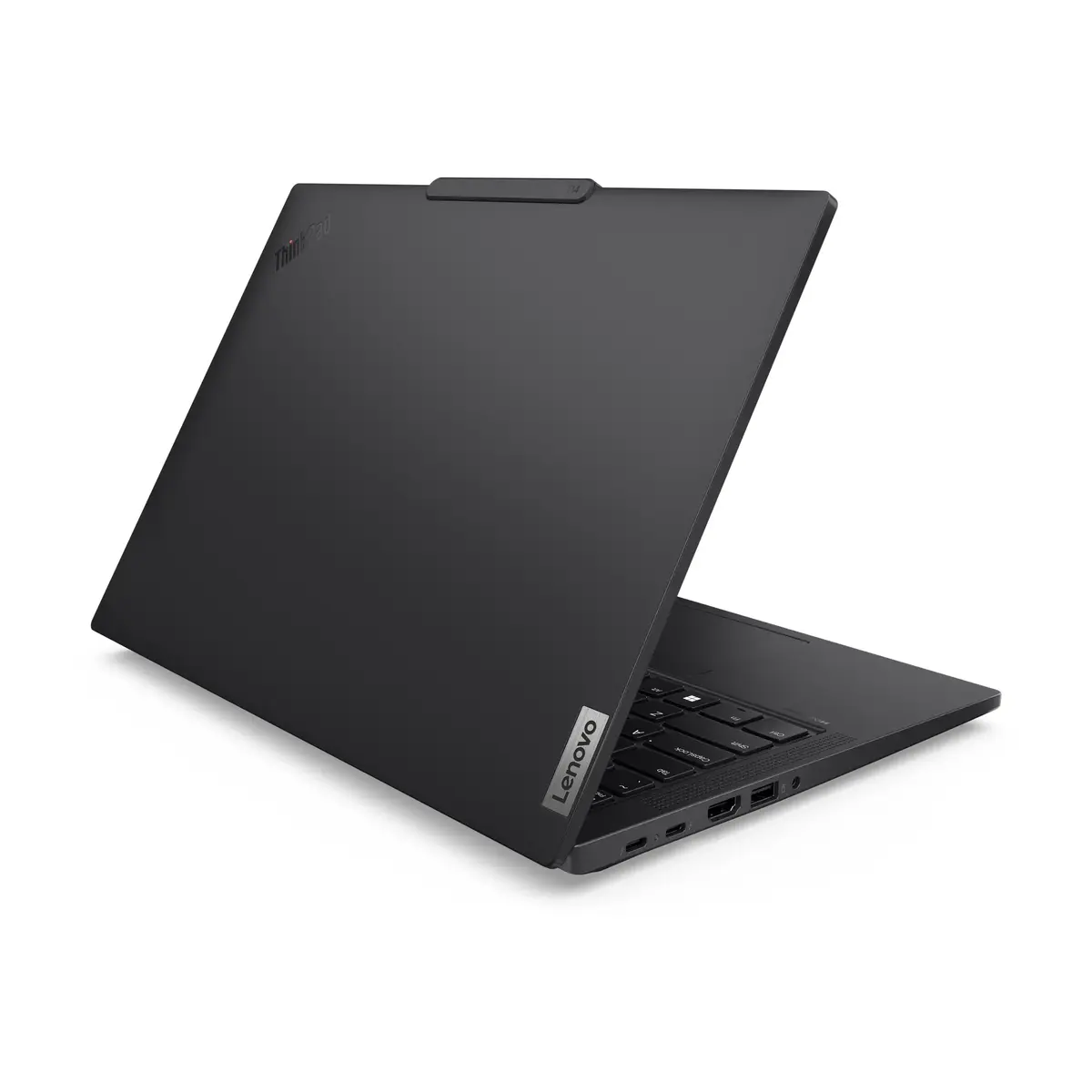
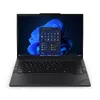
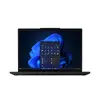
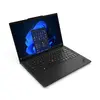
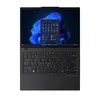
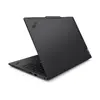
Laptop Lenovo ThinkPad T14 Gen 6 (Intel) Copilot+ PC — Intel Core Ultra 5 228V, 14" WUXGA, 32 GB RAM, 1 TB SSD, Intel Arc 130V, Windows 11 Pro, 4G, Bl...
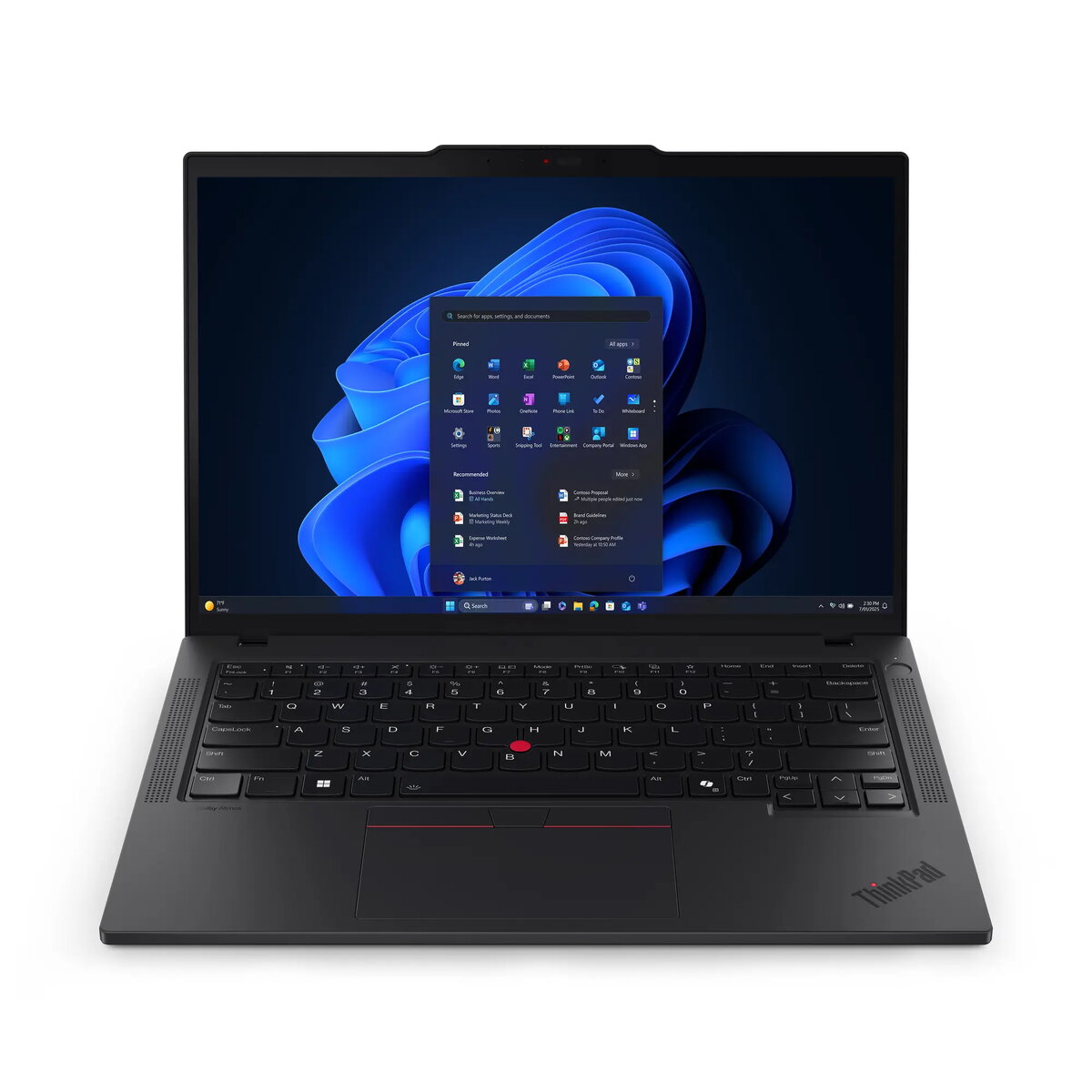
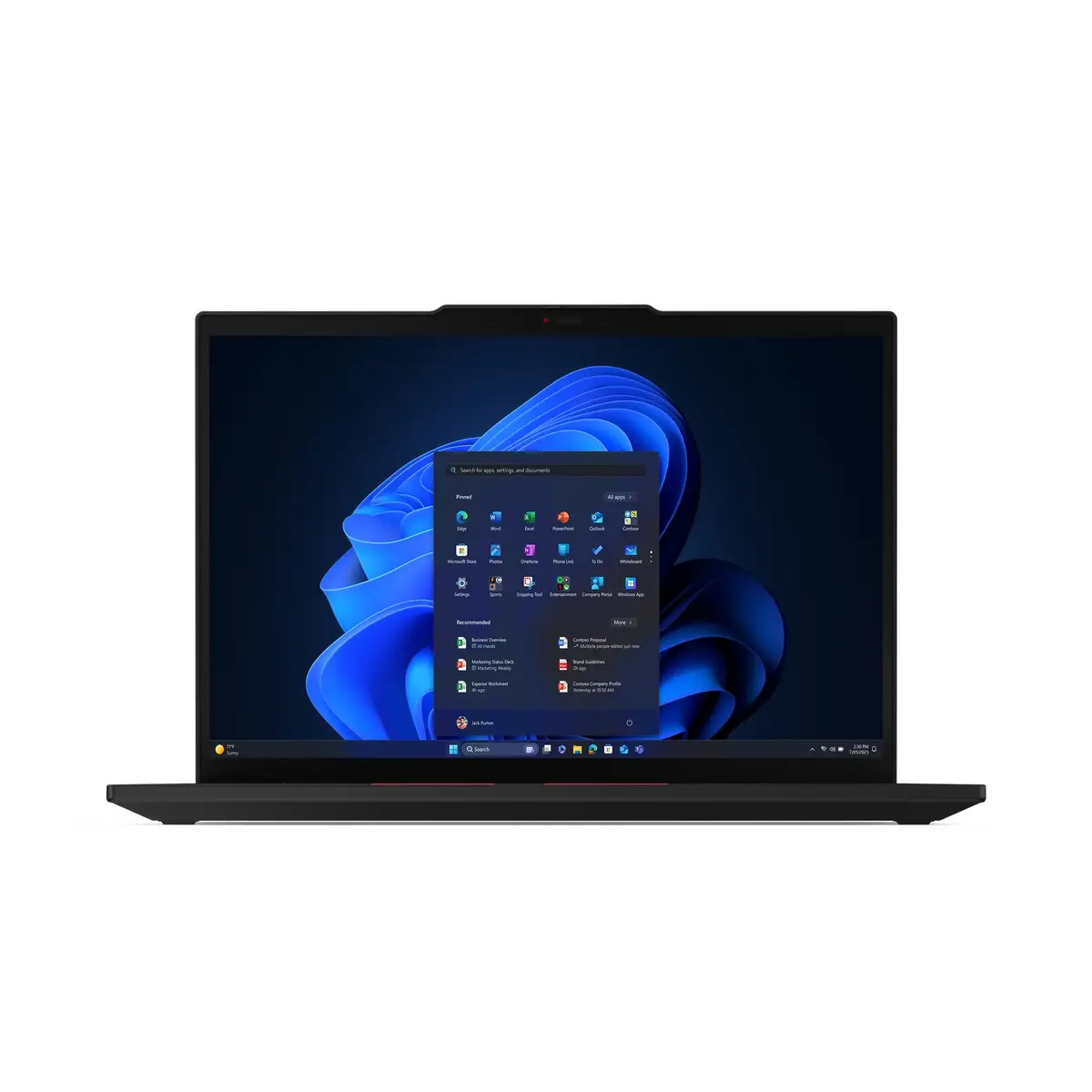
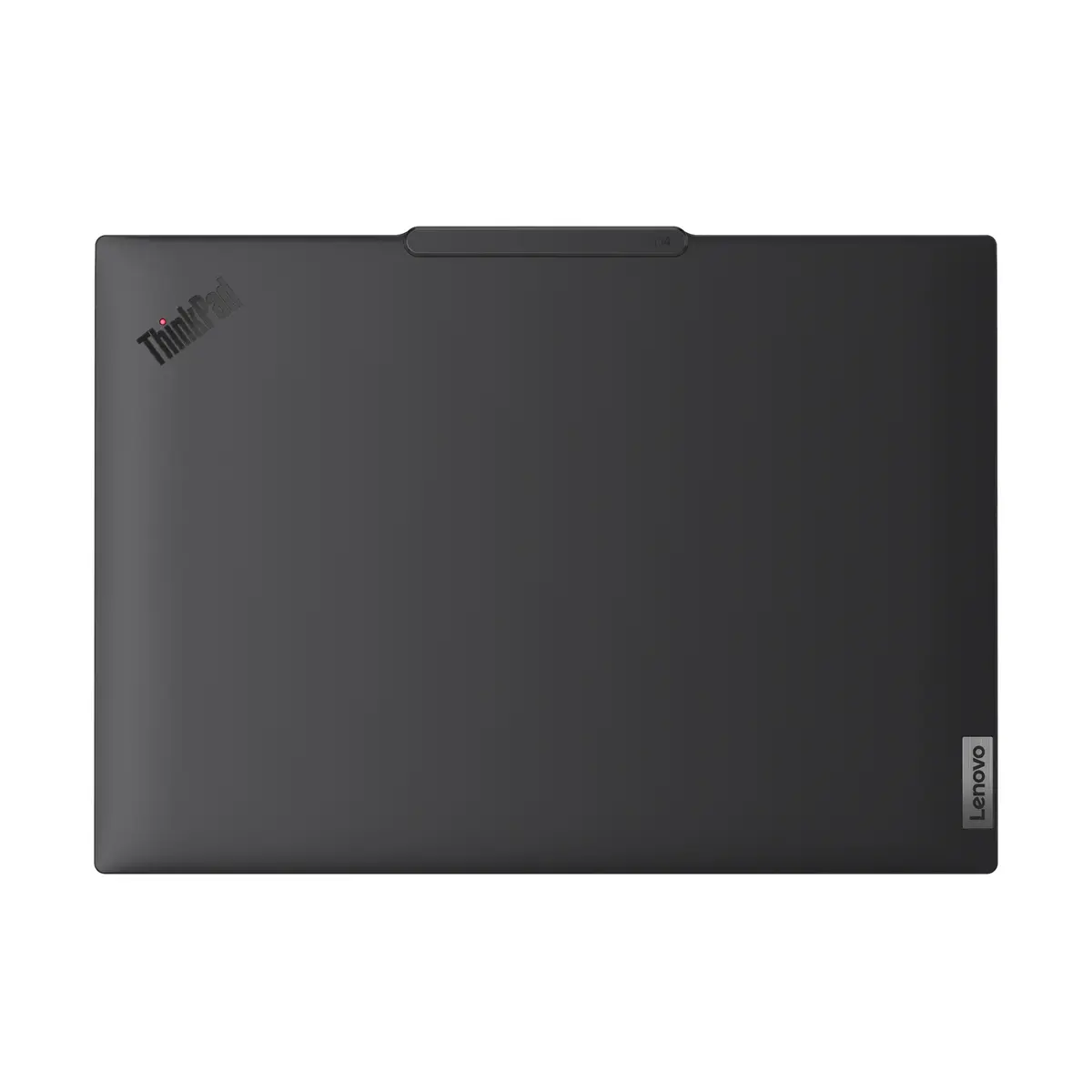
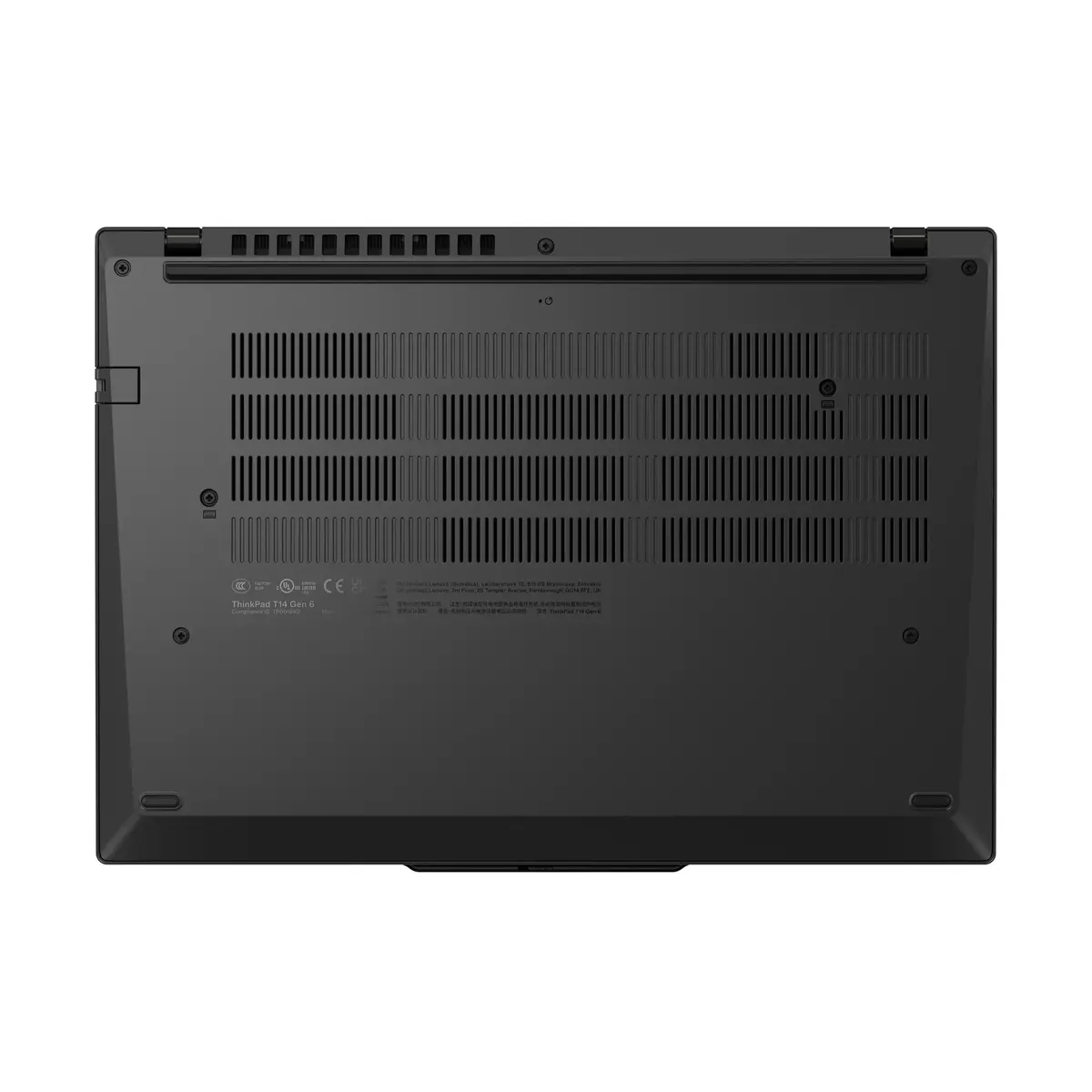
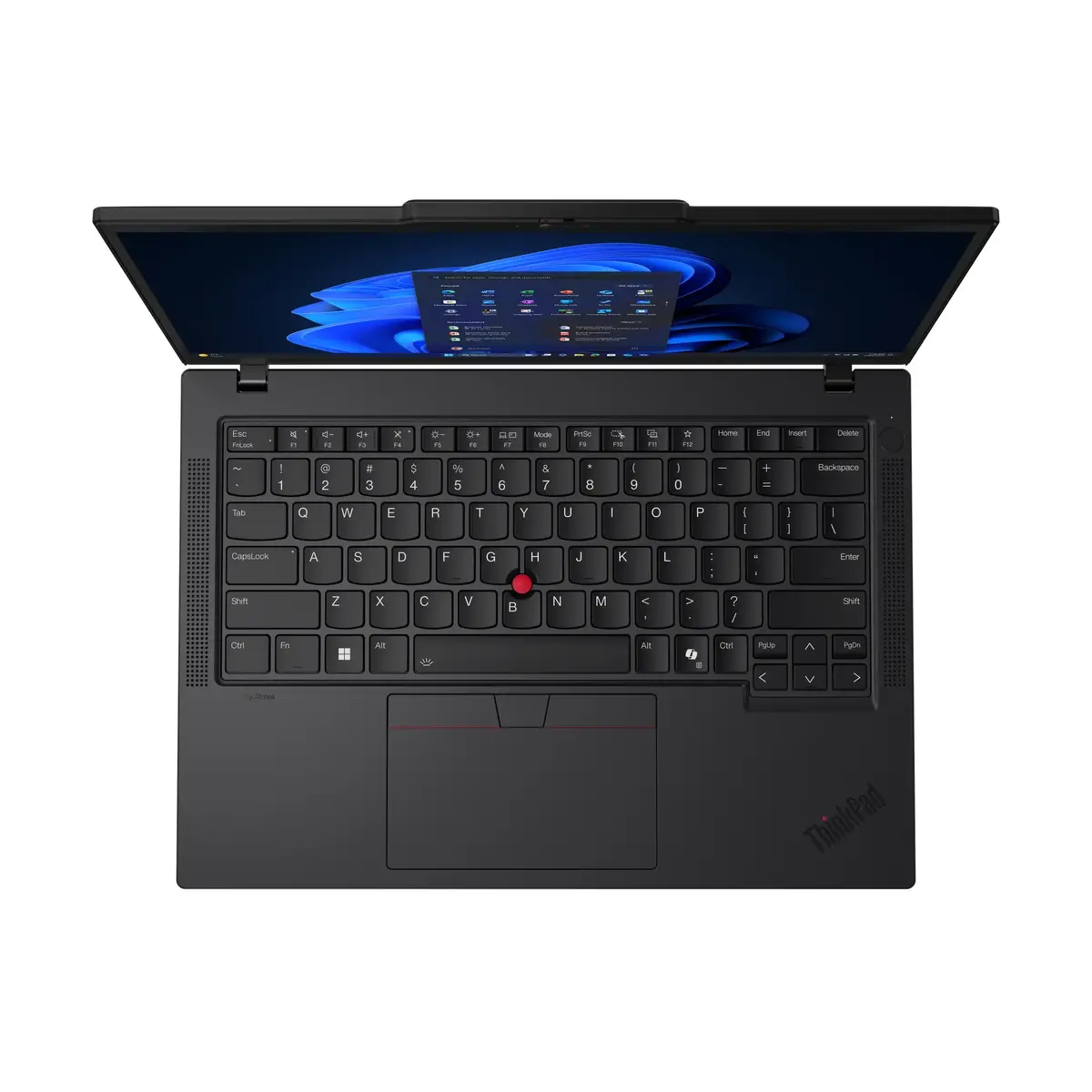
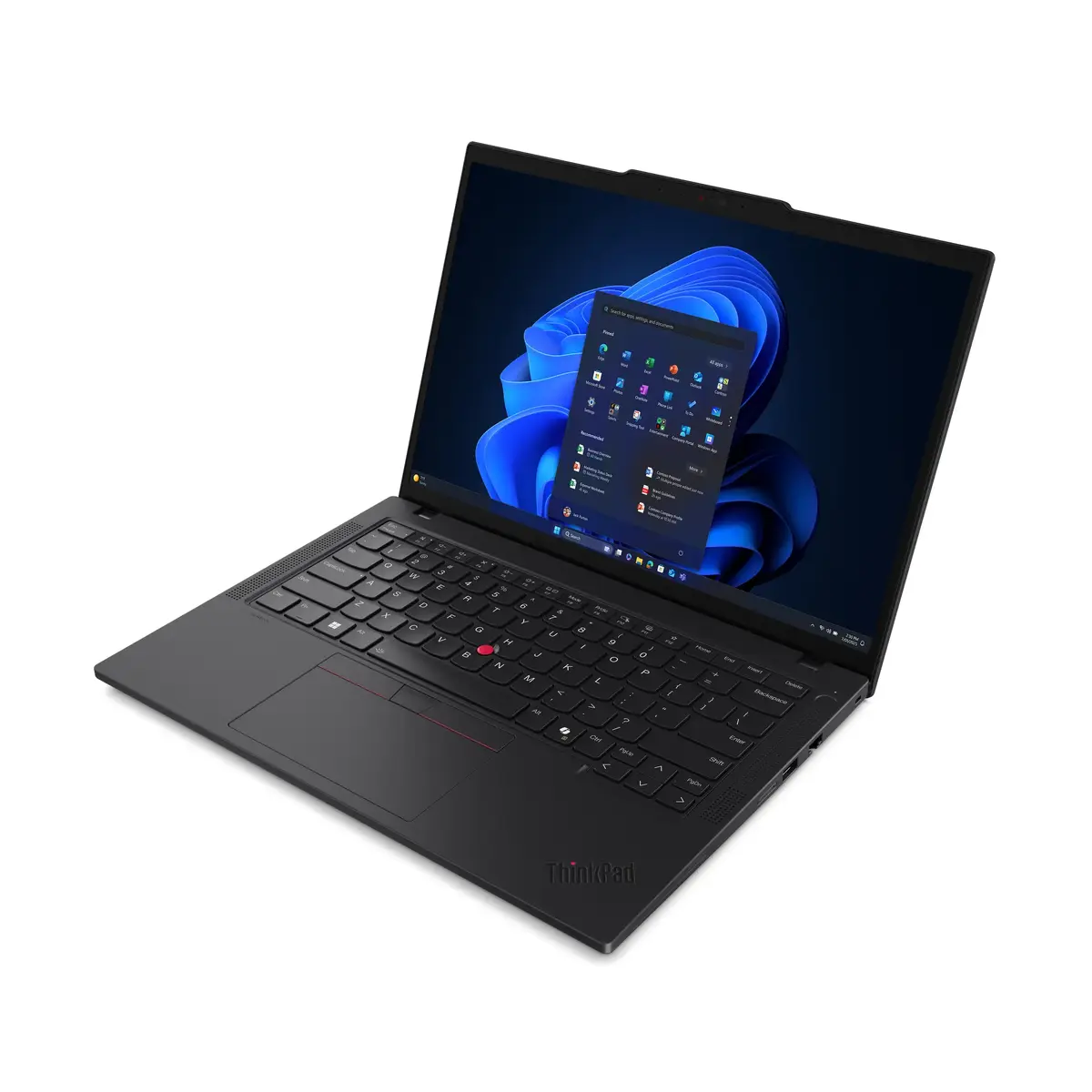
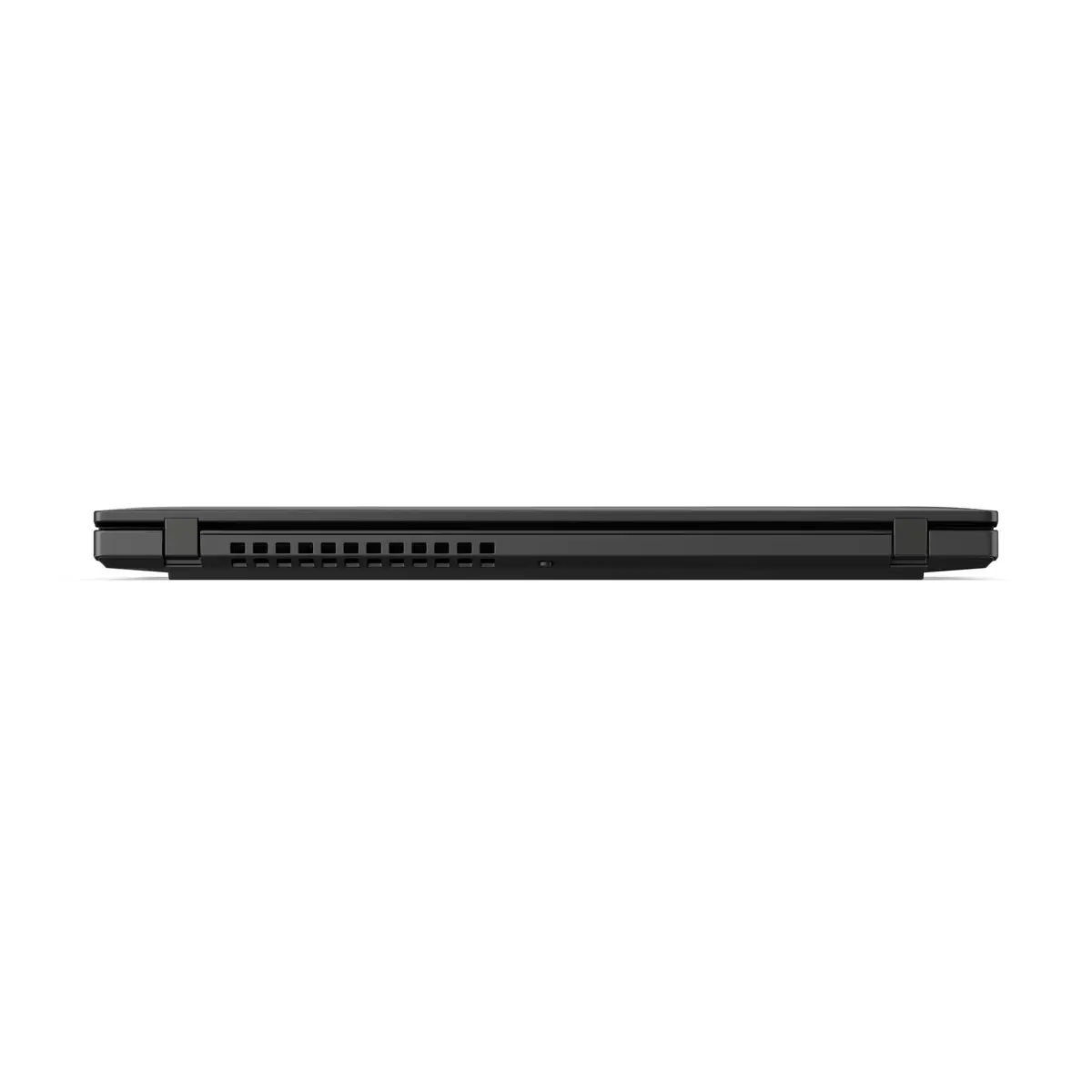
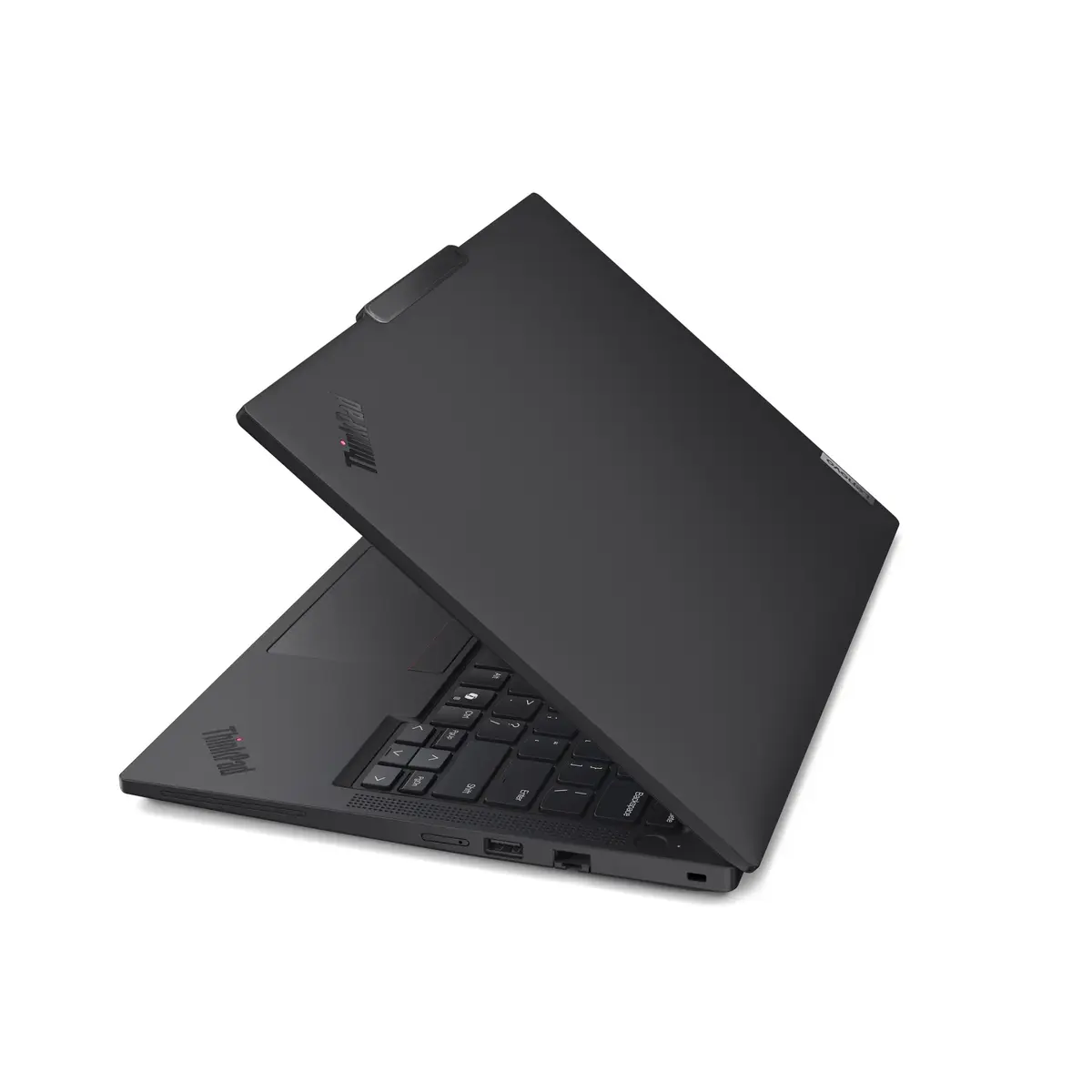
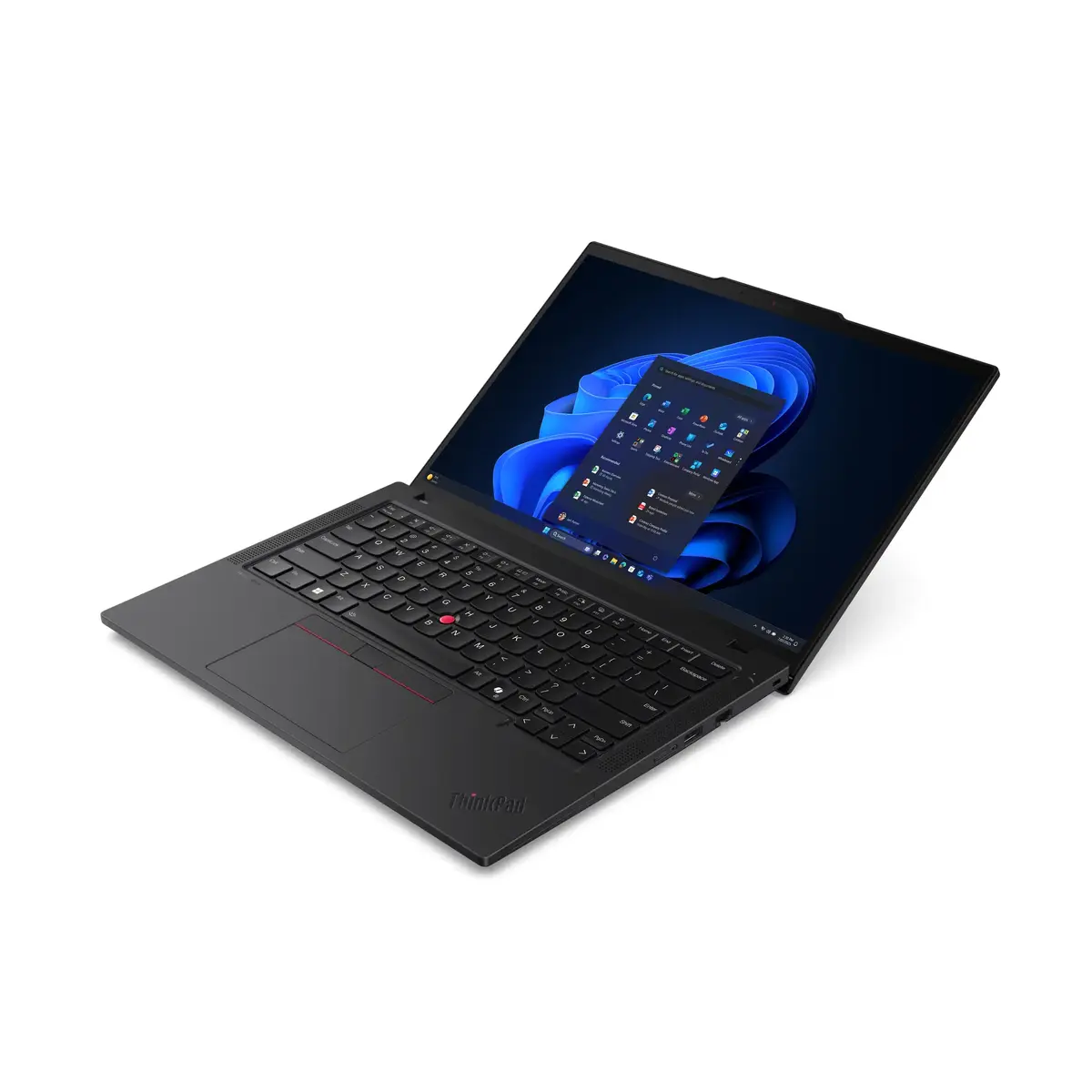
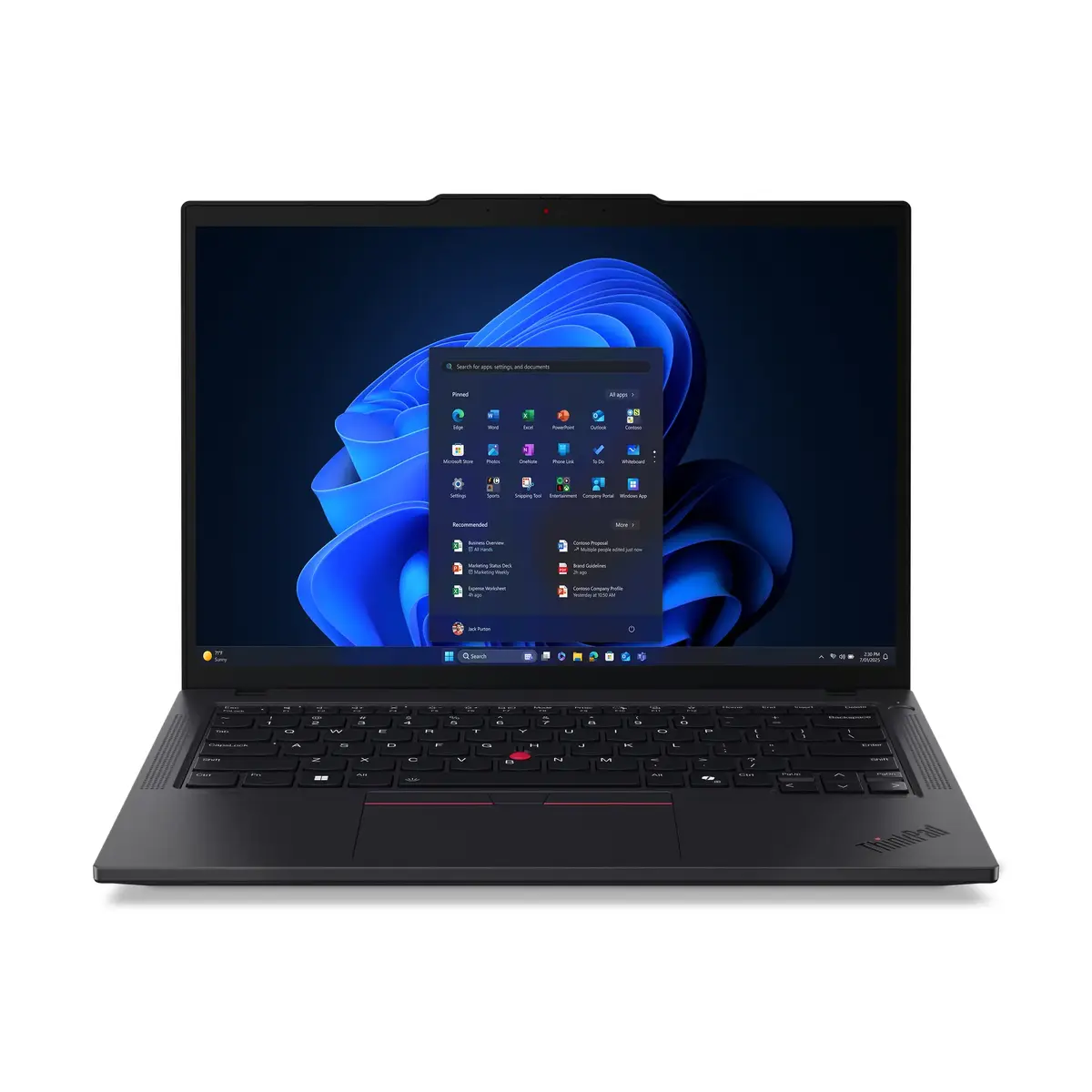
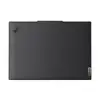
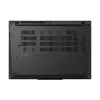
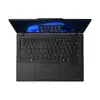
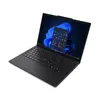
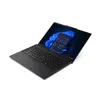
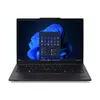
Lenovo ThinkPad T14 Gen 6 (Intel) Copilot+ PC is a 14" business laptop equipped with an Intel Core Ultra 5 228V processor, 32 GB LPDDR5X memory and a 1 TB NVMe SSD. The 14" WUXGA (1920×1200) IPS display offers 100% sRGB colour coverage and up to 500 nits brightness in a 16:10 format. Integrated Intel Arc Graphics 130V and built-in 4G connectivity make this model suitable for professional multitasking, office productivity and remote work while running Windows 11 Pro.
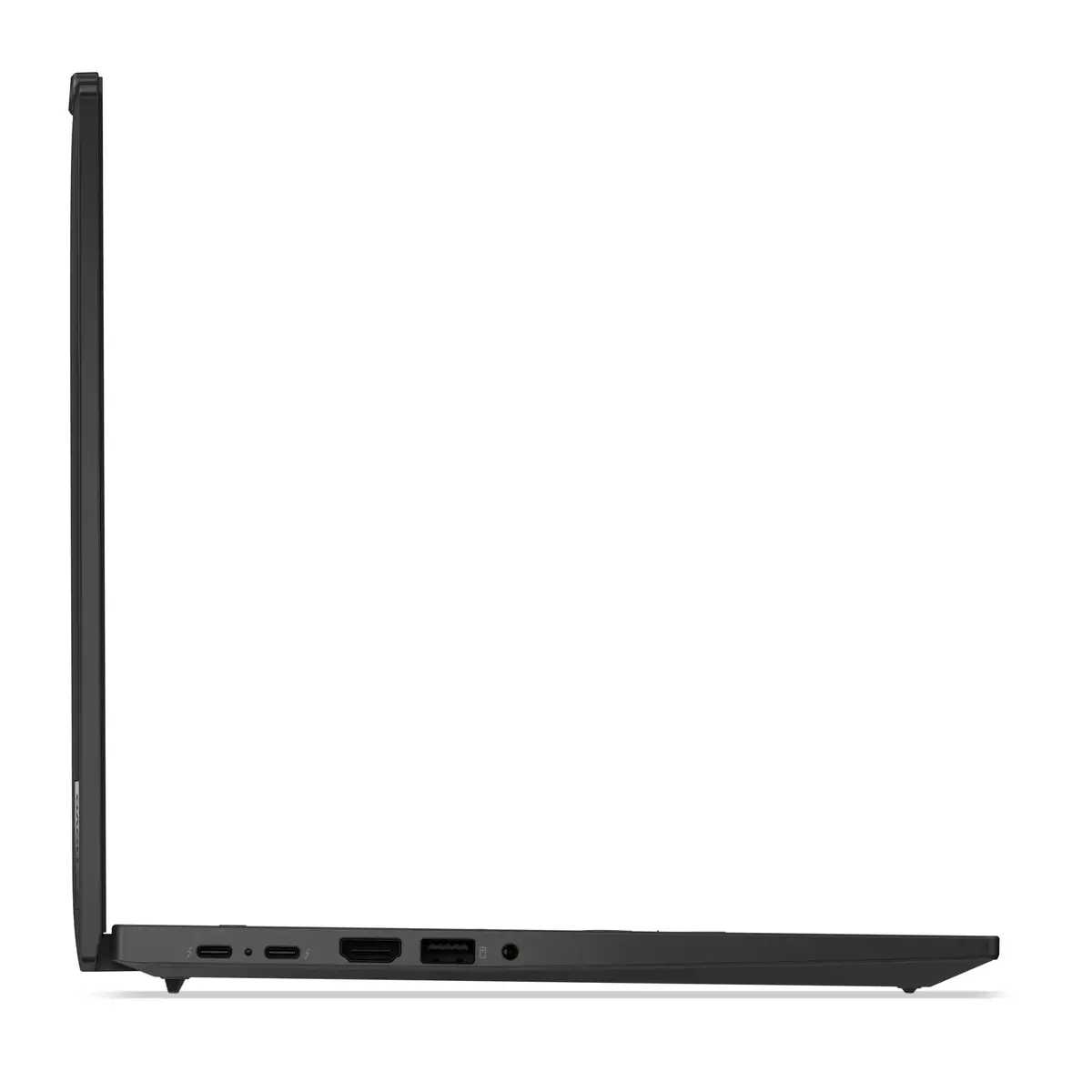
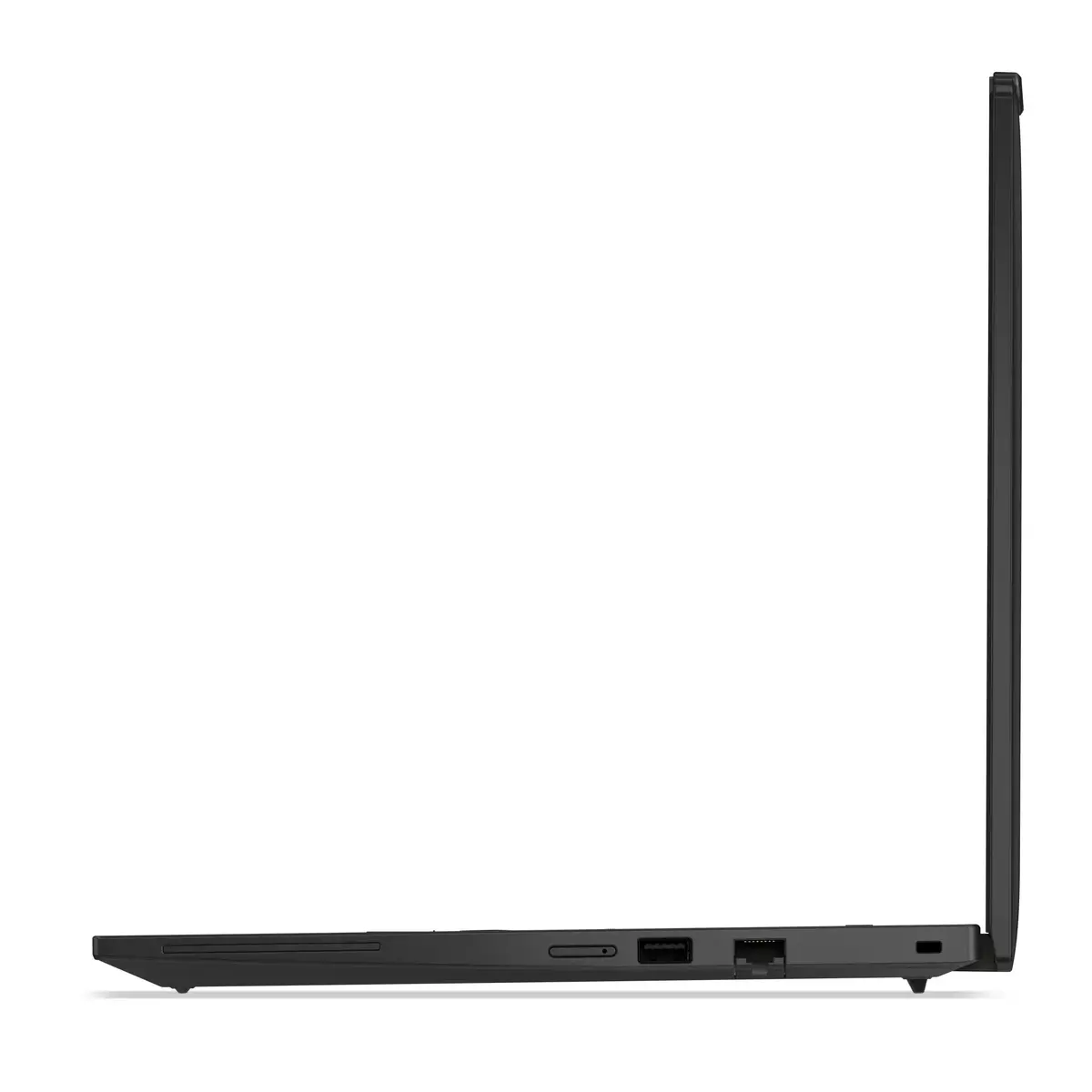
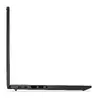
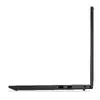
The laptop combines a recent-generation Intel Core Ultra 5 CPU with high-speed LPDDR5X memory and a PCIe 4.0 NVMe SSD for responsive performance in everyday business tasks. The high-brightness, color-accurate WUXGA IPS panel supports comfortable long-term use and content viewing. Built-in 4G, Wi‑Fi 7 and Bluetooth 5.4 provide versatile connectivity options for on-the-go work, while the 57 Wh battery and efficient components balance portability and runtime. The device runs Windows 11 Pro and comes in a durable black clamshell chassis typical of the ThinkPad series.
This model is not intended for heavy 3D rendering, AAA gaming or workflows that require a dedicated high-end discrete GPU. Users who need maximum graphics performance or workstation-class certifications should consider models with professional discrete graphics or specialised hardware.
Power on the laptop and complete the Windows 11 Pro setup with your organisation or personal Microsoft account. Connect to available networks via built-in Wi‑Fi or insert a compatible SIM to use 4G connectivity. Use the preinstalled drivers and Windows update to ensure the Intel chipset and Intel Arc graphics have the latest firmware. For better battery life, select balanced or power-saving profiles when unplugged and use the 65 W charger for faster recharging.
For best performance in multitasking and content review, keep system firmware and drivers up to date, enable Windows power profiles appropriate to your workflow, and store large project files on the internal NVMe SSD or on corporate cloud storage to maintain responsiveness.
{{highlightedFeature.featureTitle}}:
{{getProductFeatureValueById(product, highlightedFeature.featureId)}}
{{ productComparisonGenerationError }}
