
Filters you can trust. Pure water every day.
In cart {{totalProductsCount}} item(s)
Your cart is empty
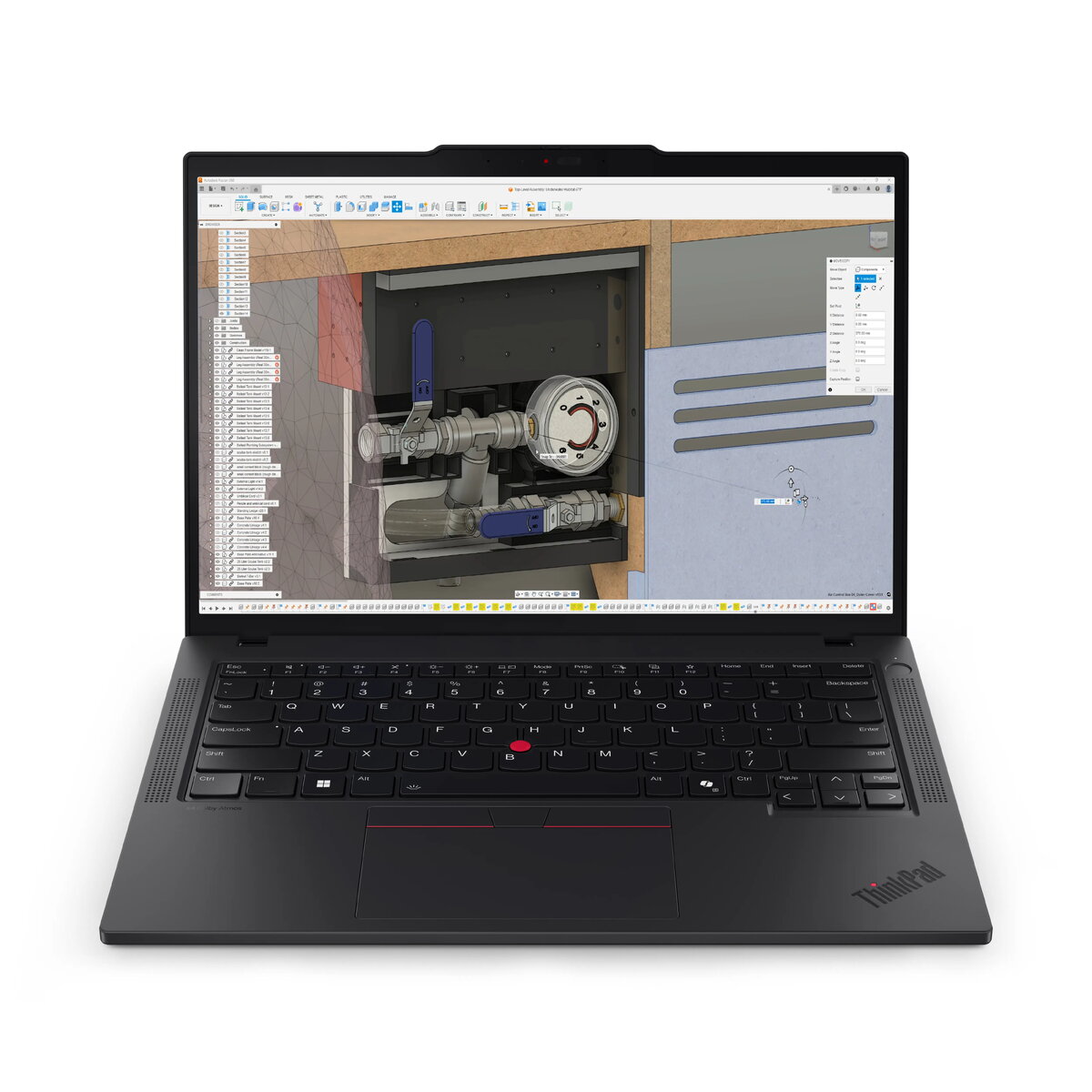
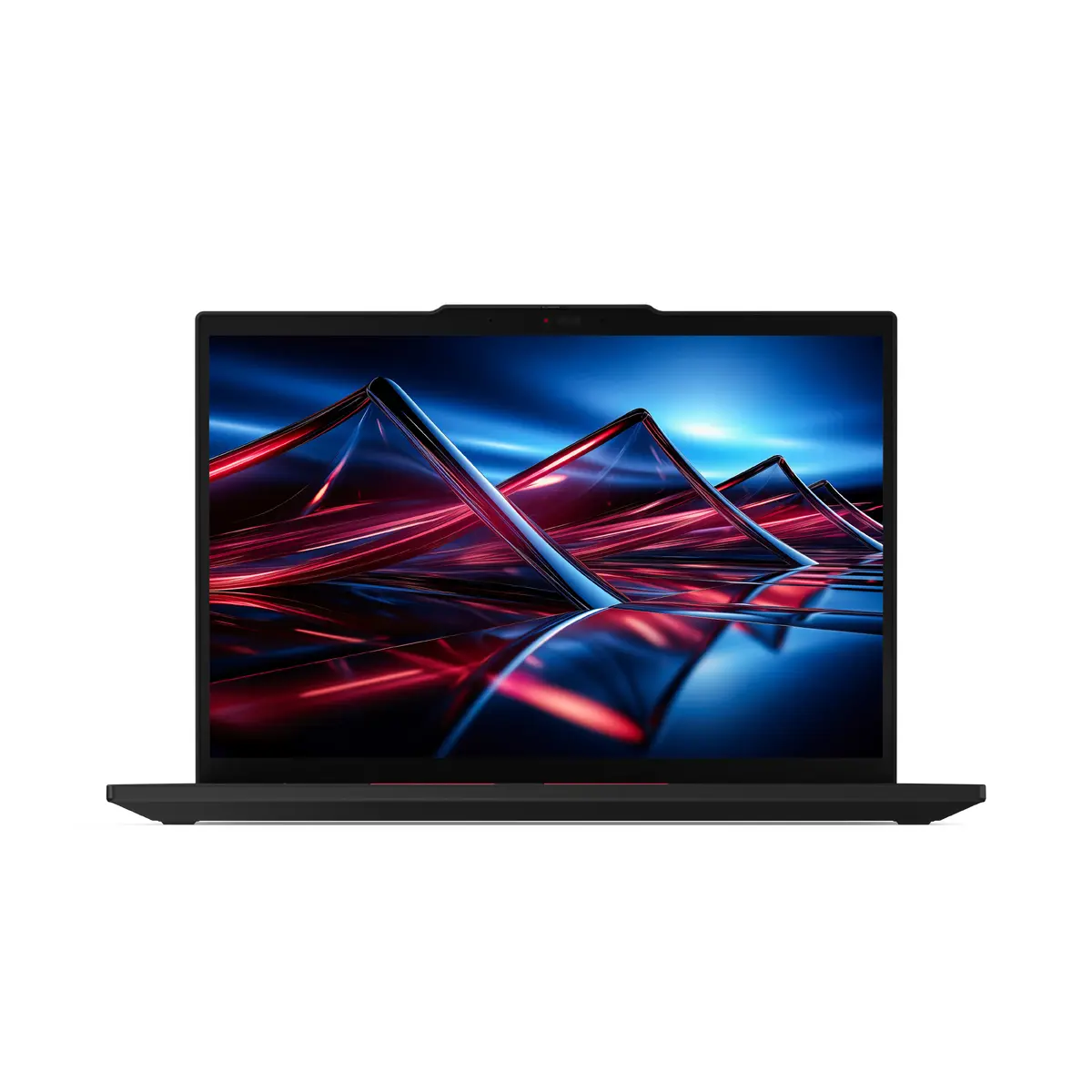
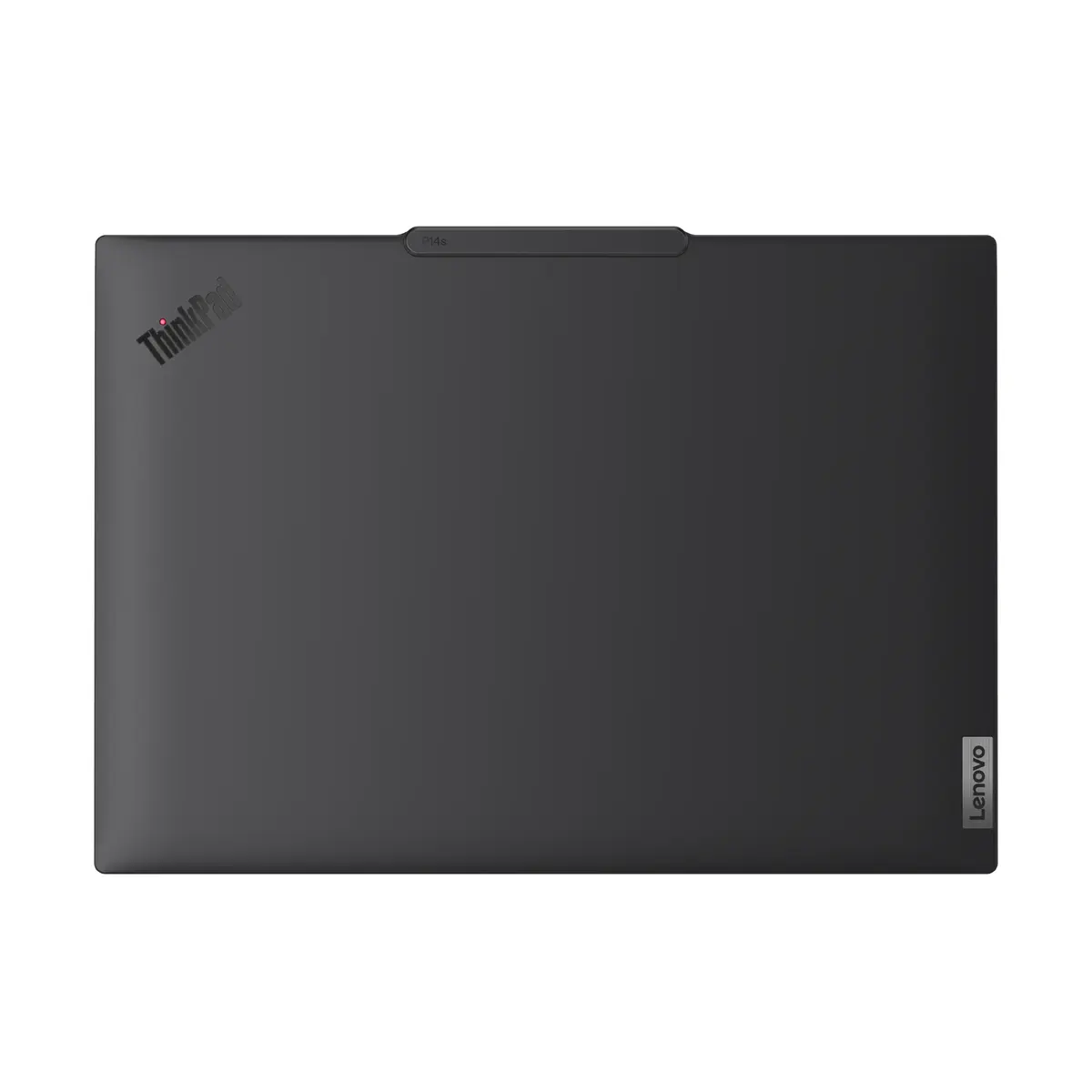
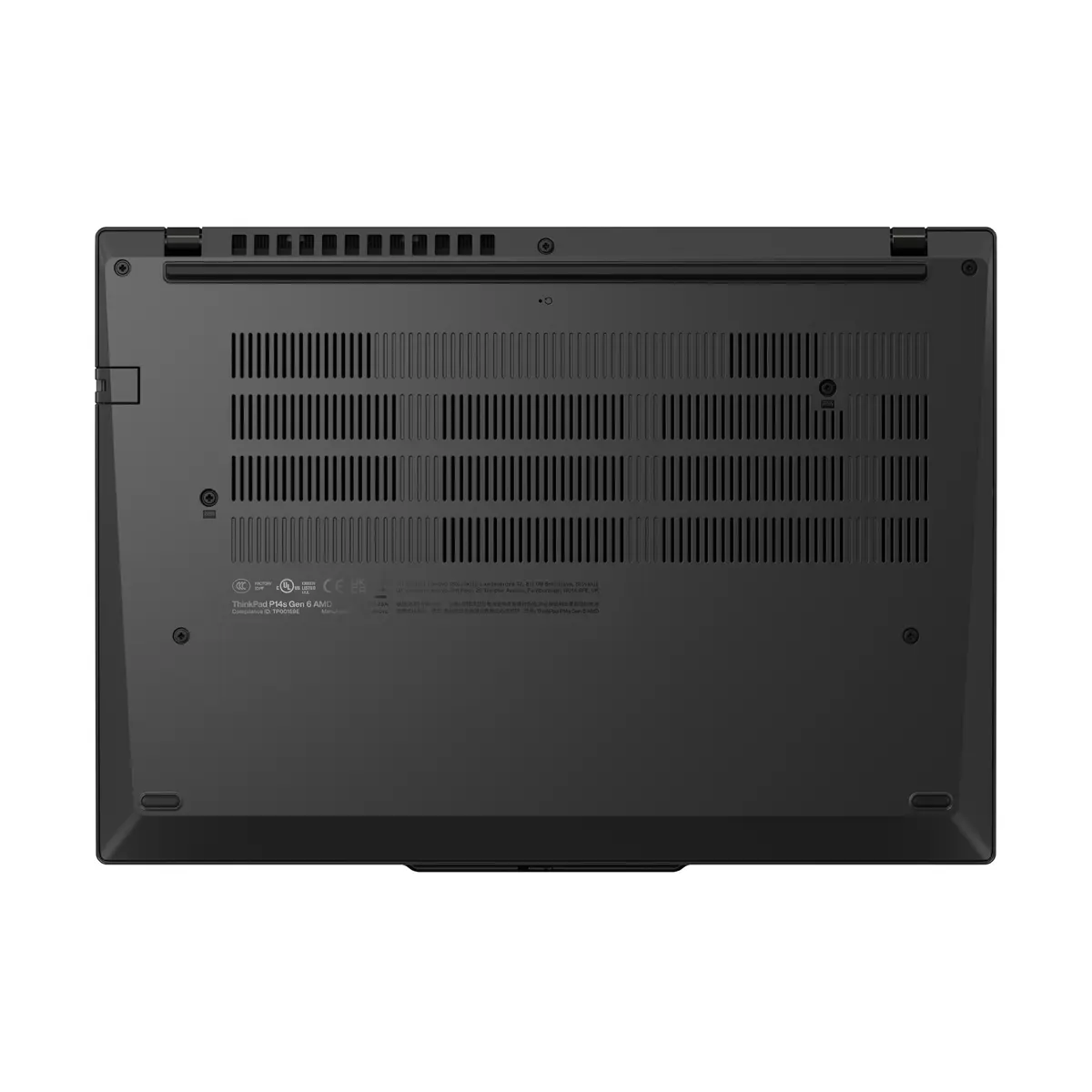
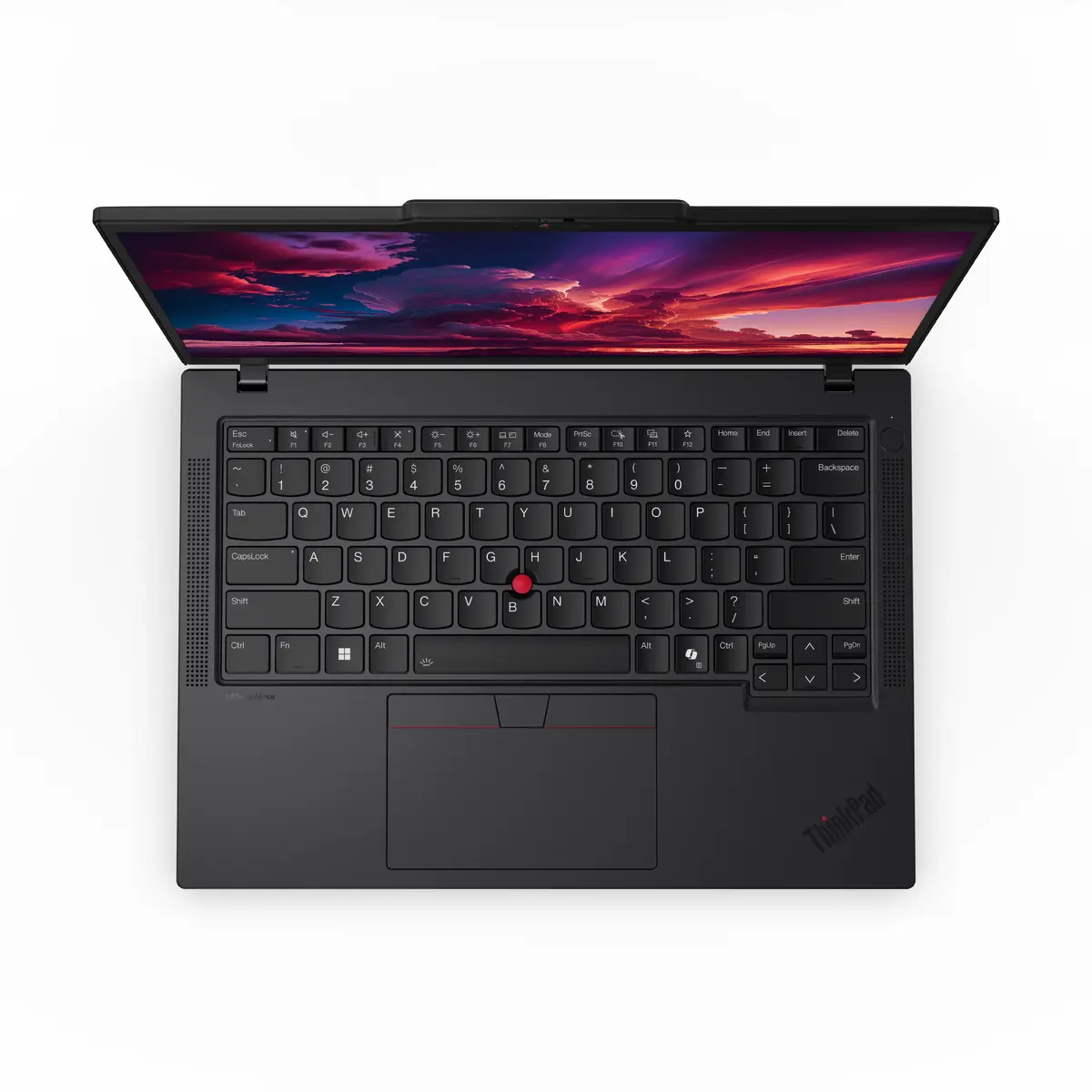
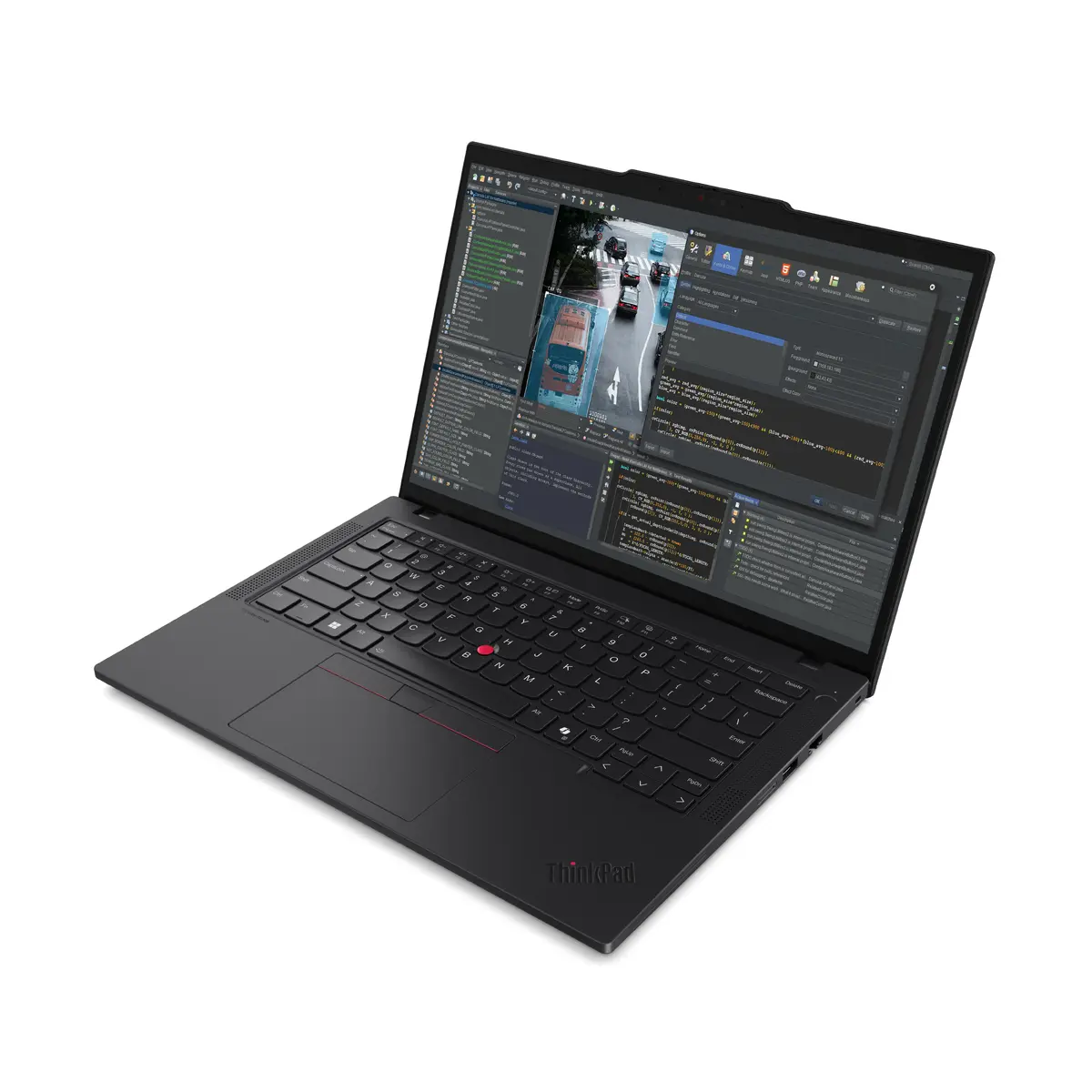
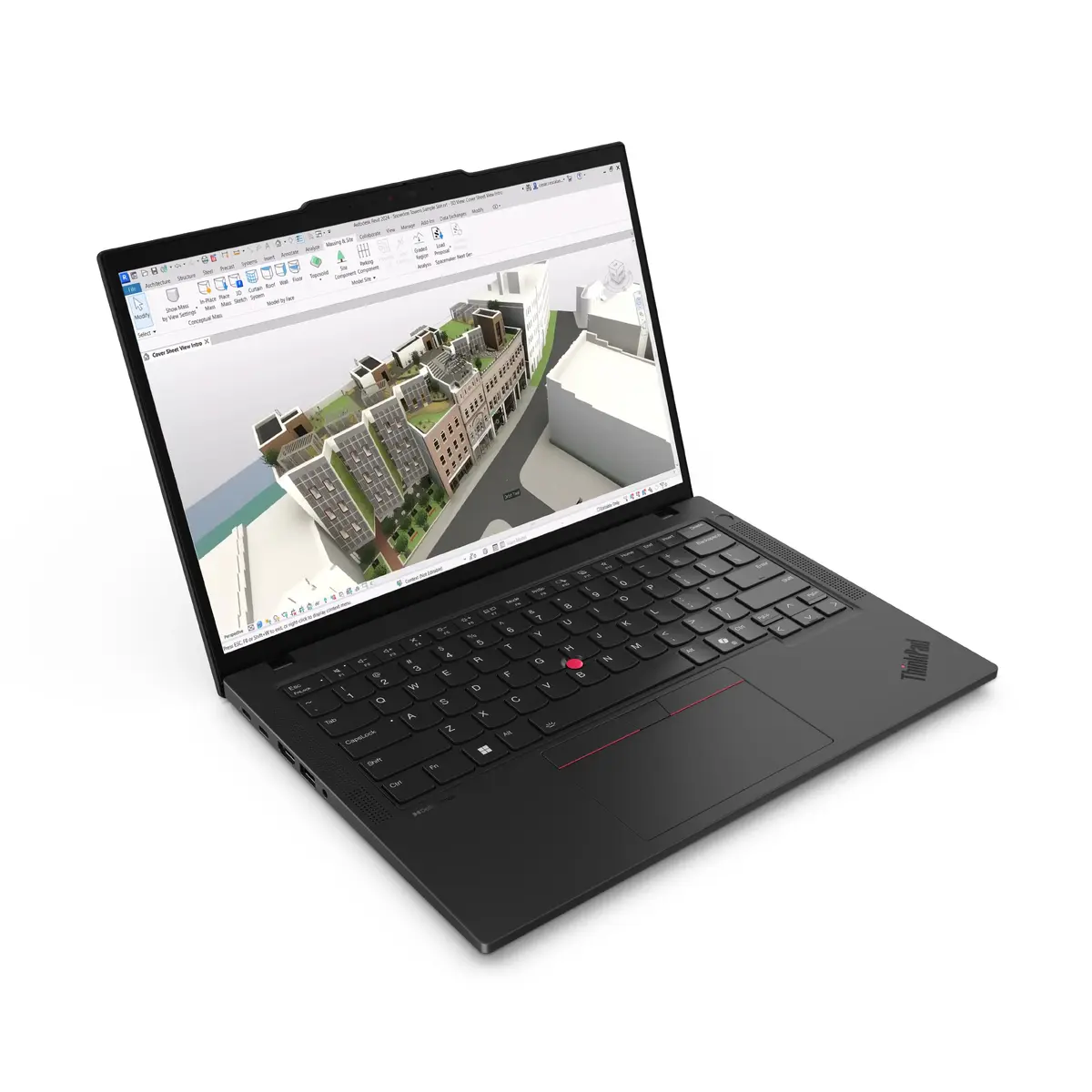
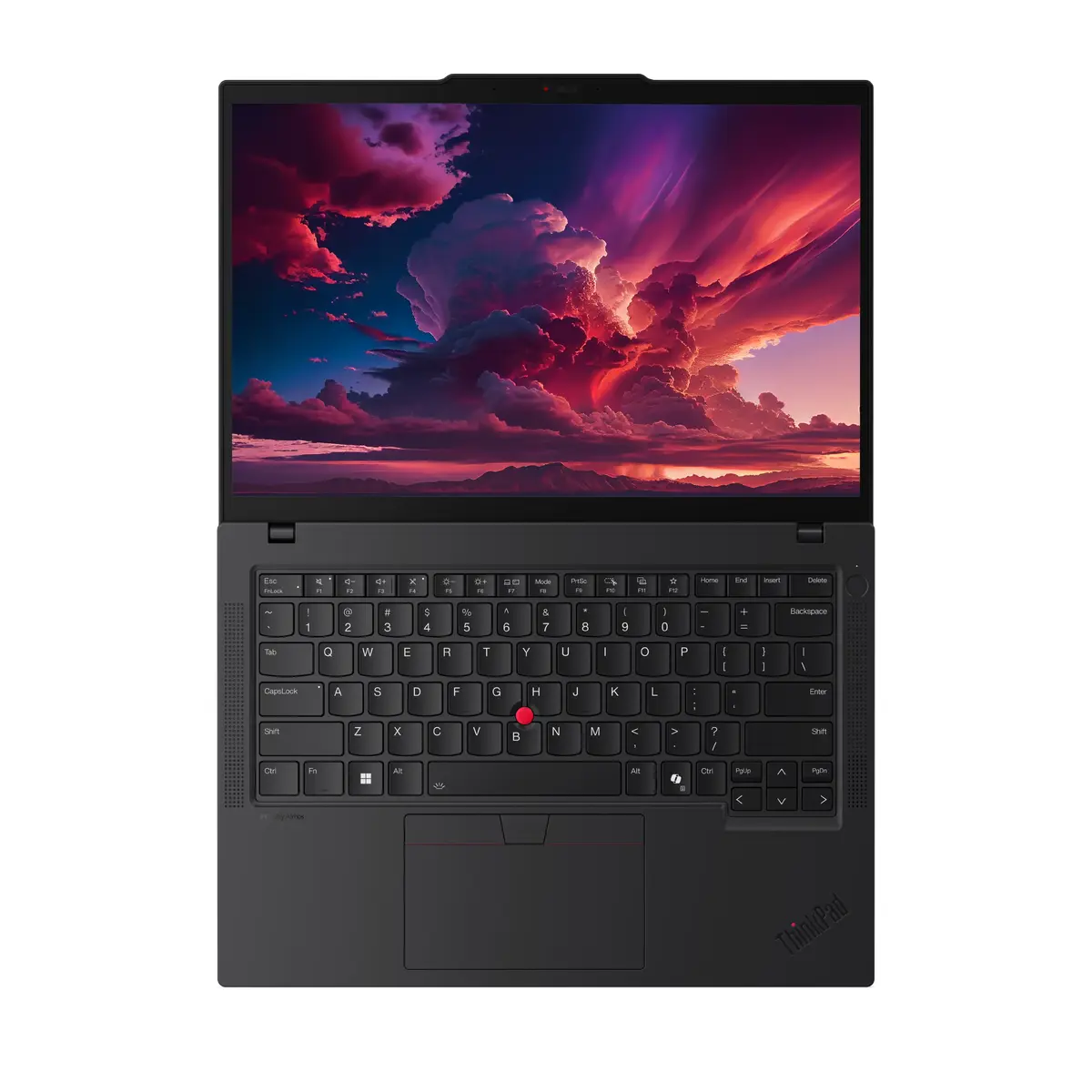
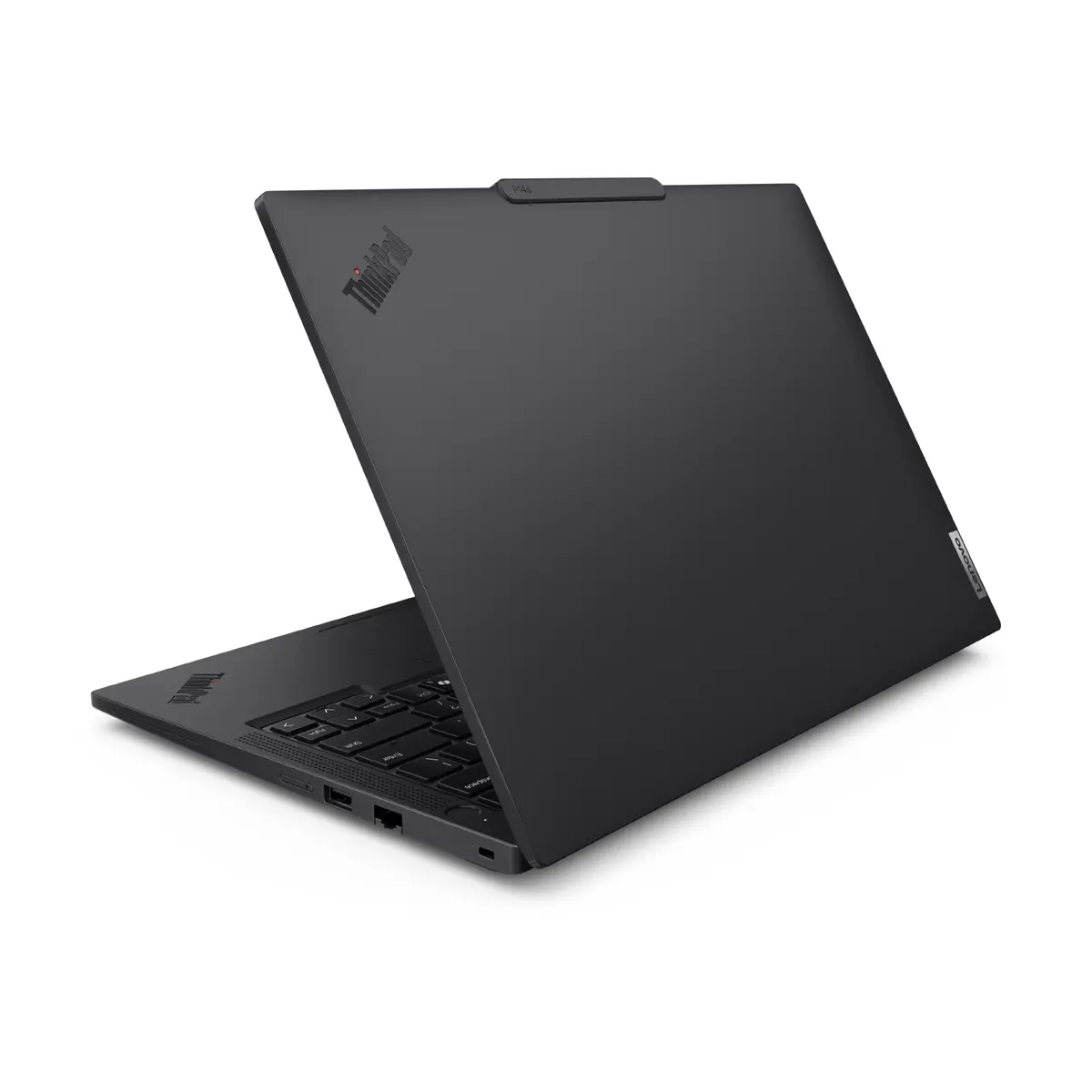
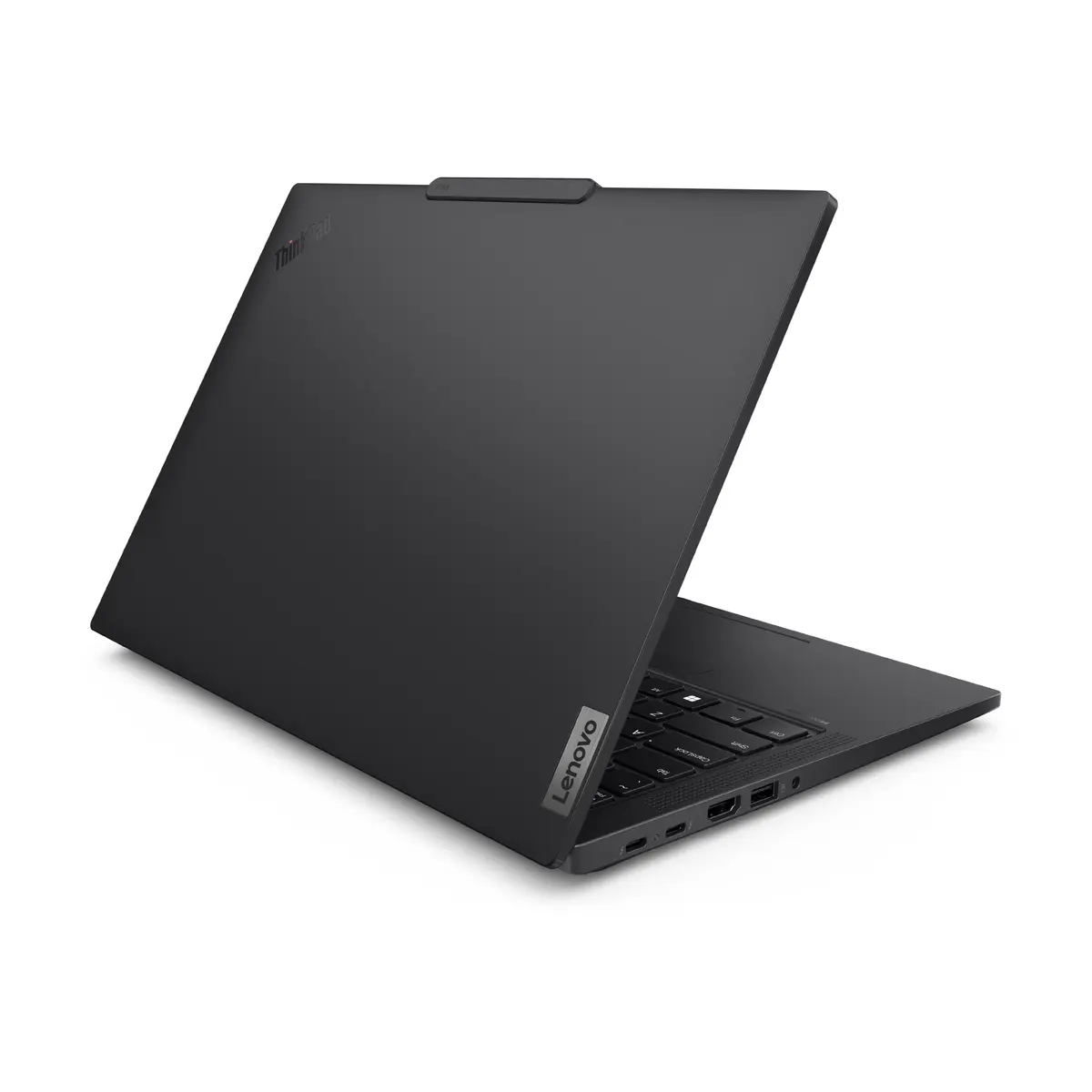
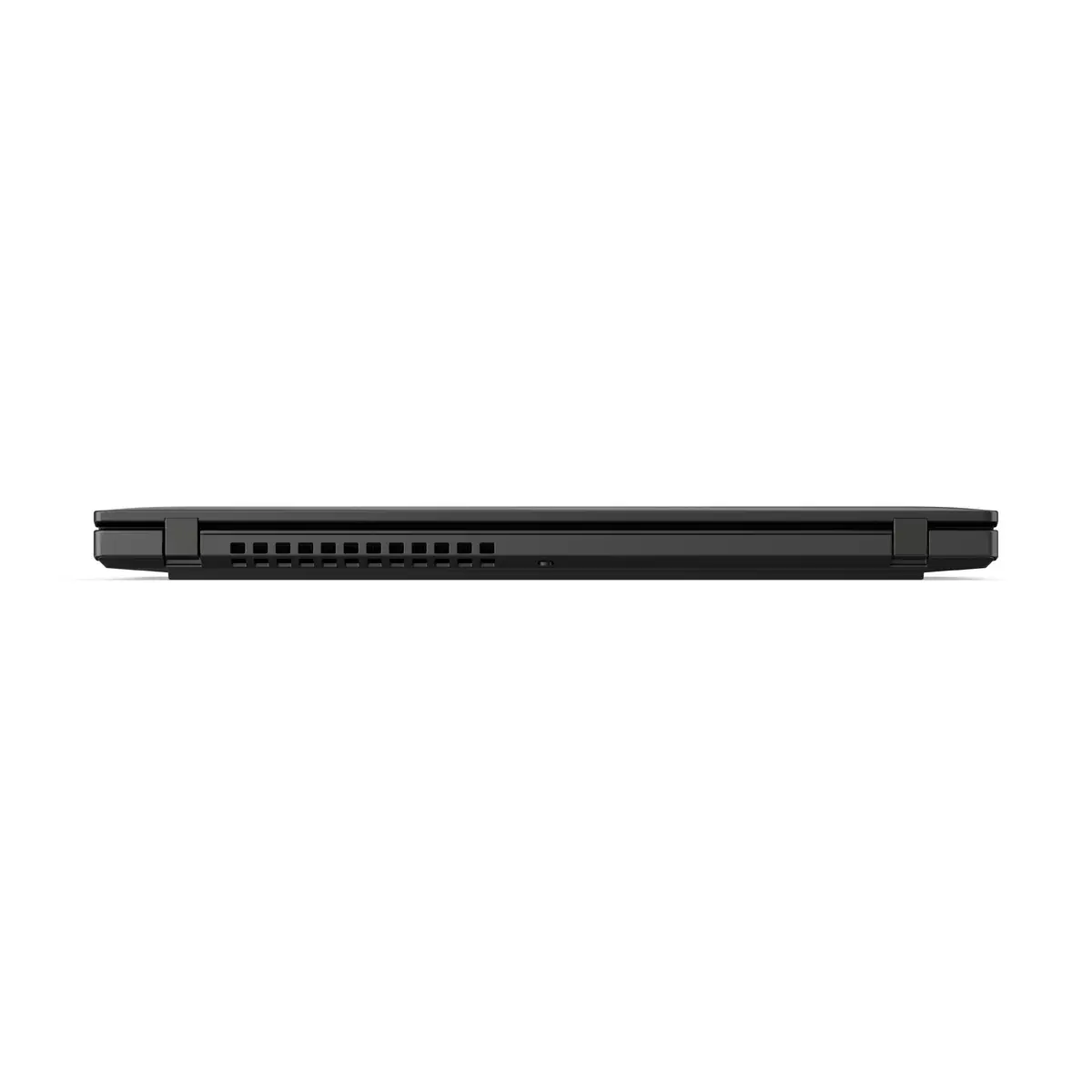
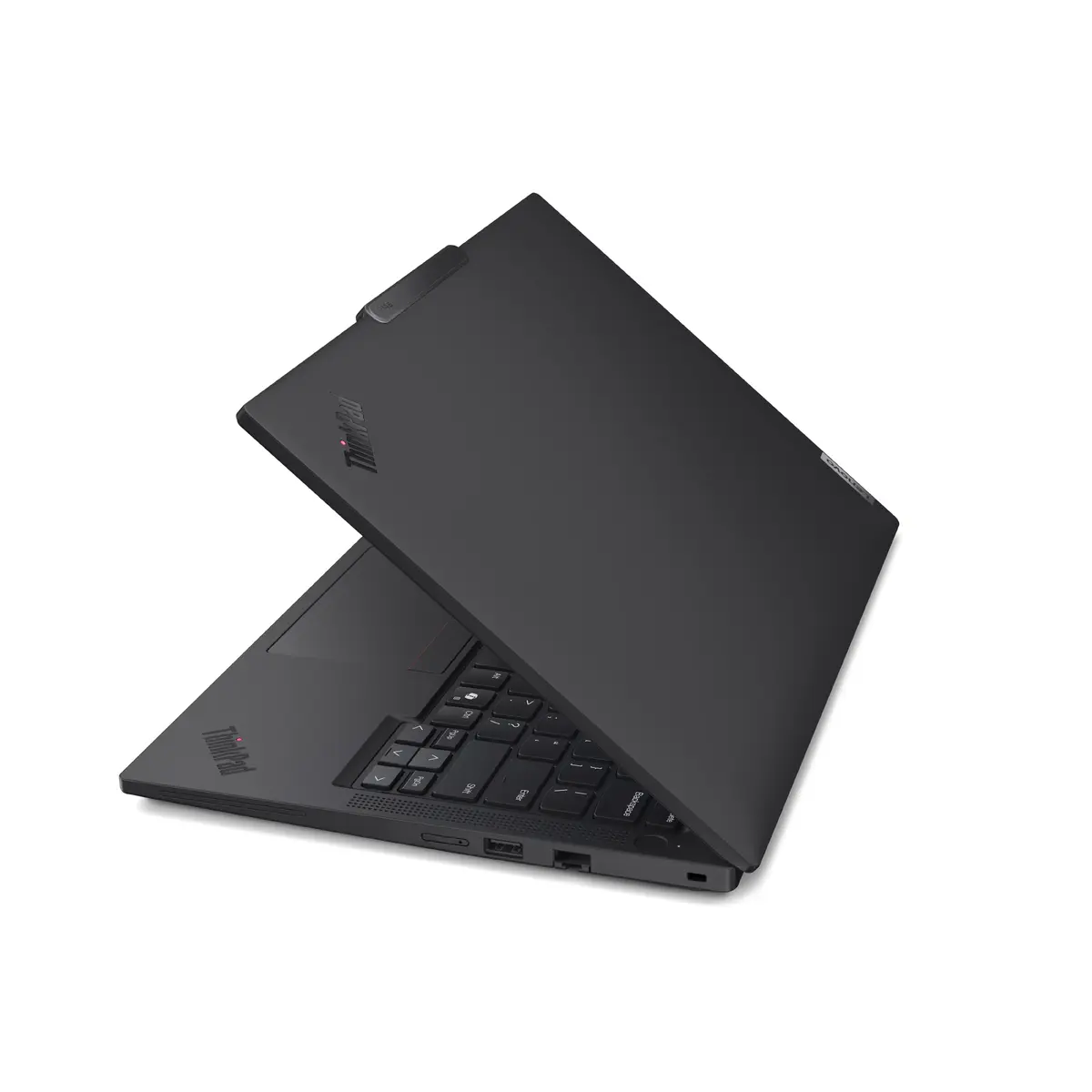
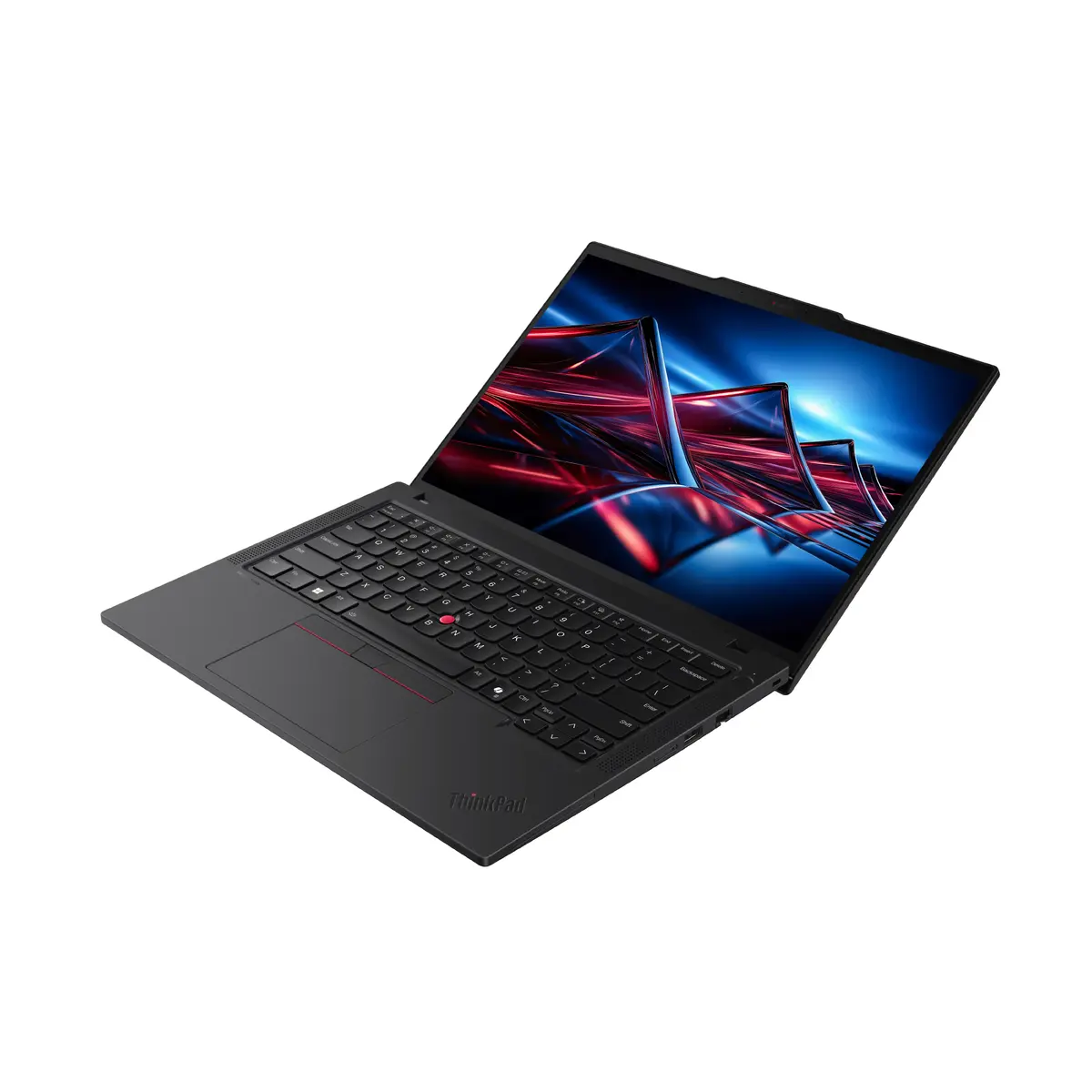
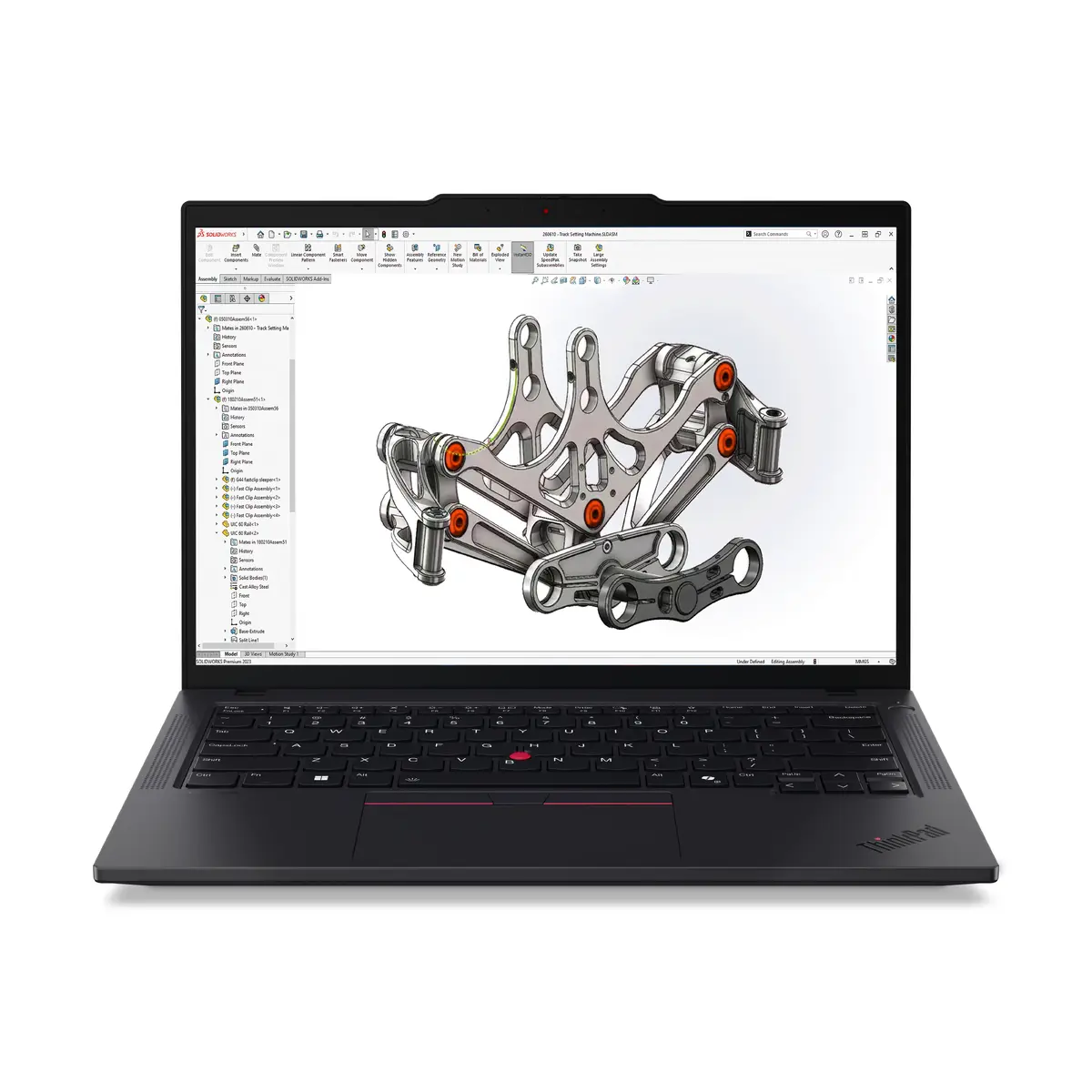
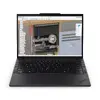
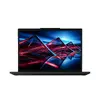
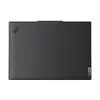
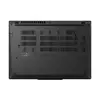
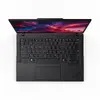
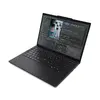
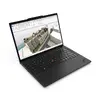
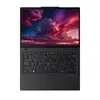
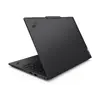
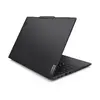
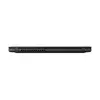
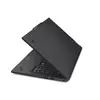
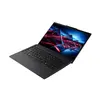
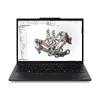
Lenovo ThinkPad P14s Gen 6 Mobile Workstation, AMD Ryzen AI 7 PRO 350, 14-inch WUXGA, 32GB DDR5, 512GB SSD, Windows 11 Pro
The Lenovo ThinkPad P14s Gen 6 is a high-performance mobile workstation engineered for professionals who require reliability and efficiency in a compact form factor. Powered by the AMD Ryzen AI 7 PRO 350 processor and equipped with 32GB of DDR5 memory, this device handles complex multitasking and technical applications with ease. Its 14-inch WUXGA display provides clear visuals, while the 512GB SSD ensures rapid data access and system responsiveness, all housed within a durable, portable chassis running Windows 11 Pro.
This mobile workstation stands out due to its integration of advanced AI-driven processing capabilities, which help optimize system performance and automate demanding workflows. The combination of a high-speed processor and generous RAM allows for smooth operation of professional software suites. Its lightweight design makes it an excellent choice for users who need desktop-level power while traveling or working in hybrid environments. Furthermore, the inclusion of Windows 11 Pro provides enterprise-grade security and management features, ensuring that sensitive data remains protected while maintaining high productivity levels.
This device is not designed for high-end gaming or professional-grade 3D rendering that requires a dedicated, high-performance discrete graphics card. Users who primarily focus on heavy video editing or complex 3D modeling may find the integrated graphics limitations restrictive for their specific creative workflows.
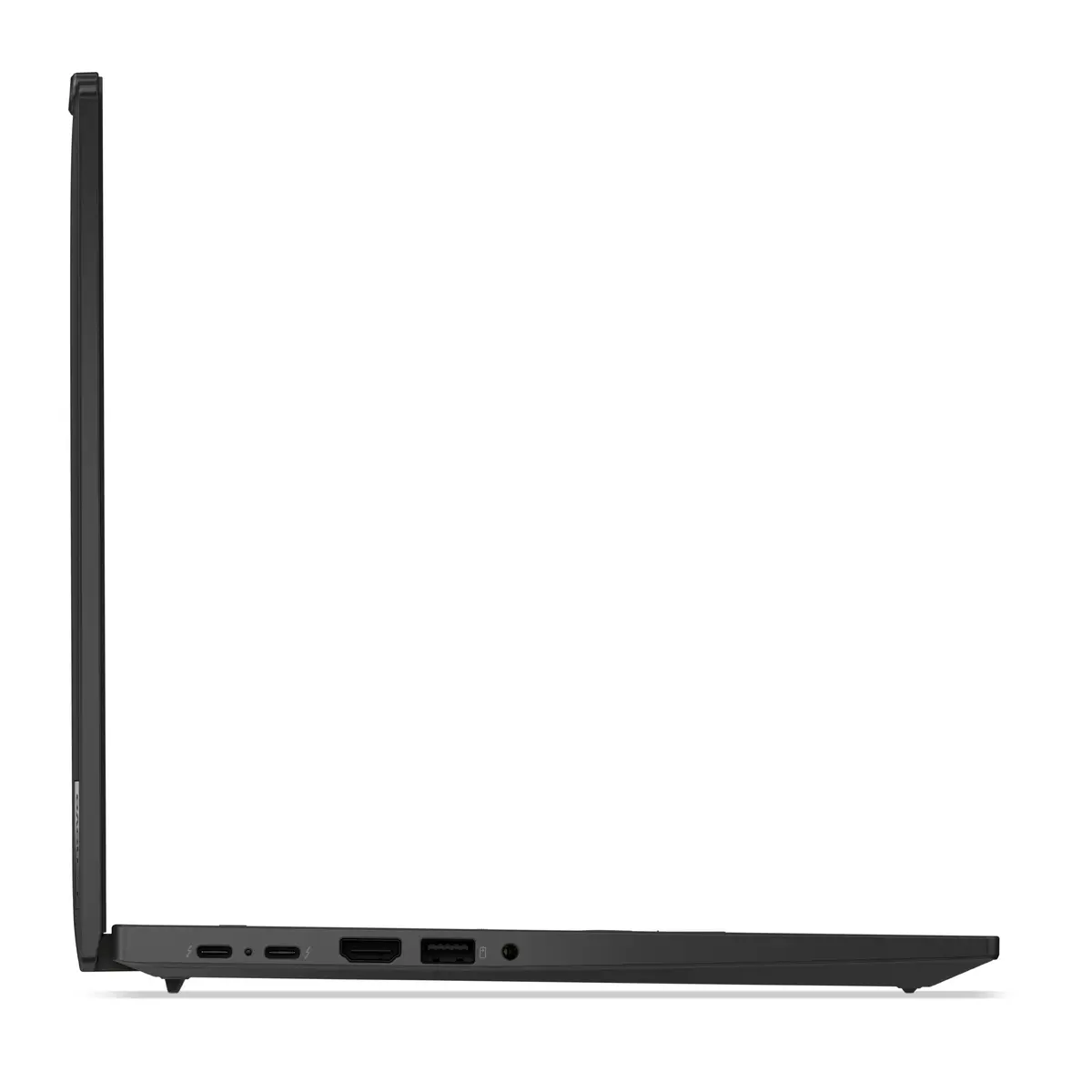
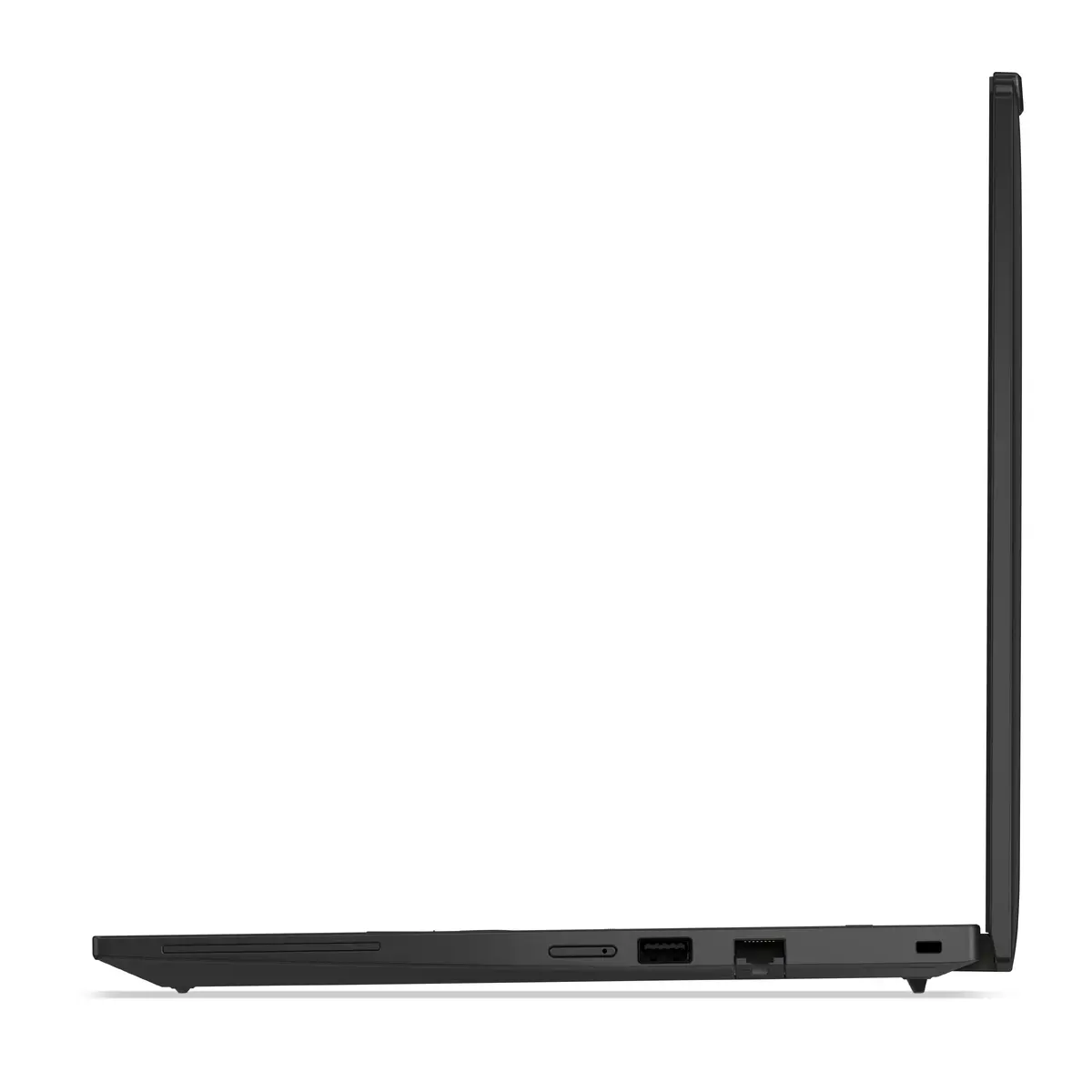
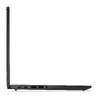
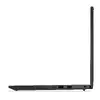
To begin using your Lenovo ThinkPad P14s Gen 6, connect the provided power adapter to the USB-C port to ensure the battery is fully charged. Press the power button to initiate the Windows 11 Pro setup process, following the on-screen instructions to configure your user account, network settings, and security preferences. Once the initial setup is complete, you can install your preferred professional applications. The device supports various peripherals through its integrated ports, allowing you to connect external monitors, docking stations, and high-speed storage devices to expand your workspace as needed.
To maintain optimal performance and battery longevity, keep your system software and drivers updated via the Lenovo Vantage application. Ensure the ventilation areas remain unobstructed during heavy workloads to prevent thermal throttling and maintain consistent processing speeds.
{{highlightedFeature.featureTitle}}:
{{getProductFeatureValueById(product, highlightedFeature.featureId)}}
