
Filters you can trust. Pure water every day.
In cart {{totalProductsCount}} item(s)
Your cart is empty
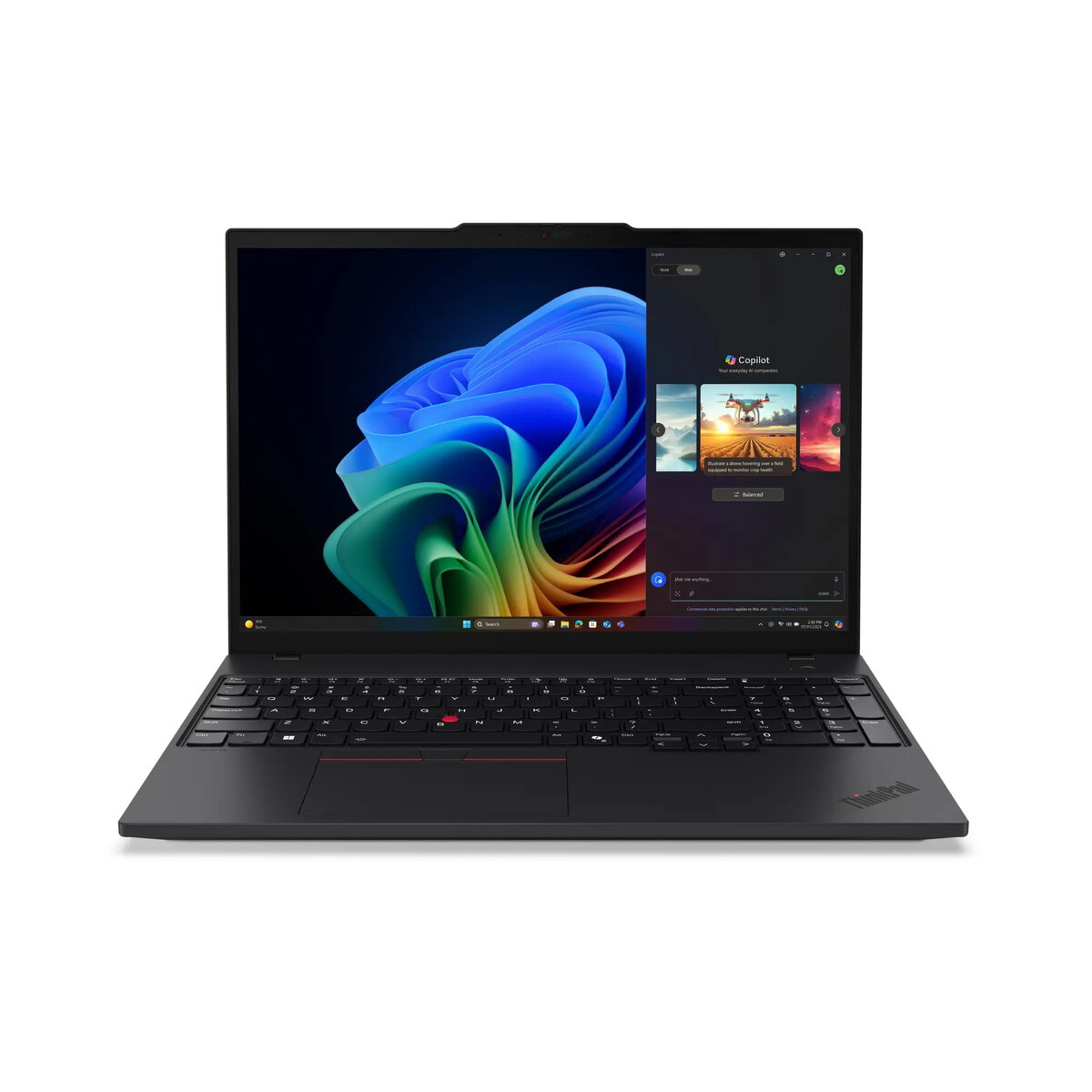
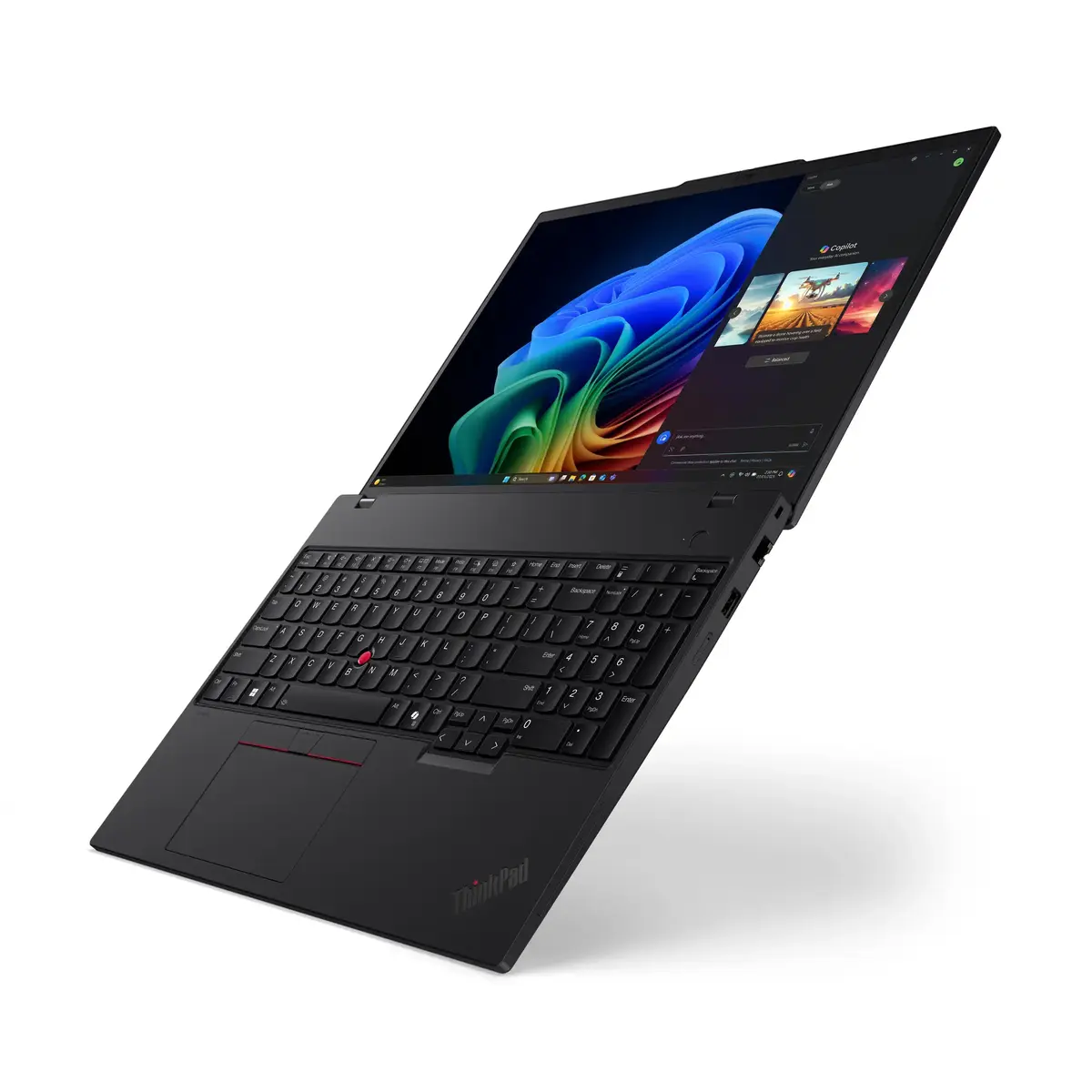
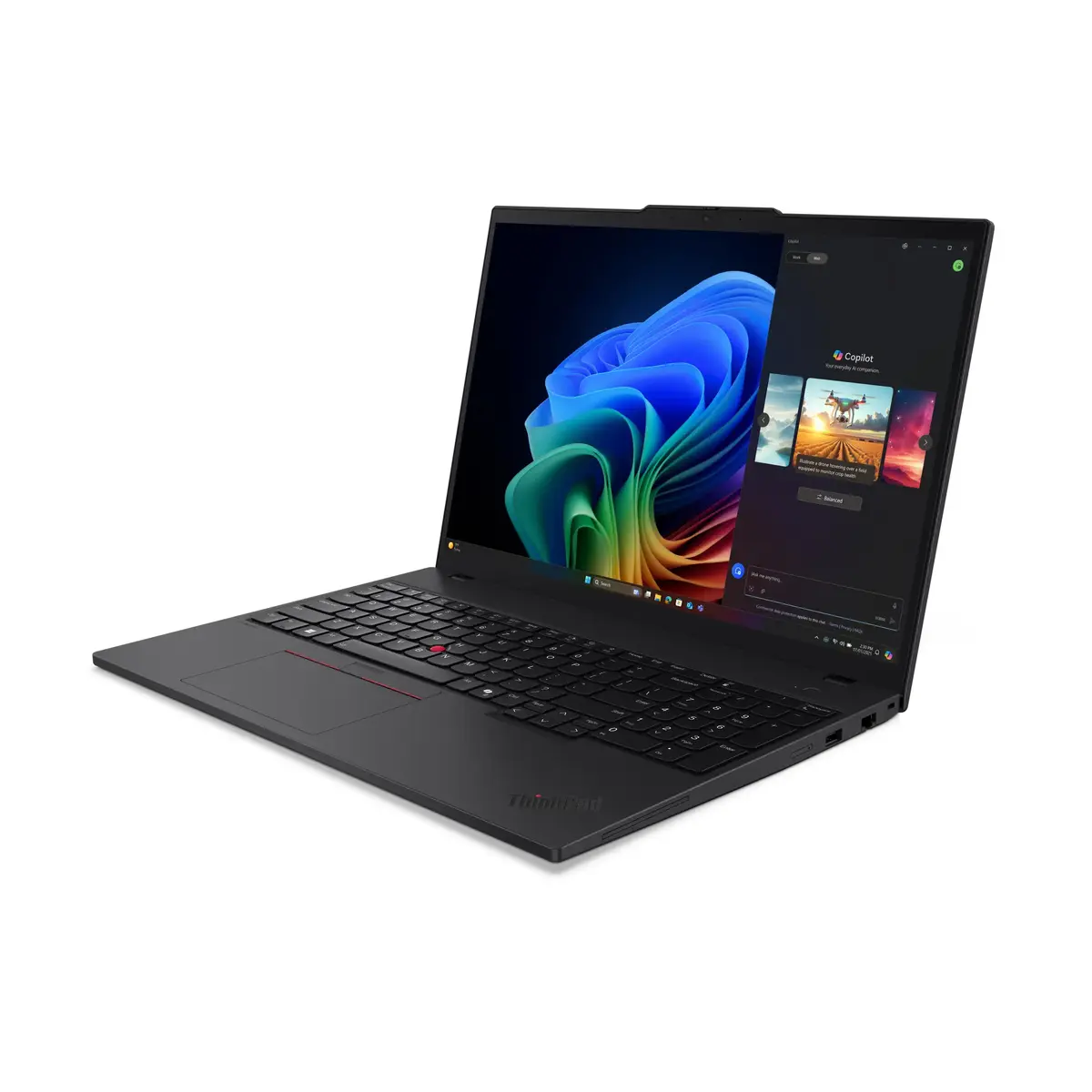
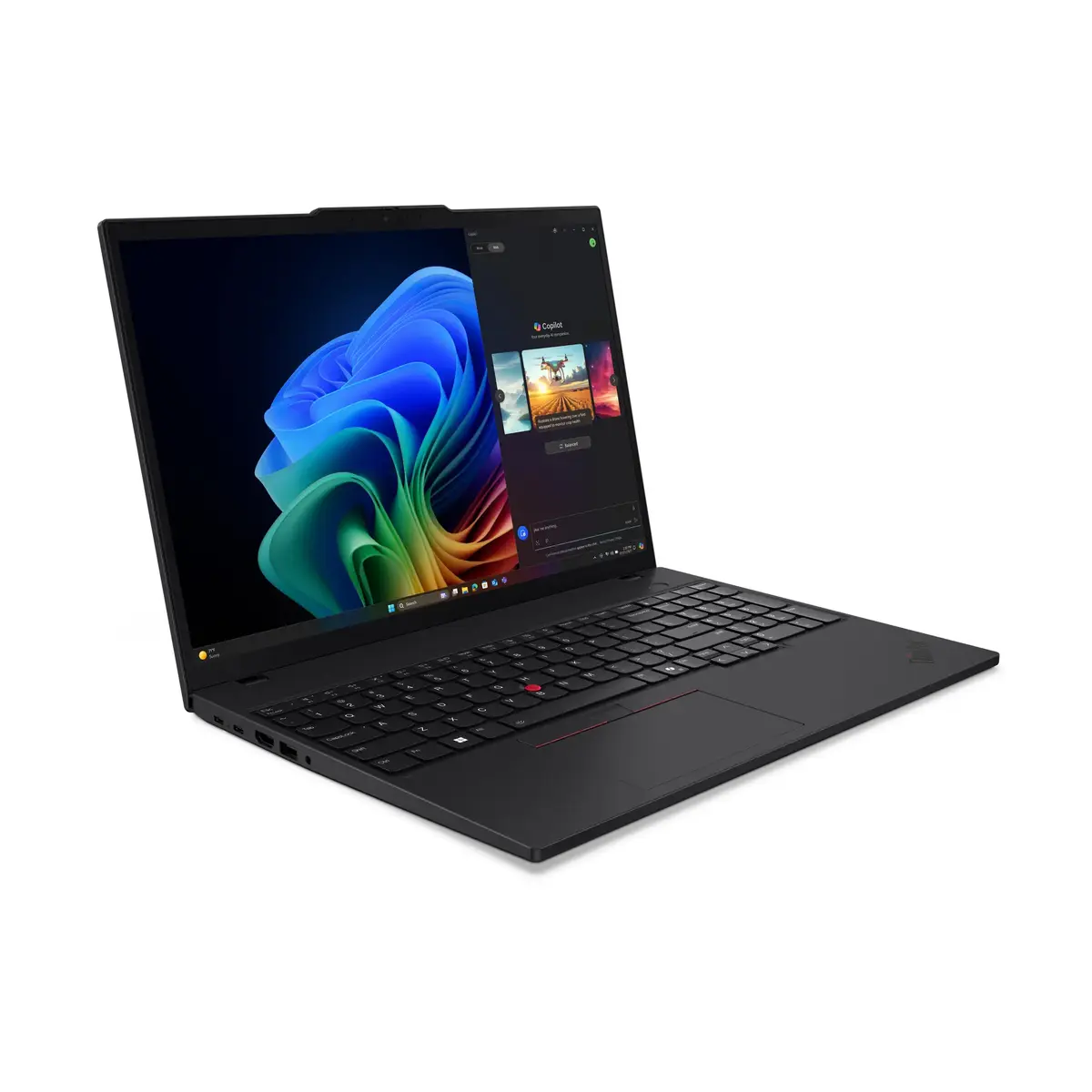
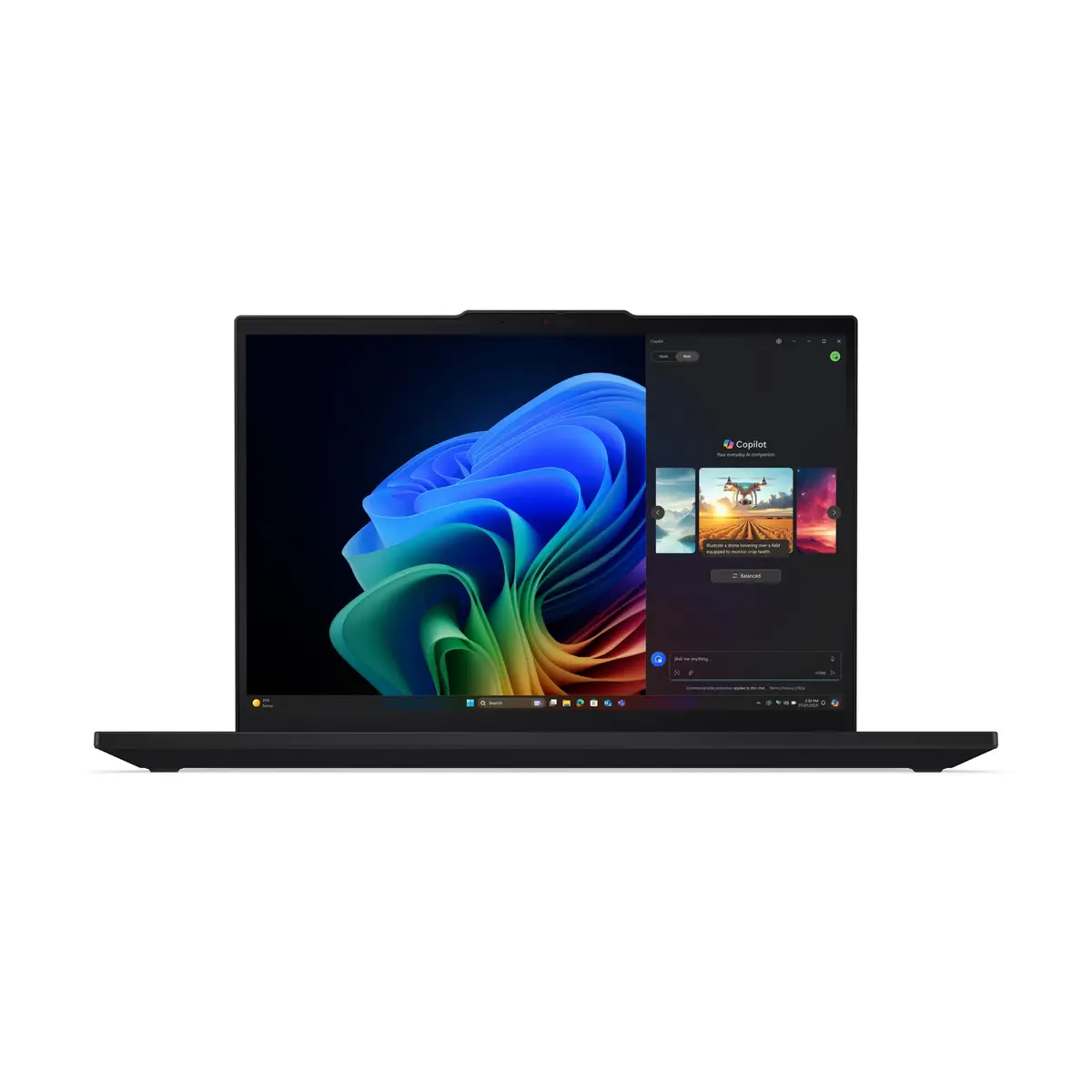
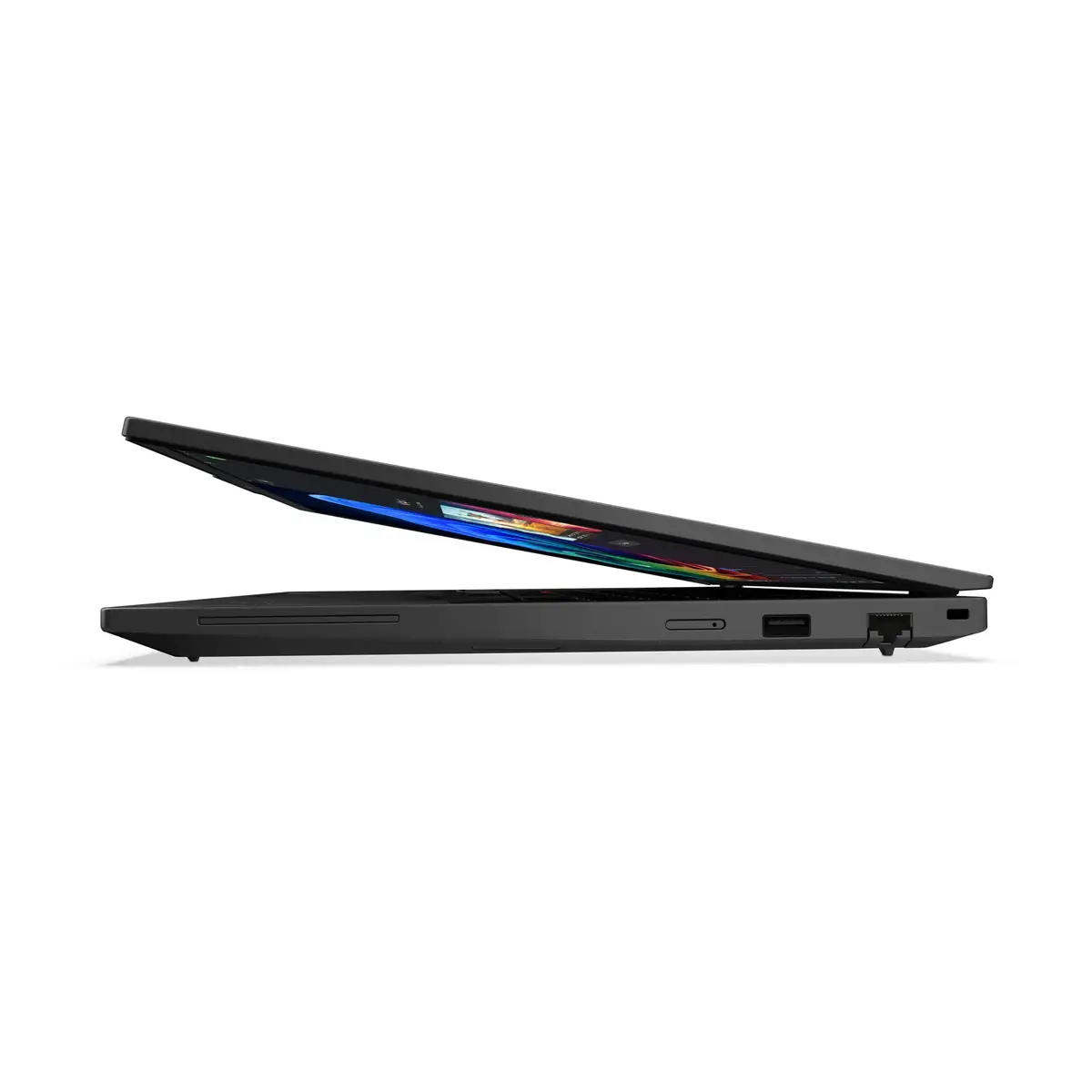
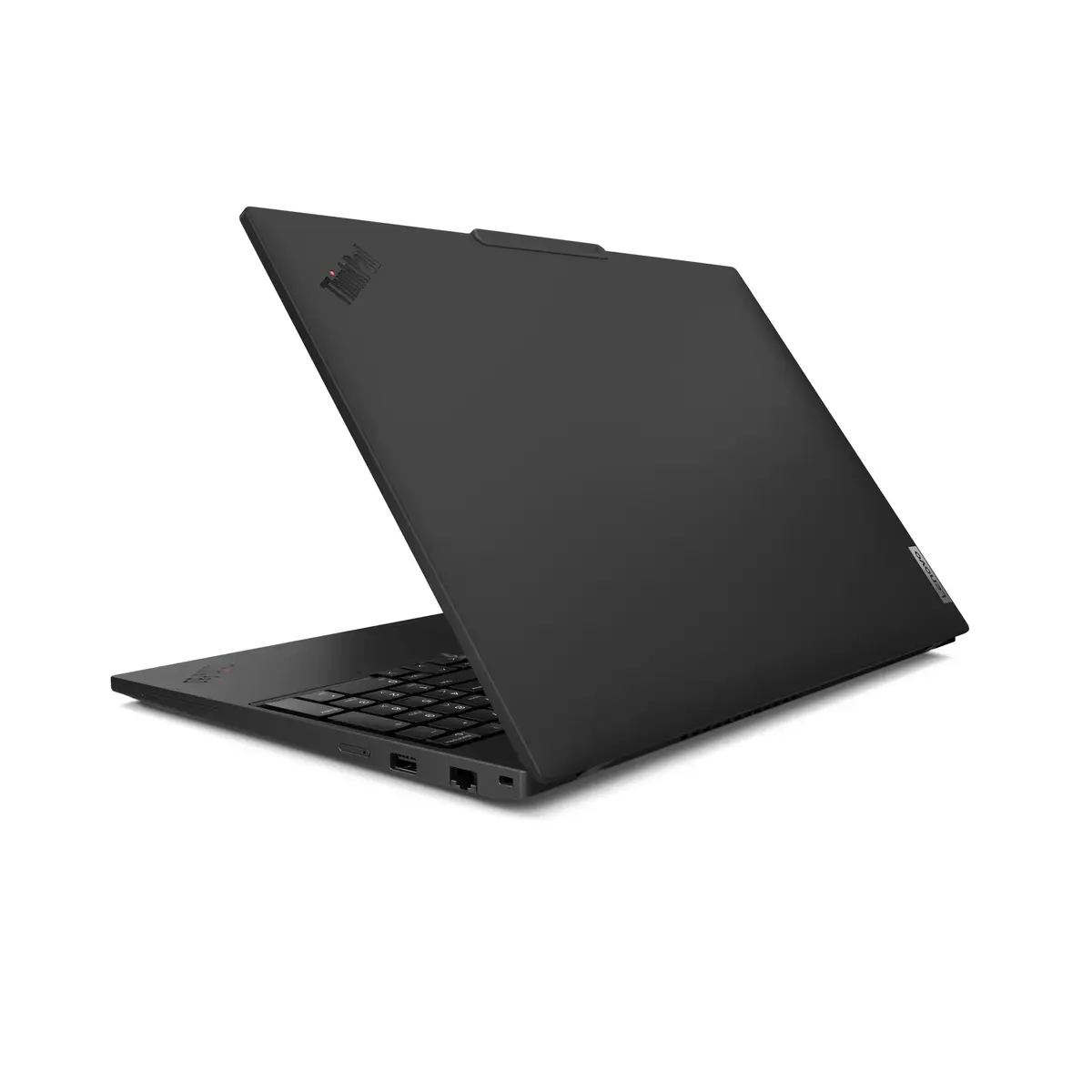
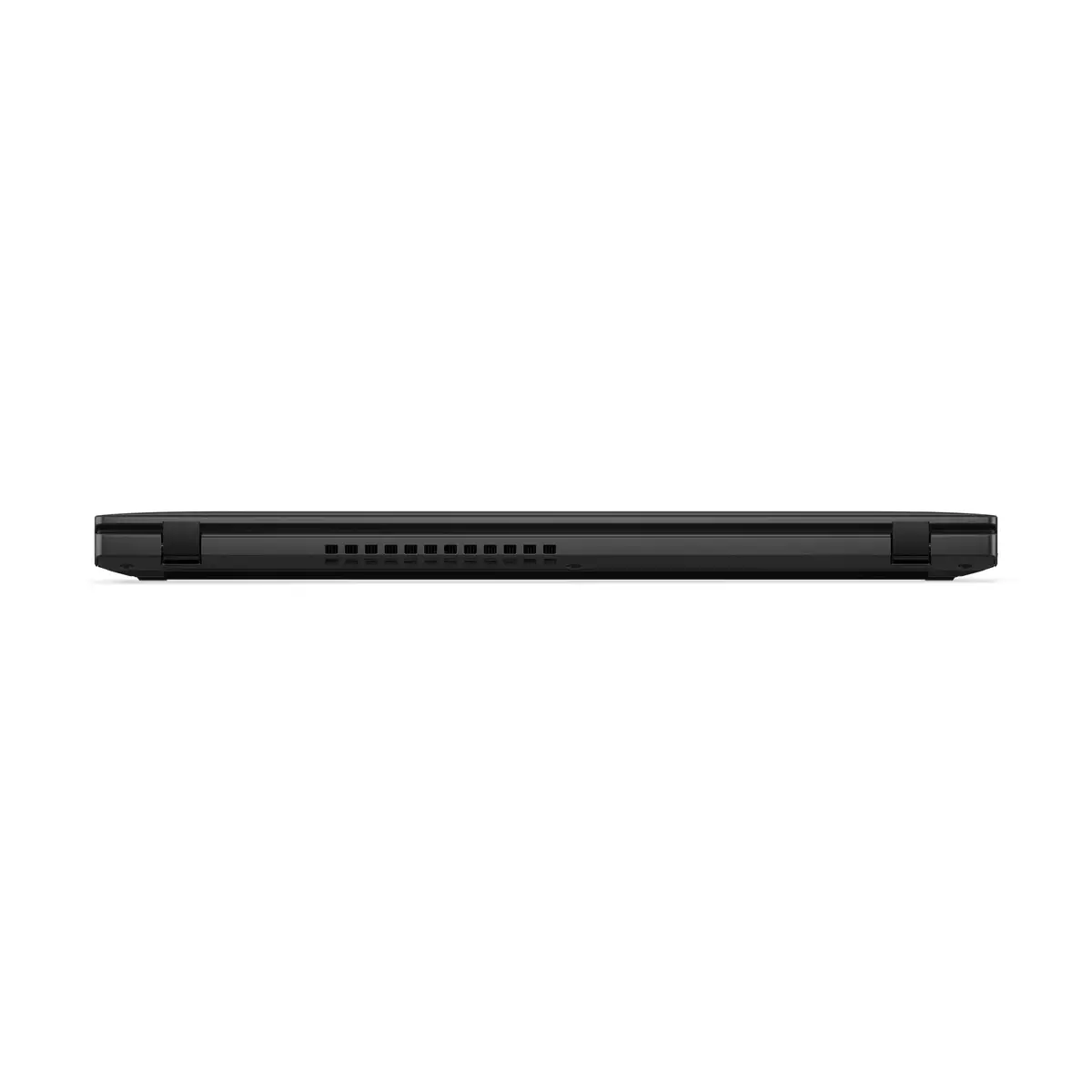
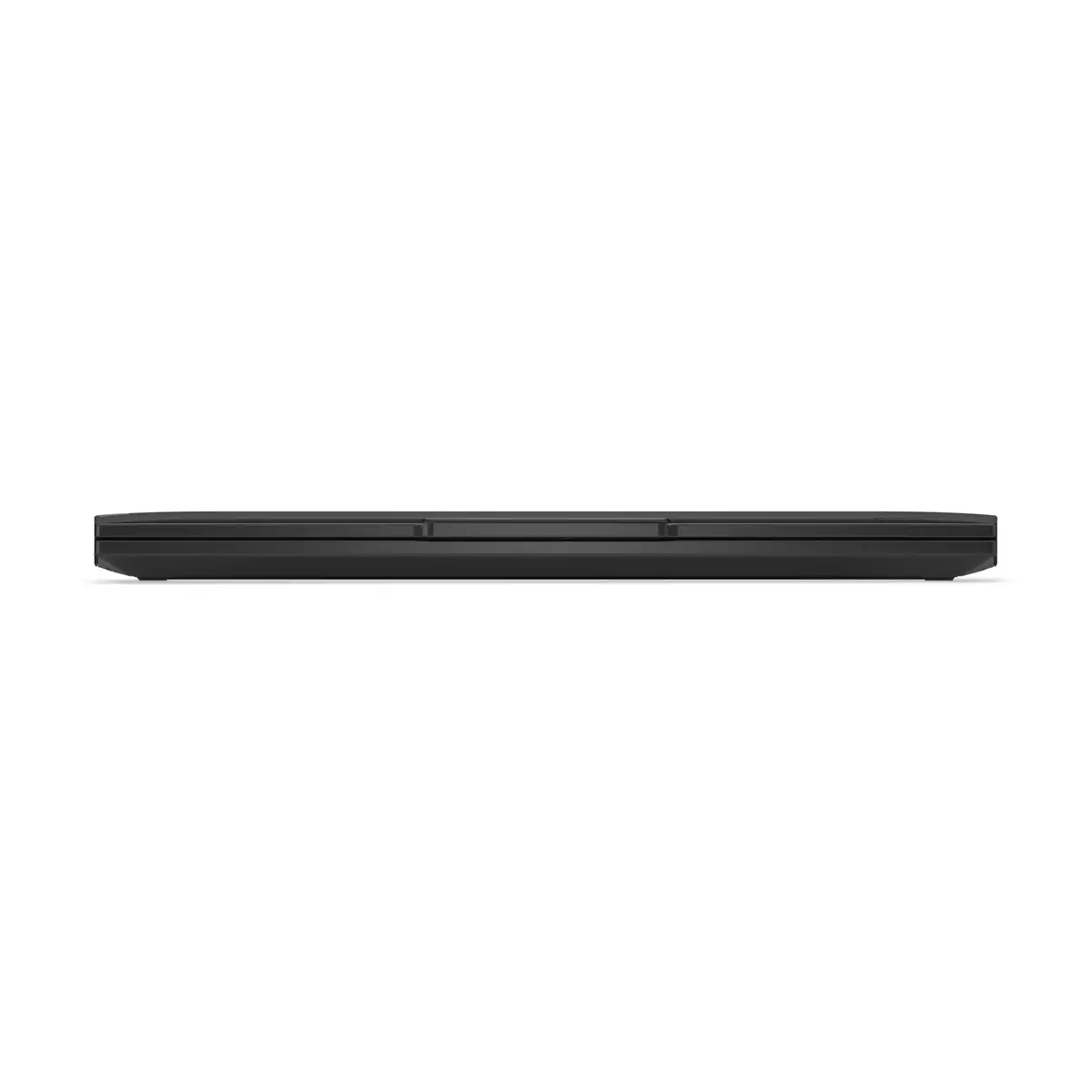
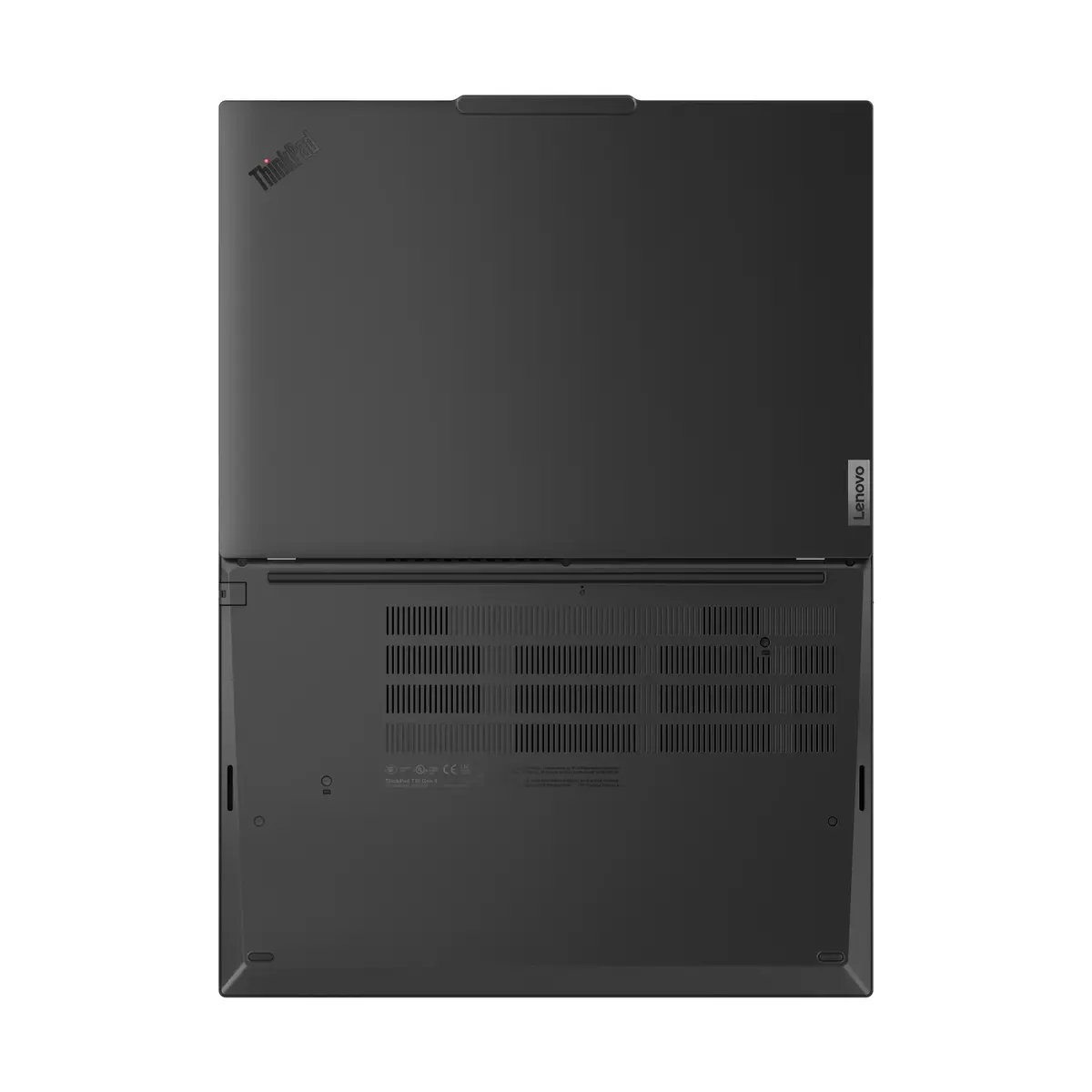
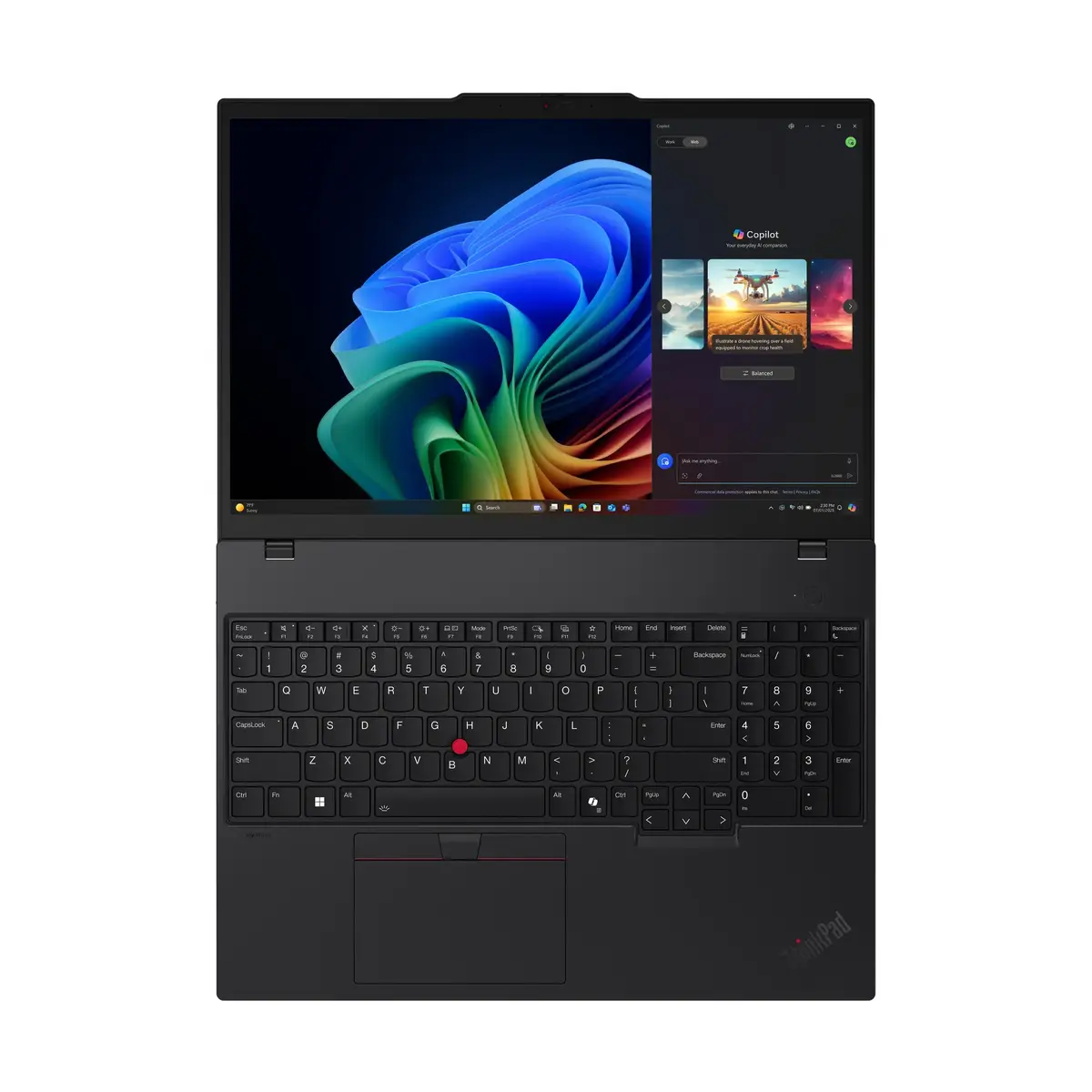
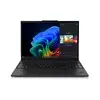
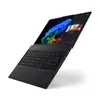
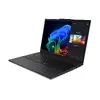
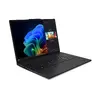
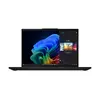
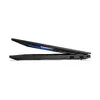
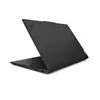
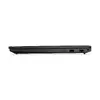
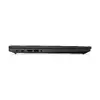
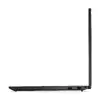
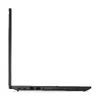
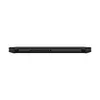
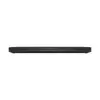
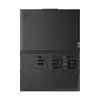
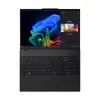
Lenovo ThinkPad T16 Gen 4 Laptop, AMD Ryzen AI 7 350, 16" WUXGA, 32GB RAM, 1TB SSD, Windows 11 Pro
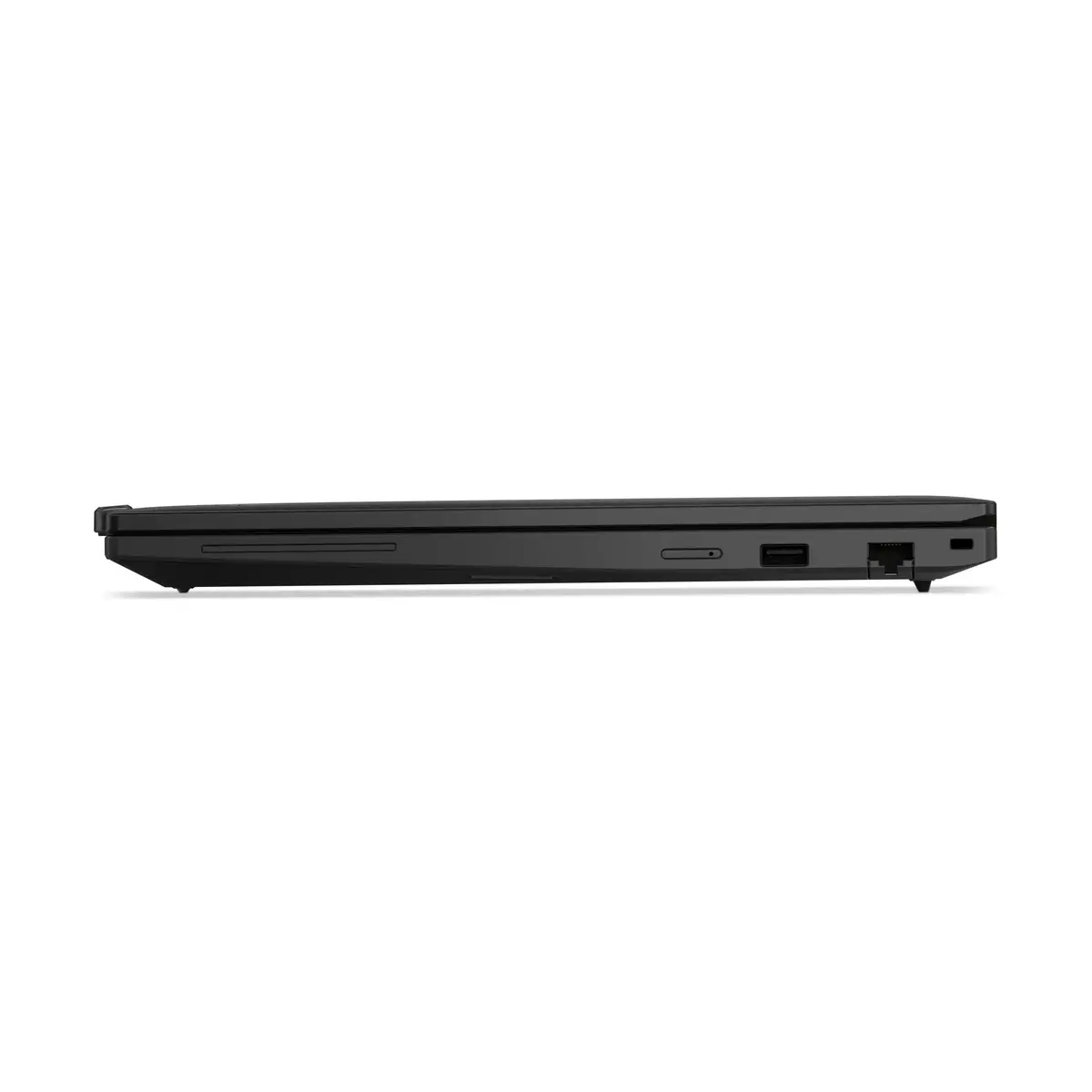
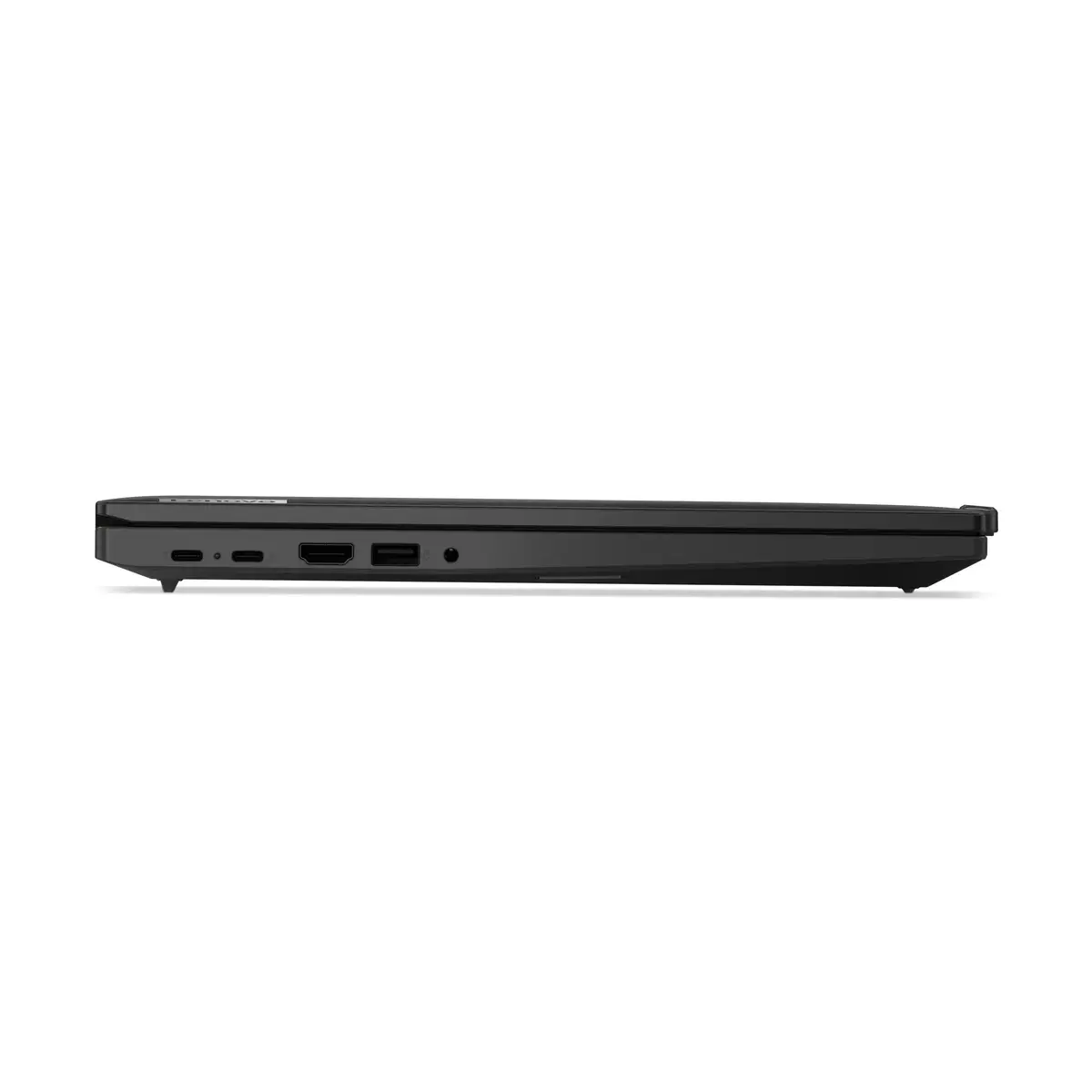
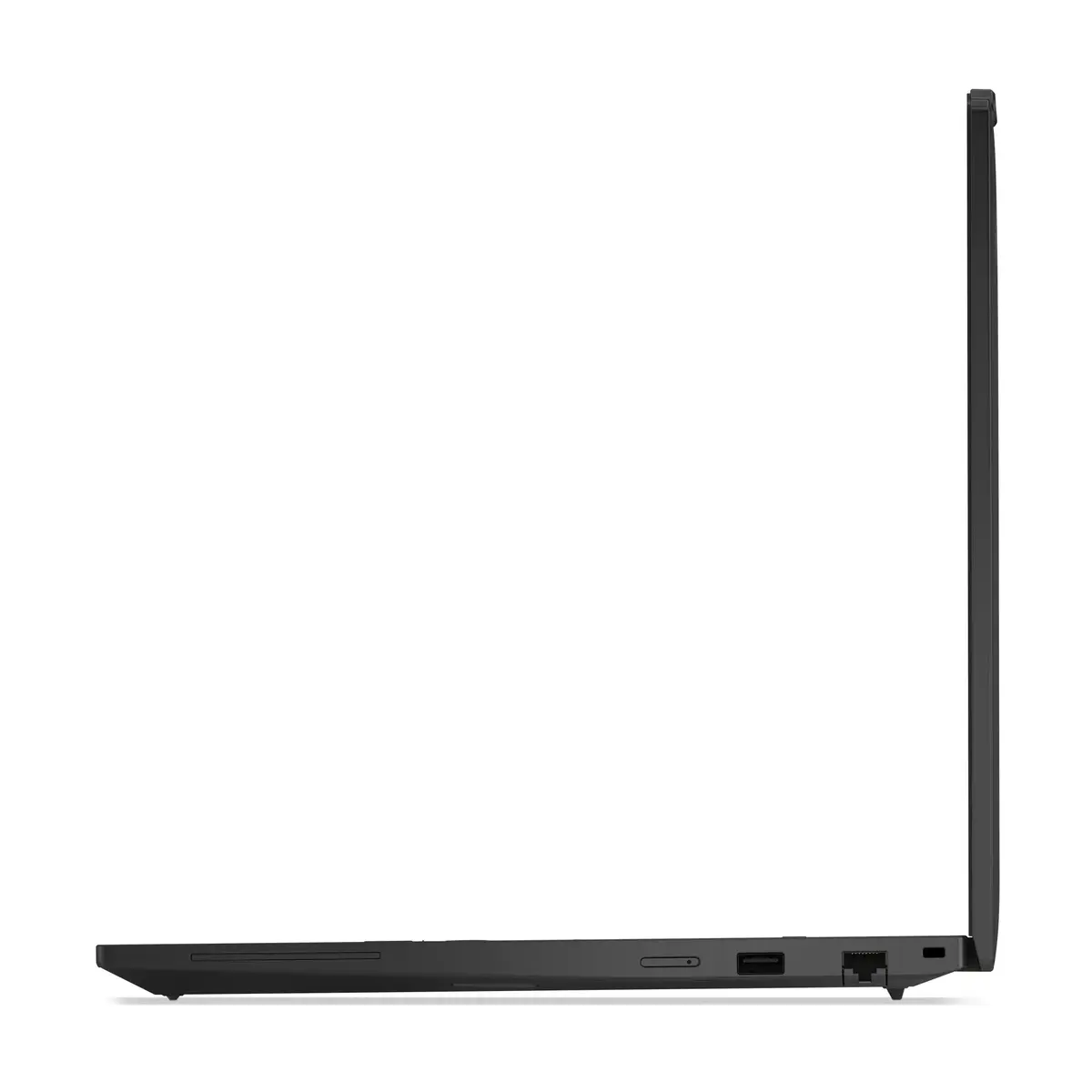
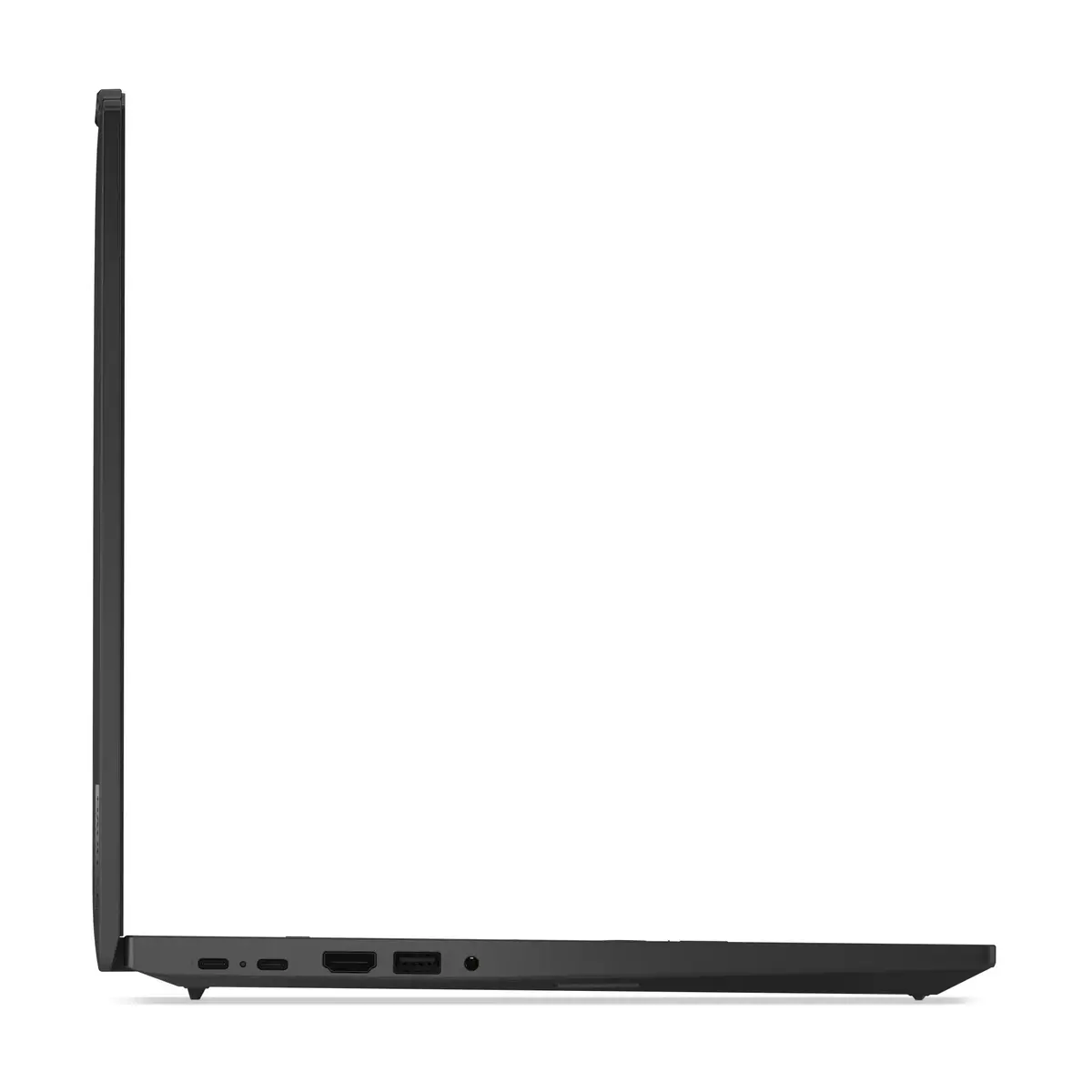
The Lenovo ThinkPad T16 Gen 4 is a high-performance business laptop engineered for professionals who require reliability and speed in a portable form factor. Powered by the AMD Ryzen AI 7 350 processor and equipped with 32GB of DDR5 memory, this device handles multitasking and complex office applications with ease. Its 16-inch WUXGA display provides a spacious workspace, while the 1TB SSD ensures rapid data access and ample storage for all your critical files. Designed with the signature ThinkPad durability, this laptop is a robust solution for both office environments and mobile work setups.
This laptop offers exceptional processing power through its advanced AMD Ryzen AI architecture, which is optimized for modern productivity tasks and efficient power management. The inclusion of 32GB of high-speed DDR5 RAM ensures smooth performance even when running multiple demanding applications simultaneously. Furthermore, the 16-inch display with a 16:10 aspect ratio provides more vertical screen space, which is highly beneficial for document editing and data analysis. The integration of Wi-Fi 7 ensures future-proof connectivity, while the Windows 11 Pro operating system provides advanced security and management features essential for business users.
This laptop may not be the ideal choice for users primarily focused on high-end gaming or intensive 3D rendering, as it relies on integrated AMD Radeon 860M graphics rather than a dedicated discrete GPU. Additionally, users who prioritize extreme portability might find the 16-inch form factor larger than ultra-compact 13-inch alternatives.
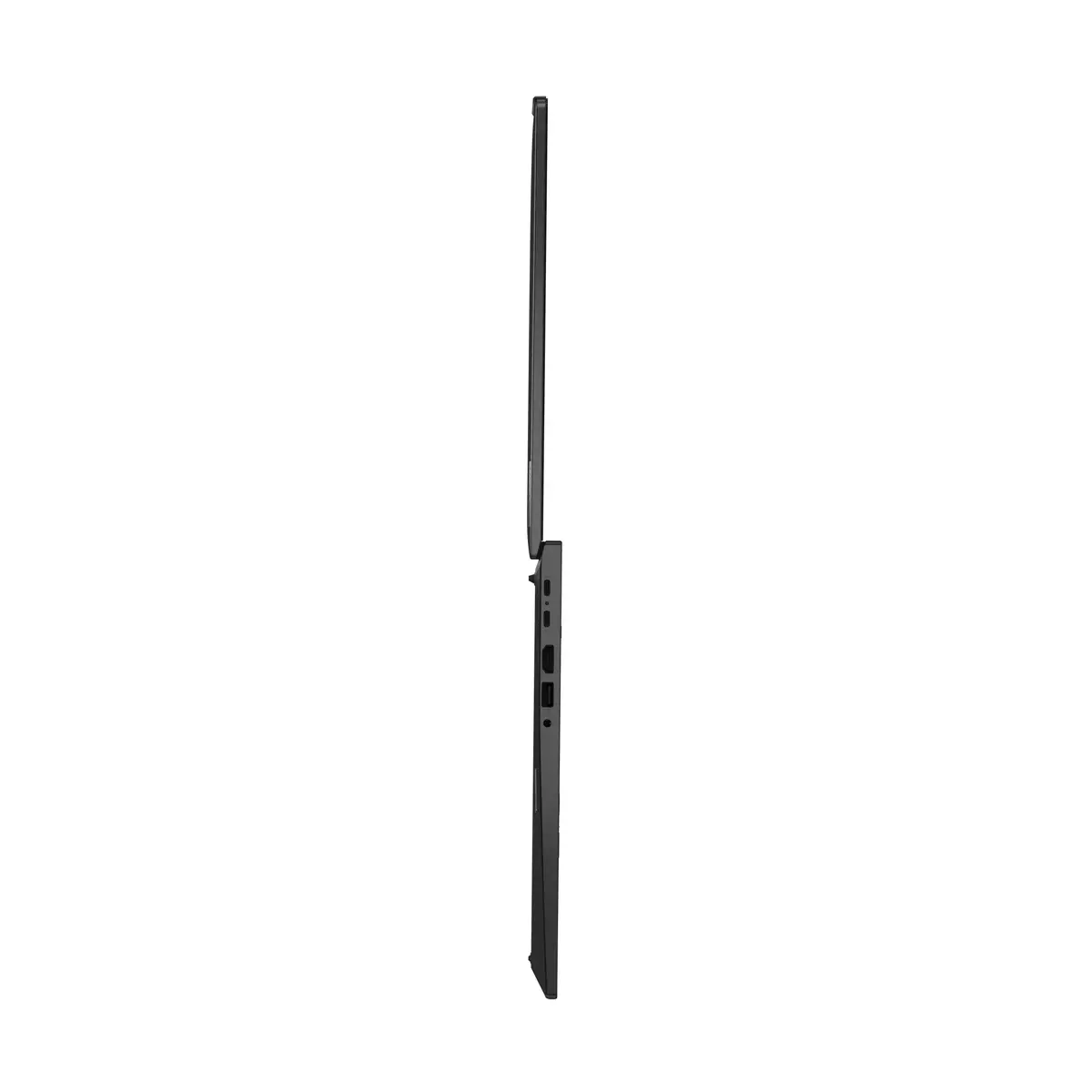
To begin using your Lenovo ThinkPad T16 Gen 4, connect the provided power adapter to charge the battery fully before the first startup. Follow the on-screen instructions provided by Windows 11 Pro to configure your user account, network settings, and security preferences. Once set up, you can utilize the various ports to connect external peripherals such as monitors, docking stations, or storage drives to expand your workstation capabilities.
For optimal performance and longevity, keep your system drivers and Windows updates current through the Lenovo Vantage software. Ensure the device is used on a flat, stable surface to allow for proper ventilation during intensive tasks.
{{highlightedFeature.featureTitle}}:
{{getProductFeatureValueById(product, highlightedFeature.featureId)}}
{{ productComparisonGenerationError }}
