




Save time and money with our discounts!
In cart {{totalProductsCount}} item(s)
Your cart is empty
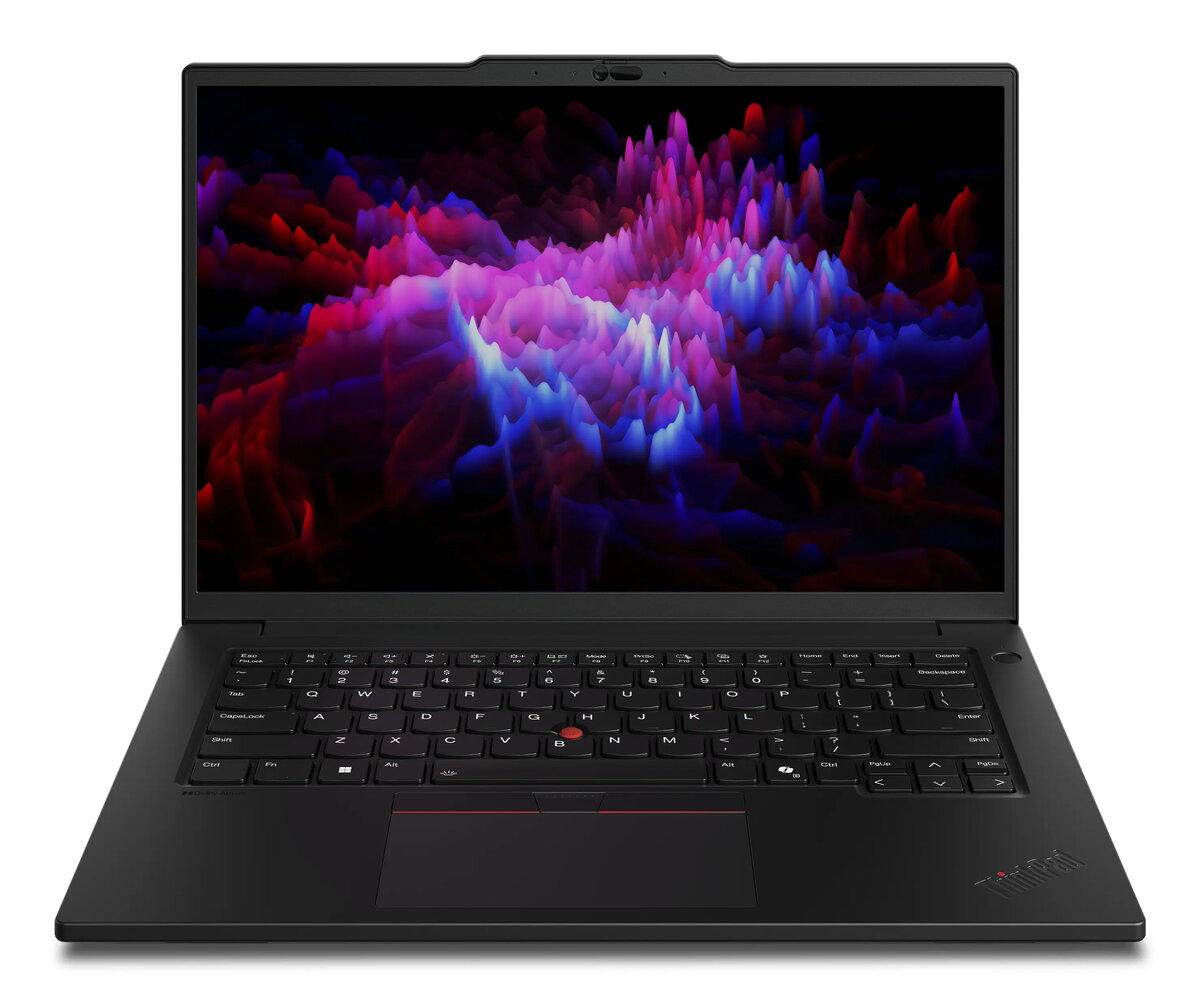
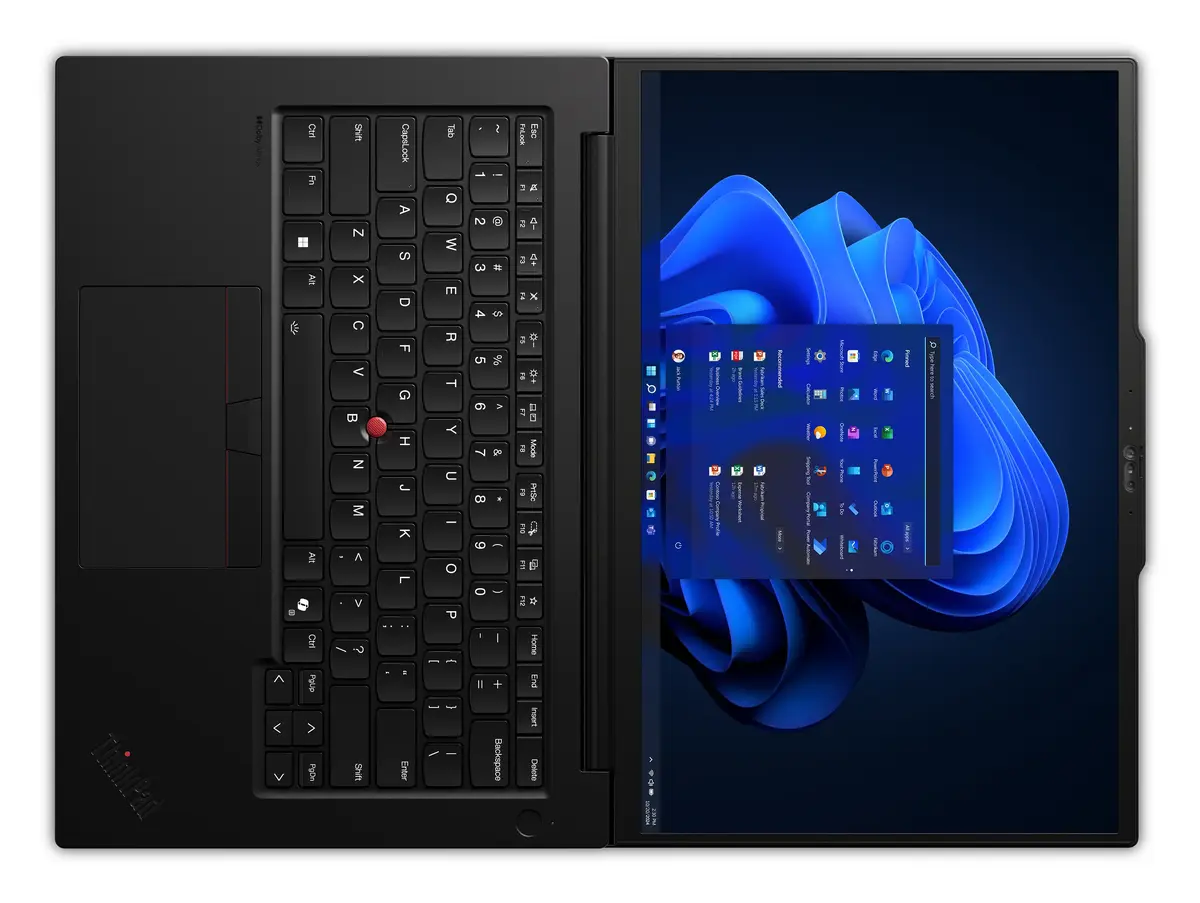
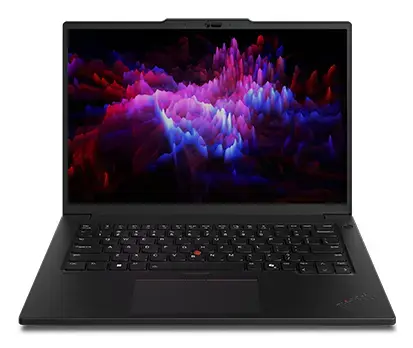
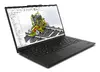
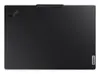
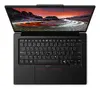
Lenovo ThinkPad P14s Gen 6 Mobile Workstation, Intel Core Ultra 9 285H, 14.5" WQXGA, 64GB RAM, 1TB SSD, Windows 11 Pro
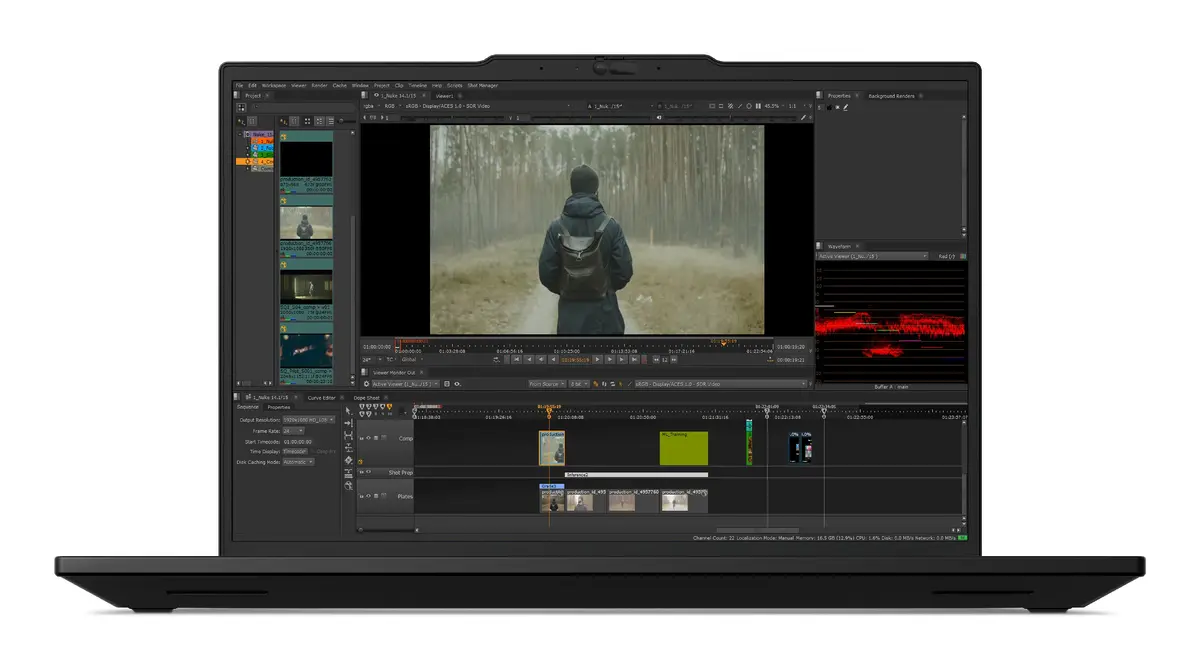
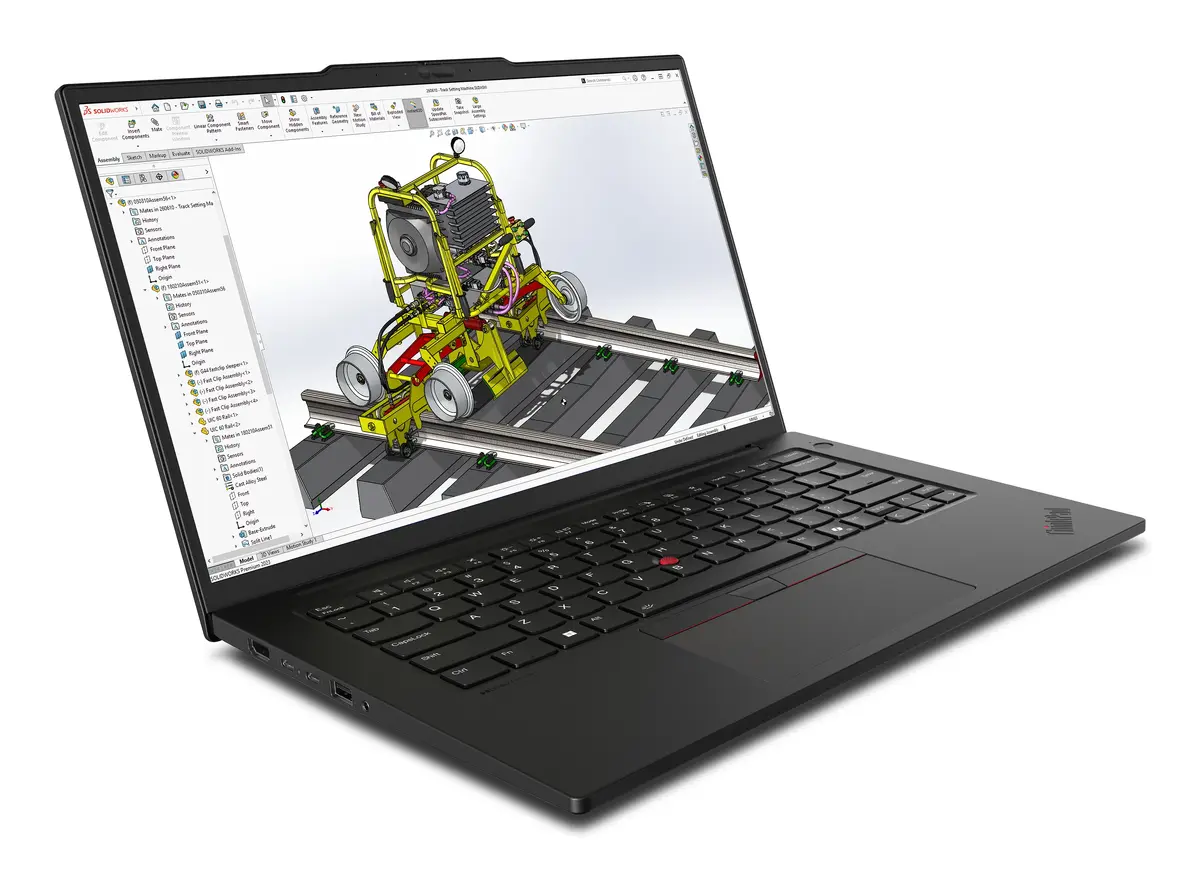
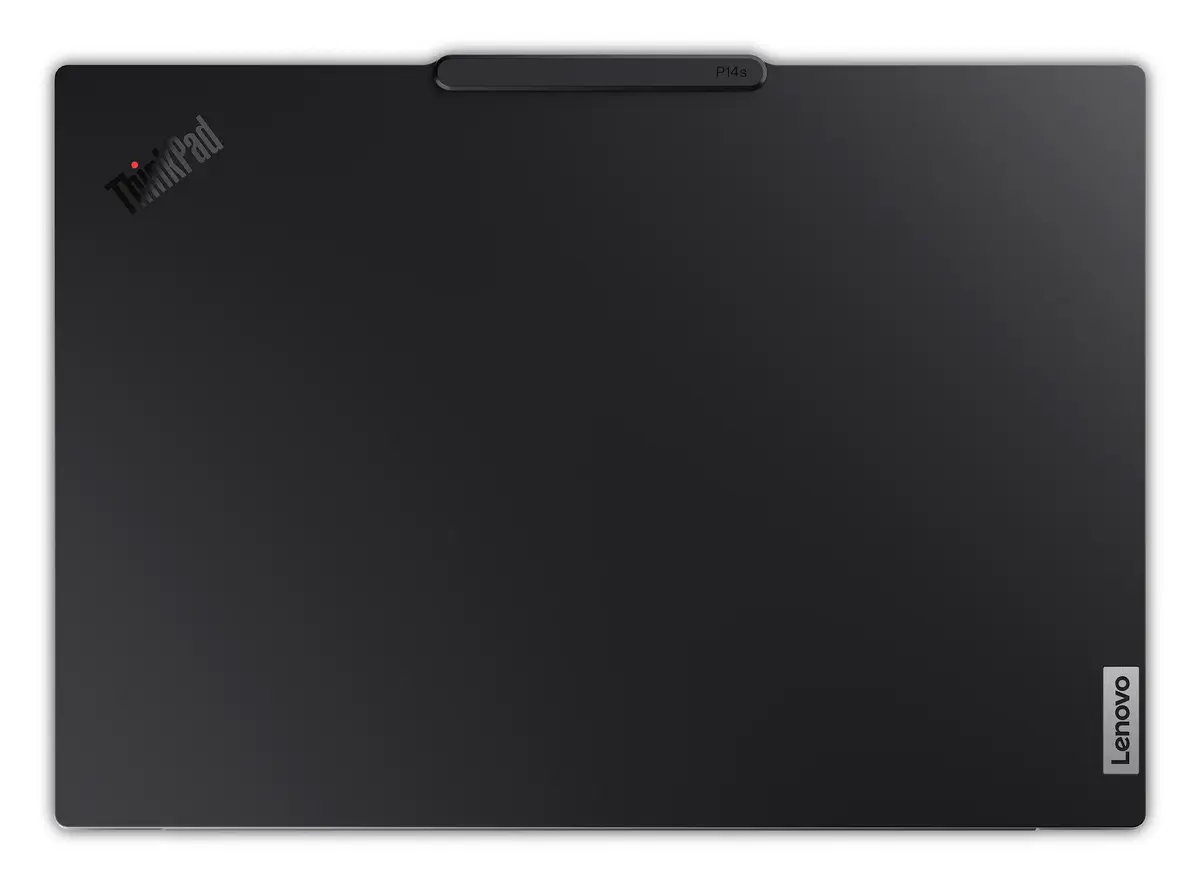
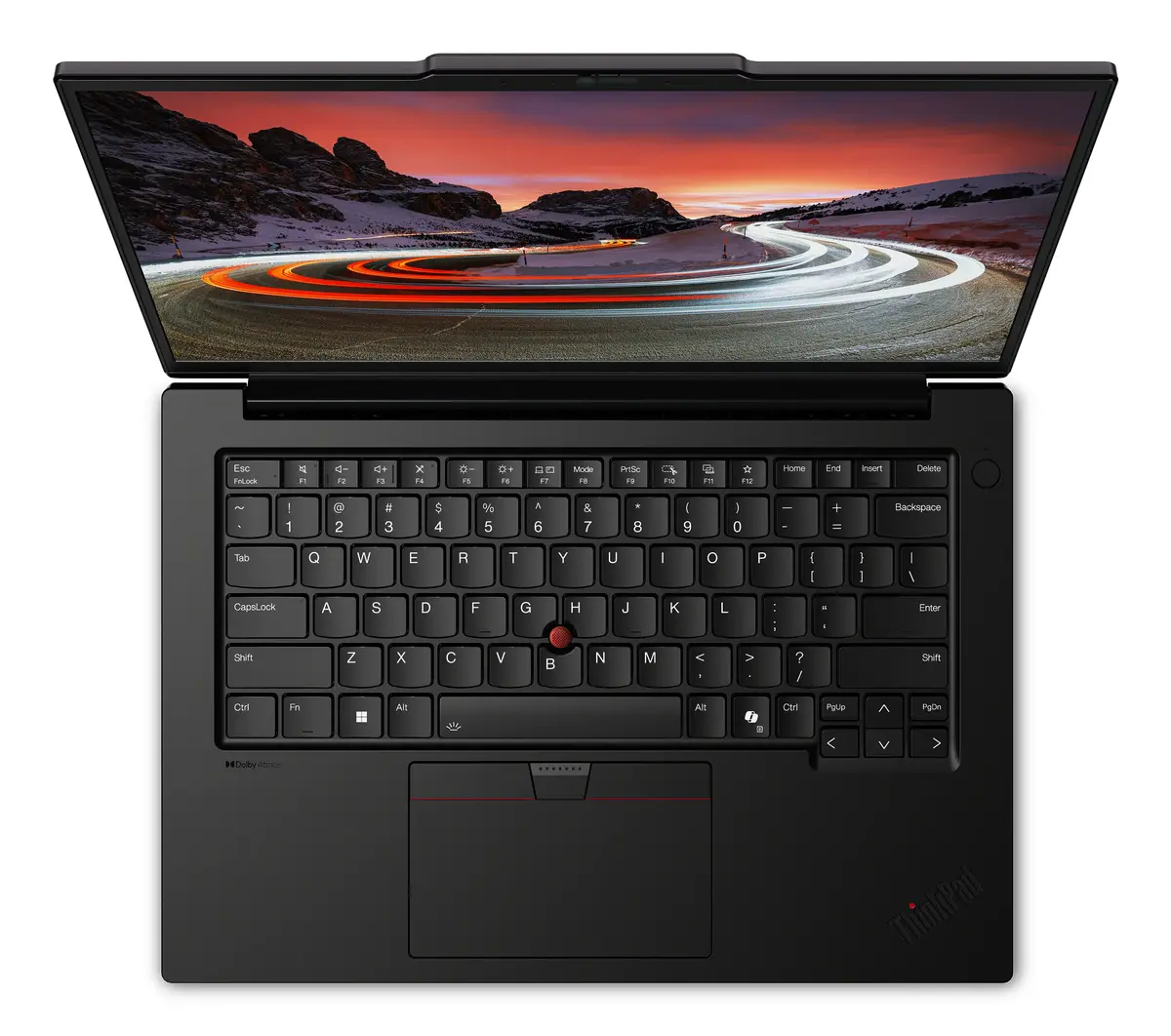
The Lenovo ThinkPad P14s Gen 6 is a high-performance mobile workstation engineered to meet the rigorous demands of modern professionals. Housed in a durable, portable chassis, this device combines the power of the Intel Core Ultra 9 285H processor with 64GB of high-speed DDR5 RAM to ensure seamless multitasking and efficient data processing. The 14.5-inch WQXGA display offers a crisp 2560 x 1600 resolution, providing the visual clarity necessary for detailed design and analytical work. With its integrated Intel Arc 140T graphics and pre-installed Windows 11 Pro, this workstation is built to handle complex computing tasks while maintaining a professional aesthetic.
This mobile workstation excels by offering a perfect balance between raw computing power and portability. The inclusion of a high-capacity 1TB SSD ensures rapid boot times and quick access to large files, which is essential for productivity in fast-paced environments. The device is designed for reliability, featuring a robust build quality that ThinkPad is known for, alongside advanced connectivity options like Wi-Fi 7 for stable and fast network performance. Furthermore, the large memory capacity allows users to run multiple resource-intensive applications simultaneously without compromising system stability.
This device may not be the ideal choice for users primarily focused on high-end 3D gaming, as it is optimized for professional workstation tasks rather than consumer-grade gaming performance. Additionally, users who require a larger screen for extensive multi-window workflows might find the 14.5-inch form factor limiting compared to 16-inch or larger desktop replacement laptops.
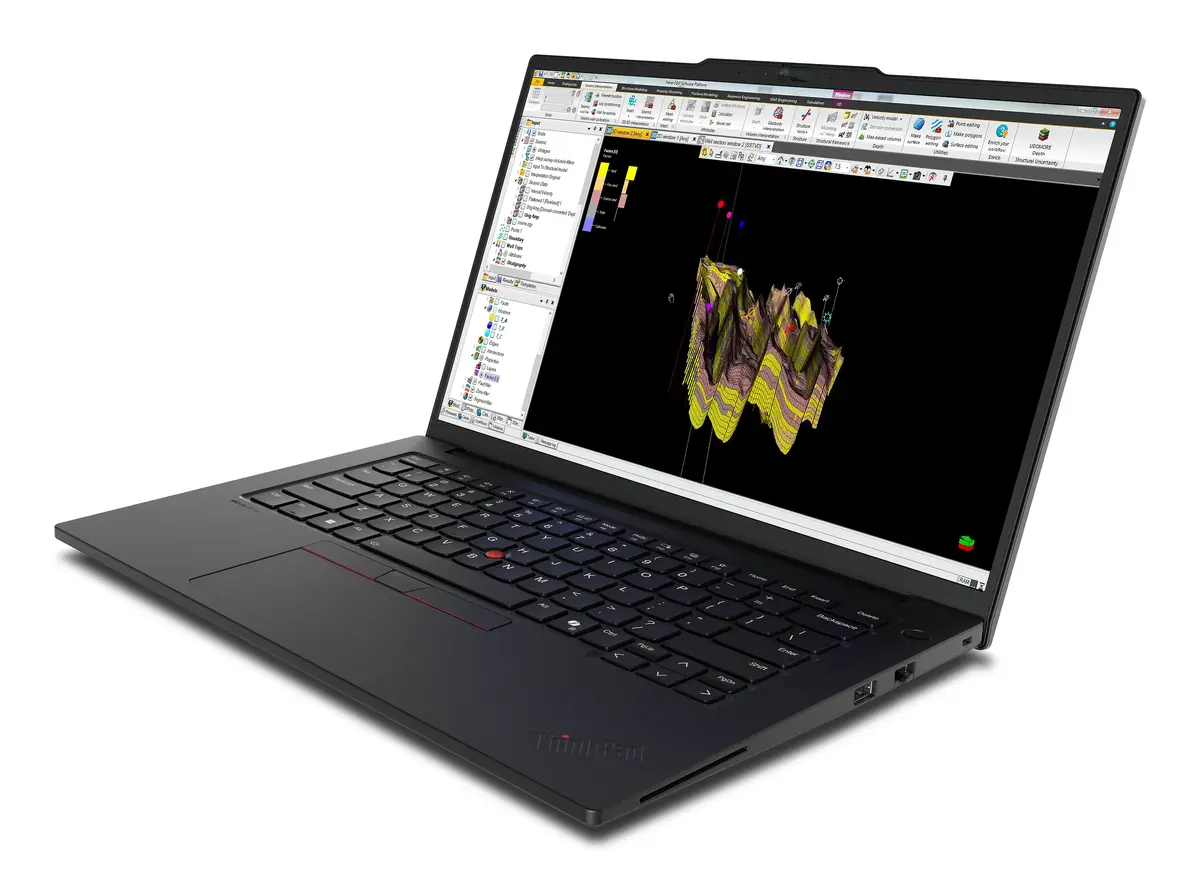
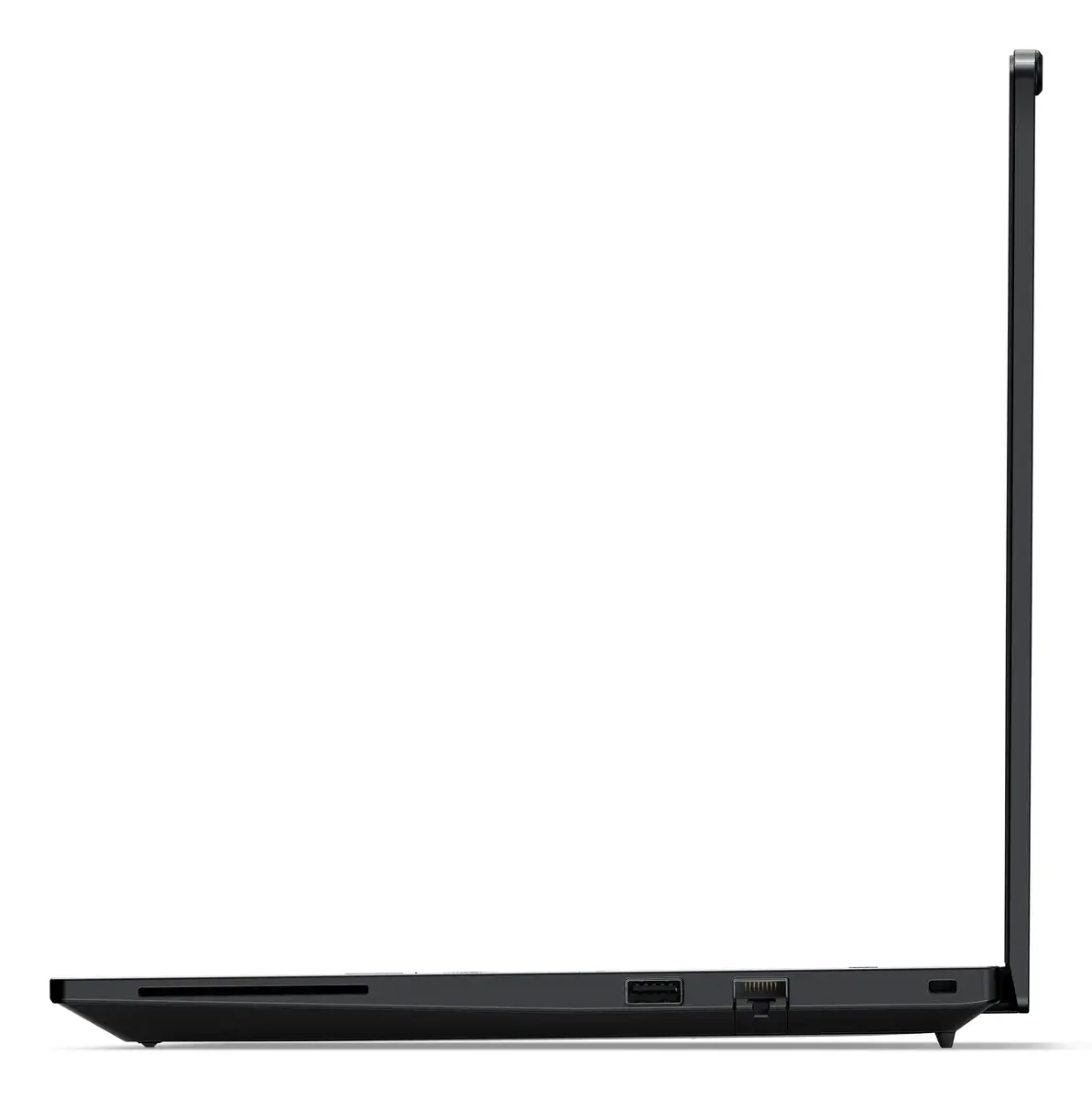
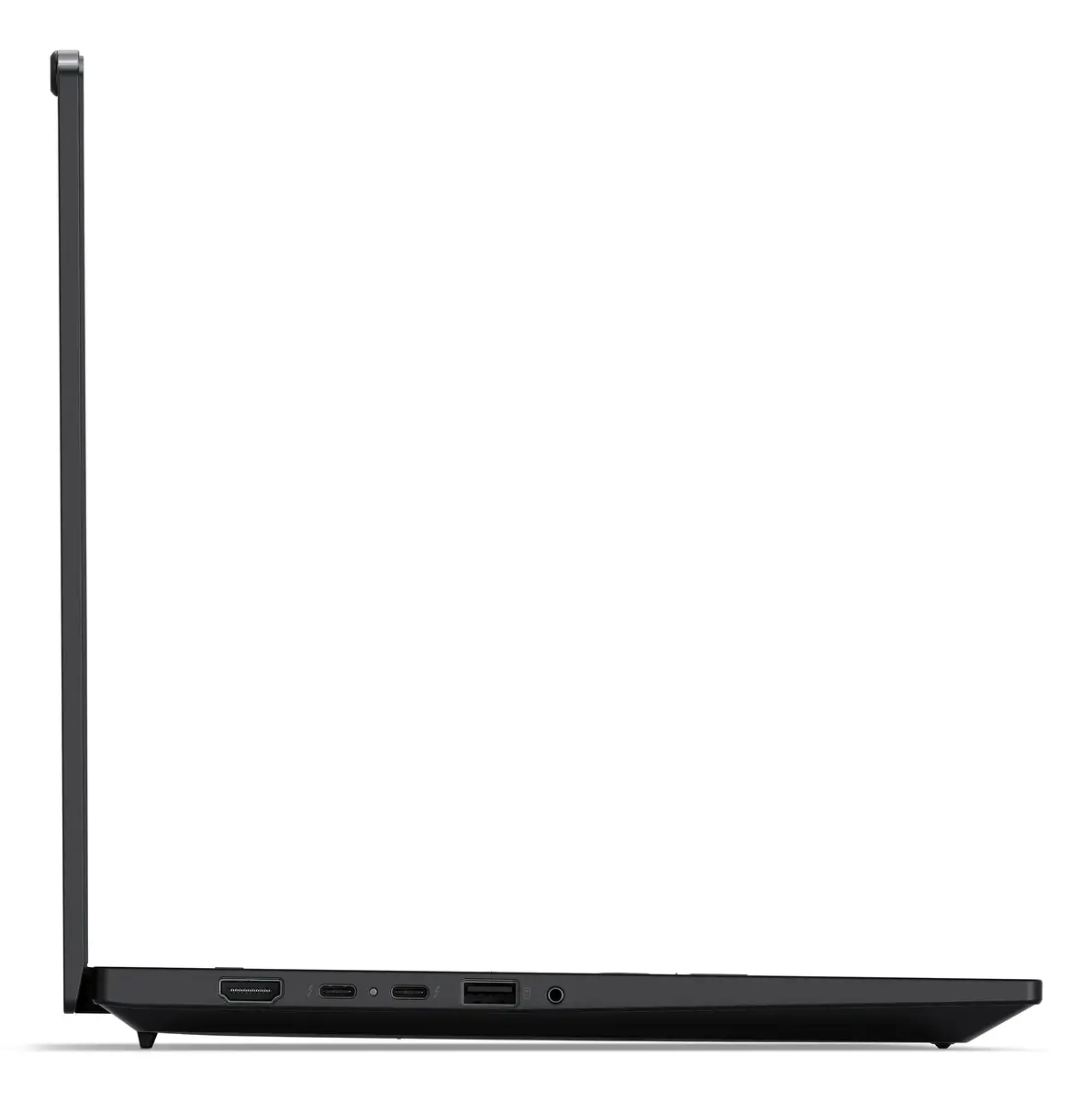
To begin using your Lenovo ThinkPad P14s Gen 6, connect the provided power adapter to charge the battery fully before the initial setup. Power on the device using the dedicated button and follow the on-screen Windows 11 Pro prompts to configure your user account, network settings, and security preferences. Once the operating system is initialized, you can install your professional software suites. The device features multiple ports for connecting external displays, peripherals, and high-speed storage devices to expand your workspace as needed.
For optimal performance and longevity, keep the system firmware and drivers updated through the Lenovo Vantage software. Ensure the air vents remain unobstructed during heavy workloads to maintain efficient thermal management and prevent performance throttling.
{{highlightedFeature.featureTitle}}:
{{getProductFeatureValueById(product, highlightedFeature.featureId)}}
{{ productComparisonGenerationError }}
