





Filters you can trust. Pure water every day.
In cart {{totalProductsCount}} item(s)
Your cart is empty
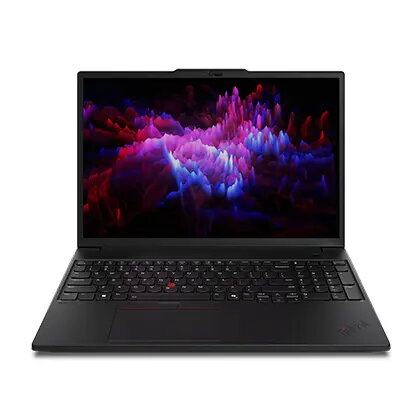
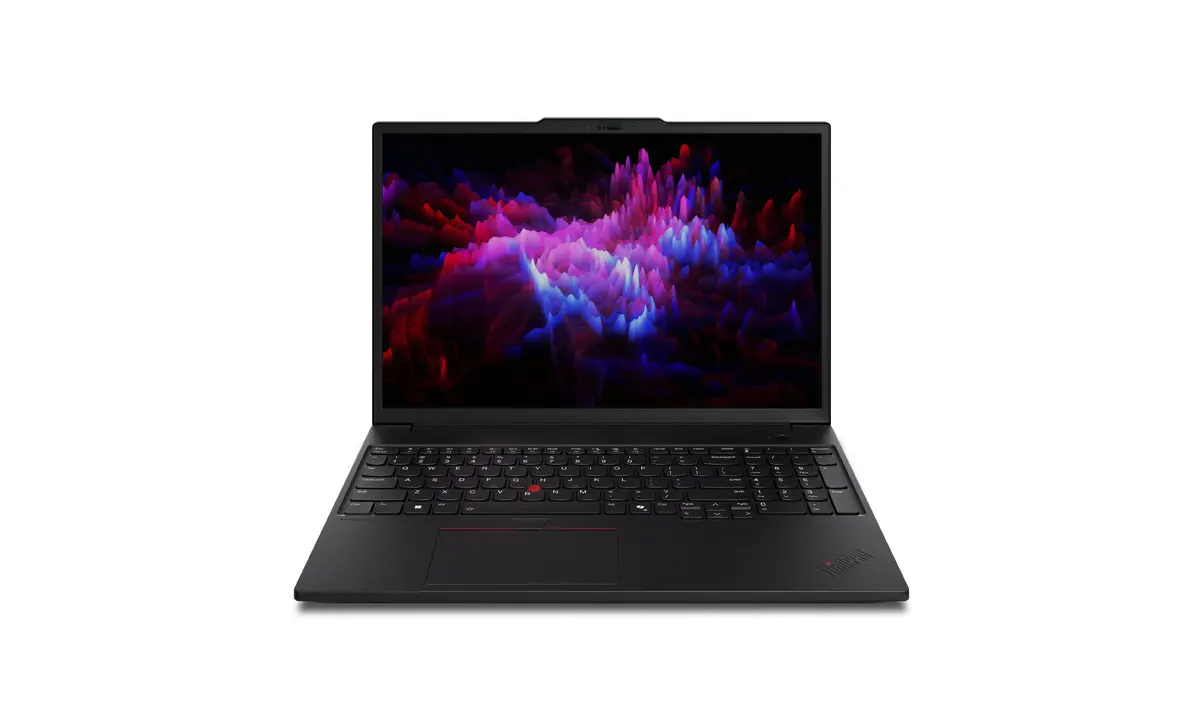
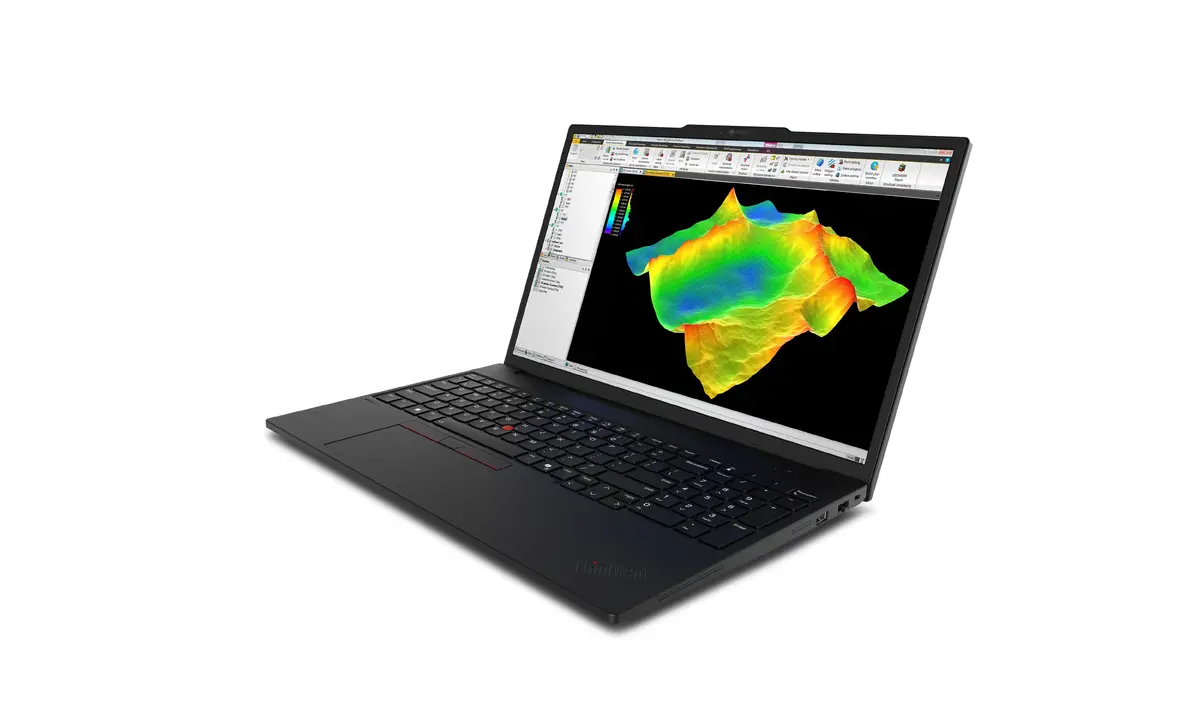
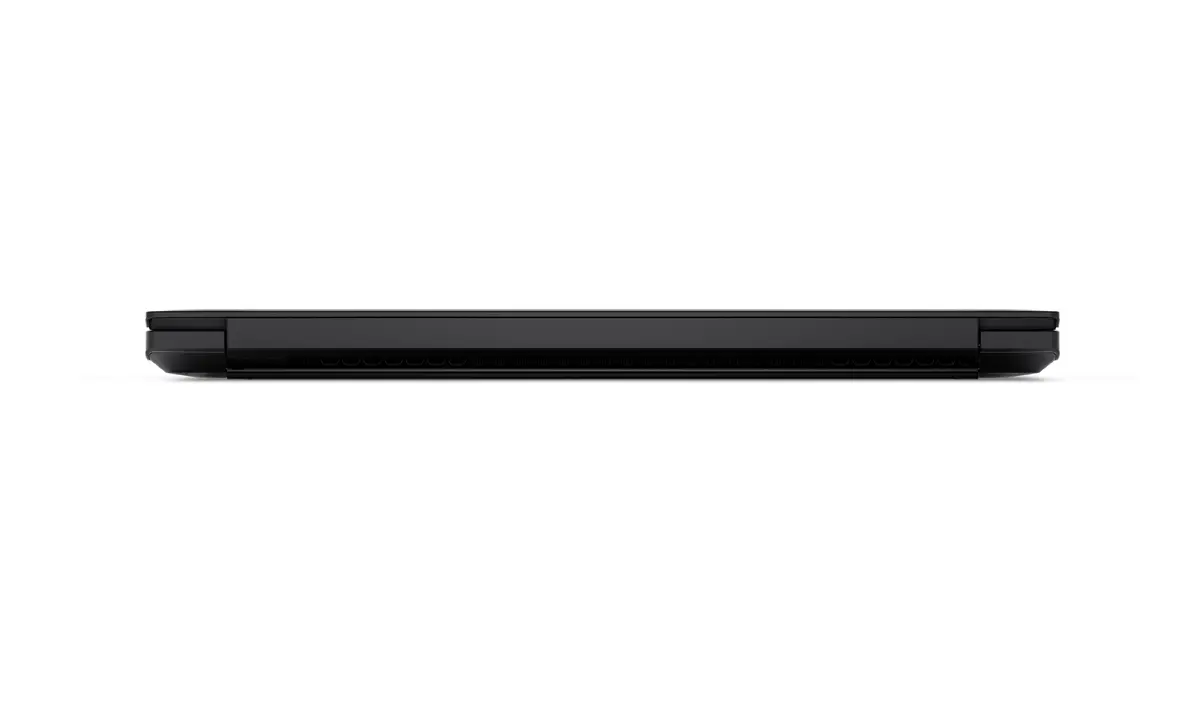
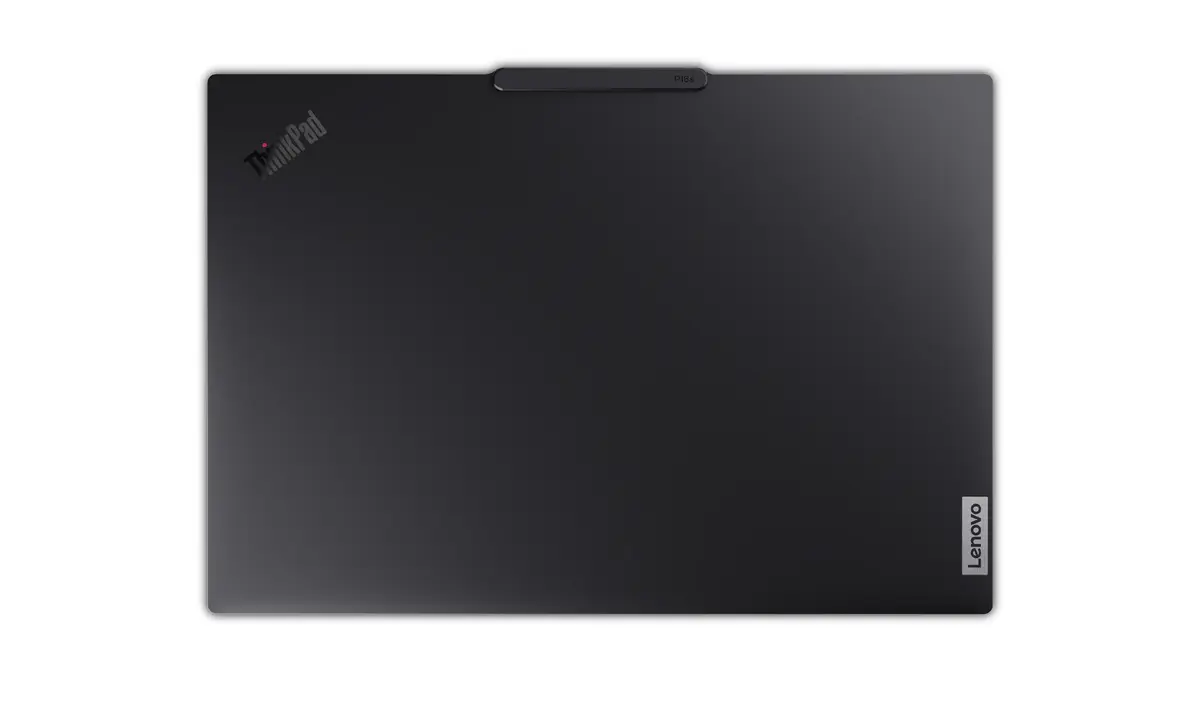
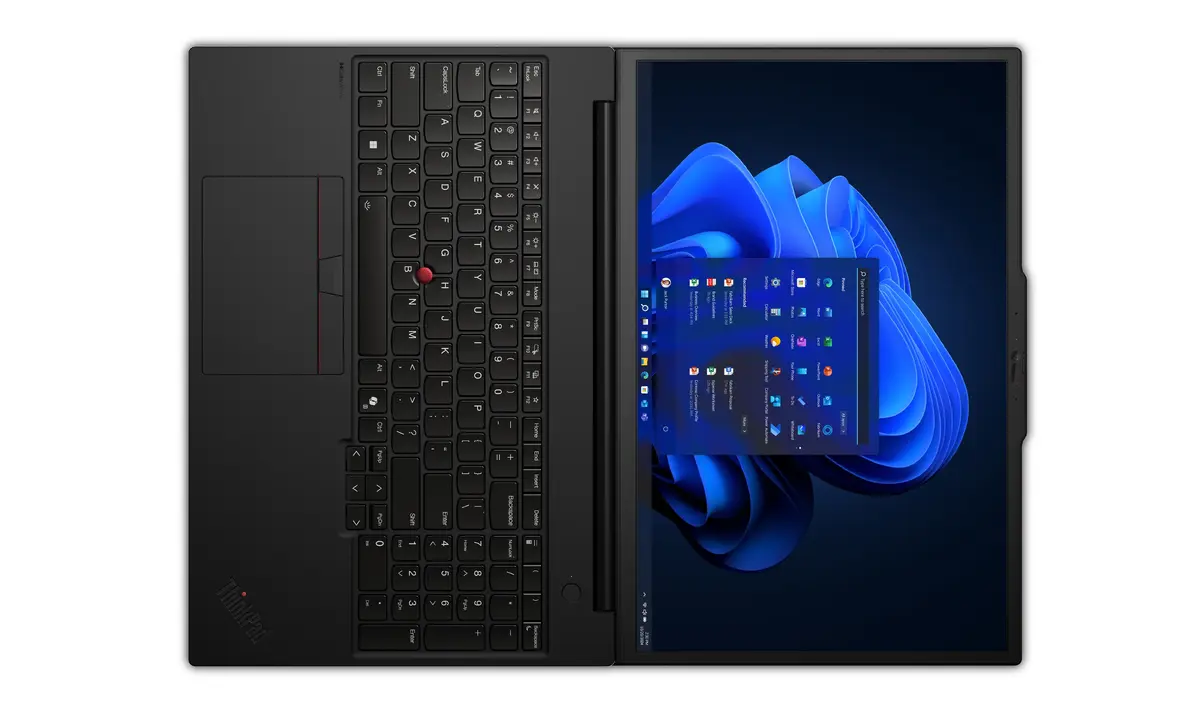
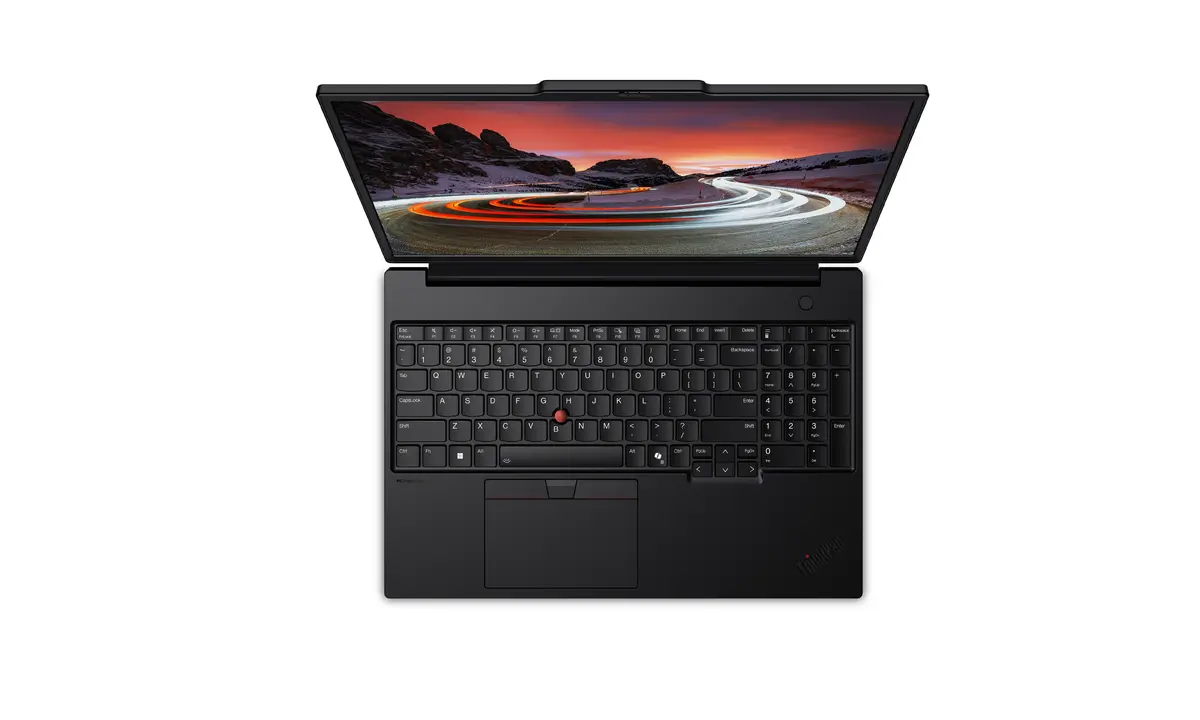
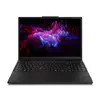
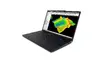
Mobile workstation Lenovo ThinkPad P16s Gen 4 (Intel) — Intel Core Ultra 9 285H, 16" WUXGA, 64 GB DDR5, 1 TB SSD, Intel Arc 140T, Windows 11 Pro
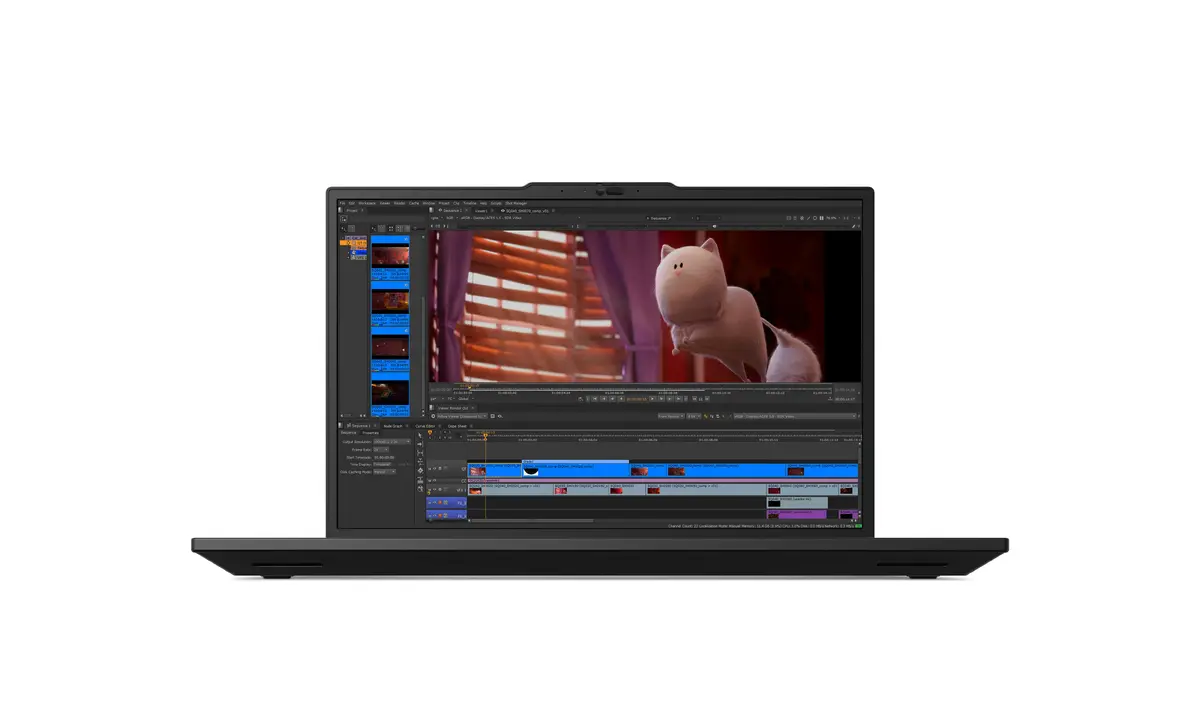
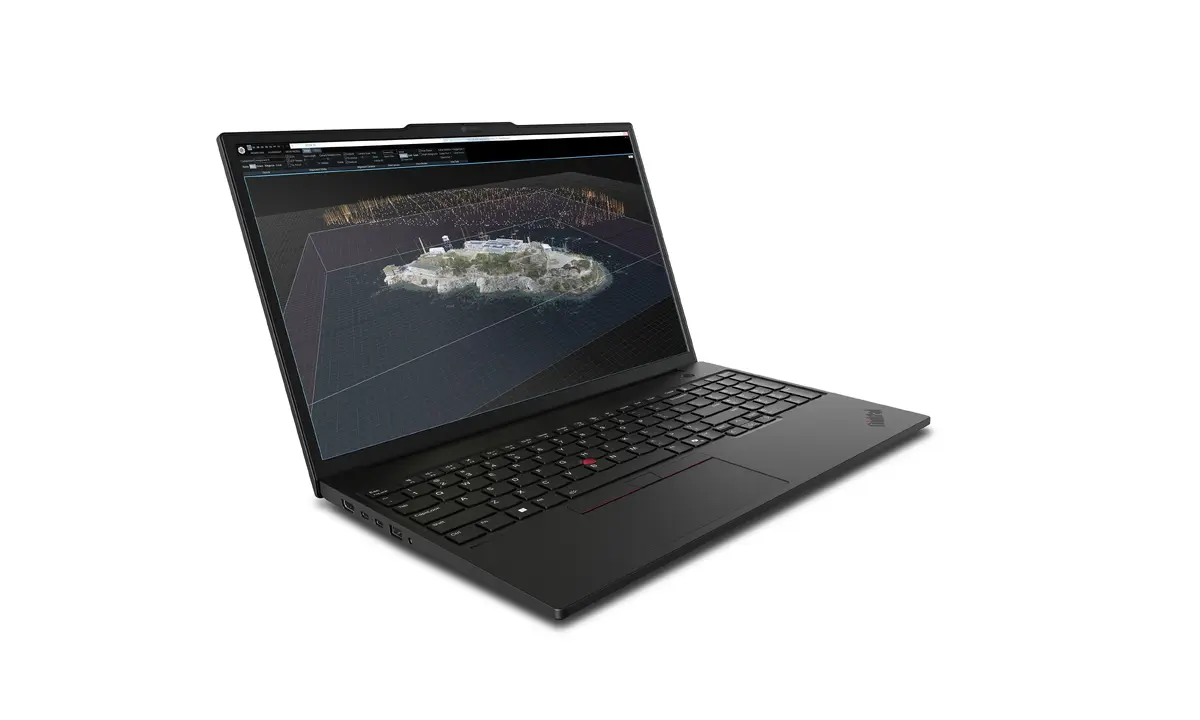
The Lenovo ThinkPad P16s Gen 4 is a 16" mobile workstation designed for professionals who need a balance of portability and performance. It is powered by an Intel Core Ultra 9 285H processor, equipped with 64 GB of DDR5 memory and a 1 TB SSD. The WUXGA (1920×1200) IPS display and Intel Arc 140T graphics provide the visual clarity and responsiveness required for CAD, content creation and demanding productivity tasks. It ships with Windows 11 Pro and supports modern connectivity including Wi‑Fi 7 and Bluetooth 5.4.
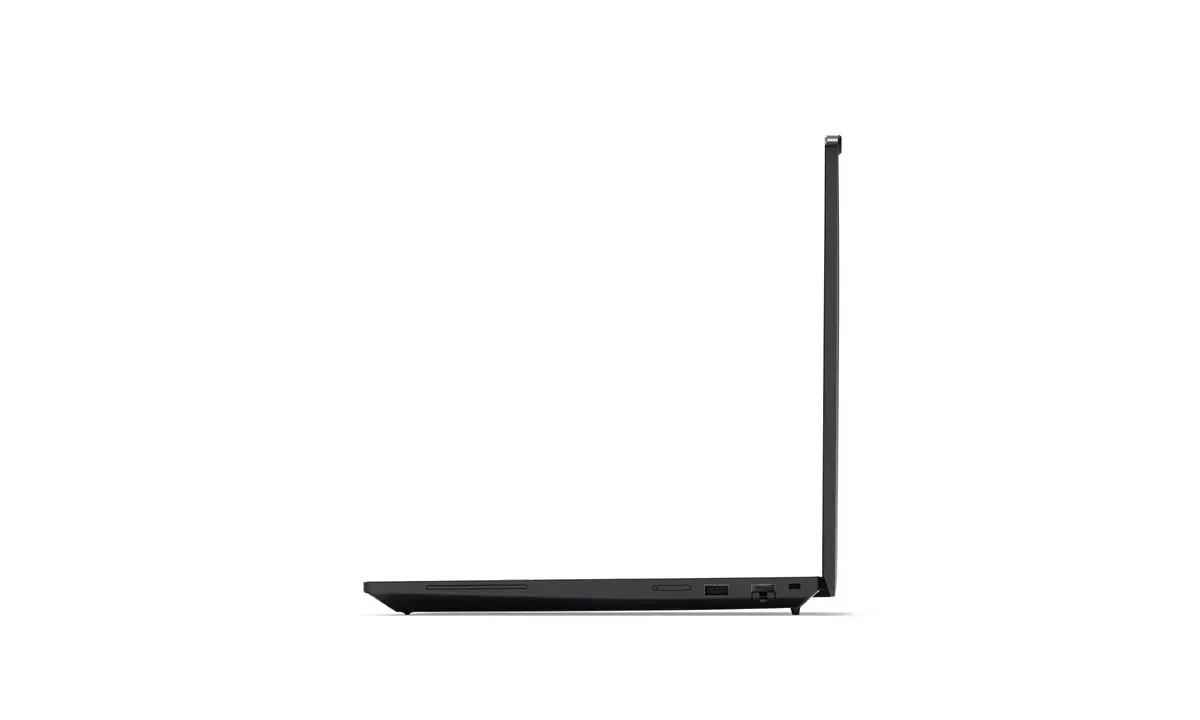
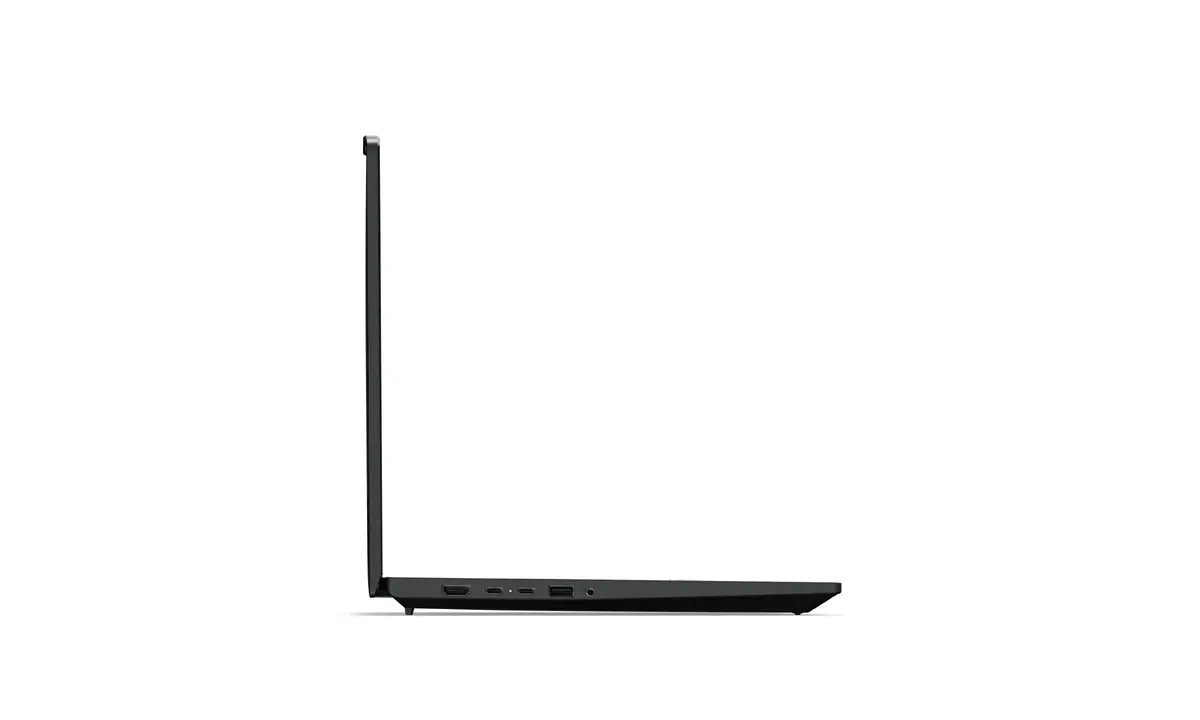
The P16s Gen 4 delivers strong multitasking capability thanks to a high-core-count Intel Core Ultra 9 CPU and fast DDR5 memory, alongside a large SSD for quick file access. The 16" WUXGA IPS panel offers a 16:10 aspect ratio that increases usable vertical space for design and documentation. Built-in connectivity features such as Wi‑Fi 7, optional mobile broadband, and a broad selection of ports support collaboration and on-the-go productivity. ISV certifications and Intel vPro availability add software compatibility and manageability for professional workflows.
Although the P16s Gen 4 provides professional-level performance, users with the most demanding GPU-accelerated workflows may require higher-end discrete graphics than the Intel Arc 140T can deliver. Also, those who prioritise maximum battery life above performance may prefer a configuration tuned for low power rather than peak compute.
Power on the workstation and complete the Windows 11 Pro setup to configure user accounts and system preferences. Install required professional applications and, where applicable, the ISV-certified software to ensure compatibility. Connect peripherals and external displays using the available ports for extended workspace. For mobile use, enable Wi‑Fi 7 or an optional cellular connection and adjust power settings to balance performance and battery life based on your tasks.
For best results, keep firmware and drivers up to date, use the ISV-certified application versions where applicable, and adjust Windows power profiles according to whether you prioritise performance or battery life.
{{highlightedFeature.featureTitle}}:
{{getProductFeatureValueById(product, highlightedFeature.featureId)}}
{{ productComparisonGenerationError }}
