










Powerful EcoFlow stations for energy anywhere!
In cart {{totalProductsCount}} item(s)
Your cart is empty
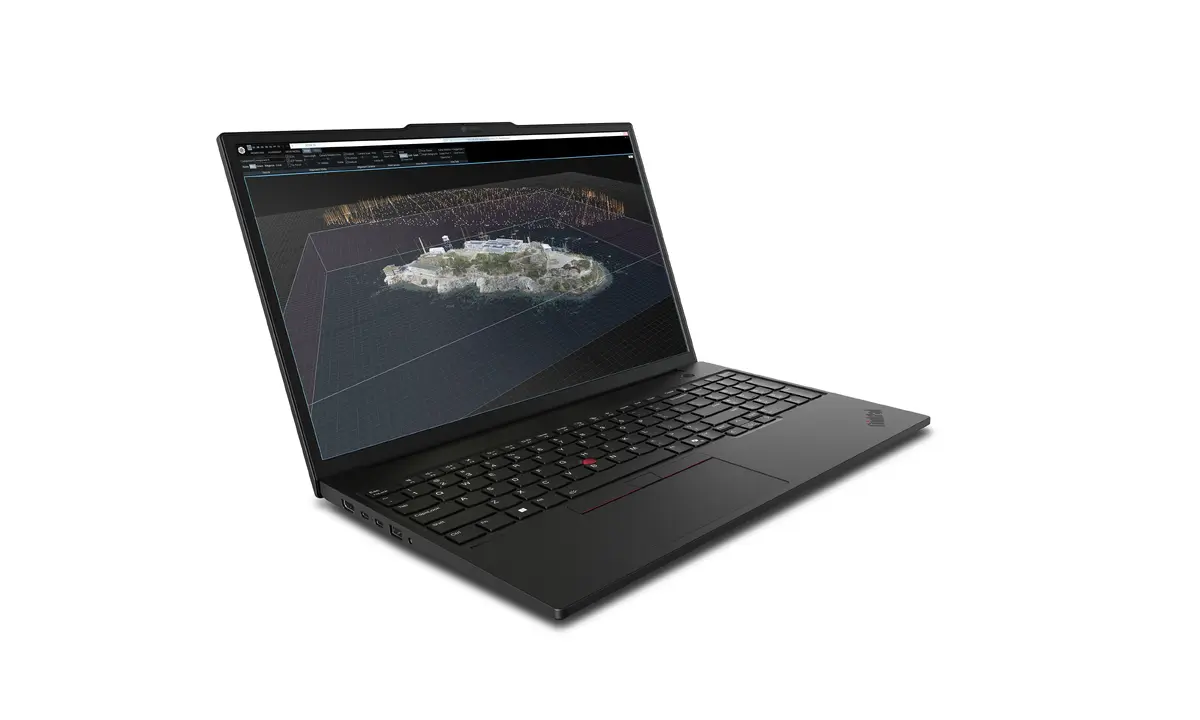
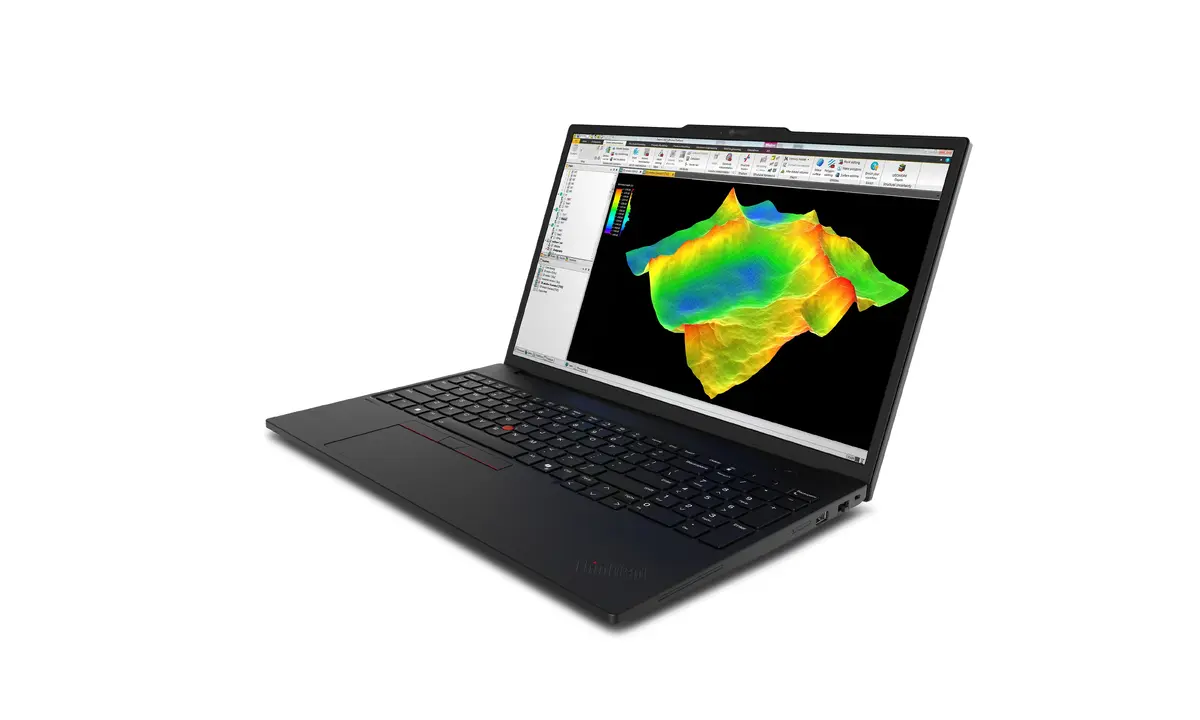
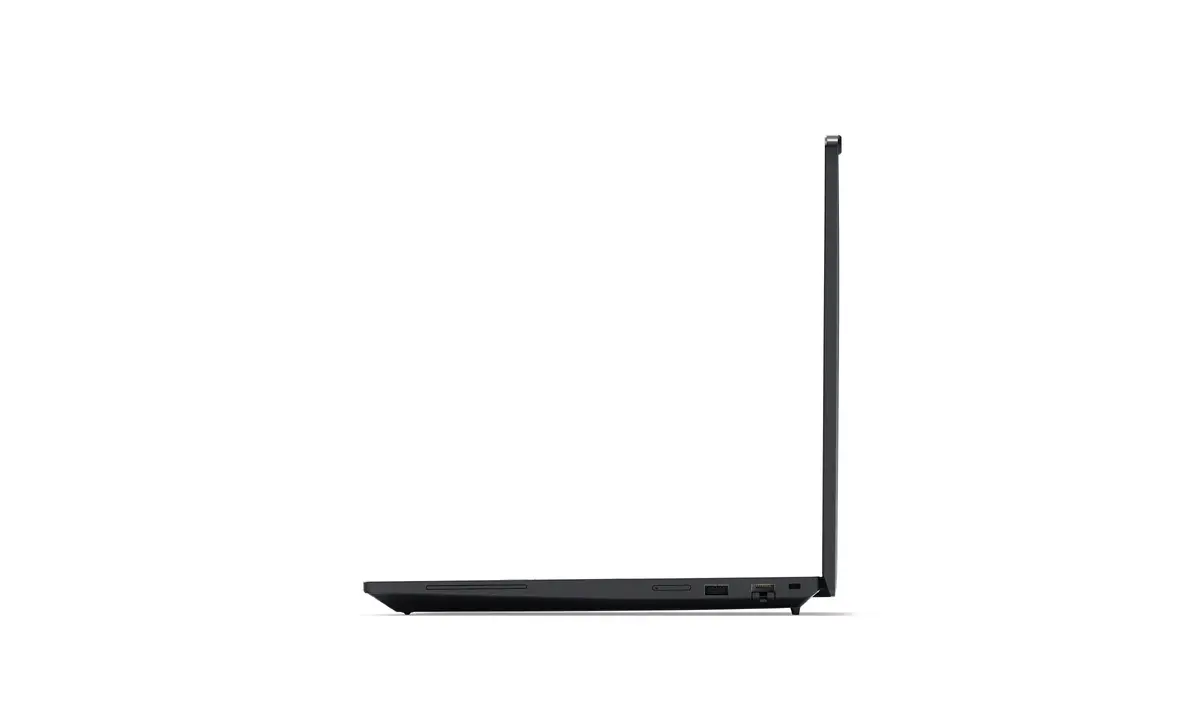
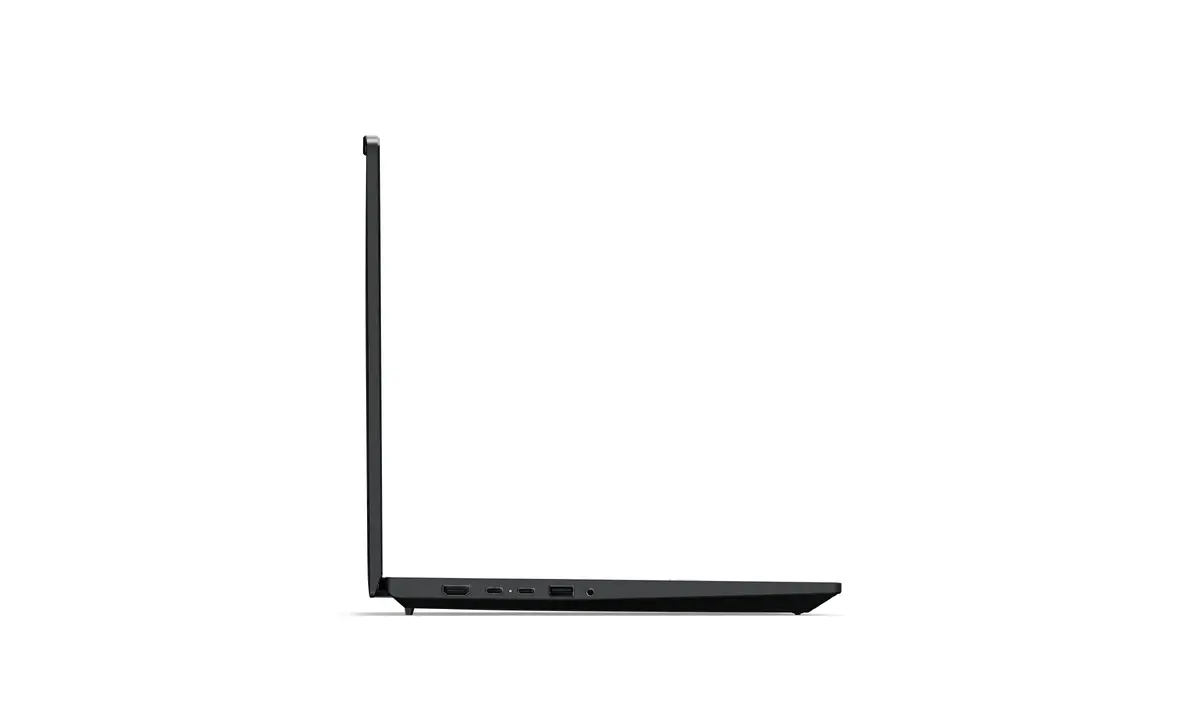
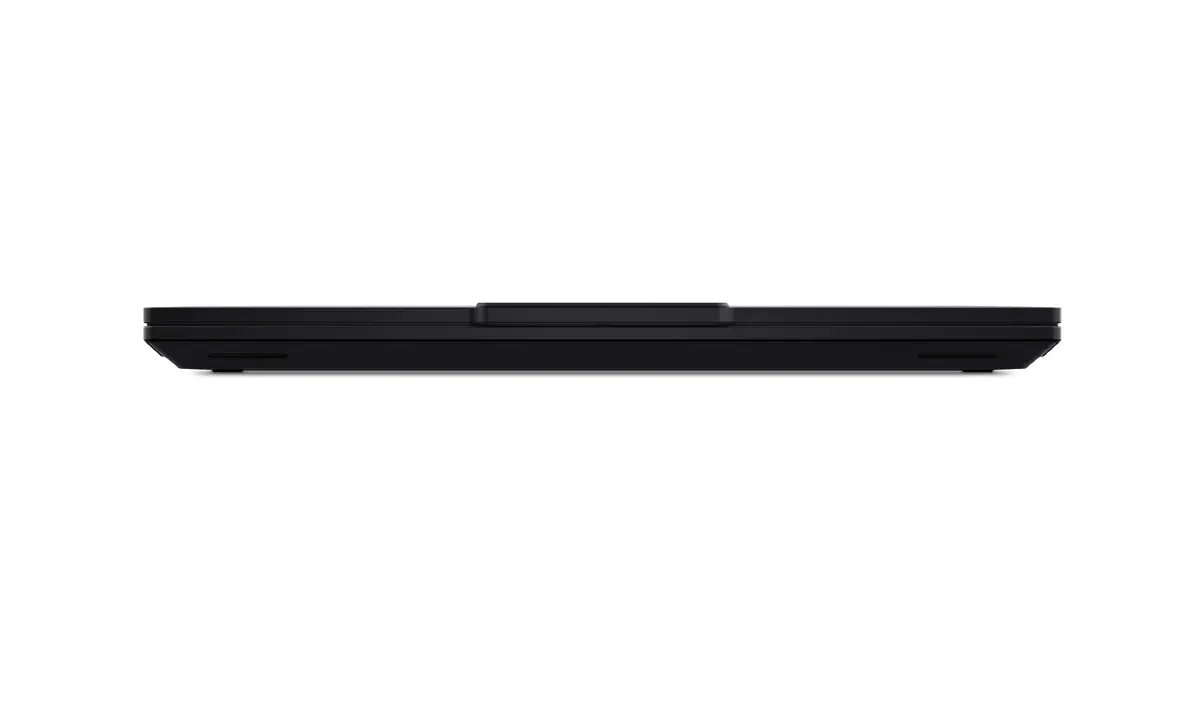
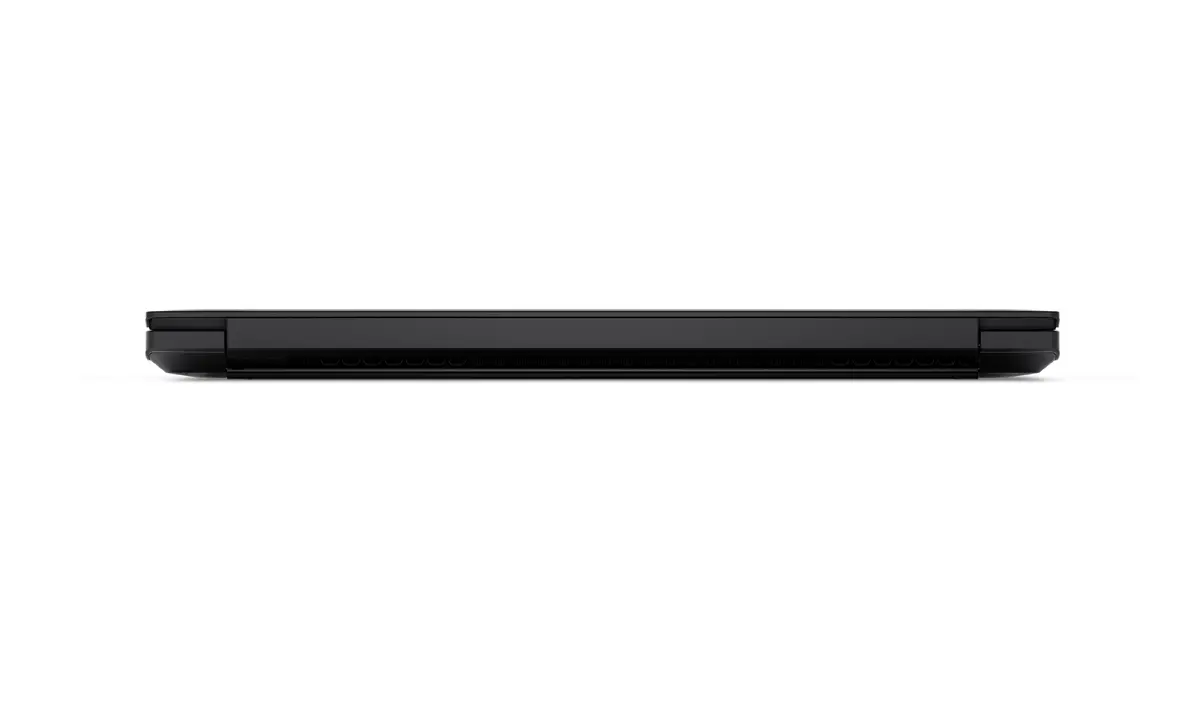
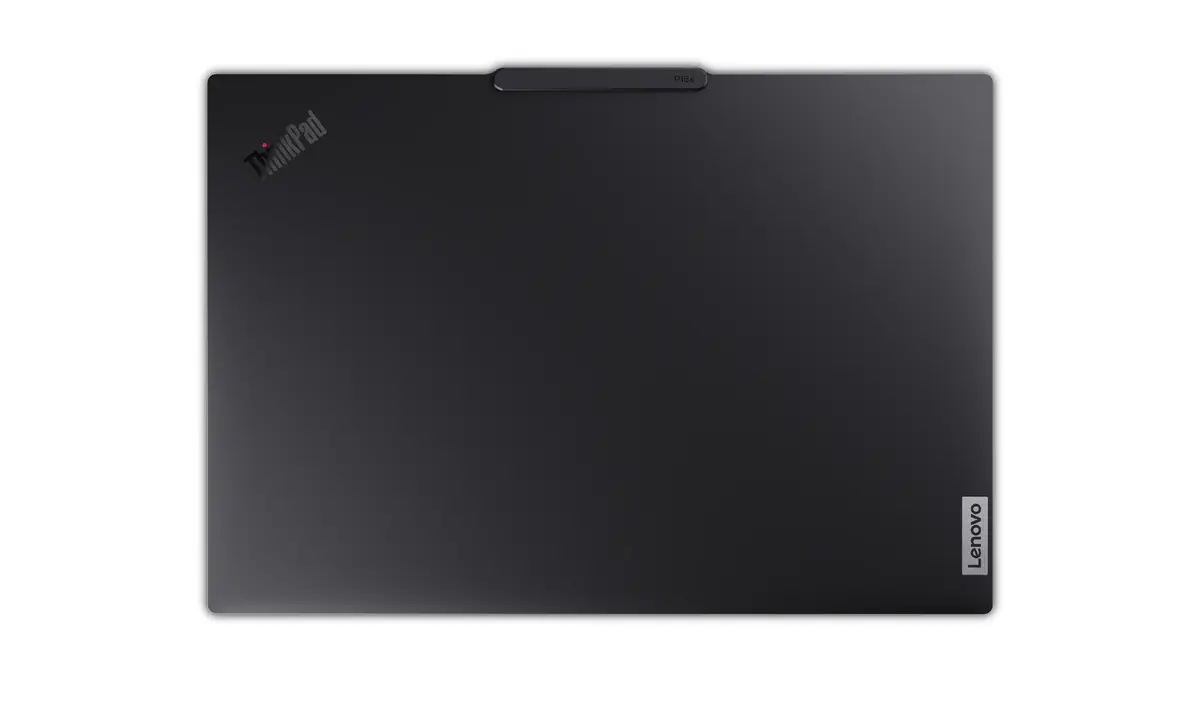
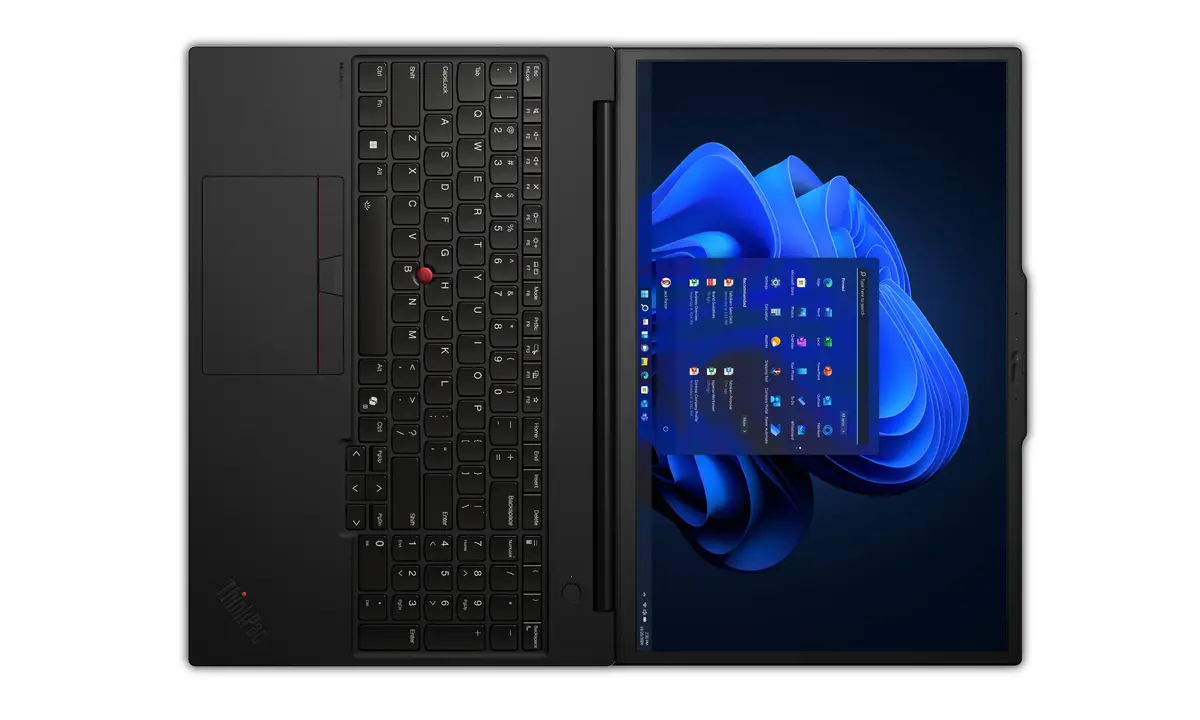
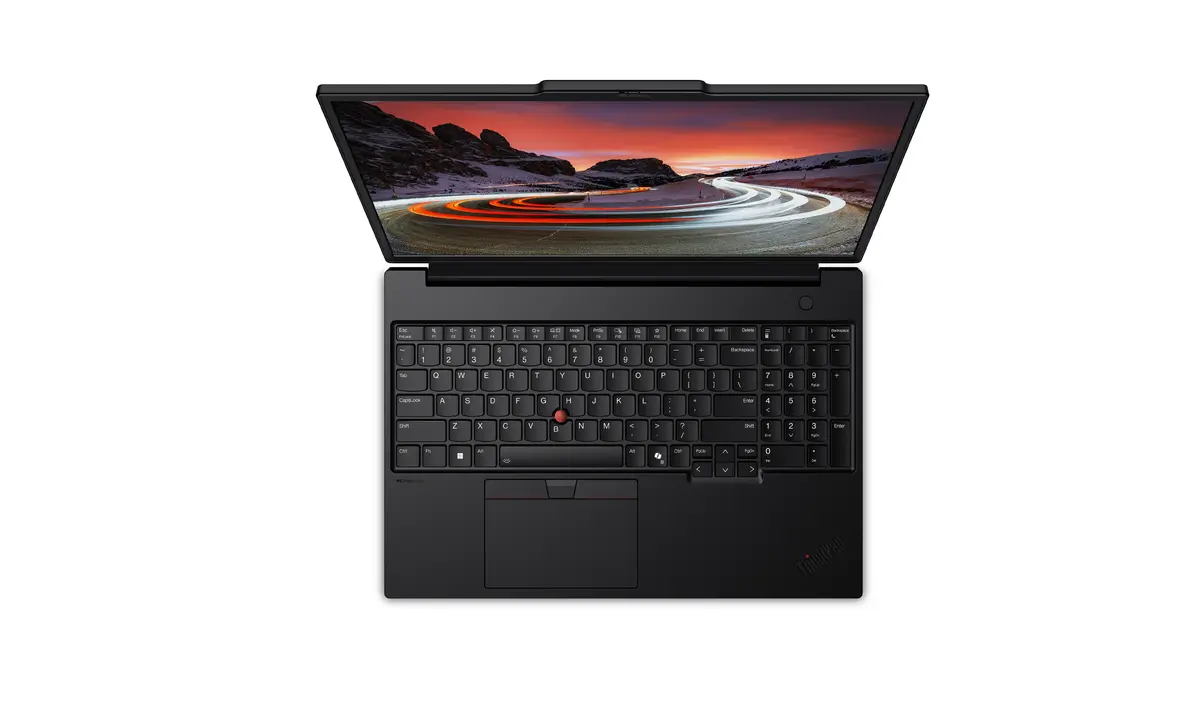
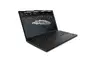
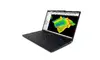
Lenovo ThinkPad P16s Gen 4 Mobile Workstation, Intel Core Ultra 9 285H, 16-inch WUXGA, 64GB RAM, 1TB SSD, Windows 11 Pro, Black
The Lenovo ThinkPad P16s Gen 4 is a high-performance mobile workstation engineered to meet the rigorous demands of professional environments. Housed in a durable, portable clamshell chassis, this device combines the power of an Intel Core Ultra 9 285H processor with 64 GB of high-speed DDR5 memory, making it an ideal choice for complex multitasking and resource-intensive applications. With a 16-inch WUXGA display and a 1 TB SSD, it provides both the visual workspace and the rapid storage capacity required for modern business and creative workflows.
This mobile workstation excels in delivering consistent performance for users who require reliability and speed. The integration of the Intel Core Ultra 9 processor ensures efficient handling of demanding software, while the generous 64 GB of RAM allows for seamless operation across multiple professional applications simultaneously. Its lightweight design, weighing only 1.82 kg, ensures that high-level computing power is accessible even while traveling, without compromising on build quality or thermal management.
This device may not be the optimal choice for users primarily focused on high-end 3D gaming or intensive GPU-based rendering, as it utilizes integrated Intel Arc 140T graphics rather than a dedicated discrete graphics card. Additionally, users requiring a higher resolution display for specialized color-critical work may find the standard WUXGA panel insufficient for their specific needs.
To begin using the Lenovo ThinkPad P16s Gen 4, connect the provided power adapter to the charging port and press the power button located on the keyboard deck. Upon initial startup, follow the on-screen prompts provided by the Windows 11 Pro operating system to configure your user account, network settings, and security preferences. Once the setup is complete, you can install your preferred professional software and utilize the high-speed SSD for fast file access and system responsiveness.
Usage recommendations: To maintain optimal performance and battery health, keep the system firmware updated via the manufacturer's support software and ensure the air vents remain unobstructed during heavy workloads to facilitate efficient cooling.
{{highlightedFeature.featureTitle}}:
{{getProductFeatureValueById(product, highlightedFeature.featureId)}}
{{ productComparisonGenerationError }}
