




Dreame vacuums for fast and efficient cleaning!
In cart {{totalProductsCount}} item(s)
Your cart is empty
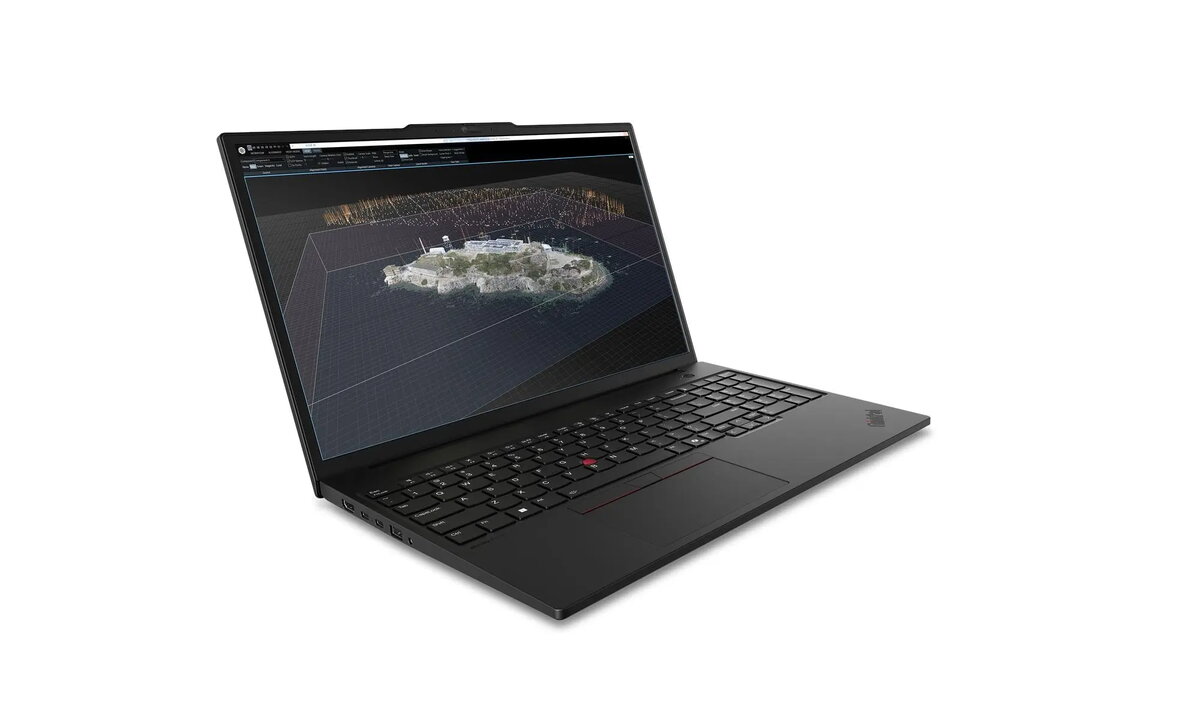
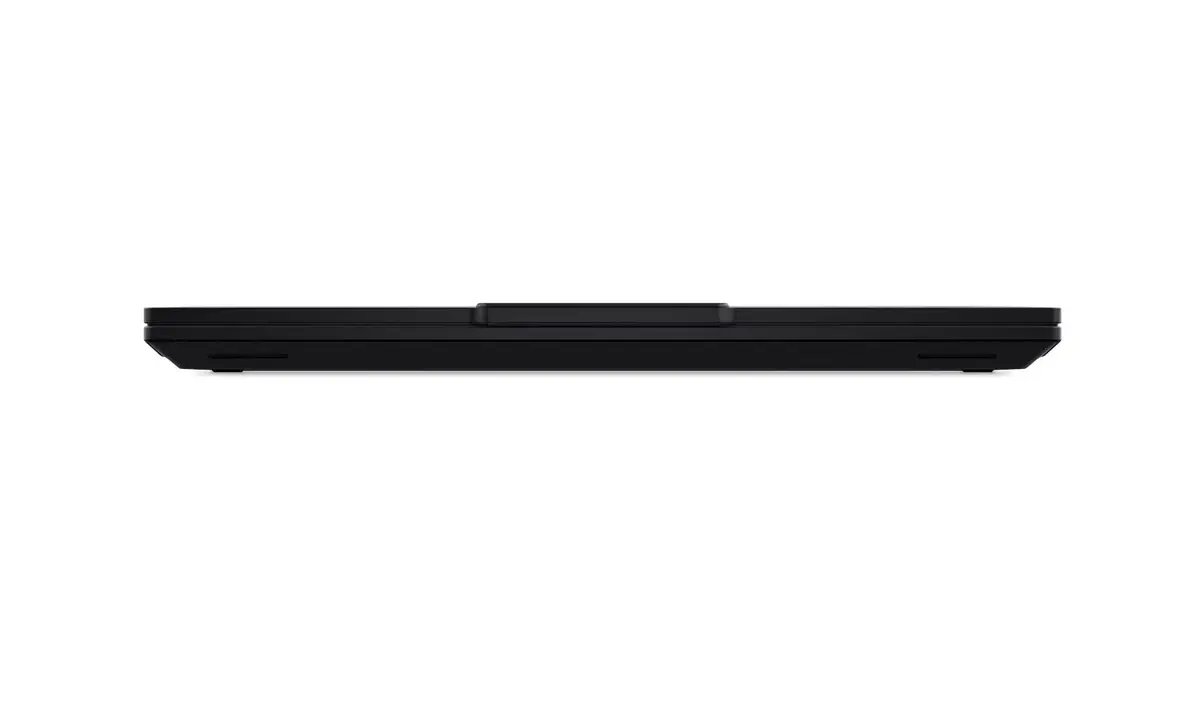
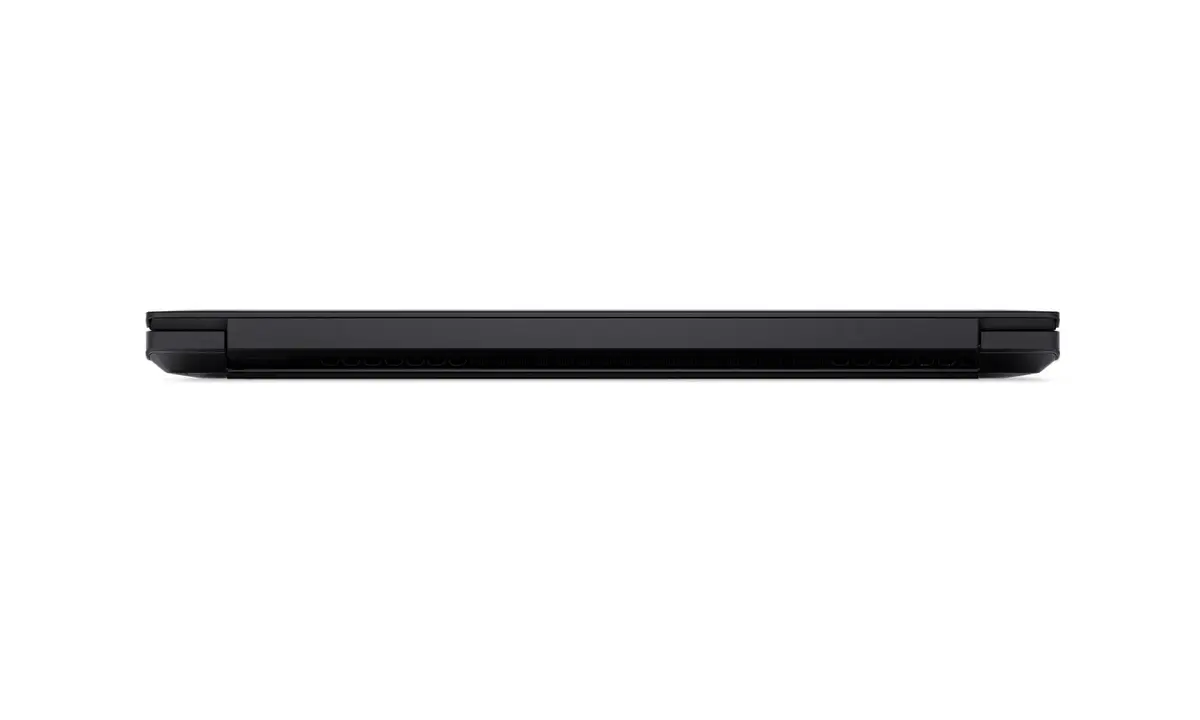
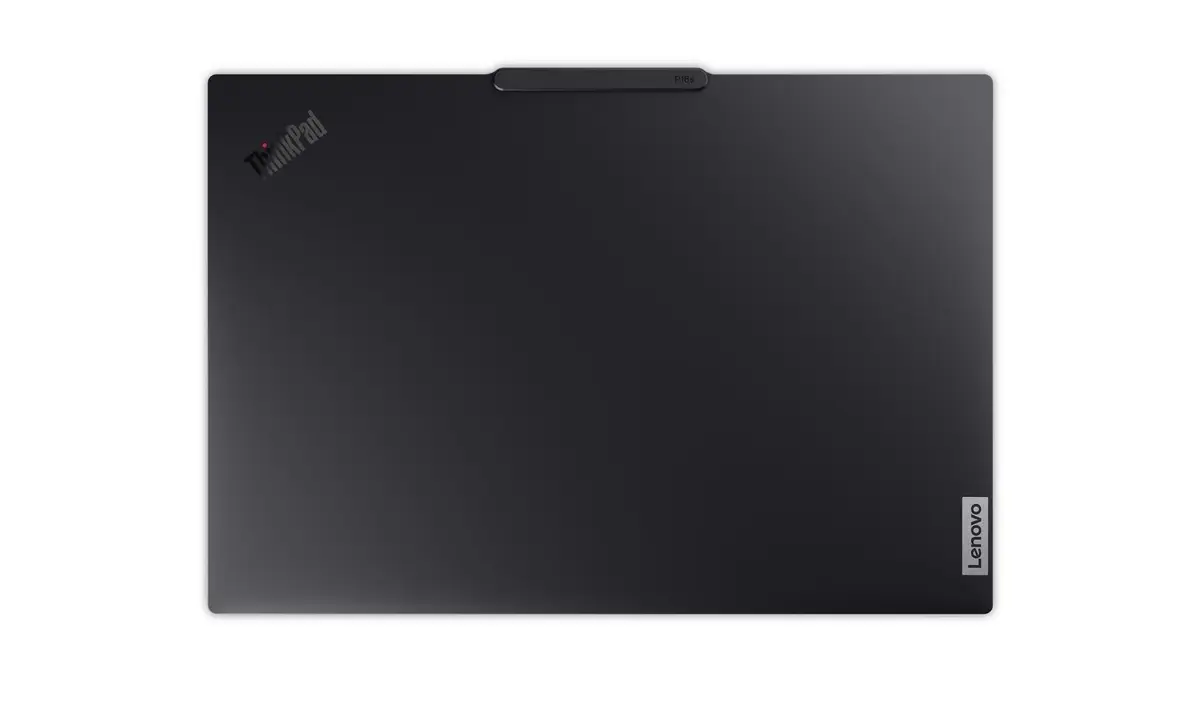
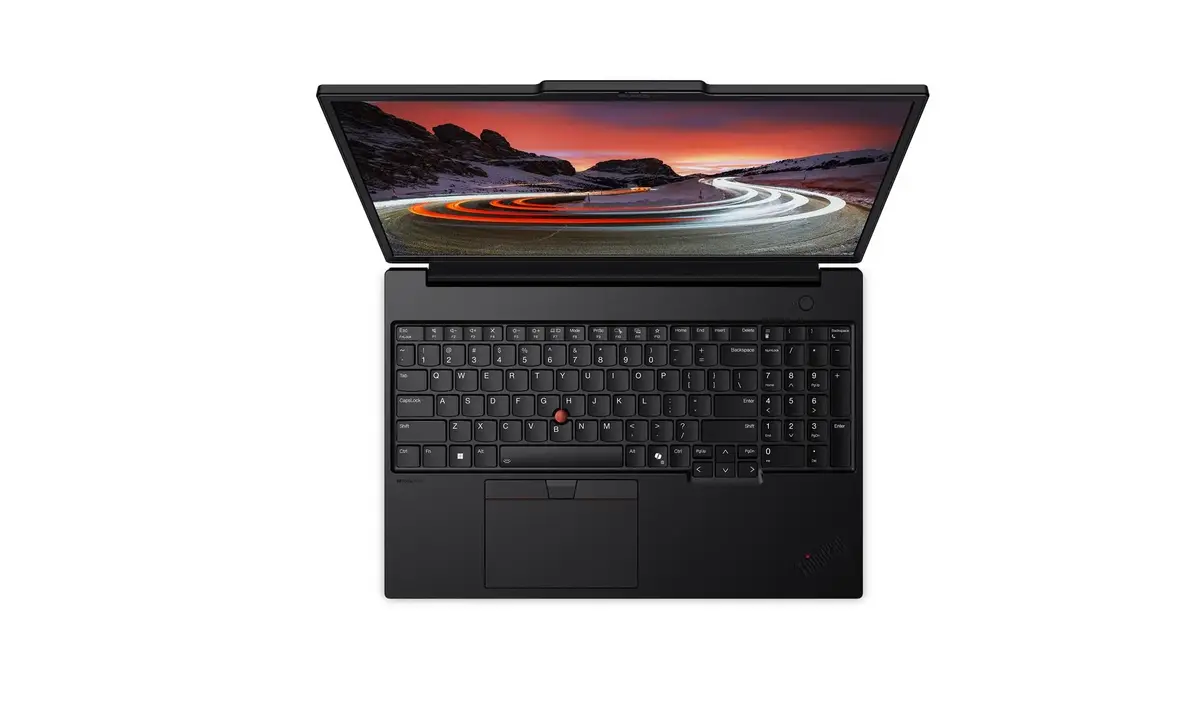
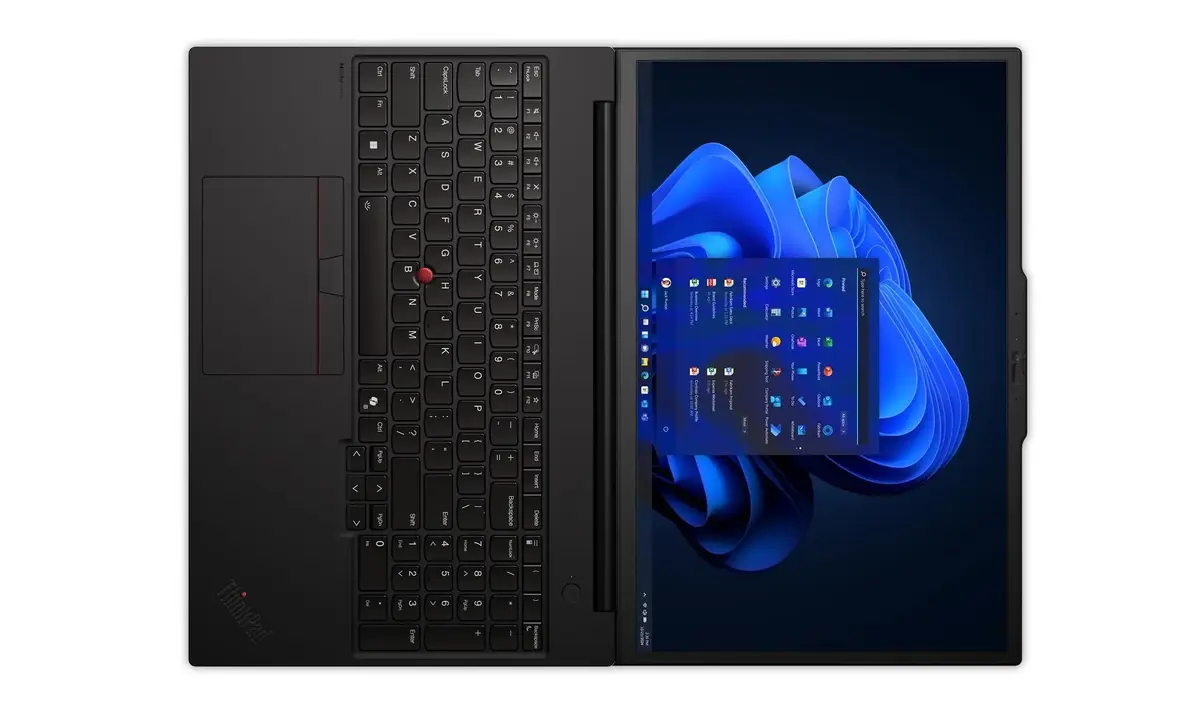
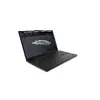
Laptop Lenovo ThinkPad P16s G4 — 16" WUXGA IPS 1920x1200, Intel Core Ultra 7, 32GB DDR5, 1TB SSD, NVIDIA RTX PRO 500 6GB, Windows 11 Pro, Black
The Lenovo ThinkPad P16s G4 Intel is a 16" mobile workstation designed for professional workloads. It features a 1920 x 1200 WUXGA IPS anti-glare display, Intel Core Ultra 7 255H processor with up to 5.1 GHz boost and 16 cores, 32 GB (2x16) DDR5 SODIMM memory at 5600 MHz, a 1 TB PCIe 5.0x4 NVMe M.2 2280 SSD, and an NVIDIA RTX PRO 500 (Blackwell) discrete GPU with 6 GB GDDR7 memory. The system ships with Windows 11 Pro and includes integrated Wi‑Fi 802.11be, Bluetooth 5.4 and LTE upgradable connectivity. The laptop is black, includes a backlit English keyboard and a 5.0MP + IR camera with privacy shutter and human presence detection.
The ThinkPad P16s G4 combines a high-performance Intel Core Ultra 7 CPU and a dedicated NVIDIA RTX PRO 500 GPU to handle demanding professional applications. Fast DDR5 memory and a PCIe 5.0 NVMe SSD provide responsive multitasking and storage performance. The IPS WUXGA anti‑glare display offers wide viewing angles and improved usability in bright environments, while security features such as an integrated touch-style fingerprint reader (match-on-chip) in the power button, a security keyhole, and a privacy shutter for the IR camera support professional security requirements. Battery is embedded and covered by a 12‑month battery warranty, with a 36‑month overall warranty and available Premier service.
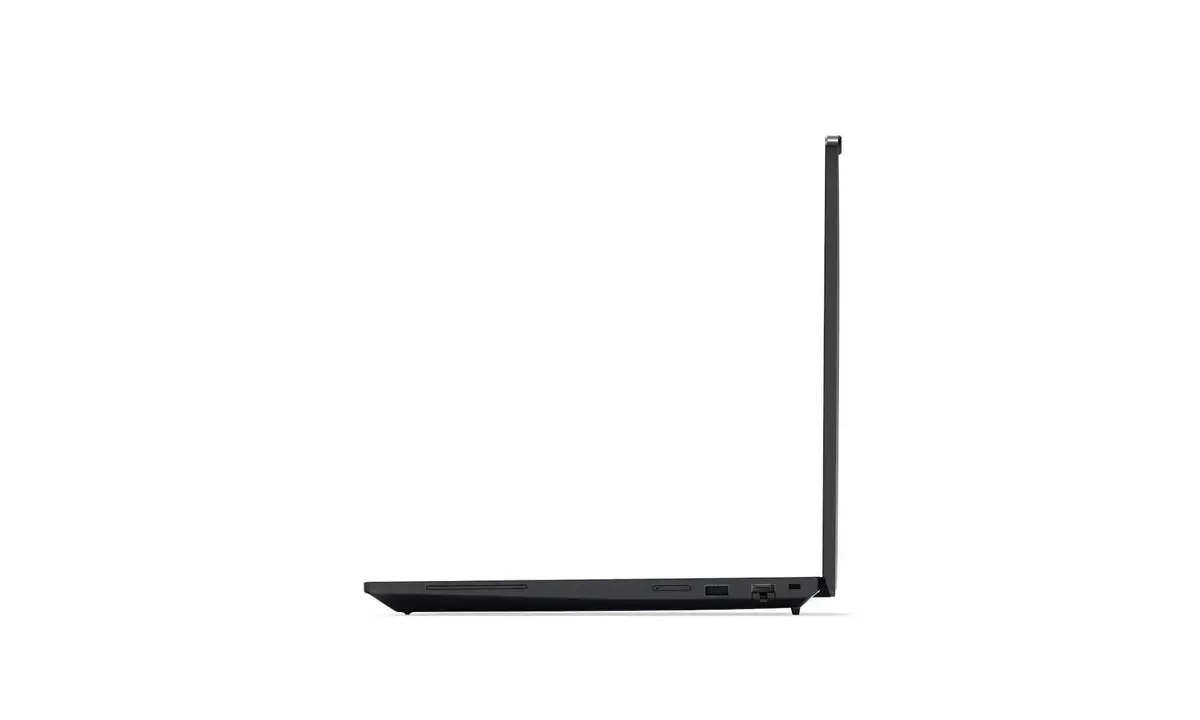
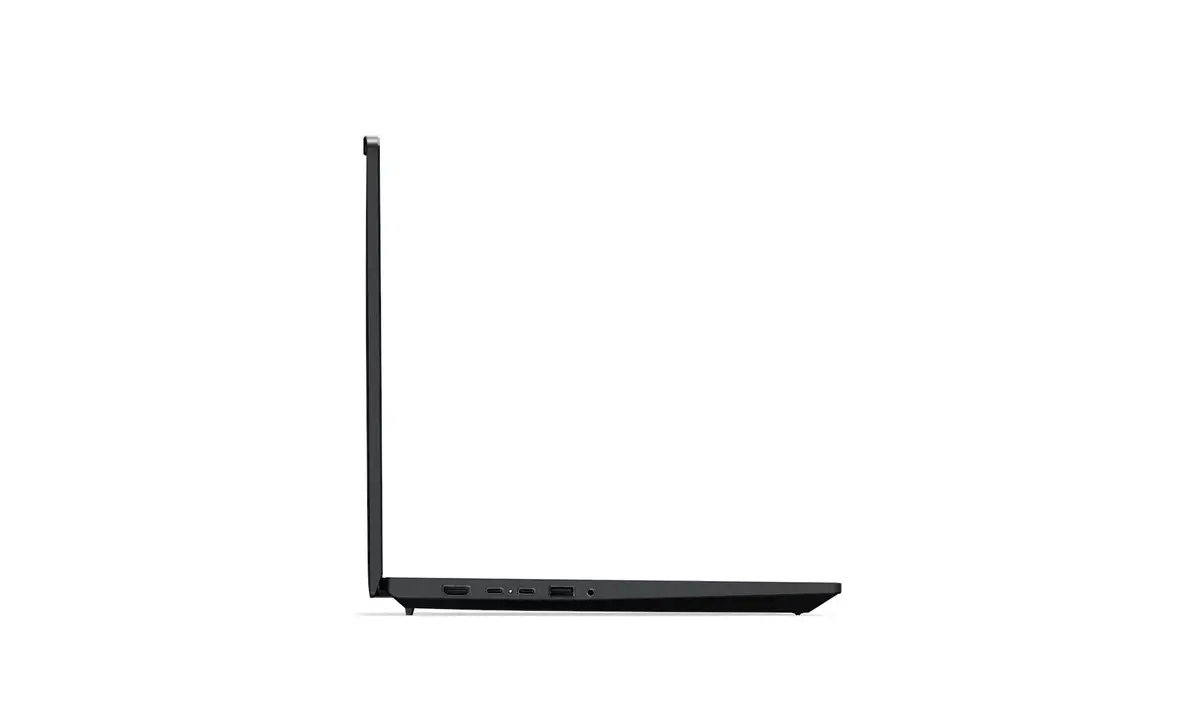
Power on the laptop using the integrated power button that also houses the fingerprint reader for quick authentication. Connect AC power for charging and use the included ports—Thunderbolt 4 for high‑speed peripherals and external displays, HDMI for external monitors, and USB‑A ports for legacy devices. For mobile connectivity enable Wi‑Fi 802.11be or add an LTE module if required. Use Windows 11 Pro for installing professional software and manage storage and memory through standard Windows tools. Keep firmware and drivers up to date via Lenovo Vantage or the manufacturer’s support site.
For sustained heavy workloads (rendering, simulations), connect to AC power and ensure adequate cooling. Use Thunderbolt 4 or HDMI outputs for external displays when running graphics‑intensive tasks. Maintain regular backups of critical data and apply Lenovo driver updates to ensure stability and security.
{{highlightedFeature.featureTitle}}:
{{getProductFeatureValueById(product, highlightedFeature.featureId)}}
{{ productComparisonGenerationError }}
