

Powerful EcoFlow stations for energy anywhere!
In cart {{totalProductsCount}} item(s)
Your cart is empty
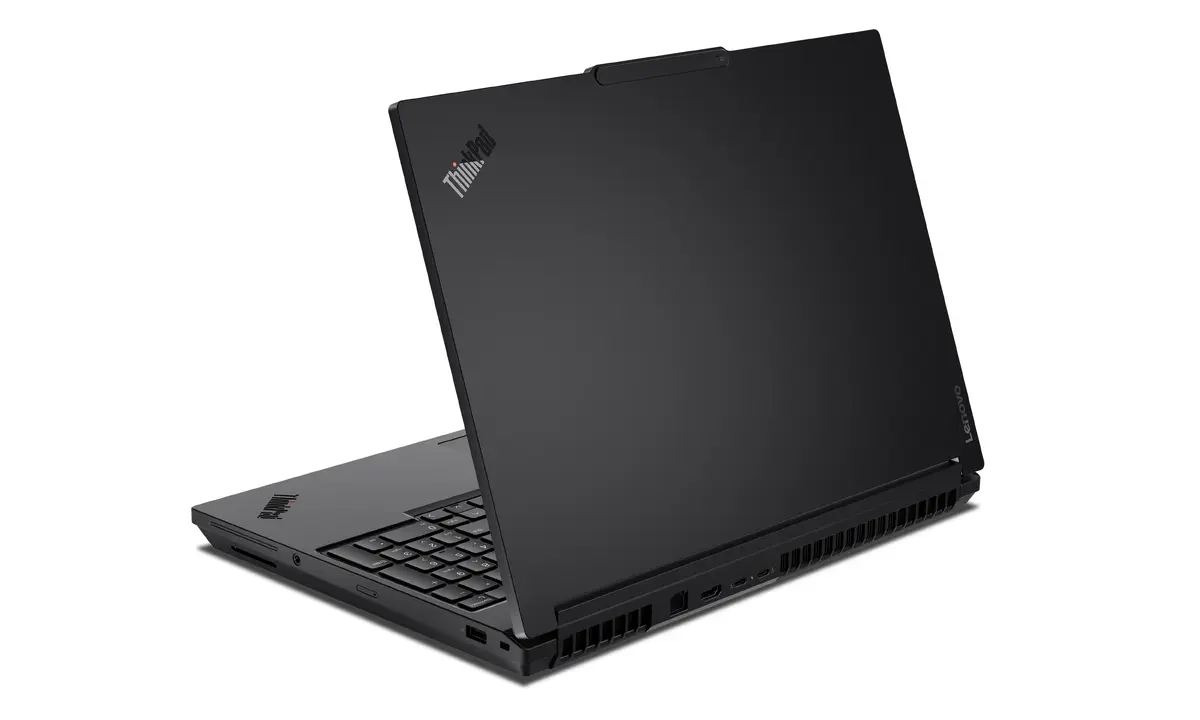
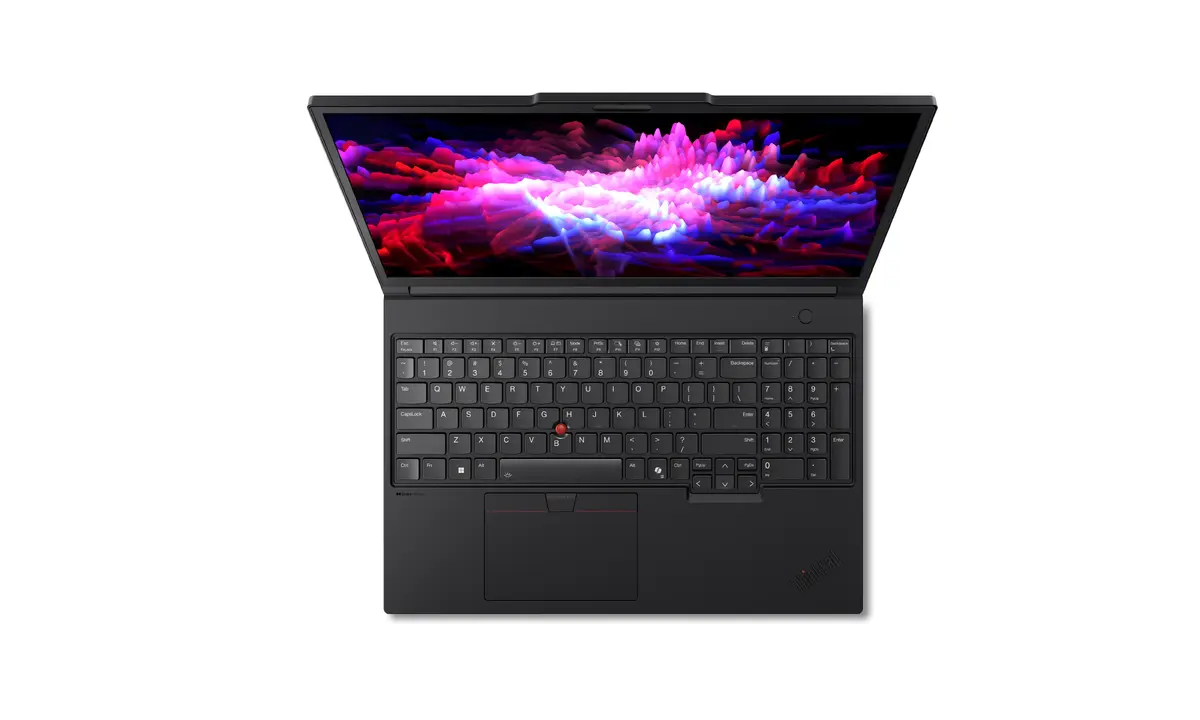
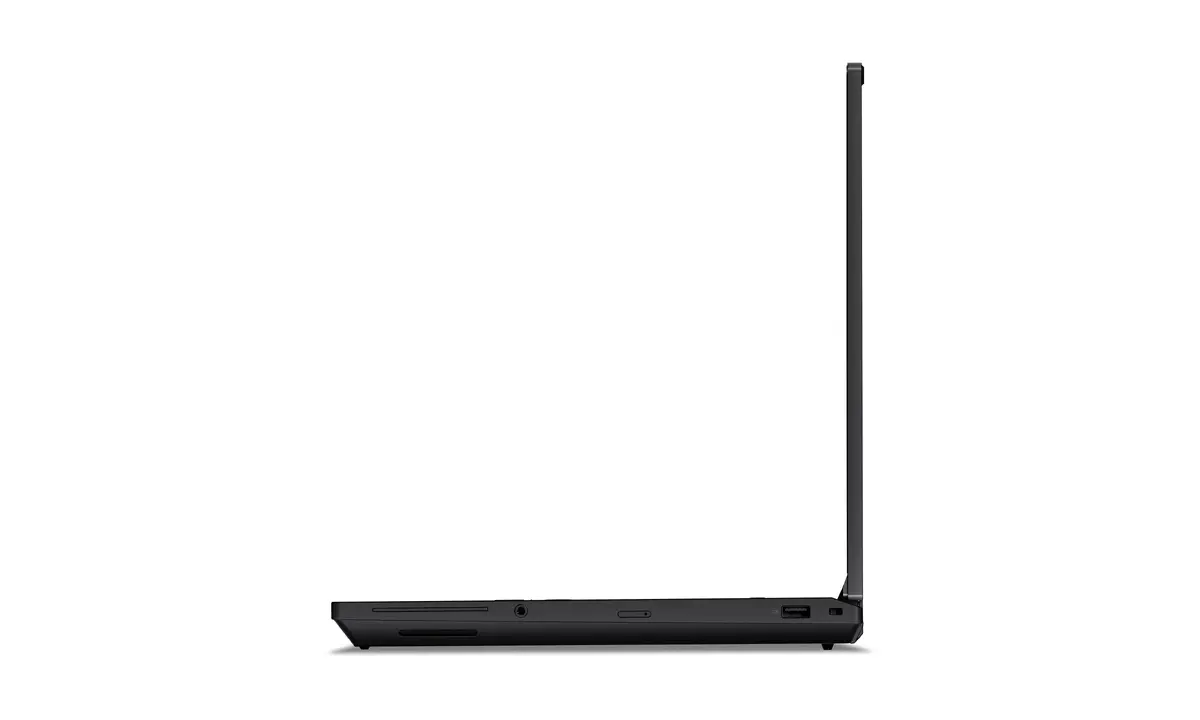
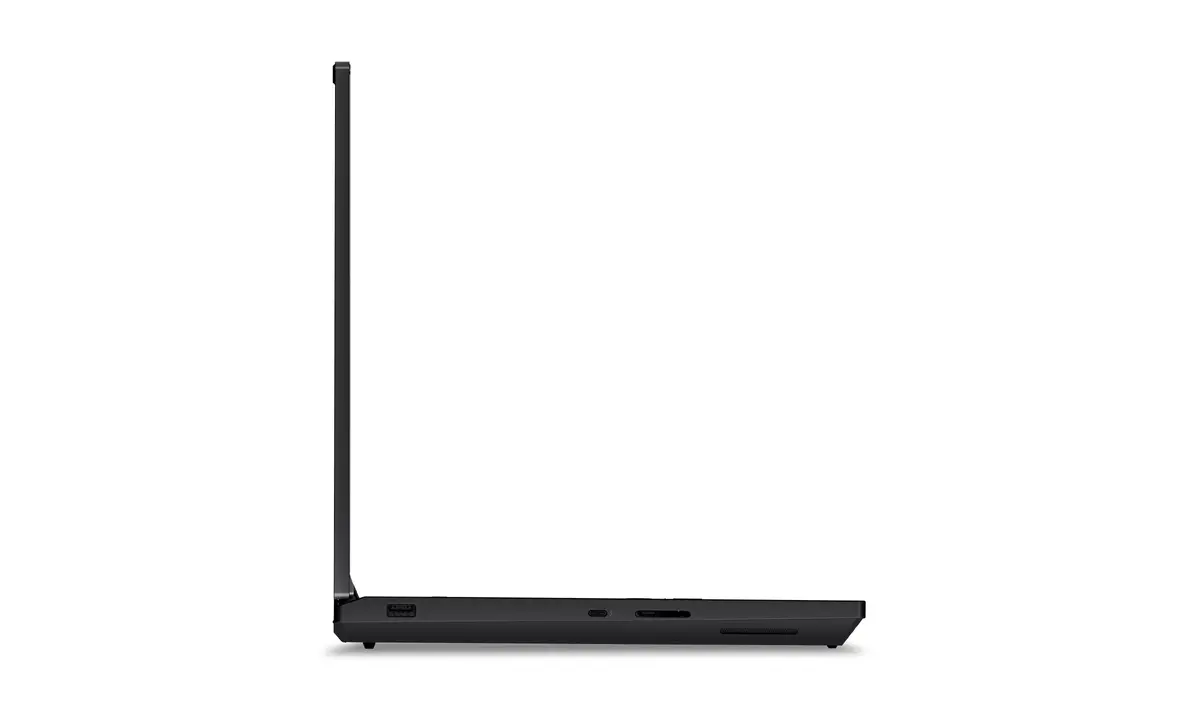
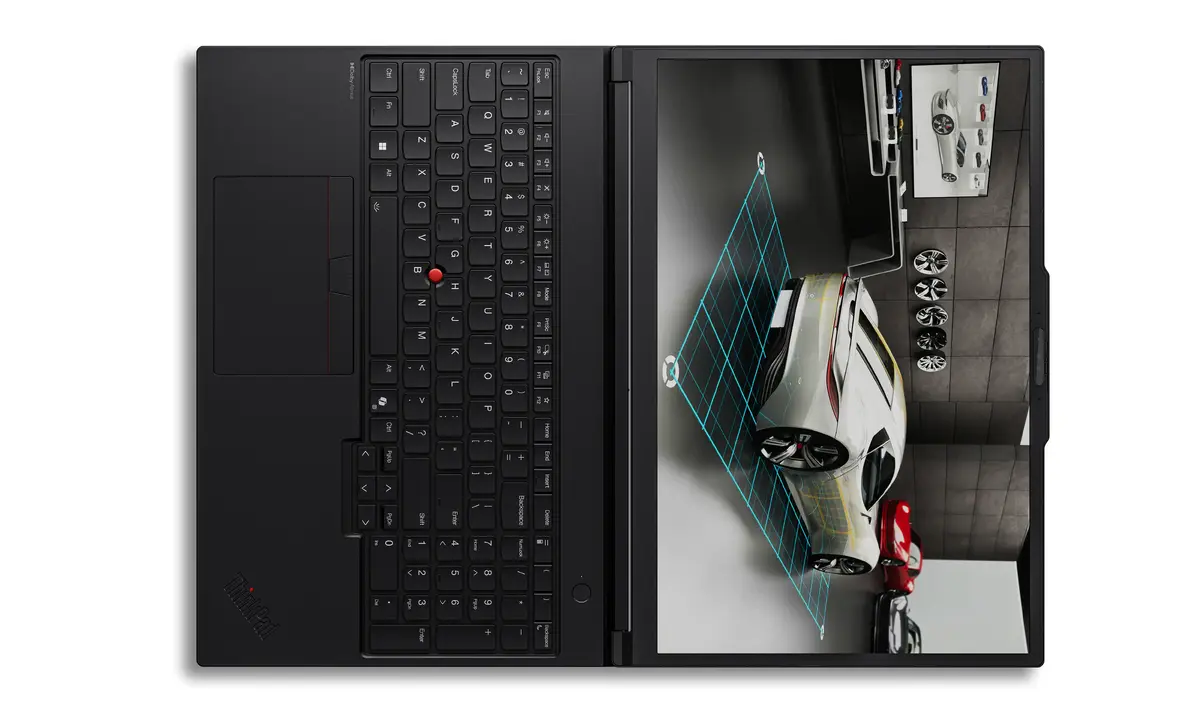
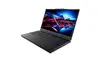
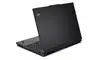
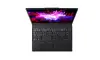
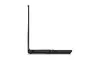
Lenovo ThinkPad P16 Gen 3 Mobile Workstation, Intel Core Ultra 9 275HX, 16-inch 3.2K Touchscreen, 96GB RAM, 2TB SSD, NVIDIA RTX PRO 5000, Windows 11 P...
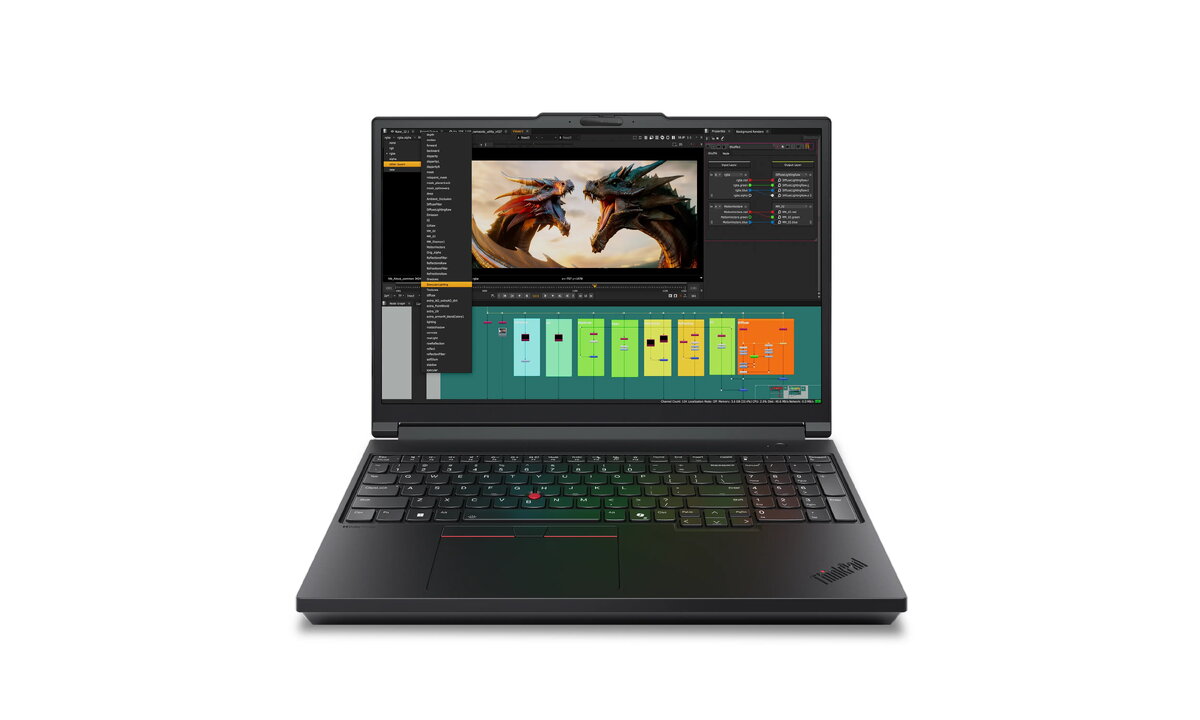
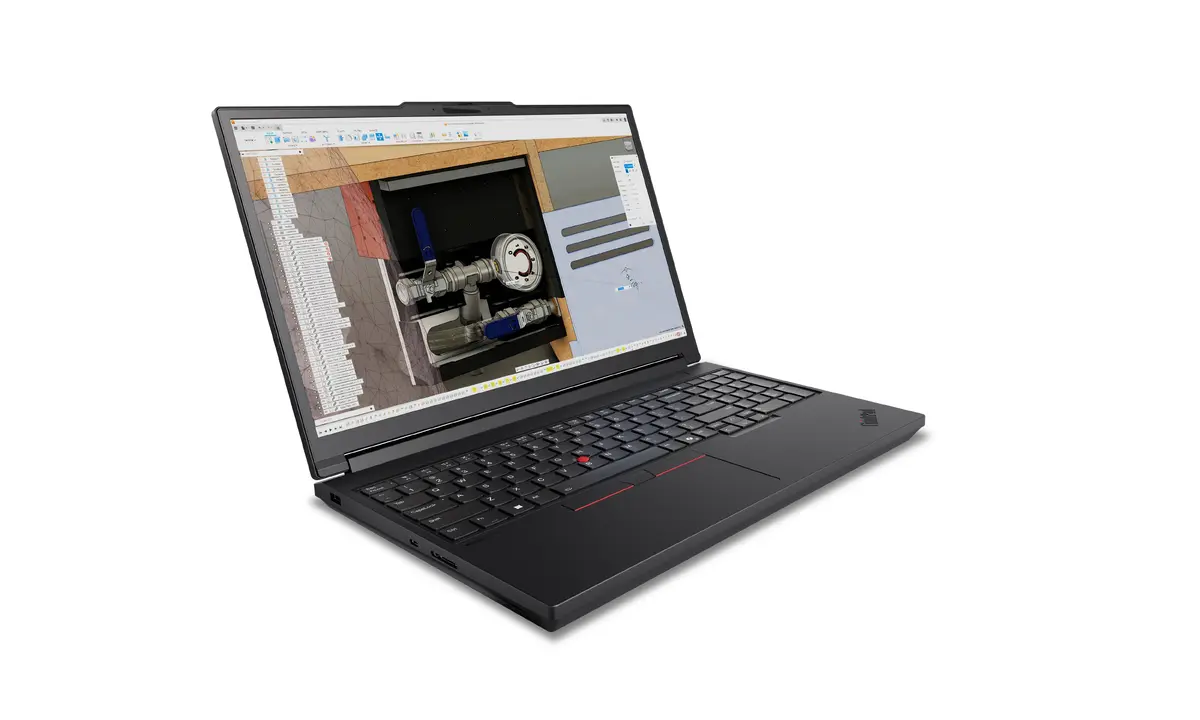
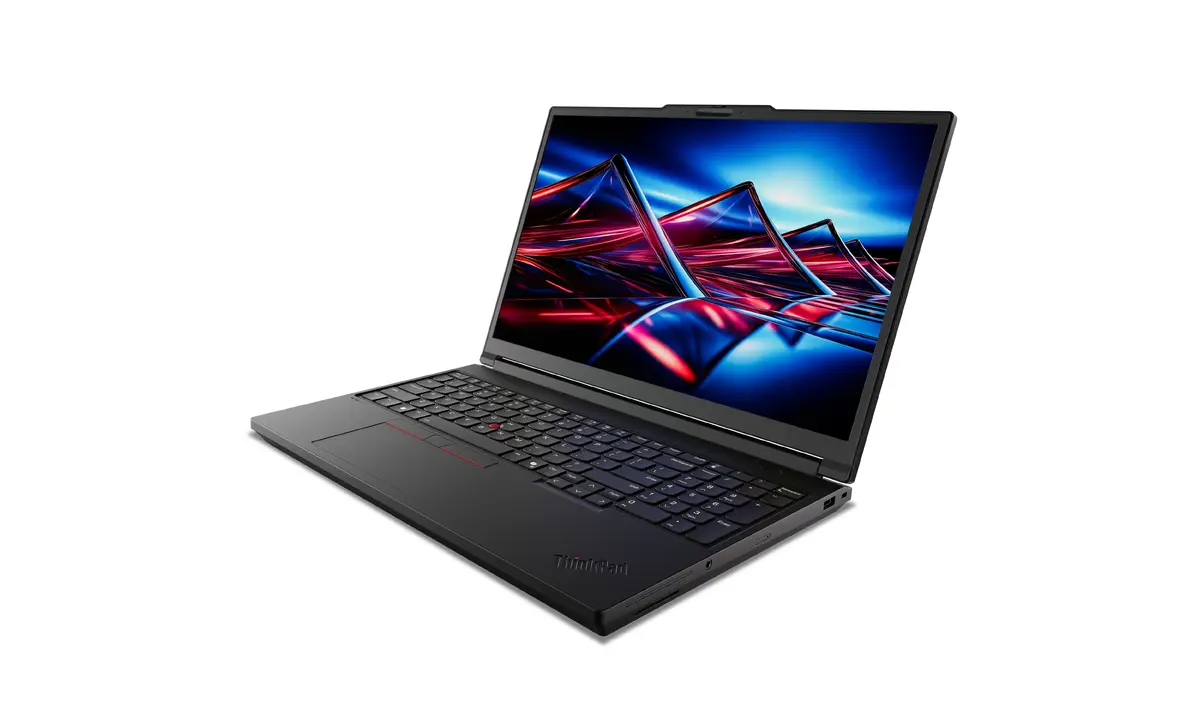
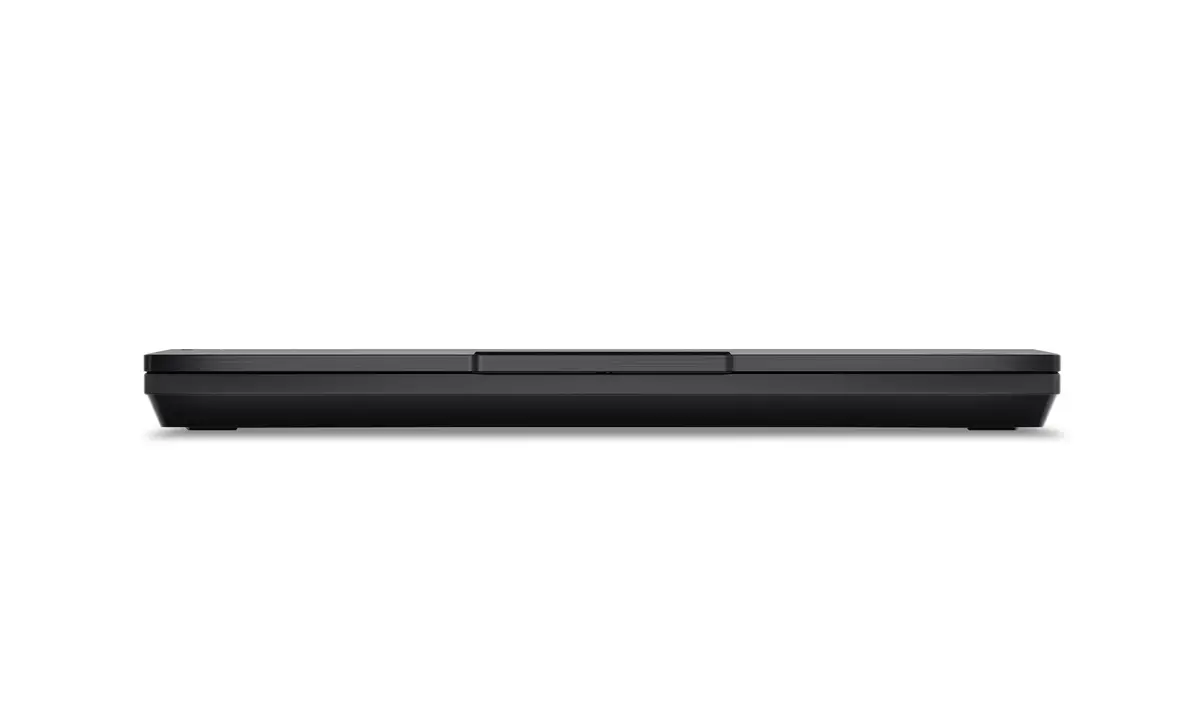
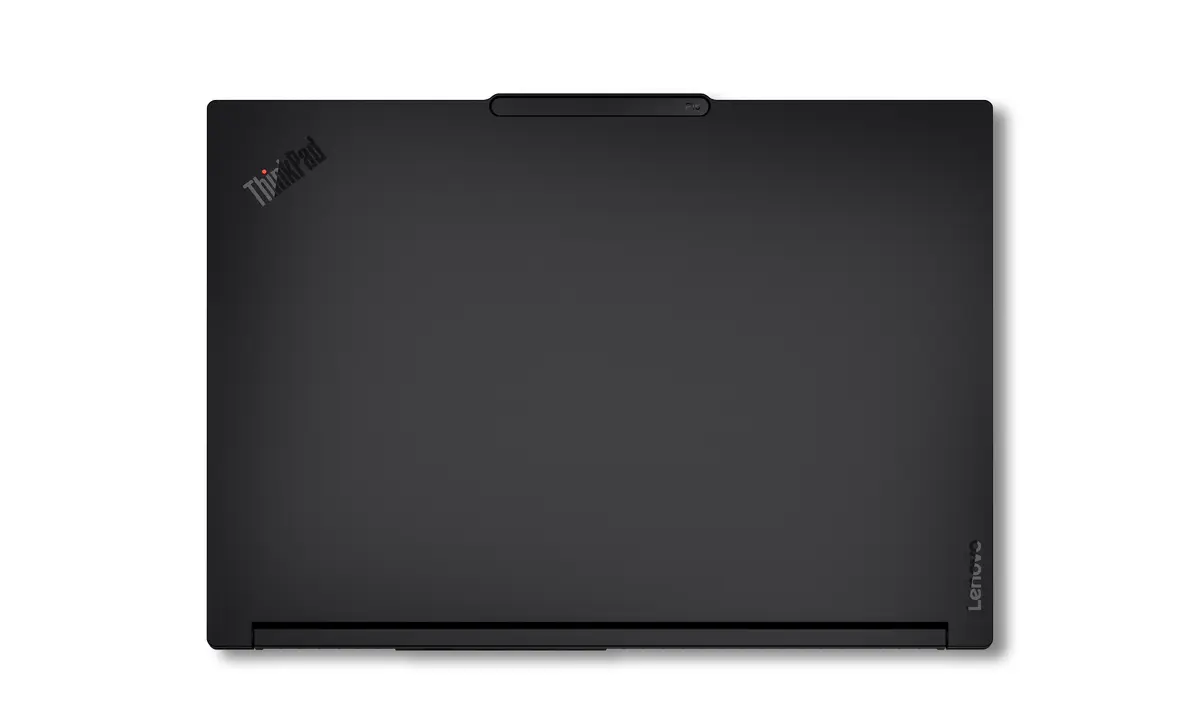
The Lenovo ThinkPad P16 Gen 3 is a high-performance mobile workstation engineered to meet the rigorous demands of professional engineering, data science, and creative workflows. Combining a robust Intel Core Ultra 9 275HX processor with 96GB of high-speed DDR5 RAM and a massive 2TB SSD, this device provides the computational power necessary for complex multitasking and heavy data processing. The 16-inch 3.2K touchscreen display offers exceptional visual clarity, while the NVIDIA RTX PRO 5000 Blackwell graphics card ensures professional-grade rendering and AI development capabilities in a portable form factor.
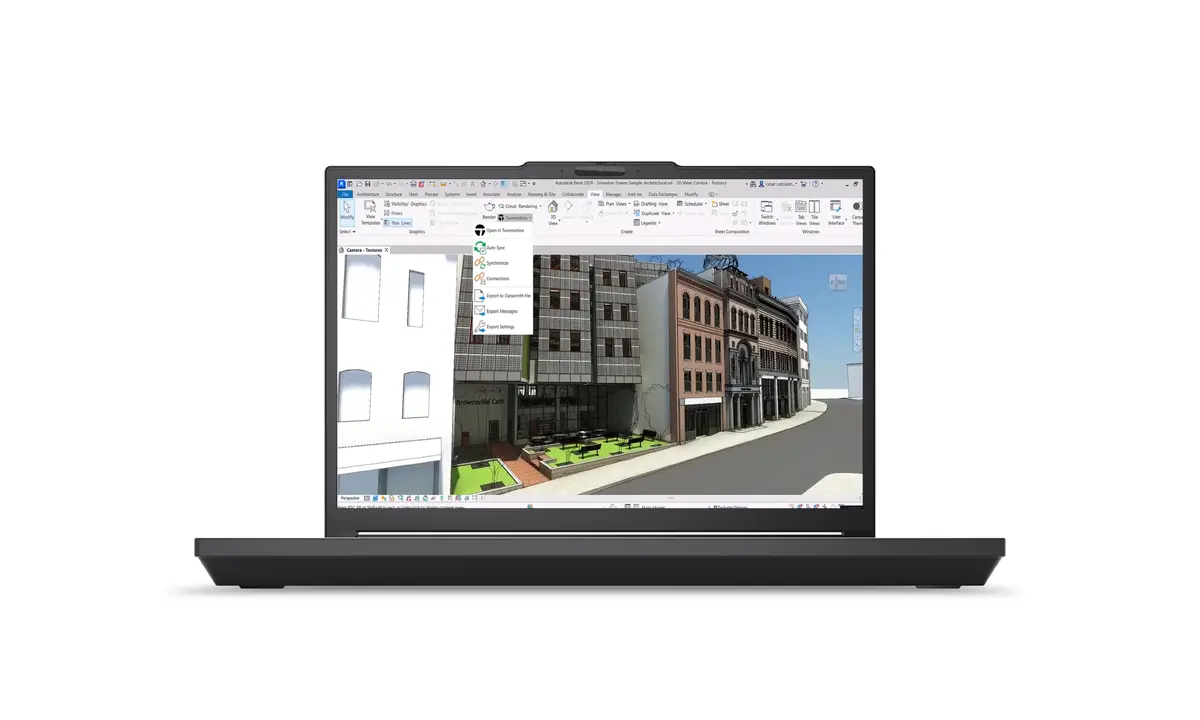
This mobile workstation stands out due to its desktop-level performance packed into a professional, portable chassis. The integration of the NVIDIA RTX PRO 5000 Blackwell GPU allows for advanced local AI model training, real-time inference, and high-fidelity 3D rendering. With ISV certification, users can rely on seamless compatibility with industry-standard software such as AutoCAD and SOLIDWORKS. The inclusion of a high-resolution 3.2K touchscreen enhances productivity by providing a precise and interactive workspace, while the extensive memory capacity ensures that even the most resource-intensive applications run without bottlenecks.
This device may not be suitable for casual users or those prioritizing extreme portability, as its high-performance components and robust cooling system result in a weight of 2.54 kg. Additionally, the premium hardware configuration is specifically optimized for professional workflows, making it an unnecessary investment for basic office tasks or web browsing.
To begin using your Lenovo ThinkPad P16 Gen 3, connect the provided power adapter to ensure the battery is fully charged. Upon powering on, follow the on-screen Windows 11 Pro setup instructions to configure your user account and network settings. For optimal performance in professional applications, ensure that all drivers, particularly those for the NVIDIA RTX graphics card, are updated through the official support portal or the pre-installed management software.
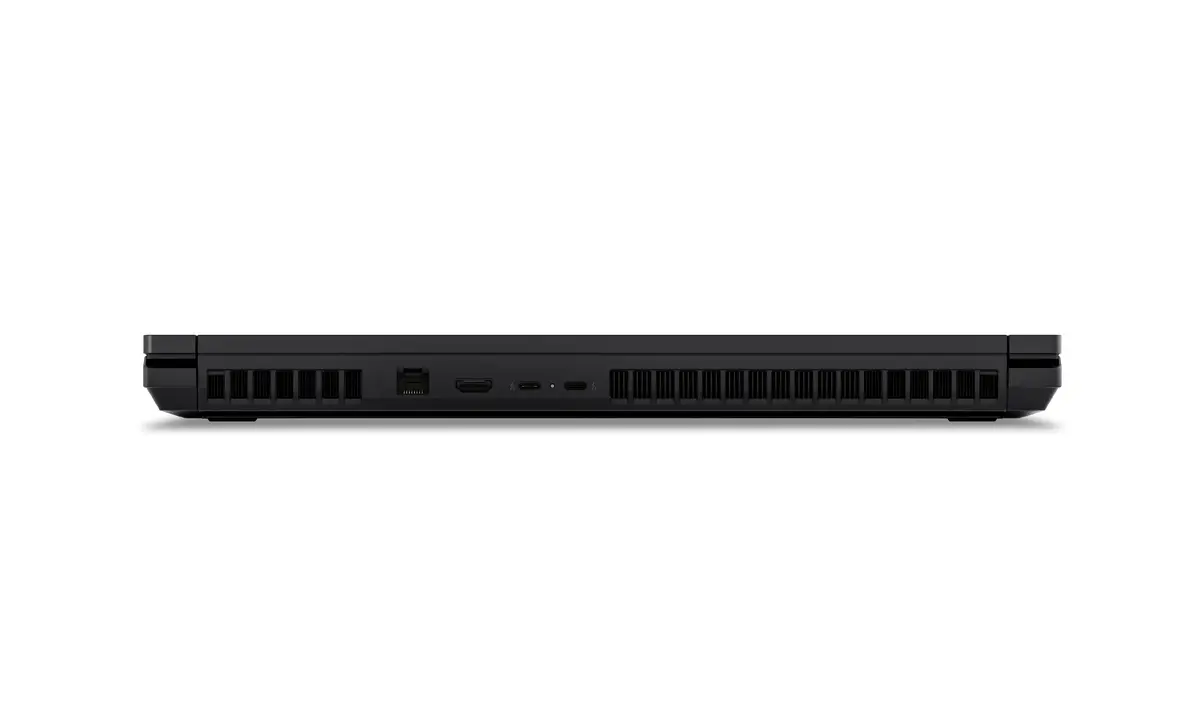
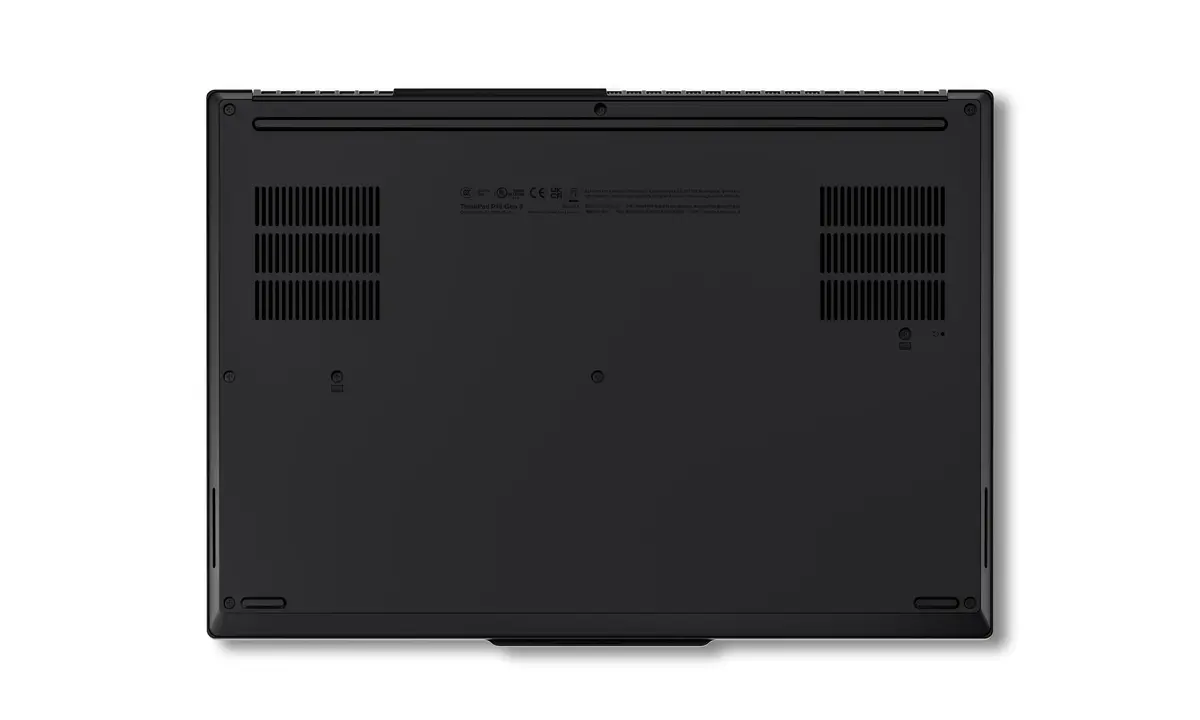
For sustained performance during intensive rendering or AI training sessions, it is recommended to use the device on a flat, hard surface to allow for proper airflow through the cooling vents. Regularly clean the intake vents to maintain thermal efficiency.
{{highlightedFeature.featureTitle}}:
{{getProductFeatureValueById(product, highlightedFeature.featureId)}}
{{ productComparisonGenerationError }}
