

Dreame vacuums for fast and efficient cleaning!
In cart {{totalProductsCount}} item(s)
Your cart is empty
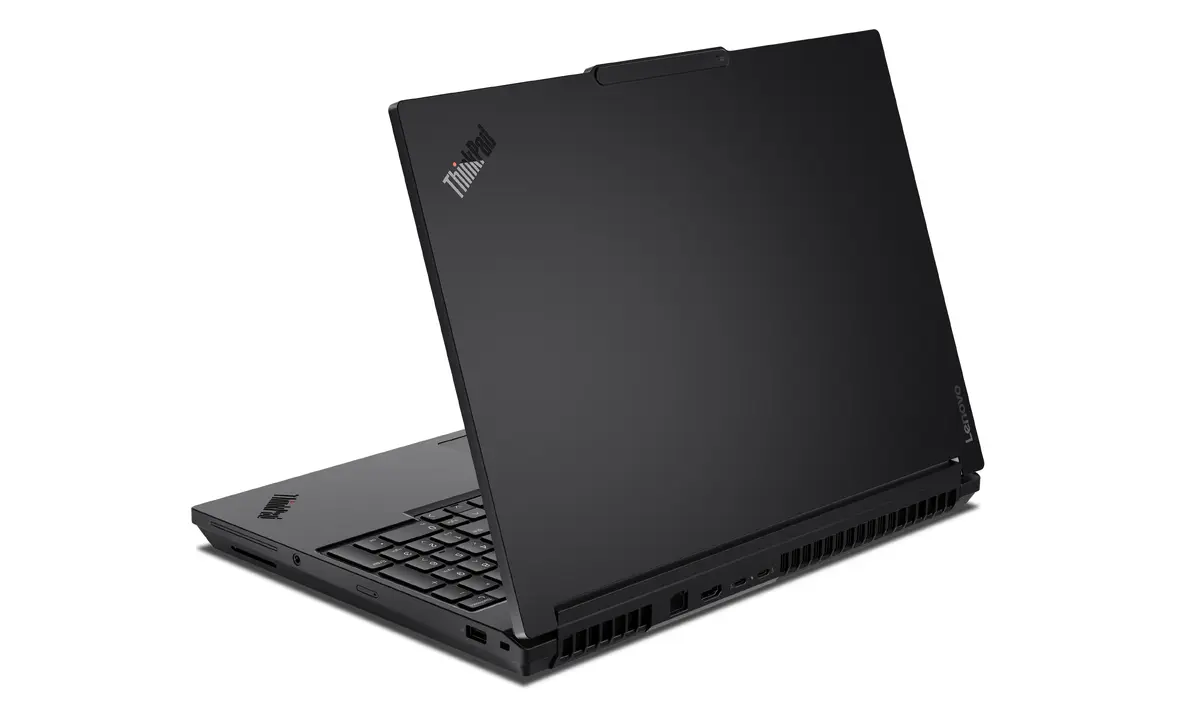
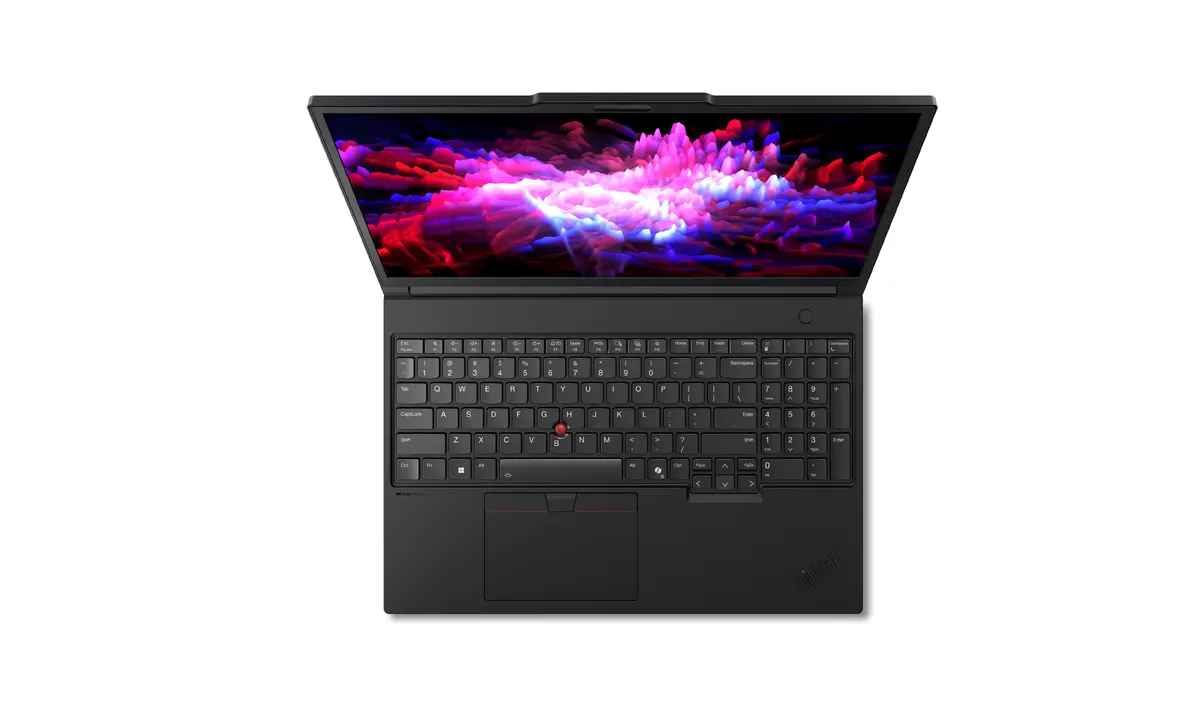
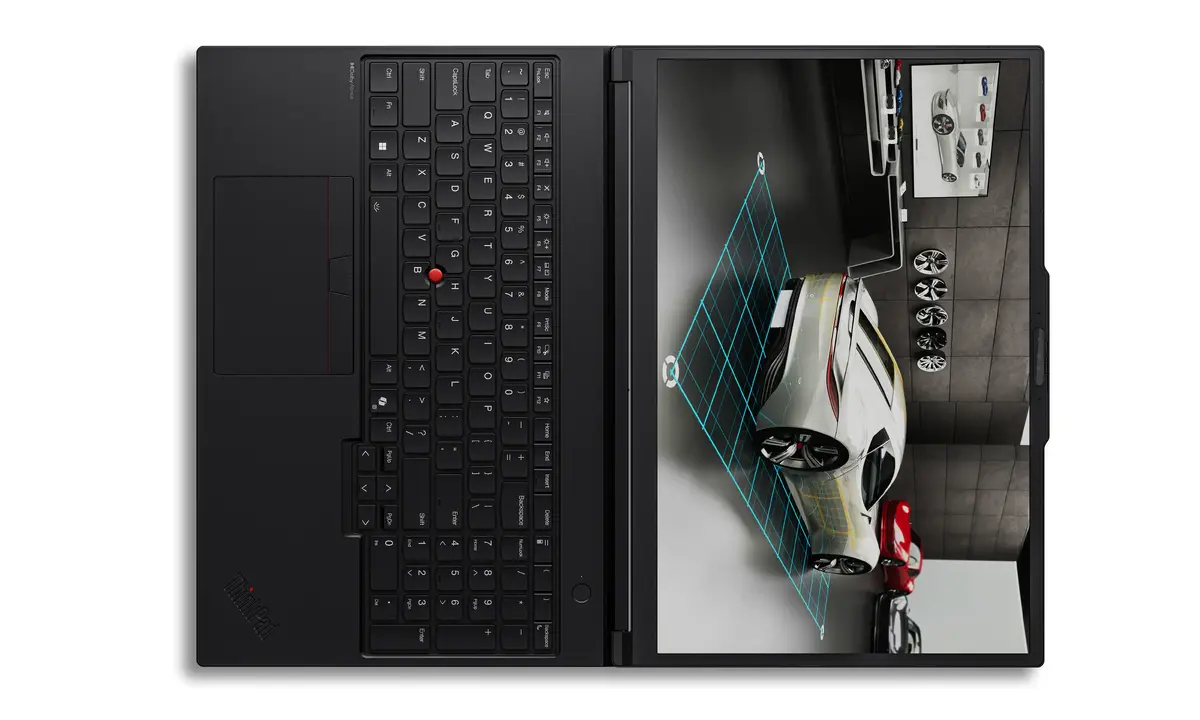
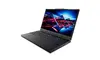
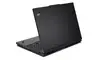
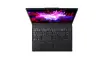
Lenovo ThinkPad P16 Gen 3 Mobile Workstation, Intel Core Ultra 9 275HX, 96GB RAM, 1TB SSD, NVIDIA RTX PRO 3000 Blackwell, 16-inch WQUXGA, Windows 11 P...
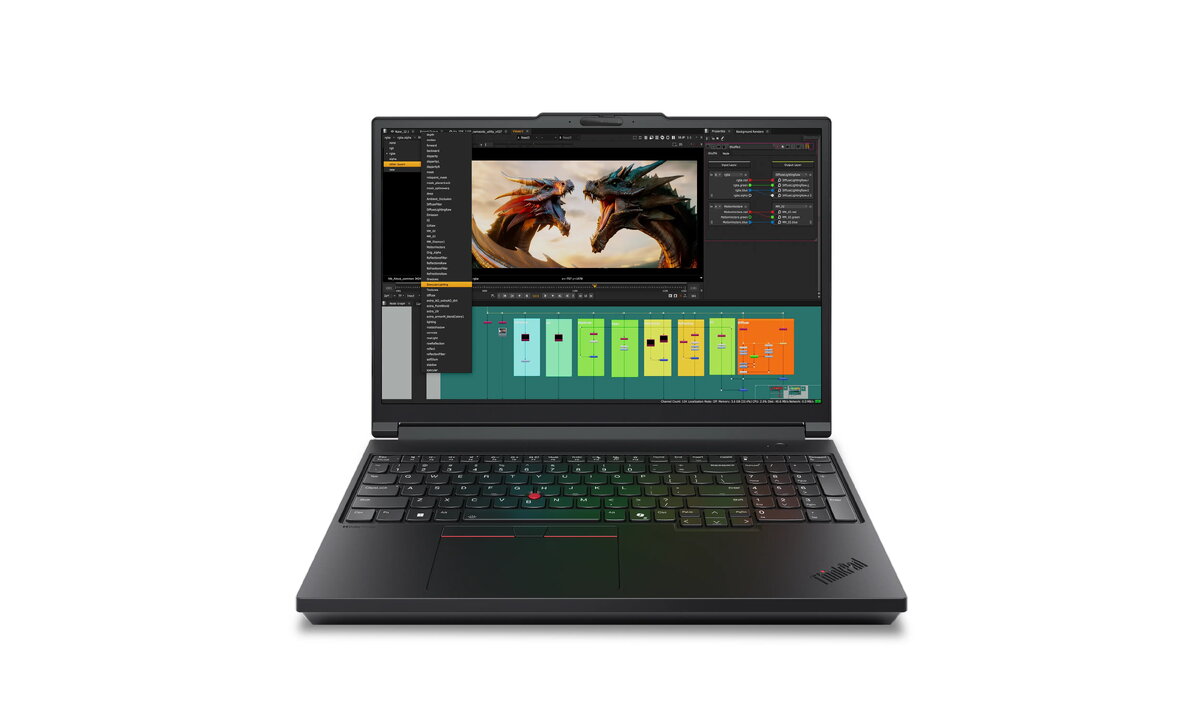
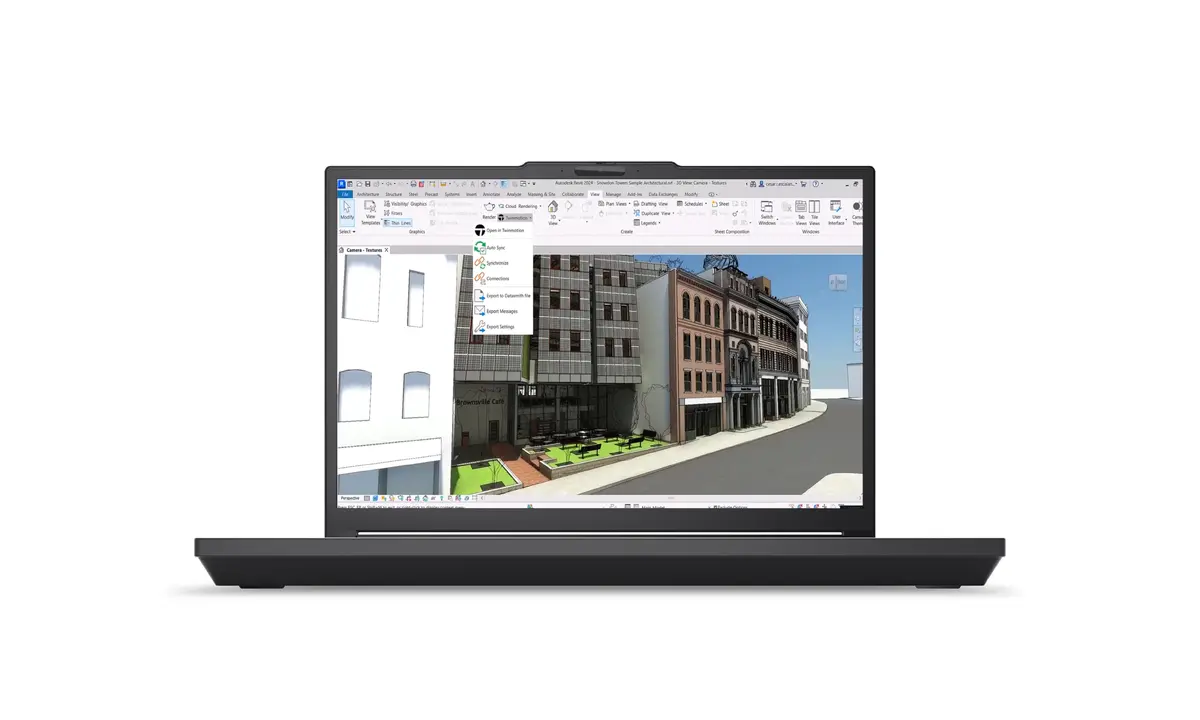
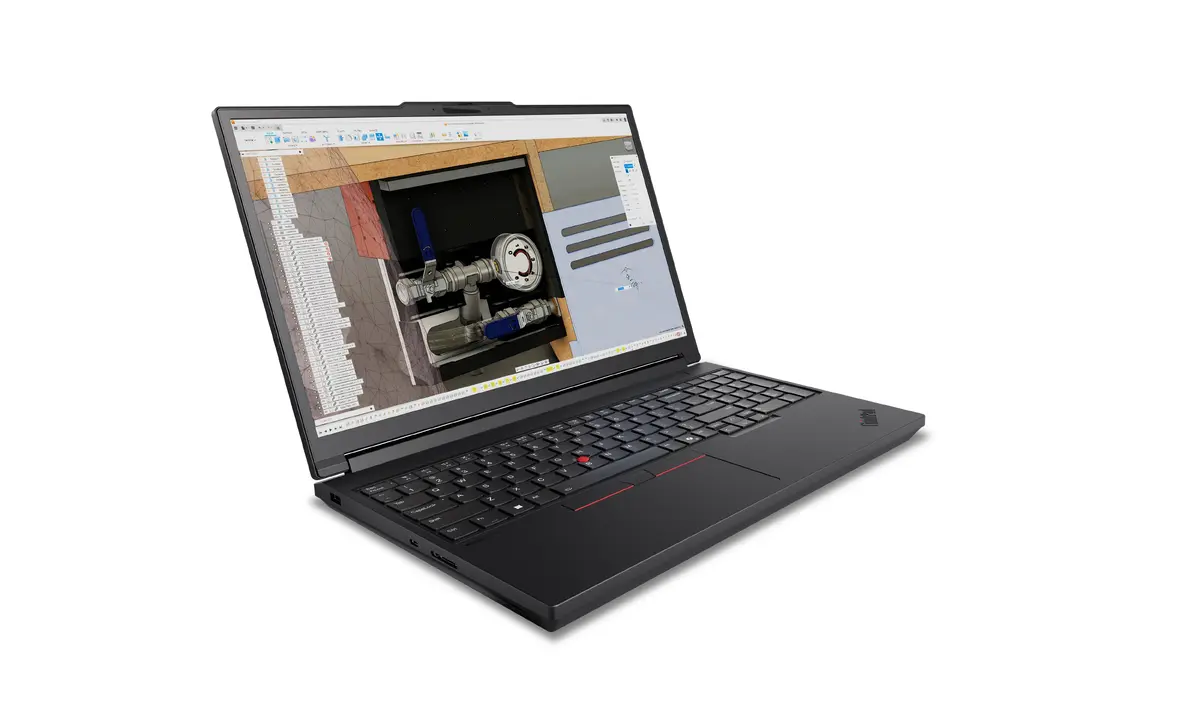
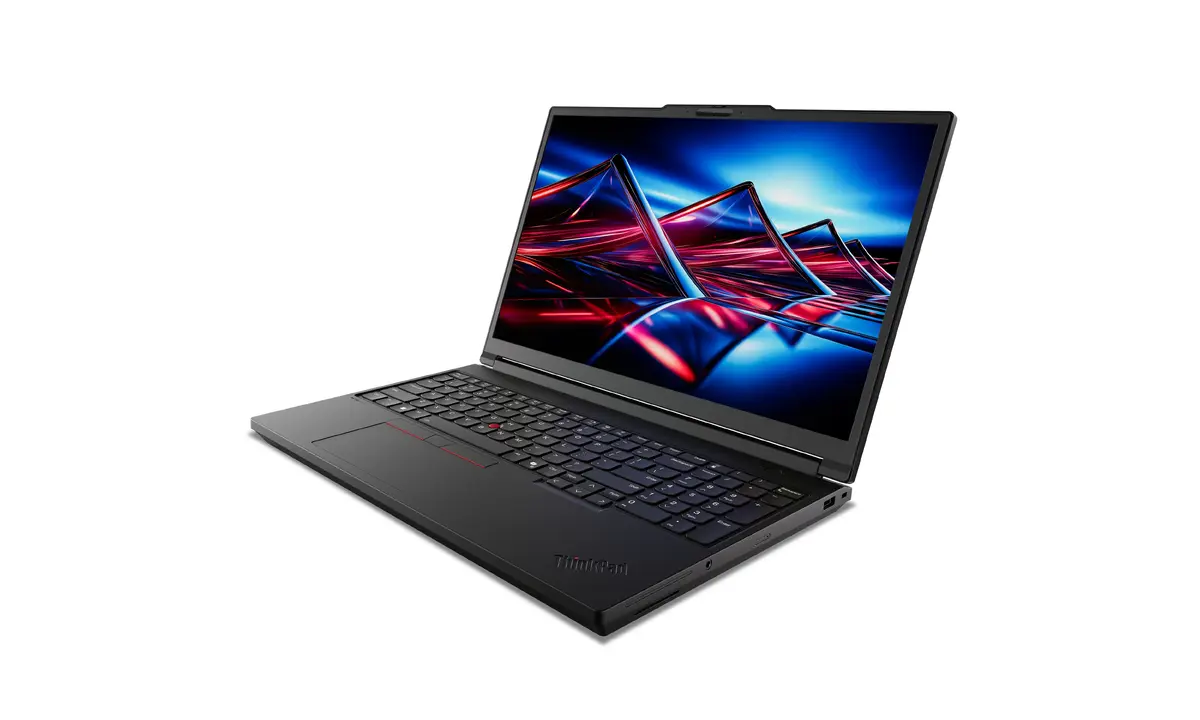
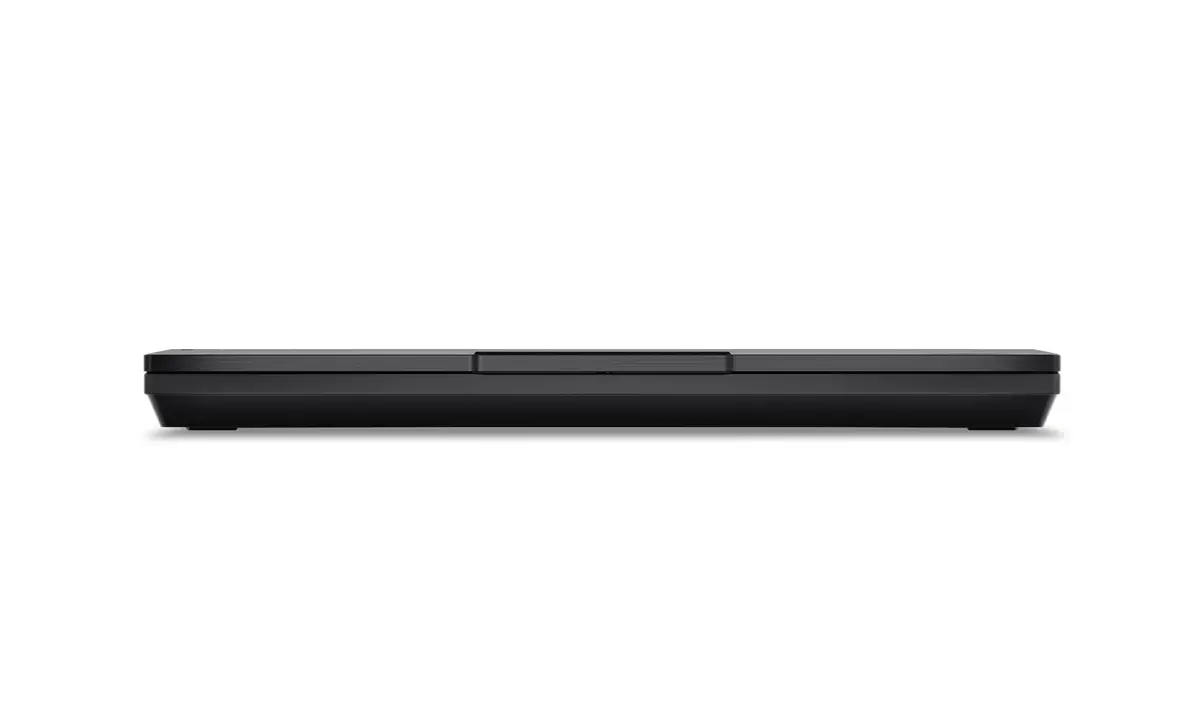
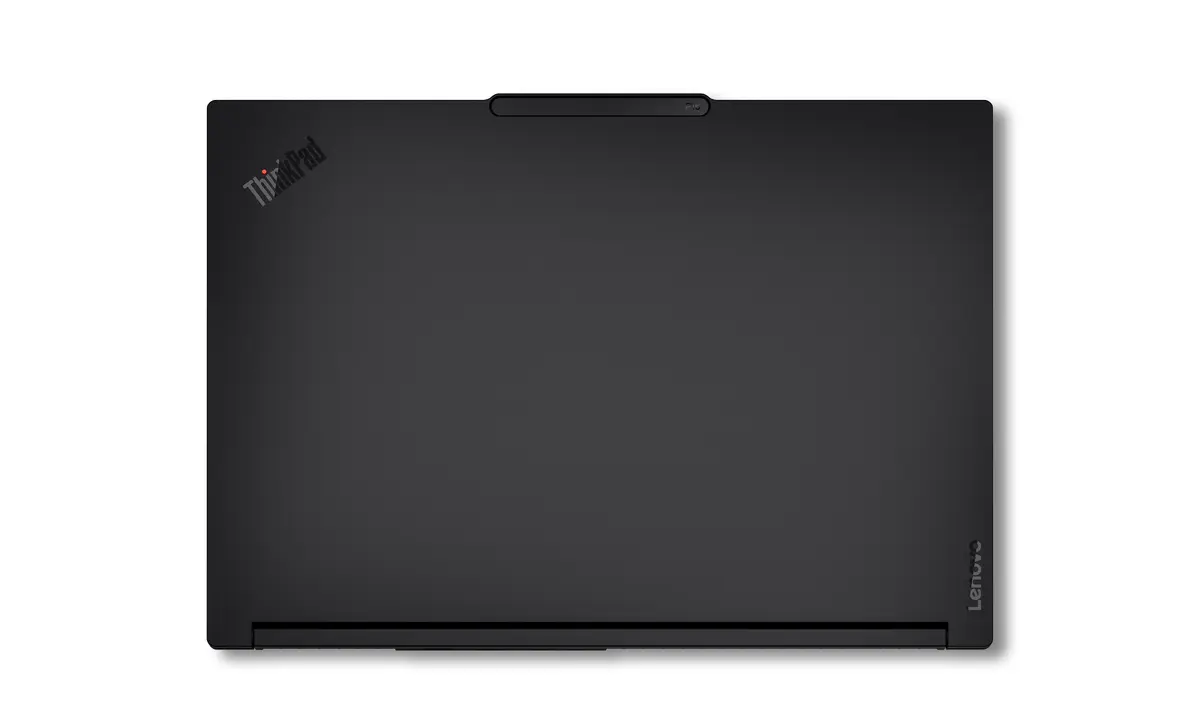
The Lenovo ThinkPad P16 Gen 3 is a high-performance mobile workstation engineered to deliver desktop-level computing power in a portable clamshell form factor. Designed for professionals who require reliability and speed, this laptop features the powerful Intel Core Ultra 9 275HX processor paired with 96GB of high-speed DDR5 memory. With its dedicated NVIDIA RTX PRO 3000 Blackwell graphics card and a 16-inch WQUXGA display, it provides the visual clarity and rendering capabilities necessary for complex professional projects.
This mobile workstation offers exceptional processing capabilities, making it ideal for handling intensive computational tasks without compromising on mobility. The integration of a professional-grade NVIDIA graphics card ensures smooth performance in graphics-heavy applications, while the massive 96GB of RAM allows for seamless multitasking across demanding software environments. Its robust build quality and optimized thermal management ensure consistent performance during long working sessions, providing a reliable platform for mission-critical professional workflows.
This device is primarily designed for high-performance professional tasks and may be overkill for basic office productivity, web browsing, or media consumption. Due to its focus on raw power and workstation-grade components, it is heavier than standard ultrabooks, which may impact portability for users who prioritize a lightweight design above all else.
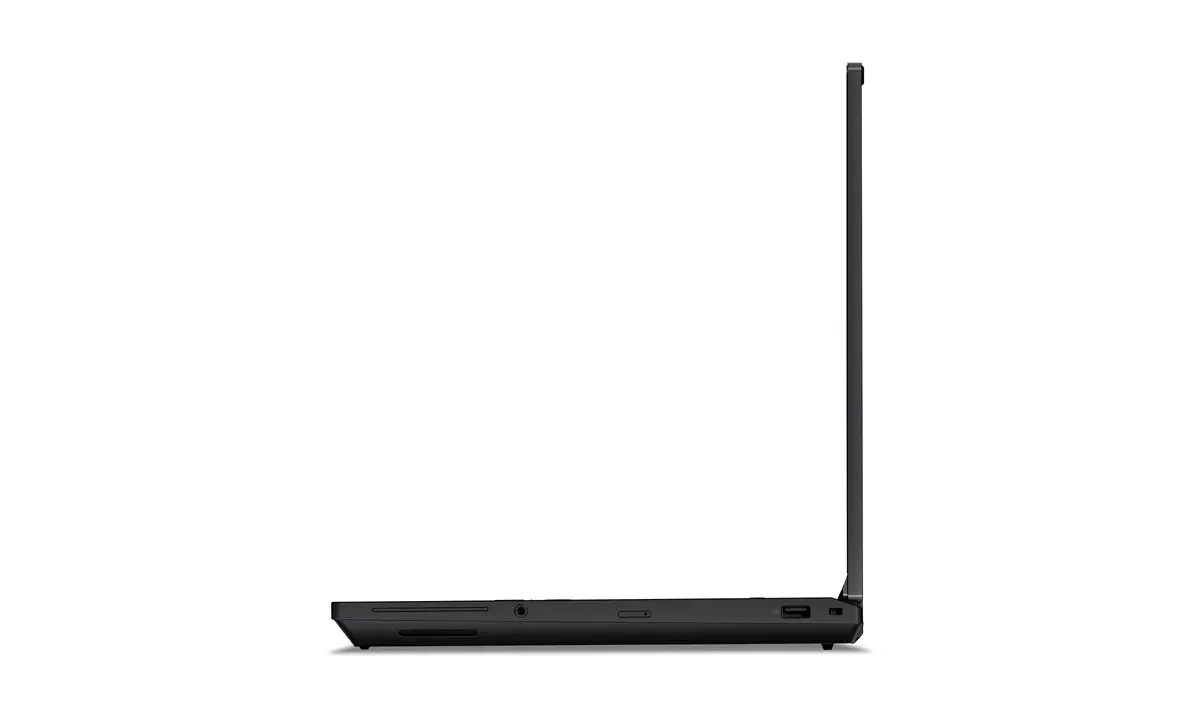
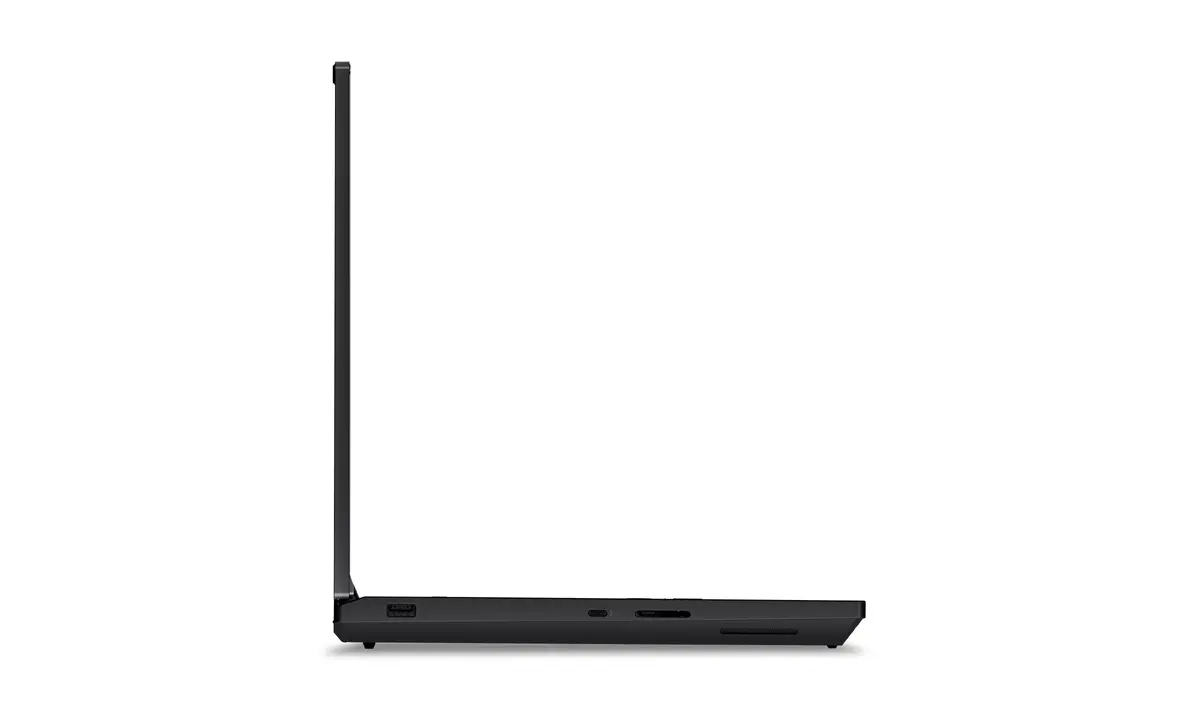
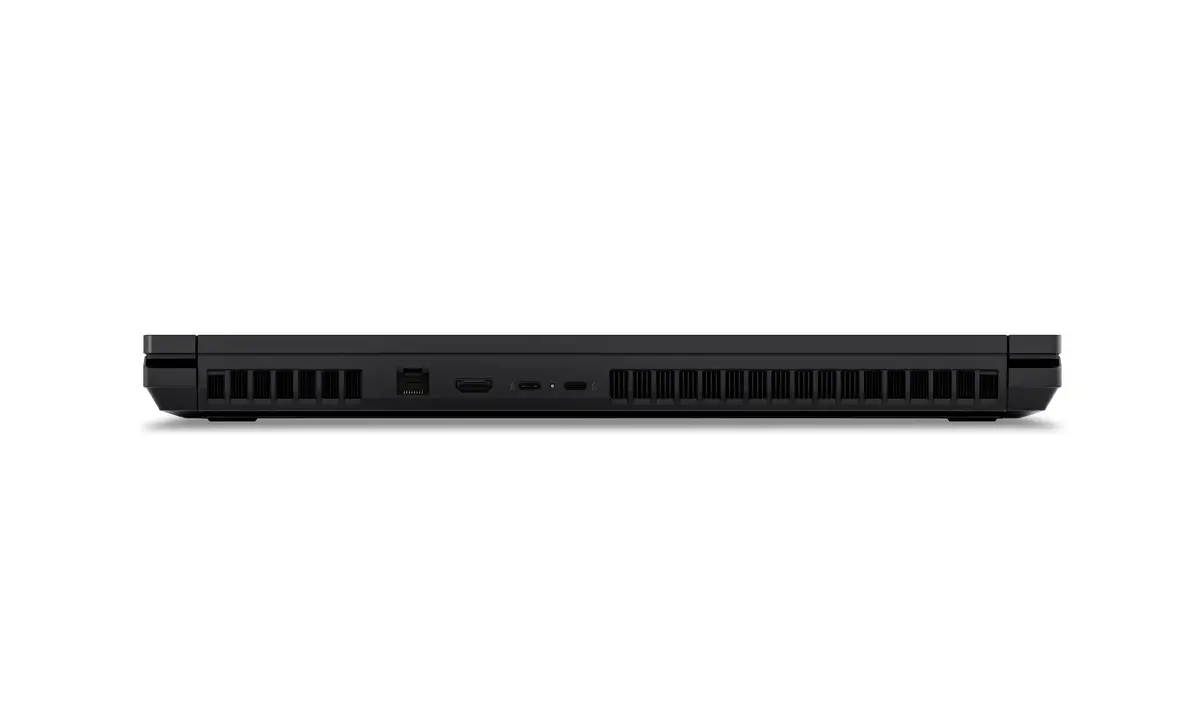
To begin using your Lenovo ThinkPad P16 Gen 3, connect the provided power adapter to ensure the battery is fully charged. Upon powering on, follow the Windows 11 Pro on-screen setup instructions to configure your user account and network settings. For optimal performance, ensure that your professional software is updated to the latest versions compatible with the NVIDIA RTX PRO hardware. Utilize the various ports on the chassis to connect external monitors, high-speed storage, or peripherals to expand your workspace as needed.
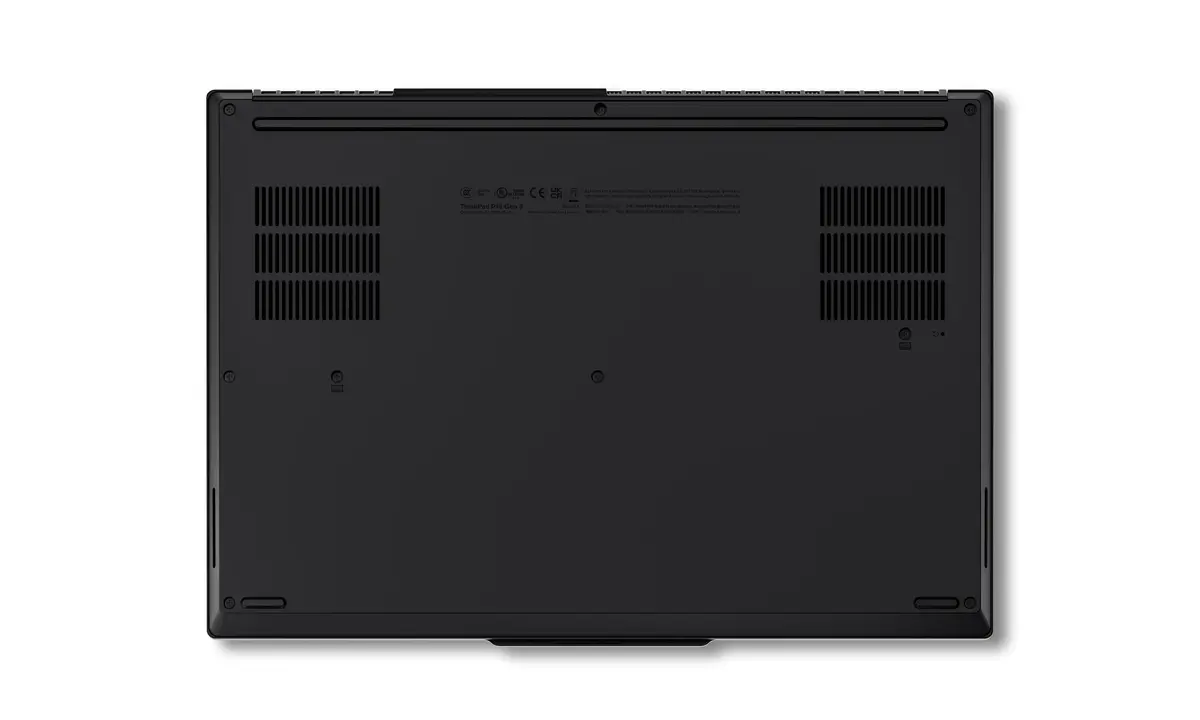
Usage recommendations: To maintain peak performance, keep the air vents clear of obstructions to allow for proper cooling. Regularly update your system drivers through the official support software to ensure stability and security. When working on battery power, adjust the power management settings in Windows 11 Pro to balance performance and battery longevity.
{{highlightedFeature.featureTitle}}:
{{getProductFeatureValueById(product, highlightedFeature.featureId)}}
{{ productComparisonGenerationError }}
