

Powerful EcoFlow stations for energy anywhere!
In cart {{totalProductsCount}} item(s)
Your cart is empty
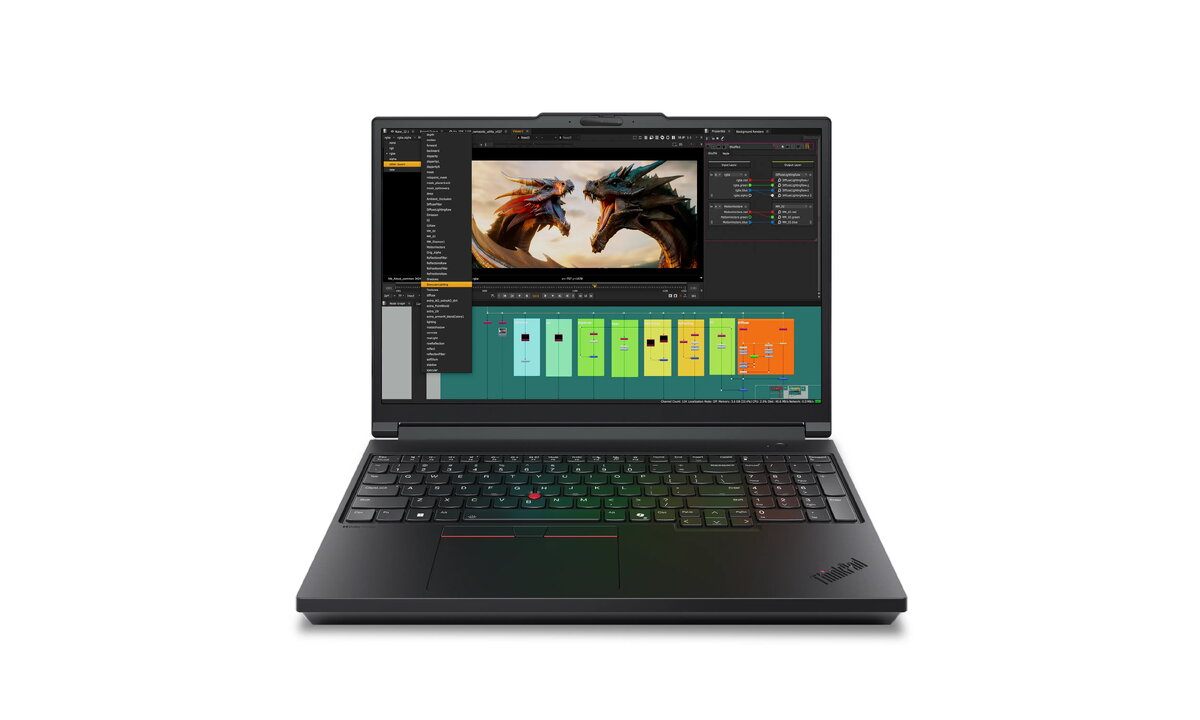
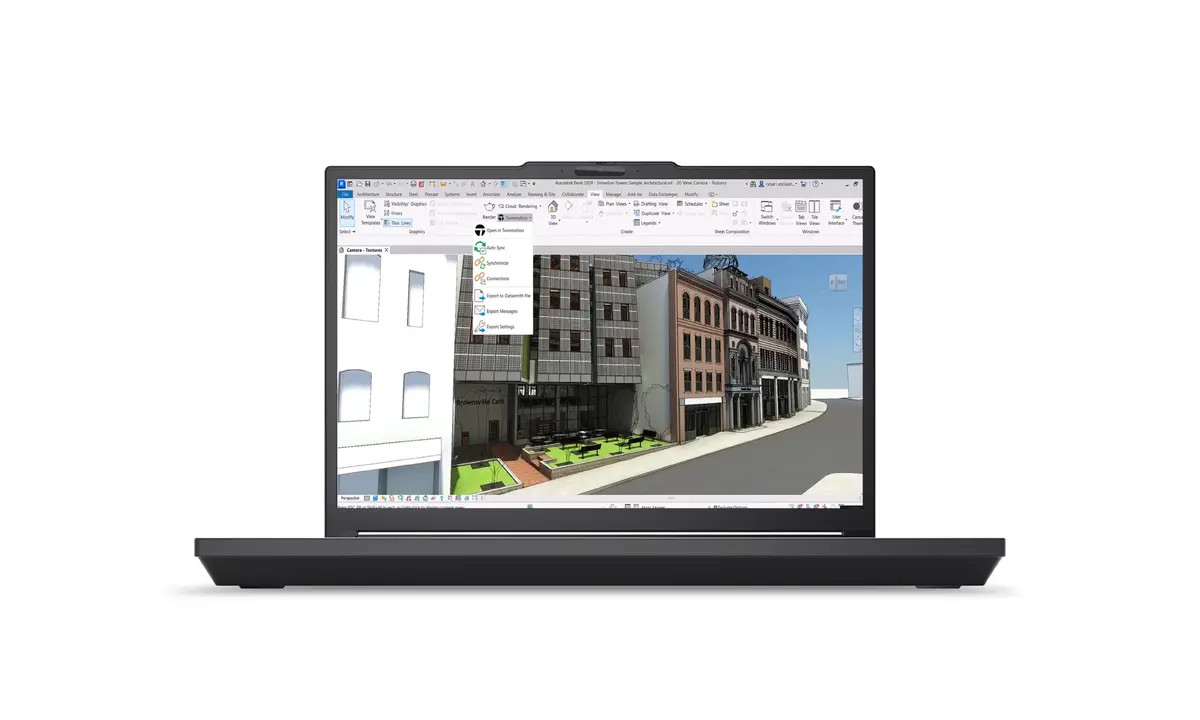
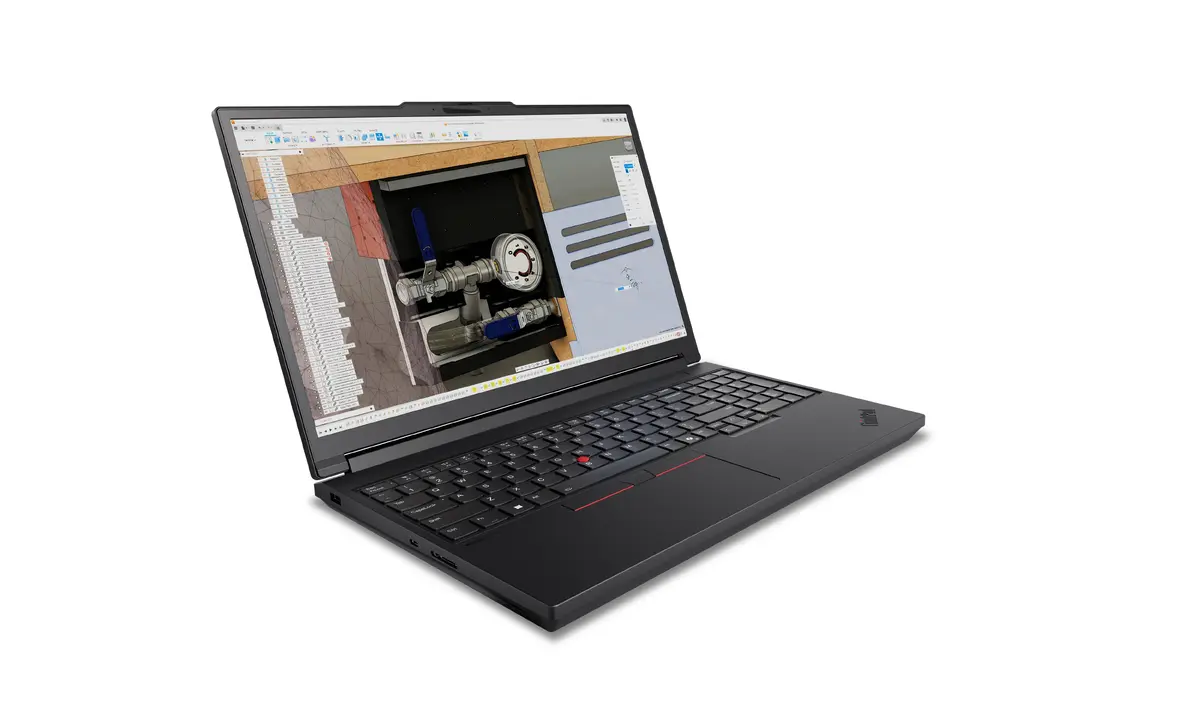
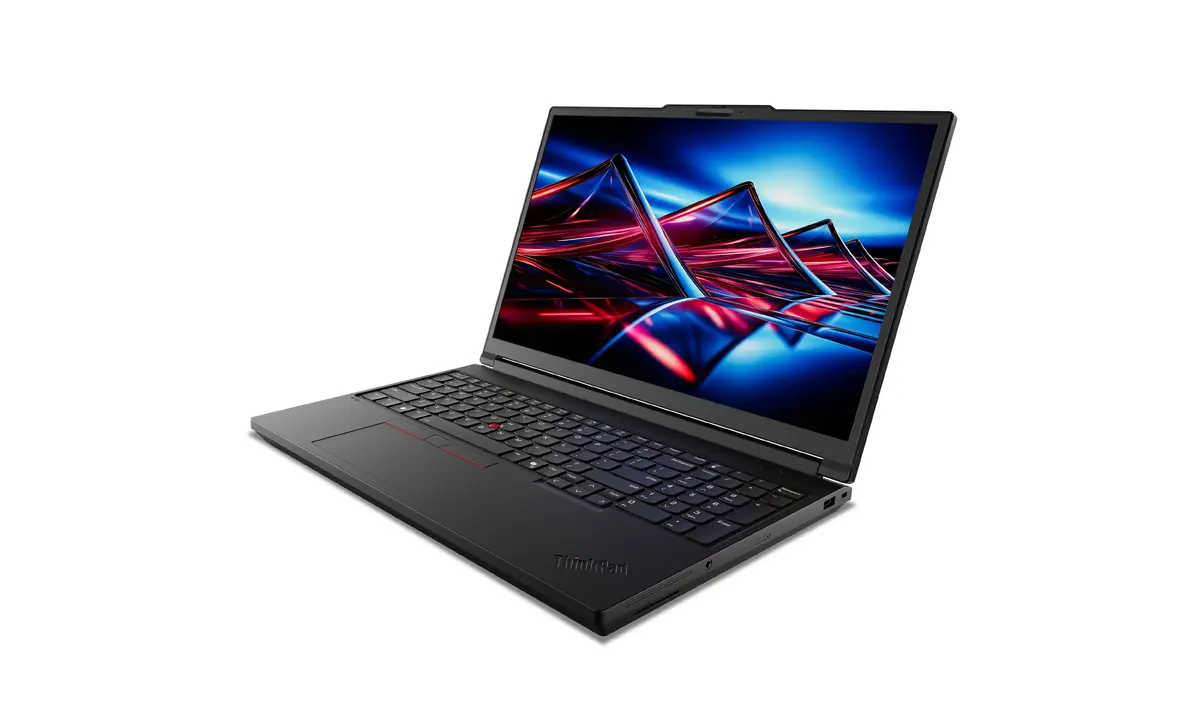
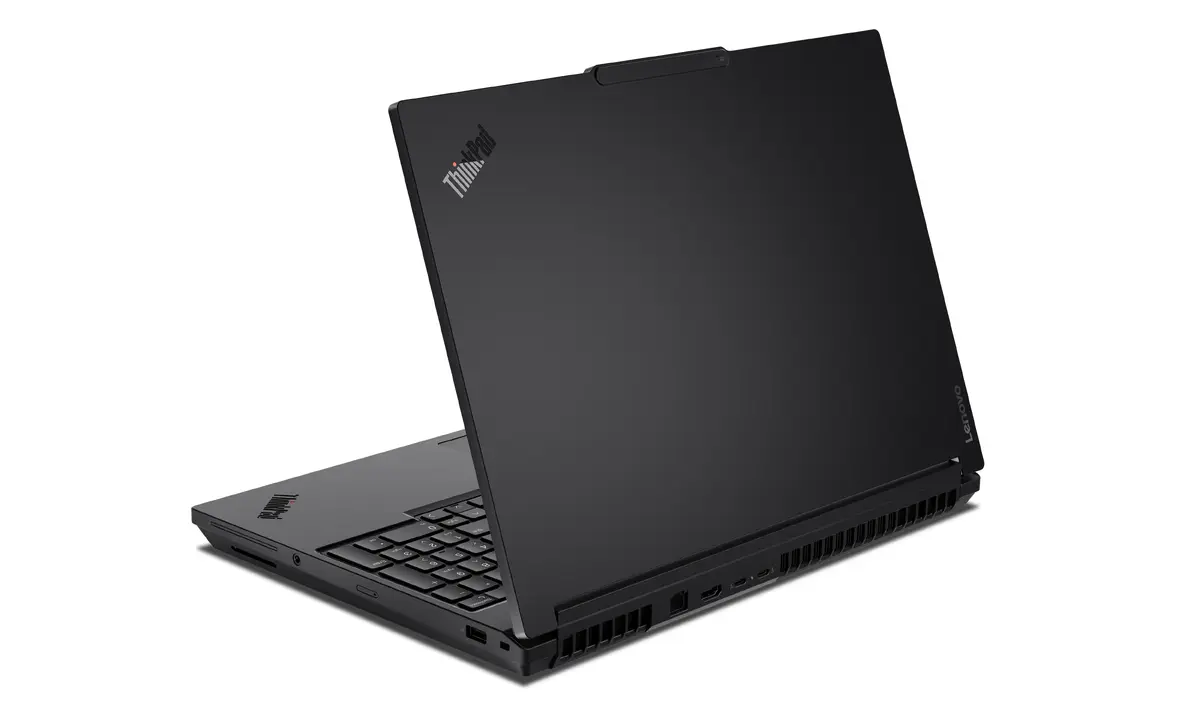
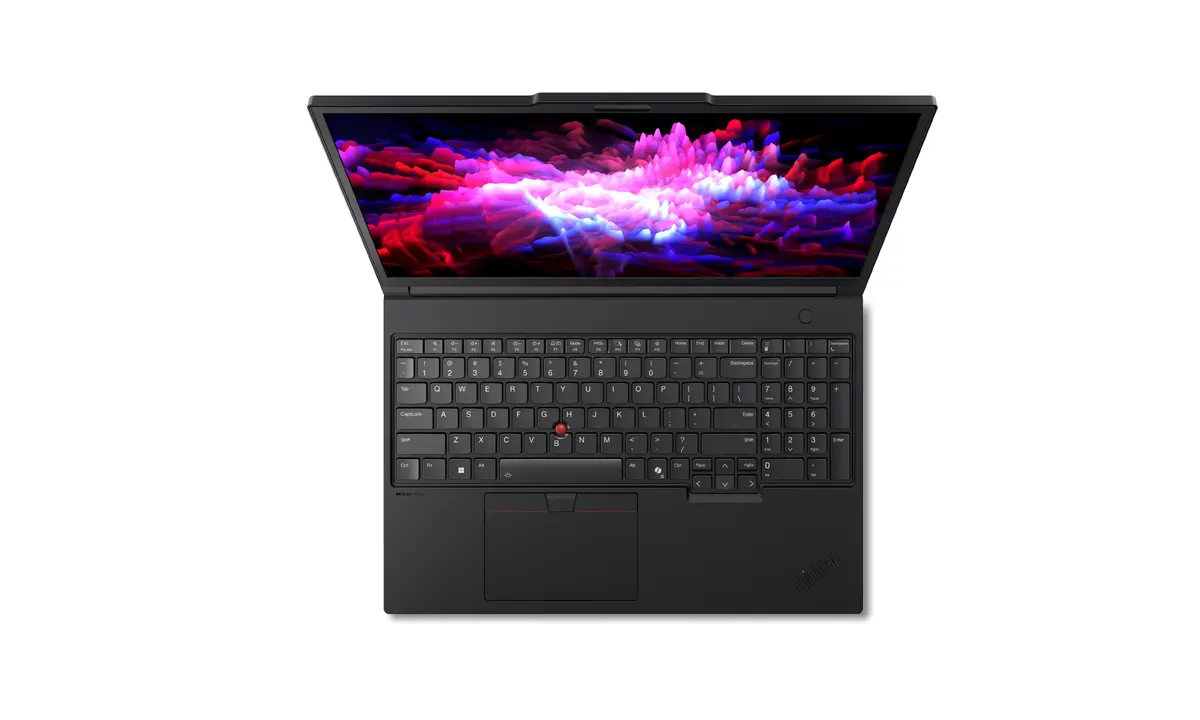
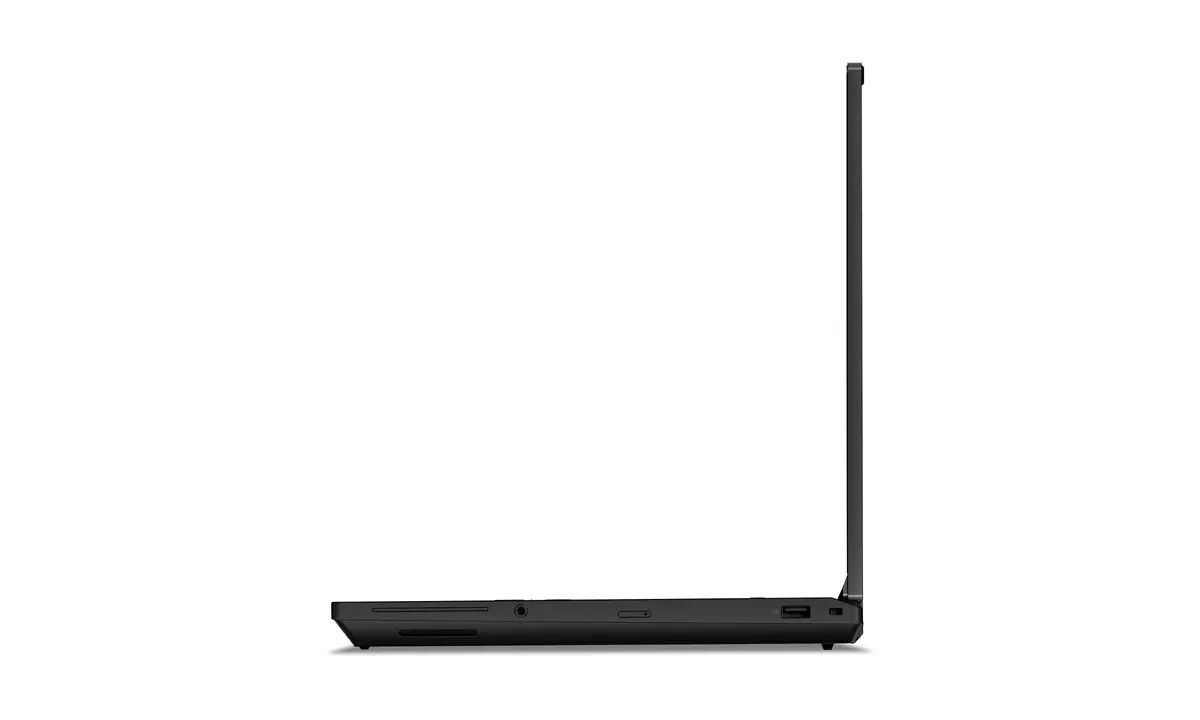
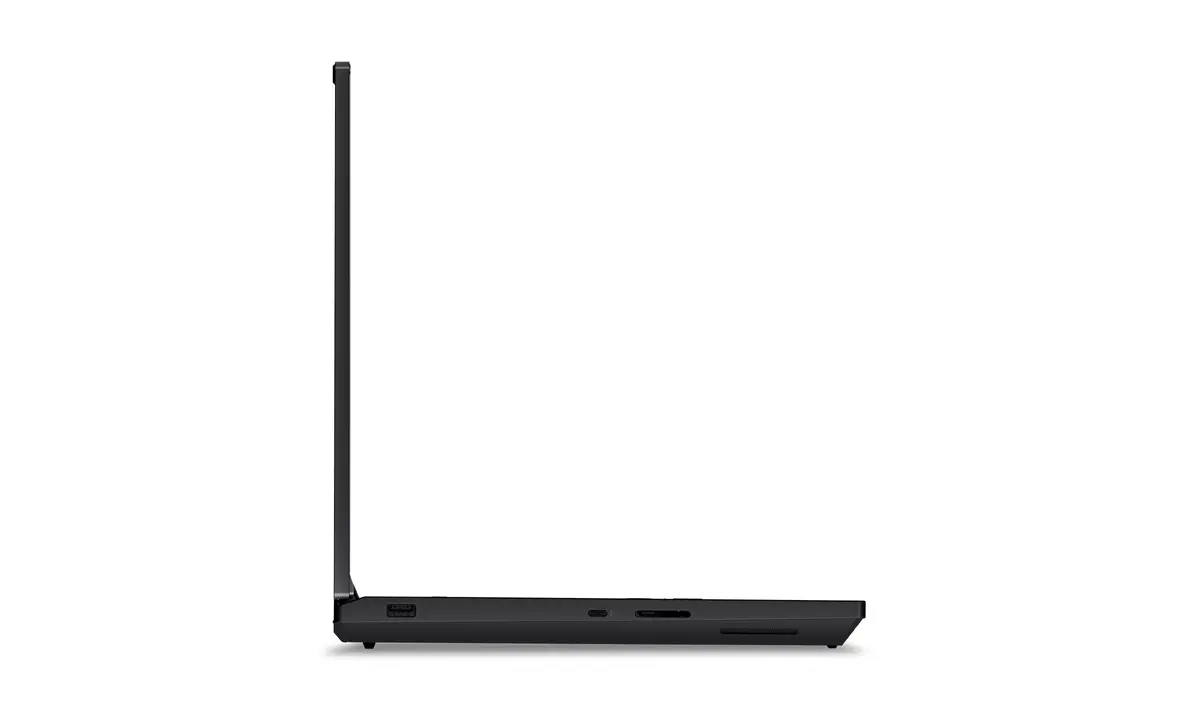
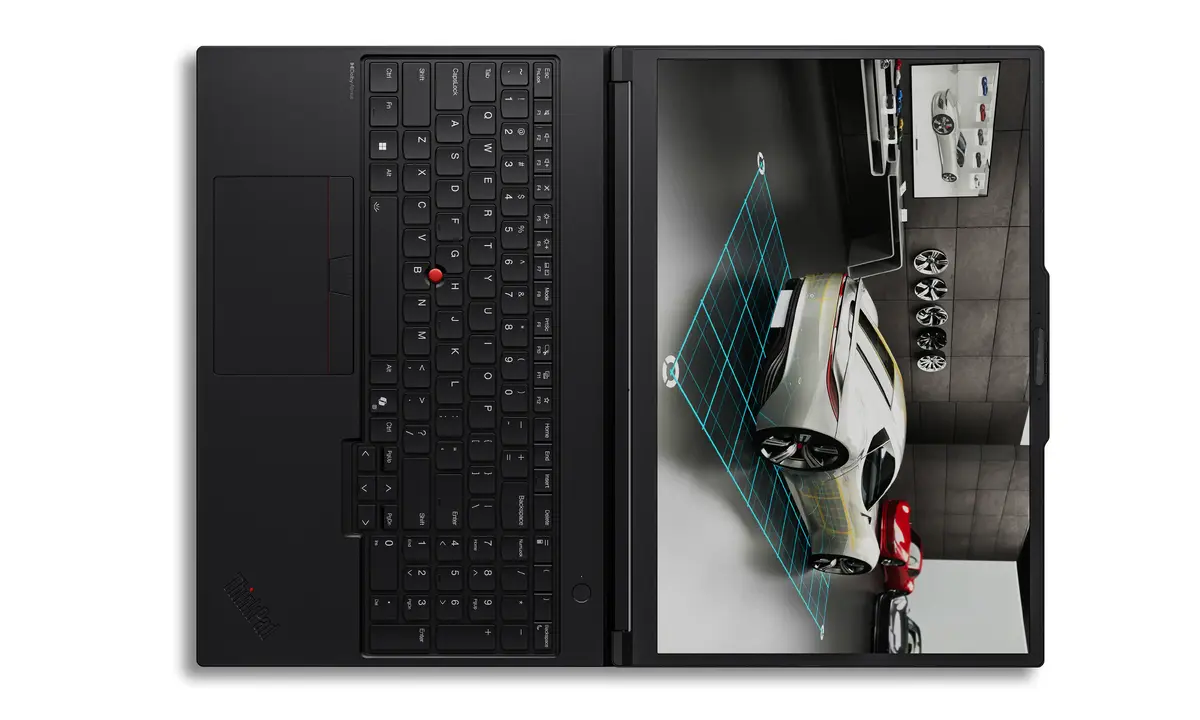
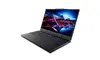
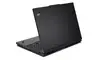
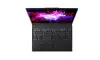
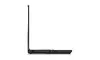
Lenovo ThinkPad P16 Gen 3 Mobile Workstation, Intel Core Ultra 9 275HX, 64GB RAM, 1TB SSD, NVIDIA RTX PRO 4000 Blackwell, 16" WUXGA, Windows 11 Pro
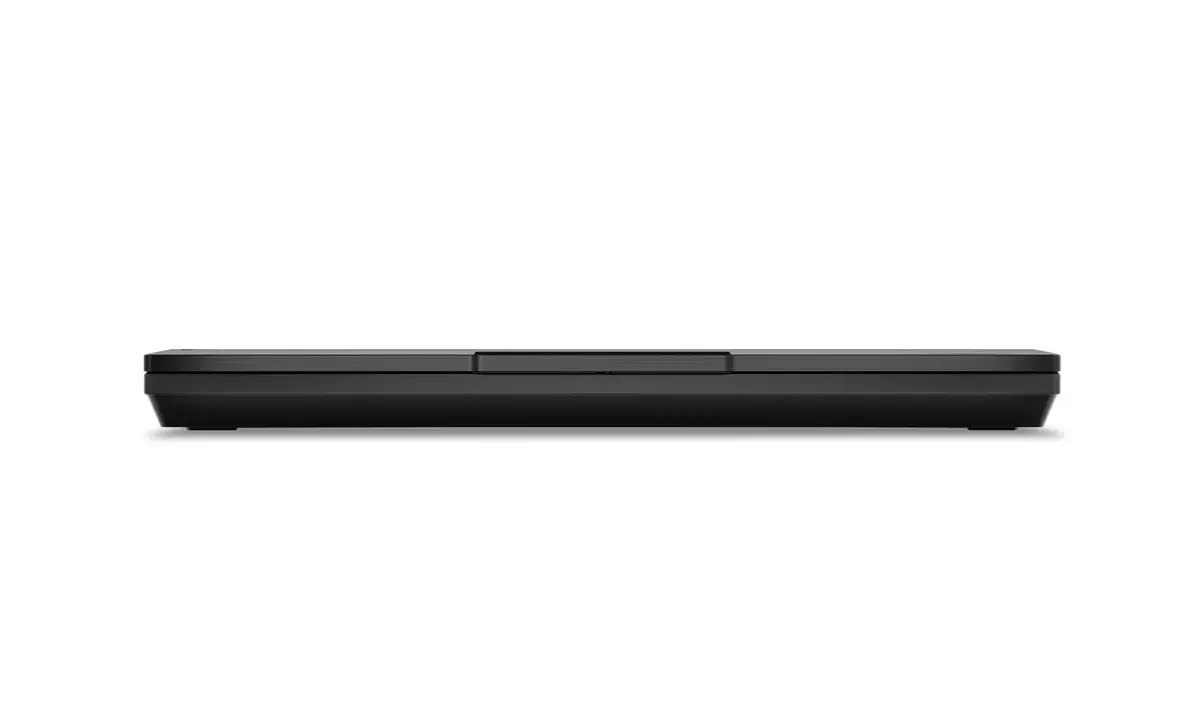
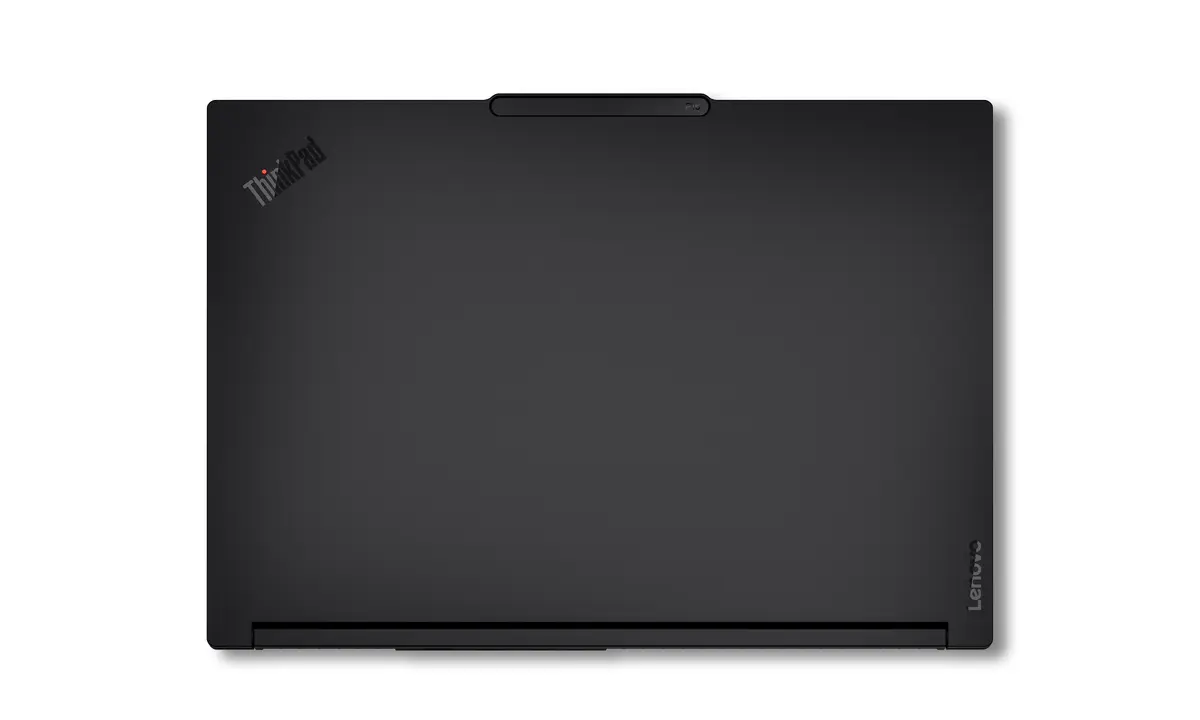
The Lenovo ThinkPad P16 Gen 3 is a high-performance mobile workstation engineered for professionals who require desktop-level power in a portable form factor. Equipped with an Intel Core Ultra 9 275HX processor and 64GB of DDR5 RAM, this device handles complex computational tasks, data analysis, and software development with ease. The integration of the NVIDIA RTX PRO 4000 Blackwell graphics card ensures superior rendering capabilities, making it an ideal choice for engineers, architects, and creative professionals working with demanding software suites.
This mobile workstation stands out due to its robust hardware configuration that supports intensive multitasking and heavy rendering workloads without compromising stability. The inclusion of a high-speed 1TB SSD ensures rapid data access and system responsiveness, while the 16-inch WUXGA display provides a clear and expansive workspace for detailed design work. Its professional-grade build quality and ISV certifications guarantee that critical applications run smoothly and reliably, providing peace of mind for mission-critical projects.
This device may not be the optimal choice for users seeking a lightweight, ultra-portable laptop for casual daily use or travel, as its high-performance components and cooling system result in a weight of 2.54 kg. Additionally, those who do not require professional-grade graphics or heavy computational power may find the workstation's specifications and price point exceed their actual requirements.
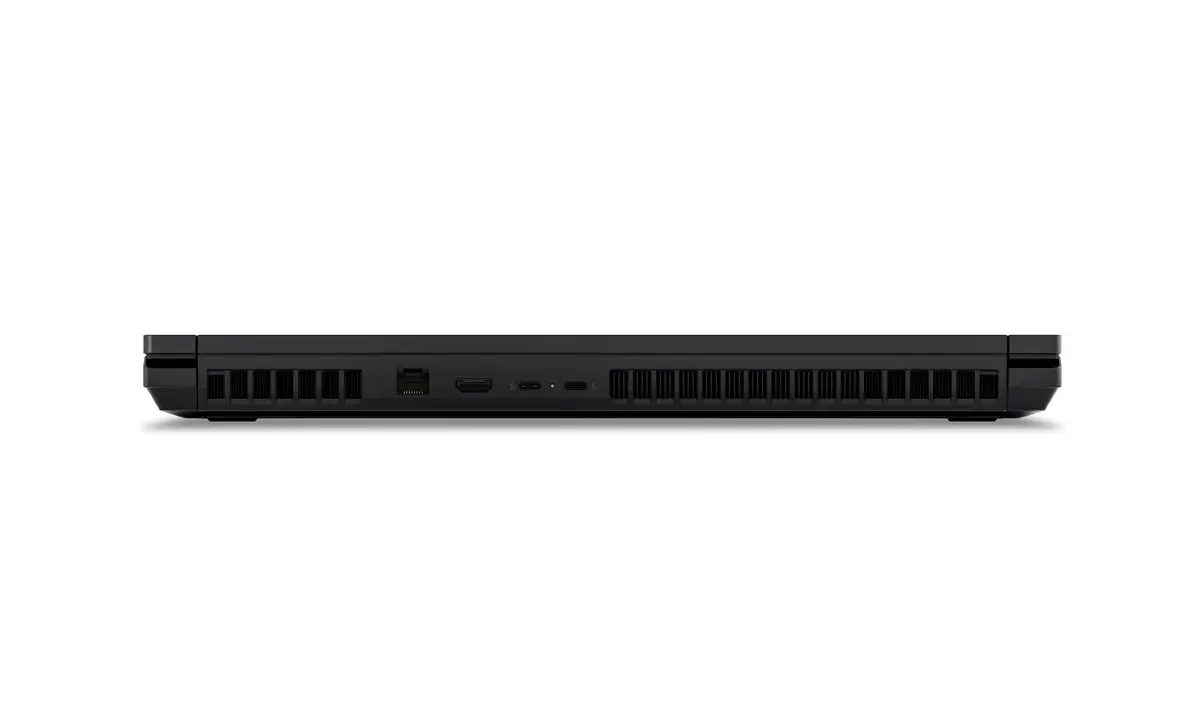
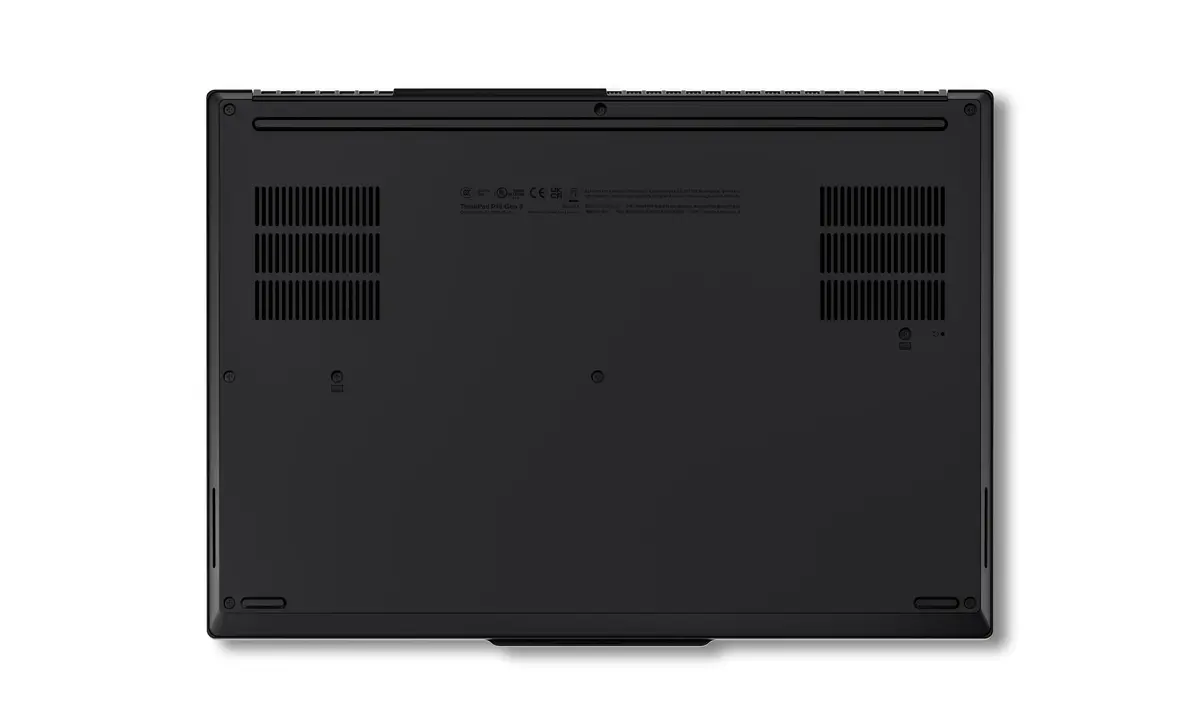
To begin using your Lenovo ThinkPad P16 Gen 3, connect the power adapter to the device and charge it fully before the first use. Power on the system using the dedicated button and follow the on-screen Windows 11 Pro setup instructions to configure your user account and network settings. For optimal performance during heavy rendering or data processing tasks, ensure the device is placed on a flat, hard surface to allow for proper airflow through the ventilation ports.
Usage recommendations: To maintain peak performance, keep the system firmware and graphics drivers updated through the official Lenovo support portal. Regularly clean the air vents to prevent dust accumulation, which can affect cooling efficiency during long-term high-load operations.
{{highlightedFeature.featureTitle}}:
{{getProductFeatureValueById(product, highlightedFeature.featureId)}}
{{ productComparisonGenerationError }}
