

Filters you can trust. Pure water every day.
In cart {{totalProductsCount}} item(s)
Your cart is empty
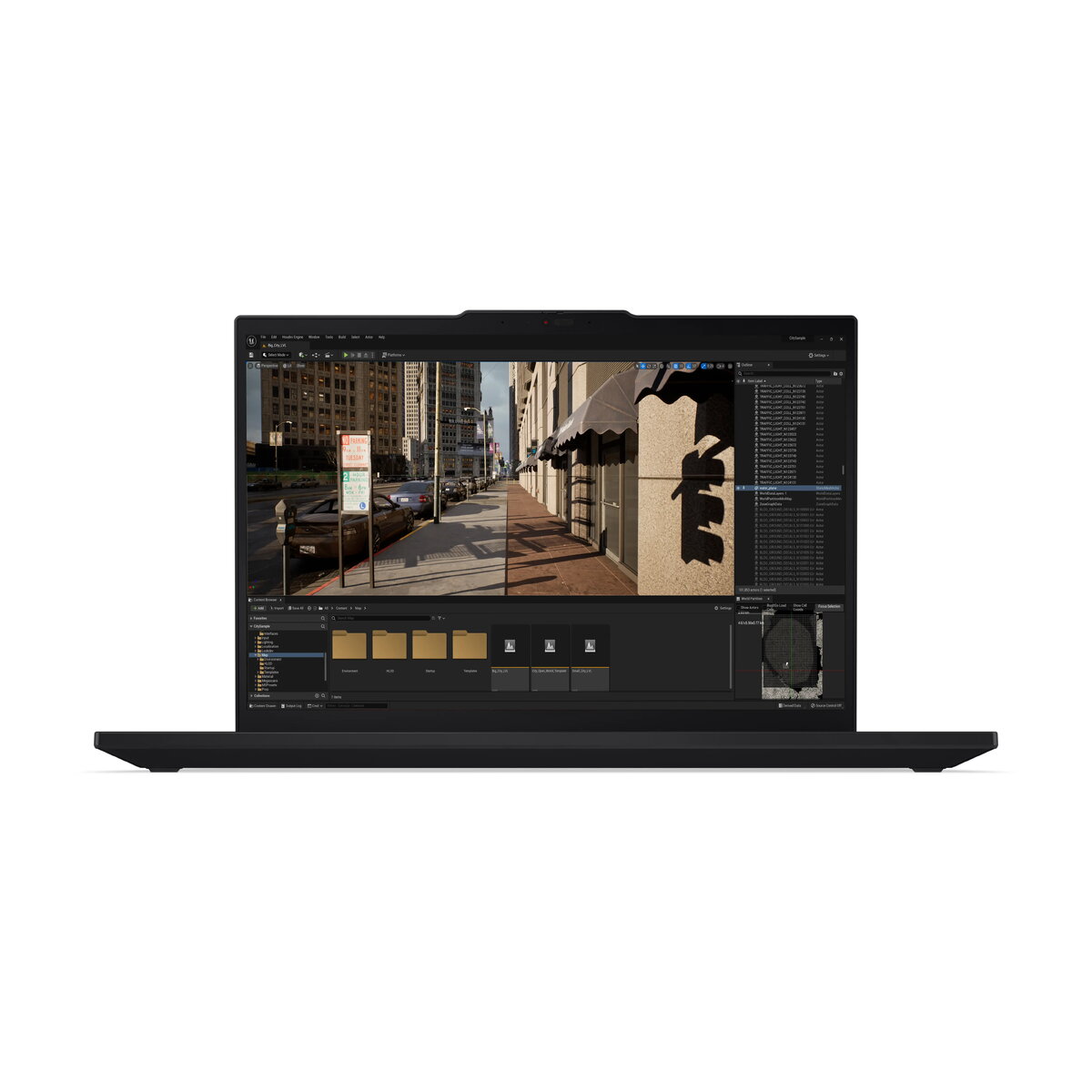
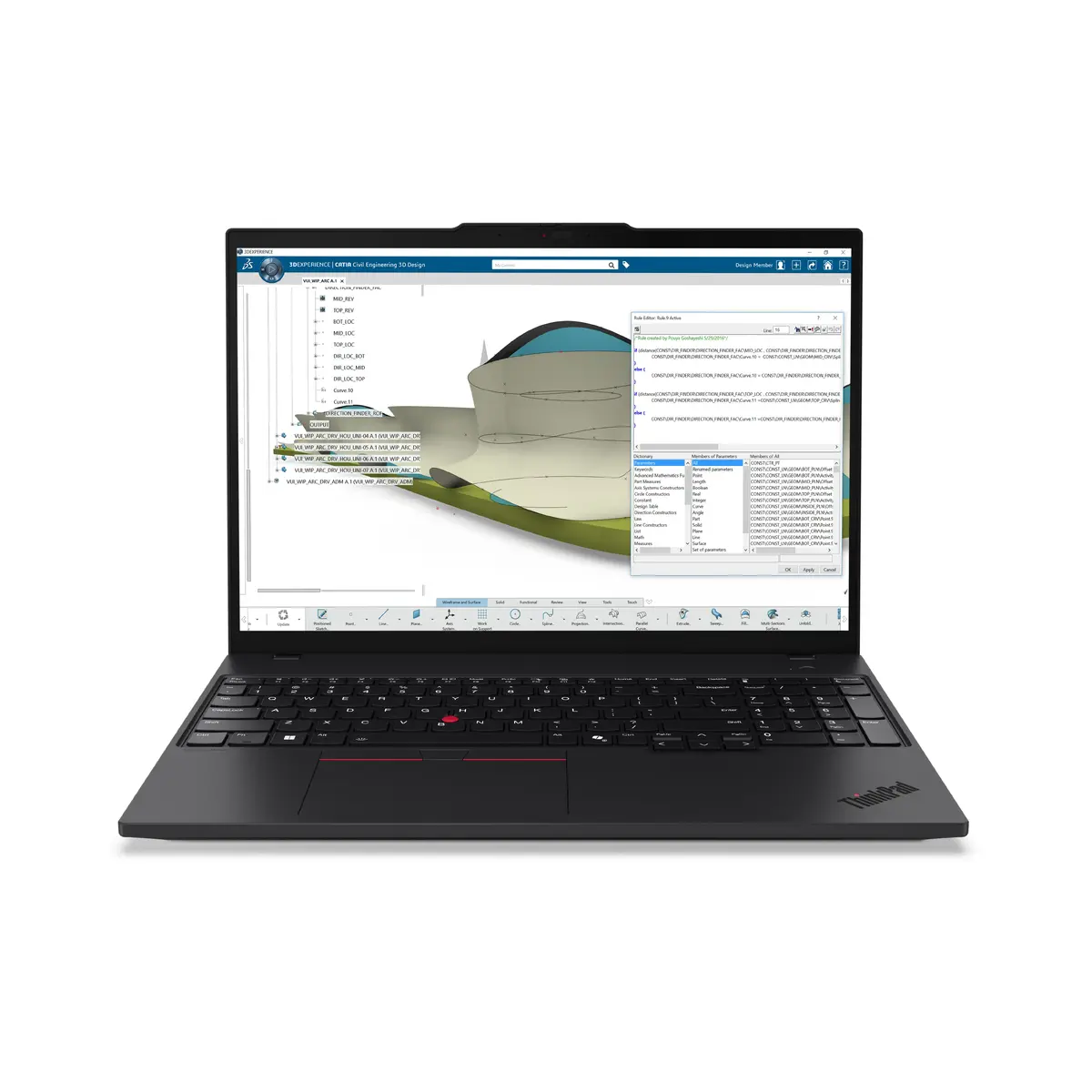
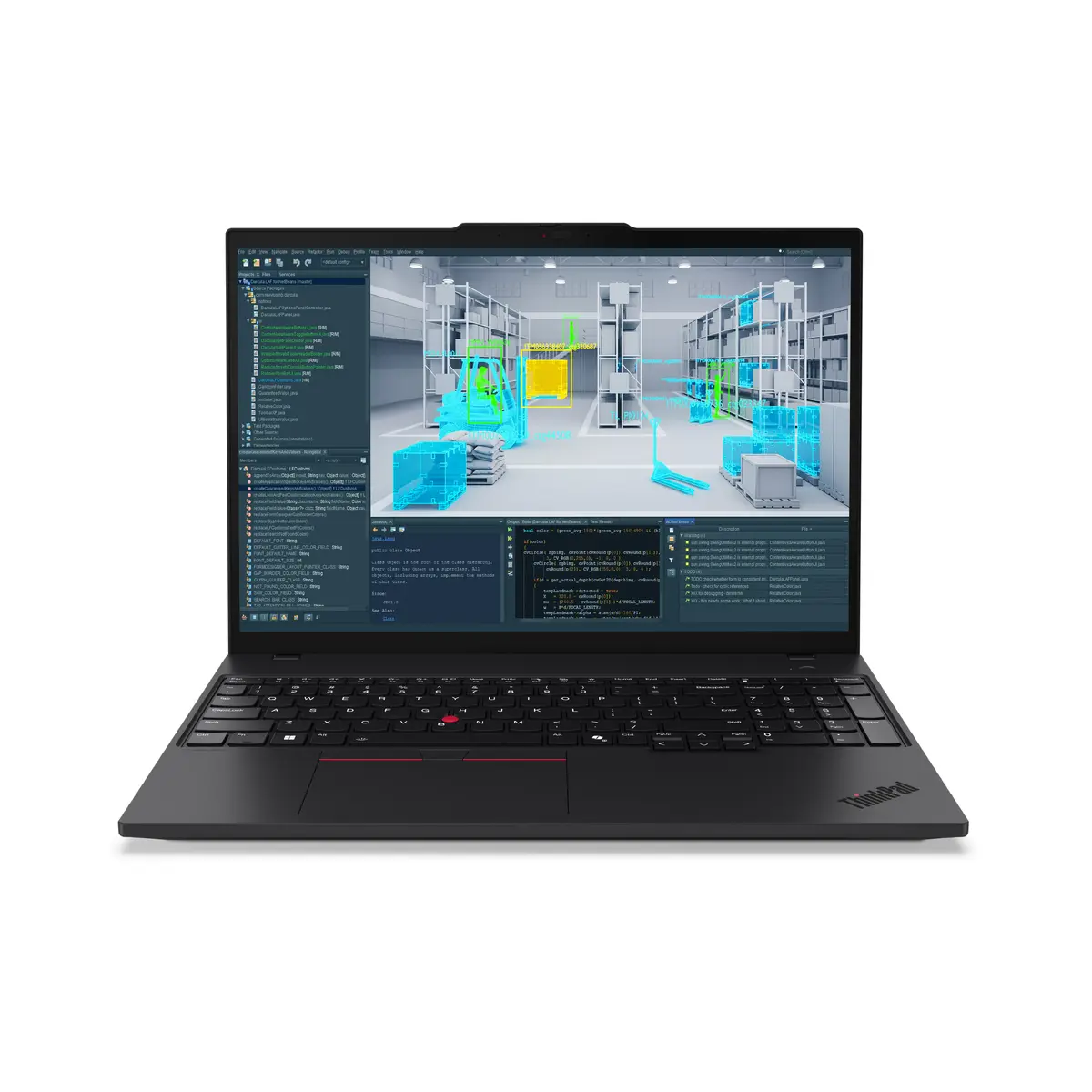
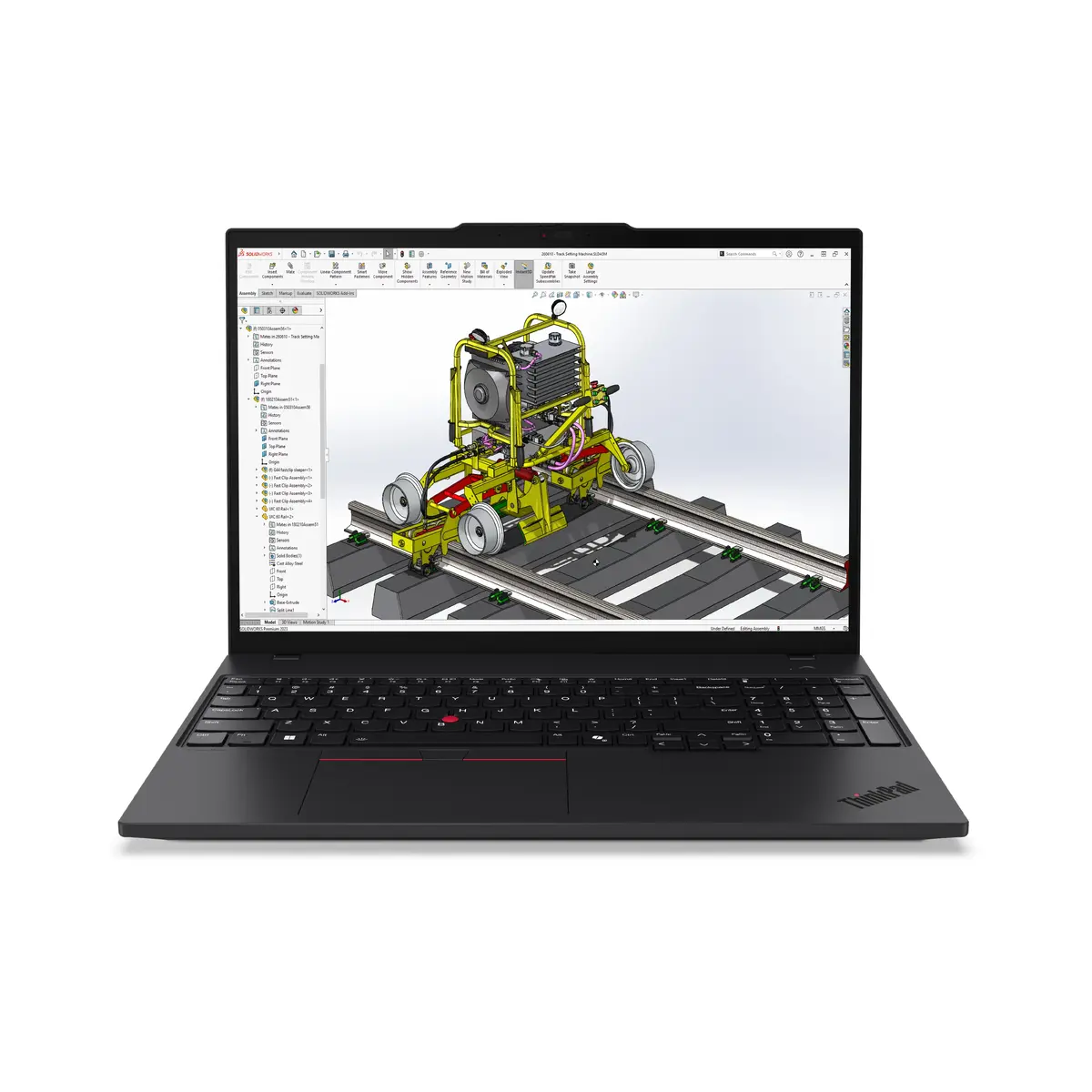
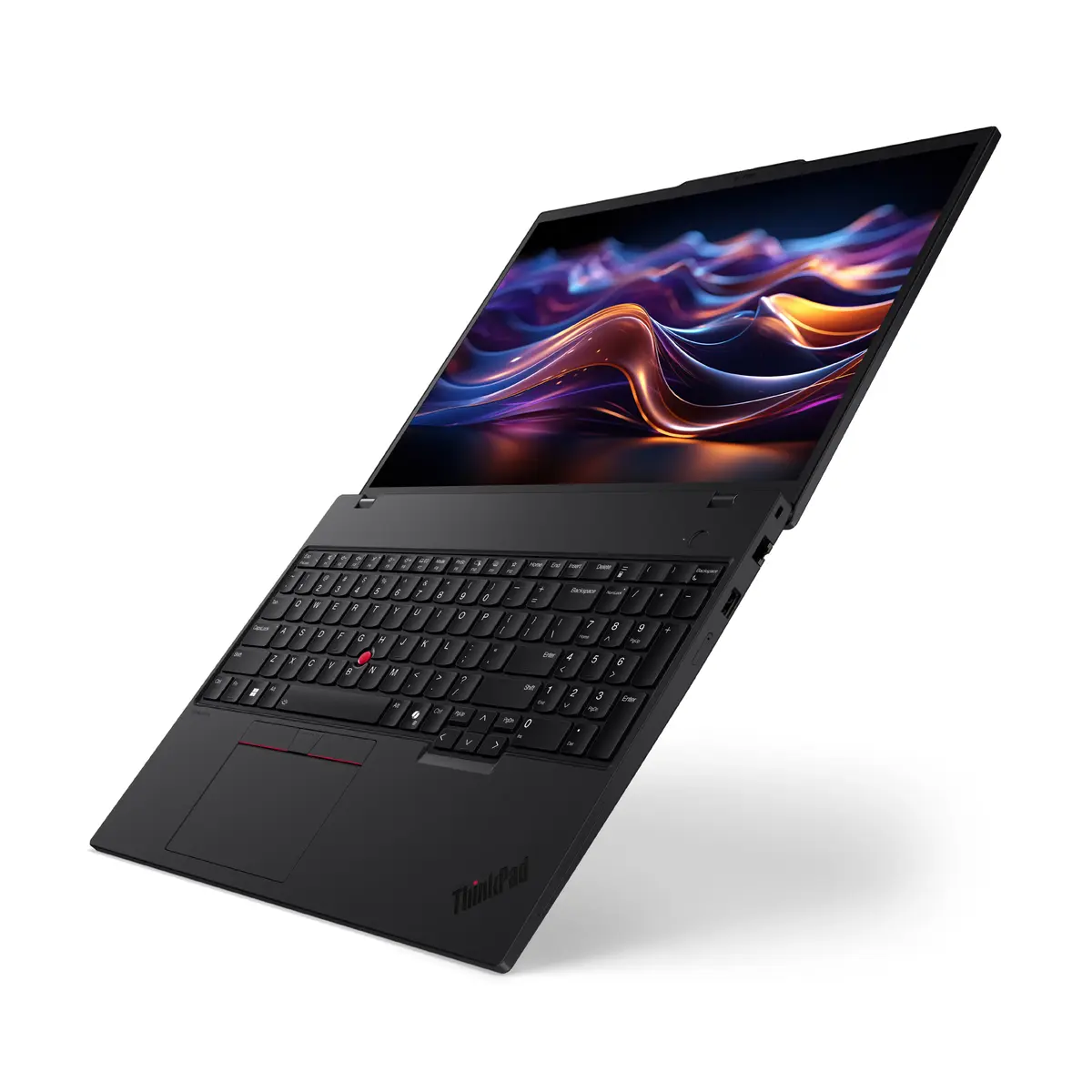
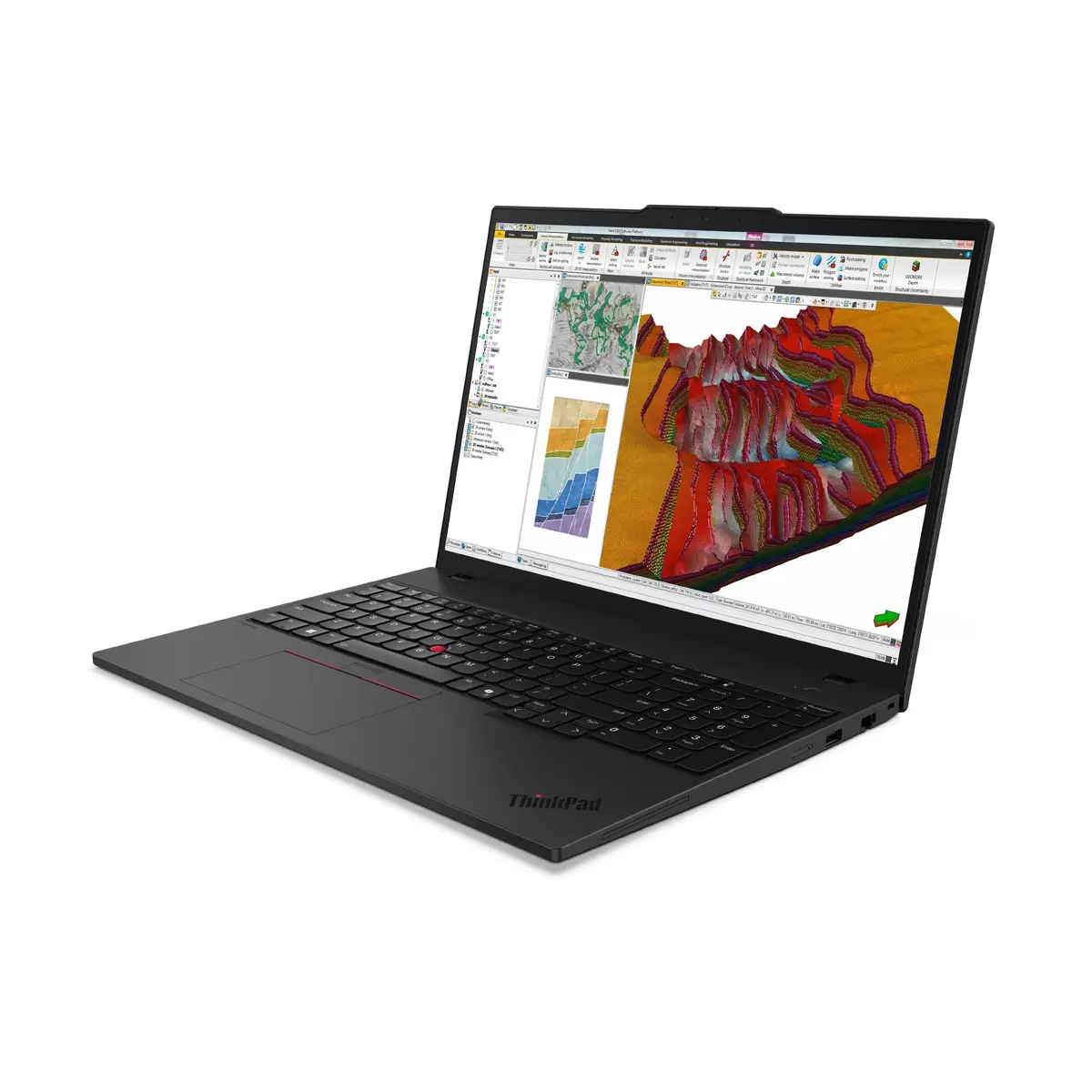
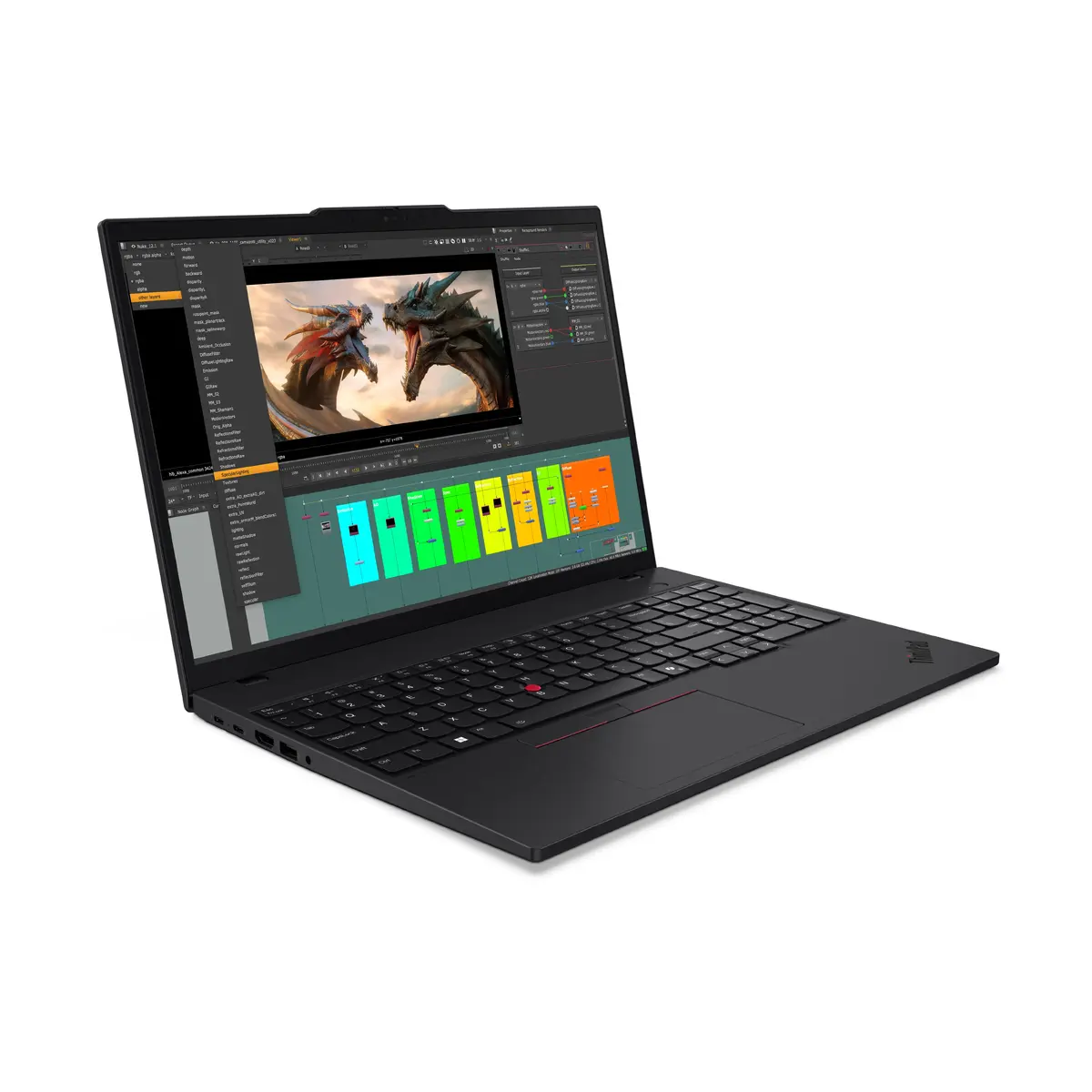
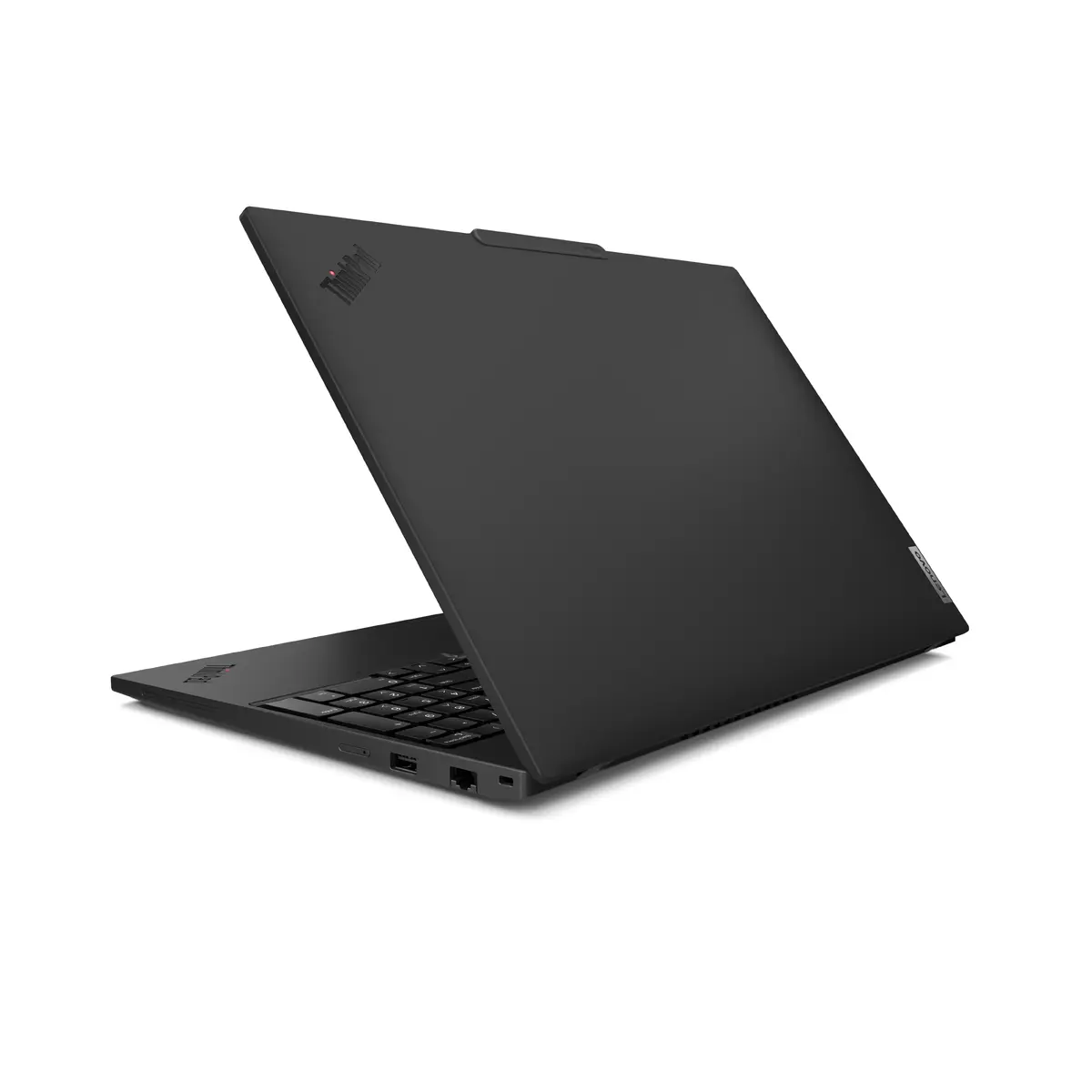
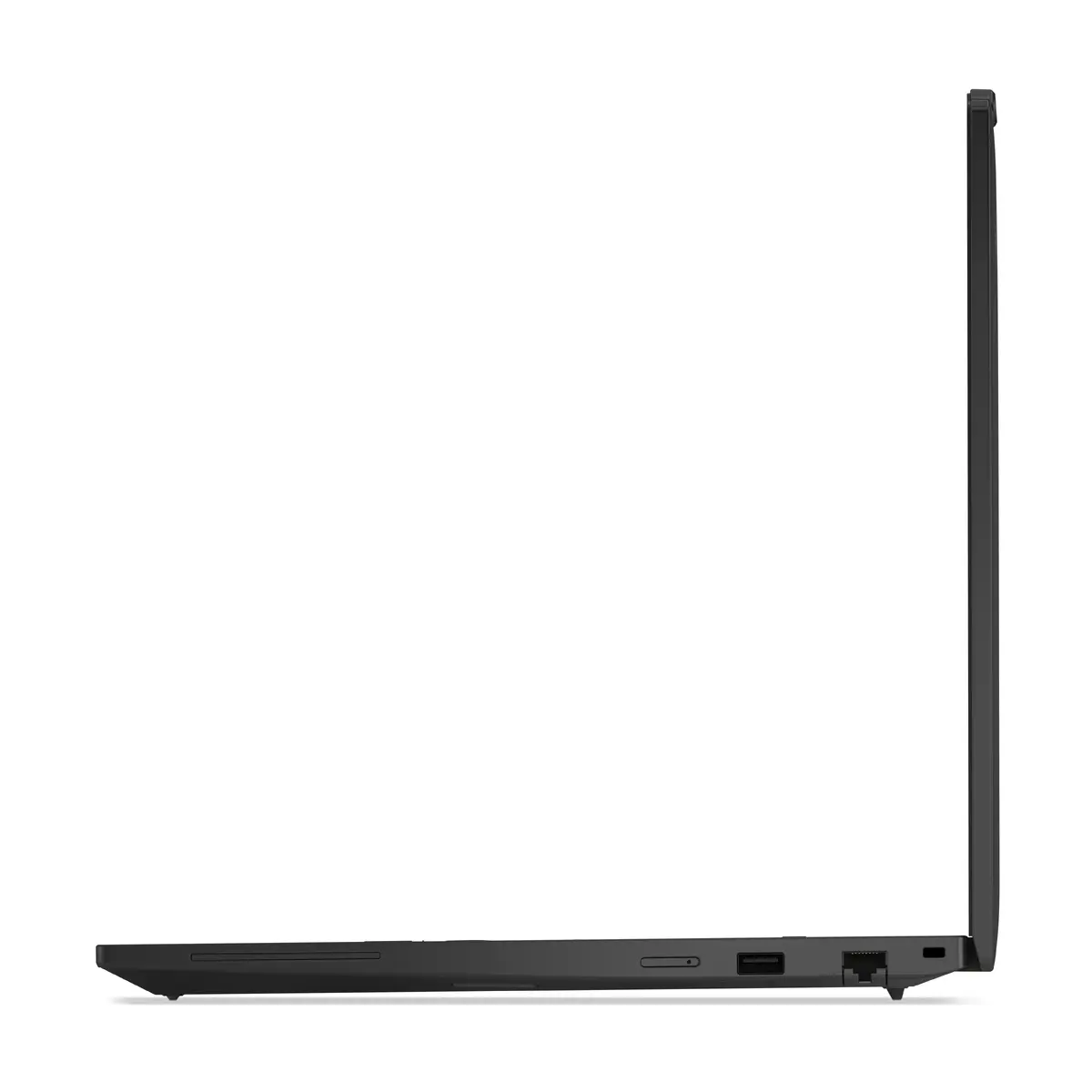
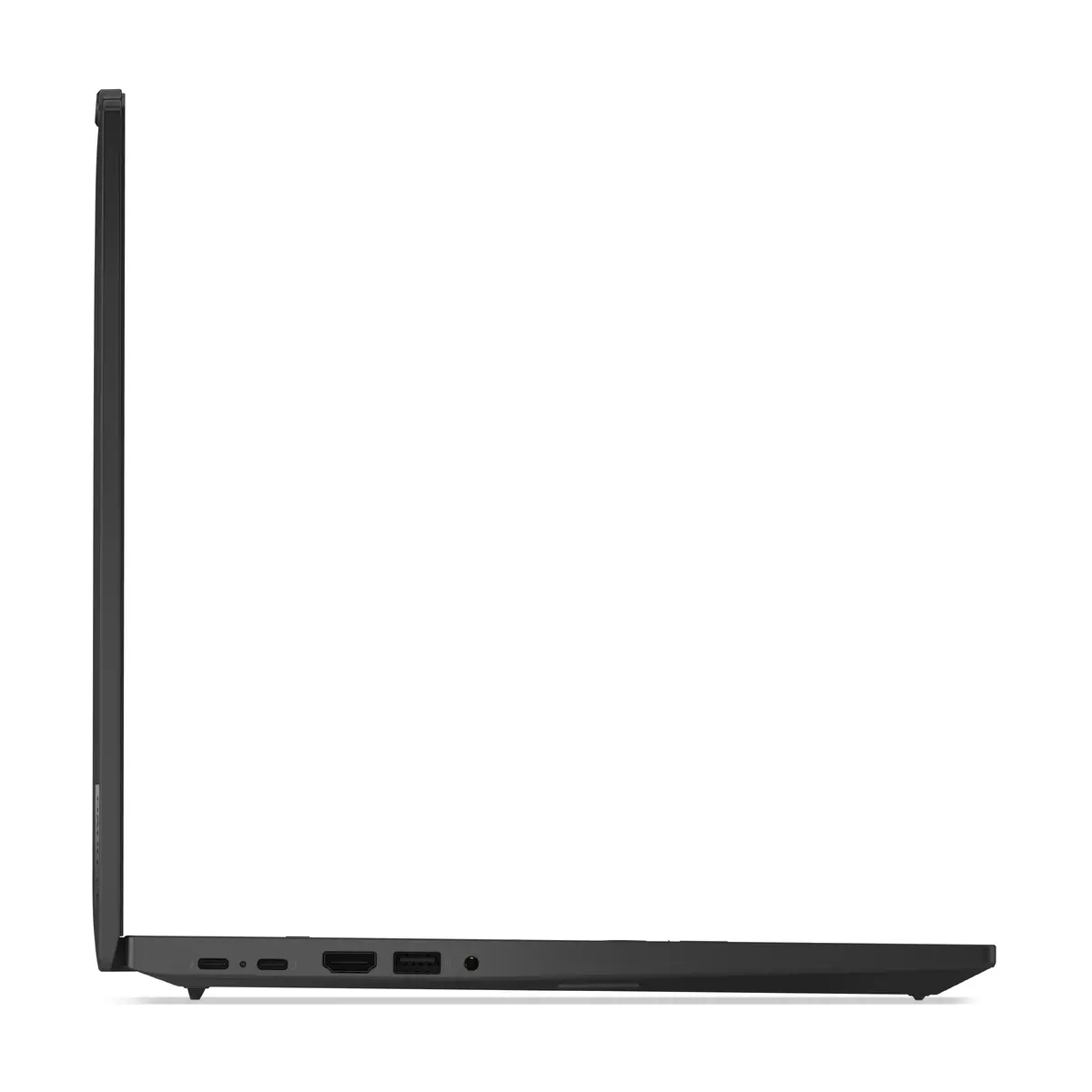
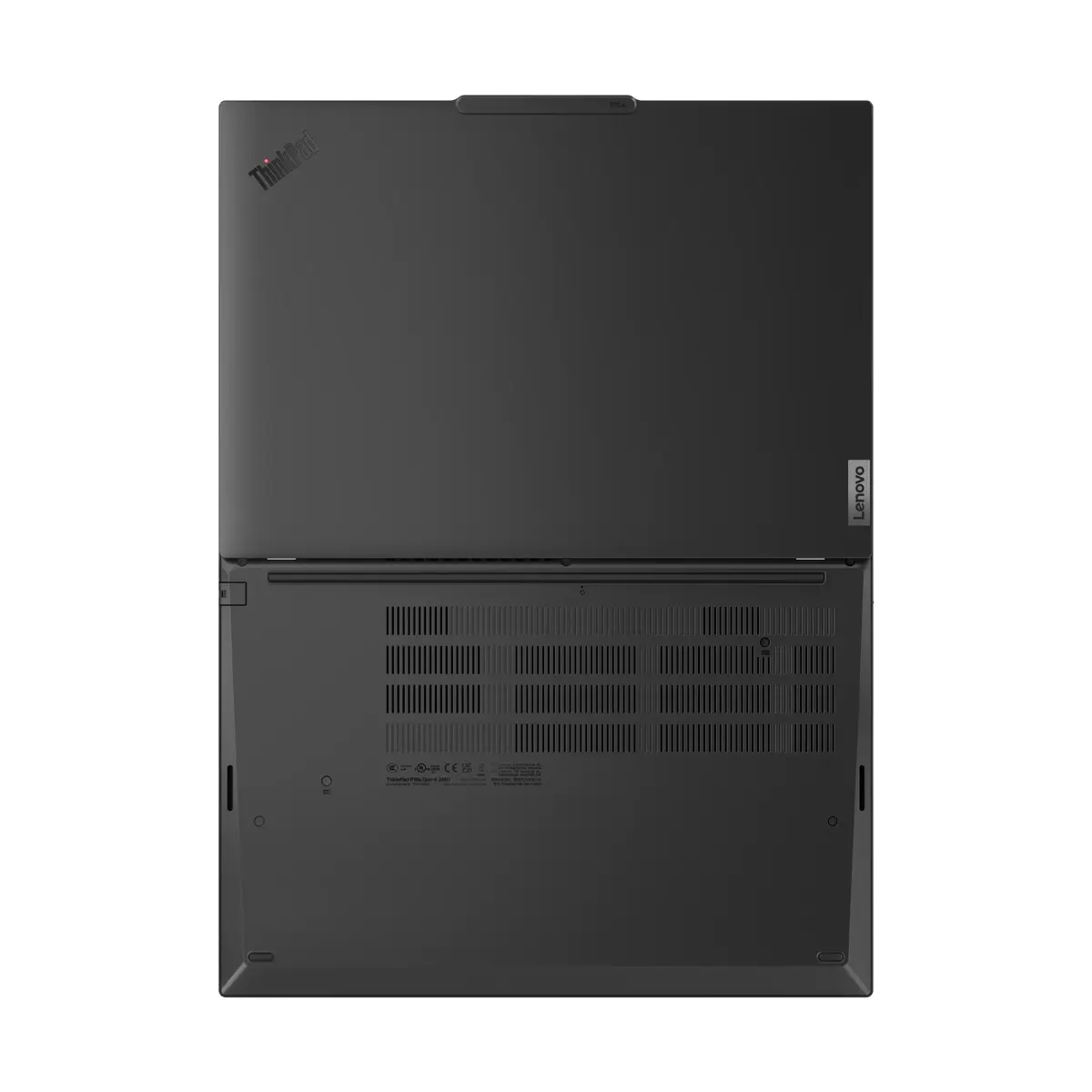
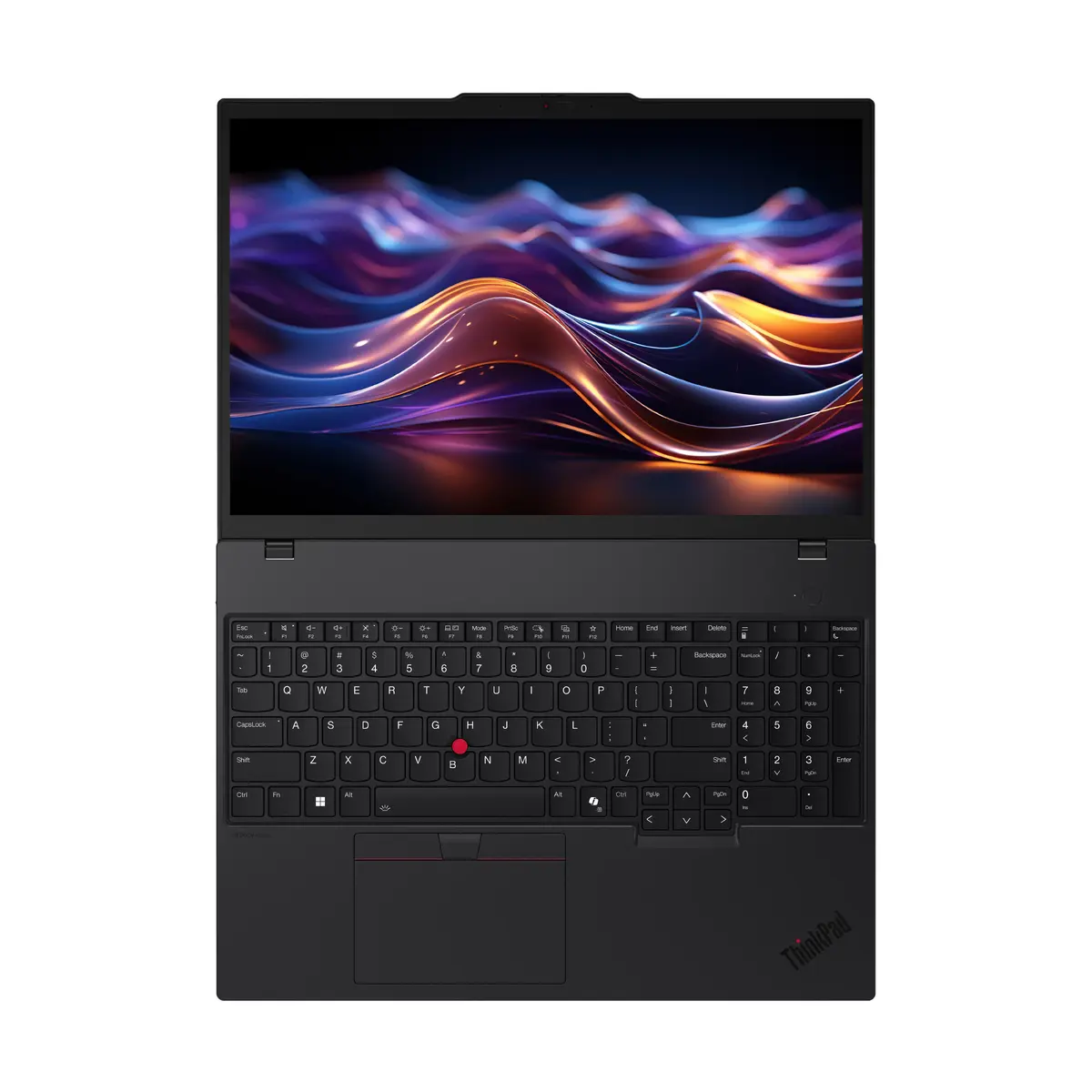
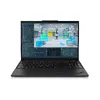
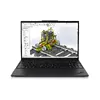
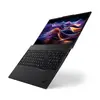
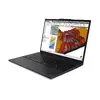
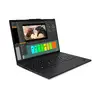
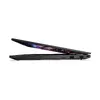
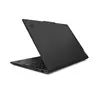
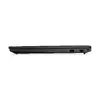
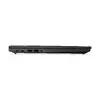
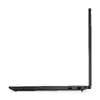
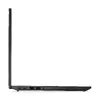
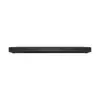
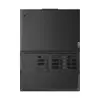
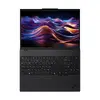
Lenovo ThinkPad P16s Gen 4 Mobile Workstation, AMD Ryzen AI 9 HX PRO 370, 96GB RAM, 1TB SSD, 16" WUXGA, Ubuntu Linux
The Lenovo ThinkPad P16s Gen 4 is a high-performance mobile workstation engineered for professionals who require significant computing power in a portable form factor. Featuring the advanced AMD Ryzen AI 9 HX PRO 370 processor and a massive 96GB of DDR5 RAM, this device handles complex multitasking, data analysis, and software development with ease. The 16-inch WUXGA display provides a clear and expansive workspace, while the 1TB SSD ensures rapid data access and ample storage for critical projects. Pre-installed with Ubuntu Linux, this laptop is optimized for users who prefer an open-source environment for their professional workflows.
This mobile workstation excels in reliability and performance, offering a robust build quality that meets the demands of daily professional use. The integration of the AMD Ryzen AI processor provides efficient handling of AI-driven tasks and heavy computational loads, while the generous 96GB of memory ensures that even the most resource-intensive applications run smoothly without bottlenecks. Its lightweight design, despite the large 16-inch screen, makes it an ideal companion for professionals who travel frequently but cannot compromise on power. Furthermore, the inclusion of modern connectivity options like Wi-Fi 7 and high-speed Ethernet ensures stable and fast network performance in any environment.
This device is not designed for high-end 3D gaming or intensive GPU-based video rendering, as it relies on integrated AMD Radeon 890M graphics rather than a dedicated discrete graphics card. Users who require specific Windows-only proprietary software may find the pre-installed Ubuntu Linux operating system restrictive without additional configuration or virtualization.
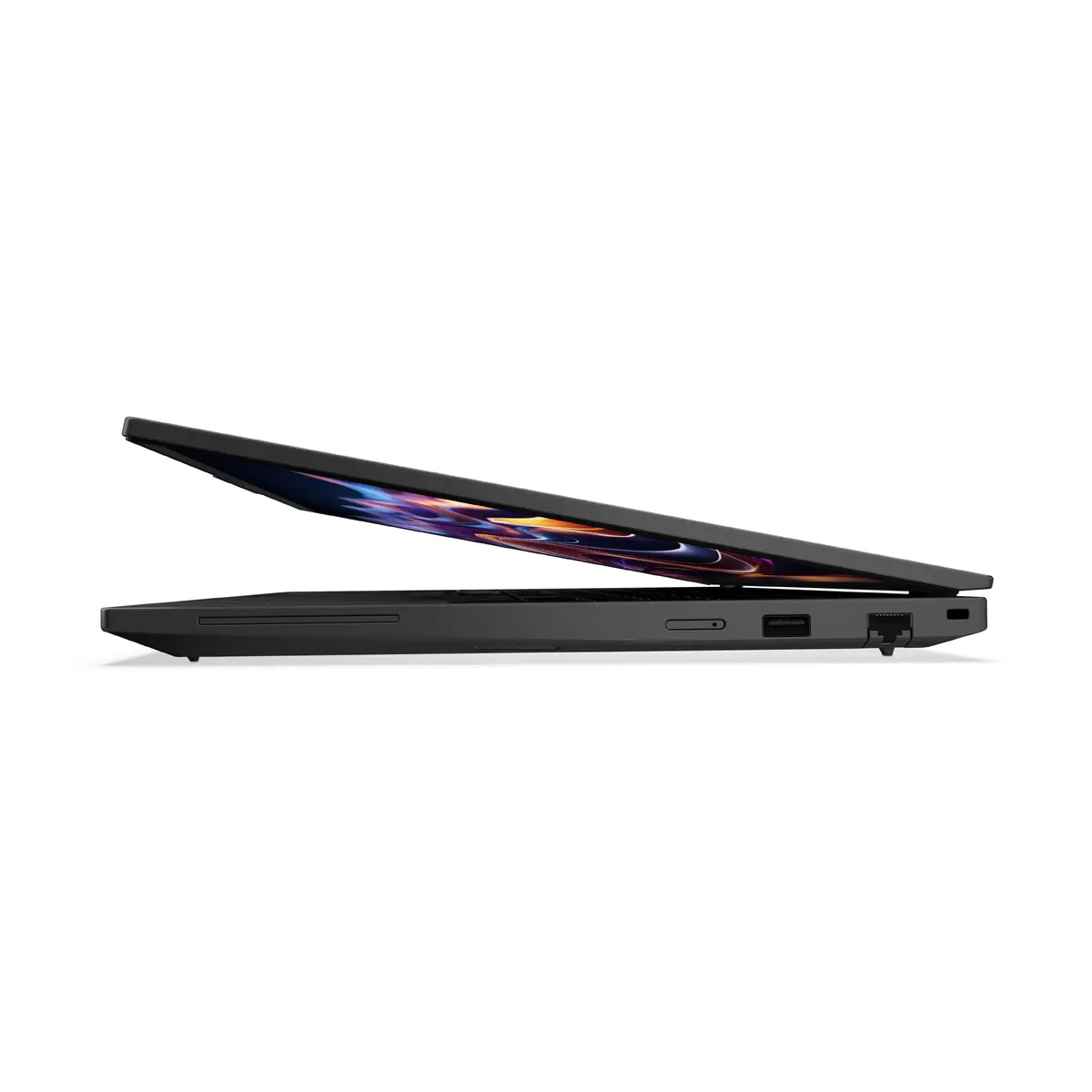
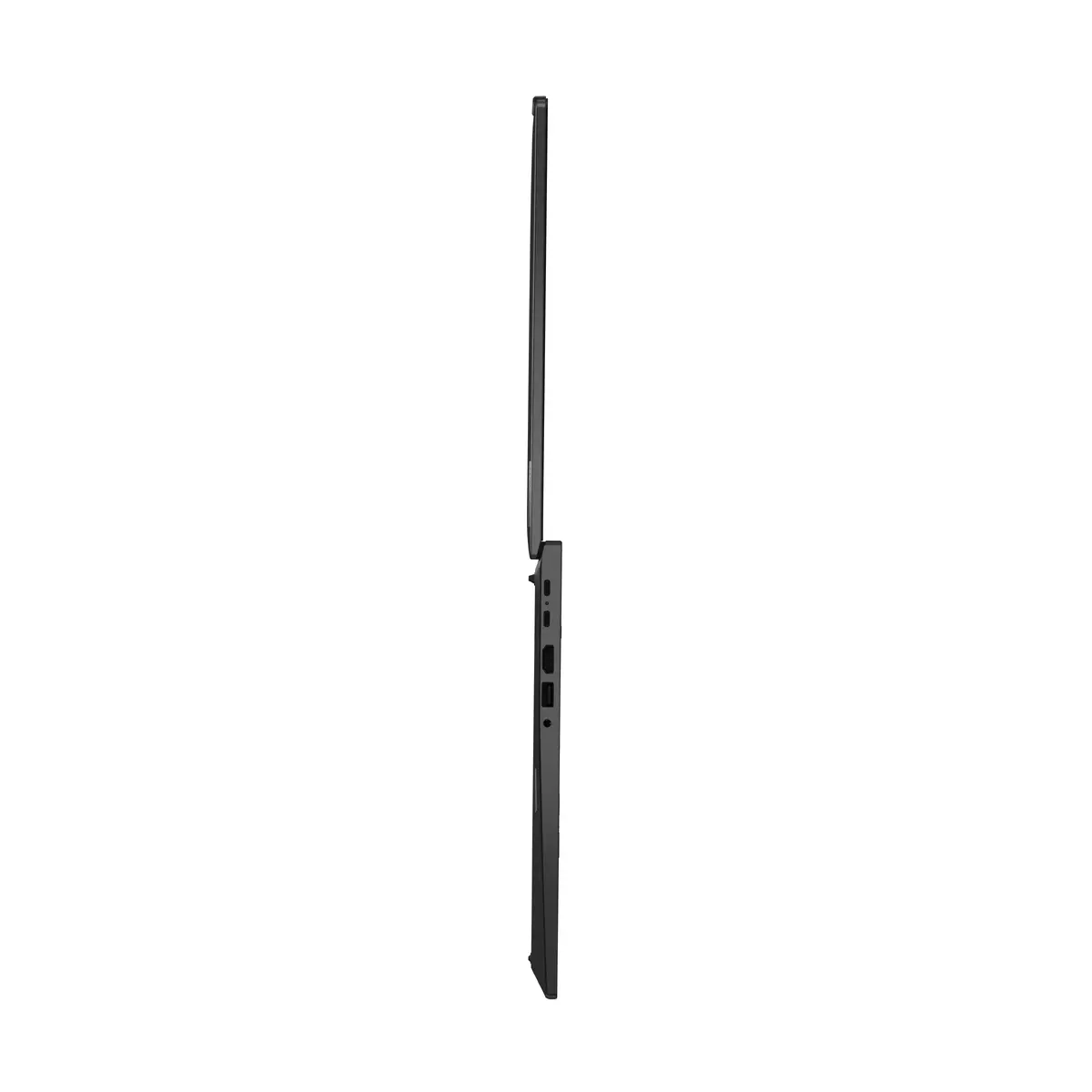
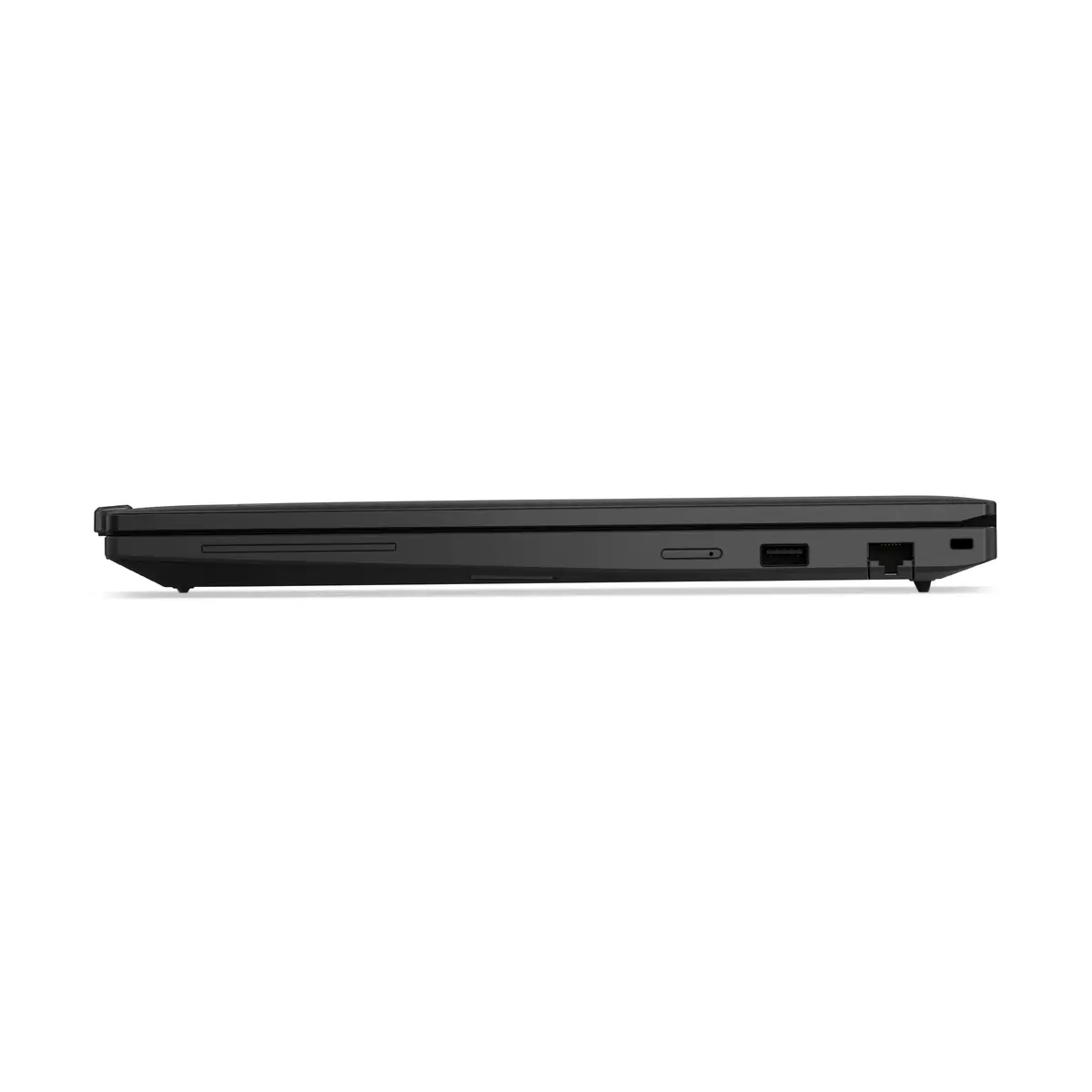
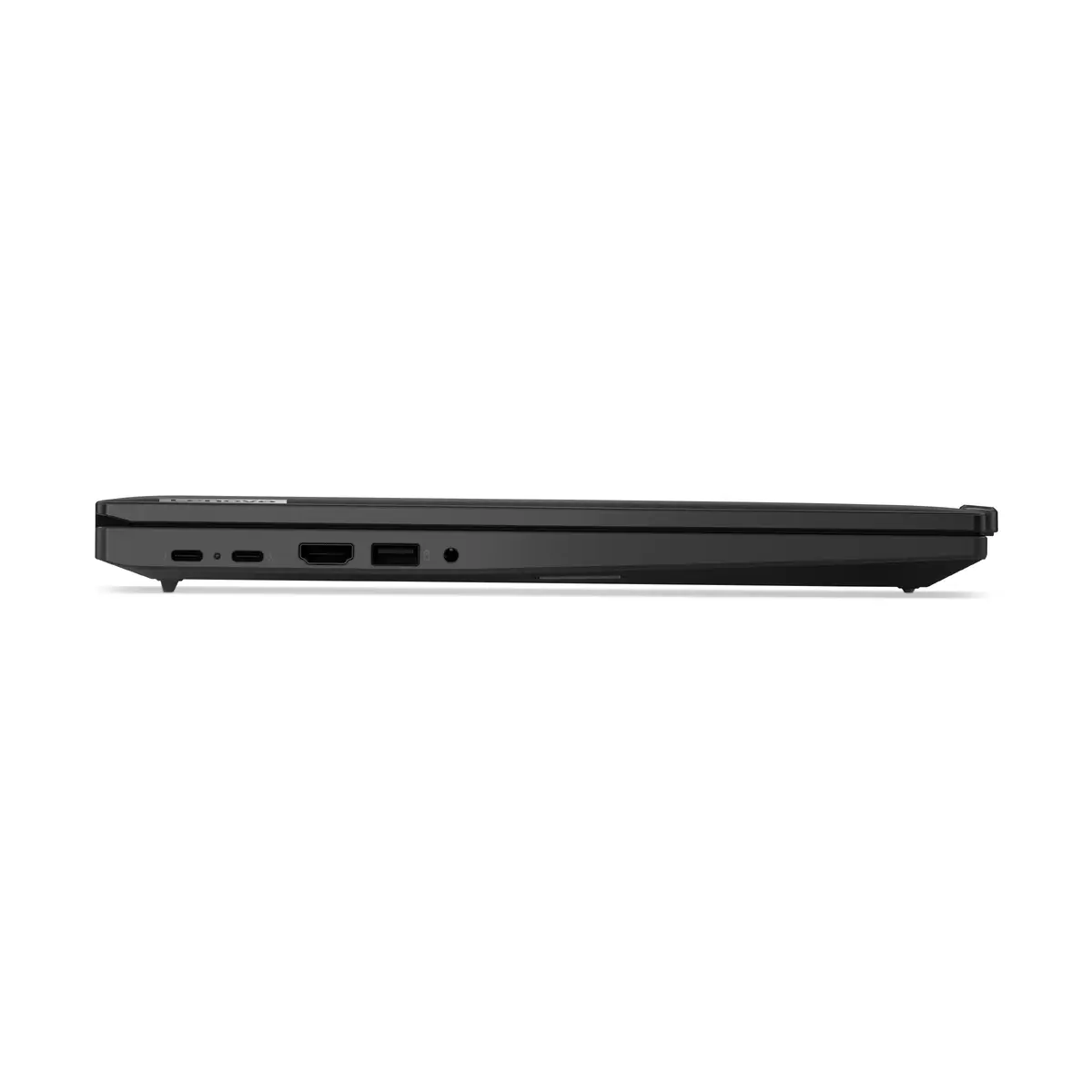
To begin using the Lenovo ThinkPad P16s Gen 4, connect the provided power adapter to the charging port and press the power button to initiate the system. Upon first boot, follow the on-screen prompts to configure your Ubuntu Linux user account, network settings, and system preferences. The device is ready for immediate use, but it is recommended to run the system update manager to ensure all drivers and software packages are current. You can connect external peripherals via the available ports to expand your workspace or connect to high-speed wired networks using the integrated Ethernet port.
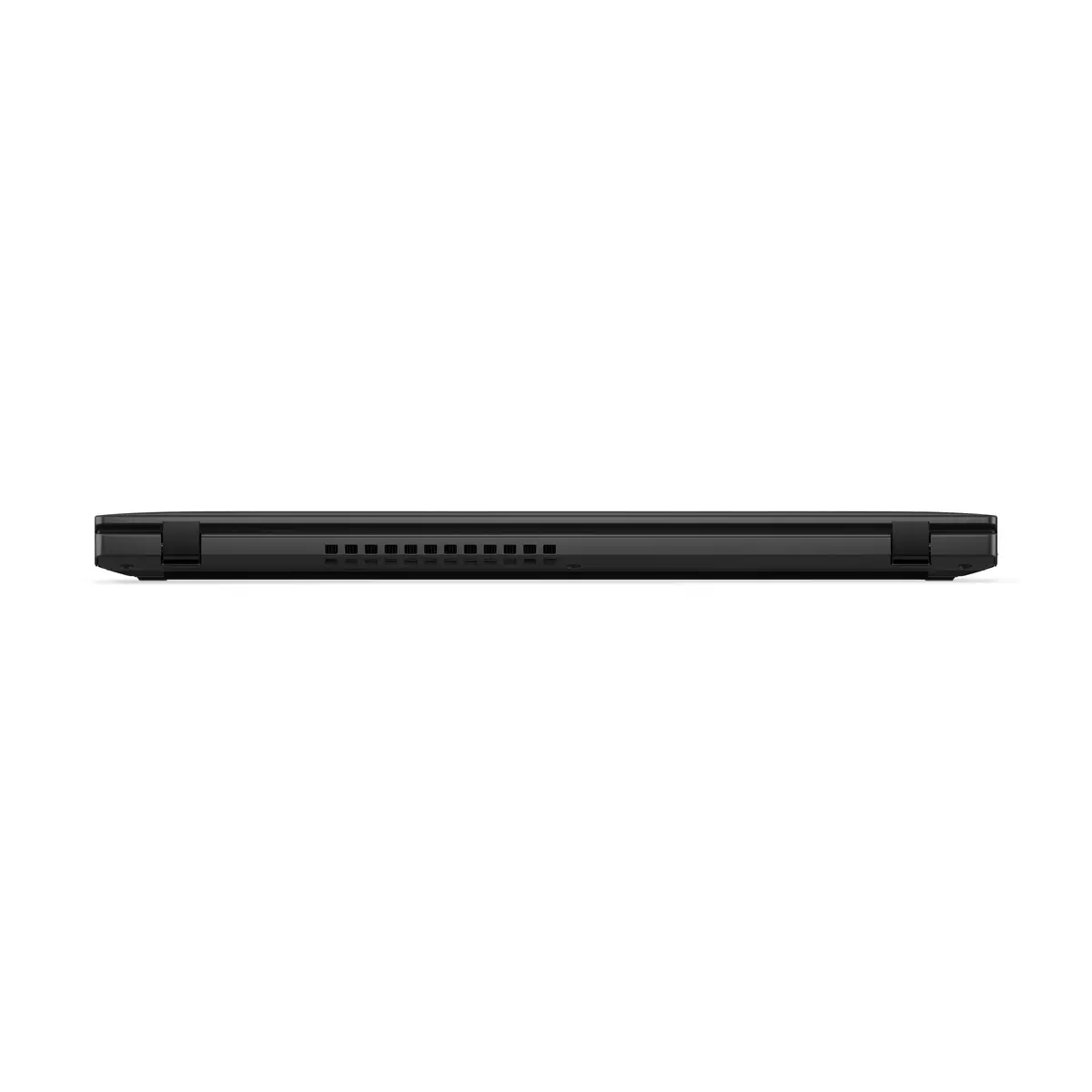
For optimal performance and longevity, keep the device firmware updated through the official Lenovo support channels. Ensure the ventilation areas remain unobstructed during heavy computational tasks to maintain efficient cooling and system stability.
{{highlightedFeature.featureTitle}}:
{{getProductFeatureValueById(product, highlightedFeature.featureId)}}
{{ productComparisonGenerationError }}
