
Powerful EcoFlow stations for energy anywhere!
In cart {{totalProductsCount}} item(s)
Your cart is empty
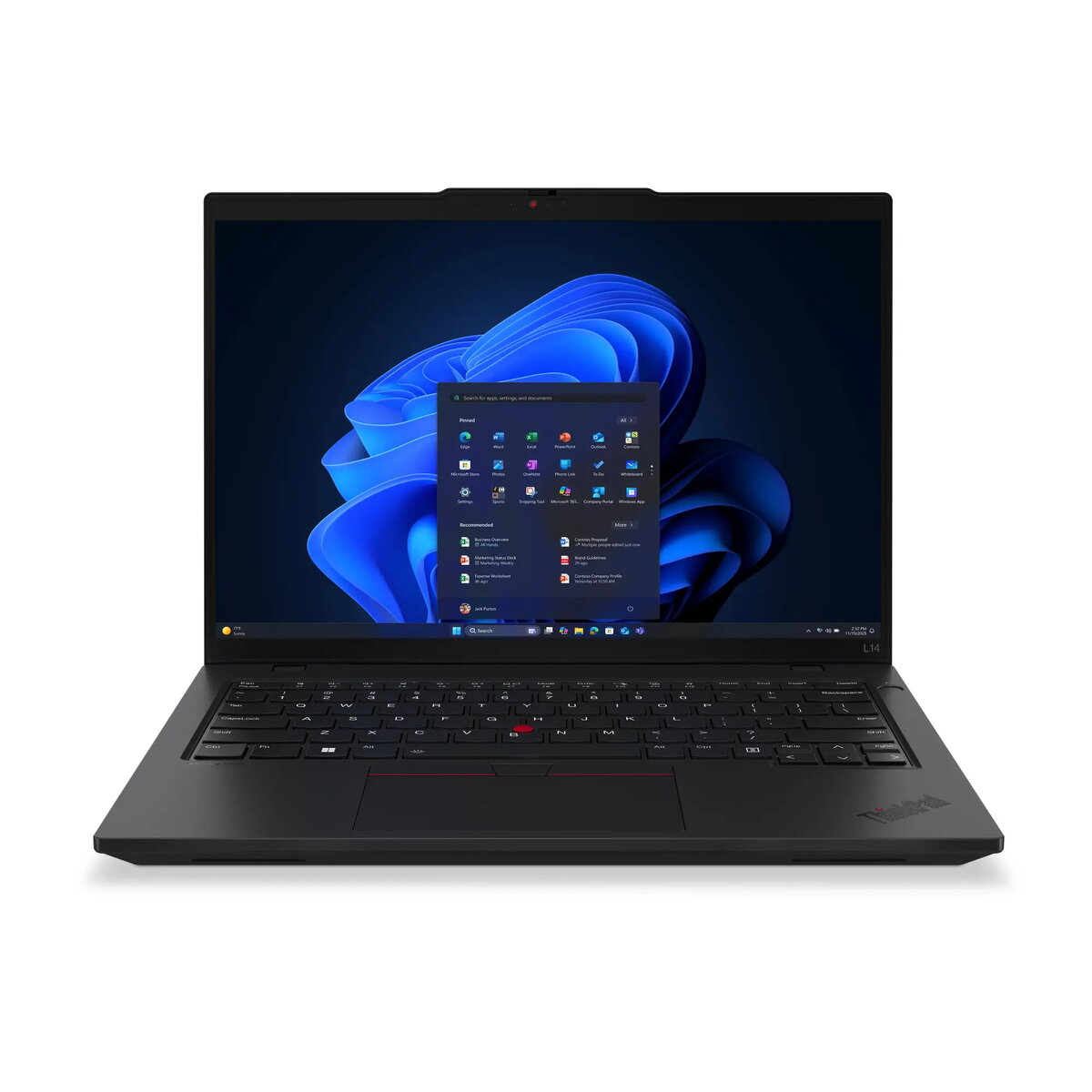
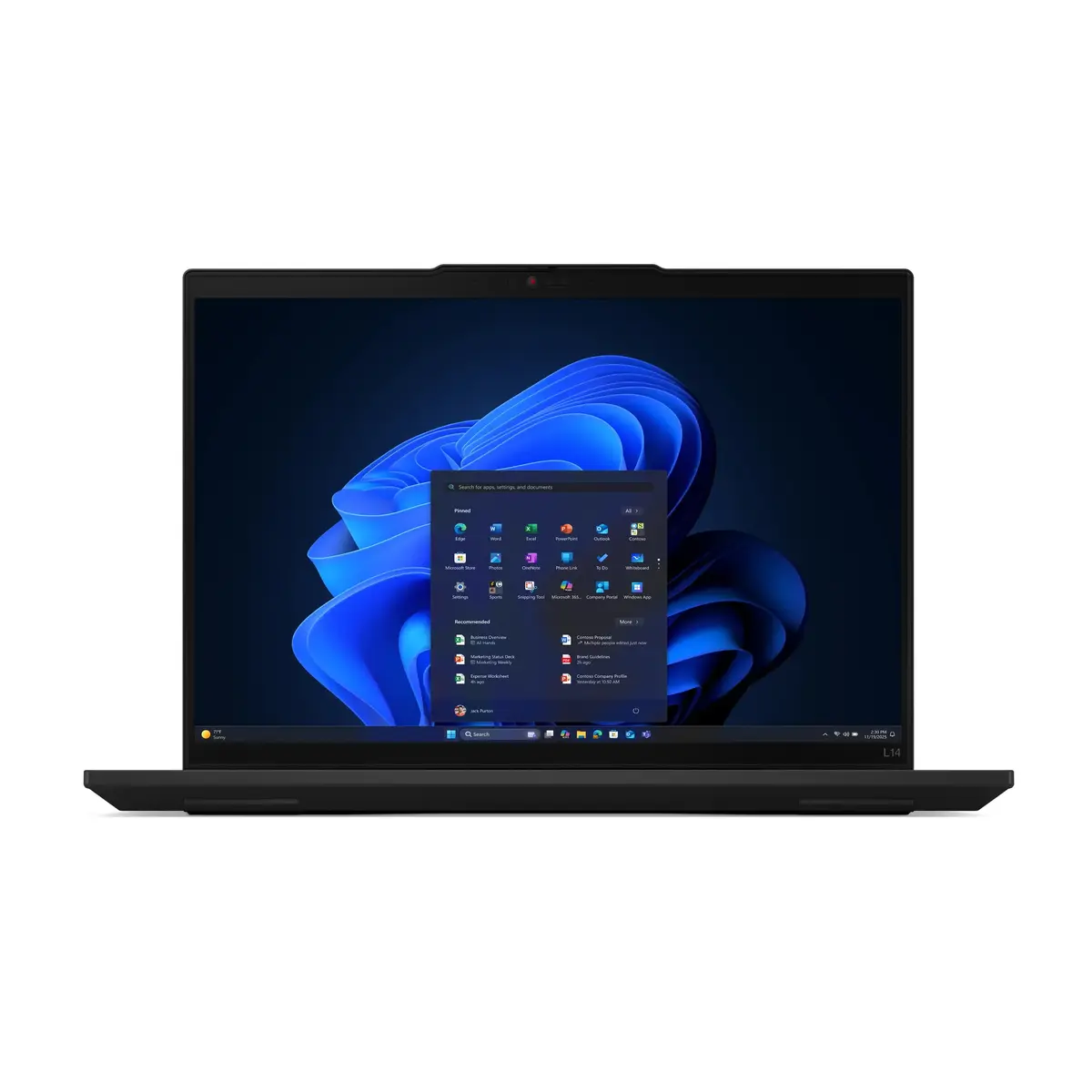
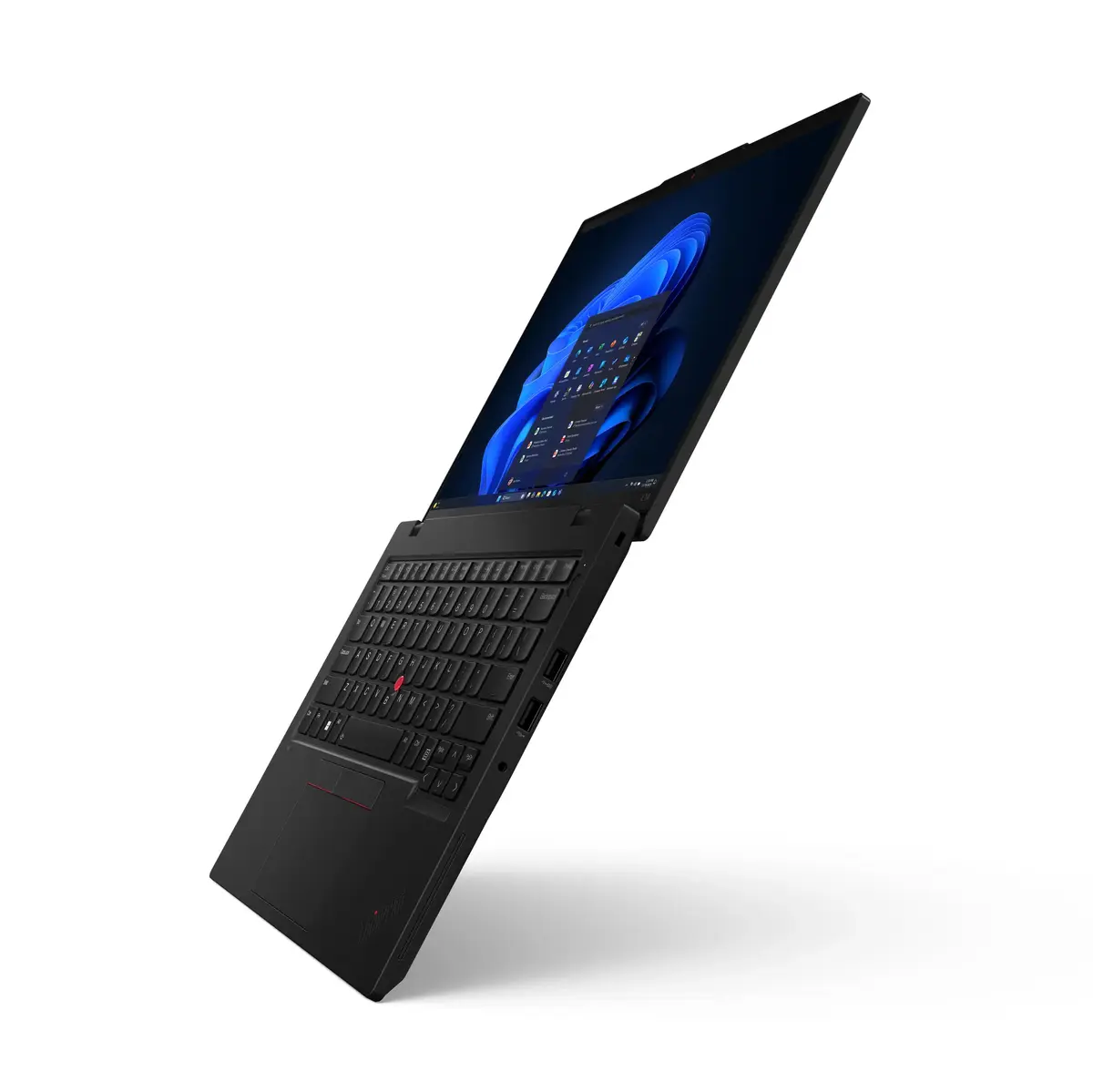
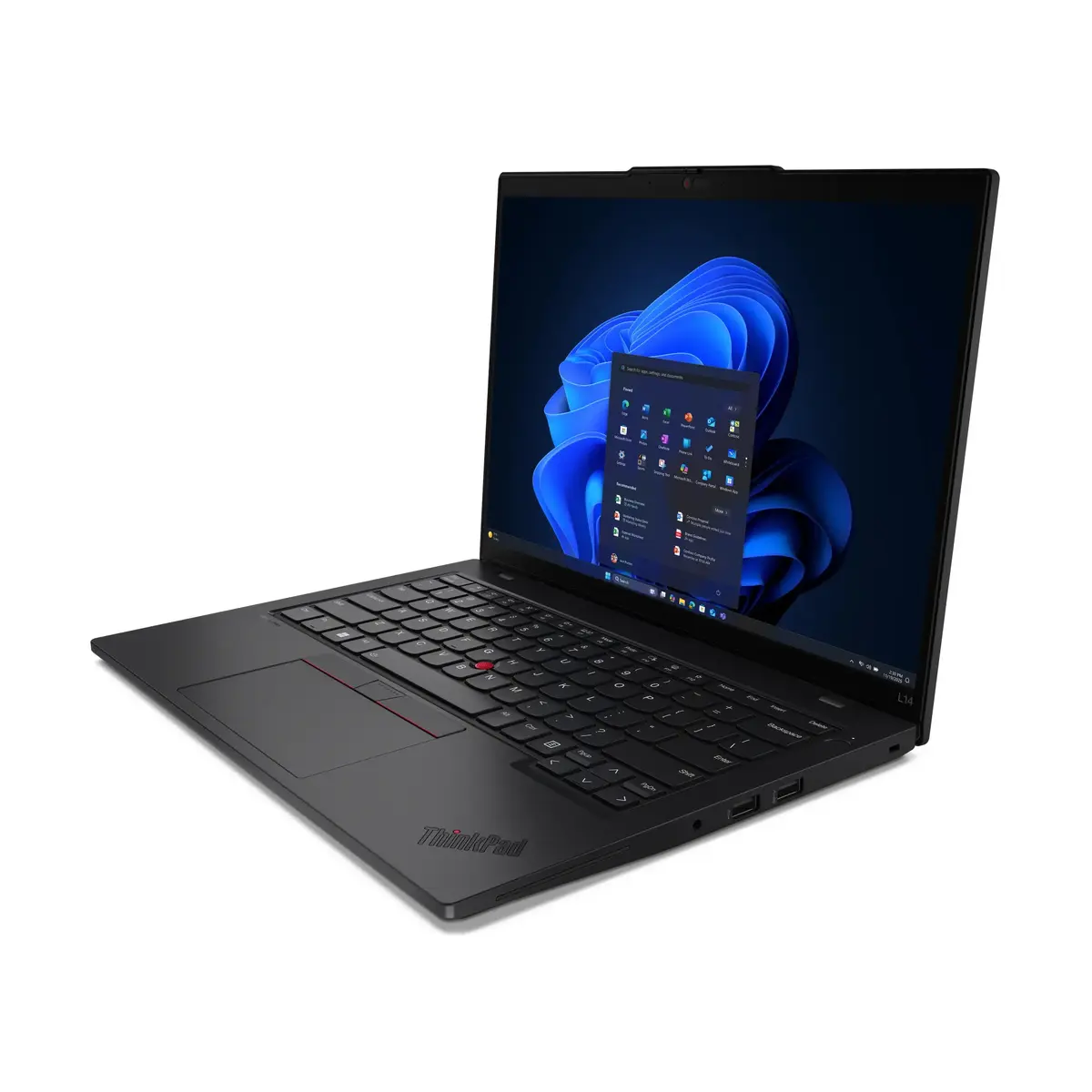
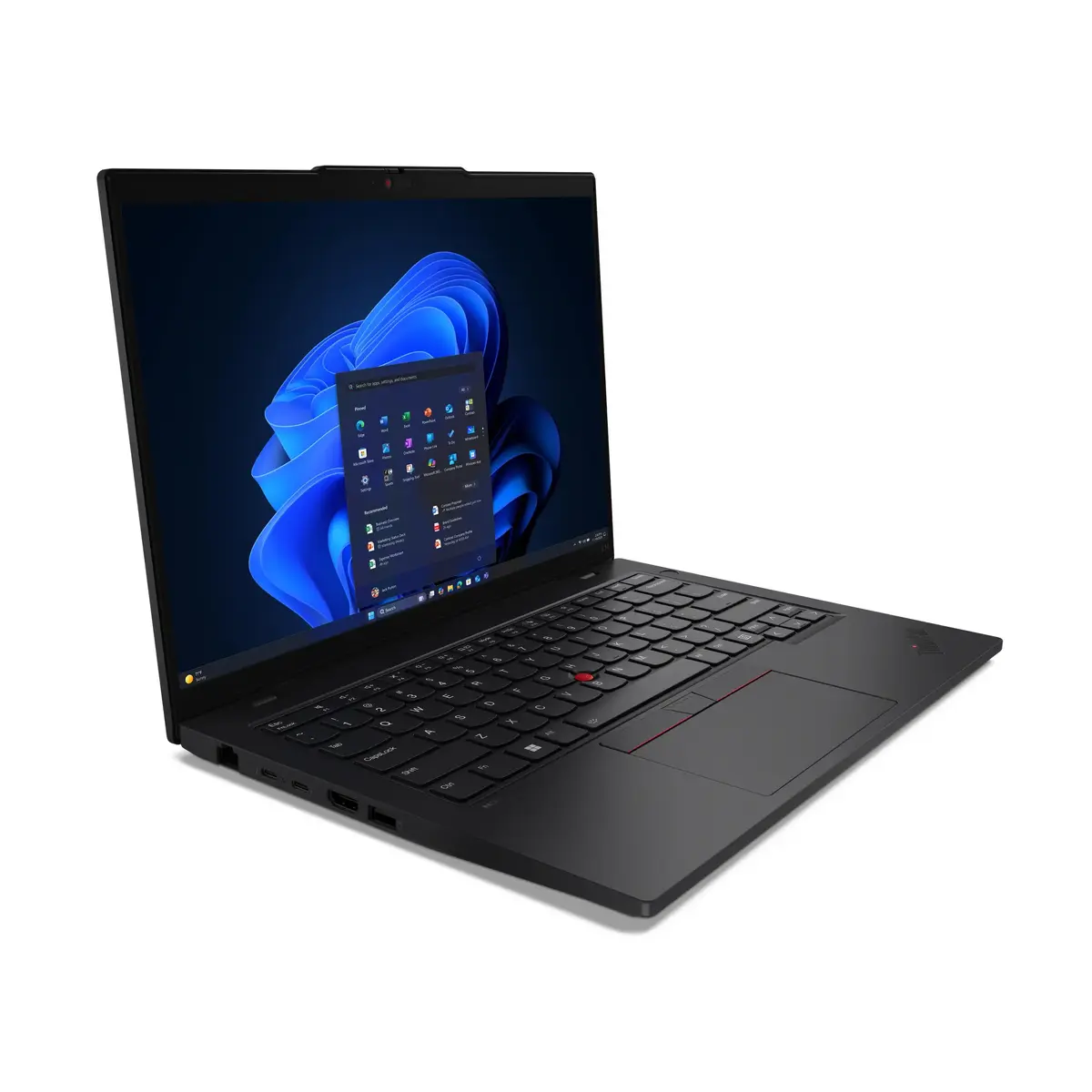
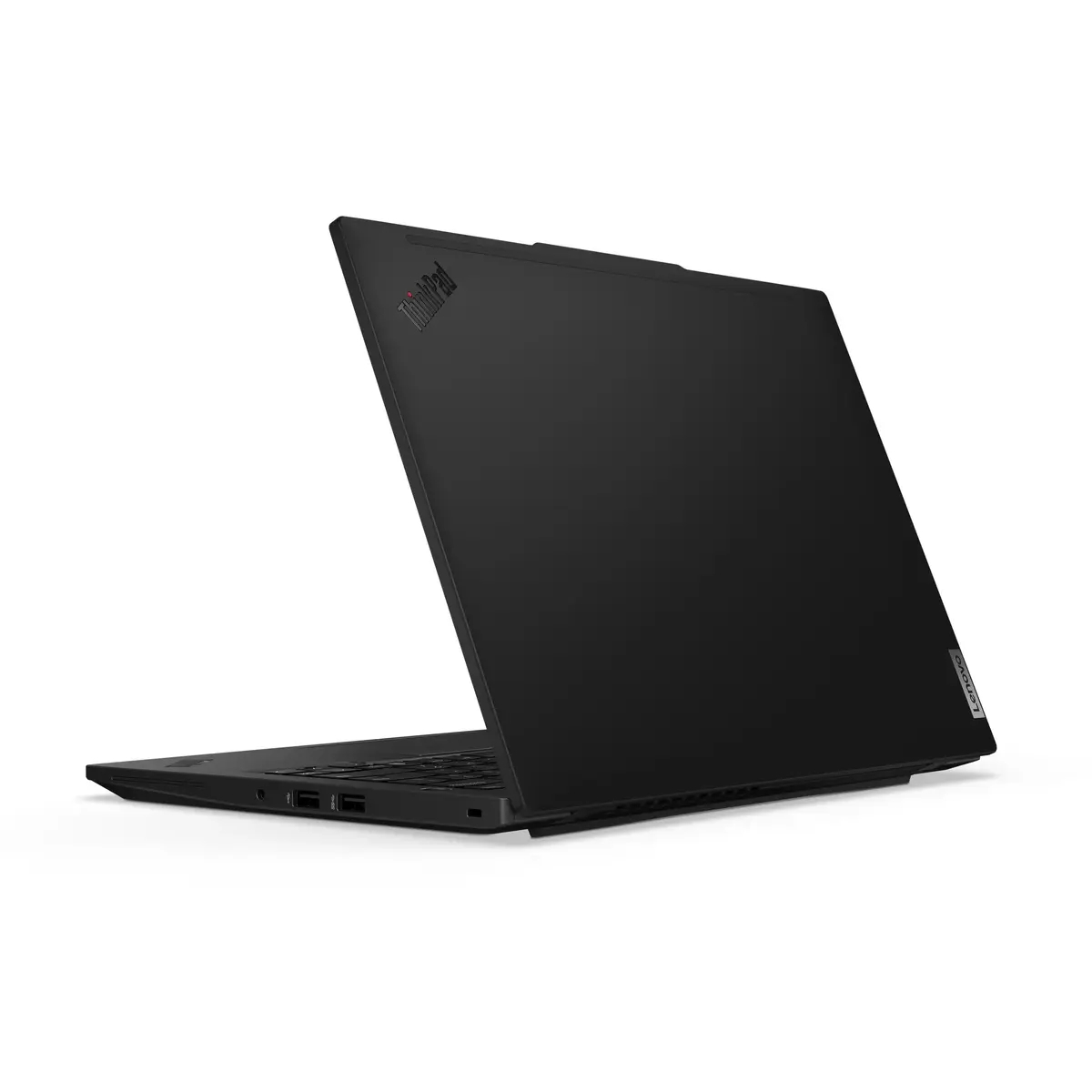
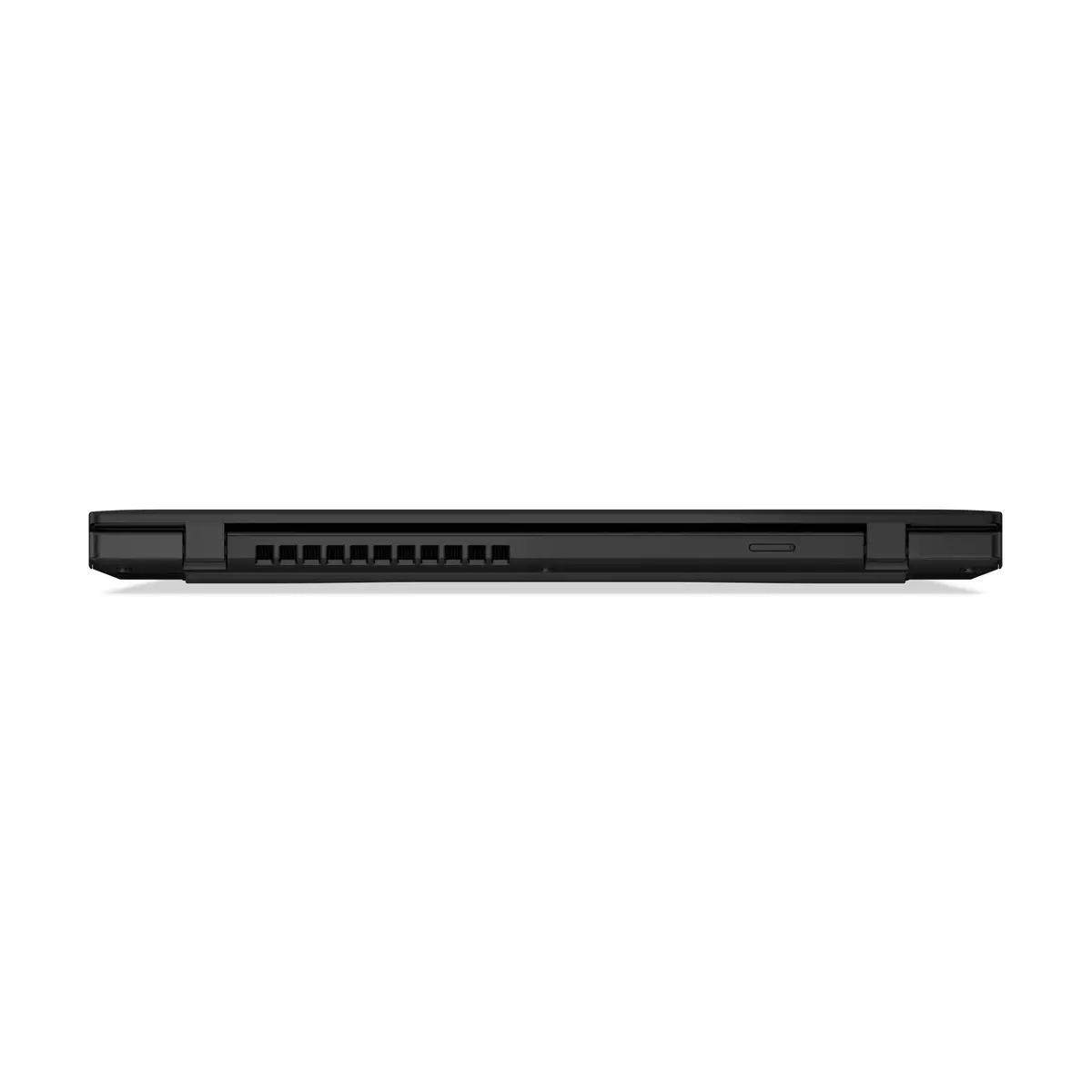
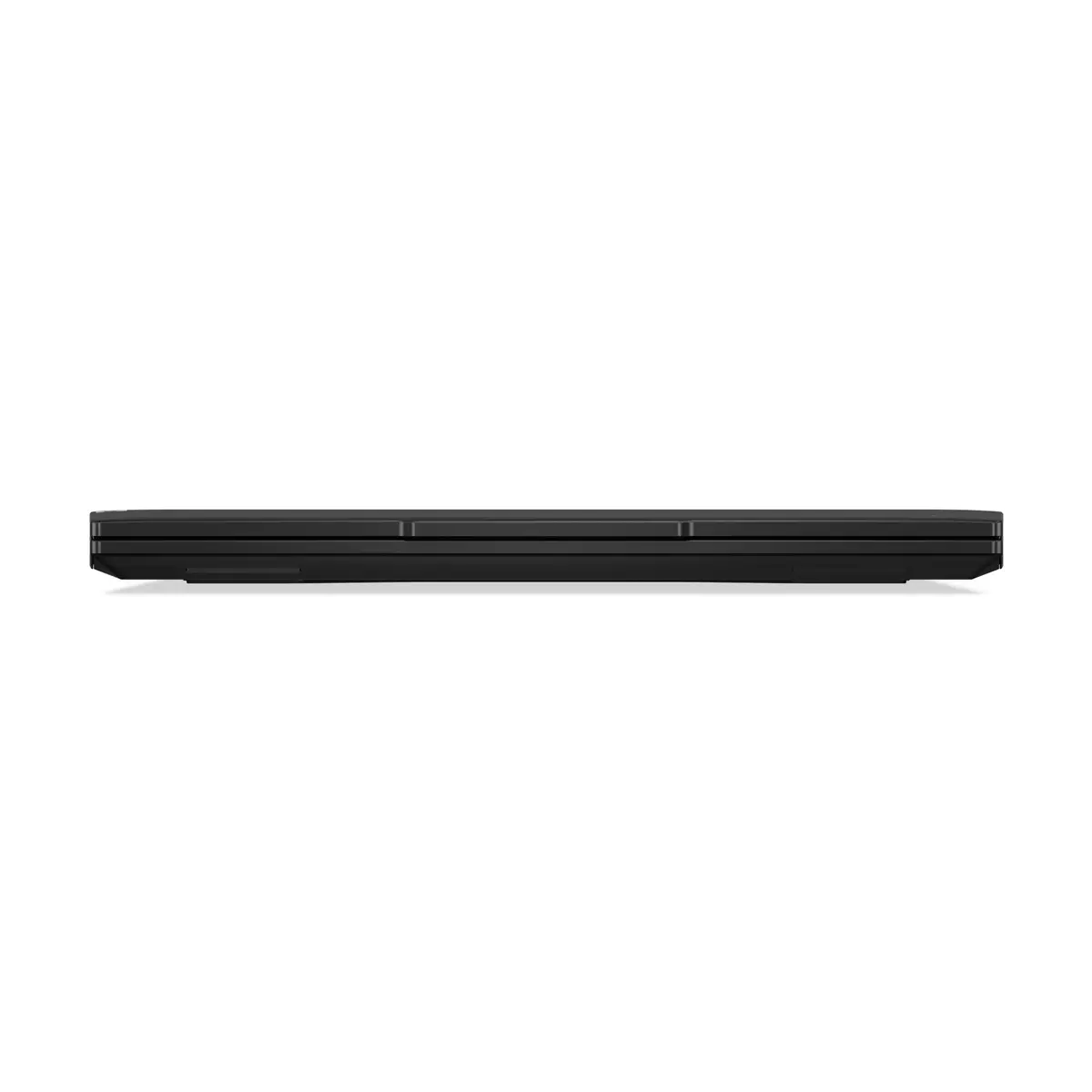
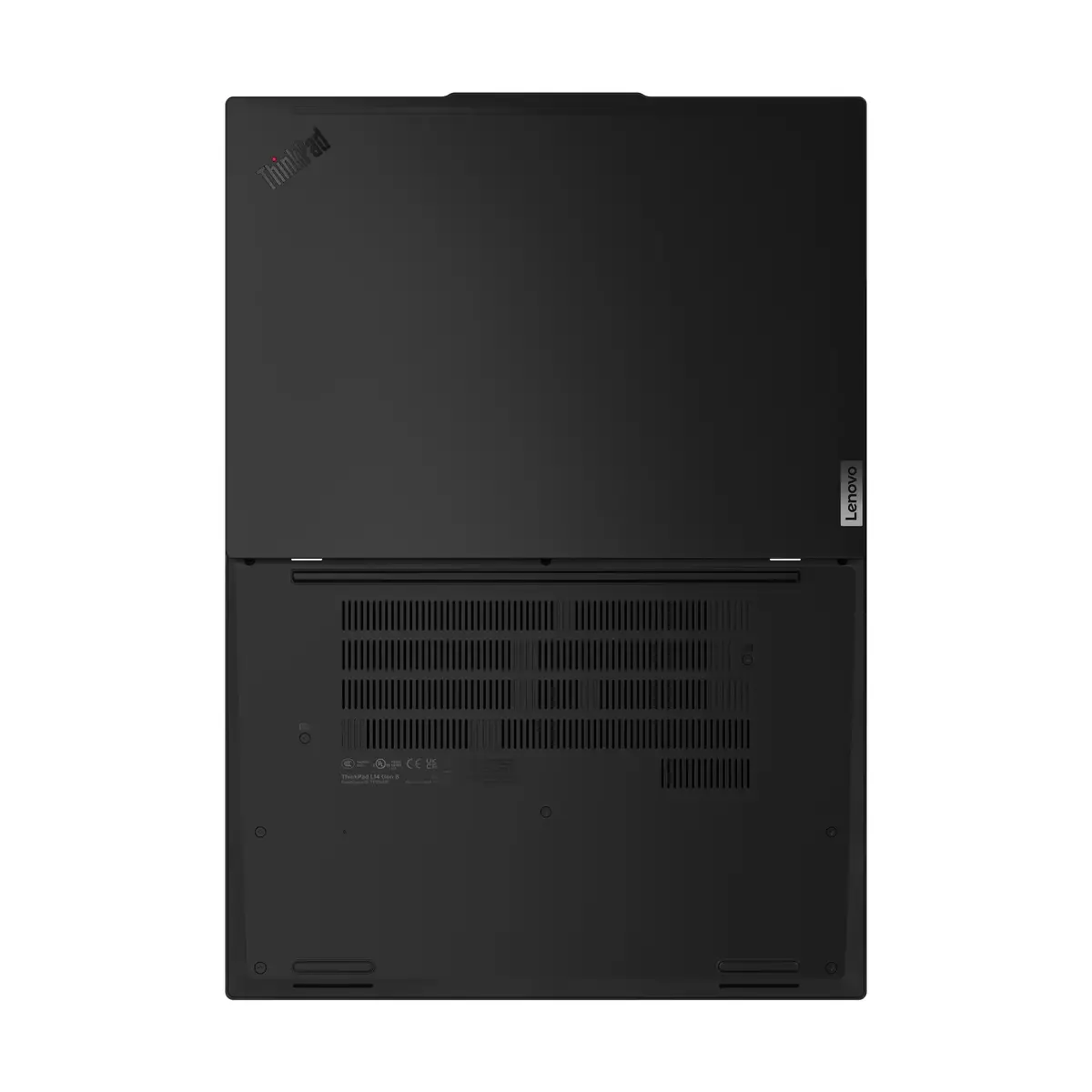
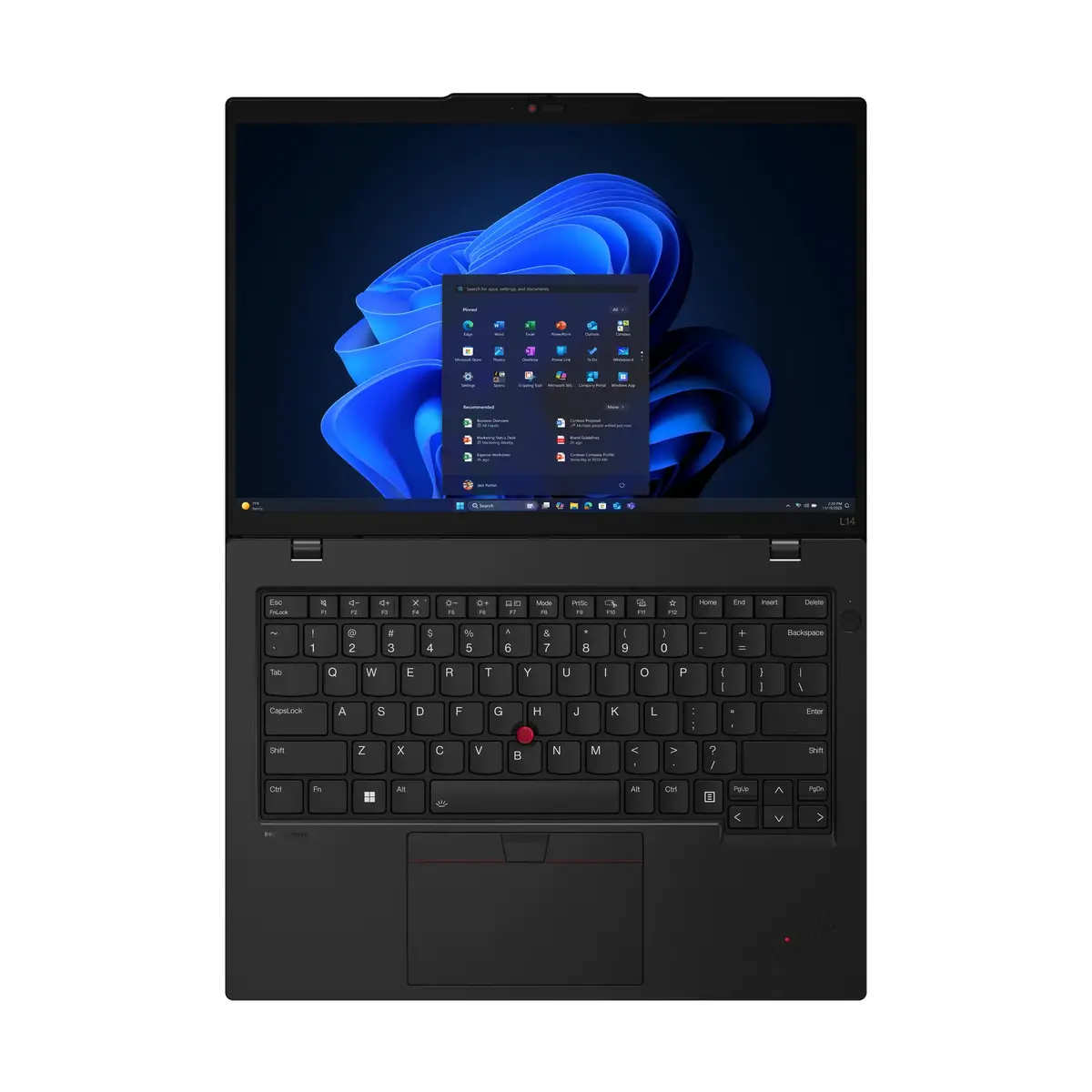
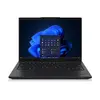
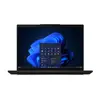
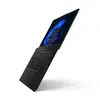
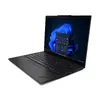
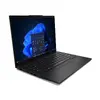
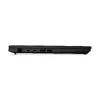
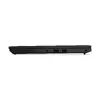
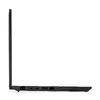
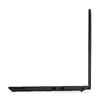
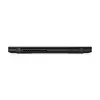
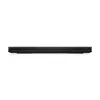
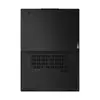
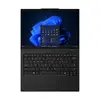
Lenovo ThinkPad L14 Gen 6 Laptop, Intel Core Ultra 5 225U, 14-inch WUXGA, 16GB RAM, 512GB SSD, Windows 11 Pro, Nordic Keyboard
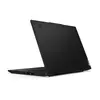
The Lenovo ThinkPad L14 Gen 6 is a professional-grade laptop engineered to meet the demands of modern business environments. Featuring the Intel Core Ultra 5 225U processor, this device delivers efficient performance for multitasking and complex workflows. Its compact 14-inch form factor, combined with a durable black chassis, makes it an ideal companion for professionals who require a reliable and portable computing solution. With Windows 11 Pro pre-installed, it provides a secure and productive operating environment right out of the box.
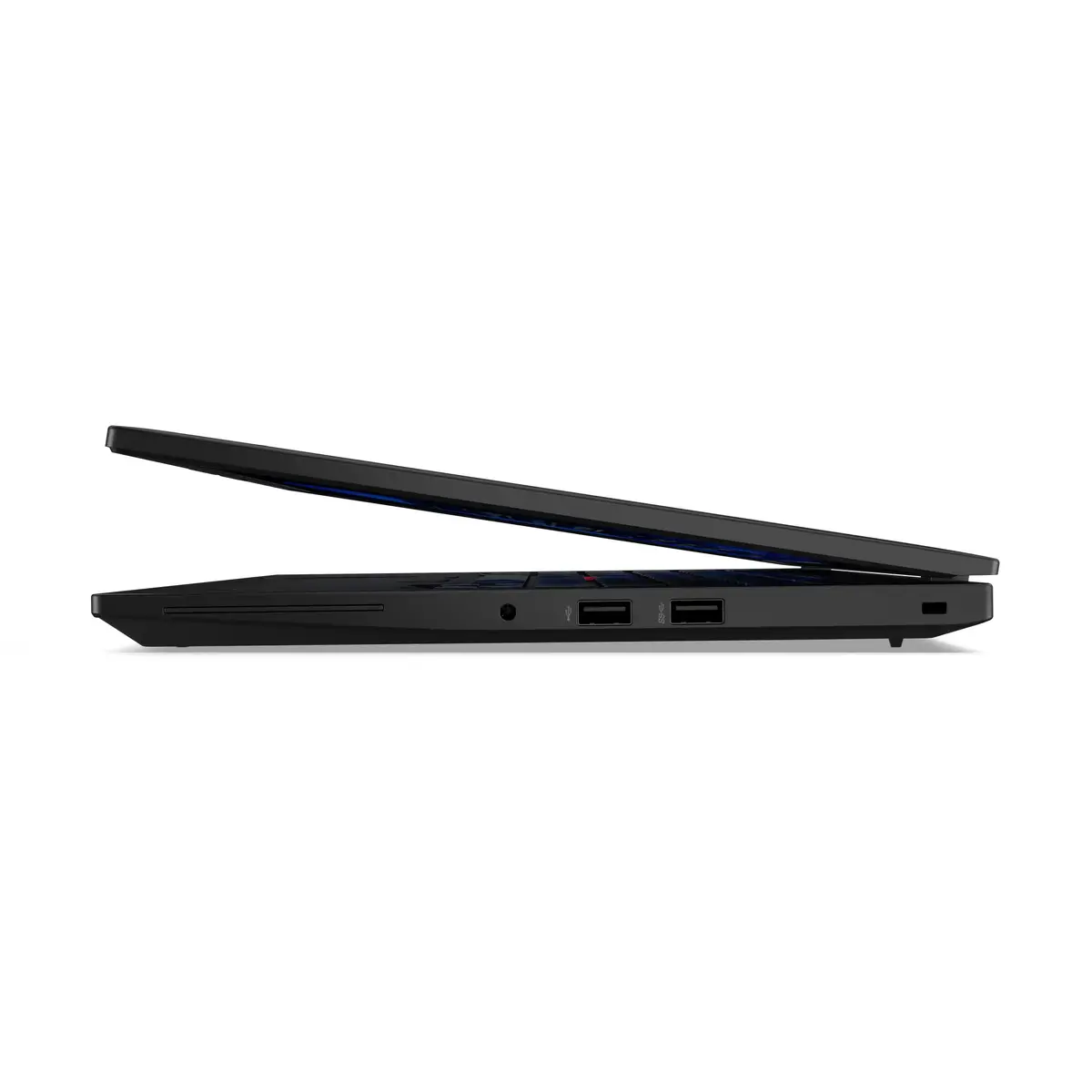
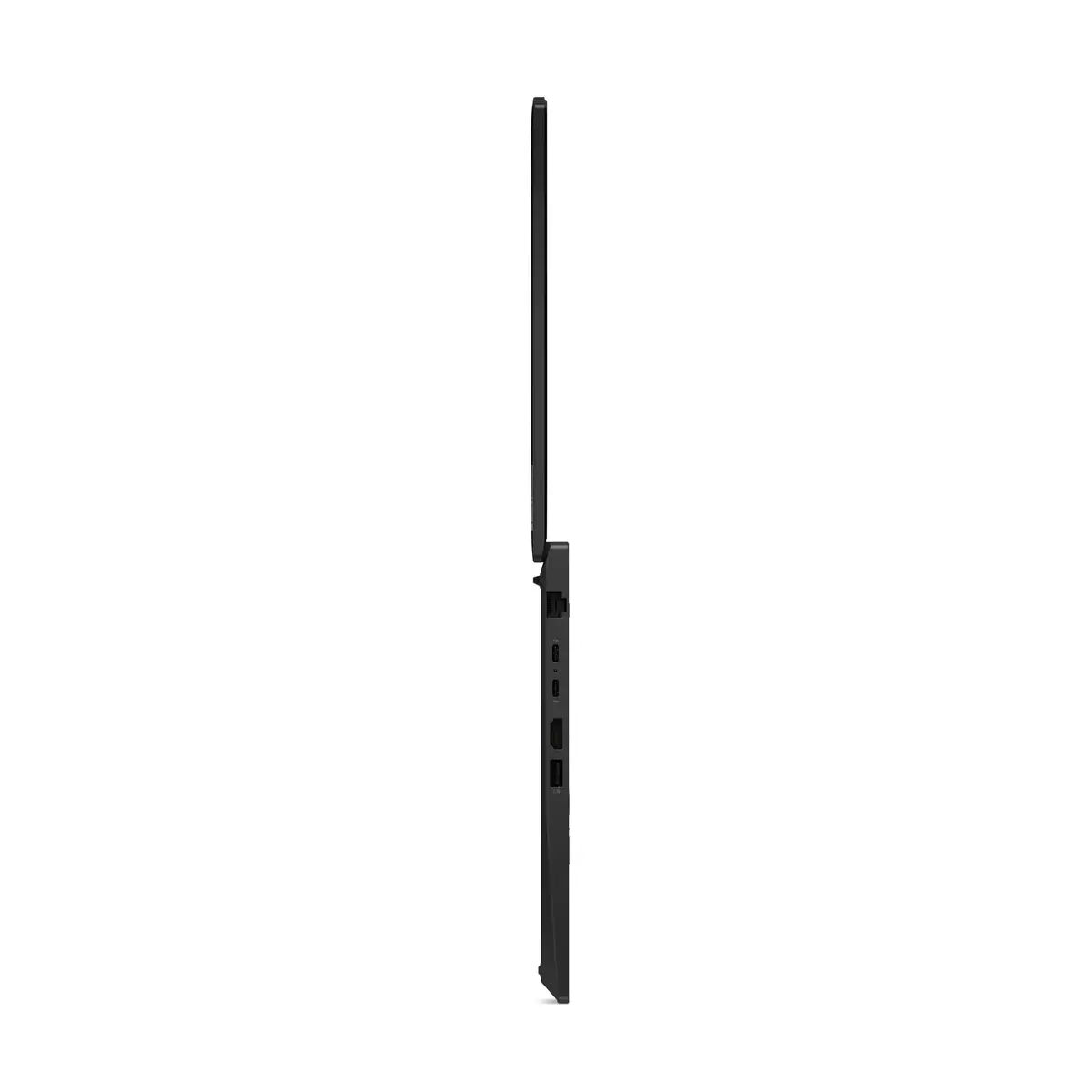
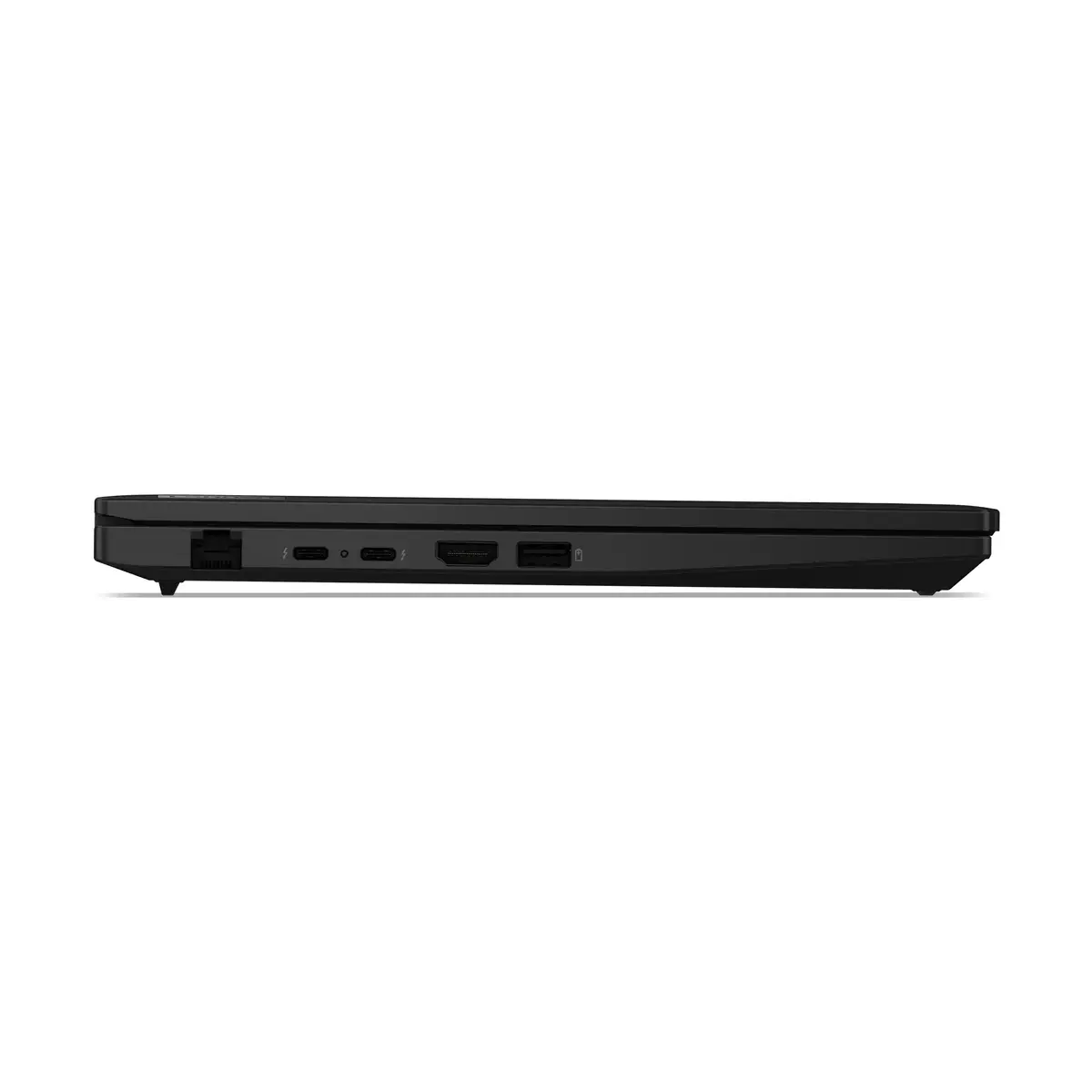
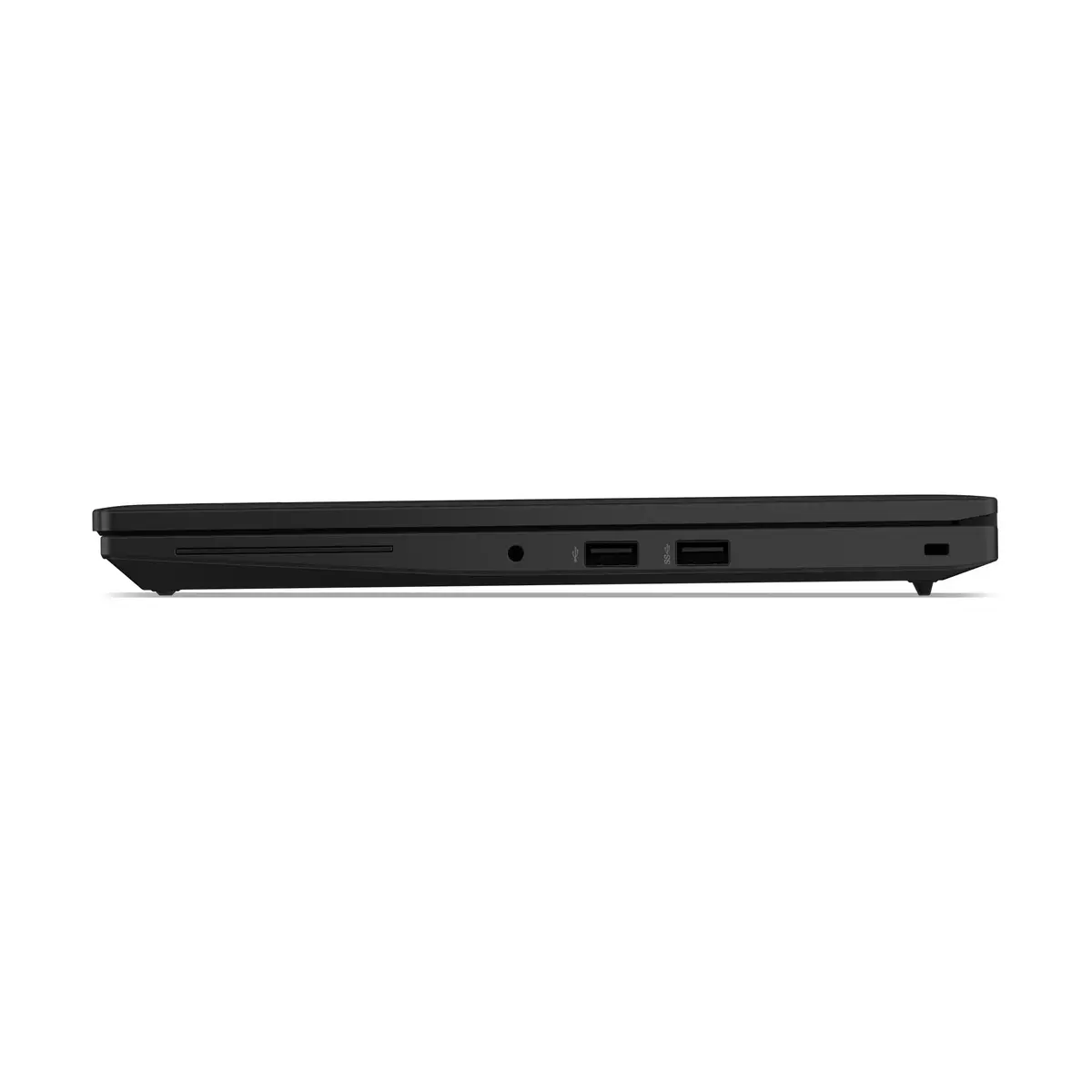
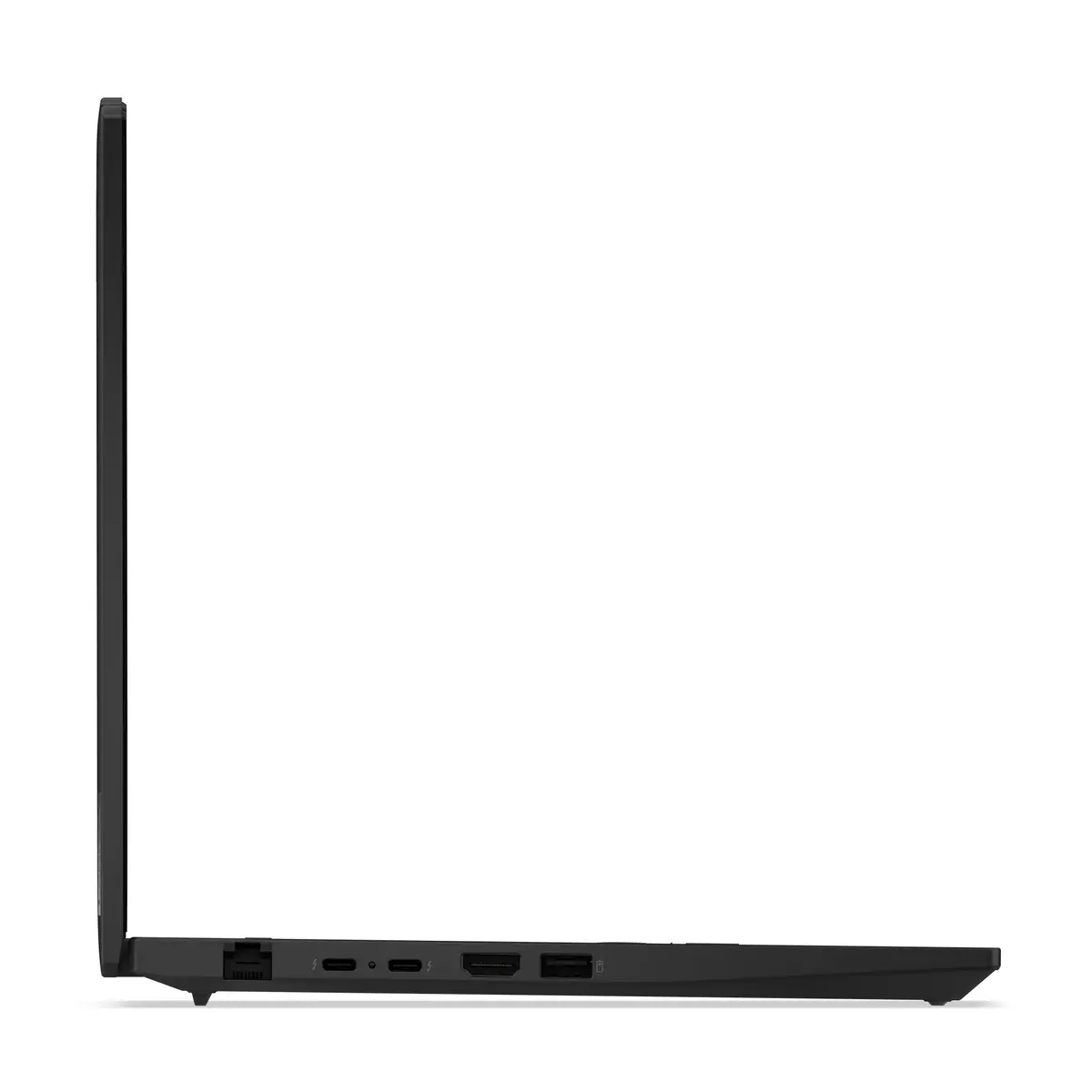
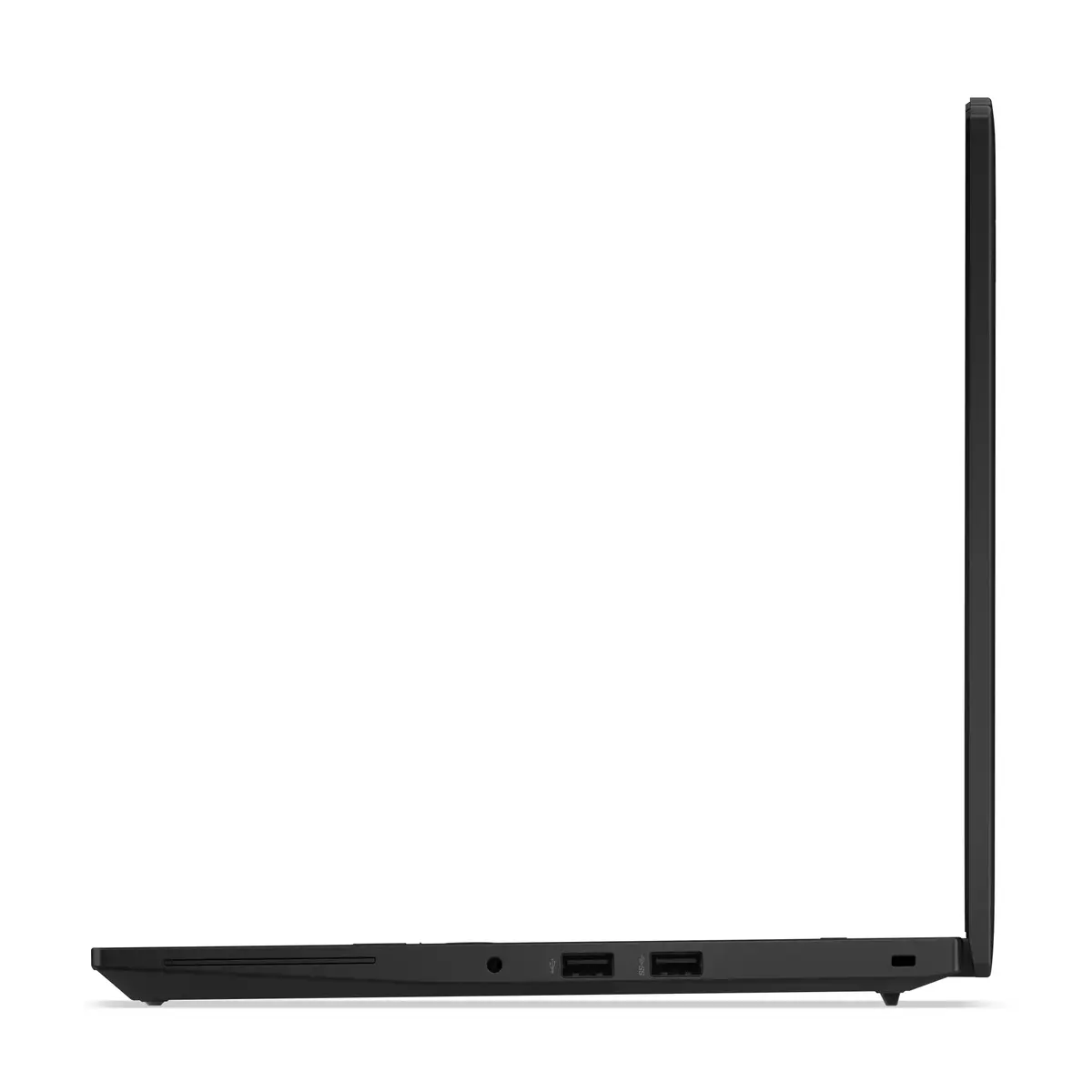
This laptop stands out due to its robust build quality and optimized hardware configuration. The inclusion of 16GB of high-speed DDR5 memory ensures smooth operation across multiple applications, while the 512GB NVMe SSD provides fast data access and ample storage for essential files. The WUXGA display offers a sharp 16:10 aspect ratio, providing more vertical screen space for documents and spreadsheets. Furthermore, the integration of Wi-Fi 6E and Gigabit Ethernet ensures stable and high-speed connectivity, which is critical for remote work and office collaboration.
This laptop is not designed for high-end gaming or intensive 3D rendering tasks, as it relies on integrated Intel Graphics rather than a dedicated GPU. Users requiring significant graphical processing power for video editing or complex design work may find the performance limitations of the integrated graphics insufficient.
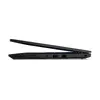
To begin using your Lenovo ThinkPad L14 Gen 6, connect the provided power adapter to the charging port and allow the battery to reach a full charge. Press the power button to initiate the Windows 11 Pro setup process, following the on-screen instructions to configure your user account and network settings. Once set up, you can utilize the various ports to connect peripherals such as external monitors, mice, or docking stations to expand your workspace. Keep the device updated via the system settings to ensure optimal security and performance.
To maintain the longevity of your device, keep the air vents clear of obstructions to ensure proper cooling. Regularly back up your important data to an external drive or cloud service, and keep the operating system updated to benefit from the latest security patches and performance improvements.
{{highlightedFeature.featureTitle}}:
{{getProductFeatureValueById(product, highlightedFeature.featureId)}}
{{ productComparisonGenerationError }}
