

Save time and money with our discounts!
In cart {{totalProductsCount}} item(s)
Your cart is empty
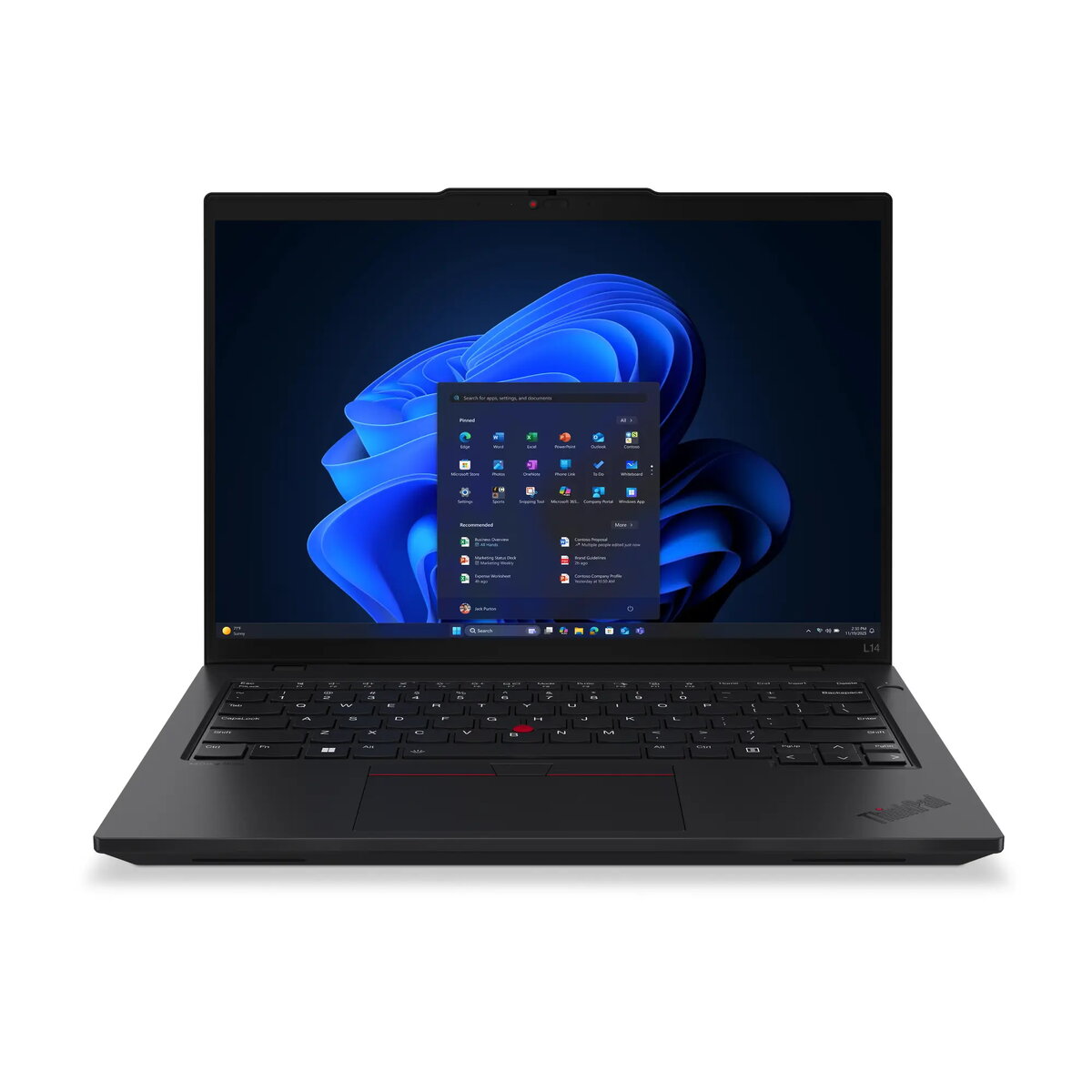
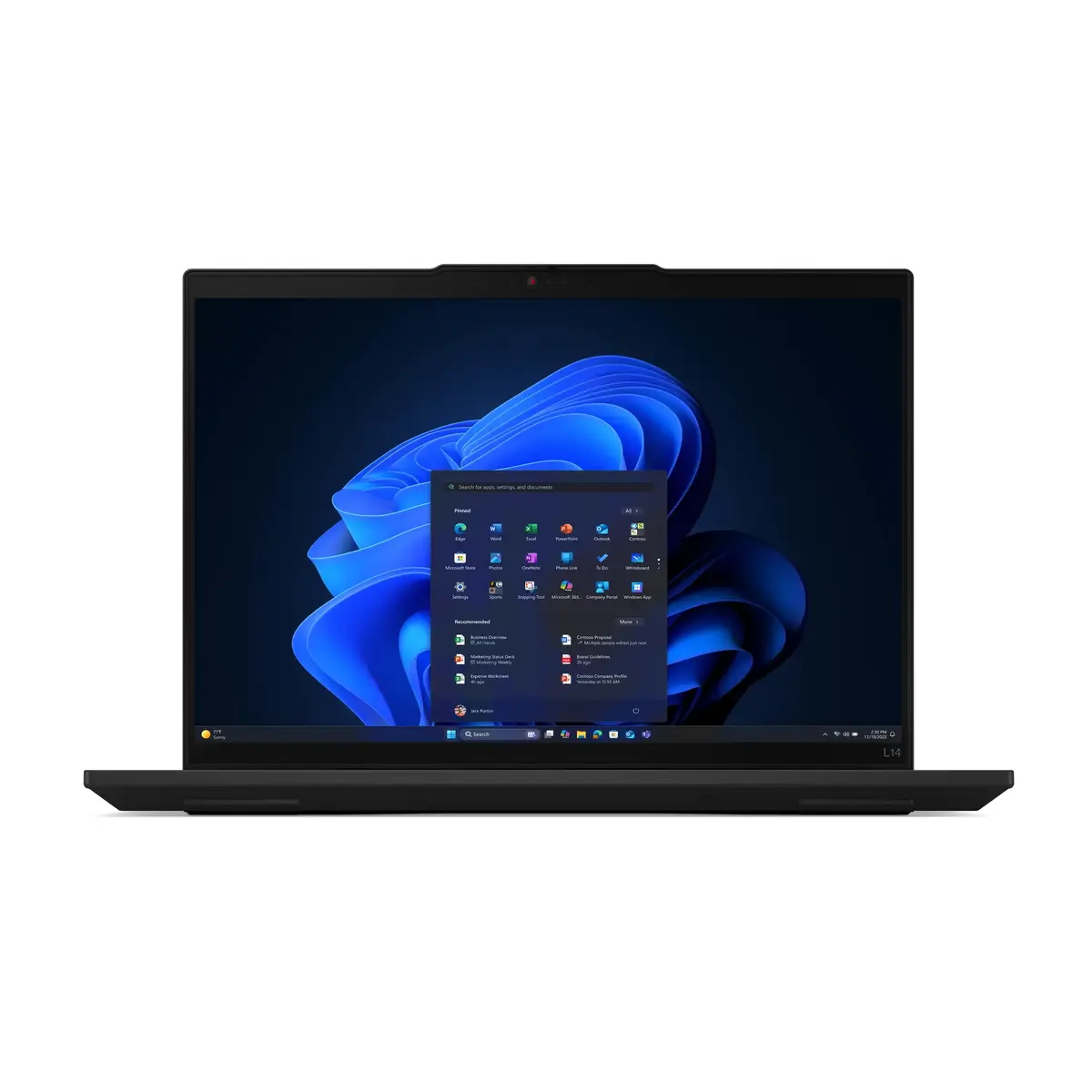
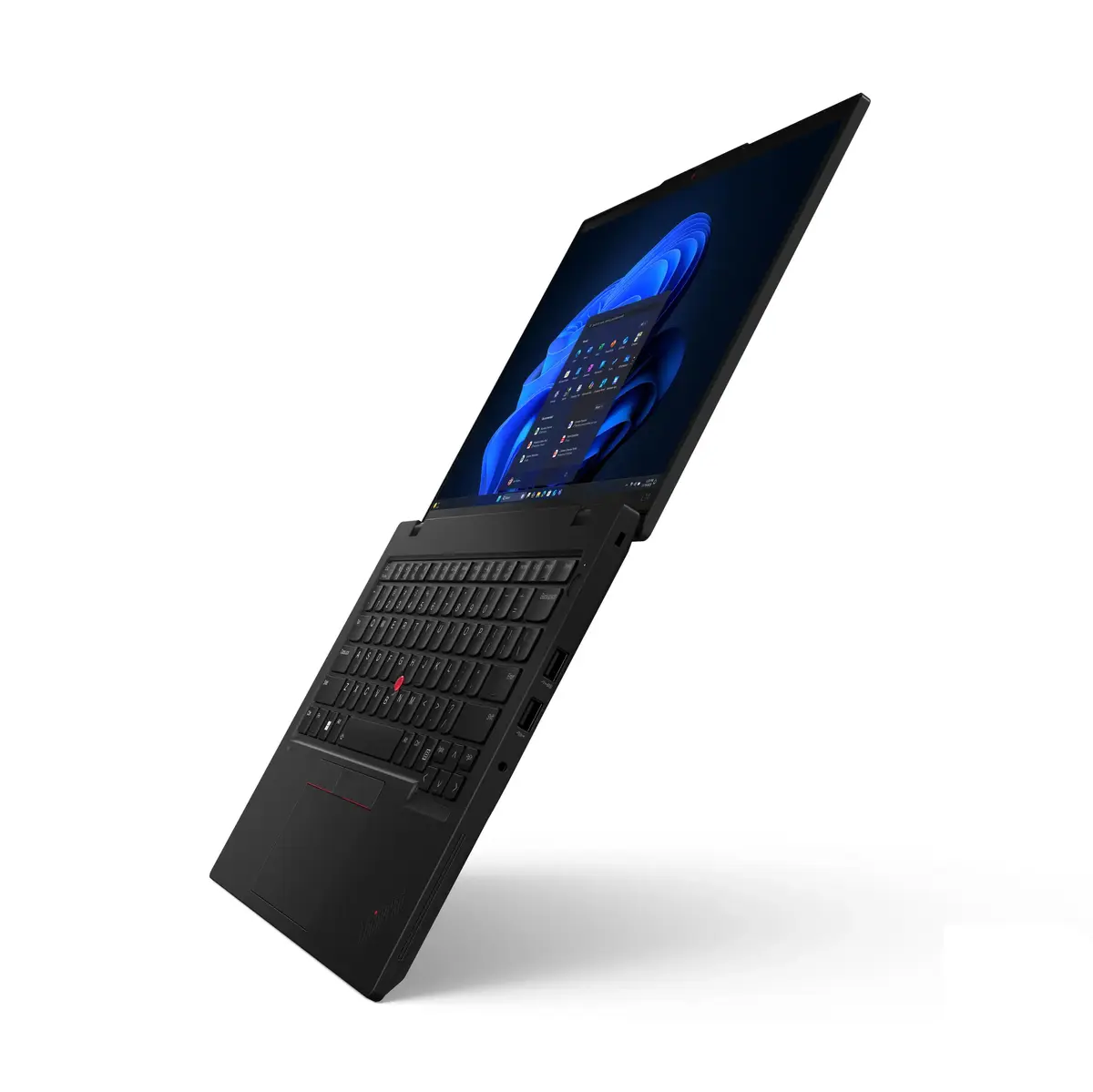
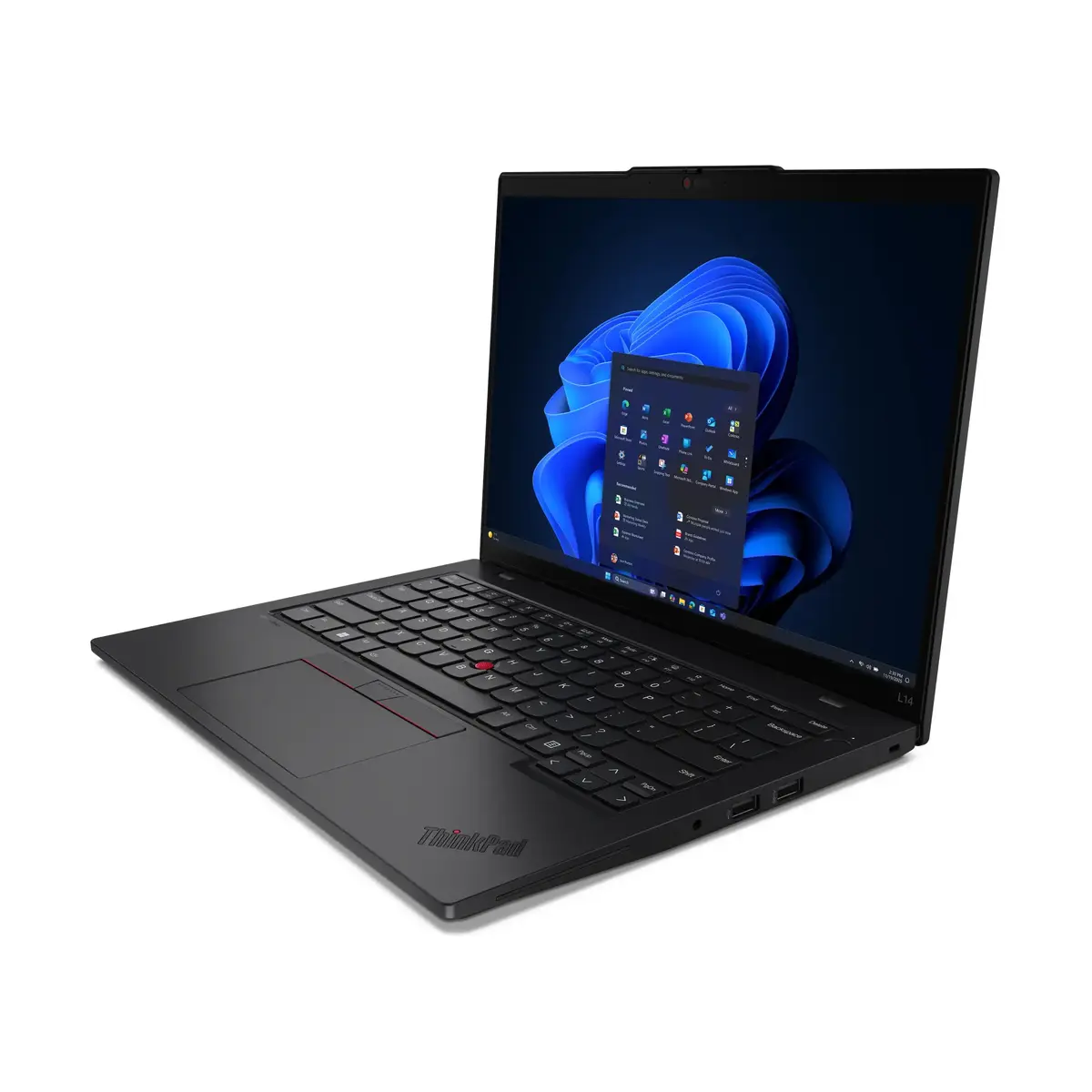
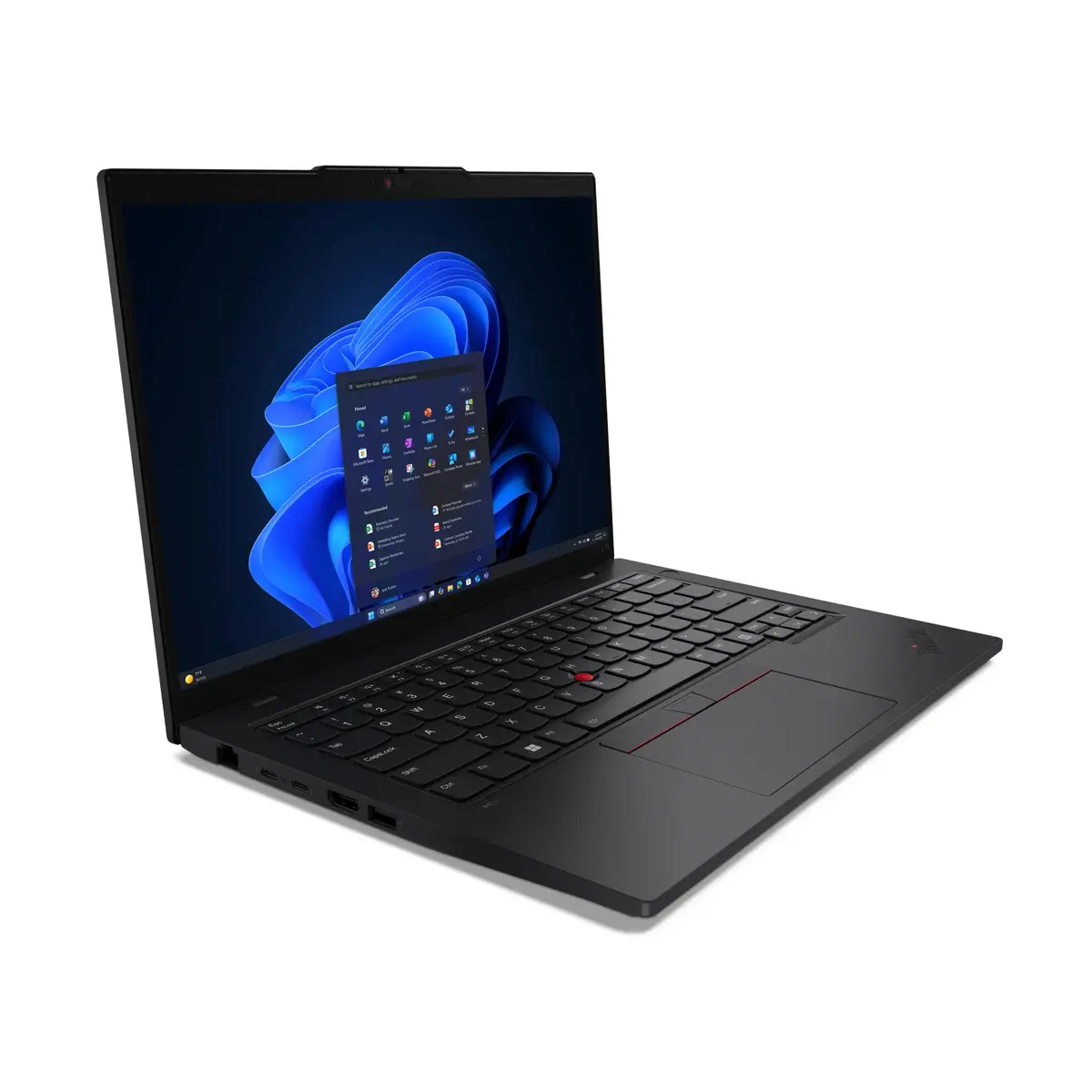
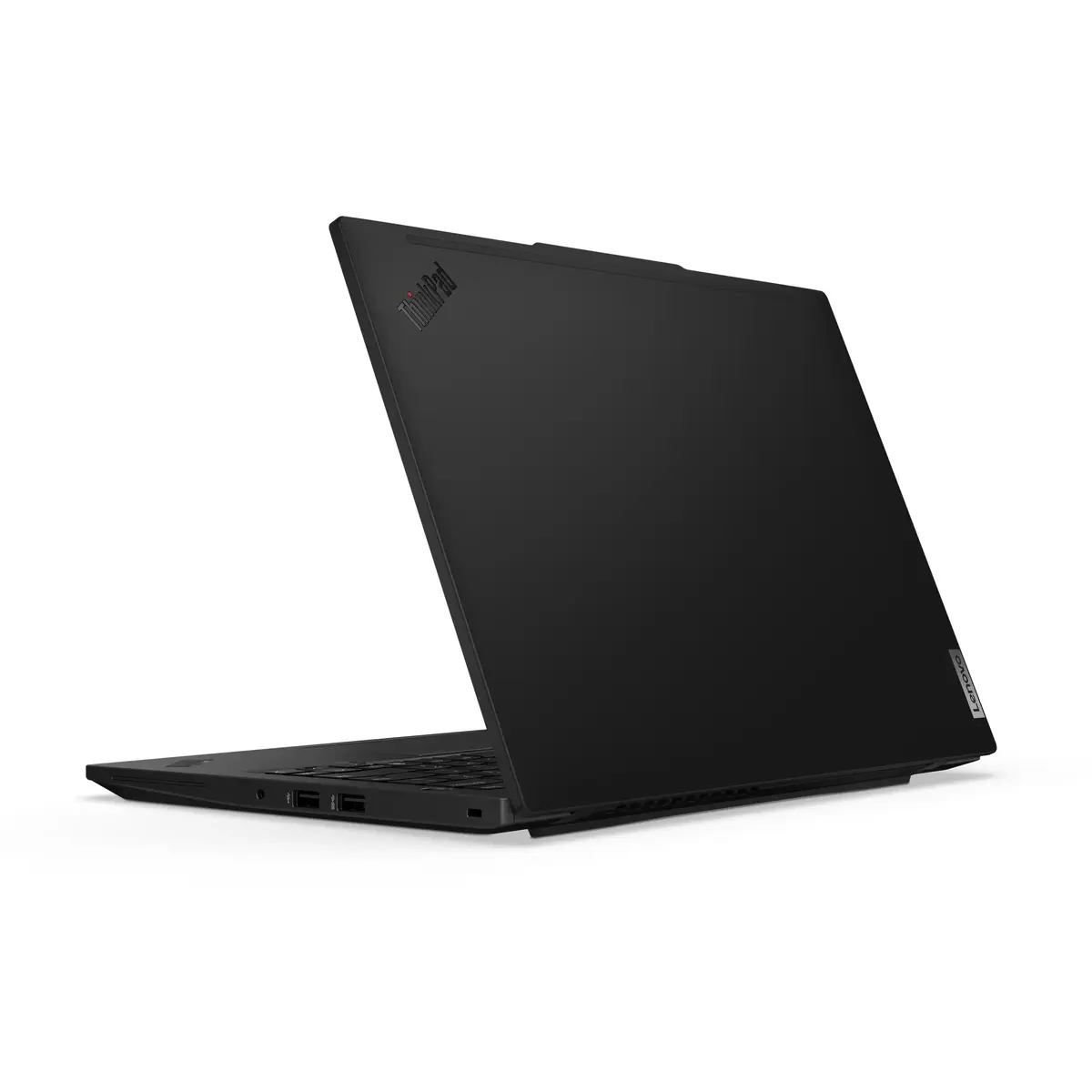
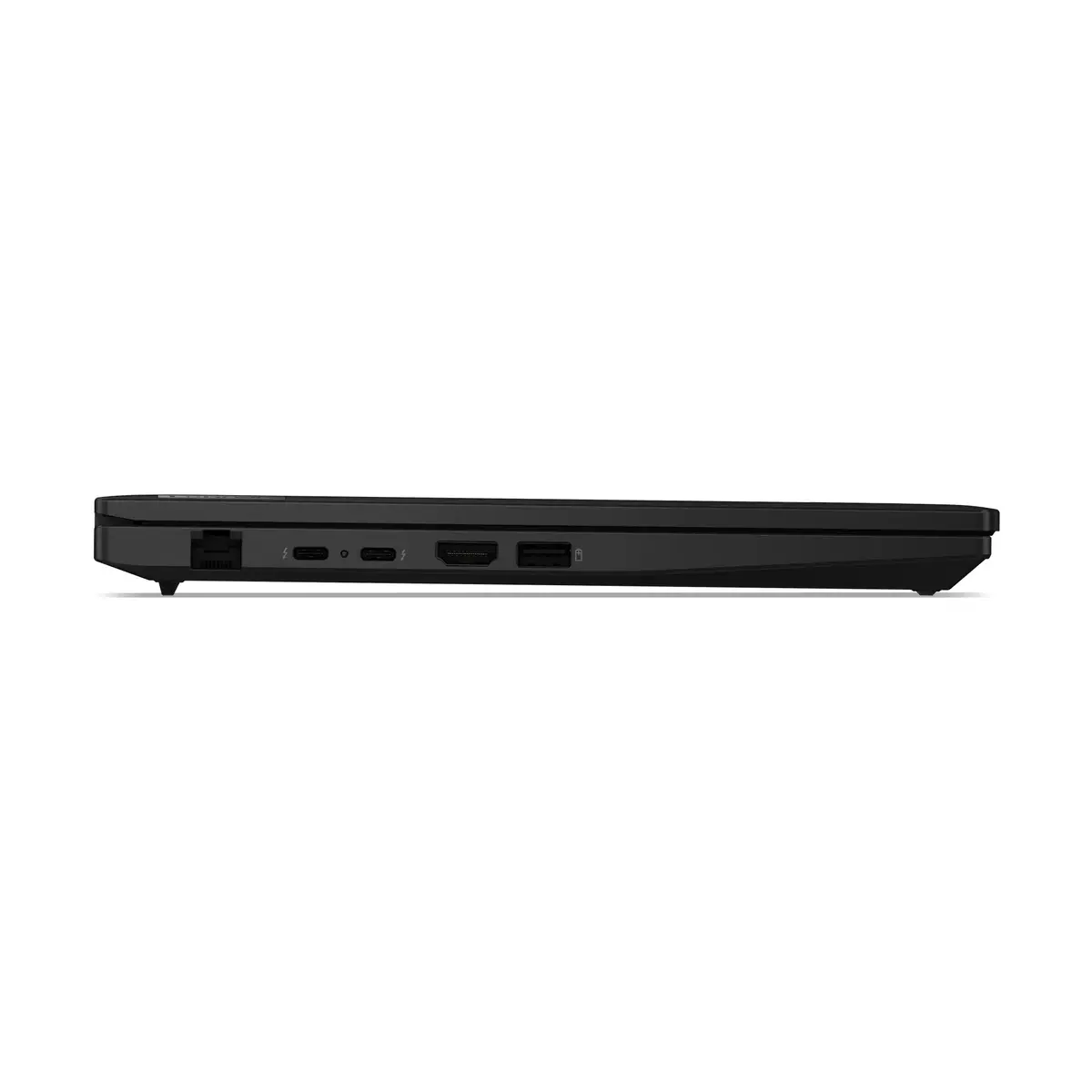
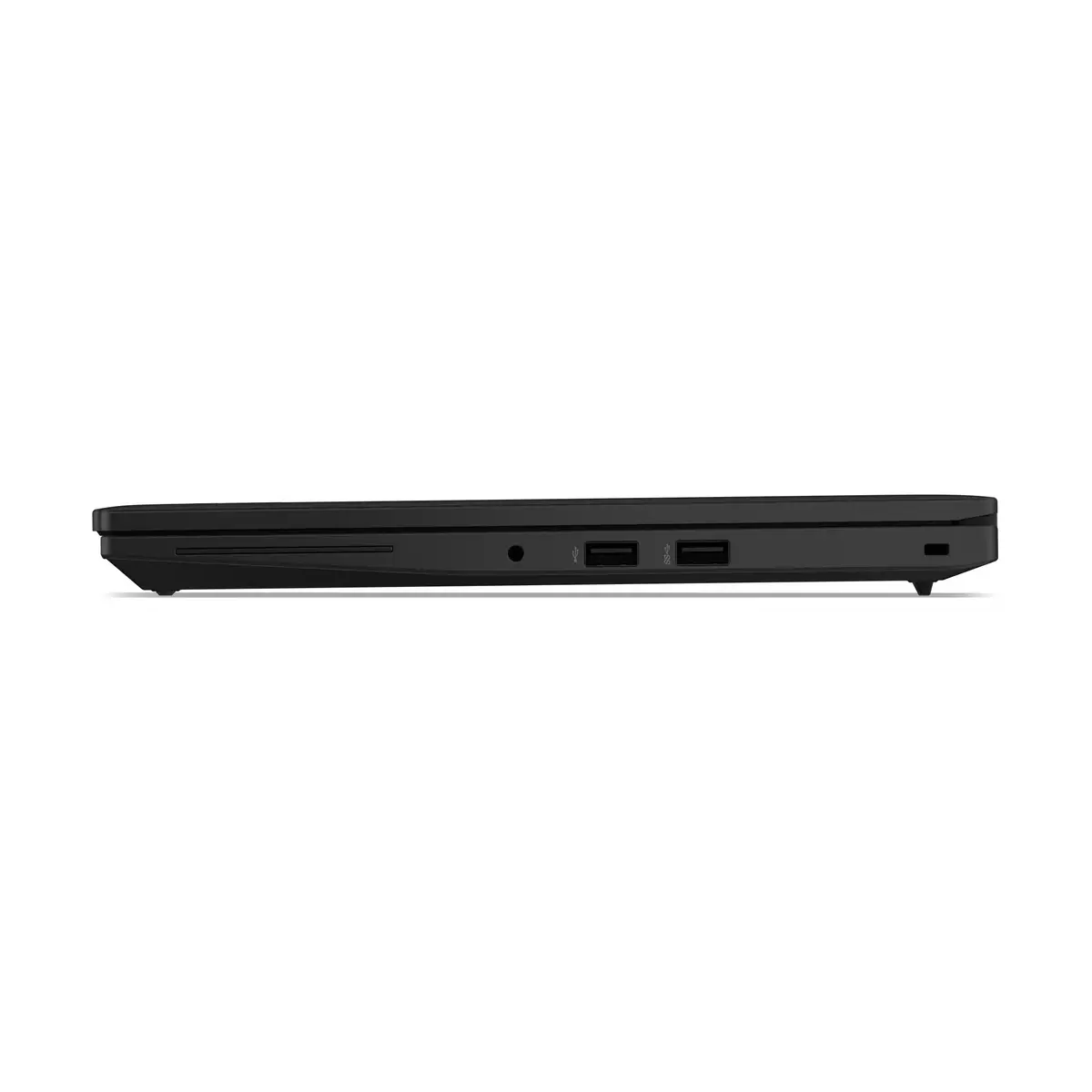
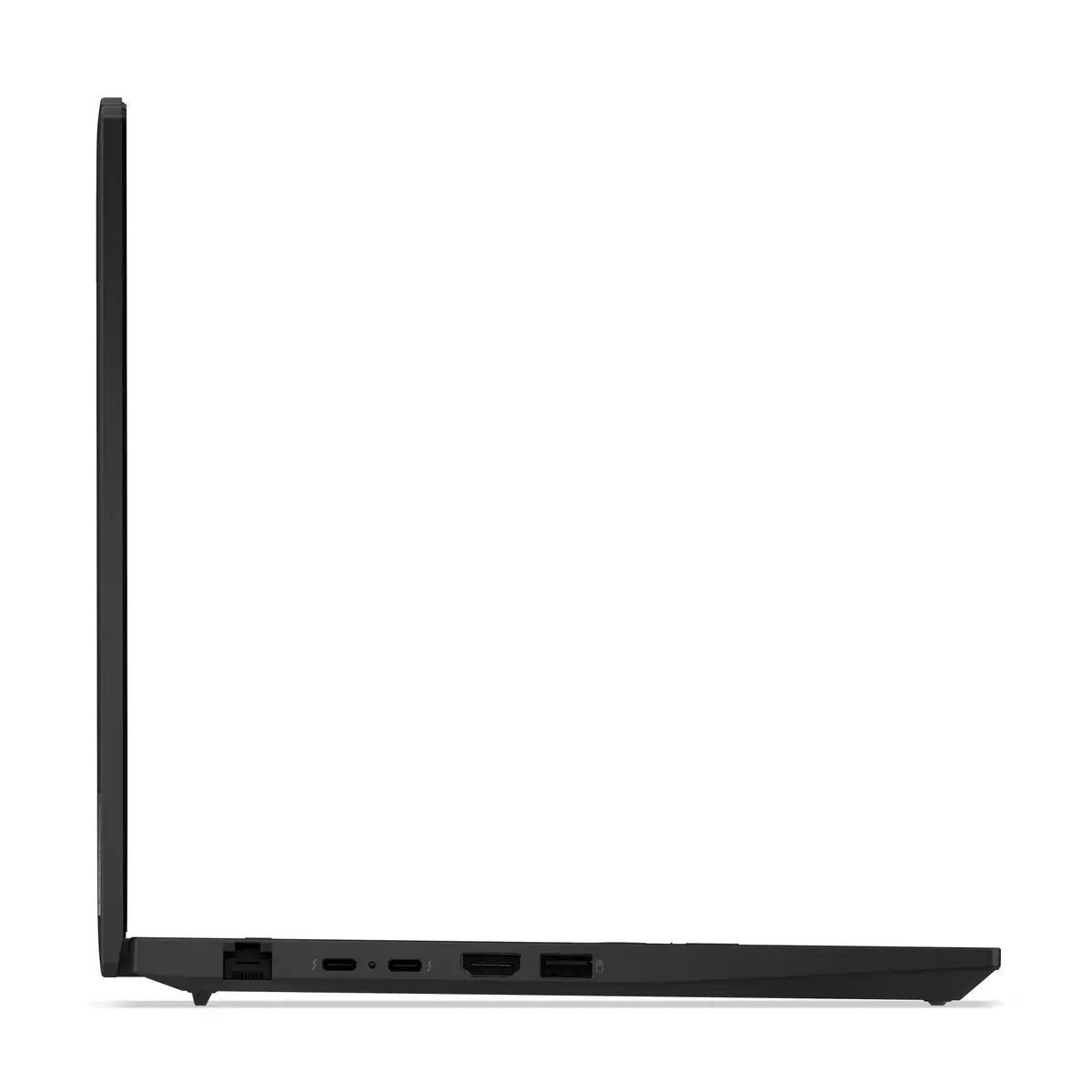
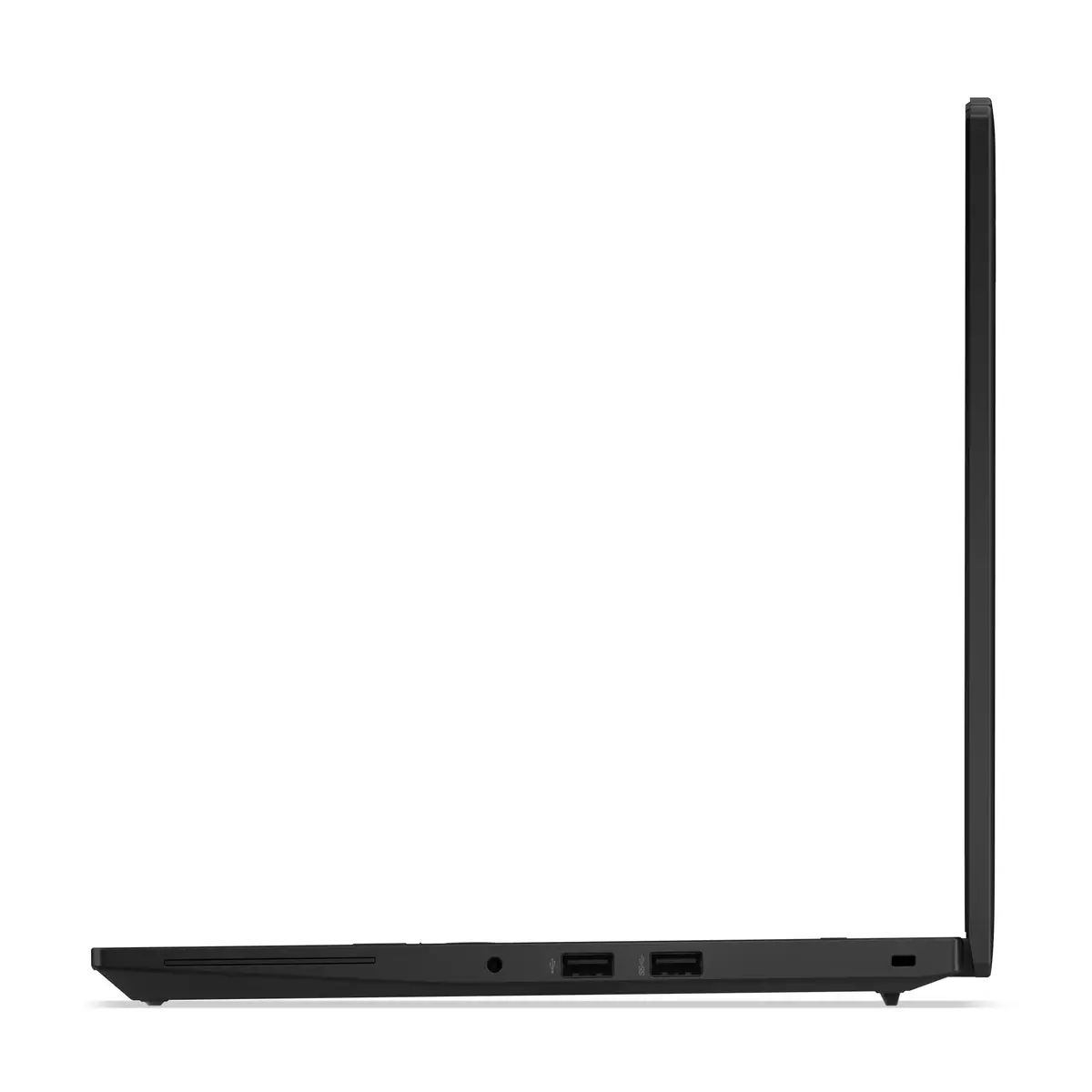
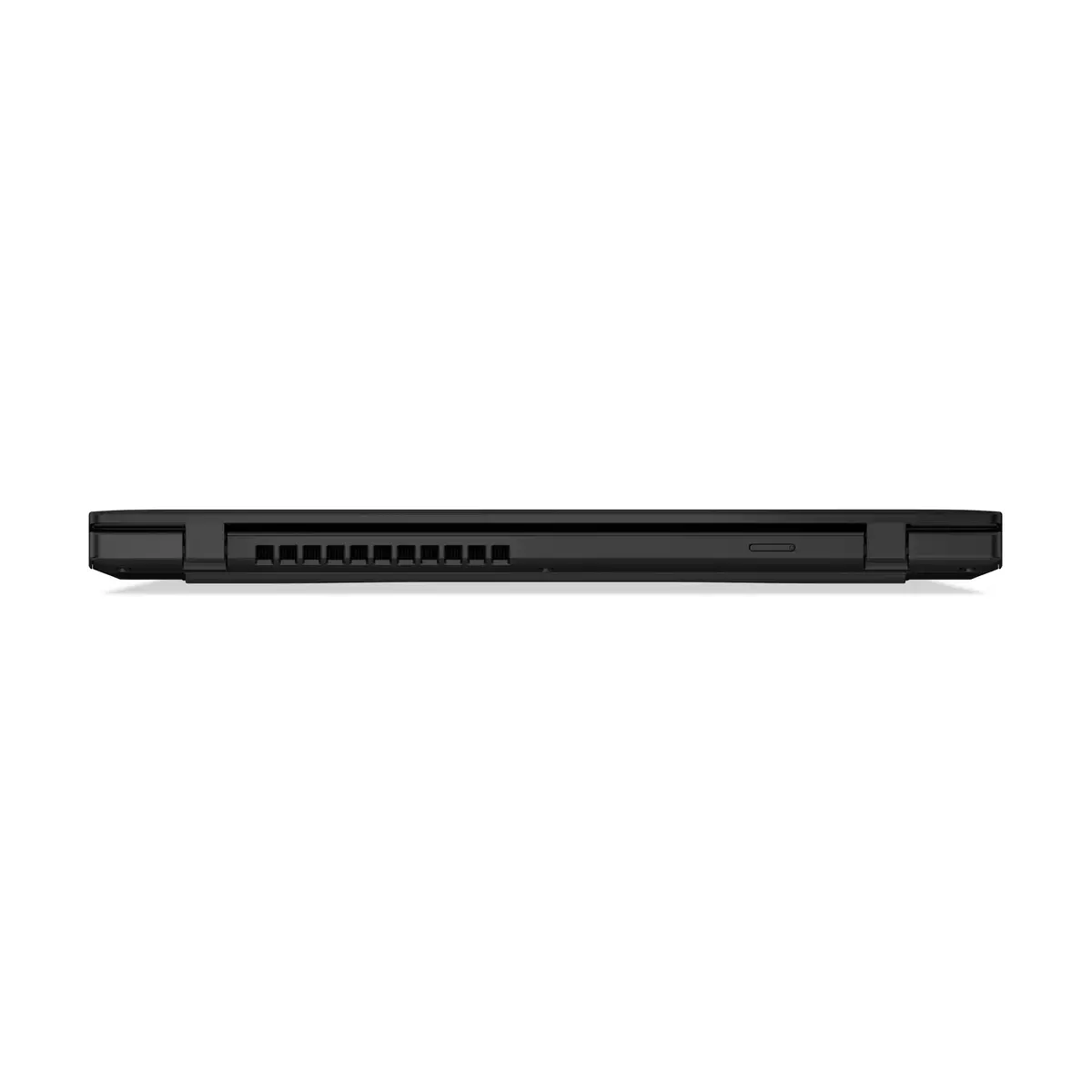
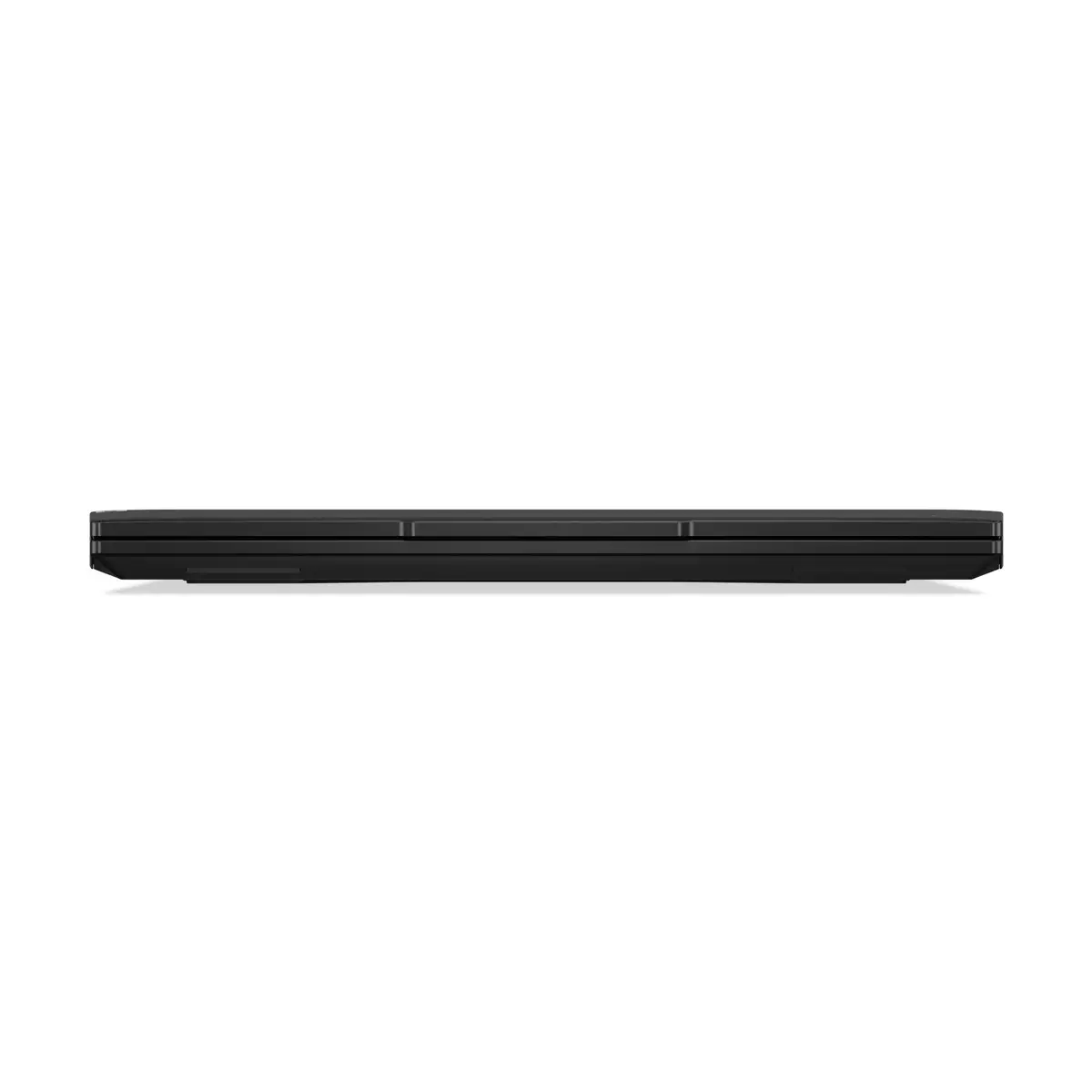
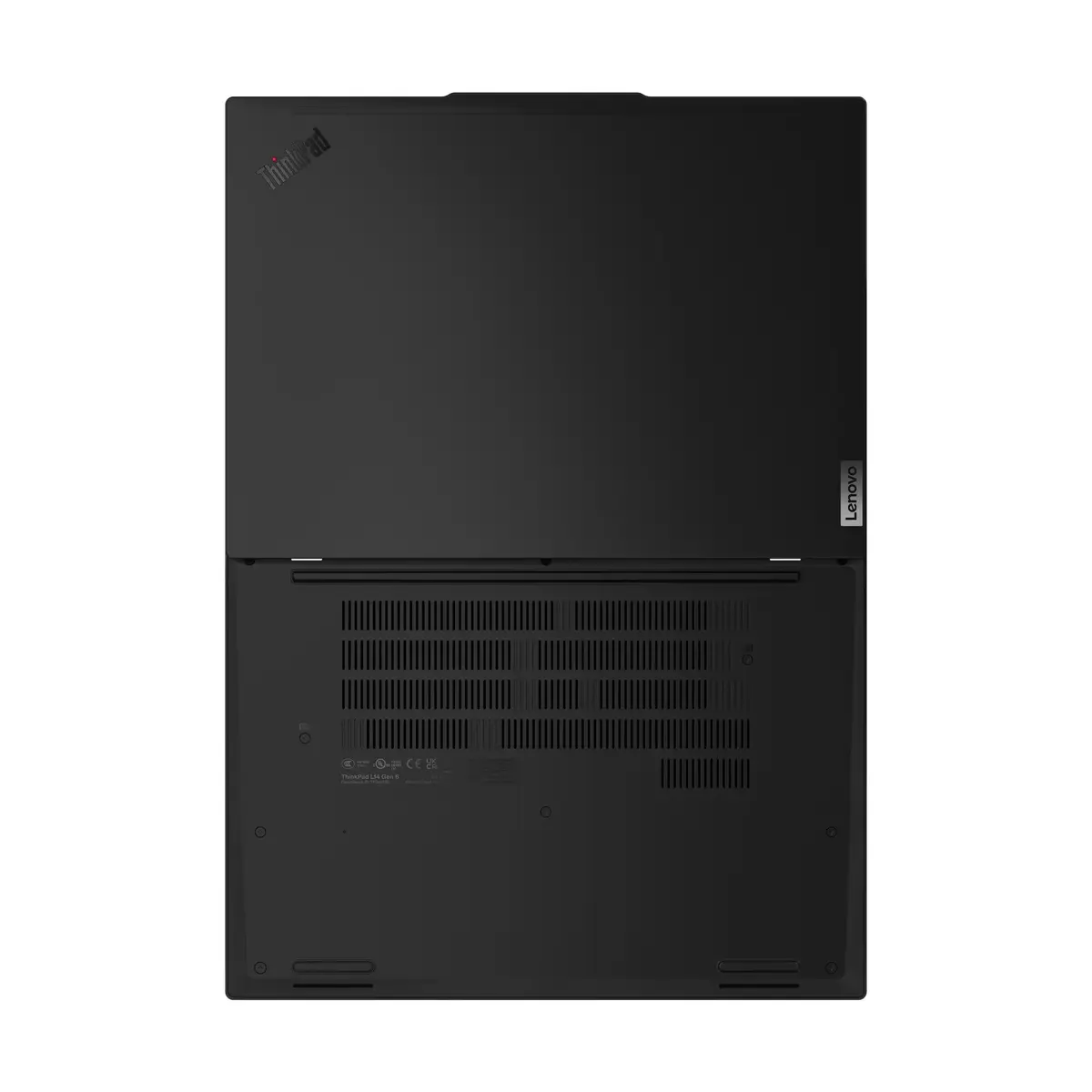
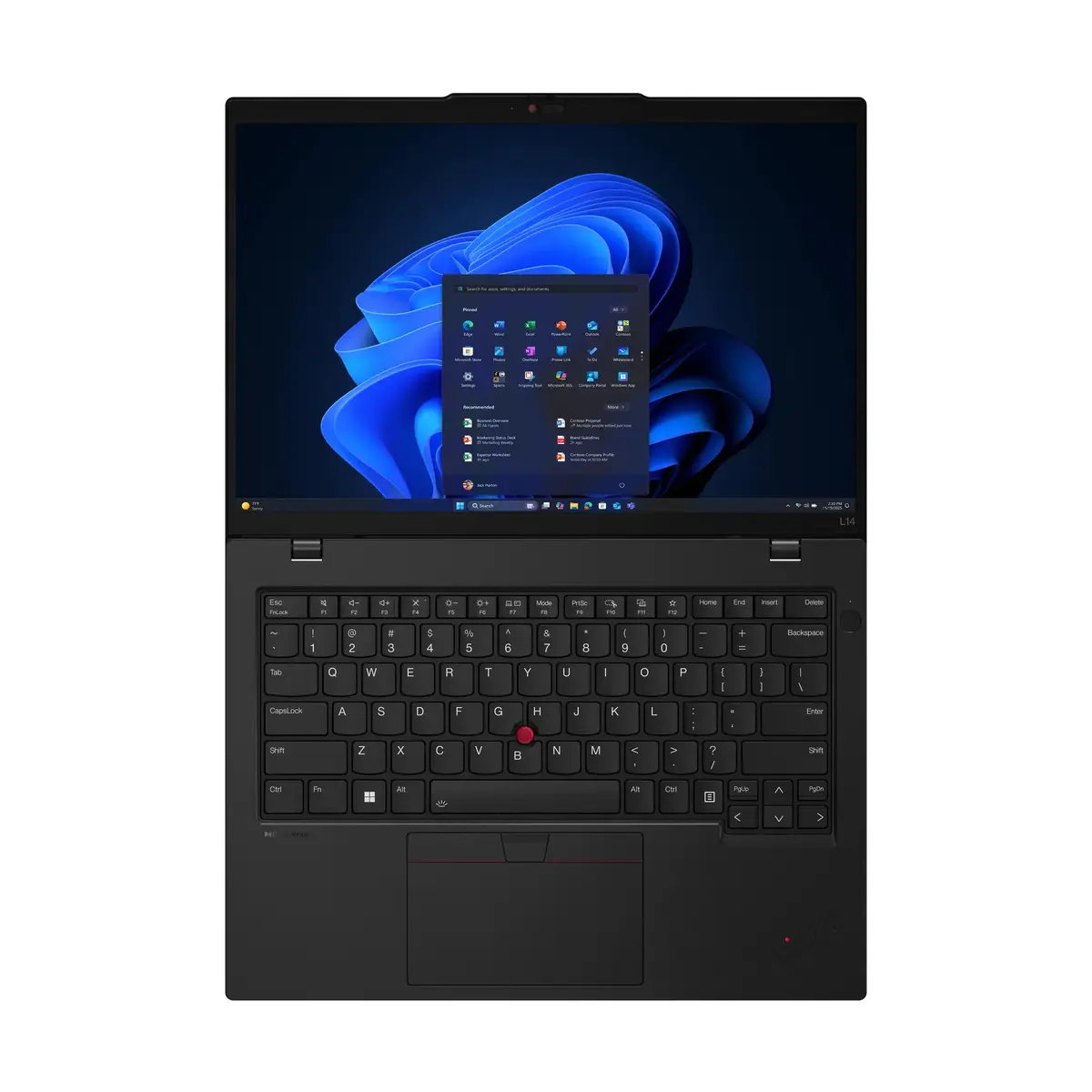
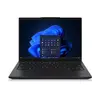
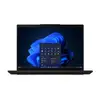
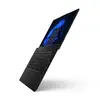
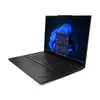
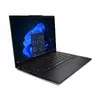
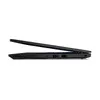
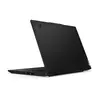
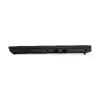
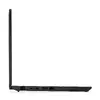
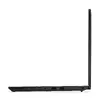
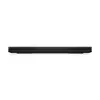
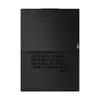
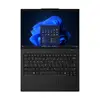
Lenovo ThinkPad L14 Gen 6 Laptop, AMD Ryzen 7 PRO 250, 14" WUXGA, 16GB DDR5, 512GB SSD, AMD Radeon 780M, Windows 11 Pro, Black
The Lenovo ThinkPad L14 Gen 6 is a professional-grade laptop engineered for business efficiency and reliable daily performance. Featuring the powerful AMD Ryzen 7 PRO 250 processor and integrated AMD Radeon 780M graphics, this device handles multitasking and office applications with ease. Its compact 14-inch WUXGA display provides a sharp, clear workspace, while the durable black chassis ensures longevity in various work environments. Pre-installed with Windows 11 Pro, it offers a secure and productive operating system for professional users.
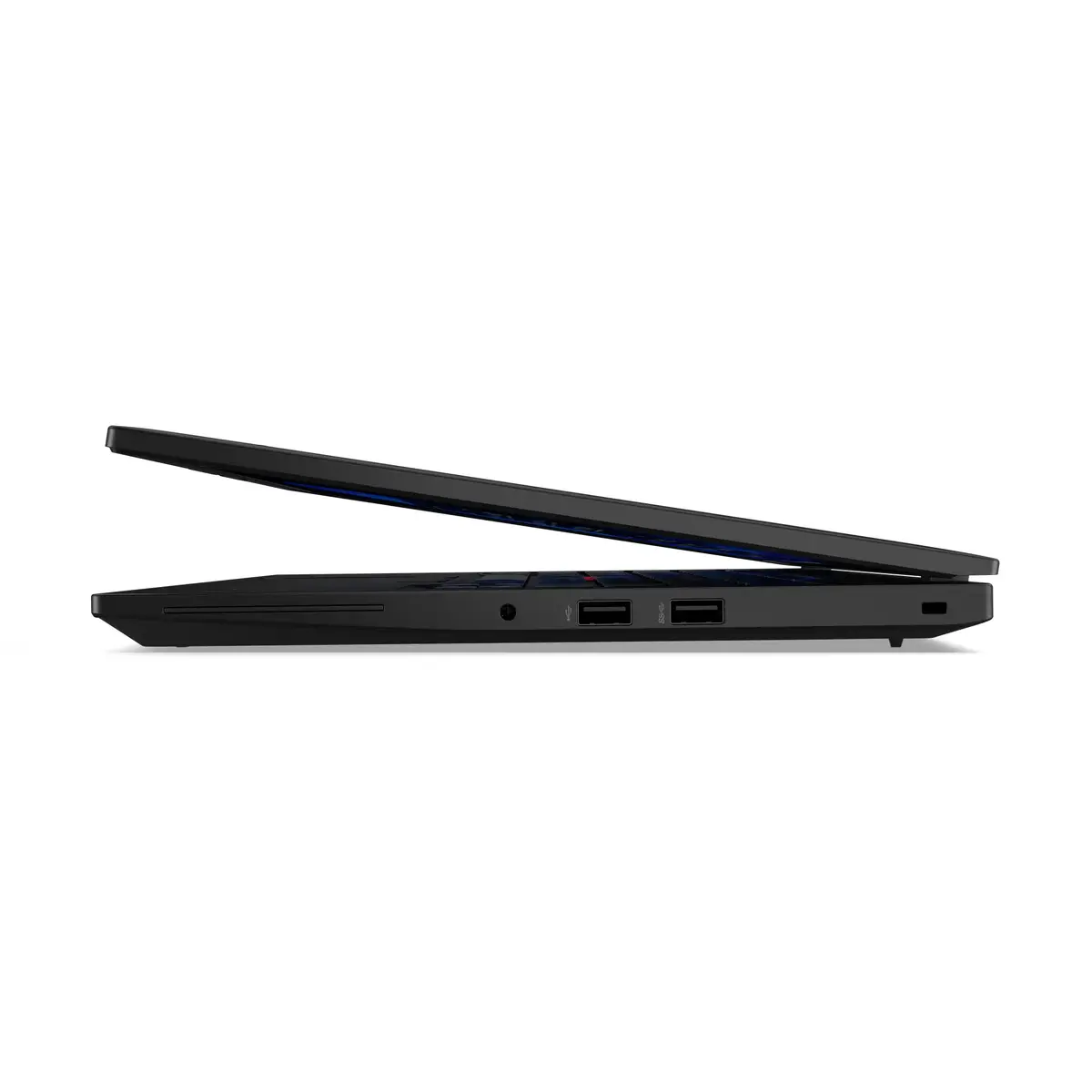
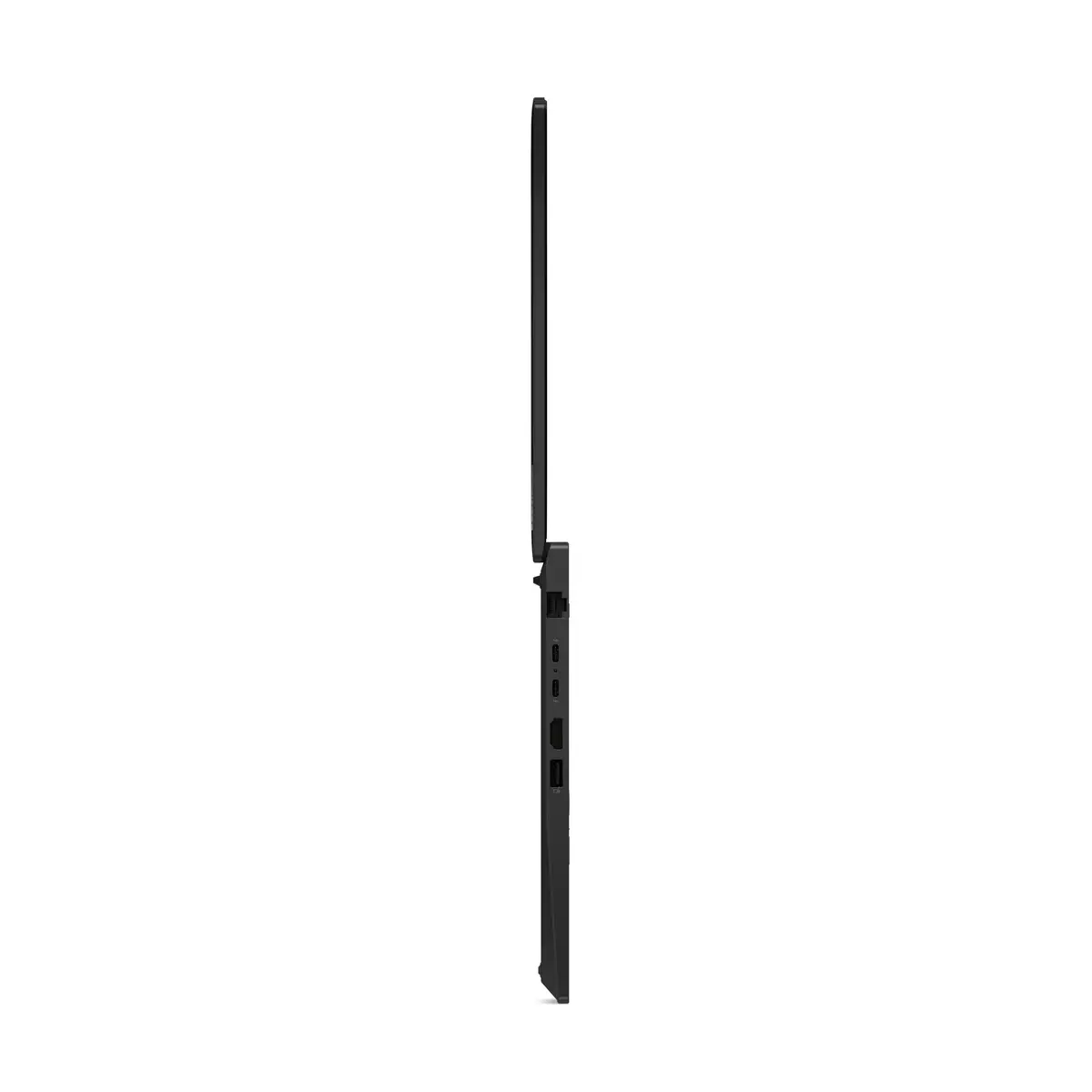
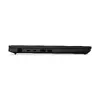
This laptop excels in providing a balance between portability and performance. The inclusion of high-speed DDR5 memory and a responsive SSD ensures quick boot times and smooth application switching. The AMD Ryzen PRO processor is specifically optimized for business environments, offering enhanced security features and stability. Its lightweight design makes it an ideal companion for professionals who frequently travel or work from different locations, without compromising on the connectivity options required for modern office setups.
This device is not designed for high-end gaming or intensive 3D rendering tasks, as it relies on integrated graphics rather than a dedicated GPU. Users requiring massive local storage for large media libraries may find the 512GB SSD capacity limiting without external storage solutions.
To begin using your Lenovo ThinkPad L14 Gen 6, connect the provided power adapter to charge the battery fully before the first use. Power on the device using the button located on the chassis and follow the on-screen Windows 11 Pro setup instructions to configure your user account, network settings, and security preferences. Once configured, you can connect peripherals via the available ports or wireless connections like Bluetooth and Wi-Fi 7 to integrate the laptop into your existing workspace.
For optimal performance and longevity, keep the laptop firmware and Windows 11 Pro updated regularly. Ensure the air vents remain unobstructed during operation to maintain efficient cooling, and use a protective sleeve when transporting the device to prevent surface damage.
{{highlightedFeature.featureTitle}}:
{{getProductFeatureValueById(product, highlightedFeature.featureId)}}
{{ productComparisonGenerationError }}
