


JBL speakers and headphones for pure and deep sound!
In cart {{totalProductsCount}} item(s)
Your cart is empty
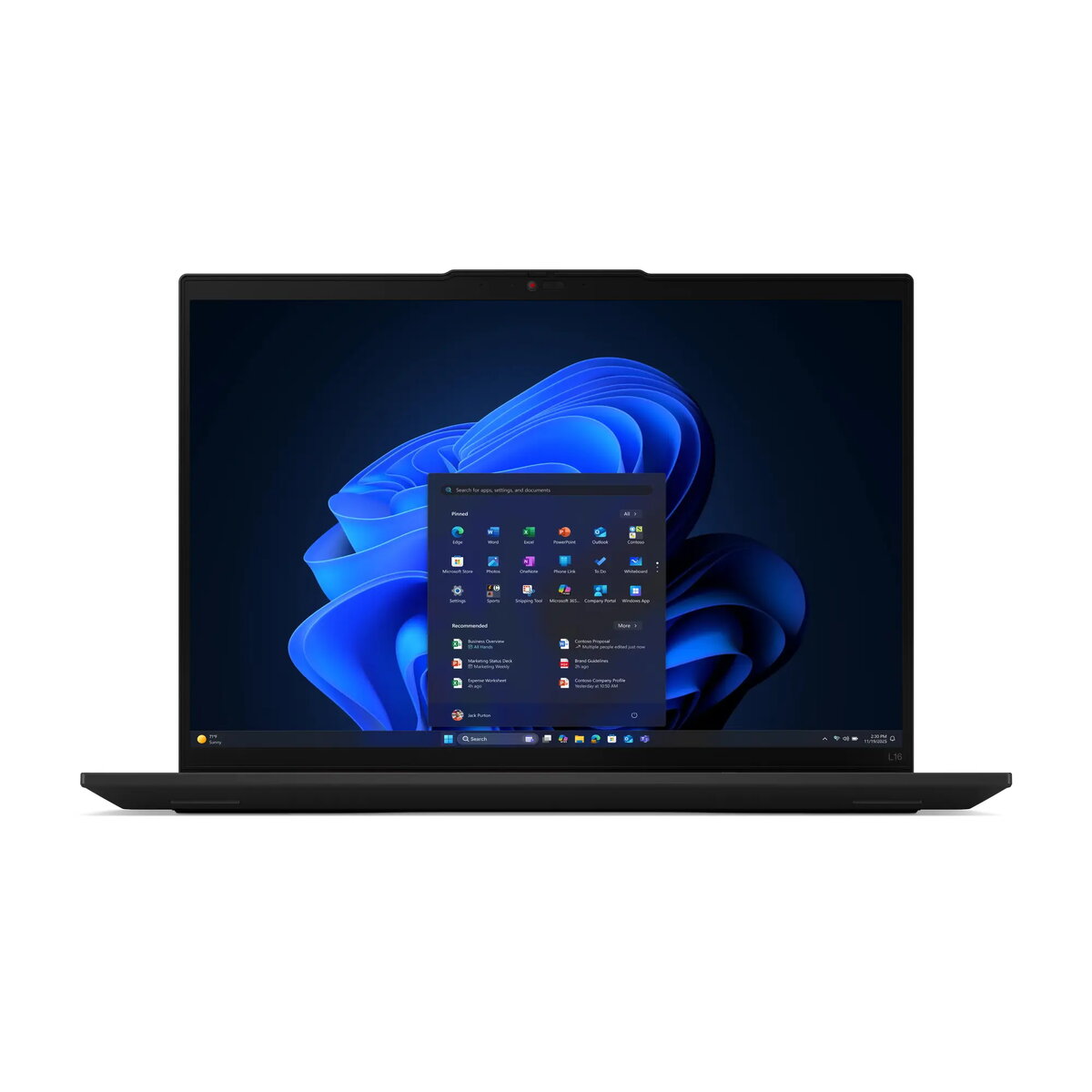
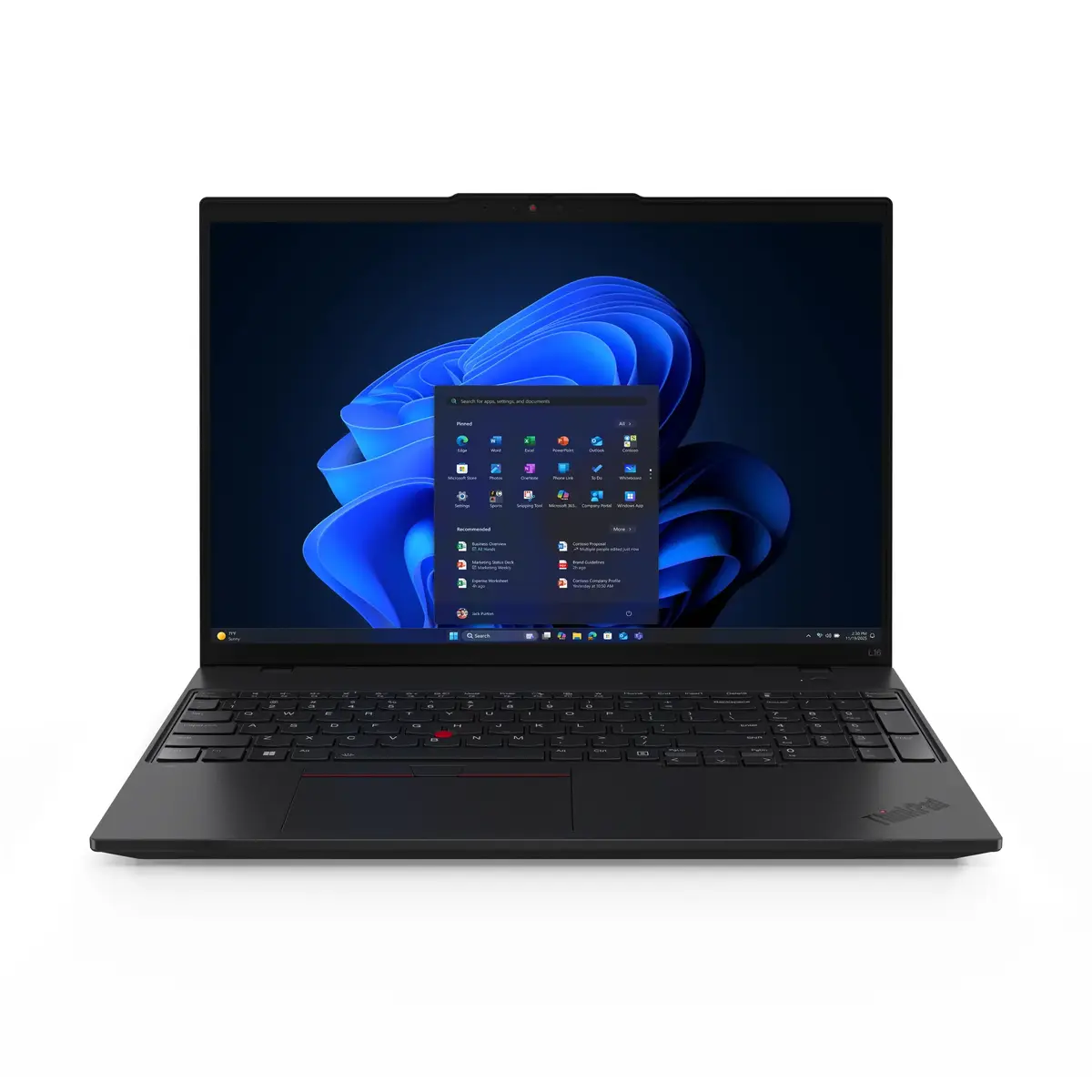
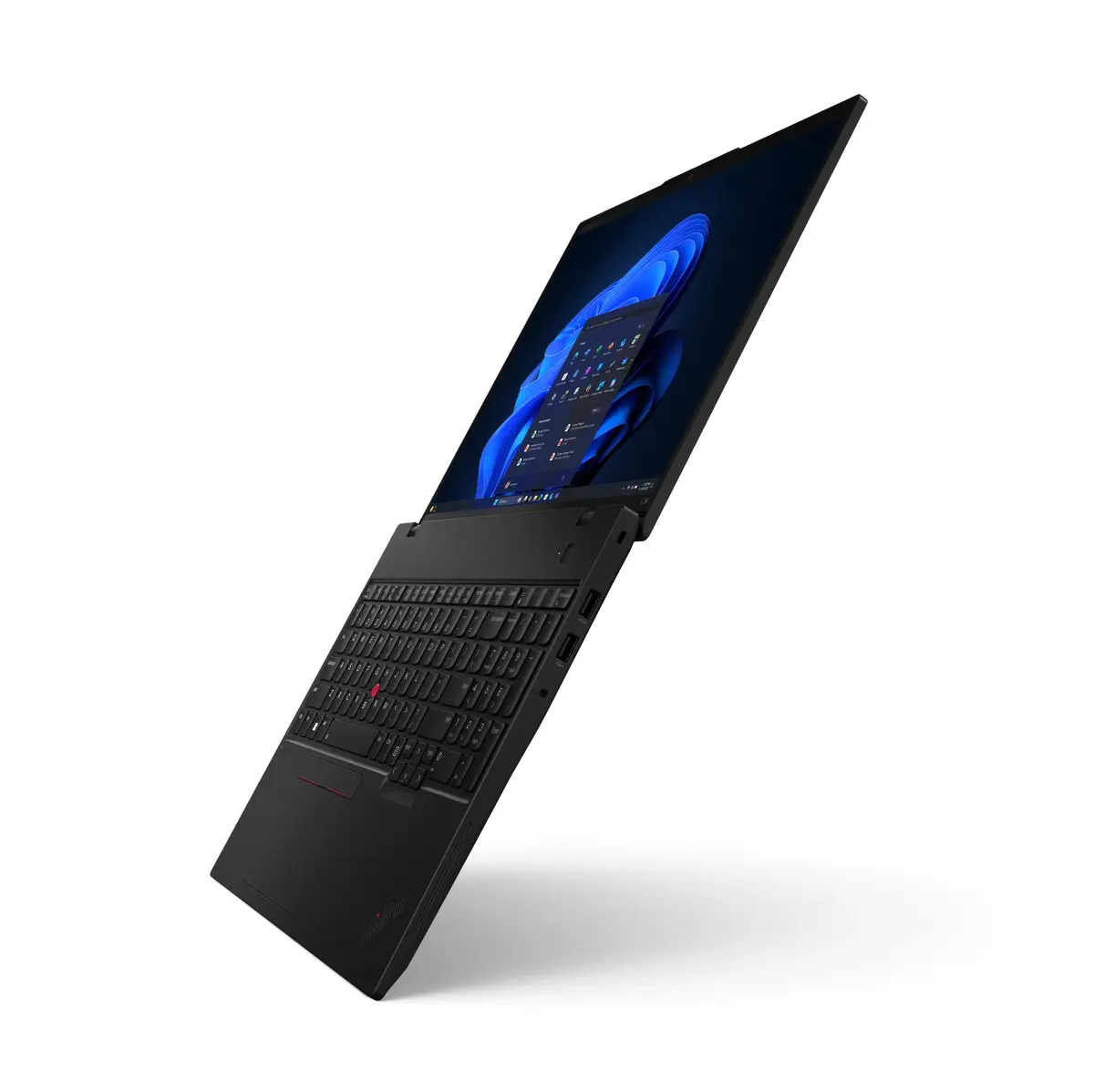
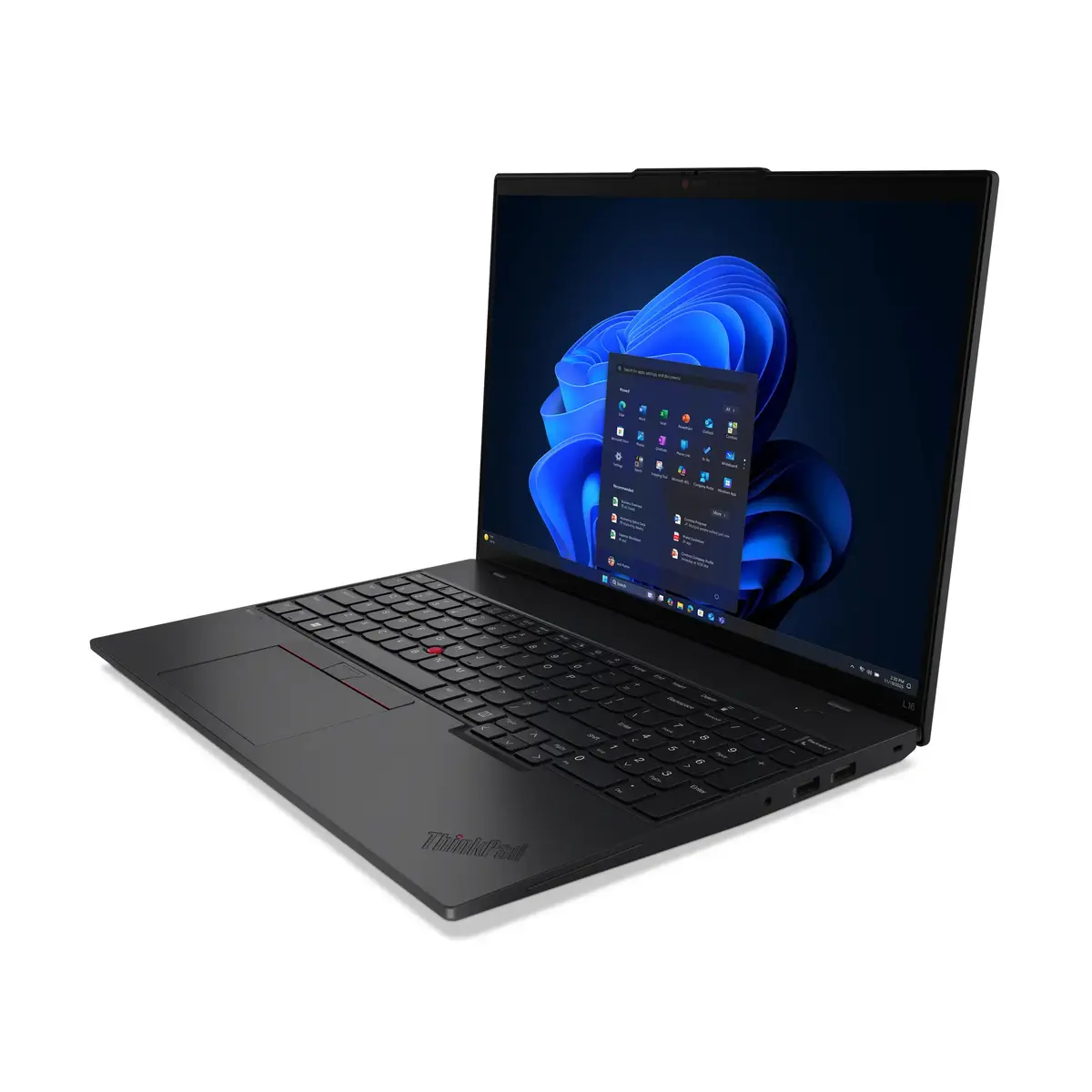
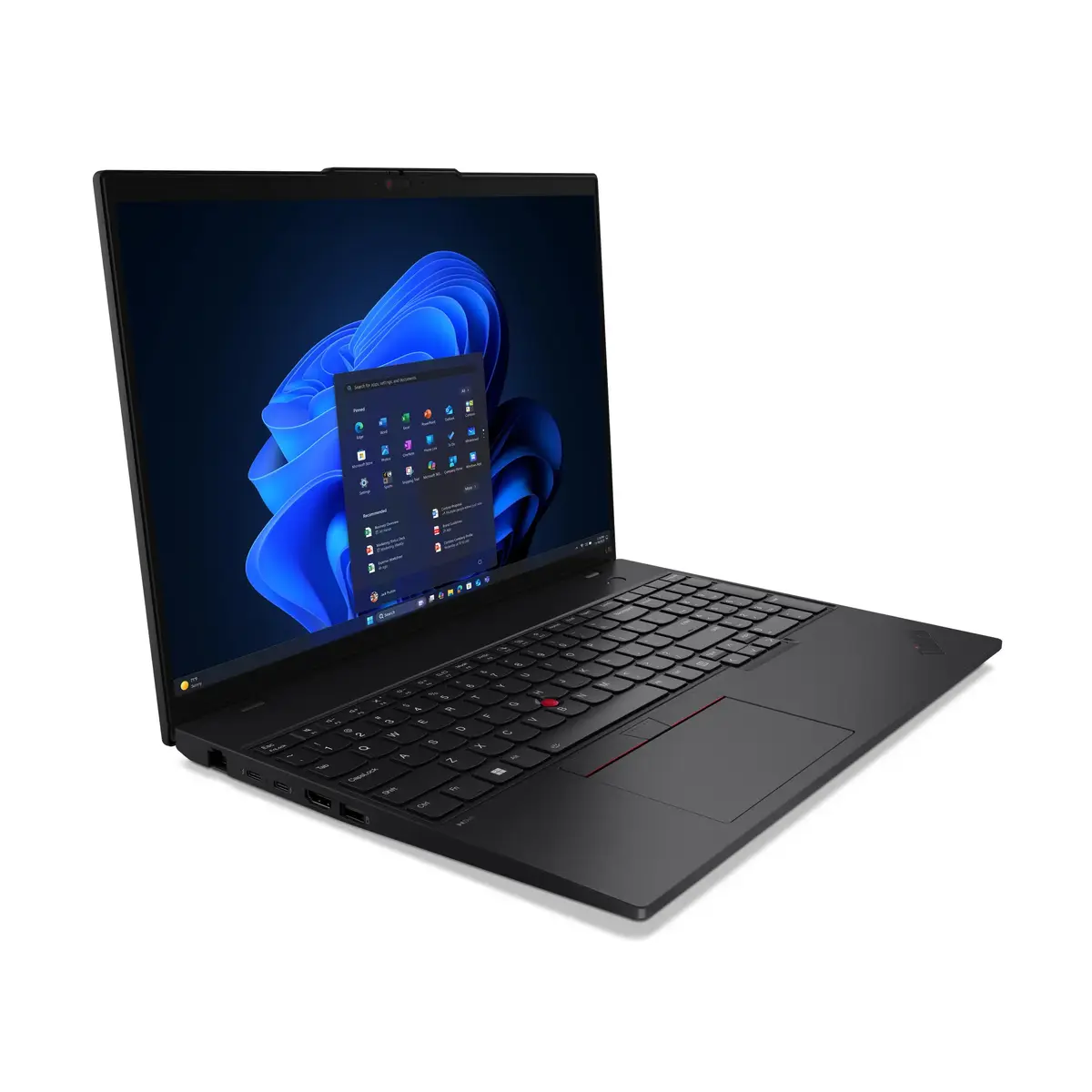
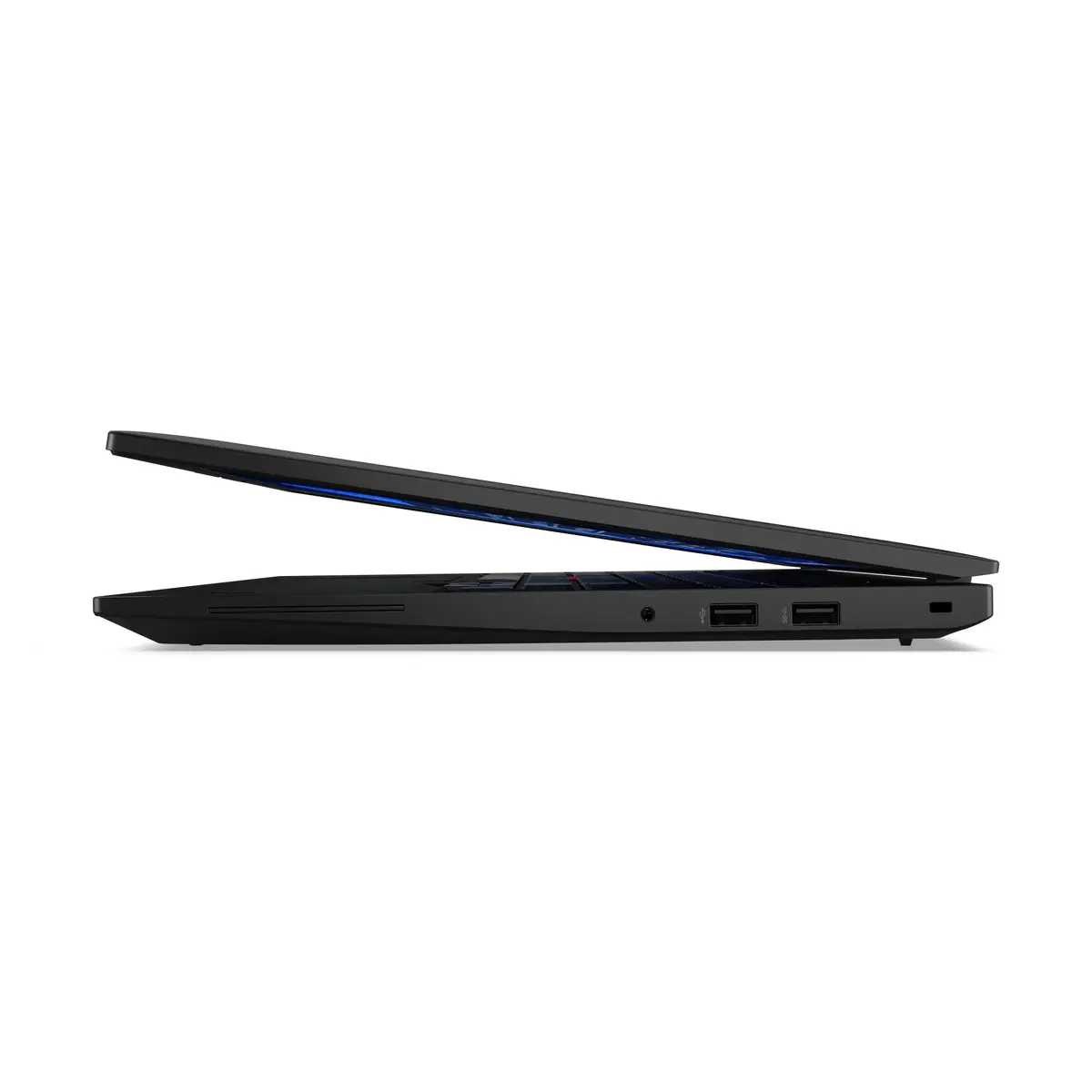
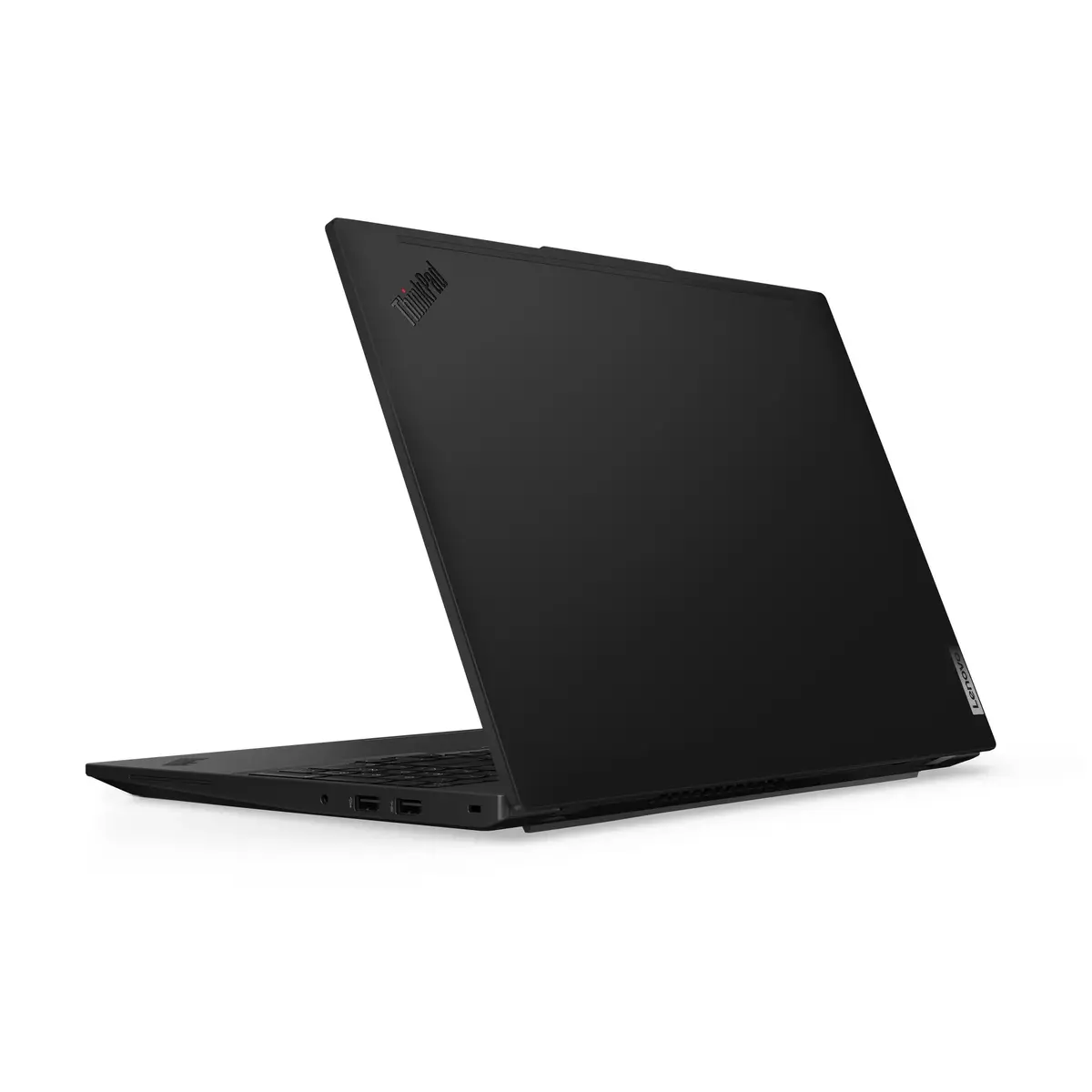
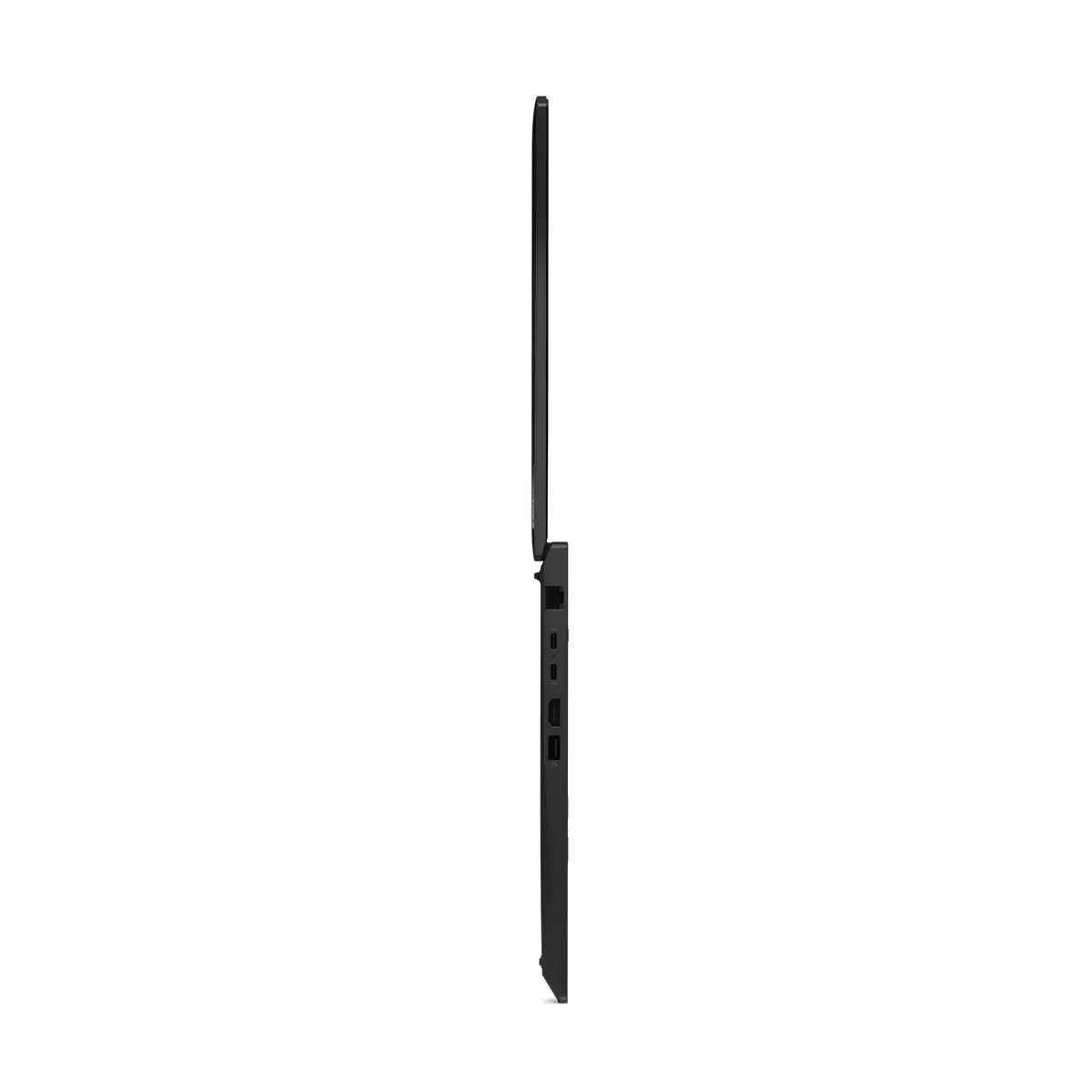
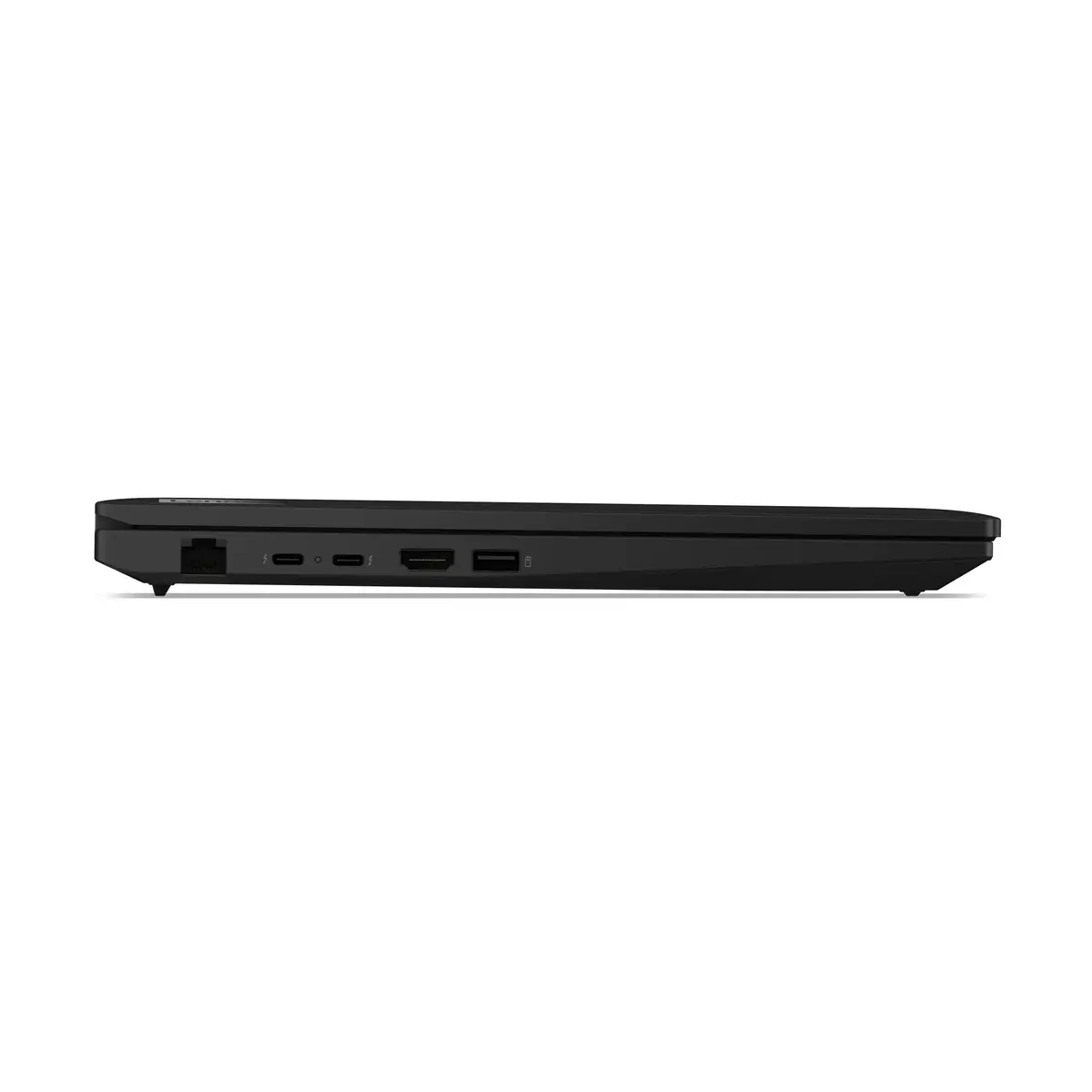
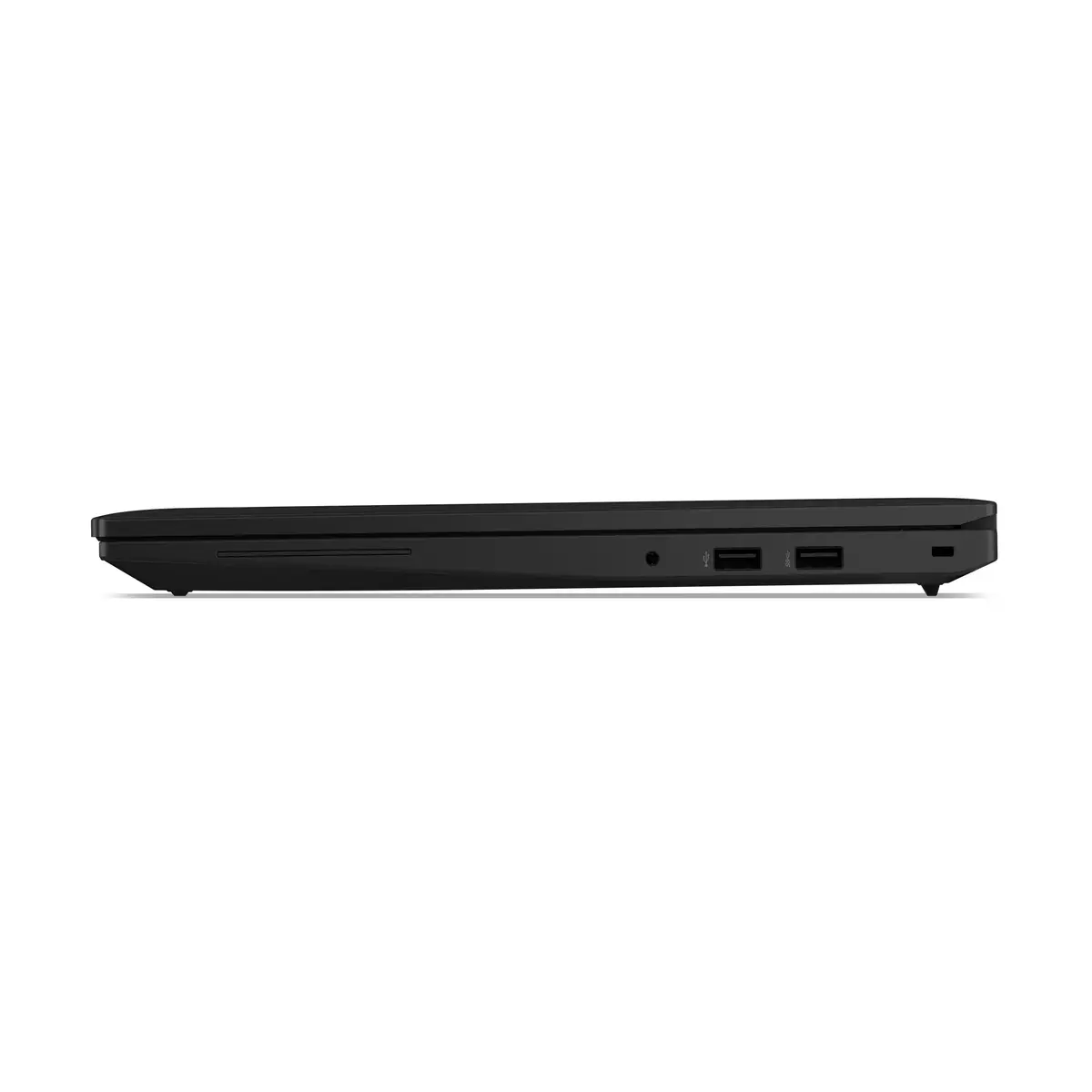
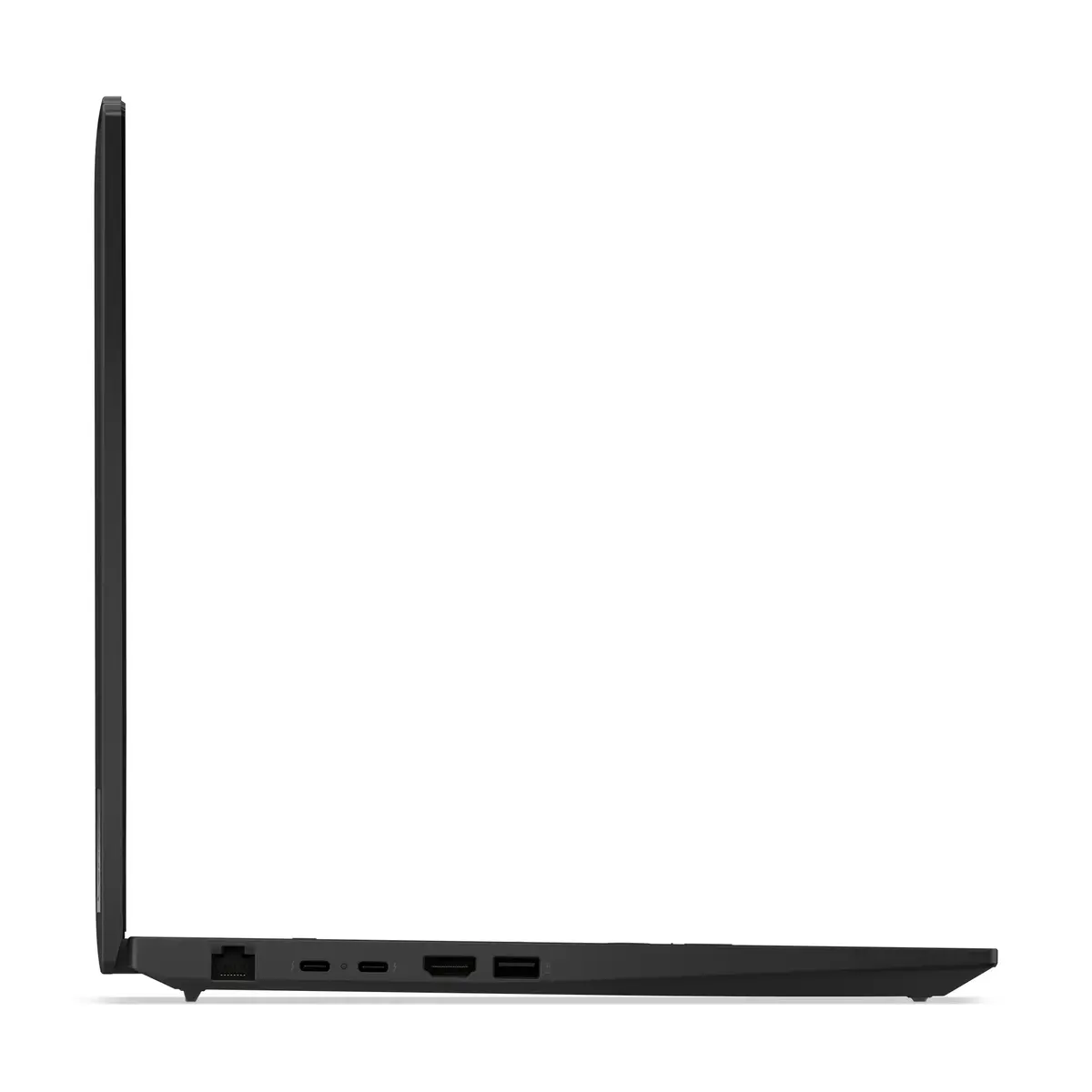
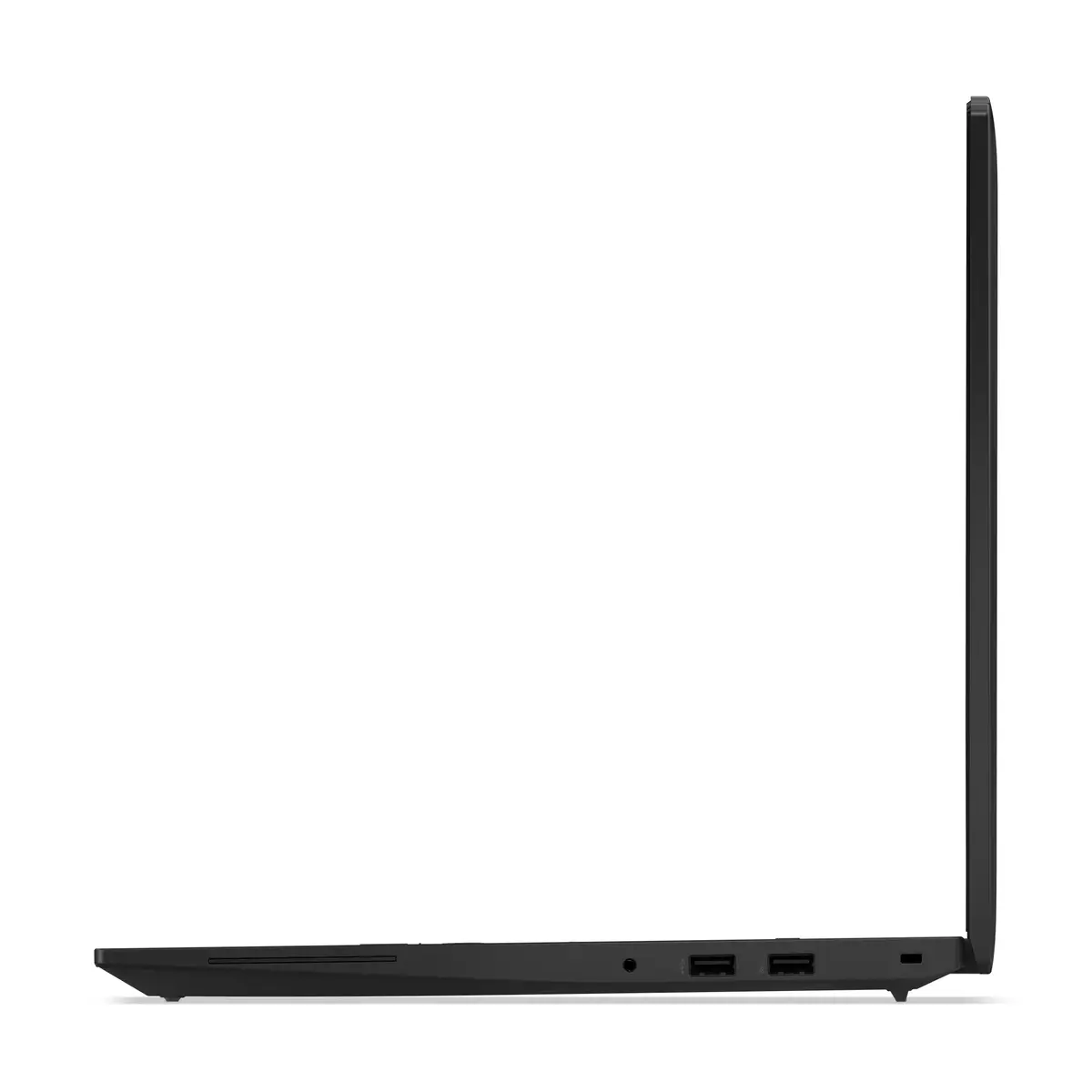
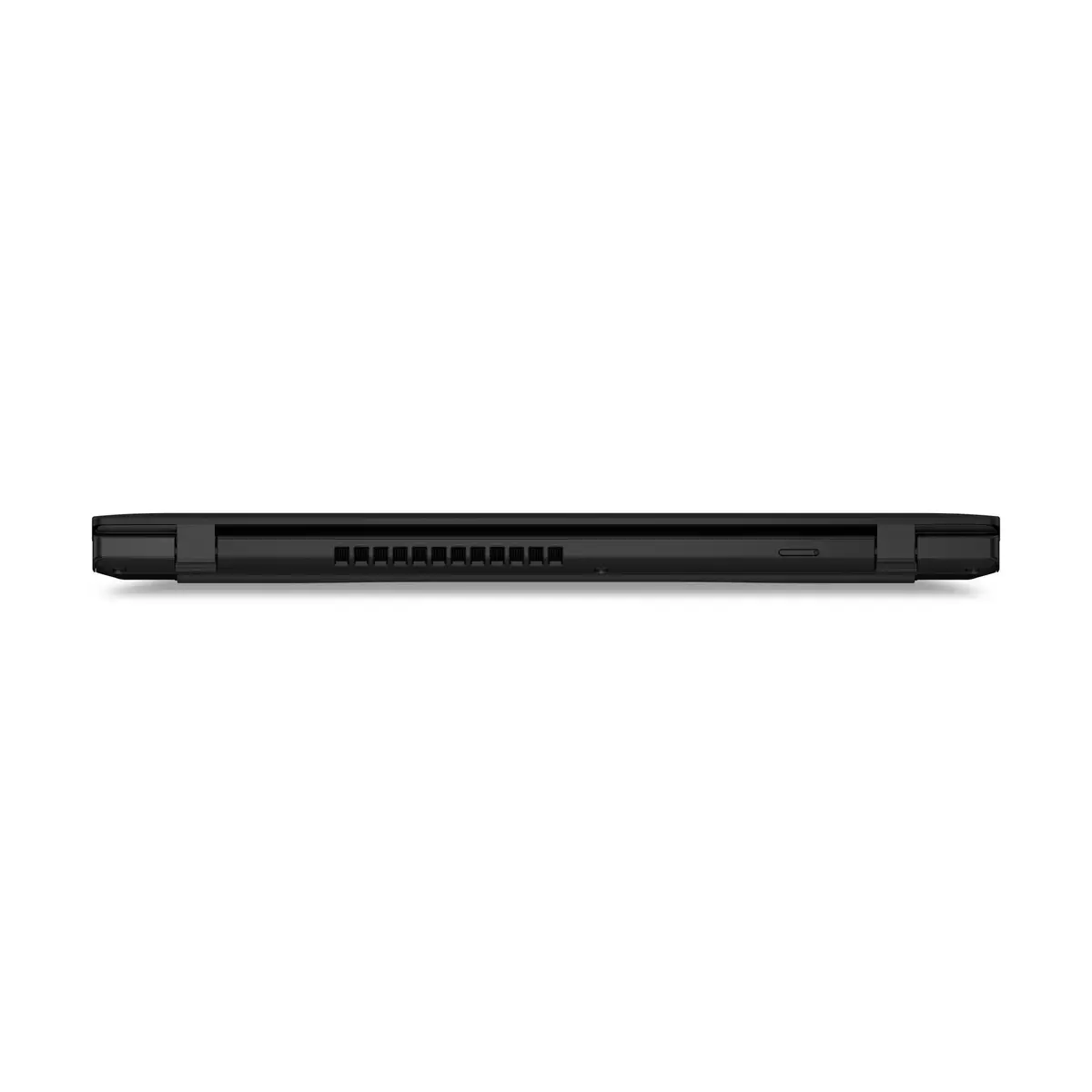
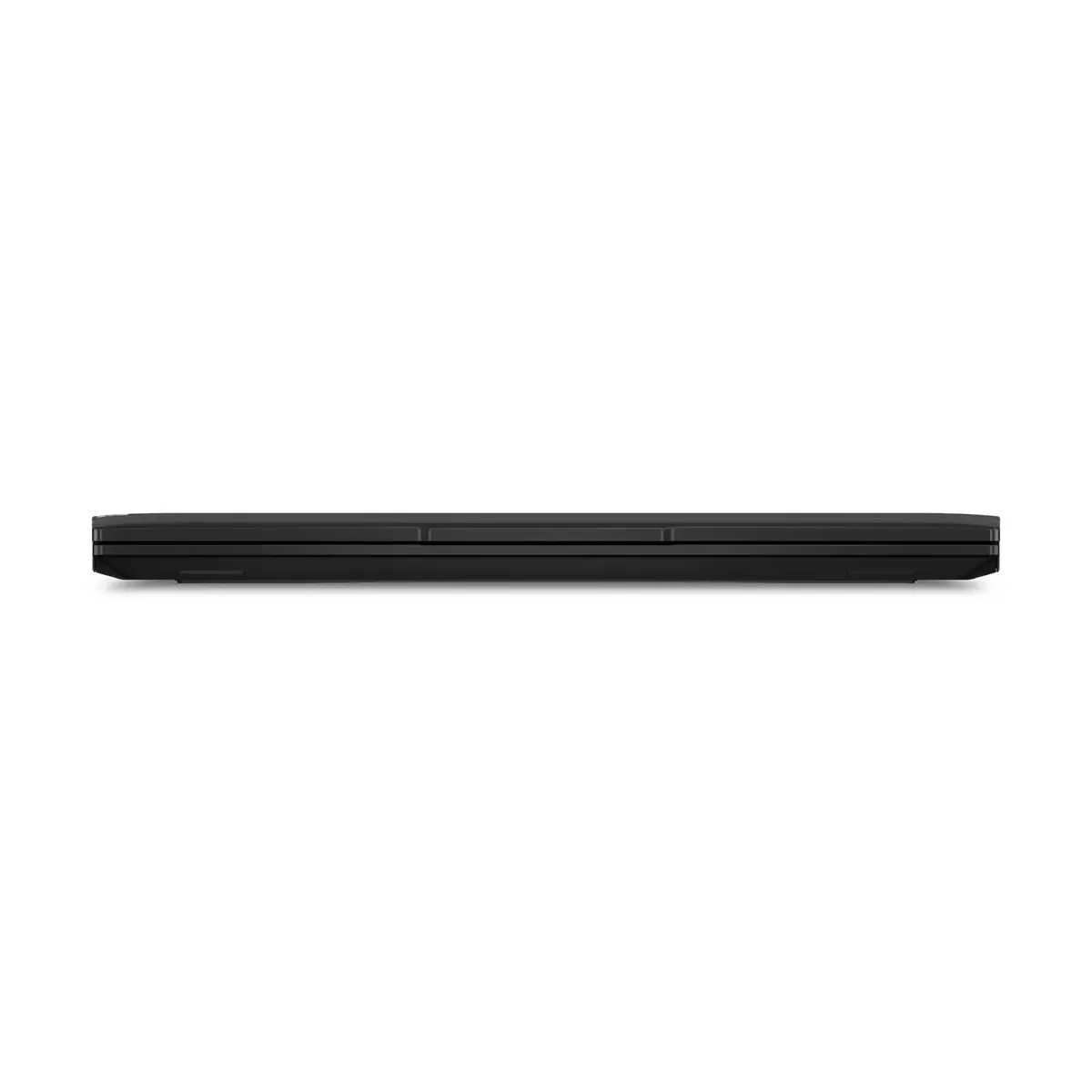
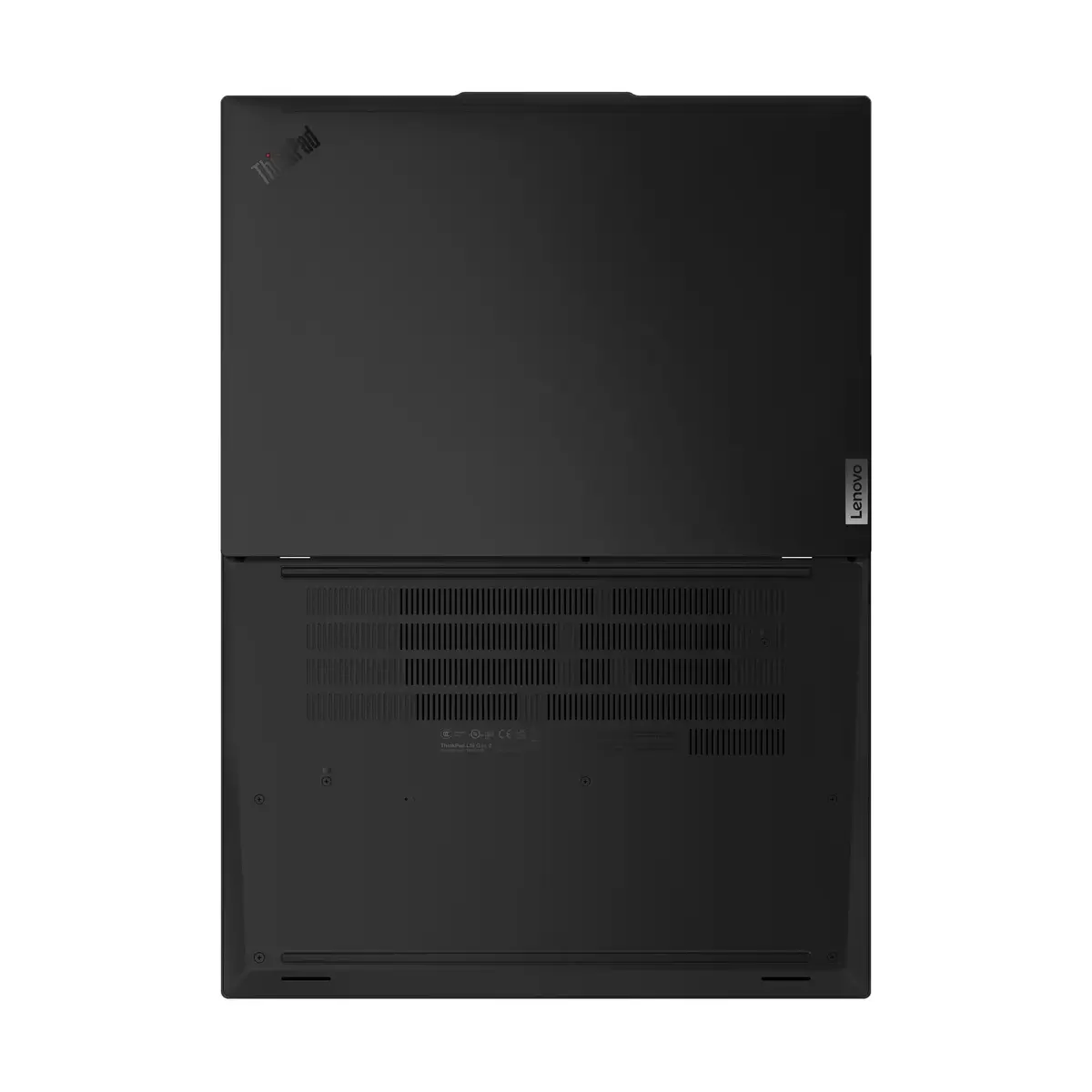
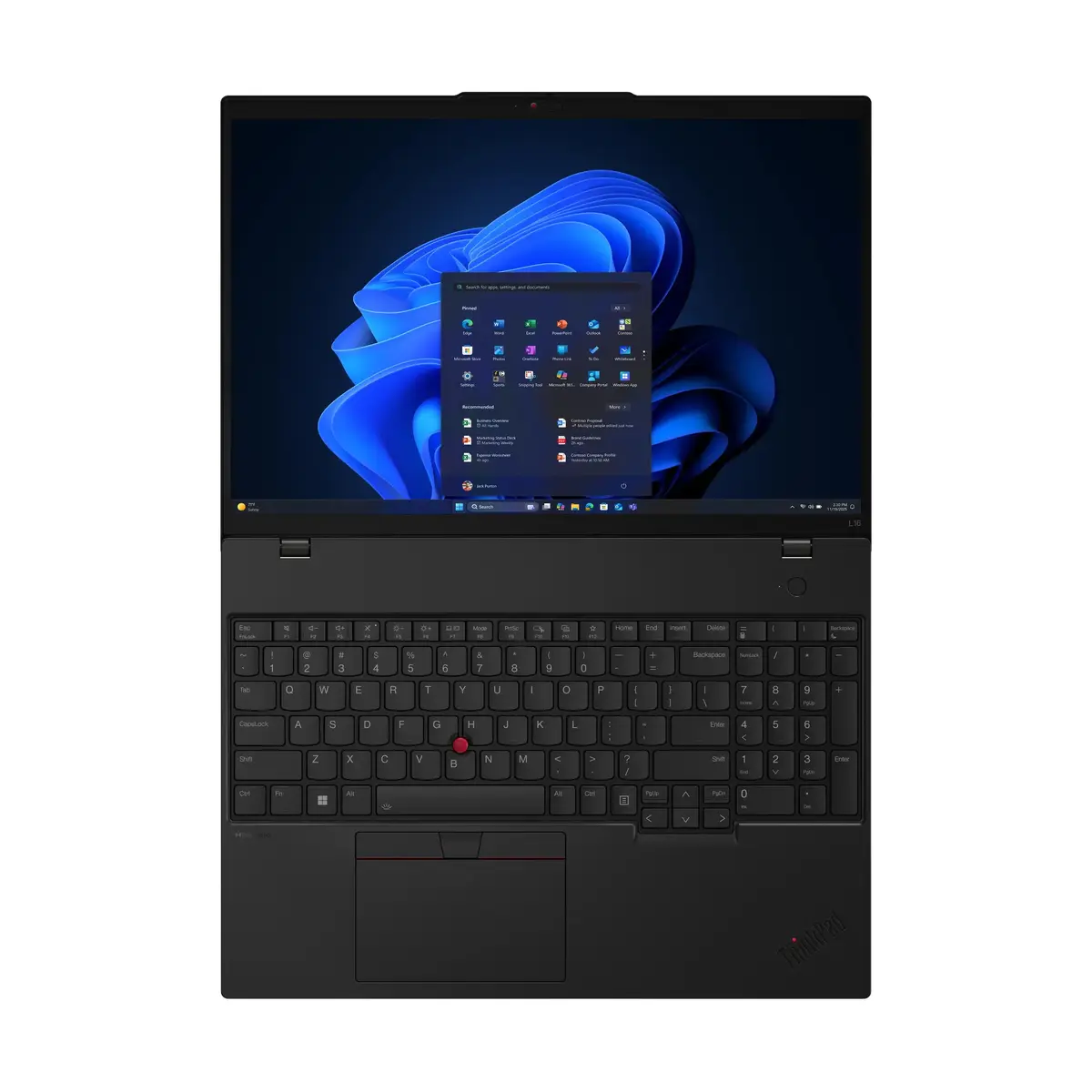
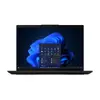
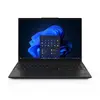
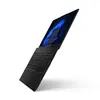
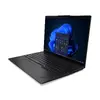
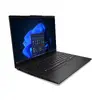
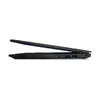
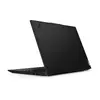
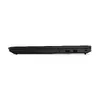
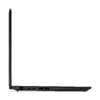
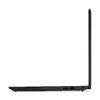
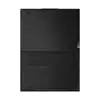
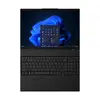
Lenovo ThinkPad L16 Gen 2 Laptop, Intel Core Ultra 5 225U, 16-inch WUXGA, 16GB DDR5, 512GB SSD, 4G, Windows 11 Pro
The Lenovo ThinkPad L16 Gen 2 is a professional-grade laptop engineered for reliability and high performance in demanding business environments. Featuring an Intel Core Ultra 5 225U processor and 16GB of high-speed DDR5 memory, this device ensures smooth multitasking and efficient handling of complex office applications. Its 16-inch WUXGA display provides a spacious workspace with a 16:10 aspect ratio, while the integrated 4G connectivity allows for seamless mobile productivity even when away from Wi-Fi networks.
This laptop stands out due to its robust build quality and enterprise-ready features. The inclusion of Windows 11 Pro offers advanced security and management tools essential for professional use. With a 512GB SSD, users benefit from fast boot times and quick access to critical files. The device is designed for portability without compromising on screen real estate, making it an ideal choice for professionals who require a large display in a mobile form factor. The integrated 4G module provides an extra layer of connectivity, ensuring that you remain productive in various locations.
This laptop may not be suitable for users who require high-end dedicated graphics for professional 3D rendering, video editing, or intensive gaming, as it relies on integrated graphics. Additionally, those seeking an ultra-compact device for frequent travel might find the 16-inch form factor larger than standard 13 or 14-inch ultrabooks.
To begin using the Lenovo ThinkPad L16 Gen 2, connect the provided power adapter to charge the battery fully. Upon powering on, follow the on-screen prompts to configure your Windows 11 Pro settings. If you intend to use the 4G connectivity, insert a compatible SIM card into the designated slot. You can connect external peripherals via the available ports and manage your network settings through the Windows taskbar to ensure optimal performance.
Usage recommendations: To maintain optimal performance and battery health, keep the system firmware updated via the Lenovo Vantage software. Ensure the air vents remain unobstructed during operation to prevent overheating, and use a protective sleeve when transporting the laptop to prevent physical damage.
{{highlightedFeature.featureTitle}}:
{{getProductFeatureValueById(product, highlightedFeature.featureId)}}
{{ productComparisonGenerationError }}
