

JBL speakers and headphones for pure and deep sound!
In cart {{totalProductsCount}} item(s)
Your cart is empty
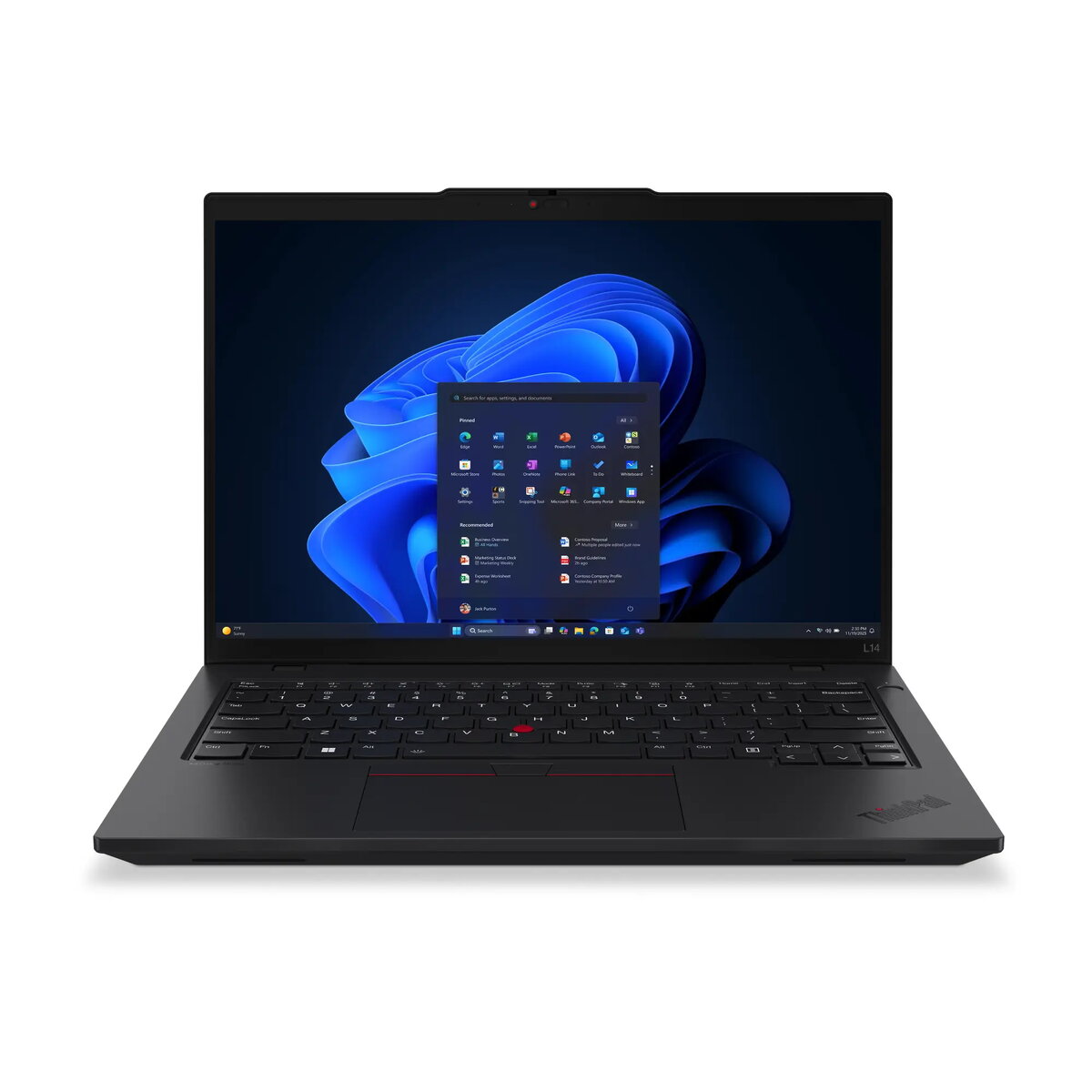
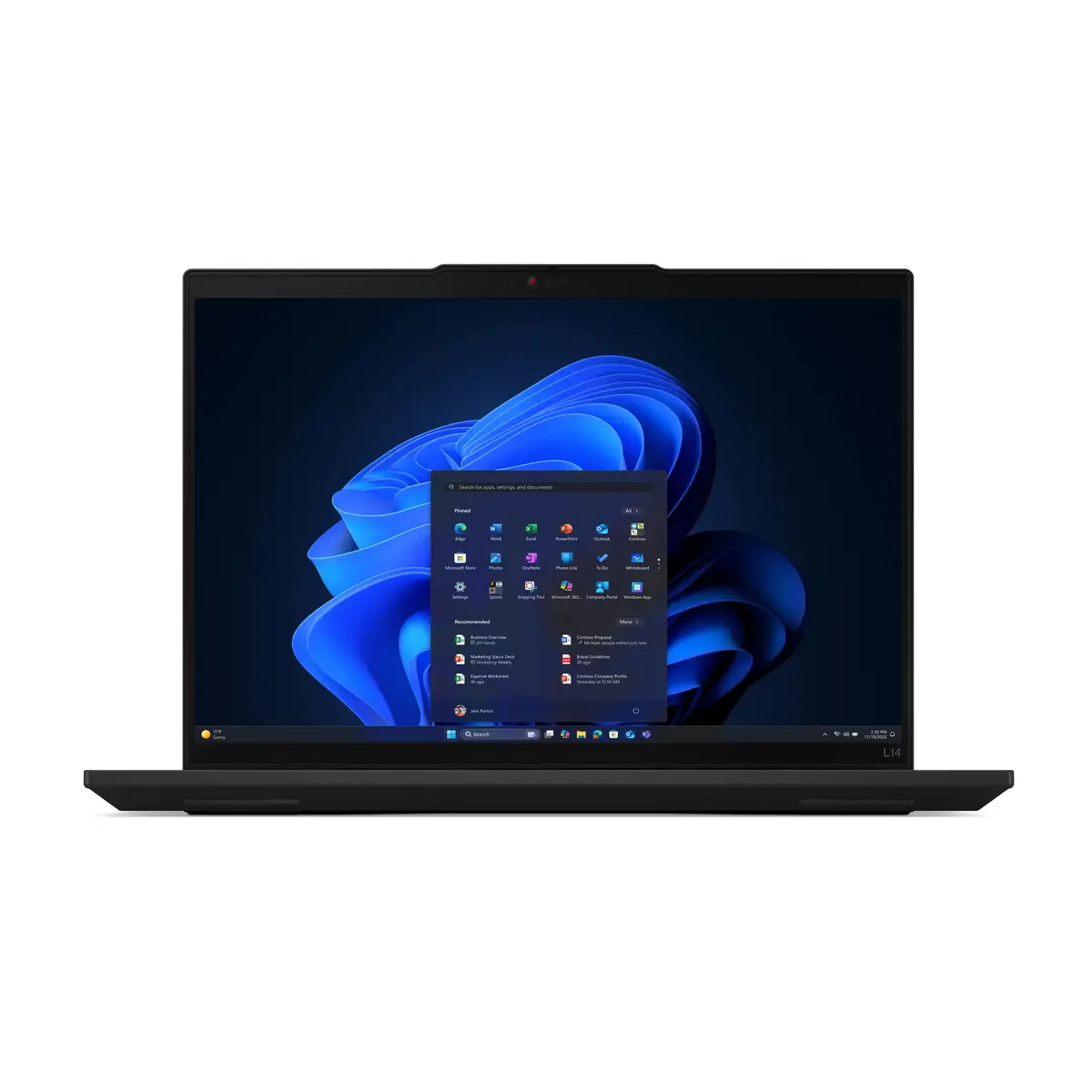
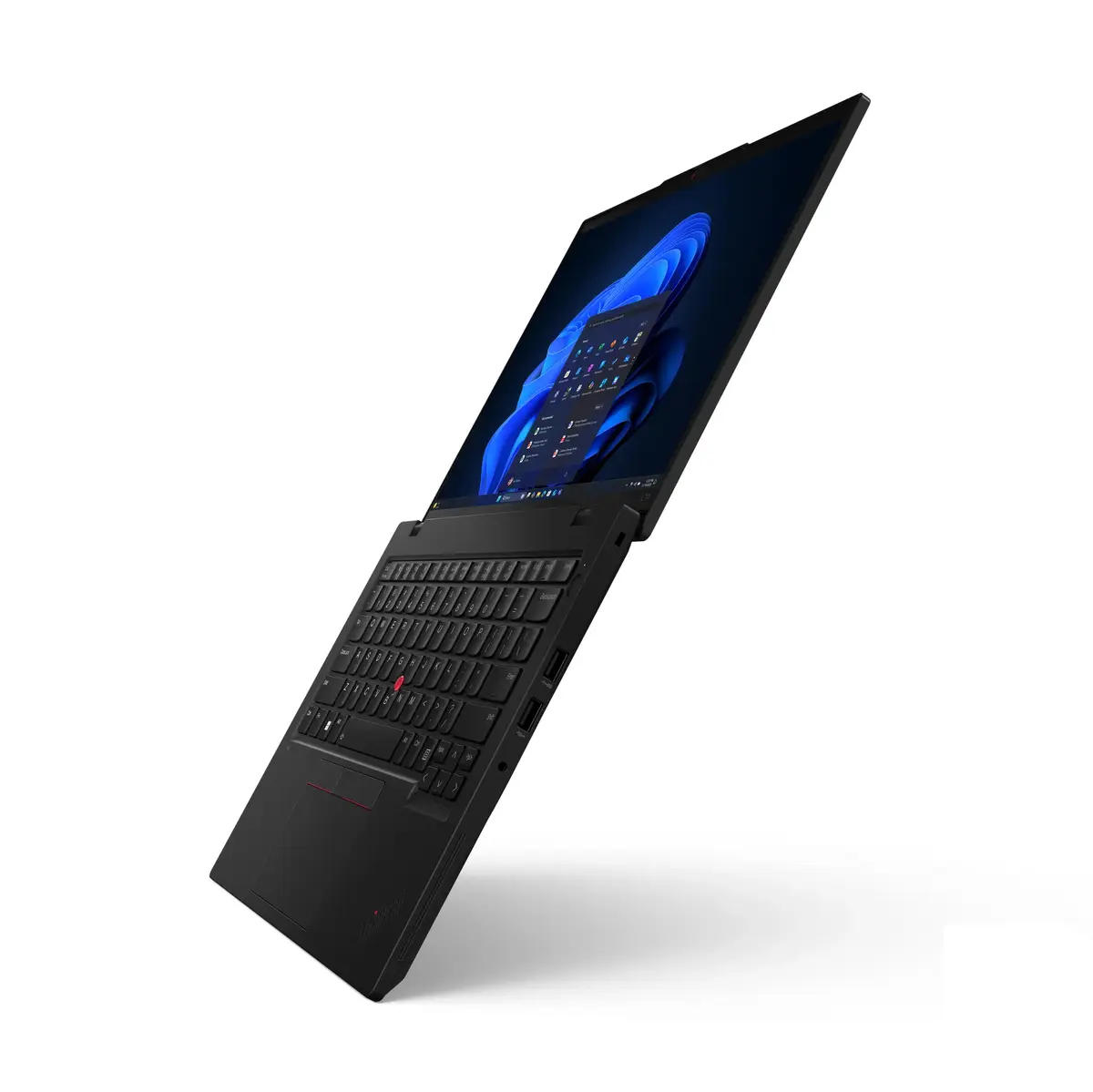
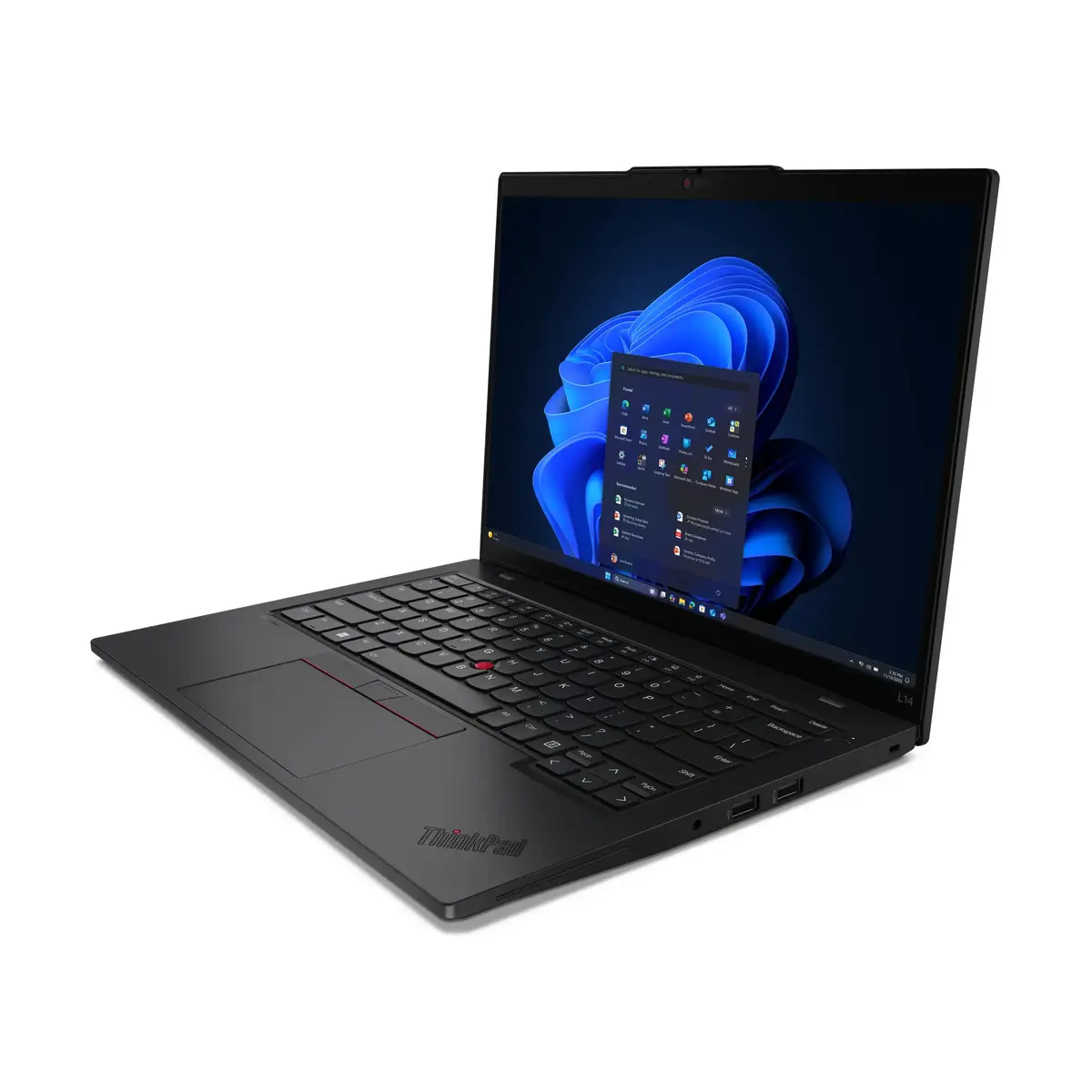
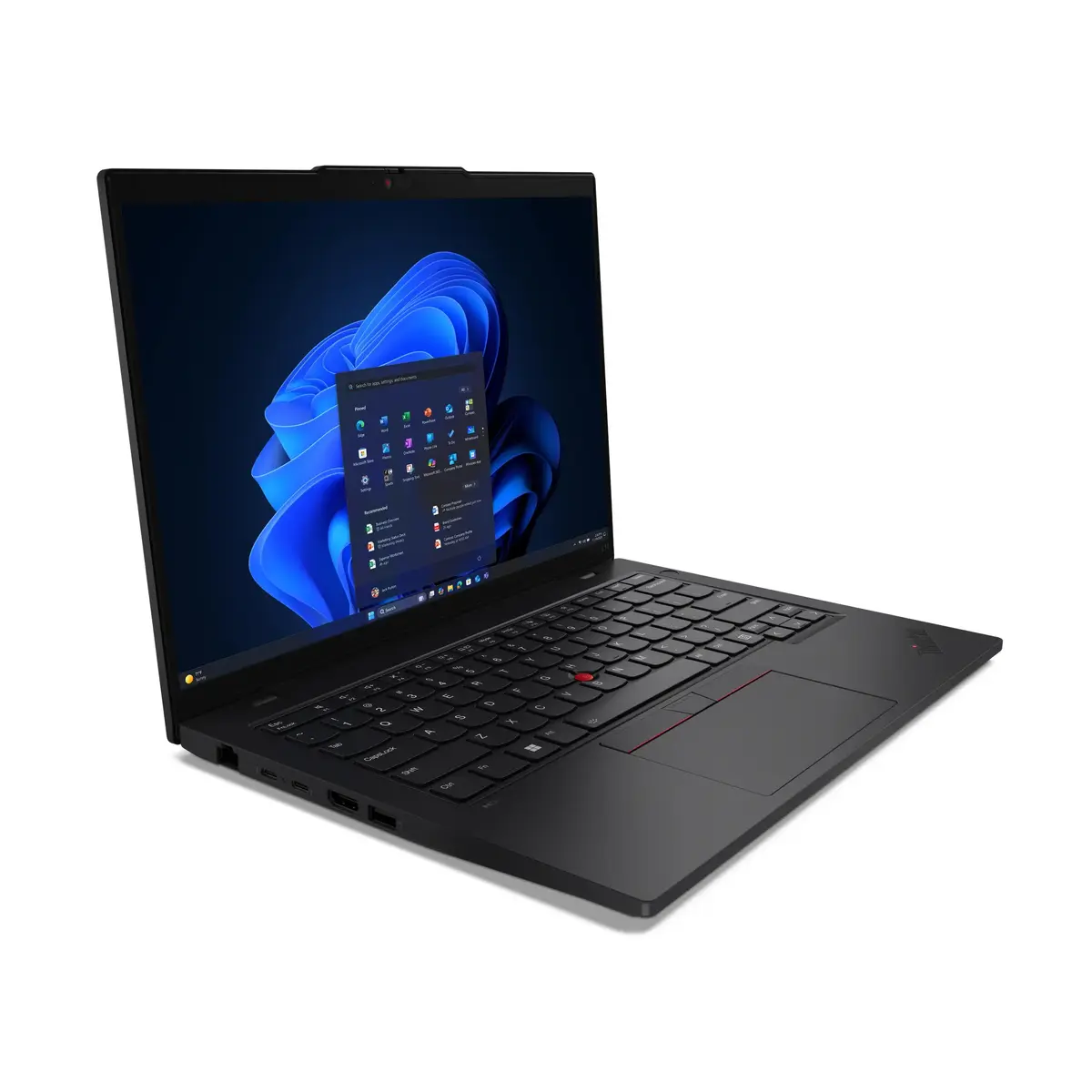
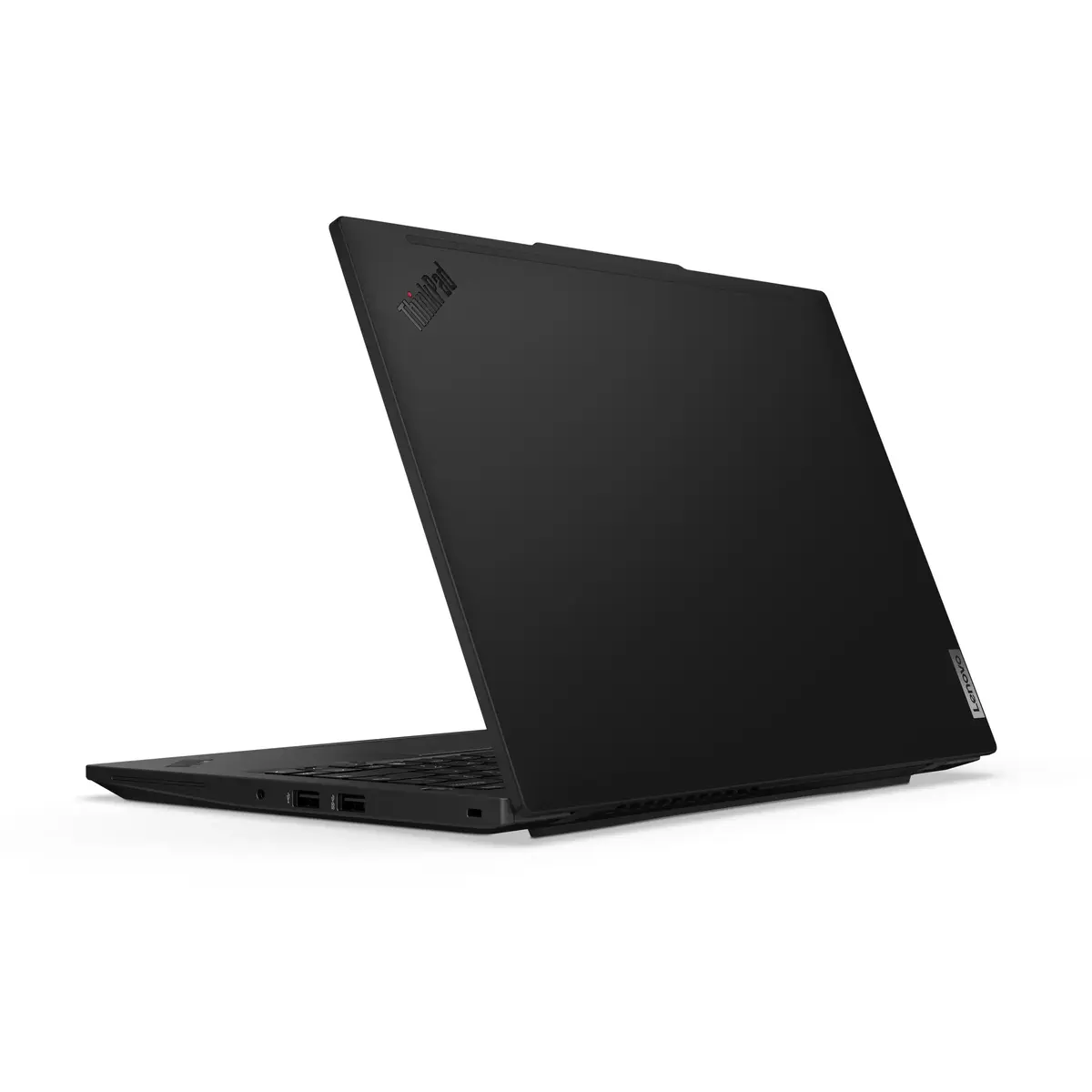
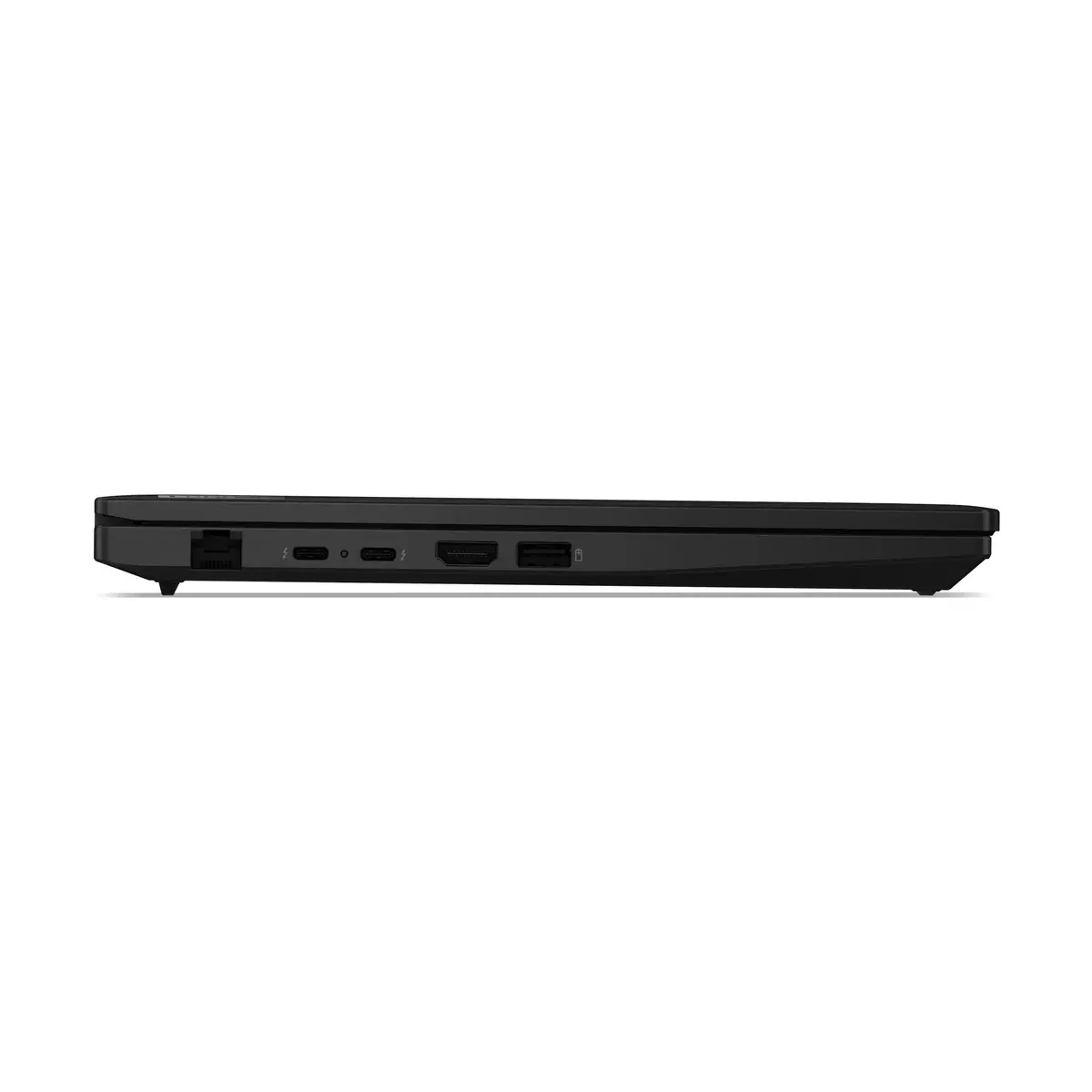
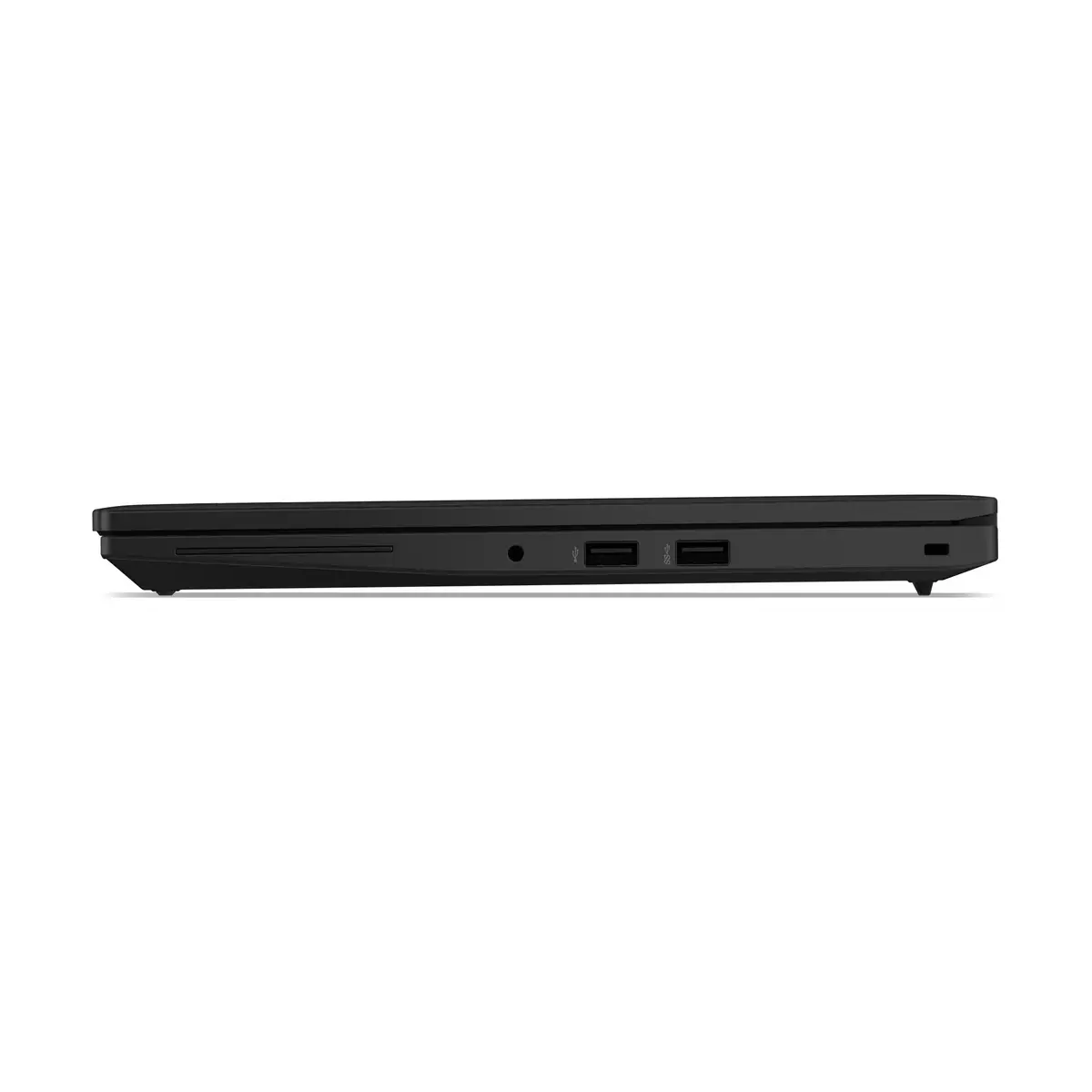
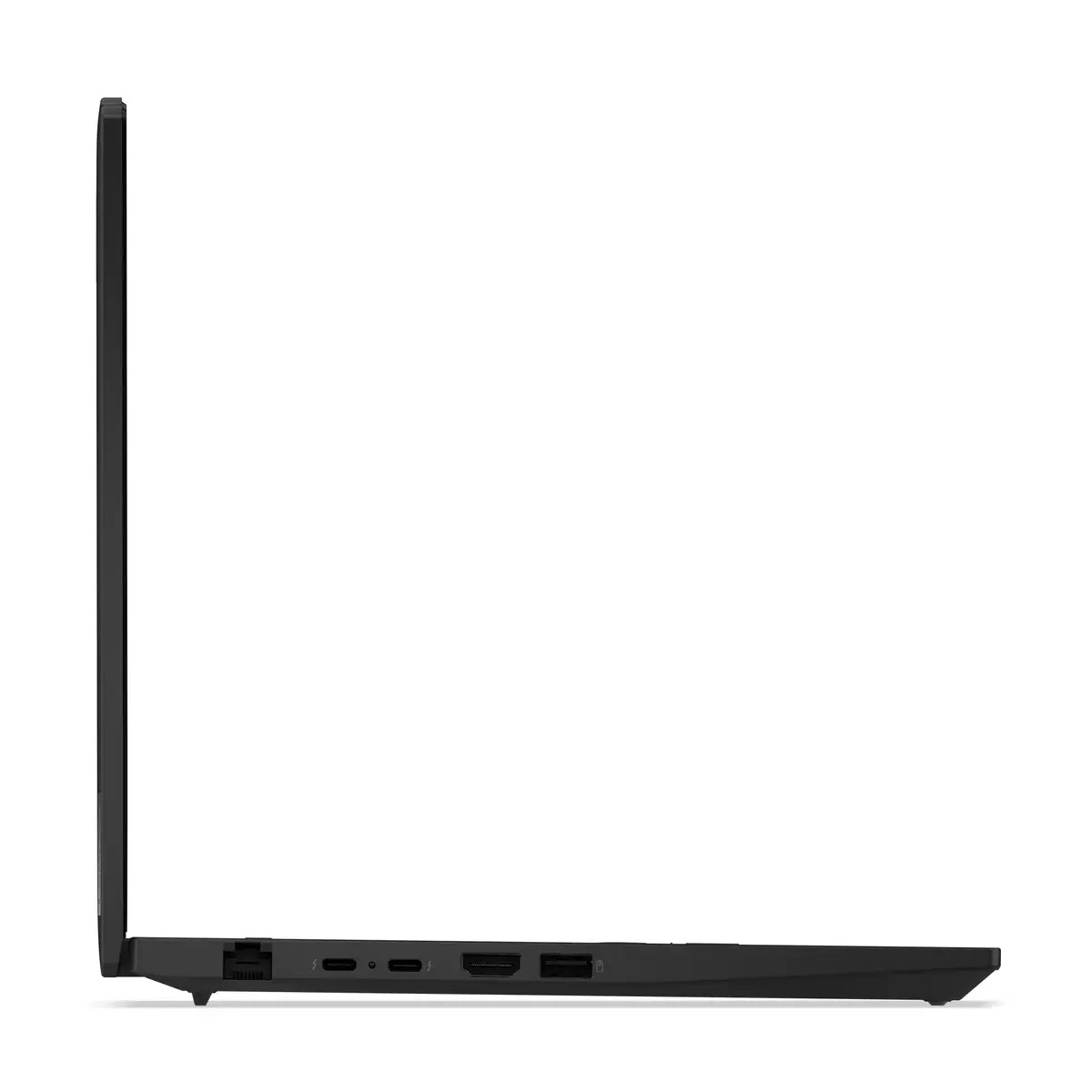
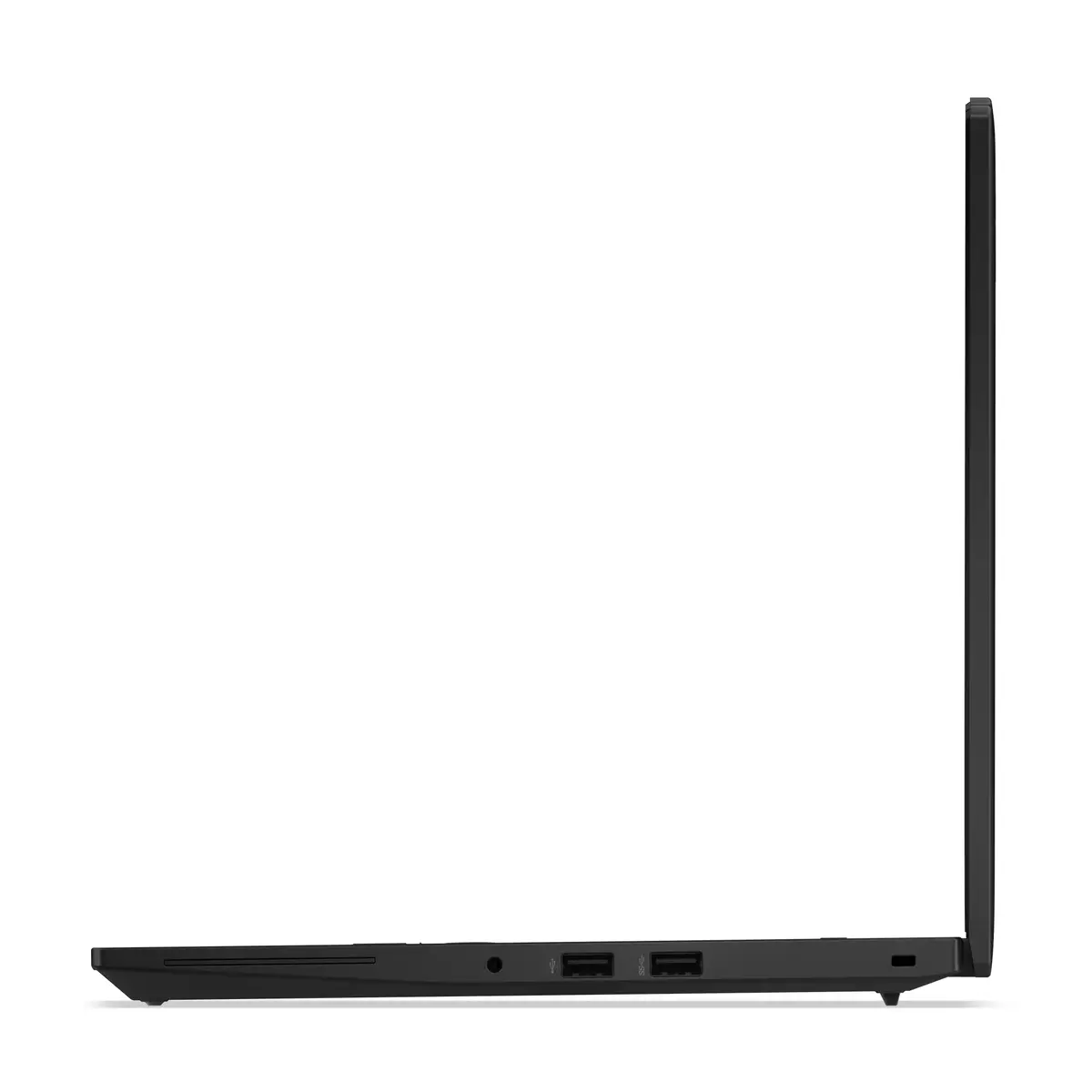
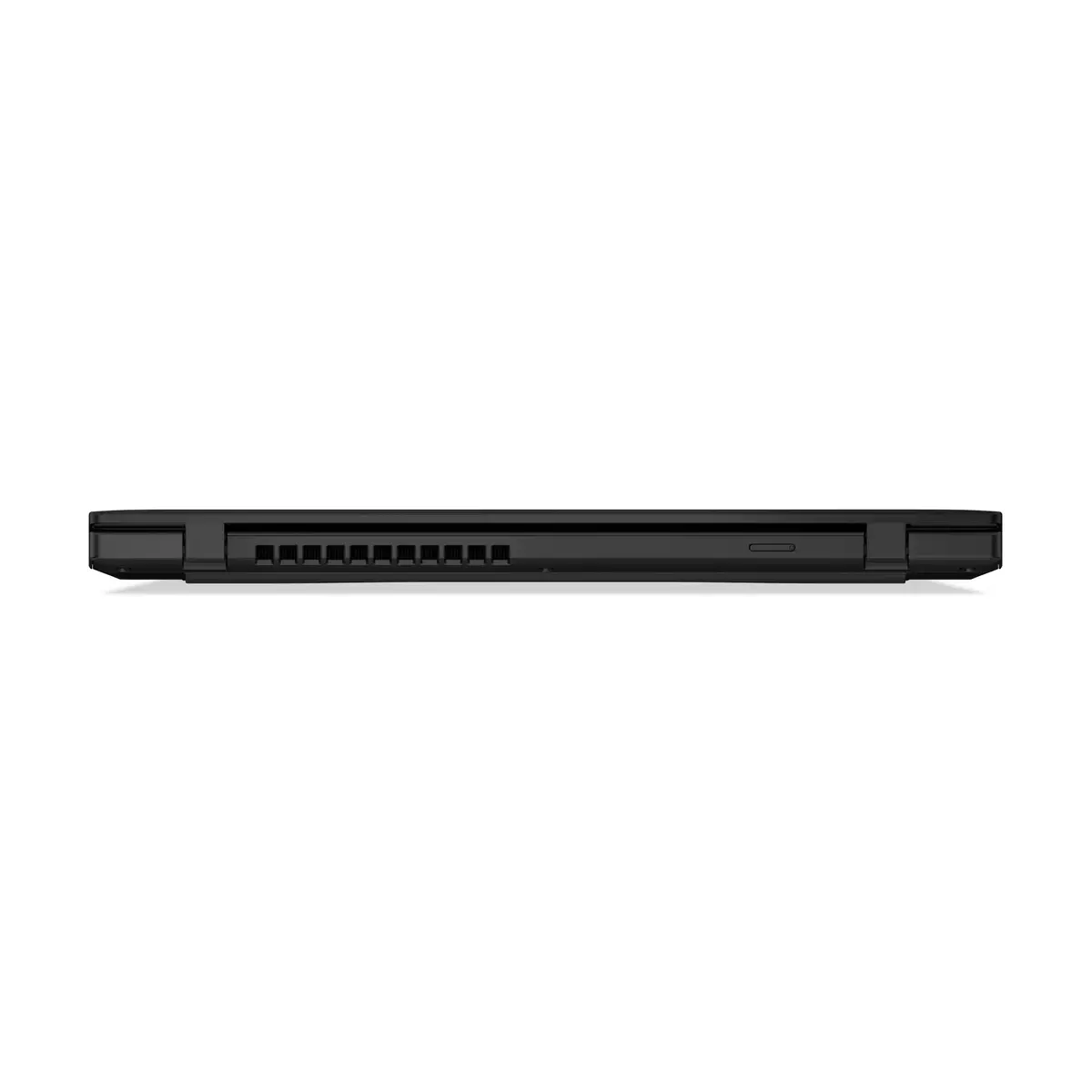
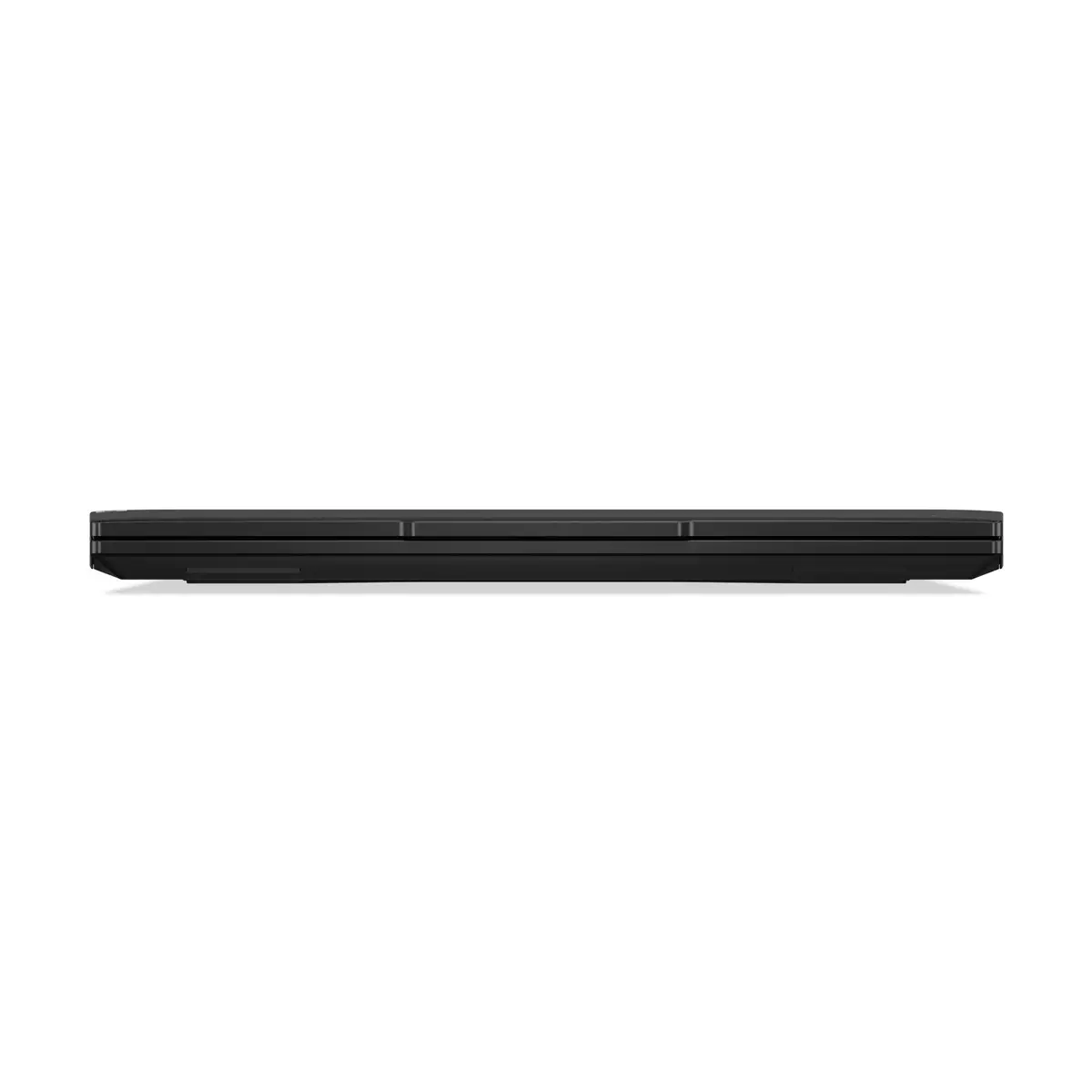
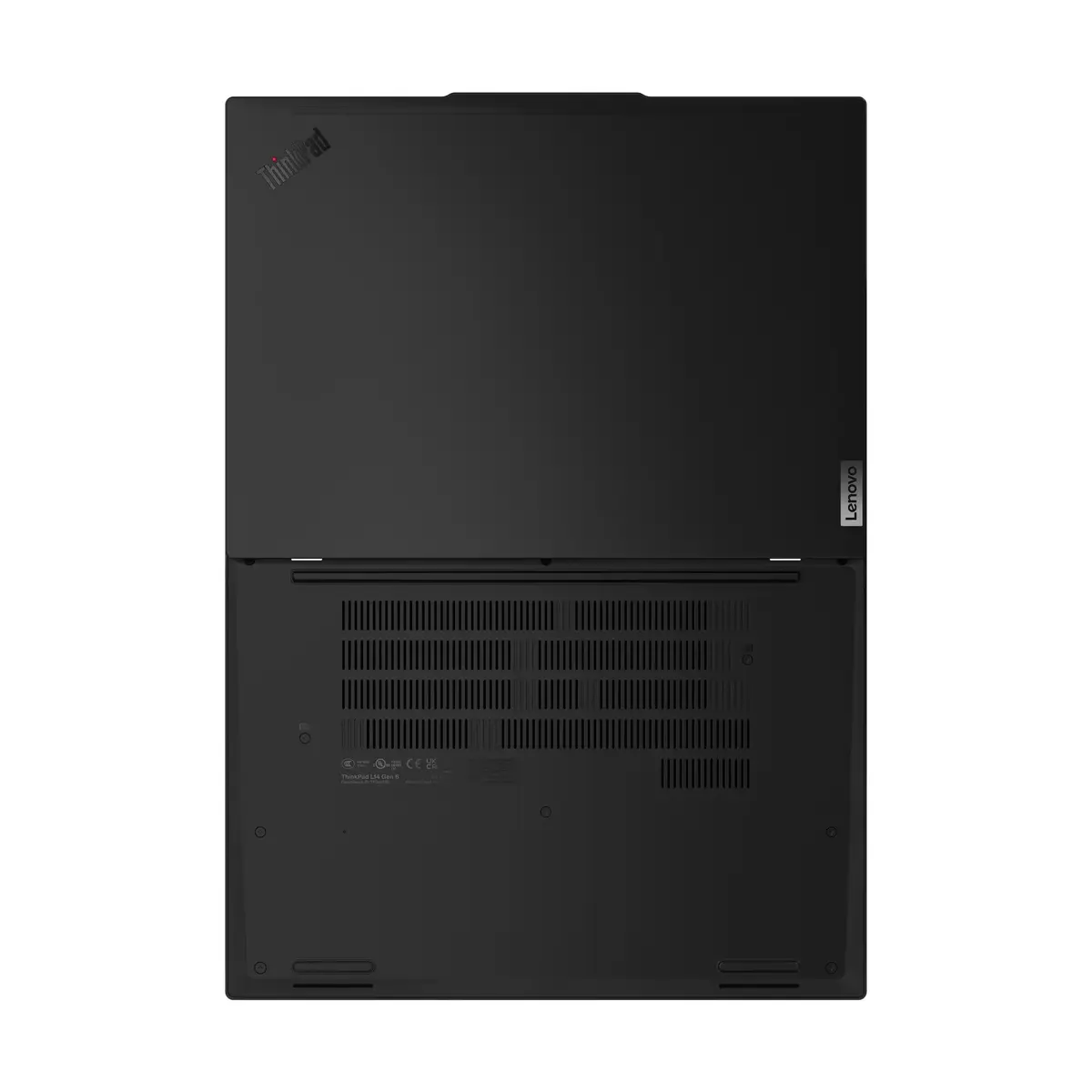
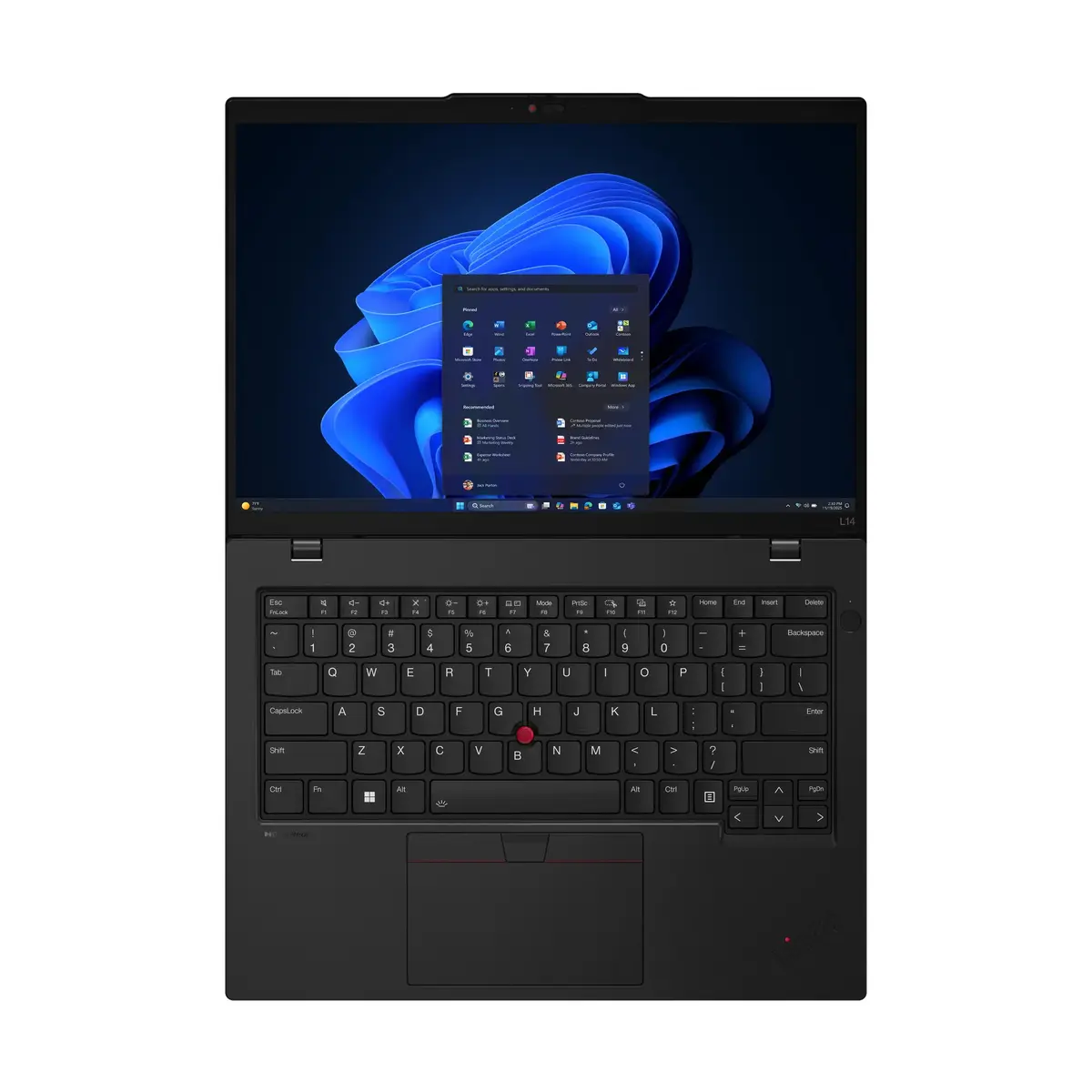
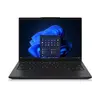
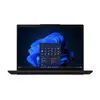
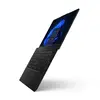
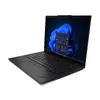
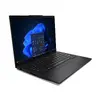
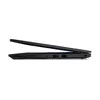
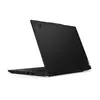
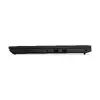
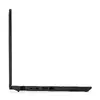
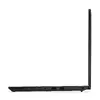
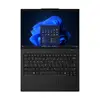
Lenovo ThinkPad L14 Gen 6 Laptop, AMD Ryzen AI 5 PRO 340, 14" WUXGA, 32GB DDR5, 512GB SSD, AMD Radeon 840M, Windows 11 Pro, Black
The Lenovo ThinkPad L14 Gen 6 is a robust and efficient laptop engineered for professional environments. As a Copilot+ PC, it integrates advanced processing capabilities with a reliable clamshell design, making it a dependable tool for business users who require consistent performance. With its compact 14-inch form factor and durable construction, this device is built to handle the demands of daily office tasks, remote work, and multitasking with ease.
This laptop stands out due to its powerful AMD Ryzen AI 5 PRO processor, which provides the necessary speed for complex workflows and modern business applications. The inclusion of 32GB of high-speed DDR5 memory ensures smooth multitasking, allowing users to switch between demanding software without performance degradation. Furthermore, the 512GB SSD offers rapid data access and boot times, while the WUXGA display delivers crisp, clear visuals that reduce eye strain during long working hours. Its lightweight design and long-lasting battery make it an excellent choice for professionals who are frequently on the move.
This laptop is not designed for high-end gaming or professional-grade 3D rendering, as it relies on integrated graphics rather than a dedicated GPU. Users requiring intensive graphical processing power for video editing or complex 3D modeling may find the hardware limitations restrictive.
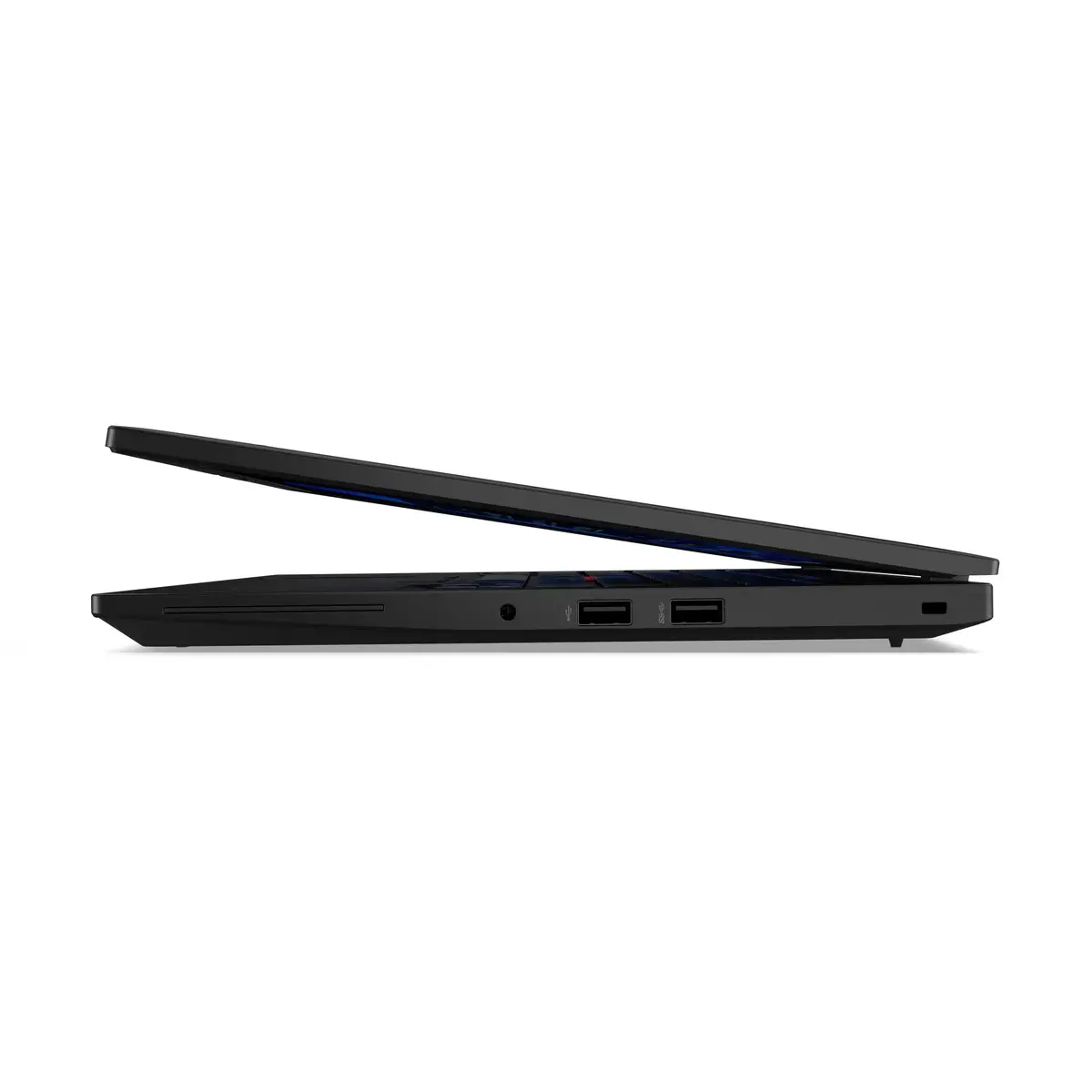
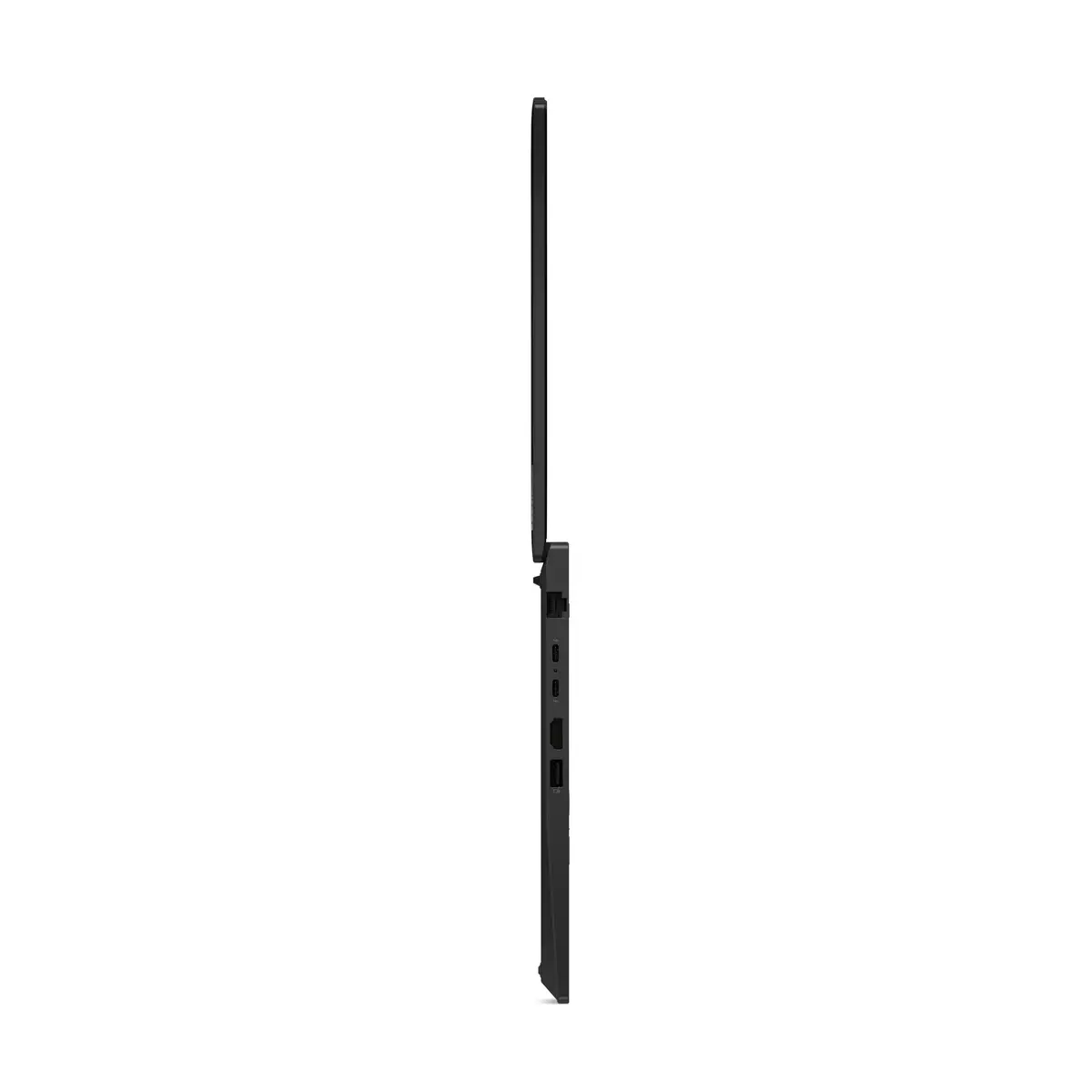
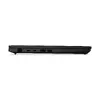
To begin using the Lenovo ThinkPad L14 Gen 6, simply connect the provided power adapter to charge the battery fully before the first use. Power on the device using the dedicated button and follow the on-screen prompts to configure your Windows 11 Pro settings, including user accounts and network connectivity. Once set up, you can utilize the integrated ports to connect peripherals such as external monitors, mice, or keyboards to enhance your workspace. Keep the system updated via the built-in software management tools to ensure optimal security and performance.
To maintain the longevity of your device, keep the ventilation areas clear of obstructions to ensure proper cooling. It is recommended to use the laptop on flat, stable surfaces and to perform regular backups of your critical data to an external drive or cloud service.
{{highlightedFeature.featureTitle}}:
{{getProductFeatureValueById(product, highlightedFeature.featureId)}}
{{ productComparisonGenerationError }}
