


Save time and money with our discounts!
In cart {{totalProductsCount}} item(s)
Your cart is empty
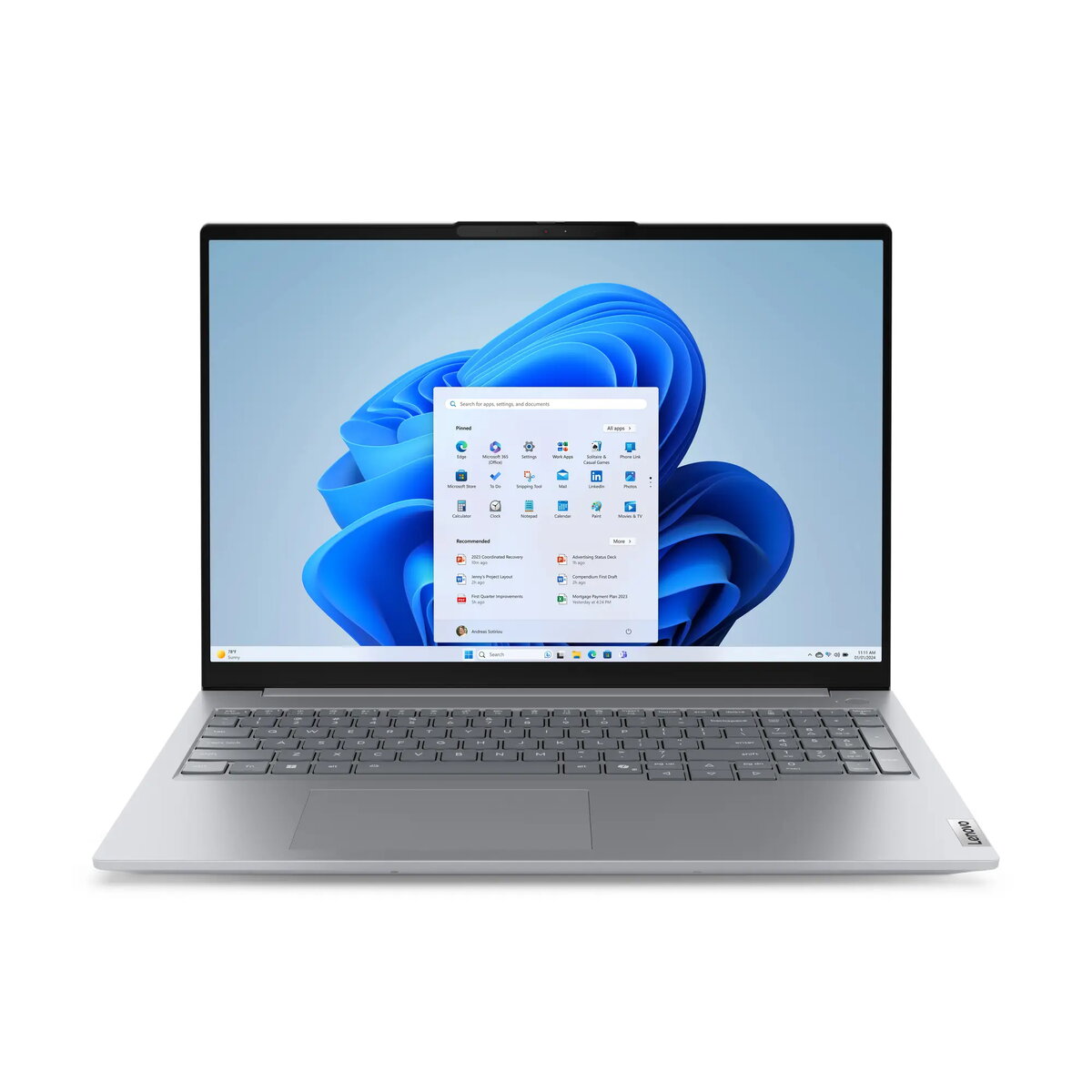
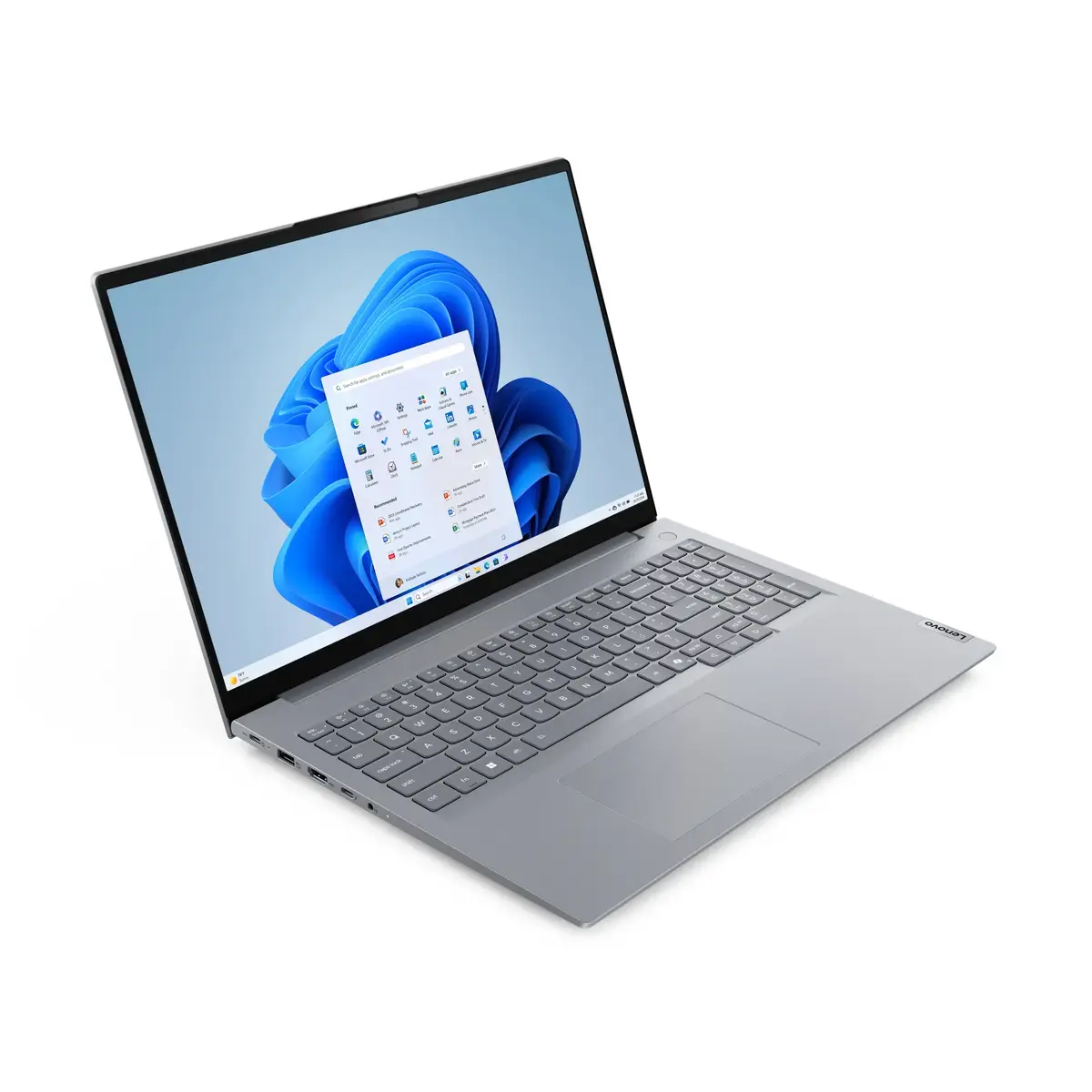
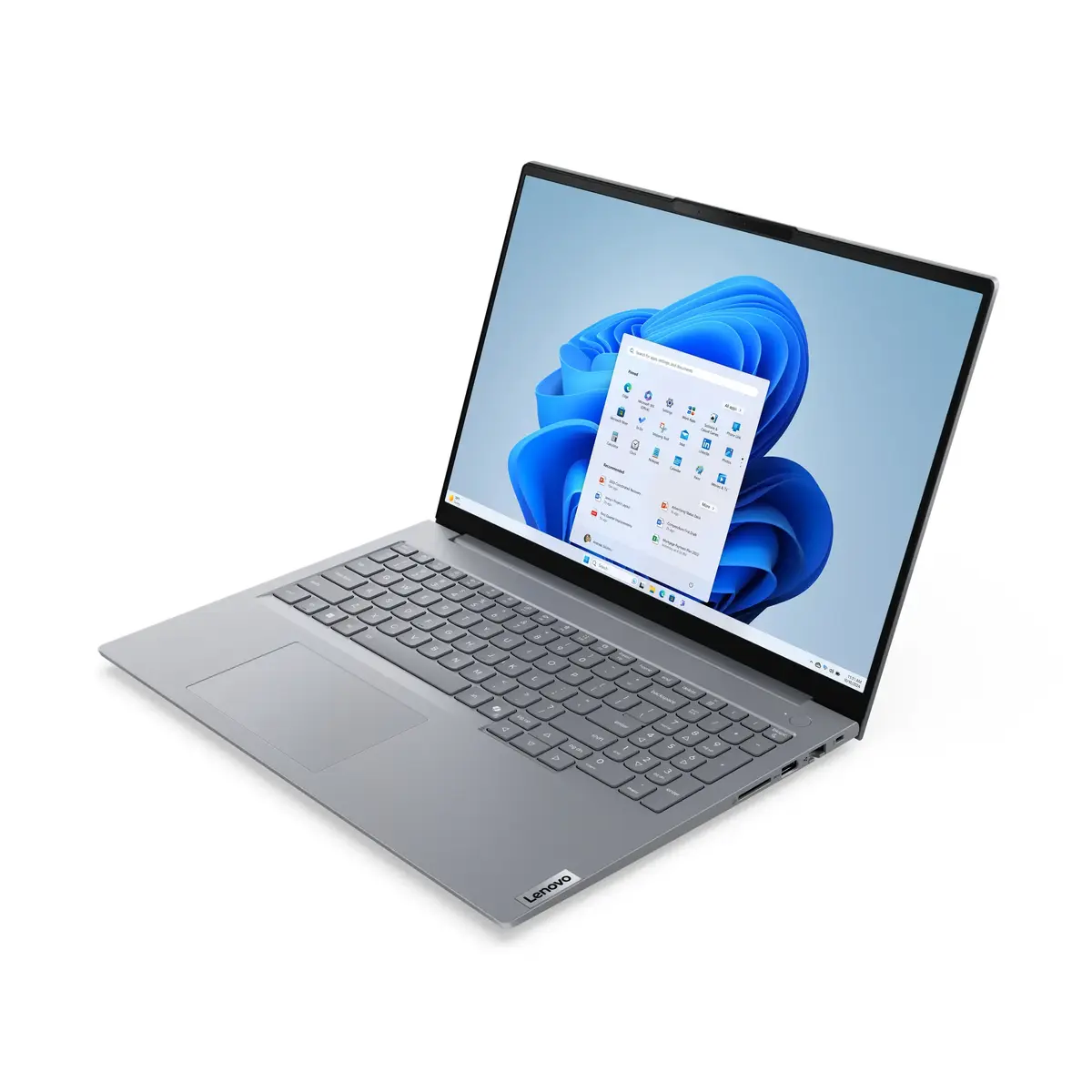
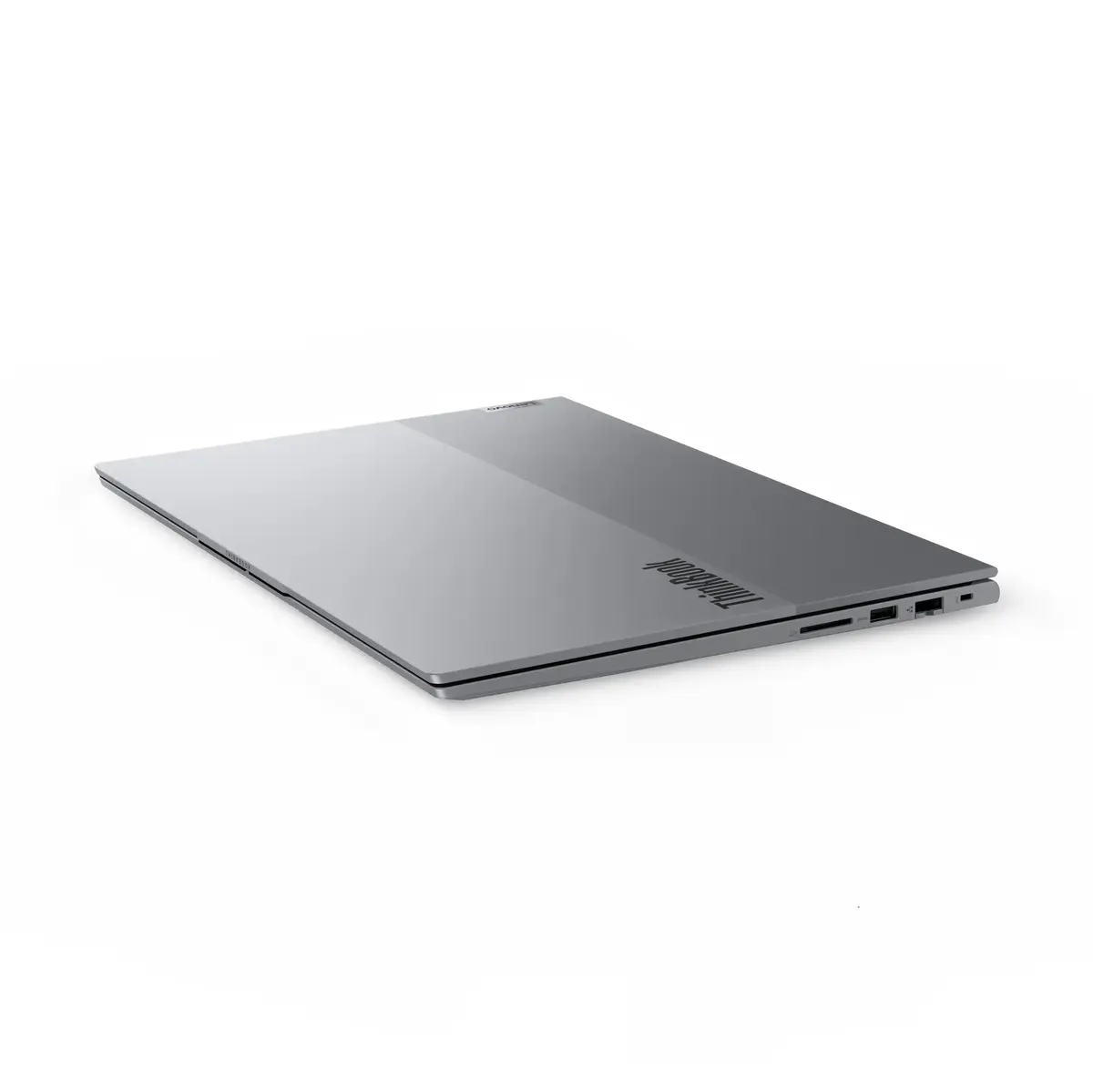
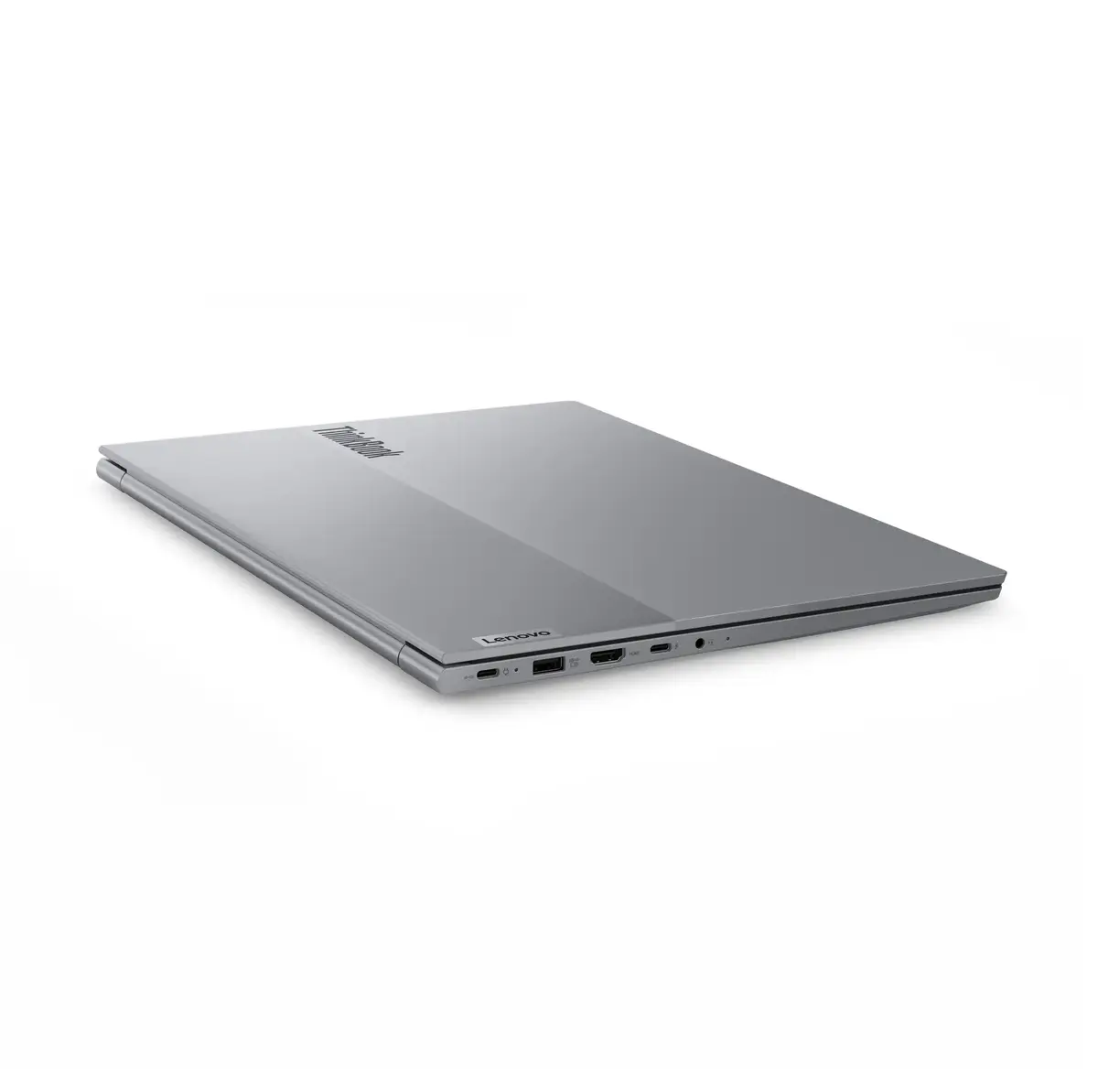
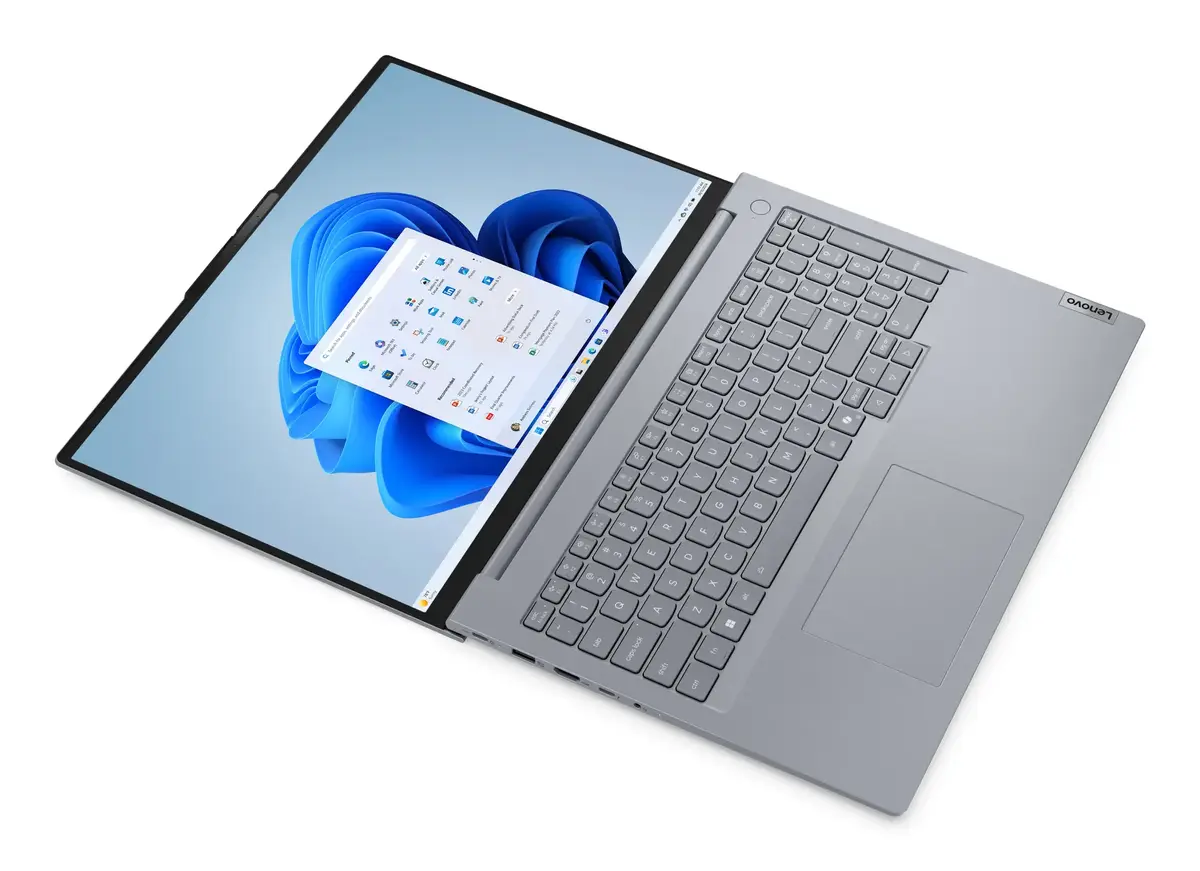
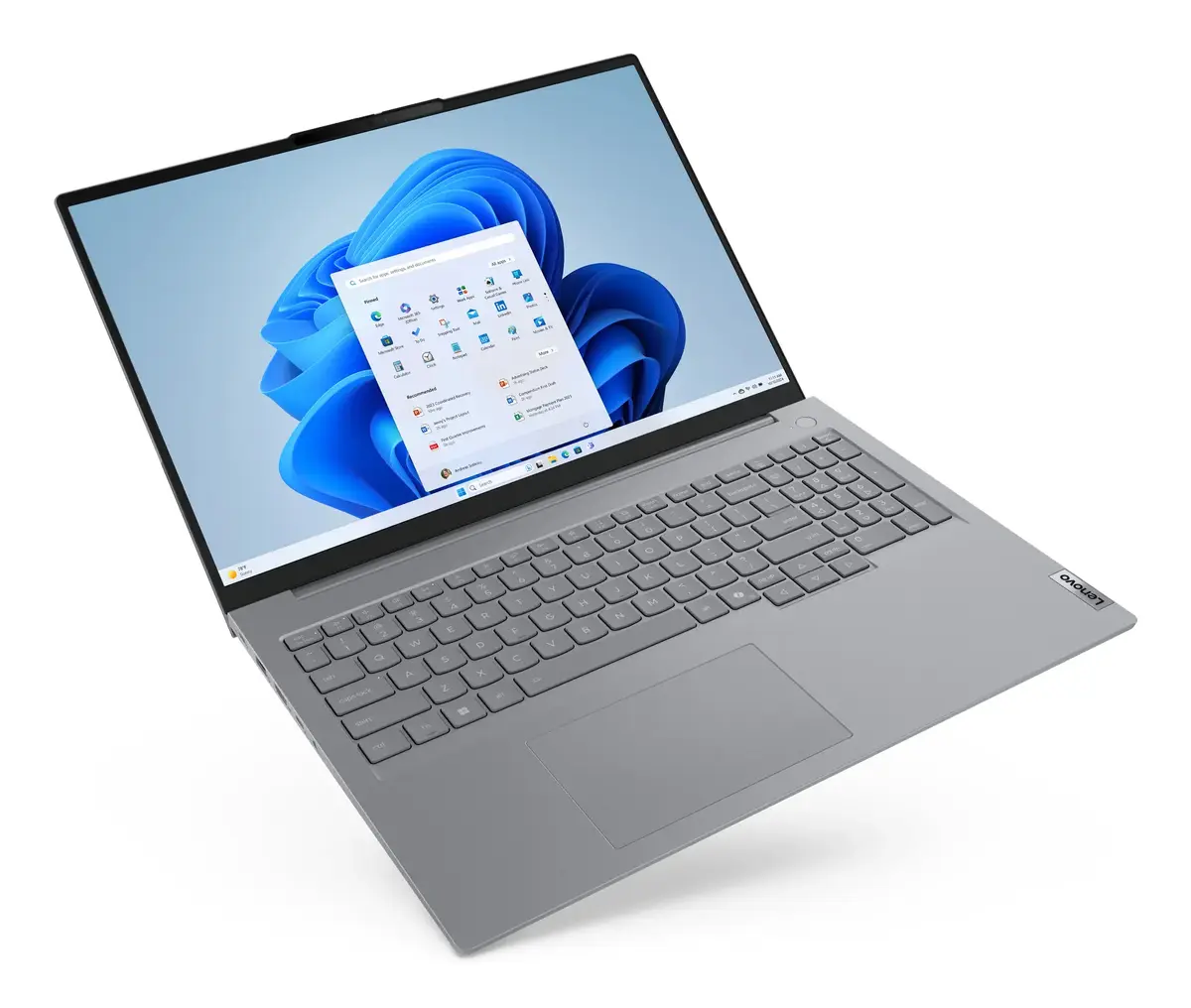
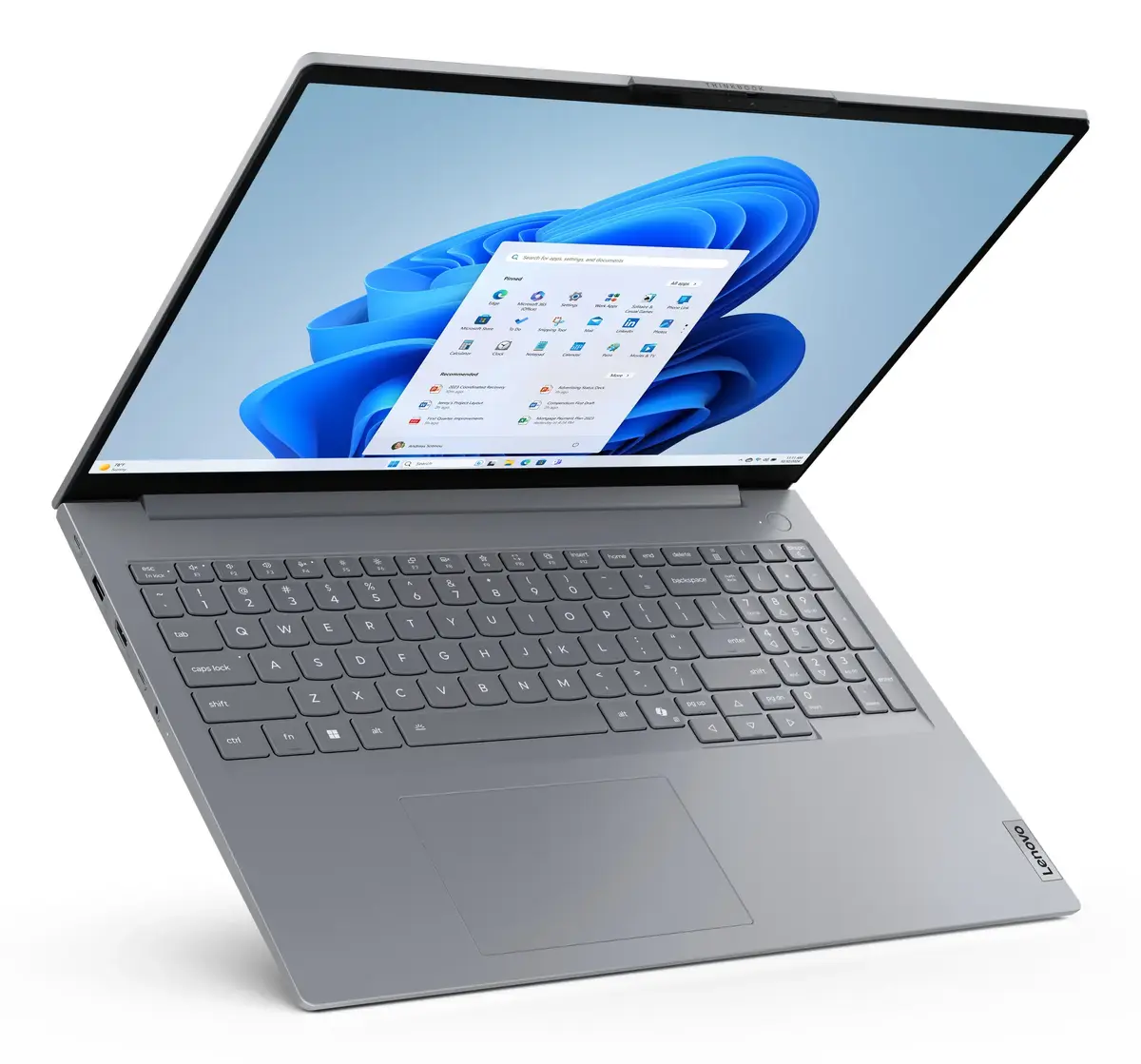
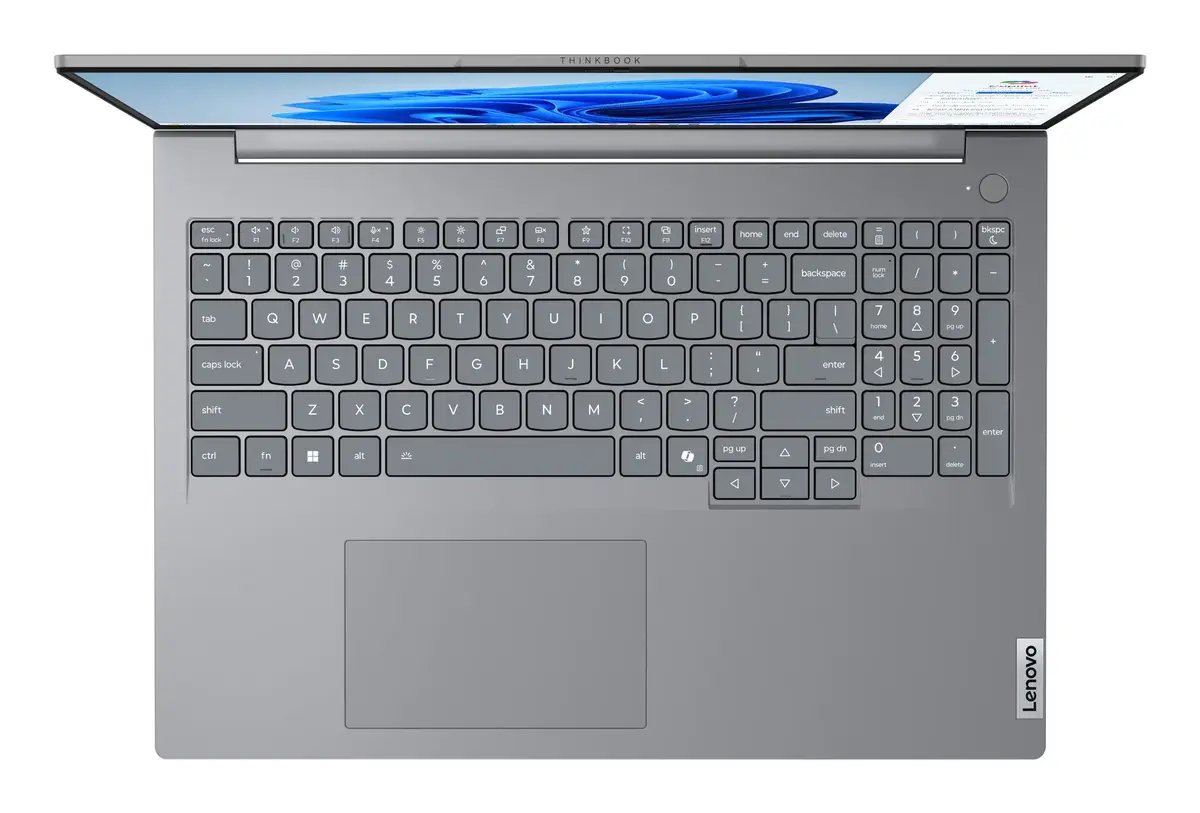
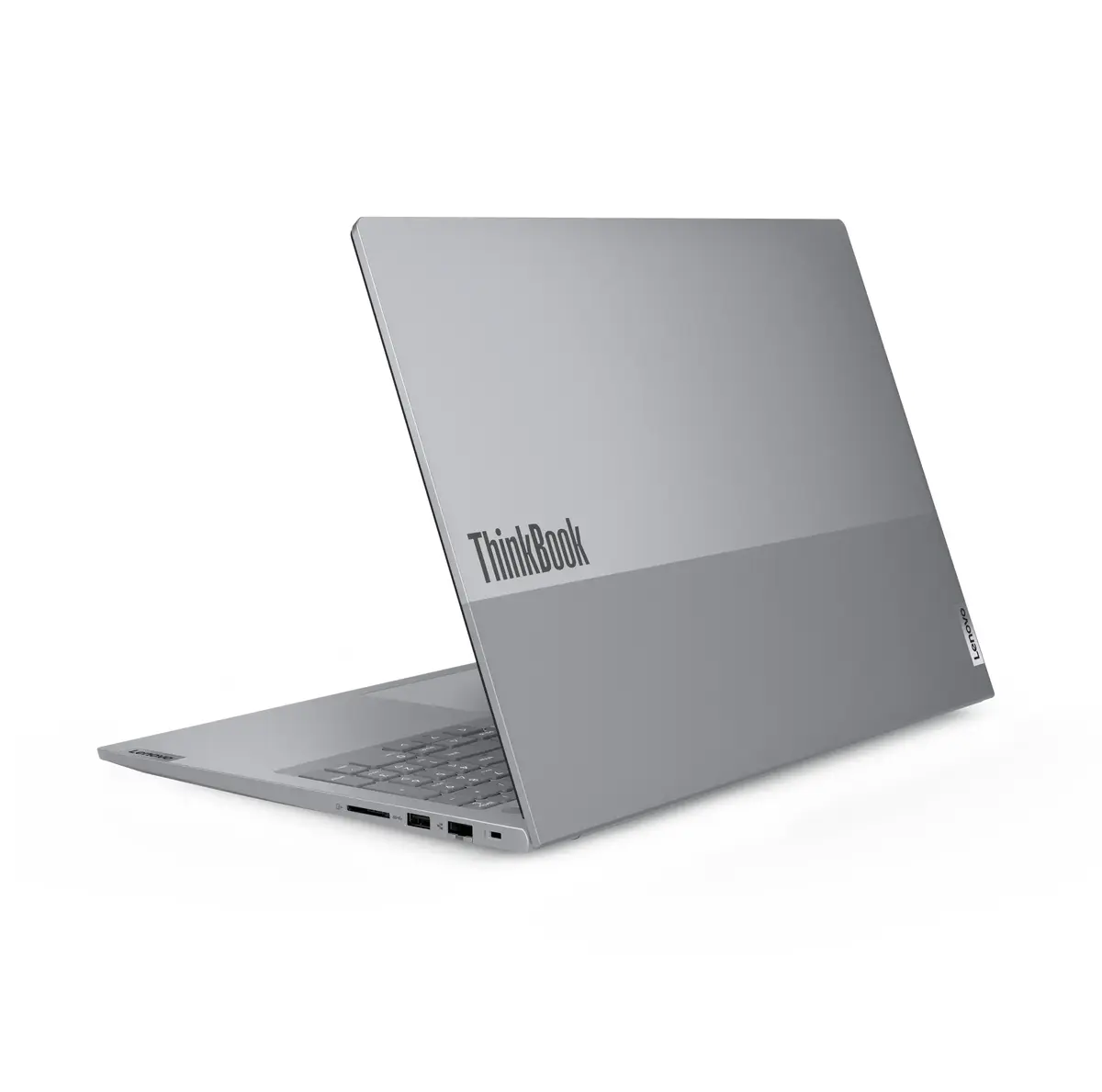
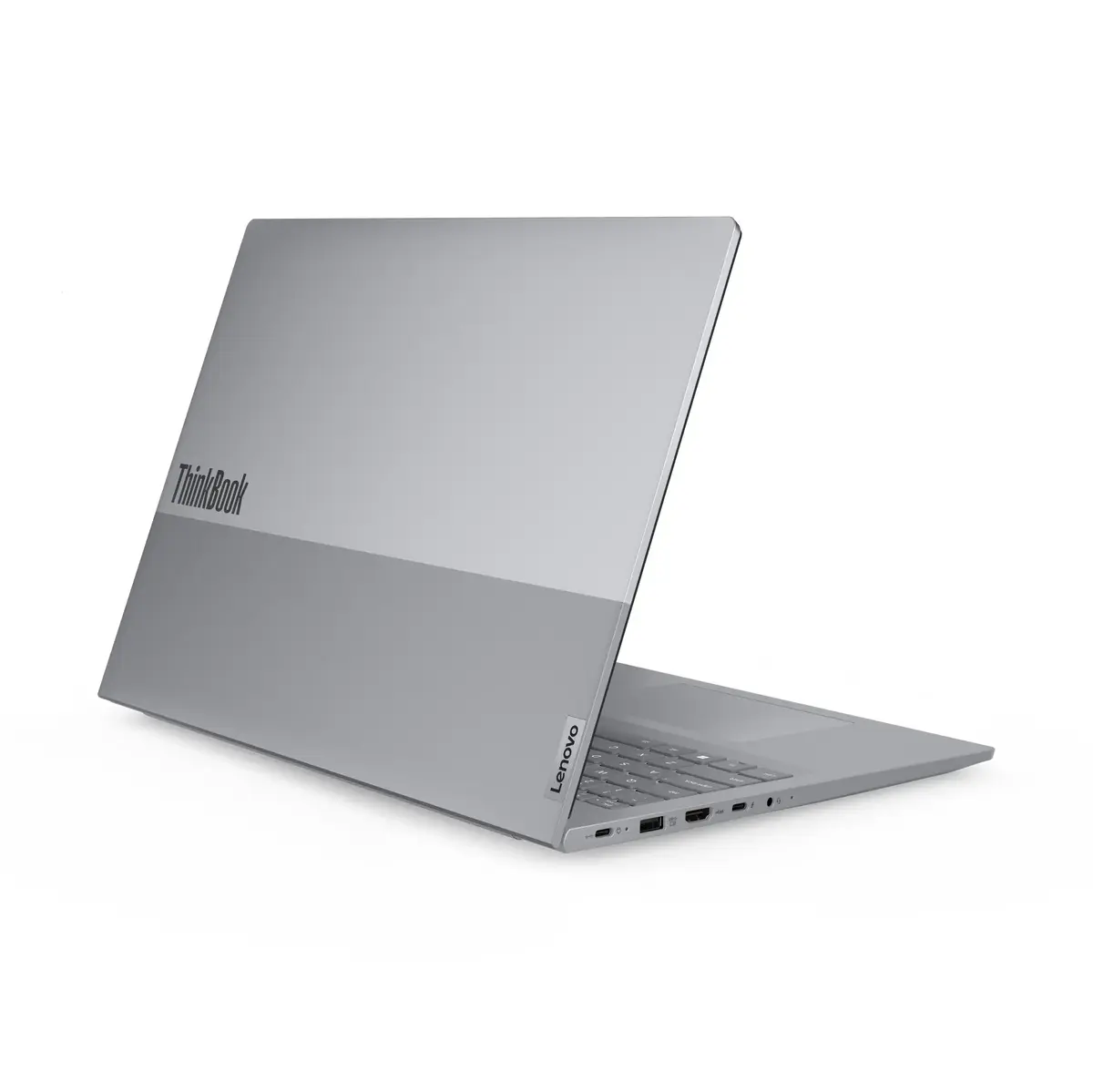
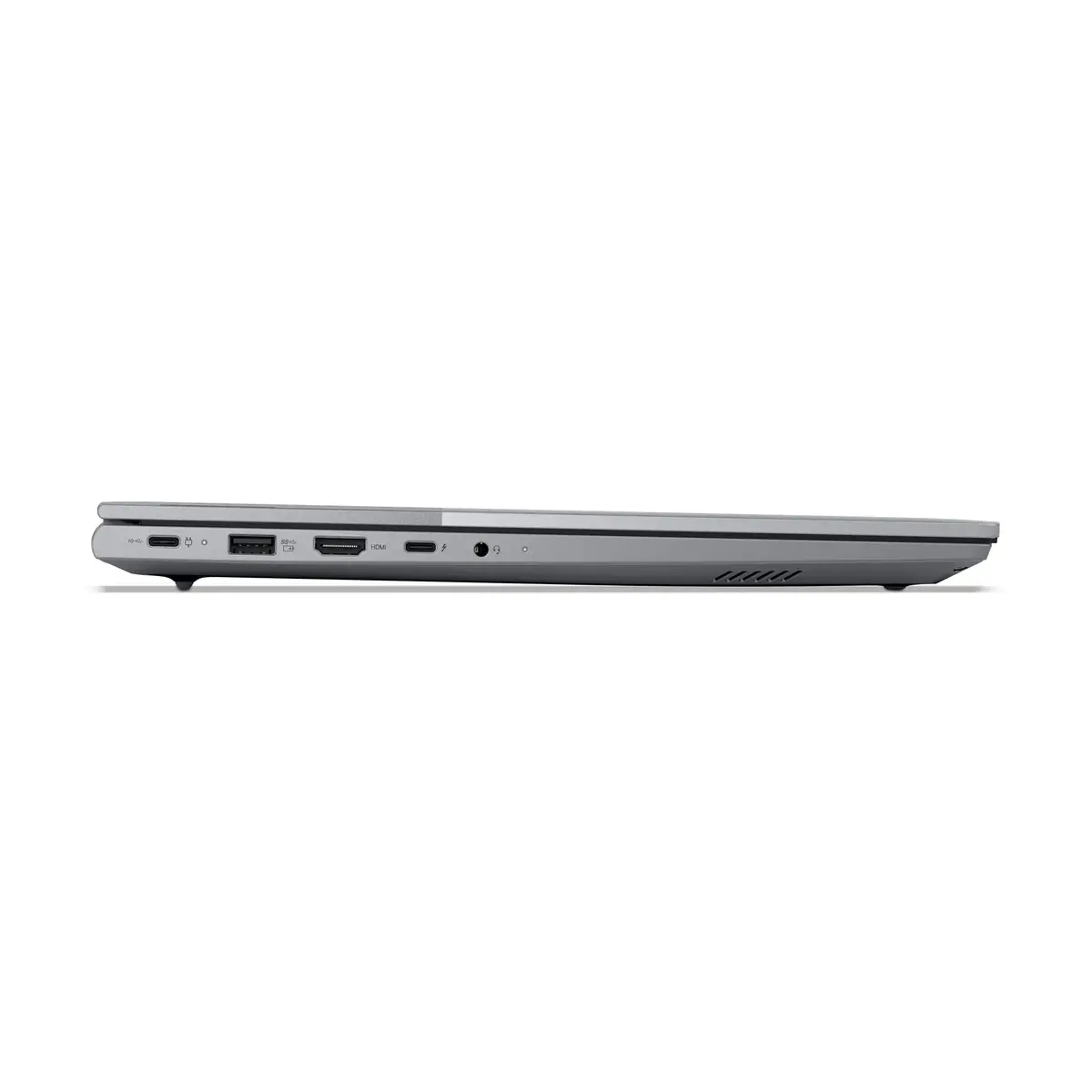
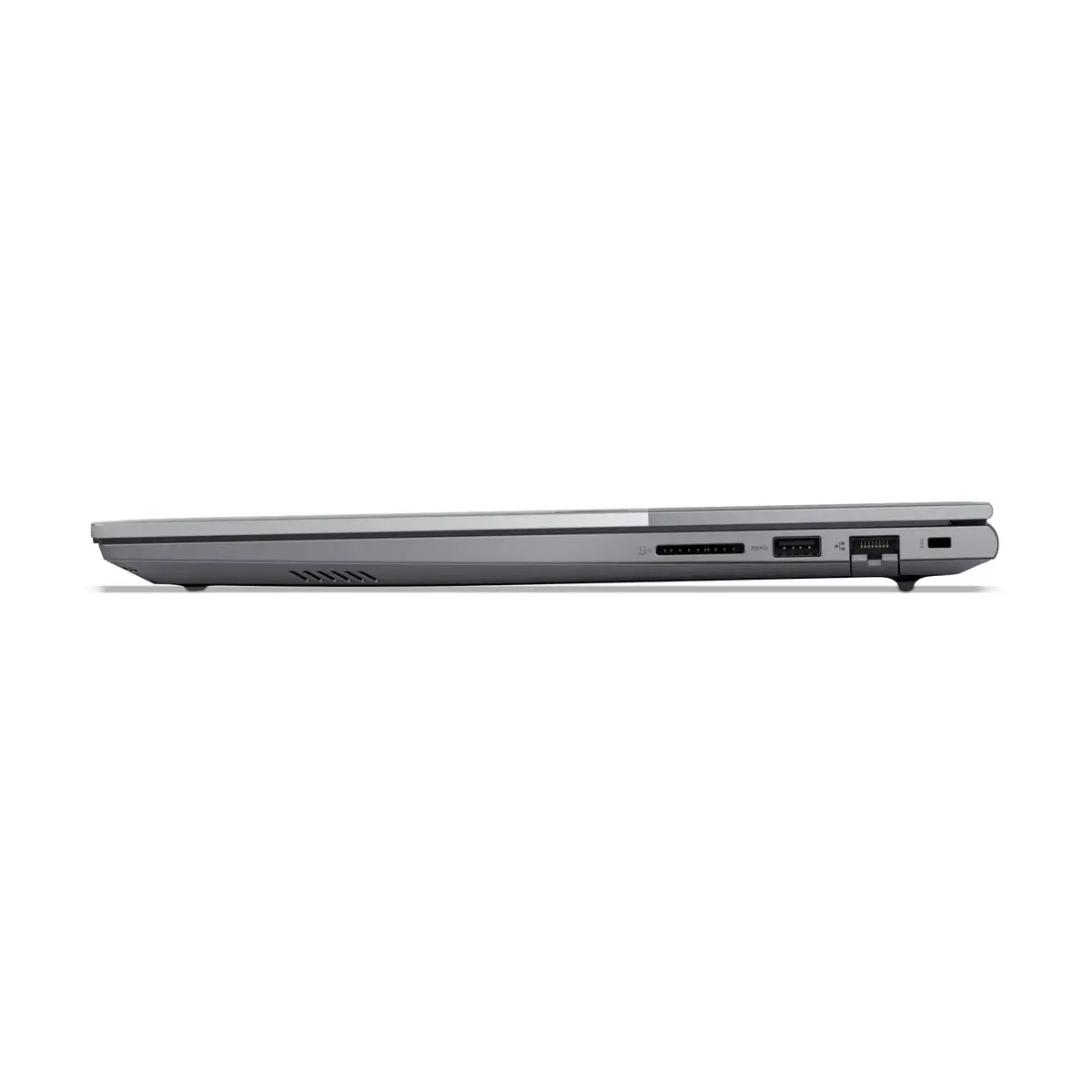
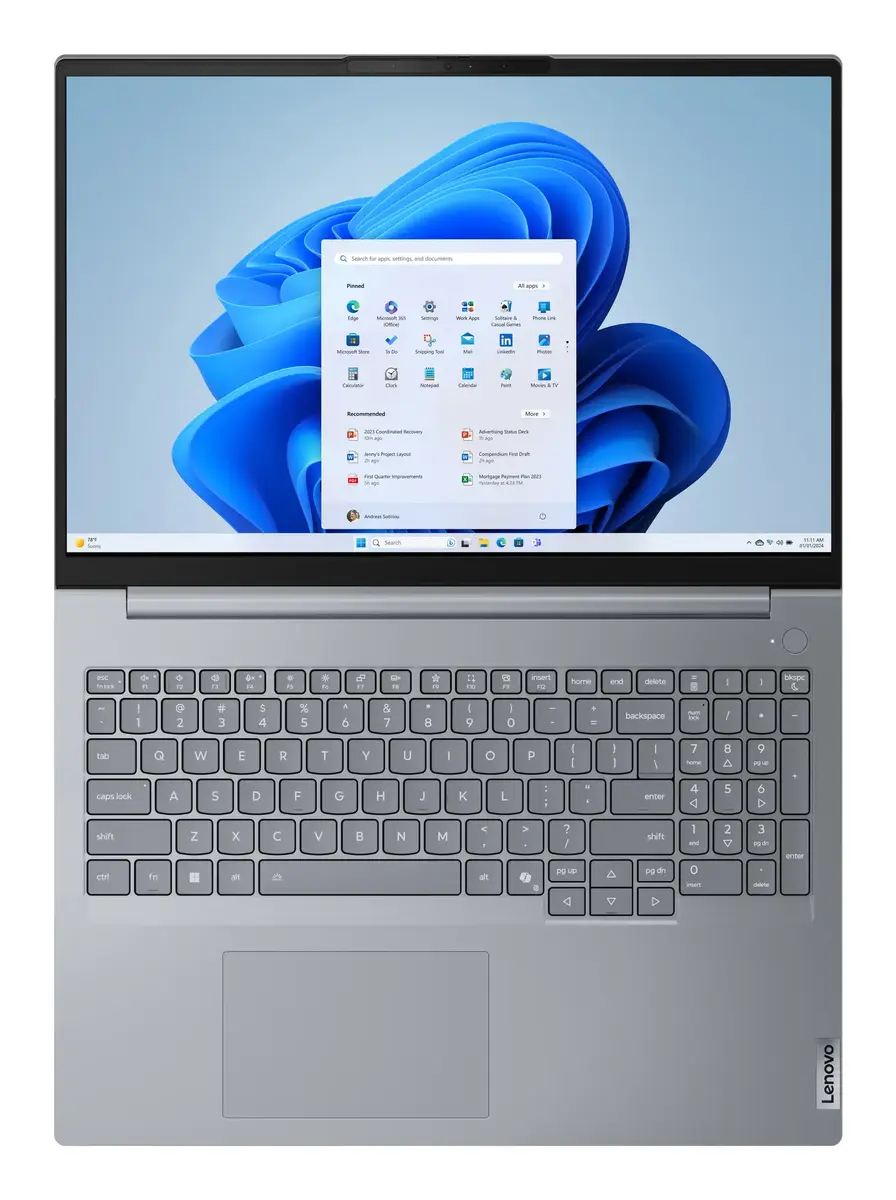
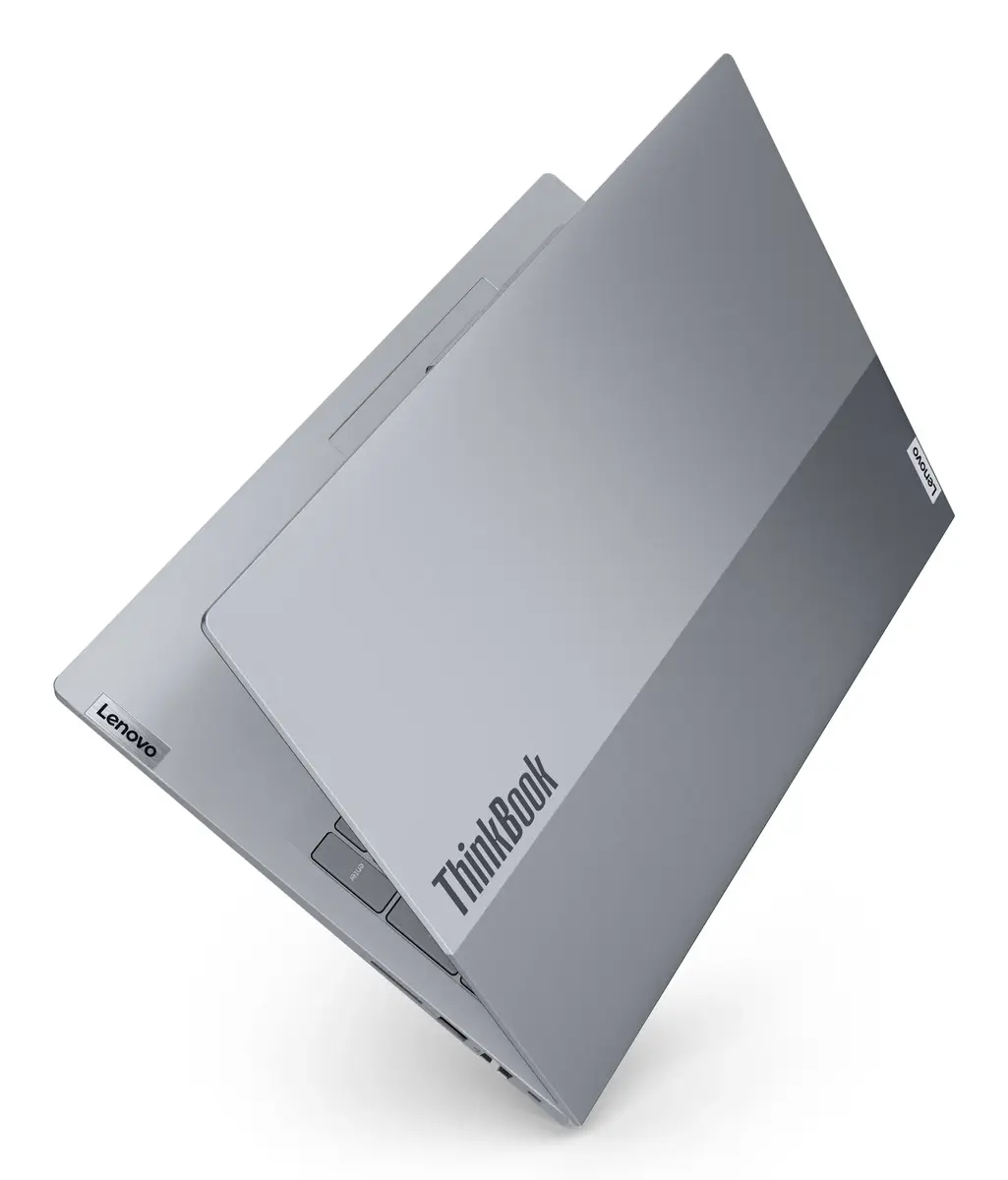
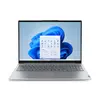
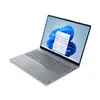
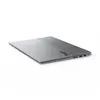
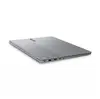
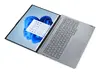
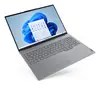
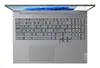
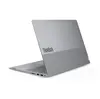
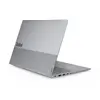
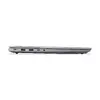
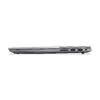
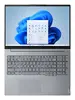
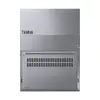
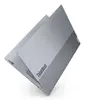
Lenovo ThinkBook 16 G8 IAL Laptop, 16" WUXGA, Intel Core Ultra 5 225U, 16GB DDR5, 1TB SSD, Windows 11 Home, Grey
The Lenovo ThinkBook 16 G8 IAL is a high-performance 16-inch laptop engineered to meet the demands of modern professional environments. Featuring a robust Intel Core Ultra 5 225U processor and 16GB of high-speed DDR5 memory, this device ensures smooth multitasking and efficient workflow management. Its 1TB SSD provides ample storage space for large files and applications, while the 16-inch WUXGA display offers a crisp, expansive workspace for detailed tasks. Housed in a durable grey clamshell chassis, this laptop combines reliability with a sleek, professional aesthetic.
This laptop excels in productivity thanks to its balanced hardware configuration. The integration of the latest Intel Core Ultra processor allows for responsive performance across various business applications, while the DDR5 memory architecture significantly improves data transfer speeds compared to previous generations. The 16-inch display with a 16:10 aspect ratio provides more vertical screen real estate, which is ideal for document editing and data analysis. Furthermore, the inclusion of a 1TB SSD ensures fast boot times and quick access to stored data, minimizing downtime during the workday.
This laptop is not designed for high-end gaming or intensive 3D rendering tasks, as it relies on integrated graphics rather than a dedicated GPU. Users requiring specialized hardware for professional video editing or complex engineering simulations may find the performance limitations of the integrated graphics insufficient for their specific needs.
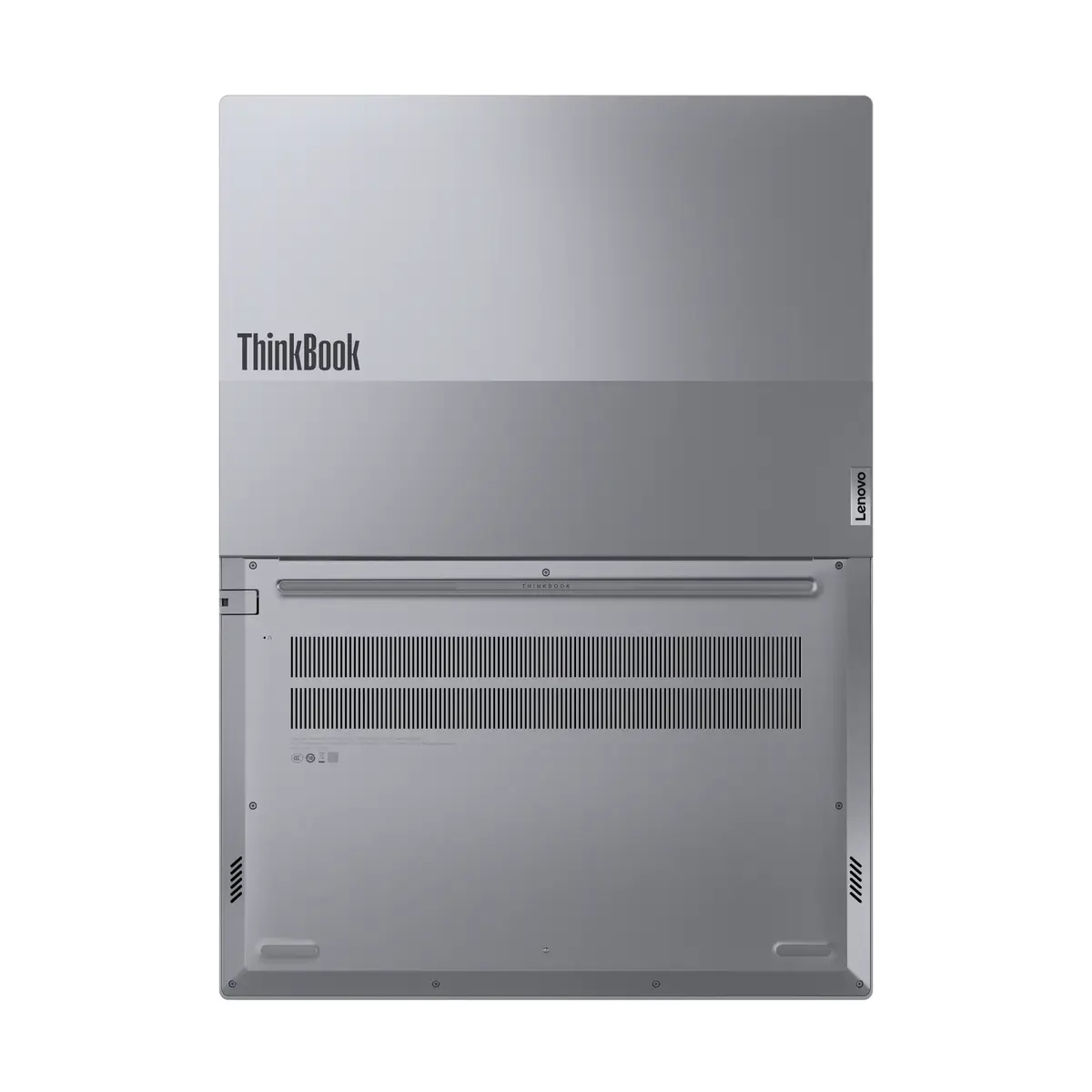
To begin using your Lenovo ThinkBook 16 G8 IAL, connect the provided power adapter to the charging port and ensure the battery is sufficiently charged. Press the power button to initiate the initial Windows 11 Home setup process, following the on-screen prompts to configure your language, network settings, and user account. Once the setup is complete, you can install your preferred productivity software. For optimal performance, keep the laptop on a flat, stable surface to ensure proper ventilation through the intake and exhaust vents.
To maintain the longevity of your device, keep the software updated via the manufacturer's support portal and avoid blocking the air vents during operation. Regularly clean the screen with a microfiber cloth and ensure the laptop is transported in a protective sleeve to prevent physical damage.
{{highlightedFeature.featureTitle}}:
{{getProductFeatureValueById(product, highlightedFeature.featureId)}}
{{ productComparisonGenerationError }}
