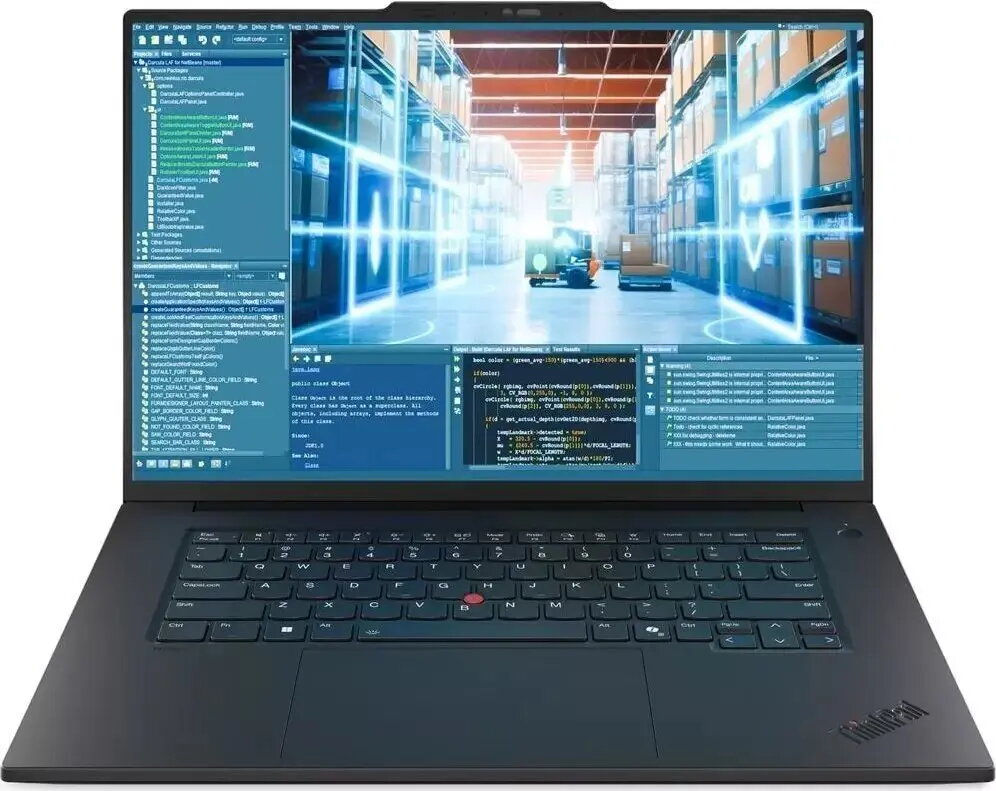
The Lenovo ThinkPad T1g G8 Ultra is a high-performance laptop engineered for demanding professional workflows. It pairs an AMD Ryzen 9 285H processor with 64 GB of RAM and a 2 TB solid-state drive, runs Windows 11 Pro, and includes an NVIDIA RTX 5070 graphics processor alongside a 120 Hz display. The configuration is intended for heavy multitasking, content creation, CAD applications and other graphics-intensive tasks where processing power, memory capacity and fast storage are essential.
Advantages
This configuration delivers a balance of CPU and GPU performance suitable for compute-heavy applications and real-time graphics work. Large RAM capacity supports extensive multitasking and large datasets in memory, while the 2 TB SSD offers fast boot and application load times. The 120 Hz panel provides smoother on-screen motion for interactive work and media review. With Windows 11 Pro, the system includes features useful for business environments such as enhanced security and management capabilities.
Suitable for
- Professional content creation — video editing, 3D rendering and image processing
- CAD and engineering applications requiring GPU acceleration
- Software development and virtual machines with high memory needs
- Multitasking with large datasets, spreadsheets and simultaneous applications
- Advanced multimedia review and color-accurate design workflows
When it may not be suitable
This laptop is built for performance and may be heavier and more power-hungry than ultraportable models, making it less suitable if long battery life and minimal weight are primary concerns. It may also exceed requirements for casual web browsing, basic office tasks or users who do not need high GPU capability.
Key specifications
- Processor: AMD Ryzen 9 285H
- Memory: 64 GB RAM
- Storage: 2 TB solid-state drive (SSD)
- Graphics: NVIDIA RTX 5070 GPU
- Operating system: Windows 11 Pro
- Display: 120 Hz refresh rate
How to use
Set up the Lenovo ThinkPad T1g G8 Ultra by following the Windows 11 Pro initial configuration steps, connect power for first-time charging and install required drivers and software for your professional applications. Use the system settings to configure performance and power profiles according to workload: select higher performance for rendering or GPU-accelerated tasks and balanced profiles for general office work. Maintain the SSD by enabling TRIM in the operating system and keep device drivers and GPU firmware up to date for stability and performance.
What to consider before purchase
- Assess portability needs — this is a performance-oriented laptop and may be larger and heavier than ultraportables
- Evaluate battery life expectations for mobile use versus reliance on mains power
- Confirm compatibility of professional applications with the NVIDIA RTX 5070 and Windows 11 Pro
- Plan for backup or additional storage if off-site redundancy or archival capacity is required
Usage recommendations
For optimal performance in rendering and GPU-accelerated workflows, connect the laptop to external power during intensive sessions, use active cooling when appropriate, and keep software and drivers updated. Regularly back up critical work to external or cloud storage and configure Windows 11 Pro security features for business environments.