
JBL speakers and headphones for pure and deep sound!
In cart {{totalProductsCount}} item(s)
Your cart is empty
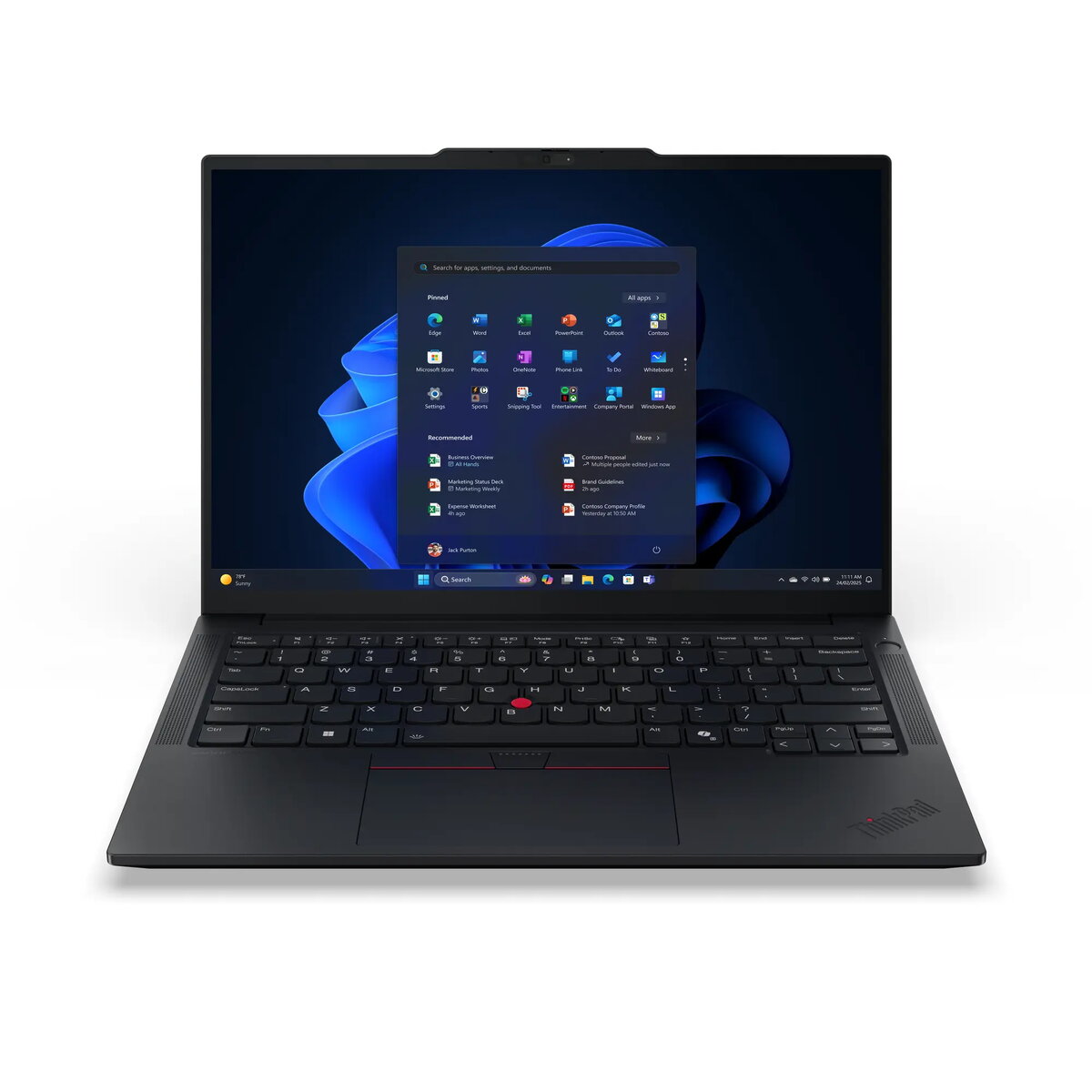
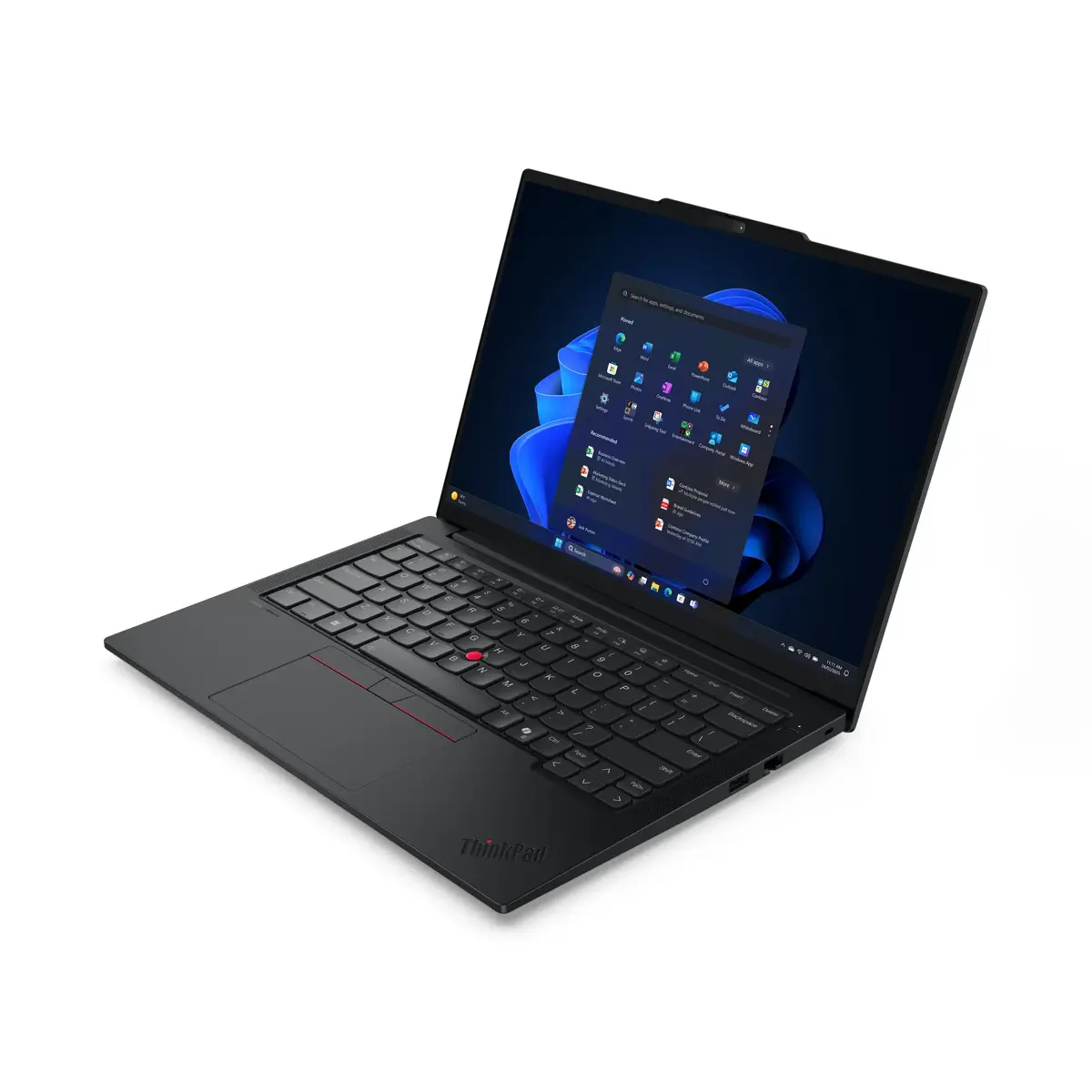
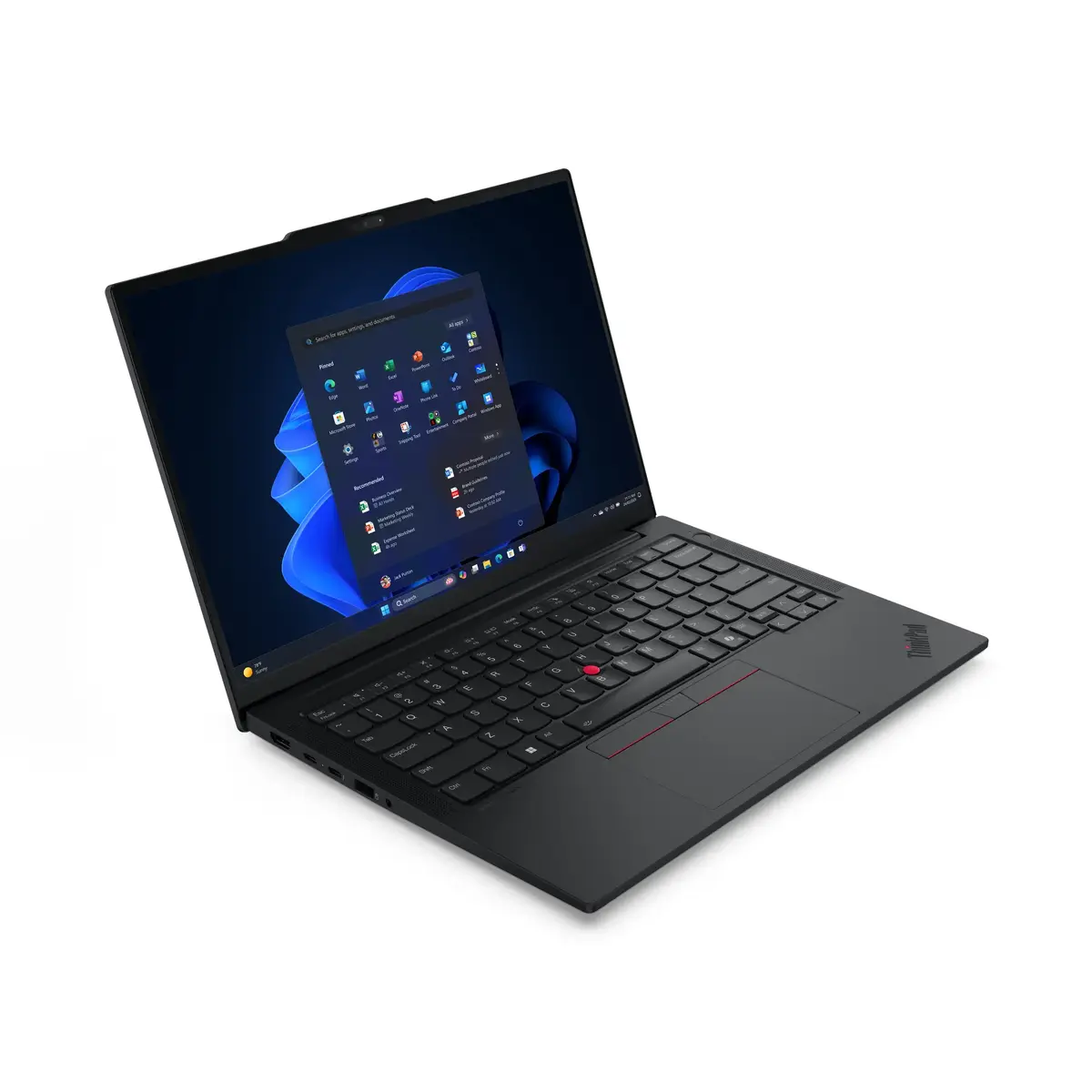
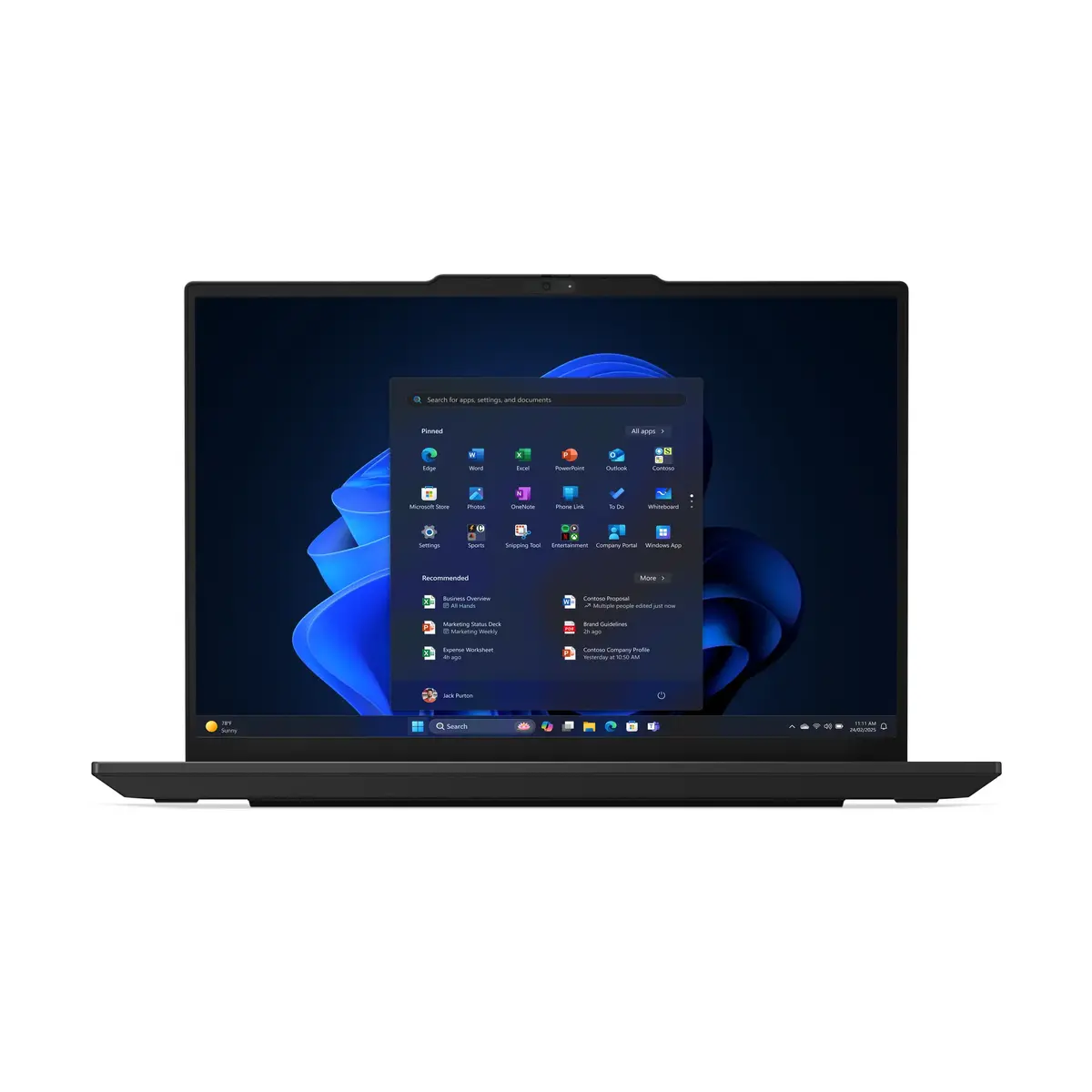
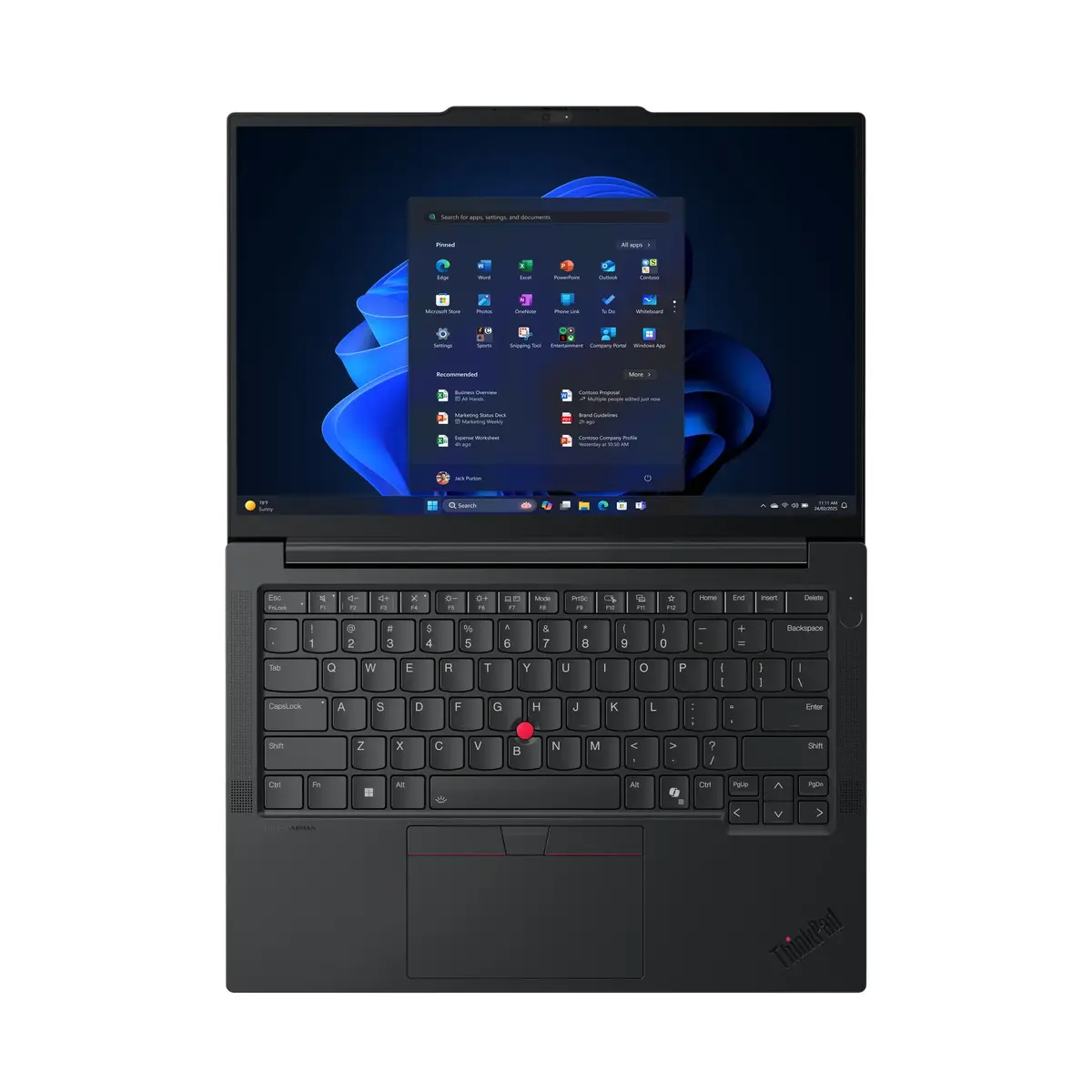
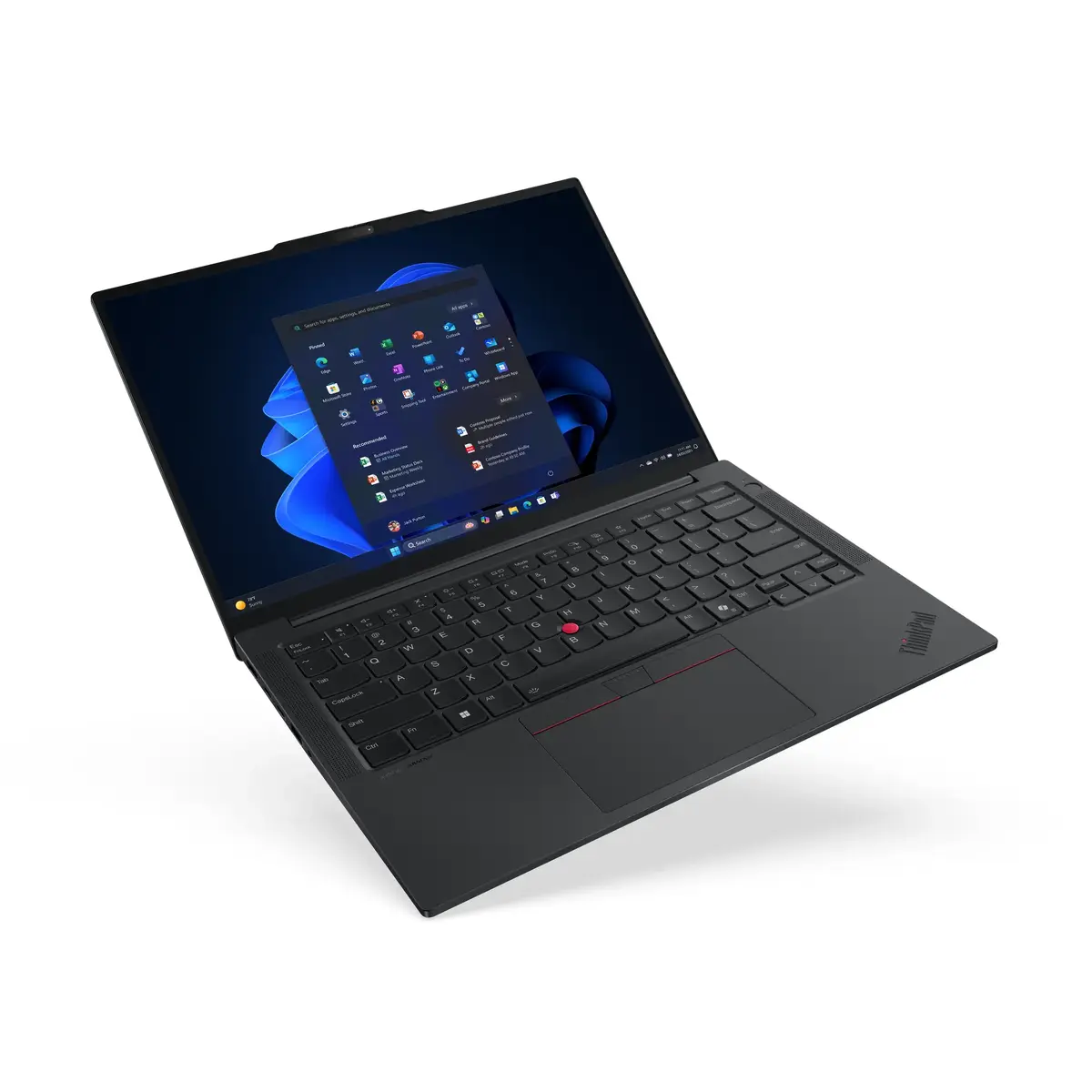
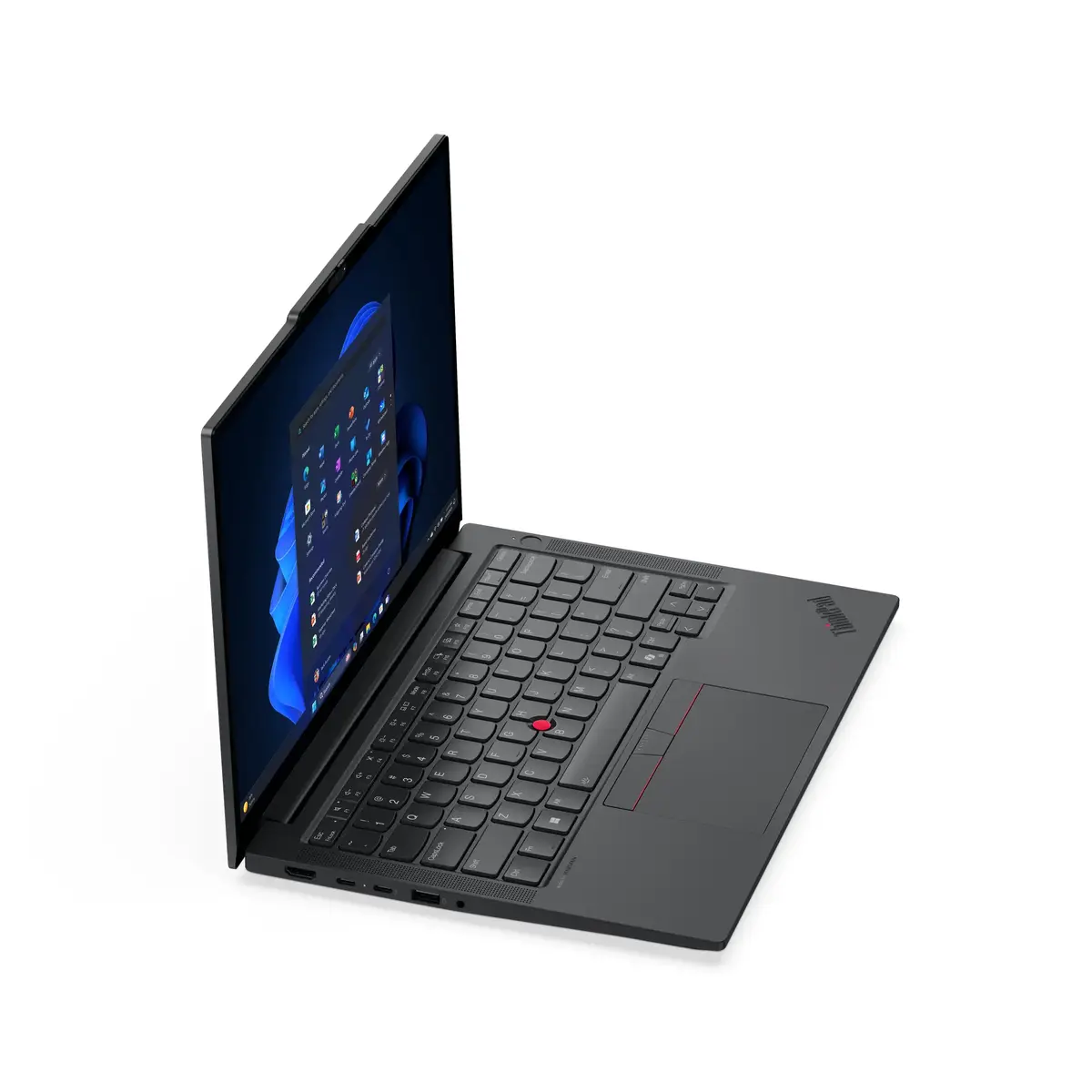
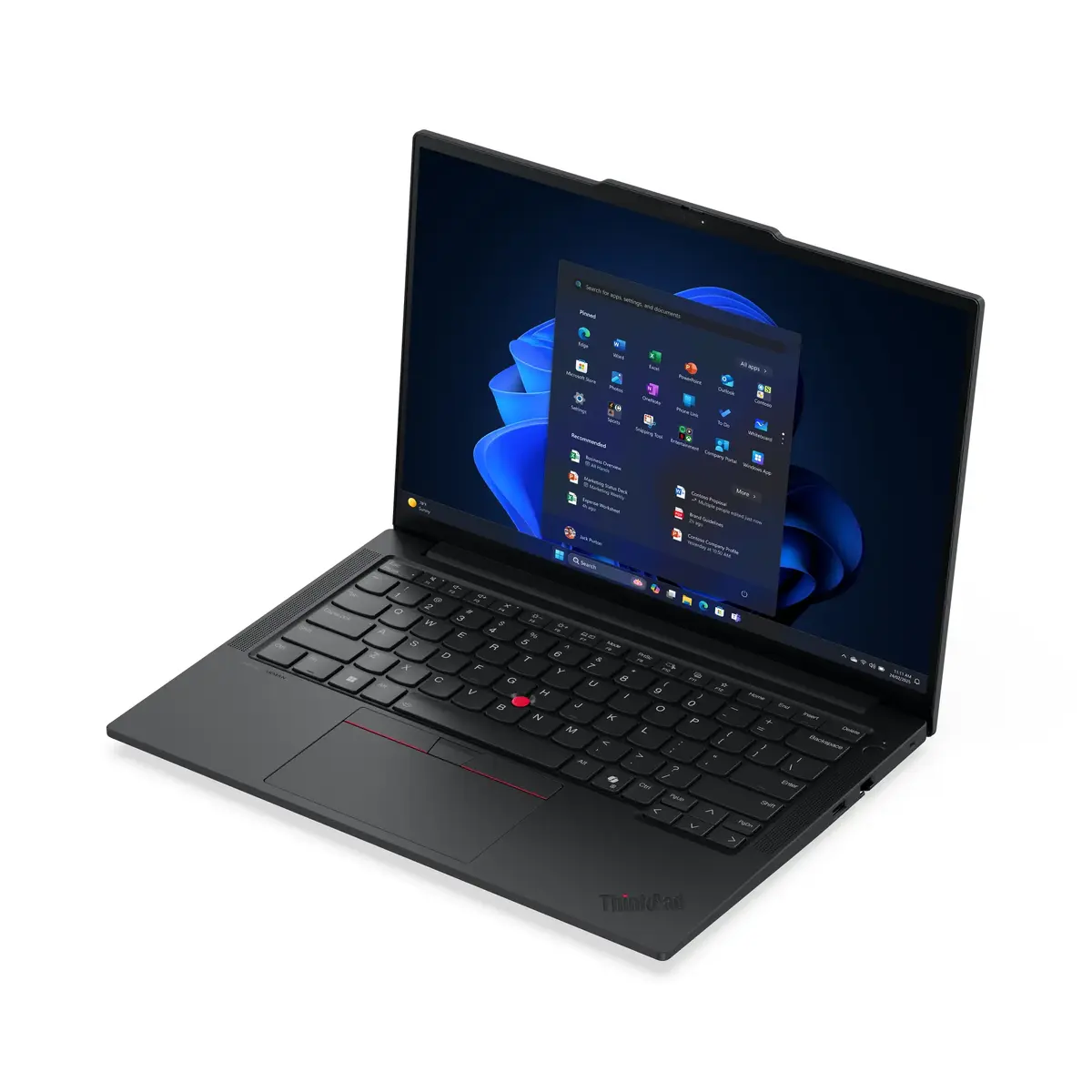
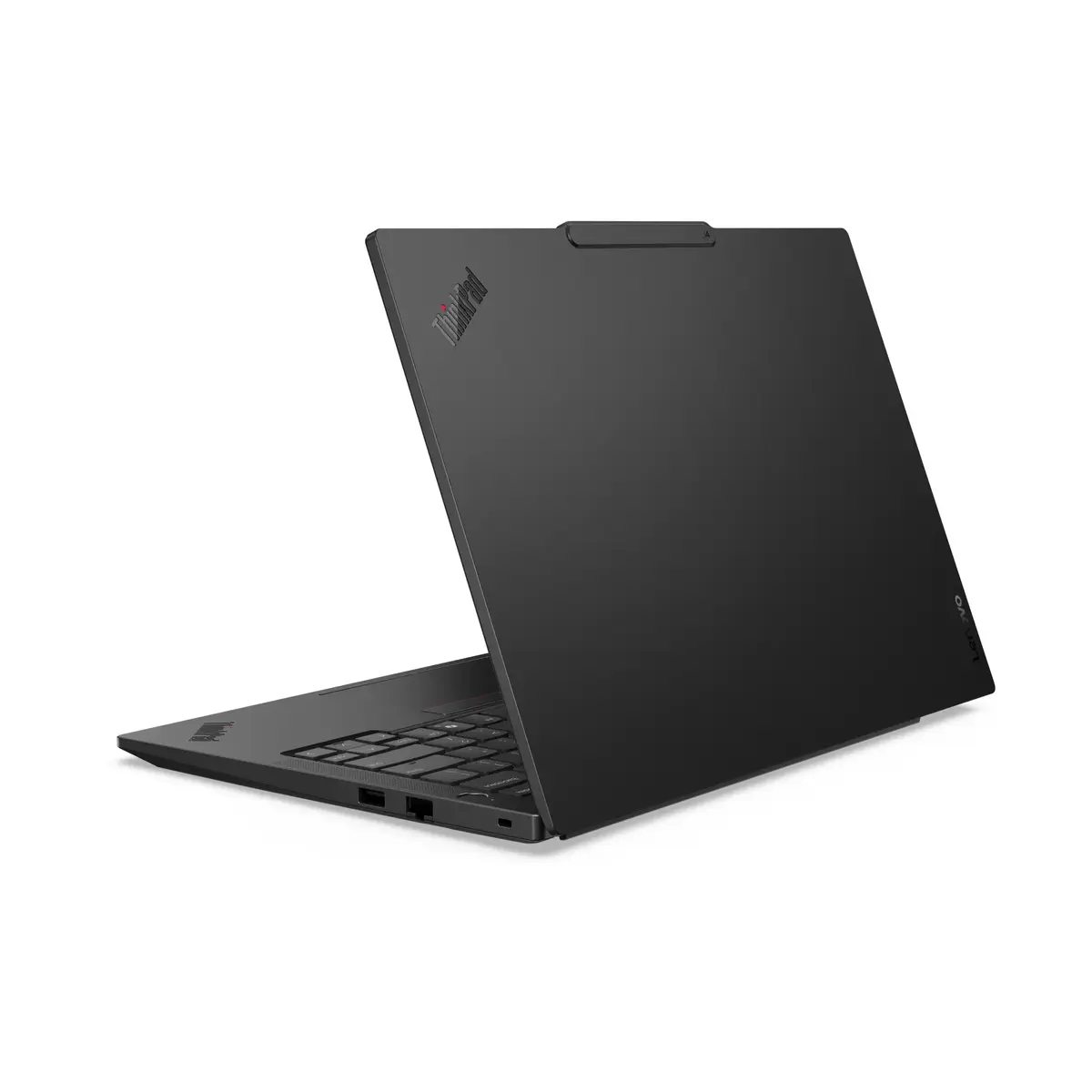
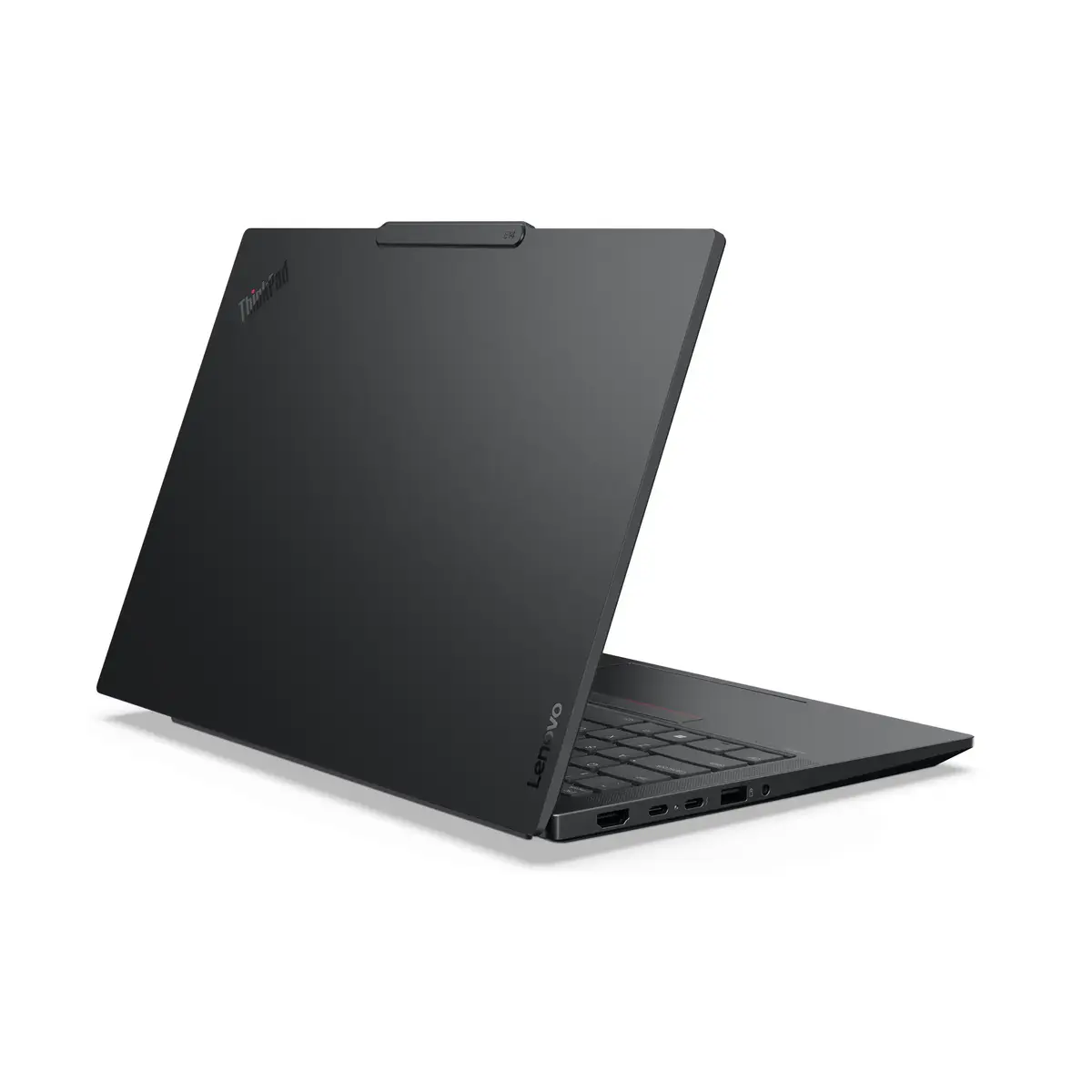
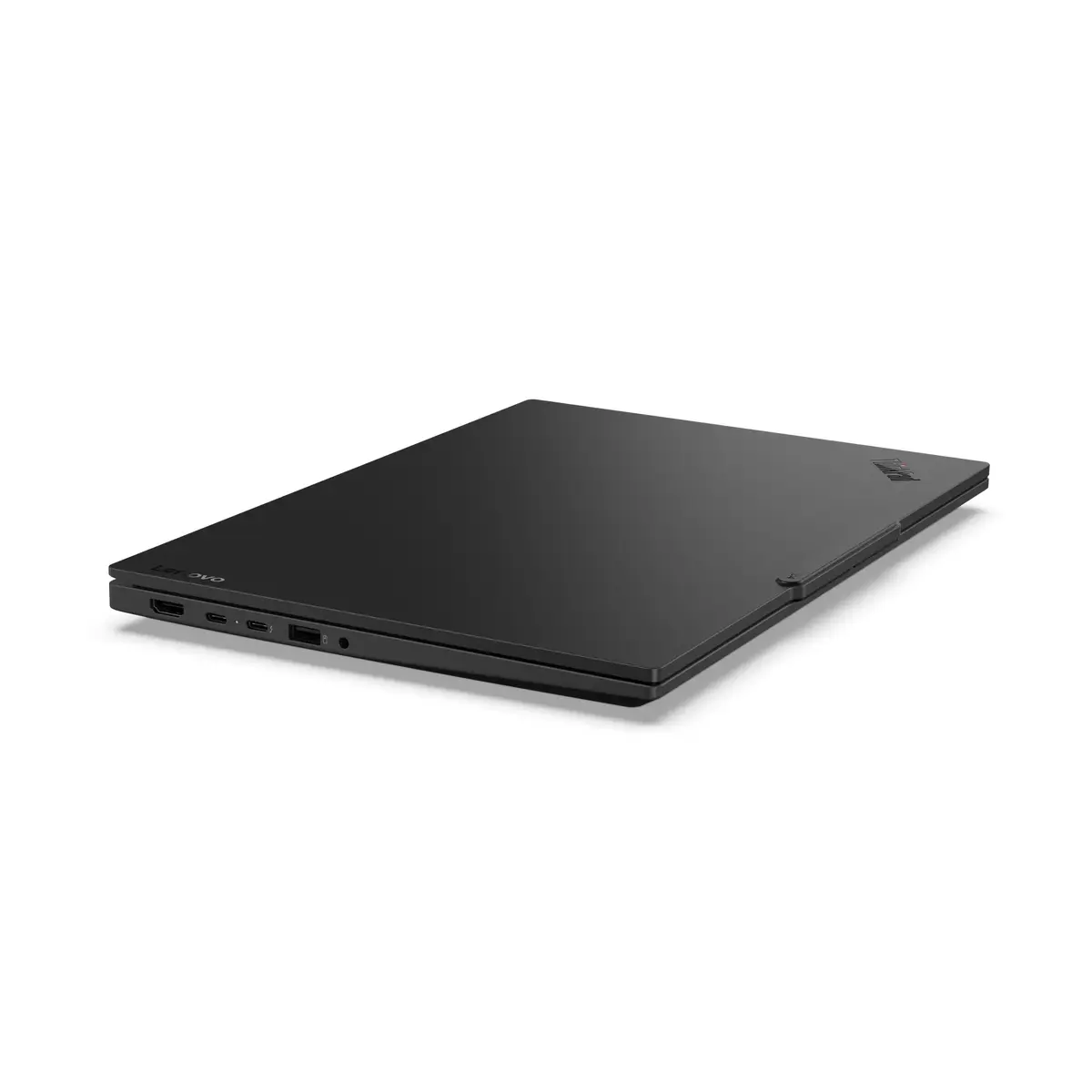
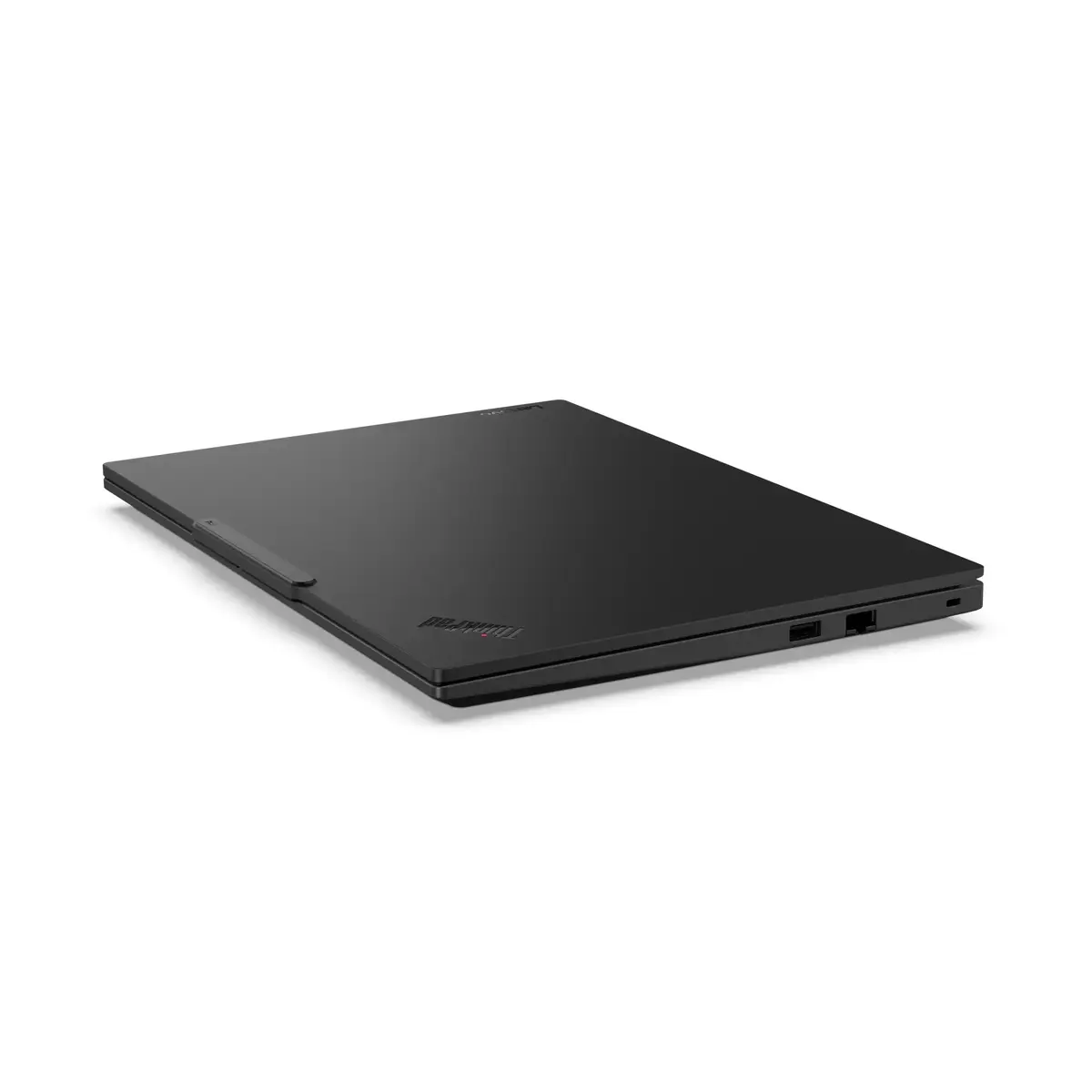
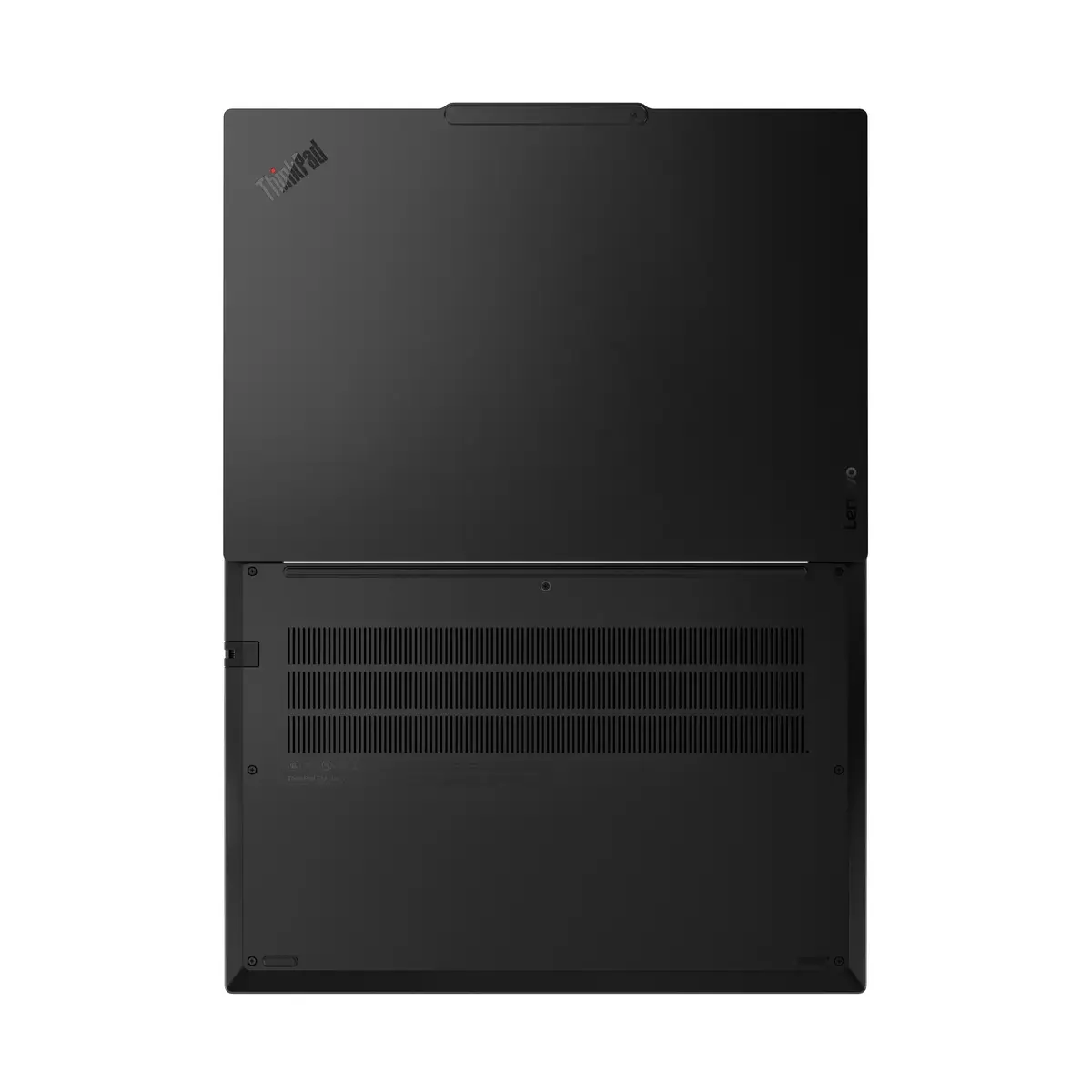
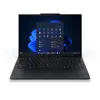
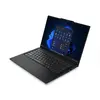
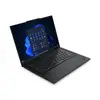
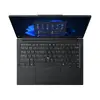
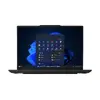
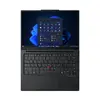
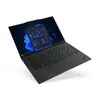
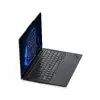
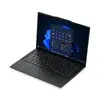
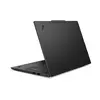
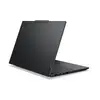
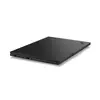
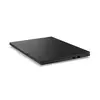
Lenovo ThinkPad E14 Gen 7 Laptop, Intel Core Ultra 7 258V, 14-inch WUXGA, 32GB LPDDR5x, 512GB SSD, Intel Arc Graphics, Windows 11 Pro, Black
The Lenovo ThinkPad E14 Gen 7 is a professional-grade laptop engineered for high-performance productivity and seamless multitasking. As a Copilot+ PC, it integrates advanced processing power with a compact, durable design, making it an ideal choice for business professionals and power users who require reliability in a portable form factor. Featuring the latest Intel Core Ultra 7 processor and integrated Intel Arc graphics, this device handles demanding applications with ease while maintaining efficient power consumption.
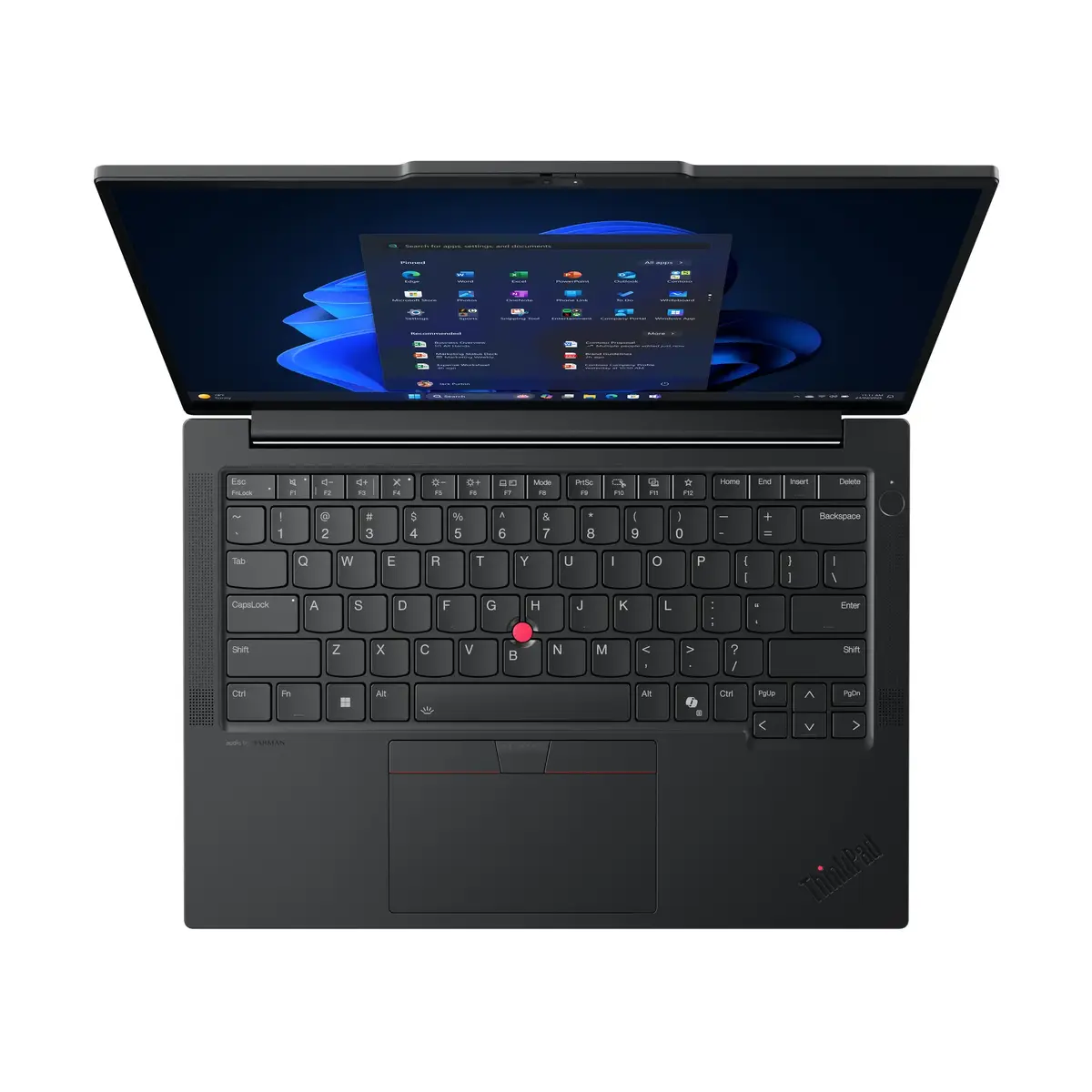
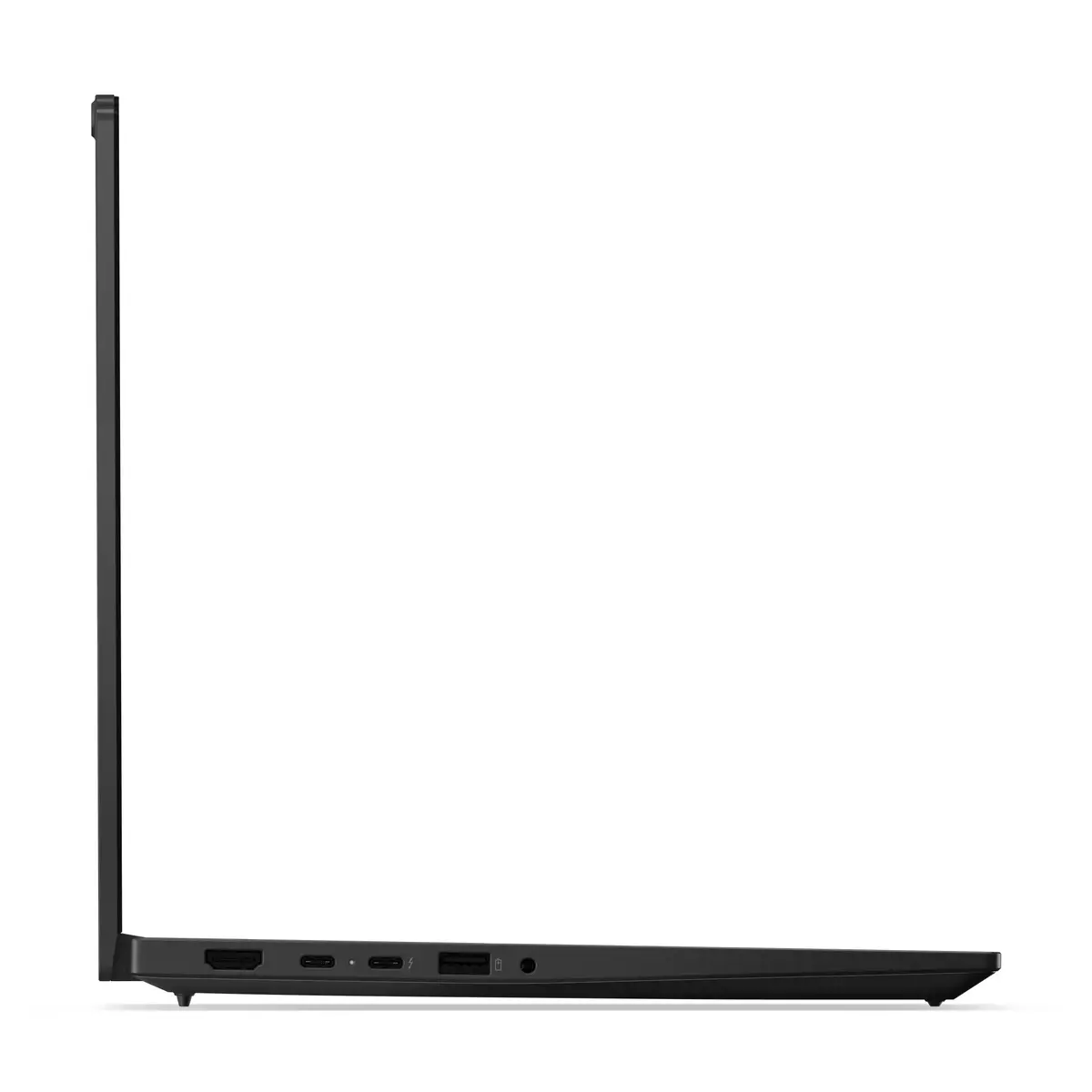
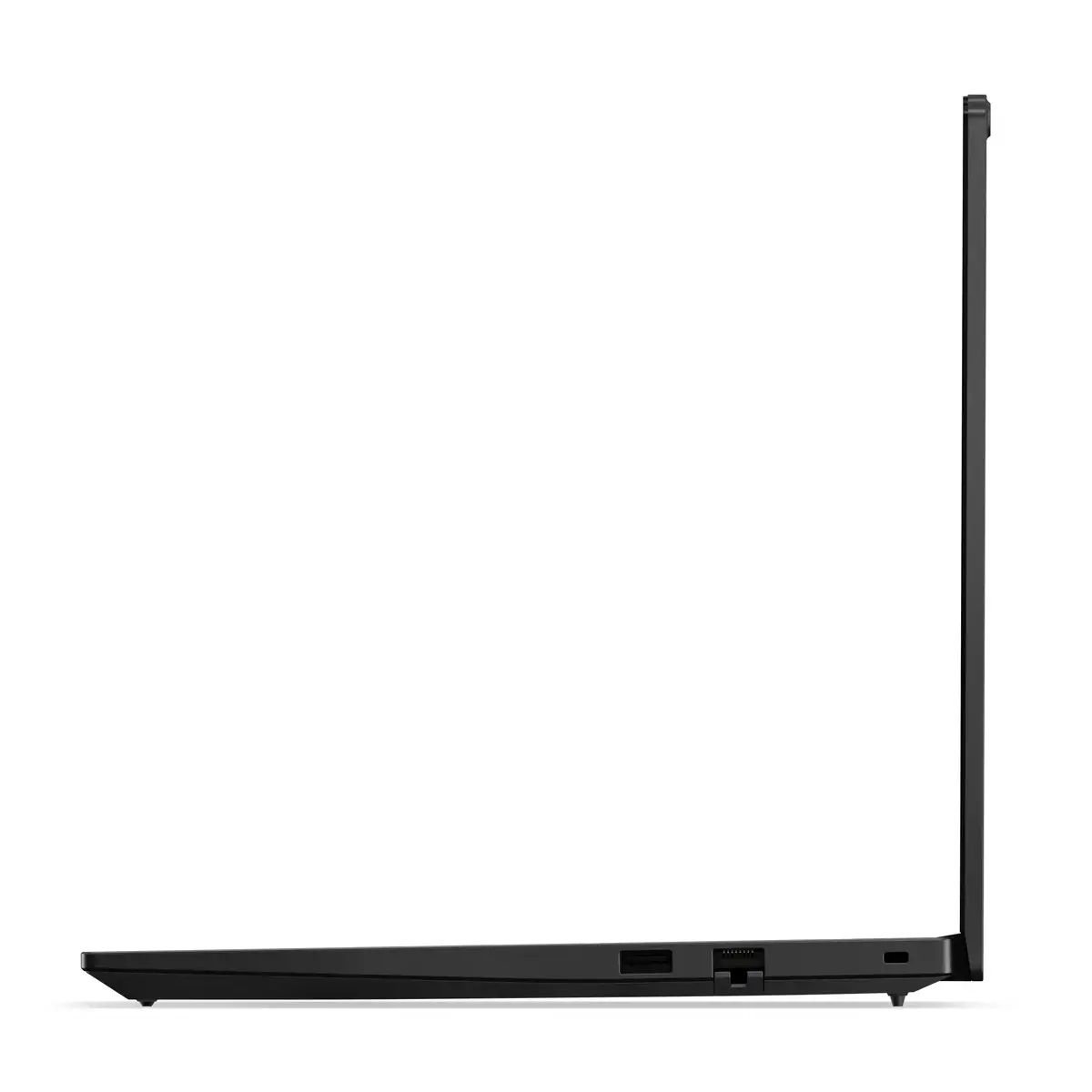
This laptop offers a significant performance boost thanks to its high-speed LPDDR5x memory and responsive SSD storage, ensuring quick boot times and smooth operation across multiple software environments. The 14-inch WUXGA display provides a crisp, clear visual experience suitable for detailed document work and media consumption. Its lightweight construction and robust build quality ensure that it can withstand the rigors of daily travel while providing a comfortable typing experience and comprehensive connectivity options for office and remote work setups.
This laptop is not designed for high-end gaming or intensive 3D rendering tasks that require a dedicated discrete graphics card. Users who prioritize a larger screen for professional video editing or graphic design may find the 14-inch display limiting for their specific workflow requirements.
To begin using your Lenovo ThinkPad E14 Gen 7, connect the provided power adapter to the charging port and press the power button to initiate the initial Windows 11 Pro setup. Follow the on-screen instructions to configure your network, user account, and security settings. Once the operating system is initialized, you can install your preferred productivity software and connect peripherals via the available ports or wireless connectivity options like Bluetooth and Wi-Fi.
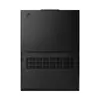
To maintain optimal performance and battery longevity, keep the system firmware updated via the Lenovo Vantage software and avoid blocking the air vents during intensive tasks to ensure proper cooling.
{{highlightedFeature.featureTitle}}:
{{getProductFeatureValueById(product, highlightedFeature.featureId)}}
{{ productComparisonGenerationError }}
