










JBL speakers and headphones for pure and deep sound!
In cart {{totalProductsCount}} item(s)
Your cart is empty
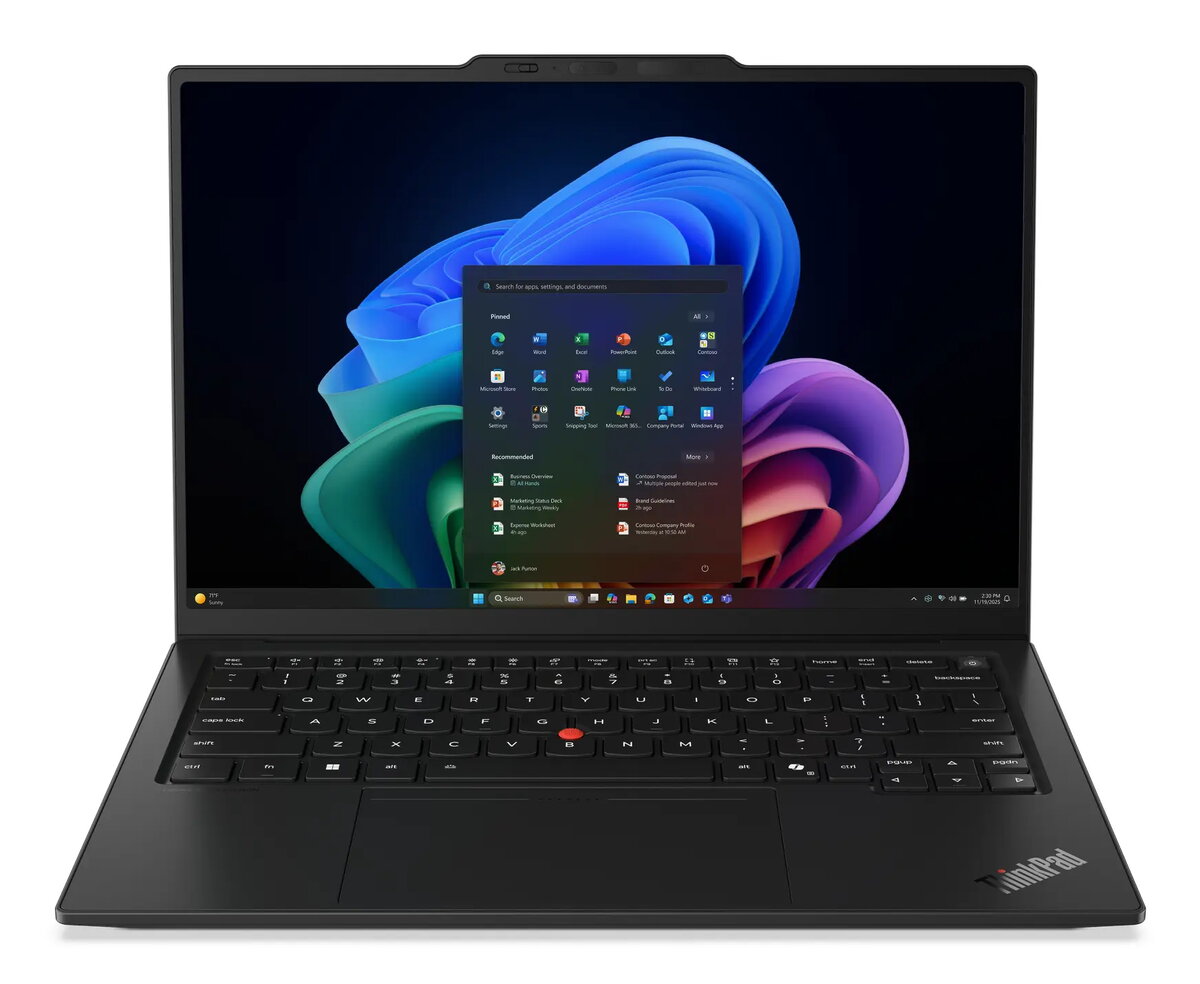
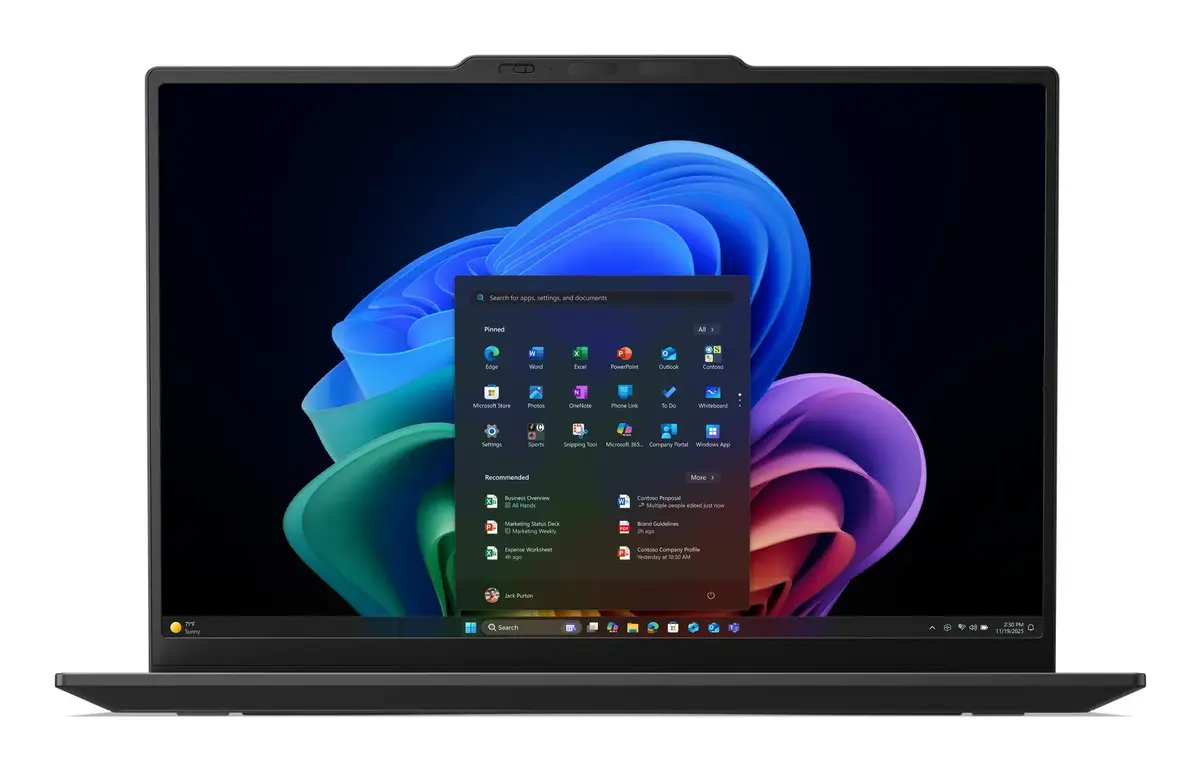
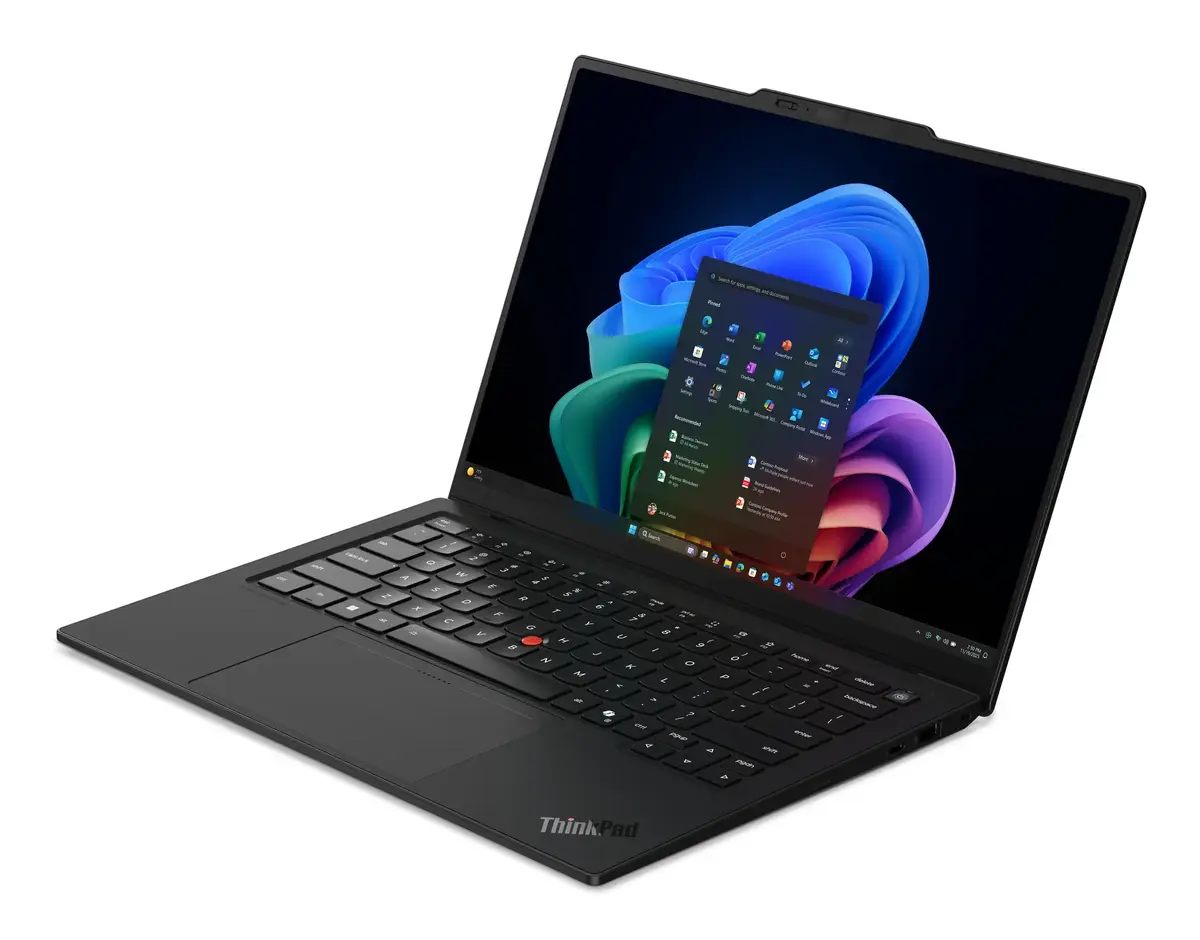
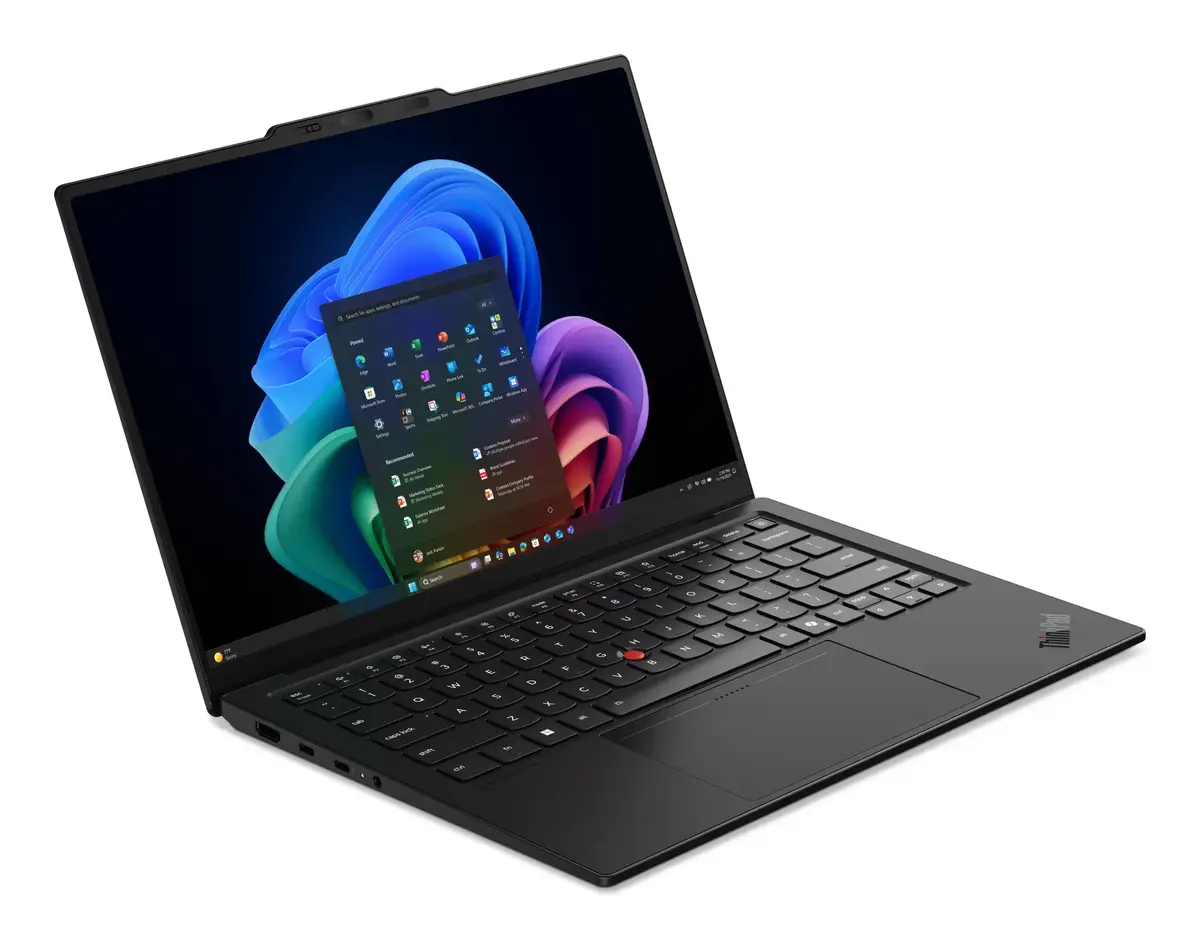
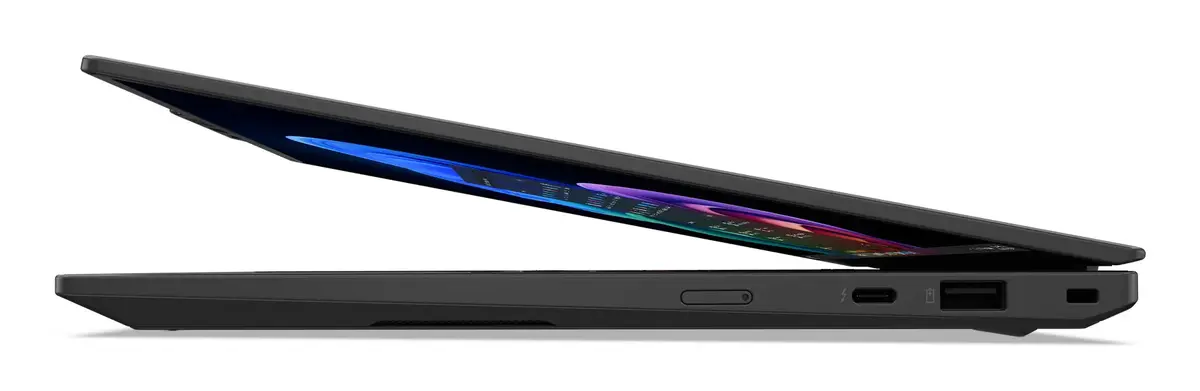
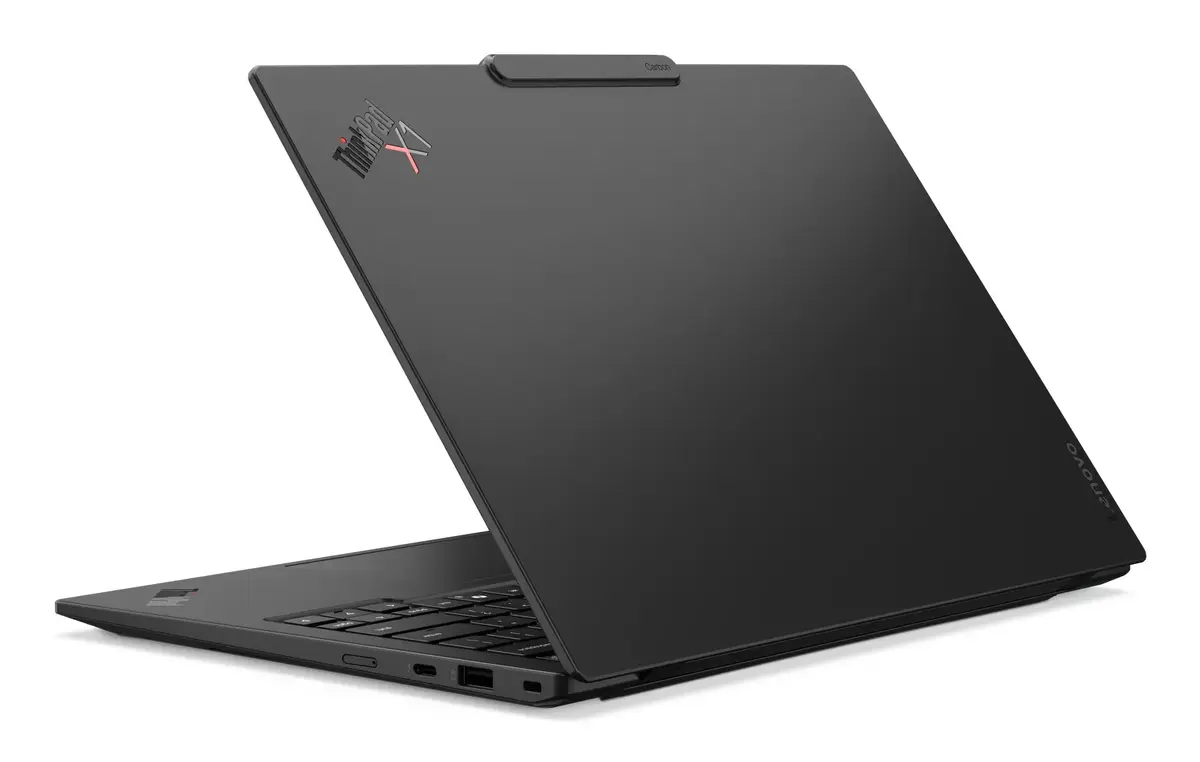
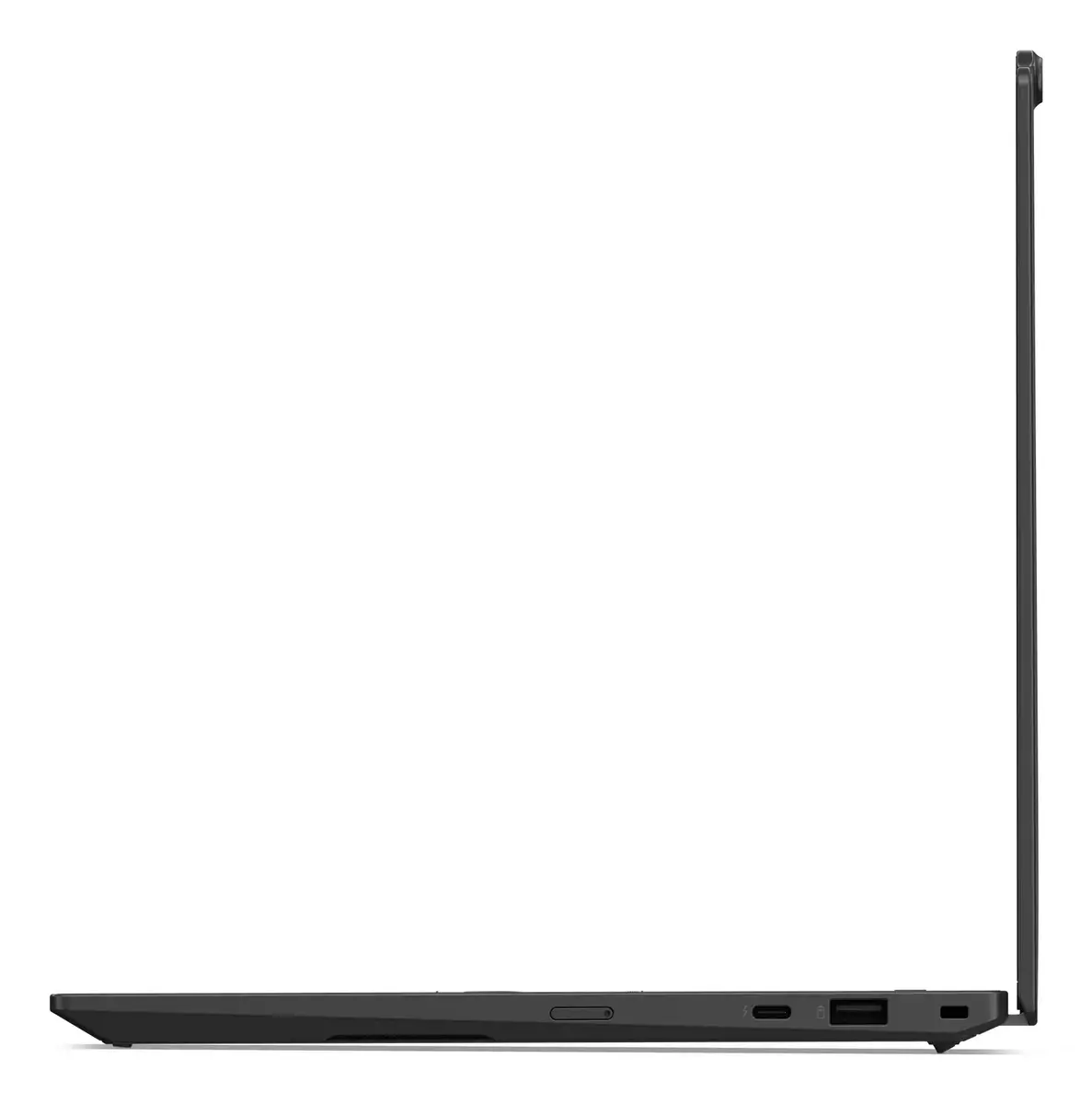
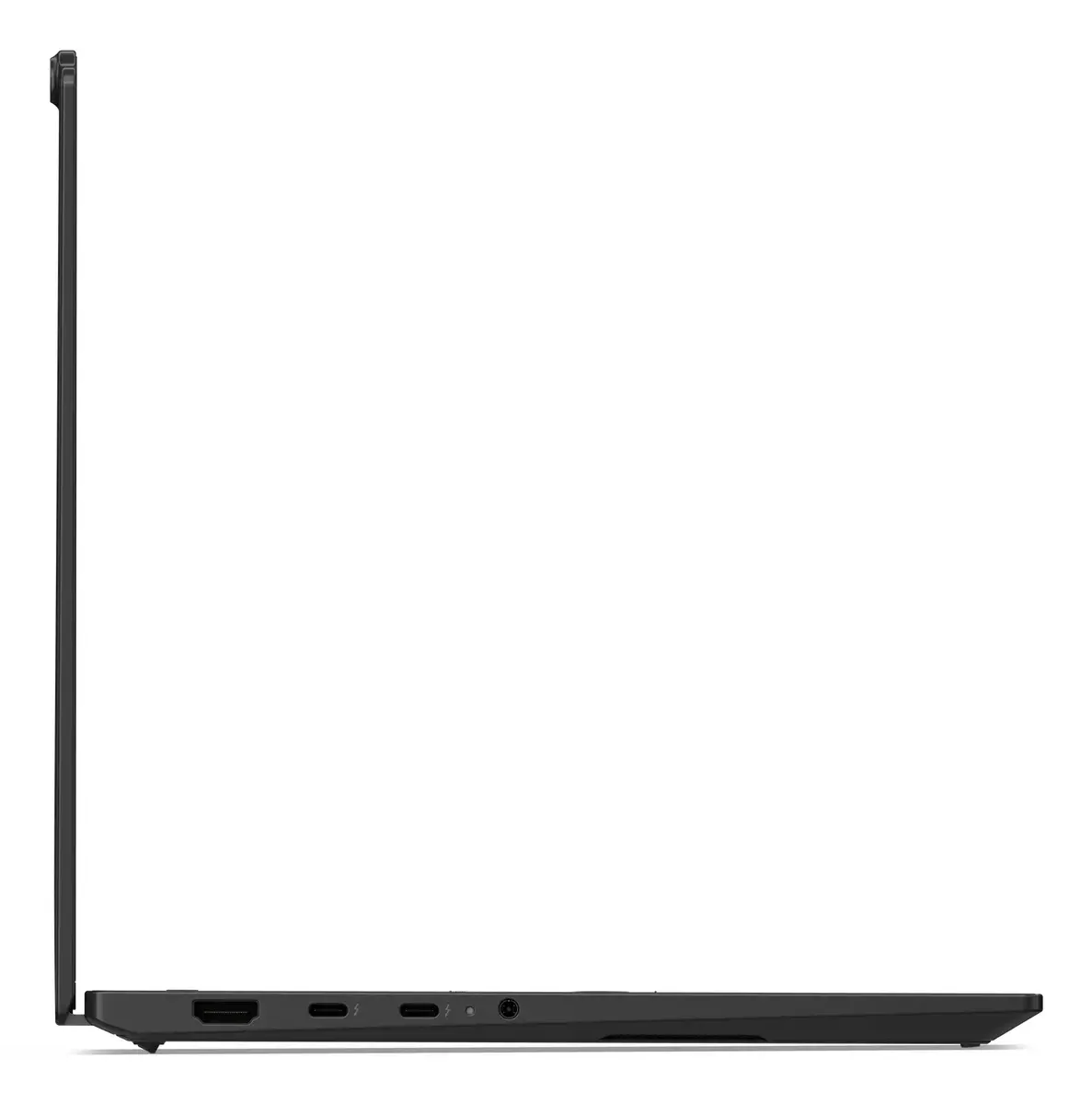
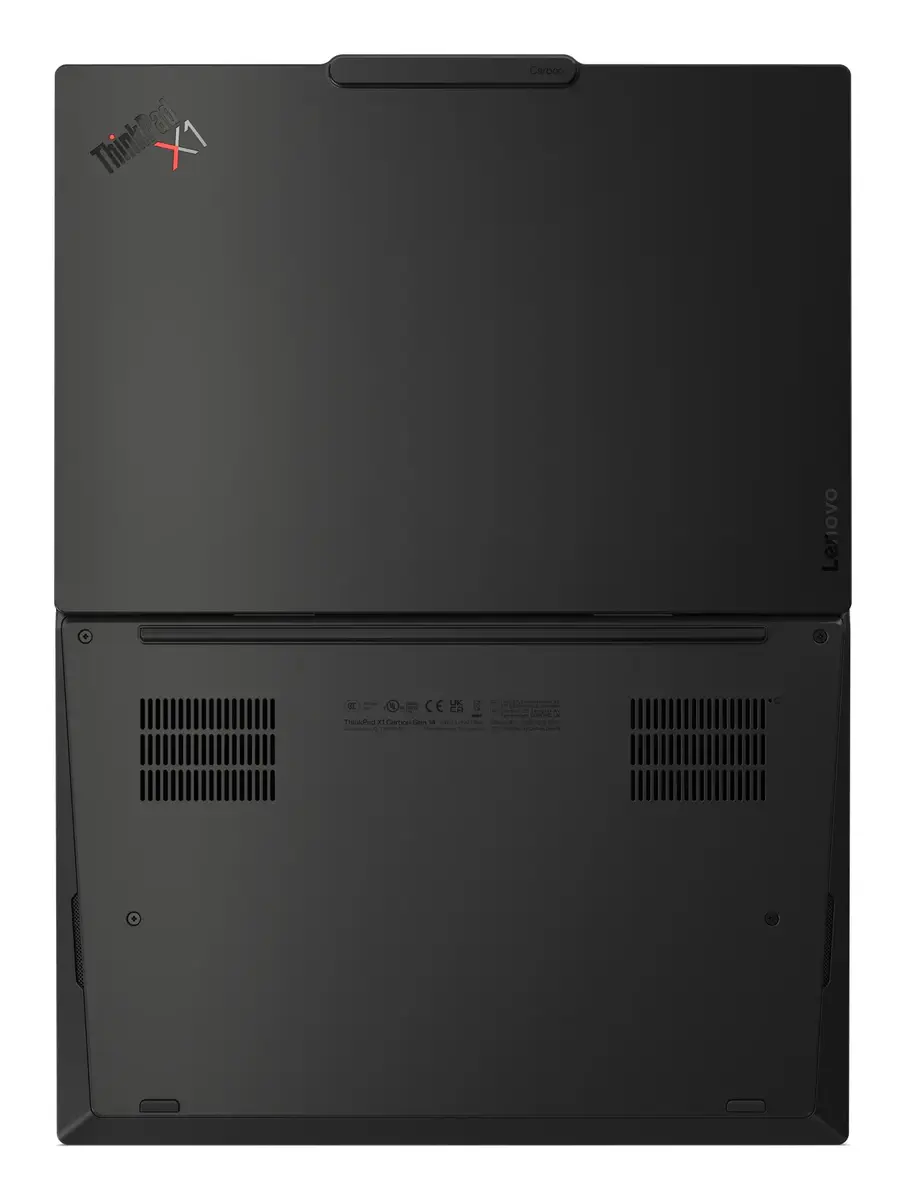
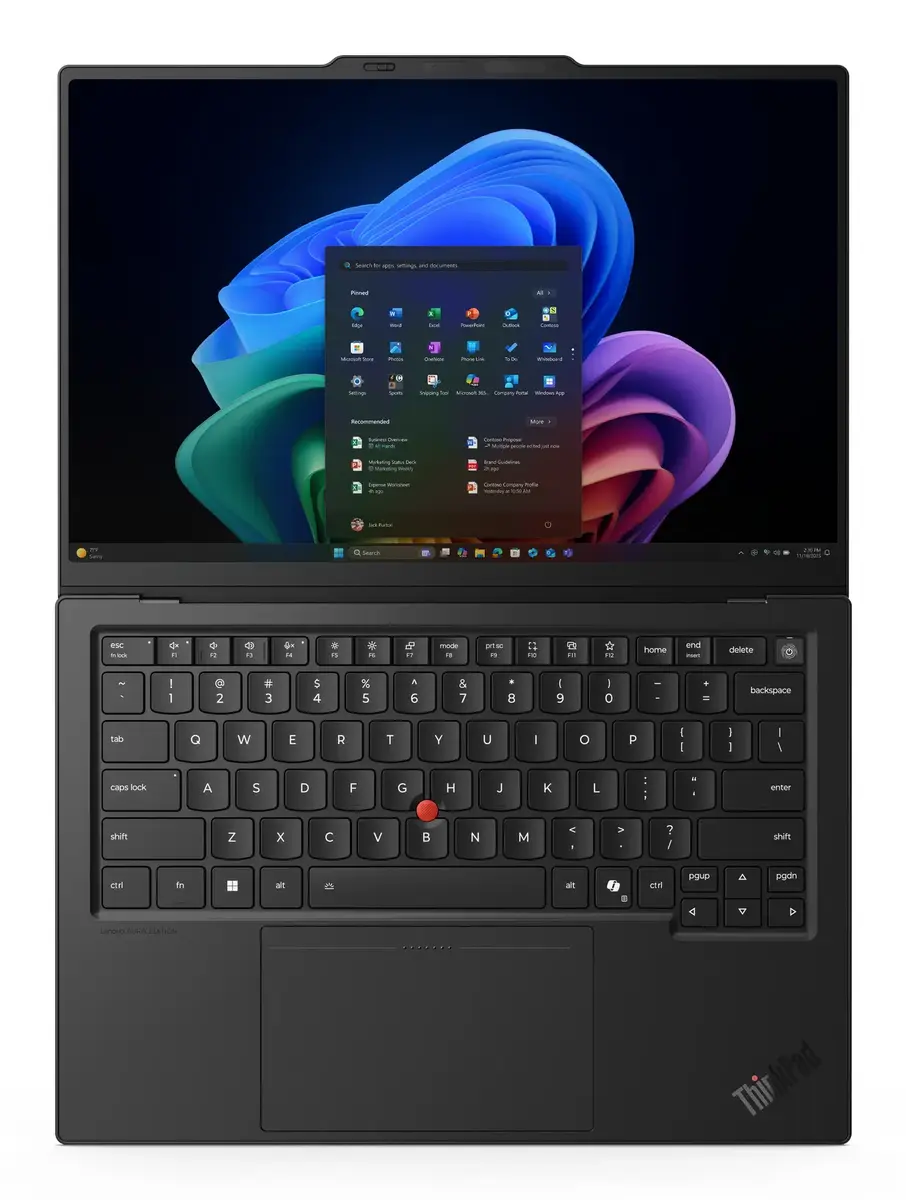
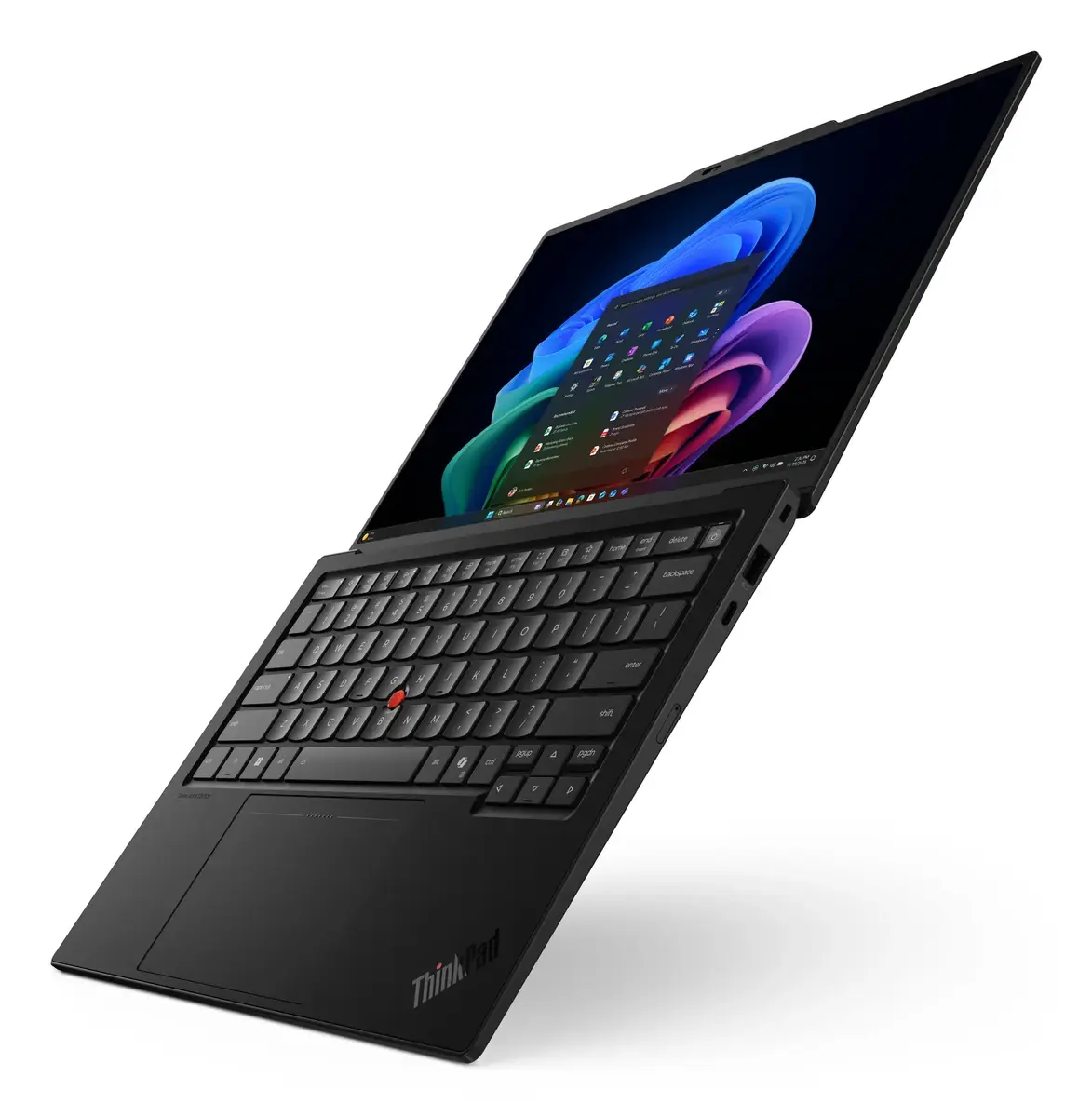
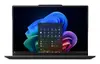
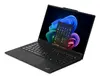
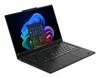
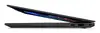
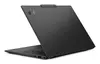
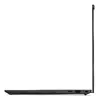
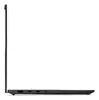
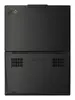
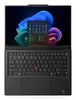
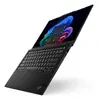
Lenovo ThinkPad X1 Carbon Gen 14 Aura Edition Laptop, Intel Core Ultra 7 355, 14-inch 2.8K Touchscreen, 32GB RAM, 1TB SSD, Windows 11 Pro, Black
The Lenovo ThinkPad X1 Carbon Gen 14 Aura Edition is a premium, high-performance laptop engineered for professionals who require reliability, speed, and portability. As a Copilot+ PC, it integrates advanced computing capabilities with a sleek, durable clamshell design. Powered by the Intel Core Ultra 7 355 processor and equipped with 32GB of high-speed memory, this device handles intensive multitasking and complex business applications with ease. The stunning 14-inch 2.8K touchscreen display provides crisp visuals, making it an ideal tool for both content creation and data analysis in a professional environment.
This laptop stands out due to its exceptional build quality and lightweight construction, weighing just under one kilogram, which makes it perfect for mobile professionals. The inclusion of a high-resolution 2.8K touchscreen offers an immersive viewing experience with precise touch control. With 1TB of SSD storage, users benefit from rapid boot times and quick access to large files. Furthermore, the integration of Wi-Fi 7 ensures future-proof connectivity, providing faster and more stable wireless performance in crowded network environments.
This device is not designed for users who require dedicated high-end graphics cards for professional 3D rendering or intensive gaming, as it relies on integrated graphics. Additionally, those who prefer a larger screen size for desktop-like productivity may find the 14-inch display limiting without an external monitor.
To begin using your Lenovo ThinkPad X1 Carbon, simply open the lid to power on the device. Follow the initial Windows 11 Pro setup prompts to configure your user account and network settings. The touchscreen interface allows for intuitive navigation, which can be used alongside the traditional keyboard and trackpad. For optimal performance, ensure the device is connected to the provided power adapter during initial updates and intensive tasks.
To maintain the longevity of your laptop, keep the ventilation areas clear of obstructions and perform regular software updates through the Windows settings. Use a soft, microfiber cloth to clean the touchscreen to prevent scratches and smudges.
{{highlightedFeature.featureTitle}}:
{{getProductFeatureValueById(product, highlightedFeature.featureId)}}
{{ productComparisonGenerationError }}
