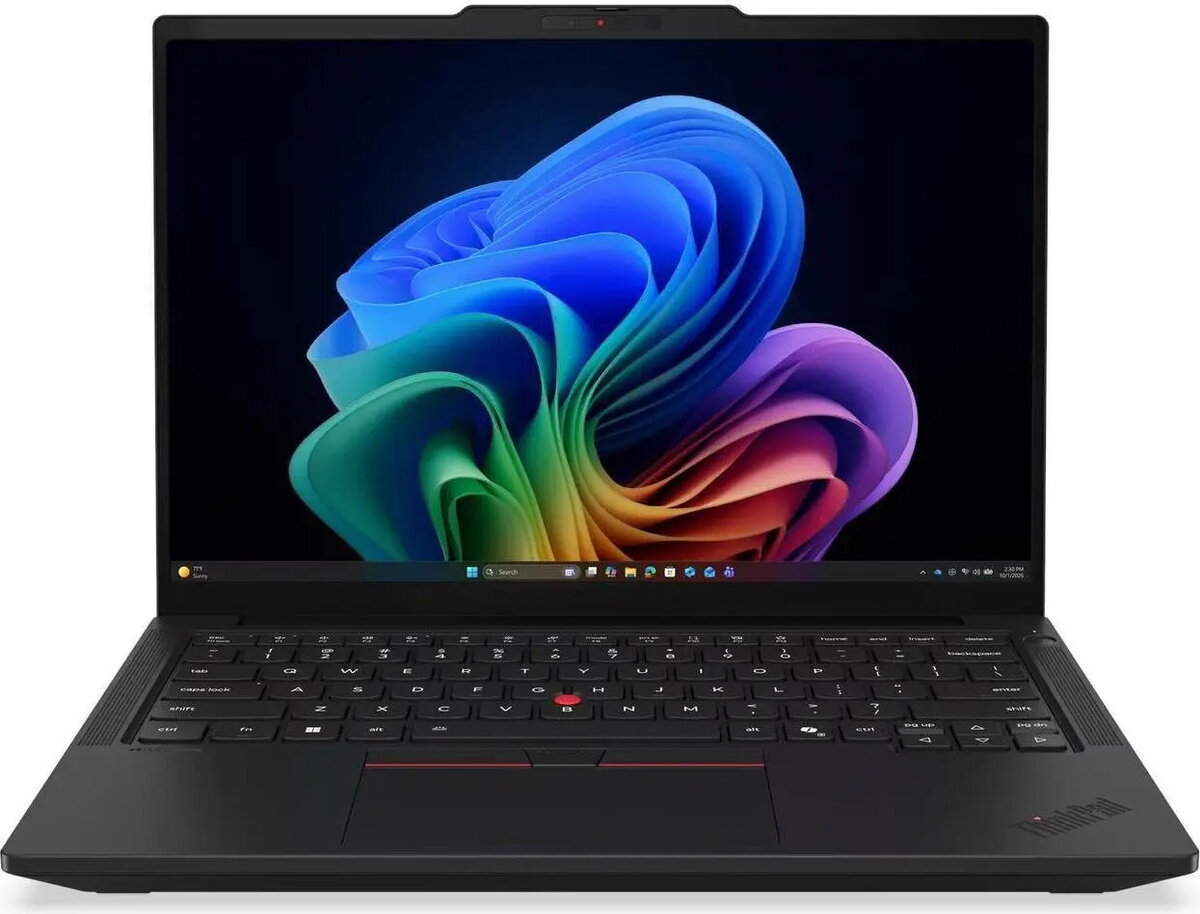
The Lenovo ThinkPad T14 Gen 7 is a high-performance professional laptop engineered to meet the demands of modern business environments. Powered by the AMD Ryzen AI 5 Pro 440 processor and integrated Radeon 840M graphics, this device delivers efficient multitasking and reliable computing power. With 32GB of RAM and a 512GB SSD, it provides ample speed and storage for complex workflows, while the 14-inch IPS display with a 1920x1200 resolution offers crisp, clear visuals for documents, presentations, and media. The laptop comes pre-installed with Windows 11 Pro and features advanced connectivity options including Wi-Fi 7 and Bluetooth, ensuring seamless integration into any office or remote setup.
Advantages
This laptop stands out due to its robust build quality and enterprise-grade security features, which are hallmarks of the ThinkPad series. The inclusion of the latest AMD Ryzen AI processor provides a significant boost to productivity, particularly for AI-accelerated tasks and data-heavy applications. The 32GB of memory ensures that users can run multiple demanding applications simultaneously without performance degradation. Furthermore, the 14-inch display is optimized for readability and comfort, reducing eye strain during long working hours. The inclusion of Lenovo Premier Support provides peace of mind, offering direct access to expert technical assistance.
Suitable for
- Corporate business environments and office productivity
- Remote work and mobile professionals requiring a portable device
- Data analysis and multitasking with heavy software suites
- Educational purposes and research
This device may not be suitable for users who require dedicated high-end graphics cards for professional 3D rendering, video editing, or intensive gaming. While the integrated Radeon 840M graphics are excellent for business applications and media consumption, they are not designed for heavy graphical workloads.
Key specifications
- Processor: AMD Ryzen AI 5 Pro 440
- Memory: 32GB RAM
- Storage: 512GB SSD
- Display: 14-inch IPS, 1920x1200 resolution
- Graphics: Integrated Radeon 840M
- Operating System: Windows 11 Pro
- Connectivity: Wi-Fi 7, Bluetooth
- Keyboard Layout: German
To begin using your Lenovo ThinkPad T14 Gen 7, simply connect the power adapter and follow the on-screen instructions provided by the Windows 11 Pro setup wizard. Once configured, you can connect to your local network via Wi-Fi 7 to download necessary updates and software. The device is ready for immediate use for professional tasks, and you can customize your security settings, including biometric authentication if available, through the system settings menu.
What to consider before purchase
- Verify that the German keyboard layout meets your specific typing requirements.
- Ensure that the 512GB storage capacity is sufficient for your data needs or consider external storage solutions.
- Check if your existing peripherals are compatible with the available ports on the device.
For optimal performance and longevity, it is recommended to keep the system firmware and drivers updated through the Lenovo Vantage software. Additionally, ensure the device is kept in a well-ventilated area during heavy use to maintain efficient cooling.