
JBL speakers and headphones for pure and deep sound!
In cart {{totalProductsCount}} item(s)
Your cart is empty
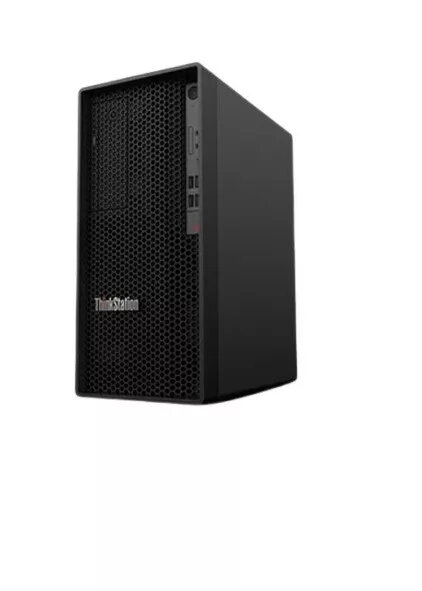
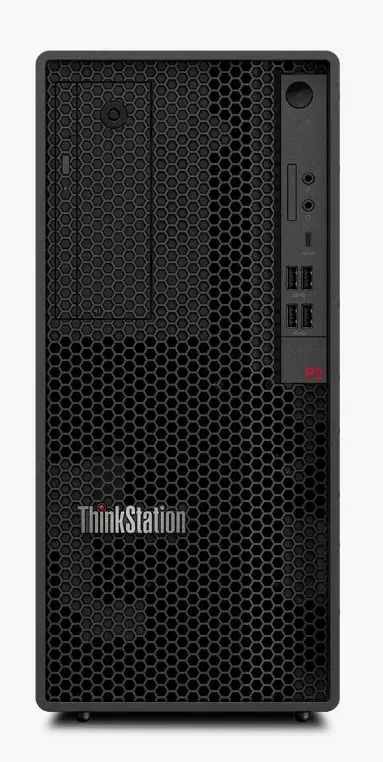
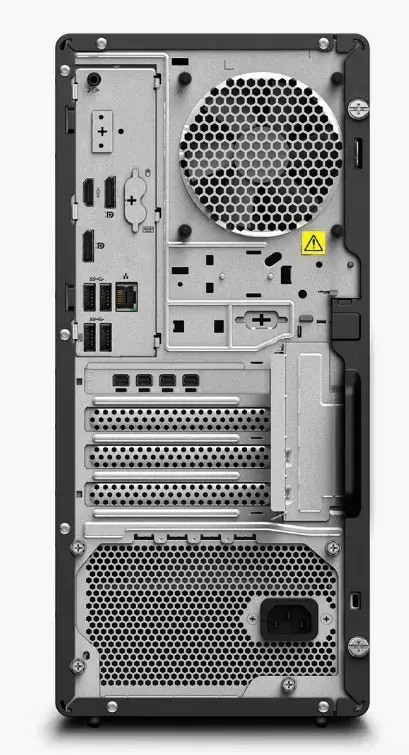
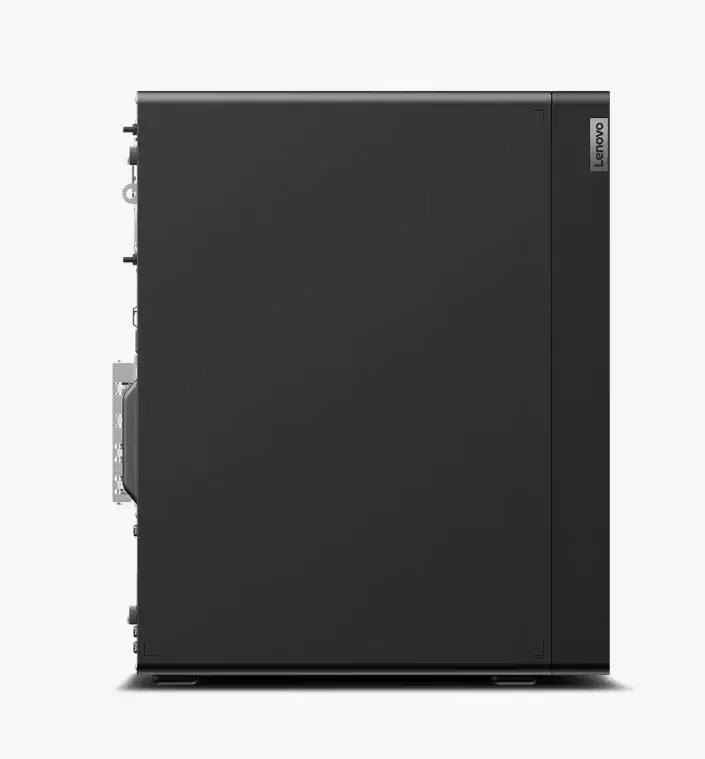
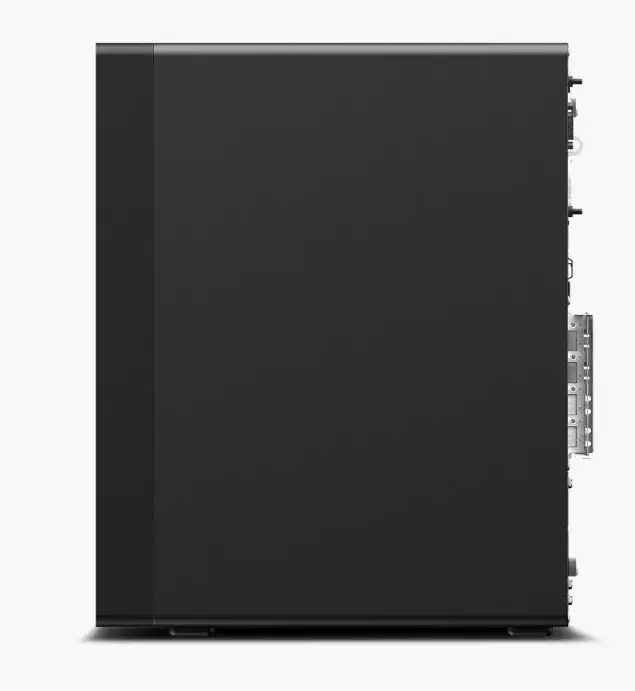
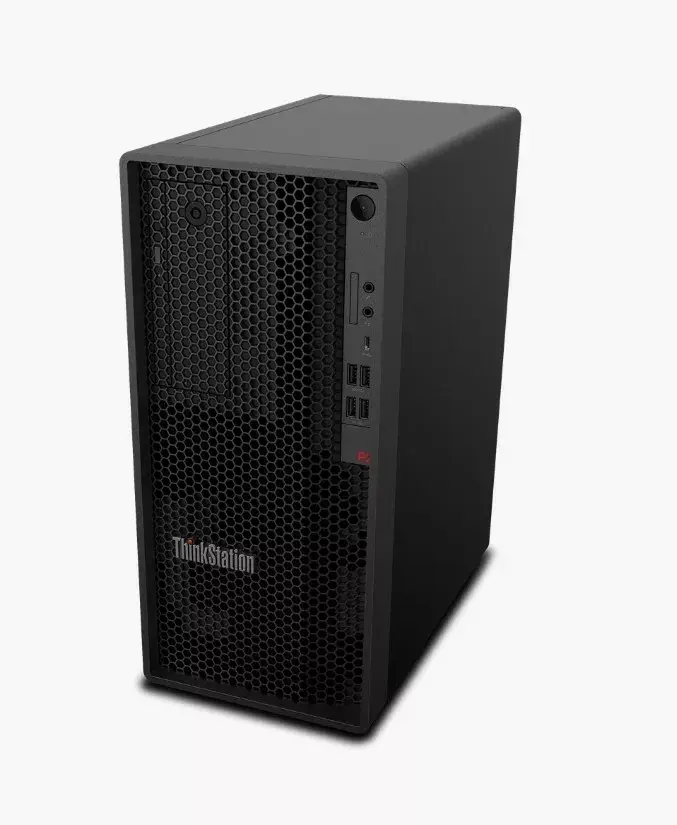
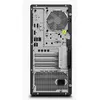
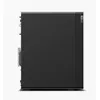
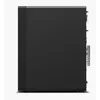
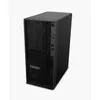
Computer Workstation ThinkStation P2 TOWER i7-14700K 32GB 1TB RTX 4060 W11Pro
The Lenovo ThinkStation P2 TOWER i7-14700K 32GB 1TB RTX 4060 W11Pro is a professional workstation designed for compute-intensive tasks. It combines a high-performance 14th Gen Intel Core i7-14700K processor with 32 GB of memory and a 1 TB solid-state drive to deliver responsive system performance and fast data access. An NVIDIA RTX 4060 8 GB graphics card provides GPU acceleration for rendering, visualization and hardware-accelerated video workflows. The system ships with Windows 11 Pro and Intel vPro technology for improved manageability and security in business environments, and it includes a three-year warranty for commercial use.
The configuration balances multi-threaded CPU power and dedicated GPU performance to handle 3D modelling, CAD, video editing and simulation workloads. Large fast storage and a substantial memory footprint reduce loading times and permit smoother multitasking. Built-in platform features such as Windows 11 Pro and vPro enable centralised management, firmware-level security controls and remote administration suitable for IT departments. The tower form factor supports expandability for additional drives, memory or PCIe cards.
Set up the workstation on a stable surface with sufficient ventilation around the tower. Connect the display, keyboard, mouse and network according to the supplied documentation. Use Windows 11 Pro setup to configure user accounts and domain or directory integration if required. Install application software (3D packages, editing suites, CAD tools) and ensure GPU drivers are updated to the latest certified release from the GPU vendor to benefit from hardware acceleration. For optimal performance, enable high-performance power profiles and configure application-specific GPU settings where available.
For sustained heavy workloads such as long renders or batch processing, monitor CPU and GPU temperatures and consider an environment with good airflow. Keep system and GPU drivers up to date, and back up critical project data to external storage or network locations. When expanding storage or memory, follow manufacturer guidelines to preserve warranty and compatibility.
{{highlightedFeature.featureTitle}}:
{{getProductFeatureValueById(product, highlightedFeature.featureId)}}
{{ productComparisonGenerationError }}
