
JBL speakers and headphones for pure and deep sound!
In cart {{totalProductsCount}} item(s)
Your cart is empty
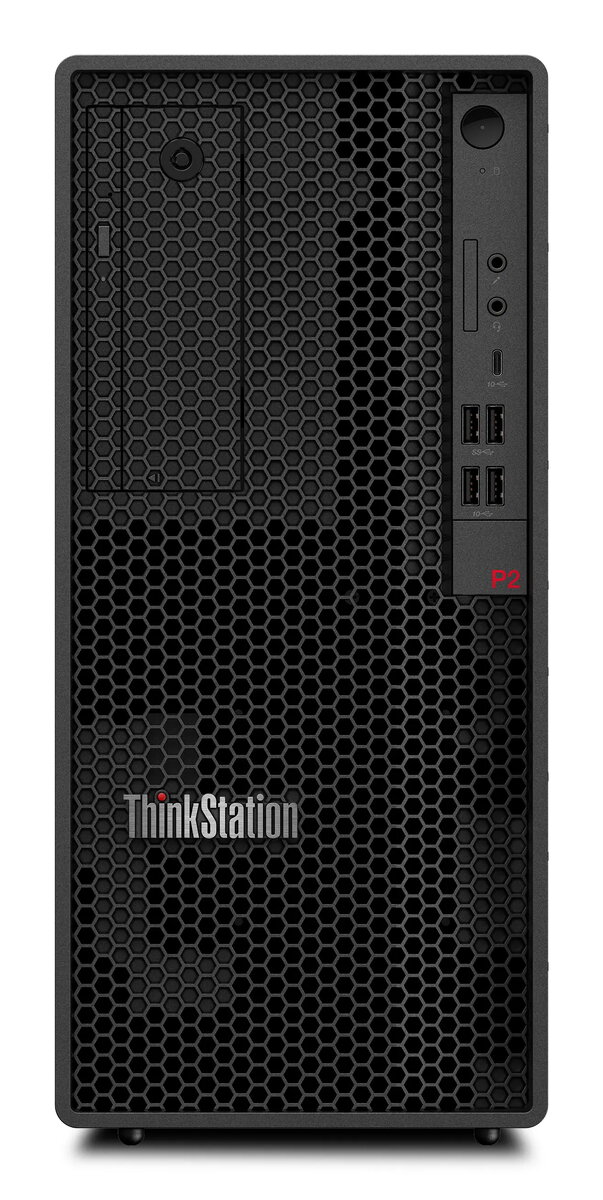
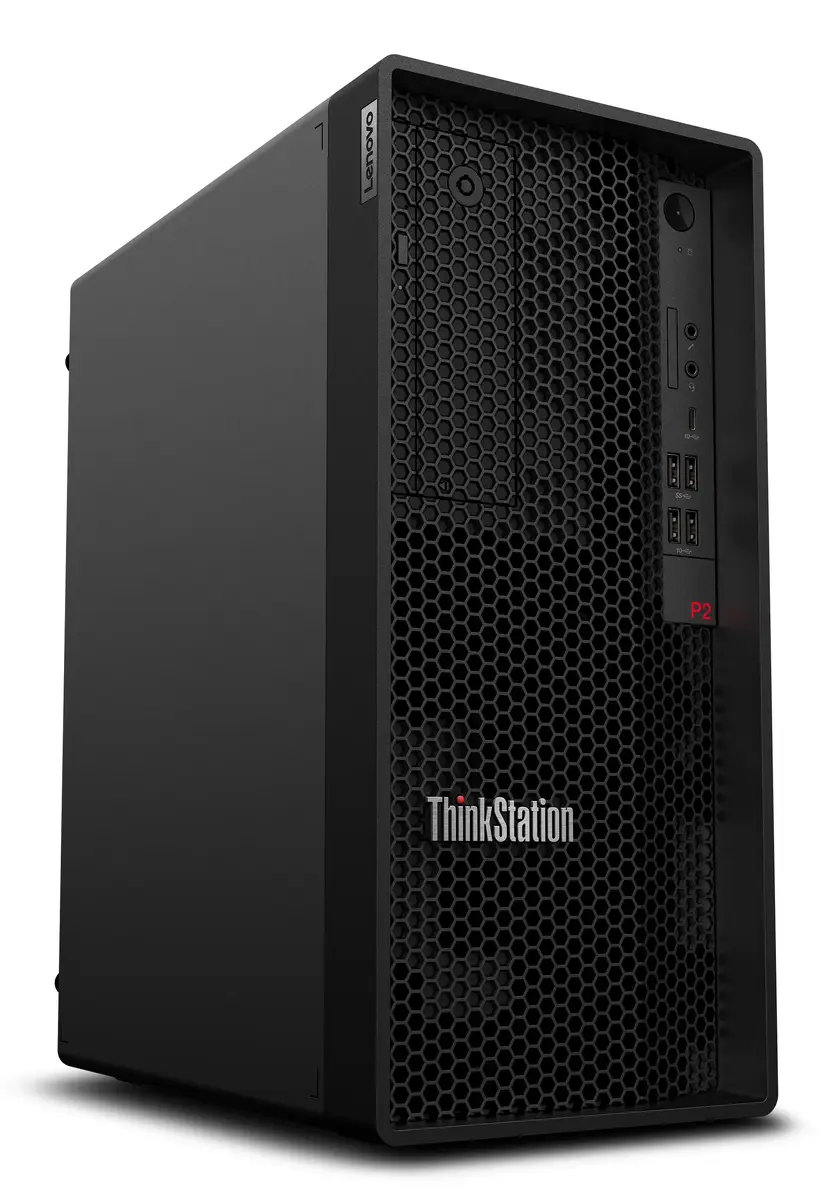
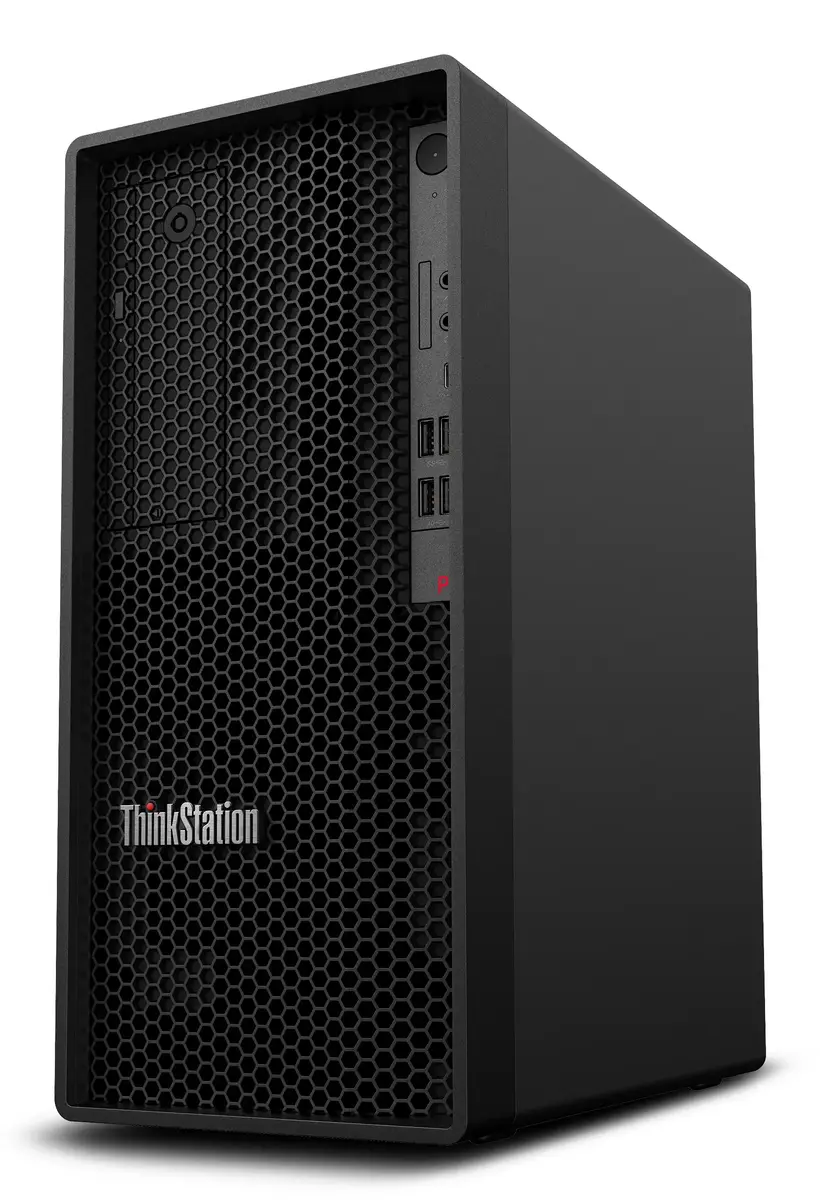
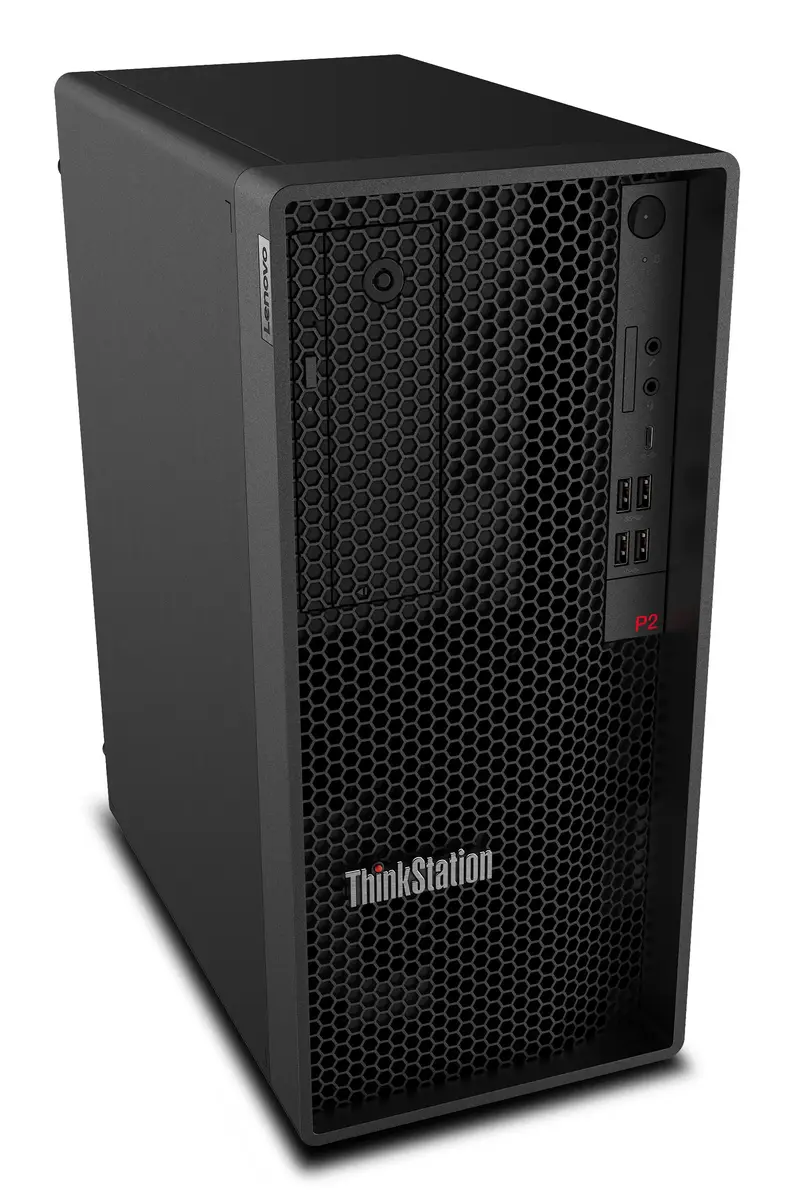
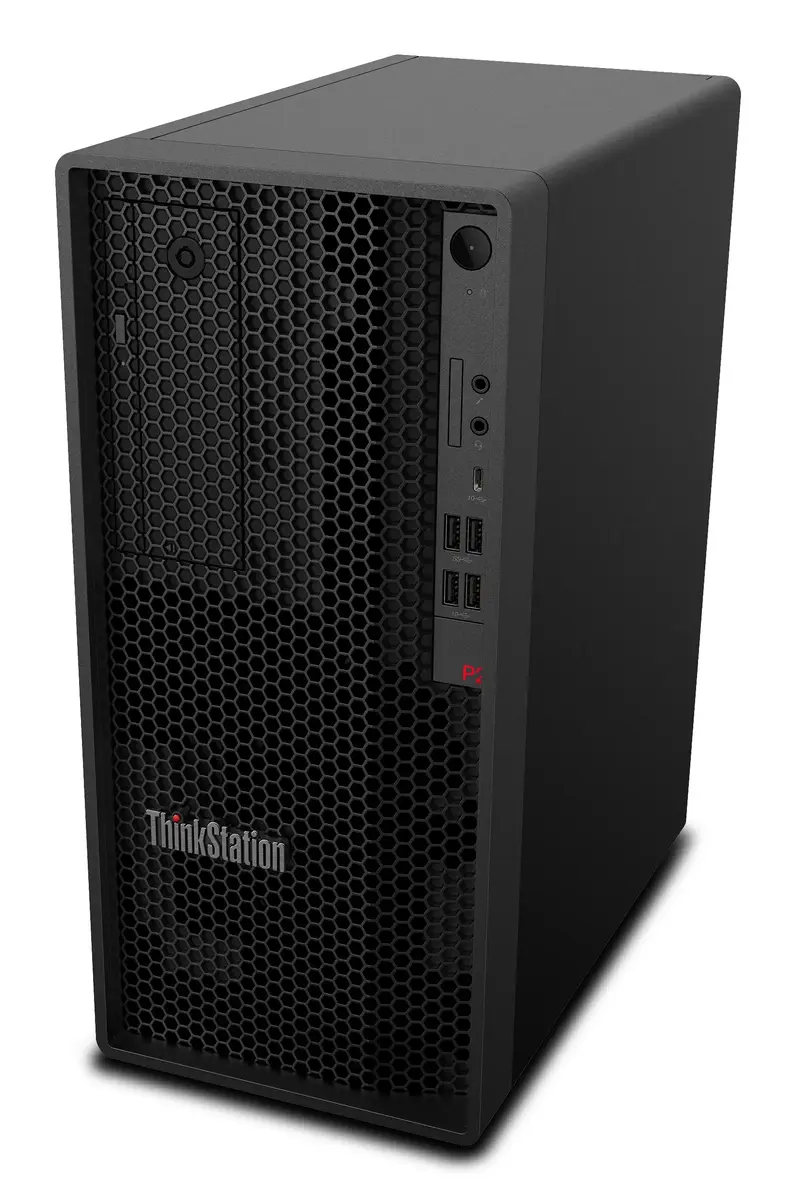
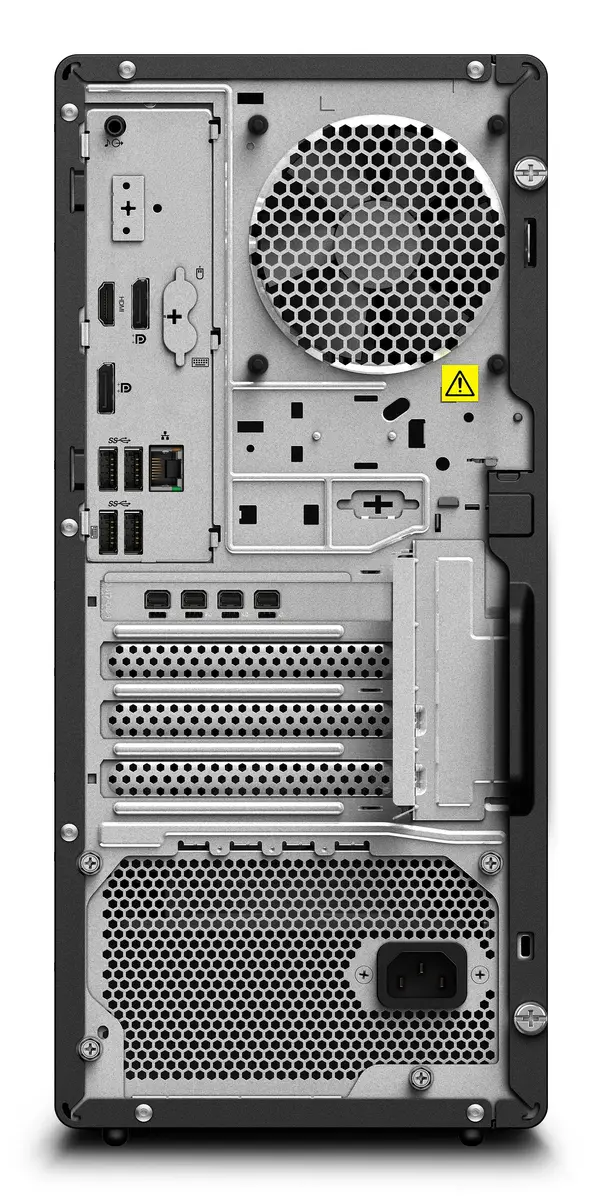
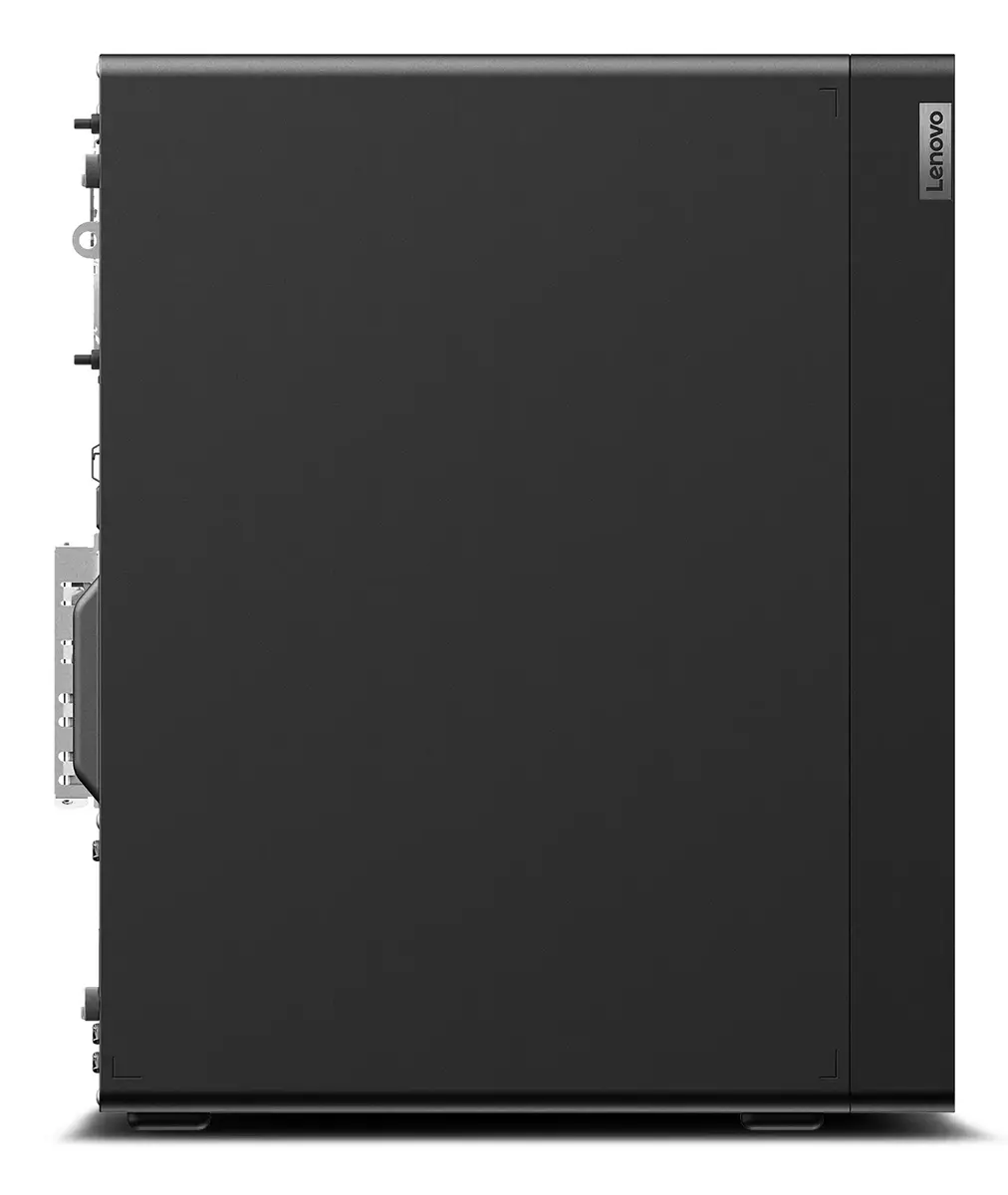
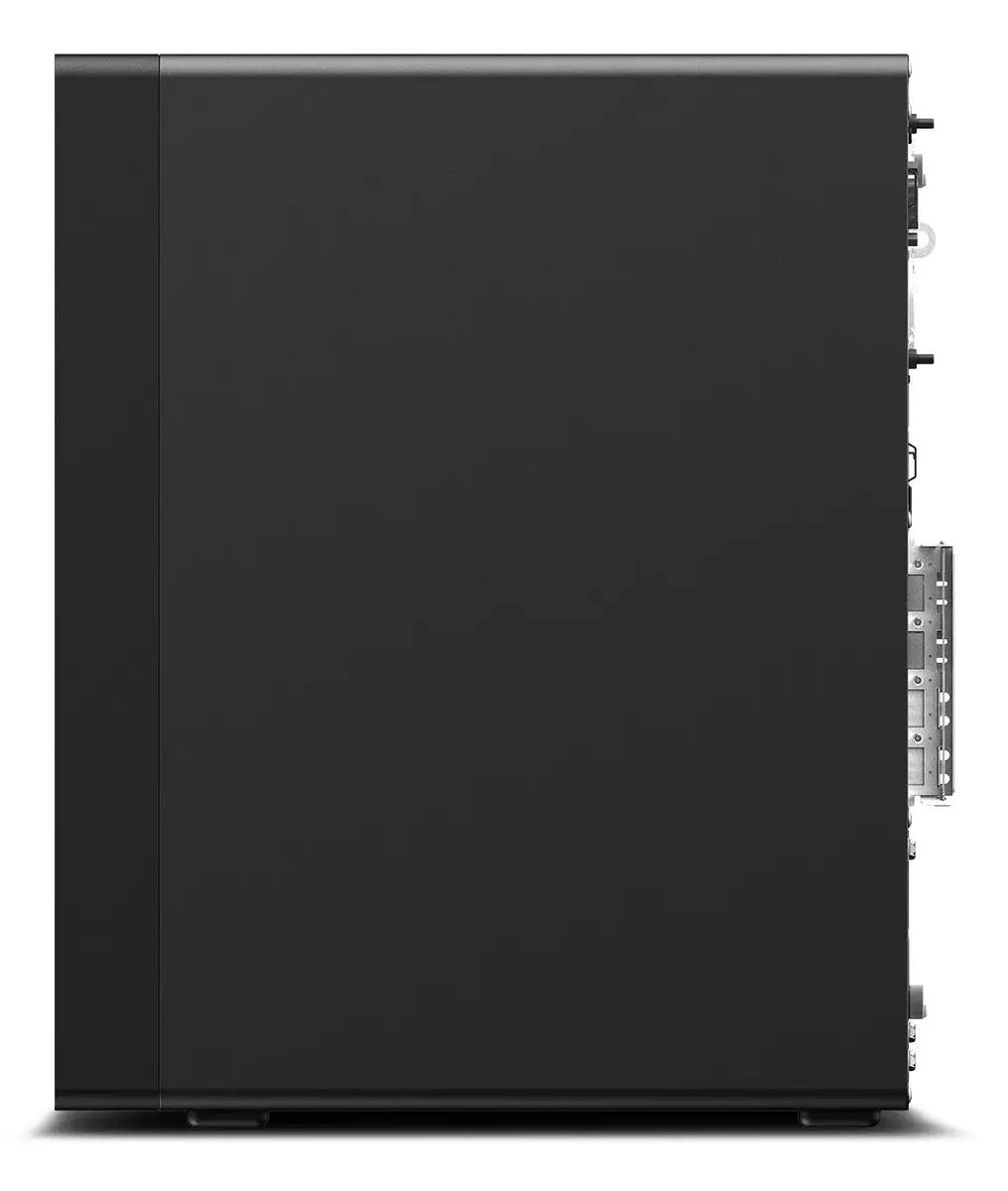
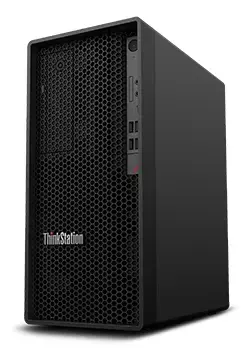
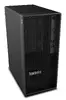
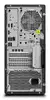
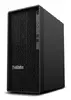
Workstation Lenovo ThinkStation P2 Tower — Intel Core i9-14900K, 32 GB DDR5, 1 TB SSD, NVIDIA RTX 4060, Windows 11 Pro
Lenovo ThinkStation P2 Tower is a professional desktop workstation in black designed for compute-intensive tasks. It is built around an Intel Core i9-14900K processor with boost frequencies up to 6 GHz, paired with 32 GB of DDR5-4400 memory, a 1 TB solid-state drive and an NVIDIA GeForce RTX 4060 discrete graphics card with 8 GB of VRAM. The system includes integrated Intel UHD Graphics 770, Windows 11 Pro 64-bit and a 750 W power supply, making it suitable for CAD, 3D rendering, content creation and engineering workloads.
The combination of a high-performance i9-14900K CPU and fast DDR5 memory delivers strong single-thread and multi-thread performance for professional applications. The NVIDIA GeForce RTX 4060 provides hardware-accelerated rendering and viewport performance for visualization and GPU-accelerated compute tasks, while the 1 TB SSD offers fast system and project load times. Built-in Intel UHD Graphics 770 enables basic display output when GPU resources are not required. The tower chassis with a 750 W power supply supports expandability and additional components for future upgrades.
Install the workstation on a stable, level surface with adequate ventilation around the chassis. Connect monitor(s), keyboard, mouse and network cable before powering on. Use Windows 11 Pro to install or update drivers via Lenovo Vantage or the manufacturer’s support site to ensure optimal hardware compatibility. For graphics-accelerated software, configure application settings to use the NVIDIA GeForce RTX 4060 for rendering and GPU compute where supported. Regularly back up important projects to external storage or network locations to prevent data loss.
For demanding CAD and rendering tasks, keep system drivers and GPU firmware up to date, monitor thermals under sustained load, and consider adding additional memory or storage if project sizes or multi-application workflows increase. Use a UPS for protected power delivery in critical environments.
{{highlightedFeature.featureTitle}}:
{{getProductFeatureValueById(product, highlightedFeature.featureId)}}
{{ productComparisonGenerationError }}
