
Dreame vacuums for fast and efficient cleaning!
In cart {{totalProductsCount}} item(s)
Your cart is empty
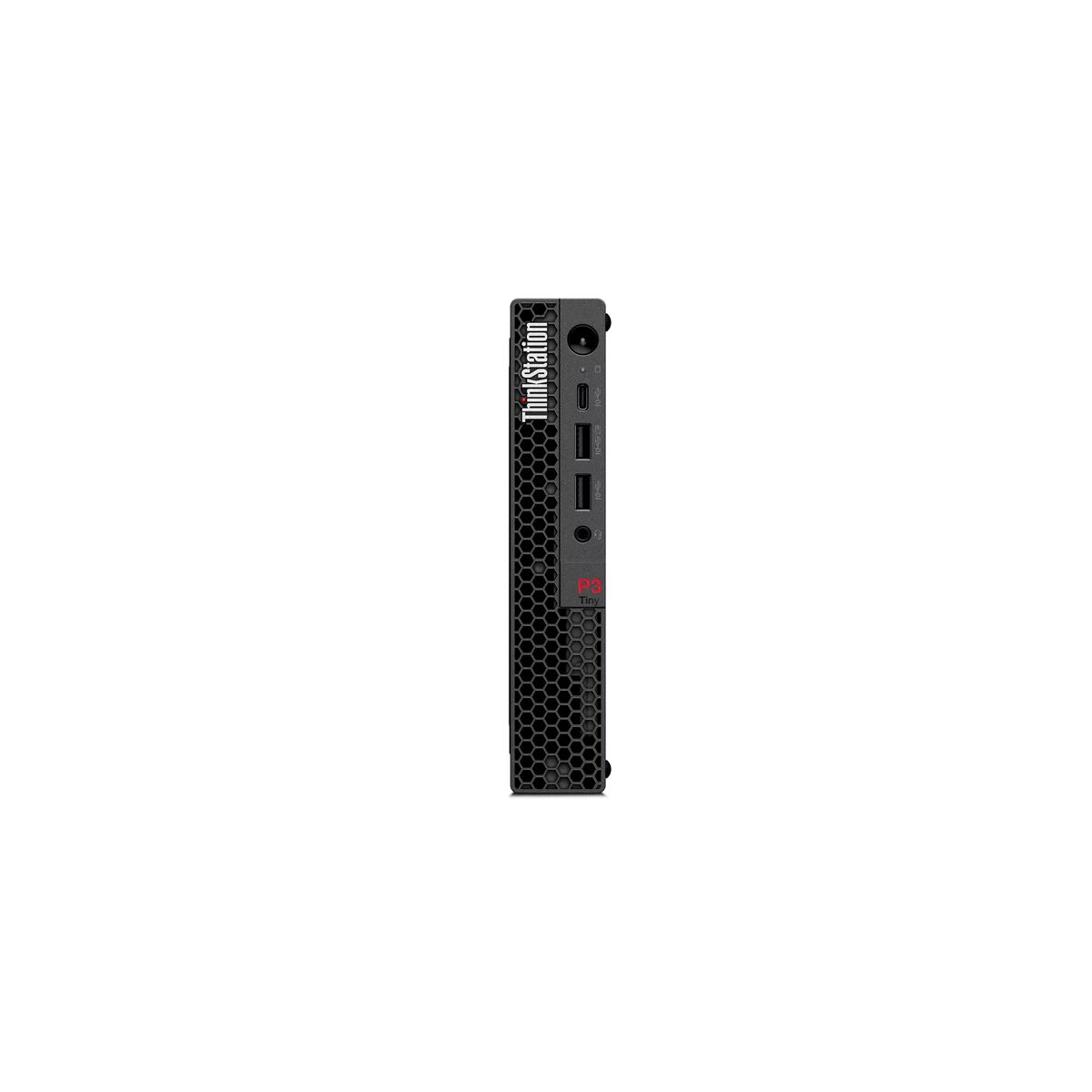
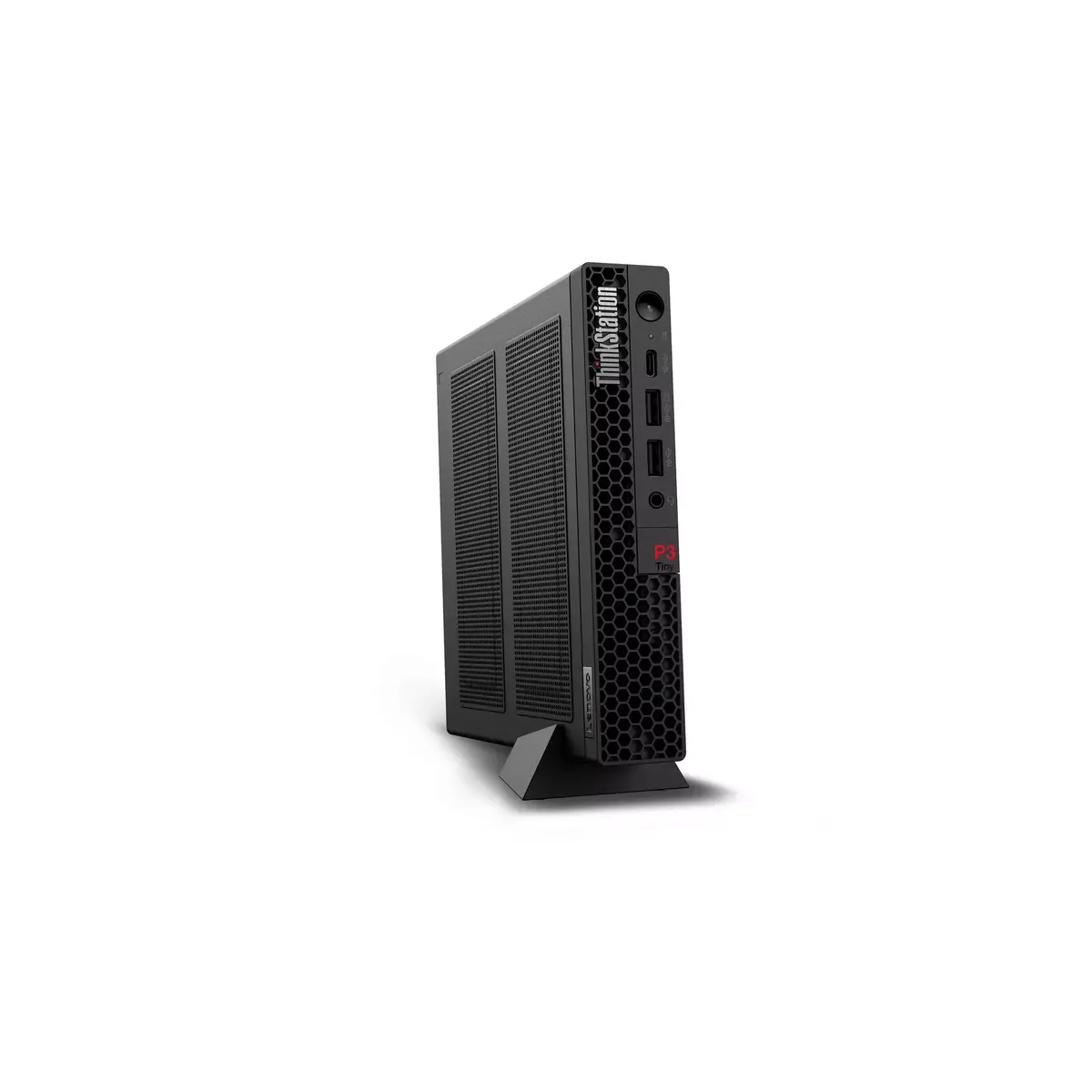
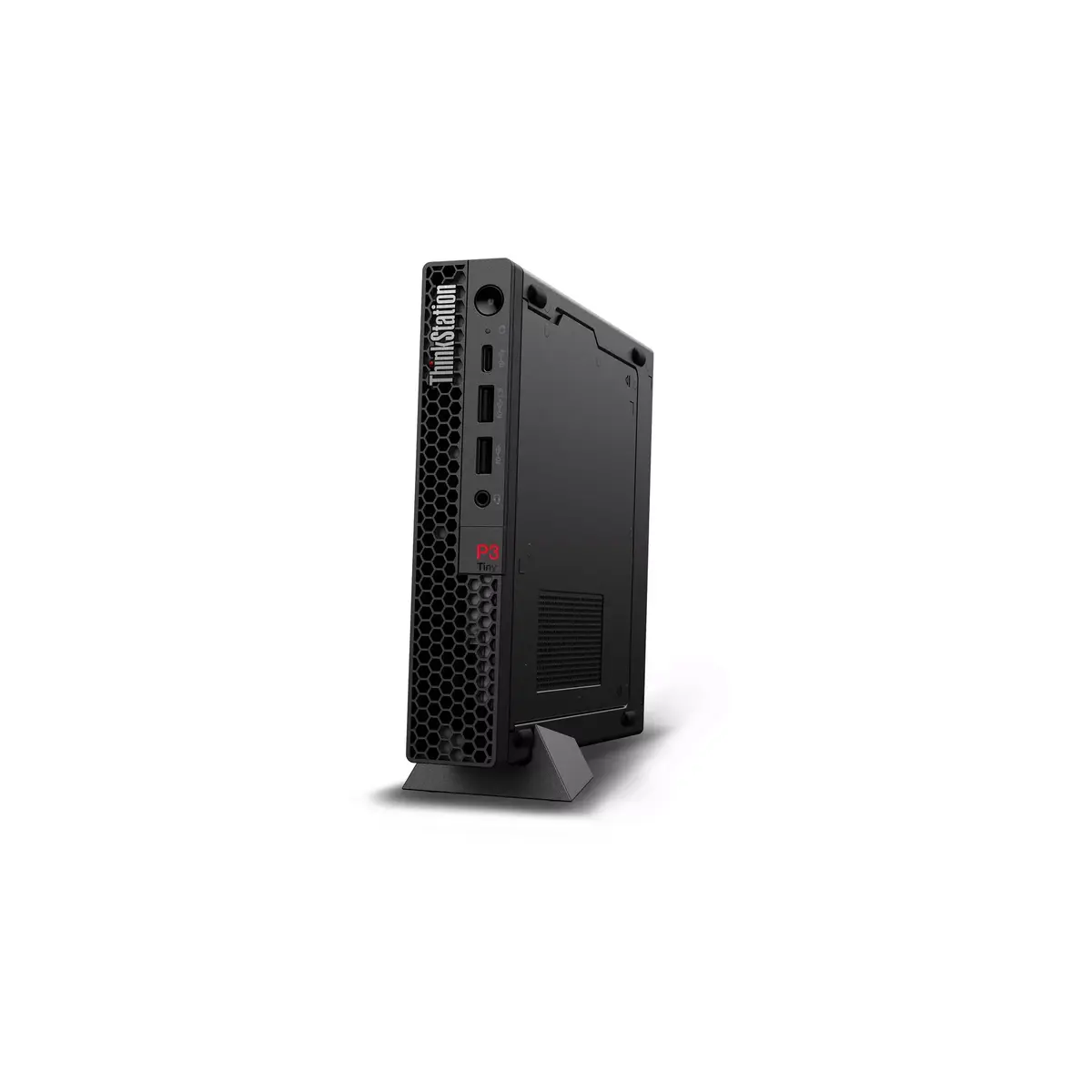
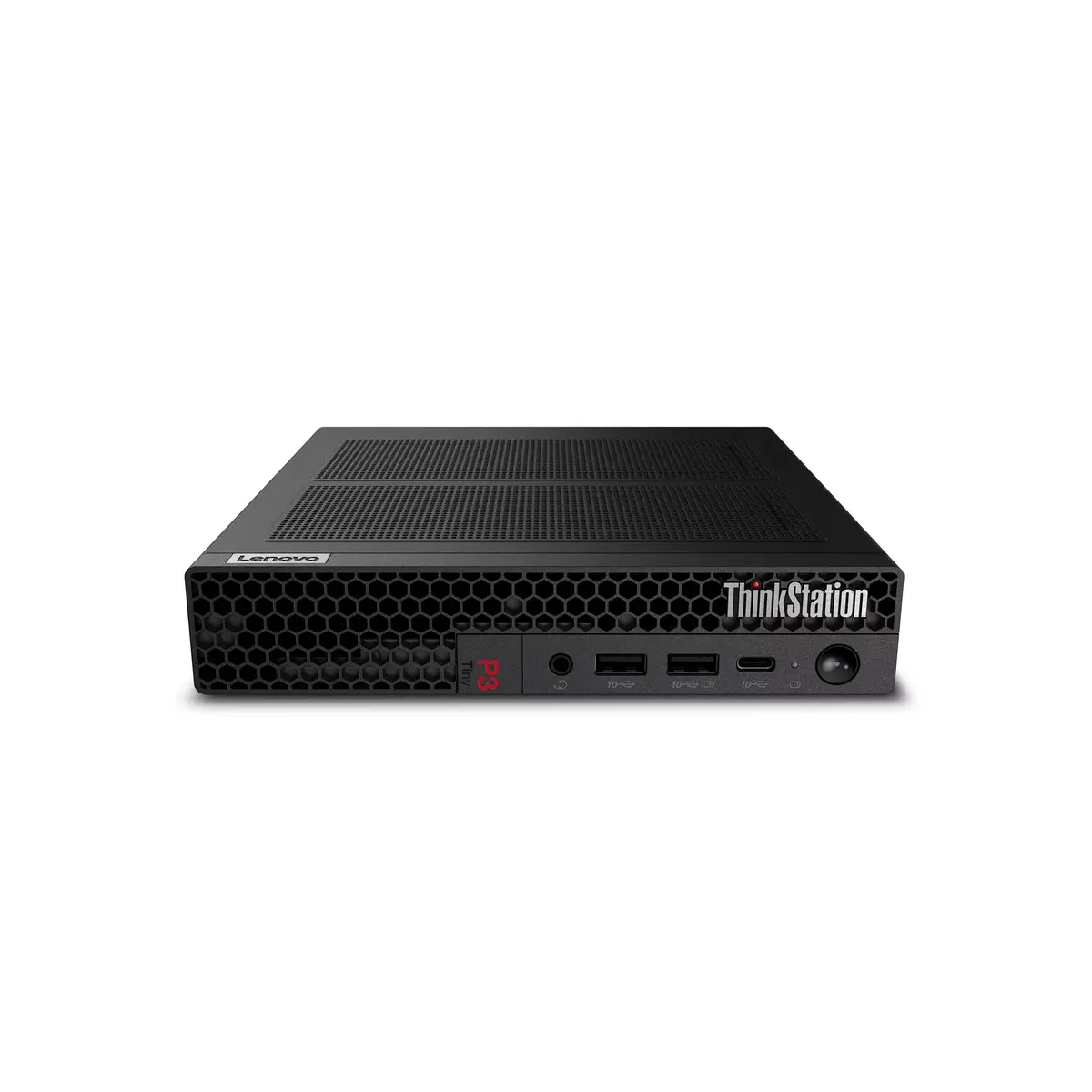
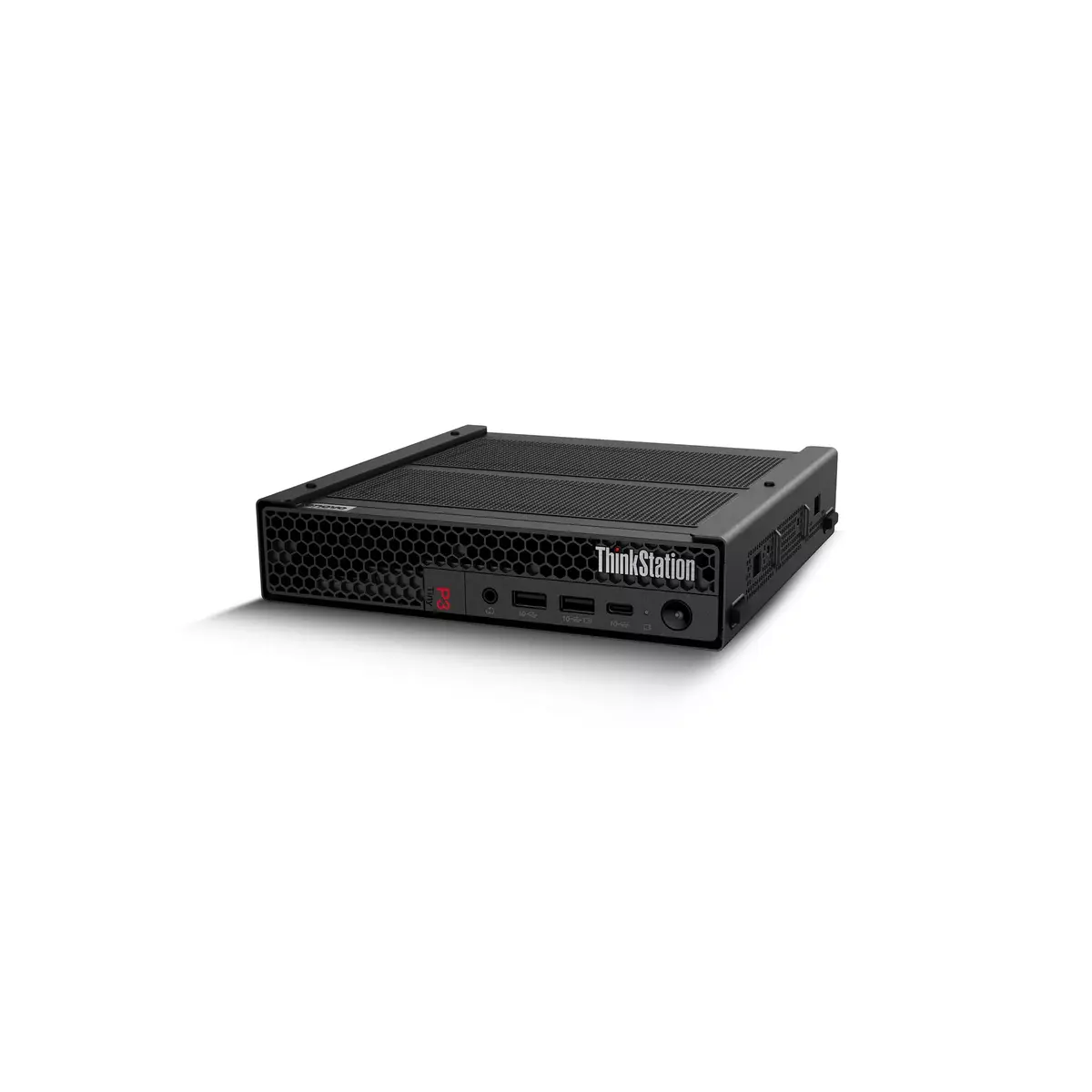
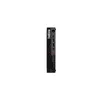
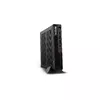
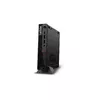
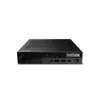
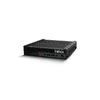
Workstation Lenovo ThinkStation P3 Tiny Intel Core i7-14700 16GB 512GB SSD NVIDIA T400 Windows 11 Pro
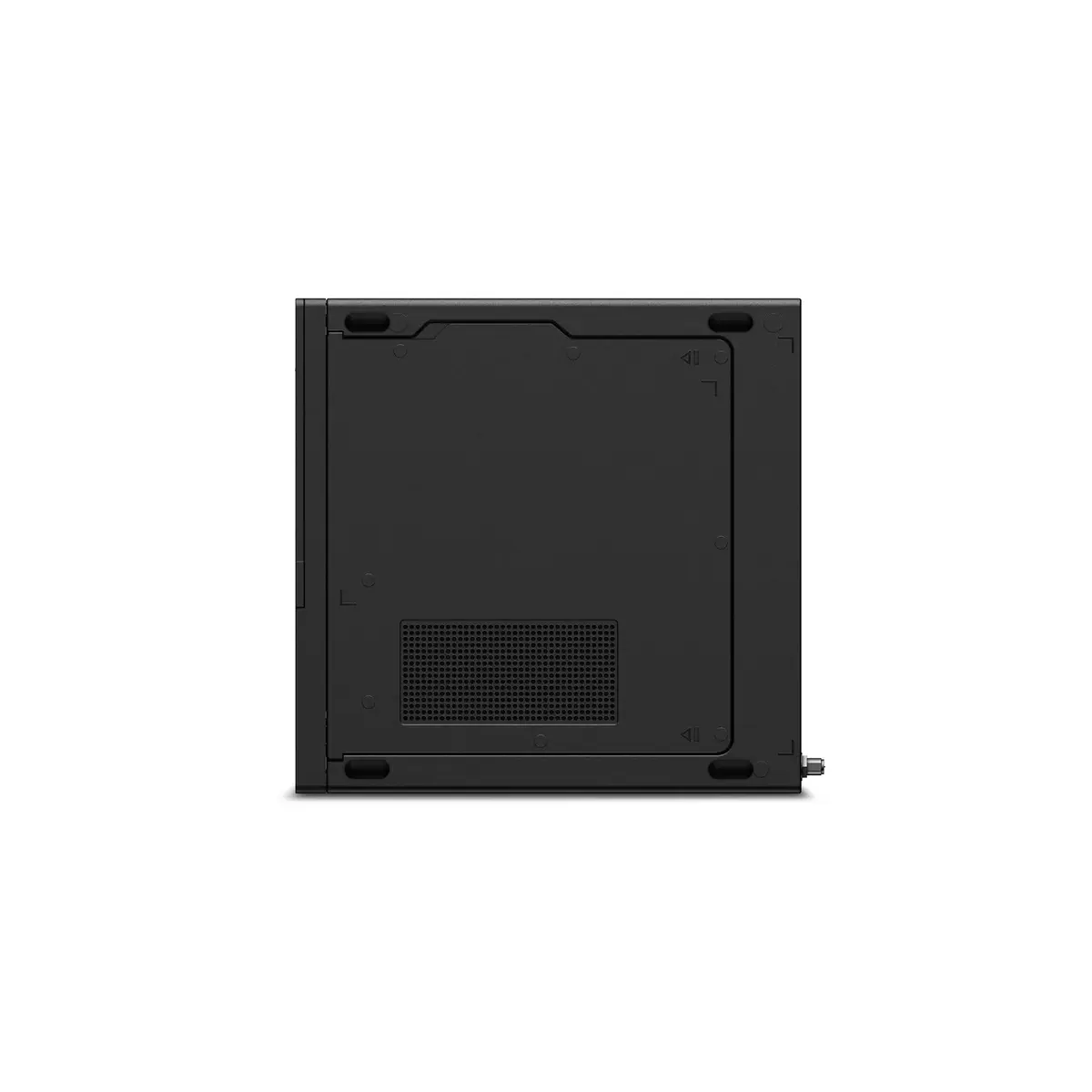
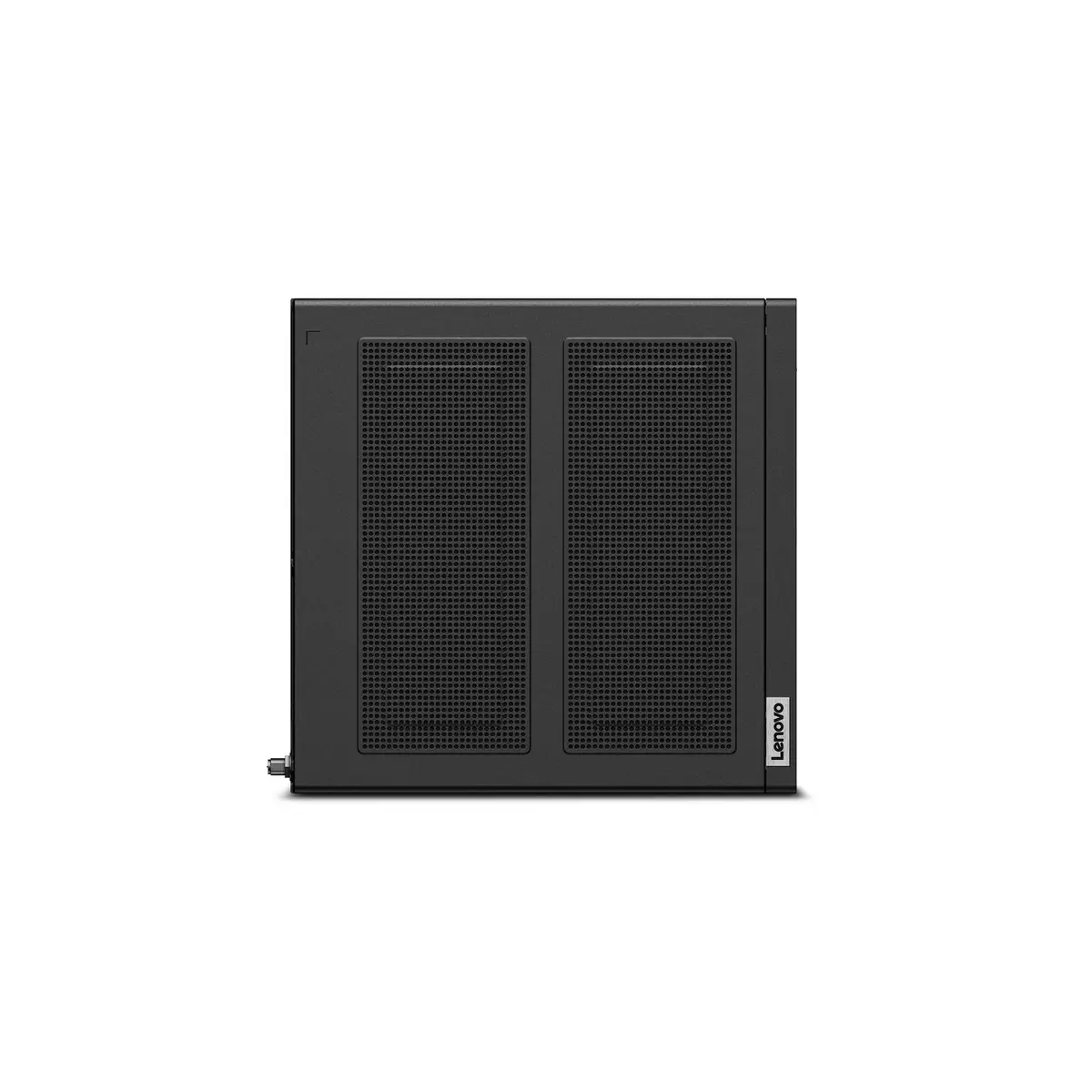
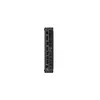
The Lenovo ThinkStation P3 Tiny Intel Core i7-14700 16GB 512GB SSD NVIDIA T400 Windows 11 Pro is a compact professional workstation built for space-constrained environments. It pairs an Intel Core i7-14700 processor with 16 GB DDR5 memory and a 512 GB NVMe SSD to deliver responsive system performance. The system includes integrated Intel UHD Graphics 770 and a discrete NVIDIA T400 GPU with 4 GB memory, and ships with Windows 11 Pro preinstalled. Housed in a small black chassis and weighing approximately 1.4 kg, the unit uses a 300W power supply to support sustained workloads while maintaining a minimal footprint.
The workstation offers high single-thread and multi-thread performance thanks to the i7-14700 processor with up to 5.4 GHz boost frequency, combined with fast DDR5 memory for smoother multitasking. The 512 GB SSD provides quick boot and application load times, while the NVIDIA T400 discrete graphics card adds GPU-accelerated capabilities for CAD, visualization and media tasks. Its compact size and light weight enable flexible deployment on desks or mounted behind monitors, and Windows 11 Pro ensures business-oriented features such as advanced security and remote management compatibility.
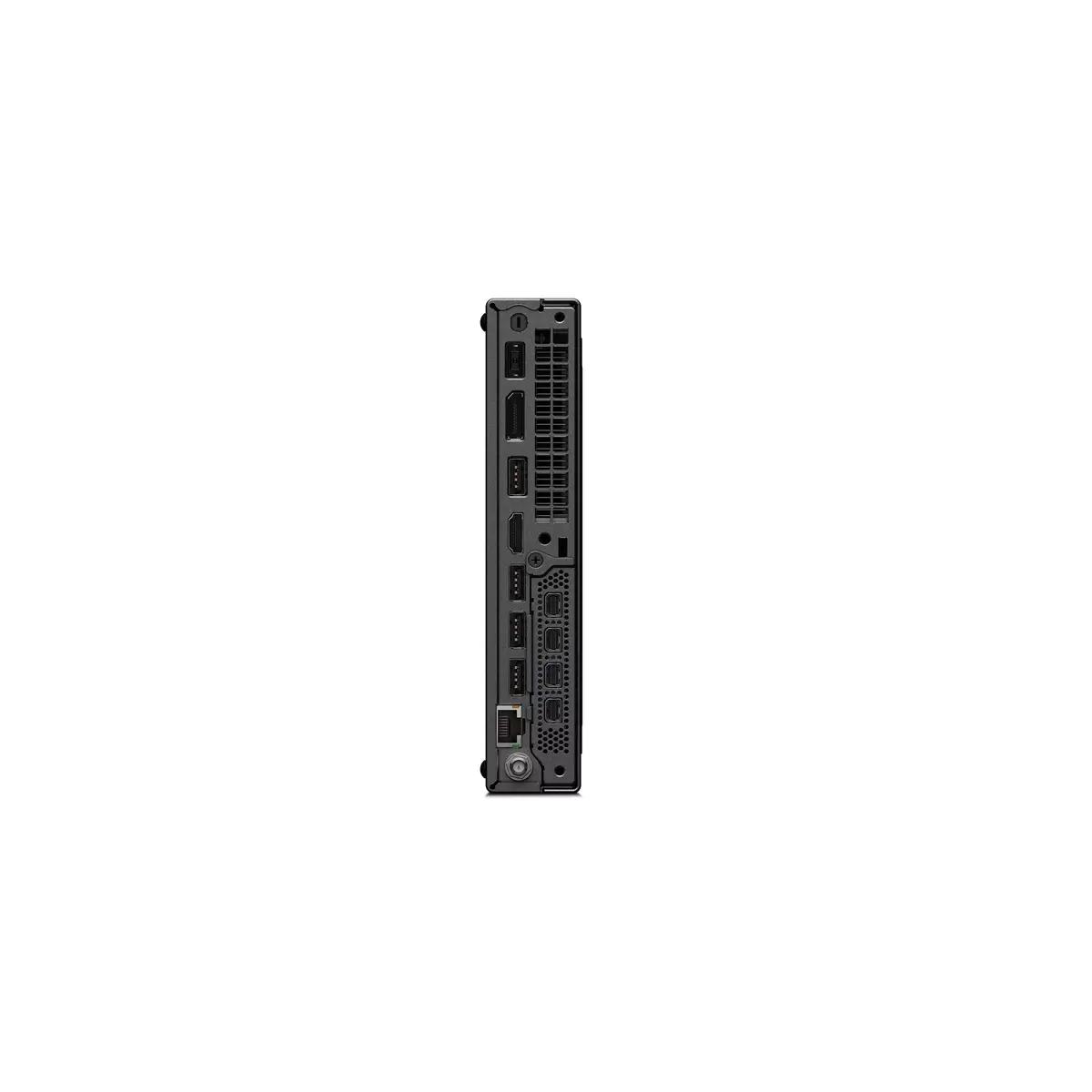
Place the ThinkStation P3 Tiny on a stable surface or use VESA/monitor mounting options if available. Connect the display, keyboard, mouse and any required peripherals using the rear and front I/O ports. Ensure the 300W power adapter is connected to a grounded outlet. On first boot, follow Windows 11 Pro setup to configure user accounts, network settings and security policies. Install or configure professional applications (CAD, DCC, development tools) and update drivers using Lenovo support resources and NVIDIA driver downloads for optimal GPU performance.
For reliable performance, keep system firmware and drivers up to date and use recommended cooling and mounting options in constrained spaces. Regularly back up important data from the 512 GB SSD and consider adding external storage or network-attached storage for large project files. When running GPU-intensive tasks, monitor temperatures and, if necessary, reduce concurrent background processes to maintain consistent throughput.
{{highlightedFeature.featureTitle}}:
{{getProductFeatureValueById(product, highlightedFeature.featureId)}}
{{ productComparisonGenerationError }}
