
Hurry and order now – up to 50% off!
In cart {{totalProductsCount}} item(s)
Your cart is empty
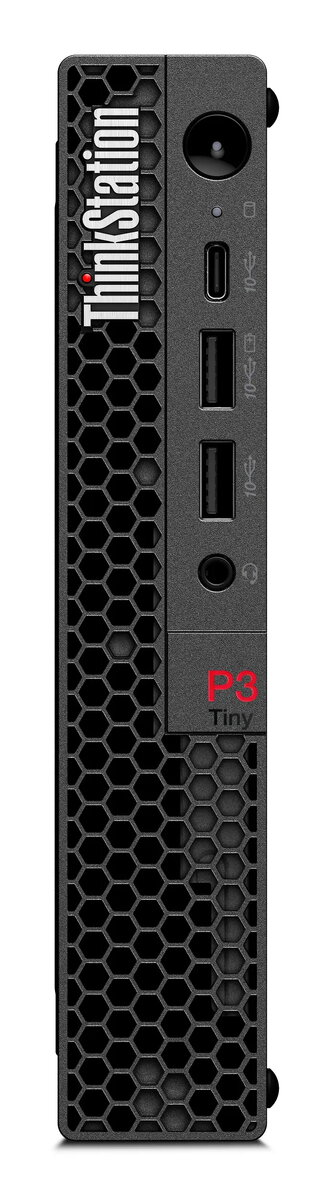
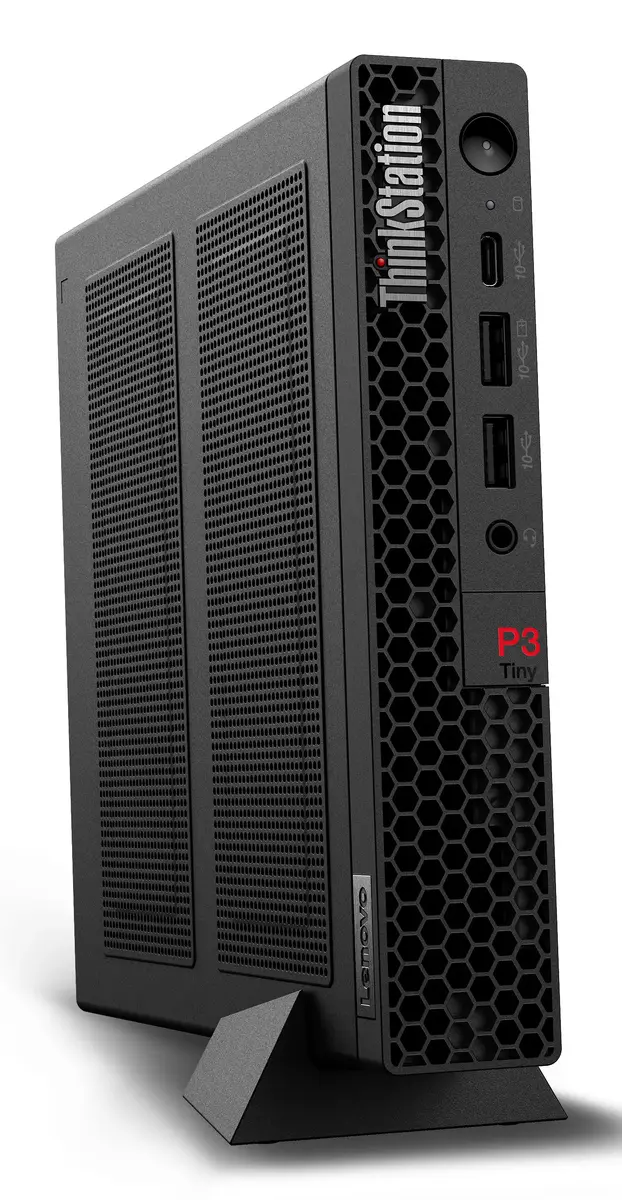
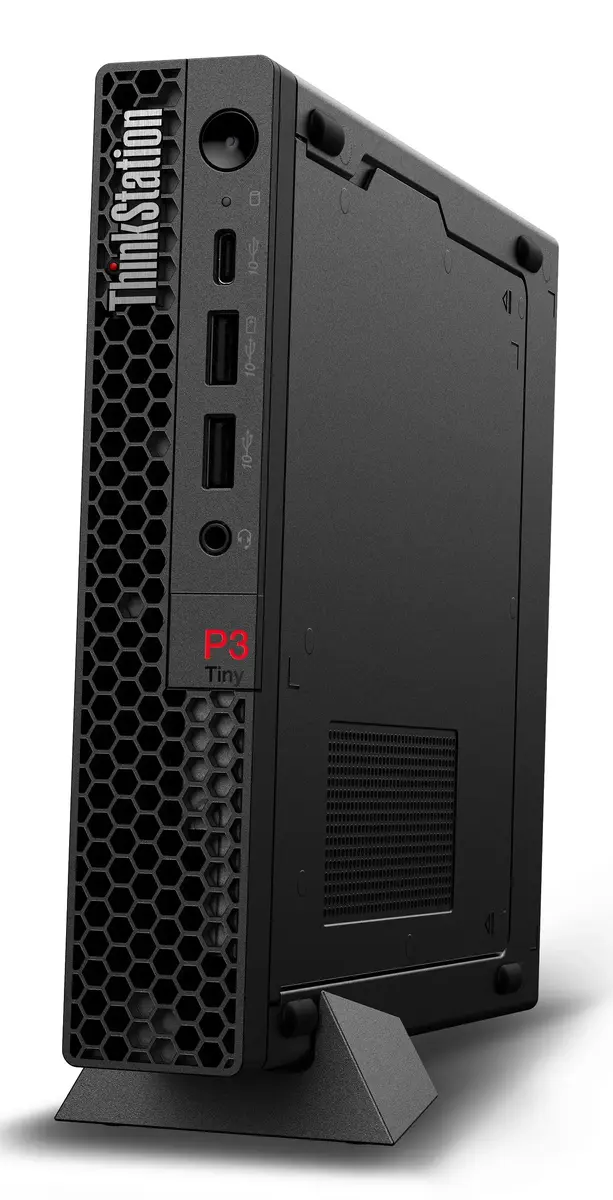
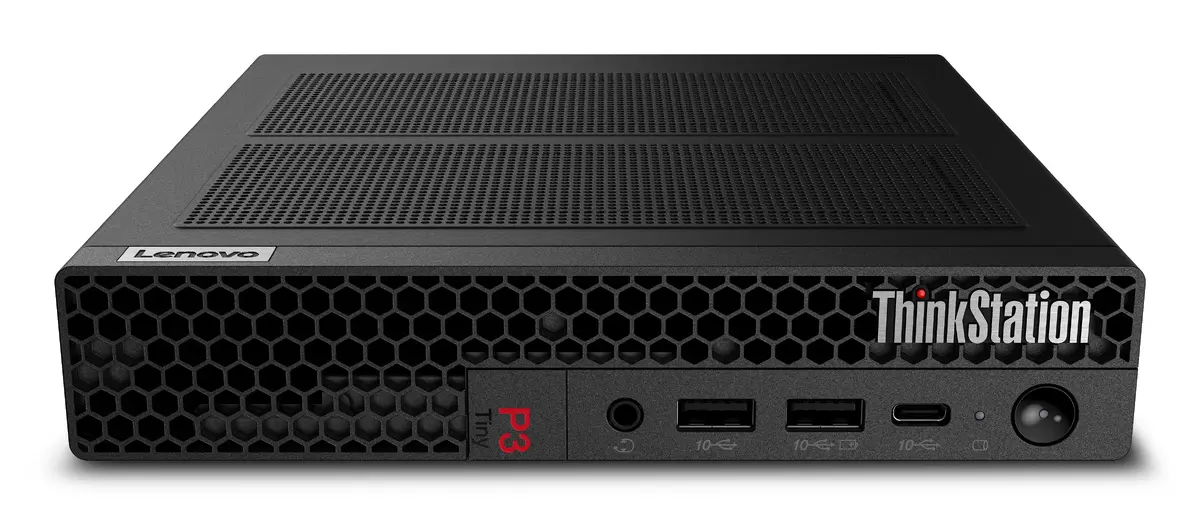
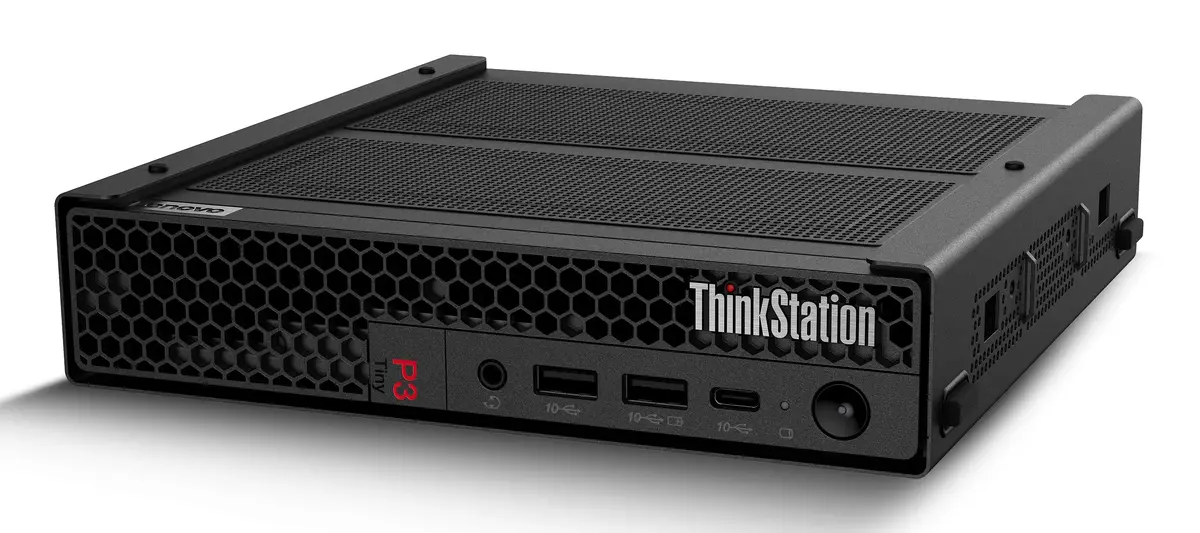
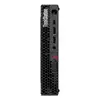
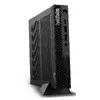
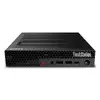
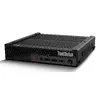
Workstation Lenovo ThinkStation P3 Tiny Intel Core i7-14700 16GB 1TB SSD Intel UHD Graphics 770 Windows 11 Pro
The Lenovo ThinkStation P3 Tiny Intel Core i7-14700 16GB 1TB SSD Intel UHD Graphics 770 Windows 11 Pro is a compact professional workstation designed to deliver workstation-class performance in a small desktop footprint. Equipped with an Intel Core i7-14700 processor with up to 5.4 GHz boost frequency, 16 GB of DDR5 system memory and a 1 TB solid-state drive, this Tiny model provides fast application responsiveness, quick file access and reliable multitasking. Integrated Intel UHD Graphics 770 handles everyday visualization tasks and presents a stable graphics experience for business applications. The system ships with Windows 11 Pro and comes in a lightweight black chassis weighing 1.4 kg.
The combination of a 14th-generation Intel Core i7 processor and DDR5 memory supports higher single-thread and multi-thread performance for common professional workloads. A 1 TB SSD offers large, high-speed local storage that reduces application load times and system boot time. The compact enclosure reduces desktop space requirements while maintaining a full-featured workstation platform with a commercial OS. Integrated Intel UHD Graphics 770 provides consistent 2D and light 3D performance without the need for a discrete GPU, and the lightweight design simplifies placement and mobility within an office or studio environment.
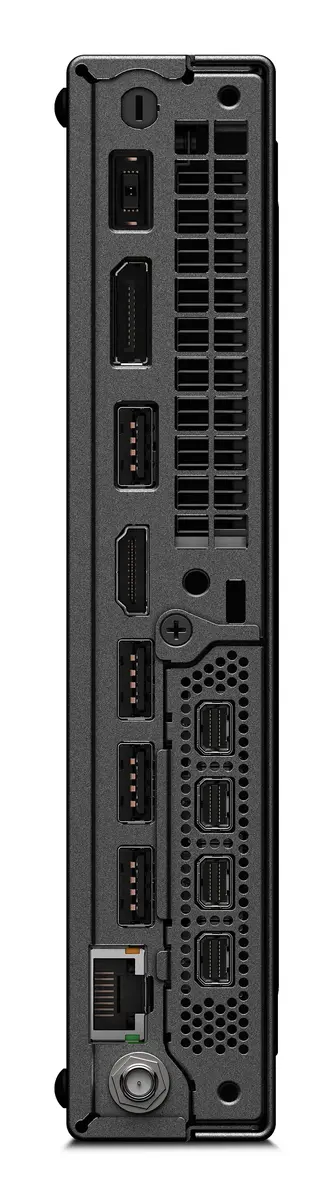
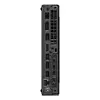
Place the ThinkStation P3 Tiny on or under a desk and connect power, display(s), keyboard and mouse using the available ports. Complete the initial Windows 11 Pro setup, install required drivers and enable security updates. Use the 1 TB SSD for the operating system and primary applications, and configure the 16 GB DDR5 memory to support multitasking and application workloads. For display configurations, connect compatible monitors to the available video outputs and adjust resolution and scaling within Windows settings. Regularly back up important data to external or network storage to protect work files.
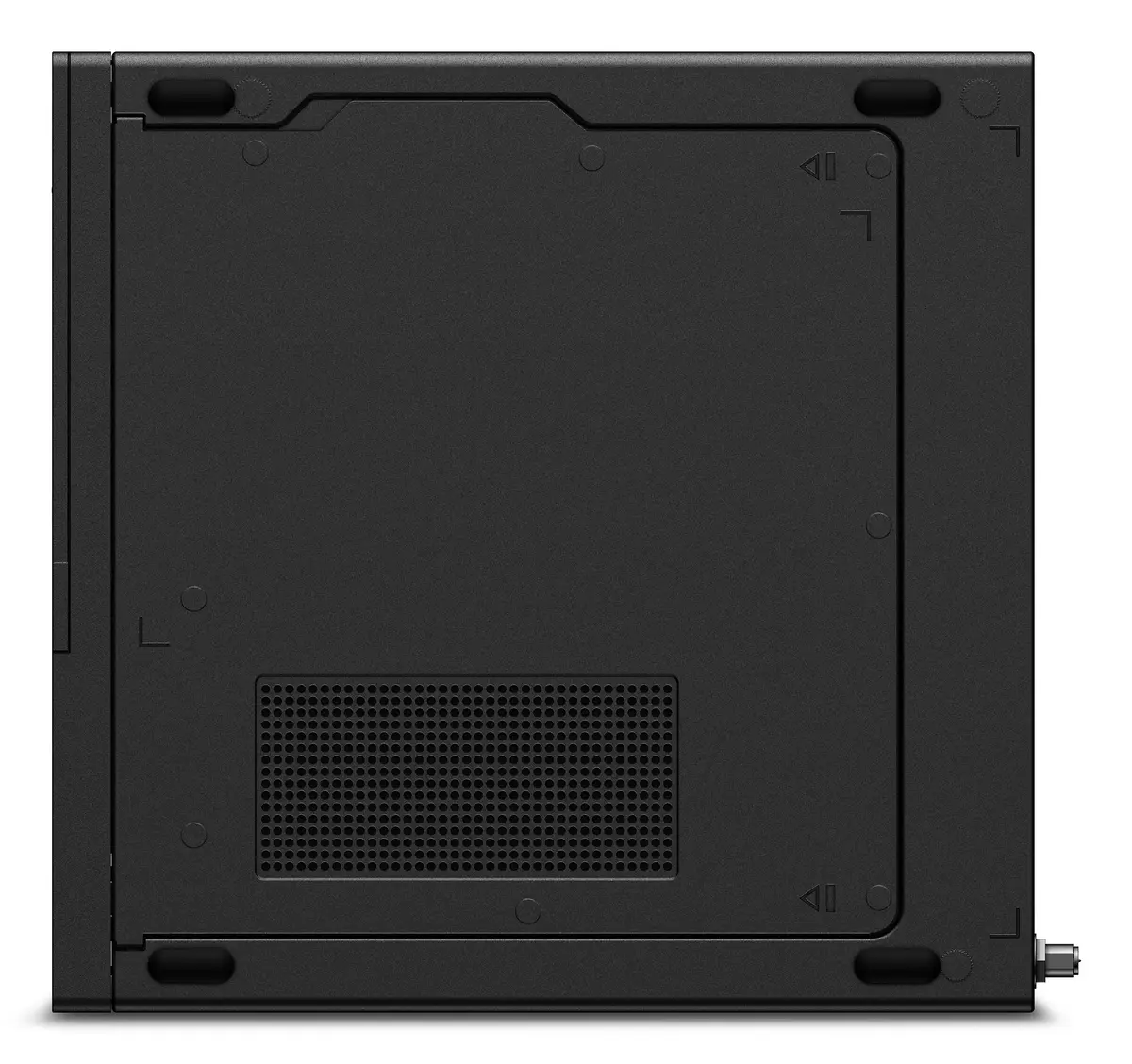
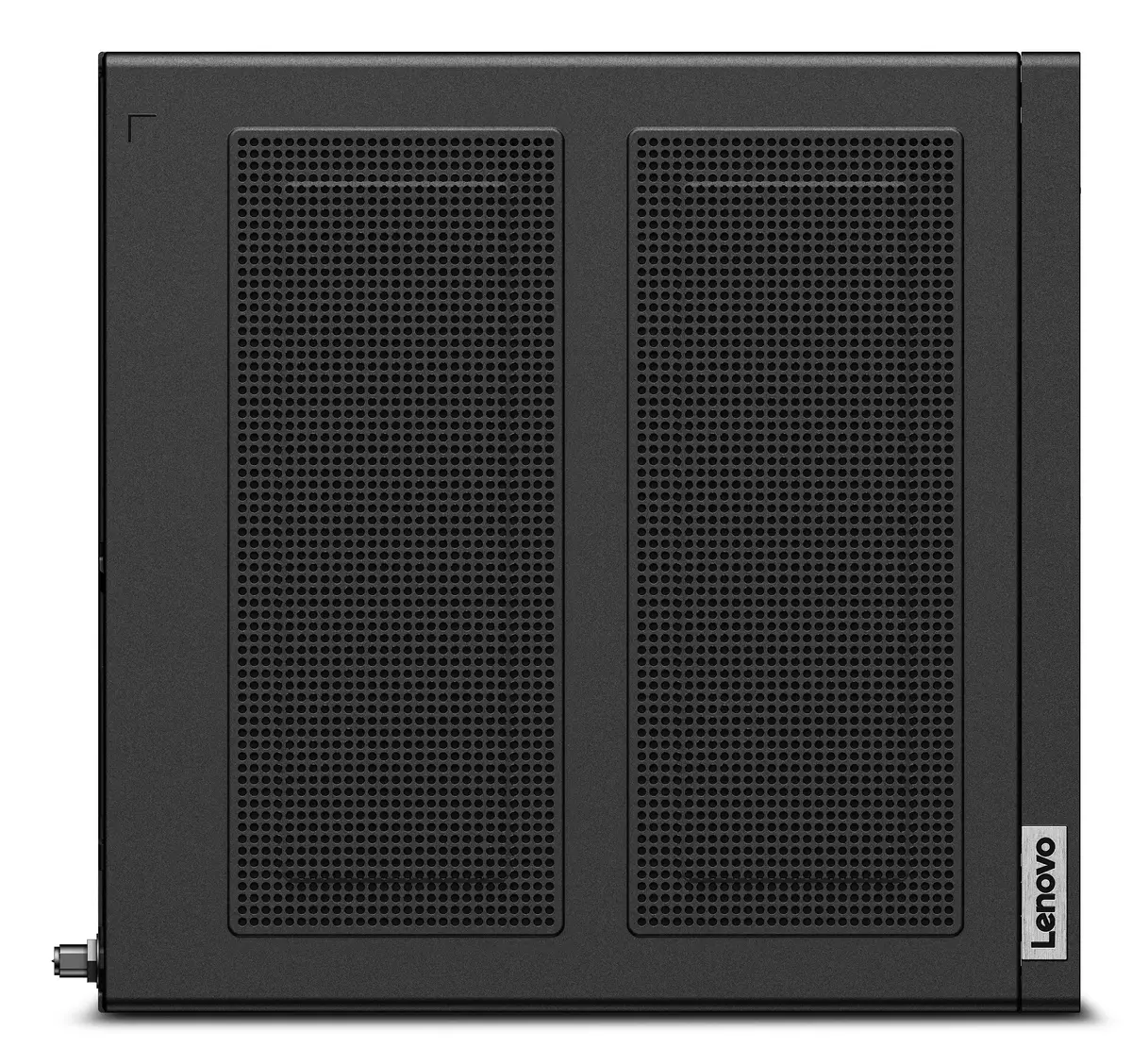
For optimal performance in multitasking and professional applications, keep the system firmware and Windows updates current, install vendor-supplied drivers, and use an external drive or network storage for long-term archival of large media projects. In space-limited environments, position the unit to ensure adequate airflow around the chassis and avoid obstructing ventilation openings.
{{highlightedFeature.featureTitle}}:
{{getProductFeatureValueById(product, highlightedFeature.featureId)}}
{{ productComparisonGenerationError }}
