


Dreame vacuums for fast and efficient cleaning!
In cart {{totalProductsCount}} item(s)
Your cart is empty
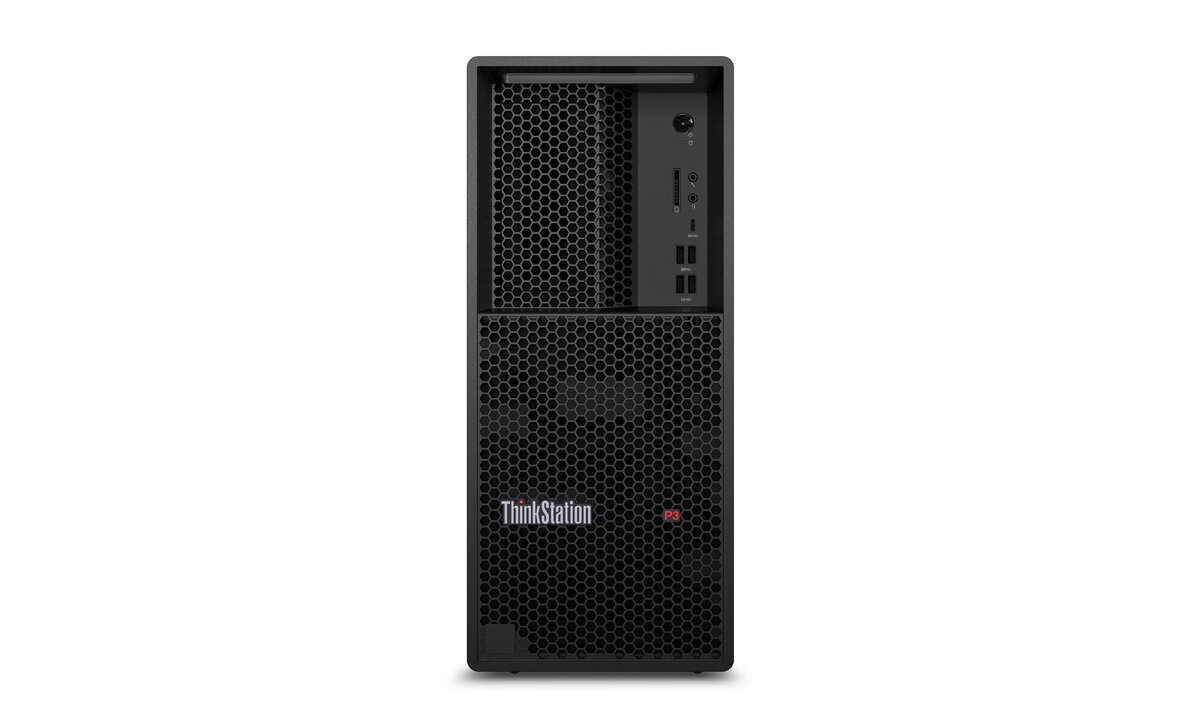
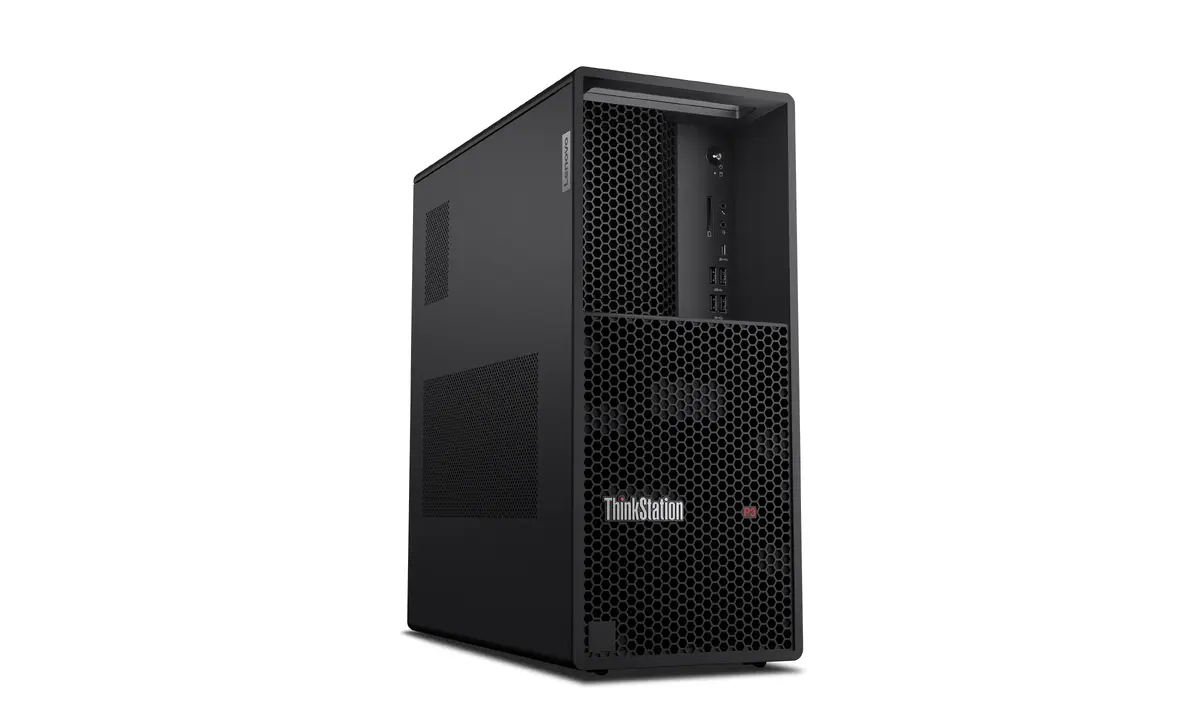
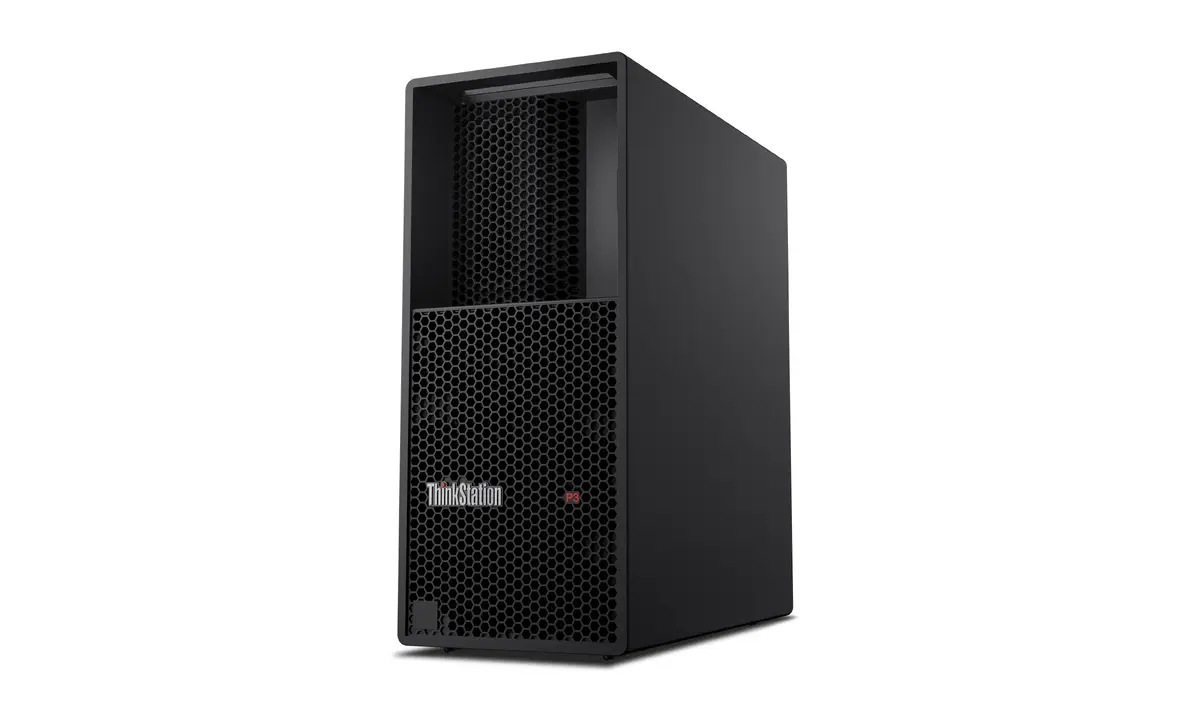
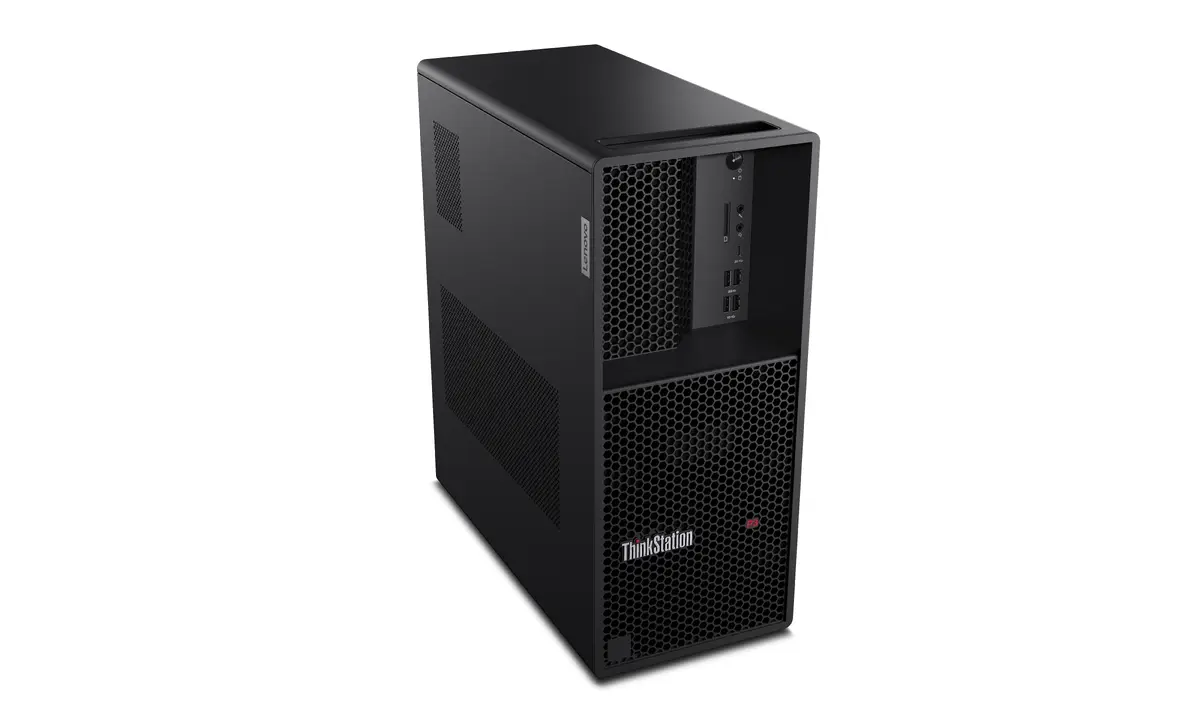
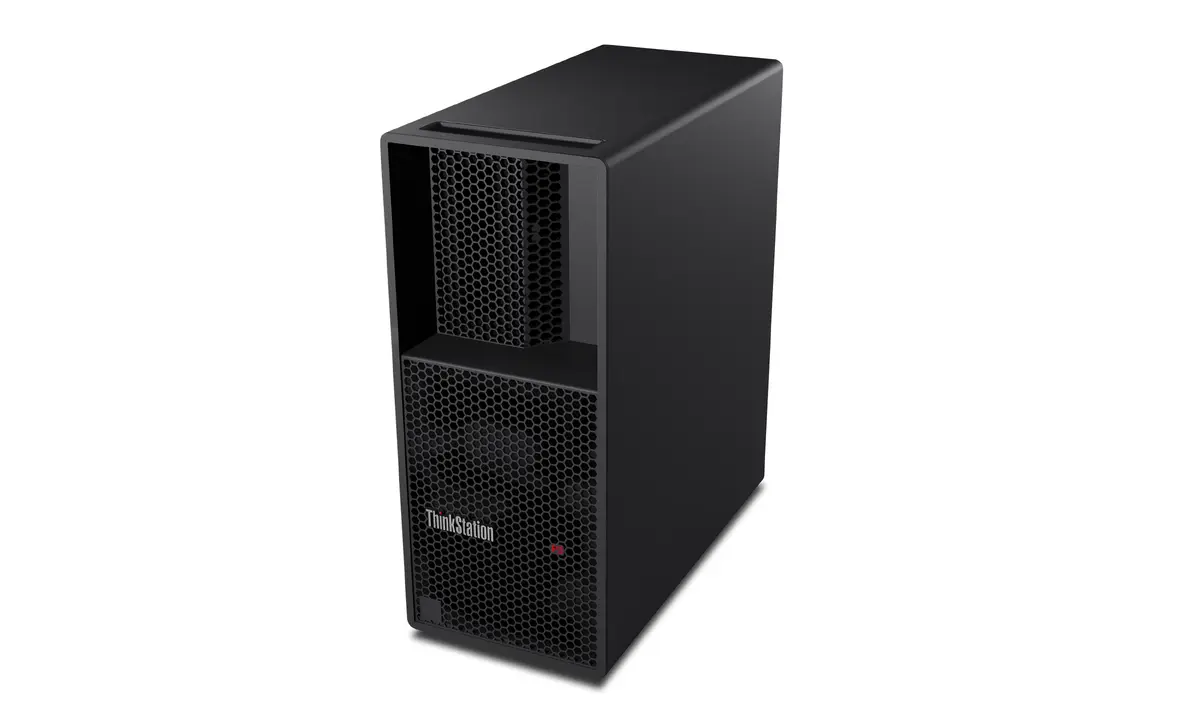
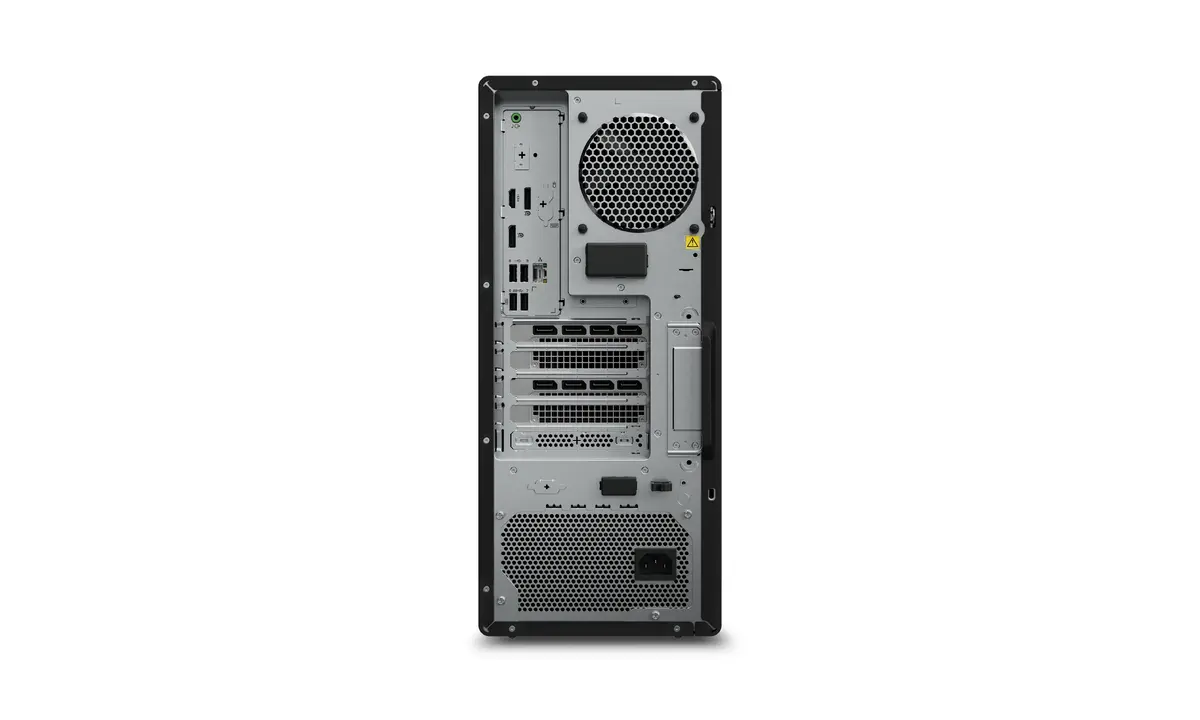
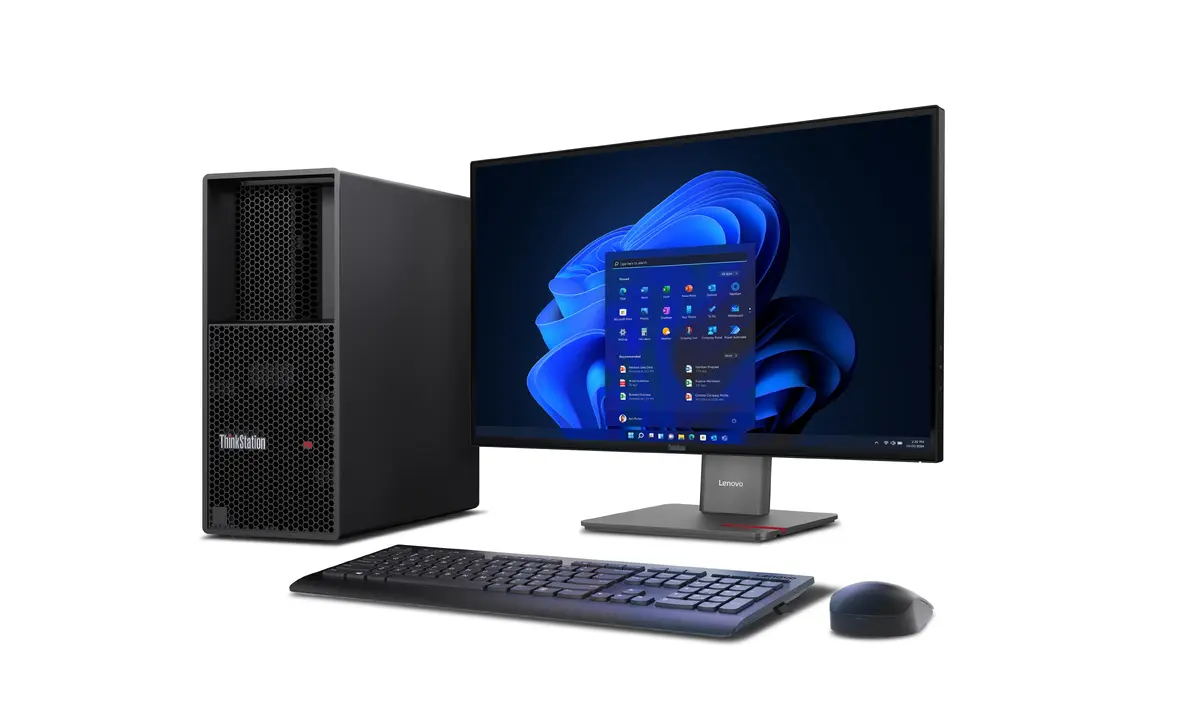
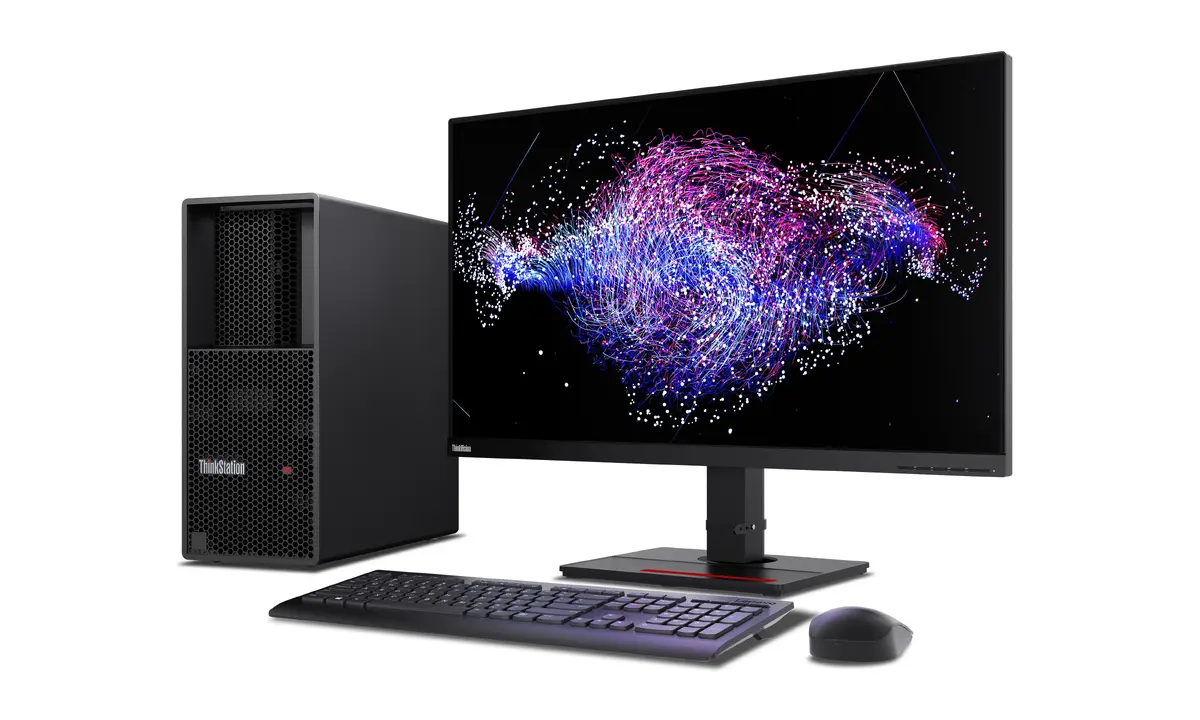
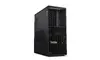
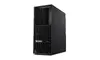
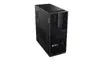
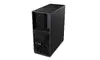
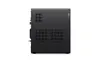
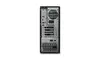
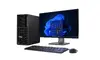
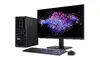
Workstation Lenovo ThinkStation P3 Tower Gen 2 – Intel Core Ultra 9 285K, 64 GB DDR5, 1 TB SSD, NVIDIA RTX PRO 4000 Blackwell, Windows 11 Pro
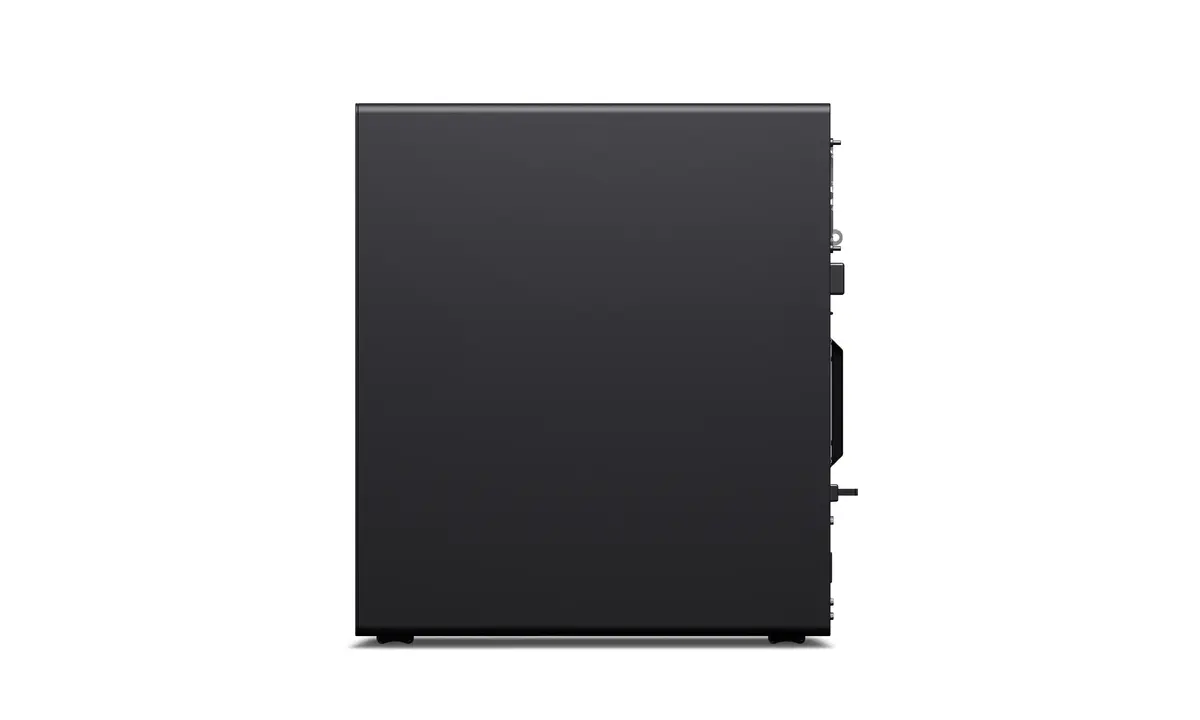
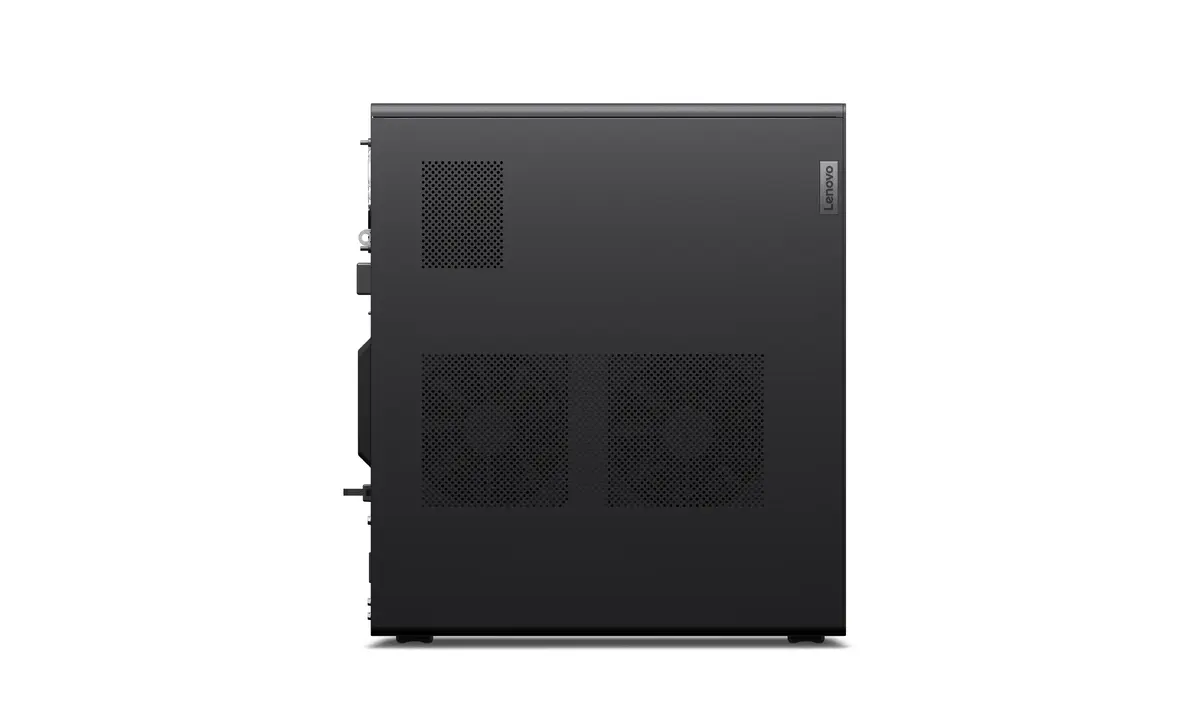
The Lenovo ThinkStation P3 Tower Gen 2 is a professional desktop workstation designed for compute-intensive tasks. It is powered by an Intel Core Ultra 9 285K processor with a maximum boost frequency up to 5.7 GHz, paired with 64 GB of DDR5‑5600 memory and a 1 TB SSD for fast storage and responsive performance. A discrete NVIDIA RTX PRO 4000 Blackwell graphics card with 24 GB of dedicated VRAM provides accelerated graphics and GPU compute capability. The system ships with Windows 11 Pro, an integrated card reader, a 750 W power supply and a tower chassis in black, making it suitable for engineering, CAD and content-creation environments.
The combination of a high‑frequency processor, large DDR5 memory and a high‑capacity SSD delivers low latency for data‑heavy applications and smooth multitasking across demanding workflows. The 24 GB professional GPU memory supports large models and complex scenes for 3D rendering, simulation and visualization. The tower form factor and robust 750 W power supply provide room for expandability and stable power delivery under sustained loads. Preinstalled Windows 11 Pro ensures compatibility with professional software and remote management tools.
Set the workstation on a stable, well‑ventilated surface and connect the display, keyboard, mouse and network cable to the appropriate ports. Power on the system and follow the Windows 11 Pro setup prompts to configure user accounts, network settings and security options. Install professional applications from trusted sources and verify that GPU drivers are up to date to ensure optimal performance for CAD, rendering or simulation workloads. For storage or memory upgrades, shut down the system and disconnect power before opening the chassis.
For sustained heavy workloads, configure power and thermal management profiles in BIOS and Windows to balance performance and cooling. Keep GPU and system drivers current, and back up project data regularly to the SSD or an external storage solution. If you plan large scene renders or data sets, consider additional storage or a RAID configuration and monitor temperatures to prevent throttling.
{{highlightedFeature.featureTitle}}:
{{getProductFeatureValueById(product, highlightedFeature.featureId)}}
{{ productComparisonGenerationError }}
