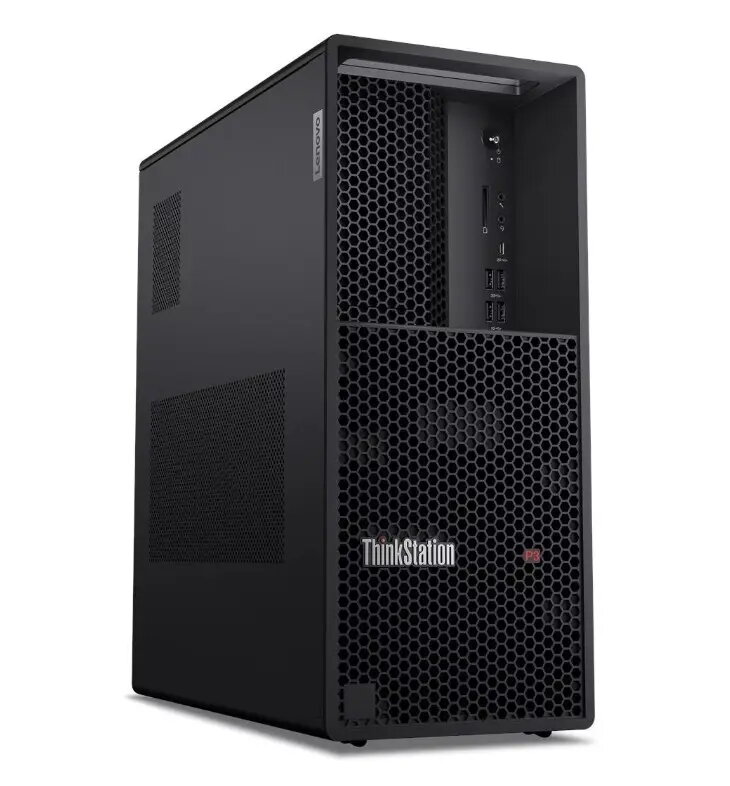
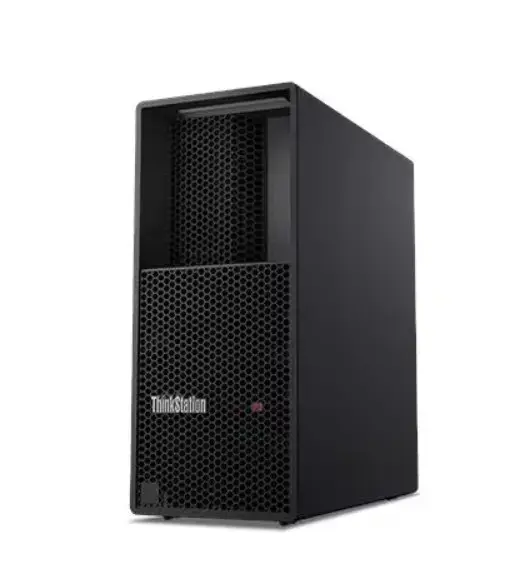
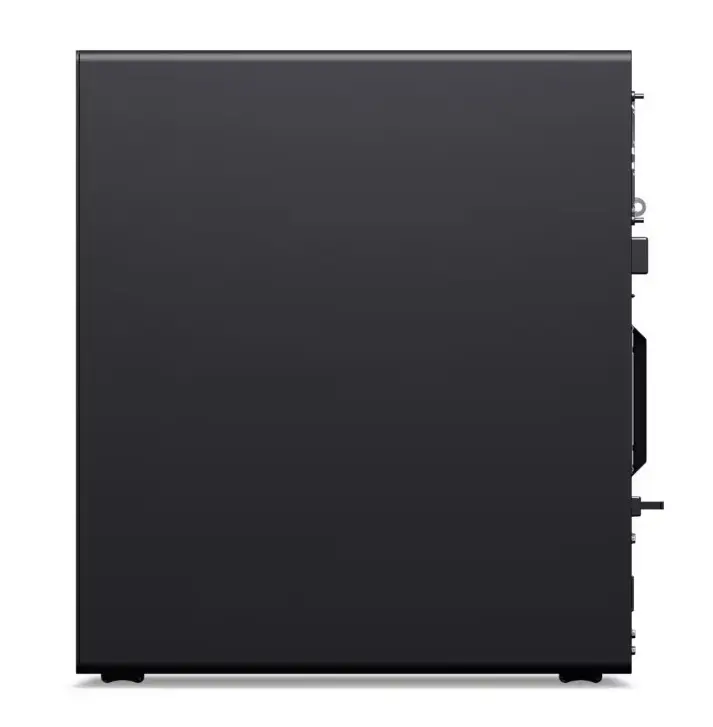
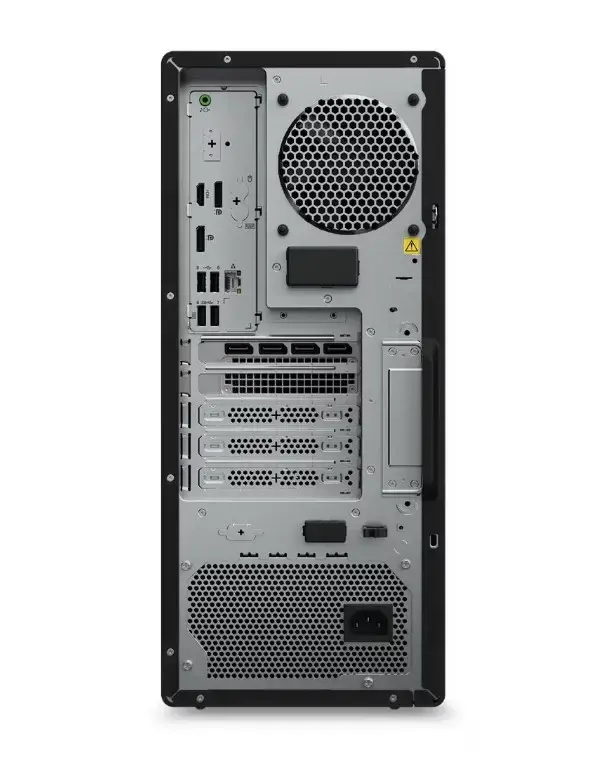
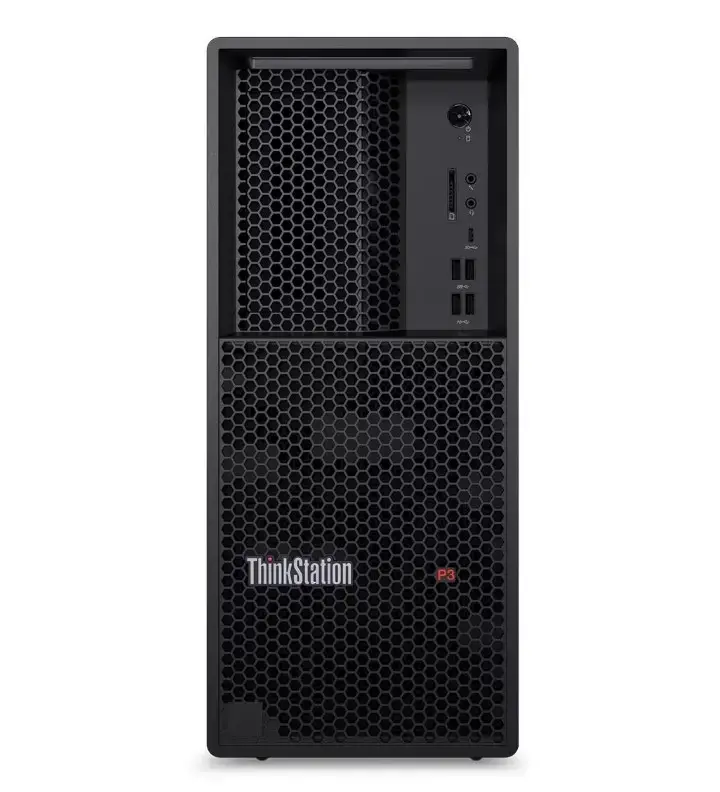
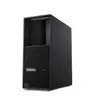
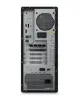
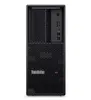
The Lenovo ThinkStation P3 Tower G2 is a professional-grade workstation engineered to deliver exceptional performance for demanding computational workloads. Built with the Intel Core Ultra 7 265K processor and 64GB of high-speed RAM, this system provides the necessary power for multitasking and complex data processing. The inclusion of a 1TB SSD ensures rapid boot times and quick access to large project files, while the NVIDIA RTX 4000 20GB graphics card offers the graphical fidelity required for intensive visual tasks. Pre-installed with Windows 11 Pro, this workstation is ready for enterprise deployment, offering advanced security features and vPro management capabilities.
Advantages
This workstation excels in environments where reliability and high-performance computing are critical. The combination of a powerful multi-core processor and a professional-grade GPU allows for seamless operation of resource-heavy software. Its robust tower design facilitates efficient cooling and provides room for future hardware upgrades, ensuring a longer lifecycle for your investment. The integration of Windows 11 Pro and vPro technology simplifies remote management and enhances data protection, making it an ideal choice for corporate and creative professional settings.
Suitable for
- 3D rendering and animation
- Computer-Aided Design (CAD) and engineering simulations
- Complex data analysis and scientific modeling
- Professional video editing and post-production
- Enterprise-level multitasking and virtualization
This workstation may not be suitable for users seeking a portable computing solution or those requiring a compact, space-saving form factor. Additionally, it is likely overkill for basic office productivity tasks, web browsing, or casual media consumption, where a standard consumer-grade desktop would be more cost-effective.
Key specifications
- Processor: Intel Core Ultra 7 265K
- Memory: 64GB RAM
- Storage: 1TB SSD
- Graphics: NVIDIA RTX 4000 20GB
- Operating System: Windows 11 Pro
- Management: Intel vPro support
How to use
To begin using the Lenovo ThinkStation P3 Tower G2, connect your monitor, keyboard, and mouse to the designated ports on the rear or front panels. Once connected to a power source, press the power button to initiate the Windows 11 Pro setup process. Follow the on-screen instructions to configure your network settings and user account. For optimal performance, ensure that all drivers, particularly those for the NVIDIA RTX graphics card, are updated through the official manufacturer support portal.
What to consider before purchase
- Verify that your workspace has sufficient physical space for a tower-style chassis.
- Ensure your monitor supports the output connections provided by the NVIDIA RTX 4000 card.
- Confirm that your specific software applications are compatible with the Windows 11 Pro environment.
- Assess if your current workflow requires the specific professional-grade GPU capabilities offered by this model.
Usage recommendations
For maximum longevity and performance, keep the workstation in a well-ventilated area to allow for proper airflow. Regularly back up critical project files to an external drive or cloud storage, and utilize the built-in vPro management tools if you are operating within a managed corporate network.