




Powerful EcoFlow stations for energy anywhere!
In cart {{totalProductsCount}} item(s)
Your cart is empty
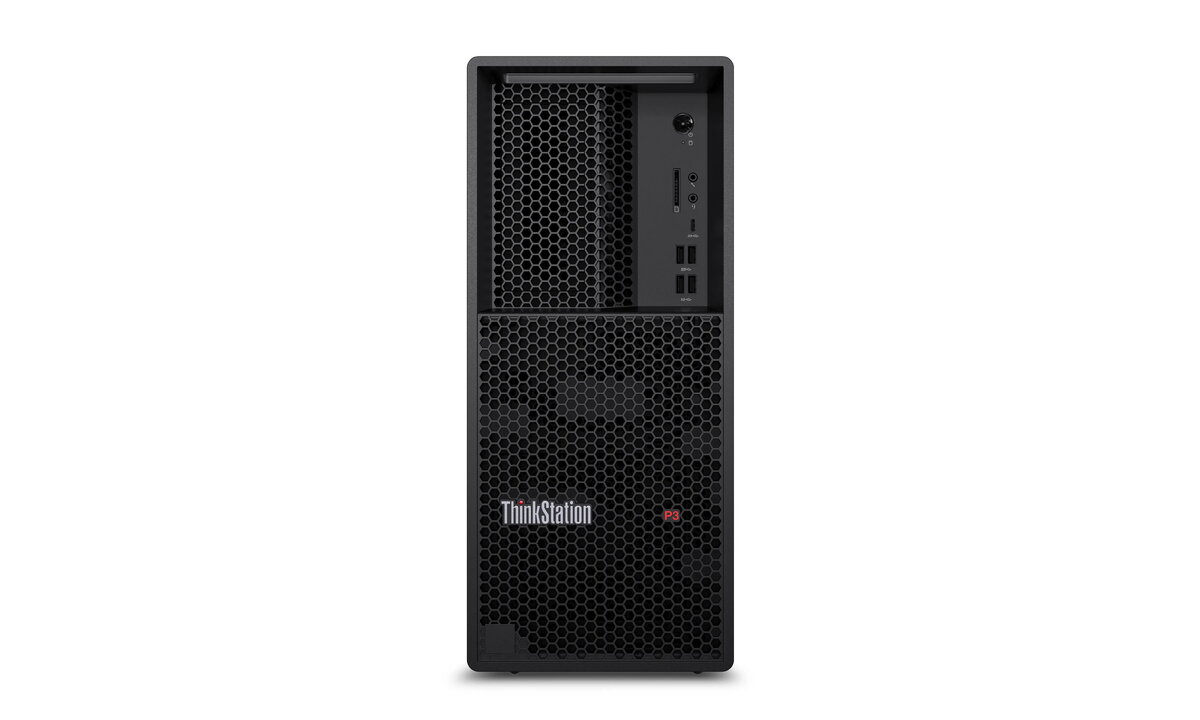
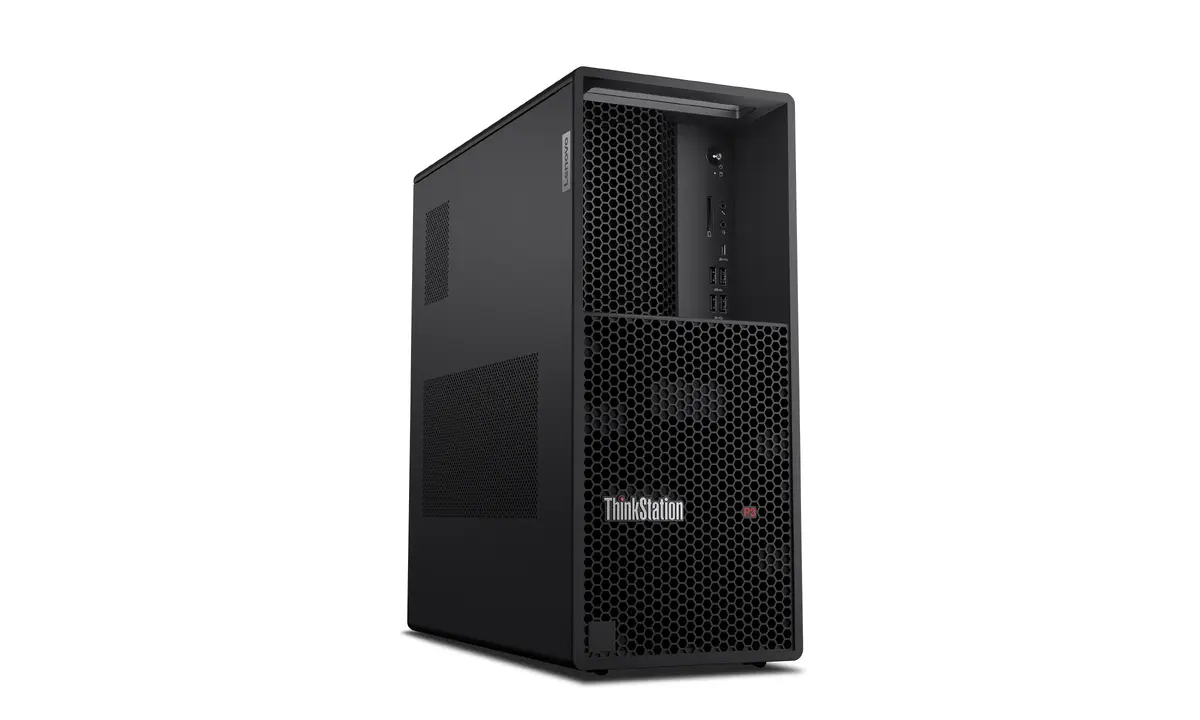
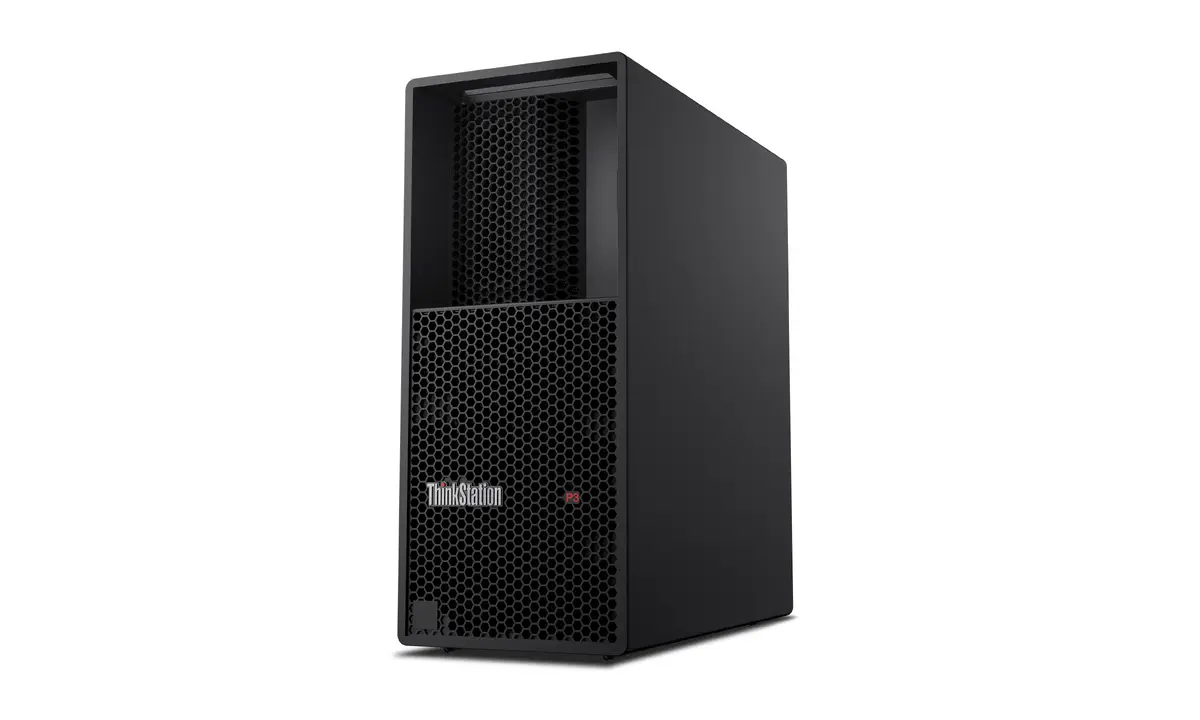
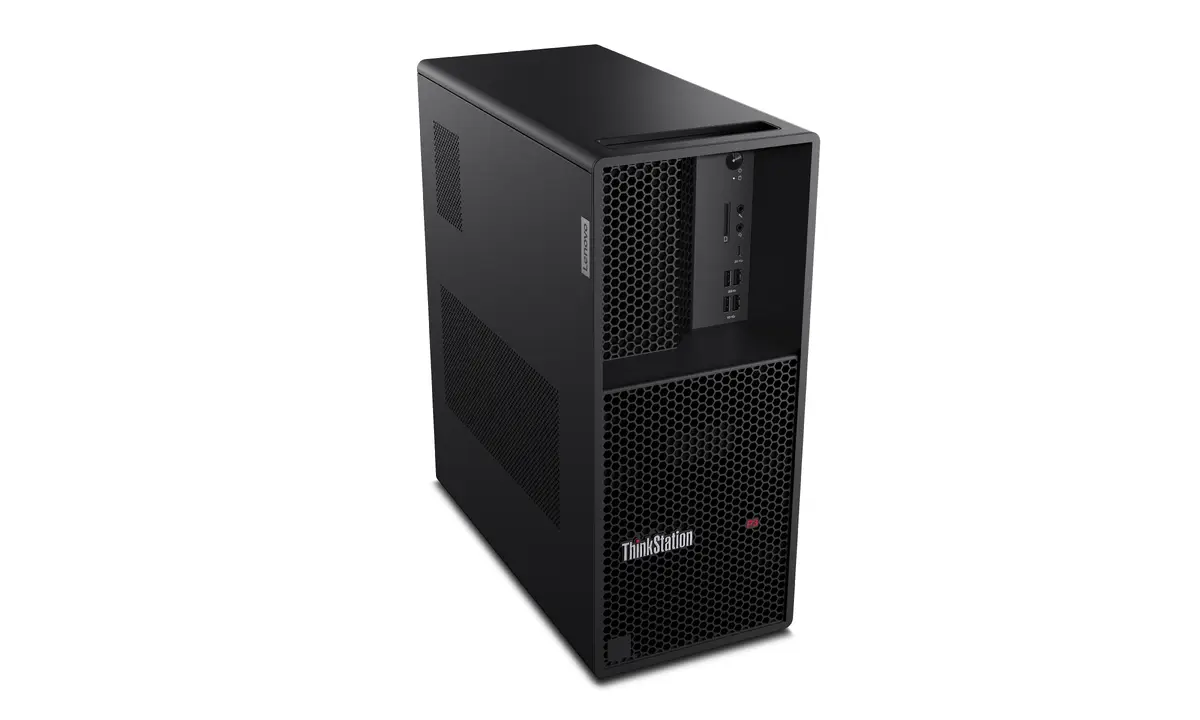
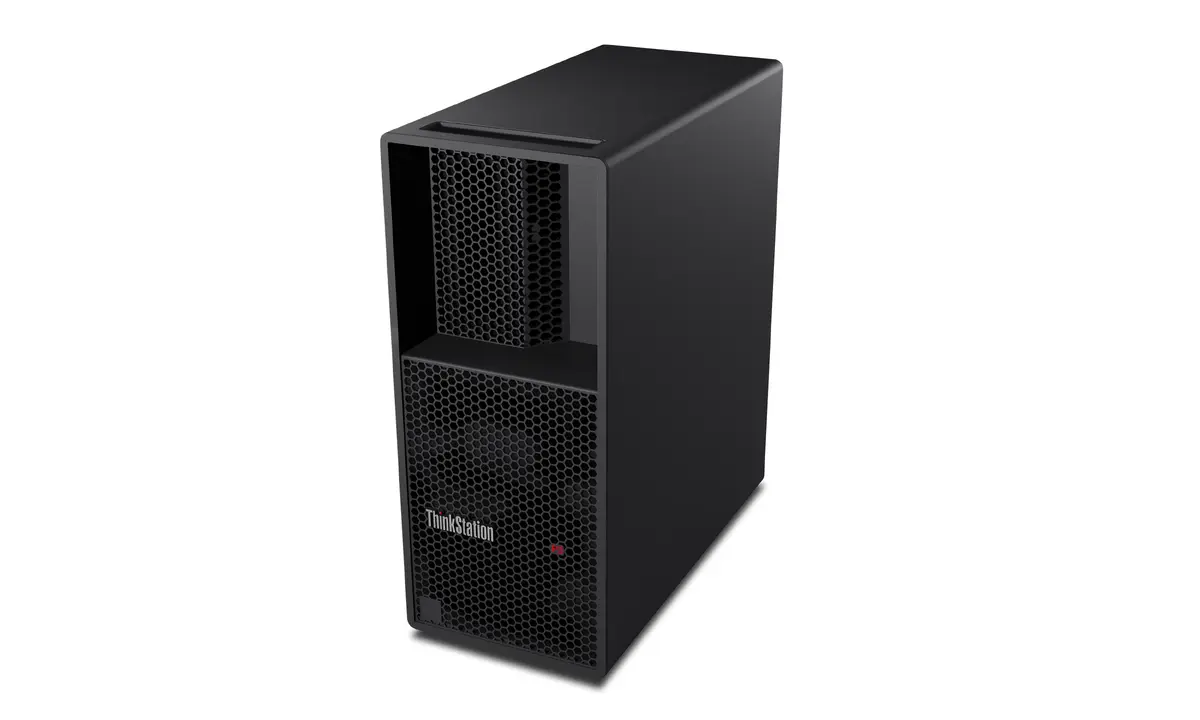
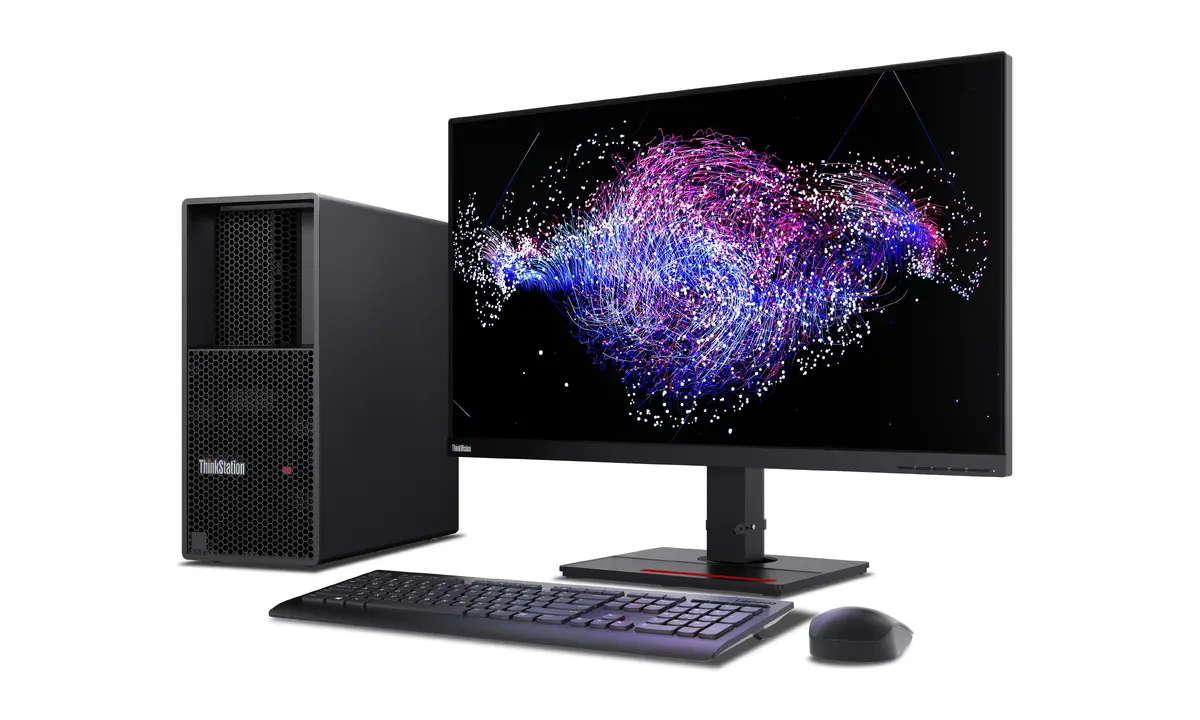
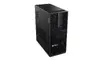
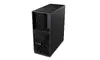
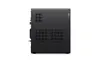
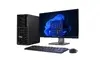
Lenovo ThinkStation P3 Tower Gen 2 Workstation, Intel Core Ultra 9 285, 32GB DDR5, 1TB SSD, Windows 11 Pro
The Lenovo ThinkStation P3 Tower Gen 2 is a professional-grade workstation engineered to deliver high-performance computing for demanding professional environments. Powered by the Intel Core Ultra 9 285 processor and equipped with 32 GB of high-speed DDR5-SDRAM, this system provides the necessary power for complex workflows. The tower features a 1 TB SSD for rapid data access and is housed in a robust chassis with a 750 W power supply, ensuring stability during intensive tasks. It comes pre-installed with Windows 11 Pro, offering a secure and efficient platform for business and creative applications.
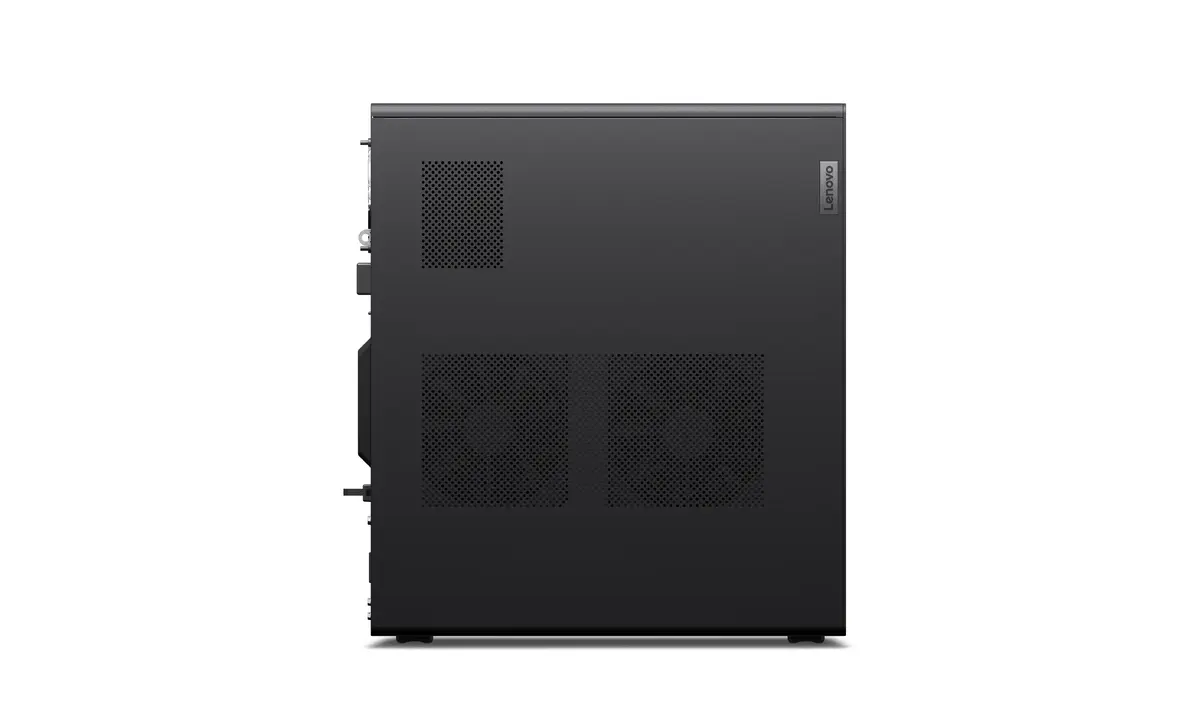
This workstation is designed with an advanced thermal architecture that maintains optimal operating temperatures even under heavy processing loads, ensuring consistent performance. The system offers significant expandability, allowing users to scale their hardware to meet evolving project requirements. With integrated ThinkShield security features, including hardware-based encryption and BIOS protection, the workstation provides a secure environment for sensitive data. Its reliability is further underscored by independent software vendor certifications, making it a dependable choice for mission-critical operations.
This workstation may not be suitable for users seeking a highly portable device, as its tower form factor is designed for stationary desk use. Additionally, it is not optimized for entry-level office tasks or casual home entertainment, as its professional-grade components and specialized security features are tailored for high-demand industrial and creative workflows.
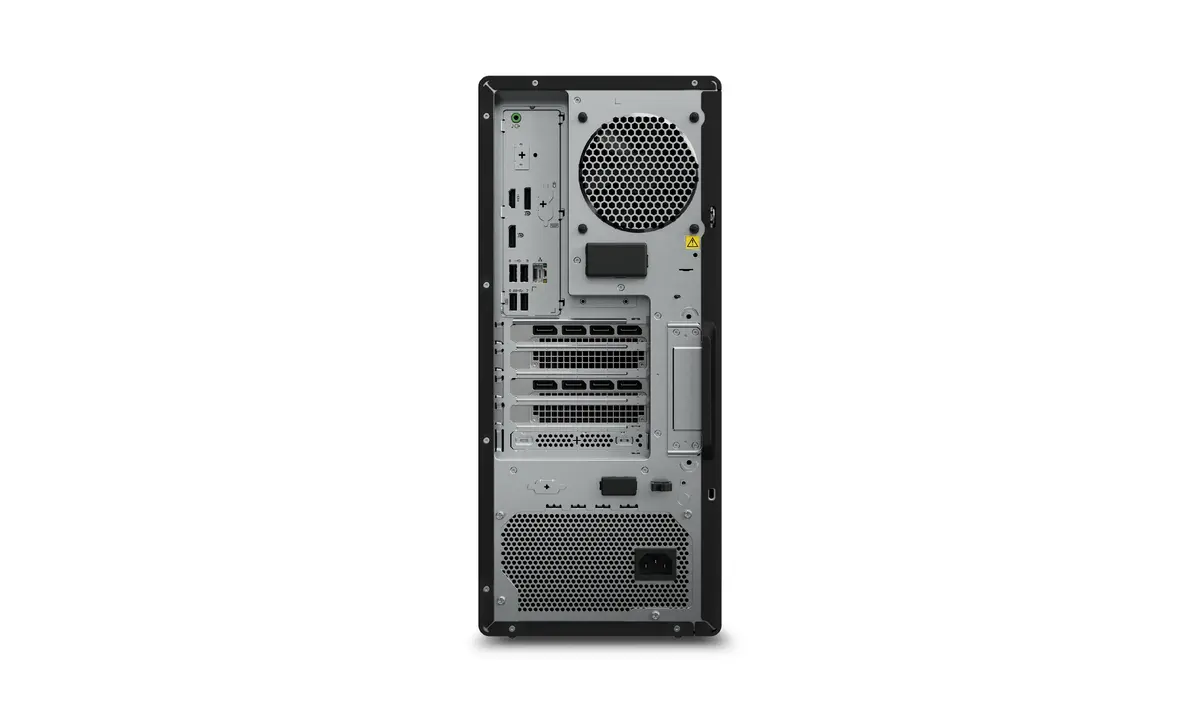
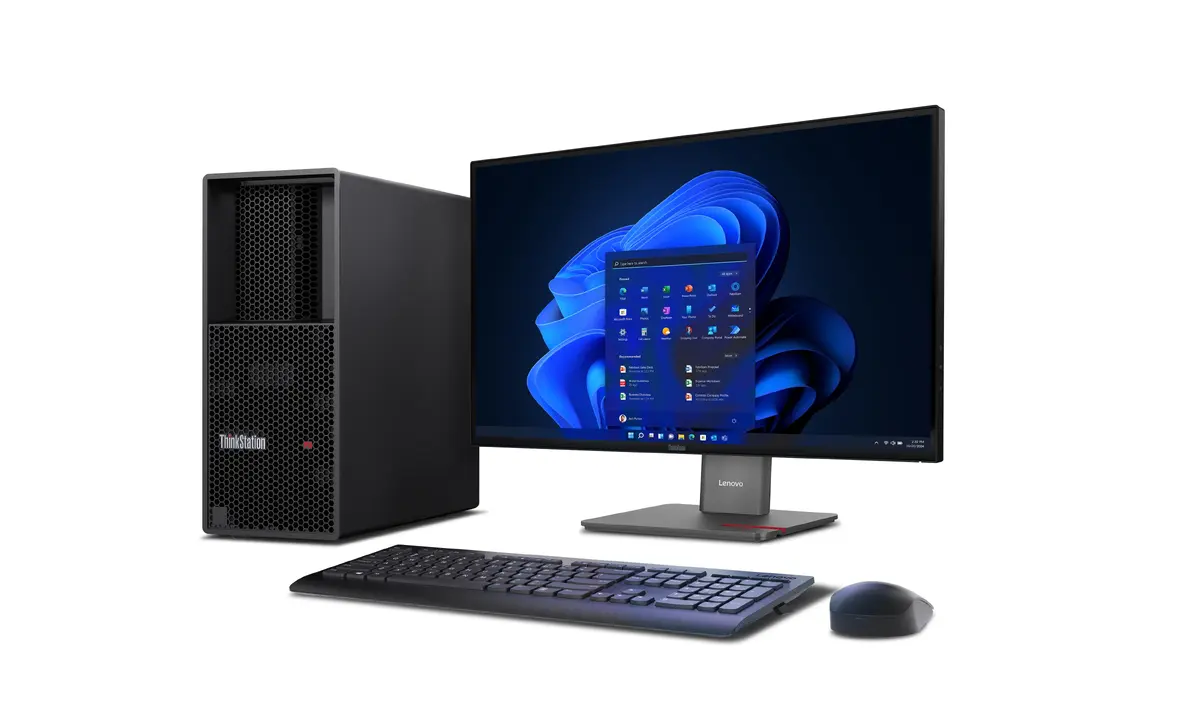
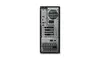
To begin using the Lenovo ThinkStation P3 Tower, connect the provided power cable to a grounded outlet and attach your peripherals, such as the included USB mouse and keyboard, to the available ports. Connect your display to the onboard DisplayPort interfaces. Upon powering on the system, follow the on-screen prompts to complete the Windows 11 Pro initial setup. Ensure the workstation is placed in a well-ventilated area to allow the thermal design to function effectively. You may install additional hardware or software as needed to customize the system for your specific professional requirements.
Usage recommendations: For optimal performance and longevity, keep the air intake and exhaust vents clear of obstructions. Regularly check for and install firmware and security updates provided through the Windows environment to maintain system integrity.
{{highlightedFeature.featureTitle}}:
{{getProductFeatureValueById(product, highlightedFeature.featureId)}}
{{ productComparisonGenerationError }}
