



Dreame vacuums for fast and efficient cleaning!
In cart {{totalProductsCount}} item(s)
Your cart is empty
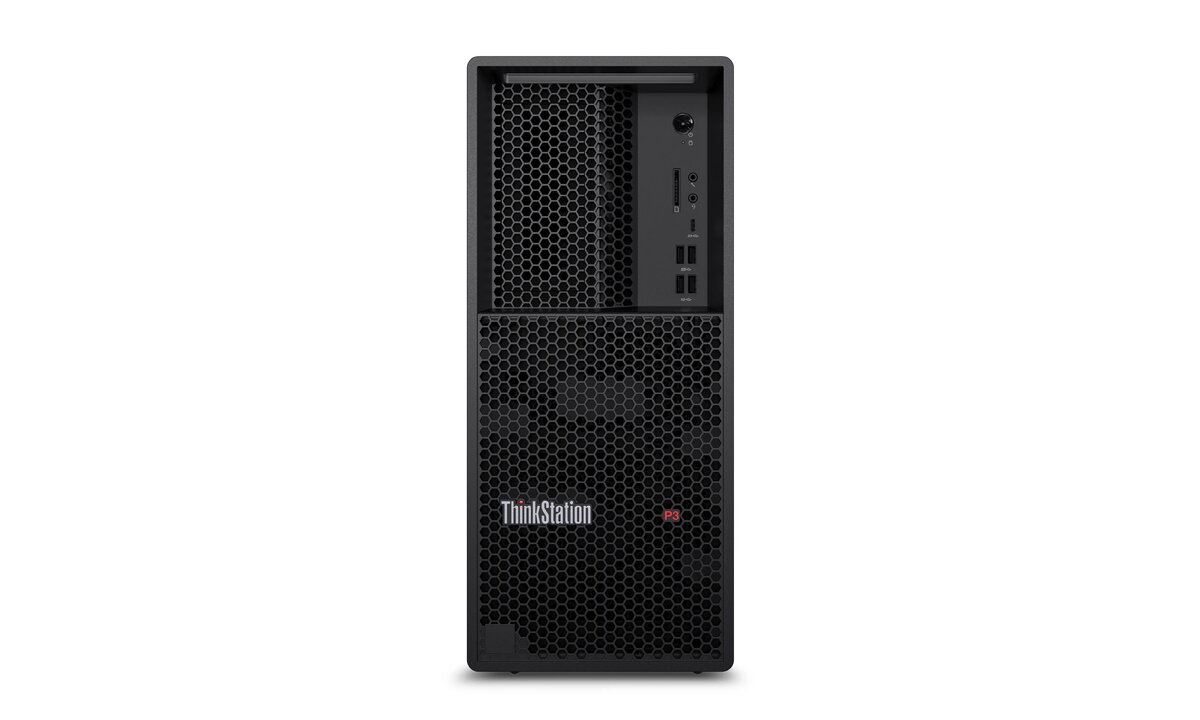
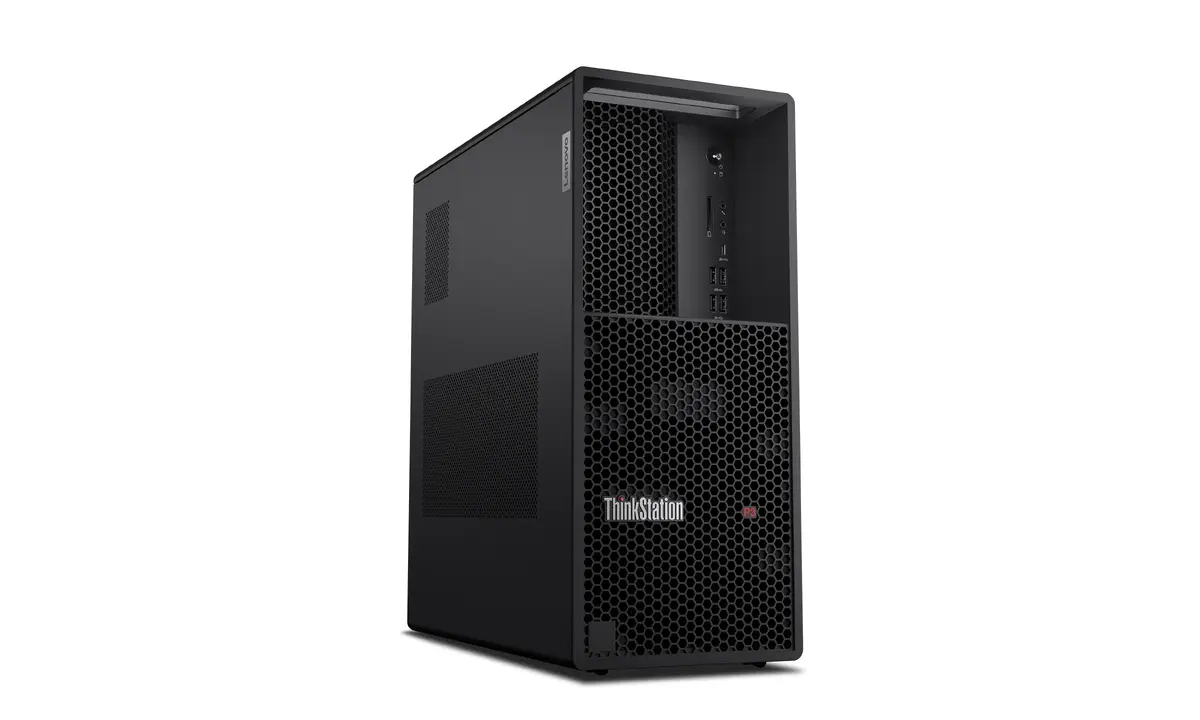
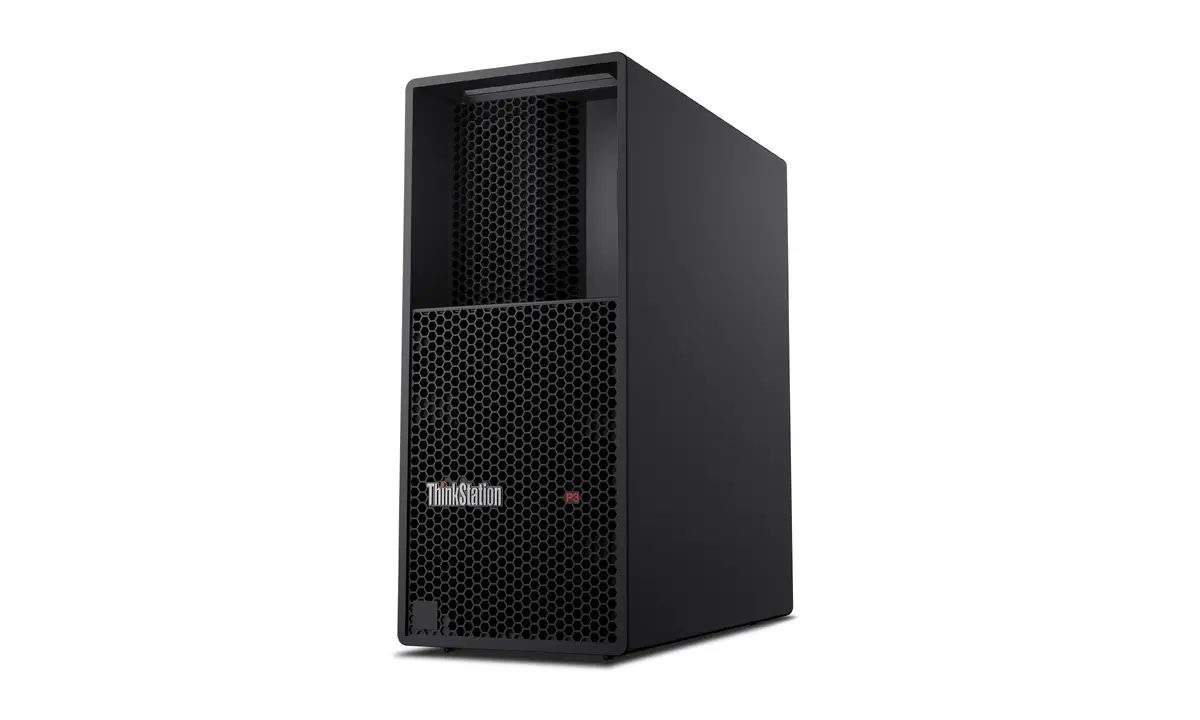
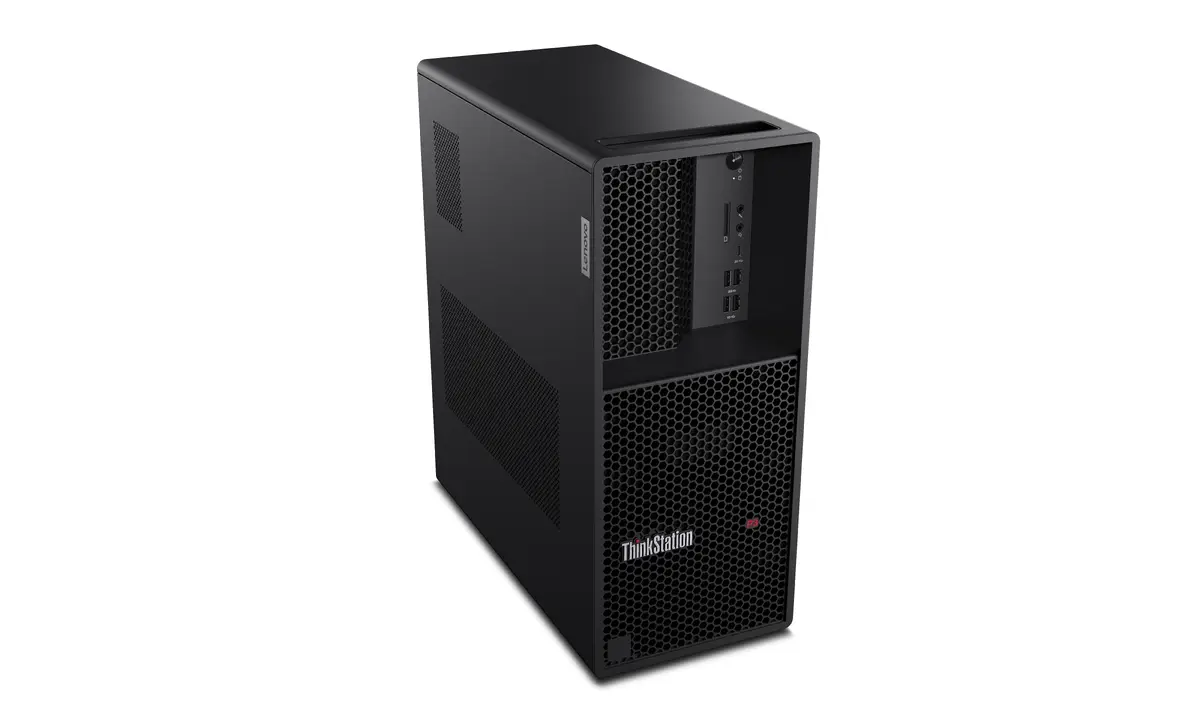
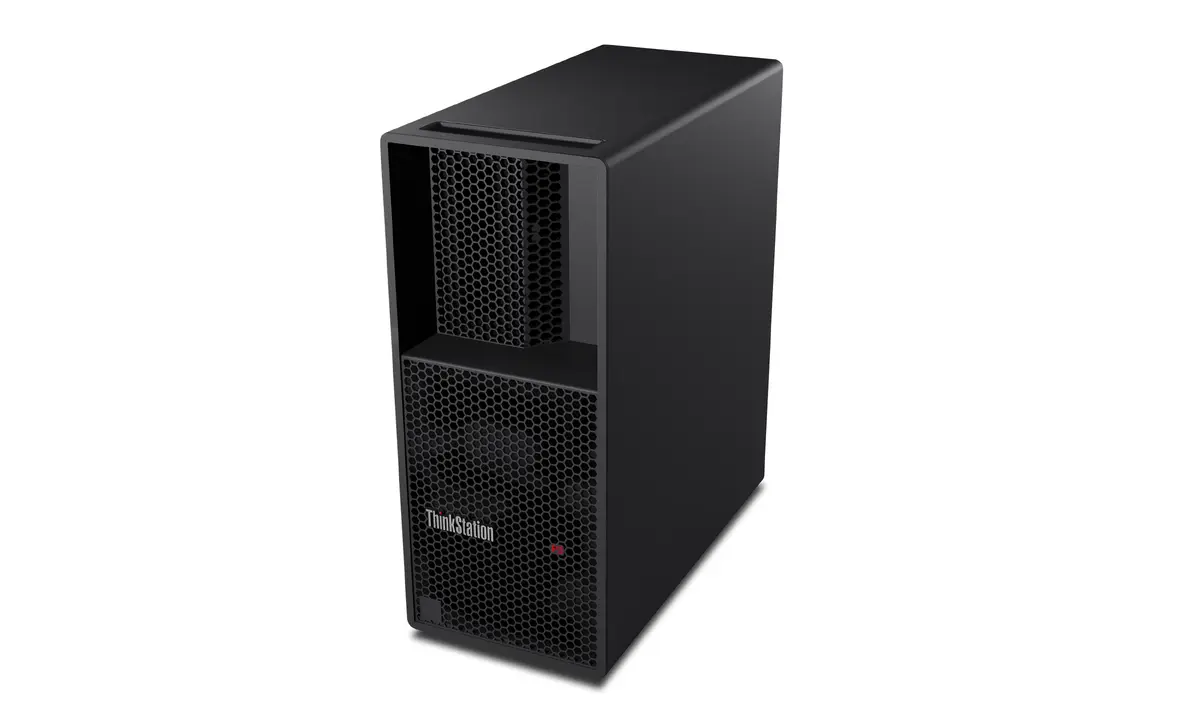
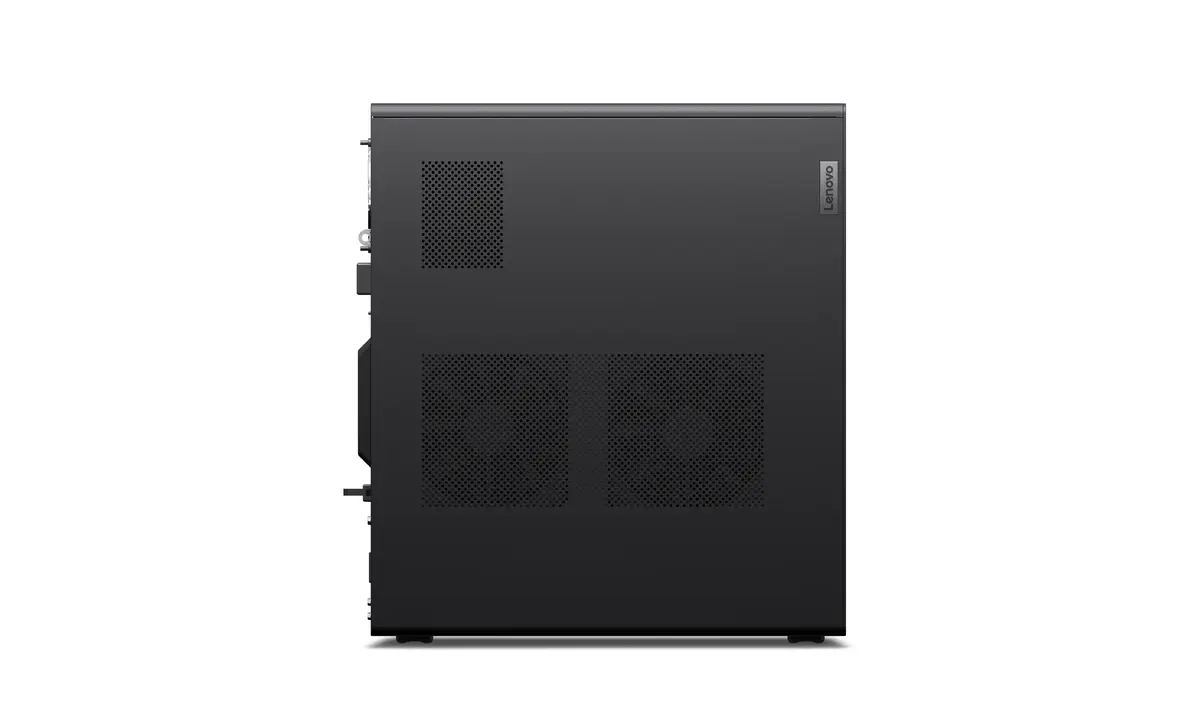
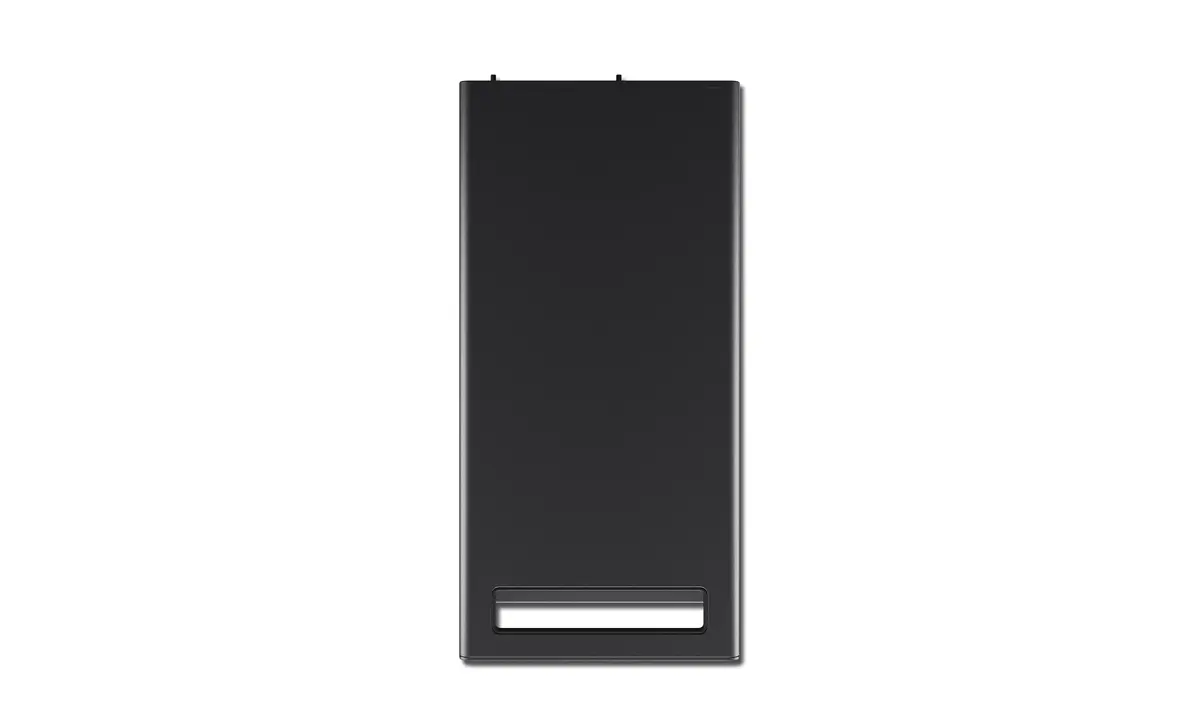
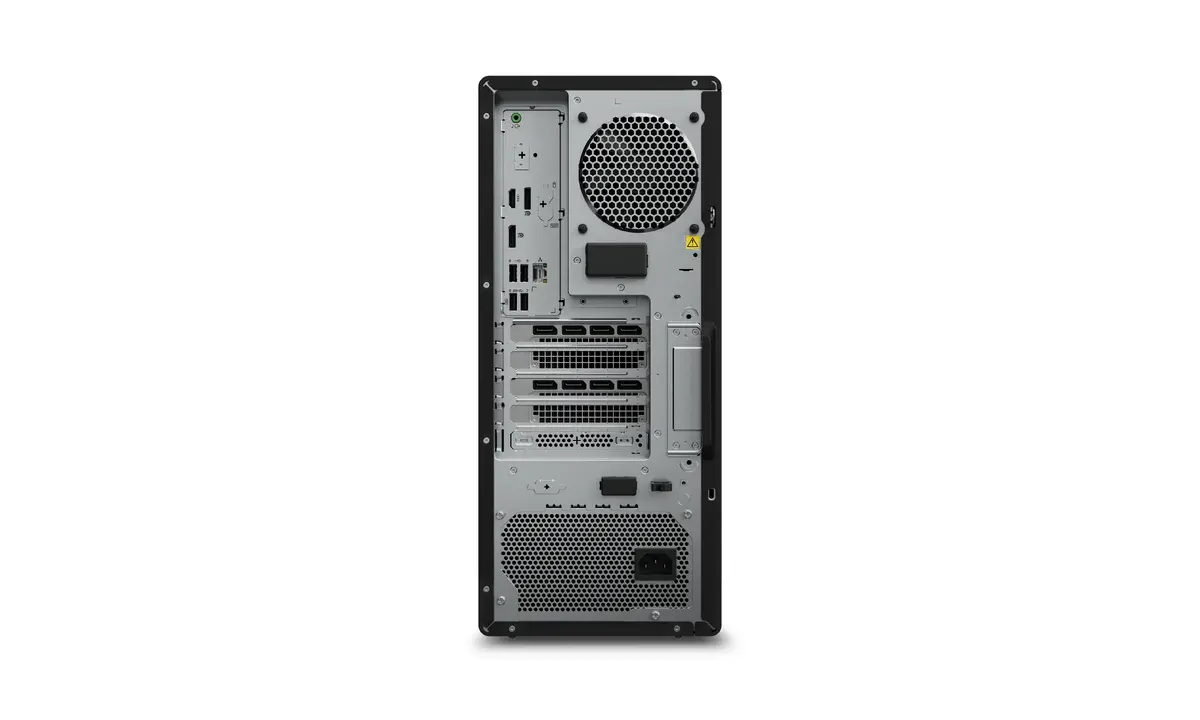
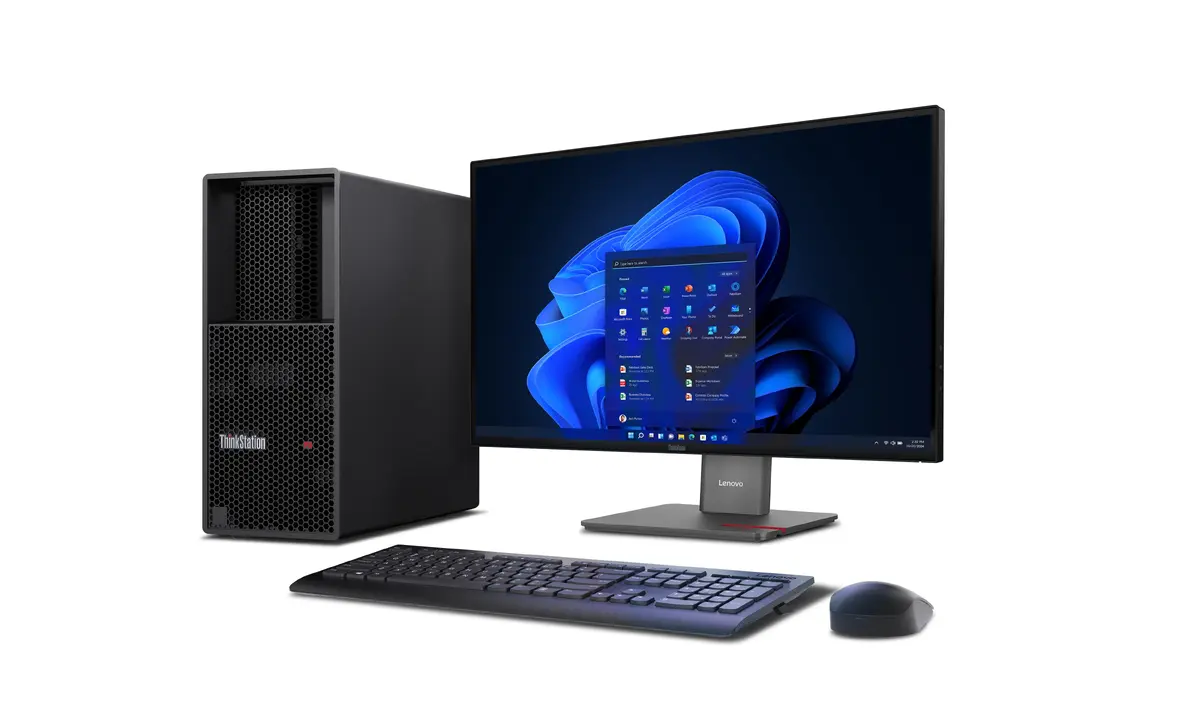
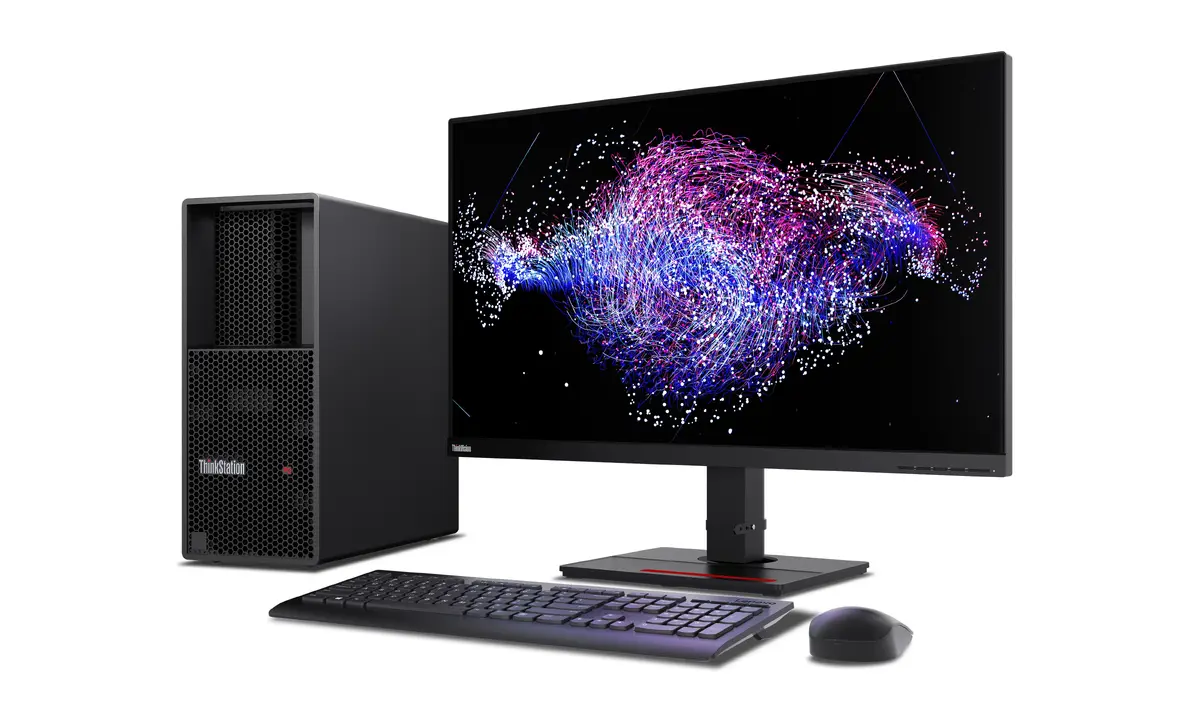
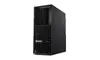
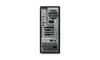
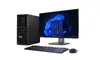
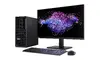
Workstation Lenovo ThinkStation P3 Tower Gen 2 — Intel Core Ultra 9 285K, 128 GB DDR5, 1 TB SSD, NVIDIA RTX PRO 5000 Blackwell, Windows 11 Pro
The Lenovo ThinkStation P3 Tower Gen 2 is a desktop workstation built for professional CAD, 3D rendering and other data‑intensive workflows. It is powered by an Intel Core Ultra 9 285K processor with up to 5.7 GHz boost frequency, paired with 128 GB of DDR5-6400 memory and a 1 TB SSD for fast data access. Graphics are provided by an integrated Intel solution plus a discrete NVIDIA RTX PRO 5000 Blackwell with 48 GB of dedicated memory. The system ships with Windows 11 Pro, a 750 W power supply and an integrated card reader, all housed in a black tower chassis weighing approximately 14.38 kg.
This workstation offers a balance of high single-threaded boost performance and many-core throughput thanks to the Intel Core Ultra 9 285K processor. Large DDR5 memory capacity and high-frequency RAM support demanding multitasking and large datasets without frequent paging. The NVIDIA RTX PRO 5000 Blackwell GPU with 48 GB of video memory enables accelerated rendering, complex simulations and large model visualization. A 1 TB SSD delivers responsive system boot and application load times while the included 750 W power supply supports sustained peak workloads. Windows 11 Pro provides security and manageability features suitable for professional environments.
Place the ThinkStation P3 Tower Gen 2 on a stable, well-ventilated surface near required peripherals and network connections. Connect monitor(s), keyboard and mouse to the available ports, attach power and network cabling, then power on the system. Use Windows 11 Pro setup to configure user accounts, security and network settings. Install industry software such as CAD, 3D rendering or analysis applications and configure GPU drivers provided by the workstation vendor to ensure optimal performance. For large projects, allocate sufficient virtual memory and verify that applications are configured to use the discrete NVIDIA RTX PRO 5000 Blackwell where supported.
For sustained heavy workloads, ensure adequate airflow around the tower and place the workstation in a temperature-controlled environment. Keep GPU and system drivers up to date and perform regular backups of critical data. When working with very large models or datasets, monitor memory and storage usage and consider using fast external storage or network-attached solutions for archive and backup operations.
{{highlightedFeature.featureTitle}}:
{{getProductFeatureValueById(product, highlightedFeature.featureId)}}
{{ productComparisonGenerationError }}
