

Save time and money with our discounts!
In cart {{totalProductsCount}} item(s)
Your cart is empty
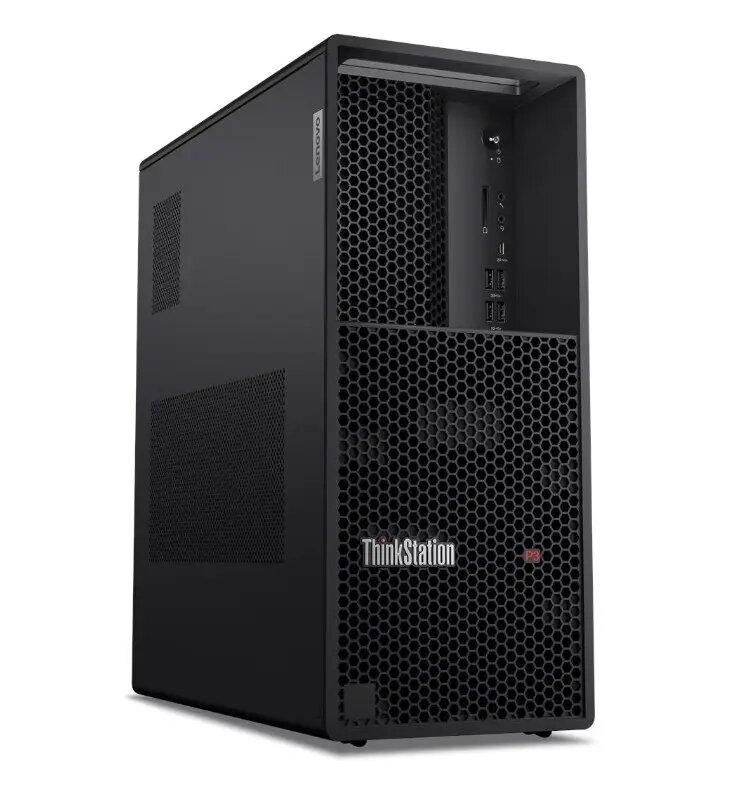
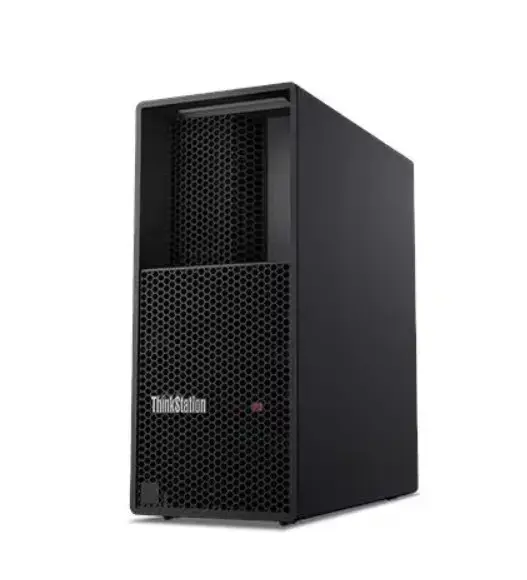
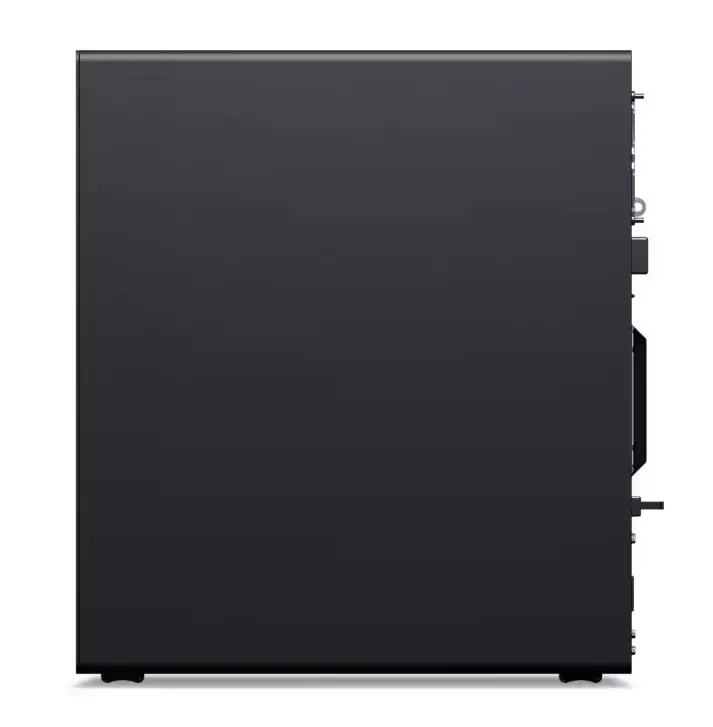
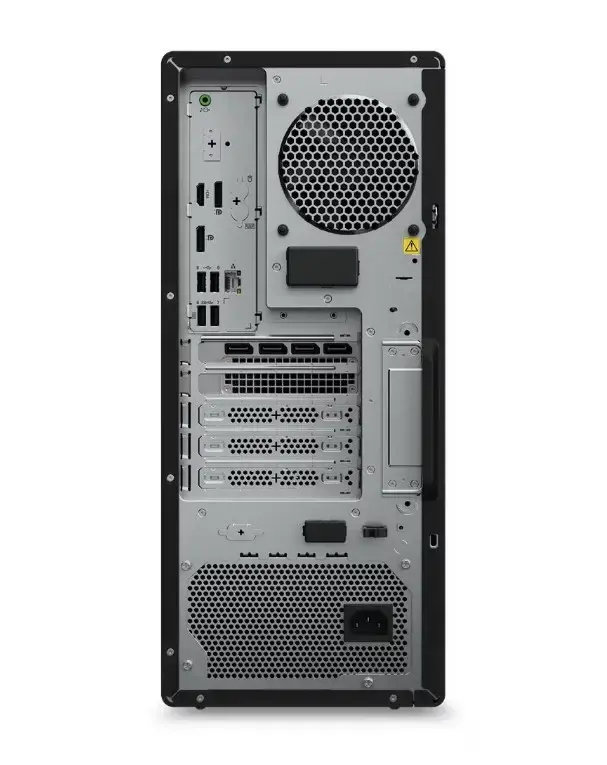
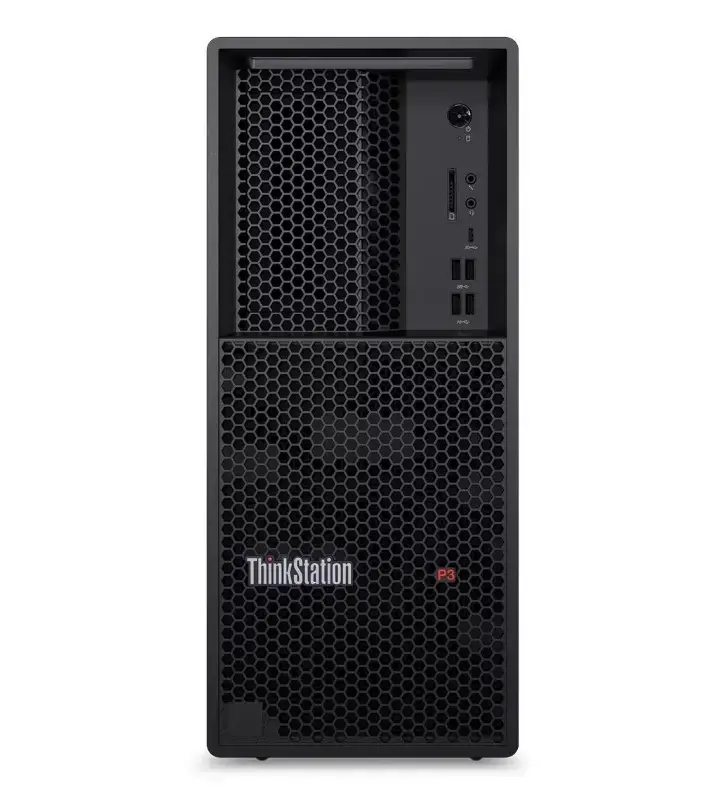
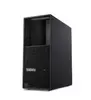
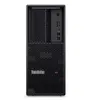
Lenovo ThinkStation P3 Tower G2 Workstation, Intel Core Ultra 7 265K, 64GB RAM, 1TB SSD, Windows 11 Pro
The Lenovo ThinkStation P3 Tower G2 is a professional-grade workstation engineered to handle intensive computing workloads with precision and reliability. Powered by the Intel Core Ultra 7 265K processor and supported by 64GB of high-speed RAM, this system provides the necessary performance for complex multitasking, data processing, and resource-heavy software. With a 1TB SSD, it offers fast data access and ample storage for critical projects, while the Windows 11 Pro operating system ensures a secure and productive environment tailored for business needs.
This workstation stands out due to its robust architecture designed for long-term stability and high-performance output. The integration of vPro technology enhances security and manageability, making it an ideal choice for corporate IT environments. The combination of a powerful processor and substantial memory capacity allows for seamless operation of professional applications, reducing downtime and increasing overall efficiency. Furthermore, the inclusion of a 3-year OS warranty and 1-year Premier support provides peace of mind and professional technical assistance when needed.
This workstation may not be suitable for users seeking a portable solution, as its tower form factor is designed for stationary desk use. Additionally, it may exceed the requirements for basic administrative tasks or casual home media consumption, where a more entry-level system would be more cost-effective.
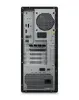
To begin using the Lenovo ThinkStation P3 Tower G2, connect the necessary peripherals such as a monitor, keyboard, and mouse to the designated ports on the chassis. Once connected to a power source, follow the on-screen prompts provided by the Windows 11 Pro setup wizard to configure your user account and network settings. Ensure the workstation is placed in a well-ventilated area to maintain optimal thermal performance during heavy usage.
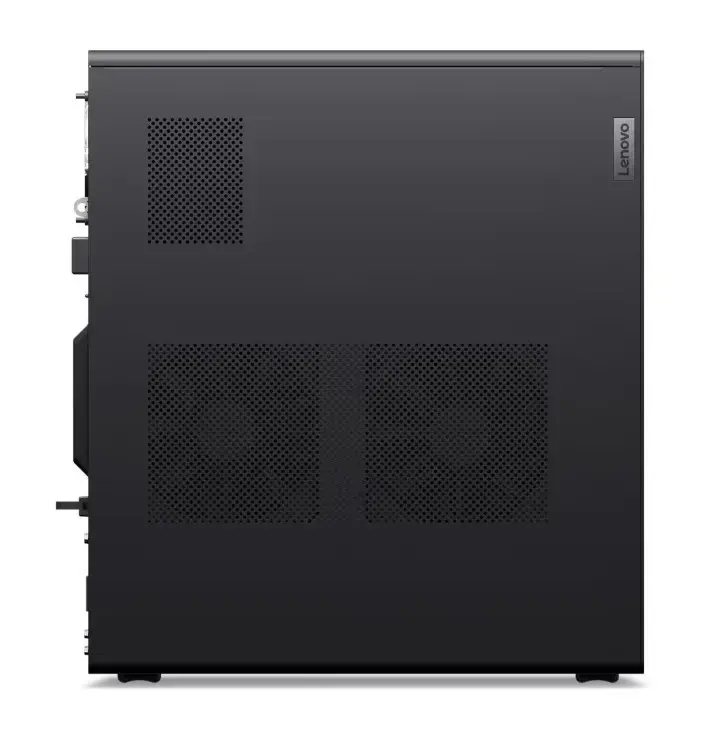
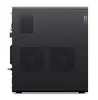
For optimal performance and longevity, keep the system software updated regularly and ensure the air intake vents remain unobstructed to prevent overheating during intensive tasks.
{{highlightedFeature.featureTitle}}:
{{getProductFeatureValueById(product, highlightedFeature.featureId)}}
{{ productComparisonGenerationError }}
