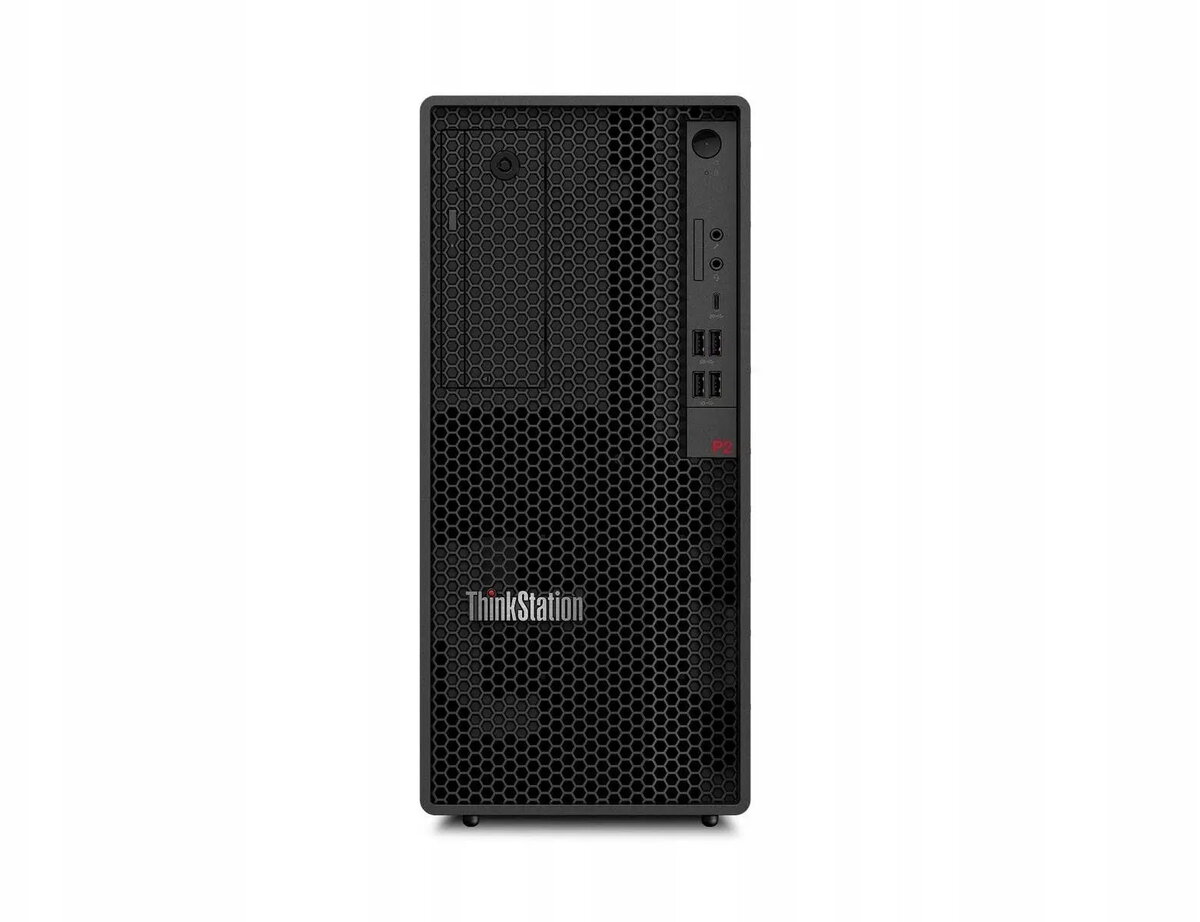
The Lenovo ThinkStation P2 Tower Gen 2 Ultra is a desktop workstation configured for professional workflows. It pairs an Intel 9 285K CPU with 32 GB of RAM, a 1 TB M.2 NVMe drive and an NVIDIA RTX 4060 graphics card with 8 GB of VRAM, running Windows 11 Pro. The combination of a high-clock processor, workstation memory capacity and dedicated RTX graphics targets tasks that demand reliable calculation power, realtime viewport performance and fast storage access.
Advantages
This configuration delivers strong single-thread and multi-thread CPU performance for modelling and engineering applications, while the RTX 4060 provides hardware-accelerated rendering, GPU compute and support for professional visualization in CAD and content-creation software. The 1 TB M.2 NVMe drive offers low-latency storage for operating system, applications and active project files. Built as a tower workstation, the system supports internal expansion and upgrade paths for additional storage, memory or PCIe cards to adapt to evolving project requirements.
Suitable for
- 3D modelling and CAD assemblies with moderate to complex scenes
- Content creation workflows: video editing, compositing and motion graphics
- GPU-accelerated rendering and visualization tasks
- Data analysis, simulation and engineering computations that benefit from fast CPU and SSD access
- Professional desktop environments requiring a Windows 11 Pro platform
When it may not be suitable
This workstation may be more powerful and consequently more expensive than needed for basic office tasks, email and web browsing. For extremely large-scale GPU compute workloads or high-end ray-tracing render farms, a higher-tier GPU or multi-GPU server architecture could be preferable.
Key specifications
- Processor: Intel 9 285K — high-performance desktop CPU suitable for single- and multi-threaded workloads
- Memory: 32 GB RAM — sufficient for multitasking and medium to large project files
- Storage: 1 TB M.2 NVMe SSD — fast primary storage for OS and active projects
- Graphics: NVIDIA RTX 4060 with 8 GB VRAM — hardware-accelerated rasterization, GPU compute and support for professional visualization
- Operating system: Windows 11 Pro — business and professional features enabled
- Form factor: Tower workstation — room for upgrades and additional internal components
How to use
Unpack the workstation on a stable surface with adequate ventilation. Connect display(s), keyboard, mouse and power. Use Windows 11 Pro initial setup to configure user accounts, network and security settings. Install required professional applications (CAD, DCC, analysis or development tools) and update drivers from Lenovo and NVIDIA to ensure optimal compatibility and performance. Store active projects on the internal NVMe drive for best responsiveness and consider using additional internal or external storage for archiving.
What to consider before purchase
- Confirm that the RTX 4060’s 8 GB VRAM meets the memory demands of your specific GPU workloads and scene complexity
- Evaluate if 32 GB of RAM is sufficient for your largest projects or if a memory upgrade is likely to be required
- Check display connectivity and number of monitors you plan to use to ensure compatible ports and adapters
- Plan for future expansion: available drive bays, DIMM slots and PCIe slots in the tower chassis
Usage recommendations
For best day-to-day performance, keep the system firmware and GPU drivers up to date, store active files on the internal NVMe drive, and allocate additional RAM if you regularly work with very large datasets or complex 3D scenes. Use GPU-accelerated features in your software when available to leverage the RTX 4060’s capabilities.