


Dreame vacuums for fast and efficient cleaning!
In cart {{totalProductsCount}} item(s)
Your cart is empty
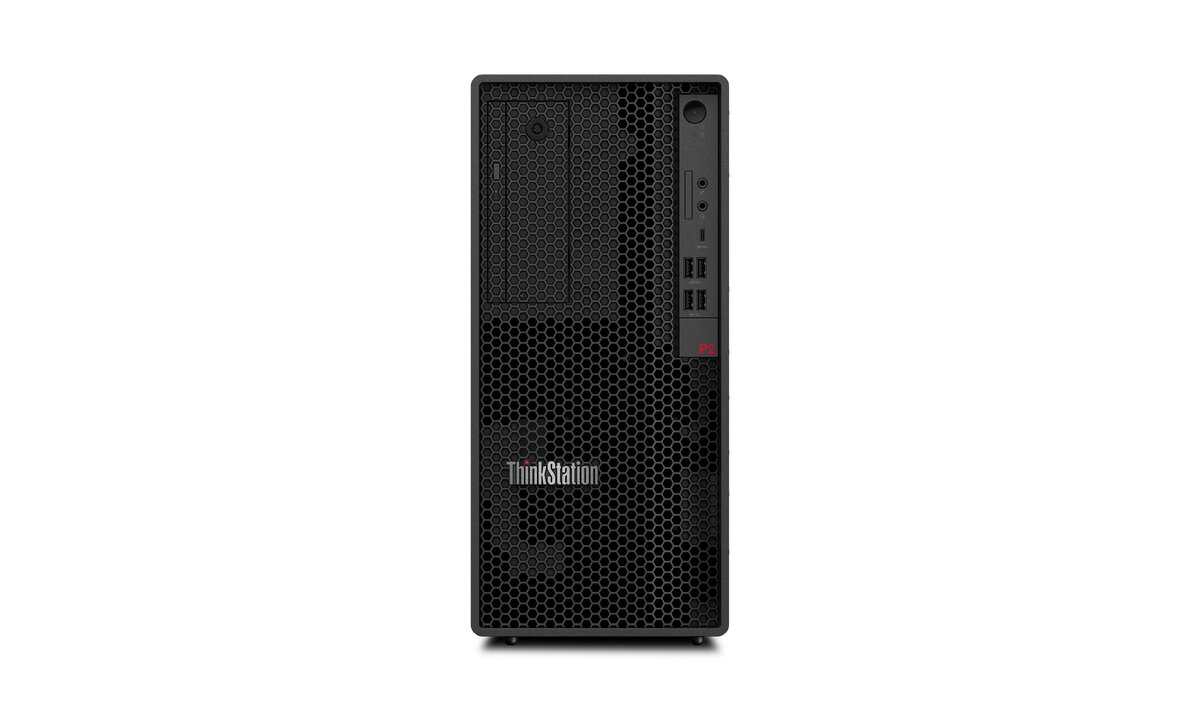
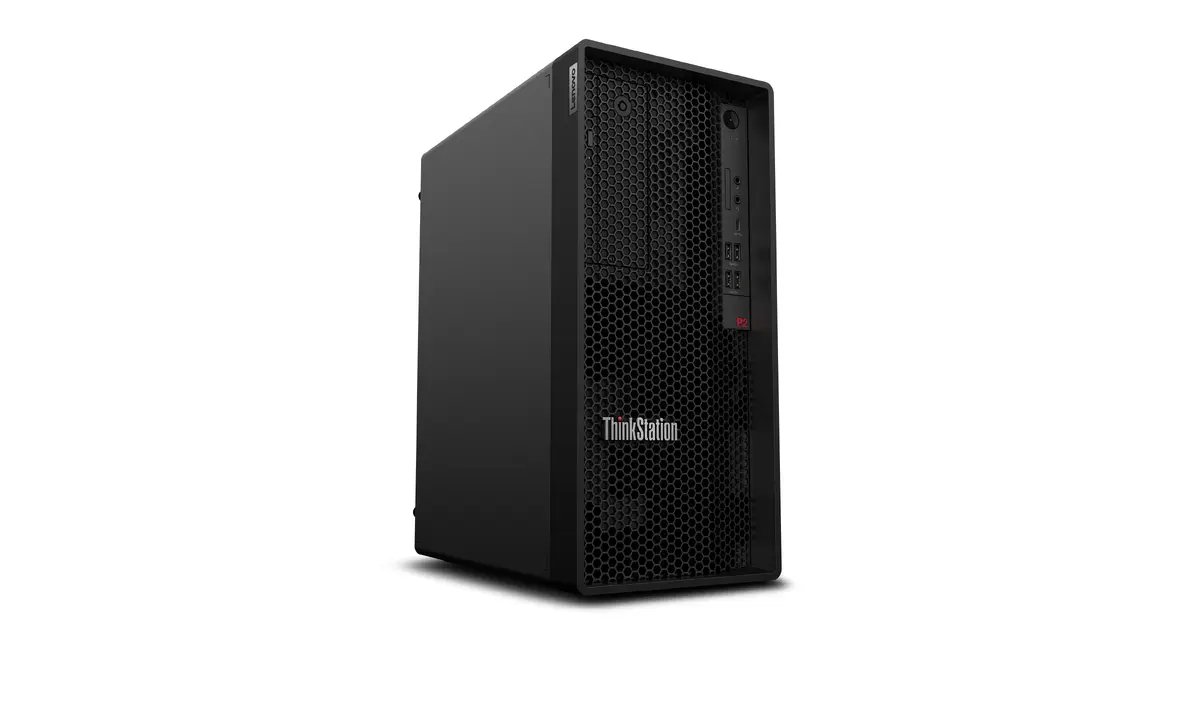
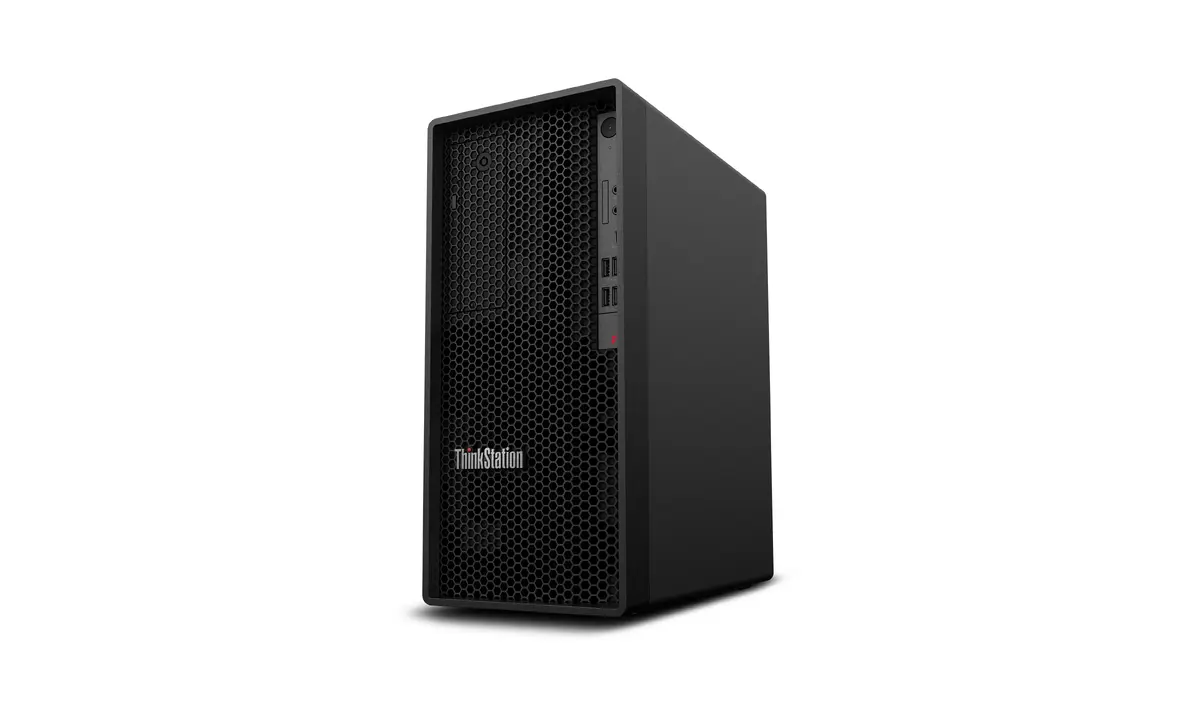
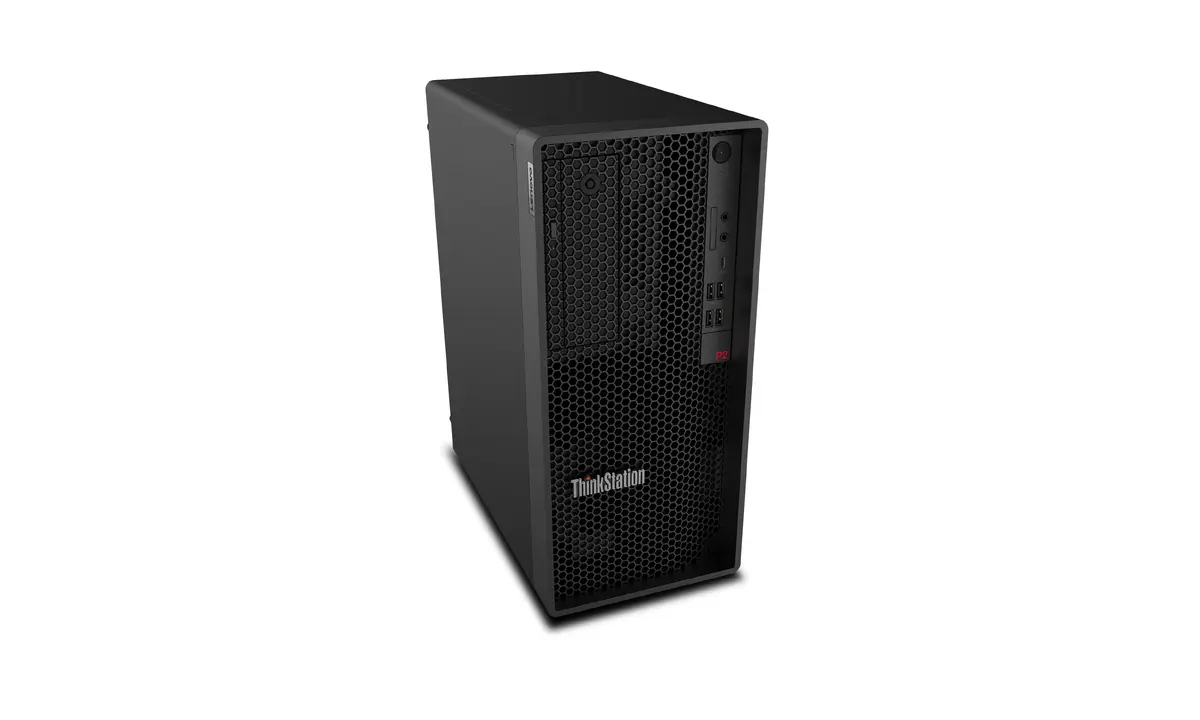
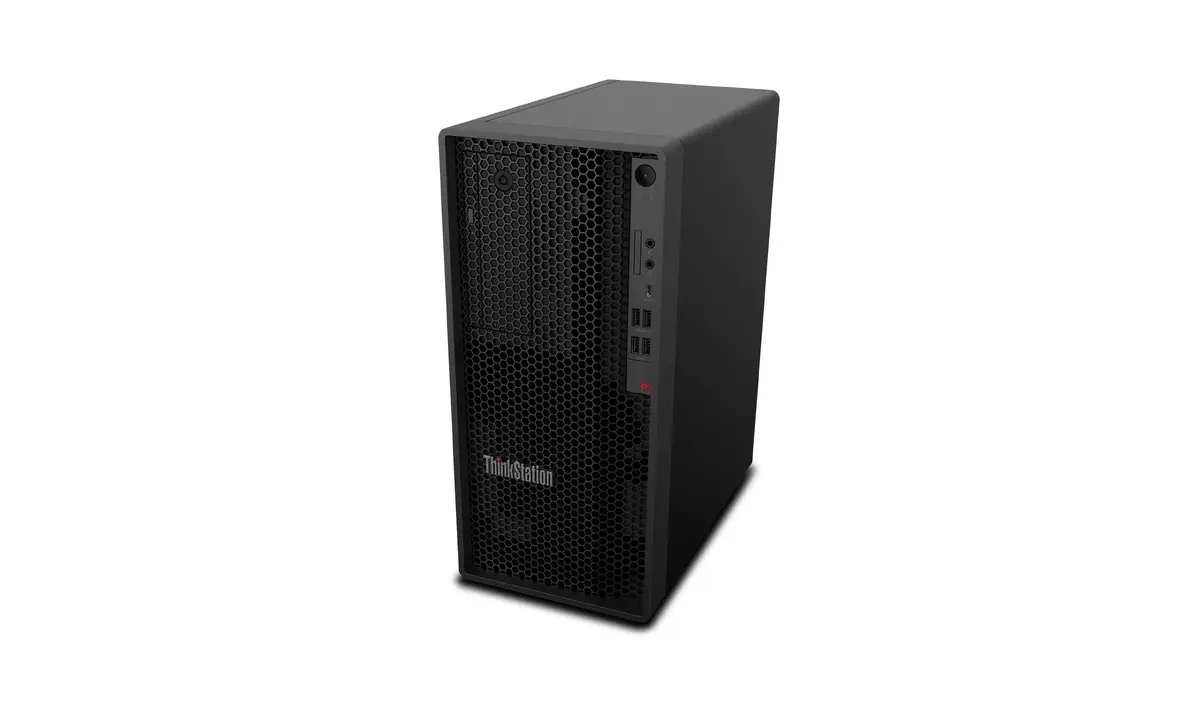
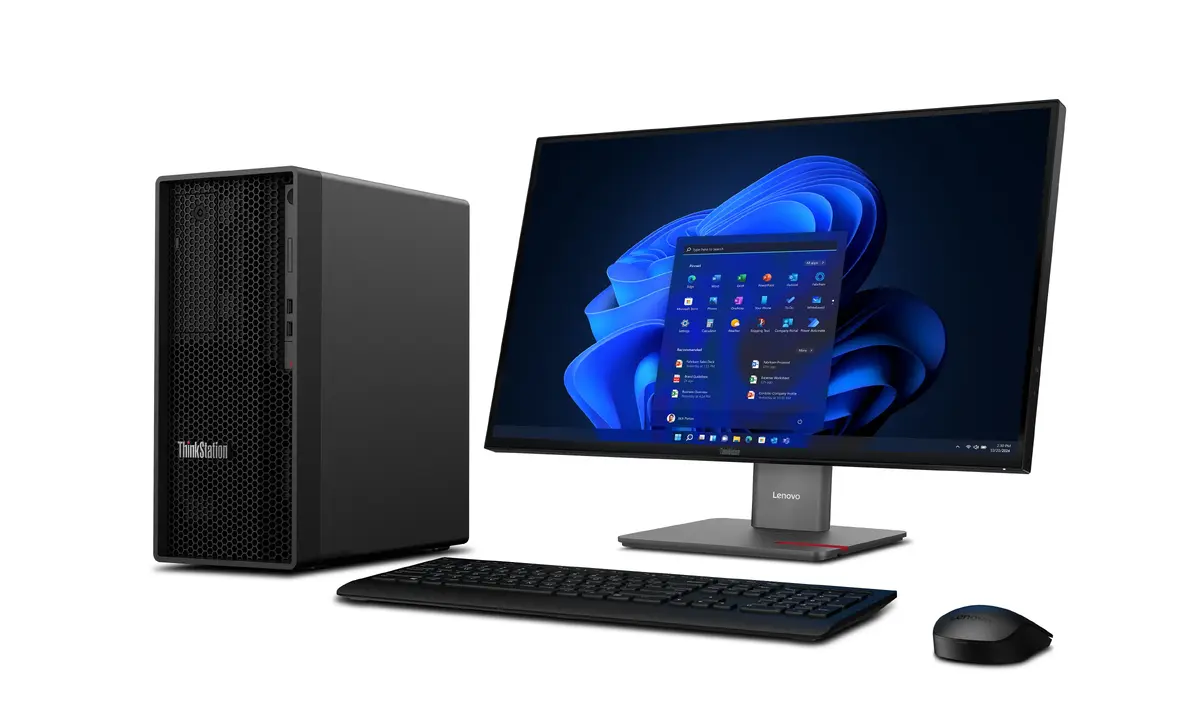
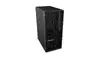
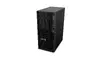
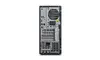
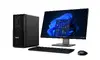
Workstation Lenovo ThinkStation P2 Tower Gen 2 — Intel Core Ultra 7 265K, 64 GB DDR5, 1 TB SSD, NVIDIA GeForce RTX 5070
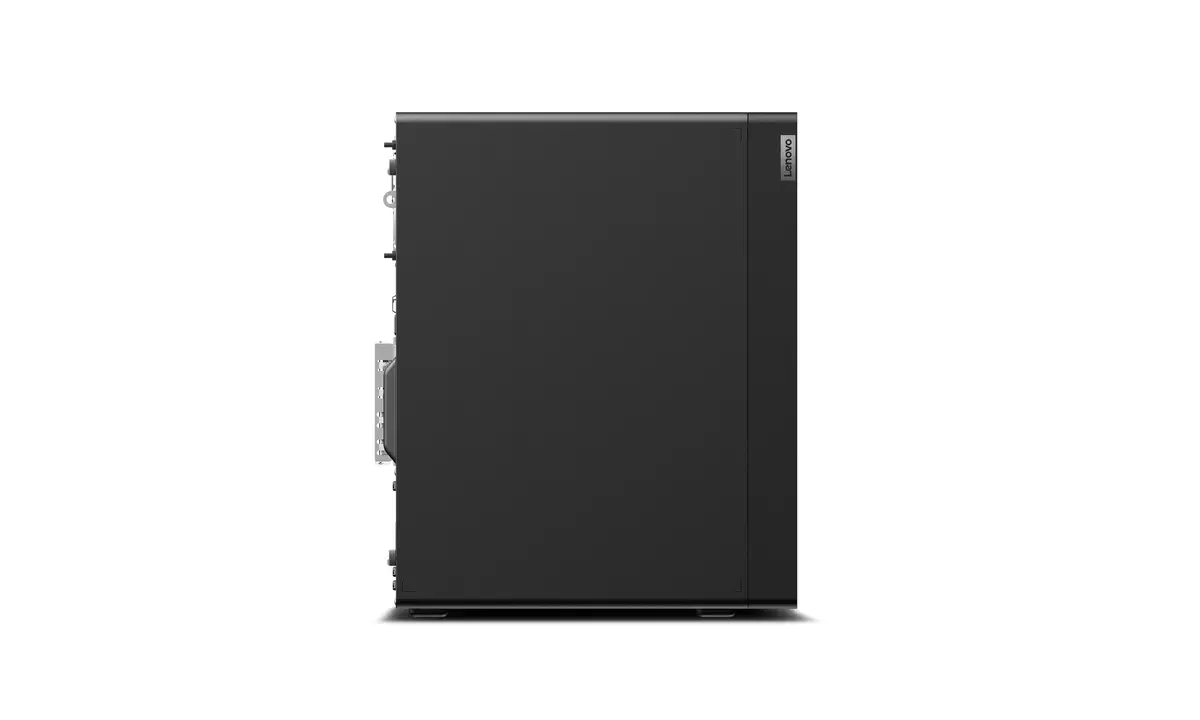
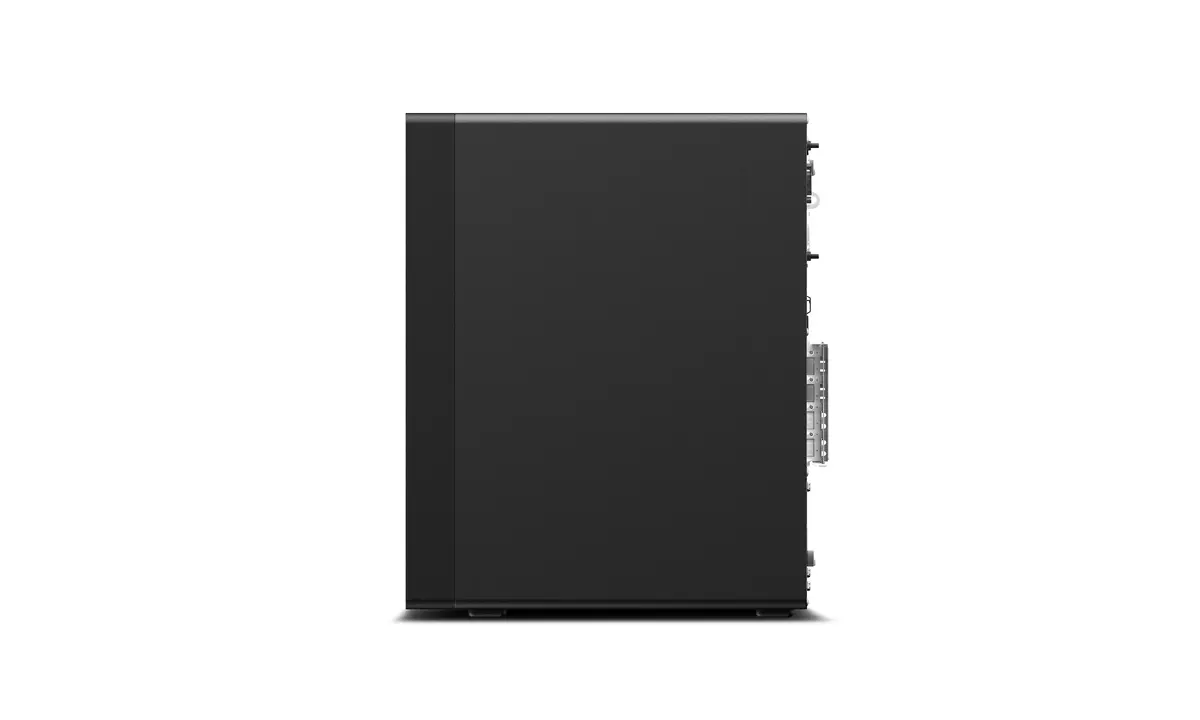
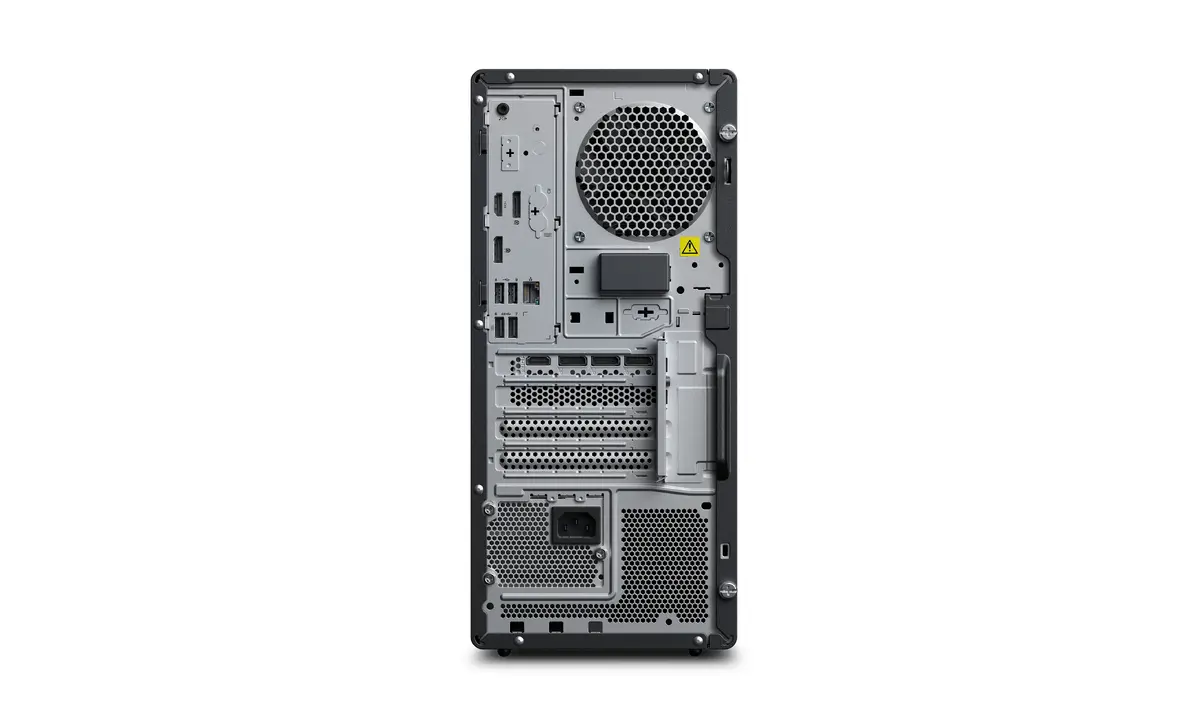
Lenovo ThinkStation P2 Tower Gen 2 is a professional desktop workstation built for compute- and graphics-intensive tasks. It is equipped with an Intel Core Ultra 7 265K processor with up to 5.5 GHz boost, 64 GB of DDR5-5600 RAM configured as 2 x 32 GB, a 1 TB solid-state drive for fast storage, and an NVIDIA GeForce RTX 5070 discrete graphics card with 12 GB of VRAM. The system runs Windows 11 Pro, is housed in a black tower chassis and uses a 750 W power supply, providing a balanced platform for 3D rendering, CAD, visualisation and other high-performance professional workloads.
The combination of an Intel Core Ultra 7 265K processor and 64 GB DDR5 memory delivers responsive multi-threaded performance for complex applications. The 1 TB SSD ensures rapid system boot and application load times while providing ample working storage. Discrete NVIDIA GeForce RTX 5070 graphics with 12 GB VRAM supports GPU-accelerated rendering, simulation and realtime visualisation. The 750 W power supply and tower form factor allow expandability and stable power delivery required by demanding professional workflows.
Set the workstation on a stable, well-ventilated surface and connect power and network cables. Install required drivers and professional software on Windows 11 Pro; the preinstalled OS supports standard enterprise deployment and update mechanisms. Use the 1 TB SSD as the primary drive for the operating system and active projects to benefit from faster read/write performance. Configure GPU settings within your professional applications to leverage the NVIDIA GeForce RTX 5070 for rendering, simulation or acceleration tasks. For multi-monitor setups, connect displays to the graphics card outputs and adjust display settings in Windows.
For sustained heavy workloads, ensure adequate ventilation and keep firmware and graphics drivers up to date. Allocate projects and scratch disks to the SSD for best performance, and consider regular backups to an external storage solution. When running GPU-accelerated tasks, monitor temperatures and power delivery to maintain stable operation.
{{highlightedFeature.featureTitle}}:
{{getProductFeatureValueById(product, highlightedFeature.featureId)}}
{{ productComparisonGenerationError }}
