


Powerful EcoFlow stations for energy anywhere!
In cart {{totalProductsCount}} item(s)
Your cart is empty
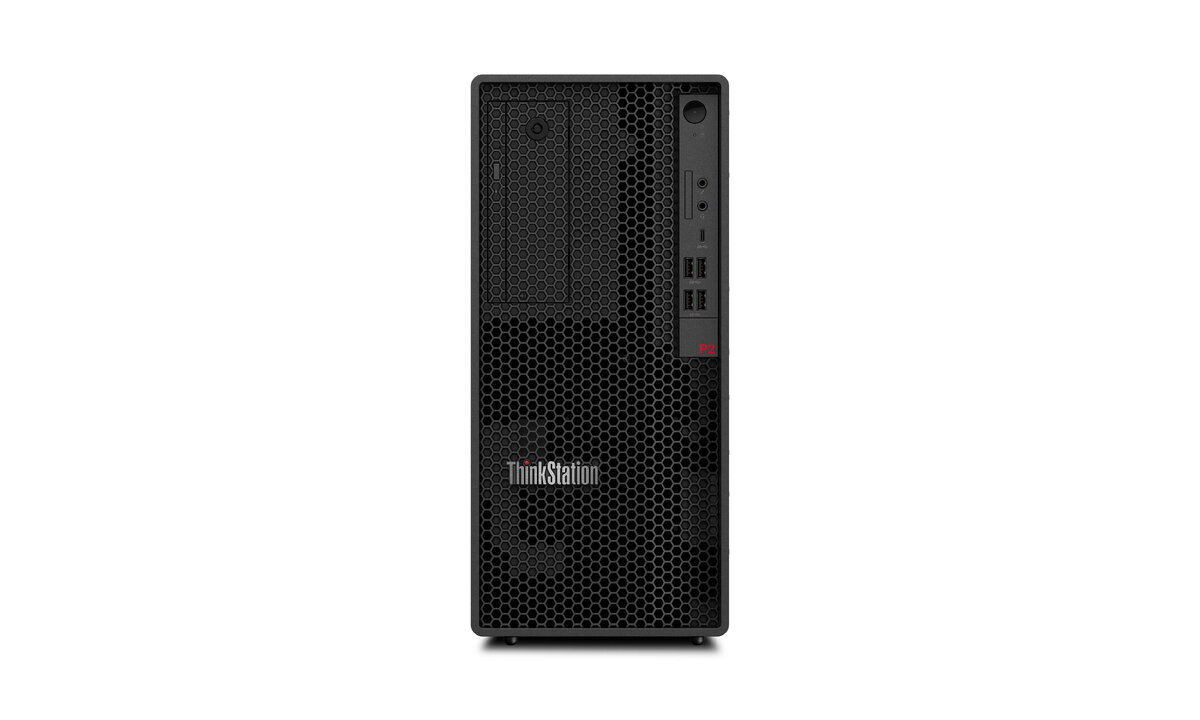
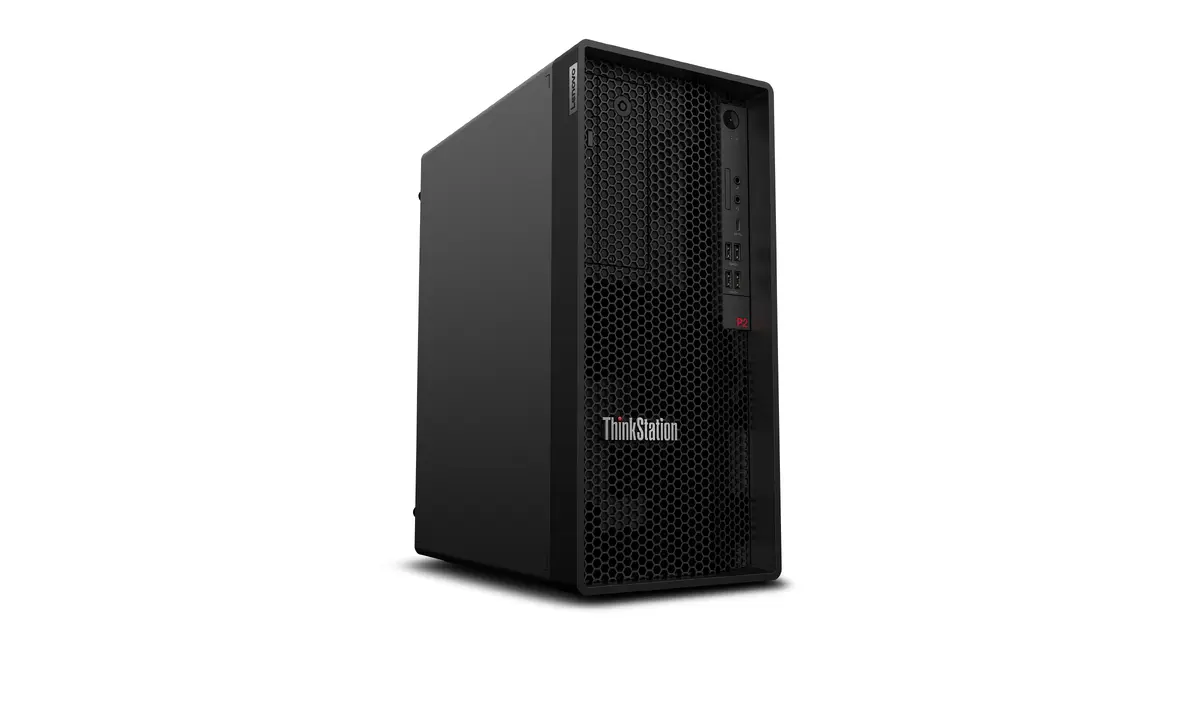
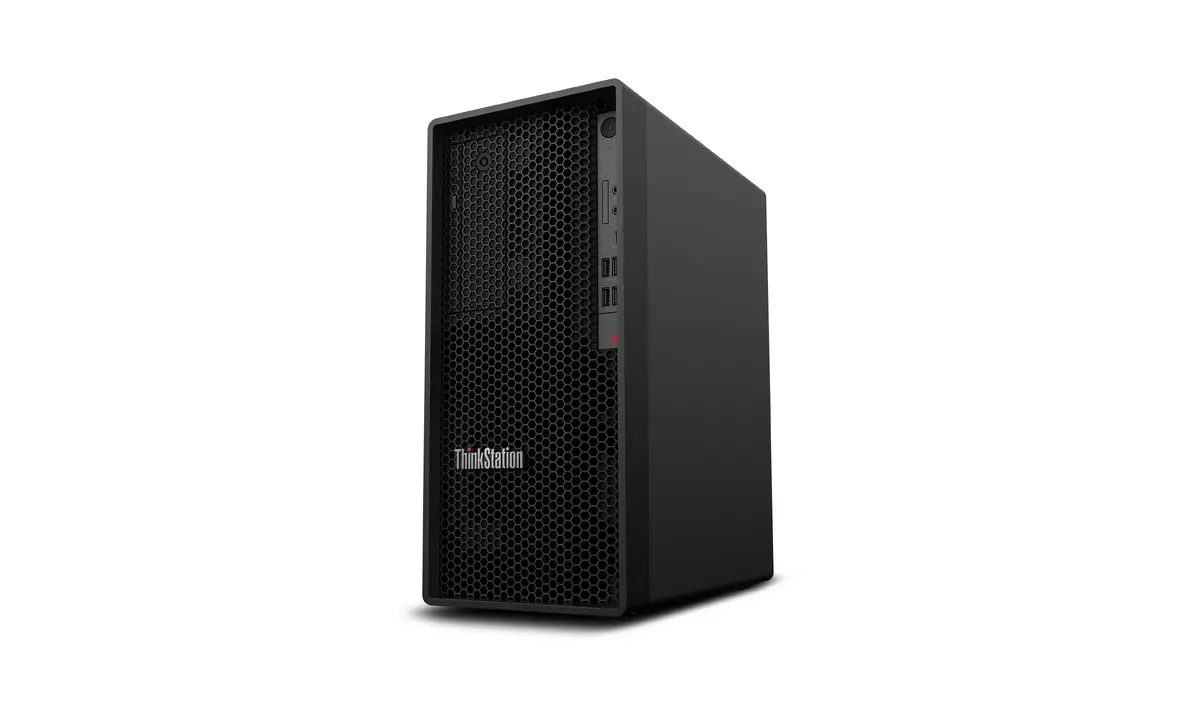
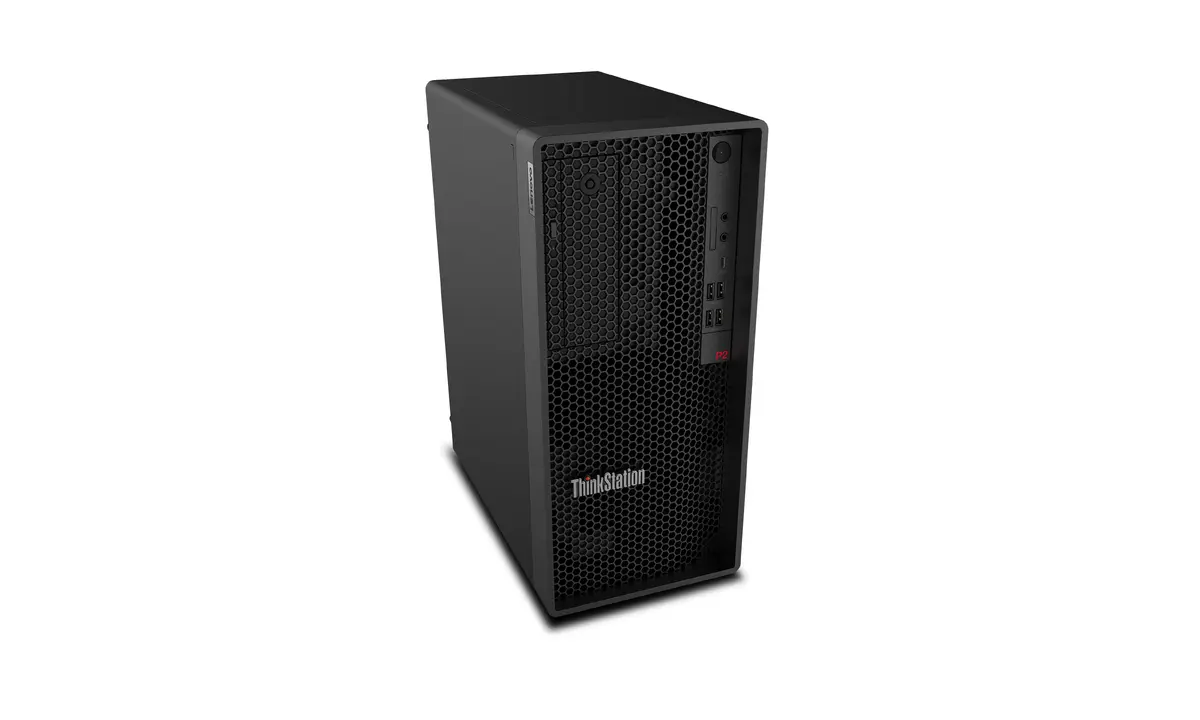
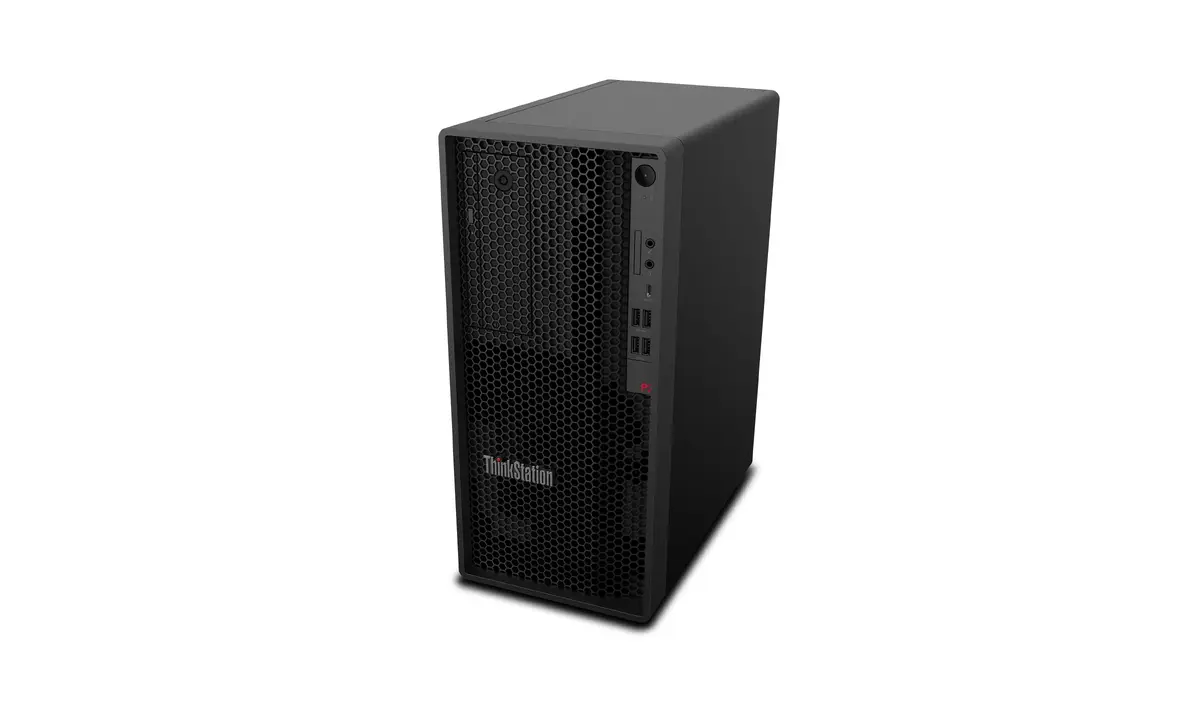
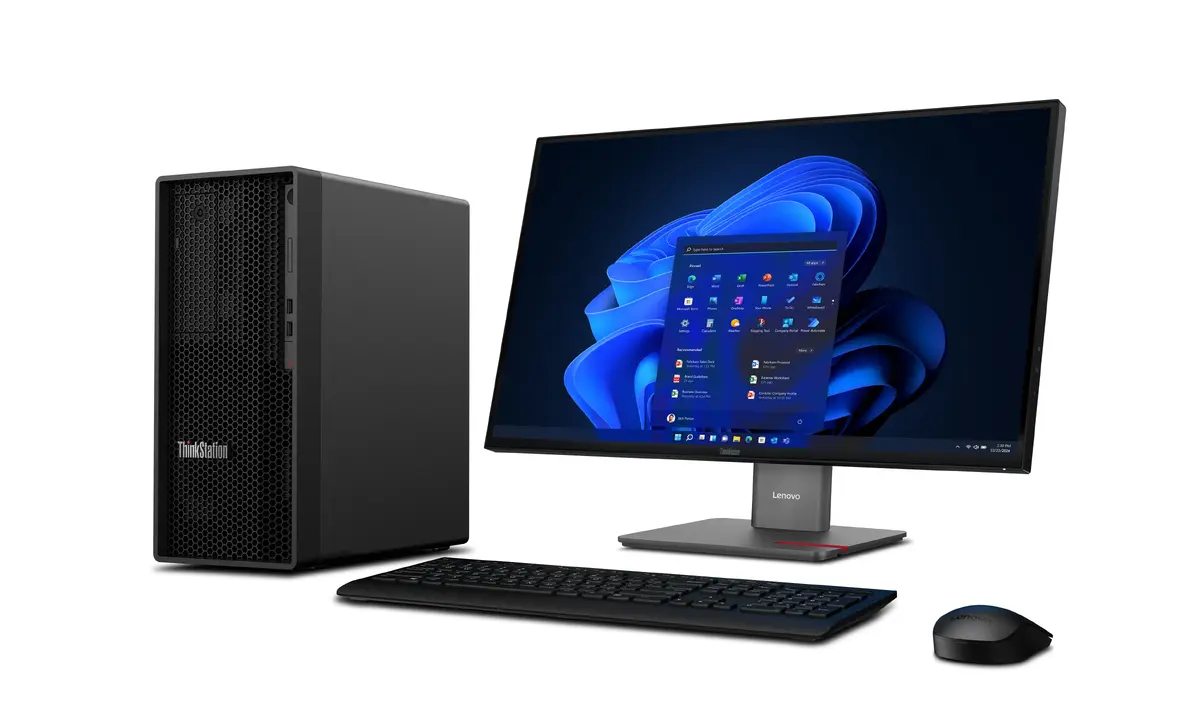
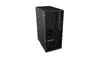
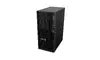
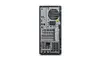
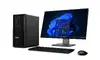
Workstation Lenovo ThinkStation P2 Tower Gen 2 — Intel Core Ultra 9 285K, 128 GB DDR5, 1 TB SSD, NVIDIA GeForce RTX 5060, Windows 11 Pro
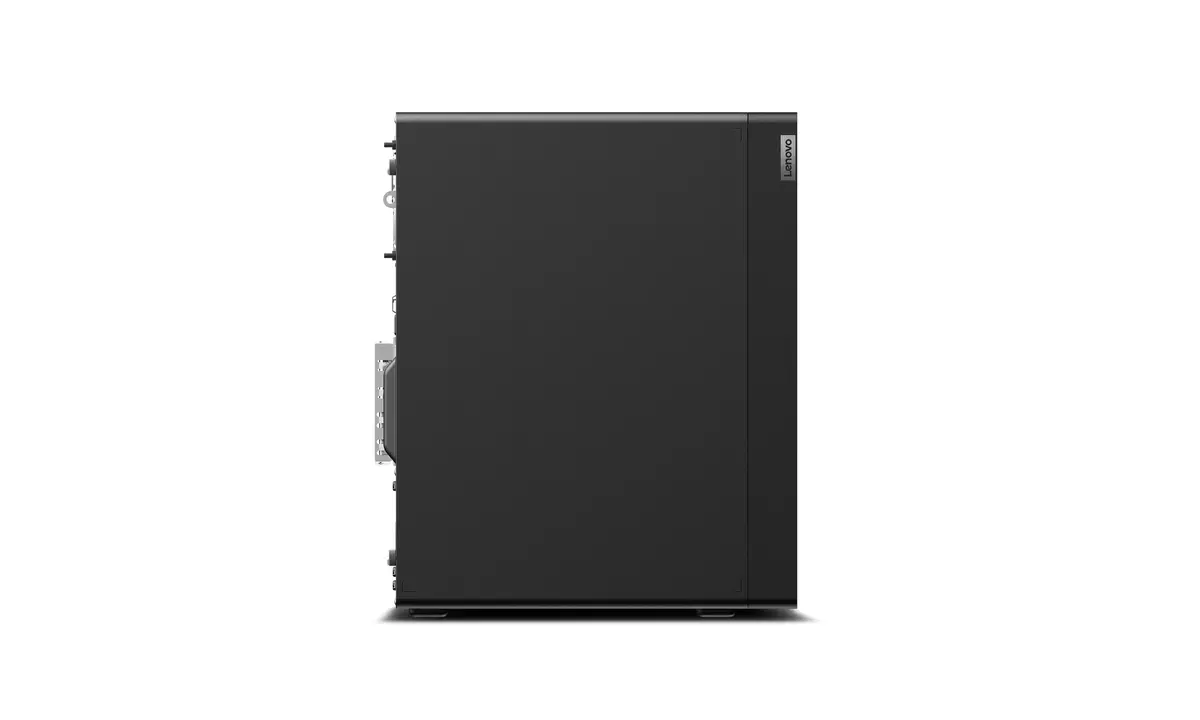
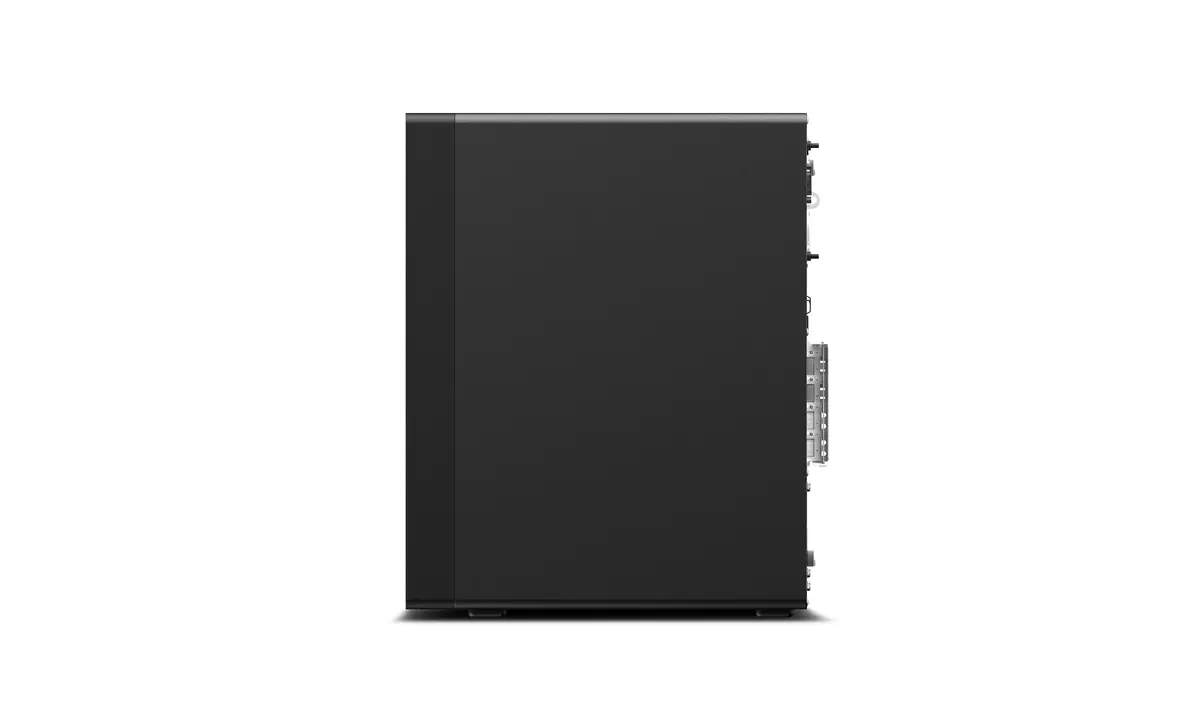
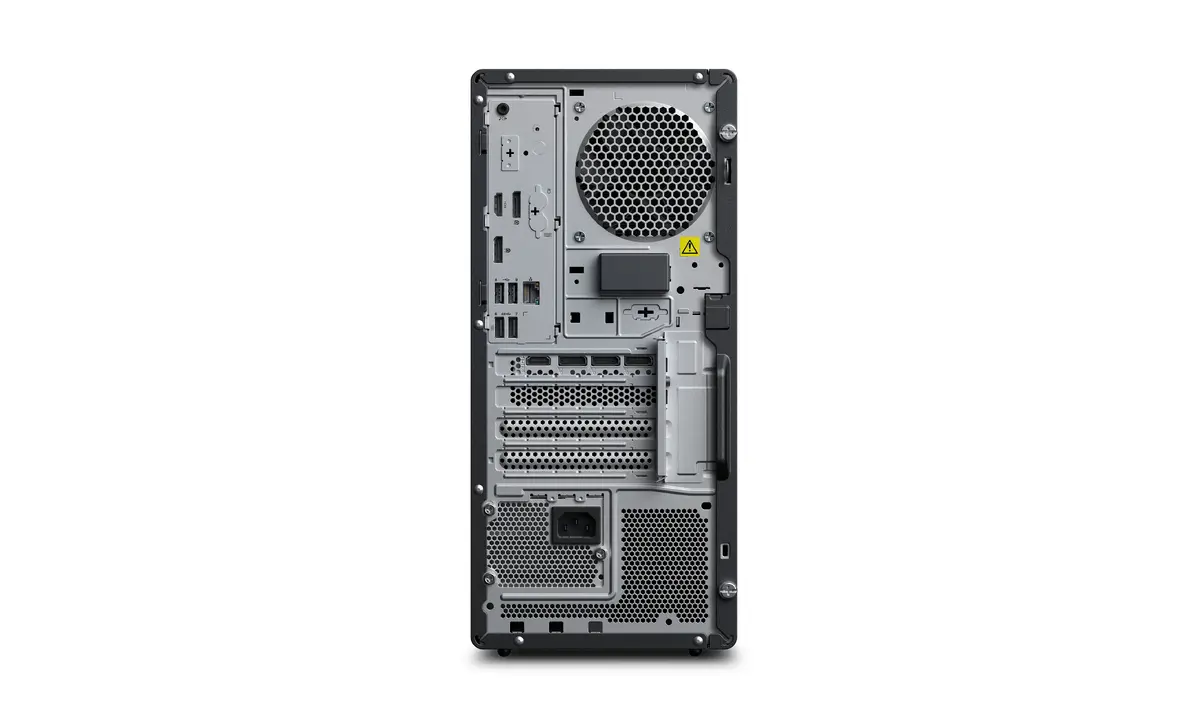
Lenovo ThinkStation P2 Tower Gen 2 is a professional desktop workstation designed for compute- and graphics-intensive tasks. It is powered by an Intel Core Ultra 9 285K processor (boost up to 5.7 GHz), paired with 128 GB of DDR5-SDRAM (5600 MHz) and a 1 TB solid-state drive. The system includes an NVIDIA GeForce RTX 5060 graphics card with 8 GB of dedicated memory, runs Windows 11 Pro and is housed in a black tower chassis with a 750 W power supply. The configuration targets CAD, 3D rendering, simulation and other content-creation workflows that require sustained CPU and GPU performance.
The combination of an Intel Core Ultra 9 285K processor and 128 GB of DDR5 memory provides high multi-threaded processing capacity and fast data throughput for large models and datasets. The NVIDIA GeForce RTX 5060 with 8 GB of video memory accelerates viewport performance, GPU rendering and visualization tasks. A 1 TB SSD delivers quick system boot, application load times and responsive file access. The tower form factor with a 750 W power supply supports component expandability and sustained performance under load.
Set the workstation on a stable surface with adequate ventilation around the tower. Connect peripherals such as monitor(s), keyboard and mouse, and attach the network cable or configure Wi‑Fi as required. Power on the system and complete Windows 11 Pro initial setup, then install or update professional software (CAD, rendering, simulation tools) and drivers from Lenovo or component vendors to ensure optimal compatibility and performance. For heavy GPU or CPU workloads, monitor temperatures and system resources with suitable management utilities.
For sustained high-load tasks like long renders or complex simulations, keep the workstation in a well-ventilated environment and consider using updated drivers and power plans that prioritise performance. Regularly back up important projects to external storage or network locations and maintain firmware and software updates to ensure system stability and security.
{{highlightedFeature.featureTitle}}:
{{getProductFeatureValueById(product, highlightedFeature.featureId)}}
{{ productComparisonGenerationError }}
