



JBL speakers and headphones for pure and deep sound!
In cart {{totalProductsCount}} item(s)
Your cart is empty
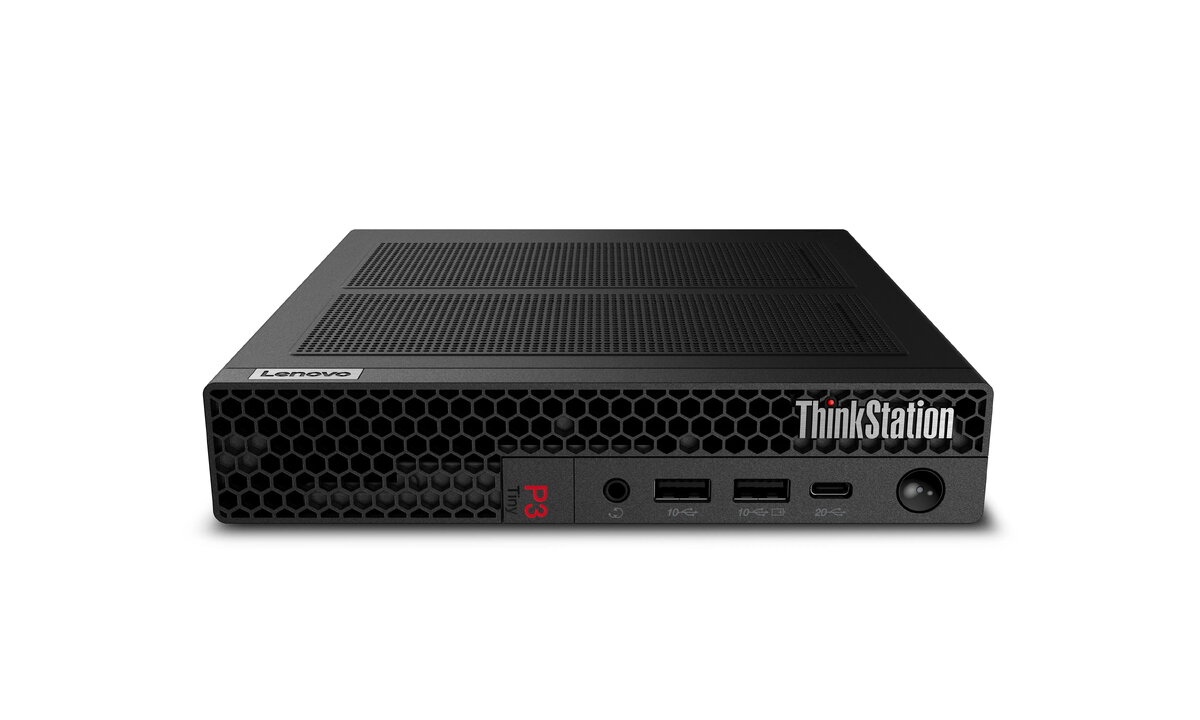
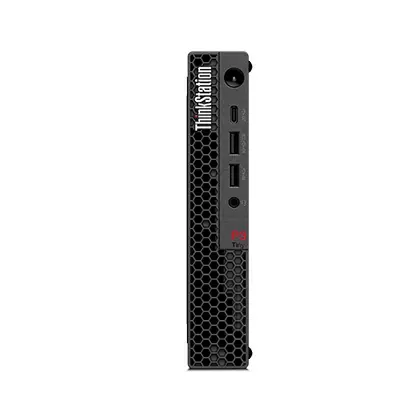
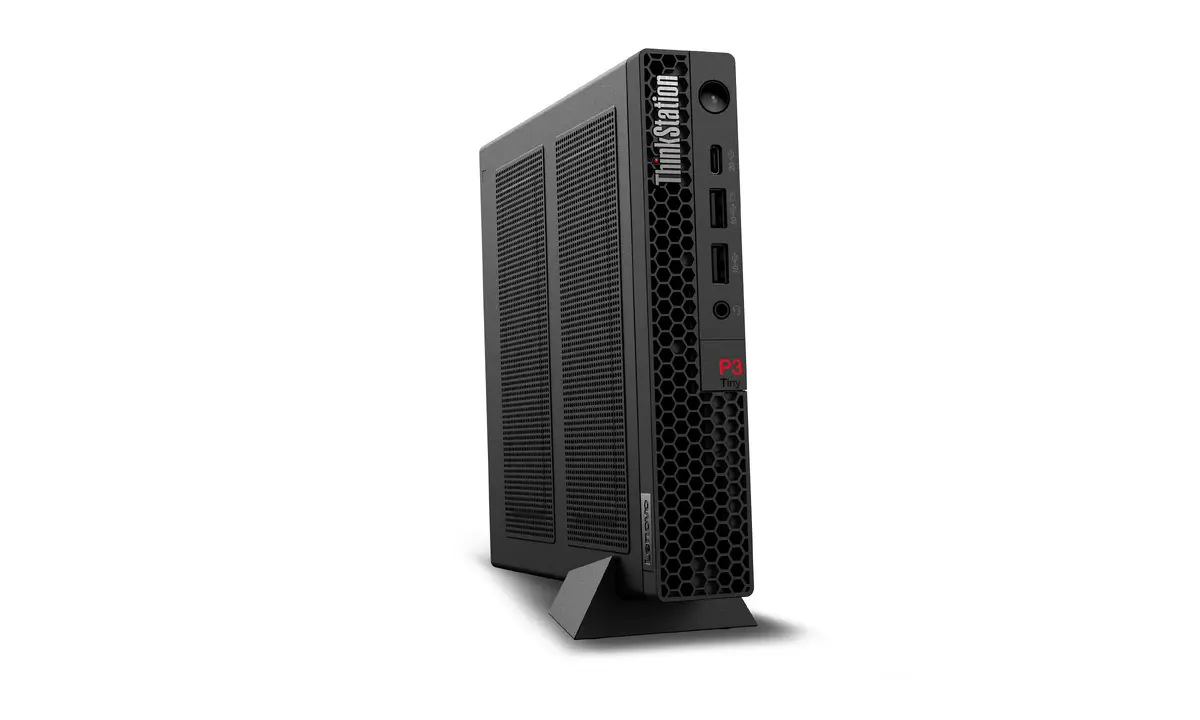
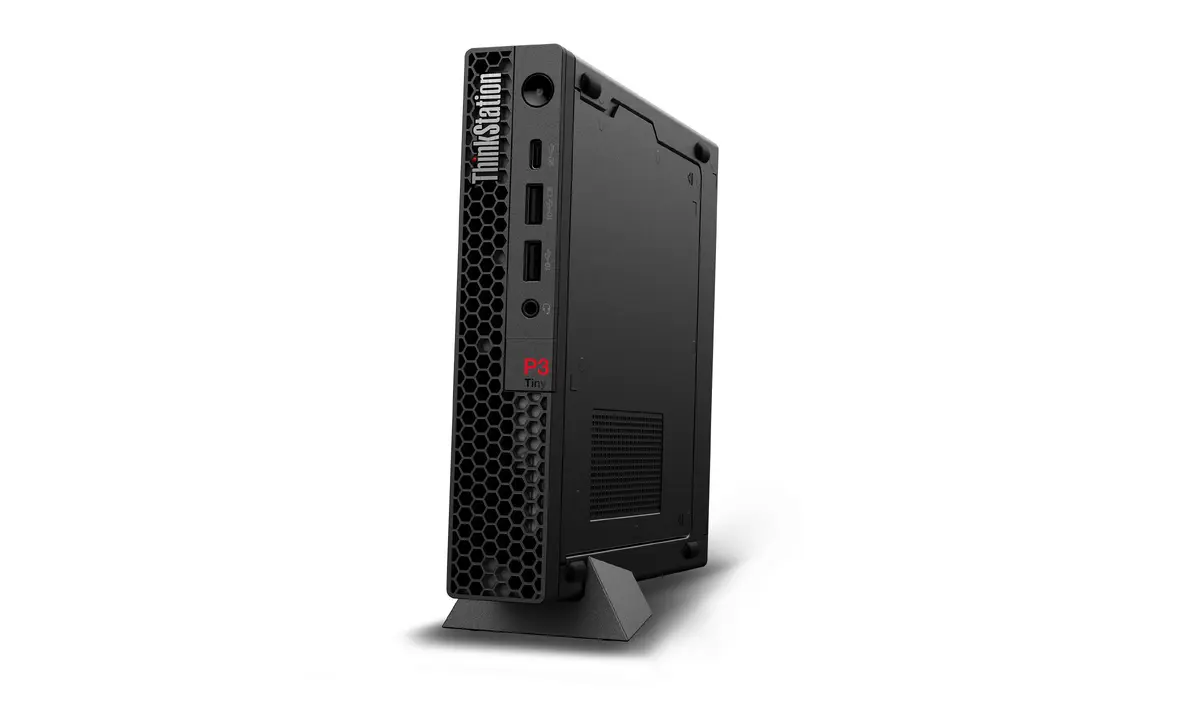
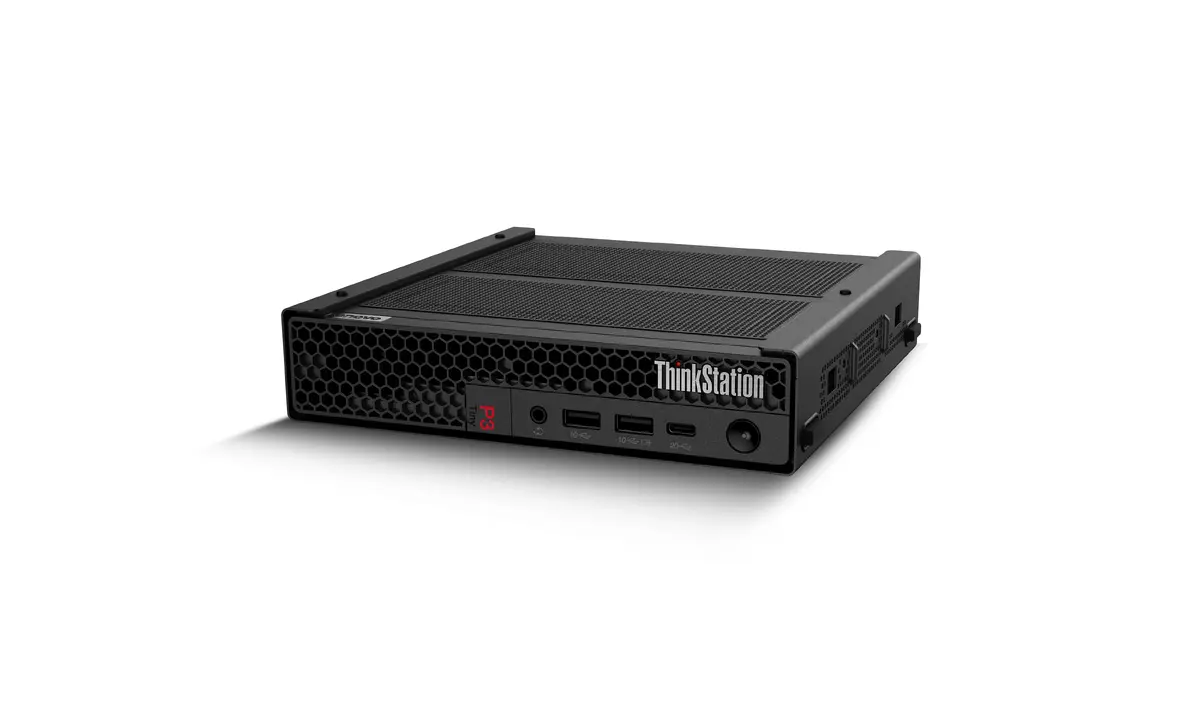
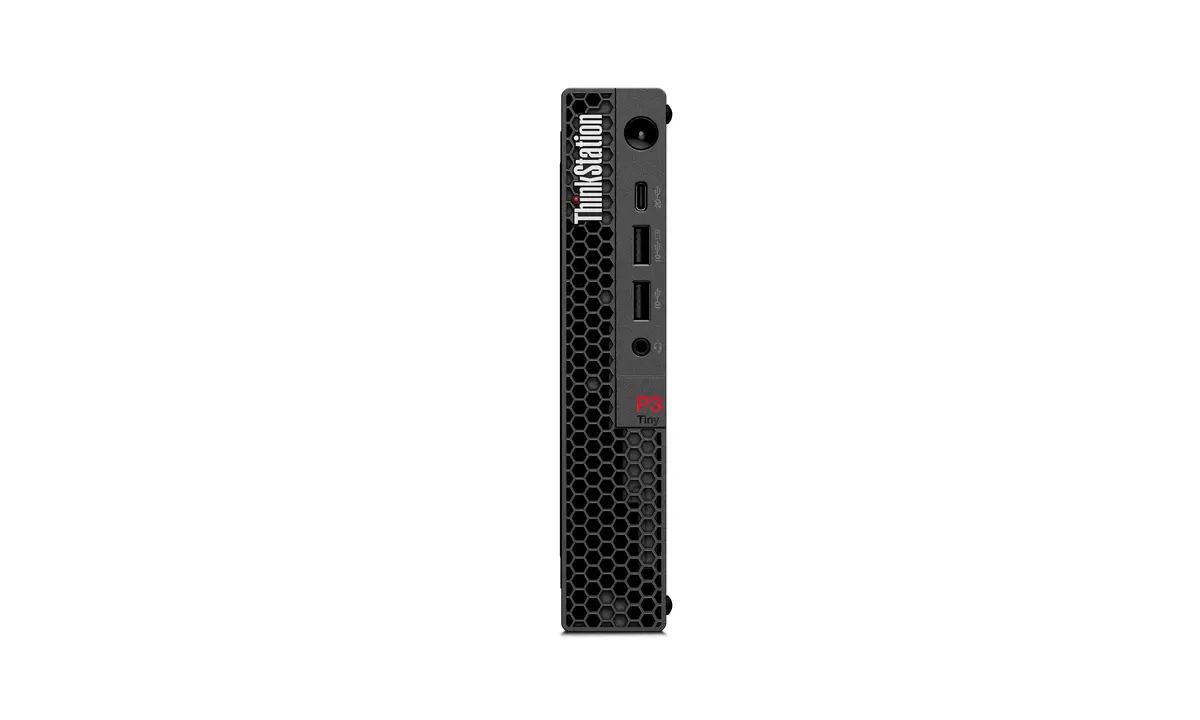
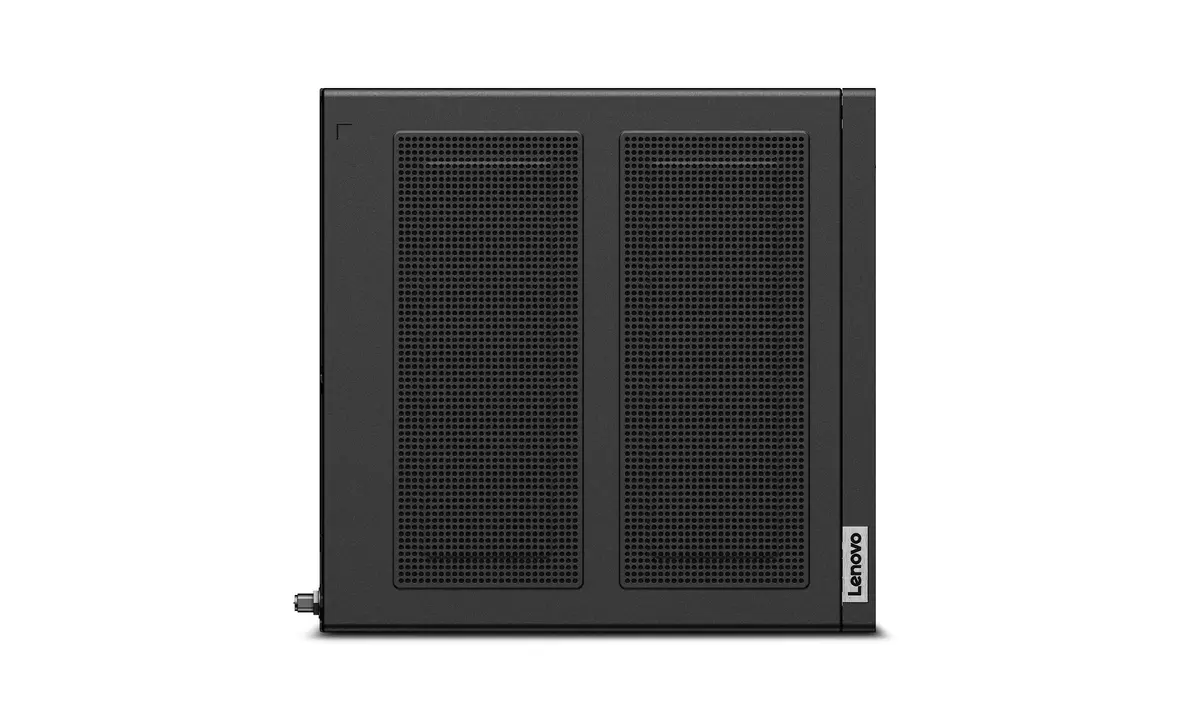
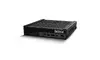
Workstation Lenovo ThinkStation P3 Tiny Gen 2 — Intel Core Ultra 5 235, 16 GB DDR5, 512 GB SSD, NVIDIA RTX A400, Windows 11 Pro
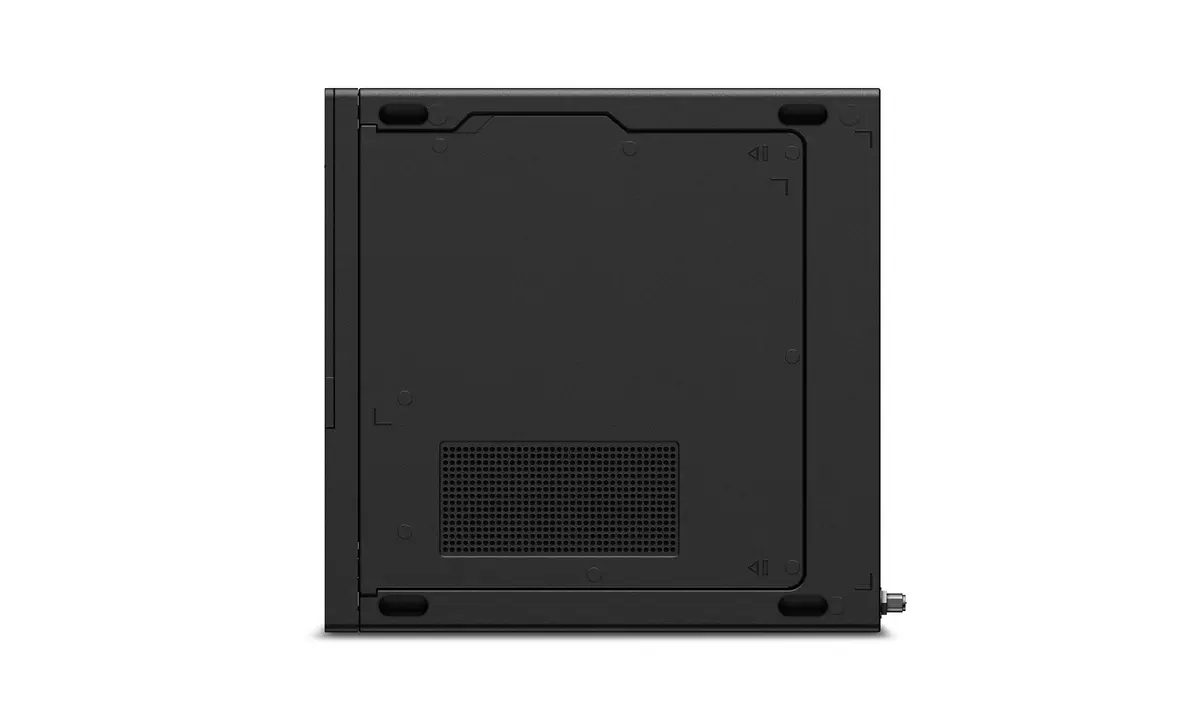
Lenovo ThinkStation P3 Tiny Gen 2 is a compact workstation built for professional desktop workflows. It is powered by an Intel Core Ultra 5 235 processor with 14 cores (6 performance + 8 efficiency), 16 GB of DDR5-5600 memory, a 512 GB PCIe 4.0 NVMe SSD and discrete NVIDIA RTX A400 4 GB graphics alongside integrated Intel graphics. The system runs Windows 11 Pro and comes in a slim black chassis with a low weight suitable for constrained workspaces.
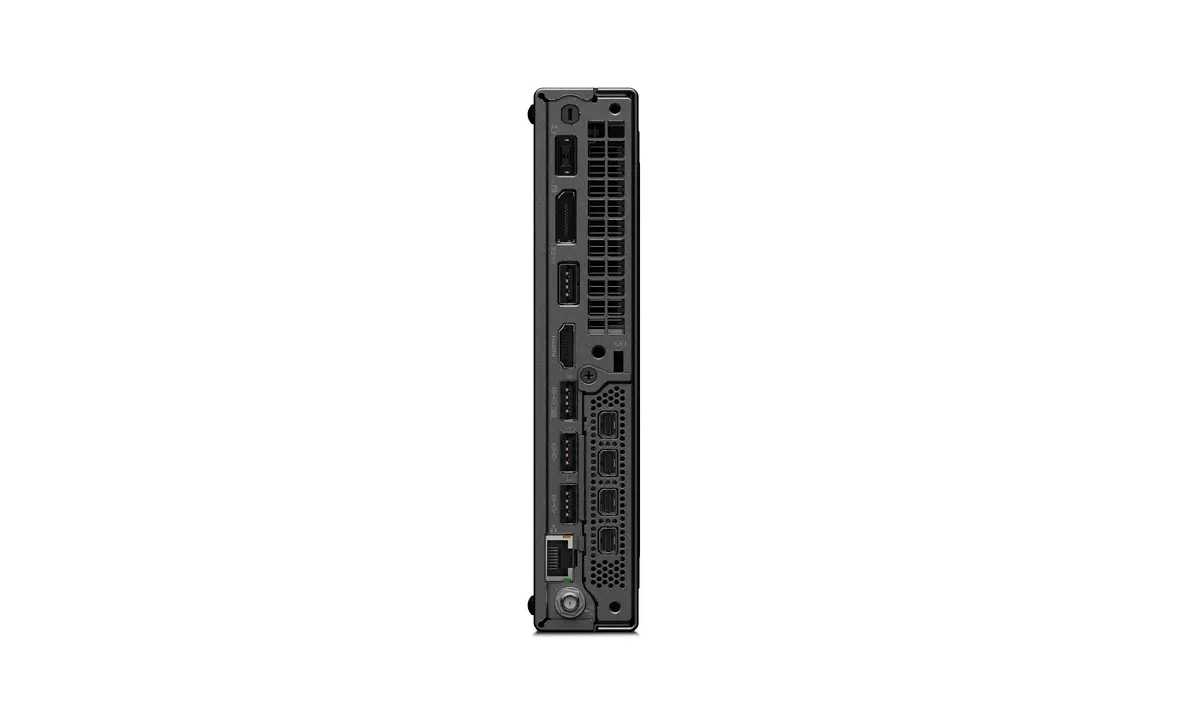
This tiny workstation combines a modern hybrid CPU design and fast DDR5 memory for responsive multitasking, while the NVIDIA RTX A400 GPU delivers workstation-class GPU acceleration for CAD and content creation. The NVMe PCIe 4.0 SSD provides fast boot and application load times, and the small footprint saves desk space without sacrificing essential connectivity for professional use.
The compact chassis limits internal expansion and cooling capacity compared with full-size workstations, so very heavy multi-GPU setups or extreme thermal loads may not be appropriate. For large-scale rendering farms or workflows requiring very large local memory configurations, a larger workstation with more expansion slots and higher RAM capacity would be better.
Set the ThinkStation P3 Tiny Gen 2 on or under your desk to save space, connect power and your display(s) via the available video outputs, and attach peripherals using the front and rear ports. Use Windows 11 Pro to install professional applications such as CAD, 3D modelling, or content creation software. For best performance, keep drivers and BIOS up to date and store large project files on fast external or network storage if additional local capacity is needed.
For CAD and professional design tasks, pair the ThinkStation P3 Tiny Gen 2 with a calibrated monitor and, when working on large assemblies or complex renders, use network or external fast storage and consider upgrading RAM or using a larger workstation if your workflows consistently demand higher GPU or memory resources.
{{highlightedFeature.featureTitle}}:
{{getProductFeatureValueById(product, highlightedFeature.featureId)}}
{{ productComparisonGenerationError }}
